


Slite Overview
Slite is a modern, beautifully designed knowledge management platform built for today's remote and hybrid teams. It replaces cluttered wikis and scattered documents with a single, centralized hub for all company knowledge. By combining a clean, intuitive editor with powerful organizational features and a game-changing AI assistant, Slite ensures that crucial information is not only stored but is also easily discoverable and actionable. It aims to foster a culture of documentation and asynchronous communication, reducing the reliance on meetings and enabling teams to stay aligned regardless of their location.
How to use Slite
Getting started with Slite is a straightforward process designed for quick team adoption:
- Create Your Workspace: Sign up and establish a dedicated workspace for your company or team. Customize it with your company's branding.
- Invite Your Team: Easily invite colleagues to join the workspace. You can set different permission levels (admin, editor, commenter) for each member.
- Create or Import Documents: Start creating new documents (called 'notes') using the clean, minimalist editor. You can also import existing documentation from platforms like Confluence, Google Docs, or Evernote to migrate your knowledge seamlessly.
- Organize with Channels: Structure your knowledge by creating channels for different departments, projects, or topics (e.g., #Engineering, #Marketing-Campaigns, #Company-Policies). Documents can be nested within channels for a clear hierarchy.
- Use the AI Assistant 'Ask': This is Slite's standout feature. Instead of manually searching, simply type a question into the 'Ask' bar, like "What is our vacation policy?" or "Summarize the Q3 project brief." The AI will scan all relevant documents and provide a direct, synthesized answer with sources.
- Collaborate in Real-Time: Work on documents together with real-time co-editing. Use @mentions to tag teammates, leave comments to provide feedback, and use the 'Discussions' feature to make documented decisions.
- Integrate Your Workflow: Connect Slite with your favorite tools like Slack, Trello, Asana, and Figma to create a unified workflow and receive important updates where you work.
Core Features of Slite
- AI-Powered Search ('Ask'): Goes beyond keyword search to understand intent and provide direct answers, summaries, and insights from your entire knowledge base.
- Intuitive Document Editor: A clean, distraction-free writing experience with rich formatting options, including tables, code blocks, checklists, and embeds from over 1,300 apps.
- Structured Knowledge Organization: Use channels and nested documents to create a logical and easy-to-navigate wiki or knowledge base.
- Collaborative Tools: Features real-time editing, version history, comments, mentions, and a unique 'Discussions' feature for transparent decision-making.
- Template Gallery: Access a wide range of pre-built templates for common business needs, such as meeting notes, project plans, employee onboarding, and creative briefs.
- Powerful Integrations: Seamlessly connects with a vast ecosystem of tools, including Slack, Google Drive, Figma, Loom, and more, to embed live content and streamline workflows.
- Robust Permissions and Security: Granular control over who can view, edit, and share documents, ensuring sensitive information remains secure.
Use Cases for Slite
Slite is versatile and can be adapted for various team needs:
- Company Wiki: A central repository for company policies, HR information, standard operating procedures (SOPs), and cultural values.
- Project Documentation: Create and manage project briefs, technical specifications, roadmaps, and status updates in one organized space.
- Team Knowledge Base: Engineering teams can document codebases and processes, while marketing teams can store campaign strategies and brand guidelines.
- Meeting Management: Prepare meeting agendas, take collaborative notes during meetings, and document action items and decisions for easy reference.
- Employee Onboarding: Create a comprehensive onboarding hub for new hires, providing them with all the information they need to get up to speed quickly.
Advantages of Slite
Slite offers several key advantages over traditional documentation tools:
- Simplicity and Usability: Its clean and intuitive interface encourages adoption across the entire organization, from technical to non-technical users.
- Enhanced Discoverability: The AI 'Ask' feature dramatically reduces the time spent searching for information, boosting productivity.
- Improved Asynchronous Work: By promoting clear documentation and decision-making, Slite helps reduce the number of required meetings, which is ideal for remote and distributed teams.
- Single Source of Truth: Consolidates scattered information, eliminating version control issues and ensuring everyone is on the same page.
- Fosters Transparency: Open access to information and documented decisions builds a culture of trust and clarity within the team.
Pricing and Plans
Slite offers a freemium model with plans tailored to different team sizes and needs:
- Free Plan: Ideal for small teams or individuals getting started. Includes core features but is limited to 50 documents.
- Standard Plan: Priced at approximately $8 per user/month. Offers unlimited documents, version history, and standard collaboration features.
- Premium Plan: Priced at approximately $15 per user/month. Includes all features of the Standard plan plus the powerful AI 'Ask' feature, advanced permissions, and priority support.
- Enterprise Plan: Custom pricing for large organizations. Provides advanced security features like SAML SSO, dedicated account management, and custom contract terms.
Slite Alternatives
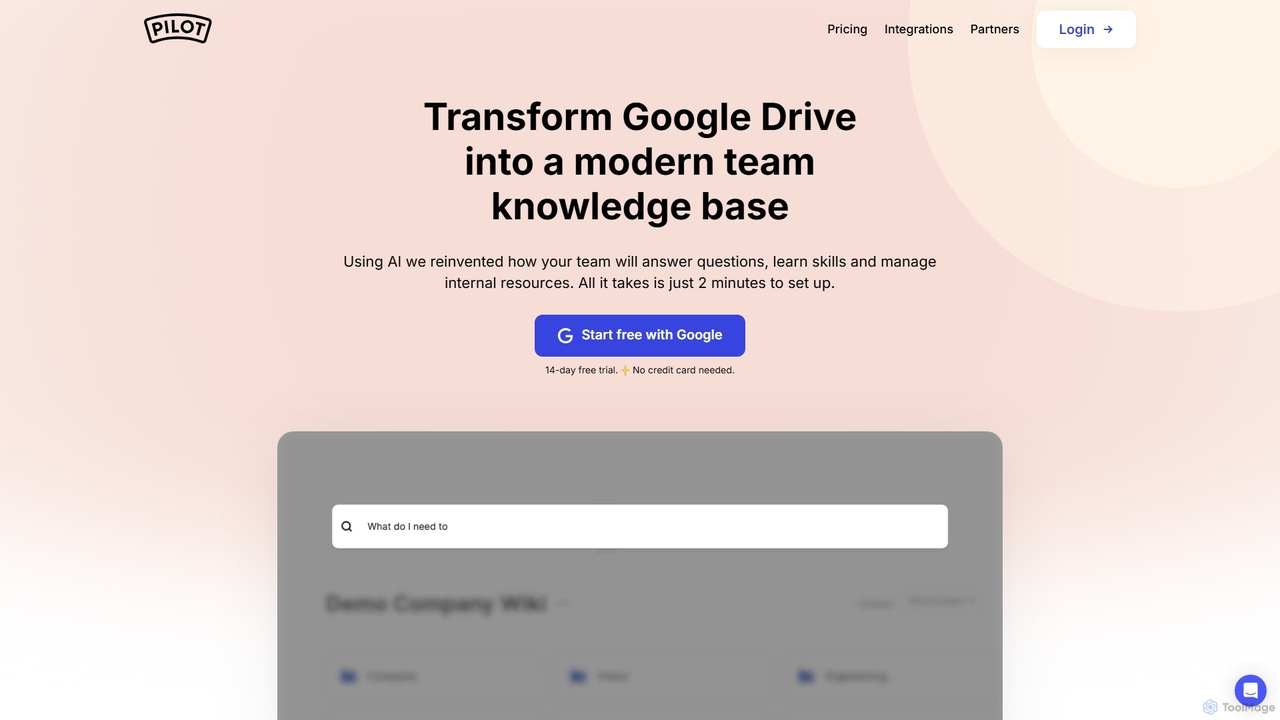
Pilot
Pilot is an AI-powered knowledge base and wiki designed for teams using Google Workspace. It transforms your Google Docs, Sheets, and Slides into a centralized, searchable hub of information. With its conversational AI search, Pilot allows teams to instantly find answers from internal documents, streamline employee onboarding, and foster a culture of knowledge sharing.
Knowledge Base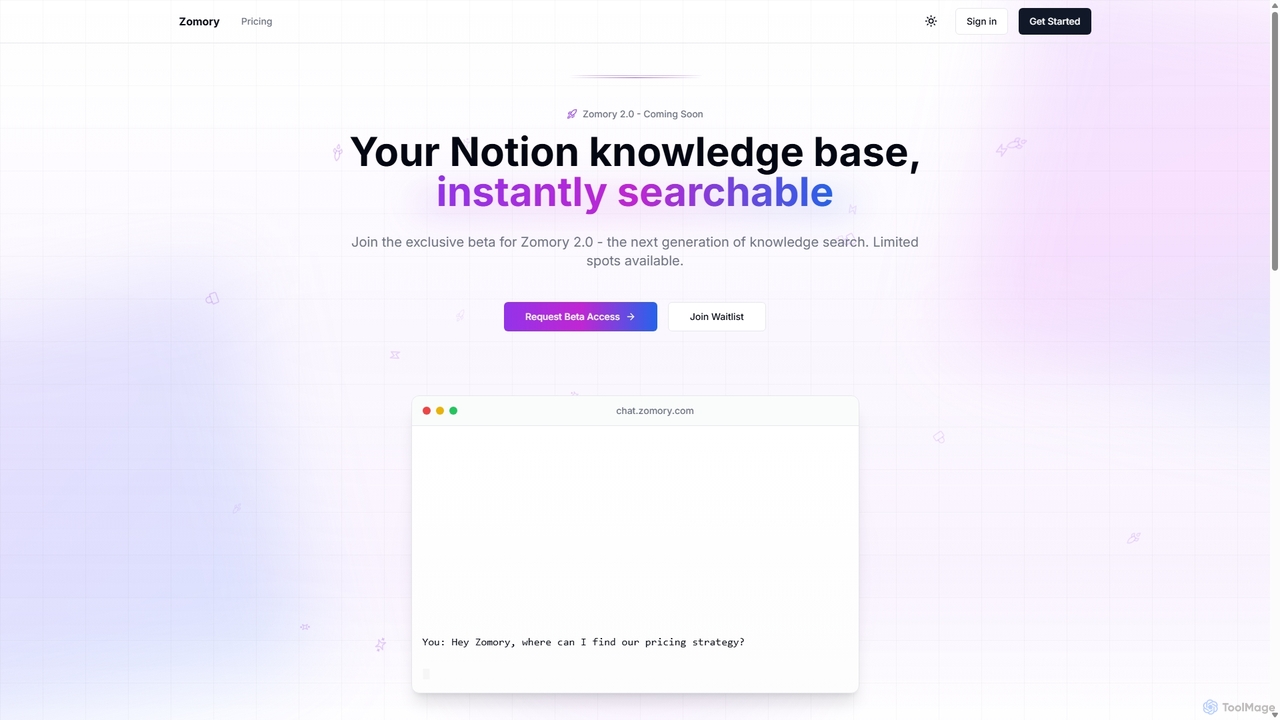
Zomory
Zomory is an AI-powered search tool that transforms your Notion knowledge base into an instantly searchable resource. Integrated directly with Slack, it allows teams to find information using natural language, ask follow-up questions, and get answers in milliseconds without switching context.
Collaboration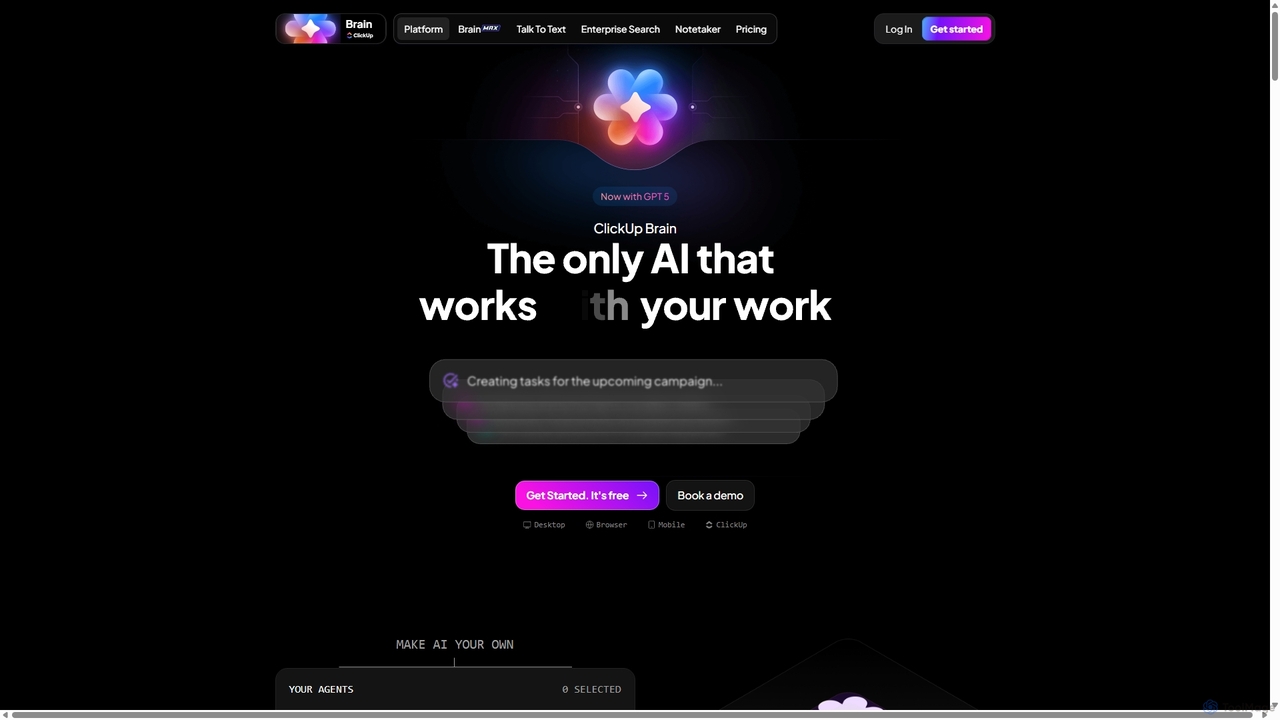
Qatalog
Qatalog is an intelligent work hub that unifies your teams, tools, and knowledge. It uses AI to create a central source of truth, enabling seamless search across all applications, clear visibility into projects and goals, and contextual understanding of who is working on what. By connecting disparate systems like Slack, Jira, and Google Drive, Qatalog reduces context switching and boosts productivity.
Enterprise Search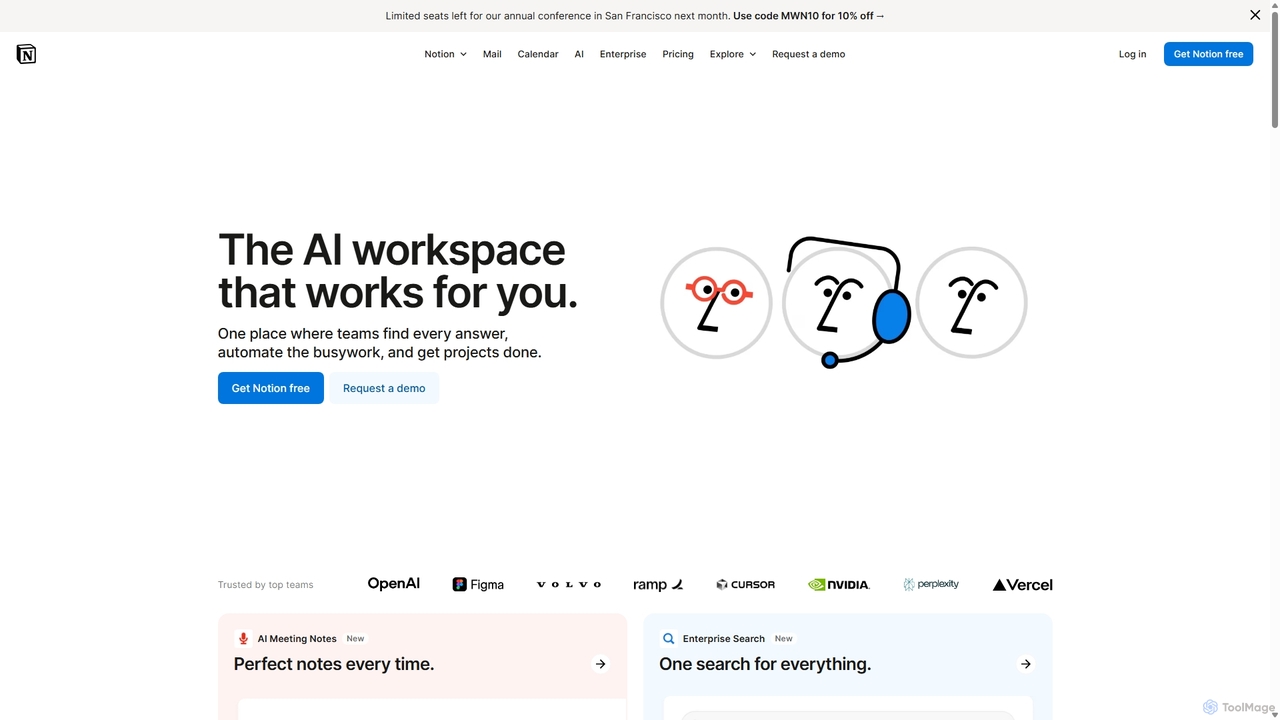
Notion
Notion is an all-in-one AI workspace that combines notes, docs, project management, and wikis into a single, highly customizable platform. It empowers teams and individuals to organize information, manage projects, and collaborate more effectively, all within a flexible, block-based editor enhanced with powerful AI capabilities.
Knowledge Management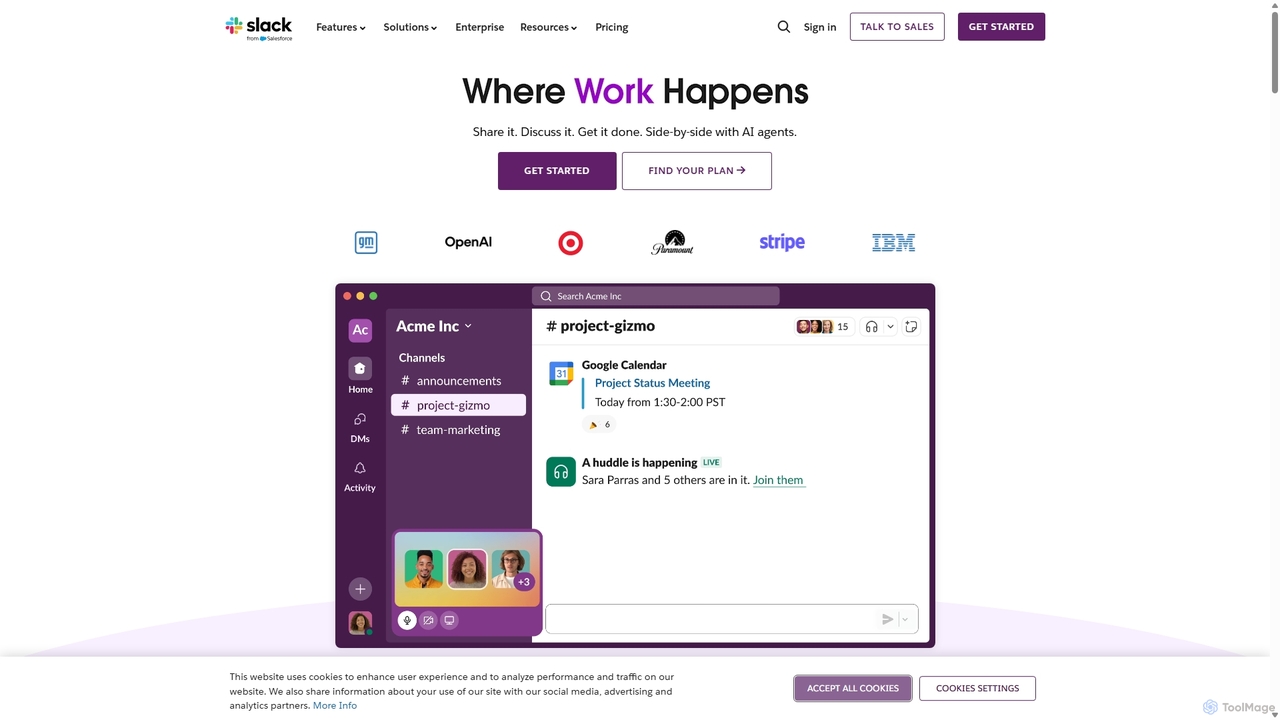
Slack
Slack is an AI-powered collaboration hub that connects your people, partners, and tools. It replaces email with faster, better-organized communication through channels. With integrated AI, workflow automation, and thousands of apps, Slack centralizes your work to boost productivity and streamline project management.
Project ManagementSlite Categories
Slite Jobs
Slite Embed Widget
Copy this embed code to place the badge on your blog, article, or product site and send readers directly to this ToolMage detail page.

Related AI tools
Pilot
Pilot is an AI-powered knowledge base and wiki designed for teams using Google Workspace. It transforms your Google Docs, Sheets, and Slides into a centralized, searchable hub of information. With its conversational AI search, Pilot allows teams to instantly find answers from internal documents, streamline employee onboarding, and foster a culture of knowledge sharing.
Knowledge BaseZomory
Zomory is an AI-powered search tool that transforms your Notion knowledge base into an instantly searchable resource. Integrated directly with Slack, it allows teams to find information using natural language, ask follow-up questions, and get answers in milliseconds without switching context.
CollaborationQatalog
Qatalog is an intelligent work hub that unifies your teams, tools, and knowledge. It uses AI to create a central source of truth, enabling seamless search across all applications, clear visibility into projects and goals, and contextual understanding of who is working on what. By connecting disparate systems like Slack, Jira, and Google Drive, Qatalog reduces context switching and boosts productivity.
Enterprise SearchSlack
Slack is an AI-powered collaboration hub that connects your people, partners, and tools. It replaces email with faster, better-organized communication through channels. With integrated AI, workflow automation, and thousands of apps, Slack centralizes your work to boost productivity and streamline project management.
Project Management
Tingo.ai
Tingo.ai is an AI-powered productivity and workflow automation platform designed for modern teams. It integrates with your existing tools like Slack and Jira to automate meeting summaries, task management, and knowledge base creation, helping your team stay aligned and focus on what matters most.
Project Management
Hana
Hana is an advanced AI assistant integrated directly into Google Chat, designed to enhance team productivity and streamline collaboration. It automates tasks, manages reminders, and provides instant answers from a shared knowledge base, acting as an always-available AI teammate for Google Workspace users.
Chatbots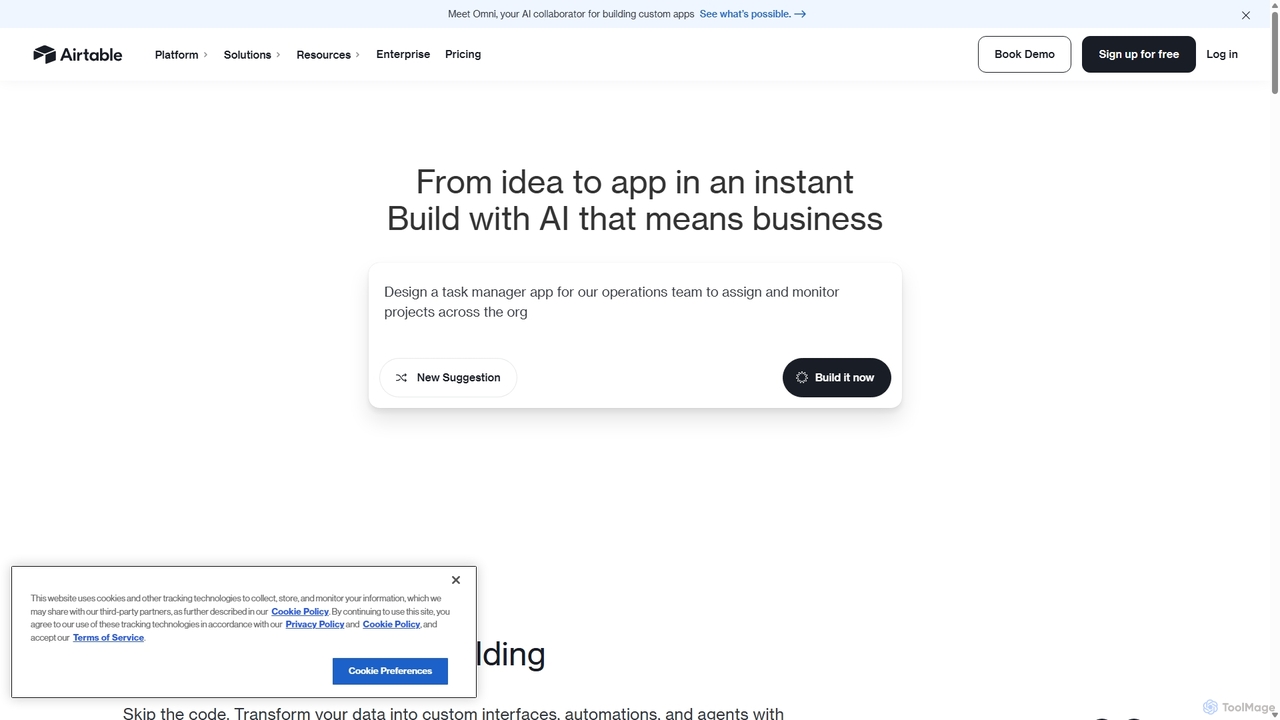
Airtable
Airtable is an AI-native app building platform for enterprises, combining the flexibility of a spreadsheet with the power of a database. It enables teams to create custom applications, automate complex workflows, and deploy intelligent AI agents without writing code, transforming critical data into actionable insights and streamlined operations.
Project Management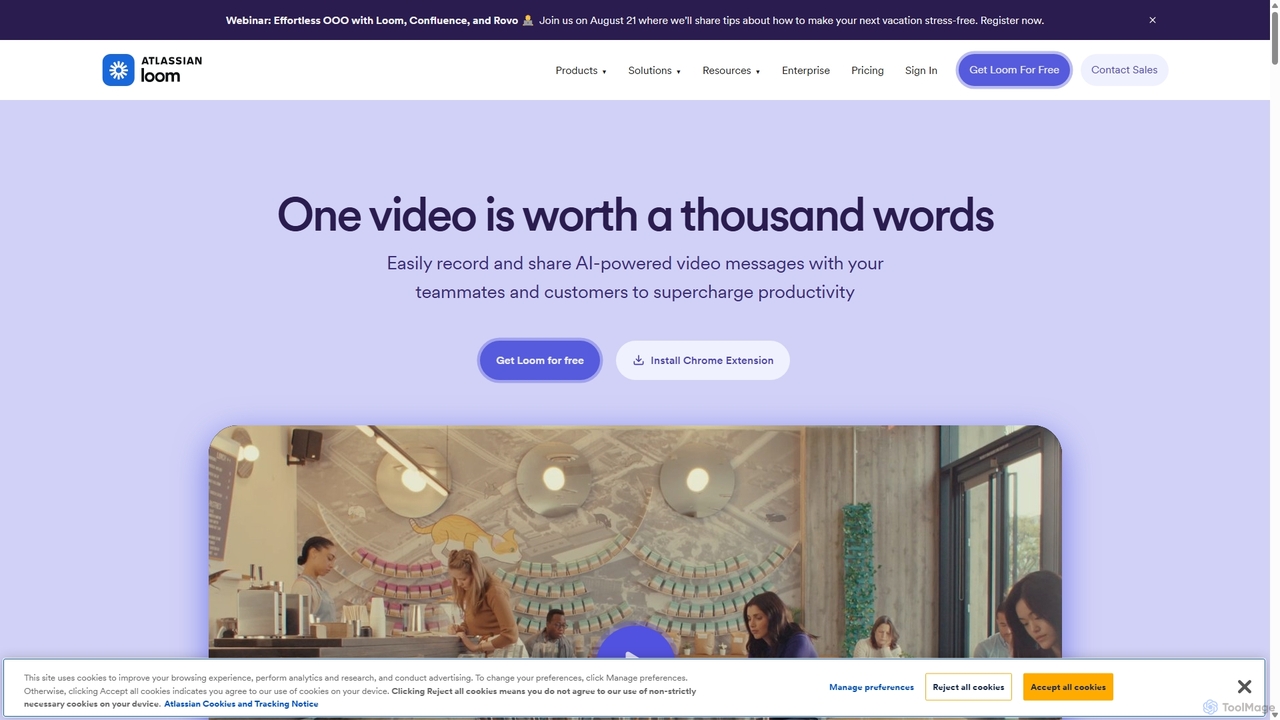
Loom
Loom is an AI-powered video messaging platform for work that allows users to instantly record and share their screen, camera, and audio. It streamlines communication, reduces meetings, and enhances team collaboration with features like AI-powered summaries, transcriptions, and editing tools.
Team Management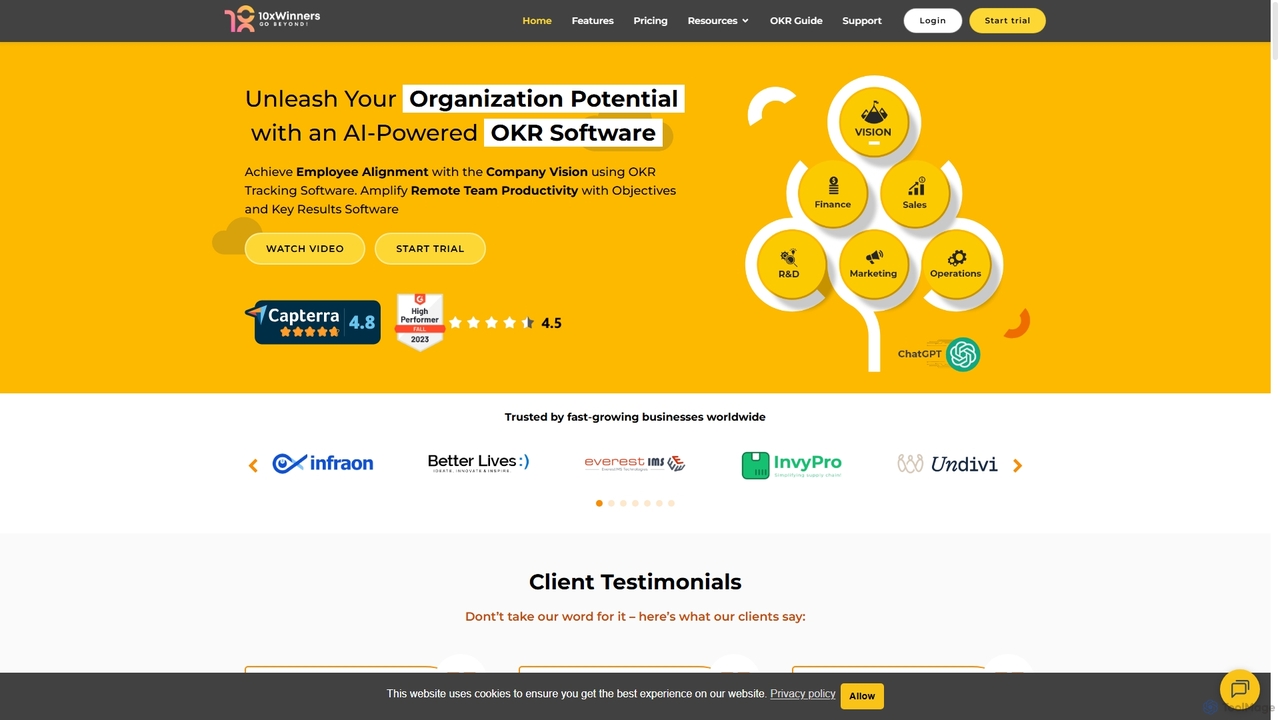
10xwinners
10xwinners is an AI-powered OKR (Objectives and Key Results) software designed to align teams, enhance productivity, and drive business growth. It helps organizations set, track, and manage goals transparently, fostering a culture of collaboration and accountability. With features like AI-driven suggestions, intuitive dashboards, and seamless integrations, it's built for fast-growing businesses of all sizes.
Project Management
MindPlexa
MindPlexa is an AI-powered productivity platform that transforms ideas into actionable projects. It combines visual mind mapping with intelligent project management, allowing users to create, organize, and collaborate on ideas using intuitive canvases and smart nodes. The AI assistant helps generate project layouts, suggest tasks, and streamline workflows, making it an ideal tool for teams and individuals looking to boost creativity and efficiency.
Teamwork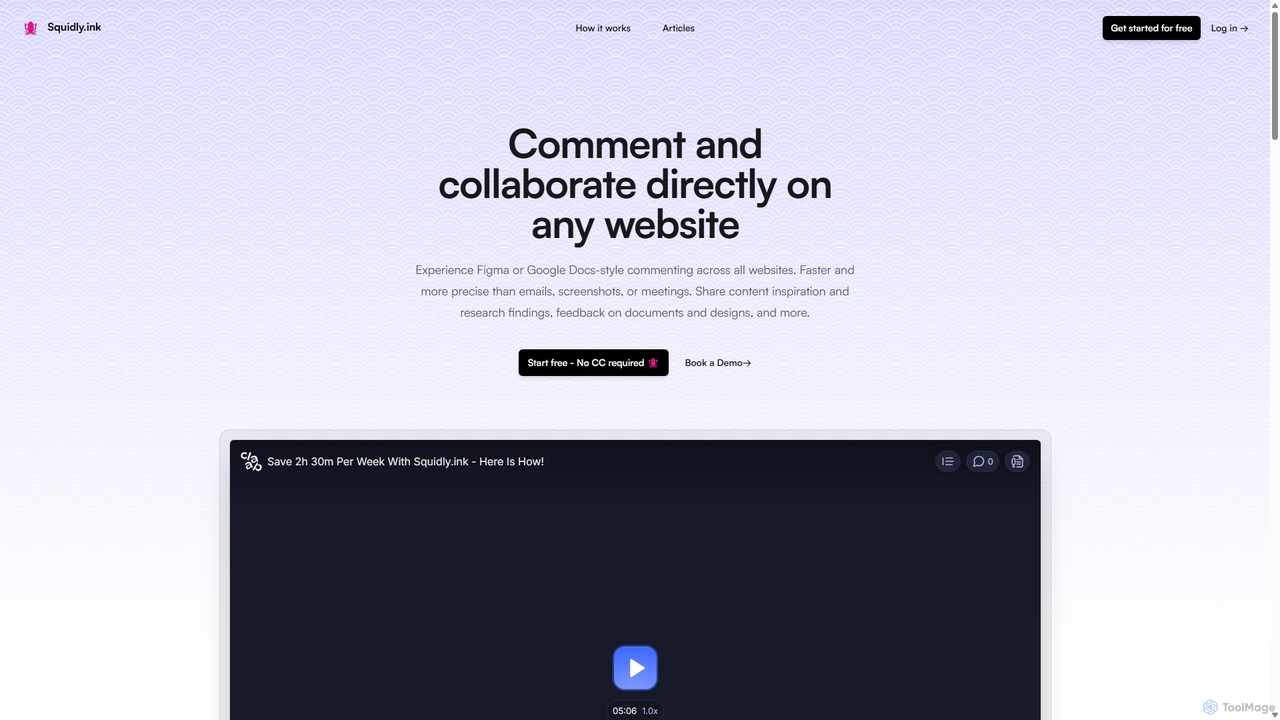
Squidly
Squidly is a collaborative browser extension that allows teams to leave comments directly on any website, similar to Figma or Google Docs. It streamlines feedback, eliminates the need for screenshots and meetings, and centralizes all discussions in one dashboard for enhanced productivity in remote and asynchronous work environments.
ReviewNotion
Notion is an all-in-one AI workspace that combines notes, docs, project management, and wikis into a single, highly customizable platform. It empowers teams and individuals to organize information, manage projects, and collaborate more effectively, all within a flexible, block-based editor enhanced with powerful AI capabilities.
Knowledge Management
Omniverse
Omniverse is an all-in-one AI-powered productivity platform designed to centralize your workflow. It integrates a powerful writing assistant, task management, knowledge base, and data analysis into a single, intuitive workspace. Streamline your projects, automate repetitive tasks, and unlock new levels of efficiency by leveraging a unified AI that understands the full context of your work.
All In One
Rayo
Rayo is an AI-powered work management platform designed to automate workflows, streamline project management, and enhance team collaboration. It intelligently organizes tasks, optimizes processes, and provides data-driven insights to help teams achieve their goals faster and more efficiently. Ideal for businesses of all sizes looking to boost productivity.
Collaboration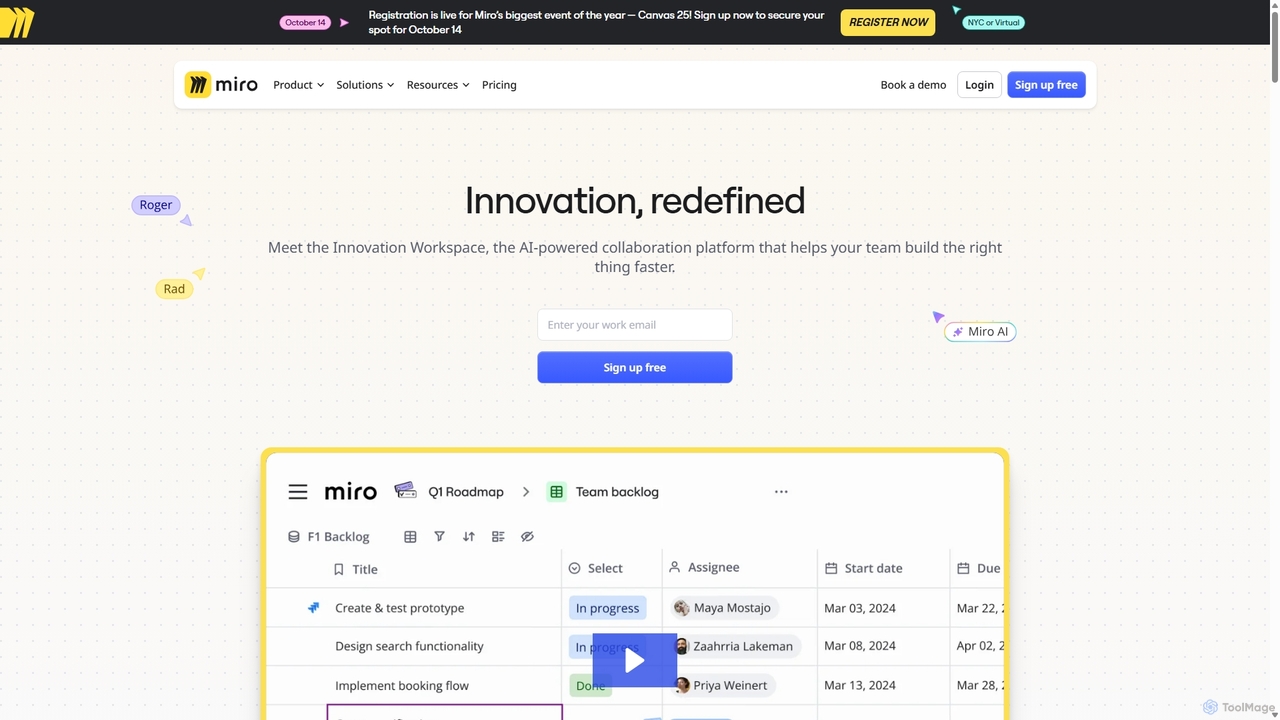
Miro
Miro is an AI-powered online collaborative whiteboard platform designed for modern teams. It provides an infinite canvas for brainstorming, planning, designing, and managing projects in real-time. With a vast template library, powerful integrations, and AI-driven features, Miro helps teams centralize communication and accelerate innovation from idea to execution.
Brainstorming
Slite Comments (0)
Sign in to comment.
Sign inNo comments yet.