Squidly
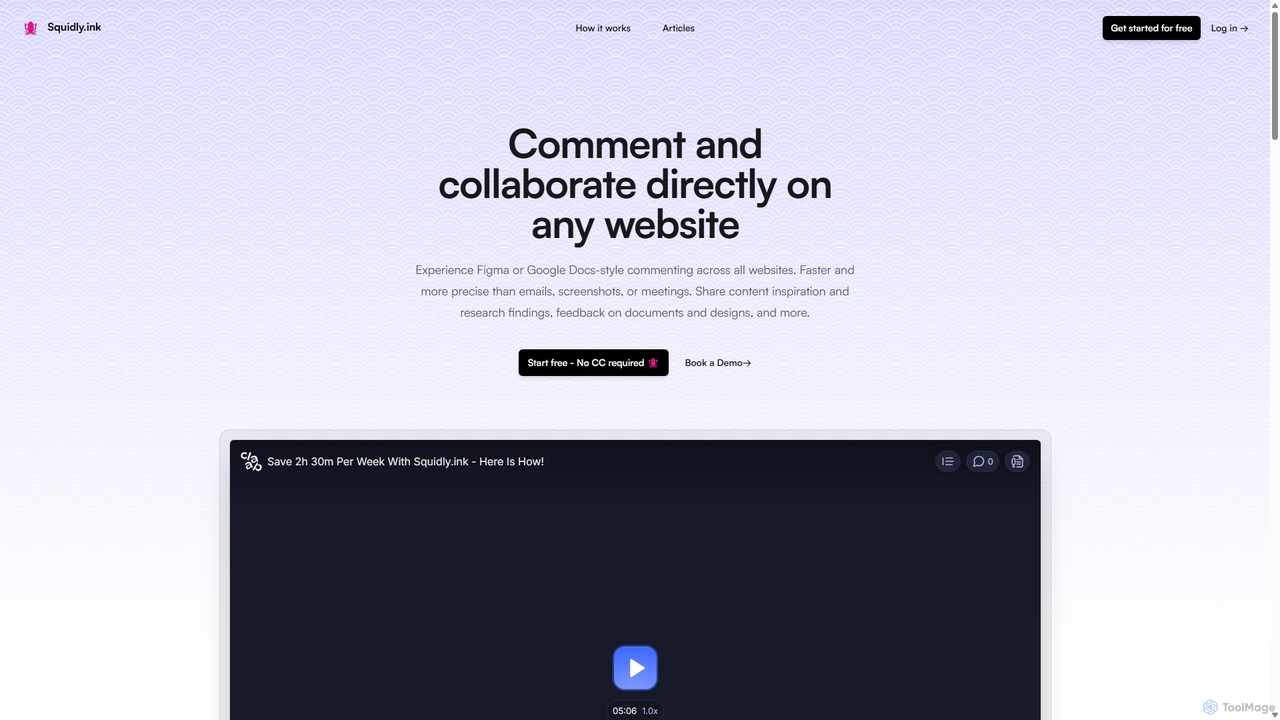
Squidly is a collaborative browser extension that allows teams to leave comments directly on any website, similar to …
Squidly is a collaborative browser extension that allows teams to leave comments directly on any website, similar to Figma or Google Docs. It streamlines feedback, eliminates the need for screenshots and meetings, and centralizes all discussions in one dashboard for enhanced productivity in remote and asynchronous work environments.
About Review
AI Review tools are a specialized category of design software that uses artificial intelligence to automatically analyze and provide feedback on visual designs. These tools employ computer vision and machine learning models trained on established design principles to evaluate elements like UI/UX, accessibility, and brand consistency. They empower designers and teams to receive instant, data-driven critiques, significantly accelerating the iteration cycle and improving design quality early in the process. This automated analysis can identify subtle inconsistencies or technical issues that might be overlooked during manual reviews.
Core Features
- Automated Heuristic Analysis: Provides instant feedback on usability based on established principles like Nielsen's heuristics.
- Accessibility Auditing: Scans designs for compliance with standards like WCAG, checking color contrast, font sizes, and ARIA attributes.
- Visual Consistency Check: Detects deviations from a design system or brand guide, ensuring uniform typography, colors, and spacing.
- User Flow & Layout Analysis: Examines the structure and layout of screens to identify potential navigation issues or confusing arrangements.
Use Cases
AI Review tools are primarily used by UI/UX designers, product teams, and front-end developers. They are integrated into the design workflow to perform pre-launch audits, validate design system components, and conduct rapid competitor analysis. For example, a designer can get immediate feedback on a new mockup before a team meeting, or a developer can verify accessibility compliance before writing code.
How to Choose
When selecting an AI Review tool, consider the depth of its analysis and the specific design principles it covers. Evaluate its integration capabilities with your existing design software, such as Figma, Sketch, or Adobe XD. Also, assess the clarity and actionability of its reports, as well as its support for team collaboration and custom rule sets for brand guidelines.

ReviewUse Cases
Automated UI/UX Heuristic Evaluation
A UX designer is working against a tight deadline for a new app feature. Instead of waiting for a formal peer review, they upload their Figma wireframes to an AI Review tool. Within minutes, the tool generates a detailed report highlighting potential usability issues based on Nielsen's heuristics, such as violations of 'visibility of system status' and 'consistency and standards'. The report points out inconsistent button styling and confusing iconography, allowing the designer to make targeted improvements immediately, saving hours of manual review time and enhancing the design's quality before the next stakeholder meeting.
Pre-launch Accessibility Compliance Check
A front-end development team is preparing to launch a new corporate website. To ensure it meets WCAG 2.1 AA standards, they run the final designs through an AI Review tool. The tool automatically scans every page for accessibility issues, flagging low-contrast text, missing alt tags on images, and improper heading structures. It provides specific code recommendations for remediation. This proactive check allows the team to fix critical accessibility barriers before the site goes live, reducing legal risks and ensuring a better experience for all users, including those with disabilities.
Brand Guideline Consistency Audit
A global marketing team needs to ensure all new digital ad creatives adhere to strict brand guidelines. They configure an AI Review tool with their company's specific color palette, typography rules, and logo usage standards. As designers create new banners and social media posts, they can run them through the tool for an instant consistency check. The AI flags any use of incorrect hex codes, unapproved fonts, or improper logo scaling. This automates a previously tedious manual process, ensuring brand consistency across all markets and freeing up the brand manager's time for more strategic tasks.
Validating Design System Components
A design systems team is responsible for maintaining a library of reusable UI components. To ensure quality and consistency, they integrate an AI Review tool into their contribution workflow. When a designer submits a new component, an automated check is triggered. The AI verifies that the component's spacing, typography, and color tokens match the system's specifications. It also checks for accessibility issues within the component itself. This process acts as a first line of defense, catching errors early and allowing the team to focus their manual reviews on more complex interaction and logic aspects.
Rapid Competitive Design Analysis
A product manager wants to understand the UI/UX strengths and weaknesses of a key competitor's app. They use an AI Review tool to perform a quick, objective analysis. By inputting screenshots of the competitor's app, the tool generates a report on its layout consistency, color usage, typographic hierarchy, and accessibility. This provides the product manager with data-backed insights, such as identifying that the competitor's app has poor color contrast but a very consistent component library. These findings help inform the product roadmap and highlight opportunities for their own app to gain a competitive advantage.
Improving Design Handoff to Development
To streamline the design-to-development handoff process, a product team uses an AI Review tool as a final checkpoint. Before passing designs to the engineering team, a designer runs the mockups through the tool. It generates a comprehensive report that not only flags UI inconsistencies and accessibility issues but also provides specific values for spacing, colors (in hex, RGB), and font properties. This report becomes a shared, objective reference point. It reduces ambiguity and back-and-forth communication, allowing developers to implement the designs with greater accuracy and speed, confident that technical standards have already been verified.