

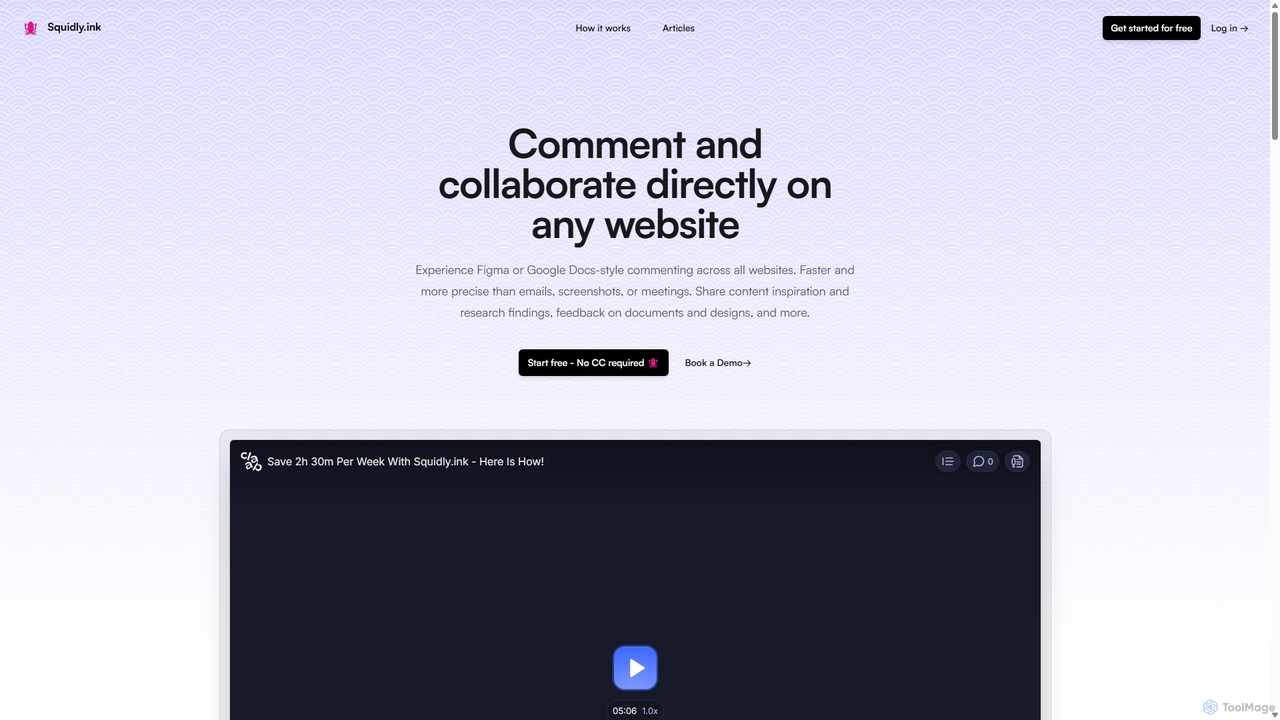
Squidly Overview
Squidly is a powerful collaboration tool designed to revolutionize how teams communicate and provide feedback. By functioning as a simple browser extension, it brings the intuitive, contextual commenting experience of platforms like Figma and Google Docs to the entire web. This eliminates the cumbersome and inefficient cycle of taking screenshots, composing lengthy emails, or scheduling numerous 'micro-meetings' just to discuss a specific point on a website. Squidly's mission is to enhance collaboration tenfold, reduce communication overhead, and empower teams, especially those working remotely or asynchronously, to get more done.
The tool allows users to pin comments directly onto any element of a webpage, ensuring feedback is precise, contextual, and easy to understand. This is ideal for a wide range of collaborative tasks, from providing UI/UX feedback on a new software build to sharing inspiration for marketing campaigns or reviewing legal documents directly in their web-based editor.
How to use Squidly
Getting started with Squidly is a straightforward process designed to take only a couple of minutes:
- Install the Free Chrome Extension: Sign up for a free account using your email or Google account. Follow the simple 20-second installation process to add the Squidly extension to your Chrome, Microsoft Edge, or Brave browser.
- Invite Your Team: Collaboration is at the heart of Squidly. Invite your team members to join your workspace at no cost. The platform supports mass invitations, making it easy to onboard your entire department or company.
- Start Commenting: Once installed, you can start commenting immediately. On a Mac, press the 'Option' key (or 'Alt' on Windows) and click the pencil icon in the bottom right to place a comment anywhere on a webpage. Type your feedback, and it will be shared with the selected channel.
- Collaborate and Discuss: Tag team members using '@' or entire channels with '#' to bring them into the conversation. All comments and subsequent discussions are organized and accessible from a single, intuitive dashboard, allowing you to manage feedback, track progress, and resolve issues efficiently.
Core Features of Squidly
- Direct Website Commenting: Leave comments on any live website, web app, or staging environment. Feedback is anchored to specific elements for maximum clarity.
- Team and Channel Integration: Invite unlimited team members and organize conversations into channels. Use @mentions to notify specific colleagues and #tags to post in relevant channels.
- Centralized Dashboard: Manage all comments from every project and website in one unified interface. Track discussions, resolve feedback, and maintain a clear overview of all collaborative activities.
- Asynchronous Collaboration: Perfect for remote and distributed teams, Squidly allows members to leave feedback in their own time, eliminating the need to coordinate schedules for calls.
- Cross-Browser Support: The extension is available for Google Chrome, Microsoft Edge, and Brave, ensuring wide accessibility for your team.
Use Cases for Squidly
Squidly is versatile and can be adopted by various departments for different purposes:
- Design & Development: UI/UX designers and developers can provide and receive pixel-perfect feedback directly on staging or live websites, speeding up the review and iteration process.
- Marketing Teams: Share inspiration for new ad campaigns, review landing page copy, and collaborate on content strategy by commenting on competitor sites or internal drafts.
- Sales & Operations: Sales teams can leave notes on prospect profiles within a CRM, and operations teams can discuss contract drafts in web-based document editors like Google Docs.
- Content Creation & Research: Researchers and content creators can collect and discuss findings, sources, and inspiration from across the web, sharing insights with the team instantly.
Advantages of Squidly
By integrating Squidly into your workflow, you can expect significant improvements in efficiency and communication. The primary advantage is the massive reduction in time spent on non-essential communication tasks. The platform claims to reduce micro-meetings by up to 40%. Feedback becomes faster, more precise, and fully contextual, which reduces misunderstandings and accelerates project timelines. It fosters a more engaged and interactive team environment, even when members are spread across different time zones.
Pricing and Plans
Squidly is currently in its beta phase and is offered completely free of charge as a limited-time offer. Users can sign up and invite unlimited team members without providing any credit card information. This free access period is designed to gather user feedback to help shape the future development of the tool and make it an indispensable part of your productivity stack.
Traffic
Latest traffic
Status
Monthly traffic trend
- 2025-9: 1.8K
- 2026-1: 91
- 2026-2: 1.7K
- 2026-3: 2.3K
- 2026-4: 425
- 2026-5: 679
Geography
Top 5 countries / regions
- 🇺🇸United States100.0%
Top keywords
| Keyword | Cost per click |
|---|---|
| miro competitors | $15.21 |
| squidly | $0.70 |
| squidly. site | $0.00 |
| vidyard or loom | $0.00 |
Squidly Alternatives
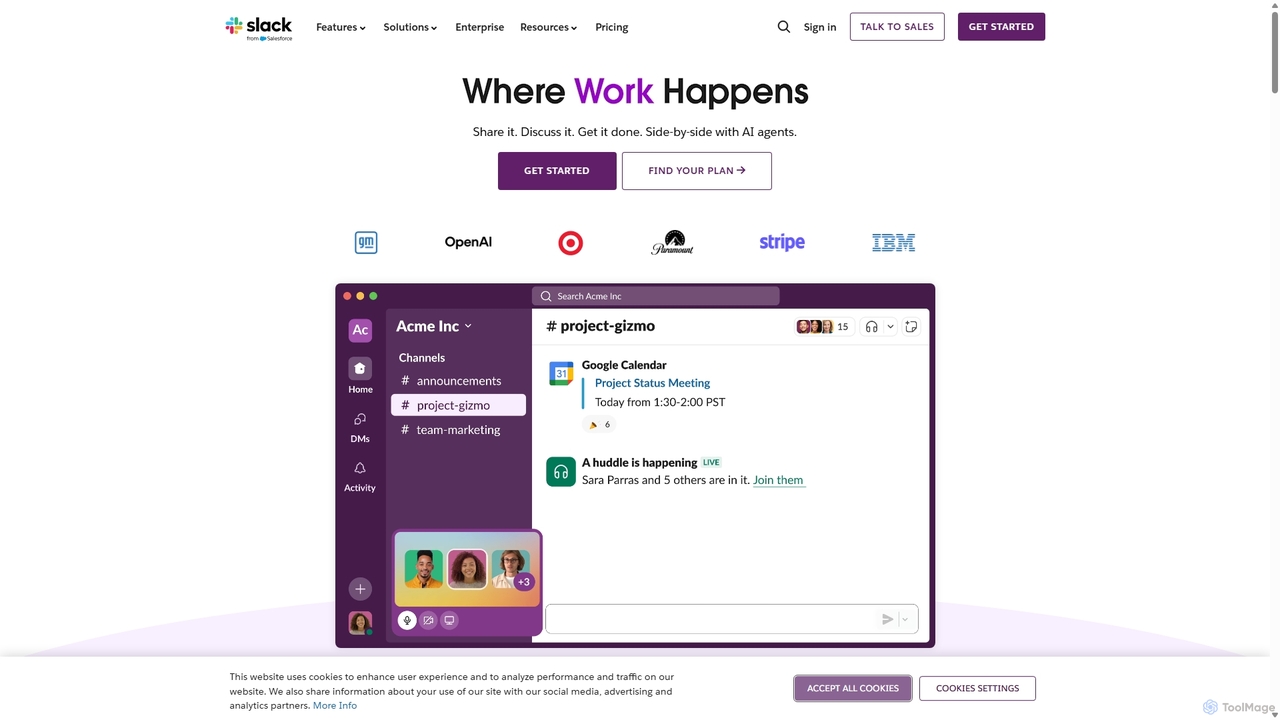
Slack
Slack is an AI-powered collaboration hub that connects your people, partners, and tools. It replaces email with faster, better-organized communication through channels. With integrated AI, workflow automation, and thousands of apps, Slack centralizes your work to boost productivity and streamline project management.
Project Management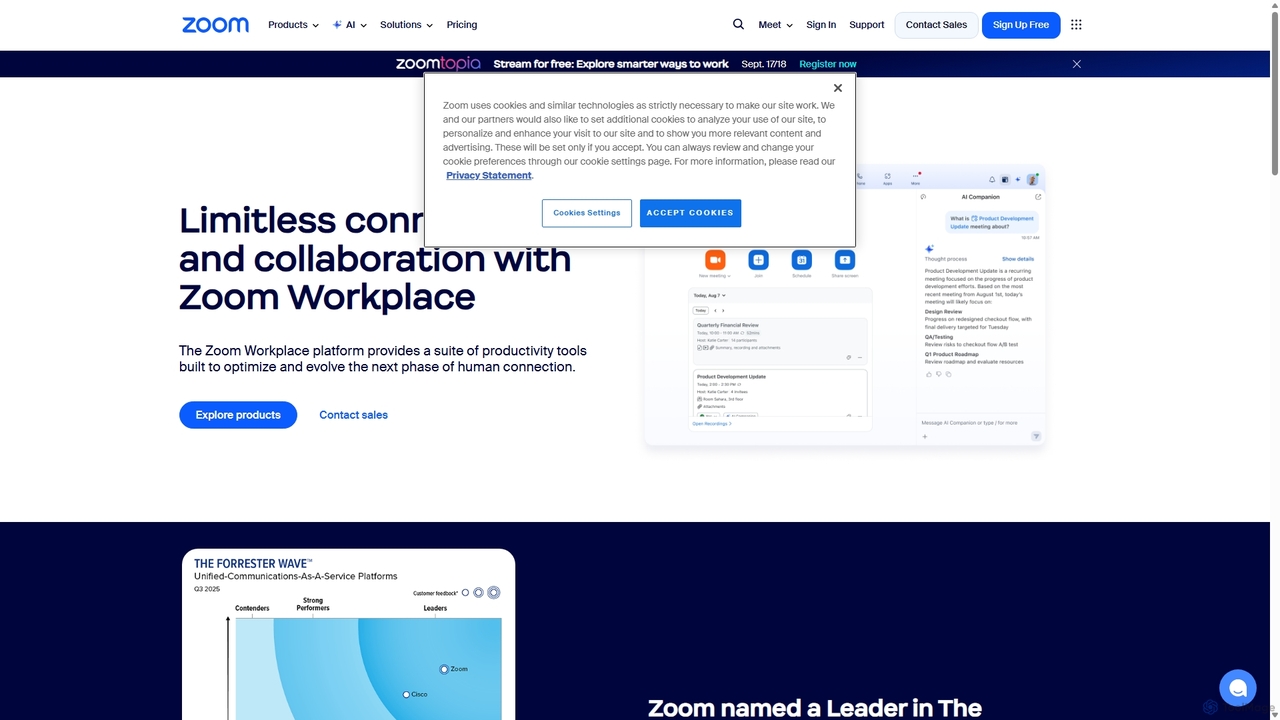
Zoom
Zoom is an AI-first, unified collaboration platform that connects people through video meetings, phone calls, team chat, webinars, and more. Featuring the AI Companion, it streamlines workflows, summarizes meetings, and enhances productivity for remote and hybrid teams across all industries.
Meeting Management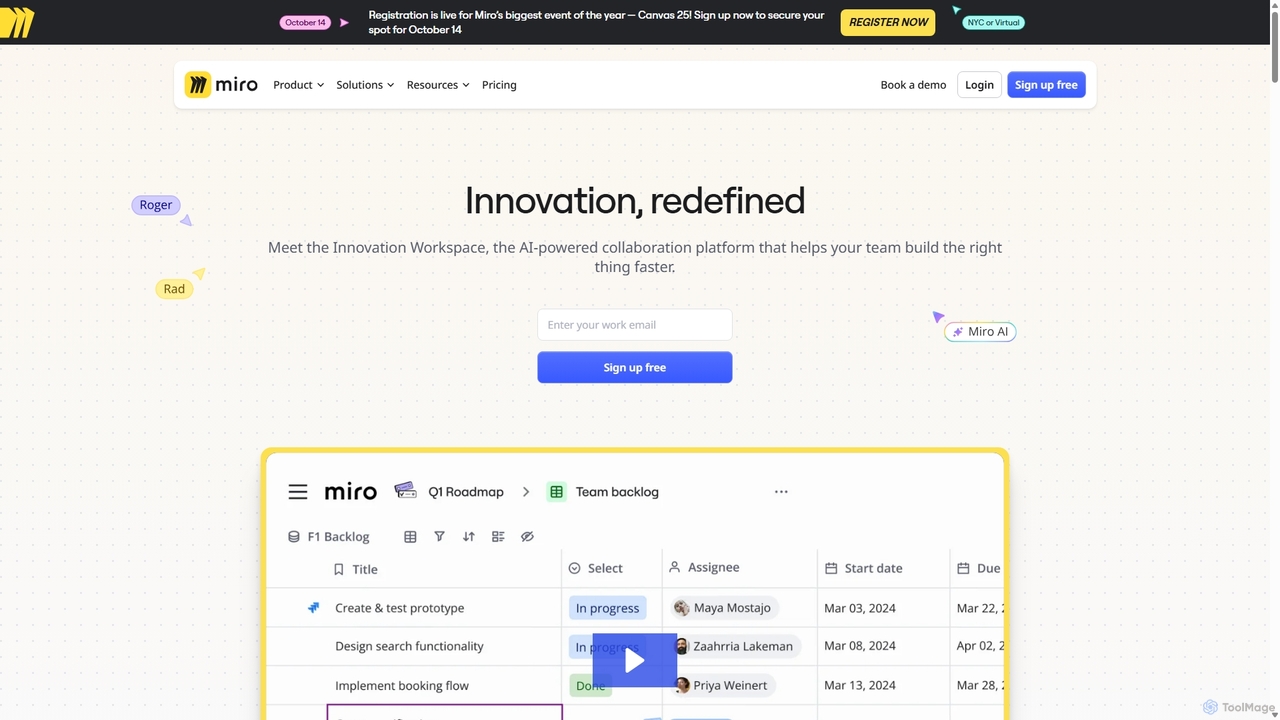
Miro
Miro is an AI-powered online collaborative whiteboard platform designed for modern teams. It provides an infinite canvas for brainstorming, planning, designing, and managing projects in real-time. With a vast template library, powerful integrations, and AI-driven features, Miro helps teams centralize communication and accelerate innovation from idea to execution.
Brainstorming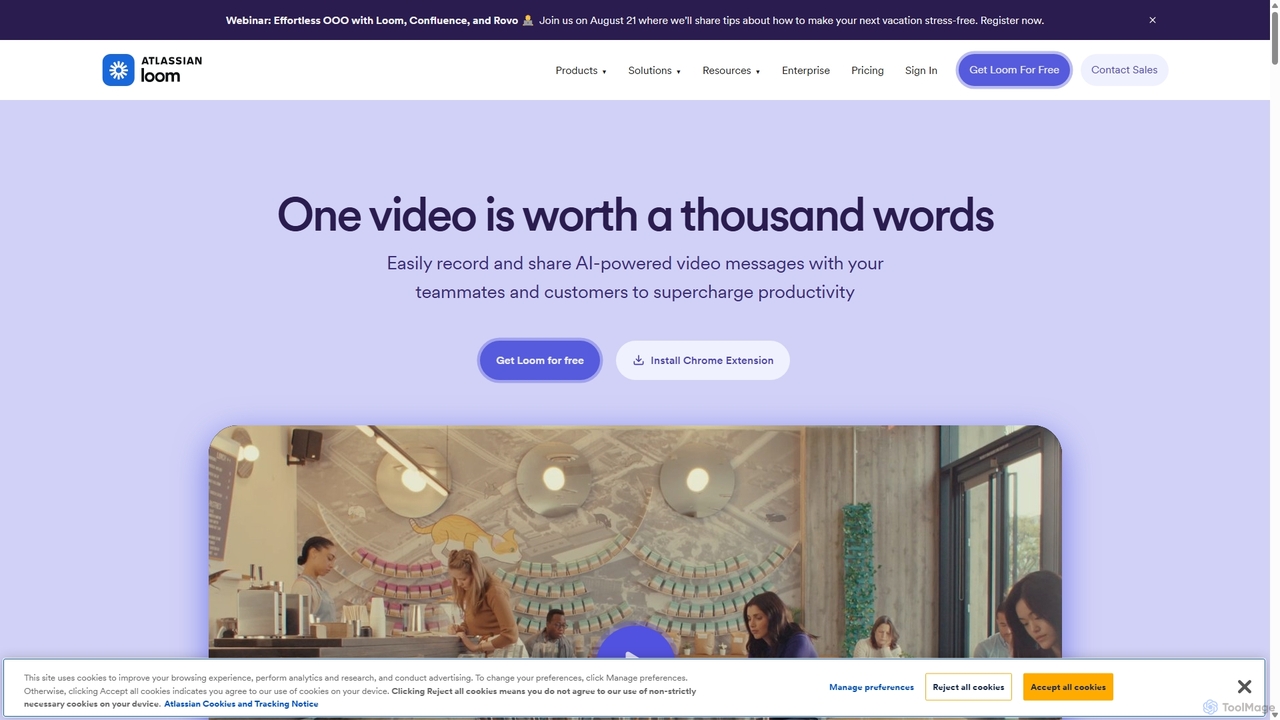
Loom
Loom is an AI-powered video messaging platform for work that allows users to instantly record and share their screen, camera, and audio. It streamlines communication, reduces meetings, and enhances team collaboration with features like AI-powered summaries, transcriptions, and editing tools.
Team Management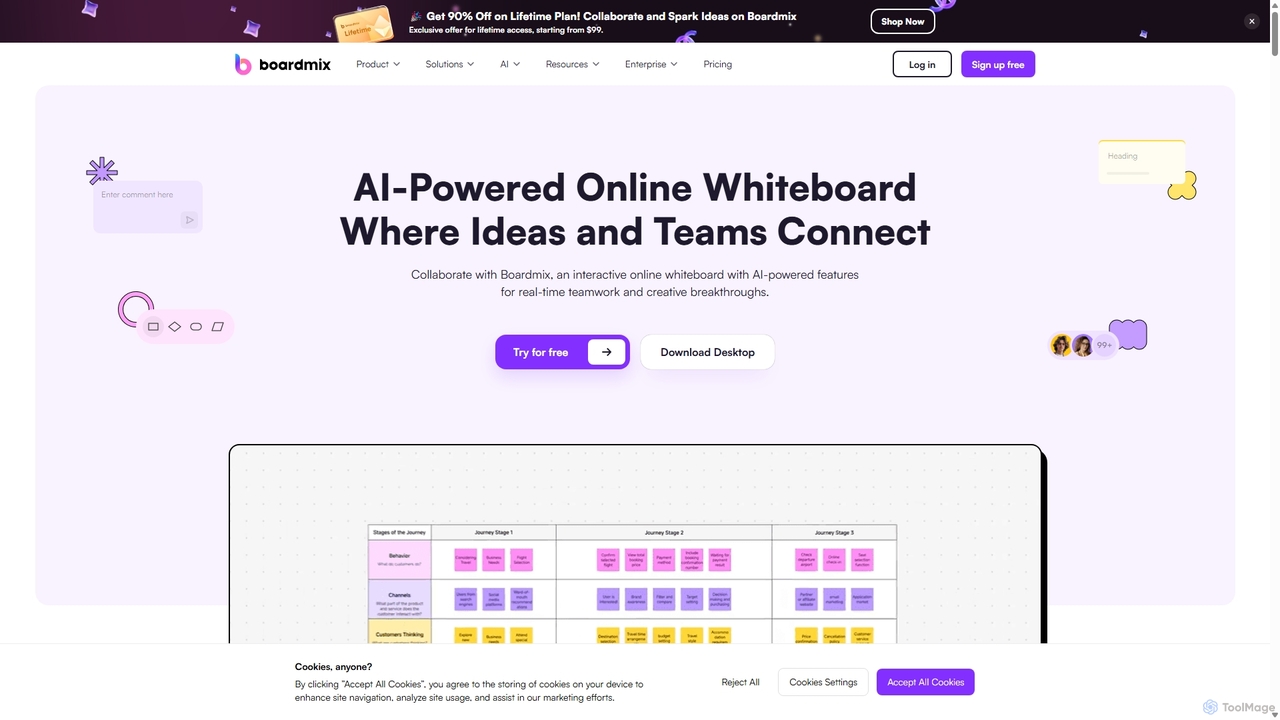
Boardmix
Boardmix is an AI-powered online collaborative whiteboard designed to connect ideas and teams. It integrates tools for mind mapping, diagramming, brainstorming, and project management into a single infinite canvas, facilitating real-time teamwork and creative breakthroughs for various professional teams.
Project ManagementSquidly Categories
Squidly Jobs
Squidly Embed Widget
Copy this embed code to place the badge on your blog, article, or product site and send readers directly to this ToolMage detail page.

Related AI tools
Slack
Slack is an AI-powered collaboration hub that connects your people, partners, and tools. It replaces email with faster, better-organized communication through channels. With integrated AI, workflow automation, and thousands of apps, Slack centralizes your work to boost productivity and streamline project management.
Project Management
Slite
Slite is an AI-powered knowledge base and team collaboration tool. It serves as a single source of truth, helping teams organize their documents, share knowledge, and make decisions asynchronously. Its core AI feature, 'Ask', allows users to find answers from across the entire workspace using natural language questions, making information instantly accessible.
Internal Communication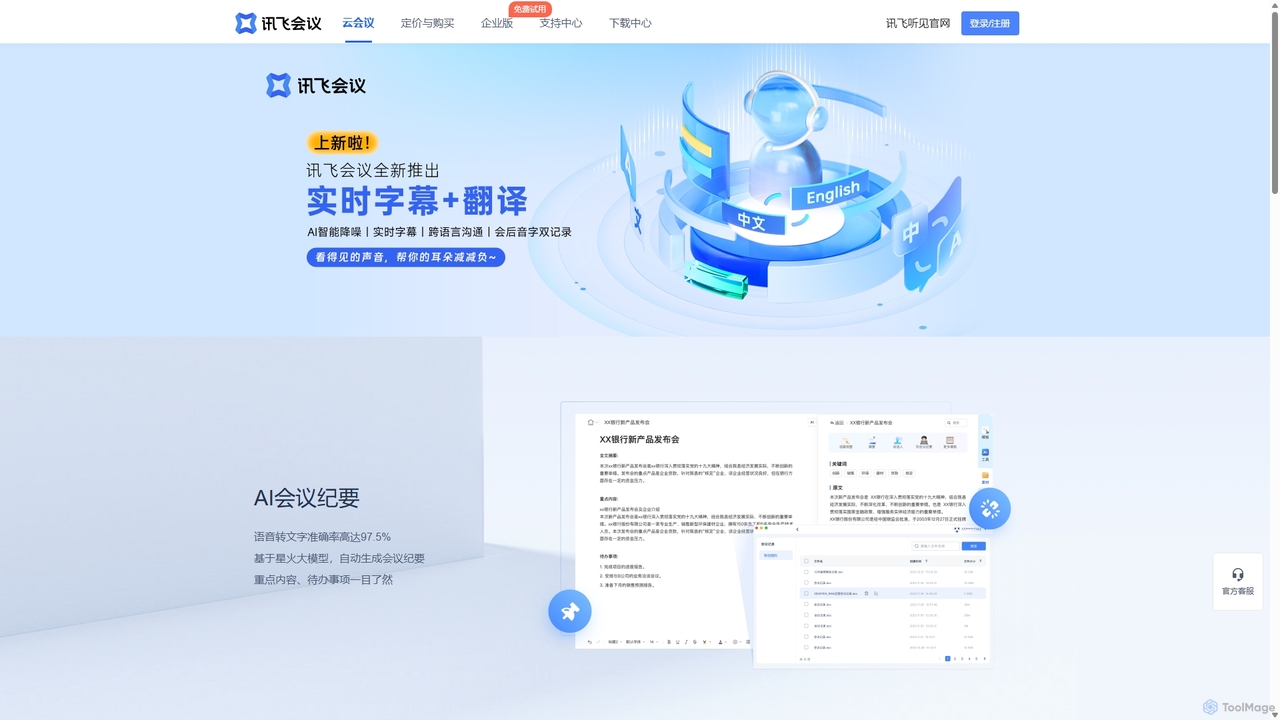
IFlytek Meeting
iFlytek Meeting is an AI-powered HD video conferencing platform. It offers high-accuracy real-time transcription, automatic meeting summaries, and to-do list generation. With features like stable HD video, cross-platform support, and robust security, it enhances meeting efficiency for individuals, teams, and large enterprises, providing a seamless remote collaboration experience.
Communication
MindmapAI
MindmapAI is an advanced AI-powered platform that transforms ideas, PDFs, YouTube videos, and web URLs into structured, visual mind maps. It automates information analysis and organization, enabling users to quickly grasp complex topics, brainstorm effectively, and collaborate with teams in real-time. Ideal for students, professionals, and creators looking to enhance productivity and clarity.
Project Management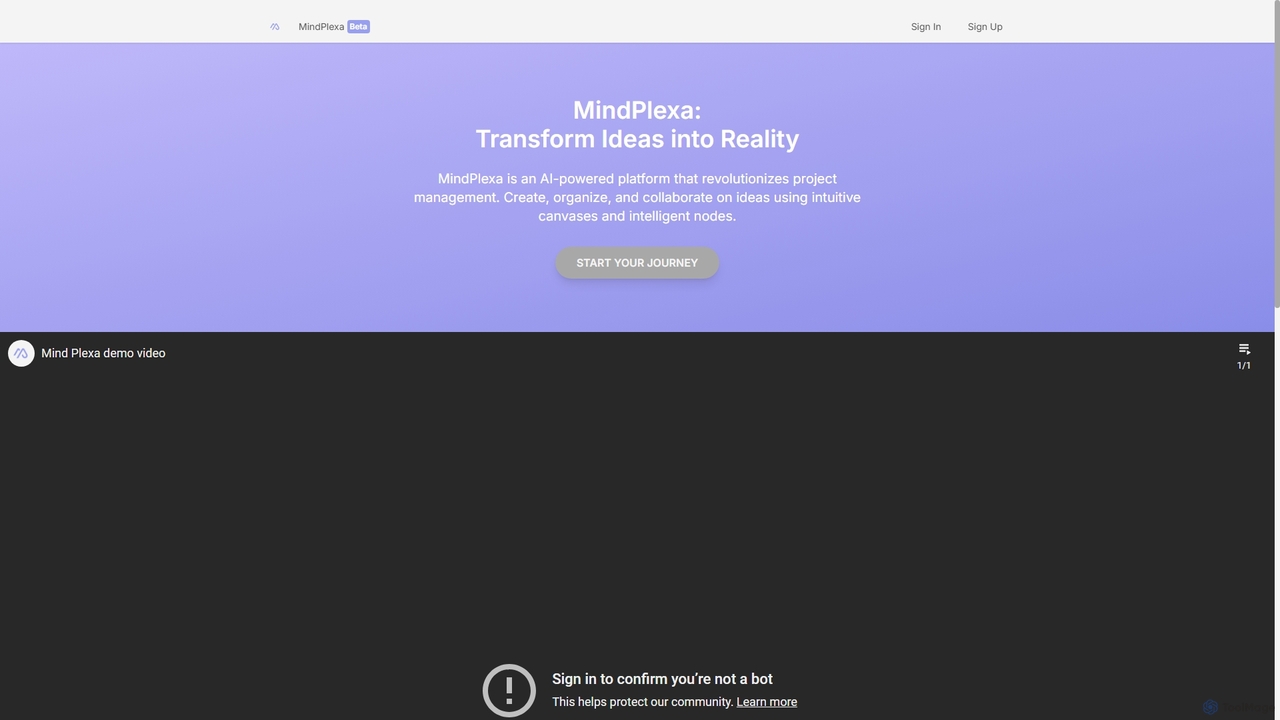
MindPlexa
MindPlexa is an AI-powered productivity platform that transforms ideas into actionable projects. It combines visual mind mapping with intelligent project management, allowing users to create, organize, and collaborate on ideas using intuitive canvases and smart nodes. The AI assistant helps generate project layouts, suggest tasks, and streamline workflows, making it an ideal tool for teams and individuals looking to boost creativity and efficiency.
TeamworkMiro
Miro is an AI-powered online collaborative whiteboard platform designed for modern teams. It provides an infinite canvas for brainstorming, planning, designing, and managing projects in real-time. With a vast template library, powerful integrations, and AI-driven features, Miro helps teams centralize communication and accelerate innovation from idea to execution.
Brainstorming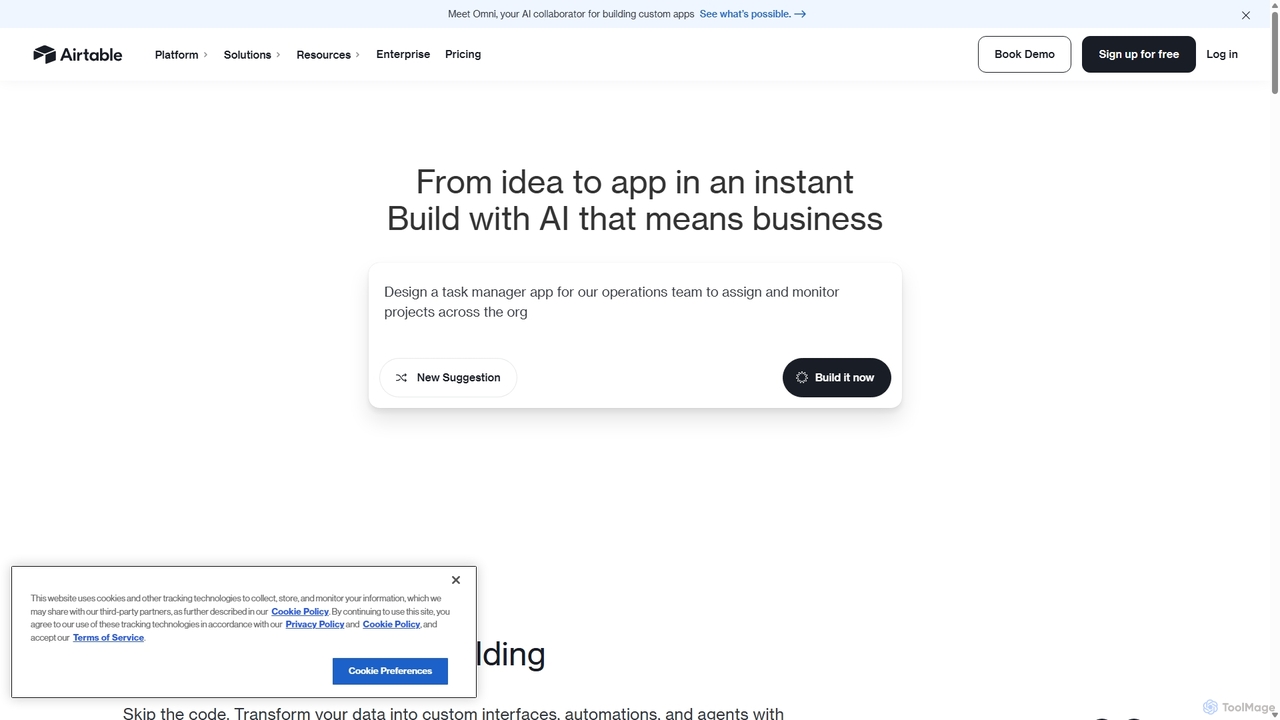
Airtable
Airtable is an AI-native app building platform for enterprises, combining the flexibility of a spreadsheet with the power of a database. It enables teams to create custom applications, automate complex workflows, and deploy intelligent AI agents without writing code, transforming critical data into actionable insights and streamlined operations.
Project Management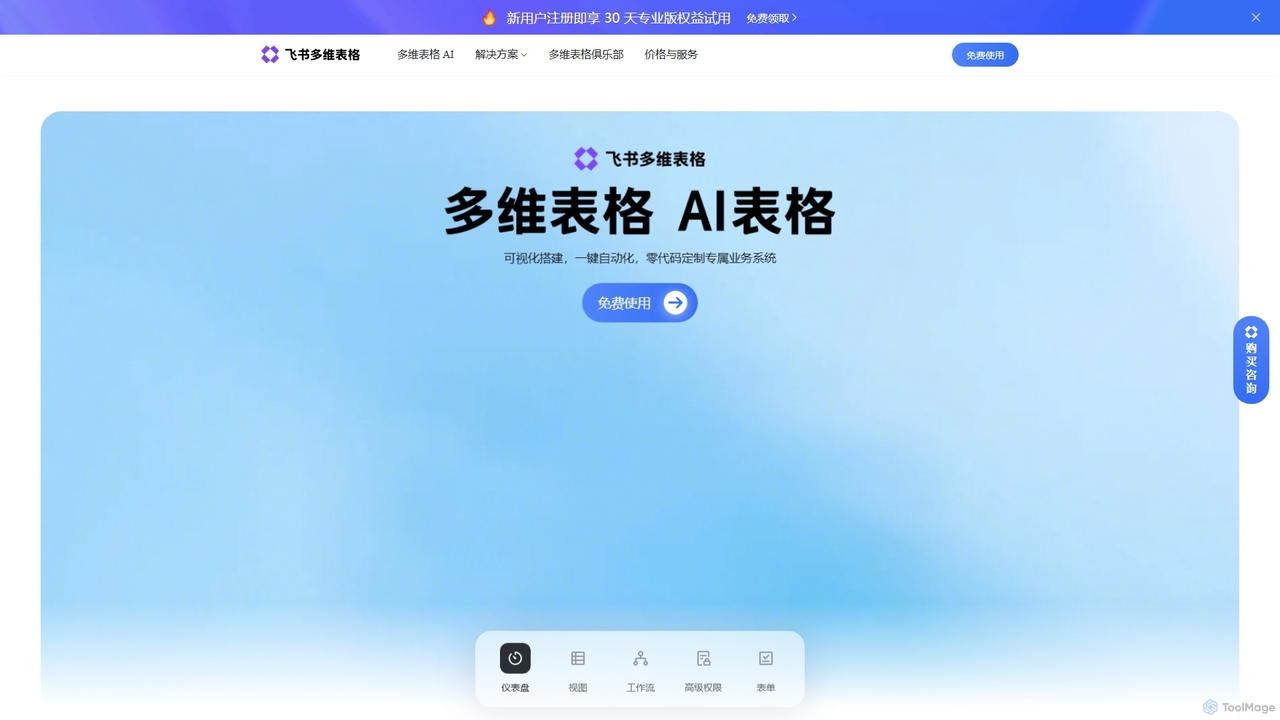
Feishu Base
Feishu Base is an AI-powered no-code platform that combines the flexibility of a spreadsheet with the power of a database. It enables teams to build custom business systems, automate workflows, and analyze data through intuitive dashboards without writing any code. It's designed for seamless collaboration and data management.
Data Analysis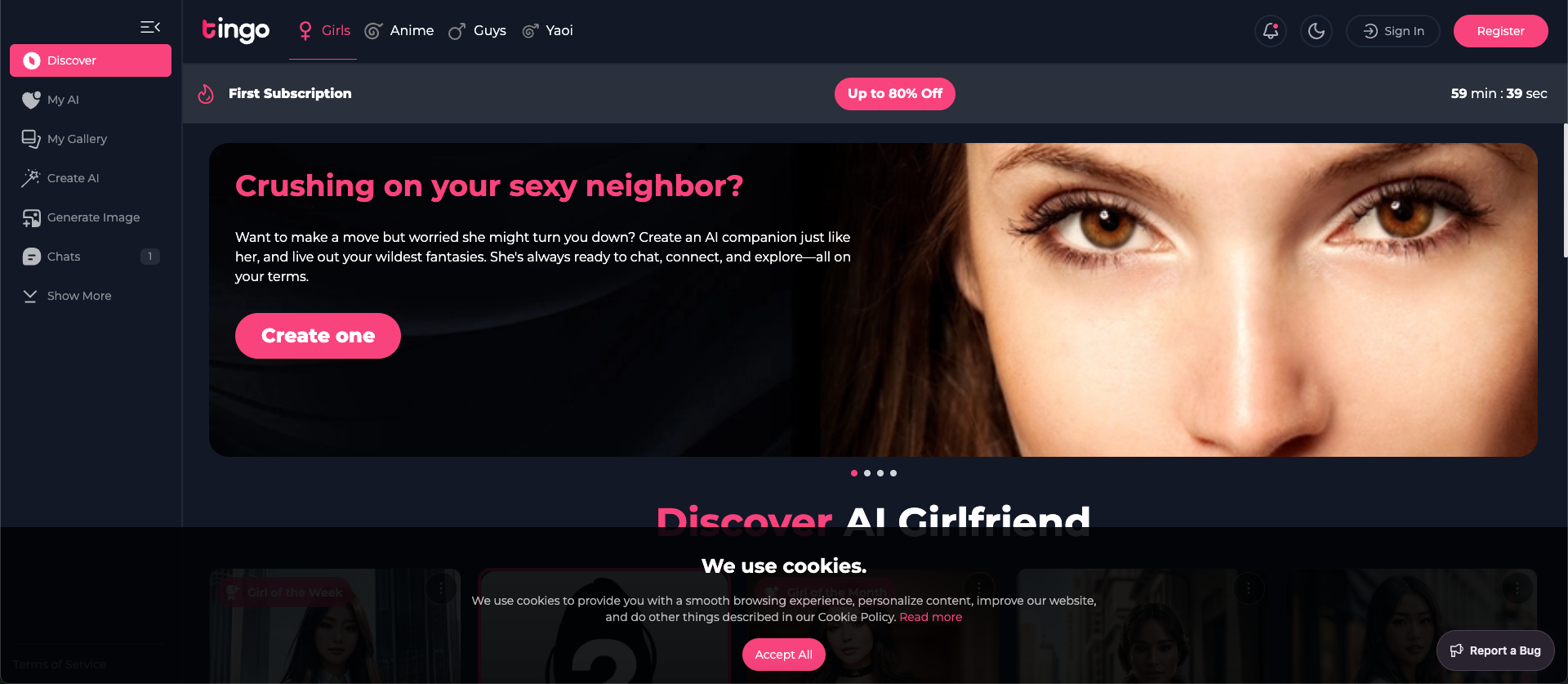
Tingo.ai
Tingo.ai is an AI-powered productivity and workflow automation platform designed for modern teams. It integrates with your existing tools like Slack and Jira to automate meeting summaries, task management, and knowledge base creation, helping your team stay aligned and focus on what matters most.
Project Management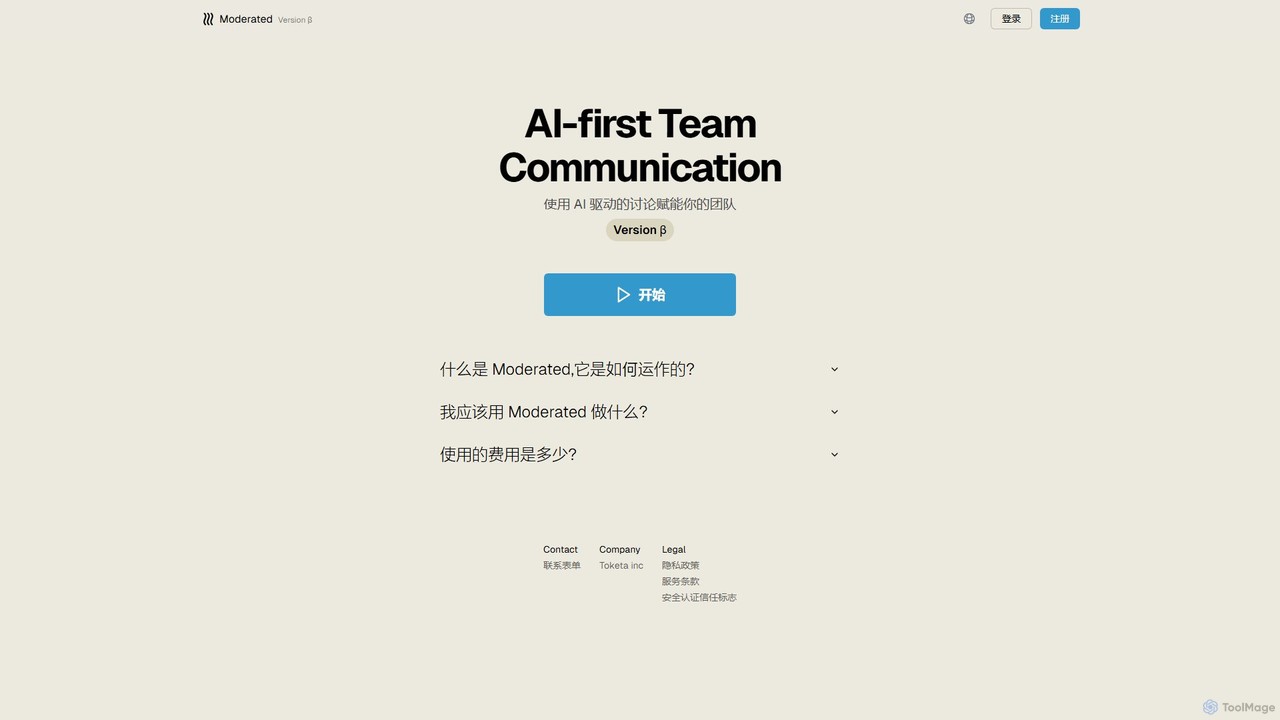
Moderated
Moderated is an AI-first team communication platform designed to empower teams with AI-driven discussions. It automatically summarizes conversations, extracts action items, and provides intelligent insights to enhance productivity and clarity in team collaboration.
Project ManagementLoom
Loom is an AI-powered video messaging platform for work that allows users to instantly record and share their screen, camera, and audio. It streamlines communication, reduces meetings, and enhances team collaboration with features like AI-powered summaries, transcriptions, and editing tools.
Team Management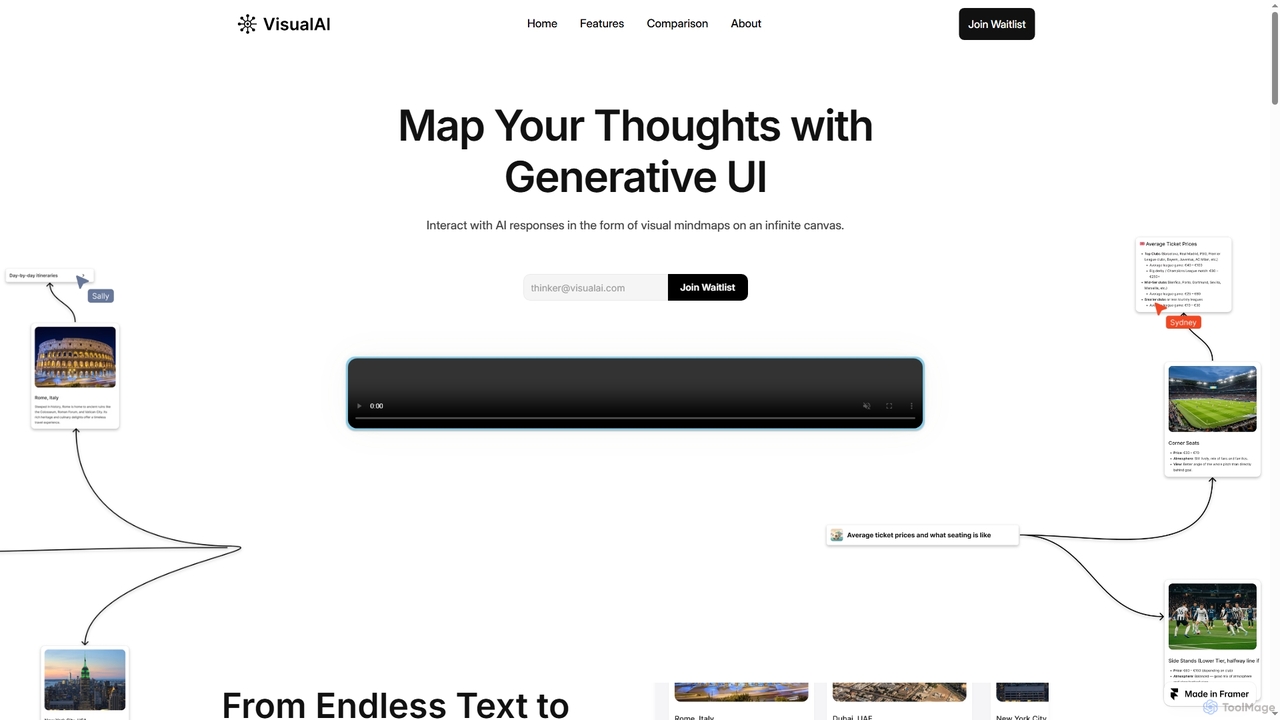
Visual AI
Visual AI is an innovative platform that transforms linear AI text responses into dynamic, visual clarity. It automatically structures information into interconnected nodes, enriching data with relevant visuals to enhance understanding and retention. Designed for non-linear thinkers, it offers an infinite collaborative workspace for brainstorming, prototyping, and evolving ideas.
Brainstorming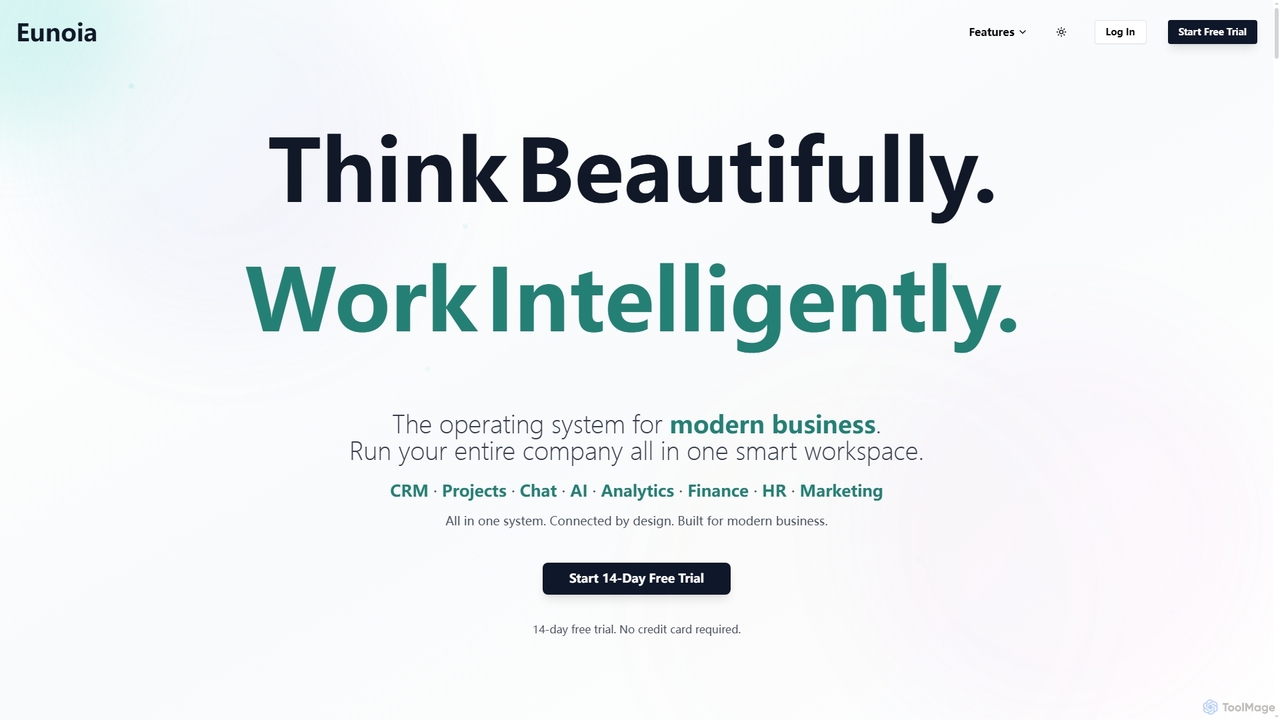
Eunoia
Eunoia is an all-in-one AI-powered business workspace designed to streamline operations by integrating CRM, project management, chat, AI, analytics, finance, HR, and marketing. It aims to replace numerous fragmented tools, offering a unified platform for modern businesses to think beautifully and work intelligently.
Business Automation
Qatalog
Qatalog is an intelligent work hub that unifies your teams, tools, and knowledge. It uses AI to create a central source of truth, enabling seamless search across all applications, clear visibility into projects and goals, and contextual understanding of who is working on what. By connecting disparate systems like Slack, Jira, and Google Drive, Qatalog reduces context switching and boosts productivity.
Enterprise Search
Timemaster
Timemaster is an intelligent, privacy-first time tracking and analytics tool. It uses AI to provide insightful analytics, helping freelancers, teams, and individuals manage their time more effectively, boost productivity, and achieve their goals without compromising data privacy.
Analytics
Squidly Comments (0)
Sign in to comment.
Sign inNo comments yet.