


Wroolo Overview
Wroolo is a comprehensive project and knowledge management system designed for innovative teams, communities, and individuals who need to bring order to complex projects and vast amounts of information. It uniquely merges the flexibility of creative brainstorming with the structure of systematic project management, all enhanced by artificial intelligence. The platform serves as a unified workspace, eliminating the need to switch between different applications for mind mapping, task tracking, and knowledge storage.
At its core, Wroolo helps users transition from chaos to clarity. It provides a flexible environment where ideas can be captured and organized seamlessly. Whether you're a development team managing a complex product backlog, a community building a shared knowledge base, or an individual organizing personal research, Wroolo offers the tools to structure your work effectively.
How to use Wroolo
Getting started with Wroolo is an intuitive process designed to get you productive quickly:
- Sign Up & Create a Workspace: Begin by creating a free account and setting up your first workspace for your team, community, or personal use.
- Brainstorm on the Canvas: Start new projects on the infinite canvas. Freely draw diagrams, create complex mind maps, and visually lay out your initial ideas.
- Create and Connect Tasks: Directly attach tasks and knowledge posts to elements on your canvas. Connect them with arrows to visualize workflows and dependencies.
- Organize with Kanban and Tree Views: Switch to the Kanban board view to manage your workflow by dragging tasks across columns. For complex projects with many sub-tasks, use the Tree View to see a hierarchical structure. Wroolo automatically syncs between views and manages task dependencies.
- Build Your Knowledge Base: Use the powerful editor to create detailed posts with formatted text and file uploads. Scrape web pages to automatically save and summarize content. All information becomes part of your central, searchable knowledge base.
- Leverage AI for Insights: Use the AI-powered semantic search to find information based on meaning, not just keywords. Engage with the Retrieval Augmented Generation (RAG) feature to 'chat' with your documents and get quick summaries and insights.
- Collaborate in Groups: Create Special Interest Groups (SIGs) to manage community projects. Use discussion channels, comment on tasks, and distribute work among members.
Core Features of Wroolo
- Flexible Project Management: A unique combination of a free-form canvas for brainstorming, Kanban boards for agile workflow management, and a Tree View for hierarchical task organization.
- AI-Powered Knowledge Management: A centralized knowledge base with AI-enhanced semantic search and Retrieval Augmented Generation (RAG) that allows you to chat with your content.
- Integrated Collaboration Tools: Features for creating and managing communities (Special Interest Groups), with dedicated discussion channels, task distribution, and collaborative knowledge editing.
- Automated Organization: Automatically generate status reports and mind maps from your project data. The system also intelligently manages dependencies between parent and sub-tasks.
- Web Content Curation: A built-in tool to scrape web pages, automatically generate summaries, and store them within your knowledge base.
- Advanced Editor: A versatile task and post editor that supports user-defined templates and content blocks for rich, structured information.
Use Cases for Wroolo
Wroolo is versatile enough for various professional and personal scenarios:
- Innovative Teams: Product development teams can use the canvas for ideation, the Kanban board for sprint planning, and the knowledge base for documentation.
- Community Management: Online communities and Special Interest Groups can use it to organize group projects, build a shared wiki, and facilitate discussions.
- Personal Knowledge Management (PKM): Individuals, researchers, and students can use it as a 'second brain' to capture ideas, organize notes, and find connections between different pieces of information.
- Consulting and Agencies: Teams can manage multiple client projects, store brainstorming notes, and share knowledge securely with team members.
Advantages of Wroolo
Wroolo stands out by offering a holistic solution that addresses both creative and organizational needs. Its main advantages include:
- Unified Platform: Reduces tool fatigue by combining mind mapping, task management, and a wiki into one integrated system.
- Flexibility Meets Structure: Supports both non-linear, creative thinking and structured, systematic planning.
- AI-Driven Efficiency: Saves time and enhances understanding by using AI to search, summarize, and interact with your data.
- Clarity in Complexity: Specifically designed to handle large, complex backlogs and projects without losing sight of the big picture.
Pricing and Plans
Wroolo operates on a freemium model, making it accessible to everyone. It offers a Free plan that is ideal for individuals and small teams just getting started. For users and teams requiring more advanced features, larger storage, and enhanced collaborative capabilities, Wroolo provides paid plans such as Pro and Team. These premium tiers offer greater capacity and priority support, designed to scale with your project's needs. For the most current pricing details, please visit the official Wroolo website.
Wroolo Alternatives
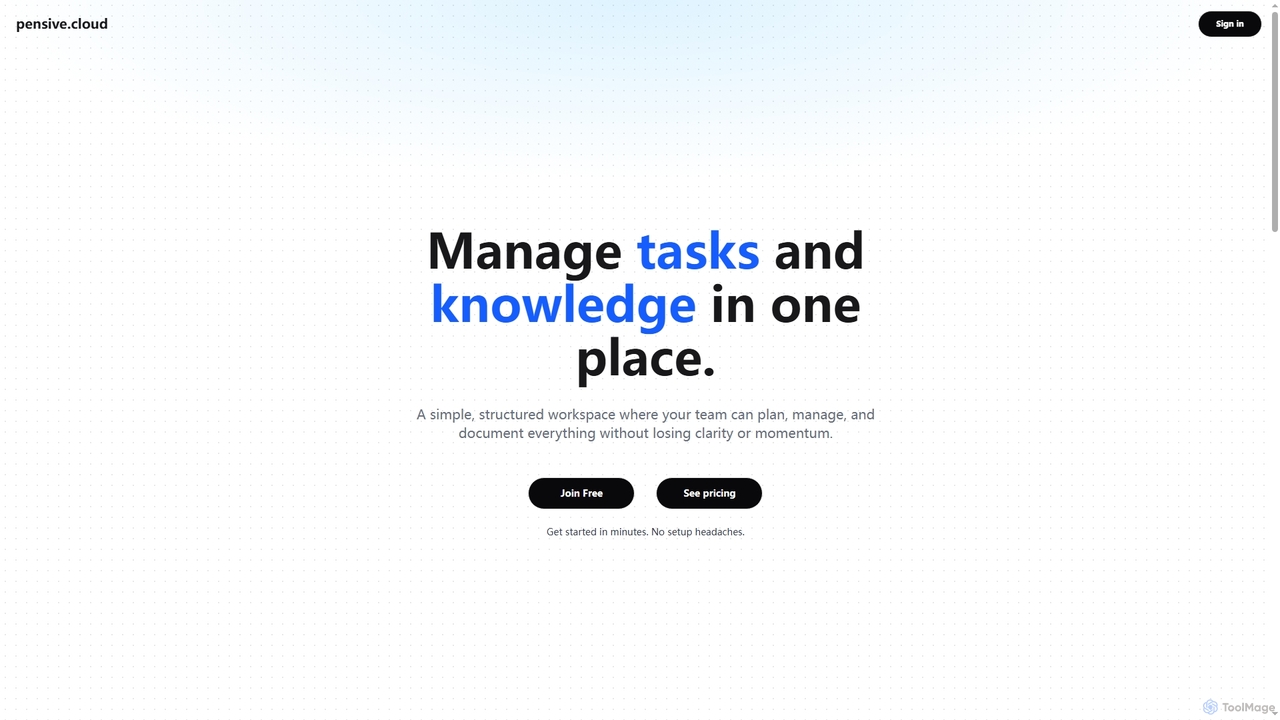
Pensive
Pensive is a unified workspace designed for teams to manage tasks, knowledge, and collaboration in one place. It offers simple task management, a centralized knowledge hub, and seamless team communication to keep projects organized and moving forward without complexity.
Collaboration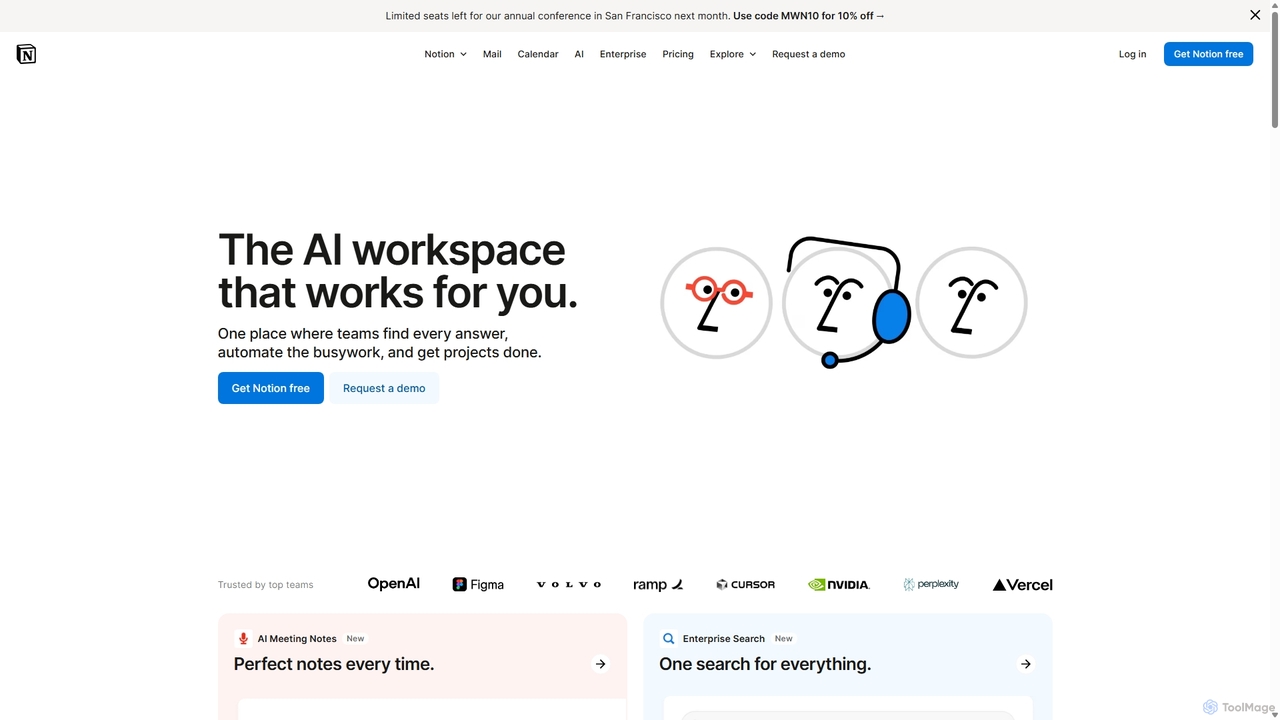
Notion
Notion is an all-in-one AI workspace that combines notes, docs, project management, and wikis into a single, highly customizable platform. It empowers teams and individuals to organize information, manage projects, and collaborate more effectively, all within a flexible, block-based editor enhanced with powerful AI capabilities.
Knowledge Management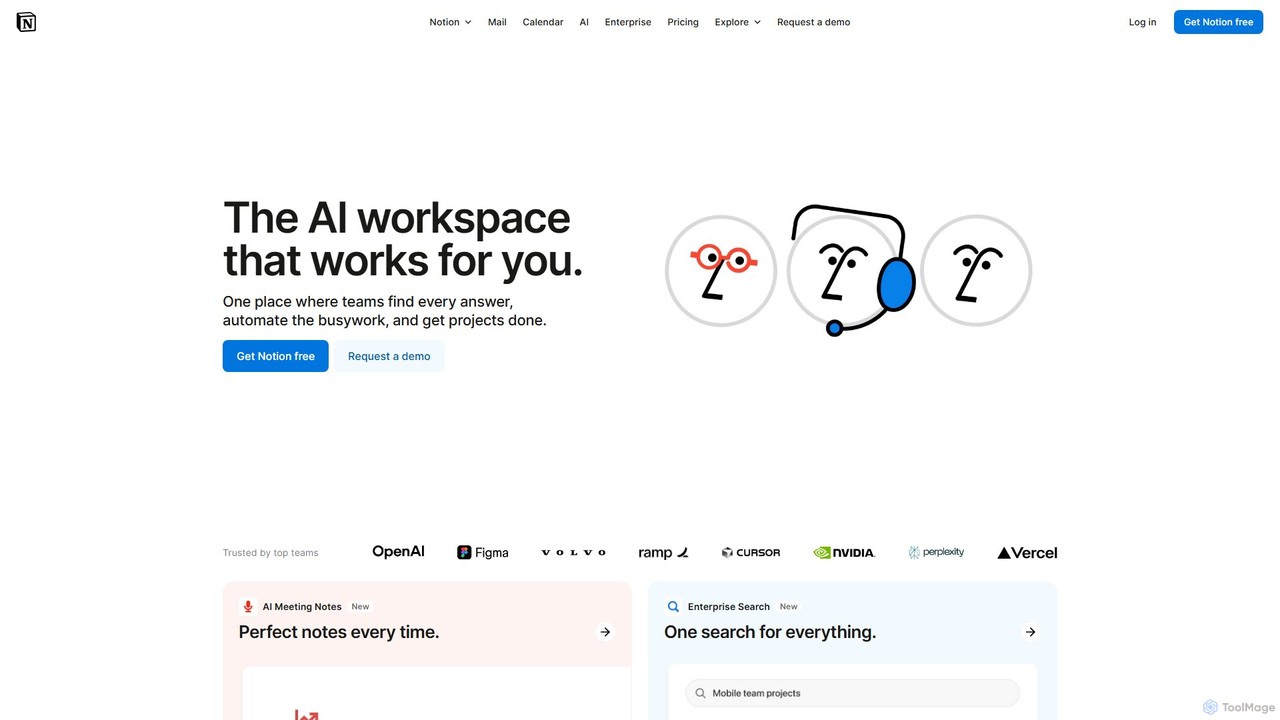
Notion
Notion is the all-in-one AI workspace that combines notes, documents, project management, and wikis. It provides a flexible, customizable platform where individuals and teams can organize work, collaborate in real-time, and build custom workflows. With integrated AI features, Notion helps automate tasks, summarize content, and generate ideas, consolidating multiple tools into a single, powerful space for enhanced productivity.
Knowledge Management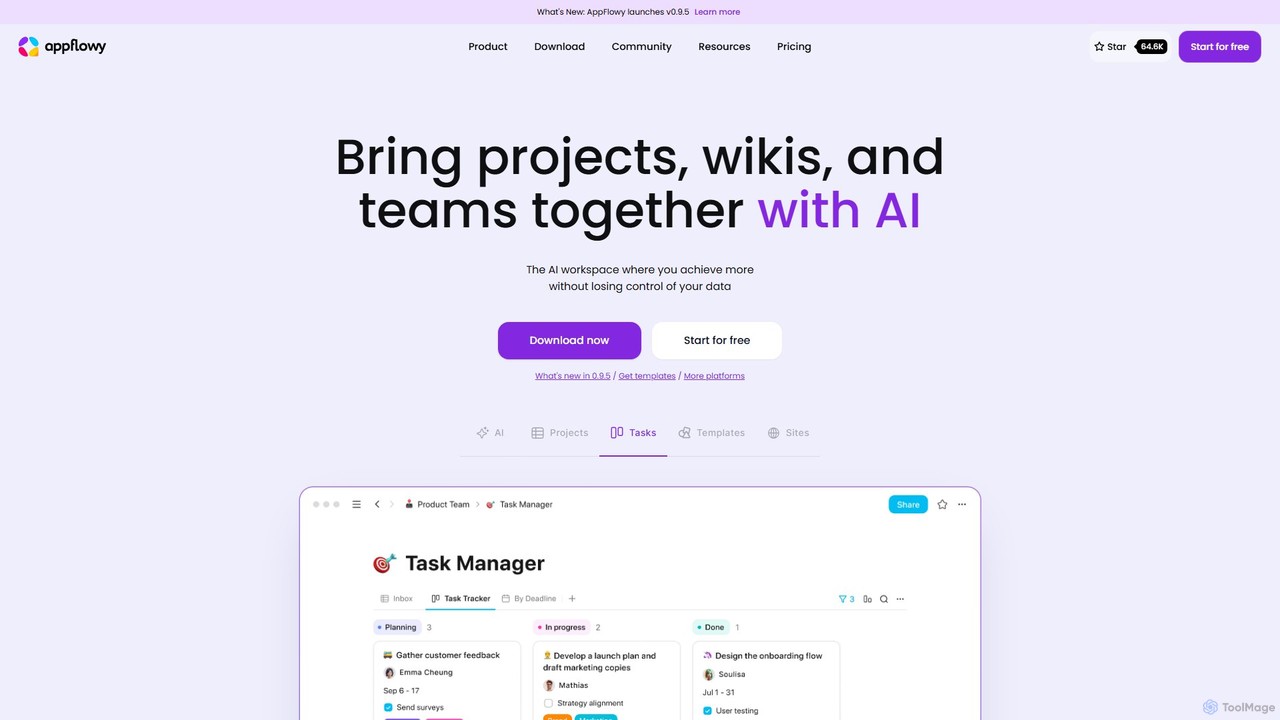
AppFlowy
AppFlowy is a secure, open-source AI workspace designed for projects, wikis, and teams. It offers a privacy-first alternative to tools like Notion, allowing users to own their data through self-hosting and offline capabilities. It integrates powerful AI for writing, search, and task automation, supporting both local and cloud-based models.
Documentation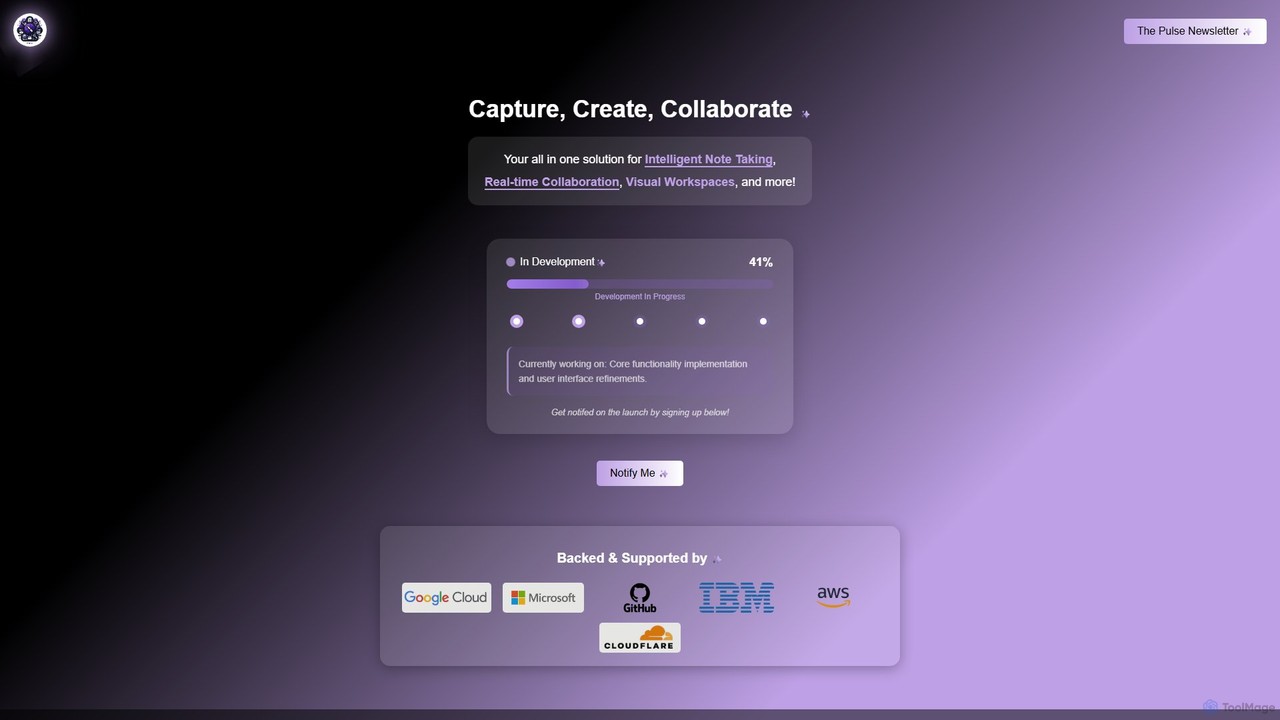
Prodhiiv
Prodhiiv is an upcoming all-in-one intelligent workspace designed for modern productivity. It integrates intelligent note-taking, real-time collaboration, and visual workspaces to help teams and individuals capture, create, and collaborate more effectively. It aims to be a central hub for all your ideas and projects.
CollaborationWroolo Categories
Wroolo Embed Widget
Copy this embed code to place the badge on your blog, article, or product site and send readers directly to this ToolMage detail page.

Related AI tools
Pensive
Pensive is a unified workspace designed for teams to manage tasks, knowledge, and collaboration in one place. It offers simple task management, a centralized knowledge hub, and seamless team communication to keep projects organized and moving forward without complexity.
Collaboration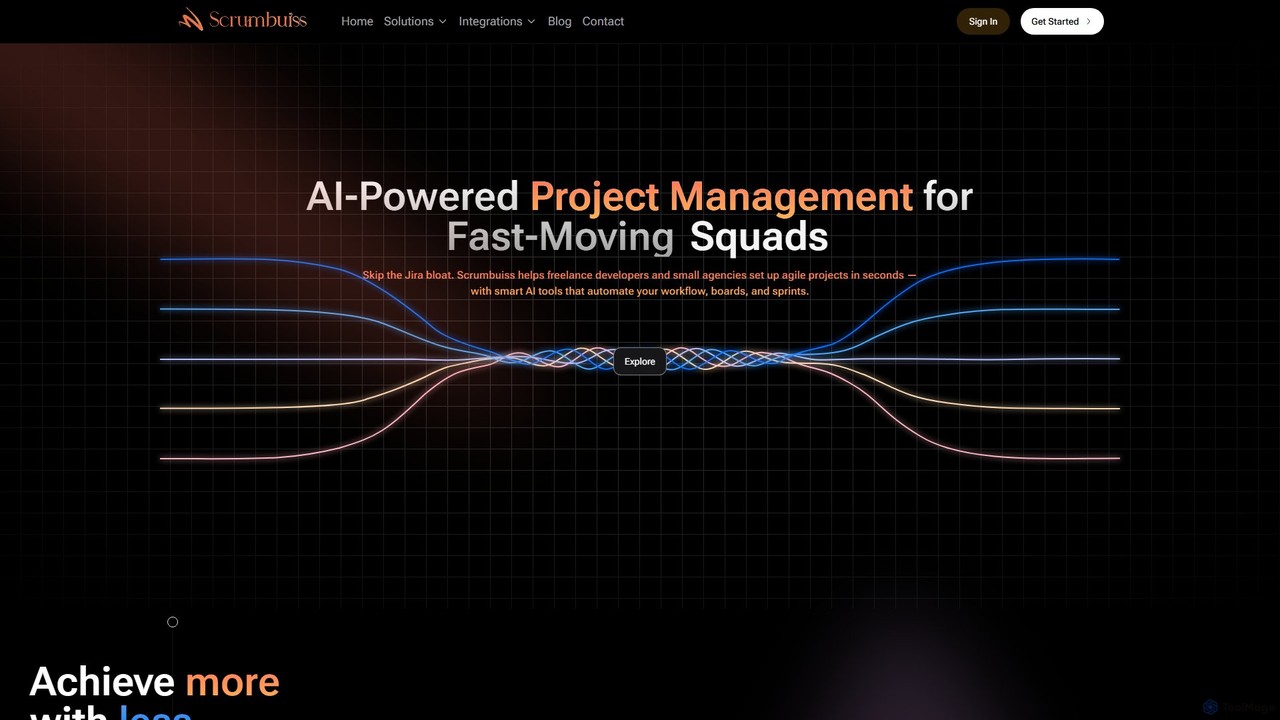
Scrumbuiss
Scrumbuiss is an AI-powered project management software designed for freelance developers and small agencies. It offers a streamlined, fast alternative to complex tools like Jira, enabling teams to set up agile projects, sprints, and boards in seconds. Automate your workflows and boost productivity with its intuitive, AI-driven features.
Task Management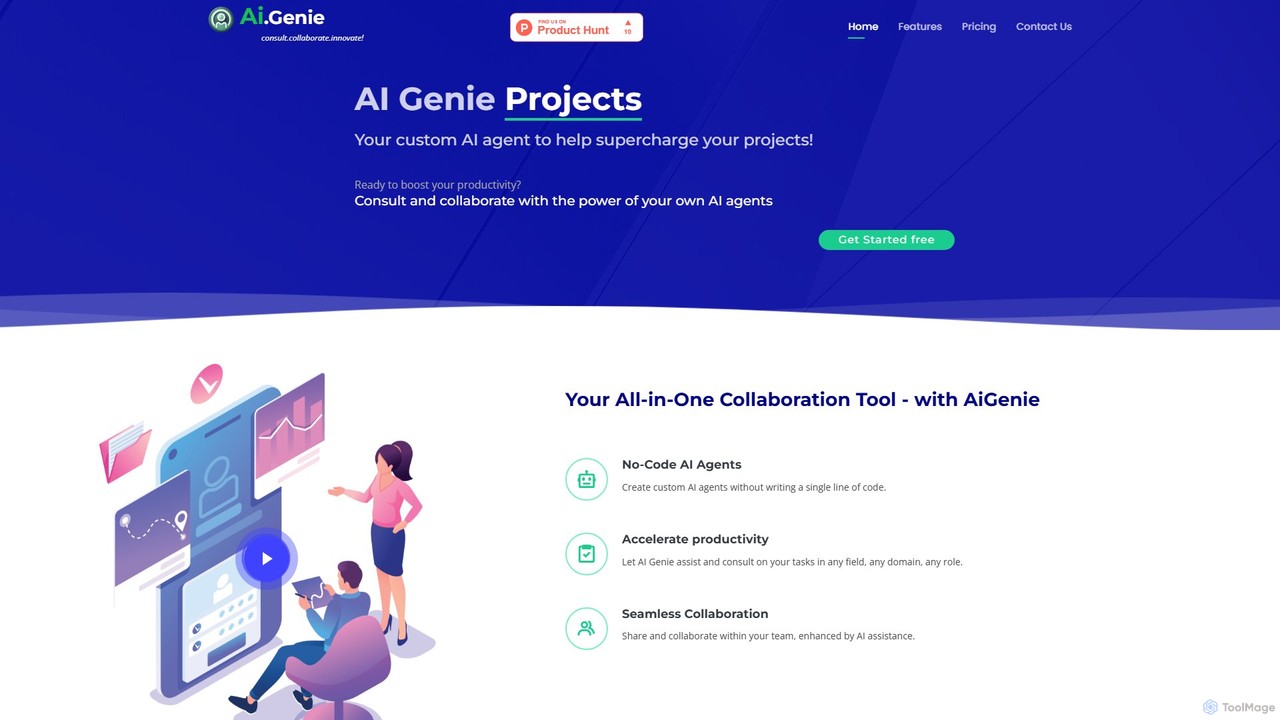
goaigenie
goaigenie is an all-in-one, no-code AI collaboration platform designed to boost productivity. It allows users to create custom AI agents for any task, manage projects, and collaborate seamlessly with teams. Build knowledge bases from files and websites to power your AI, all within a secure, privacy-focused environment.
Agent Builder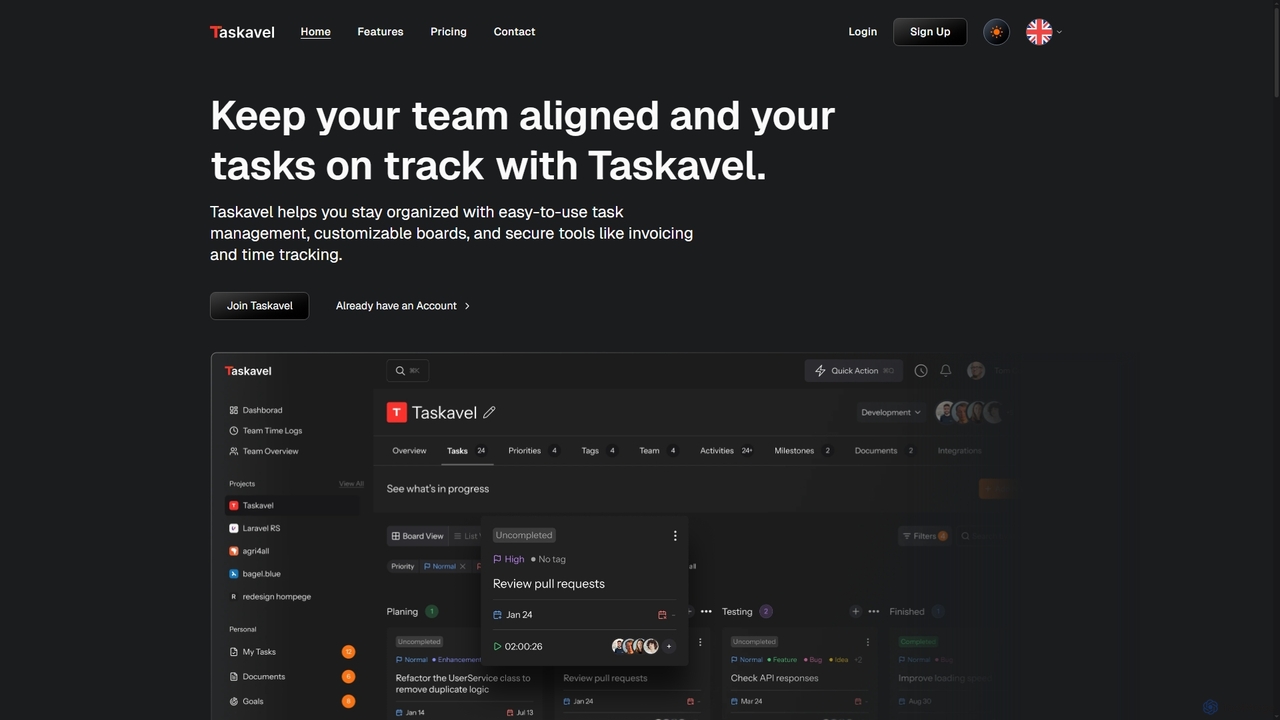
Taskavel
Taskavel is a comprehensive task and project management platform designed to keep teams aligned and tasks on track. It offers intuitive tools like customizable Kanban boards, integrated time tracking, invoicing, and robust collaboration features, especially tailored for developers and agile teams.
Workflow AutomationNotion
Notion is an all-in-one AI workspace that combines notes, docs, project management, and wikis into a single, highly customizable platform. It empowers teams and individuals to organize information, manage projects, and collaborate more effectively, all within a flexible, block-based editor enhanced with powerful AI capabilities.
Knowledge ManagementNotion
Notion is the all-in-one AI workspace that combines notes, documents, project management, and wikis. It provides a flexible, customizable platform where individuals and teams can organize work, collaborate in real-time, and build custom workflows. With integrated AI features, Notion helps automate tasks, summarize content, and generate ideas, consolidating multiple tools into a single, powerful space for enhanced productivity.
Knowledge ManagementAppFlowy
AppFlowy is a secure, open-source AI workspace designed for projects, wikis, and teams. It offers a privacy-first alternative to tools like Notion, allowing users to own their data through self-hosting and offline capabilities. It integrates powerful AI for writing, search, and task automation, supporting both local and cloud-based models.
DocumentationProdhiiv
Prodhiiv is an upcoming all-in-one intelligent workspace designed for modern productivity. It integrates intelligent note-taking, real-time collaboration, and visual workspaces to help teams and individuals capture, create, and collaborate more effectively. It aims to be a central hub for all your ideas and projects.
Collaboration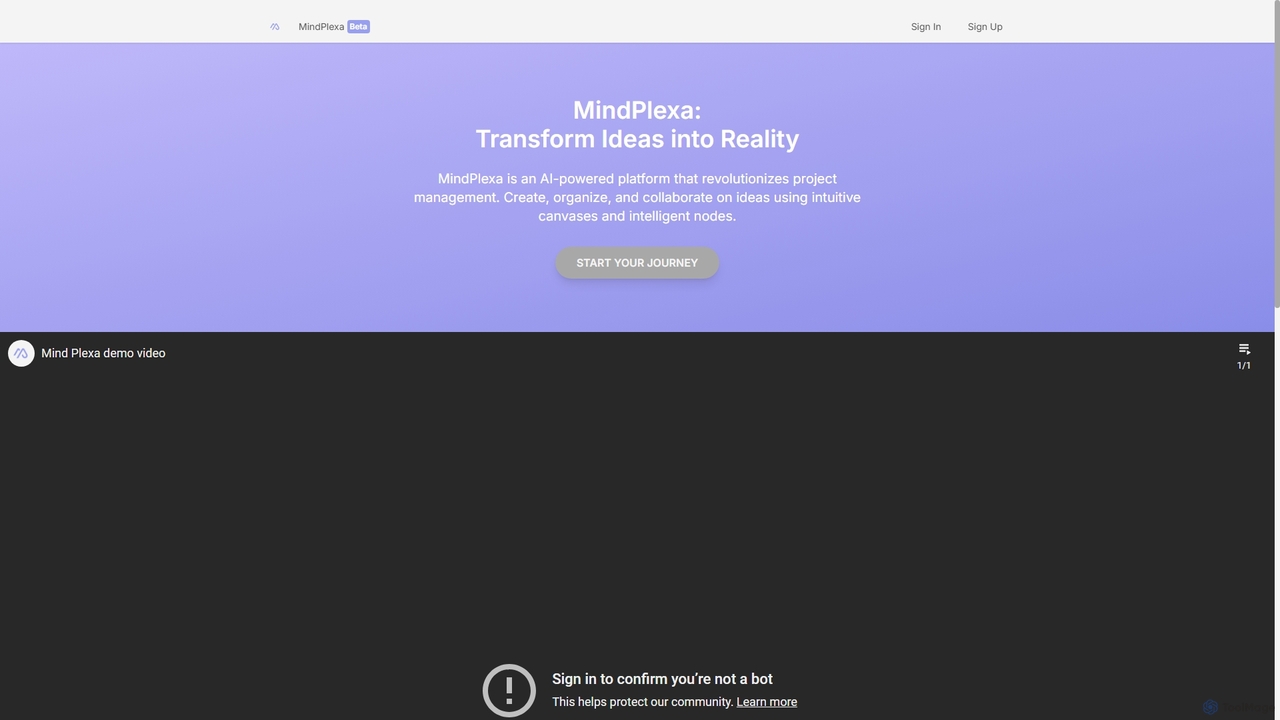
MindPlexa
MindPlexa is an AI-powered productivity platform that transforms ideas into actionable projects. It combines visual mind mapping with intelligent project management, allowing users to create, organize, and collaborate on ideas using intuitive canvases and smart nodes. The AI assistant helps generate project layouts, suggest tasks, and streamline workflows, making it an ideal tool for teams and individuals looking to boost creativity and efficiency.
Teamwork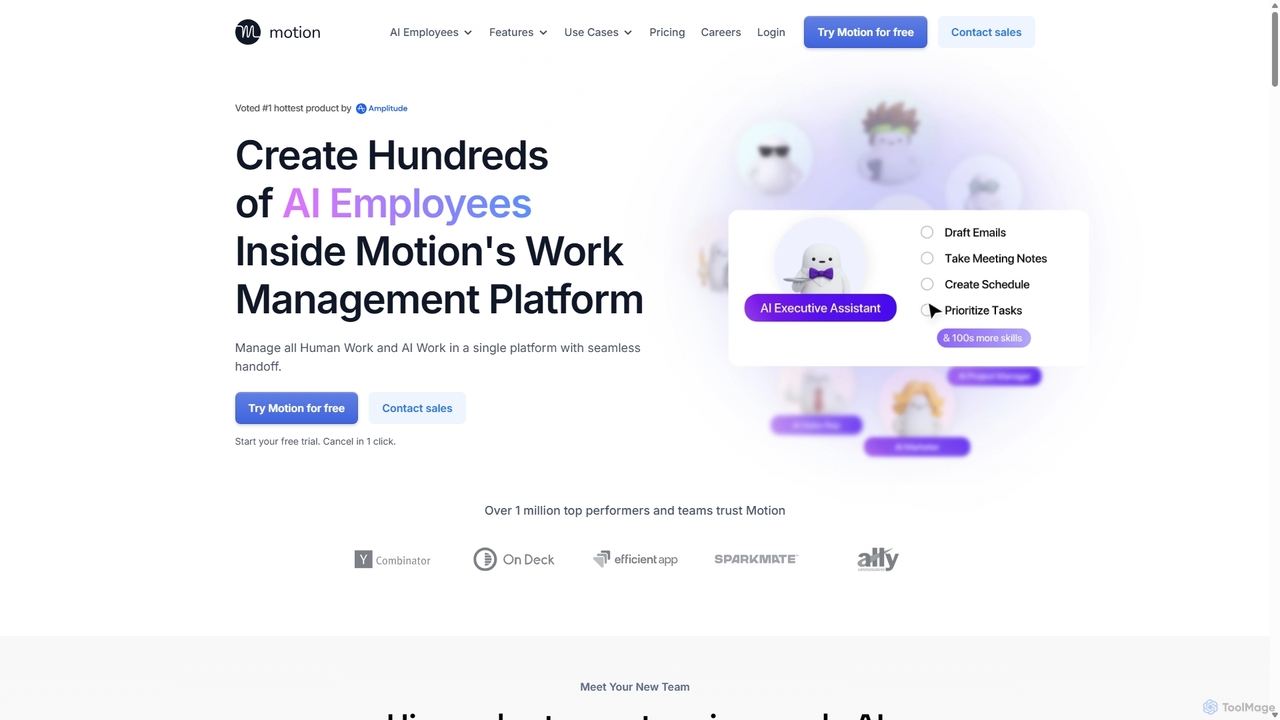
Motion
Motion is an AI-powered platform that provides a suite of AI Employees and productivity tools to automate tasks, manage projects, and organize schedules. It's designed to 10x your team's output by handling everything from calendar management and email replies to sales outreach and customer support, all within a single integrated workspace.
Virtual Assistant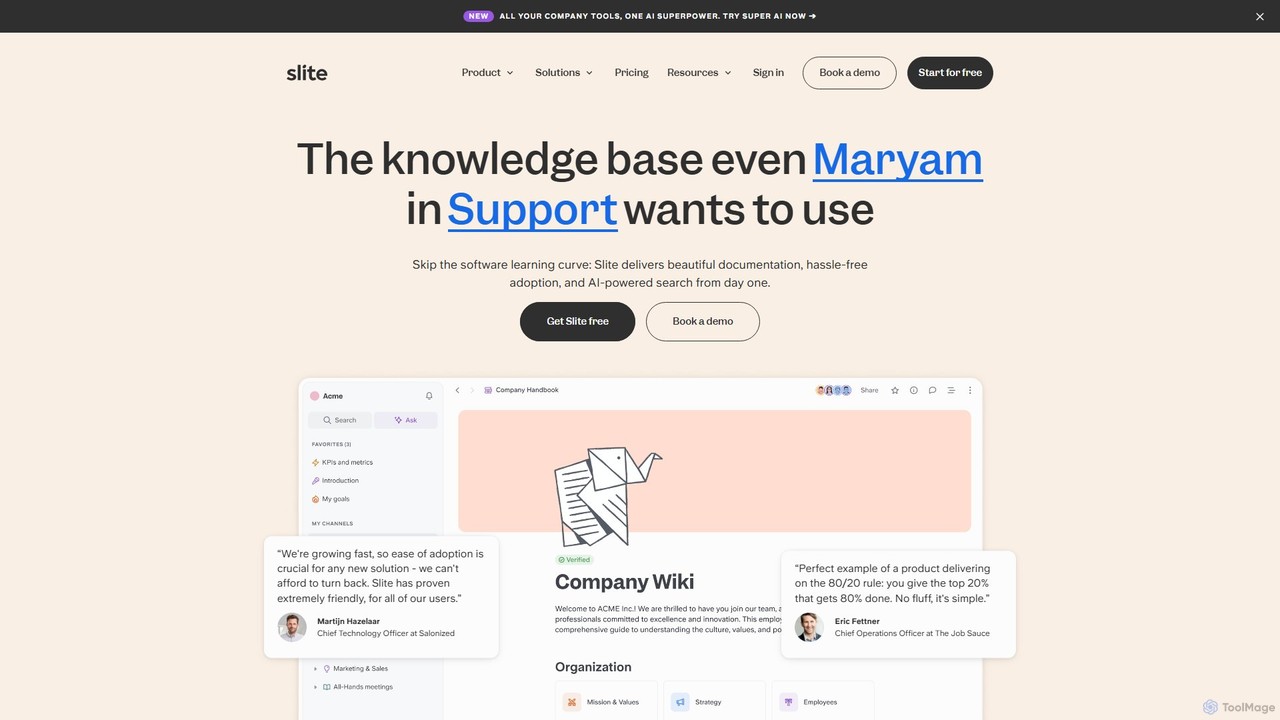
Slite
Slite is an AI-powered knowledge base designed for modern teams. It simplifies documentation, centralizes company knowledge, and provides instant, trustworthy answers through its smart search. Built for high adoption, Slite ensures your team can easily create, manage, and find the information they need, eliminating repetitive questions and information silos.
Team Management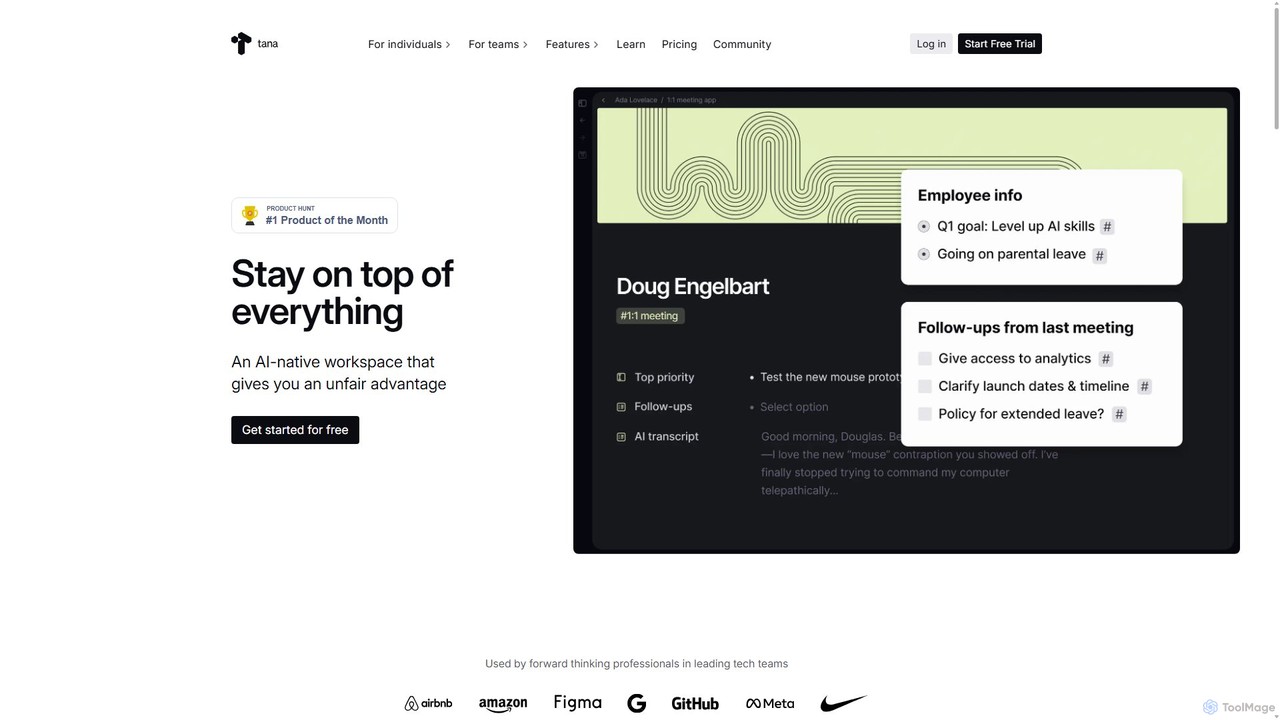
Tana
Tana is a powerful AI-native workspace that blends an outliner with a database. Structure your notes on the fly with Supertags, automate workflows with AI, and manage everything from tasks and projects to your entire knowledge base in one interconnected graph.
Project Management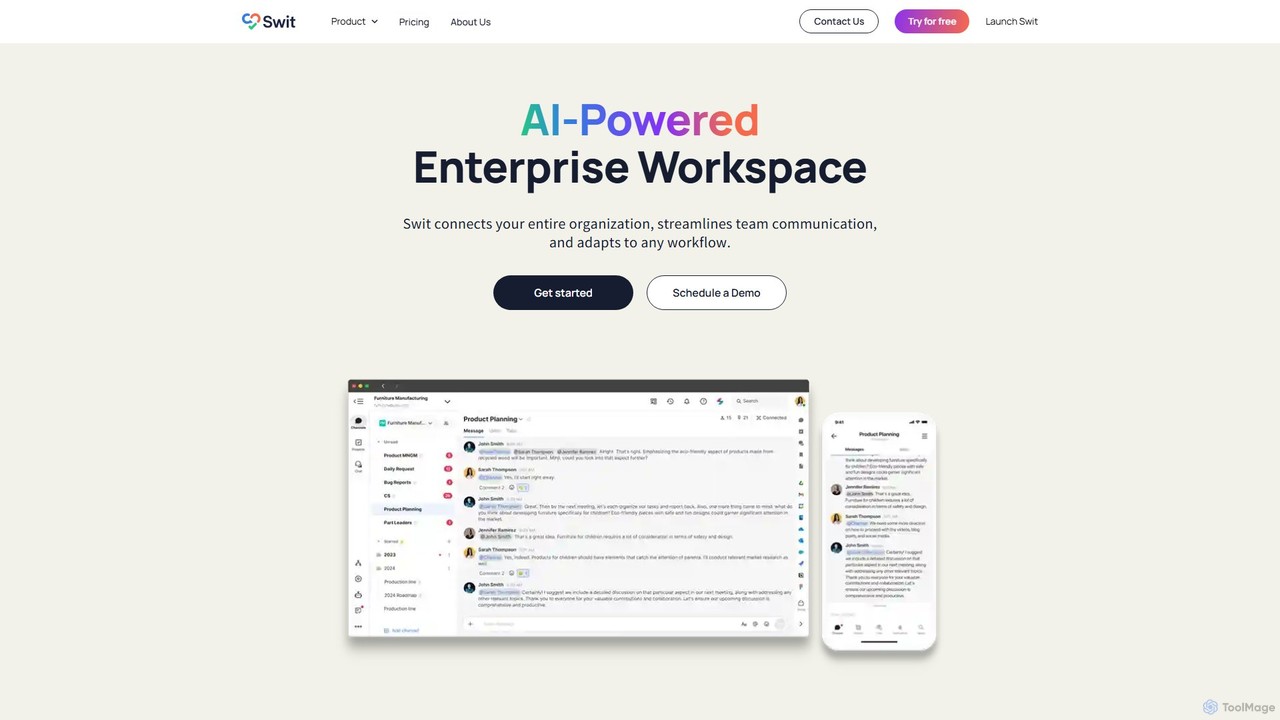
Swit
Swit is an AI-powered enterprise workspace that unifies team communication and task management into a single, integrated platform. It eliminates the need to switch between apps like Slack and Asana by combining chat, projects, automation, and powerful integrations. Designed for organizations of all sizes, Swit streamlines workflows, enhances cross-functional collaboration, and provides a central hub for all work-related activities, boosting productivity and transparency.
Team Management
Saga
Saga is an AI-powered workspace designed for notes, documents, and tasks. It combines a fast, intuitive editor with powerful knowledge management features like automatic linking and back-references. With integrated GPT-4o, Saga helps individuals and teams streamline workflows, from content creation and project management to building a collaborative knowledge base, all within a single, interconnected environment.
Knowledge Management
Leiga
Leiga is an AI-powered project management platform designed for agile teams. It streamlines workflows with customizable Scrum and Kanban boards, powerful automations, and unique features like AI-enhanced screen recording. Ideal for software development, HR, and marketing teams, Leiga helps balance workloads, track progress with insightful dashboards, and integrate seamlessly with popular developer and collaboration tools.
Team Collaboration
Wroolo Comments (0)
Sign in to comment.
Sign inNo comments yet.