Design Best in category 4 results Whiteboard AI Tool

Popular AI tools in the Whiteboard field of Design include Lucidspark、DGM、vienna、Flux AI, etc., helping you quickly improve efficiency.

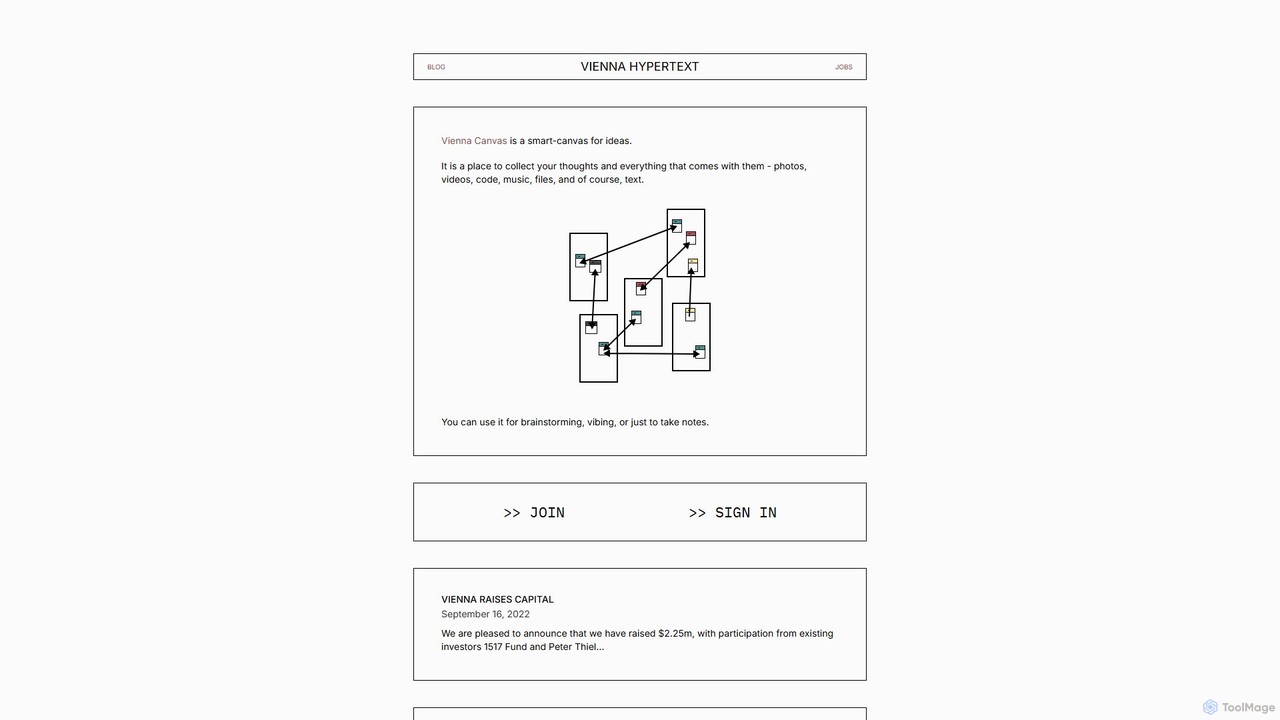
vienna

vienna

vienna is a networked smart-canvas designed for creative and intellectual work. It provides a freeform space to collect, …

2.9K
DGM

DGM

DGM is an AI-powered online platform for creating professional sketchnotes and visual diagrams. It combines a flexible digital …

6.0K
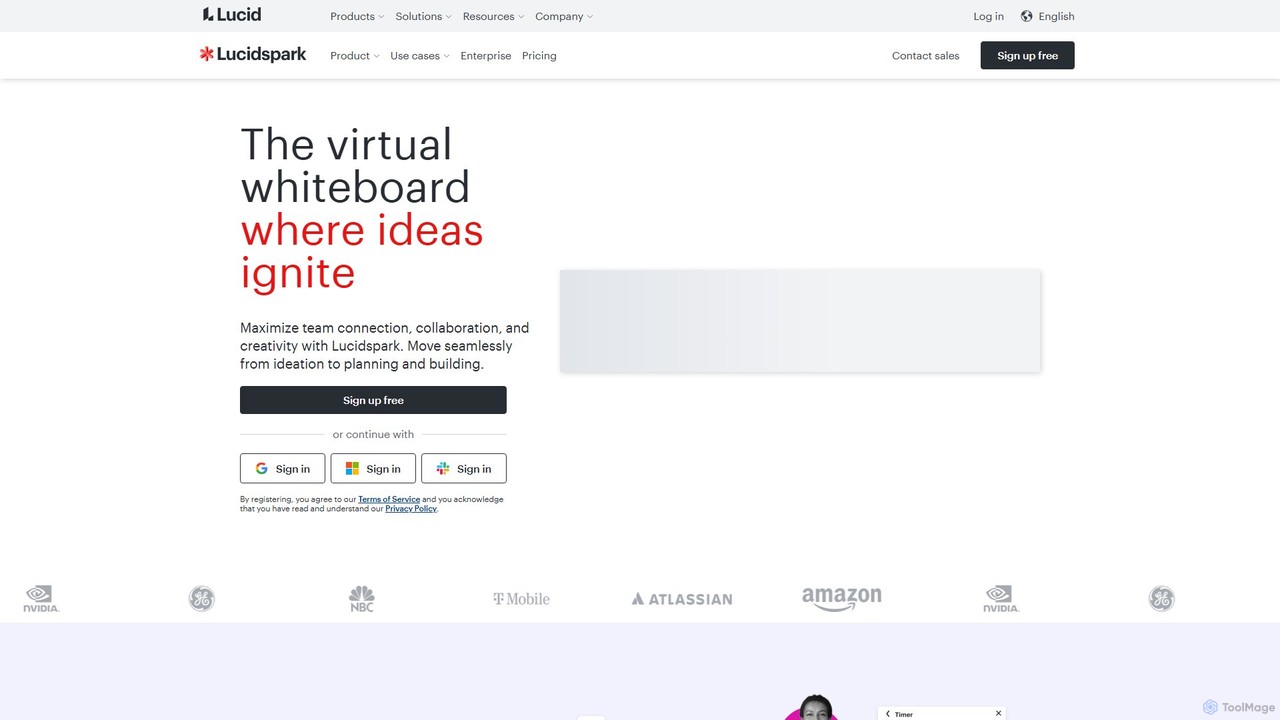
Lucidspark

Lucidspark

Lucidspark is an AI-powered virtual whiteboard designed to enhance team collaboration, brainstorming, and project planning. It provides an …

793.8K
Flux AI

Flux AI

Flux AI is an intelligent collaborative whiteboard that transforms text prompts into complex diagrams. It empowers teams to …

2.8K

About Whiteboard

AI Whiteboard tools are digital collaborative canvases supercharged with artificial intelligence to automate and accelerate visual ideation. They leverage AI algorithms to generate ideas, structure information, and transform rough sketches into polished diagrams automatically. This enables teams to move from brainstorming to actionable plans more efficiently, enhancing creativity and productivity in remote or hybrid work environments. These platforms serve as a central hub for strategic planning, design thinking, and complex problem-solving.

Core Features

  • AI Idea Generation: Automatically creates mind maps, sticky notes, or lists of ideas based on a simple text prompt.
  • Automated Diagramming: Instantly converts hand-drawn sketches or text descriptions into structured flowcharts, UML diagrams, or system architecture maps.
  • Intelligent Clustering & Summarization: Analyzes content on the board to group related notes into themes and generate concise summaries of brainstorming sessions.
  • Real-time Collaboration: Allows multiple users to work on the same infinite canvas simultaneously with live cursors, comments, and version history.
  • AI-Powered Templates: Generates custom templates for specific workflows like SWOT analysis, customer journey mapping, or project retrospectives.

Use Cases

AI Whiteboards are widely used by agile development teams, product managers, UX/UI designers, and workshop facilitators. They are ideal for remote brainstorming sessions, strategic planning meetings, mapping out user flows, and conducting interactive training. For instance, a product team can use AI to generate feature ideas, while an engineering team can use it to auto-generate system diagrams from a technical discussion.

How to Choose

When selecting an AI Whiteboard, consider the specific AI capabilities you need, such as idea generation versus diagramming. Evaluate its real-time collaboration performance and user management features. Check for essential integrations with your existing tools like Jira, Slack, or Figma. Finally, assess the usability of the interface and the performance of the infinite canvas, especially when handling large, complex boards.

WhiteboardUse Cases

1

Accelerate Agile Team Retrospectives

A Scrum Master for a remote software development team uses an AI Whiteboard to facilitate sprint retrospectives. Team members add virtual sticky notes with feedback. The AI automatically clusters these notes into relevant themes like 'What went well,' 'What to improve,' and 'Action items.' It then generates a concise summary of the discussion, saving the Scrum Master significant time in manual sorting and documentation, allowing the team to focus on meaningful conversation and creating actionable improvement plans.

2

Generate Product Strategy Mind Maps

A product management team is brainstorming for their next quarterly roadmap. They start by typing a central theme into the AI Whiteboard, such as 'Improve user engagement.' The AI instantly generates a mind map with multiple branches suggesting potential feature categories, user segments to target, and key metrics to track. This serves as a powerful starting point, helping the team explore diverse ideas and structure their strategic discussion visually, leading to a more comprehensive and well-organized product plan.

3

Automate User Flow and System Diagrams

A UX designer and a software architect are collaborating on a new feature. The designer sketches a rough user journey on the AI Whiteboard. With one click, the AI transforms the sketch into a clean, standardized user flow diagram. Similarly, the architect lists the system components and their connections in text. The AI then automatically generates a formal system architecture diagram, complete with the correct icons and connectors. This automation bridges the gap between ideation and formal documentation, saving hours of manual diagramming work in tools like Visio or Lucidchart.

4

Facilitate Interactive Remote Workshops

A corporate trainer conducts a virtual workshop on design thinking for a globally distributed team. They use an AI Whiteboard as the central collaborative space. The AI helps create breakout room templates on the fly and, after the sessions, automatically gathers key takeaways from each group's board. It then synthesizes this information into a single, organized summary report. This allows the trainer to manage a complex, multi-group session smoothly and provides participants with a clear, consolidated document of the workshop's outcomes.

5

Visualize and Organize Research Data

A UX researcher has gathered extensive qualitative data from user interviews. They paste raw interview notes onto the AI Whiteboard. The AI tool processes the text, identifies key themes, pain points, and user quotes, and organizes them into an affinity diagram. This automated process transforms unstructured data into a visual, easy-to-understand format, enabling the research team to quickly identify patterns and derive actionable insights without spending days manually sorting through notes.

6

Create Educational Content and Lesson Plans

An educator is preparing a lesson on a complex topic like cellular biology. They input the main subject into the AI Whiteboard and ask it to generate a visual lesson plan. The AI creates a structured board with sections for key concepts, vocabulary, interactive activities, and assessment questions. It can even generate simple diagrams to illustrate processes. This allows the teacher to quickly build a comprehensive and engaging lesson plan, which can be shared directly with students as an interactive learning resource.

WhiteboardFrequently Asked Questions