

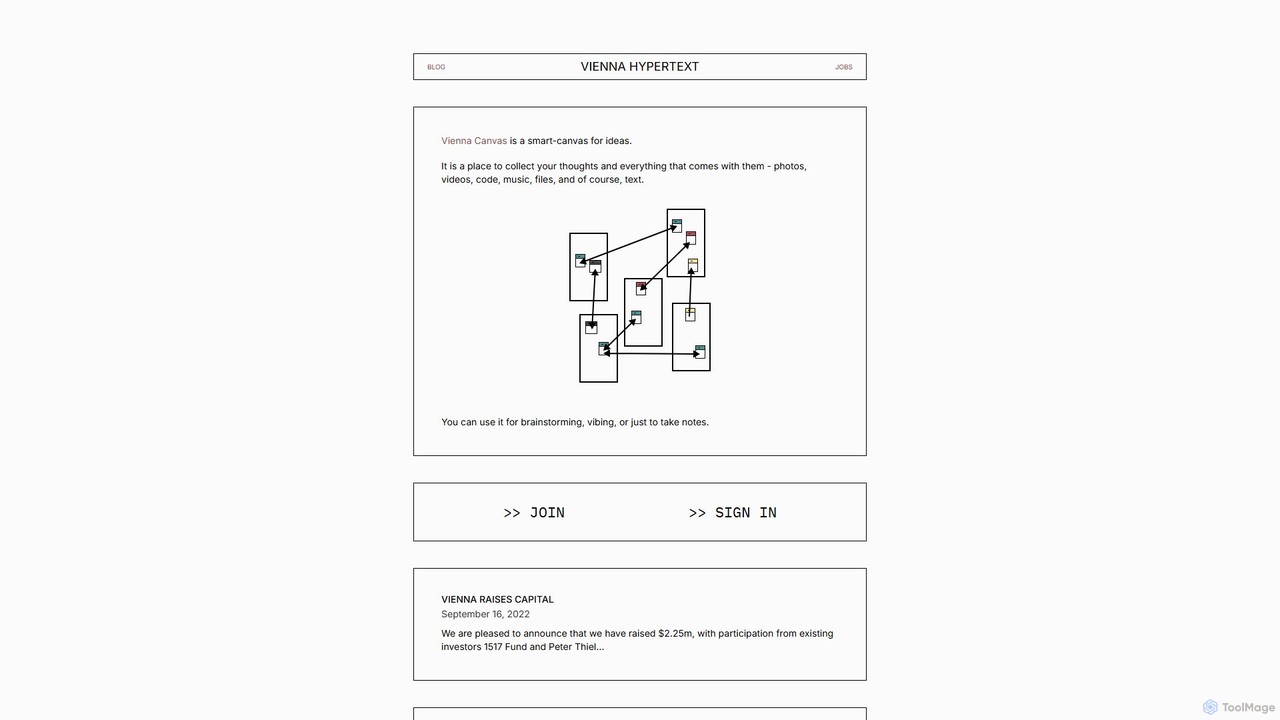
vienna Overview
vienna, also known as Vienna Hypertext, is a sophisticated 'tool for thought' that reimagines the digital workspace as an intelligent canvas. Inspired by the pioneering computing concepts of the 1960s and 70s, which viewed computers as extensions of the human intellect, vienna provides a fluid and networked environment for building and exploring ideas. It is designed not just for productivity, but for deep thinking, creative exploration, and the organic development of concepts. Users can populate their canvas with a wide array of media, including text, photos, videos, music, code snippets, and files, breaking free from the linear constraints of traditional documents.
The core philosophy of vienna is to create a 'digital underground for new ideas,' a space where thoughts can be visually organized, interconnected, and cultivated over time. This makes it an exceptional tool for artists, writers, researchers, strategists, and anyone whose work involves synthesizing complex information and fostering creativity. The platform's minimalist aesthetic is intentional, aiming to reduce digital noise and allow users to focus purely on their intellectual and creative process.
How to use vienna
Using vienna is an intuitive process designed to feel like an extension of your own thinking. The workflow generally follows these steps:
- Create a Canvas: Start by opening a new canvas, which serves as your infinite workspace.
- Add Content: Populate your canvas by adding various blocks of content. You can type notes, drag and drop images, embed videos from the web, paste code snippets, or upload files directly.
- Arrange Spatially: Move your content blocks around freely on the canvas. Group related items together, create visual hierarchies, or lay out a timeline. The spatial arrangement is a key part of the thinking process.
- Connect Ideas: Use hypertext links or visual connectors to establish relationships between different pieces of information. This creates a web of knowledge that mirrors the way our brains work, allowing you to navigate your thoughts non-linearly.
- Develop and Iterate: Your canvas is a living document. Revisit it to add new insights, rearrange elements as your understanding evolves, and use it as a foundation for larger projects, from writing an article to planning a business strategy.
- Collaborate (Inferred): As a 'networked' canvas, it's designed for ideas to connect, suggesting future or existing capabilities for sharing and collaborating with others on a shared visual space.
Core Features of vienna
- Infinite Spatial Canvas: An endless workspace that allows for non-linear organization of information, freeing you from the constraints of pages and slides.
- Multimedia Integration: Seamlessly combine text, images, videos, audio files, code blocks, and other file types in a single, unified environment.
- Hypertextual-Linking: Create deep, meaningful connections between ideas, notes, and media, building a personal knowledge graph.
- Minimalist, Focus-Oriented Interface: A clean and unobtrusive design that minimizes distractions and keeps the focus on your content and ideas.
- Tool for Thought Philosophy: Built from the ground up to support deep work, creative synthesis, and intellectual exploration rather than just task management.
- Networked Environment: Designed for ideas to be interconnected, fostering a web of knowledge that can be explored and expanded over time.
Use Cases for vienna
vienna is versatile and can be adapted to numerous professional and personal workflows:
- Creative Professionals: Artists, designers, and writers can use it for mood boarding, storyboarding, character development, and brainstorming visual concepts.
- Researchers and Academics: Ideal for synthesizing literature reviews, mapping out research questions, connecting data points, and visually organizing complex theories. li>Strategists and Entrepreneurs: Perfect for mapping business models, planning marketing campaigns, conducting SWOT analysis, and brainstorming new product features.
- Students and Lifelong Learners: A powerful tool for taking visual notes, organizing study materials for different subjects, and creating personal knowledge bases.
- Software Developers: Useful for architecting systems, mapping user flows, and collecting code snippets and technical documentation in one place.
Advantages of vienna
The primary advantage of vienna is its commitment to fostering a deeper, more creative mode of thinking. Unlike structured productivity apps, it encourages exploration and serendipity. Its ability to handle diverse media types makes it a true all-in-one hub for a project's ideation phase. The minimalist design reduces cognitive overhead, while the networked, spatial interface aligns more naturally with how we process and connect complex information. Backed by prominent investors, the tool promises continuous development and innovation in the 'tools for thought' space.
Pricing and Plans
As of the latest information, vienna appears to be in an early access or beta stage. The official website invites users to 'JOIN' or 'SIGN IN' but does not publicly list specific pricing tiers or plans. This model is common for new, innovative tools that are building a user base and refining their product. It is anticipated that a freemium or subscription-based model may be introduced in the future. For the most current information on access and potential costs, interested users should visit the official vienna website and sign up.
vienna Alternatives

Scrintal
Scrintal is an AI-powered visual note-taking and research tool designed for thinkers, researchers, and students. It combines an infinite canvas for brainstorming with a powerful block-based editor and an AI assistant, Gobu. Organize ideas, connect concepts with bi-directional links, and seamlessly turn your visual thoughts into structured written documents.
Research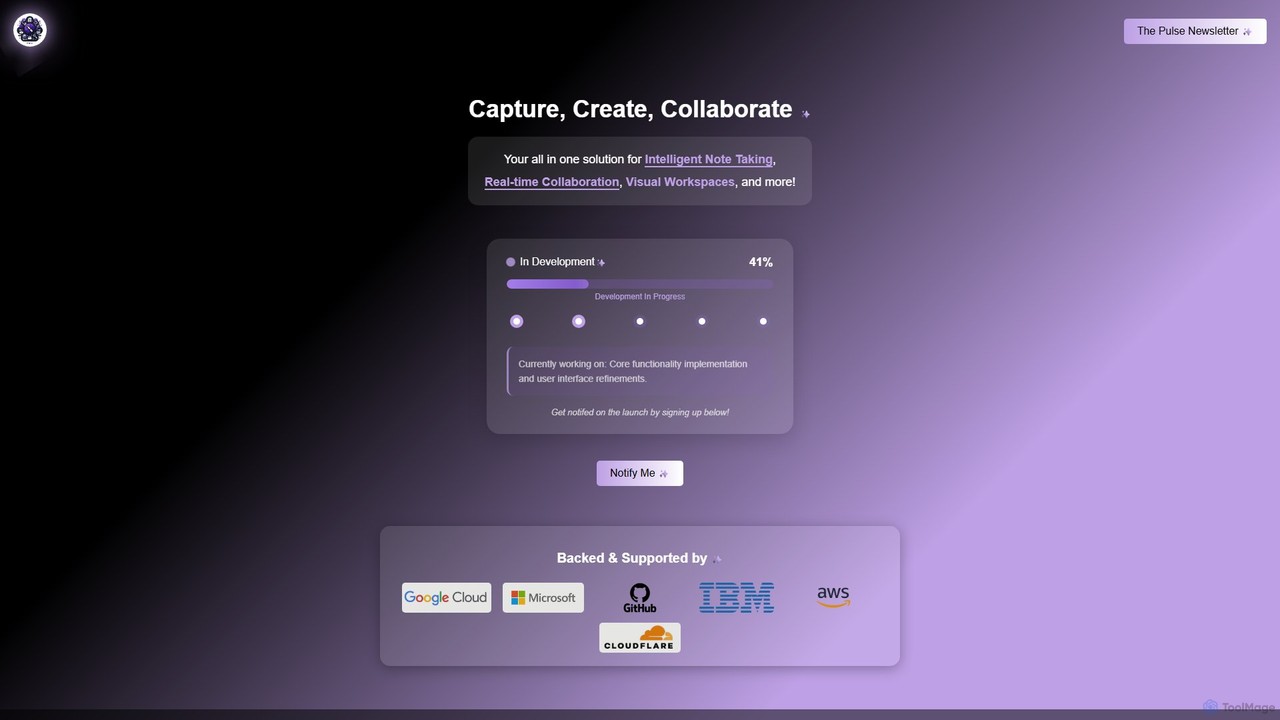
Prodhiiv
Prodhiiv is an upcoming all-in-one intelligent workspace designed for modern productivity. It integrates intelligent note-taking, real-time collaboration, and visual workspaces to help teams and individuals capture, create, and collaborate more effectively. It aims to be a central hub for all your ideas and projects.
Collaboration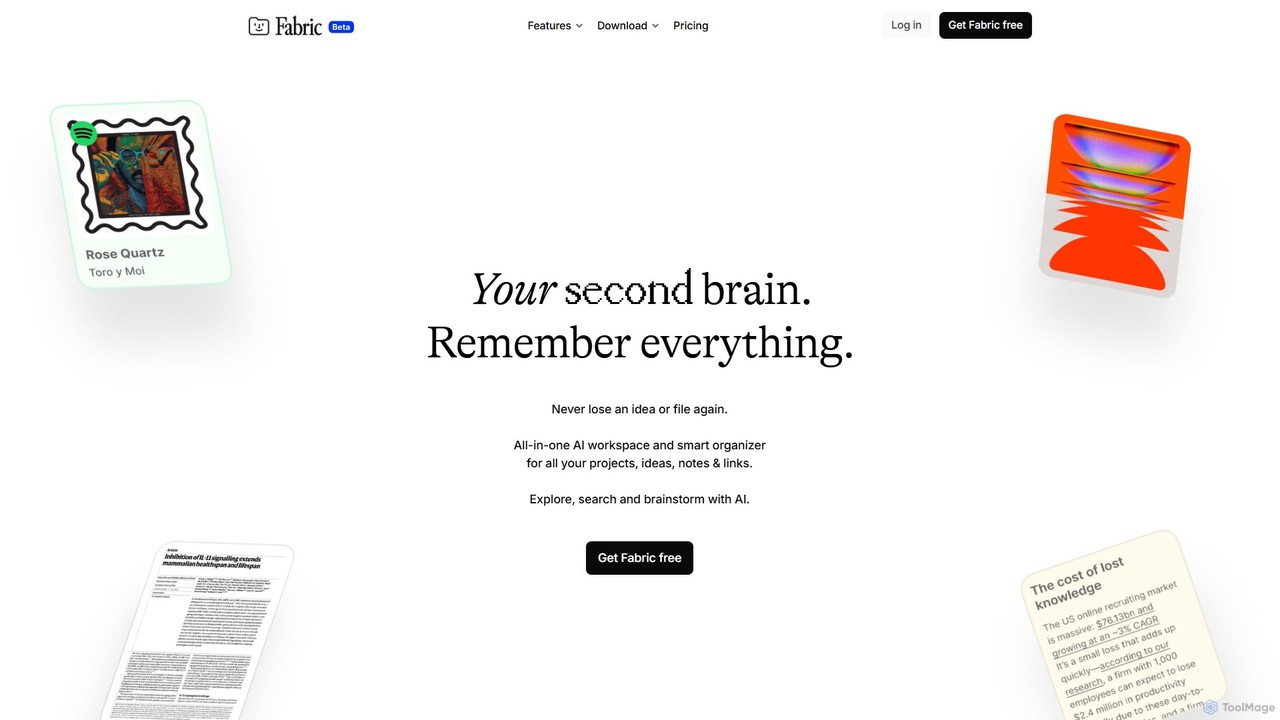
Fabric
Fabric is an AI-powered workspace and smart organizer that acts as your second brain. It automatically centralizes and connects all your notes, files, links, and ideas, eliminating the need for manual organization. Search your entire digital library with natural language and collaborate with an intelligent AI partner.
Personal Assistant
jotapp
jotapp is an AI-powered note-taking and writing assistant designed to streamline your workflow. Effortlessly capture ideas, transcribe audio, summarize content, and generate high-quality text, all within a clean, intuitive interface. It's the perfect tool for students, writers, and professionals looking to boost productivity and creativity.
Transcription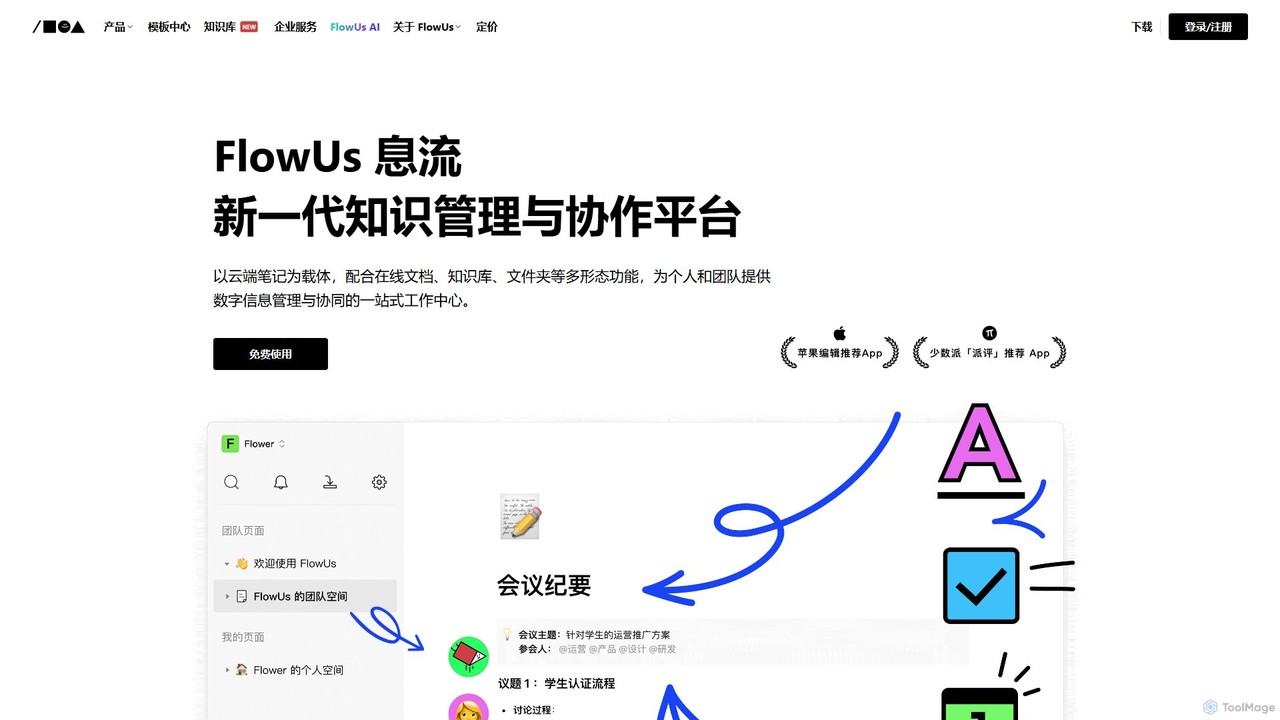
FlowUs
FlowUs is a next-generation knowledge management and collaboration platform that integrates documents, notes, databases, and project management into a unified workspace. It features a powerful, natively embedded AI assistant to streamline workflows for individuals and teams.
Writingvienna Categories
vienna Embed Widget
Copy this embed code to place the badge on your blog, article, or product site and send readers directly to this ToolMage detail page.

Related AI tools
Scrintal
Scrintal is an AI-powered visual note-taking and research tool designed for thinkers, researchers, and students. It combines an infinite canvas for brainstorming with a powerful block-based editor and an AI assistant, Gobu. Organize ideas, connect concepts with bi-directional links, and seamlessly turn your visual thoughts into structured written documents.
ResearchProdhiiv
Prodhiiv is an upcoming all-in-one intelligent workspace designed for modern productivity. It integrates intelligent note-taking, real-time collaboration, and visual workspaces to help teams and individuals capture, create, and collaborate more effectively. It aims to be a central hub for all your ideas and projects.
Collaboration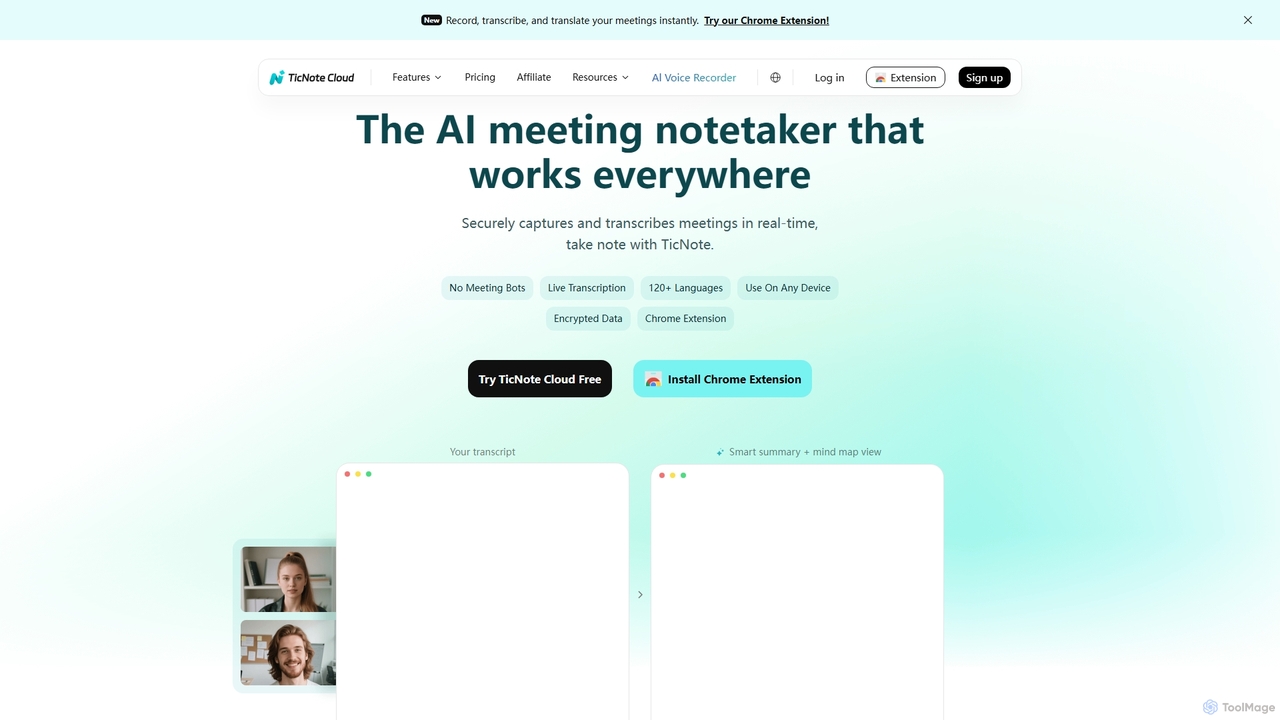
TicNote
TicNote is an AI-powered meeting notetaker that transcribes, summarizes, and organizes conversations in real-time across 120+ languages. It uses on-device AI to generate smart summaries, mind maps, and action items without meeting bots, enhancing productivity and knowledge management for professionals.
Language Processing
DGM
DGM is an AI-powered online platform for creating professional sketchnotes and visual diagrams. It combines a flexible digital canvas with intelligent tools to help users capture, organize, and share ideas visually. Ideal for meetings, brainstorming, and learning, DGM facilitates real-time collaboration and transforms complex information into clear, engaging visual notes.
Collaboration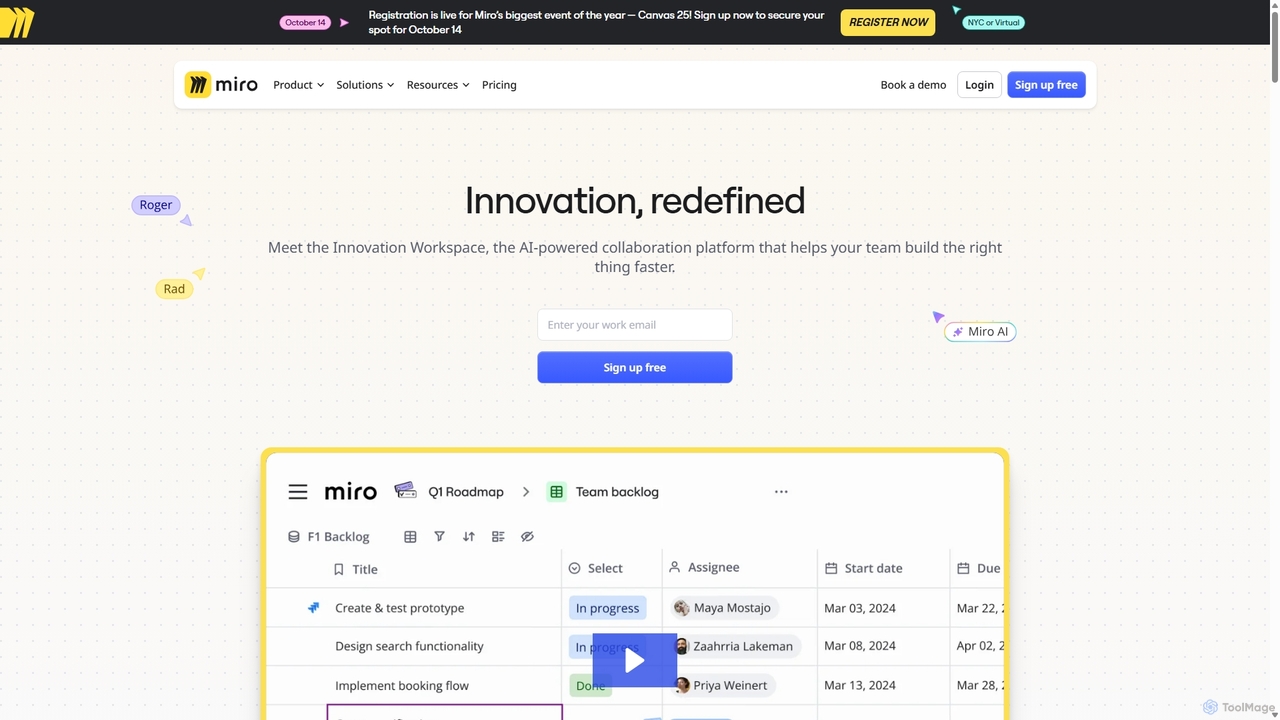
Miro
Miro is an AI-powered online collaborative whiteboard platform designed for modern teams. It provides an infinite canvas for brainstorming, planning, designing, and managing projects in real-time. With a vast template library, powerful integrations, and AI-driven features, Miro helps teams centralize communication and accelerate innovation from idea to execution.
Brainstorming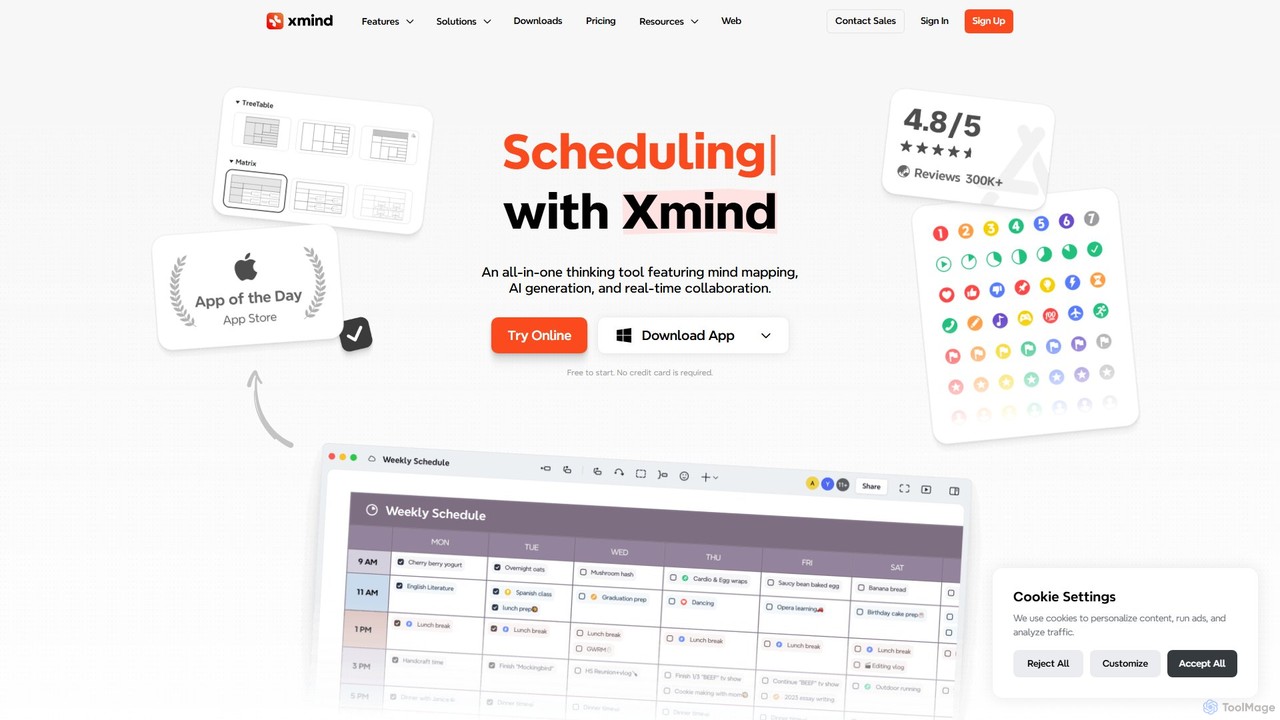

Xmind AI
Xmind AI is an advanced AI-powered mind mapping and brainstorming tool designed to enhance creativity and productivity. It helps users visualize thoughts, organize complex information, and collaborate with teams in real-time. With features like AI-driven idea generation, content summarization, and automated to-do lists, Xmind AI transforms abstract concepts into structured, actionable plans.
Teamwork
Jyek
Jyek is an AI agent platform that understands objectives, creates execution plans, uses tools, and delivers verifiable results for complex, multi-step tasks.
Automation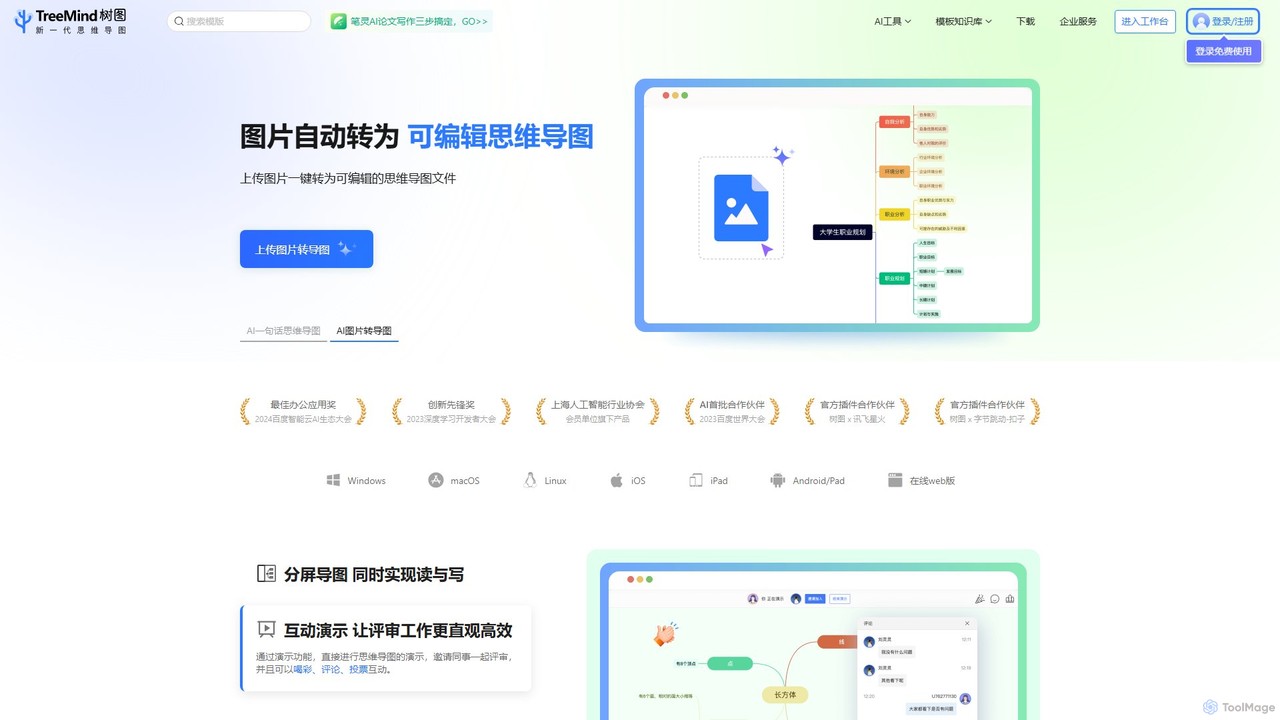
TreeMind
TreeMind is a next-generation AI-powered mind mapping tool that allows users to generate, organize, and visualize ideas effortlessly. It supports creating mind maps from a single sentence, images, or documents, and offers real-time collaboration, cross-platform synchronization, and a vast library of templates and design assets.
Generative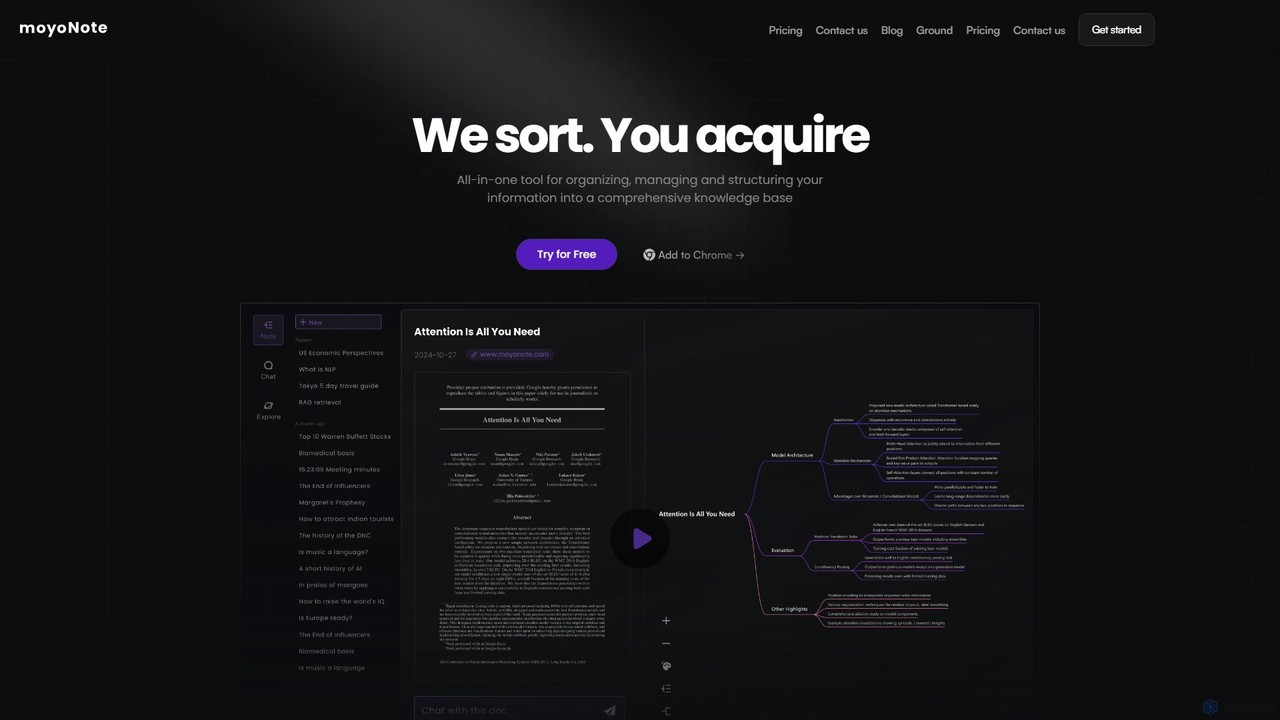
moyonote
moyonote is an AI-powered tool that automatically transforms documents, text, and various files into structured, interactive mind maps. It helps users quickly sort and acquire knowledge, enhancing productivity for students, professionals, and teams by simplifying complex information.
Document Analysis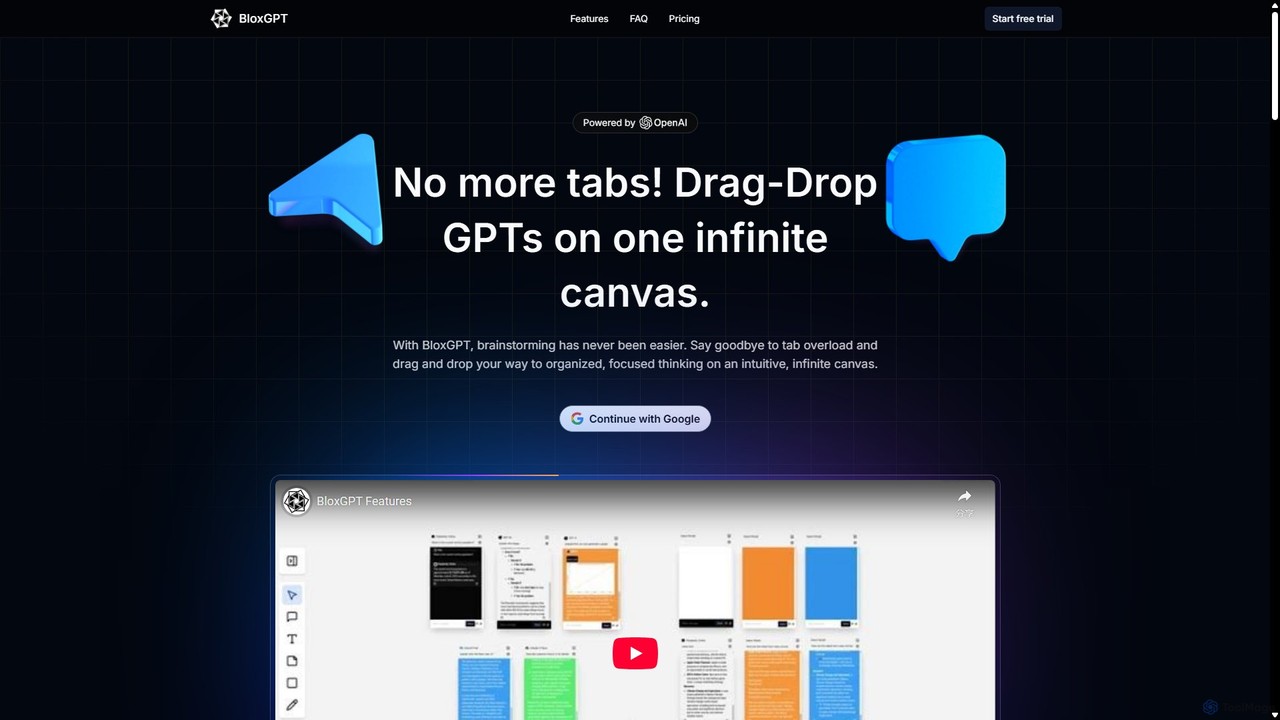
BloxGPT
BloxGPT is an AI-powered collaborative workspace that replaces tab clutter with a single, infinite canvas. Users can drag and drop GPT instances, brainstorm ideas, create diagrams, and collaborate with teams in real-time. It's designed for visual thinking, project planning, and enhanced productivity.
Wireframing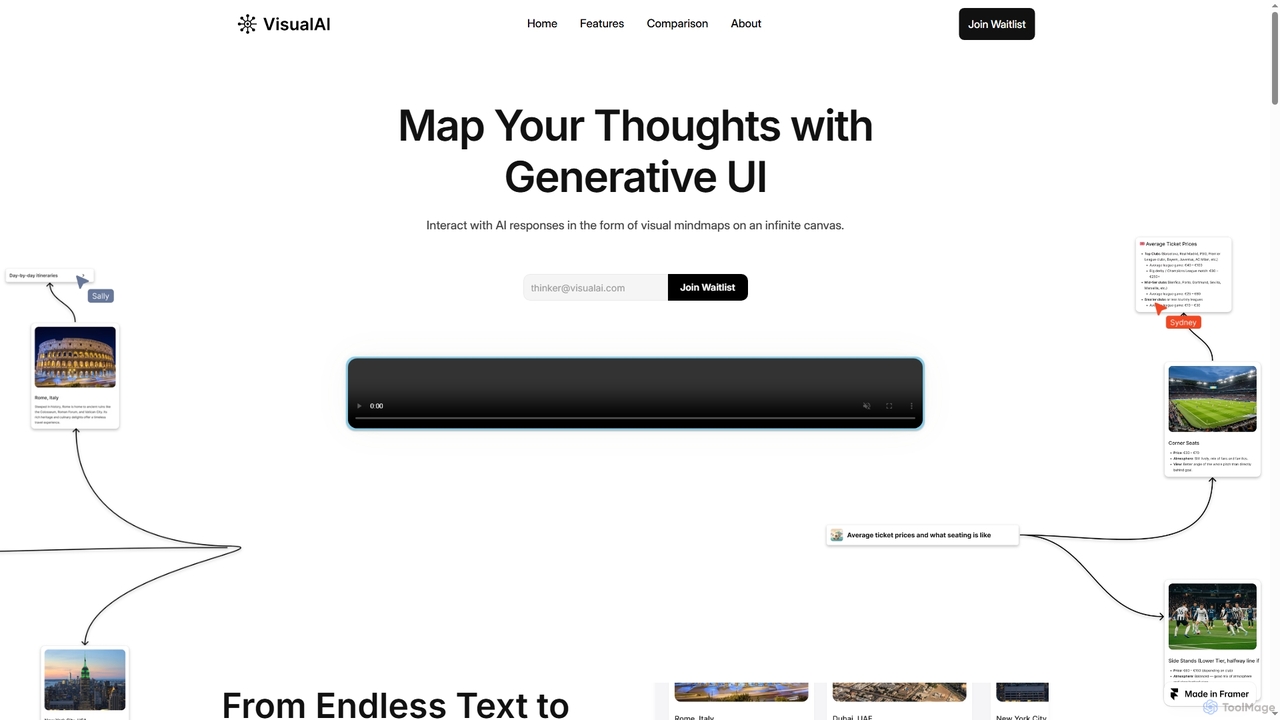
Visual AI
Visual AI is an innovative platform that transforms linear AI text responses into dynamic, visual clarity. It automatically structures information into interconnected nodes, enriching data with relevant visuals to enhance understanding and retention. Designed for non-linear thinkers, it offers an infinite collaborative workspace for brainstorming, prototyping, and evolving ideas.
Brainstorming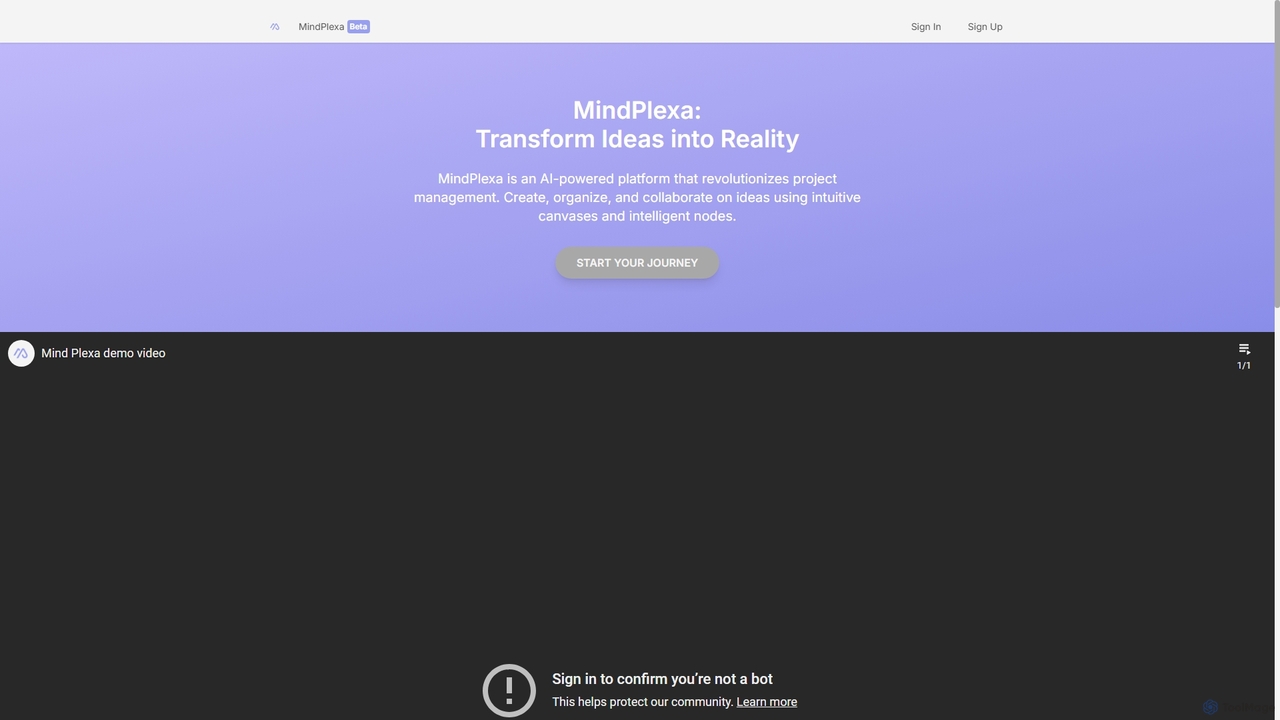
MindPlexa
MindPlexa is an AI-powered productivity platform that transforms ideas into actionable projects. It combines visual mind mapping with intelligent project management, allowing users to create, organize, and collaborate on ideas using intuitive canvases and smart nodes. The AI assistant helps generate project layouts, suggest tasks, and streamline workflows, making it an ideal tool for teams and individuals looking to boost creativity and efficiency.
TeamworkFabric
Fabric is an AI-powered workspace and smart organizer that acts as your second brain. It automatically centralizes and connects all your notes, files, links, and ideas, eliminating the need for manual organization. Search your entire digital library with natural language and collaborate with an intelligent AI partner.
Personal Assistantjotapp
jotapp is an AI-powered note-taking and writing assistant designed to streamline your workflow. Effortlessly capture ideas, transcribe audio, summarize content, and generate high-quality text, all within a clean, intuitive interface. It's the perfect tool for students, writers, and professionals looking to boost productivity and creativity.
Transcription
vienna Comments (0)
Sign in to comment.
Sign inNo comments yet.