


Flux AI Overview
Flux AI was a revolutionary visual collaboration platform designed to accelerate team creativity and productivity. It integrated the power of artificial intelligence into a real-time, infinite canvas, allowing users to move from abstract ideas to structured visuals with unprecedented speed. Unlike traditional whiteboarding tools that provide a blank slate, Flux AI acted as an intelligent partner, interpreting natural language prompts to automatically generate a wide range of diagrams. This made it an indispensable tool for product managers, engineers, designers, marketers, and consultants who needed to communicate complex information clearly and efficiently.
The platform was built on the principle of 'flow,' enabling a seamless transition from thought to visual representation. Whether you were mapping out a complex user journey, designing a new system architecture, or brainstorming a marketing campaign, Flux AI provided the tools to not only create but also to analyze and refine your ideas collaboratively. Its intuitive interface combined with powerful AI capabilities removed the manual friction of diagramming, allowing teams to focus on strategic thinking and innovation.
How to use Flux AI
Using Flux AI was designed to be an intuitive and straightforward process, enabling users to harness its AI power without a steep learning curve. The typical workflow was as follows:
- Start with a Prompt: Users would begin by typing a descriptive prompt into the AI command bar. For example, 'Create a user onboarding flow for a new e-commerce mobile app' or 'Generate a mind map exploring the future of renewable energy.'
- Instant Generation: The AI would instantly process the prompt and generate a corresponding diagram on the canvas. This initial output served as a strong foundation, complete with logical connections and relevant nodes.
- Collaborate and Refine: Team members could be invited to the board to collaborate in real-time. They could see each other's cursors, add comments, and make edits simultaneously. Users could use a full suite of traditional diagramming tools—shapes, connectors, text, and icons—to manually adjust and expand upon the AI-generated diagram.
- Leverage Smart Features: The platform included smart connectors that would automatically snap into place and intelligent alignment guides to maintain a clean and professional look. The AI could also offer suggestions for improving a workflow or identifying potential bottlenecks.
- Integrate and Export: Once the diagram was complete, it could be integrated with other popular tools like Jira, Slack, or Notion to turn plans into actionable tasks. Users could also export their work in various formats, including PNG, SVG, and PDF, for presentations and documentation.
Core Features of Flux AI
- AI-Powered Diagram Generation: Instantly create flowcharts, mind maps, sequence diagrams, user journey maps, and system architecture diagrams from simple text prompts.
- Real-Time Collaborative Whiteboard: An infinite canvas where multiple users can work simultaneously, with live cursors, comments, and threaded conversations.
- Extensive Template Library: A rich collection of pre-built templates for various use cases, including SWOT analysis, project roadmaps, and org charts, which could be used as a starting point.
- Smart Diagramming Tools: Intelligent connectors, automatic layout adjustments, and a vast library of shapes and icons to make manual editing fast and easy.
- Workflow Automation Insights: The AI could analyze process flows to suggest optimizations, identify redundancies, or highlight potential risks.
- Version History: Easily track changes and revert to previous versions of the board, ensuring no idea was ever lost.
- Seamless Integrations: Connect Flux AI with essential productivity and development tools like Jira, Trello, Asana, Slack, and GitHub to create a unified workflow.
Use Cases for Flux AI
Flux AI was versatile and catered to a wide range of professional needs:
- Product Management: Teams could quickly map out user stories, create detailed feature roadmaps, and visualize customer journey maps to build a shared understanding of product direction.
- Software Engineering: Developers and architects used it to design complex system architectures, visualize database schemas, and map out API interactions before writing a single line of code.
- Marketing & Sales: Marketing teams could brainstorm campaign strategies, create marketing funnels, and map out content plans. Sales teams could visualize sales processes and account strategies.
- Consulting & Education: Consultants could facilitate client workshops, present complex strategies visually, and document business processes. Educators could create engaging learning materials and explain complex topics with clear diagrams.
Advantages of Flux AI
The primary advantage of Flux AI was its ability to merge ideation and creation into a single, fluid step. It dramatically reduced the time and effort required to produce high-quality, professional diagrams. This speed allowed for more agile and iterative planning cycles. The collaborative nature of the platform broke down communication barriers, ensuring that all stakeholders, regardless of their technical background, were aligned. By automating the tedious aspects of diagramming, Flux AI freed up valuable mental bandwidth for teams to focus on what truly matters: solving problems and driving innovation.
Pricing and Plans
Flux AI operated on a freemium model to cater to different user needs before it was shut down:
- Free Plan: This plan was ideal for individuals and small teams starting out. It typically included access to 3 editable boards, a limited number of AI generations per month, and core diagramming features.
- Pro Plan: Priced around $15 per user/month, this plan was designed for professionals and growing teams. It offered unlimited boards, a significantly higher number of AI credits, advanced features like version history, and priority support.
- Enterprise Plan: This plan featured custom pricing for large organizations. It included everything in the Pro plan, plus advanced security features like SSO, dedicated account management, custom integrations, and unlimited AI usage.
Flux AI Alternatives
Edraw.AI
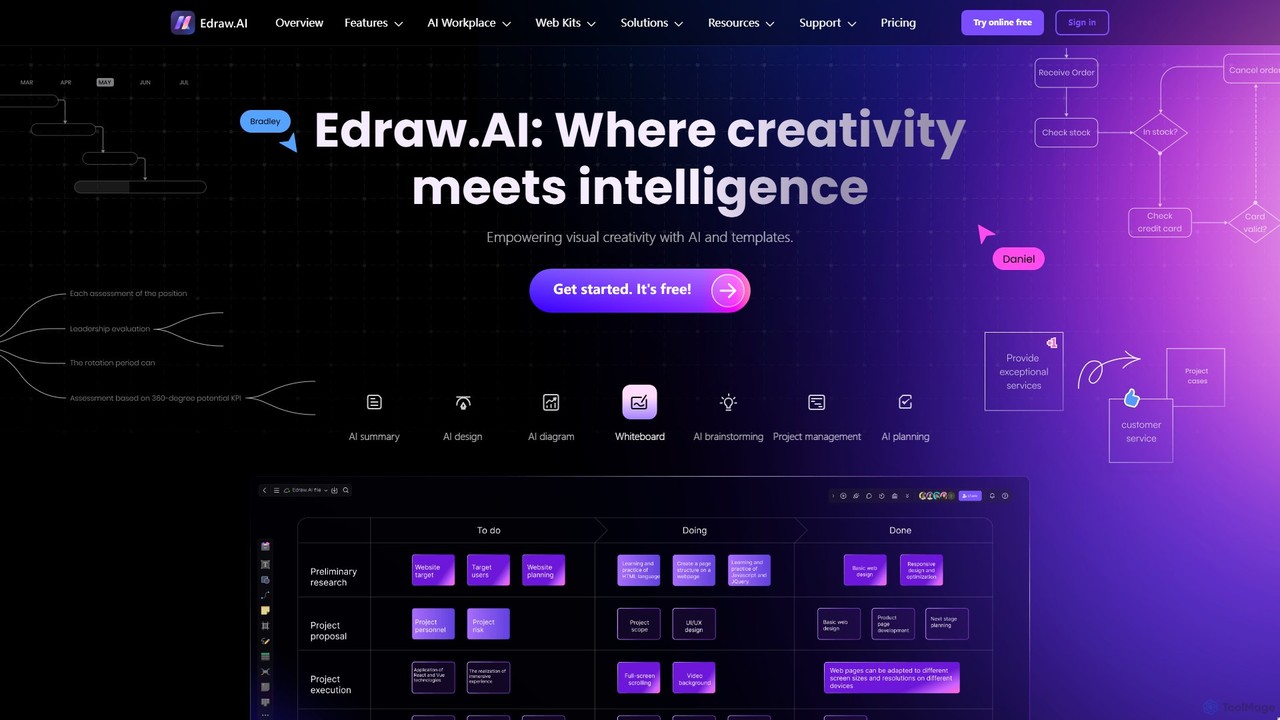
Edraw.AI is an AI-powered visual collaboration platform that enables users to create diagrams, mind maps, flowcharts, and other visuals with ease. It combines a user-friendly interface with powerful AI tools for generation, analysis, and design. Featuring real-time collaboration, an extensive library of templates and symbols, it's designed to boost productivity for teams in project management, IT, marketing, education, and more. Get started for free and transform your ideas into professional visuals.
Visualization
DGM
DGM is an AI-powered online platform for creating professional sketchnotes and visual diagrams. It combines a flexible digital canvas with intelligent tools to help users capture, organize, and share ideas visually. Ideal for meetings, brainstorming, and learning, DGM facilitates real-time collaboration and transforms complex information into clear, engaging visual notes.
Collaboration
snapdiagram
SnapDiagram is an AI-powered tool that instantly transforms text descriptions into professional diagrams. Generate flowcharts, sequence diagrams, UML models, mind maps, and more with simple natural language prompts. It's designed to accelerate workflows for developers, business analysts, and project managers by automating the diagramming process.
Workflow Management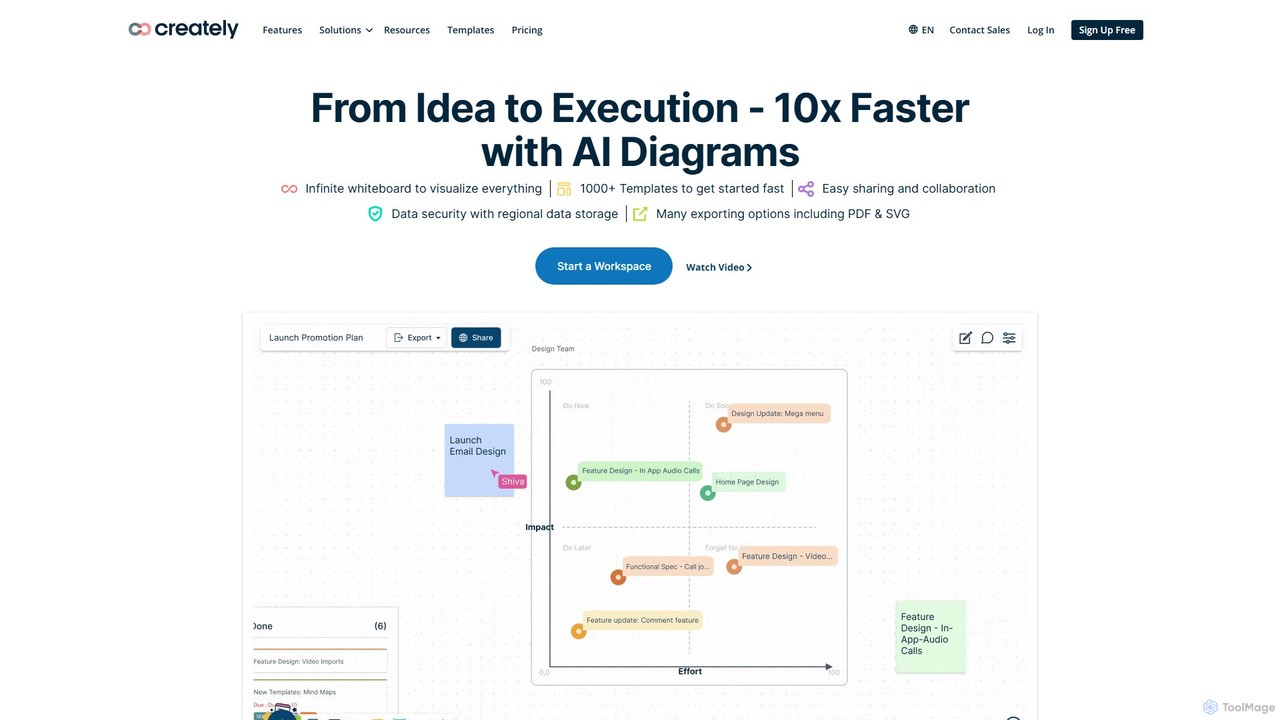
Creately
Creately is an AI-powered visual collaboration and work management platform. It combines intelligent diagramming, online whiteboarding, and data-driven project management on a single smart canvas, helping teams brainstorm, plan, and execute projects more effectively.
Planning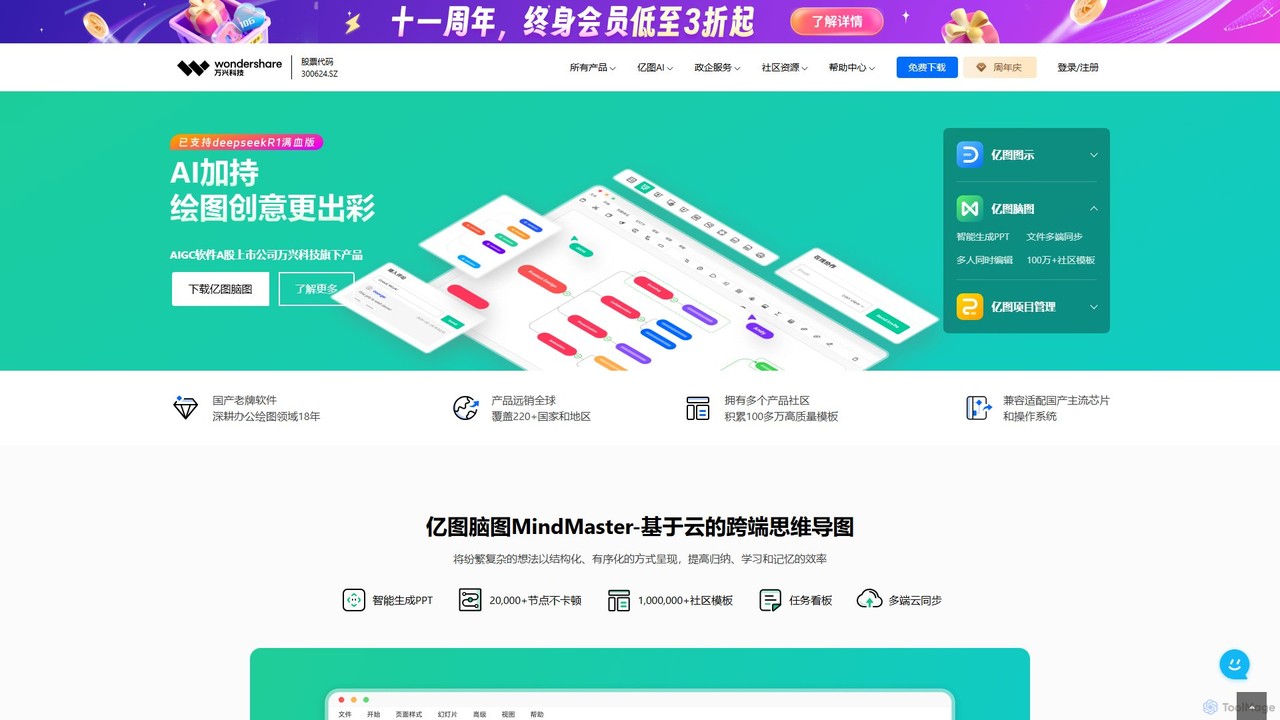
Edrawsoft
Edrawsoft is a comprehensive suite of AI-powered visual tools for diagramming, mind mapping, and project management. It includes EdrawMax for all-in-one diagram creation, EdrawMind for brainstorming, and EdrawProj for Gantt charts. With AI assistance, users can automatically generate flowcharts, org charts, and more from text, beautify designs with a single click, and collaborate seamlessly across platforms. It's a powerful Visio alternative for individuals, teams, and enterprises.
Project ManagementFlux AI Categories
Flux AI Embed Widget
Copy this embed code to place the badge on your blog, article, or product site and send readers directly to this ToolMage detail page.

Related AI tools
Edraw.AI
Edraw.AI is an AI-powered visual collaboration platform that enables users to create diagrams, mind maps, flowcharts, and other visuals with ease. It combines a user-friendly interface with powerful AI tools for generation, analysis, and design. Featuring real-time collaboration, an extensive library of templates and symbols, it's designed to boost productivity for teams in project management, IT, marketing, education, and more. Get started for free and transform your ideas into professional visuals.
Visualizationsnapdiagram
SnapDiagram is an AI-powered tool that instantly transforms text descriptions into professional diagrams. Generate flowcharts, sequence diagrams, UML models, mind maps, and more with simple natural language prompts. It's designed to accelerate workflows for developers, business analysts, and project managers by automating the diagramming process.
Workflow Management
boardmix
boardmix is an AI-powered collaborative online whiteboard designed to enhance team creativity and productivity. It integrates AIGC, mind mapping, flowcharts, and real-time collaboration tools into a single, infinite canvas, making it an all-in-one solution for brainstorming, project management, and visual communication.
Project ManagementCreately
Creately is an AI-powered visual collaboration and work management platform. It combines intelligent diagramming, online whiteboarding, and data-driven project management on a single smart canvas, helping teams brainstorm, plan, and execute projects more effectively.
PlanningEdrawsoft
Edrawsoft is a comprehensive suite of AI-powered visual tools for diagramming, mind mapping, and project management. It includes EdrawMax for all-in-one diagram creation, EdrawMind for brainstorming, and EdrawProj for Gantt charts. With AI assistance, users can automatically generate flowcharts, org charts, and more from text, beautify designs with a single click, and collaborate seamlessly across platforms. It's a powerful Visio alternative for individuals, teams, and enterprises.
Project Management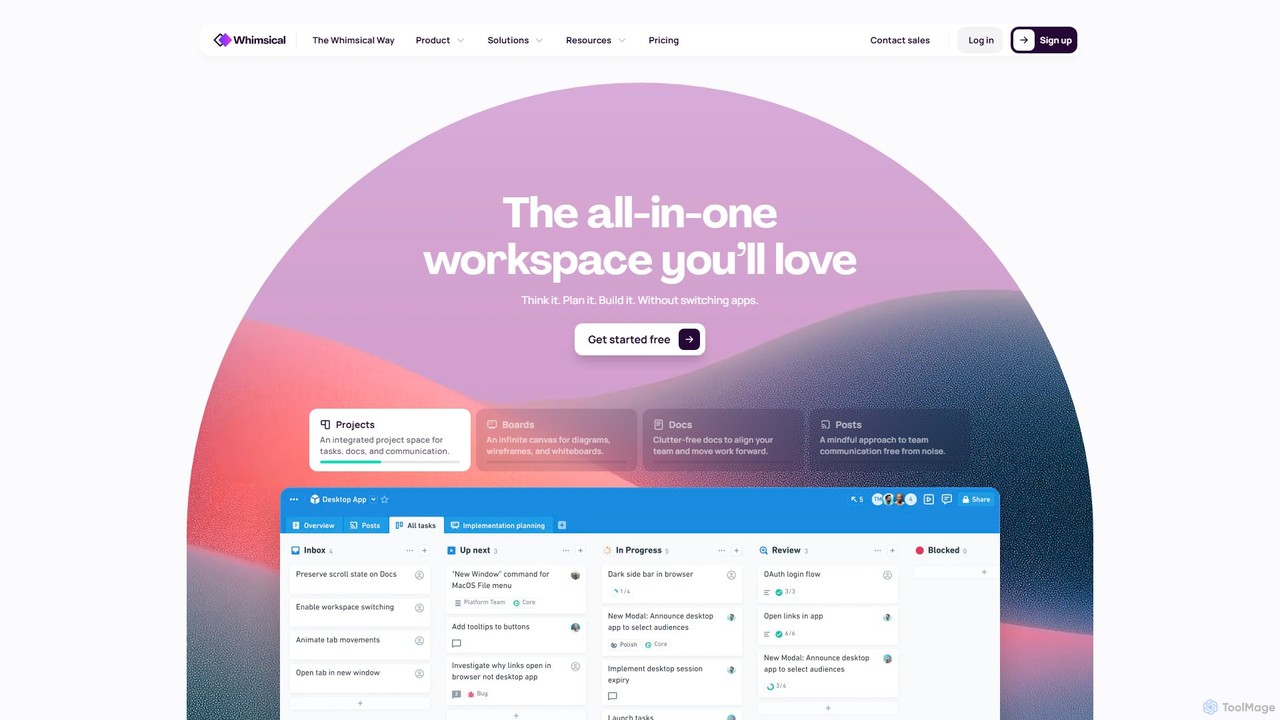
Whimsical
Whimsical is an all-in-one, AI-powered workspace that unifies visual collaboration, documentation, and project management. It combines whiteboards, mind maps, flowcharts, documents, and tasks to help teams streamline their entire workflow from initial idea to final execution in a single, interconnected platform.
Wireframing
MyMap
MyMap is an AI-native diagramming tool that transforms text, files, and web content into visual formats like mind maps, flowcharts, and presentations. Simply chat with the AI to generate, edit, and collaborate on diagrams in real-time. It's designed for visual thinkers to quickly structure ideas, plan projects, and create engaging content without manual design work.
Planning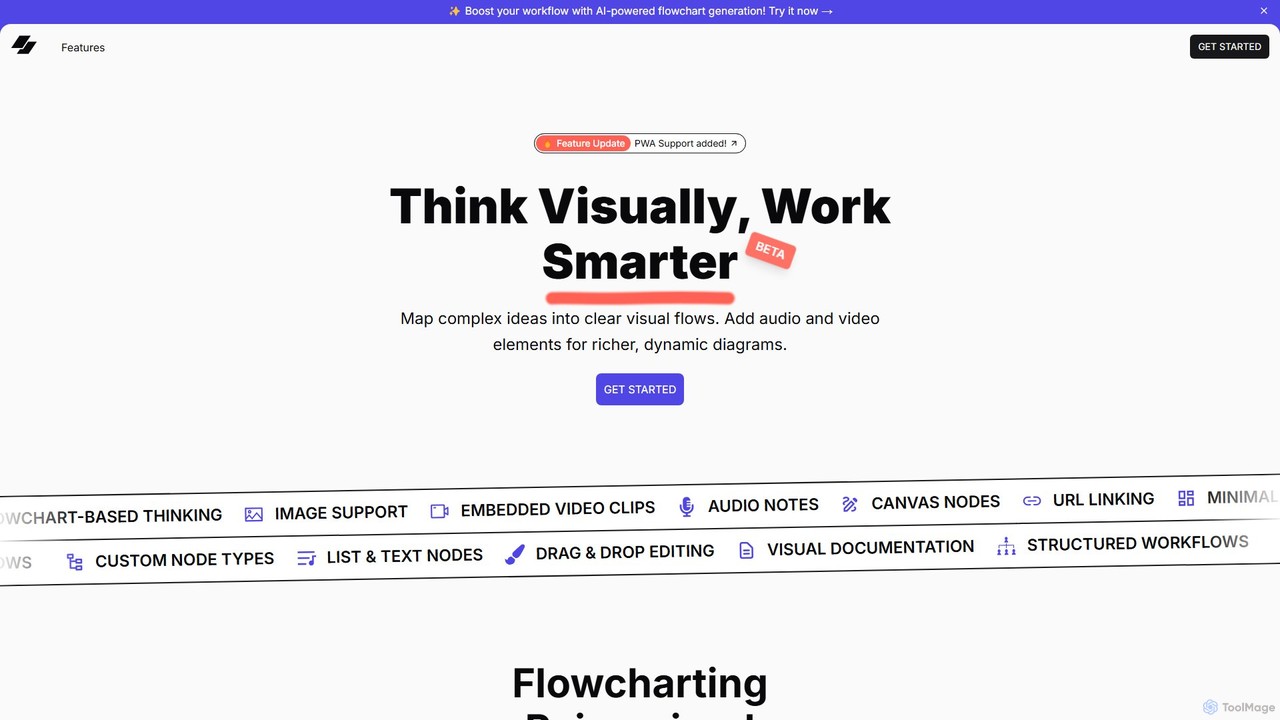
VisFlow
VisFlow is an AI-powered visual workspace that redefines flowcharting and mind mapping by integrating rich multimedia. It allows users to embed images, audio, and video directly into their diagrams, fostering a more dynamic and contextual way to brainstorm, plan, and collaborate. With a focus on privacy through local-first storage and an intuitive drag-and-drop interface, VisFlow is designed for creatives, educators, and teams who think visually.
Whiteboard
Lucidchart
Lucidchart is an intelligent diagramming and visual collaboration platform that uses AI, data automation, and real-time teamwork to help users visualize complex systems, processes, and ideas. It enables teams to create professional flowcharts, org charts, network diagrams, and more, fostering clarity and driving innovation.
Project Management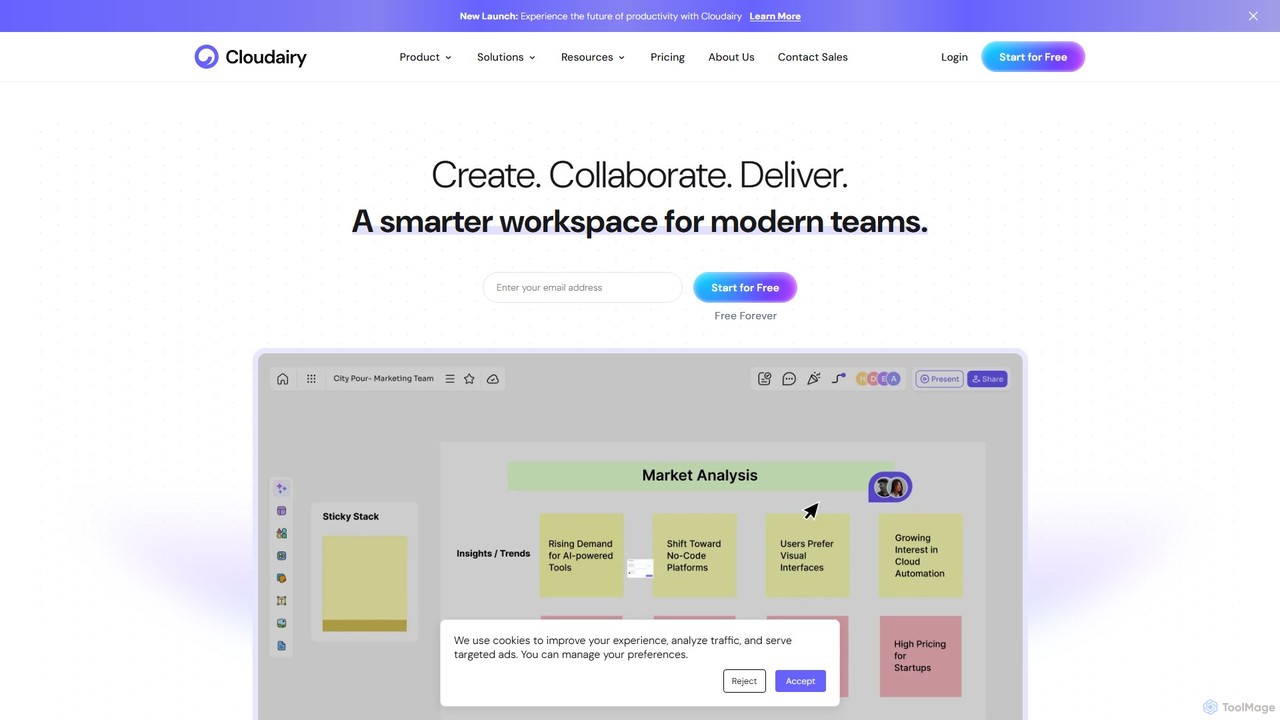
Cloudairy
Cloudairy is an AI-powered collaborative visual workspace designed for modern teams. It integrates AI-driven diagramming, mind mapping, image generation, and documentation tools into a single platform. It enables teams in engineering, sales, and project management to brainstorm, design, and deliver projects with enhanced efficiency and creativity.
Generative Art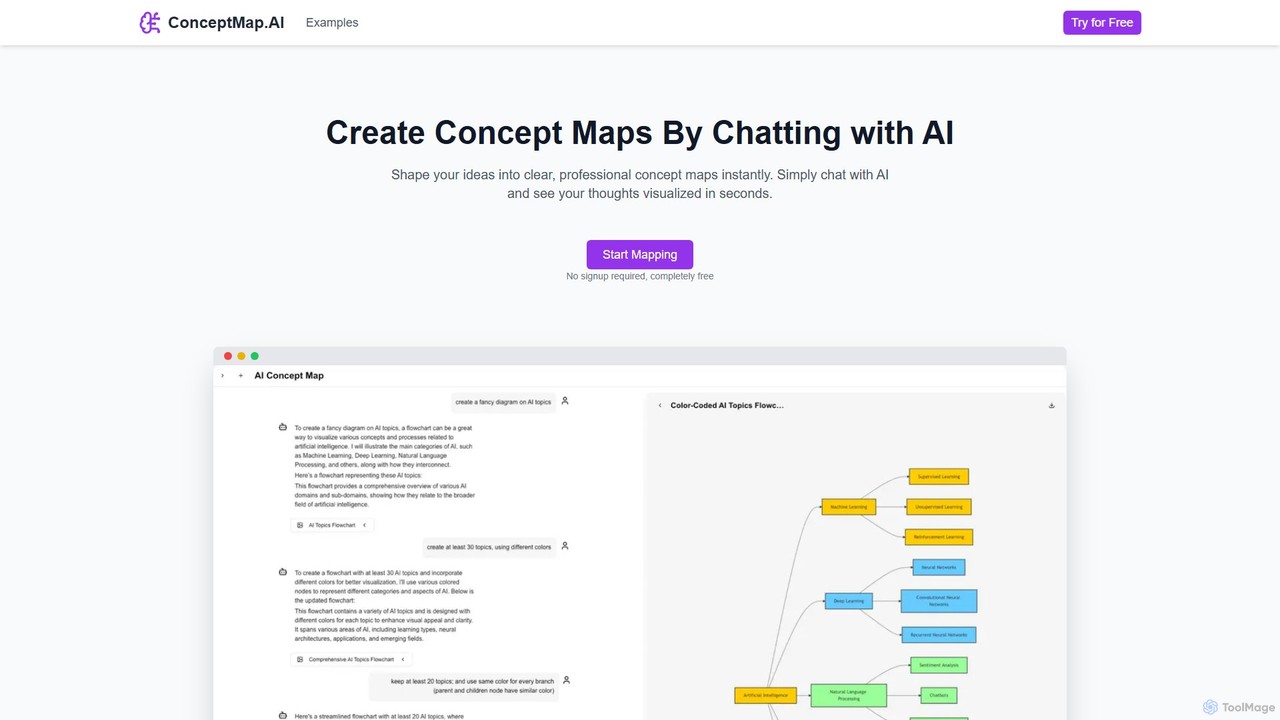
ConceptMap AI
A free, chat-based AI tool that instantly transforms your conversations and ideas into professional concept maps, mind maps, and flowcharts. Ideal for knowledge workers, students, and researchers to organize complex information, brainstorm, and plan projects without any manual diagramming.
Learning
iMiaoban
iMiaoban is an AI-powered collaborative online whiteboard designed to enhance team productivity. It allows users to instantly create various diagrams, including flowcharts and mind maps, using text prompts. With a vast library of templates and real-time collaboration features, it simplifies the process of visualizing ideas and workflows.
Whiteboard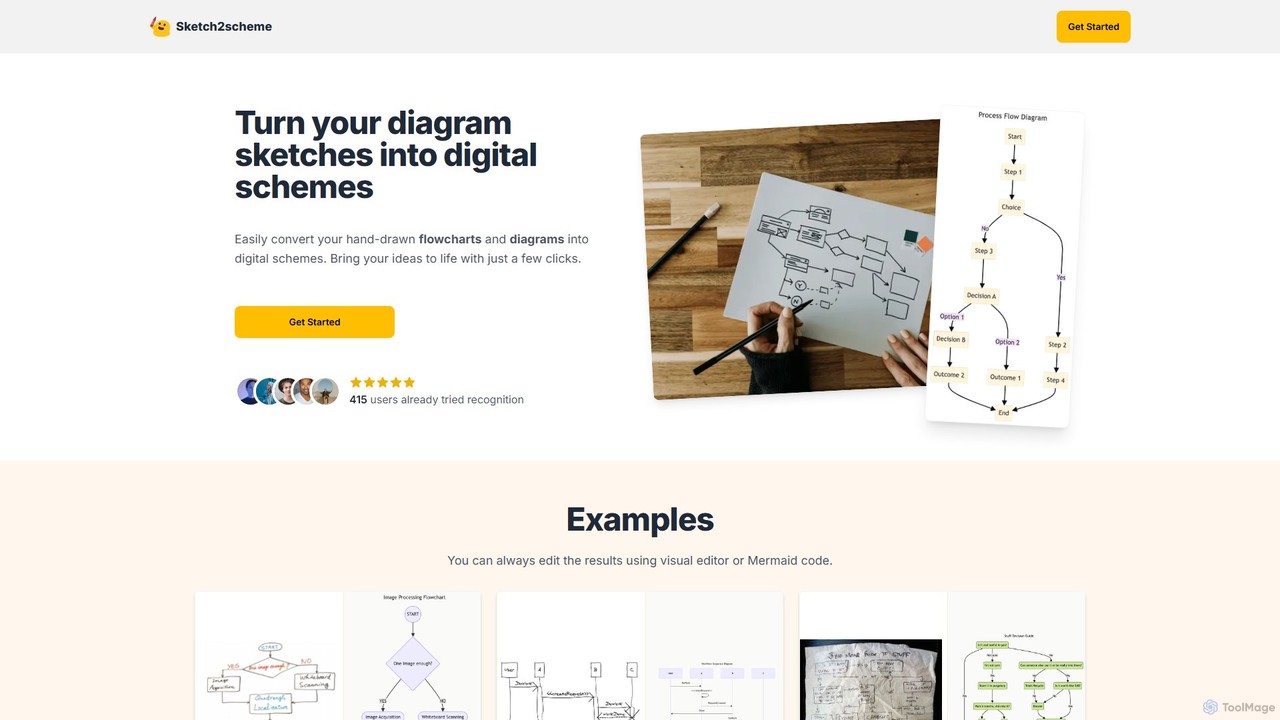
Sketch2scheme
Sketch2scheme is an AI-powered tool that effortlessly converts your hand-drawn diagram sketches into polished, editable digital schemes. Simply upload a picture of your flowchart or diagram, and the AI will recognize nodes, connections, and text, transforming your analog ideas into digital assets in seconds. It's perfect for developers, project managers, and students who want to bridge the gap between paper brainstorming and digital implementation.
Prototyping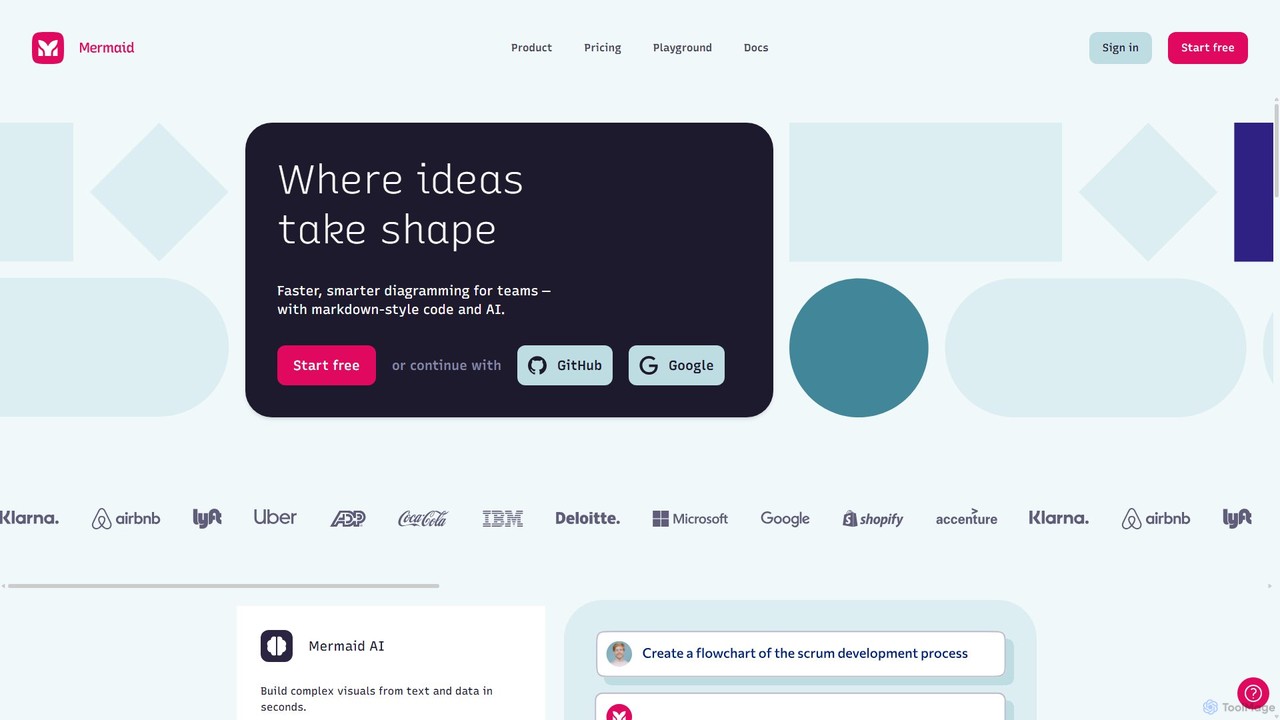
Mermaid Chart
Mermaid Chart is an AI-powered diagramming tool that enables teams to create complex visuals like flowcharts, sequence diagrams, and mind maps using markdown-style code, natural language prompts, or a visual editor. It's designed for faster, smarter diagramming and seamless collaboration.
Code Generation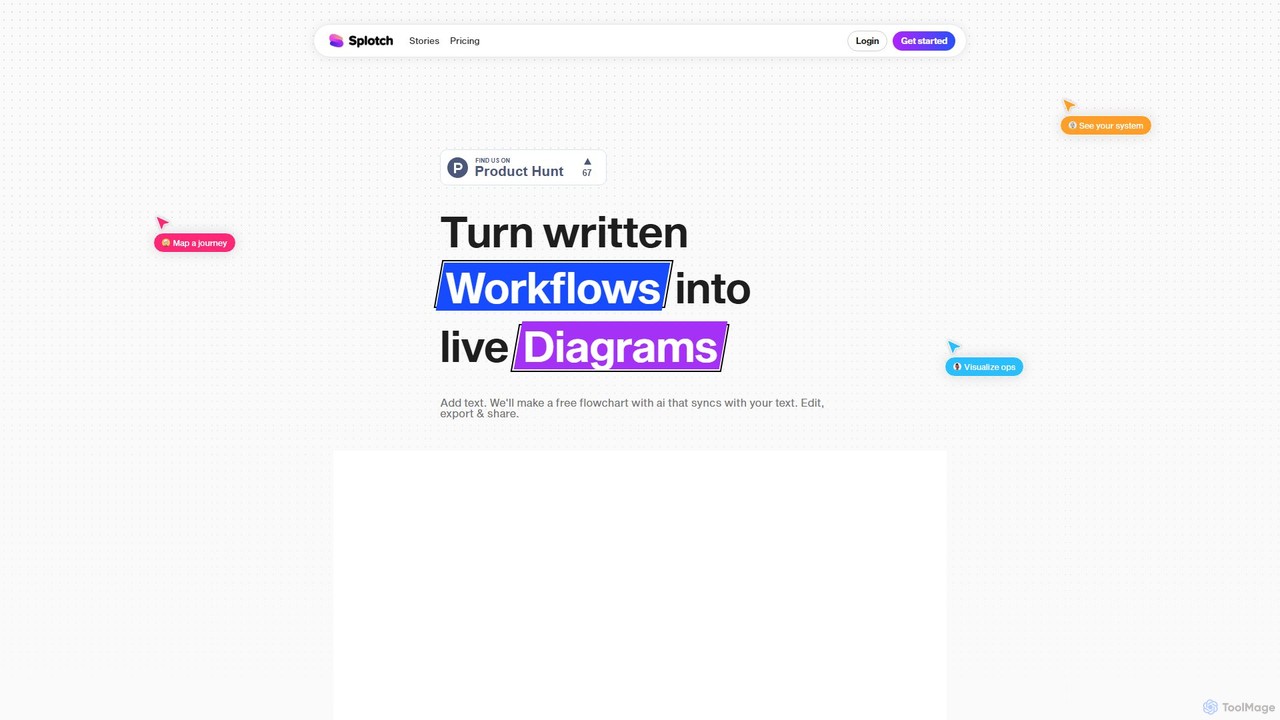
splotch
splotch is an AI-powered diagramming tool that automatically converts written text, processes, and workflows into clear, editable flowcharts and diagrams. It features a unique two-way sync, ensuring your text and visuals are always aligned, streamlining communication and process documentation.
Process Management
Flux AI Comments (0)
Sign in to comment.
Sign inNo comments yet.