

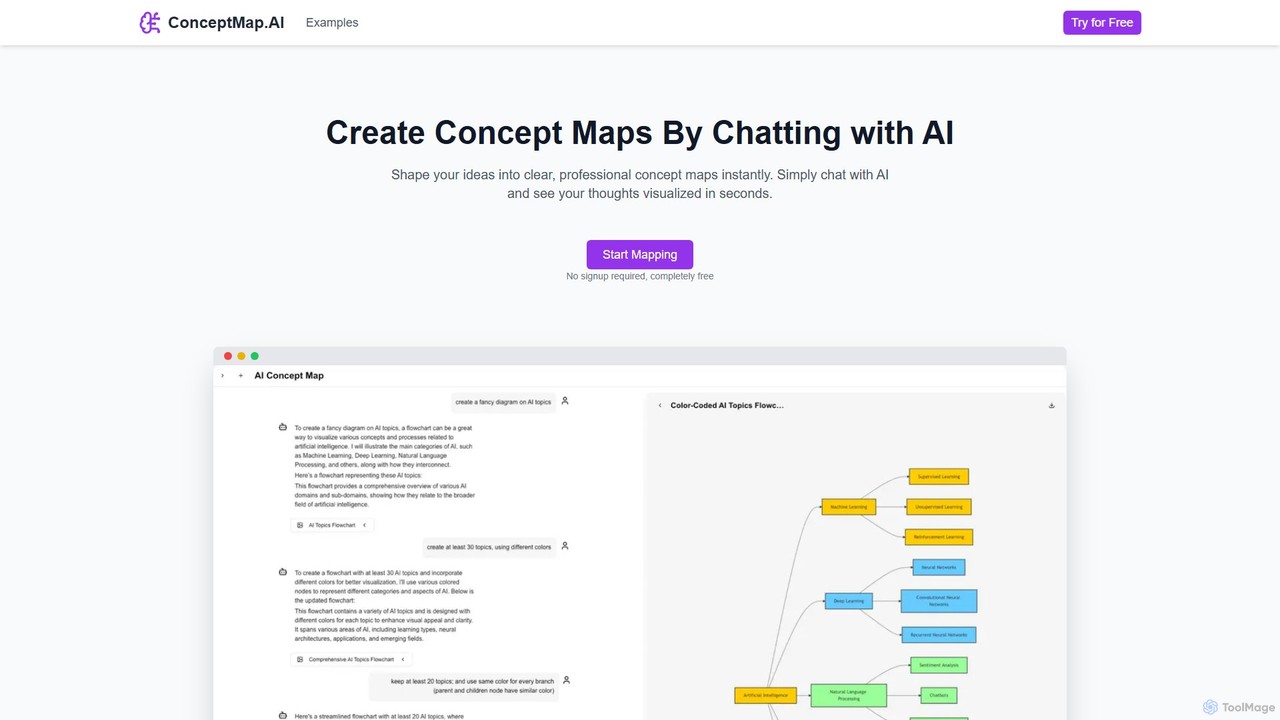
ConceptMap AI Overview
ConceptMap AI is an innovative and completely free tool designed to help knowledge workers, students, educators, and researchers visualize complex information effortlessly. By leveraging a conversational AI interface, it eliminates the traditional, often tedious, process of manual diagramming. Users can simply chat with the AI about their ideas, topics, or project components, and the tool instantly generates a clear, professional, and well-structured concept map. This intuitive approach makes it accessible to everyone, regardless of their technical skills, allowing for rapid brainstorming, planning, and knowledge organization.
The platform supports the creation of a wide variety of visual diagrams, including hierarchical maps, spider maps, flowcharts, system maps, mind maps, and knowledge graphs. This versatility makes it suitable for a vast range of applications, from academic research to corporate strategy. The tool also provides a rich library of pre-designed templates for various domains such as Physics, Chemistry, Biology, and Materials Science, offering a great starting point for users.
How to use ConceptMap AI
Using ConceptMap AI is designed to be as simple as having a conversation. The process is straightforward and requires no prior experience with diagramming tools:
- Start a Chat: Navigate to the ConceptMap AI website. There is no need to sign up or create an account. You can start mapping immediately.
- Describe Your Ideas: In the chat interface, type out your thoughts, concepts, or the structure of your topic. You can describe relationships, hierarchies, and connections in natural language. For example, you could type "Create a concept map about the water cycle, including evaporation, condensation, precipitation, and collection."
- Instant Visualization: As you chat, the AI processes your input in real-time and visualizes it as a concept map on the screen. You can see your ideas take shape in seconds.
- Refine and Customize: The map is not static. You can continue the conversation to modify it. Ask the AI to add new nodes, change connections, rearrange elements, or merge concepts. This conversational editing makes customization flexible and intuitive.
- Export and Share: Once you are satisfied with your concept map, you can easily export it with a single click. Share the visual diagram with your team, colleagues, or classmates to enhance collaboration and ensure everyone is on the same page.
Core Features of ConceptMap AI
- Chat-Based Creation: The core of the tool is its conversational interface. Simply talk to the AI to build and refine complex diagrams, completely bypassing the need for manual drag-and-drop actions.
- Instant Visualization: Ideas are transformed into visual maps in seconds, providing immediate feedback and accelerating the creative and planning processes.
- Flexible Customization: Modify every aspect of your concept map through simple chat commands. Add, remove, or edit concepts and relationships on the fly.
- One-Click Sharing: Easily export and share your finished maps to facilitate collaboration and communication within teams and study groups.
- Wide Variety of Map Types: Create diverse diagrams tailored to your needs, including concept maps, mind maps, flowcharts, system maps, argument maps, and knowledge graphs.
- Template Library: Get started quickly with a collection of professionally designed templates for numerous academic and professional fields.
Use Cases for ConceptMap AI
ConceptMap AI is a versatile tool that can be applied in numerous scenarios:
- Brainstorming: Capture and organize free-flowing ideas during creative sessions.
- Project Planning: Visualize project components, dependencies, and timelines for better execution and management.
- Knowledge Management: Organize complex information and create visual knowledge bases for teams or personal use.
- Learning & Education: Structure study materials, connect key concepts for enhanced understanding, and create visual aids for teaching.
- Problem Solving: Break down complex problems into manageable parts and map out the relationships between them.
- Strategic Planning: Map out business strategies, goals, and the steps required to achieve them.
- Research Organization: Visualize research findings, literature connections, and identify knowledge gaps.
Advantages of ConceptMap AI
The primary advantage of ConceptMap AI is its simplicity and speed. The conversational interface removes the learning curve associated with traditional mapping software. Users can create professional-looking diagrams without any design skills. Furthermore, the tool is completely free and requires no signup, making it highly accessible. The platform also prioritizes user privacy, stating that data is processed securely and not stored permanently or used for model training without consent.
Pricing and Plans
ConceptMap AI is completely free to use. There are no hidden fees, subscription plans, or premium features. The tool is accessible to everyone without the need for registration or signup, allowing users to start creating concept maps immediately.
Traffic
Latest traffic
Status
Monthly traffic trend
- 2025-9: 132.6K
- 2026-1: 84.4K
- 2026-2: 92.2K
- 2026-3: 116.3K
- 2026-4: 83.6K
- 2026-5: 69.9K
Geography
Top 5 countries / regions
- 🇲🇽Mexico30.8%
- 🇺🇸United States20.8%
- 🇵🇪Peru18.1%
- 🇨🇴Colombia16.8%
- 🇩🇴Dominican Republic13.6%
Traffic sources
| Source type | Percentage |
|---|---|
Direct | 78.4% |
Referral | 21.6% |
Top keywords
| Keyword | Cost per click |
|---|---|
| concept map | $1.87 |
| conceptmap ai | $0.00 |
| mapa conceptual ai | $0.20 |
| mapa conceptual ia | $0.16 |
| mapas conceptuales ia | $0.14 |
ConceptMap AI Alternatives

AmyMind
AmyMind is an AI-powered mind mapping tool that instantly transforms text, documents (PDF, Word, Markdown), and ideas into clear, organized mind maps, flowcharts, and UML diagrams. It features AI-assisted exploration for deeper insights, one-click export to multiple formats like PowerPoint and PDF, and a versatile online whiteboard. Ideal for students, professionals, and creatives looking to visualize information and streamline their workflow.
Diagramming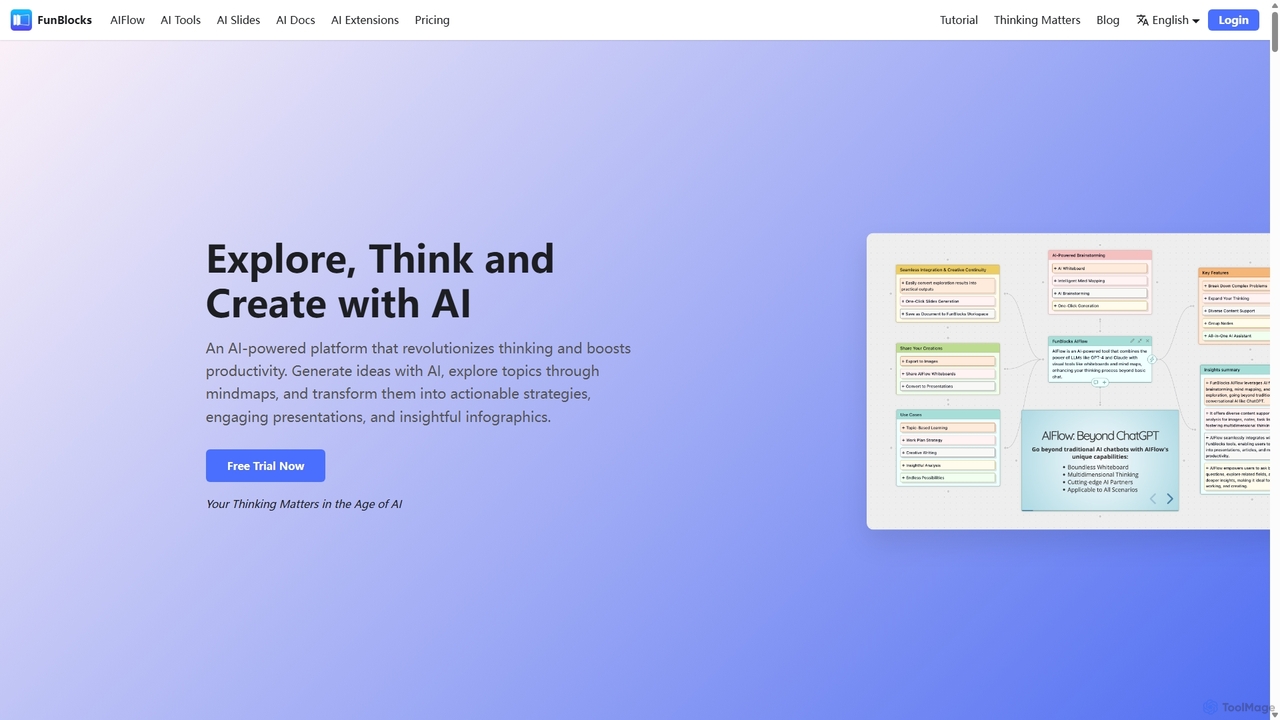
FunBlocks
FunBlocks is an all-in-one AI workspace designed to revolutionize thinking and boost productivity. It seamlessly integrates AI-powered tools for mind mapping (AIFlow), document creation (AI Docs), slide generation (AI Slides), and web research (Browser Extension). From brainstorming complex ideas visually to producing polished documents and presentations with a single click, FunBlocks supports the entire knowledge workflow, enhancing creativity and critical thinking for students, professionals, and teams.
Presentations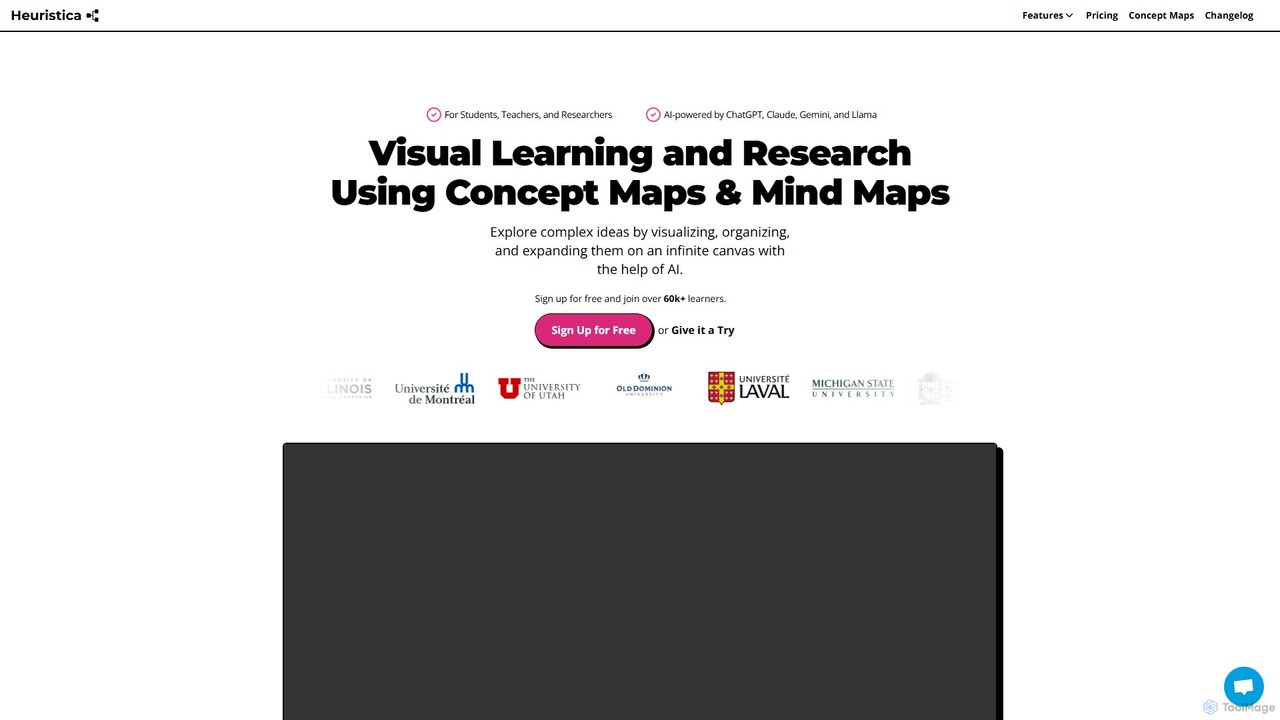
Heuristica
Heuristica is an AI-powered visual learning platform that helps students, teachers, and researchers create dynamic mind maps and concept maps. It integrates with various knowledge sources like academic databases, YouTube, and PDFs to visualize, organize, and expand complex ideas. Users can instantly generate study materials, chat with their maps, and personalize their learning experience with custom prompts on an infinite canvas.
Learning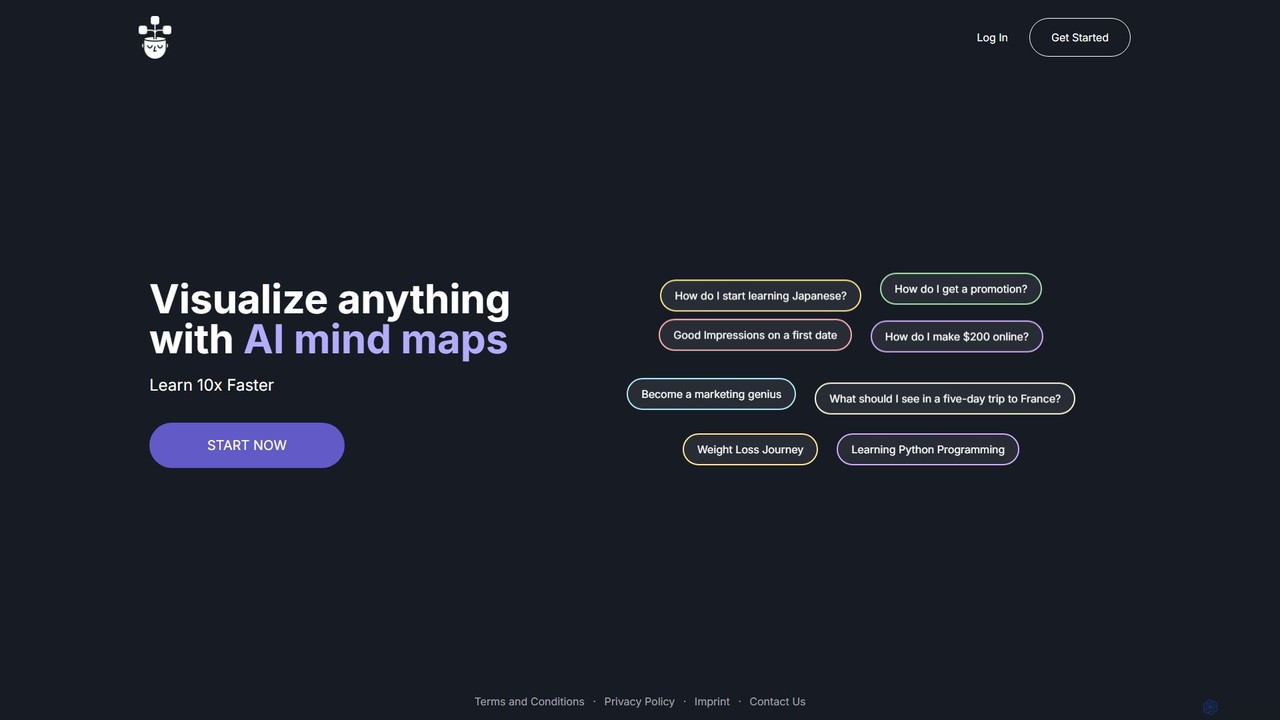
VisualMind
VisualMind is an AI-powered tool that transforms your questions and ideas into interactive mind maps. By combining a conversational chatbot with dynamic visualization, it helps you learn complex topics 10x faster, brainstorm effectively, and organize your thoughts with ease. Simply type in a prompt, and watch as VisualMind builds a comprehensive, structured diagram, making it the perfect assistant for students, professionals, and creative thinkers.
Brainstorming
iMiaoban
iMiaoban is an AI-powered collaborative online whiteboard designed to enhance team productivity. It allows users to instantly create various diagrams, including flowcharts and mind maps, using text prompts. With a vast library of templates and real-time collaboration features, it simplifies the process of visualizing ideas and workflows.
WhiteboardConceptMap AI Categories
ConceptMap AI Embed Widget
Copy this embed code to place the badge on your blog, article, or product site and send readers directly to this ToolMage detail page.

Related AI tools
AmyMind
AmyMind is an AI-powered mind mapping tool that instantly transforms text, documents (PDF, Word, Markdown), and ideas into clear, organized mind maps, flowcharts, and UML diagrams. It features AI-assisted exploration for deeper insights, one-click export to multiple formats like PowerPoint and PDF, and a versatile online whiteboard. Ideal for students, professionals, and creatives looking to visualize information and streamline their workflow.
Diagramming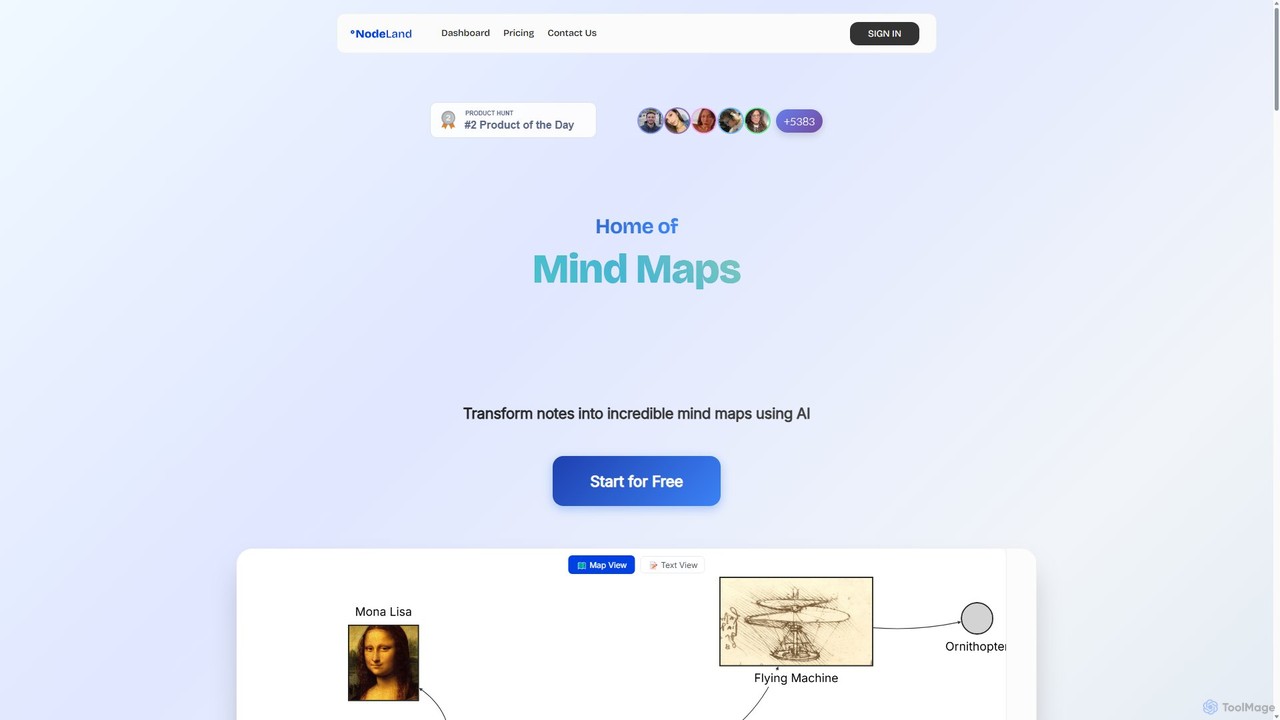
Nodeland
Nodeland is an AI-powered platform that transforms your notes, ideas, and documents into interactive mind maps and concept maps. It uses a non-linear, connection-based model to help you visualize information, enhance learning, and boost creativity. With its AI assistant, you can automatically generate maps, summarize texts, and explore topics in depth, making it an ideal tool for students, professionals, and creative thinkers.
Note Taking
MyMap
MyMap is an AI-native diagramming tool that transforms text, files, and web content into visual formats like mind maps, flowcharts, and presentations. Simply chat with the AI to generate, edit, and collaborate on diagrams in real-time. It's designed for visual thinkers to quickly structure ideas, plan projects, and create engaging content without manual design work.
Planning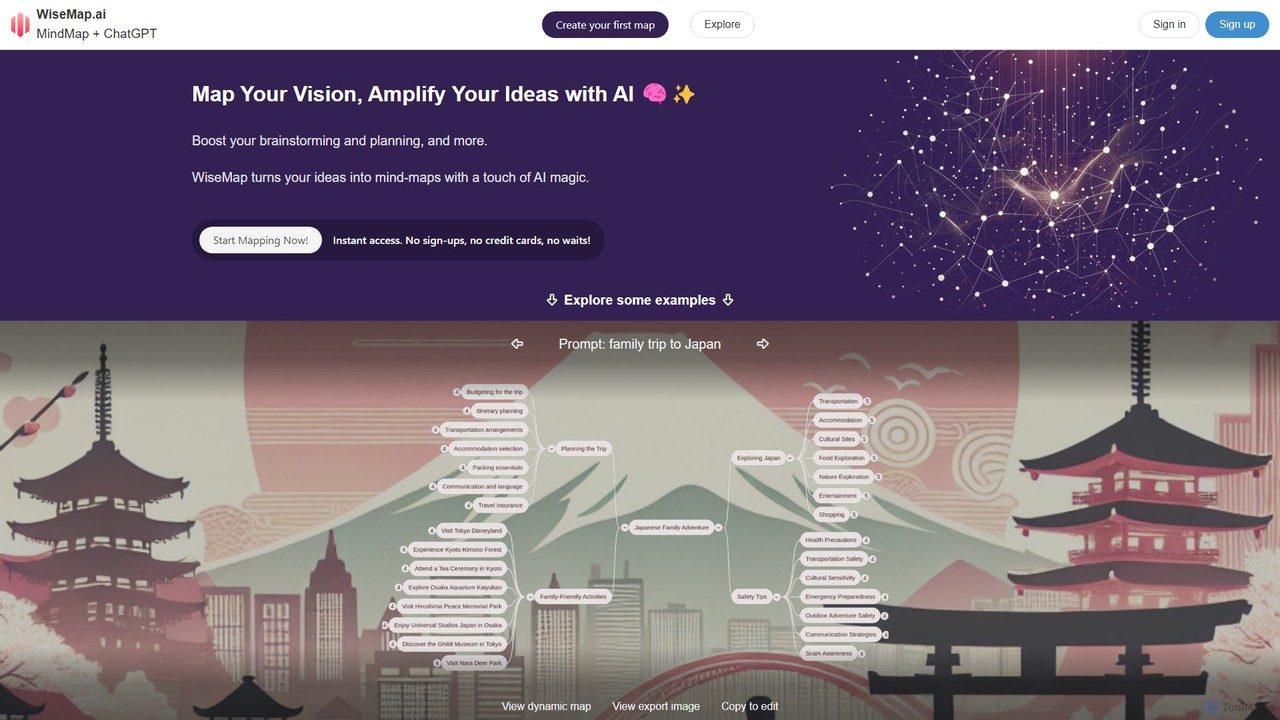
WiseMap
WiseMap is an AI-powered mind mapping tool that transforms your text prompts into structured, visual diagrams. Leveraging AI like ChatGPT, it helps you brainstorm, plan projects, and organize ideas effortlessly. Start with a simple idea and let the AI expand it into a comprehensive map, which you can then manually edit, customize, and share.
BrainstormingFunBlocks
FunBlocks is an all-in-one AI workspace designed to revolutionize thinking and boost productivity. It seamlessly integrates AI-powered tools for mind mapping (AIFlow), document creation (AI Docs), slide generation (AI Slides), and web research (Browser Extension). From brainstorming complex ideas visually to producing polished documents and presentations with a single click, FunBlocks supports the entire knowledge workflow, enhancing creativity and critical thinking for students, professionals, and teams.
Presentations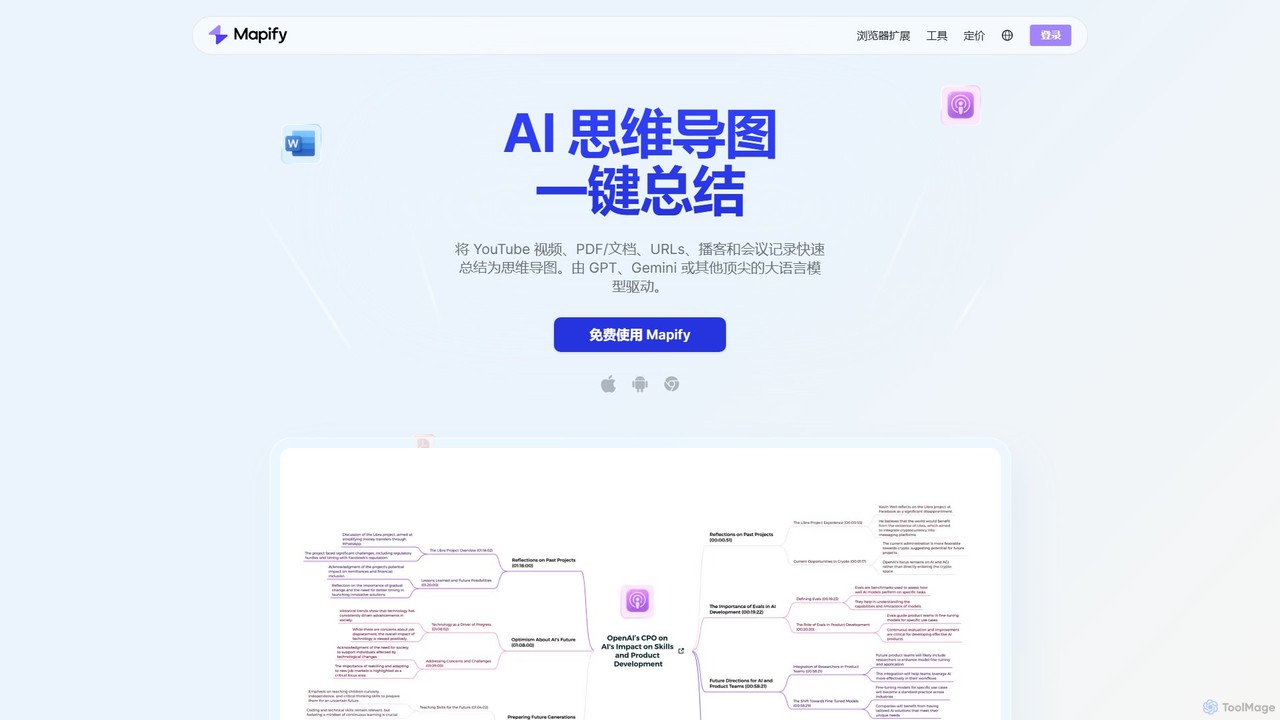
Mapify
Mapify is an AI-powered tool that instantly transforms YouTube videos, PDFs, web pages, audio, and text into structured, interactive mind maps. It leverages top LLMs like GPT and Gemini to summarize complex information, helping users learn faster, brainstorm effectively, and enhance productivity.
Study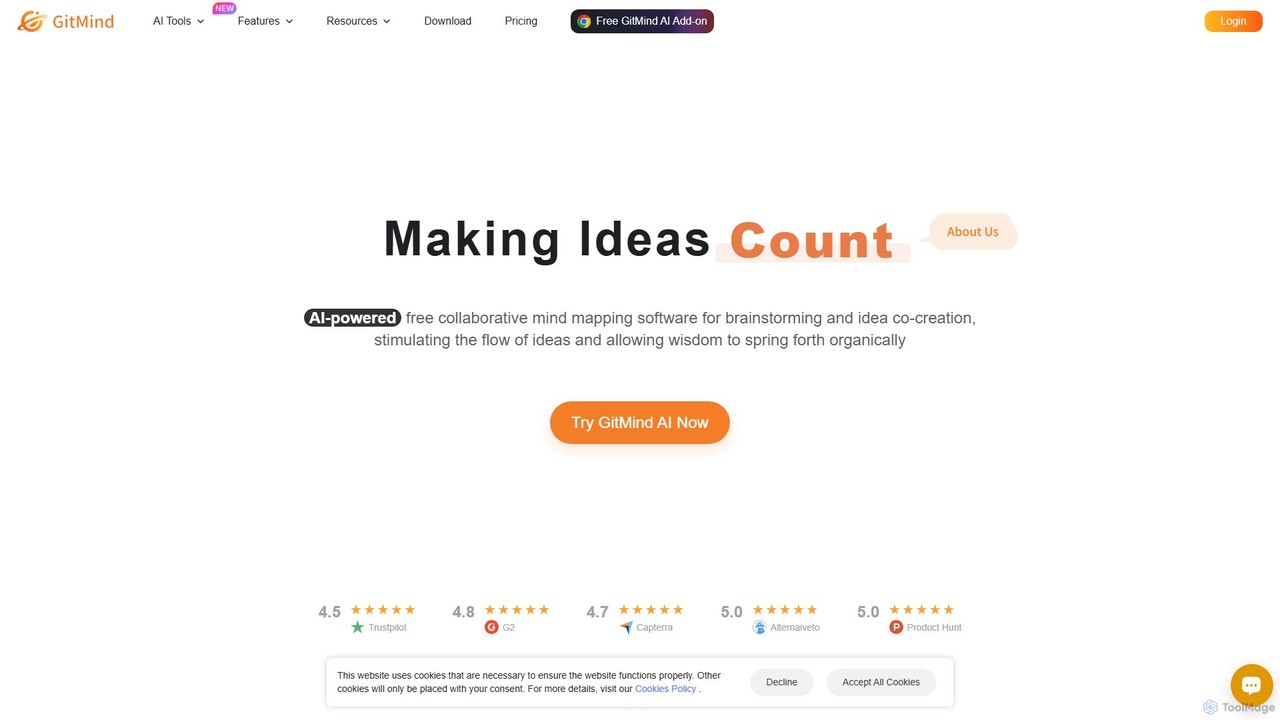
GitMind
GitMind is an AI-powered collaborative mind mapping and brainstorming tool. It enables users to create mind maps, flowcharts, org charts, and other diagrams with ease. Featuring AI-driven content generation, summarization of documents and videos, and real-time co-editing, GitMind helps individuals and teams visualize ideas, streamline workflows, and enhance productivity. With cross-platform availability and a rich template library, it transforms complex information into clear, organized visuals.
Project Management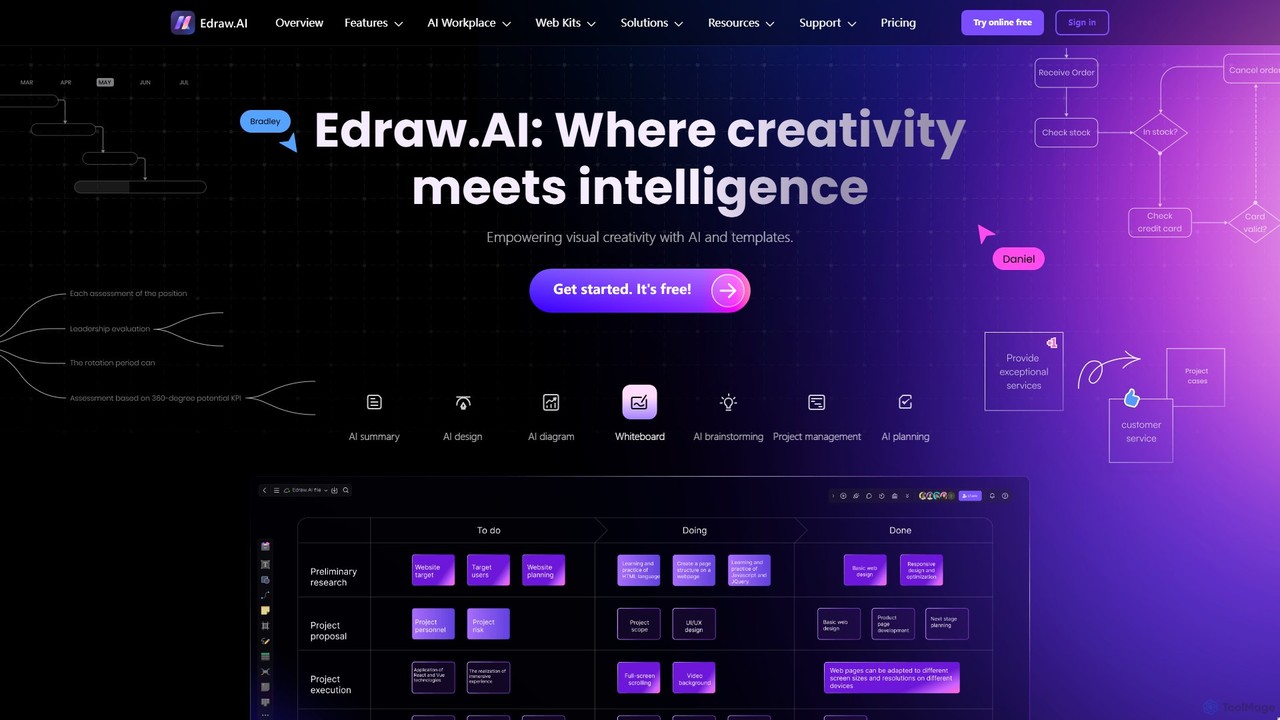
Edraw.AI
Edraw.AI is an AI-powered visual collaboration platform that enables users to create diagrams, mind maps, flowcharts, and other visuals with ease. It combines a user-friendly interface with powerful AI tools for generation, analysis, and design. Featuring real-time collaboration, an extensive library of templates and symbols, it's designed to boost productivity for teams in project management, IT, marketing, education, and more. Get started for free and transform your ideas into professional visuals.
Visualization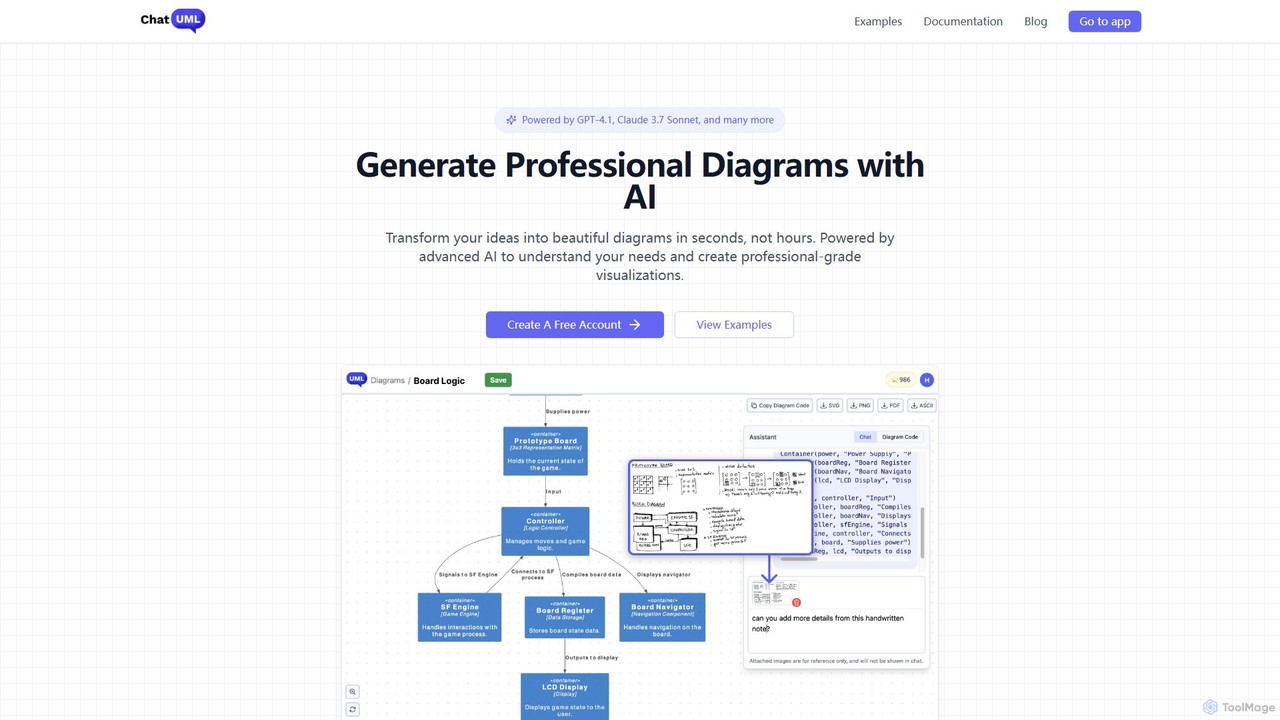
ChatUML
ChatUML is an AI-powered diagram generator that transforms text descriptions, hand-drawn sketches, and even website content into professional diagrams in seconds. Leveraging models like GPT-4.1 and Claude 3, it supports various formats including UML, C4 architecture, mind maps, and more, streamlining the visualization process for developers, project managers, and creative teams.
Planning
SocratiQ
SocratiQ is an AI-powered learning and research partner that utilizes the Socratic method to foster critical thinking and deepen understanding. Instead of providing direct answers, it guides users through topics with thoughtful questions, helping them explore concepts, connect ideas, and build a robust knowledge base. It's designed for students, researchers, and lifelong learners.
Learning
Edrawsoft
Edrawsoft is a comprehensive suite of AI-powered visual tools for diagramming, mind mapping, and project management. It includes EdrawMax for all-in-one diagram creation, EdrawMind for brainstorming, and EdrawProj for Gantt charts. With AI assistance, users can automatically generate flowcharts, org charts, and more from text, beautify designs with a single click, and collaborate seamlessly across platforms. It's a powerful Visio alternative for individuals, teams, and enterprises.
Project Management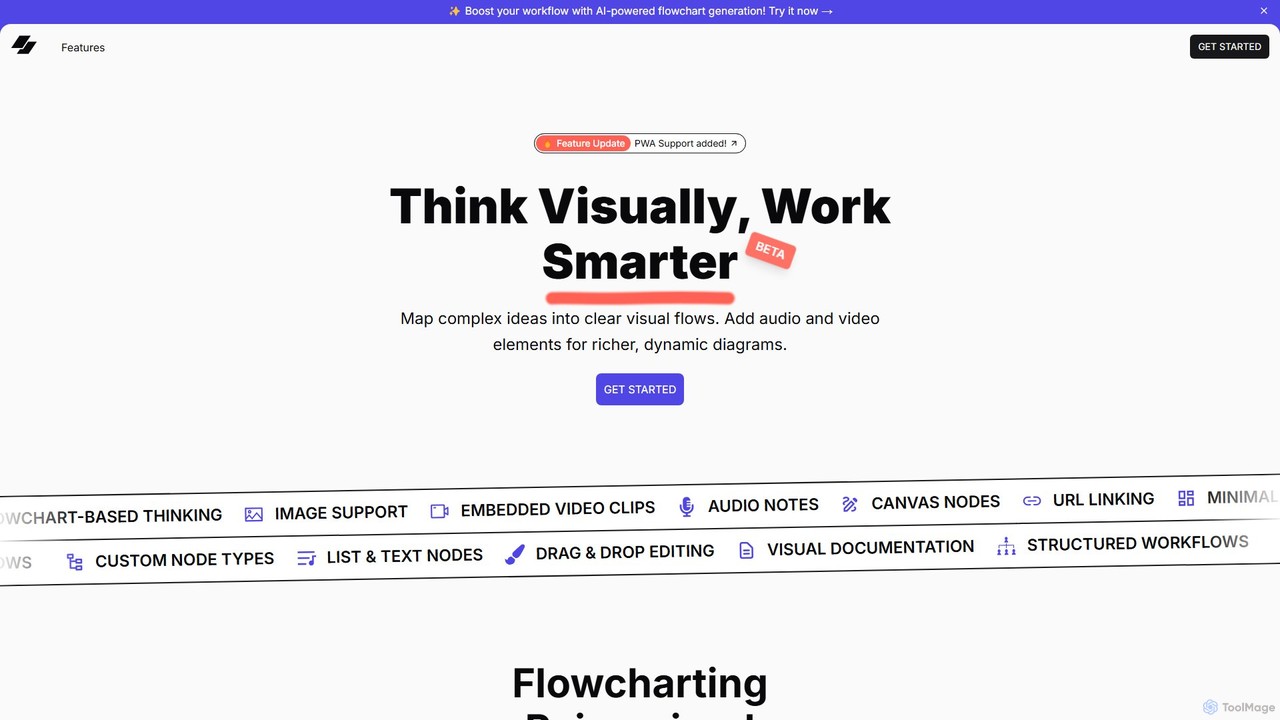
VisFlow
VisFlow is an AI-powered visual workspace that redefines flowcharting and mind mapping by integrating rich multimedia. It allows users to embed images, audio, and video directly into their diagrams, fostering a more dynamic and contextual way to brainstorm, plan, and collaborate. With a focus on privacy through local-first storage and an intuitive drag-and-drop interface, VisFlow is designed for creatives, educators, and teams who think visually.
Whiteboard
Jyek
Jyek is an AI agent platform that understands objectives, creates execution plans, uses tools, and delivers verifiable results for complex, multi-step tasks.
Automation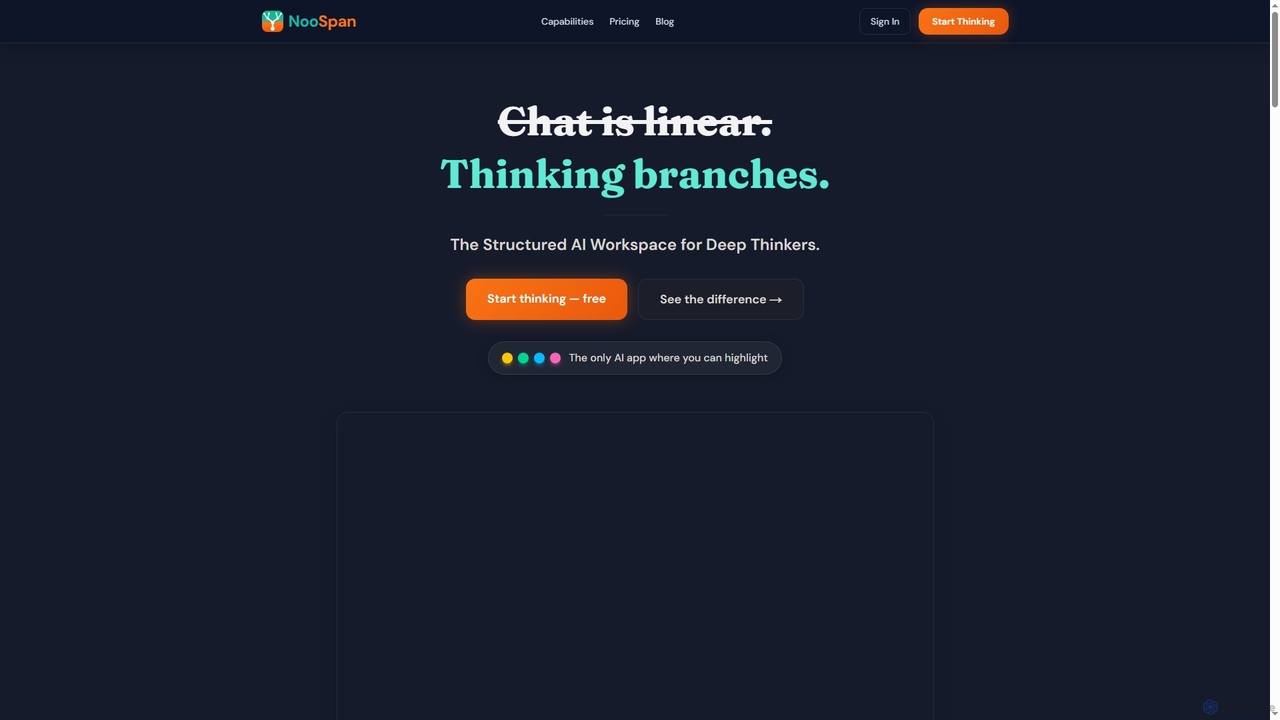
Noospan
Noospan is an AI workspace designed for complex thinking, offering a non-linear, structured environment that overcomes the limitations of traditional chat interfaces. It enables deep exploration of ideas through branching conversations, visual tree views, and integrated knowledge management, powered by advanced AI models like GPT-5 and Gemini. Ideal for researchers, writers, and professionals who need precision and context in their AI interactions.
Coding
Flux AI
Flux AI is an intelligent collaborative whiteboard that transforms text prompts into complex diagrams. It empowers teams to visualize ideas, design workflows, and create flowcharts or mind maps in seconds, streamlining the entire planning and brainstorming process.
Whiteboard
ConceptMap AI Comments (0)
Sign in to comment.
Sign inNo comments yet.