Noospan
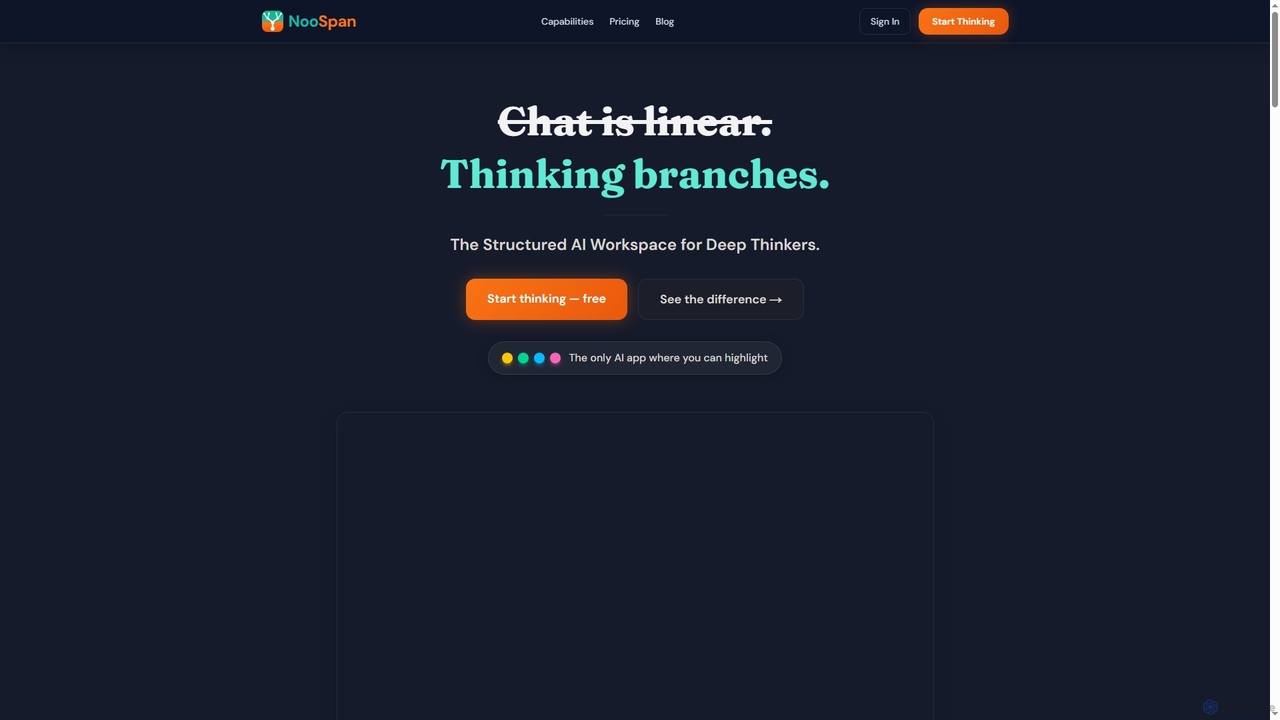
Noospan is an AI workspace designed for complex thinking, offering a non-linear, structured environment that overcomes the limitations …
Noospan is an AI workspace designed for complex thinking, offering a non-linear, structured environment that overcomes the limitations of traditional chat interfaces. It enables deep exploration of ideas through branching conversations, visual tree views, and integrated knowledge management, powered by advanced AI models like GPT-5 and Gemini. Ideal for researchers, writers, and professionals who need precision and context in their AI interactions.
Gamaa
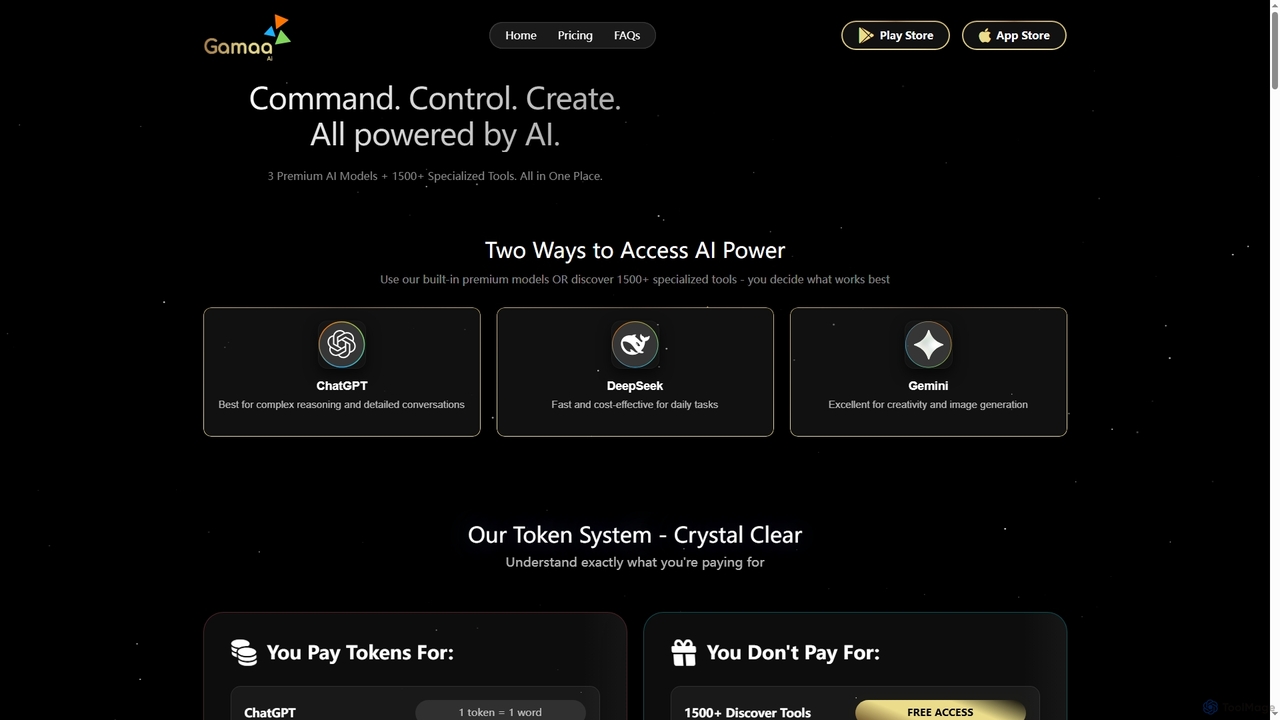
Gamaa is an advanced AI platform offering a unified chat interface that integrates the reasoning power of DeepSeek, …
Gamaa is an advanced AI platform offering a unified chat interface that integrates the reasoning power of DeepSeek, the creativity of ChatGPT, and the data context of Gemini. It provides access to over 1500 AI tools for writing, coding, analytics, and research, alongside a trending gallery of prompts and workflows. Its flexible credit system ensures users only pay for what they generate.
Olympia
Olympia provides a team of specialized AI-powered consultants to help businesses grow. Access experts in business strategy, marketing, …
Olympia provides a team of specialized AI-powered consultants to help businesses grow. Access experts in business strategy, marketing, content generation, software development, sales, and legal advice. It's a cost-effective solution for startups, solopreneurs, and small businesses to enhance productivity and scale operations without the overhead of hiring a large team.
About Coding
AI Coding tools are applications that leverage machine learning models to assist developers in writing, debugging, and understanding code. These tools analyze vast codebases to understand context, syntax, and programming patterns, enabling them to generate relevant suggestions. They significantly accelerate the development lifecycle by automating repetitive tasks, improving code quality, and reducing the time spent on troubleshooting. Many function as extensions within popular IDEs, providing real-time assistance directly in the developer's workflow.
Core Features
- Intelligent Code Completion: Suggests entire lines or blocks of code based on the current context, going beyond simple variable names.
- Natural Language to Code: Generates functional code snippets from plain English or other natural language descriptions.
- Automated Bug Detection & Fixing: Identifies potential errors, logical flaws, or security vulnerabilities and proposes corrections.
- Code Refactoring & Optimization: Recommends improvements to existing code for better performance, readability, or maintainability.
- Automated Documentation: Generates comments, docstrings, or full documentation for functions and classes.
Use Cases
These tools are widely used by individual developers, agile teams, and large enterprises. They are valuable for rapid prototyping, learning new programming languages or frameworks, and maintaining code consistency across large projects. In enterprise settings, they help onboard new developers faster and enforce coding standards.
How to Choose
When selecting an AI Coding tool, consider its integration with your preferred IDE (e.g., VS Code, JetBrains), the programming languages it supports, and its performance. For business use, critically evaluate the tool's data privacy and security policies to ensure your proprietary code remains confidential. The quality and relevance of its suggestions are also key factors.

CodingUse Cases
Accelerate Backend API Development
A backend developer is tasked with creating a new REST API endpoint for user profile management. Instead of writing all the boilerplate code manually, they use an AI coding assistant. By typing a comment like 'create a POST endpoint /users to add a new user with validation for email and password', the tool generates the complete function structure, including request parsing, data validation logic, and database interaction placeholders. This reduces development time for a single endpoint from an hour to just a few minutes, allowing the developer to focus on more complex business logic.
Automate Unit Test Generation
A software engineer has just finished writing a complex data processing function and needs to ensure its reliability by writing unit tests. Using an AI coding tool, they can highlight the function and request it to generate test cases. The AI analyzes the function's logic, including edge cases like null inputs, empty arrays, and large number handling. It then produces a complete test suite that covers these scenarios, achieving high code coverage instantly. This saves significant time compared to manually writing each test case and helps catch bugs early in the development process.
Refactor Legacy Code for Modernization
A maintenance team is tasked with updating a legacy codebase written in an older version of a language, such as Python 2. The code is functional but inefficient and hard to read. A developer uses an AI coding tool to refactor the code. They can select a block of code and ask the AI to 'refactor this for clarity and performance' or 'convert this to Python 3 syntax'. The tool suggests changes like replacing old library calls, optimizing loops, and improving variable naming, all while explaining the rationale behind each change. This modernizes the codebase faster and with fewer introduced errors than a manual refactoring effort.
Debug Complex and Obscure Errors
A developer encounters a cryptic error message that doesn't yield useful results on search engines. Instead of spending hours trying to decipher it, they copy the error message and the relevant code snippet into an AI coding assistant. The AI, trained on millions of similar issues, recognizes the pattern and explains the likely cause of the error in plain language. It might identify a subtle configuration issue, a version mismatch in dependencies, or a logical flaw that isn't a syntax error. The AI then provides a corrected code snippet, turning a potential multi-hour debugging session into a quick fix.
Learn a New Framework or Language
A frontend developer proficient in React needs to quickly learn Vue.js for a new project. They use an AI coding tool as an interactive learning partner. When they're unsure how to implement a feature in Vue, they can write a comment describing the goal, like '// create a two-way data binding for this input field'. The AI generates the correct Vue.js code, often with an explanation of the syntax. This hands-on, contextual learning is much faster than reading through documentation, allowing the developer to become productive in the new framework in days instead of weeks.
Generate Technical Documentation from Code
A team is preparing for a new release and needs to update the technical documentation. This is often a tedious and neglected task. A developer uses an AI coding tool that can analyze code and generate documentation. By selecting a complex class or function, they can command the AI to 'generate a docstring for this function'. The AI analyzes the code's parameters, logic, and return values to produce a well-structured comment explaining what the function does, its inputs, and its outputs. This ensures the documentation is accurate and up-to-date, improving the maintainability of the project and making it easier for new team members to understand the codebase.