

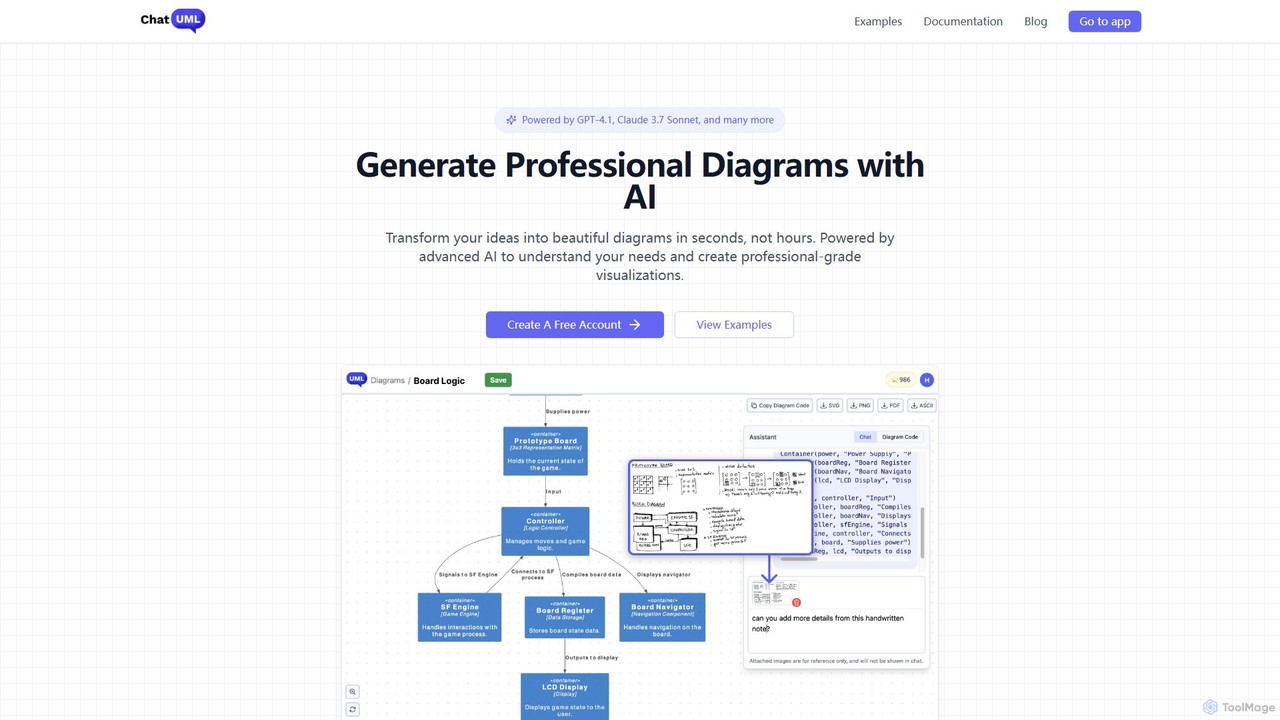
ChatUML Overview
ChatUML is a cutting-edge, AI-assisted diagram generator designed to dramatically accelerate the process of creating professional visualizations. By harnessing the power of advanced large language models such as GPT-4.1 and Claude 3.7 Sonnet, ChatUML allows users to convert complex ideas, natural language descriptions, and even rough sketches into polished, accurate diagrams within seconds. This eliminates the tedious and time-consuming manual effort typically associated with diagramming tools, making it an indispensable asset for professionals across various fields.
The platform is built upon the robust and versatile PlantUML syntax, enabling the generation of a wide array of diagram types. Whether you need to map out software architecture with C4 models, detail system interactions with sequence diagrams, organize thoughts with mind maps, or illustrate processes with activity diagrams, ChatUML provides the intelligence and speed to get it done efficiently. Its unique features, like converting website content or hand-drawn images into structured diagrams, further enhance its utility and set it apart from conventional tools.
How to use ChatUML
Using ChatUML is designed to be an intuitive and straightforward three-step process:
- Describe Your Needs: Start by providing your input. You can type a description of the diagram you want in plain English, such as "Create a sequence diagram for a user login process." Alternatively, you can upload an image of a hand-drawn sketch or provide a URL to a website, and the AI will analyze its content.
- AI Magic: Once you submit your input, ChatUML's advanced AI engine gets to work. It analyzes your requirements, understands the context and relationships, and generates the corresponding PlantUML code. This code is then instantly rendered into a professional and visually appealing diagram that accurately reflects your initial idea.
- Export & Share: Review the generated diagram. If needed, you can refine your text prompt to iterate on the design. Once you are satisfied, you can download the diagram in various formats like PNG or SVG, or share it directly with your team members and stakeholders to facilitate clear communication and collaboration.
Core Features of ChatUML
- Multi-LLM Support: Powered by a range of state-of-the-art AI models, including GPT-4.1, Claude 3.7 Sonnet, and Deepseek, ensuring high-quality and context-aware diagram generation.
- Sketch to Diagram: Convert your whiteboard photos or hand-drawn sketches into clean, professional digital diagrams.
- Website to Diagram: Automatically generate diagrams by providing a URL, allowing the AI to intelligently analyze and visualize the website's structure or content.
- Extensive PlantUML Support: Create any type of diagram supported by PlantUML, including sequence, use case, class, object, activity, component, deployment, state, timing, and mind maps.
- C4 Model for Architecture: Specifically designed to help enterprise architects and software engineers create C4 architecture diagrams (Context, Containers, Components, Code) with ease.
- Lightning-Fast Generation: Transforms ideas into diagrams in seconds, drastically reducing the time spent on manual creation.
- Data Privacy: Your data is not used for training AI models. ChatUML maintains a strict policy with its third-party AI service providers to ensure user data is not logged or repurposed.
Use Cases for ChatUML
ChatUML is a versatile tool suitable for a wide range of professionals and tasks:
- Software Engineers & Architects: Quickly create UML diagrams, C4 models for system architecture, and sequence diagrams for API interactions.
- Project Managers: Visualize project workflows, timelines, and team structures to communicate complex plans effectively.
- Business Analysts: Map out business processes, user flows, and system requirements for clear documentation and stakeholder alignment.
- Marketing & Creative Teams: Brainstorm ideas and create compelling mind maps or organizational charts for campaigns and presentations.
- Students & Educators: Simplify the learning of complex concepts by visualizing them through diagrams and flowcharts.
Advantages of ChatUML
The primary advantage of ChatUML is its incredible efficiency. It turns hours of meticulous drawing into seconds of AI-powered generation. This accessibility empowers users without deep technical knowledge of diagramming syntax to create professional-grade visuals. Its versatility in handling various input types (text, sketch, URL) and supporting a vast library of diagram formats makes it a comprehensive solution. Furthermore, its pay-as-you-go model offers great flexibility, allowing users to pay only for what they need without being locked into a monthly subscription.
Pricing and Plans
ChatUML operates on a freemium, pay-as-you-go model. New users receive 10 free credits to get started. Each diagram generation consumes one credit. Exporting existing diagrams does not consume any credits. Once the free credits are used, you can purchase more. A key benefit is that purchased credits never expire, providing maximum flexibility. Payments are processed securely via Stripe, which accepts credit cards, Google Pay, Apple Pay, and other regional payment methods.
Traffic
Latest traffic
Status
Monthly traffic trend
- 2025-9: 12.7K
- 2026-1: 16.5K
- 2026-2: 14.4K
- 2026-3: 12.3K
- 2026-4: 16.7K
- 2026-5: 21.7K
Geography
Top 5 countries / regions
- 🇻🇳Vietnam24.9%
- 🇺🇸United States24.9%
- 🇮🇩Indonesia22.3%
- 🇮🇳India16.4%
- 🇱🇰Sri Lanka11.6%
Top keywords
| Keyword | Cost per click |
|---|---|
| ai diagram generator | $2.24 |
| diagram generator ai | $0.48 |
| diagram maker | $2.60 |
| uml diagram | $1.71 |
| uml online | $0.89 |
ChatUML Alternatives

snapdiagram
SnapDiagram is an AI-powered tool that instantly transforms text descriptions into professional diagrams. Generate flowcharts, sequence diagrams, UML models, mind maps, and more with simple natural language prompts. It's designed to accelerate workflows for developers, business analysts, and project managers by automating the diagramming process.
Workflow Management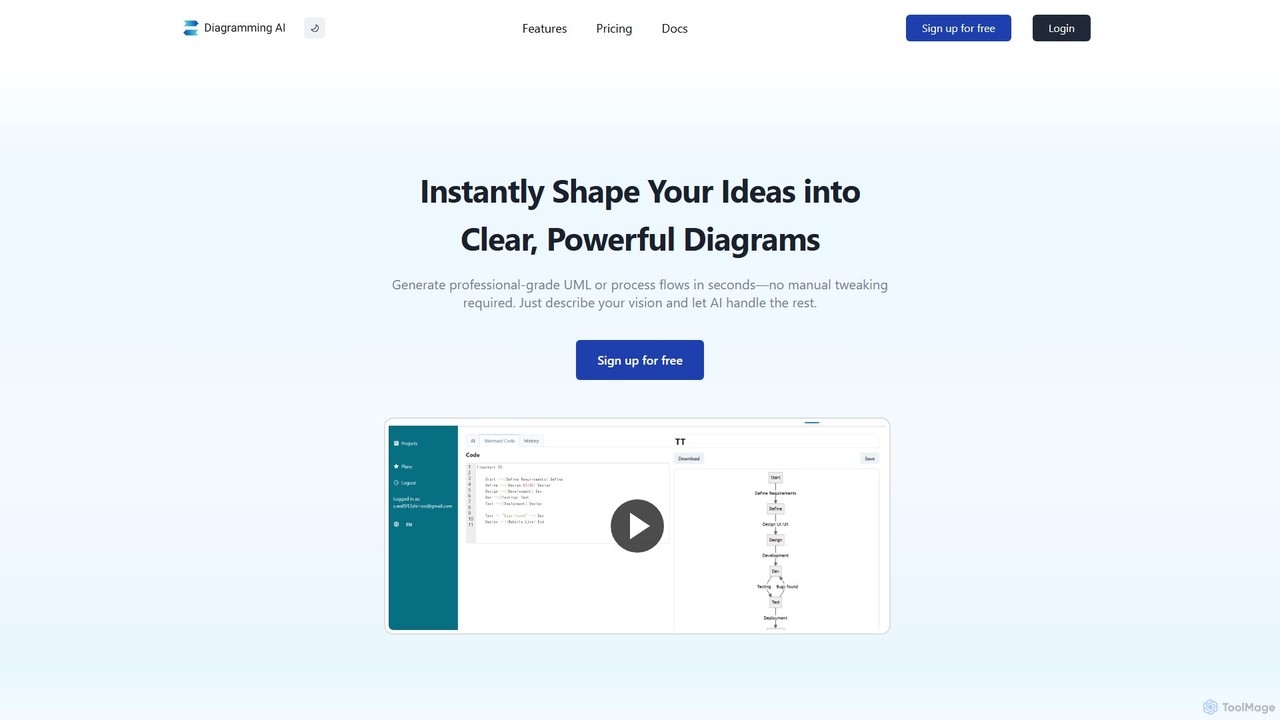
Diagramming AI
Diagramming AI is an advanced AI-powered platform that instantly generates and edits a wide range of diagrams from text, URLs, or images. It supports popular formats like Mermaid, PlantUML, and Graphviz, and features an intuitive AI chat for real-time modifications and a visual editor integration with Excalidraw for precise adjustments.
Visualization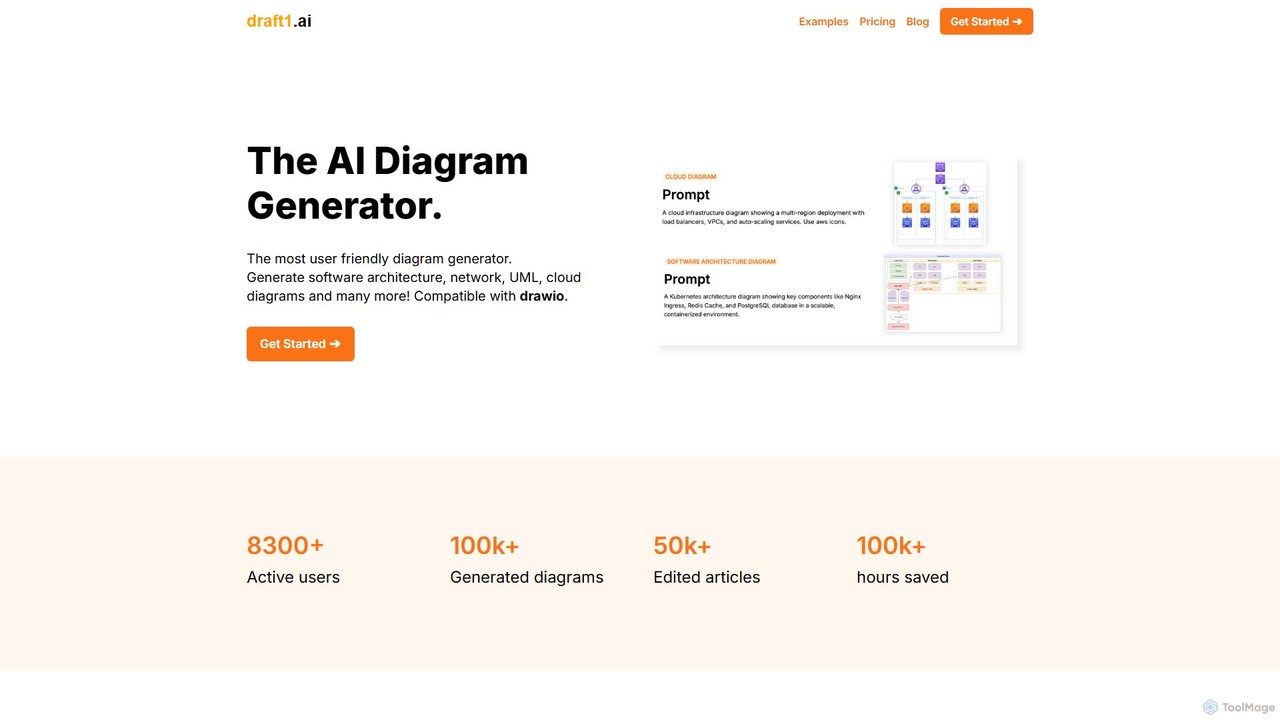
draft1.ai
draft1.ai is an AI-powered diagram generator that transforms your text, notes, and ideas into professional diagrams like ER, UML, Kubernetes, and network layouts. Simply paste your text to instantly create visual illustrations and a first-draft report. Edit diagrams as needed and export your work in multiple formats, streamlining your documentation and design process.
Software Development
iMiaoban
iMiaoban is an AI-powered collaborative online whiteboard designed to enhance team productivity. It allows users to instantly create various diagrams, including flowcharts and mind maps, using text prompts. With a vast library of templates and real-time collaboration features, it simplifies the process of visualizing ideas and workflows.
Whiteboard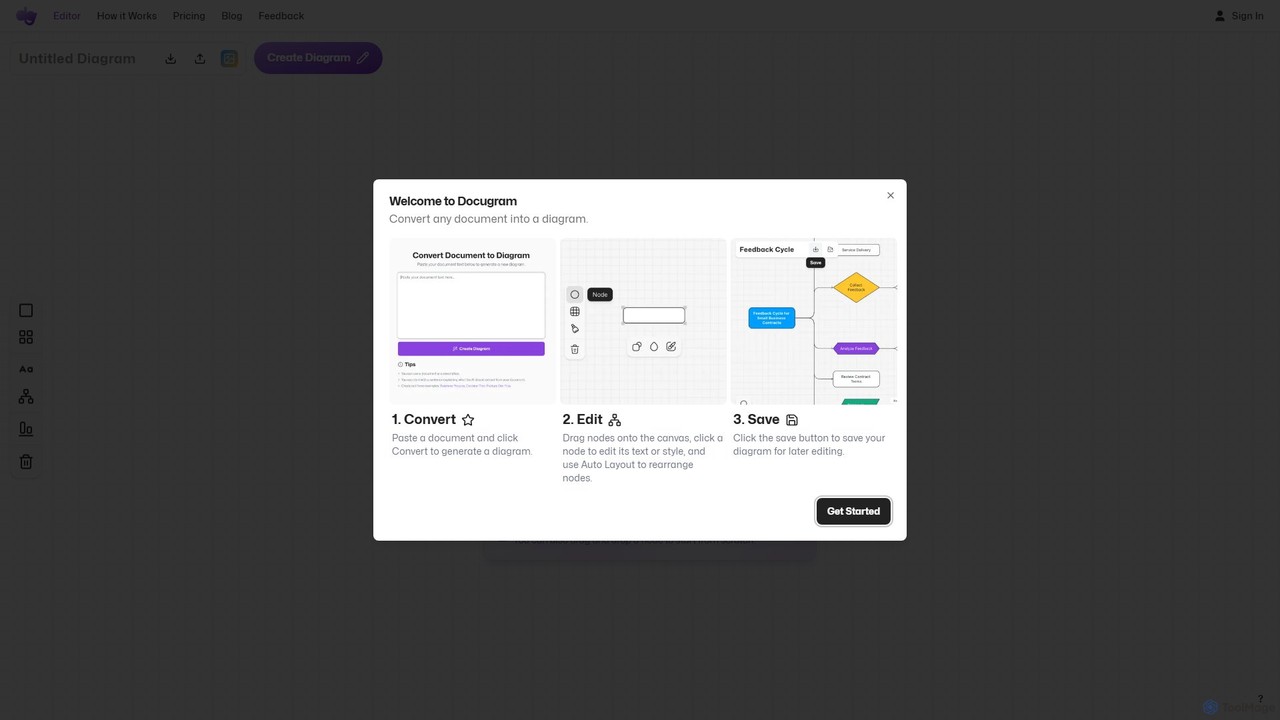
Docugram
Docugram is an AI-powered tool that instantly transforms text documents, notes, and prompts into clear, editable diagrams and flowcharts. It streamlines workflows by converting complex information from formats like Word, Excel, and PDF into visual maps, enhancing productivity for professionals in project management, development, and business analysis.
Project ManagementChatUML Categories
ChatUML Embed Widget
Copy this embed code to place the badge on your blog, article, or product site and send readers directly to this ToolMage detail page.

Related AI tools
snapdiagram
SnapDiagram is an AI-powered tool that instantly transforms text descriptions into professional diagrams. Generate flowcharts, sequence diagrams, UML models, mind maps, and more with simple natural language prompts. It's designed to accelerate workflows for developers, business analysts, and project managers by automating the diagramming process.
Workflow Management
AmyMind
AmyMind is an AI-powered mind mapping tool that instantly transforms text, documents (PDF, Word, Markdown), and ideas into clear, organized mind maps, flowcharts, and UML diagrams. It features AI-assisted exploration for deeper insights, one-click export to multiple formats like PowerPoint and PDF, and a versatile online whiteboard. Ideal for students, professionals, and creatives looking to visualize information and streamline their workflow.
DiagrammingDiagramming AI
Diagramming AI is an advanced AI-powered platform that instantly generates and edits a wide range of diagrams from text, URLs, or images. It supports popular formats like Mermaid, PlantUML, and Graphviz, and features an intuitive AI chat for real-time modifications and a visual editor integration with Excalidraw for precise adjustments.
Visualizationdraft1.ai
draft1.ai is an AI-powered diagram generator that transforms your text, notes, and ideas into professional diagrams like ER, UML, Kubernetes, and network layouts. Simply paste your text to instantly create visual illustrations and a first-draft report. Edit diagrams as needed and export your work in multiple formats, streamlining your documentation and design process.
Software DevelopmentiMiaoban
iMiaoban is an AI-powered collaborative online whiteboard designed to enhance team productivity. It allows users to instantly create various diagrams, including flowcharts and mind maps, using text prompts. With a vast library of templates and real-time collaboration features, it simplifies the process of visualizing ideas and workflows.
WhiteboardDocugram
Docugram is an AI-powered tool that instantly transforms text documents, notes, and prompts into clear, editable diagrams and flowcharts. It streamlines workflows by converting complex information from formats like Word, Excel, and PDF into visual maps, enhancing productivity for professionals in project management, development, and business analysis.
Project Management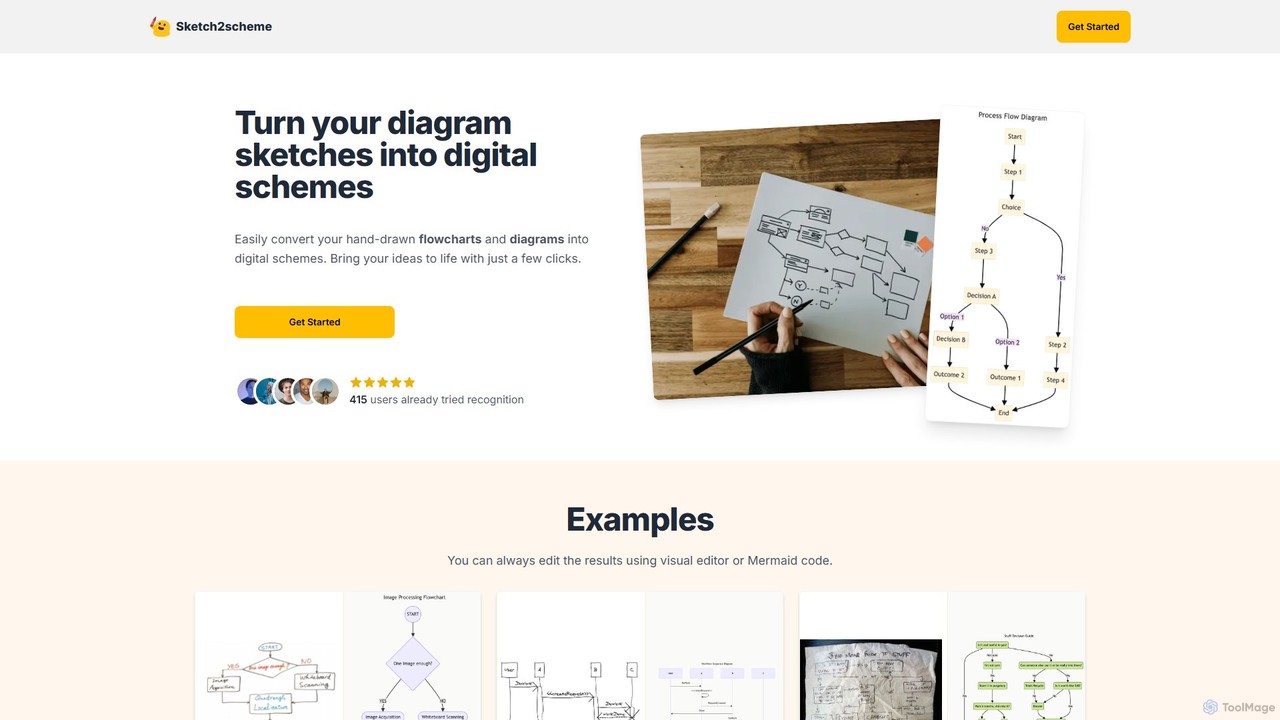
Sketch2scheme
Sketch2scheme is an AI-powered tool that effortlessly converts your hand-drawn diagram sketches into polished, editable digital schemes. Simply upload a picture of your flowchart or diagram, and the AI will recognize nodes, connections, and text, transforming your analog ideas into digital assets in seconds. It's perfect for developers, project managers, and students who want to bridge the gap between paper brainstorming and digital implementation.
Prototyping
Jyek
Jyek is an AI agent platform that understands objectives, creates execution plans, uses tools, and delivers verifiable results for complex, multi-step tasks.
Automation
Mermaid Chart
Mermaid Chart is an AI-powered diagramming tool that enables teams to create complex visuals like flowcharts, sequence diagrams, and mind maps using markdown-style code, natural language prompts, or a visual editor. It's designed for faster, smarter diagramming and seamless collaboration.
Code Generation
Mermaid Online
Mermaid Online is an advanced web-based editor and AI-powered diagram generator that transforms text descriptions and Mermaid syntax into professional visual diagrams. It supports various diagram types, offers real-time preview, and flexible export options, streamlining documentation and system design workflows for individuals and teams.
Text To Diagram
MagickPen
MagickPen is a versatile AI writing and code assistant powered by GPT-4o mini and GPT-4.1. It offers a vast library of templates for writing, marketing, coding, and personal planning. Generate articles, explain code, create mind maps, and much more in seconds. A free plan is available to get started.
Code Assistant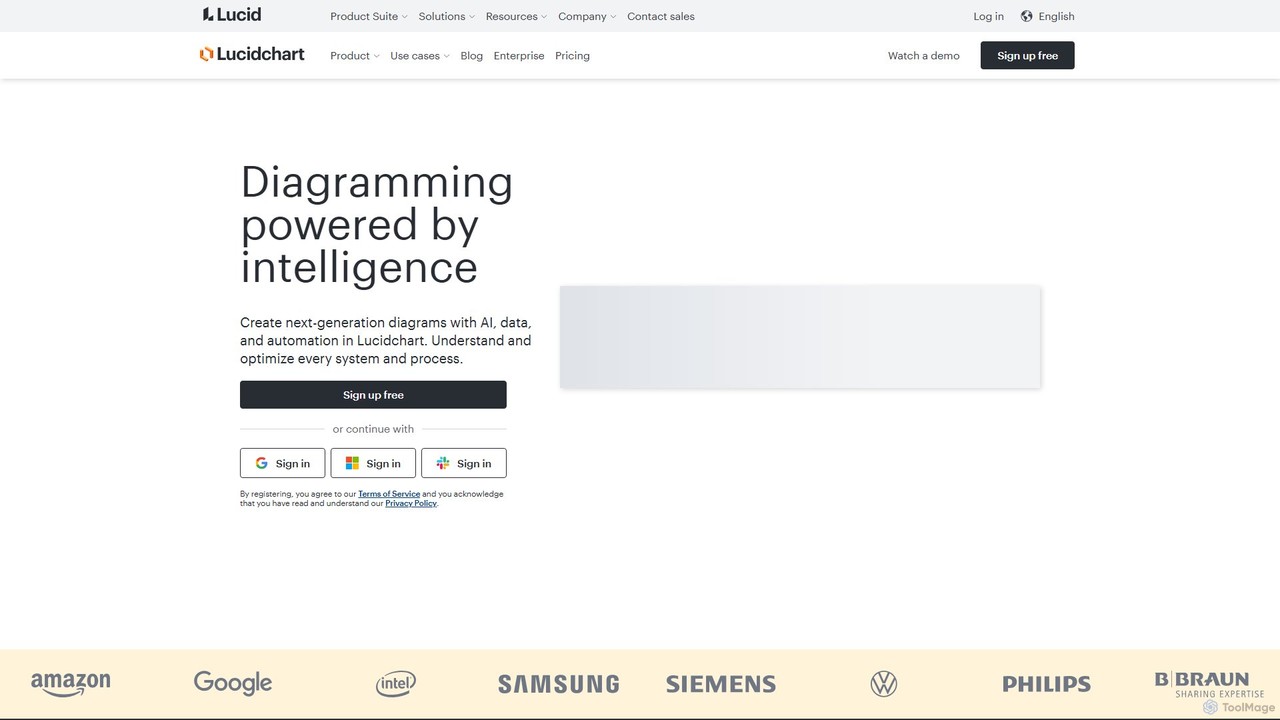
Lucidchart
Lucidchart is an intelligent diagramming and visual collaboration platform that uses AI, data automation, and real-time teamwork to help users visualize complex systems, processes, and ideas. It enables teams to create professional flowcharts, org charts, network diagrams, and more, fostering clarity and driving innovation.
Project Management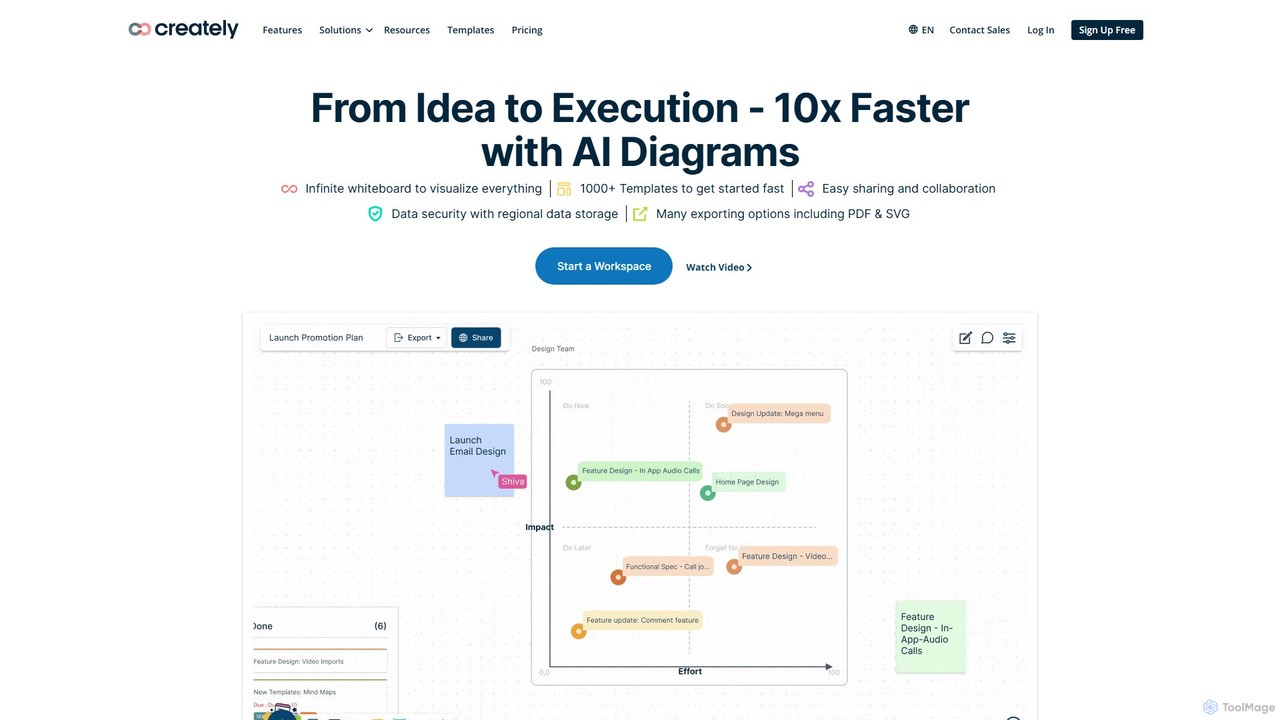
Creately
Creately is an AI-powered visual collaboration and work management platform. It combines intelligent diagramming, online whiteboarding, and data-driven project management on a single smart canvas, helping teams brainstorm, plan, and execute projects more effectively.
Planning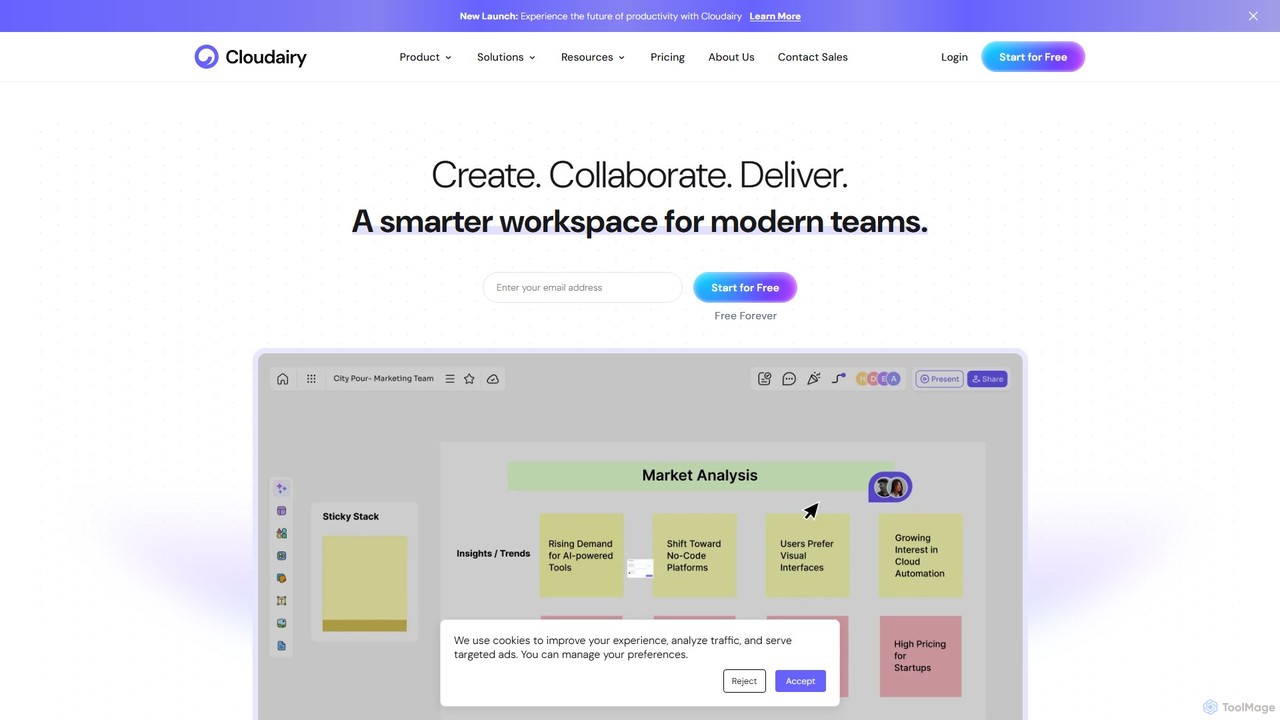
Cloudairy
Cloudairy is an AI-powered collaborative visual workspace designed for modern teams. It integrates AI-driven diagramming, mind mapping, image generation, and documentation tools into a single platform. It enables teams in engineering, sales, and project management to brainstorm, design, and deliver projects with enhanced efficiency and creativity.
Generative Art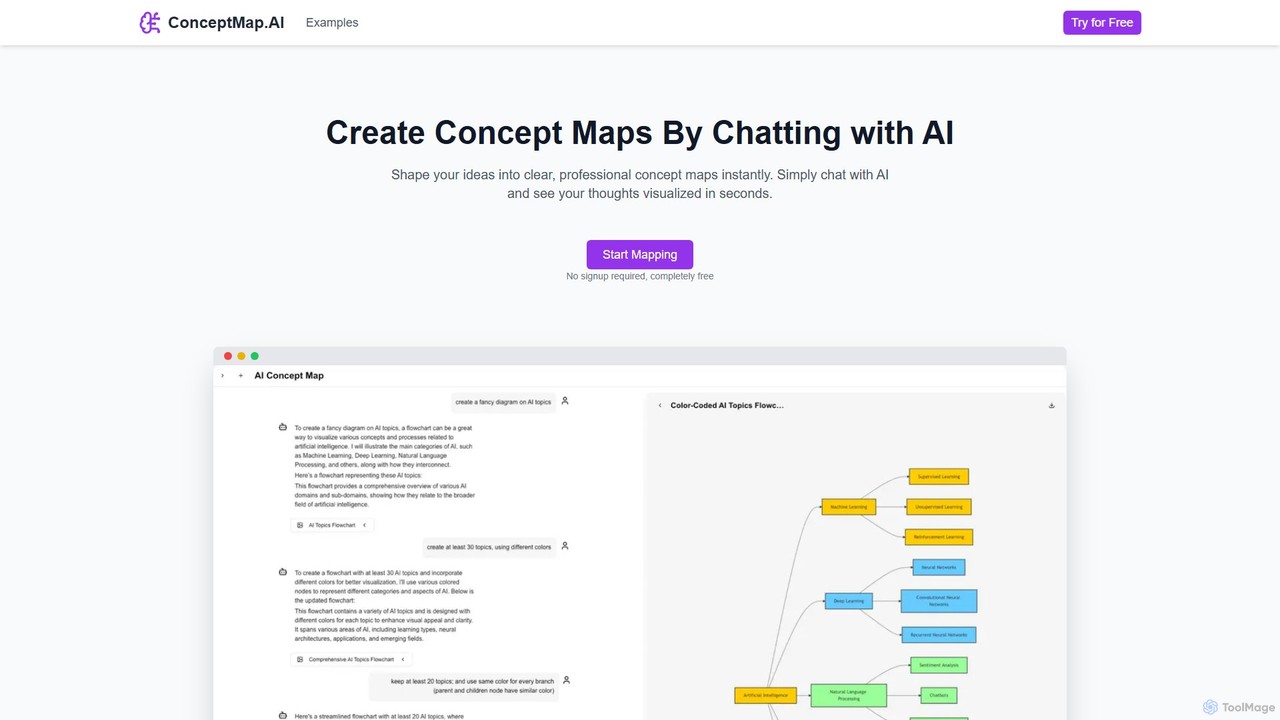
ConceptMap AI
A free, chat-based AI tool that instantly transforms your conversations and ideas into professional concept maps, mind maps, and flowcharts. Ideal for knowledge workers, students, and researchers to organize complex information, brainstorm, and plan projects without any manual diagramming.
Learning
ChatUML Comments (0)
Sign in to comment.
Sign inNo comments yet.