

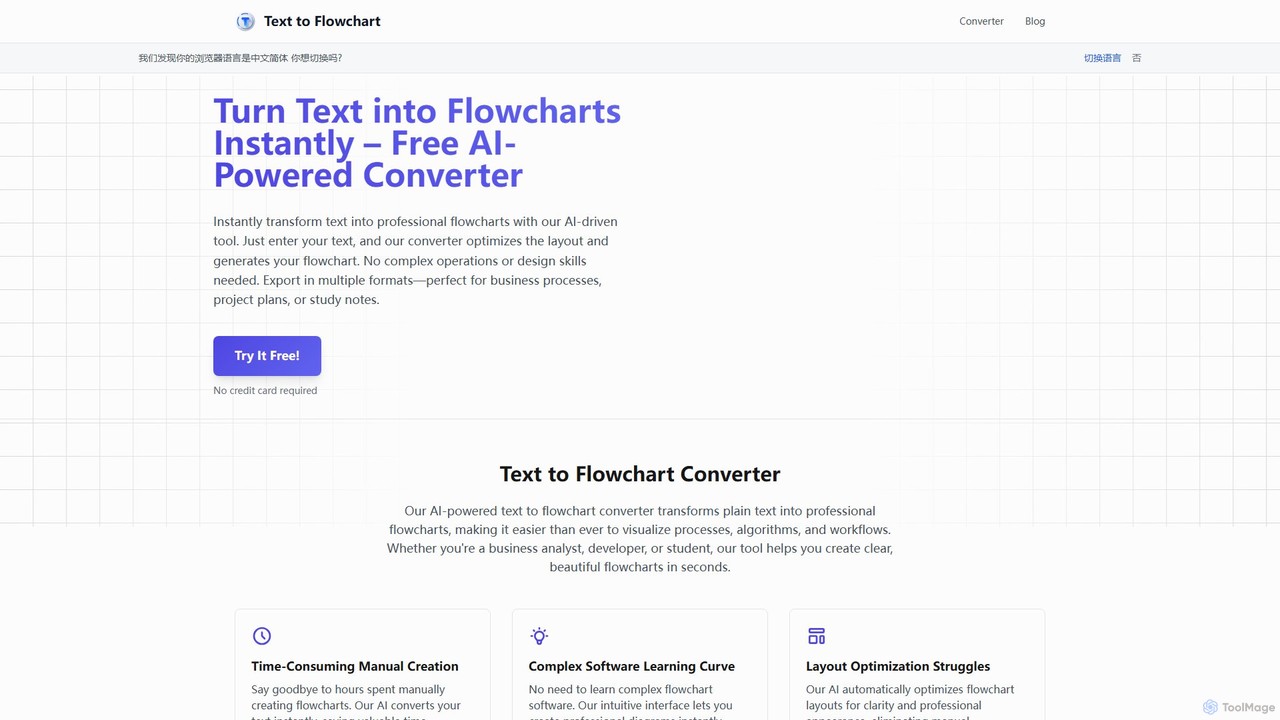
Text to Flowchart Overview
Text to Flowchart is an innovative, AI-driven online tool designed to streamline the creation of diagrams and flowcharts. It eliminates the time-consuming and often complex process of manual diagramming by allowing users to simply describe a process in natural language. The advanced AI model interprets the text, identifies key steps, decision points, and connections, and automatically generates a clean, professional, and logically structured flowchart. This makes it an invaluable asset for a wide range of users, including software engineers documenting architecture, business analysts mapping process flows, project managers visualizing workflows, and students creating study aids. The tool is built for speed and efficiency, turning hours of work into mere minutes.
How to use Text to Flowchart
Creating a professional flowchart is a simple, three-step process that requires no prior design or technical expertise:
- Describe Your Process: In the provided text area, write or paste a description of your process using plain, natural language. Detail the steps, decisions (e.g., if/else conditions), and sequences as you would explain them to a person. The AI is trained to understand the logic and flow from your text.
- Click Convert: Once your text is ready, click the 'Convert' button. The AI engine will instantly process your input, analyze the structure, and generate a visually optimized flowchart. The layout, spacing, and connections are all handled automatically for maximum clarity.
- Download & Share: Review the generated flowchart. You can then export it in various high-quality formats, such as PNG (for images) and SVG (for scalable vectors), making it easy to integrate into presentations, documents, websites, or share directly with your team.
Core Features of Text to Flowchart
- AI-Powered Natural Language Processing: The core of the tool is an advanced AI that understands plain text descriptions of processes, eliminating the need for special syntax or code.
- Automatic Layout Optimization: The AI automatically arranges flowchart elements for optimal readability and a professional appearance, saving you from manual adjustments.
- Multiple Export Options: Download your finished diagrams as high-resolution PNG images or scalable SVG vectors, ensuring compatibility with all your documentation and presentation needs.
- Customization Capabilities: While the AI provides a professional default style, you have the flexibility to customize colors, shapes, and fonts to align with your brand guidelines or personal preferences.
- Real-time Collaboration: Share your flowcharts with team members to view, edit, and comment in real-time, fostering seamless teamwork and improving communication on projects.
- High-Speed Generation: Convert text to a complete flowchart in seconds, dramatically accelerating your documentation and planning workflows.
- Secure and Private: Your data is processed with security in mind. The platform uses industry-standard encryption and does not store your content without your permission.
Use Cases for Text to Flowchart
This tool is versatile and can be applied in numerous professional and academic scenarios:
- Software Development: Engineers can quickly document software architecture, user flows, and complex algorithms for planning and code reviews.
- Business Analysis: Analysts can map out current and future state business processes, client workflows, and system interactions for presentations and analysis.
- Project Management: Project managers can visualize project timelines, decision-making processes, and team responsibilities to enhance clarity and alignment.
- Education and Training: Students and educators can use it to create study guides, explain scientific processes, or break down complex theories into easy-to-understand visual steps.
- Content Creation: Bloggers and content creators can design visual aids to accompany articles and tutorials, making information more engaging and digestible.
Advantages of Text to Flowchart
Choosing this tool offers significant benefits over traditional methods:
- Efficiency: Say goodbye to hours of dragging and dropping shapes. Generate diagrams instantly and save valuable time.
- Simplicity: The intuitive, text-based interface means there is no steep learning curve associated with complex diagramming software.
- Professional Quality: Consistently produce beautiful, well-aligned, and easy-to-read flowcharts that look professionally designed.
- Cost-Effective: Provides a powerful, affordable alternative to expensive subscriptions for traditional flowchart and diagramming tools.
- Agility: Make rapid iterations and updates to your diagrams by simply editing the source text, which is perfect for agile environments.
Pricing and Plans
Text to Flowchart operates on a freemium model. It offers a free plan that allows users to experience the core functionality and create basic flowcharts. For more advanced features, such as unlimited diagrams, advanced customization options, premium support, and enhanced collaboration capabilities, there are paid subscription plans available. This model makes it accessible for individual use while providing the power needed for professional teams.
Text to Flowchart Alternatives
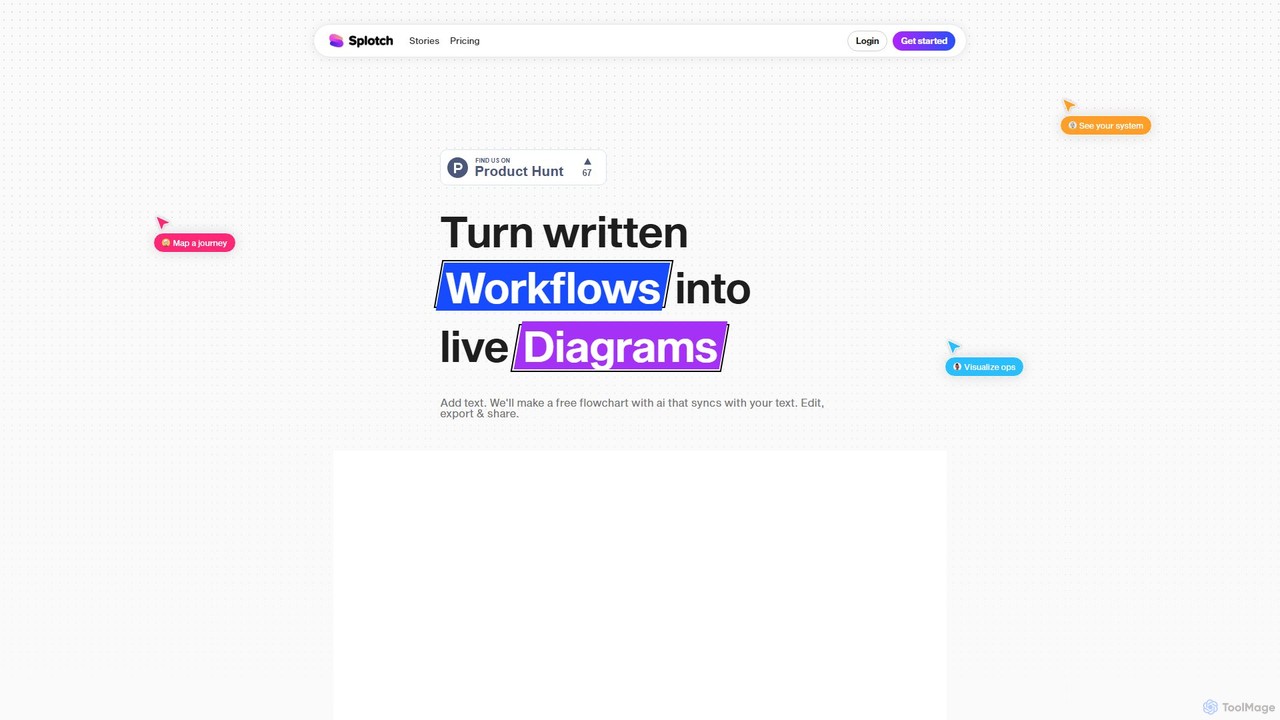
splotch
splotch is an AI-powered diagramming tool that automatically converts written text, processes, and workflows into clear, editable flowcharts and diagrams. It features a unique two-way sync, ensuring your text and visuals are always aligned, streamlining communication and process documentation.
Process Management
ai_flowchart
ai_flowchart is an AI-powered tool that transforms natural language descriptions into professional flowcharts and diagrams instantly. Leveraging advanced NLP, it allows users to simply describe a process, and the AI generates a visually appealing and structured diagram. It's designed for developers, project managers, and business analysts, featuring customization, collaboration, and multiple export options. Ideal for software architecture, business process mapping, and project planning.
Process Management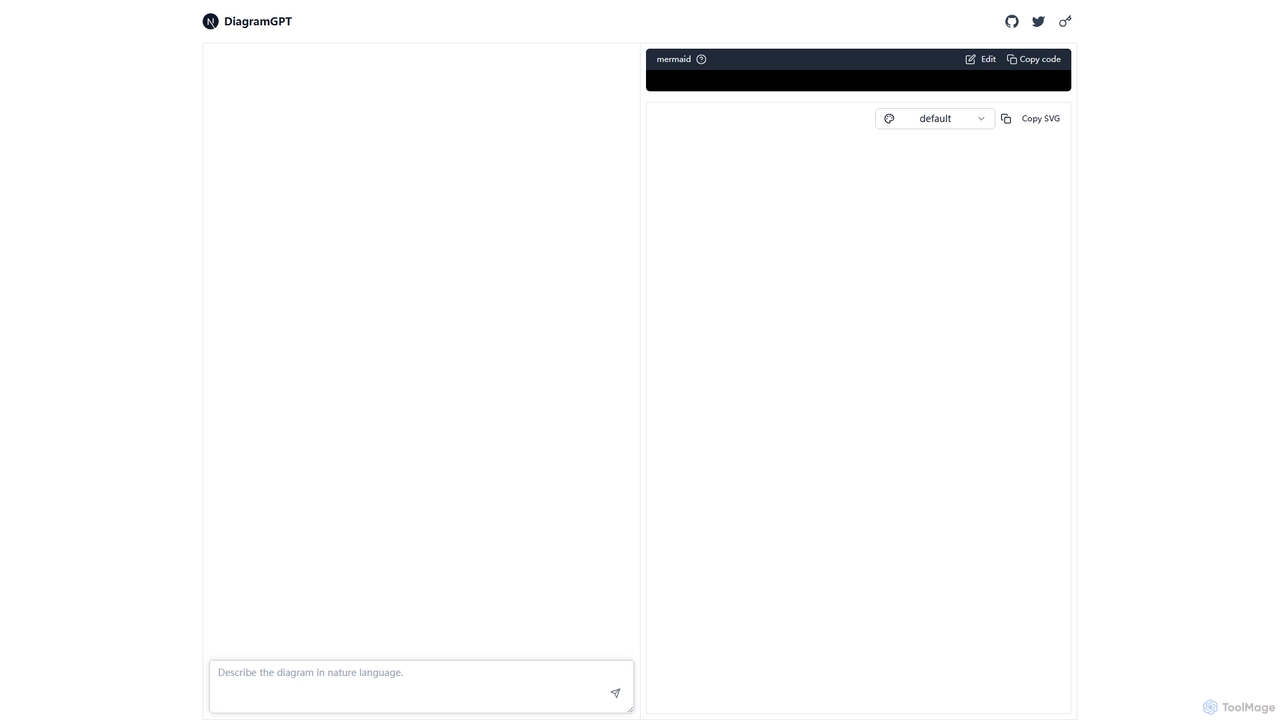
DiagramGPT
DiagramGPT is an AI-powered tool that transforms natural language text prompts into various diagrams. By leveraging GPT technology and Mermaid syntax, it allows users to effortlessly generate flowcharts, sequence diagrams, and more, simply by describing what they want to visualize. It's an ideal solution for developers, project managers, and students who need to create professional diagrams quickly without manual drawing.
Process Management
snapdiagram
SnapDiagram is an AI-powered tool that instantly transforms text descriptions into professional diagrams. Generate flowcharts, sequence diagrams, UML models, mind maps, and more with simple natural language prompts. It's designed to accelerate workflows for developers, business analysts, and project managers by automating the diagramming process.
Workflow Management
Flux AI
Flux AI is an intelligent collaborative whiteboard that transforms text prompts into complex diagrams. It empowers teams to visualize ideas, design workflows, and create flowcharts or mind maps in seconds, streamlining the entire planning and brainstorming process.
WhiteboardText to Flowchart Categories
Text to Flowchart Embed Widget
Copy this embed code to place the badge on your blog, article, or product site and send readers directly to this ToolMage detail page.

Related AI tools
splotch
splotch is an AI-powered diagramming tool that automatically converts written text, processes, and workflows into clear, editable flowcharts and diagrams. It features a unique two-way sync, ensuring your text and visuals are always aligned, streamlining communication and process documentation.
Process Managementsnapdiagram
SnapDiagram is an AI-powered tool that instantly transforms text descriptions into professional diagrams. Generate flowcharts, sequence diagrams, UML models, mind maps, and more with simple natural language prompts. It's designed to accelerate workflows for developers, business analysts, and project managers by automating the diagramming process.
Workflow Management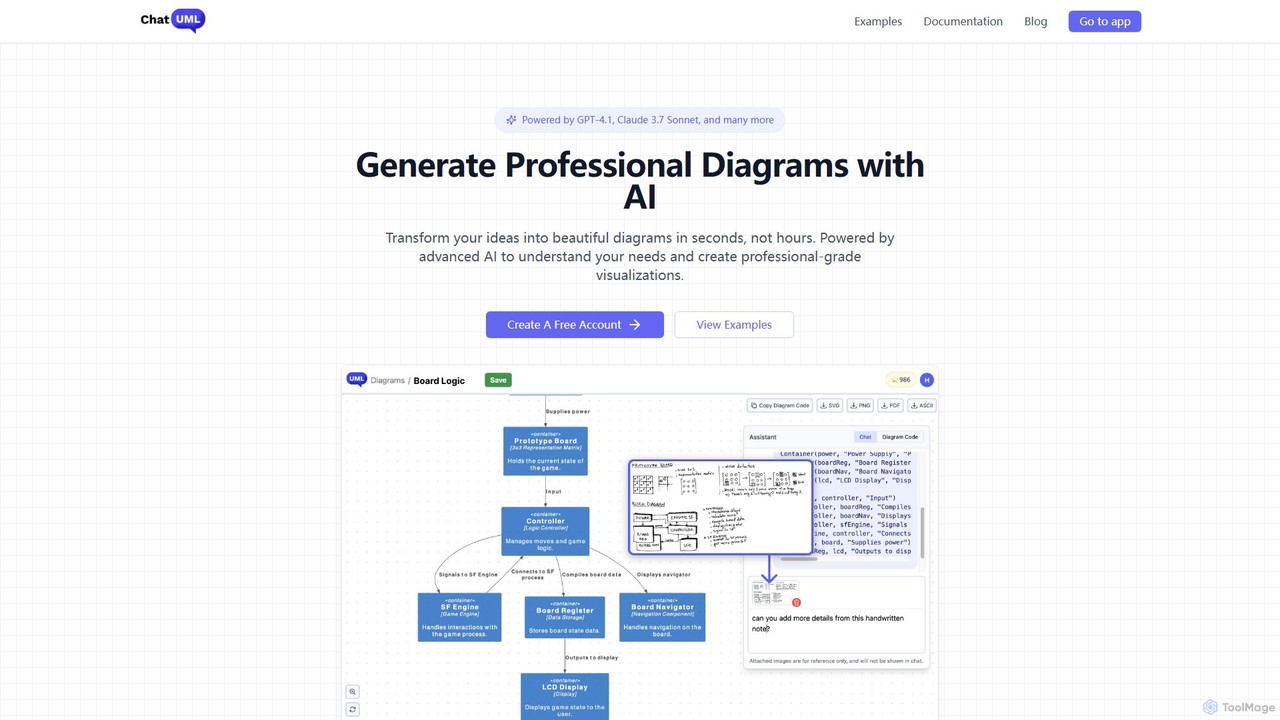
ChatUML
ChatUML is an AI-powered diagram generator that transforms text descriptions, hand-drawn sketches, and even website content into professional diagrams in seconds. Leveraging models like GPT-4.1 and Claude 3, it supports various formats including UML, C4 architecture, mind maps, and more, streamlining the visualization process for developers, project managers, and creative teams.
Planning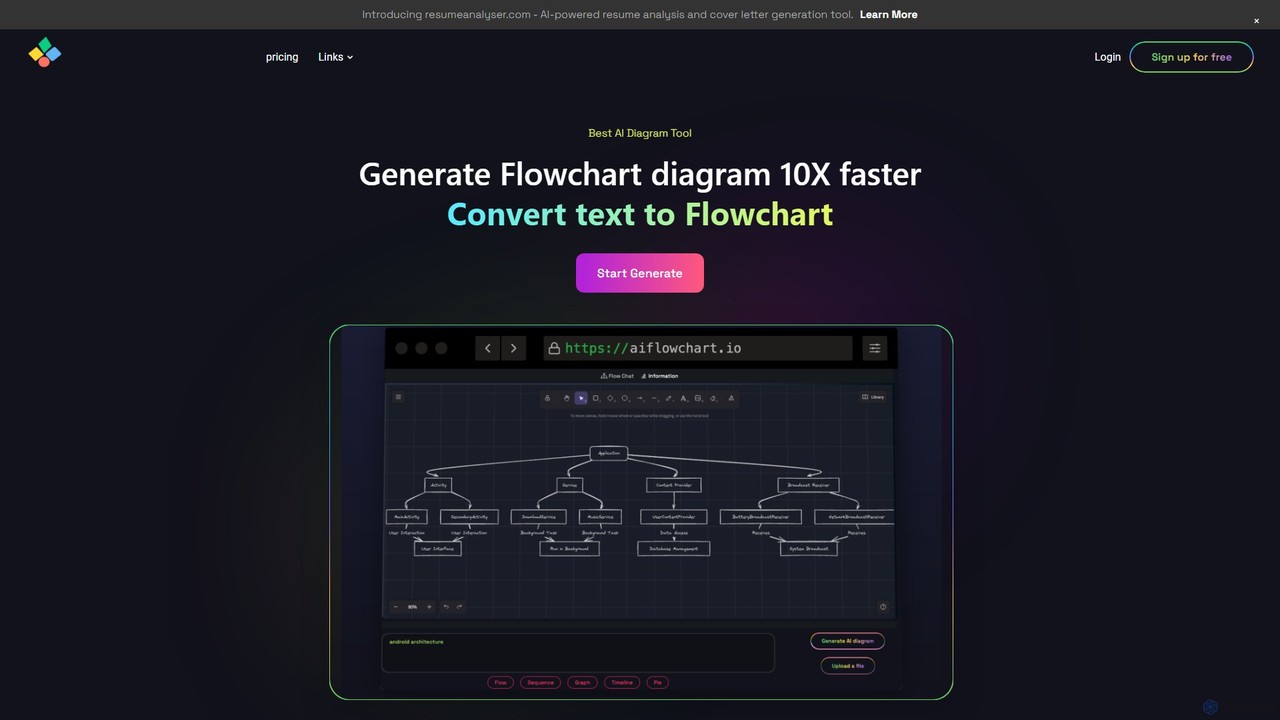
aiflowchart
An AI-powered diagramming tool that automatically generates flowcharts, sequence diagrams, pie charts, and more from text, PDFs, or blog content. It leverages models like GPT-4o to create unique, customizable diagrams with explanations, saving users significant time and effort.
Visualizationai_flowchart
ai_flowchart is an AI-powered tool that transforms natural language descriptions into professional flowcharts and diagrams instantly. Leveraging advanced NLP, it allows users to simply describe a process, and the AI generates a visually appealing and structured diagram. It's designed for developers, project managers, and business analysts, featuring customization, collaboration, and multiple export options. Ideal for software architecture, business process mapping, and project planning.
Process Management
Lucidchart
Lucidchart is an intelligent diagramming and visual collaboration platform that uses AI, data automation, and real-time teamwork to help users visualize complex systems, processes, and ideas. It enables teams to create professional flowcharts, org charts, network diagrams, and more, fostering clarity and driving innovation.
Project Management
iMiaoban
iMiaoban is an AI-powered collaborative online whiteboard designed to enhance team productivity. It allows users to instantly create various diagrams, including flowcharts and mind maps, using text prompts. With a vast library of templates and real-time collaboration features, it simplifies the process of visualizing ideas and workflows.
Whiteboard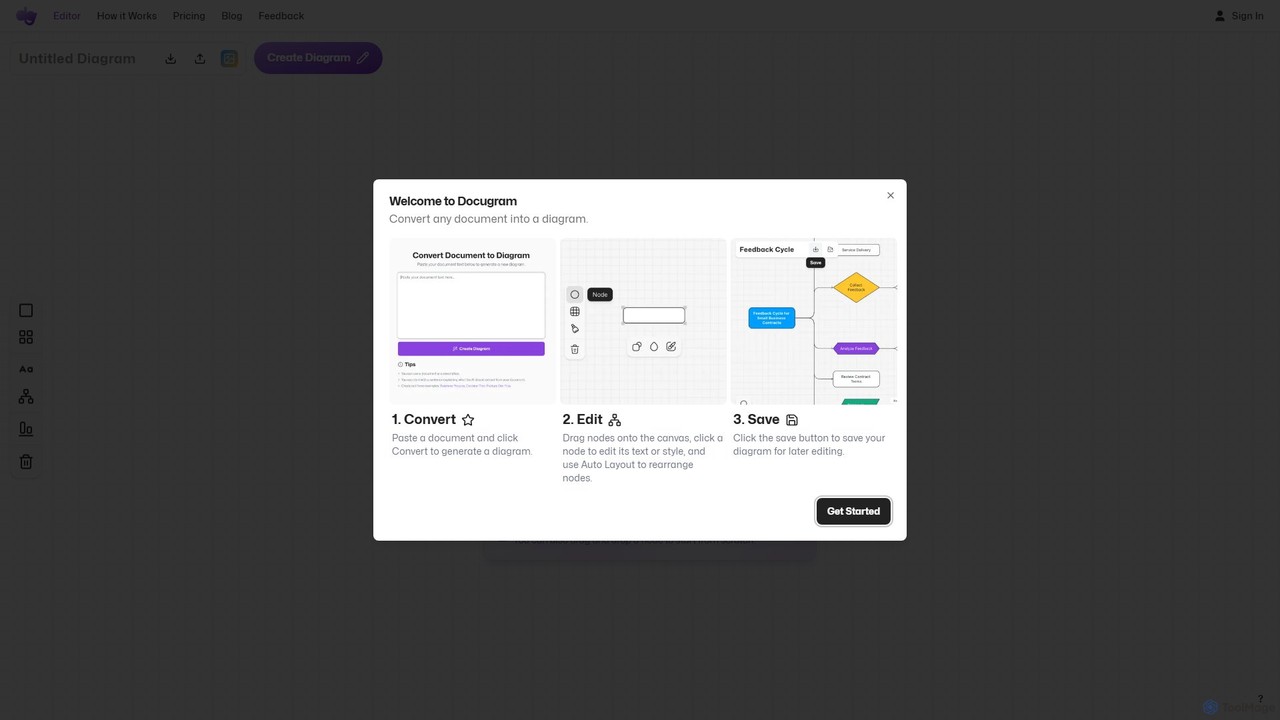
Docugram
Docugram is an AI-powered tool that instantly transforms text documents, notes, and prompts into clear, editable diagrams and flowcharts. It streamlines workflows by converting complex information from formats like Word, Excel, and PDF into visual maps, enhancing productivity for professionals in project management, development, and business analysis.
Project Management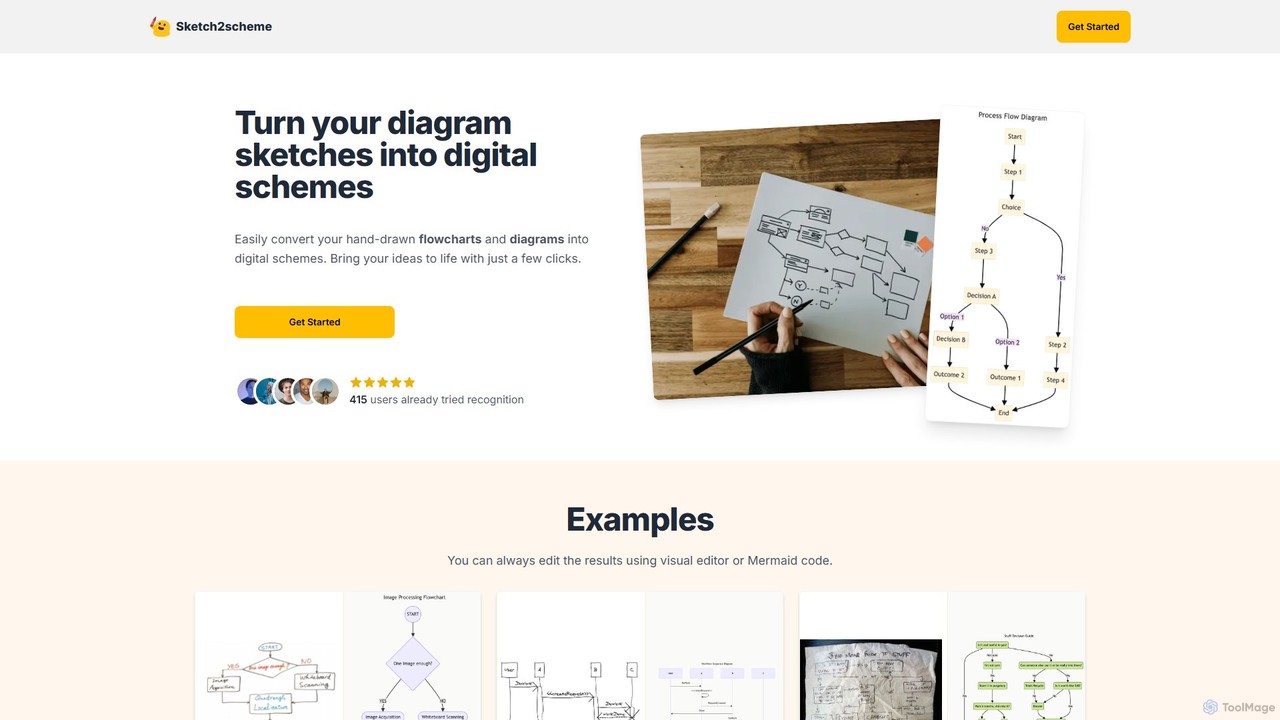
Sketch2scheme
Sketch2scheme is an AI-powered tool that effortlessly converts your hand-drawn diagram sketches into polished, editable digital schemes. Simply upload a picture of your flowchart or diagram, and the AI will recognize nodes, connections, and text, transforming your analog ideas into digital assets in seconds. It's perfect for developers, project managers, and students who want to bridge the gap between paper brainstorming and digital implementation.
Prototyping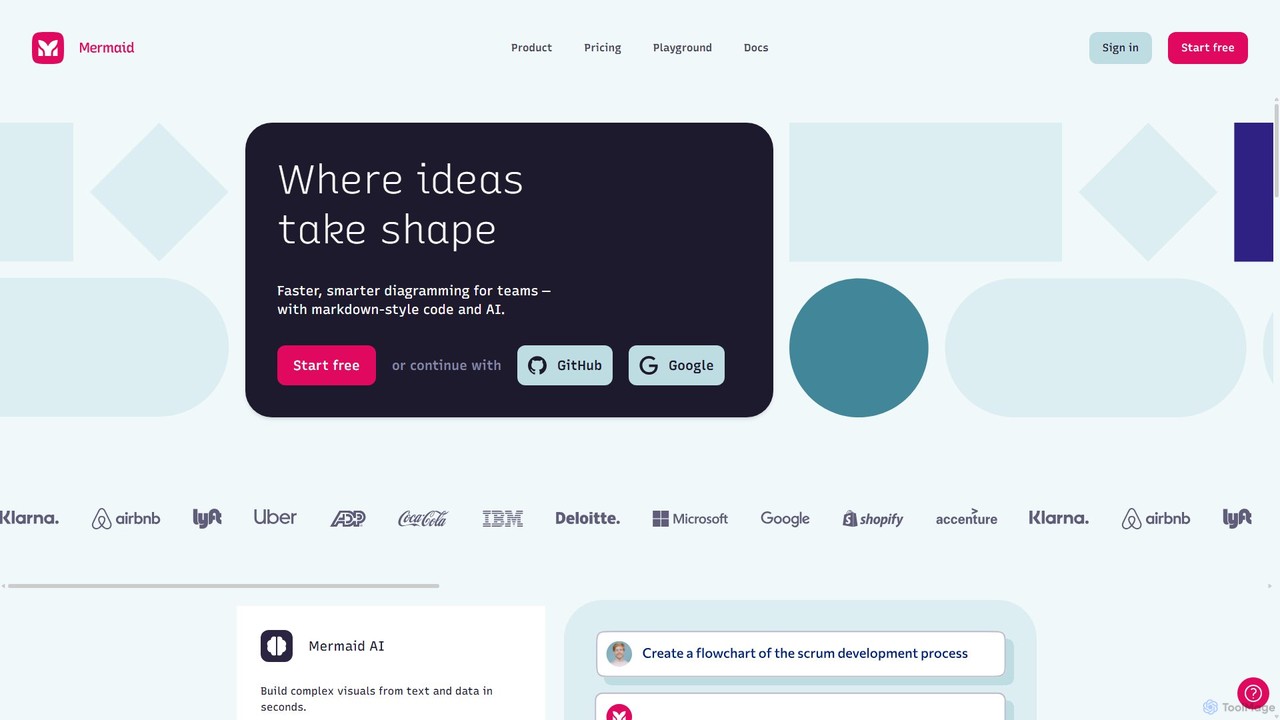
Mermaid Chart
Mermaid Chart is an AI-powered diagramming tool that enables teams to create complex visuals like flowcharts, sequence diagrams, and mind maps using markdown-style code, natural language prompts, or a visual editor. It's designed for faster, smarter diagramming and seamless collaboration.
Code Generation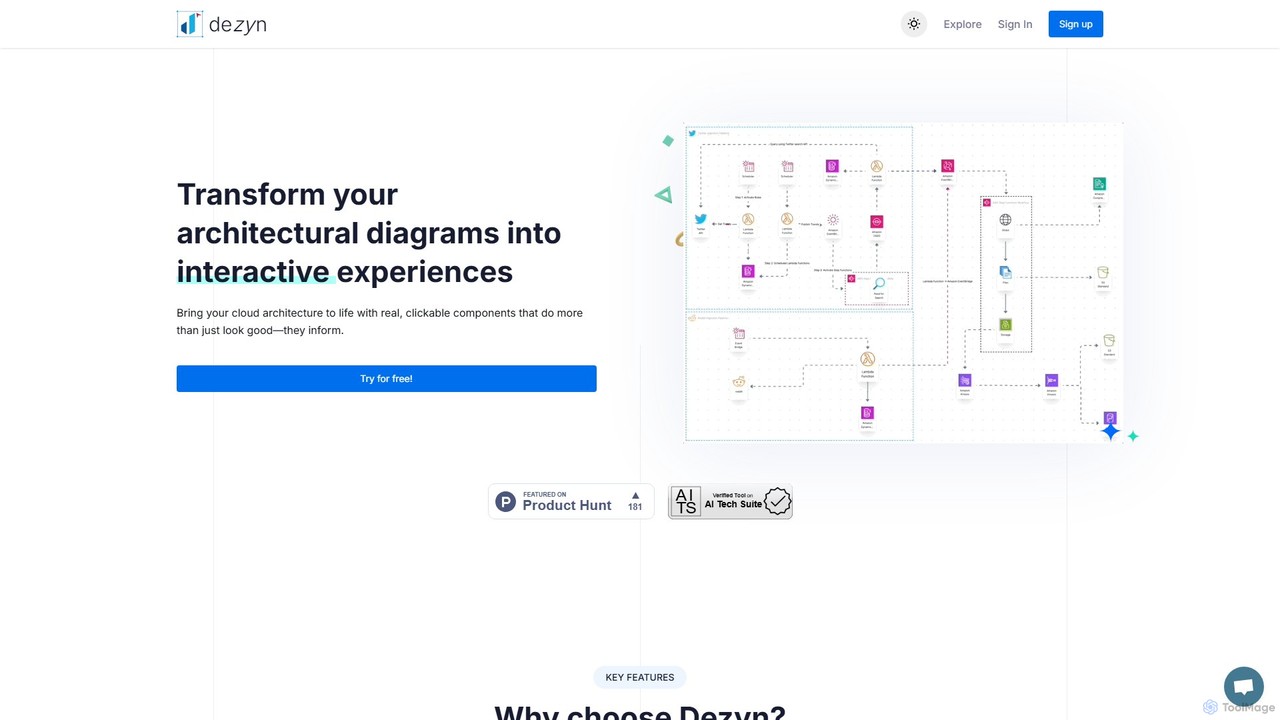
Dezyn
Dezyn is an AI-powered platform for creating interactive, data-rich architectural diagrams and flowcharts. It transforms text prompts, hand-drawn sketches, or wireframes into professional diagrams. Ideal for engineers, developers, and tech creators to visualize complex cloud systems (AWS, Azure, GCP) and collaborate effectively.
Flowchart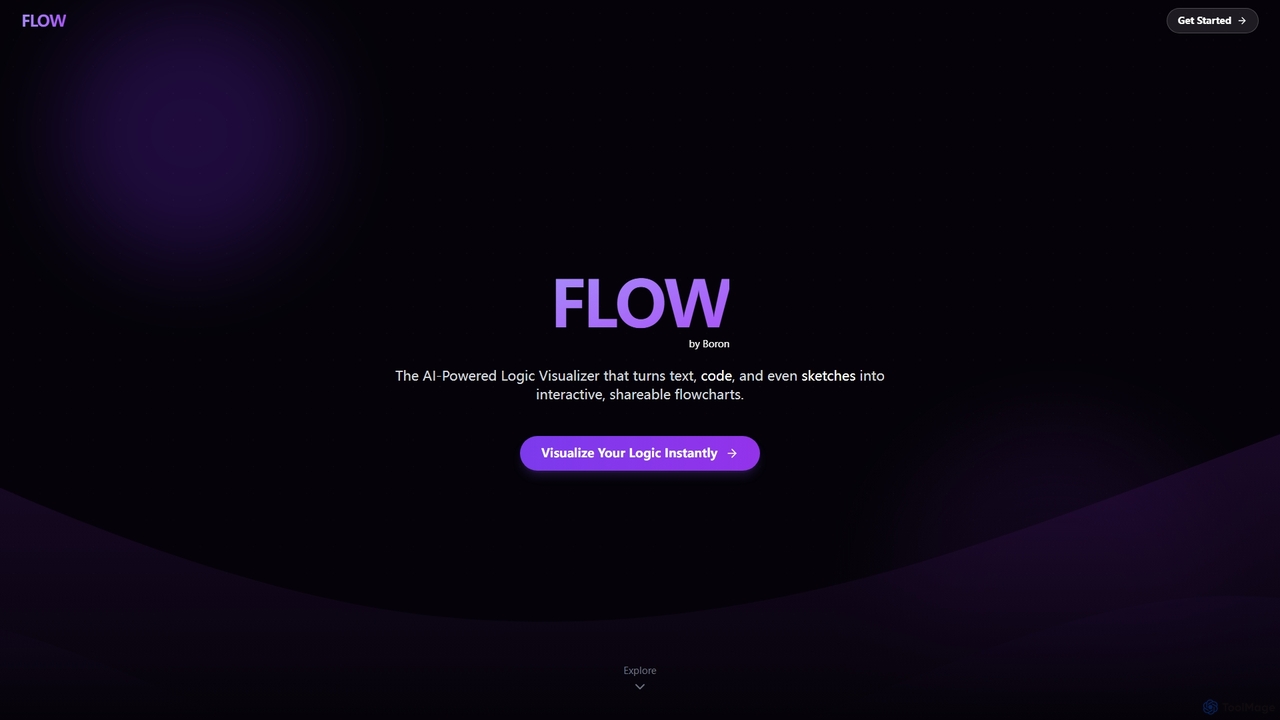
Boronflow
An AI-powered logic visualizer that instantly transforms text, code, and sketches into interactive, editable flowcharts. It supports real-time collaboration, code execution animation, and GitHub repository analysis.
Whiteboarding
Jyek
Jyek is an AI agent platform that understands objectives, creates execution plans, uses tools, and delivers verifiable results for complex, multi-step tasks.
Automation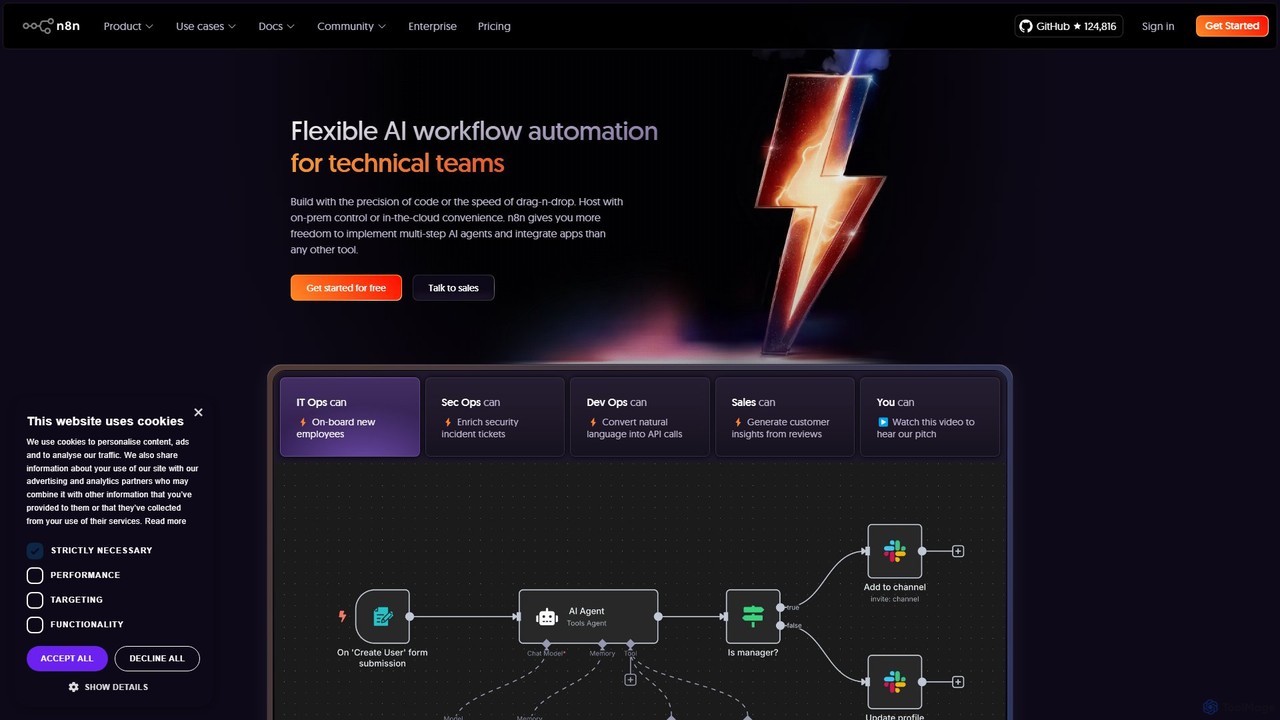
n8n
n8n is a source-available, node-based workflow automation platform designed for both technical and non-technical users. It enables you to connect hundreds of applications and services, including powerful AI models, to automate complex tasks and processes. With options for both cloud hosting and self-hosting, n8n offers unparalleled flexibility, control, and scalability for building everything from simple data syncs to sophisticated AI agents.
Crm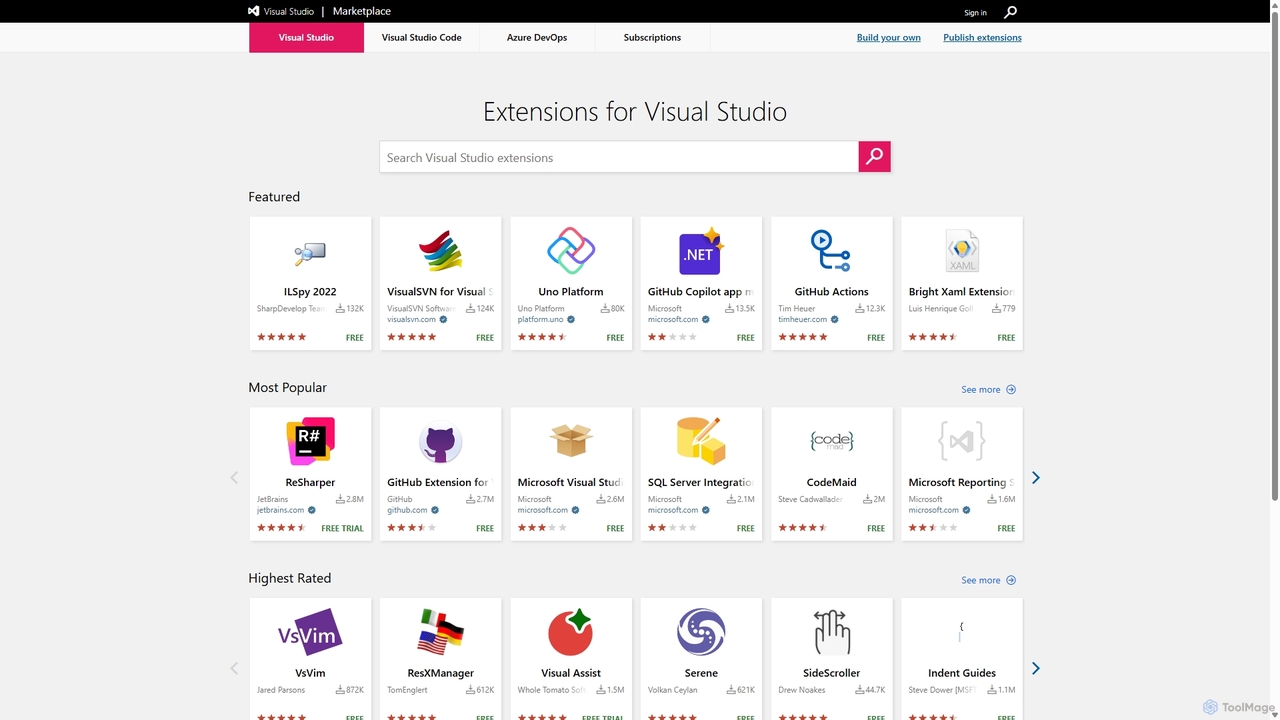
Visual Studio Marketplace
The official marketplace for discovering and installing thousands of extensions for the Visual Studio family of products, including Visual Studio, VS Code, and Azure DevOps. Enhance productivity, add new features, and customize your development environment with tools from Microsoft and the community.
Machine Learning
Text to Flowchart Comments (0)
Sign in to comment.
Sign inNo comments yet.