Collaboration Best in category 1 results Whiteboarding AI Tool

Popular AI tools in the Whiteboarding field of Collaboration include Boronflow, etc., helping you quickly improve efficiency.

Boronflow

Boronflow

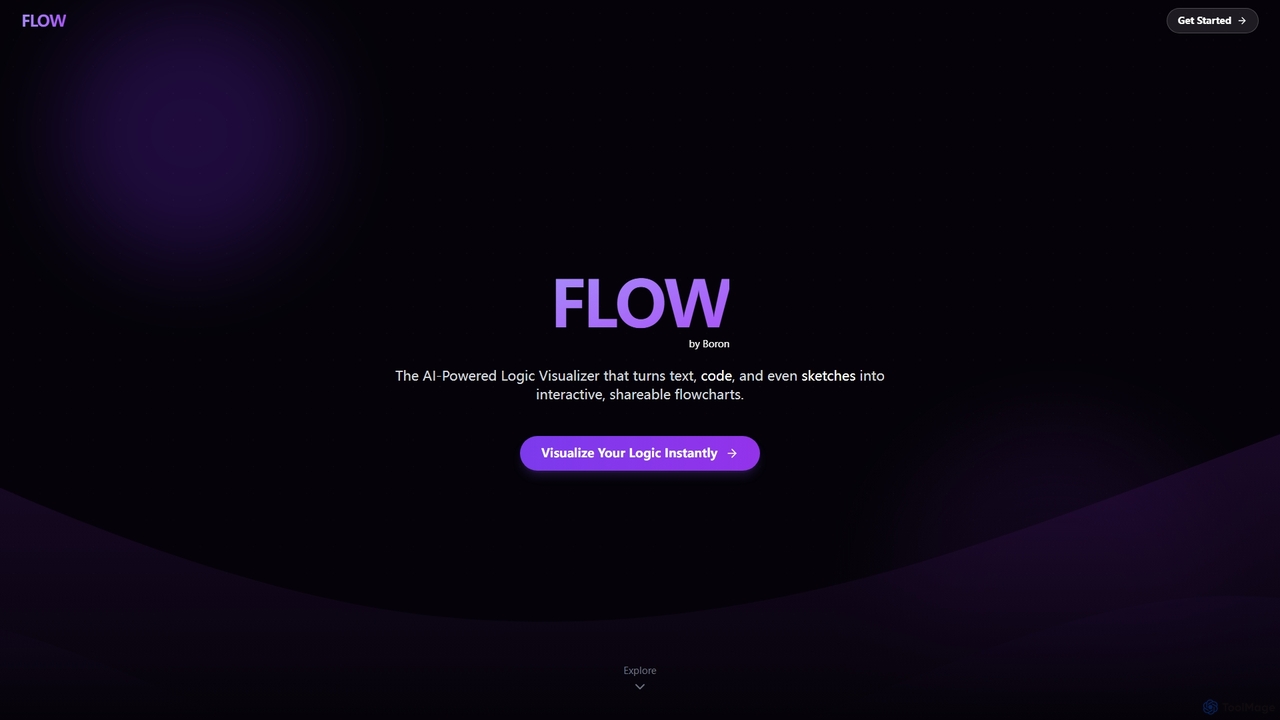
An AI-powered logic visualizer that instantly transforms text, code, and sketches into interactive, editable flowcharts. It supports real-time …

2.5K

About Whiteboarding

AI Whiteboarding tools are digital platforms that simulate a physical whiteboard experience, enhanced with artificial intelligence capabilities for dynamic visual collaboration. These tools leverage AI to streamline ideation, organization, and presentation processes, transforming how teams brainstorm, plan, and innovate remotely or in hybrid environments. They offer an an intuitive canvas for real-time interaction, making complex ideas easier to visualize, share, and develop collaboratively.

Core Features

  • Intelligent Diagramming: Automatically converts rough sketches into polished shapes, flowcharts, and diagrams.
  • Content Organization: AI-powered clustering and categorization of sticky notes, ideas, and visual elements.
  • Real-time Collaboration: Multiple users can simultaneously edit, draw, and add content from anywhere.
  • Template Generation: Suggests and generates relevant templates for brainstorming, project planning, and strategy sessions.
  • Meeting Summarization: AI assists in transcribing discussions and summarizing key decisions made on the board.

Use Cases

AI Whiteboarding tools are essential for product development teams to map user journeys, marketing agencies for campaign ideation, and educational institutions for interactive learning. They facilitate agile sprint planning, design thinking workshops, and cross-functional strategy sessions, enabling teams to visualize complex information and align on shared goals efficiently.

How to Choose

When selecting an AI Whiteboarding tool, consider its AI capabilities for smart diagramming and content organization, real-time collaboration features, and integration with existing project management or communication platforms. Evaluate the availability of pre-built templates, ease of use, security features, and scalability to support your team's size and specific workflow needs.

WhiteboardingUse Cases

1

Remote Team Brainstorming Sessions

For distributed product development teams, AI whiteboarding tools enable dynamic brainstorming. Team members can simultaneously add ideas as sticky notes, sketches, or images. The AI assists by clustering related ideas, suggesting connections, and even generating summaries, ensuring all contributions are captured and organized effectively, leading to more structured and actionable outcomes.

2

Agile Project Planning & Workflow Mapping

Project managers and agile teams utilize AI whiteboards to visually plan sprints, map out user stories, and define workflows. The tools allow for drag-and-drop task management, dependency linking, and automated diagram creation from text inputs. This visual approach clarifies project scope, identifies bottlenecks, and keeps the entire team aligned on progress and next steps, improving overall project transparency.

3

Design Sprints & UX Prototyping

UX/UI designers and product teams leverage AI whiteboards for collaborative design sprints and low-fidelity prototyping. They can sketch wireframes, create user flows, and gather instant feedback from stakeholders in real-time. AI features can help refine hand-drawn shapes into perfect geometric forms or suggest UI components, accelerating the iterative design process and ensuring user-centric solutions.

4

Interactive Educational & Training Workshops

Educators and corporate trainers use AI whiteboards to create engaging and interactive learning environments. They can present concepts, facilitate group activities, and encourage student participation through shared drawing and annotation. AI can help organize student contributions, summarize discussion points, and even generate quizzes based on the board's content, making learning more dynamic and effective.

5

Strategic Business Model Canvas Development

Business strategists and entrepreneurs employ AI whiteboards to collaboratively develop and refine business models using frameworks like the Business Model Canvas or Lean Canvas. Teams can visually map out key partners, activities, value propositions, and customer segments. AI can suggest related concepts or help structure the canvas, fostering a shared understanding of the business strategy and facilitating quick iterations.

6

Technical Architecture & System Design

Software architects and engineering teams use AI whiteboards to collaboratively design system architectures, network diagrams, and data flowcharts. The tools allow for freehand drawing that AI can convert into professional-looking diagrams, complete with connectors and labels. This visual approach simplifies complex technical discussions, ensures clarity in design, and facilitates easier documentation and review processes among technical stakeholders.

WhiteboardingFrequently Asked Questions