

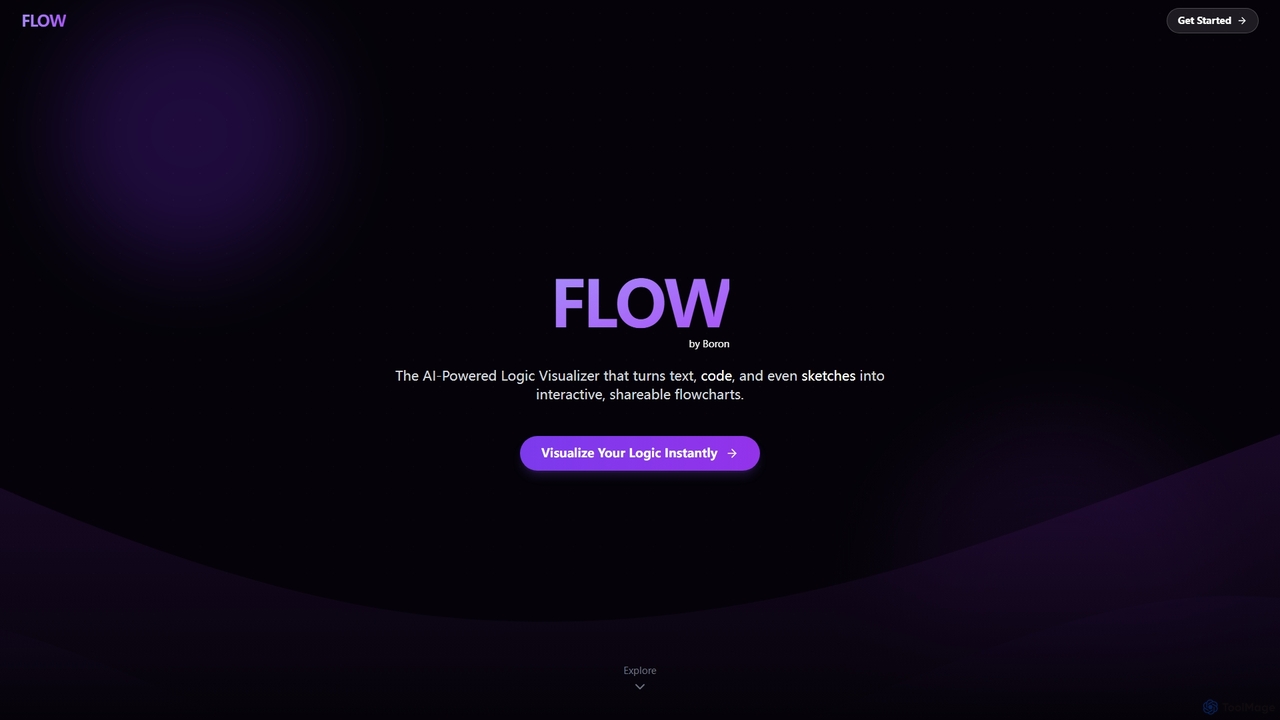
Boronflow Overview
Boronflow is an intelligent platform designed to streamline the process of logic visualization. It leverages a powerful AI engine to automatically convert various inputs—such as plain English descriptions, pseudocode, source code files from languages like Python and JS, and even hand-drawn sketches—into structured, interactive flowcharts. This eliminates the manual effort of diagramming, allowing developers, students, and teams to focus on understanding and refining logic. The platform is built for collaboration, featuring multi-user editing and link sharing to facilitate seamless teamwork.
How to use Boronflow
To use Boronflow, you can start by providing input in one of several ways: paste a code snippet, type a description in plain English, upload a sketch, or connect a GitHub repository for a comprehensive project analysis. The AI engine will instantly process the input and generate a corresponding flowchart. Once created, you can edit the diagram, collaborate with team members in real-time, and use the unique animation feature to execute and visualize the code's logic step-by-step. You can also convert the final diagram into a video script and preview.
Core Features of Boronflow
- AI Flowchart Generation: Converts plain English, pseudocode, and sketches into diagrams.
- Code-to-Flowchart: Instantly visualizes logic from code snippets in Python, JavaScript, and more.
- GitHub Repo Analysis: Connects to repositories to automatically generate diagrams of the entire project structure.
- Executable Flow Animation: Animates scripts step-by-step, showing variable changes and logic branches in real time.
- Real-Time Collaboration: Supports multi-user editing, live cursors, and easy link sharing for teamwork.
- Flow-to-Video: Automatically generates a video script and preview from any created diagram.
- Sketch-to-Diagram AI: Transforms rough sketches into polished, structured flowcharts.
Use Cases for Boronflow
Boronflow is ideal for software developers seeking to understand, debug, or document complex codebases. Students and educators can use it to visualize algorithms and programming concepts for easier learning and teaching. Project managers and teams can leverage it for workflow planning, system design brainstorming, and collaborative problem-solving. It also serves as a powerful tool for technical writers creating documentation and presentations.
Advantages of Boronflow
The primary advantage of Boronflow is its speed and efficiency, turning complex ideas into clear visuals in seconds. Its unique code animation feature provides an intuitive way to trace logic execution, which is superior to static diagrams. The integration with GitHub makes it invaluable for understanding large-scale projects. Furthermore, its collaborative features ensure that entire teams can stay aligned, making it a comprehensive solution that unifies AI synthesis, code intelligence, and collaborative design.
Boronflow FAQ
Boronflow Alternatives
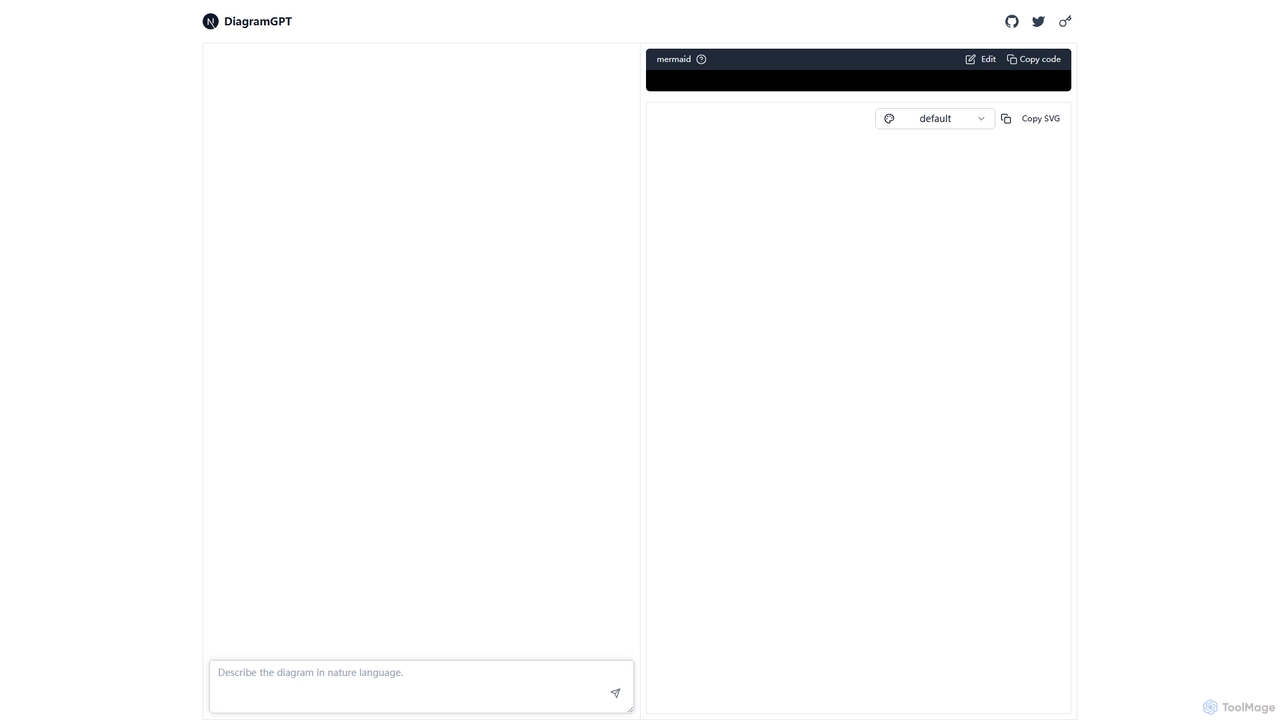
DiagramGPT
DiagramGPT is an AI-powered tool that transforms natural language text prompts into various diagrams. By leveraging GPT technology and Mermaid syntax, it allows users to effortlessly generate flowcharts, sequence diagrams, and more, simply by describing what they want to visualize. It's an ideal solution for developers, project managers, and students who need to create professional diagrams quickly without manual drawing.
Process Management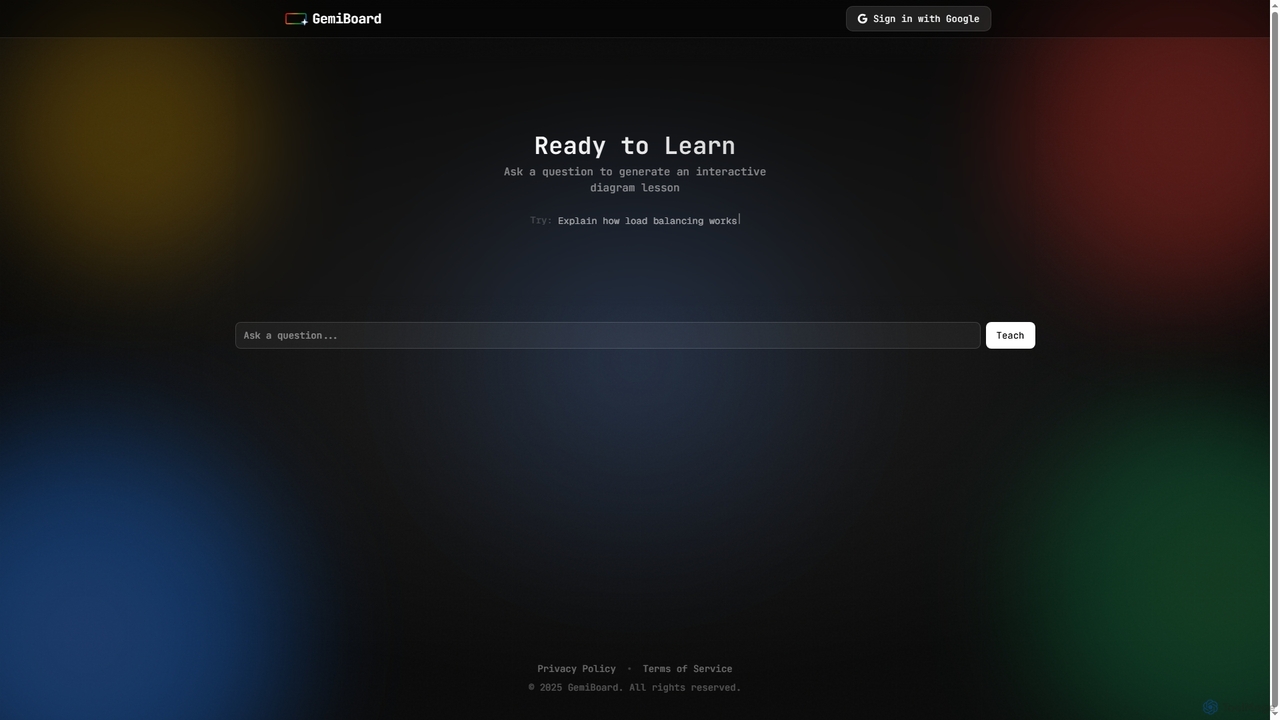
GemiBoard
GemiBoard is an AI-powered teaching blackboard that transforms user questions into interactive diagram lessons. It simplifies complex concepts by generating visual explanations, making learning more engaging and accessible for students and educators alike.
Content Generation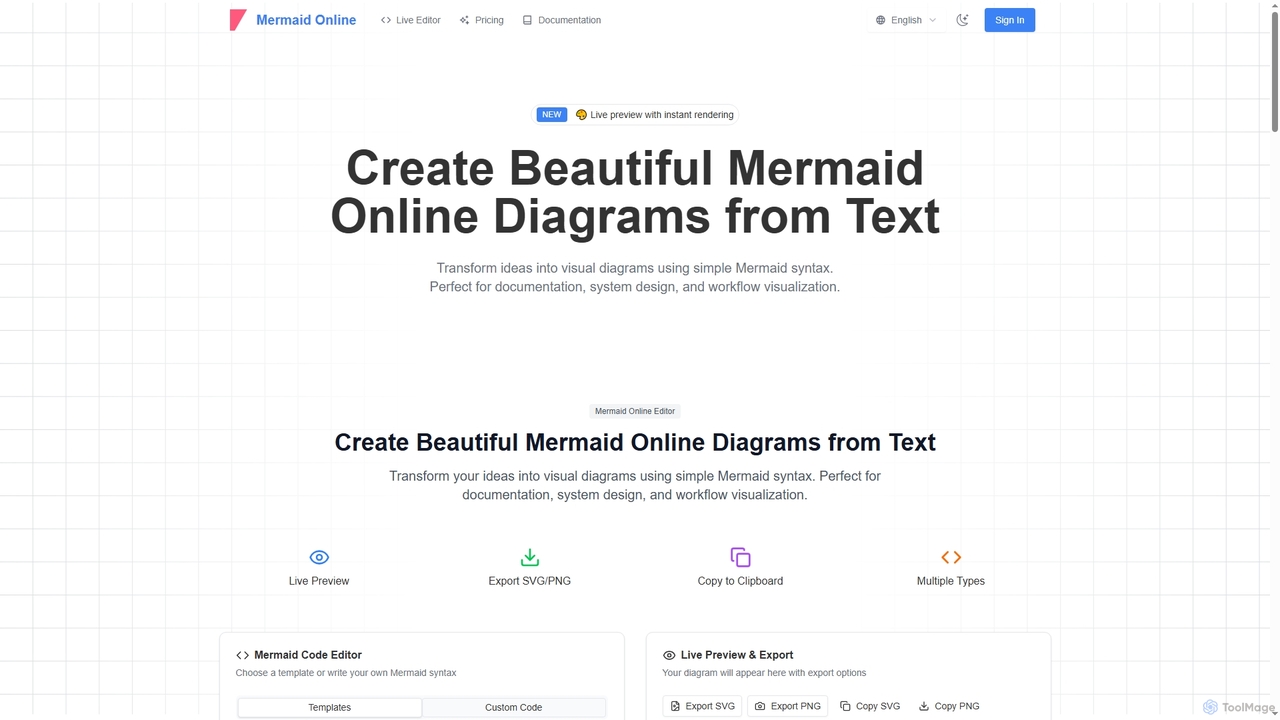
Mermaid Online
Mermaid Online is an advanced web-based editor and AI-powered diagram generator that transforms text descriptions and Mermaid syntax into professional visual diagrams. It supports various diagram types, offers real-time preview, and flexible export options, streamlining documentation and system design workflows for individuals and teams.
Text To Diagram
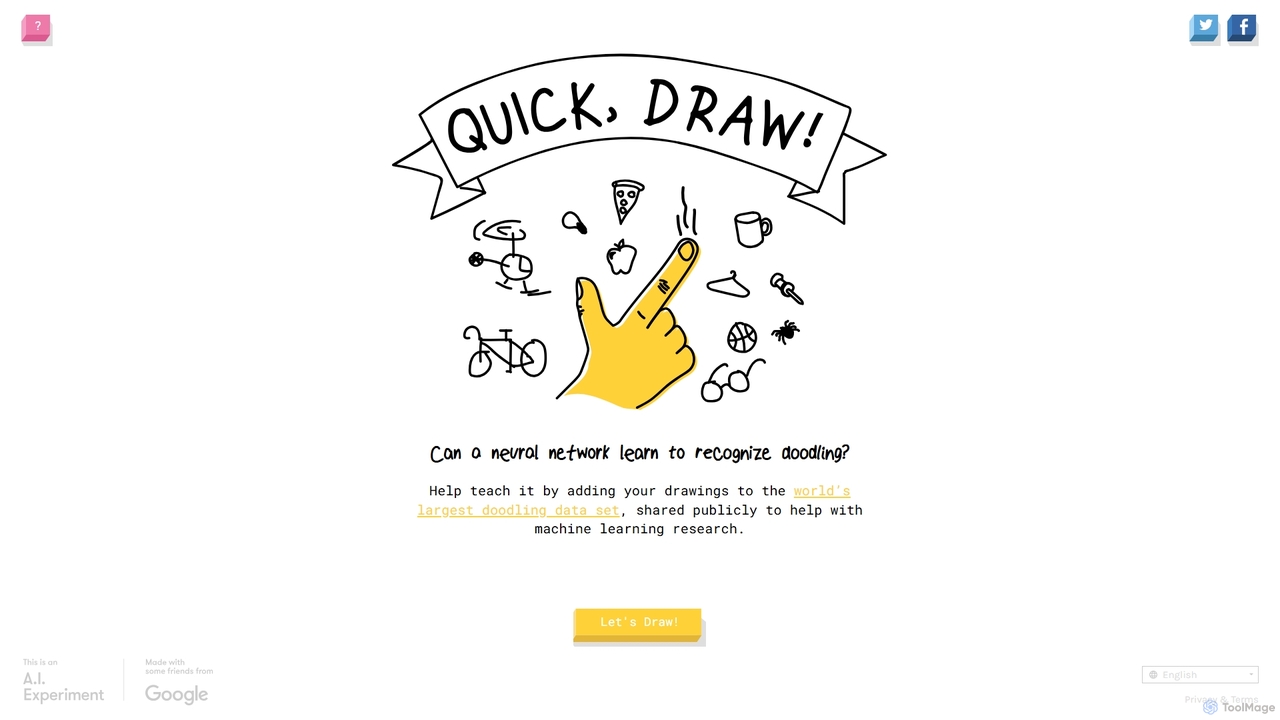
Quick, Draw!
Quick, Draw! is an interactive AI experiment and game from Google where you draw an object, and a neural network tries to guess what it is. It's a fun way to interact with machine learning while contributing to the world's largest open-source doodling dataset for research.
DatasetBoronflow Categories
Boronflow Jobs
Boronflow Embed Widget
Copy this embed code to place the badge on your blog, article, or product site and send readers directly to this ToolMage detail page.

Related AI tools
DiagramGPT
DiagramGPT is an AI-powered tool that transforms natural language text prompts into various diagrams. By leveraging GPT technology and Mermaid syntax, it allows users to effortlessly generate flowcharts, sequence diagrams, and more, simply by describing what they want to visualize. It's an ideal solution for developers, project managers, and students who need to create professional diagrams quickly without manual drawing.
Process ManagementMermaid Online
Mermaid Online is an advanced web-based editor and AI-powered diagram generator that transforms text descriptions and Mermaid syntax into professional visual diagrams. It supports various diagram types, offers real-time preview, and flexible export options, streamlining documentation and system design workflows for individuals and teams.
Text To Diagram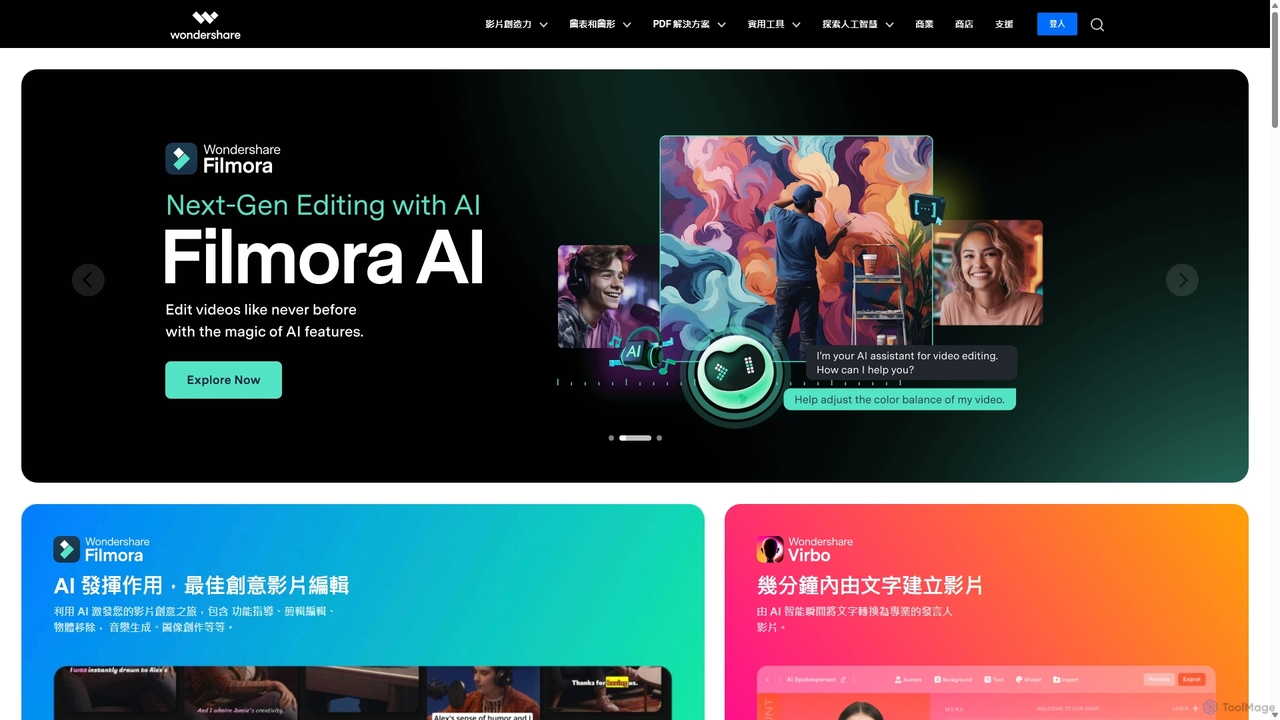
Wondershare
Wondershare offers a comprehensive suite of AI-powered creative and productivity software. From the industry-leading Filmora video editor to the intelligent PDFelement and versatile Edraw diagramming tools, Wondershare empowers creators, professionals, and students to bring their ideas to life. Its integrated AI features streamline workflows, automate complex tasks, and unlock new creative possibilities in video, document management, and visual communication.
Diagramming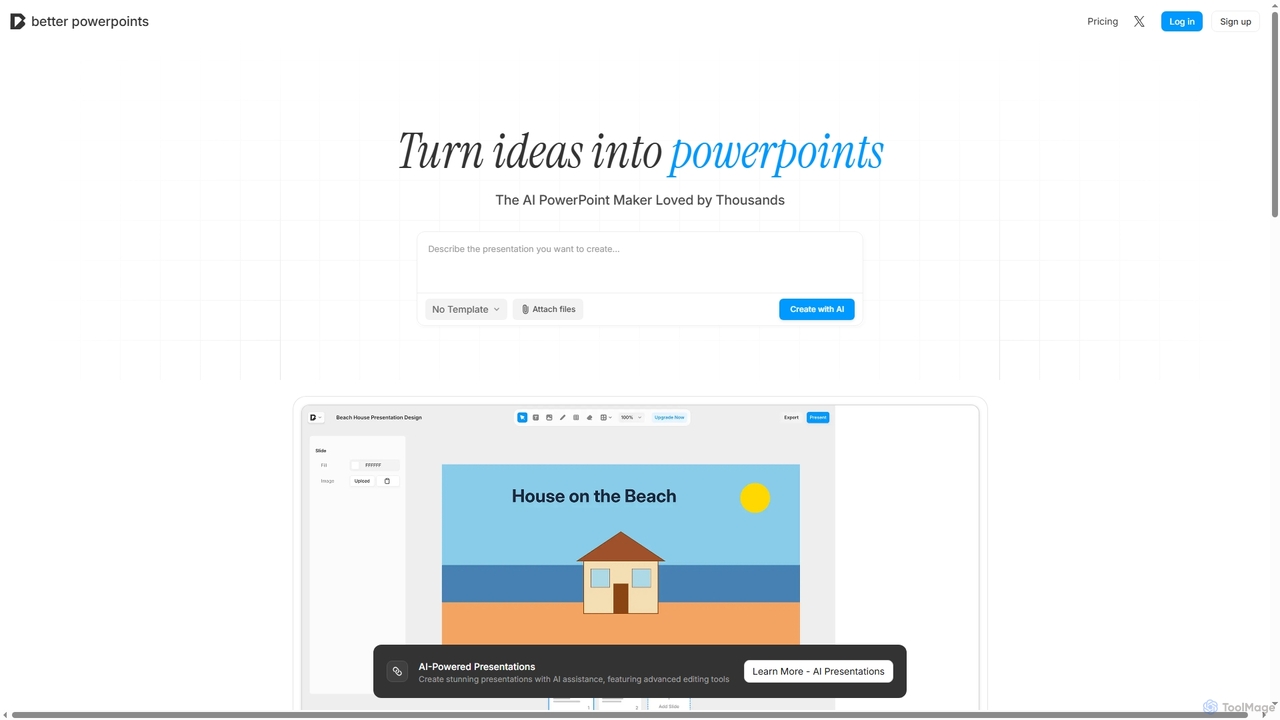
Better Powerpoints
Better Powerpoints is a free, privacy-first AI presentation maker that runs directly in your browser. It helps users quickly transform ideas and files into stunning, editable presentations with AI assistance, real-time collaboration, and PPTX export.
Content Generation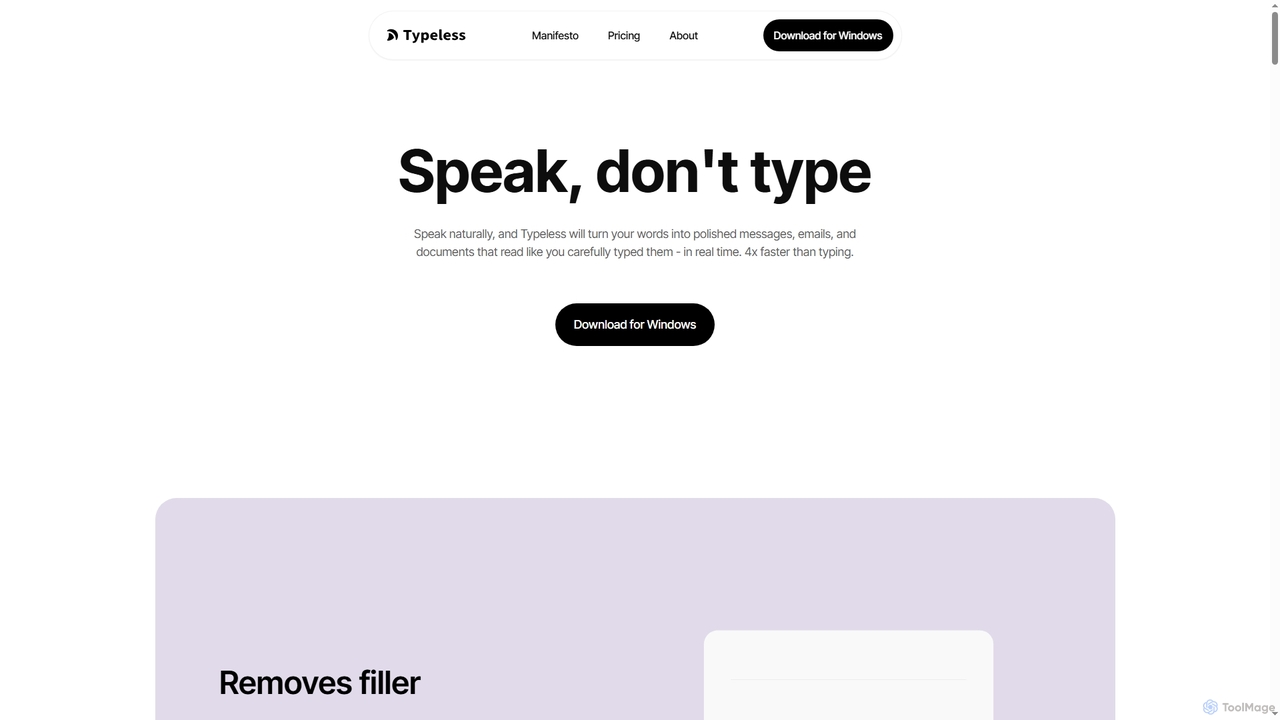
Typeless
Typeless is an intelligent AI voice dictation tool that transforms natural speech into polished, formatted text in real-time. It enhances productivity by automatically removing filler words, repetitions, and auto-correcting mid-sentence changes, making communication up to 4x faster than traditional typing.
Automation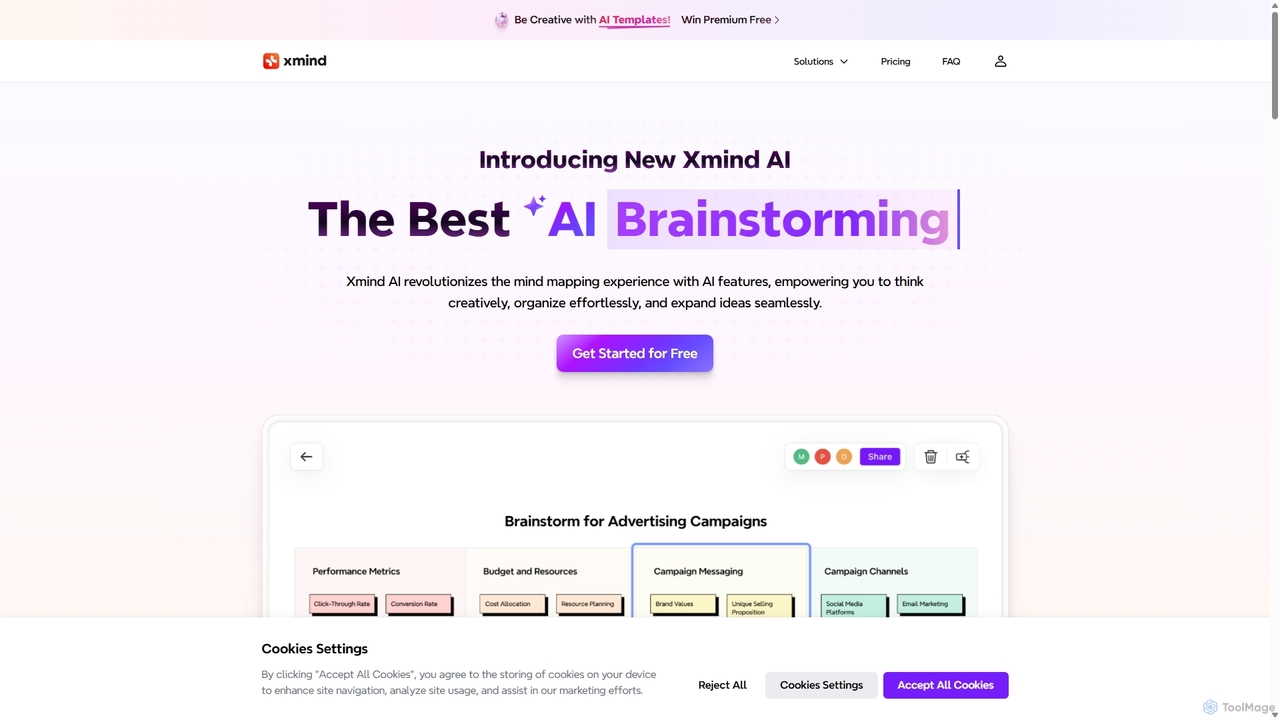
Xmind AI
Xmind AI is an advanced AI-powered mind mapping and brainstorming tool designed to enhance creativity and productivity. It helps users visualize thoughts, organize complex information, and collaborate with teams in real-time. With features like AI-driven idea generation, content summarization, and automated to-do lists, Xmind AI transforms abstract concepts into structured, actionable plans.
Teamwork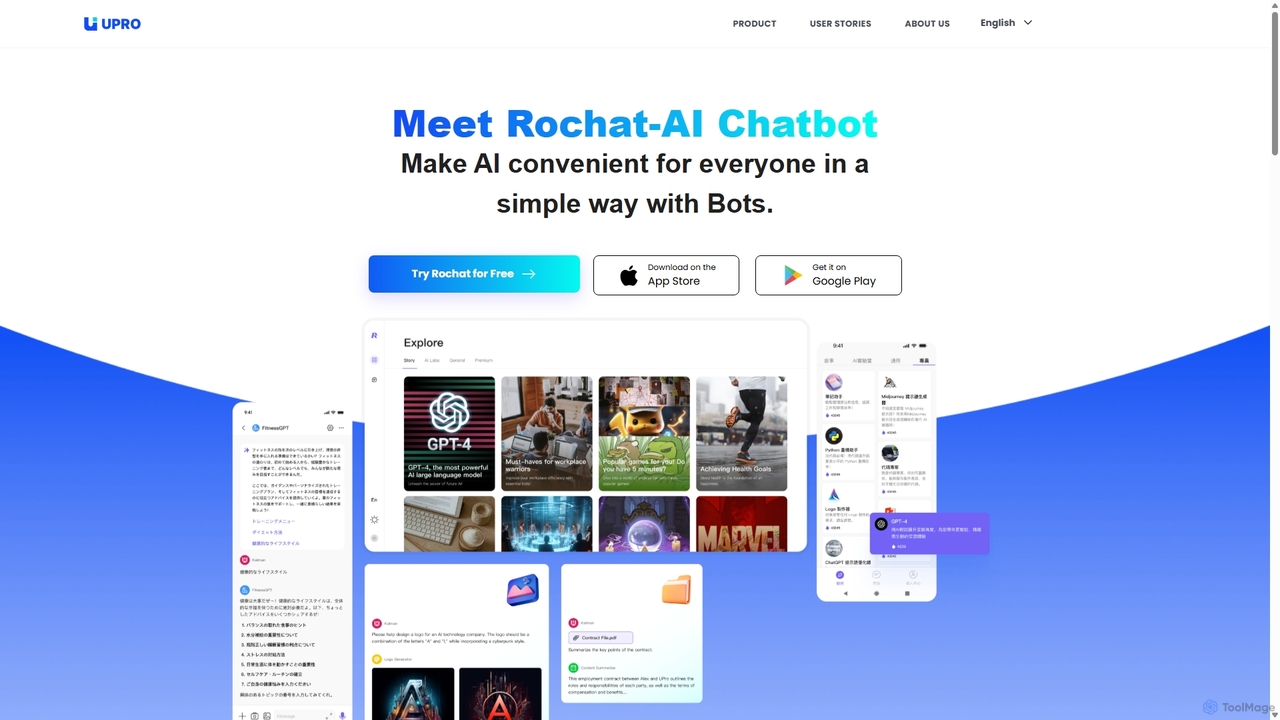
Upro
Upro is an AI platform featuring the Rochat chatbot, designed to make generative AI accessible. It integrates multiple models like GPT-4 and DALL-E for content creation, image generation, and task automation. Its standout feature is a no-code AI bot builder, enabling users to create custom bots for specific needs, enhancing productivity for professionals, students, and creators across web and mobile platforms.
Custom Chatbot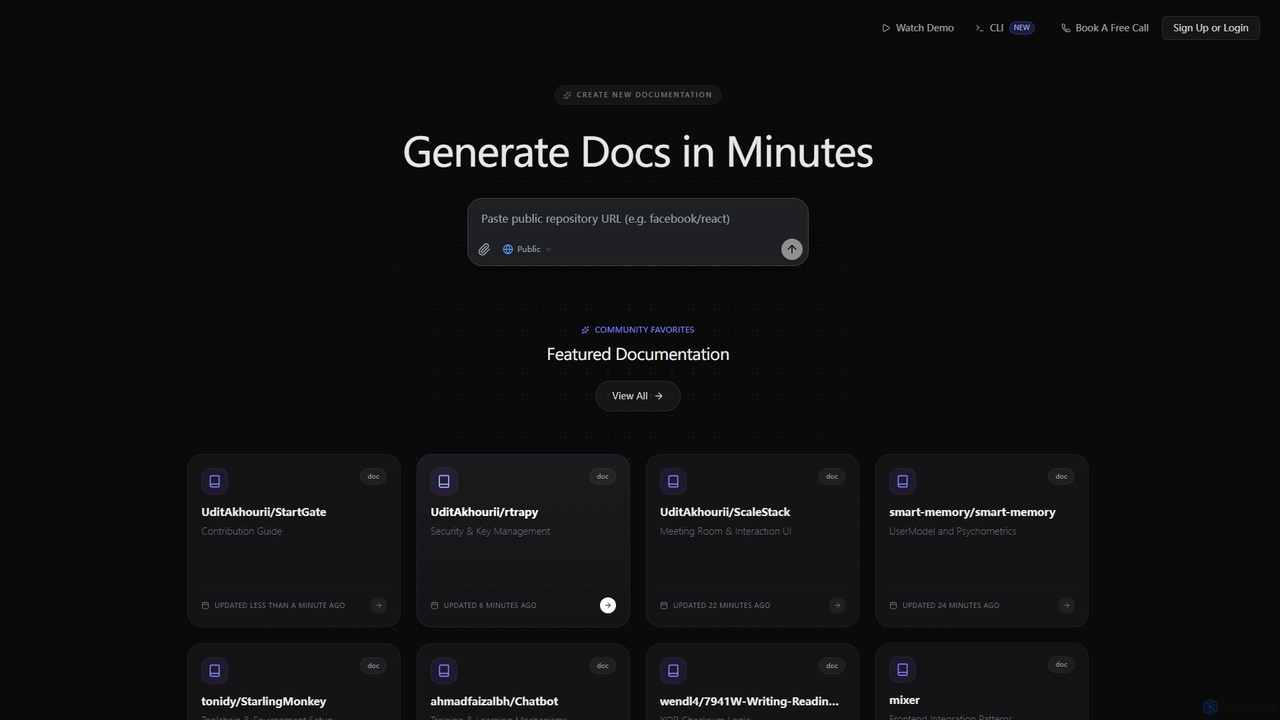
SuperDocs
SuperDocs is an AI-powered platform designed to rapidly generate comprehensive and context-aware documentation. It helps developers, teams, and communities create, manage, and explore technical documentation in minutes, featuring an interactive AI assistant for enhanced user experience.
Api Documentation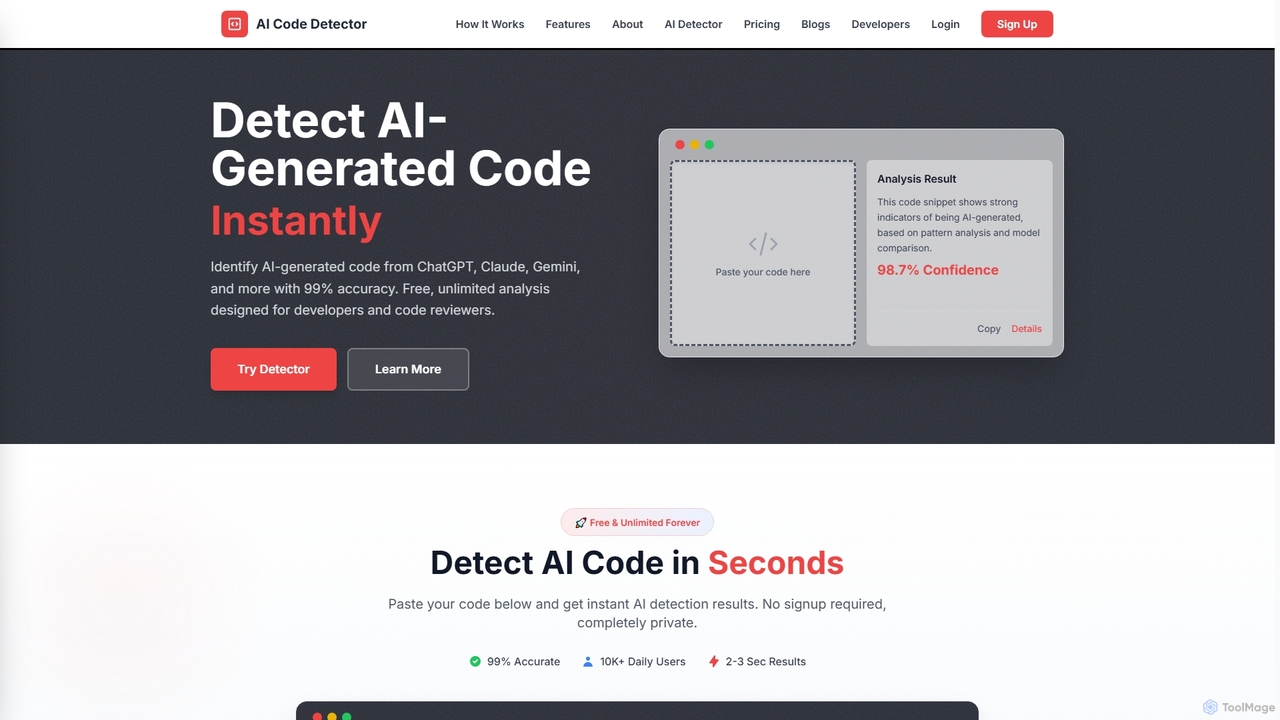
Codedetector
An AI-powered tool designed for developers and code reviewers to detect AI-generated code from models like ChatGPT, Gemini, and Claude with 99% accuracy. It also offers AI text and plagiarism detection. The online tool is free, unlimited, and requires no signup.
Code Analysis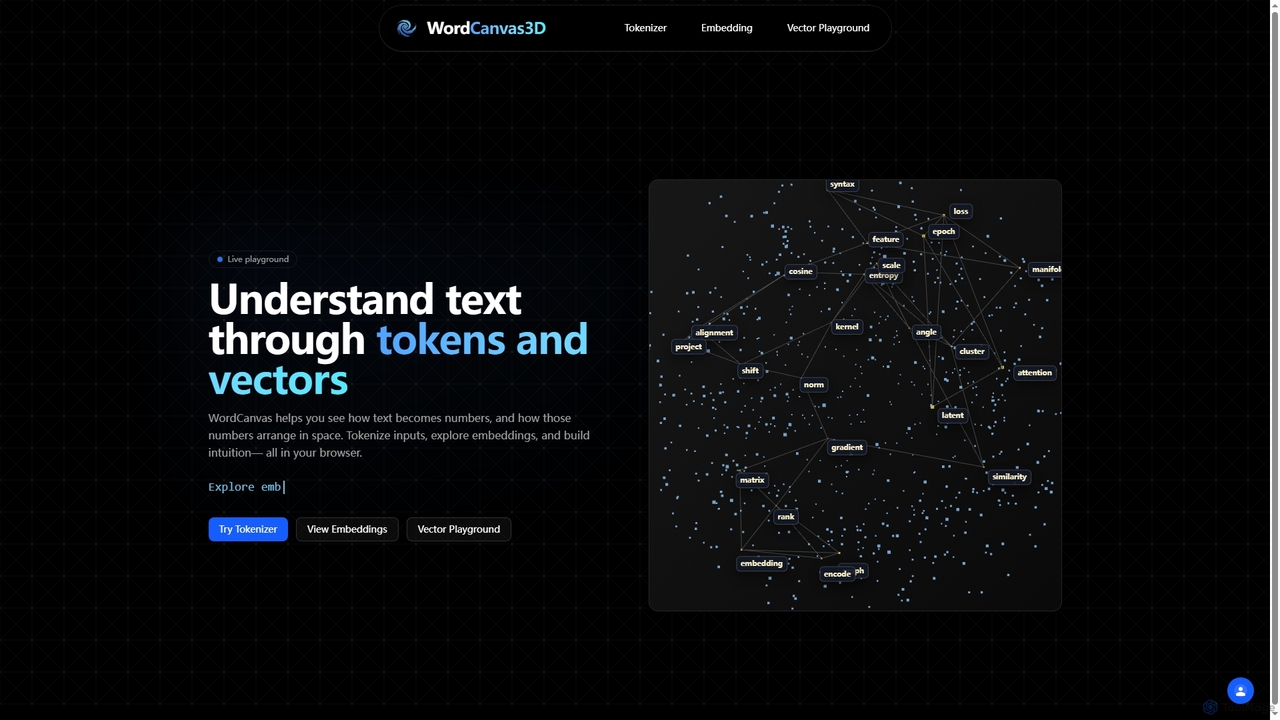
WordCanvas3D
WordCanvas3D is an interactive web-based tool designed to visualize and understand core natural language processing concepts like text tokenization, word embeddings, and vector arithmetic. It offers a live playground to explore how text transforms into numerical representations and their spatial relationships.
Natural Language Processing
MultiLLM
MultiLLM is a web-based platform designed to provide users with a personal AI assistant experience. It offers a centralized hub to access and manage various AI models, potentially integrating plugins and knowledge bases for enhanced productivity and personalized interactions. Users can sign in via email or Google to leverage its capabilities.
Automation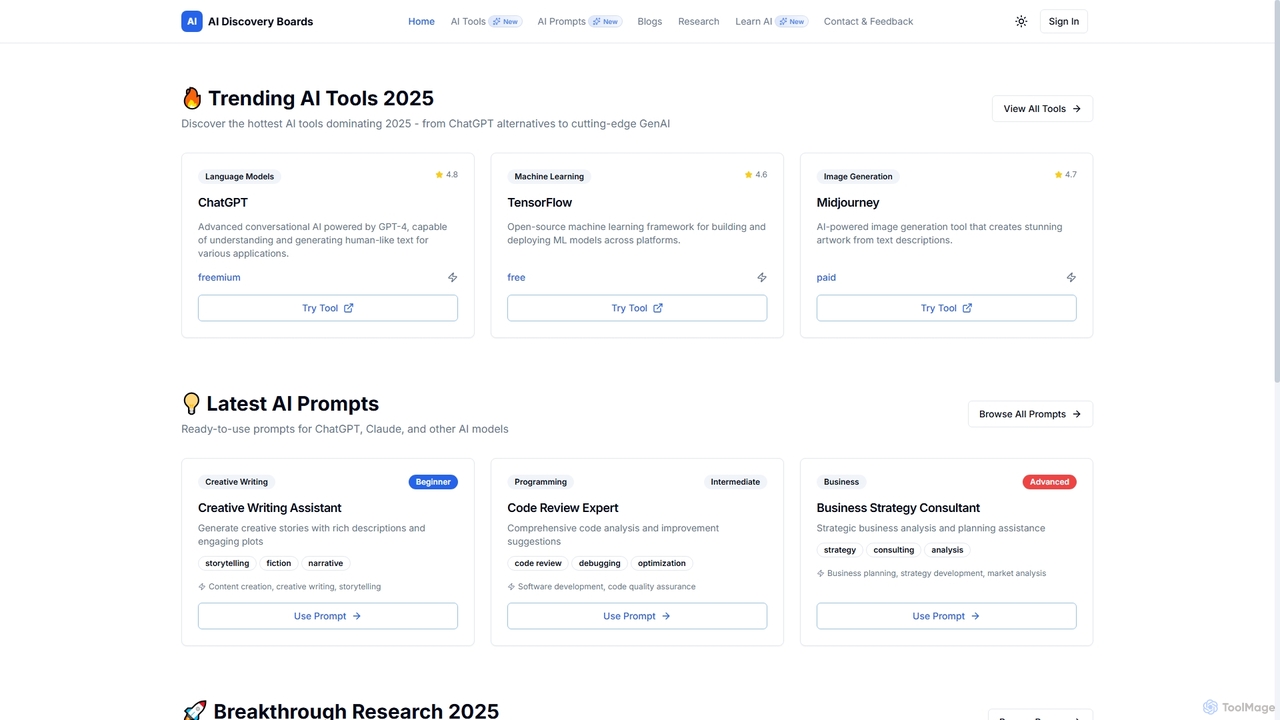
AIDiscoveryBoards
AIDiscoveryBoards is a comprehensive online platform designed to help users discover trending AI tools, explore the latest AI prompts, delve into groundbreaking AI research papers, and access curated AI learning resources. It serves as a central hub for staying updated on the rapidly evolving artificial intelligence landscape.
Tool Directory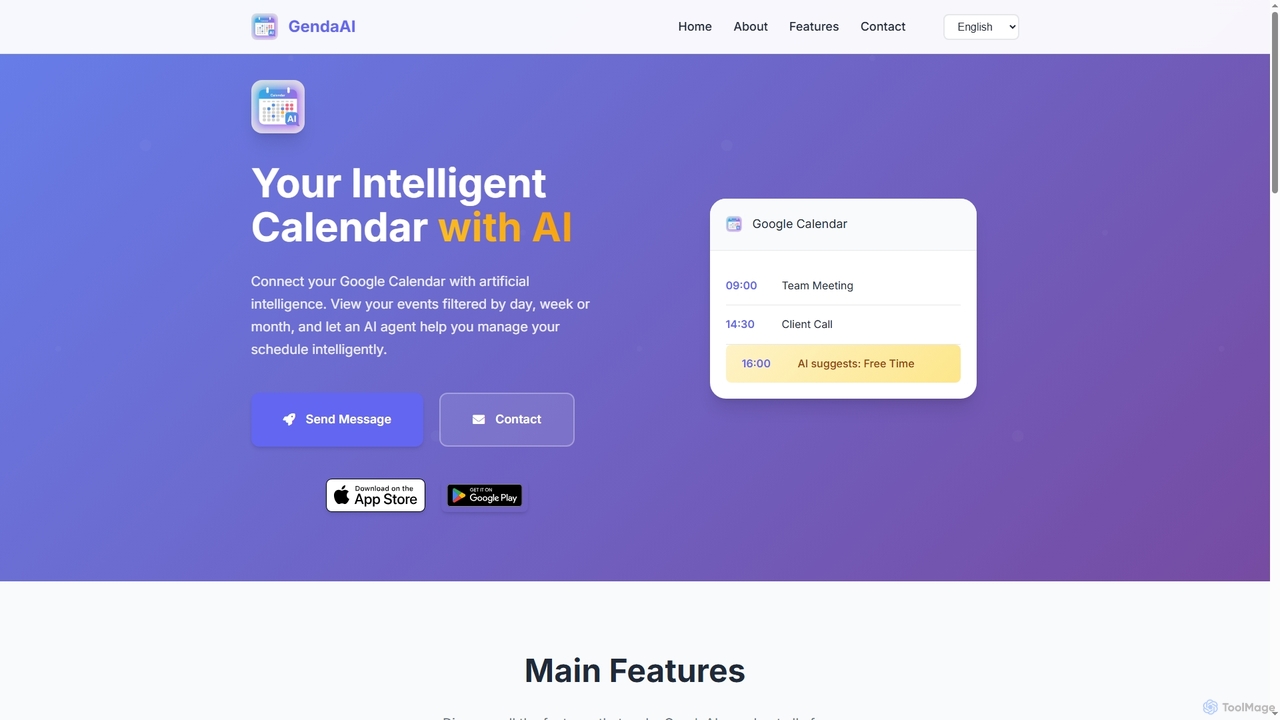
GendaAI
GendaAI is an intelligent calendar assistant designed to streamline your schedule management. It securely connects with your Google Calendar, allowing you to view, create, and modify events using natural language commands. This smart tool enhances productivity by offering personalized recommendations and efficient time organization.
Scheduling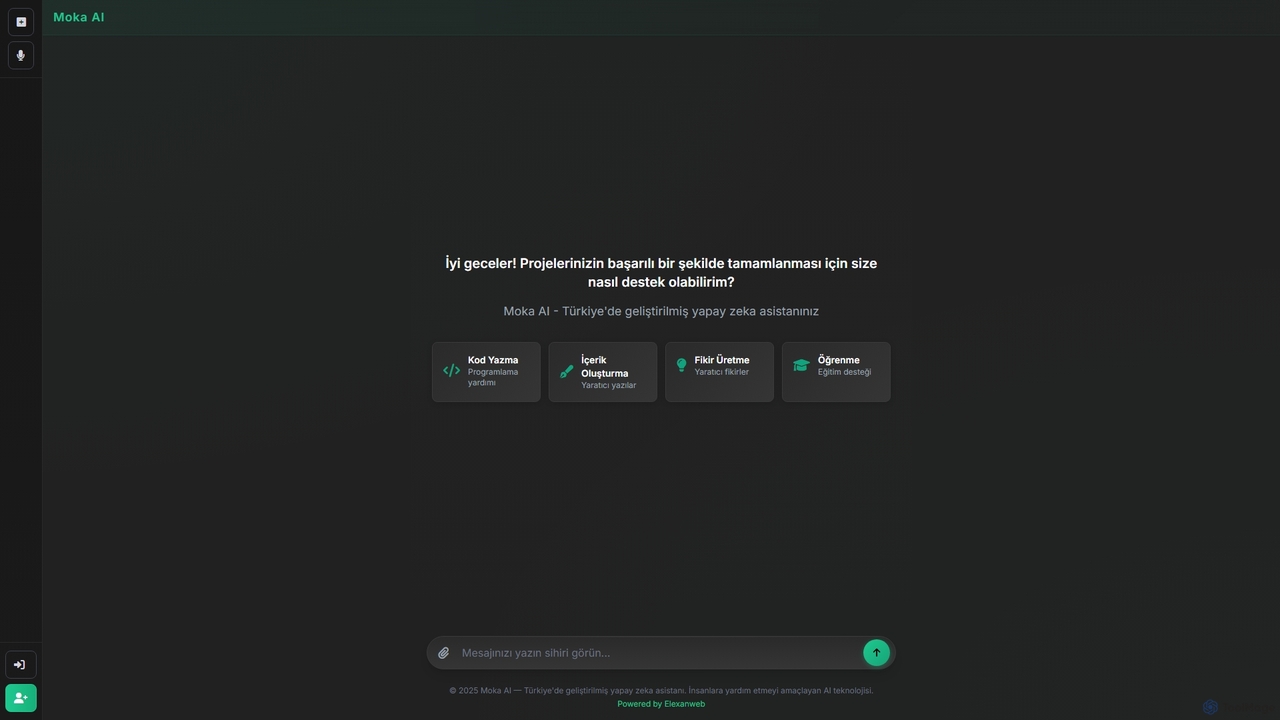
Moka
Moka is an AI assistant developed in Turkey, designed to help users with a wide range of tasks including code writing, creative content generation, idea brainstorming, and educational support. It aims to streamline projects and enhance productivity through intelligent chat interactions.
Idea Generation
Boronflow Comments (0)
Sign in to comment.
Sign inNo comments yet.