

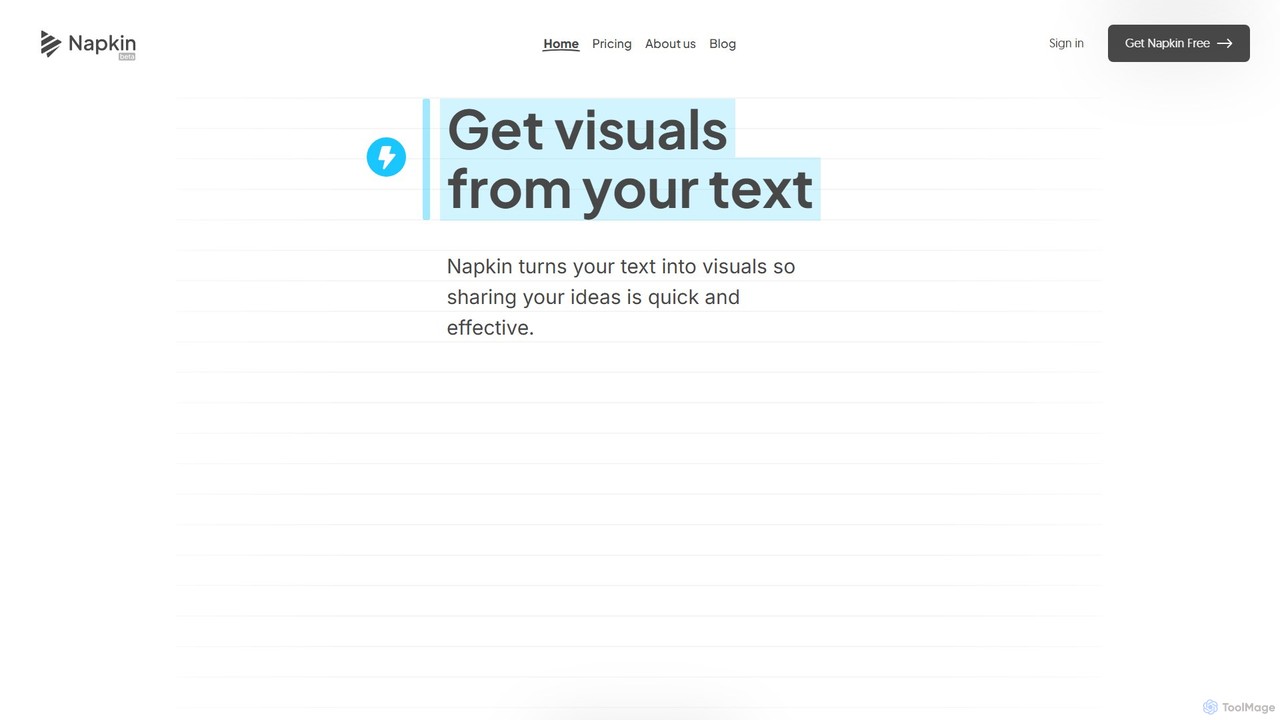
Napkin AI Overview
Napkin AI is a revolutionary tool designed to transform business communication by converting text into compelling visuals. Born from the minds behind the AI gaming company Osmo, Napkin AI addresses a common challenge in the professional world: the difficulty of creating engaging visuals to accompany text-heavy documents and presentations. The platform's mission is to empower everyone, regardless of their design expertise, to become effective visual storytellers. By simply providing text, users can generate a wide array of visuals, including infographics, diagrams, mind maps, flowcharts, and data charts, making complex ideas more accessible and memorable.
The core philosophy of Napkin AI is simplicity and efficiency. It eliminates the need for complex design software or the difficult task of writing precise prompts. Instead, it works directly with your existing content, analyzing the text to suggest the most relevant visual representations. This text-first approach lowers the barrier to entry, allowing professionals from all fields—project managers, educators, marketers, and consultants—to enhance their communication with ease.
How to use Napkin AI
Using Napkin AI is a straightforward, four-step process designed for maximum efficiency:
- Import or Paste Your Text: Begin by importing a document (PPT, DOC, PDF, HTML, MD) or simply pasting your text directly into the Napkin editor. The tool is built to work with the content you already have, eliminating redundant work.
- Generate Visuals: With a single click, Napkin AI's engine analyzes your text and generates a selection of relevant visuals. You can then choose the one that best captures the essence of your idea.
- Polish and Customize: Every visual generated by Napkin is fully editable. You have complete control to refine the output to match your vision. You can add or swap icons from an extensive library, use smart decorators to emphasize key points, create dynamic connectors between elements, adjust colors that work in both light and dark modes, and choose between casual or formal fonts.
- Export and Share: Once your visual is perfect, you can take it anywhere. Export your creations as high-quality .ppt, .png, .pdf, or .svg files to integrate them seamlessly into your presentations, documents, websites, or social media posts.
Core Features of Napkin AI
- Text-to-Visual Generation: Automatically creates a variety of visuals like diagrams, flowcharts, mind maps, and infographics from your text.
- Prompt-Free Workflow: Works directly from your written content, so you don't need to learn how to write effective prompts.
- Full Customization Suite: Offers a rich set of editing tools, including a vast icon database, smart decorators, dynamic connectors, and customizable color palettes and fonts.
- Multiple Export Formats: Supports exporting to PPT, PNG, SVG, and PDF, ensuring compatibility with all major platforms.
- Team Collaboration: Features a shared Teamspace to invite and manage members, real-time co-editing on the same document, and a commenting system for direct feedback.
- Multi-Language Support: The AI can understand and generate visuals from text in over 60 languages, while the user interface is currently in English.
- Custom Branding: Paid plans allow users to create custom styles with brand colors and upload their own fonts to maintain brand consistency.
Use Cases for Napkin AI
Napkin AI is a versatile tool valuable across many professional scenarios:
- Presentations: Quickly create impactful and clear slides that captivate your audience and make your message stick.
- Blog Posts & Articles: Leave a lasting impression on readers by embedding custom infographics and diagrams that illustrate your points.
- Social Media: Design engaging visuals that stand out in crowded feeds and drive audience interaction.
- Documentation & Reports: Make technical documents and business reports easier to read and understand with clarifying flowcharts and diagrams.
- Education & Training: Teachers and trainers can use Napkin to create visual aids that bring complex topics to life for students and trainees.
Advantages of Napkin AI
The primary advantage of Napkin AI is its ability to democratize visual design for business communication. It saves countless hours that would otherwise be spent struggling with complex design software. Users don't need any prior design experience to produce professional-quality, polished visuals. This enhances the clarity and impact of communication, helps align teams around a shared mental model, and ensures all visual content remains consistent and on-brand.
Pricing and Plans
Napkin AI offers a flexible pricing structure to suit different needs, with a 25% discount on annual billing:
- Free Plan: $0. Includes 500 AI credits per week, unlimited visual editing, unlimited file imports, and PNG/PDF export with Napkin branding.
- Plus Plan: $9 per person/month. Offers 10,000 AI credits per month, everything in Free, plus PPT & SVG export, 3 custom styles, removal of Napkin branding, and team management features.
- Pro Plan: $22 per person/month. Provides 30,000 AI credits per month, everything in Plus, plus exclusive designs, unlimited custom styles, and the ability to upload your own fonts.
- Enterprise Plan: Custom pricing is available for large organizations with specific needs. Contact sales for more information.
AI credits are used for visual generation, with usage typically calculated based on the amount of text selected.
Traffic
Latest traffic
Status
Monthly traffic trend
- 2025-9: 3.4M
- 2026-1: 2.4M
- 2026-2: 2.3M
- 2026-3: 2.4M
- 2026-4: 2.1M
- 2026-5: 1.8M
Geography
Top 5 countries / regions
- 🇮🇳India26.1%
- 🇧🇷Brazil20.7%
- 🇺🇸United States20.3%
- 🇨🇴Colombia17.9%
- 🇰🇷South Korea15.0%
Traffic sources
| Source type | Percentage |
|---|---|
Direct | 89.1% |
Referral | 6.5% |
Email | 4.4% |
Top keywords
| Keyword | Cost per click |
|---|---|
| napkin | $0.76 |
| napkin ai | $1.18 |
| napkin ia | $1.40 |
| napkin.ia | $2.93 |
| napkins ai | $0.55 |
Napkin AI Videos on YouTube

Hause Collective
Tech Tools for Educators

Tech with Ayrass

WiseUp Communications

AI探索家💡Yellow

Alexis FH - Tutoriels IA
Napkin AI Alternatives
infographics.so
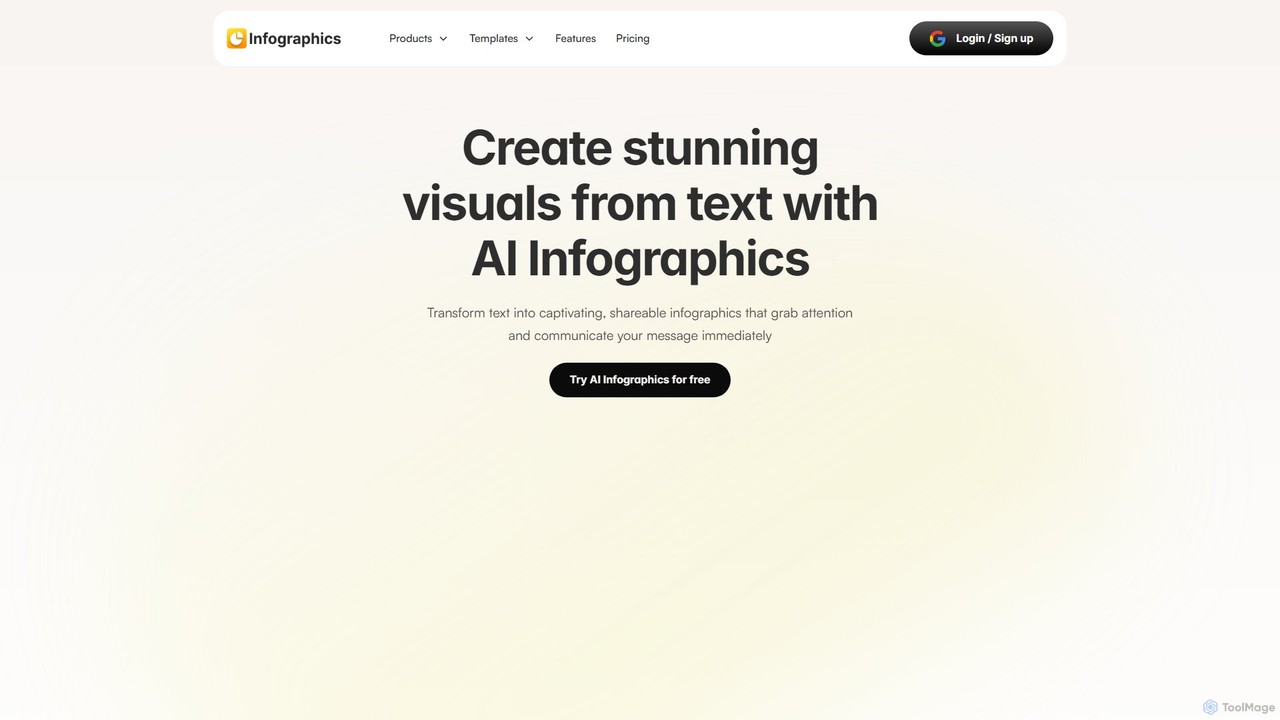
infographics.so is an AI-powered tool that instantly transforms text into stunning, professional infographics. It supports various formats like timelines, roadmaps, and funnels, offering full customization to match your brand. Ideal for marketers, project managers, and content creators looking to create engaging visuals for reports, blogs, and presentations in seconds, with no design skills required.
Infographics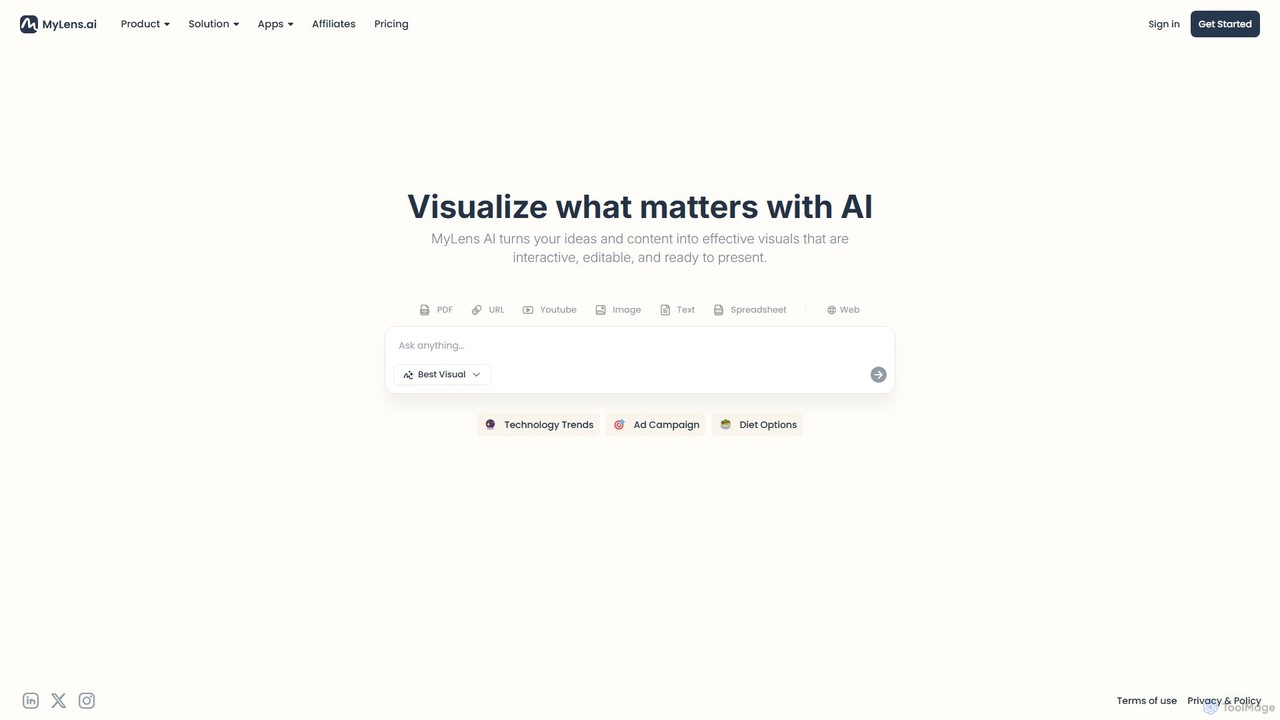
MyLens
MyLens is an AI-powered visualization platform that transforms your text, data, and ideas into interactive, editable, and presentation-ready visuals. Effortlessly create stunning infographics, charts, diagrams, and presentations to communicate complex information with clarity and impact.
Infographics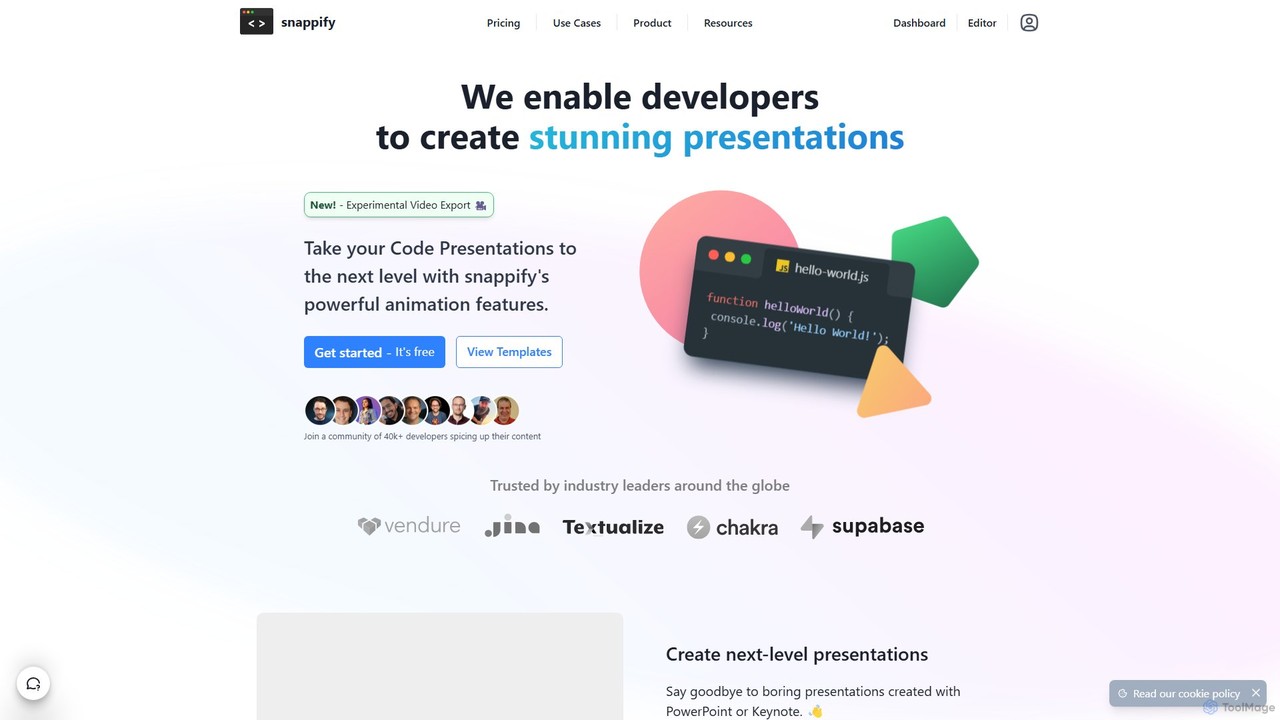
snappify
snappify is a powerful tool for developers, educators, and content creators to transform code snippets into stunning presentations, animated videos, and interactive infographics. It replaces traditional presentation software by offering first-class support for code, annotations, and branding, making technical content more engaging and understandable.
Code Tools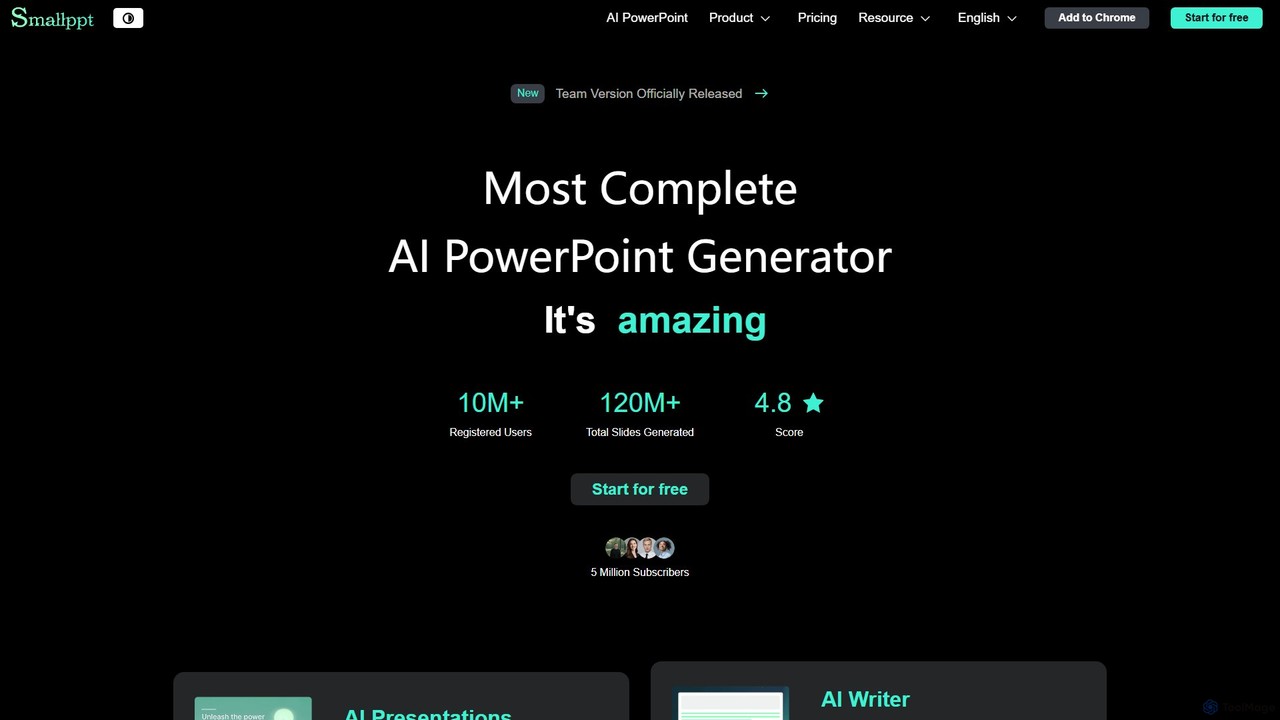
Smallppt
Smallppt is an AI-powered presentation generator that transforms ideas, text, documents, and even audio into professional slides in minutes. It features a suite of tools including an AI writer, summarizer, and mind mapper, designed to enhance productivity for business professionals, educators, and students. With real-time team collaboration and a vast template library, Smallppt streamlines the entire presentation creation process.
Marketing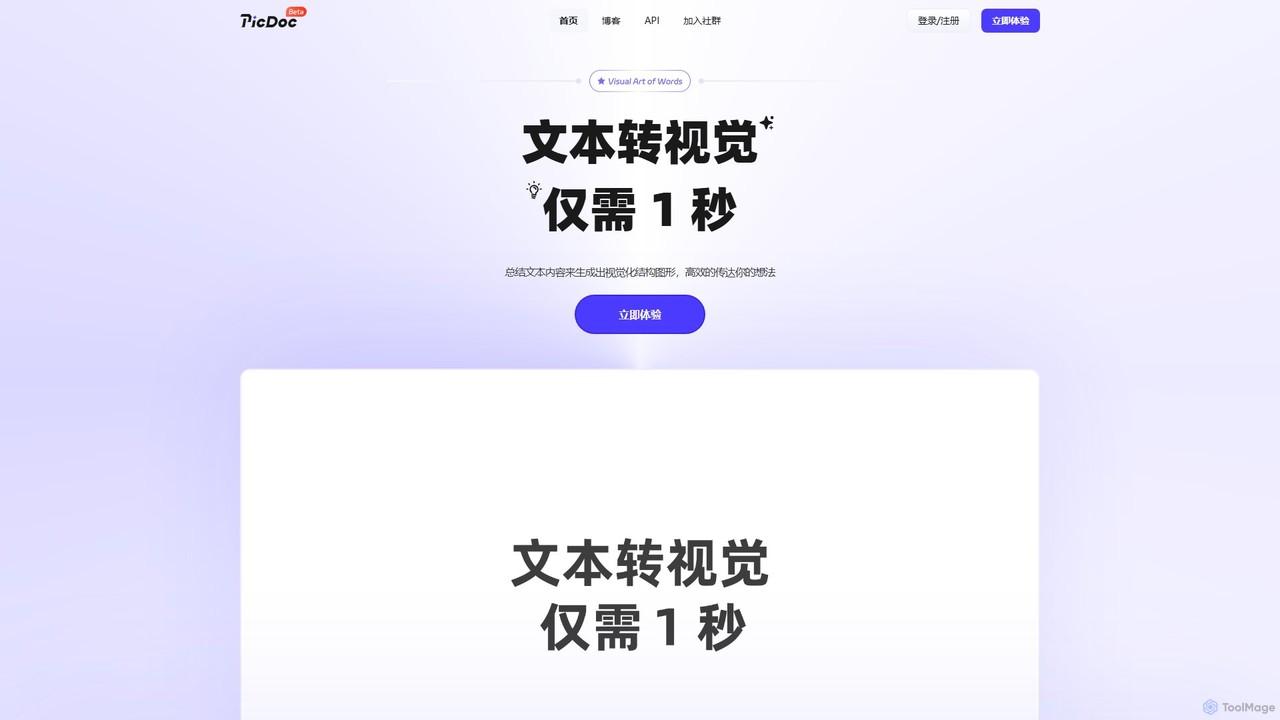
PicDoc
PicDoc is an AI-powered text-to-visual tool that instantly transforms text into stunning infographics, flowcharts, and diagrams. Simply input your content, and PicDoc's AI will analyze, summarize, and visualize it in seconds, helping you communicate complex ideas effectively and create professional-looking visuals without design skills.
InfographicsNapkin AI Categories
Napkin AI Embed Widget
Copy this embed code to place the badge on your blog, article, or product site and send readers directly to this ToolMage detail page.

Related AI tools
infographics.so
infographics.so is an AI-powered tool that instantly transforms text into stunning, professional infographics. It supports various formats like timelines, roadmaps, and funnels, offering full customization to match your brand. Ideal for marketers, project managers, and content creators looking to create engaging visuals for reports, blogs, and presentations in seconds, with no design skills required.
InfographicsMyLens
MyLens is an AI-powered visualization platform that transforms your text, data, and ideas into interactive, editable, and presentation-ready visuals. Effortlessly create stunning infographics, charts, diagrams, and presentations to communicate complex information with clarity and impact.
Infographics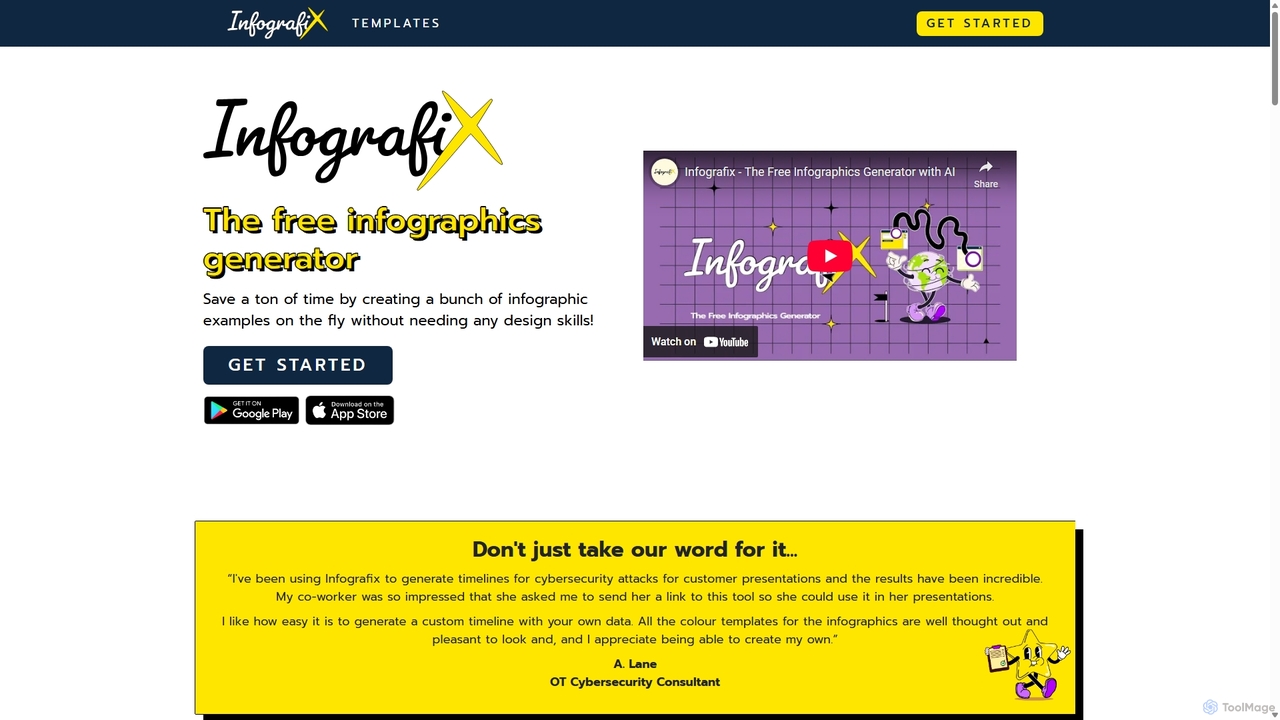
Infografix
Infografix is an AI-powered infographic generator that transforms simple text prompts into professional-quality visuals. Create stunning charts, diagrams, mind maps, and timelines in seconds without any design skills. Available on web and mobile, it's perfect for marketers, students, and professionals who need to visualize data quickly and effectively.
Infographics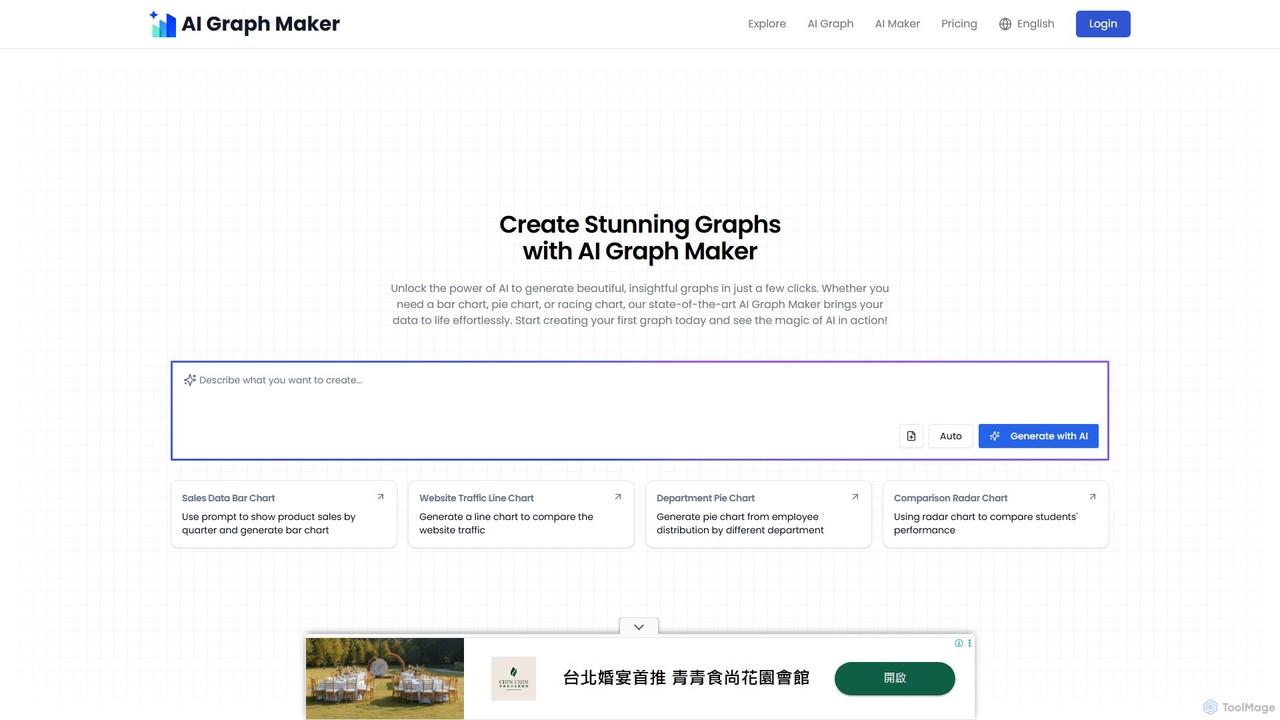
aigraphmaker
aigraphmaker is an AI-powered platform that transforms raw data and text prompts into a wide variety of professional and interactive charts and diagrams. It enables users, from beginners to experts, to effortlessly create stunning visualizations like bar charts, mind maps, flowcharts, and knowledge graphs in seconds, without any coding or design skills required.
Analytics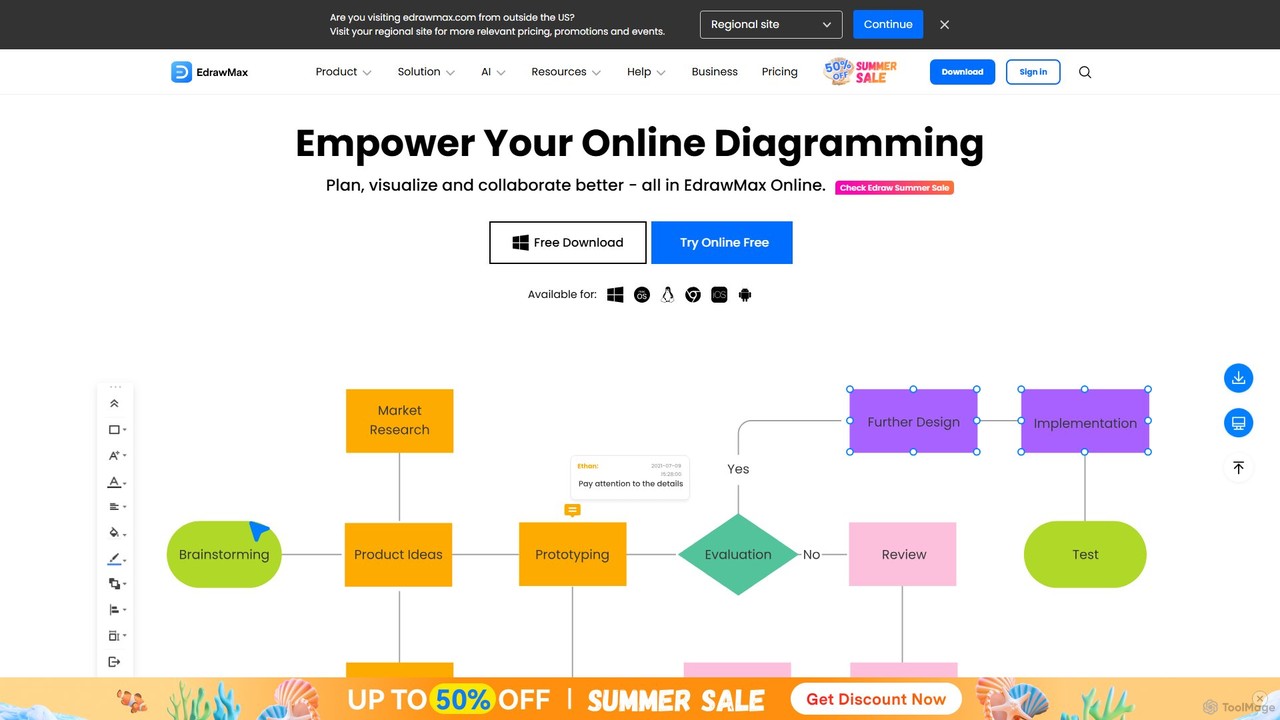
EdrawMax
EdrawMax is an all-in-one, AI-powered diagramming tool for creating over 210 types of diagrams, from flowcharts to floor plans. It combines intuitive drag-and-drop functionality with advanced AI features like one-click diagram generation, content analysis, and OCR. Ideal for teams and individuals, it facilitates real-time collaboration, offers extensive templates, and serves as a powerful Visio alternative for visualizing ideas and workflows.
Project Management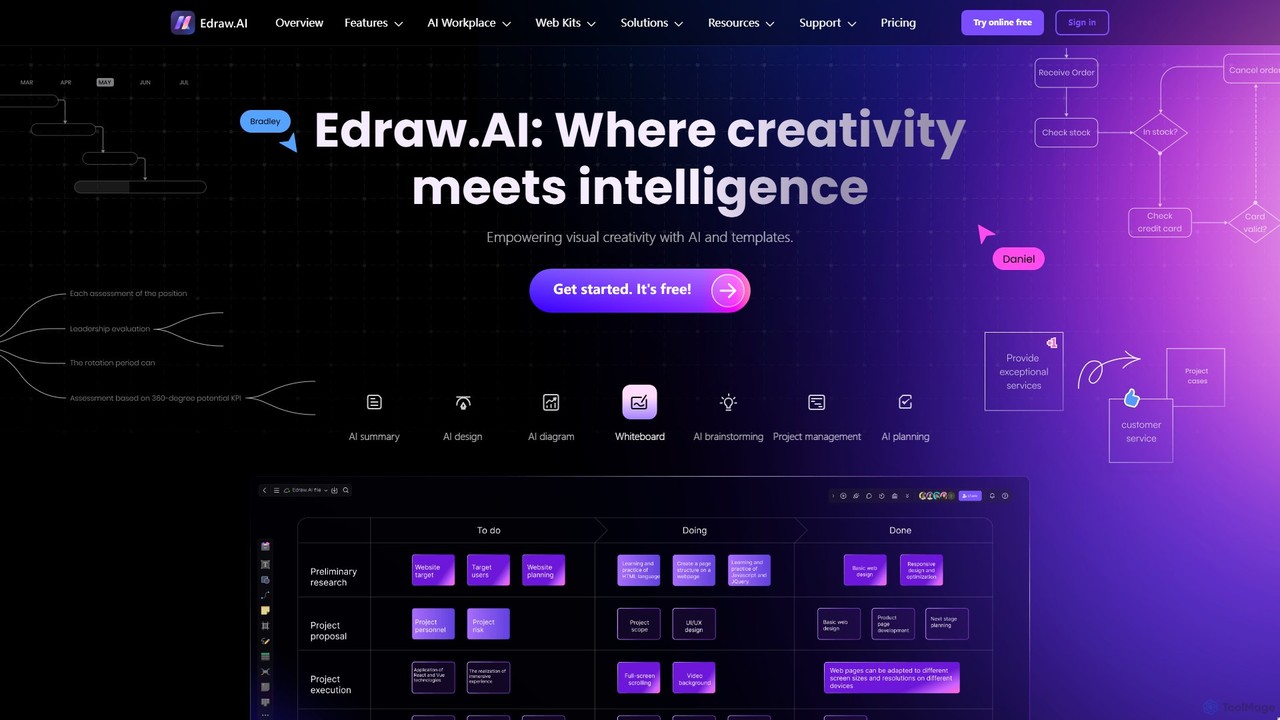
Edraw.AI
Edraw.AI is an AI-powered visual collaboration platform that enables users to create diagrams, mind maps, flowcharts, and other visuals with ease. It combines a user-friendly interface with powerful AI tools for generation, analysis, and design. Featuring real-time collaboration, an extensive library of templates and symbols, it's designed to boost productivity for teams in project management, IT, marketing, education, and more. Get started for free and transform your ideas into professional visuals.
Visualization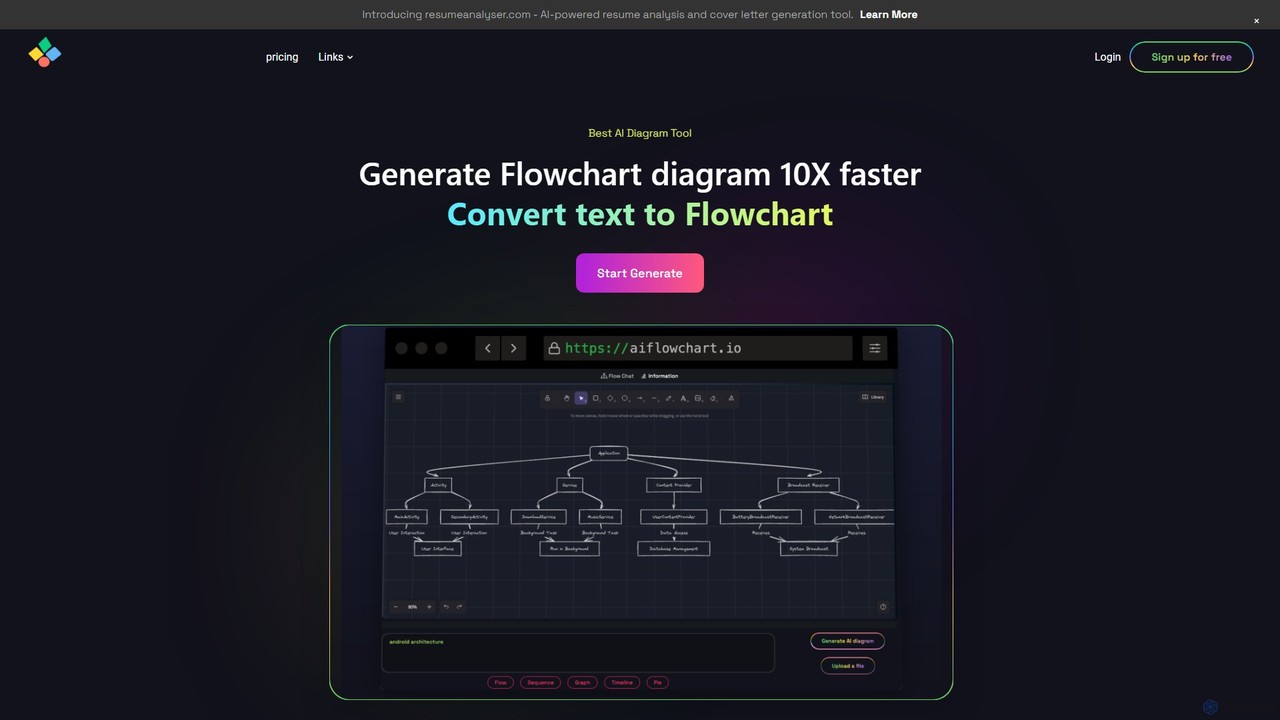
aiflowchart
An AI-powered diagramming tool that automatically generates flowcharts, sequence diagrams, pie charts, and more from text, PDFs, or blog content. It leverages models like GPT-4o to create unique, customizable diagrams with explanations, saving users significant time and effort.
Visualization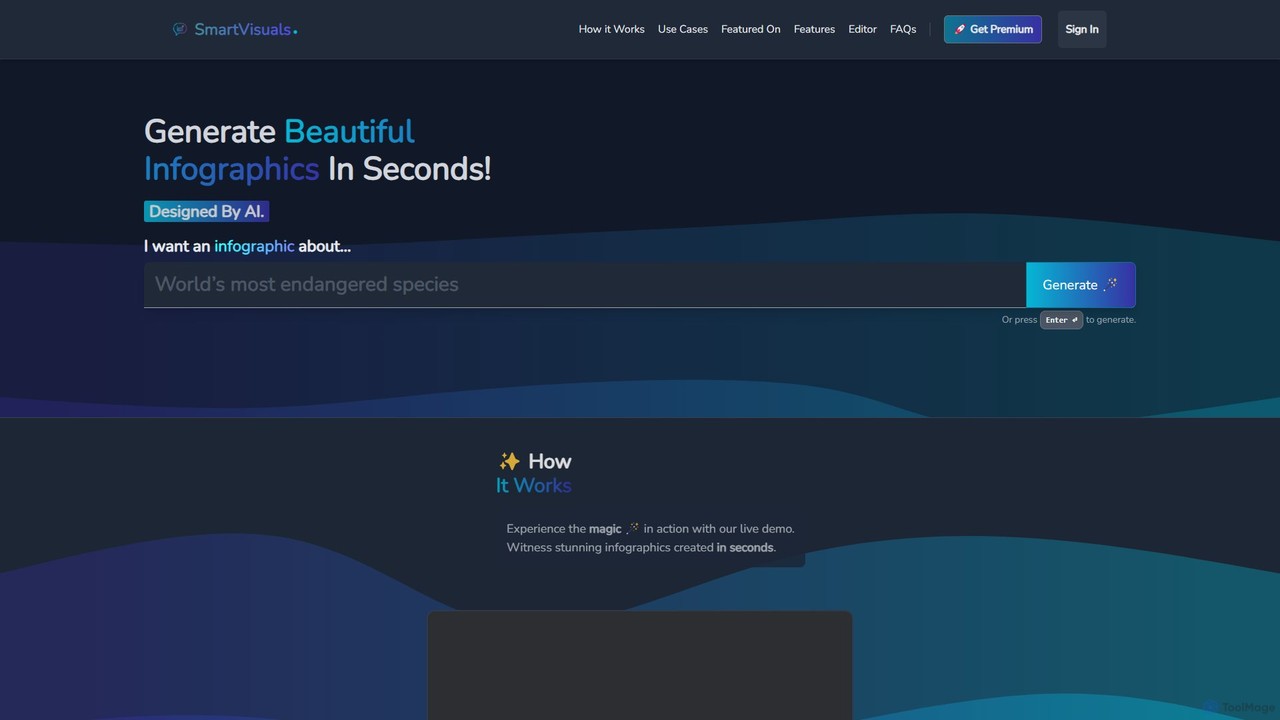
SmartVisuals
SmartVisuals is an AI-powered infographic generator that transforms text prompts into visually compelling and structured infographics. Simply describe your topic, and the AI will automatically design and populate a professional-looking visual, making complex information easy to understand and share. It's ideal for marketers, educators, students, and professionals who need to create high-quality visuals quickly without any design skills.
InfographicsSmallppt
Smallppt is an AI-powered presentation generator that transforms ideas, text, documents, and even audio into professional slides in minutes. It features a suite of tools including an AI writer, summarizer, and mind mapper, designed to enhance productivity for business professionals, educators, and students. With real-time team collaboration and a vast template library, Smallppt streamlines the entire presentation creation process.
MarketingPicDoc
PicDoc is an AI-powered text-to-visual tool that instantly transforms text into stunning infographics, flowcharts, and diagrams. Simply input your content, and PicDoc's AI will analyze, summarize, and visualize it in seconds, helping you communicate complex ideas effectively and create professional-looking visuals without design skills.
Infographics
Pitch
Pitch is a collaborative presentation software designed for modern teams. It combines smart design features, AI-powered generation, real-time collaboration, and powerful analytics to help users create, share, and track stunning presentations. With over 100 expert-designed templates and seamless integrations, Pitch streamlines the entire workflow from creation to delivery, enabling teams to close deals, win clients, and communicate ideas effectively.
Sales
Beautiful.ai
Beautiful.ai is an AI-powered presentation maker that automates design, enabling users to create stunning, professional presentations 10x faster. It offers smart templates, real-time slide adaptation, and robust team collaboration features to ensure brand consistency and boost productivity for businesses and individuals.
Graphics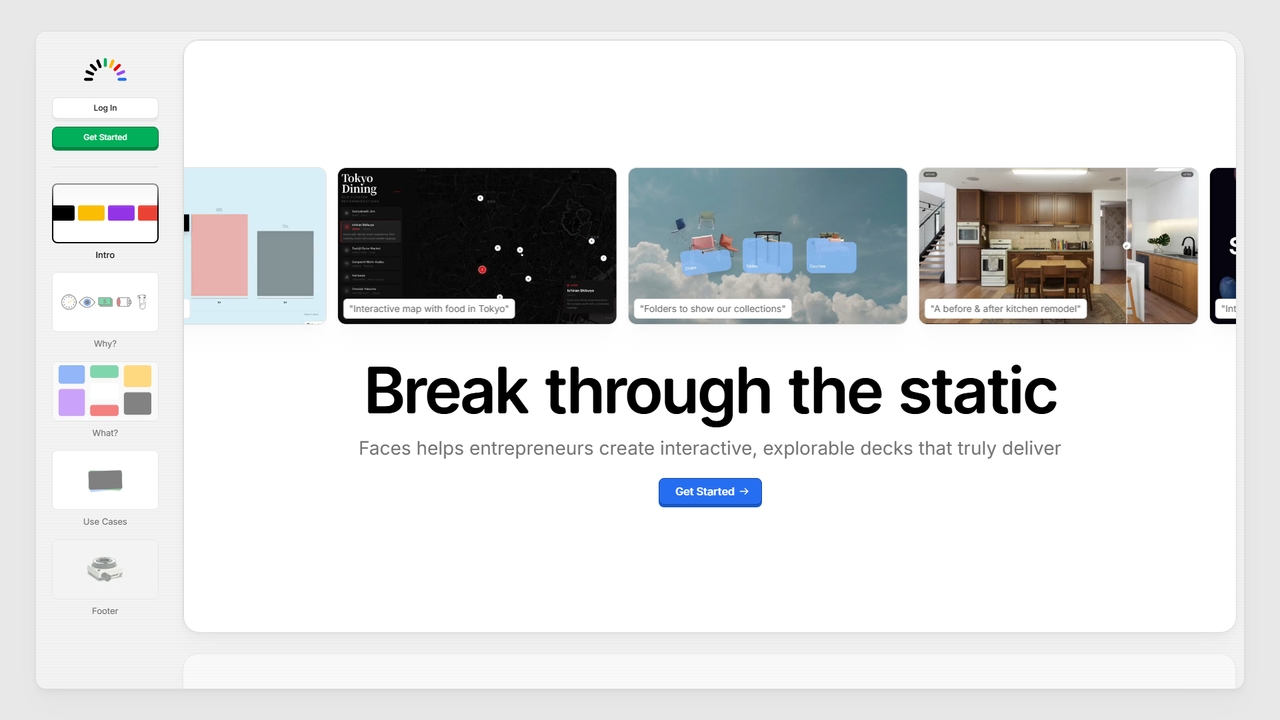
Faces
Faces is a modern presentation tool designed to break free from static slides. It enables users, particularly entrepreneurs, to create interactive and explorable presentations that leverage the full power of the web, making ideas more engaging and effective for pitches, portfolios, guides, and proposals.
Pitching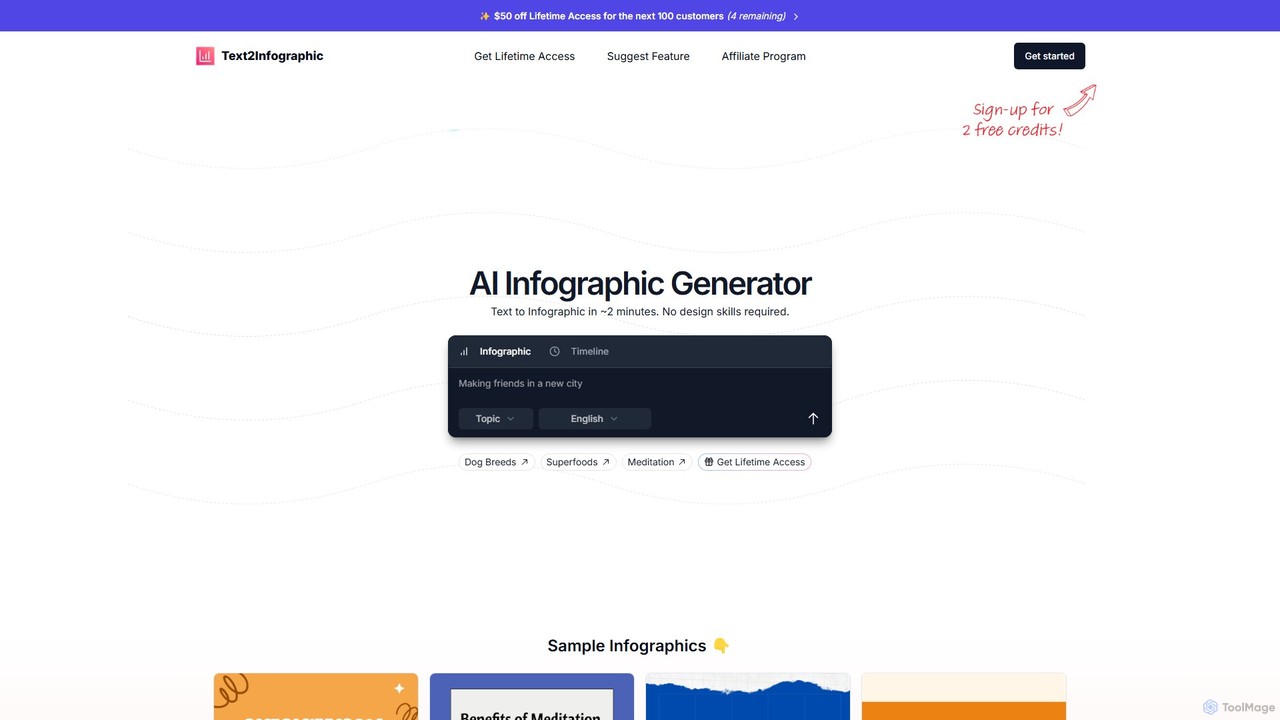
Text2Infographic
Text2Infographic is an AI-powered generator that transforms text, blog posts, or data into professional-quality infographics in minutes. It automates research, image sourcing, and design, making it ideal for content creators, marketers, and bloggers without design skills. It supports over 20 languages and offers brand customization.
Infographics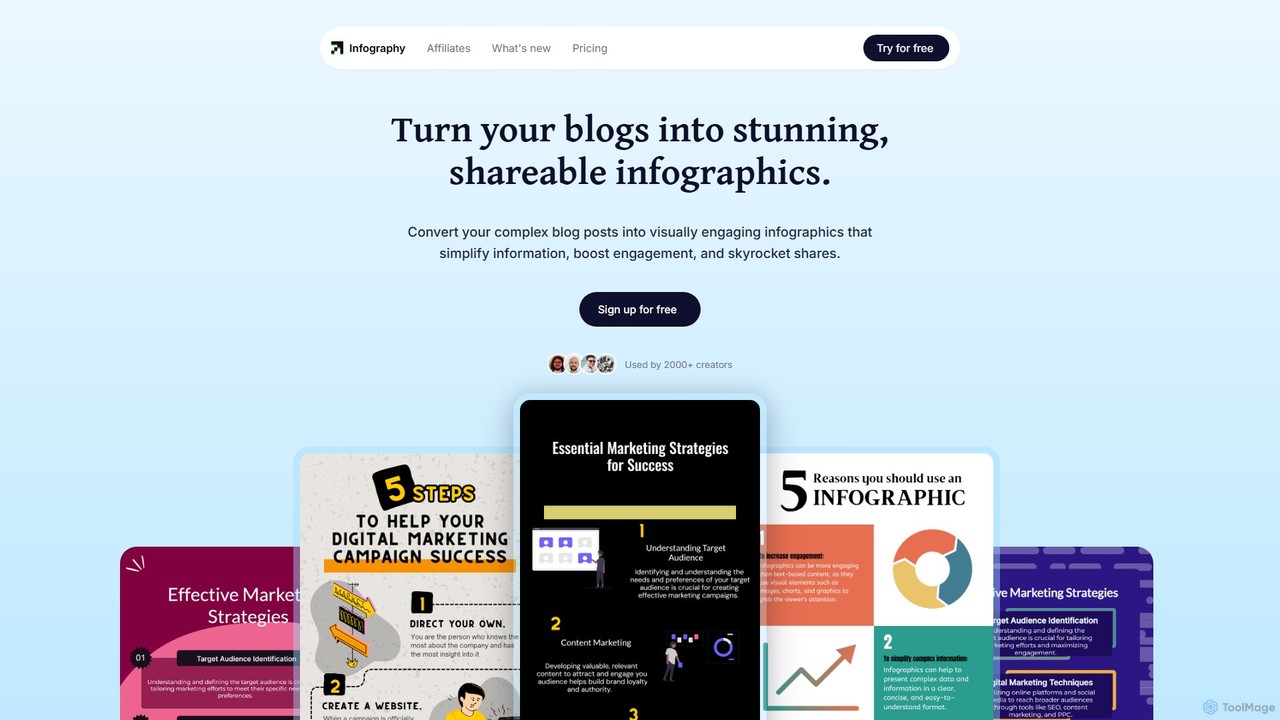
Infography
Infography is an AI-powered tool that instantly transforms blog posts, articles, or simple text into stunning, shareable infographics. It simplifies complex information, boosts content engagement, and automates visual creation, making it ideal for marketers, creators, and businesses looking to enhance their content strategy.
Infographics
Napkin AI Comments (0)
Sign in to comment.
Sign inNo comments yet.