
snappify Overview
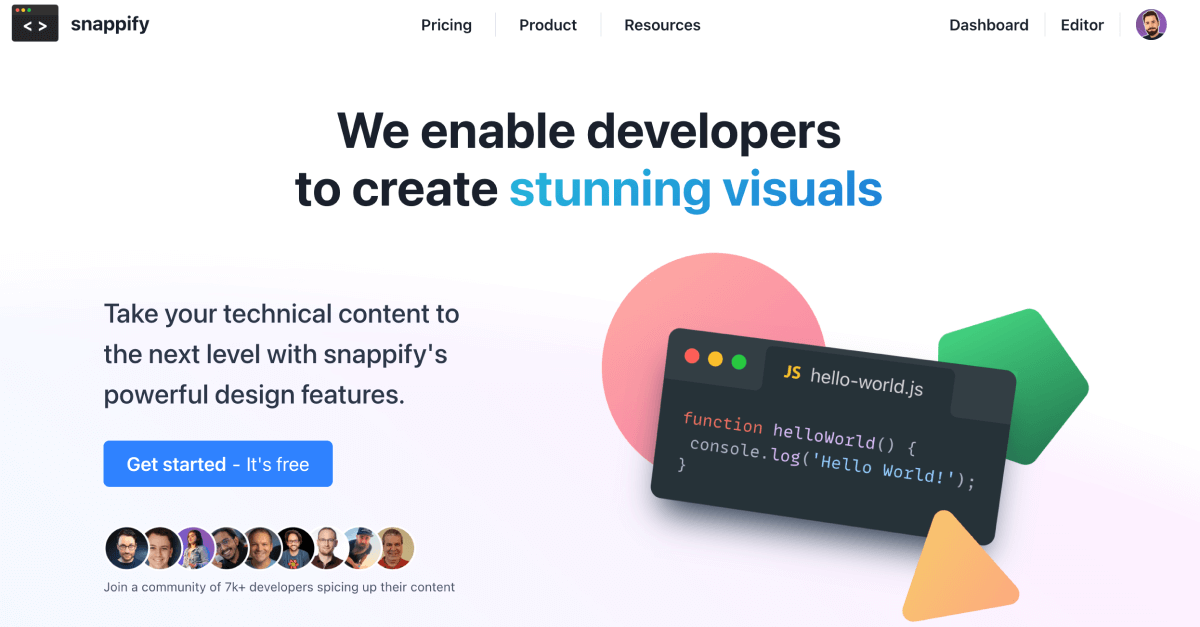
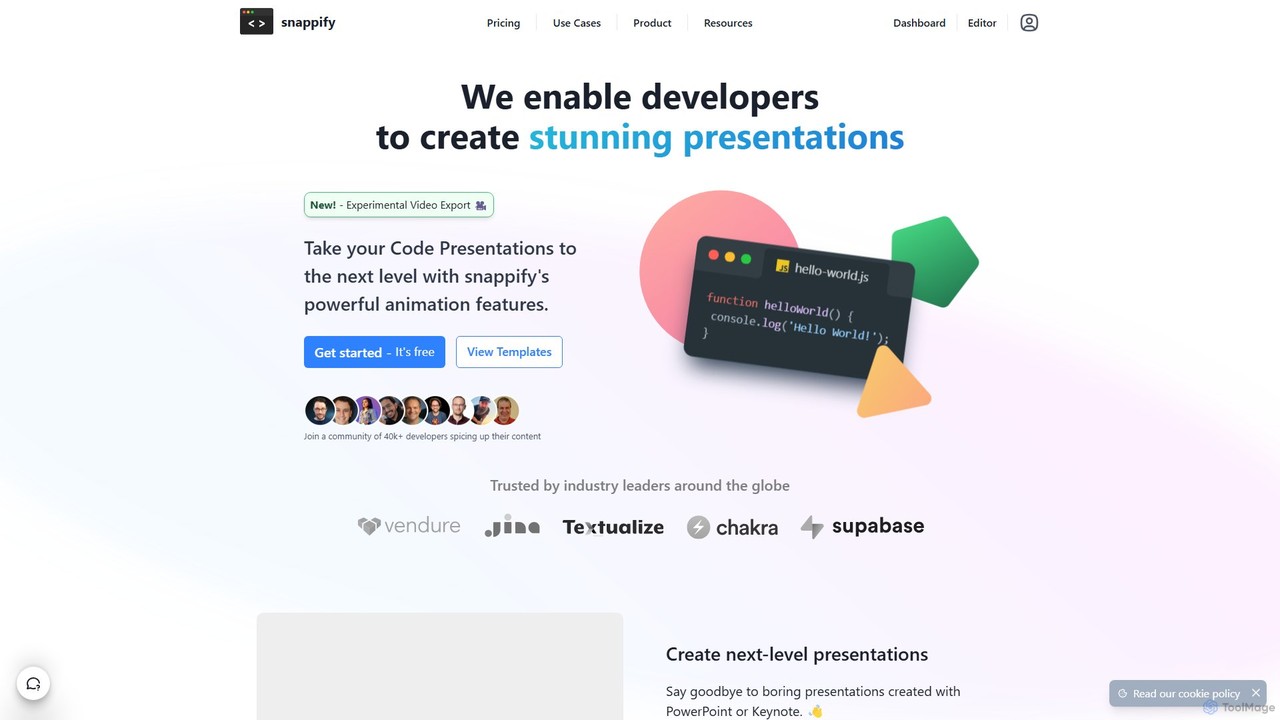
snappify is a versatile design and presentation tool specifically built for the developer community. It empowers users to move beyond boring, static screenshots of code and create visually appealing, interactive, and animated content. Whether you're a developer sharing insights on social media, an educator creating course materials, or a speaker preparing for a technical talk, snappify provides a streamlined workflow to produce professional-quality visuals without needing advanced design skills. It offers a powerful editor that combines code, text, arrows, and images, allowing for rich annotations and clear explanations. With features like video export, interactive embedding, and team collaboration, snappify is the ultimate solution for elevating technical communication.
How to use snappify
Using snappify is an intuitive process designed for efficiency. Here’s a typical workflow:
- Start a Project: Begin by creating a new 'snap' in the snappify editor, which is available as a web app and a desktop application. You can start from a blank canvas or choose from a variety of pre-built templates.
- Add Code: Paste your code into a code window. snappify supports syntax highlighting for numerous languages. You can add multiple code windows to a single slide to compare different versions or languages.
- Annotate and Explain: Use the rich-text editor to add explanatory text next to your code. Add arrows to point to specific lines or functions. You can also highlight important parts of the code by adjusting opacity, blurring irrelevant sections, or marking lines as added or removed.
- Customize and Brand: Enhance your visual by adding your personal avatar and social media handle. Upload custom images, such as logos or diagrams, and arrange all elements using a simple drag-and-drop interface.
- Create Presentations and Videos: For presentations, you can create multiple slides. snappify's animation features allow you to create smooth transitions between slides, which can then be exported as a high-quality MP4 or GIF video.
- Share and Embed: Export your creation as a static image (PNG) for social media. Alternatively, share it via a public URL or embed it as an interactive element on platforms like Notion, Medium, Hashnode, or your personal blog. The embedded snaps are fully accessible, allowing viewers to copy code directly.
Core Features of snappify
- Code-Centric Presentations: Create beautiful slides with first-class support for code snippets, far superior to traditional tools like PowerPoint or Keynote.
- Animated Video Export: Turn your presentations into smooth, animated MP4 or GIF videos to create dynamic technical content.
- Advanced Annotations: Explain your code effectively with rich text, arrows, and custom shapes.
- Code Highlighting & Comparison: Focus audience attention by highlighting, blurring, or dimming parts of the code. Display multiple code windows side-by-side for easy comparison.
- Interactive Embedding: Embed your snaps on blogs and documentation platforms. These embeds are HTML-based, allowing users to select and copy code.
- Personal and Team Branding: Add your avatar, social media handles, and custom images to maintain a consistent brand identity.
- Template Library: Get started quickly with a collection of professionally designed templates for various use cases.
- AI Code Explanations: Leverage AI to automatically generate explanations for your code snippets, saving time and effort.
- Developer Integrations: Use snappify directly within your workflow with extensions for VS Code and IntelliJ.
- Team Collaboration: Team plans allow members to collaborate on snaps and folders, streamlining content creation for organizations.
Use Cases for snappify
snappify is ideal for a wide range of technical content creation scenarios:
- Social Media Content: Developers can create visually striking infographics of code concepts to share on platforms like X (Twitter), LinkedIn, and Instagram, boosting engagement.
- Technical Education: Teachers and course creators can design clear and easy-to-digest educational materials, tutorials, and course slides that help students understand complex programming topics.
- Blogging and Documentation: Technical writers can replace static code images with interactive, SEO-friendly embeds that improve the user experience on their blogs (Hashnode, Medium) and in company documentation (Notion).
- Conference Presentations: Speakers can design and deliver stunning, animated technical talks that captivate their audience.
- Internal Team Communication: Development teams can use snappify to create clear visual explanations for code reviews, technical specifications, and internal knowledge sharing.
Advantages of snappify
snappify offers significant advantages over generic design or presentation tools:
- Superior Aesthetics: It effortlessly transforms plain code into beautiful, professional-looking visuals.
- Enhanced Engagement: The ability to create animations and interactive content makes technical information more dynamic and memorable.
- Improved Clarity: Annotation and highlighting tools make it easy to break down and explain complex code, improving audience comprehension.
- Efficiency: The intuitive editor, templates, and integrations save developers valuable time, allowing them to produce high-quality content quickly without design expertise.
- Accessibility: Interactive HTML-based embeds are a major improvement over static images, as they allow users to copy code, improving usability and accessibility.
Pricing and Plans
snappify offers a freemium model with plans tailored to different needs:
- Free Plan: $0/month. Includes basic features with limitations such as 3 snap storage, 5 slides per presentation (with watermark), 100 monthly views for sharing/embedding, and 5 AI explanations.
- Starter Plan: $5/month (billed annually at $60). Designed for individuals, offering 500 snaps, 1 GB image upload, 50 slides per presentation, higher view limits, and 50 AI explanations.
- Professional Plan: $9/month (billed annually at $108). The best value for power users, with unlimited snaps and slides, 5 GB image upload, 60fps video export, and 100 AI explanations.
- Team Plan: $32/month (billed annually at $384). Includes everything in Professional for 4 team members, collaboration features, the highest usage limits, and priority support.
Traffic
Latest traffic
Status
Monthly traffic trend
- 2025-9: 167.2K
- 2026-1: 103.0K
- 2026-2: 62.6K
- 2026-3: 60.9K
- 2026-4: 47.8K
- 2026-5: 37.4K
Geography
Top 5 countries / regions
- 🇺🇸United States33.5%
- 🇮🇳India24.6%
- 🇳🇬Nigeria17.7%
- 🇧🇷Brazil13.1%
- 🇮🇩Indonesia11.2%
Traffic sources
| Source type | Percentage |
|---|---|
Direct | 78.9% |
Referral | 20.9% |
Email | 0.1% |
Top keywords
| Keyword | Cost per click |
|---|---|
| code to presentation | $0.00 |
| compartir codigo paginaweb | $0.00 |
| pastebin alternative | $0.00 |
| patebin alternatives | $0.00 |
| websites that let you make a powerpoint presentation with code | $0.00 |
snappify Alternatives
Napkin AI
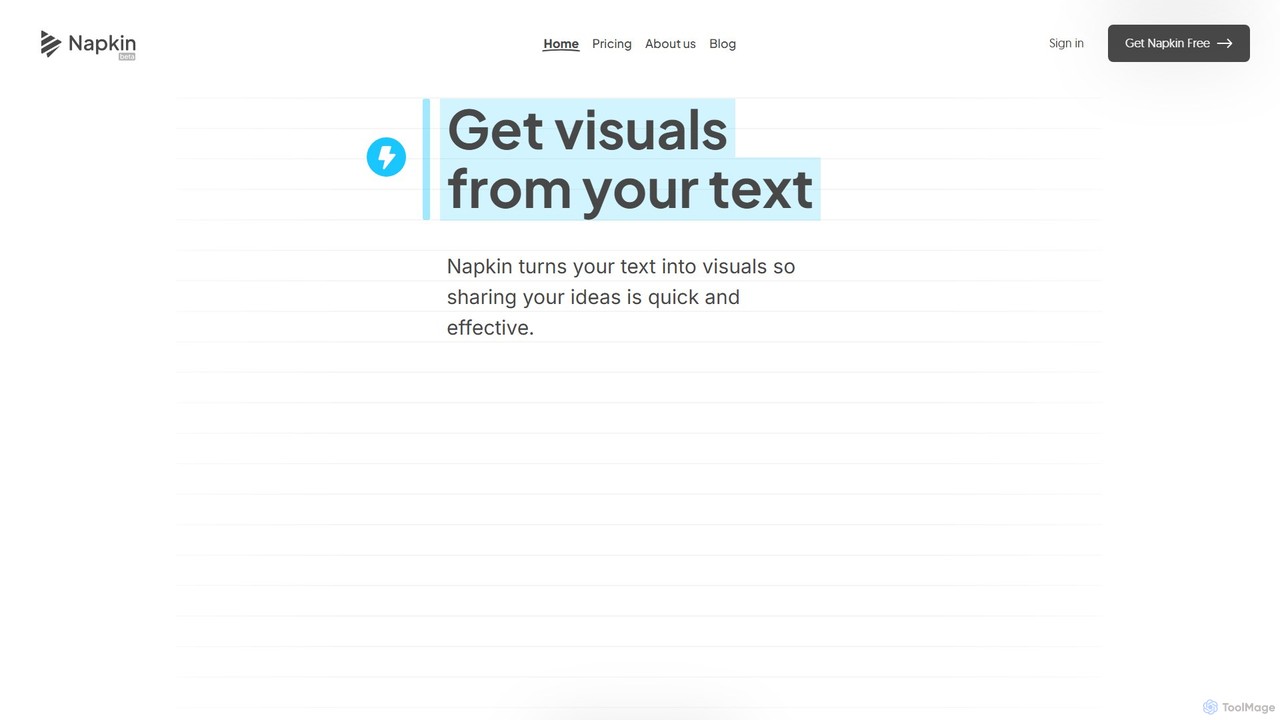
Napkin AI is a visual AI tool that transforms your text into professional business visuals like diagrams, infographics, flowcharts, and mind maps. It's designed for effortless business storytelling, allowing users to create compelling, editable visuals directly from their content without needing any design skills. Ideal for presentations, reports, and social media.
Infographics
SlidesAI
SlidesAI is an AI-powered presentation maker that integrates directly into Google Slides and PowerPoint. It instantly transforms your text, documents, or ideas into professionally designed, ready-to-present slides. Save hours of manual work by automatically generating outlines, content, and visuals. It's perfect for educators, professionals, and students who need to create compelling presentations quickly and efficiently, with support for over 100 languages.
Automation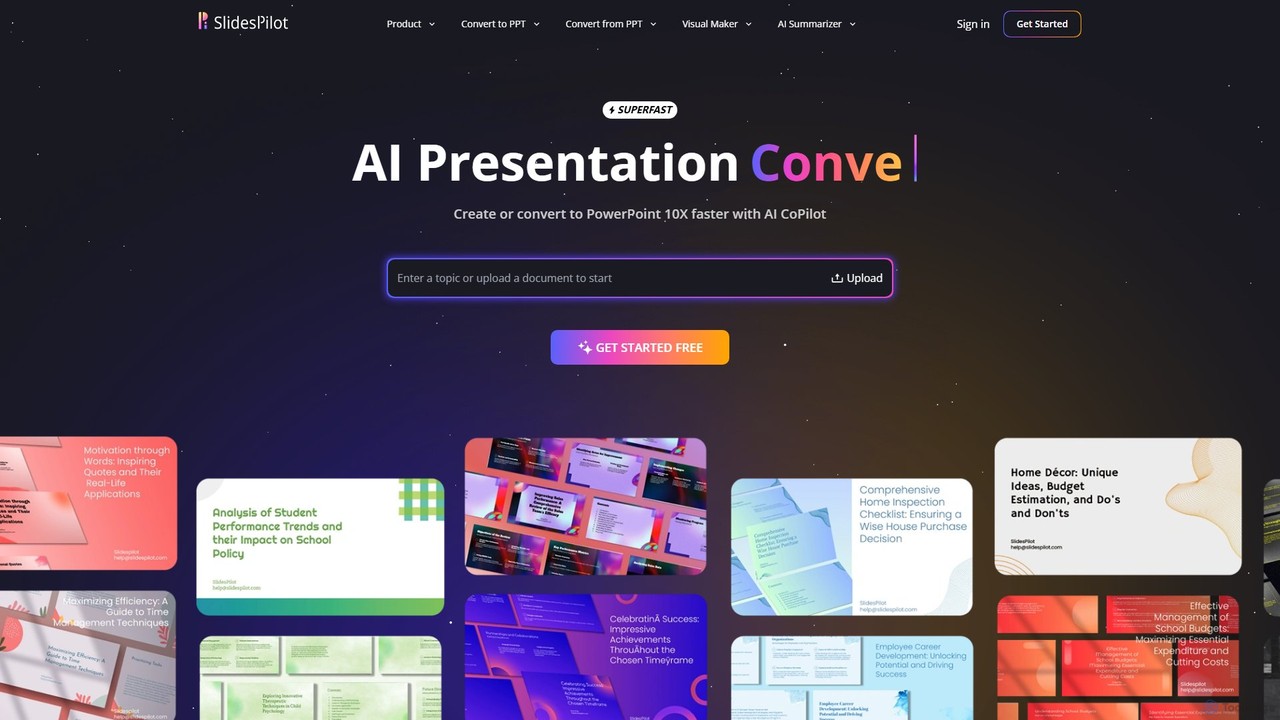
SlidesPilot
SlidesPilot is an AI-powered presentation generator that creates professional PowerPoint and Google Slides 10x faster. It can generate presentations from a topic, convert documents (PDF, Word), text, YouTube videos, and webpages into slides, and features an AI Copilot for real-time editing, image generation, and content rewriting.
Document Management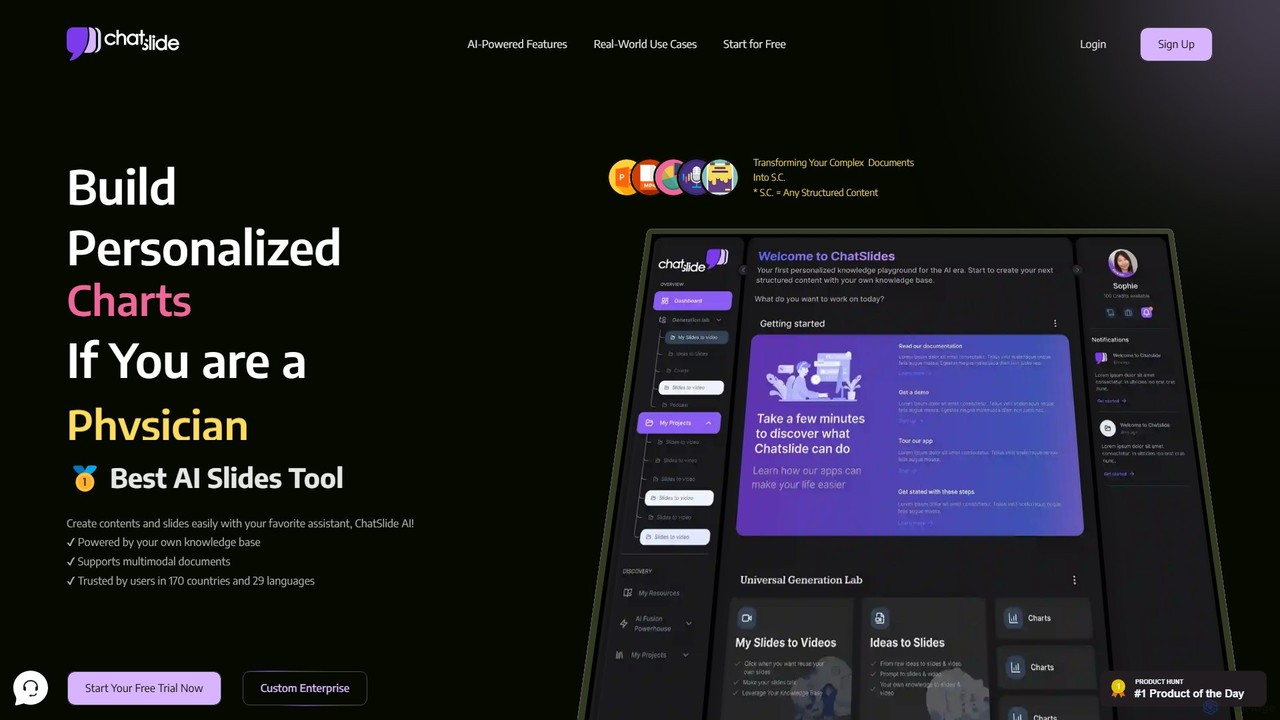
ChatSlide
ChatSlide is an AI-powered workspace that transforms your documents and knowledge base into engaging structured content. Effortlessly create professional slides, videos with AI avatars, dynamic charts, posters, and podcasts to streamline knowledge sharing and communication for professionals in various fields.
Teaching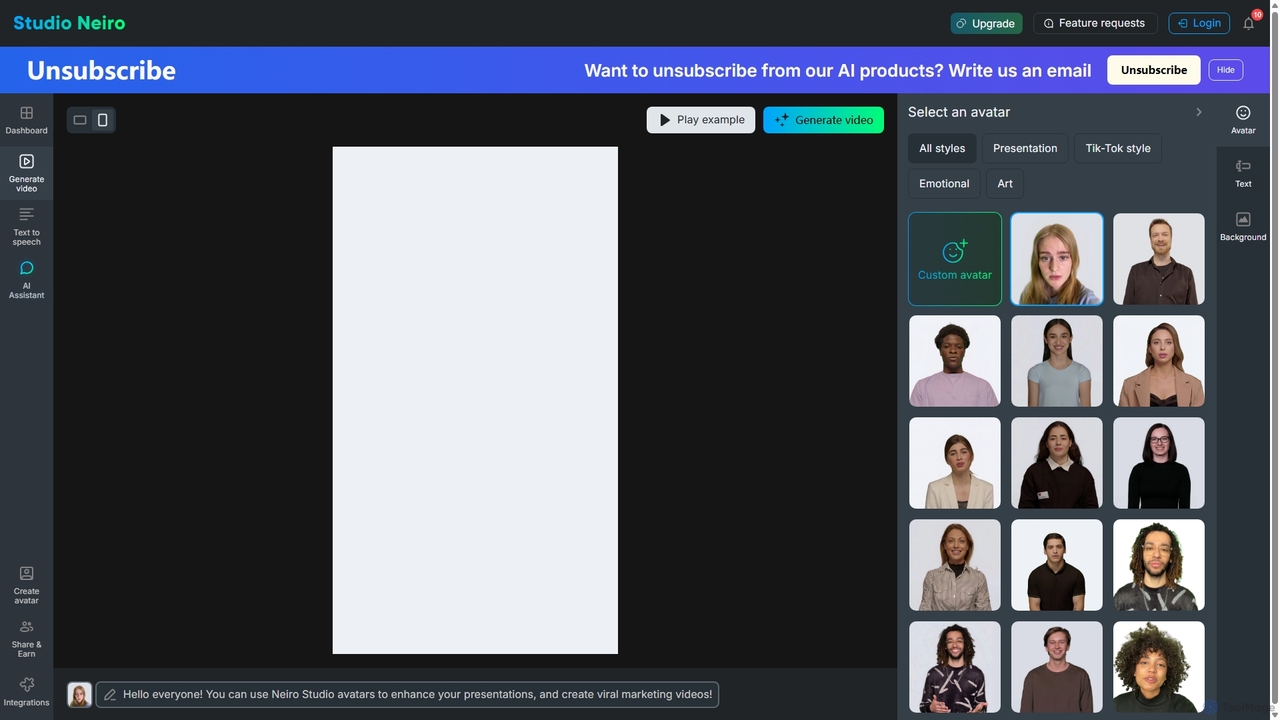
Studio Neiro
Studio Neiro is an AI-powered video generation platform that transforms text into engaging videos featuring customizable digital avatars. Effortlessly create professional-quality content for marketing, training, and presentations in minutes, without needing cameras or actors. Simply type your script, choose an avatar, and generate a captivating video.
Text To Speechsnappify Categories
snappify Embed Widget
Copy this embed code to place the badge on your blog, article, or product site and send readers directly to this ToolMage detail page.

Related AI tools
PseudoEditor
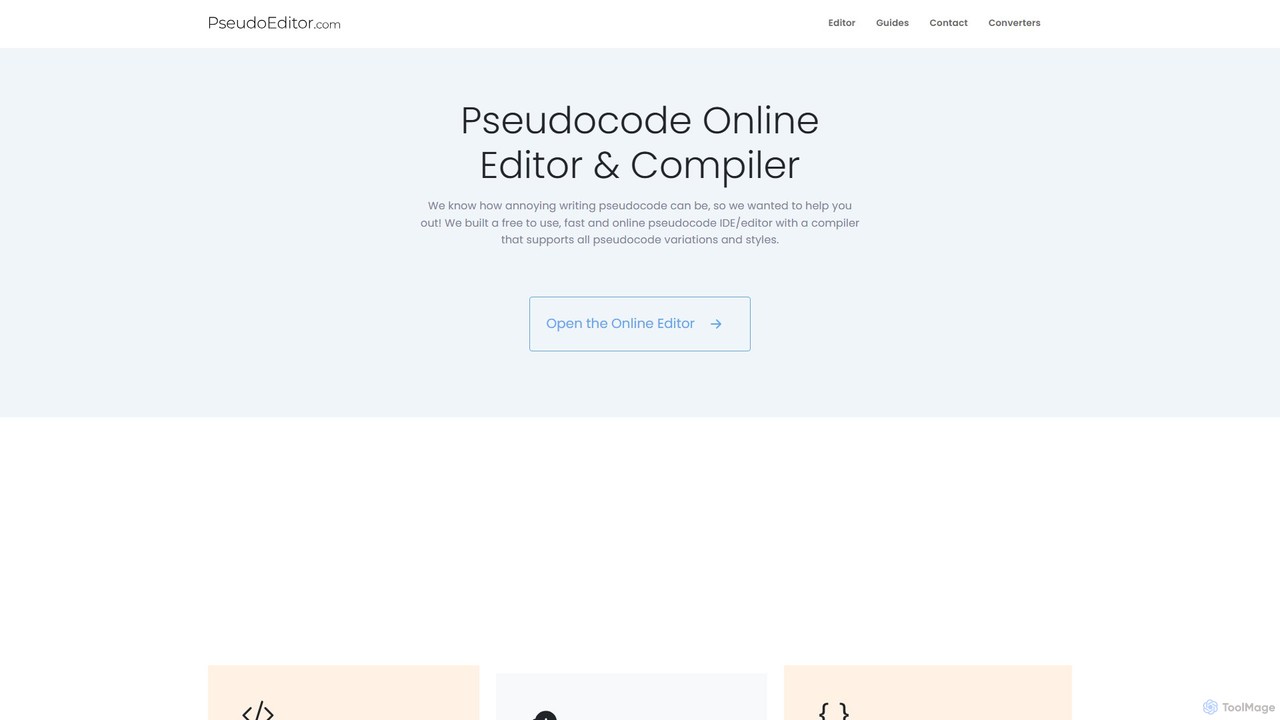
An online pseudocode editor, compiler, and AI-powered converter. Write, test, and debug algorithms, then convert your pseudocode into Python, Java, C++, and JavaScript. Ideal for students, educators, and developers.
Code Assistant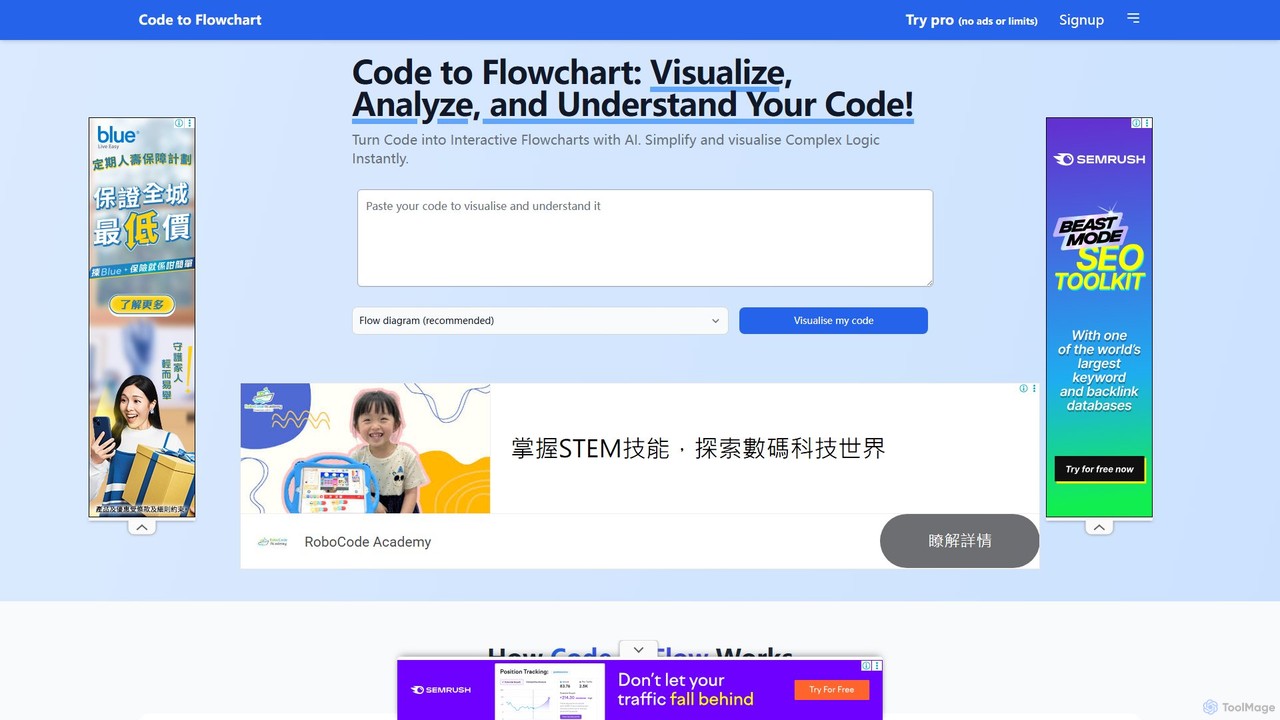
codetoflow
codetoflow is an AI-powered tool that instantly converts source code from major programming languages into interactive flowcharts, sequence diagrams, and class diagrams. It helps developers, students, and teams visualize, understand, and document complex program logic effortlessly, boosting productivity and code comprehension.
Code Analysis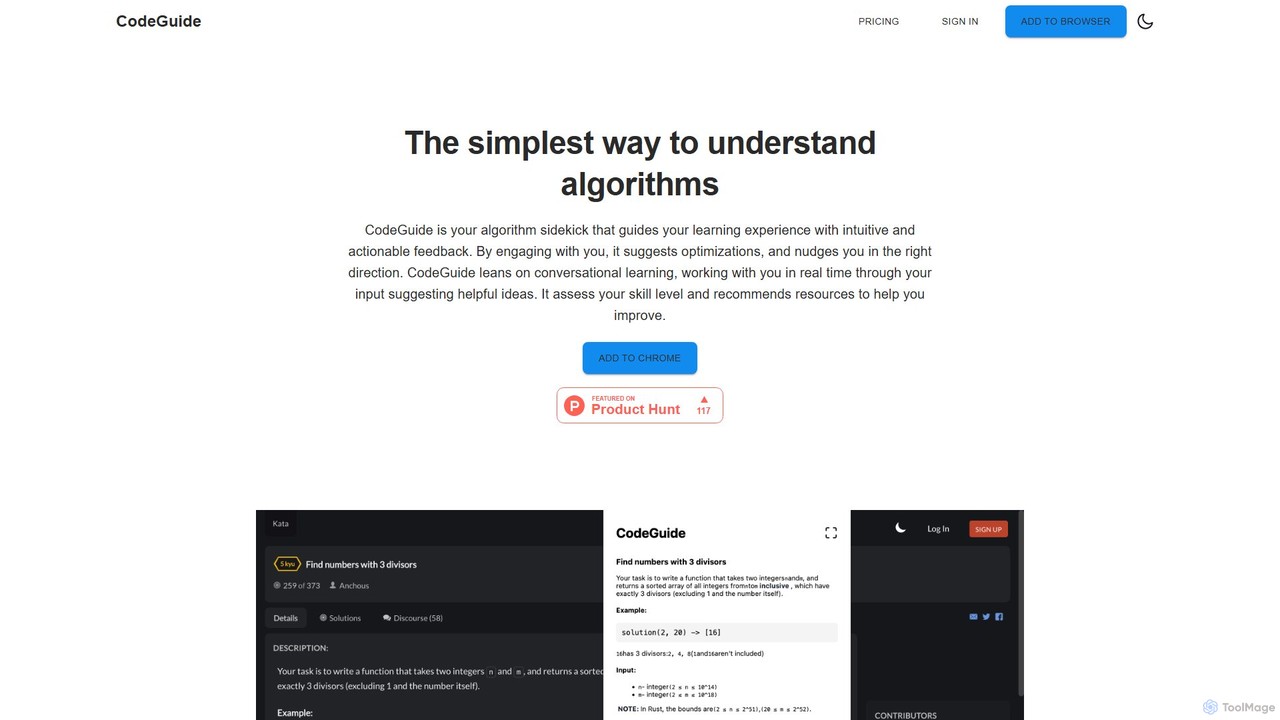
CodeGuideAI
CodeGuideAI is an AI-powered Chrome extension that acts as your personal algorithm tutor. It simplifies learning complex algorithms through real-time, conversational feedback, suggests code optimizations, and provides personalized guidance to help you master data structures and improve your problem-solving skills.
Code AssistantSlidesAI
SlidesAI is an AI-powered presentation maker that integrates directly into Google Slides and PowerPoint. It instantly transforms your text, documents, or ideas into professionally designed, ready-to-present slides. Save hours of manual work by automatically generating outlines, content, and visuals. It's perfect for educators, professionals, and students who need to create compelling presentations quickly and efficiently, with support for over 100 languages.
AutomationSlidesPilot
SlidesPilot is an AI-powered presentation generator that creates professional PowerPoint and Google Slides 10x faster. It can generate presentations from a topic, convert documents (PDF, Word), text, YouTube videos, and webpages into slides, and features an AI Copilot for real-time editing, image generation, and content rewriting.
Document Management
Jyek
Jyek is an AI agent platform that understands objectives, creates execution plans, uses tools, and delivers verifiable results for complex, multi-step tasks.
AutomationChatSlide
ChatSlide is an AI-powered workspace that transforms your documents and knowledge base into engaging structured content. Effortlessly create professional slides, videos with AI avatars, dynamic charts, posters, and podcasts to streamline knowledge sharing and communication for professionals in various fields.
TeachingStudio Neiro
Studio Neiro is an AI-powered video generation platform that transforms text into engaging videos featuring customizable digital avatars. Effortlessly create professional-quality content for marketing, training, and presentations in minutes, without needing cameras or actors. Simply type your script, choose an avatar, and generate a captivating video.
Text To Speech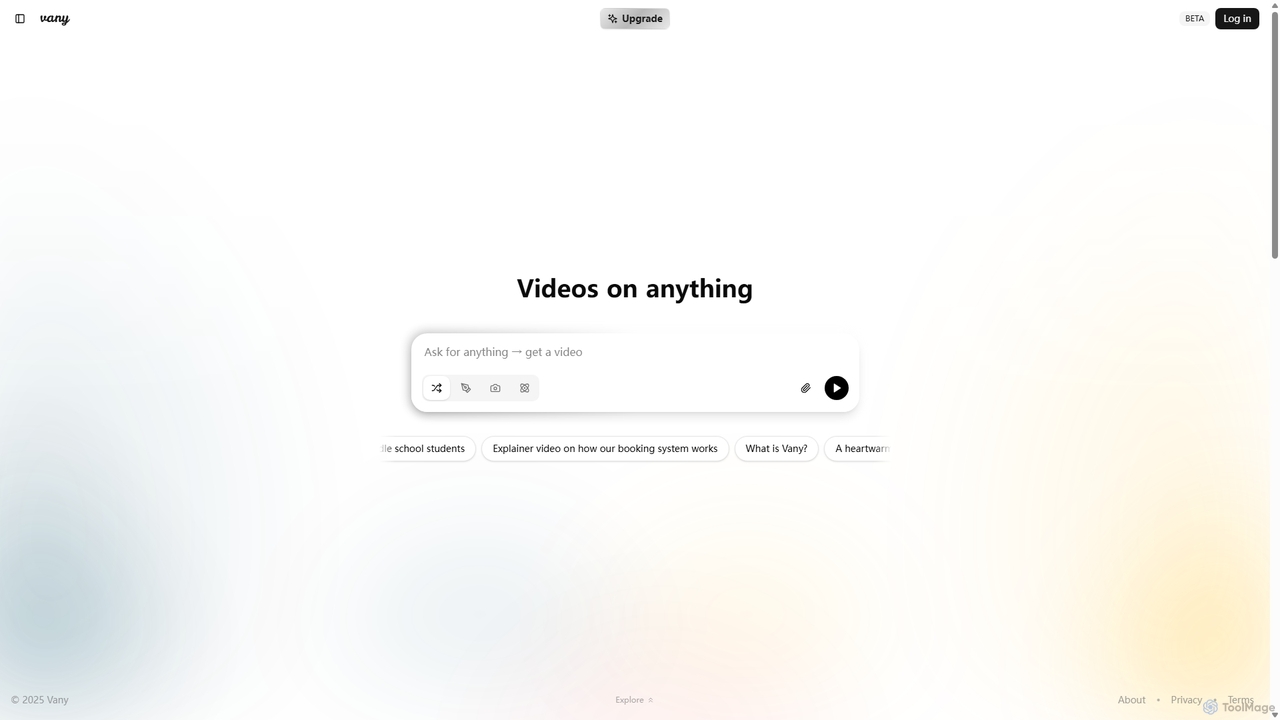
Vany
Vany is an AI-powered video creation platform that transforms any text prompt, idea, or topic into a short, engaging video in seconds. It requires no video editing skills, making visual storytelling accessible to everyone. Ideal for creating educational content, explainers, stories, and marketing materials effortlessly.
Learning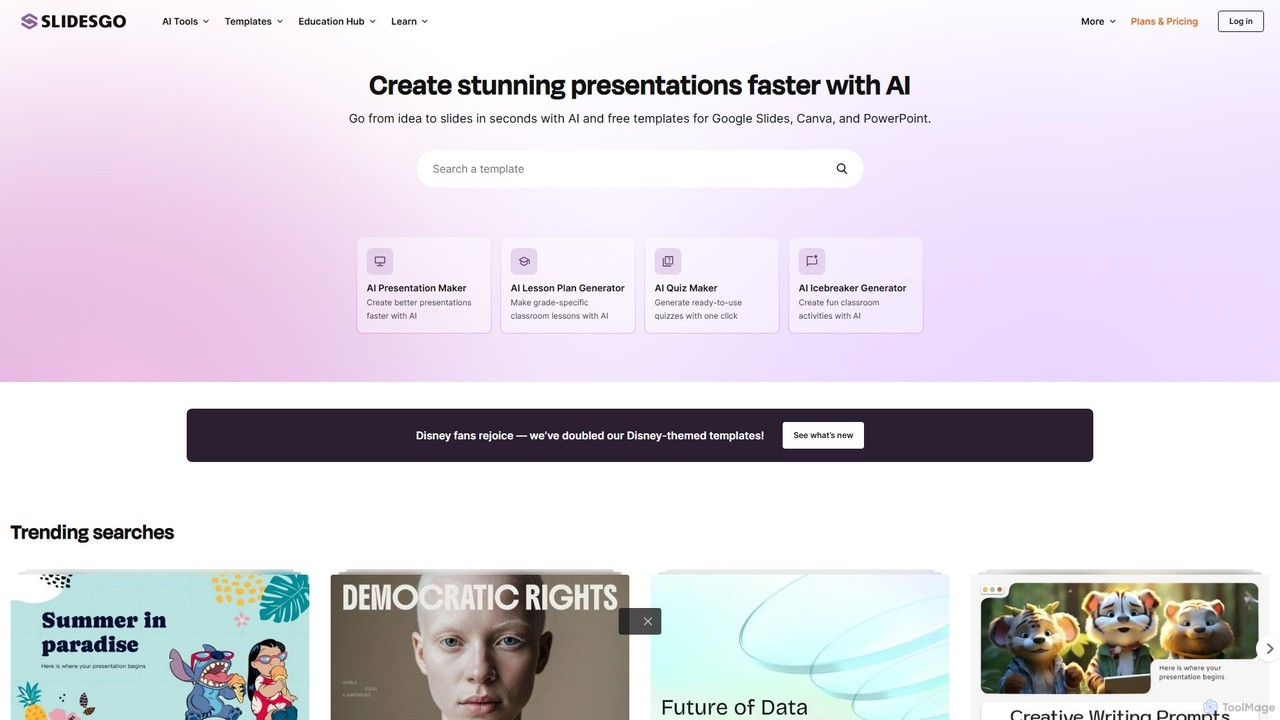
Slidesgo
Slidesgo is a comprehensive platform offering a vast library of free and premium templates for Google Slides and PowerPoint. It enhances productivity with an AI Presentation Maker that creates slides from text prompts and a tool to convert PDFs into editable presentations, catering to education, business, and personal use.
Templates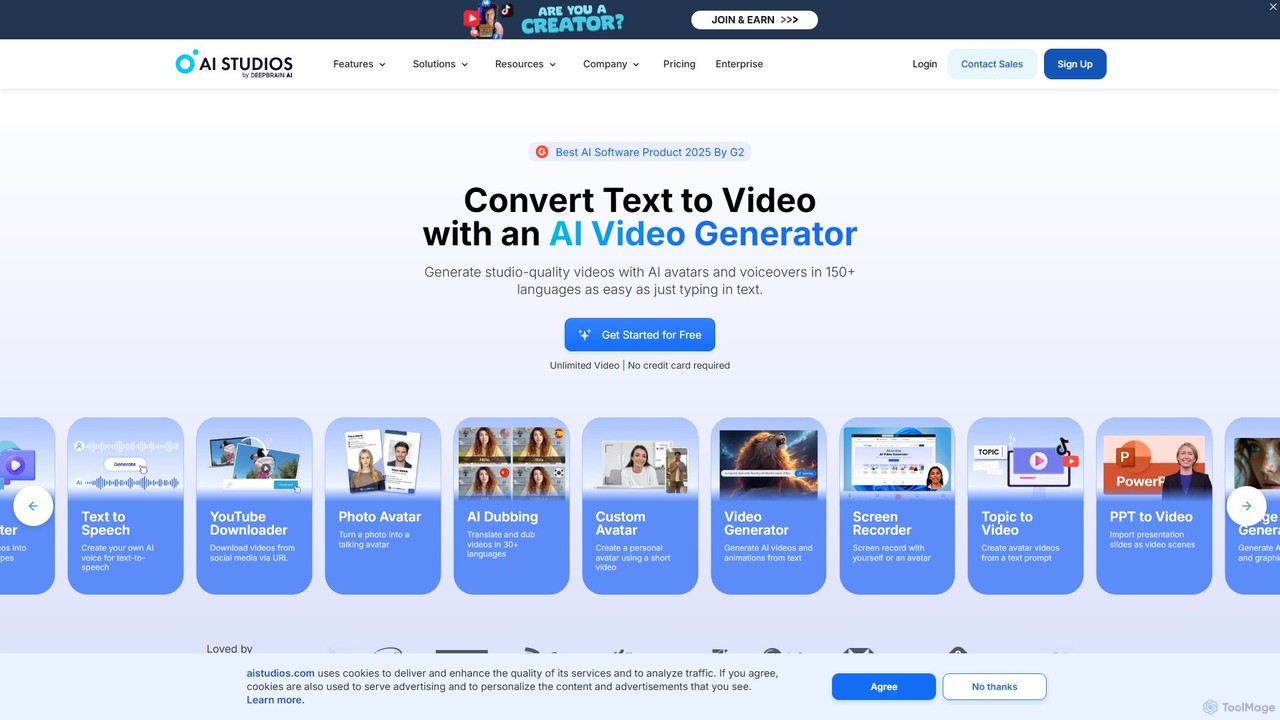
AI Studios
AI Studios is an all-in-one AI video generator that creates studio-quality videos from text. It features realistic AI avatars, text-to-speech in over 150 languages, and powerful tools for converting documents, URLs, and prompts into engaging video content. Ideal for marketing, training, and social media, it simplifies video production without needing cameras or actors.
E Learning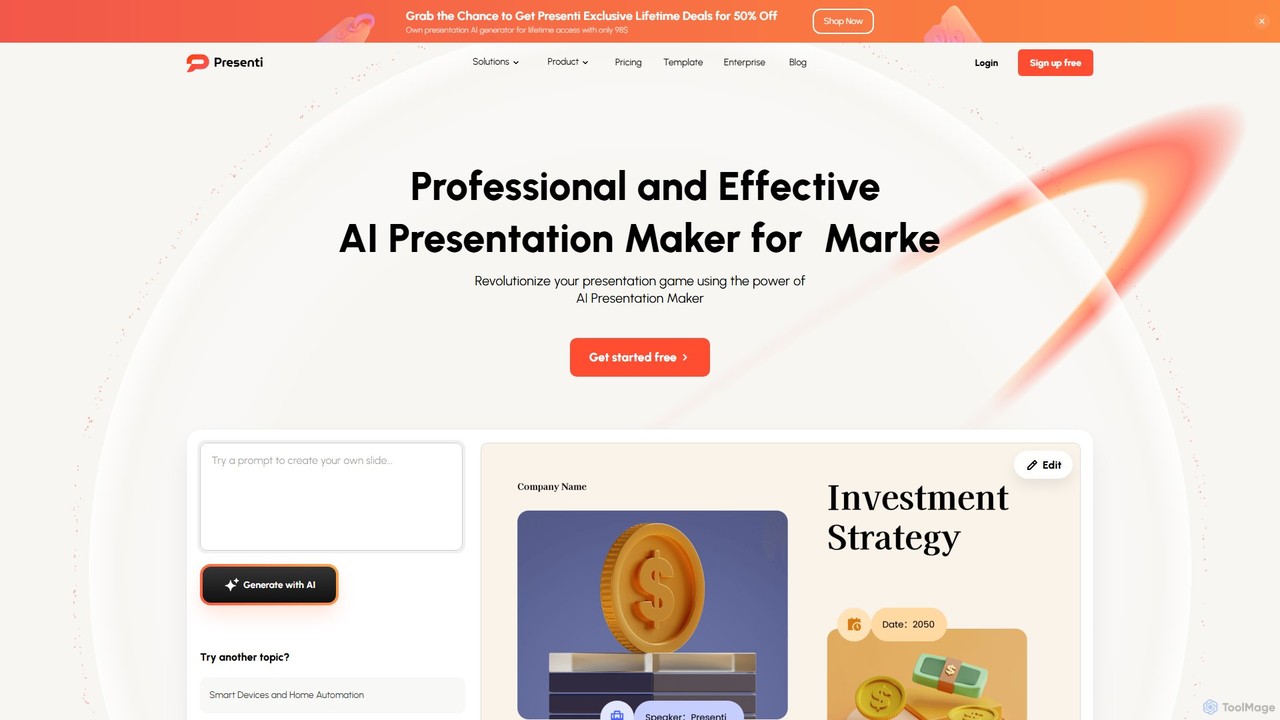
Presenti
Presenti is an AI-powered presentation maker that instantly transforms your text, documents (Word, PDF, Markdown), or ideas into stunning, professional slides. It features automated design optimization, a vast template library, and online collaboration tools to streamline your workflow and create impactful presentations in minutes.
Corporate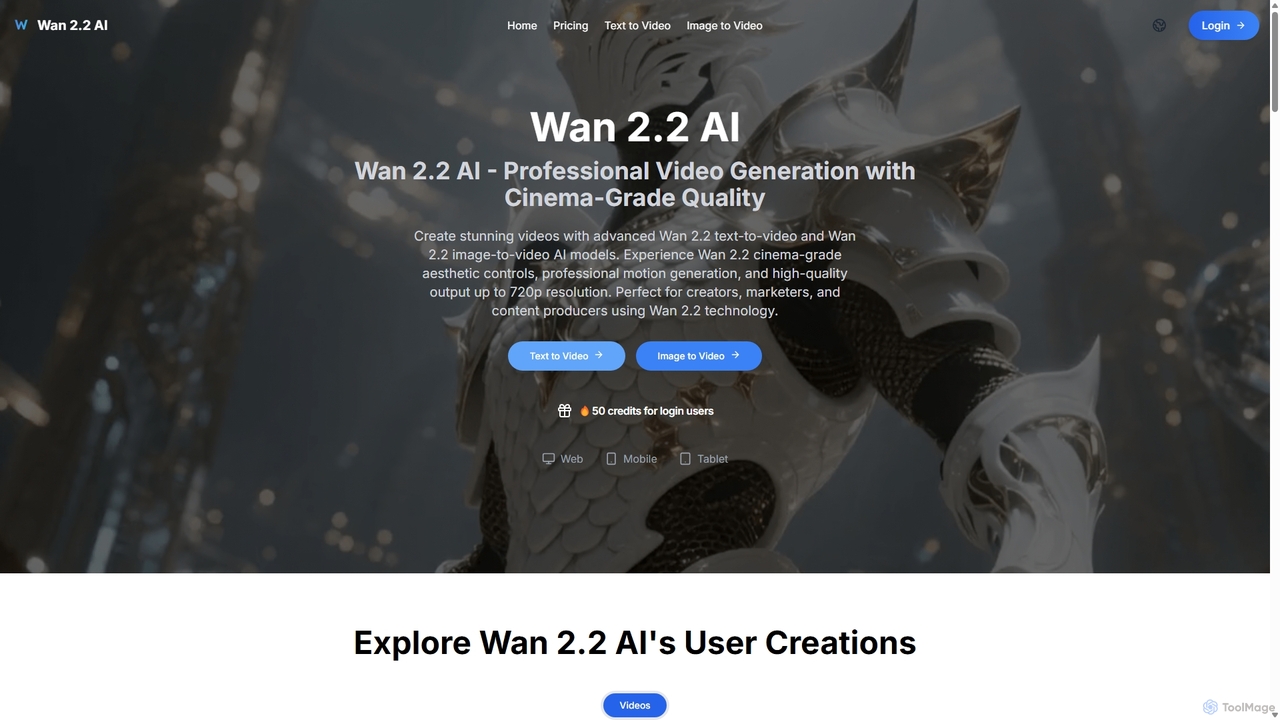
Wan 2.2 AI
Wan 2.2 AI is a professional AI video generation platform specializing in text-to-video and image-to-video conversion. It offers cinema-grade quality with advanced aesthetic and motion controls, allowing users to create stunning videos up to 720p. Designed for creators, marketers, and studios, it provides precise prompt control, multiple aspect ratios, and commercial licenses. Transform simple text descriptions or static images into dynamic, high-quality video content with realistic movements and professional cinematography.
Animation
wondrful
wondrful is an AI-powered creative suite that helps users generate stunning marketing content, social media posts, presentations, and short videos effortlessly. By simply inputting text prompts, users can create professional-quality visuals and written content in minutes, streamlining their creative workflow and enhancing brand engagement.
Presentation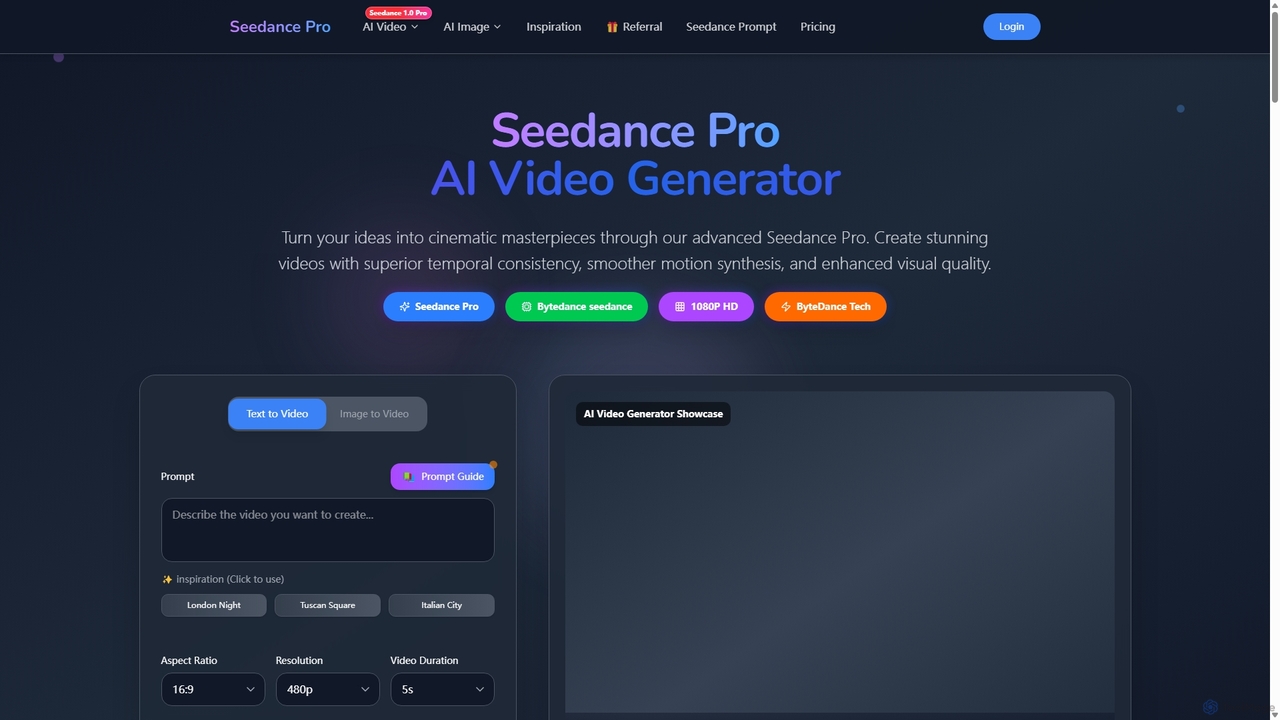
Seedance Pro
Seedance Pro is an advanced AI video generator by ByteDance that transforms text and images into cinematic, 1080p HD masterpieces. It excels in creating videos with superior temporal consistency, smooth motion, and native multi-shot storytelling, making it ideal for creators, marketers, and filmmakers.
Image Generation
snappify Comments (0)
Sign in to comment.
Sign inNo comments yet.