

Studio Neiro Overview
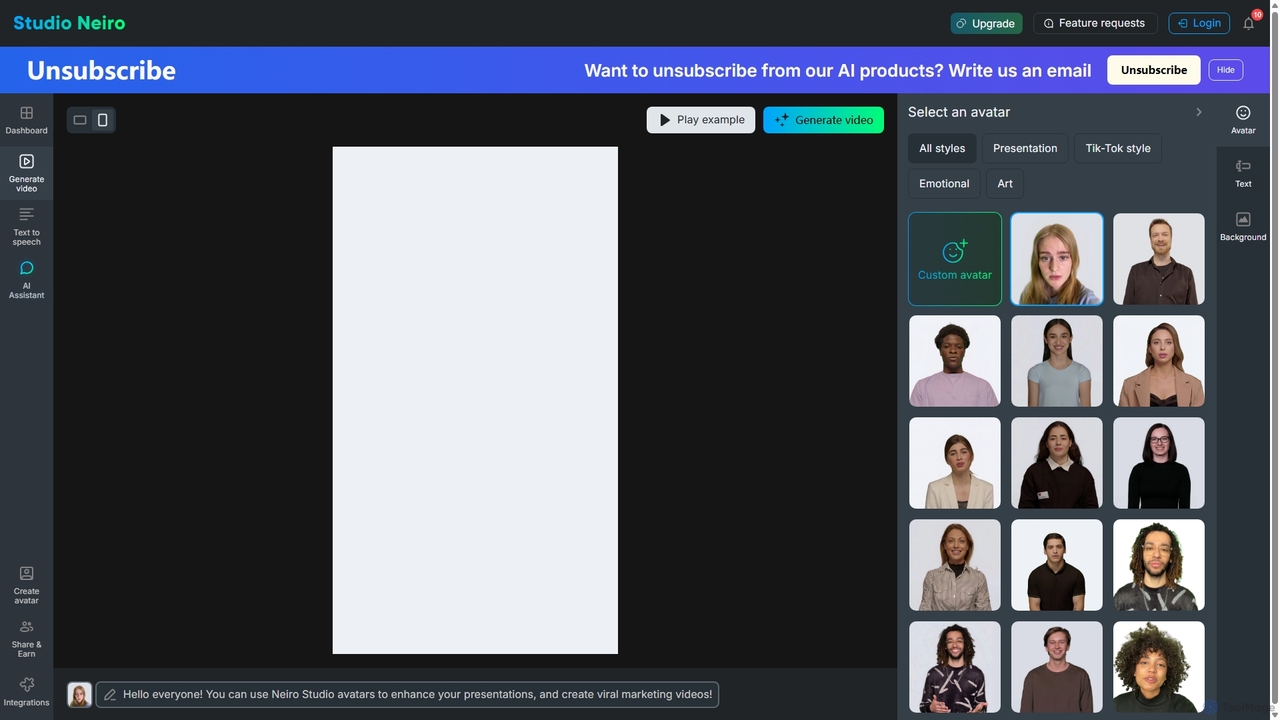
Studio Neiro is a cutting-edge AI video creation platform designed to democratize video production. It empowers users to convert simple text scripts into dynamic, professional-looking videos featuring realistic AI-powered avatars. This innovative tool eliminates the traditional barriers of video creation, such as high costs, complex equipment, and the need for on-screen talent. By leveraging advanced text-to-speech and avatar animation technology, Studio Neiro offers a scalable, efficient, and cost-effective solution for businesses and creators to produce high-quality video content at scale.
How to use Studio Neiro
Creating a video with Studio Neiro is a straightforward and intuitive process that requires no prior video editing experience:
- Write Your Script: Begin by typing or pasting the text you want the avatar to speak into the script editor. You can use the integrated AI Assistant to help refine or generate your script.
- Select an Avatar: Browse a diverse library of pre-built AI avatars. Choose one that best fits your brand's tone and message. Avatars are available in various styles, including professional, casual, and emotional, to suit different contexts like presentations or social media.
- Choose a Voice and Language: Select from a wide range of natural-sounding AI voices across numerous languages and accents. This allows you to create localized content for a global audience.
- Customize the Scene: Personalize your video by changing the background. You can upload your own image, choose a solid color, or select from a library of stock backgrounds to match your branding.
- Generate and Share: Once you are satisfied with your setup, click the 'Generate video' button. The AI will process your script and create a high-quality video with the avatar speaking your text. You can then download the video or share it directly to your platforms.
Core Features of Studio Neiro
- AI Avatar Library: A wide selection of diverse, high-quality digital avatars suitable for various industries and styles.
- Custom Avatar Creation: The ability to create a unique digital avatar based on your own likeness or brand persona for a truly personalized touch.
- Advanced Text-to-Speech (TTS): Access to a vast collection of natural-sounding voices in multiple languages, dialects, and emotional tones.
- AI Script Assistant: An integrated AI tool to help you write, edit, and optimize your video scripts for maximum impact.
- Multi-language Video Generation: Easily produce videos in different languages to reach a global audience without the need for re-shooting.
- Customizable Backgrounds: Set the scene with custom colors, images, or pre-made backgrounds to align with your brand identity.
- API and Integrations: Seamlessly integrate Studio Neiro's video generation capabilities into your existing workflows and applications for automated video creation.
Use Cases for Studio Neiro
Studio Neiro is versatile and can be applied across various professional domains:
- Marketing & Advertising: Create engaging social media video ads, product demonstration videos, and promotional content quickly and at scale.
- Corporate Training & E-learning: Develop consistent and scalable employee onboarding materials, training modules, and educational courses with an AI instructor.
- Sales Enablement: Craft personalized video pitches and follow-ups to engage prospects and close deals more effectively.
- Customer Support: Build a library of video FAQs and how-to guides to provide clear, visual assistance to customers and reduce support tickets.
- News & Presentations: Enhance corporate presentations, reports, and news updates with a professional AI presenter.
Advantages of Studio Neiro
Using Studio Neiro provides a significant competitive edge:
- Cost-Effective: Drastically reduces video production costs by eliminating the need for actors, film crews, and expensive equipment.
- Time-Saving: Accelerates the content creation process from days or weeks to just a few minutes.
- Scalability: Effortlessly produce large volumes of video content, including variations for A/B testing or personalization, in a fraction of the time.
- Accessibility: The user-friendly interface makes video creation accessible to everyone, regardless of their technical or design skills.
- Consistency: Ensures a consistent brand voice, style, and quality across all your video communications.
Pricing and Plans
Studio Neiro operates on a freemium model, offering a range of plans to suit different needs:
- Free Plan: Ideal for individuals starting out, this plan typically includes a limited number of video generation minutes per month, access to standard avatars, and a watermark on the final video.
- Creator Plan: Aimed at content creators and small businesses, this paid tier offers more video minutes, higher resolution exports, no watermark, and access to a wider range of premium avatars and voices.
- Business Plan: Designed for larger teams and organizations, this plan includes all the features of the Creator plan plus team collaboration tools, priority support, and potentially API access.
- Enterprise Plan: A custom solution for large-scale operations, offering features like custom avatar creation, dedicated account management, and advanced security and integration options.
Traffic
Latest traffic
Status
Monthly traffic trend
- 2025-9: 6.3K
- 2026-1: 7.1K
- 2026-2: 5.9K
- 2026-3: 8.0K
- 2026-4: 6.6K
- 2026-5: 5.8K
Geography
Top 5 countries / regions
- 🇷🇺Russia77.6%
- 🇬🇧United Kingdom22.4%
Top keywords
| Keyword | Cost per click |
|---|---|
| ai neiro | $0.00 |
| angry voice ai | $0.00 |
| neiro audio | $0.00 |
| niro ai | $0.18 |
| nwiro ai documentatin | $0.00 |
Studio Neiro Alternatives
Vidnoz
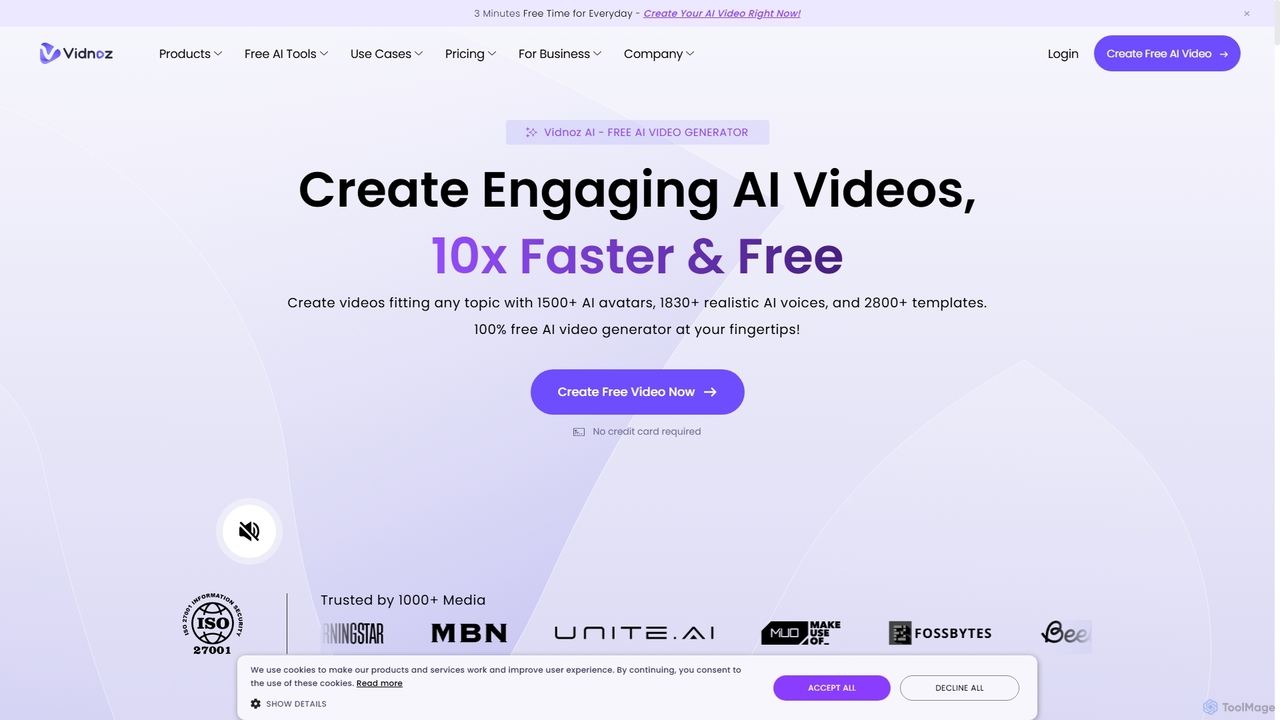
Vidnoz is a powerful AI video generation platform that allows users to create professional videos 10x faster. It features a vast library of AI avatars, voices, and templates, along with advanced tools like voice cloning, video translation, and talking photos, making video creation accessible and affordable for everyone.
E Learning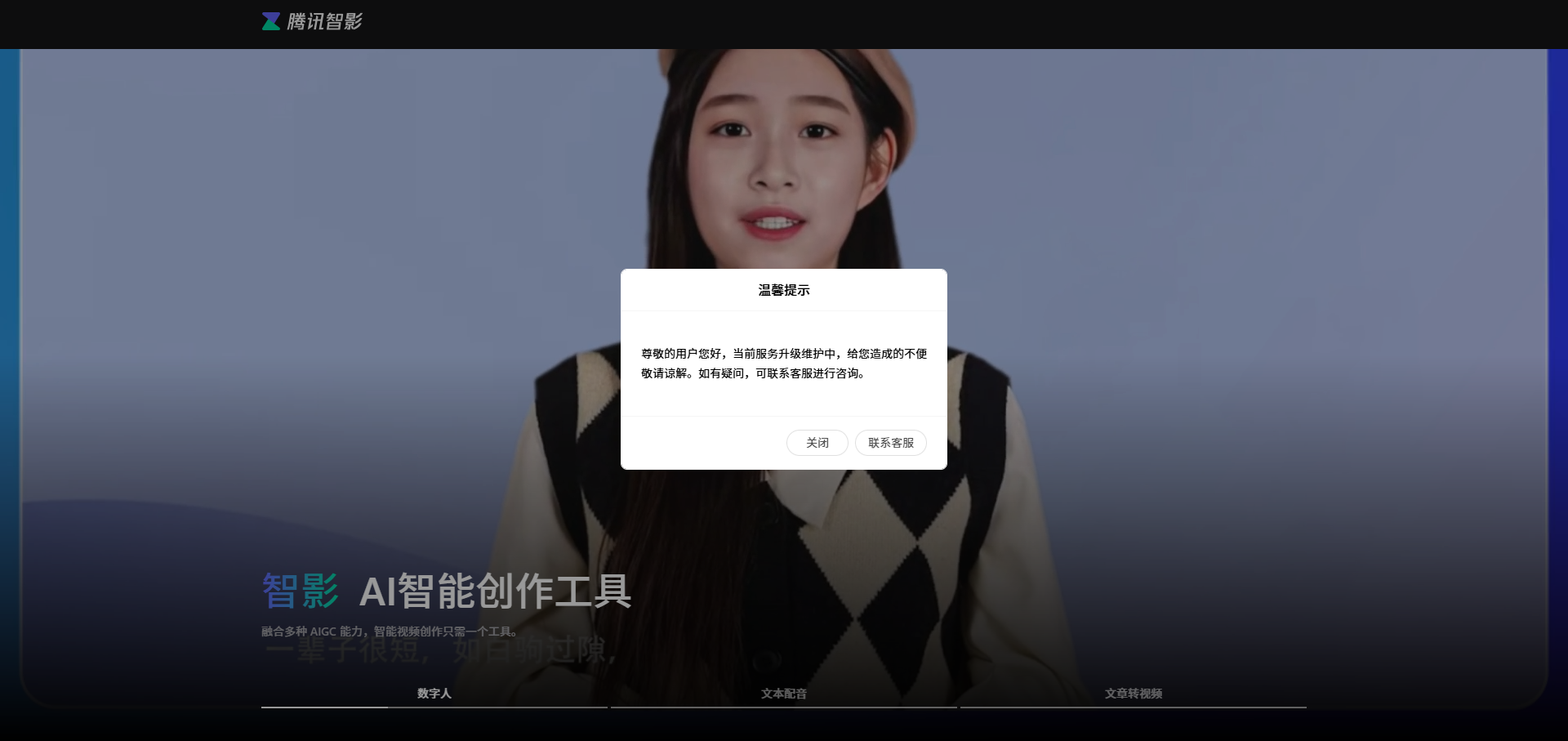
Zenvideo
Zenvideo is an intelligent video creation platform by Tencent, leveraging AI to simplify and automate the entire video production workflow. It enables users to effortlessly generate professional-quality videos from text, create content with digital human avatars, and utilize smart editing tools, making it ideal for marketing, education, and content creation.
Social Media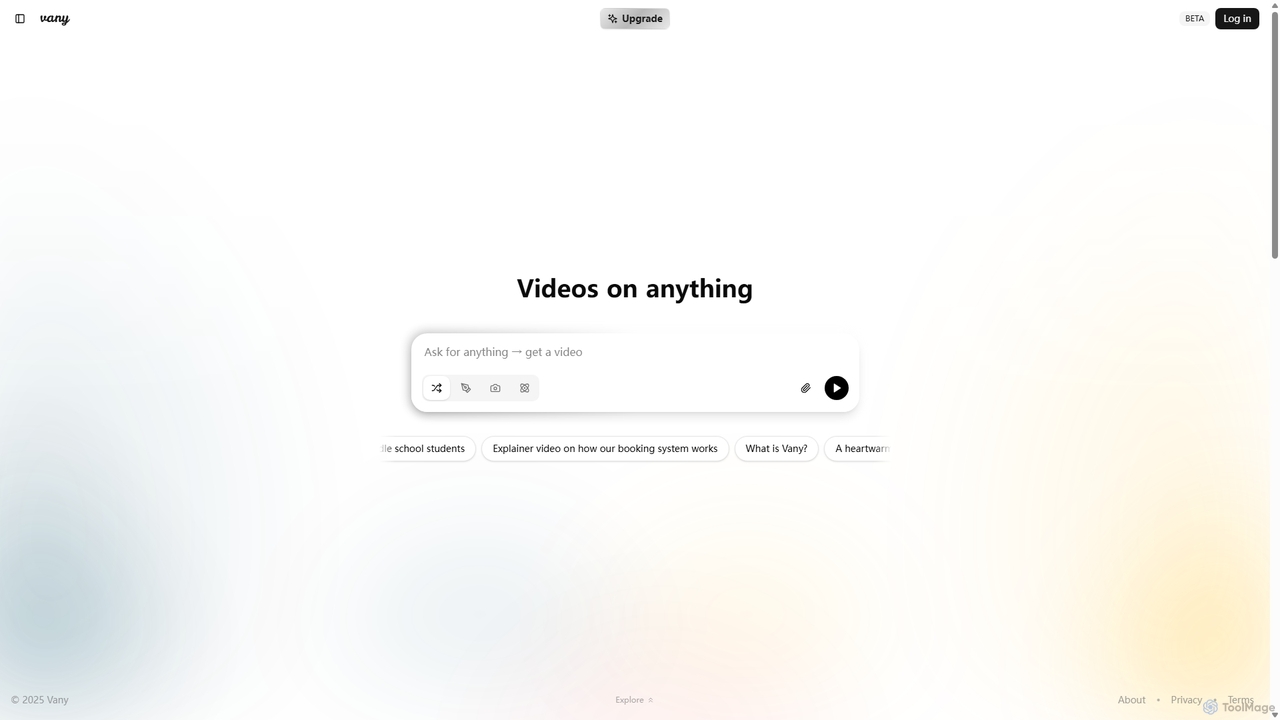
Vany
Vany is an AI-powered video creation platform that transforms any text prompt, idea, or topic into a short, engaging video in seconds. It requires no video editing skills, making visual storytelling accessible to everyone. Ideal for creating educational content, explainers, stories, and marketing materials effortlessly.
Learning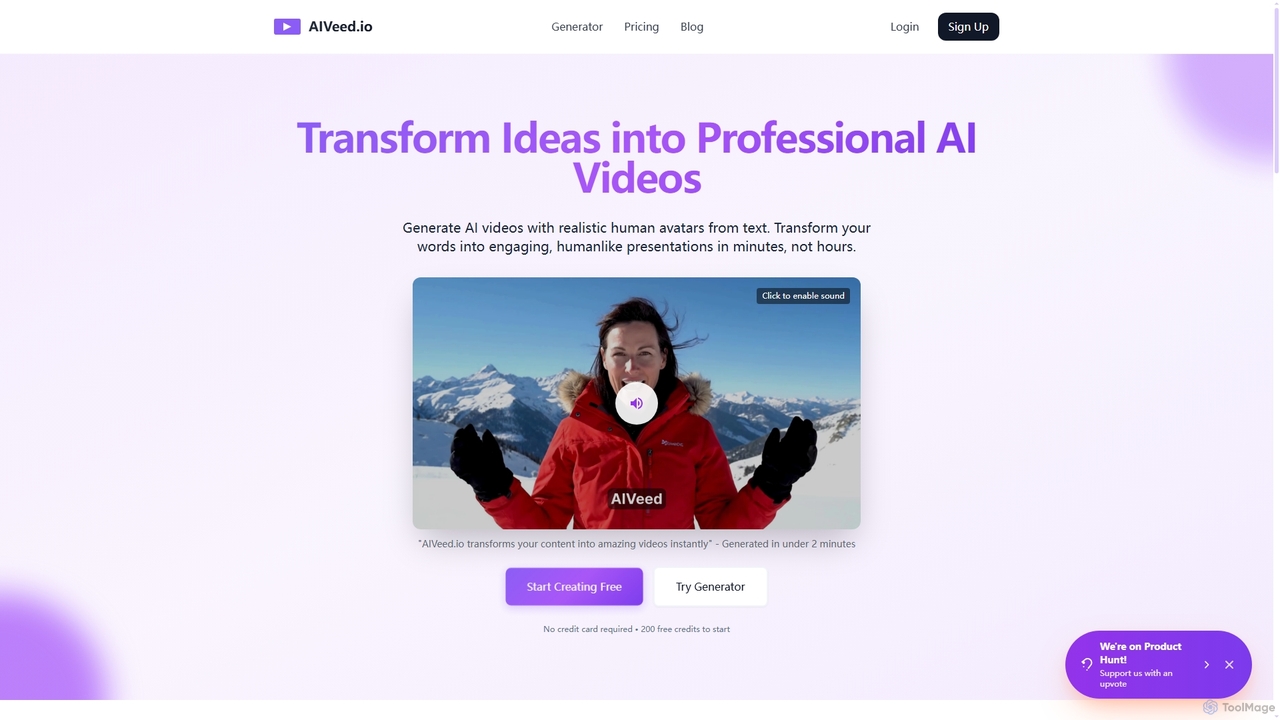
Aiveed
Aiveed is an AI-powered video generator that transforms text into professional videos featuring realistic human avatars. Create engaging marketing content, educational materials, and social media videos in minutes without any technical expertise. It offers a simple, fast, and cost-effective solution for high-quality video production.
Explainer Videos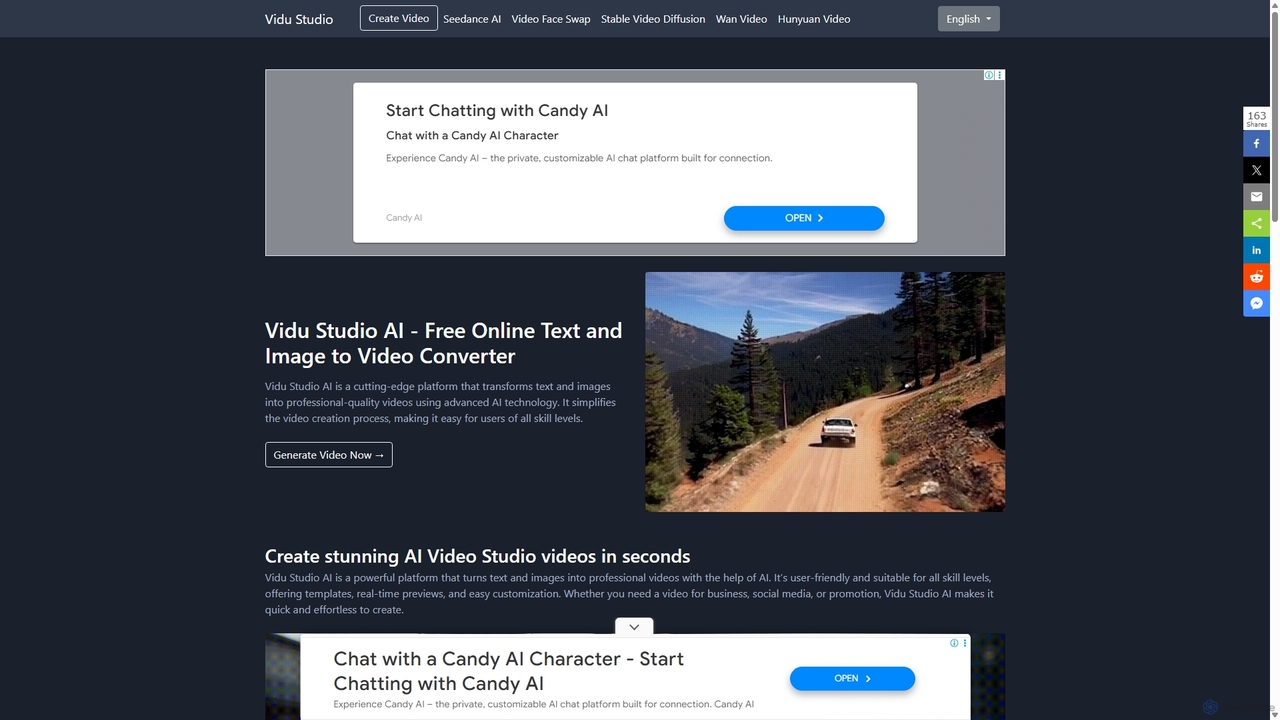
Vidu Studio AI
Vidu Studio AI is a cutting-edge, AI-powered platform that effortlessly transforms text and images into professional-quality videos. Leveraging a unique fusion of diffusion and transformer technology, it enables users of all skill levels to create stunning, high-quality videos with realistic physics and dynamic effects from simple prompts, making video production fast, easy, and accessible.
Social MediaStudio Neiro Categories
Studio Neiro Jobs
Studio Neiro Embed Widget
Copy this embed code to place the badge on your blog, article, or product site and send readers directly to this ToolMage detail page.

Related AI tools
Zenvideo
Zenvideo is an intelligent video creation platform by Tencent, leveraging AI to simplify and automate the entire video production workflow. It enables users to effortlessly generate professional-quality videos from text, create content with digital human avatars, and utilize smart editing tools, making it ideal for marketing, education, and content creation.
Social Media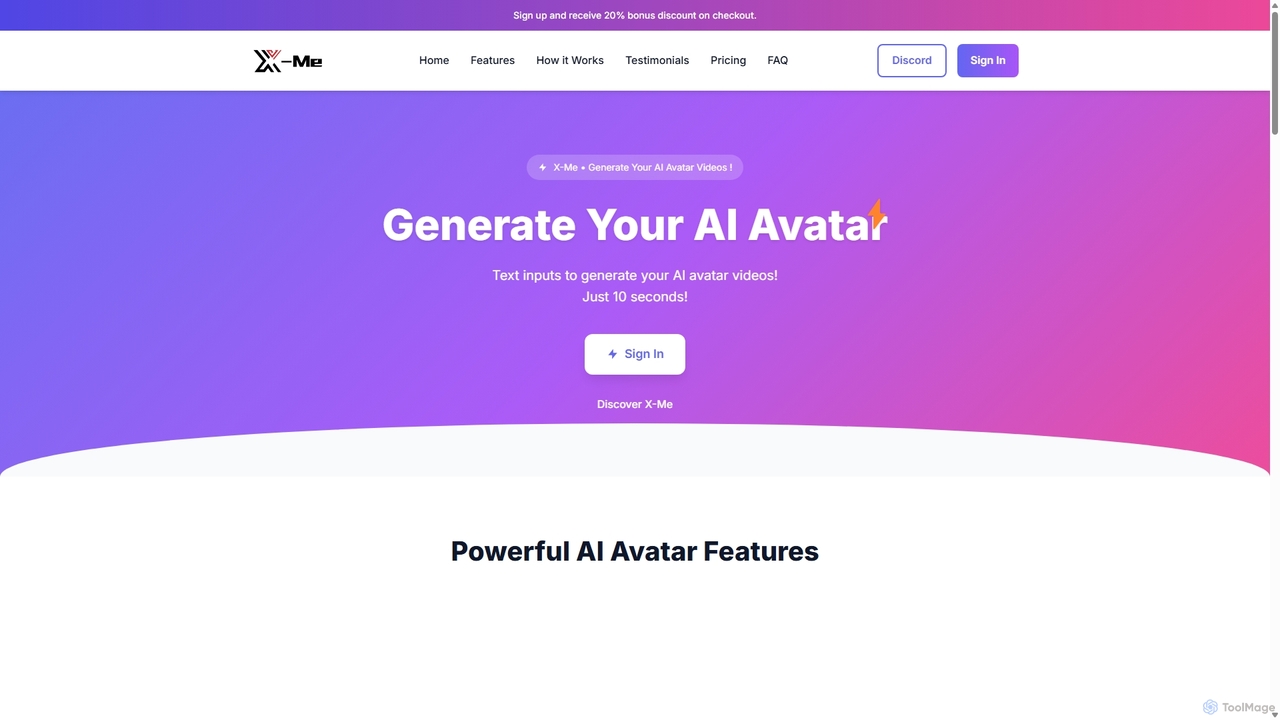
X-Me AI
X-Me AI is a powerful AI video generator that transforms text into engaging videos featuring hyper-realistic AI avatars. In just 10 seconds, you can create professional-quality videos in over 20 languages. The platform offers extensive customization options for avatars, clothing, and backgrounds, making it ideal for marketing, education, and corporate communications. With high-definition output and seamless integration, X-Me AI streamlines video production, saving time and resources while boosting audience engagement.
E Learning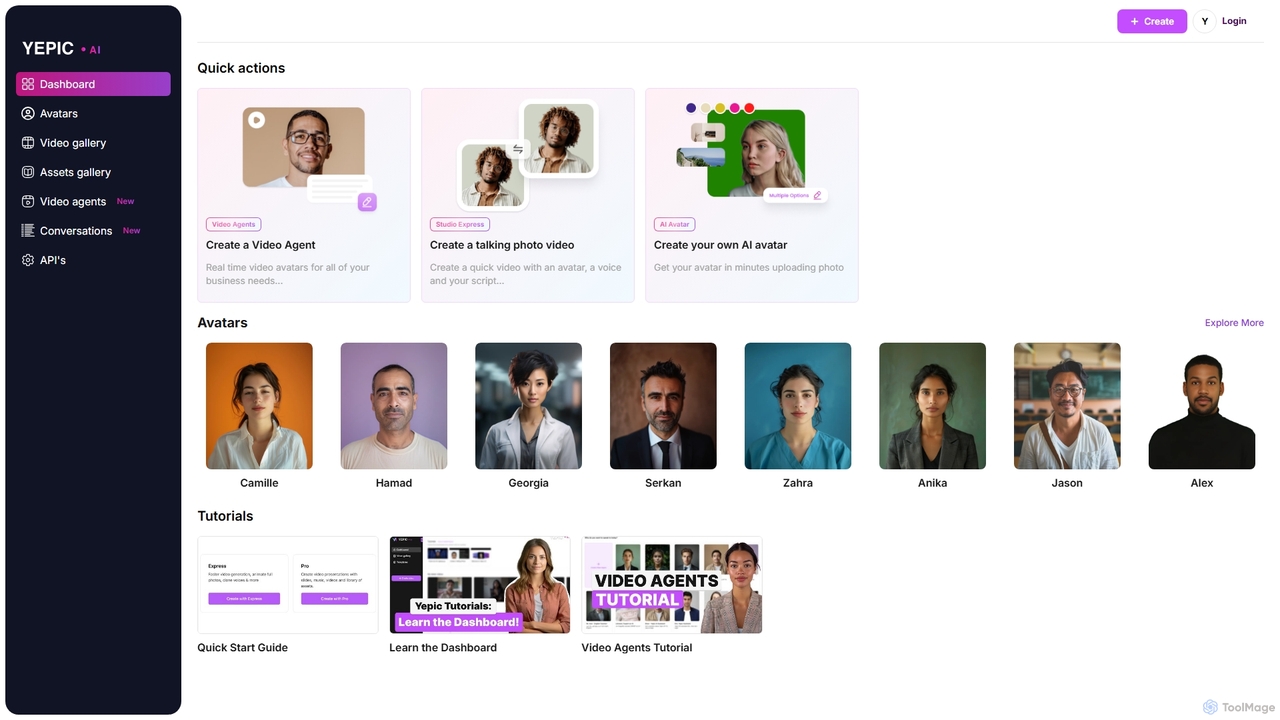
Yepic Studio
Yepic Studio is an AI-powered video creation platform that enables users to generate professional-quality videos with realistic AI avatars. Easily convert text to video, create custom avatars from photos, and build real-time video agents for business applications. Ideal for marketing, training, and customer engagement.
E LearningVidnoz
Vidnoz is a powerful AI video generation platform that allows users to create professional videos 10x faster. It features a vast library of AI avatars, voices, and templates, along with advanced tools like voice cloning, video translation, and talking photos, making video creation accessible and affordable for everyone.
E Learning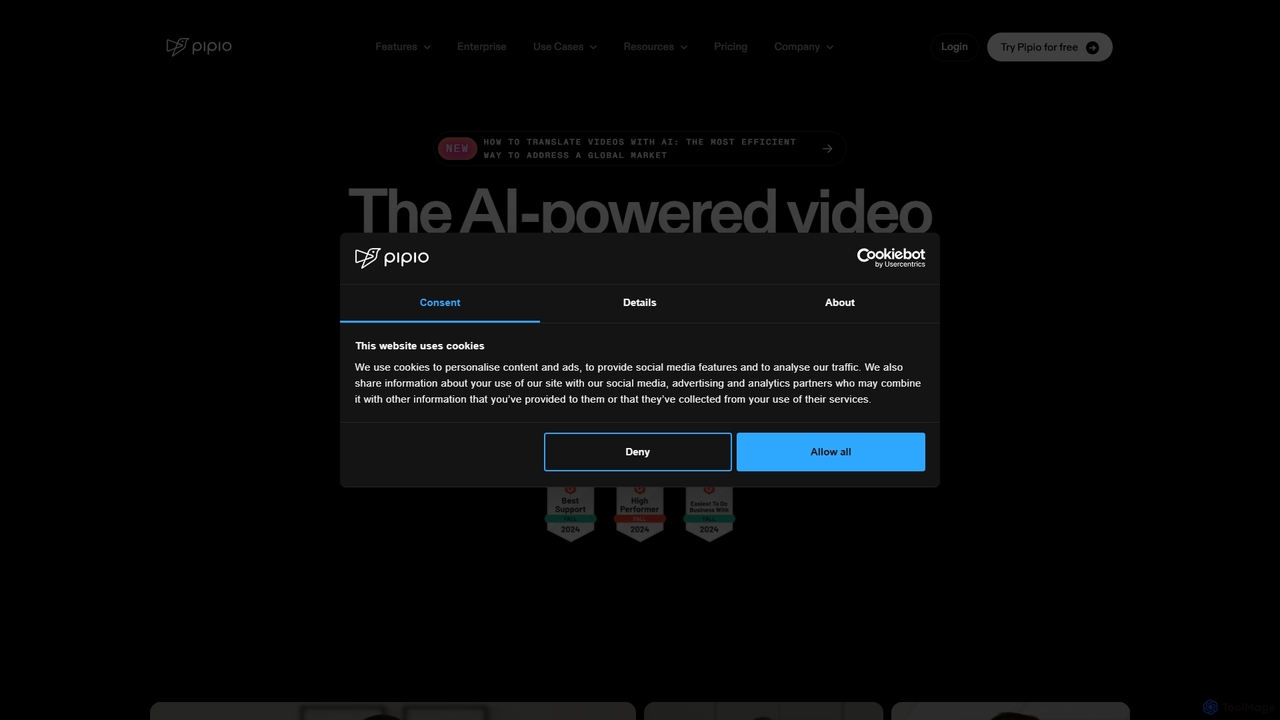
Pipio
Pipio is an AI-powered video production platform that enables users to create professional videos with digital avatars. It eliminates the need for cameras, microphones, and actors by converting text into high-quality videos featuring realistic avatars, natural-sounding voices, and precise lip-syncing. The platform also offers advanced features like AI video dubbing and custom avatar creation, making it ideal for marketing, sales, training, and content creation at scale.
E Learning
HeyGen
HeyGen is a cutting-edge AI video generation platform that enables users to create professional, studio-quality videos with realistic AI avatars and voices. Effortlessly convert text into engaging spokesperson videos for marketing, training, and communication without the need for cameras, actors, or complex editing software. It's designed to scale video production quickly and affordably.
E LearningAiveed
Aiveed is an AI-powered video generator that transforms text into professional videos featuring realistic human avatars. Create engaging marketing content, educational materials, and social media videos in minutes without any technical expertise. It offers a simple, fast, and cost-effective solution for high-quality video production.
Explainer VideosVidu Studio AI
Vidu Studio AI is a cutting-edge, AI-powered platform that effortlessly transforms text and images into professional-quality videos. Leveraging a unique fusion of diffusion and transformer technology, it enables users of all skill levels to create stunning, high-quality videos with realistic physics and dynamic effects from simple prompts, making video production fast, easy, and accessible.
Social Media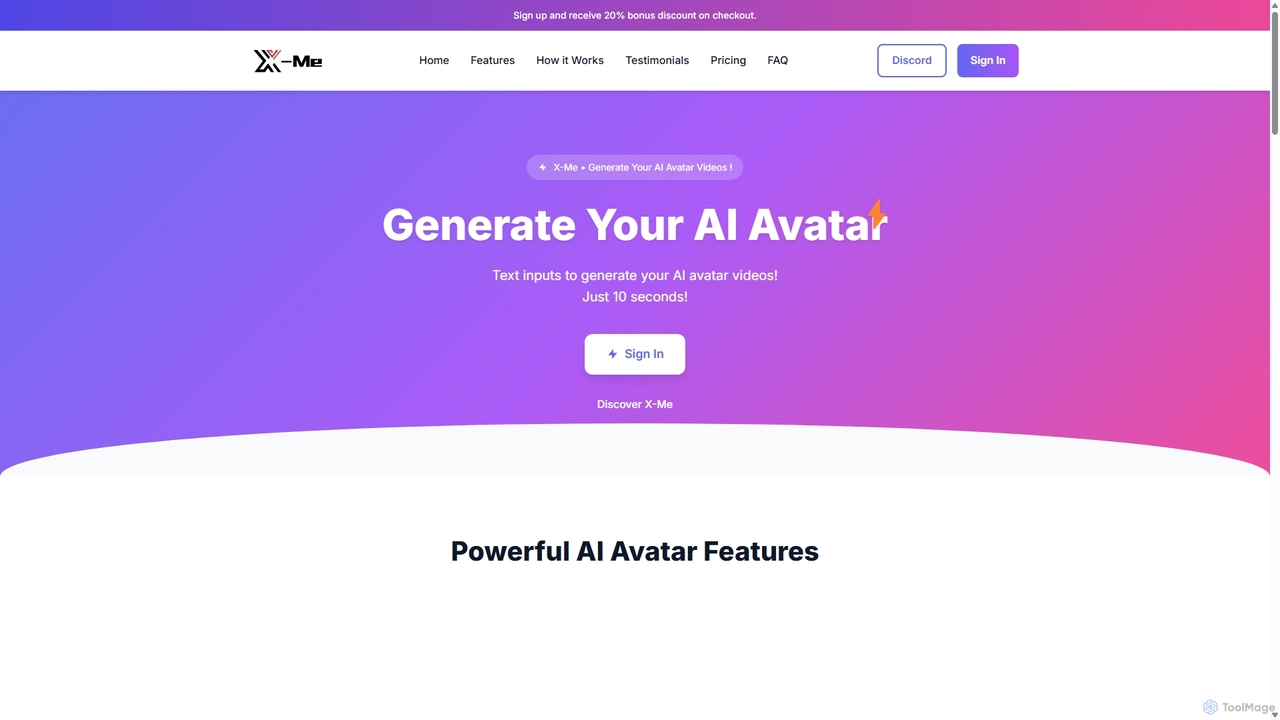
X-Me
X-Me is an AI-powered video creation platform that generates stunning, realistic AI avatar videos from text in just 10 seconds. It supports over 20 languages with natural lip-syncing, offers customizable avatars, and provides HD video output. Ideal for marketing, education, and business communications, X-Me streamlines video production, enabling users to create engaging content quickly and efficiently without needing cameras or actors.
E Learning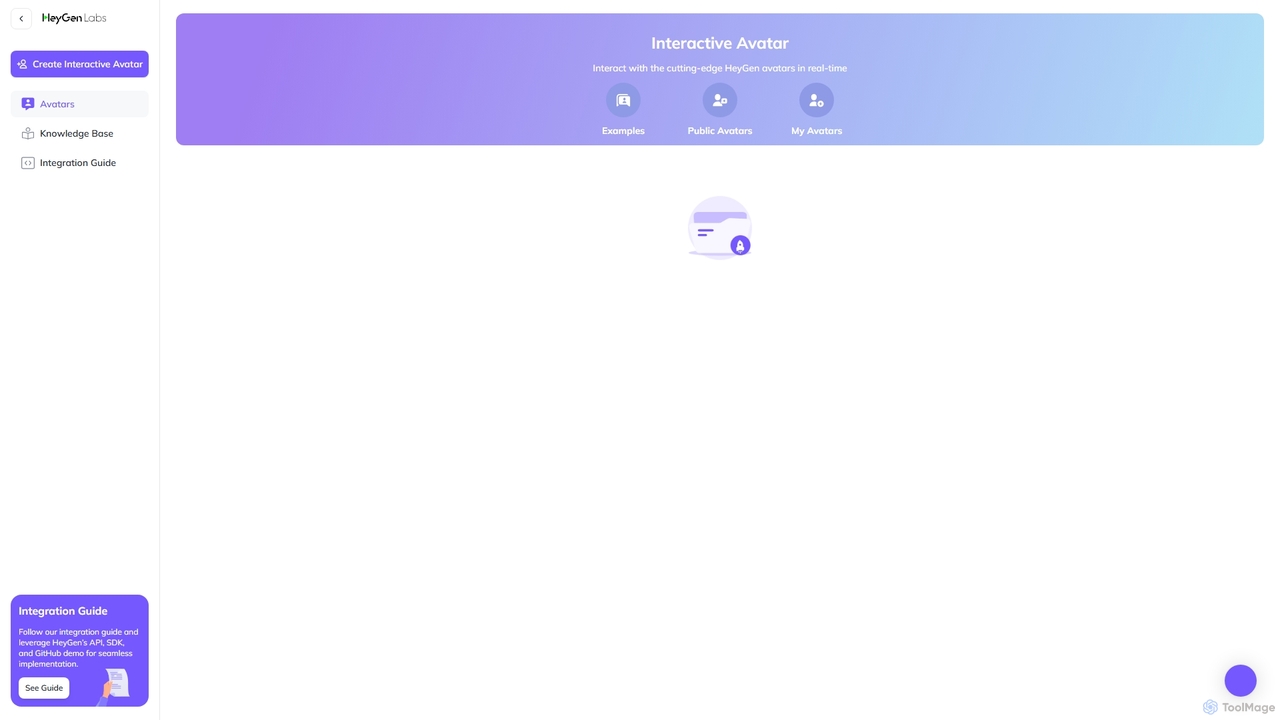
HeyGen Labs
HeyGen Labs showcases advanced AI video generation features, including real-time interactive avatars. It's an all-in-one platform for creating professional spokesperson videos with customizable avatars, voice cloning, and multi-language support. Ideal for marketing, sales, training, and customer support, it simplifies video production, making it scalable and cost-effective.
Virtual AssistantVany
Vany is an AI-powered video creation platform that transforms any text prompt, idea, or topic into a short, engaging video in seconds. It requires no video editing skills, making visual storytelling accessible to everyone. Ideal for creating educational content, explainers, stories, and marketing materials effortlessly.
Learning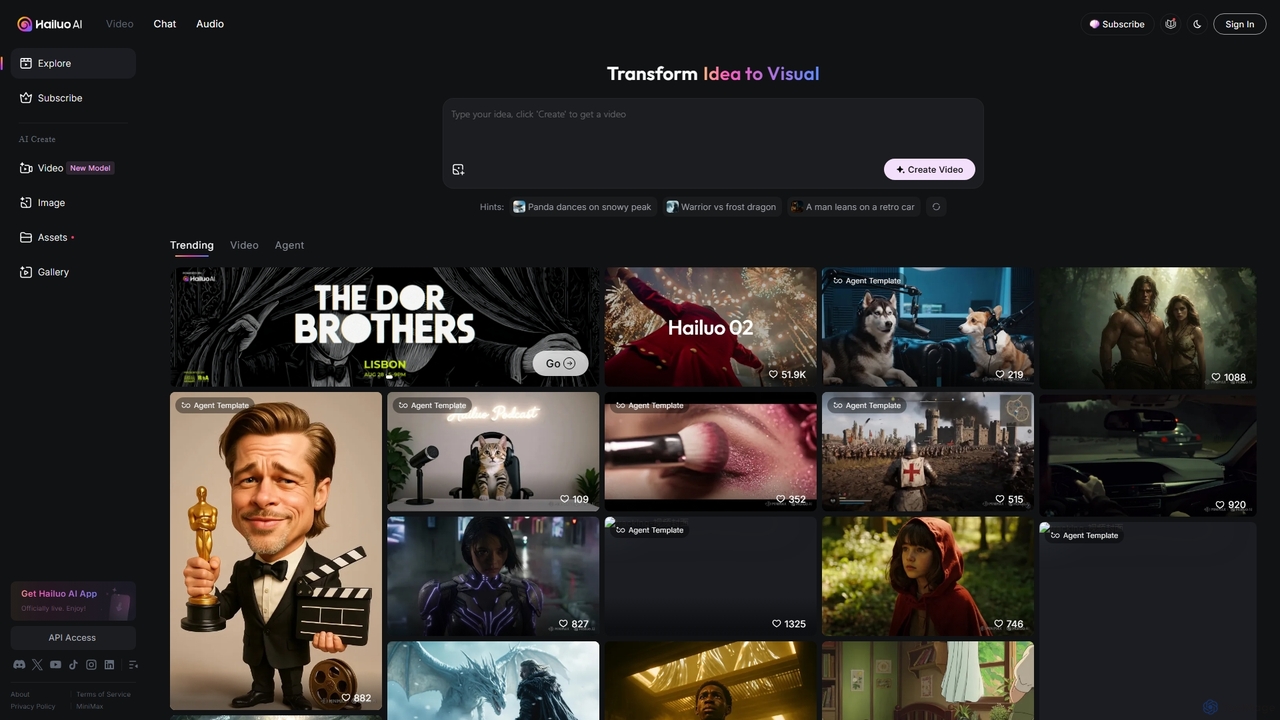
Hailuo AI
Hailuo AI is a powerful AI video generator that transforms ideas into stunning visuals. It supports text-to-video and image-to-video creation, offering a wide range of customizable "Agent Templates" for specific scenarios like pet videos, caricatures, and product showcases. With features like automated editing and support for various resolutions, Hailuo AI simplifies video production for marketers, content creators, and businesses, making it easy to create engaging, professional-quality content effortlessly.
Animation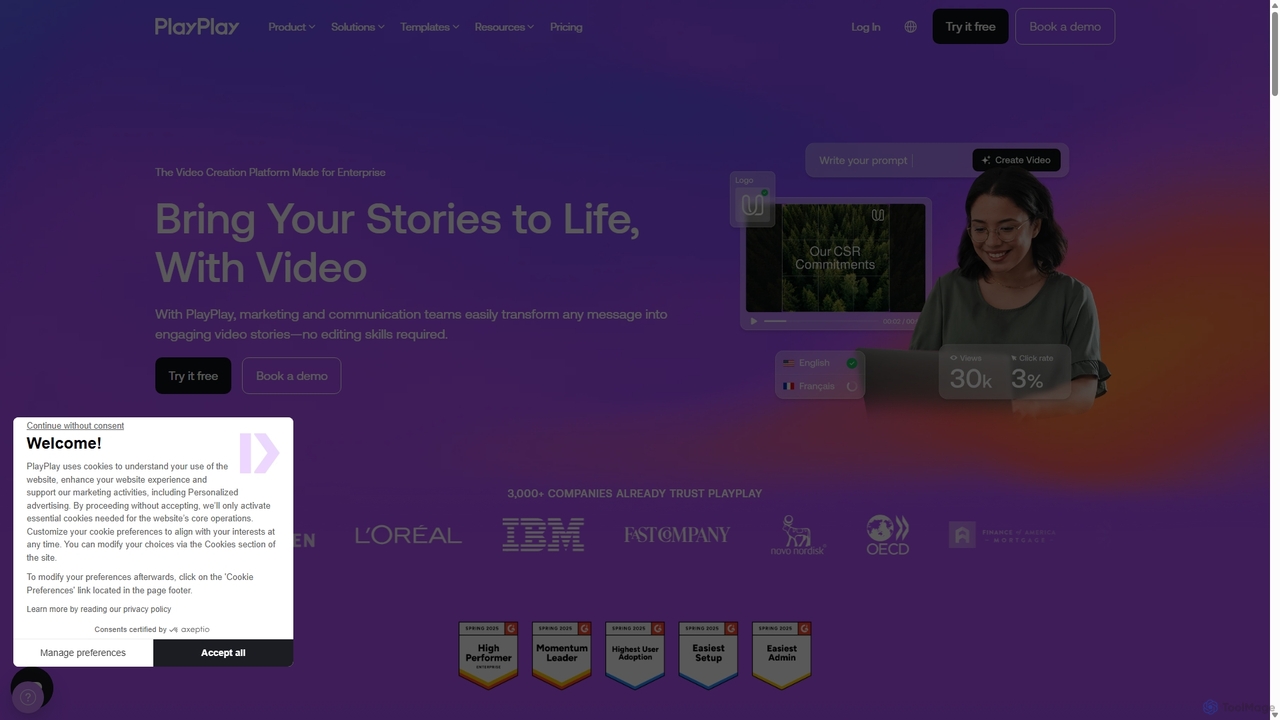
PlayPlay
PlayPlay is an AI-powered online video creation platform designed for businesses. It enables marketing, communication, and HR teams to easily produce professional, on-brand videos without any editing skills. Features include AI video assistance, automatic subtitles, AI avatars, and a vast template library.
Training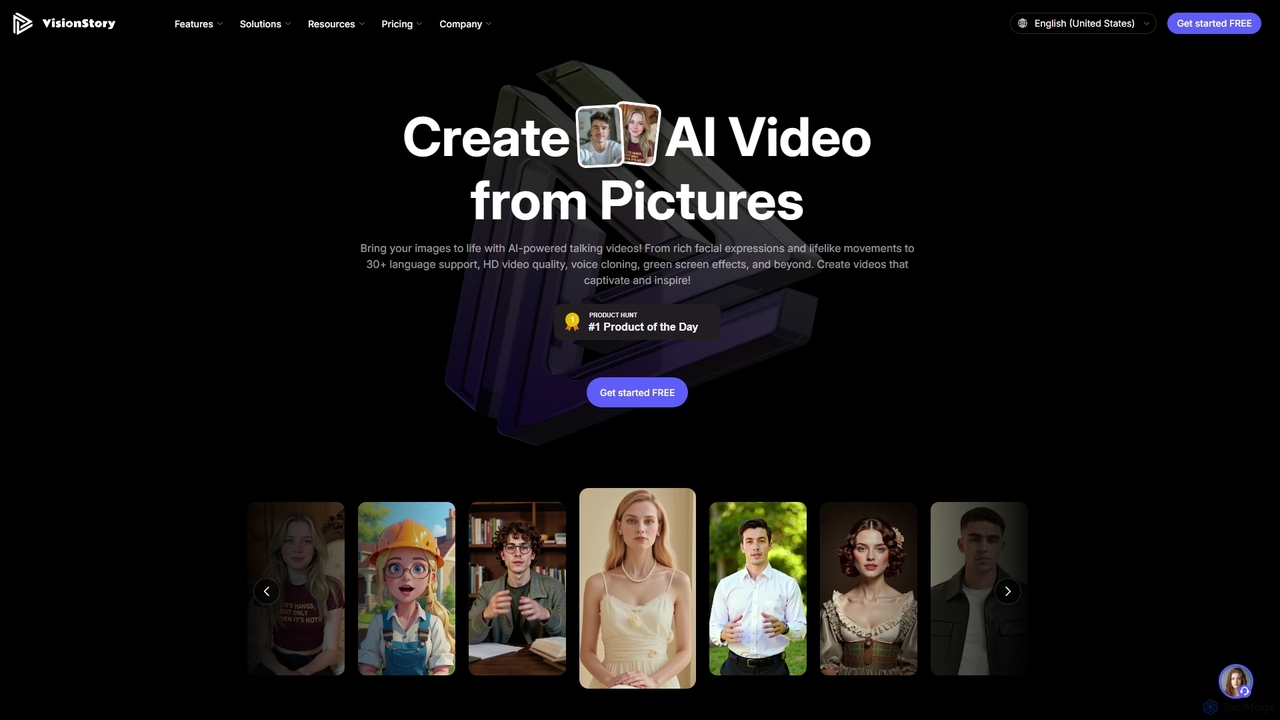
VisionStory
VisionStory is a powerful AI video creation platform that transforms static images into dynamic talking videos. Generate lifelike avatars with rich facial expressions, customizable emotions, and lip-synced audio in over 30 languages. Ideal for marketers, creators, and educators, it also offers features like AI presentations, video podcasts, and voice cloning to create captivating content effortlessly.
Video Marketing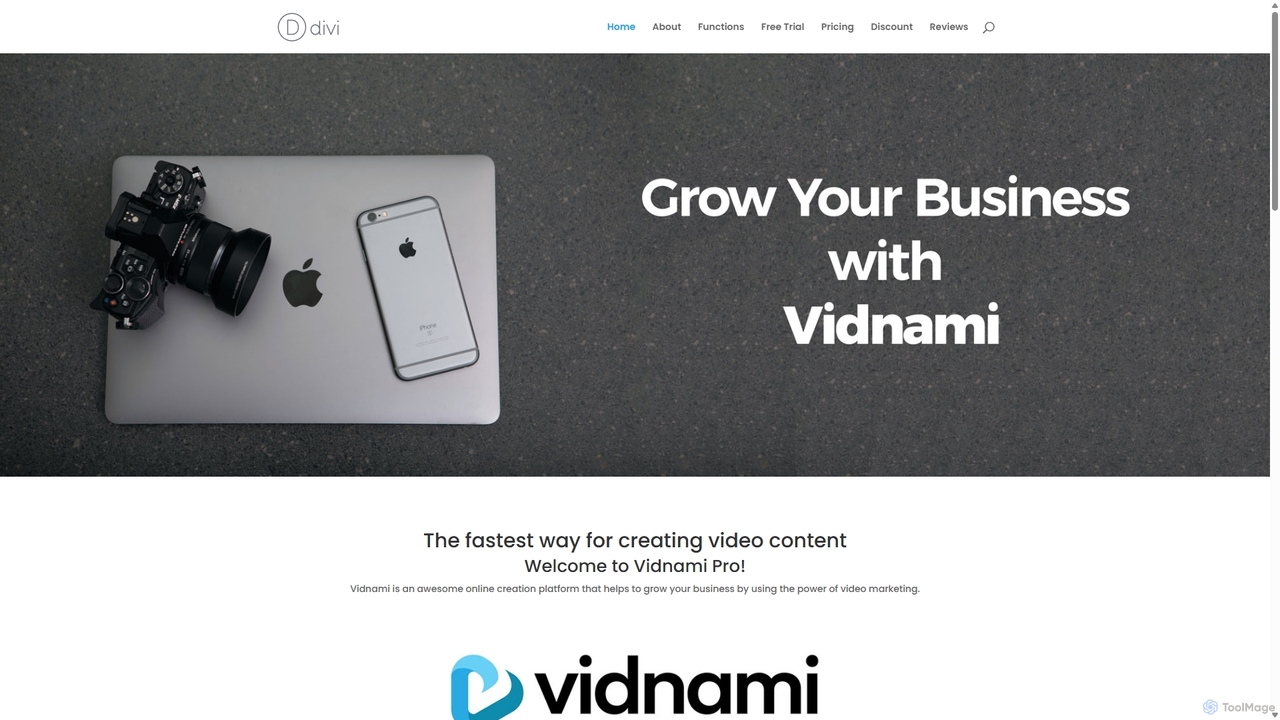
Vidnami
Vidnami is an AI-powered video creation platform that rapidly transforms text scripts into professional marketing videos. It automates scene creation, sources visuals from a vast stock library, and offers various voiceover options, including high-quality AI voices. Ideal for marketers and content creators, it simplifies video production, requiring no technical skills.
Text To Video
Studio Neiro Comments (0)
Sign in to comment.
Sign inNo comments yet.