

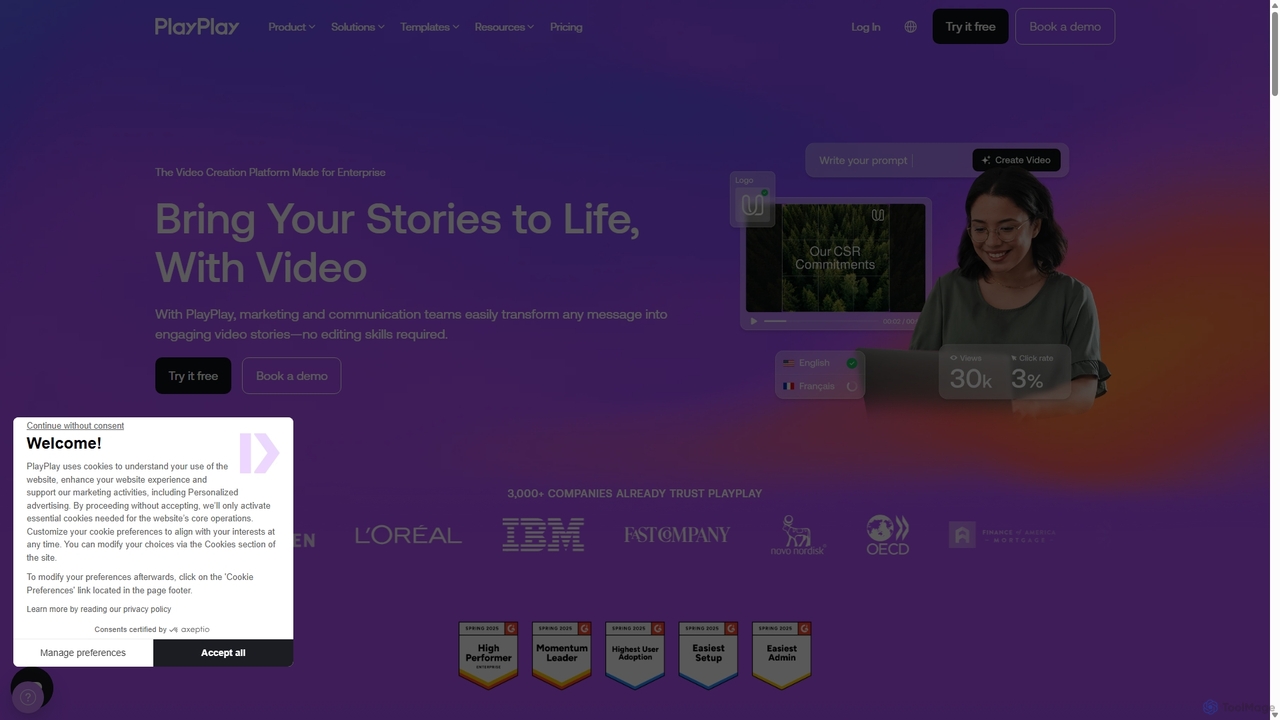
PlayPlay Overview
PlayPlay is a comprehensive video creation platform specifically engineered for enterprise use, empowering marketing, communication, and human resources teams to transform their messages into compelling video stories. The platform is designed to be intuitive and accessible, requiring no prior video editing experience. It streamlines the video production process, allowing companies to scale their content creation efforts efficiently while maintaining brand consistency and data security.
Trusted by over 3,000 companies, including major brands like Novo Nordisk, Heineken, and Schneider Electric, PlayPlay has proven to be an effective solution for increasing engagement and communication impact. The platform's core philosophy is to make video creation as simple as creating a slide presentation, enabling users to produce high-quality content in minutes, not weeks.
How to use PlayPlay
Creating a video with PlayPlay is a straightforward, step-by-step process:
- Start Your Project: Begin by choosing from over 300 customizable templates tailored for various use cases like tutorials, event promotions, or job offers. Alternatively, you can start from scratch, use the AI Video Assistant by typing a prompt, or even convert a webpage into a video by pasting a URL.
- Build Your Story: Use the intuitive storyboard timeline to arrange your scenes. Drag and drop your own media (videos, images) or select from the premium Getty Images stock library included in the subscription. You can also record your screen or webcam directly within the platform.
- Enhance with AI and Creative Tools: Leverage a suite of powerful AI features. Generate automatic subtitles, create a voice-over with AI voices in multiple languages, or use an AI avatar to present your message. Add dynamic elements like animated text, stickers, and transitions to make your video pop. The AI Copywriting tool can help generate captions and summaries for social media.
- Customize and Brand: Ensure brand consistency by applying your company's logos, color palettes, and custom fonts. The platform allows you to create and save brand presets for quick and easy application across all videos.
- Finalize and Share: Resize your video for any platform (square, vertical, landscape) with a single click. Once ready, download the HD MP4 file and share it on social media, your website, or internal communication channels. The platform also supports team collaboration for feedback and approvals.
Core Features of PlayPlay
- AI Video Assistant: Chat with an AI to instantly turn ideas, prompts, or URLs into fully customizable, on-brand videos.
- AI Automatic Subtitles & Translation: Automatically transcribe audio to create accurate subtitles and translate them into multiple languages to reach a global audience.
- AI Avatars & Voice-overs: Generate lifelike presenters and natural-sounding voice-overs from a script, eliminating the need for filming or recording.
- Extensive Template and Media Library: Access over 300 professional templates and a premium stock library from Getty Images.
- Intuitive Storyboard Editor: A simple drag-and-drop interface that makes video creation feel as easy as building a presentation.
- Advanced Branding Control: Maintain brand consistency with custom logos, fonts, colors, and animated intros/outros.
- One-Click Video Resizing: Automatically adapt your video's aspect ratio for different social media platforms like Instagram, TikTok, and LinkedIn.
- Collaboration Tools: Share drafts, gather feedback with time-stamped comments, and manage user permissions to streamline teamwork.
- Screen and Camera Recording: Easily create tutorials and presentations by recording your screen and webcam directly in the editor.
- AI Editing Tools: Features like AI Video Clipping to find the best moments, AI Background Remover for images, and AI Audio Cleaner to enhance sound quality.
Use Cases for PlayPlay
PlayPlay is versatile and can be used across various departments:
- Marketing: Create promotional videos, social media content (Reels, Stories), event highlights, and product explainers.
- Internal Communications: Produce company announcements, annual reports, employee interviews, and training materials.
- Human Resources: Design engaging job offers, onboarding videos, employer branding content, and internal tutorials.
- Public Relations: Craft press release videos, company stories, and expert interviews.
- Customer Support: Develop easy-to-follow how-to guides and tutorial videos to improve customer satisfaction and reduce support tickets.
Advantages of PlayPlay
The primary advantages of using PlayPlay include its speed, simplicity, and professional output. Teams can significantly reduce video production time from weeks to mere hours. The platform's user-friendly interface democratizes video creation, allowing anyone in the organization to produce high-quality content. Its powerful AI features automate tedious tasks, while advanced branding options ensure every video is perfectly aligned with the company's visual identity, leading to more consistent and impactful communication at a fraction of the cost of traditional agencies.
Pricing and Plans
PlayPlay offers a pricing structure tailored for business needs:
- Free Trial: A 7-day free trial is available, offering access to all features without requiring a credit card. Videos created during the trial will have a PlayPlay watermark.
- Subscription Plan: This is the main paid offering, designed for enterprises. It includes unlimited video creation, removal of the PlayPlay watermark, full access to the premium media library, advanced branding, collaboration features, and dedicated support. Pricing is customized, and potential customers are encouraged to talk to an expert to get a quote tailored to their team's specific needs.
Traffic
Latest traffic
Status
Monthly traffic trend
- 2025-9: 233.3K
- 2026-1: 201.4K
- 2026-2: 172.3K
- 2026-3: 172.7K
- 2026-4: 190.0K
- 2026-5: 173.3K
Geography
Top 5 countries / regions
- 🇫🇷France62.5%
- 🇺🇸United States15.1%
- 🇸🇳Senegal10.9%
- 🇩🇪Germany6.6%
- 🇮🇳India5.0%
Traffic sources
| Source type | Percentage |
|---|---|
Direct | 77.4% |
Referral | 12.1% |
Email | 10.5% |
Top keywords
| Keyword | Cost per click |
|---|---|
| playbox ai | $1.33 |
| play play | $1.29 |
| playplay | $1.39 |
| post-gen.ai | $0.00 |
| youtube hooks tutorial | $0.00 |
PlayPlay Videos on YouTube
PlayPlay Alternatives
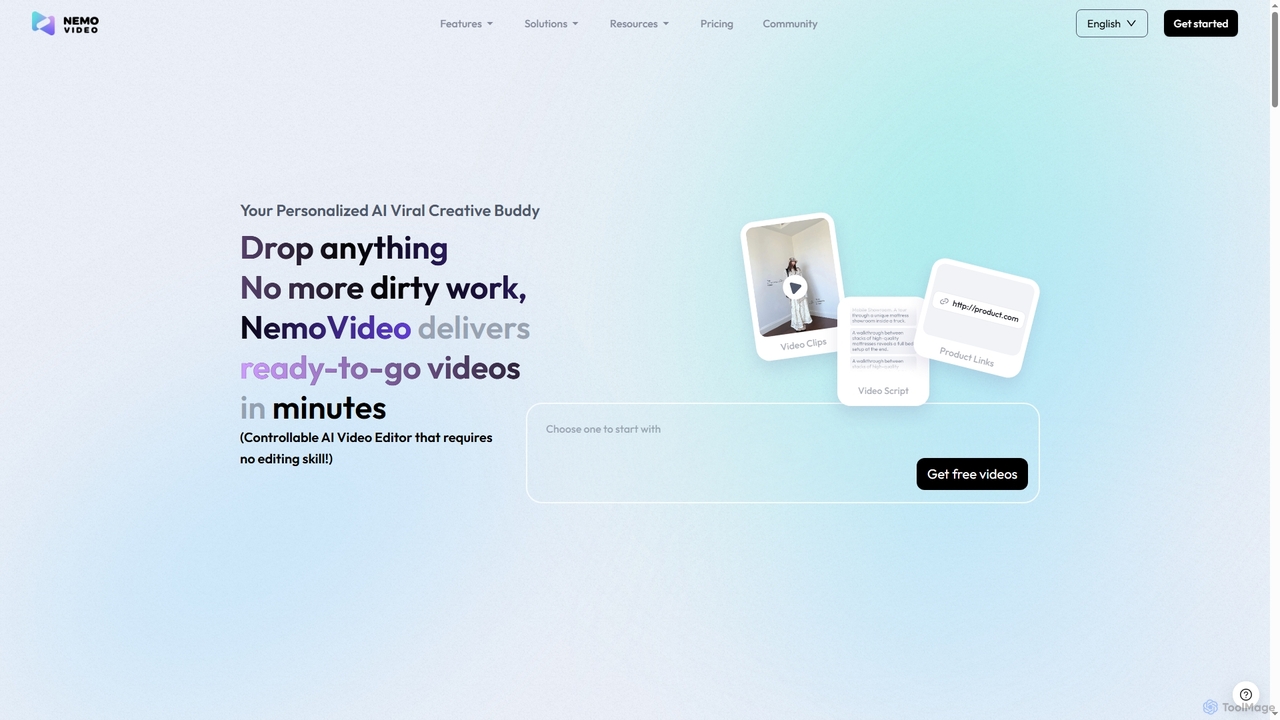
Nemovideo
Nemovideo is an AI-powered video editor that transforms your ideas, links, or raw clips into viral-ready marketing videos. It analyzes successful video formulas and automates the entire editing process, from scriptwriting to final cuts, requiring no prior editing skills.
Social Media Marketing
Zenvideo
Zenvideo is an intelligent video creation platform by Tencent, leveraging AI to simplify and automate the entire video production workflow. It enables users to effortlessly generate professional-quality videos from text, create content with digital human avatars, and utilize smart editing tools, making it ideal for marketing, education, and content creation.
Social Media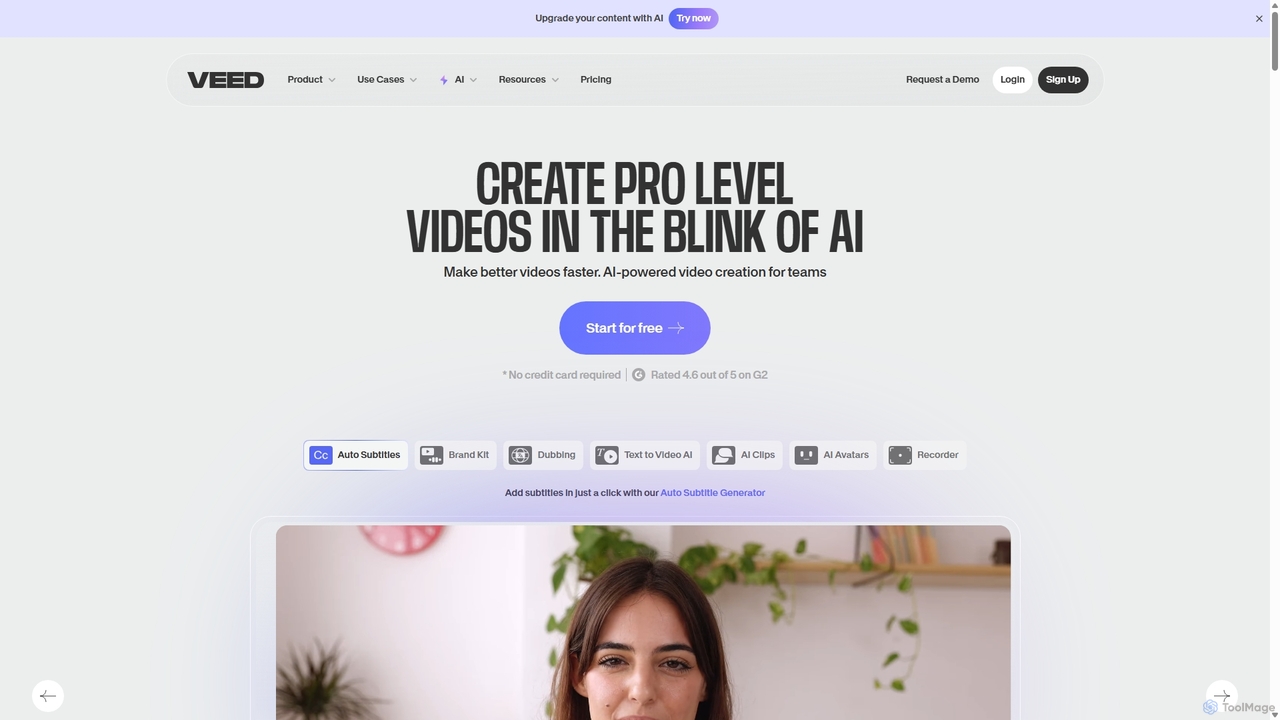
VEED.IO
VEED.IO is a powerful, AI-driven online video editor designed for teams and creators. It simplifies professional video creation with a suite of intuitive tools, including auto-subtitling, text-to-video, AI avatars, and collaborative workspaces. Create, edit, and share high-quality videos directly from your browser, no complex software required.
Social Media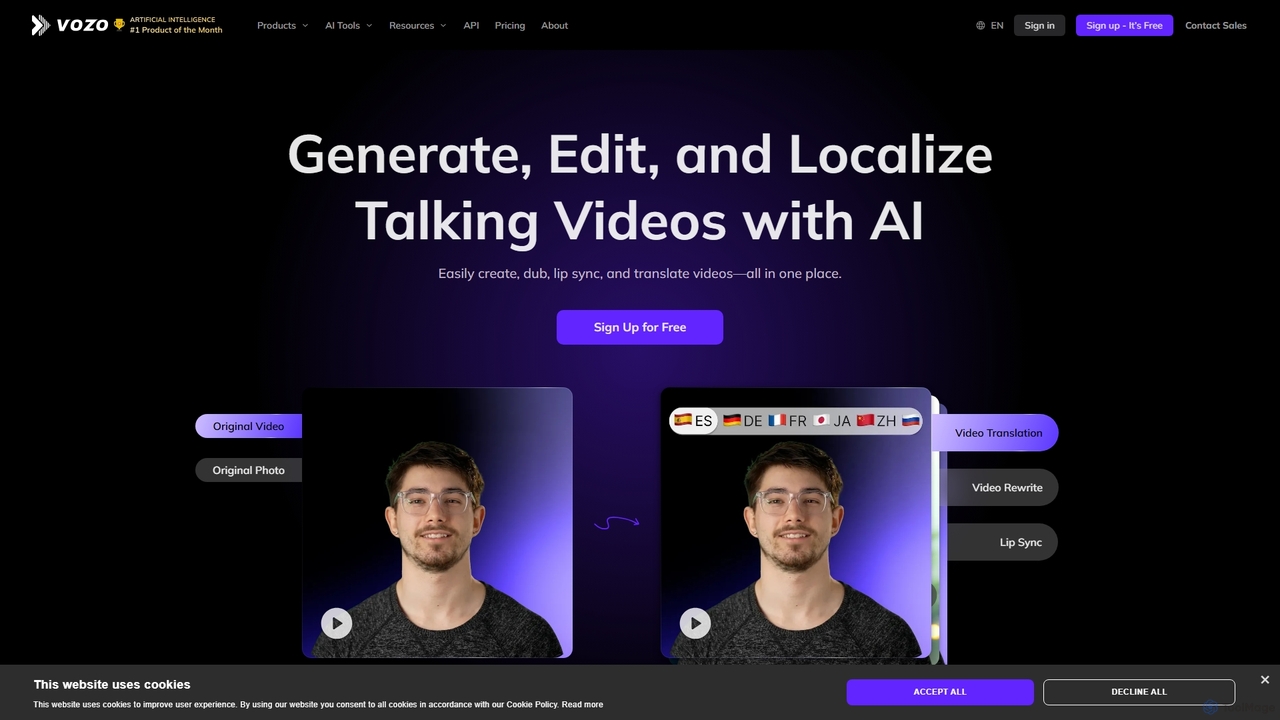
Vozo
Vozo is an all-in-one AI video platform that enables users to generate, edit, and localize talking videos. It offers features like precise video translation, realistic lip-syncing, authentic voice cloning, and talking photo animation. Designed for marketers, creators, and businesses, Vozo simplifies video production, allowing for easy content updates, multilingual dubbing, and repurposing for global audiences across various social media platforms, all within a single, user-friendly interface.
Translation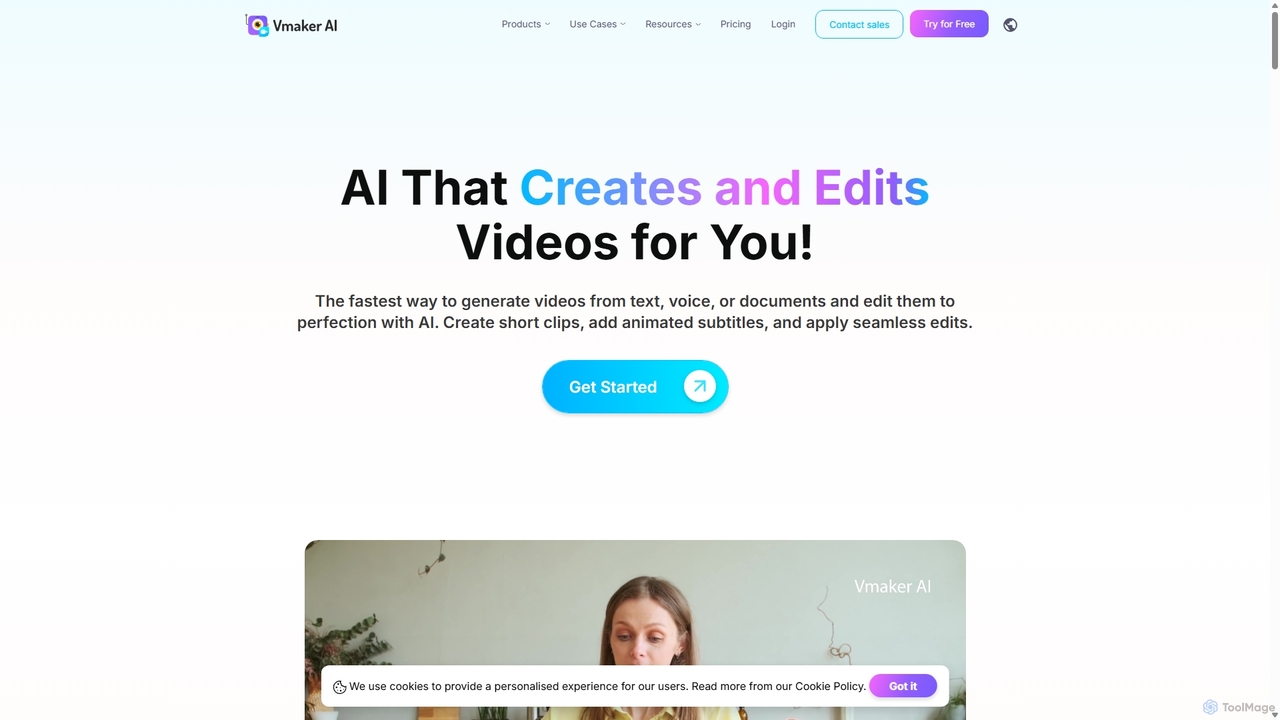
Vmaker
Vmaker is an all-in-one AI video creation and editing suite. It enables users to generate videos from text, audio, or documents using AI avatars, record screens in 4K, and edit footage with a powerful AI editor. Key features include auto-subtitles, background removal, and content repurposing tools, designed for marketers, content creators, and L&D teams.
TrainingPlayPlay Categories
PlayPlay Jobs
PlayPlay Embed Widget
Copy this embed code to place the badge on your blog, article, or product site and send readers directly to this ToolMage detail page.

Related AI tools
Zenvideo
Zenvideo is an intelligent video creation platform by Tencent, leveraging AI to simplify and automate the entire video production workflow. It enables users to effortlessly generate professional-quality videos from text, create content with digital human avatars, and utilize smart editing tools, making it ideal for marketing, education, and content creation.
Social Media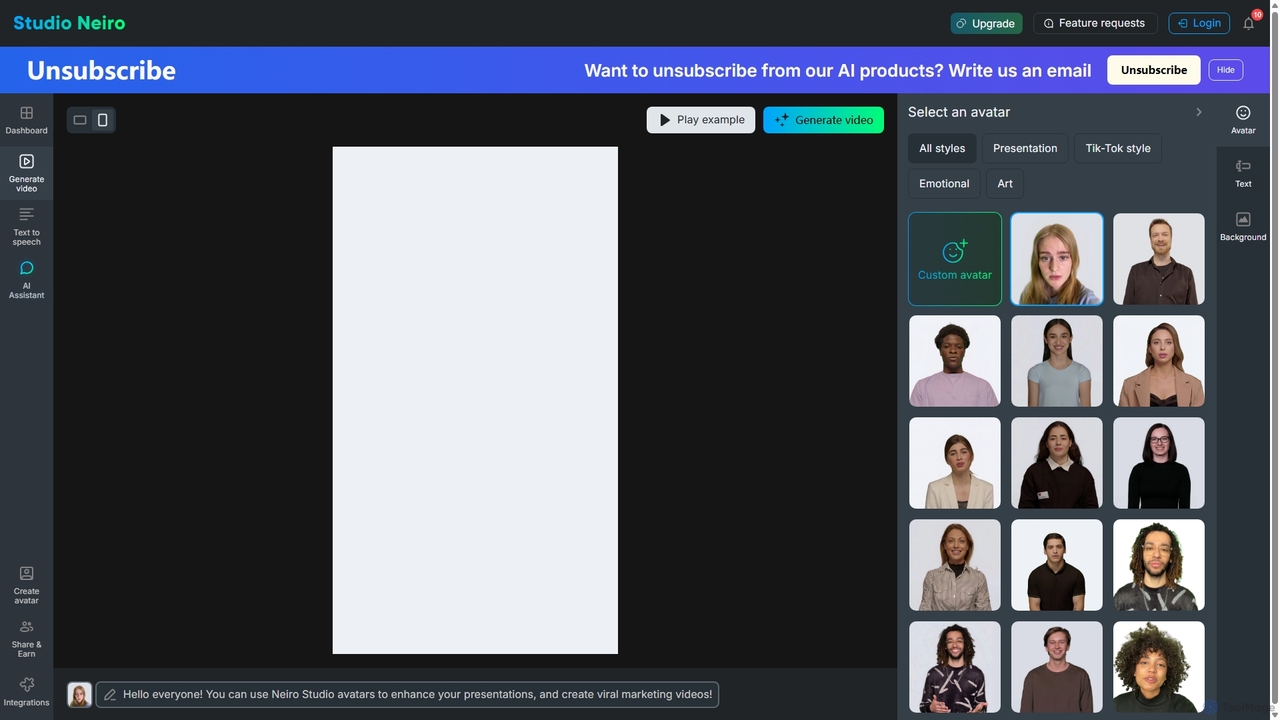
Studio Neiro
Studio Neiro is an AI-powered video generation platform that transforms text into engaging videos featuring customizable digital avatars. Effortlessly create professional-quality content for marketing, training, and presentations in minutes, without needing cameras or actors. Simply type your script, choose an avatar, and generate a captivating video.
Text To Speech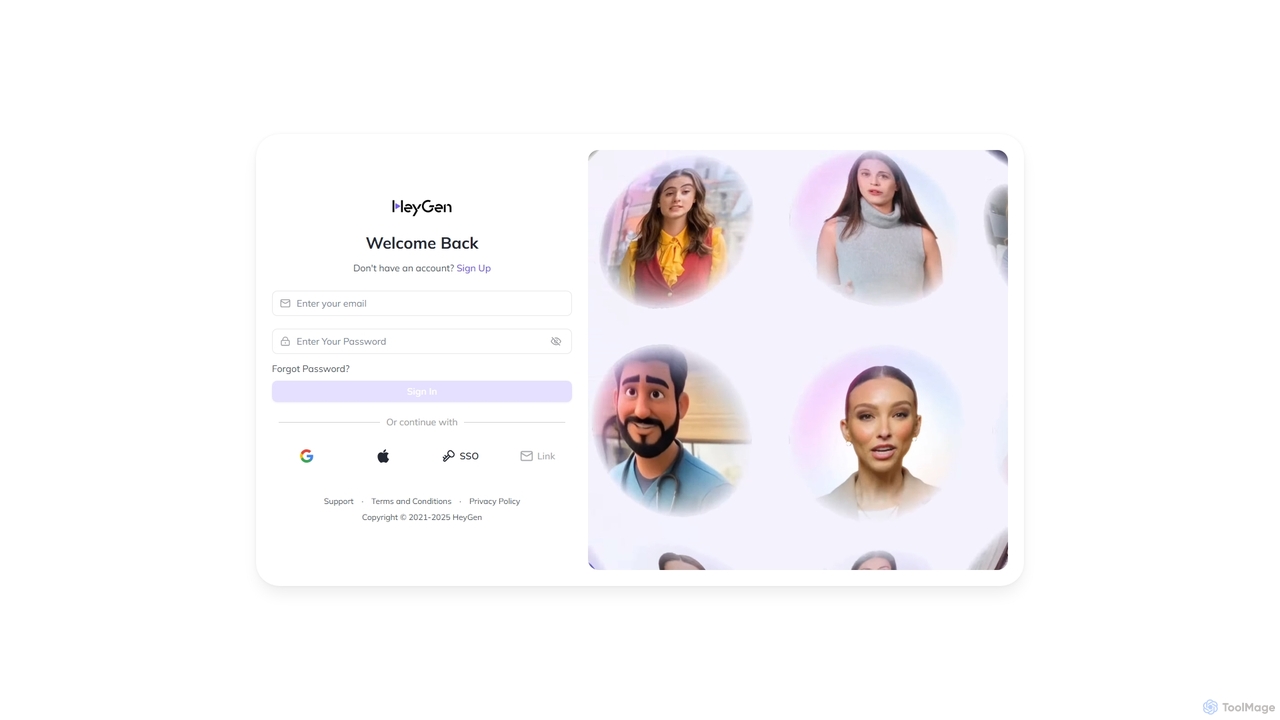
HeyGen
HeyGen is a cutting-edge AI video generation platform that enables users to create professional, studio-quality videos with realistic AI avatars and voices. Effortlessly convert text into engaging spokesperson videos for marketing, training, and communication without the need for cameras, actors, or complex editing software. It's designed to scale video production quickly and affordably.
E Learning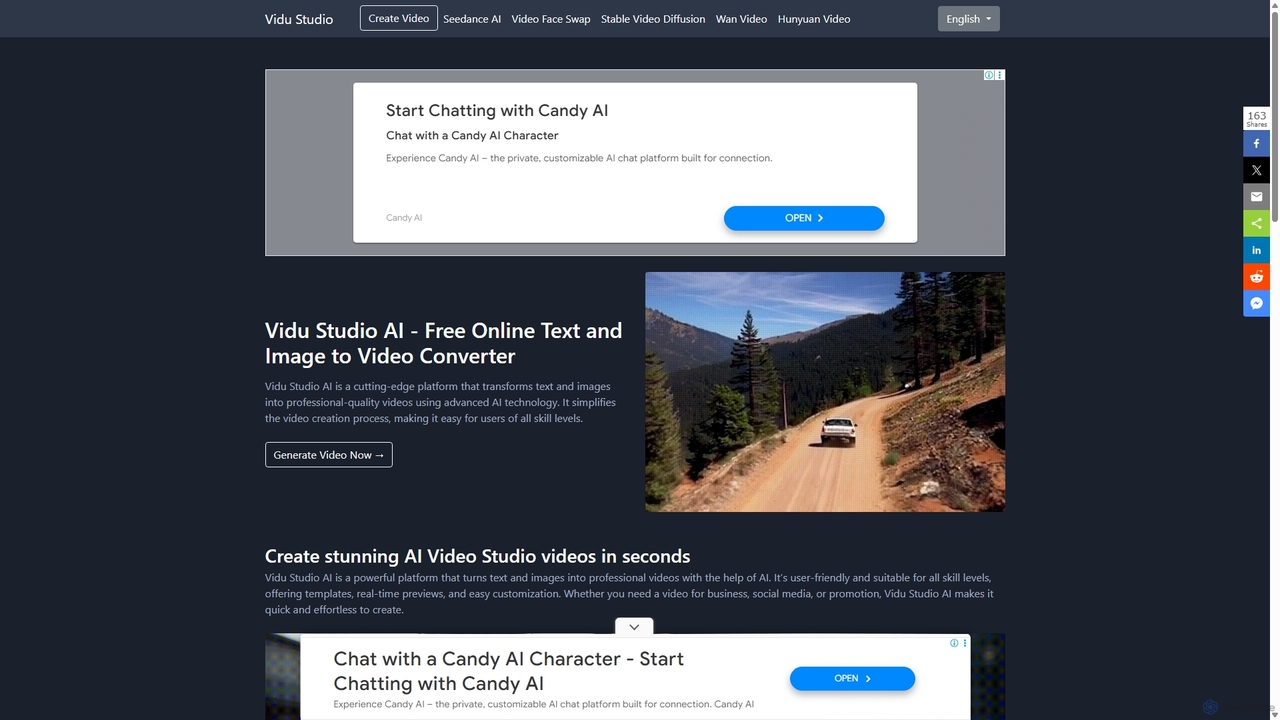
Vidu Studio AI
Vidu Studio AI is a cutting-edge, AI-powered platform that effortlessly transforms text and images into professional-quality videos. Leveraging a unique fusion of diffusion and transformer technology, it enables users of all skill levels to create stunning, high-quality videos with realistic physics and dynamic effects from simple prompts, making video production fast, easy, and accessible.
Social Media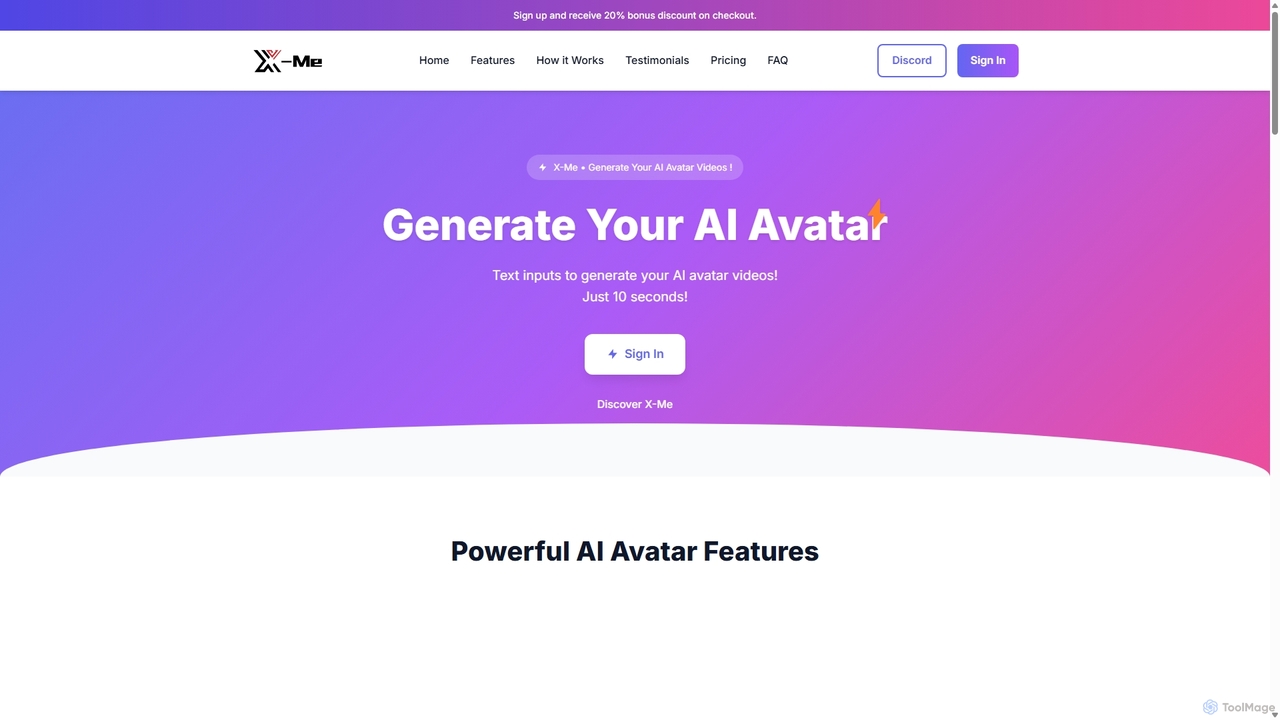
X-Me AI
X-Me AI is a powerful AI video generator that transforms text into engaging videos featuring hyper-realistic AI avatars. In just 10 seconds, you can create professional-quality videos in over 20 languages. The platform offers extensive customization options for avatars, clothing, and backgrounds, making it ideal for marketing, education, and corporate communications. With high-definition output and seamless integration, X-Me AI streamlines video production, saving time and resources while boosting audience engagement.
E Learning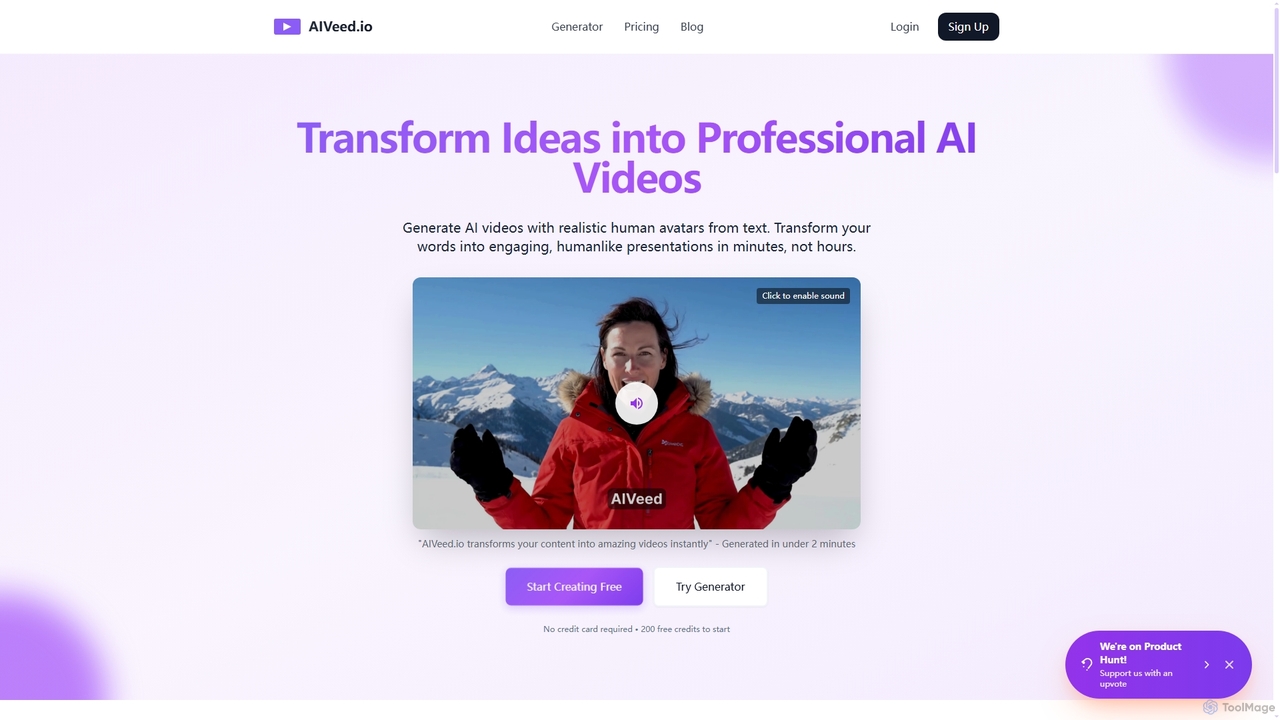
Aiveed
Aiveed is an AI-powered video generator that transforms text into professional videos featuring realistic human avatars. Create engaging marketing content, educational materials, and social media videos in minutes without any technical expertise. It offers a simple, fast, and cost-effective solution for high-quality video production.
Explainer Videos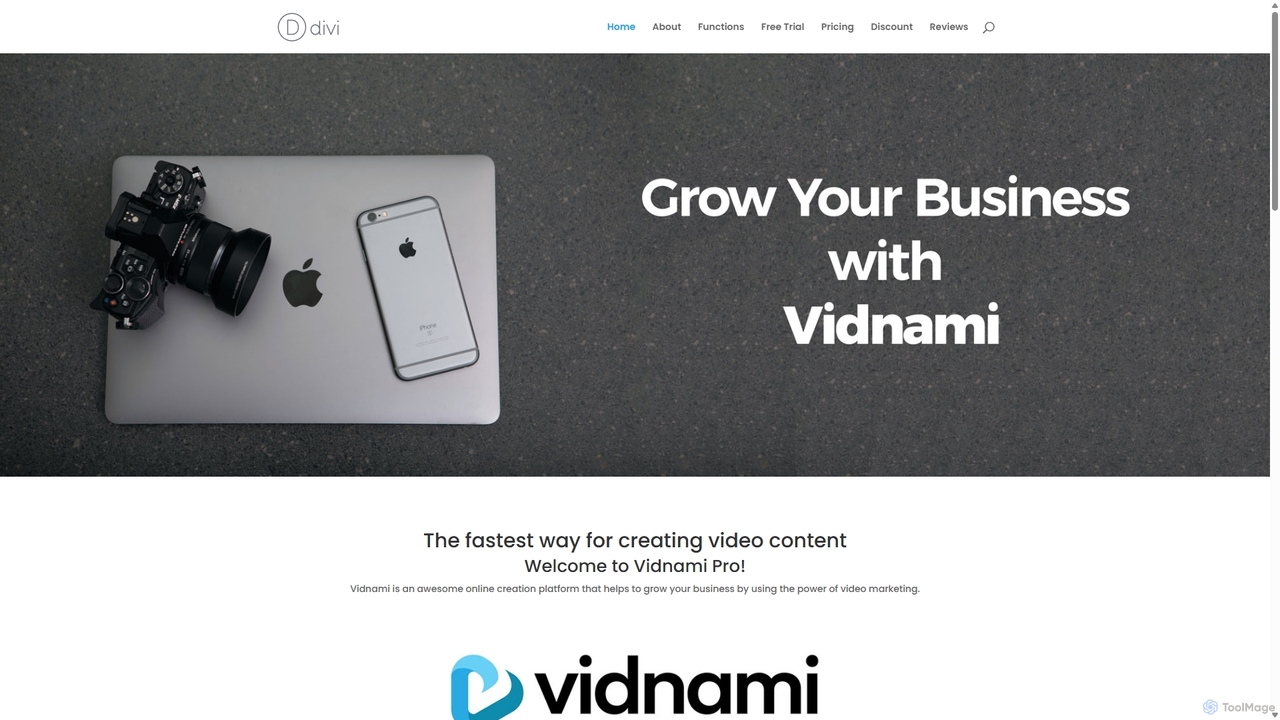
Vidnami
Vidnami is an AI-powered video creation platform that rapidly transforms text scripts into professional marketing videos. It automates scene creation, sources visuals from a vast stock library, and offers various voiceover options, including high-quality AI voices. Ideal for marketers and content creators, it simplifies video production, requiring no technical skills.
Text To Video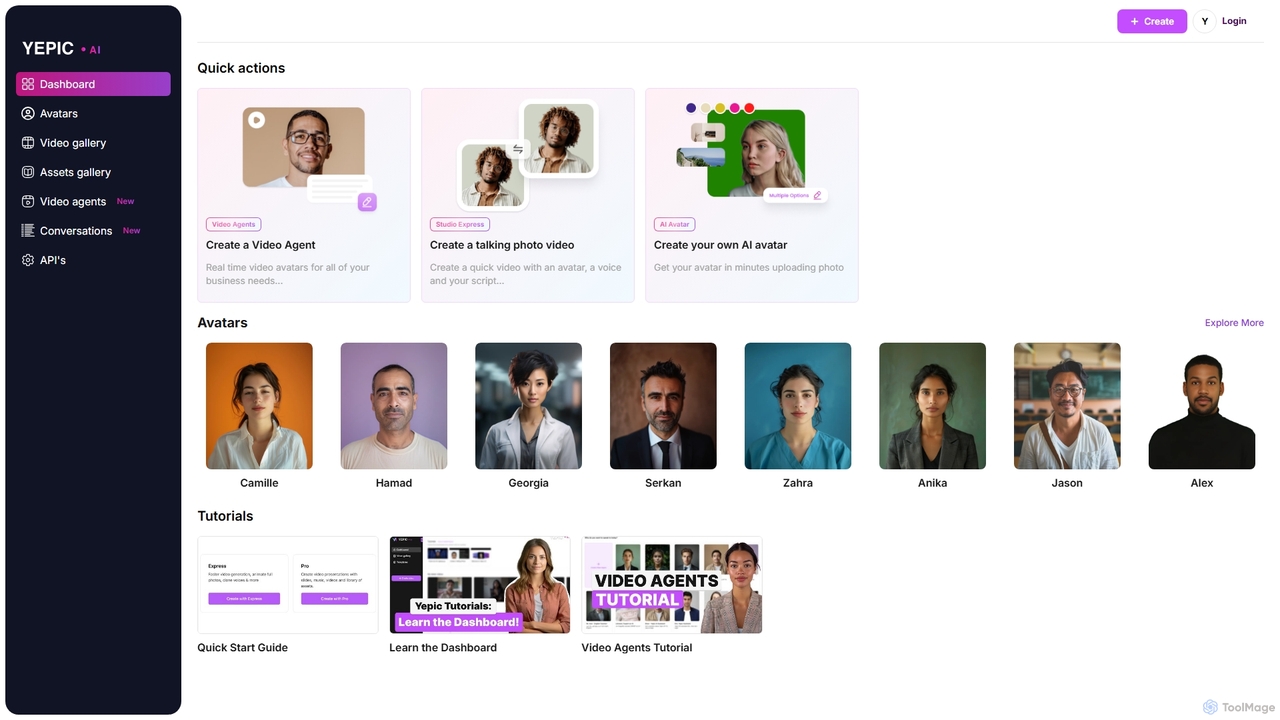
Yepic Studio
Yepic Studio is an AI-powered video creation platform that enables users to generate professional-quality videos with realistic AI avatars. Easily convert text to video, create custom avatars from photos, and build real-time video agents for business applications. Ideal for marketing, training, and customer engagement.
E Learning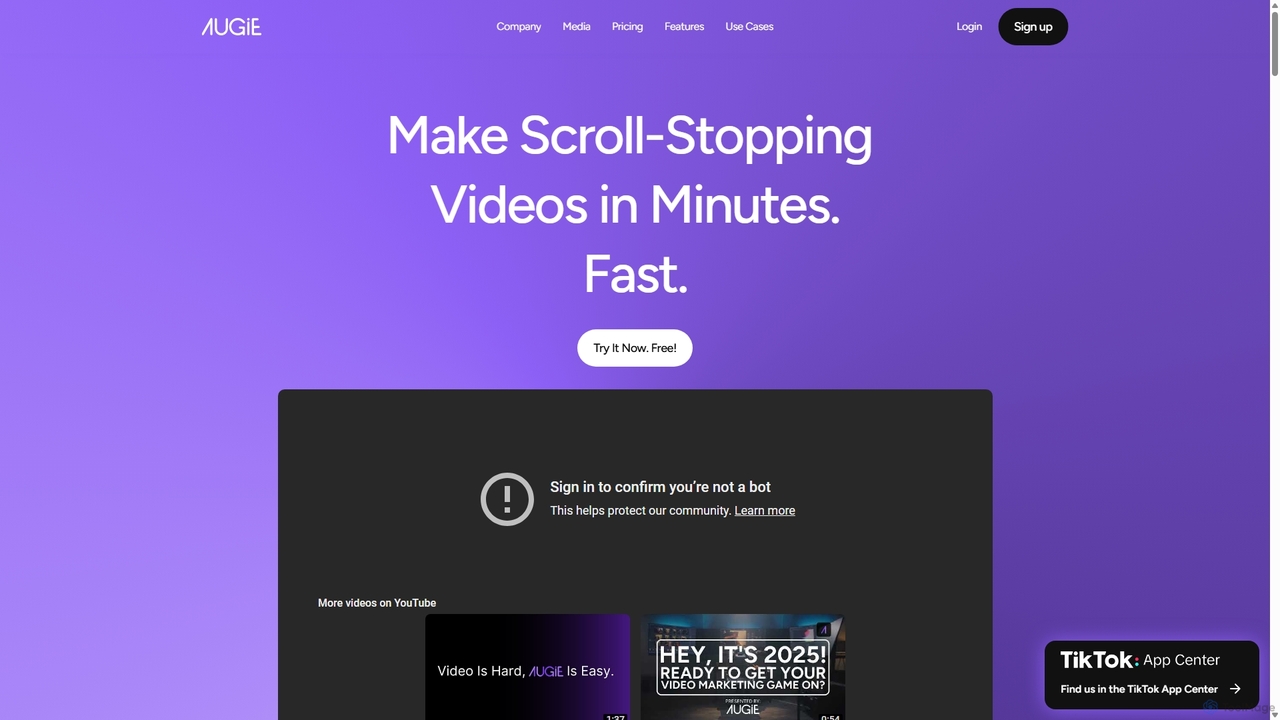
Augie
Augie is an AI-powered video studio designed for creators, marketers, and brands to effortlessly transform long-form content like podcasts and streams into engaging, short-form social videos. It automates the editing process, identifies key moments, and provides a vast library of stock media and AI-generated content to create professional-quality videos for TikTok, Reels, and YouTube Shorts in minutes, with no complex editing skills required.
Social Media MarketingNemovideo
Nemovideo is an AI-powered video editor that transforms your ideas, links, or raw clips into viral-ready marketing videos. It analyzes successful video formulas and automates the entire editing process, from scriptwriting to final cuts, requiring no prior editing skills.
Social Media Marketing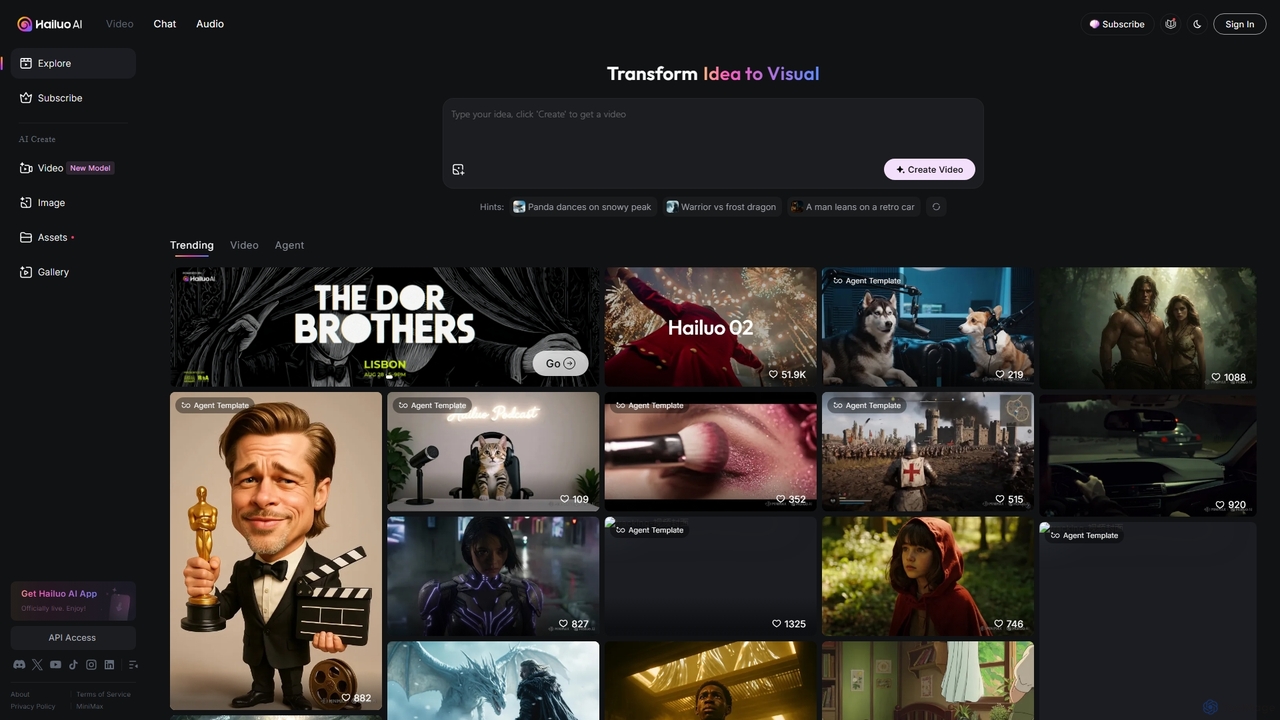
Hailuo AI
Hailuo AI is a powerful AI video generator that transforms ideas into stunning visuals. It supports text-to-video and image-to-video creation, offering a wide range of customizable "Agent Templates" for specific scenarios like pet videos, caricatures, and product showcases. With features like automated editing and support for various resolutions, Hailuo AI simplifies video production for marketers, content creators, and businesses, making it easy to create engaging, professional-quality content effortlessly.
Animation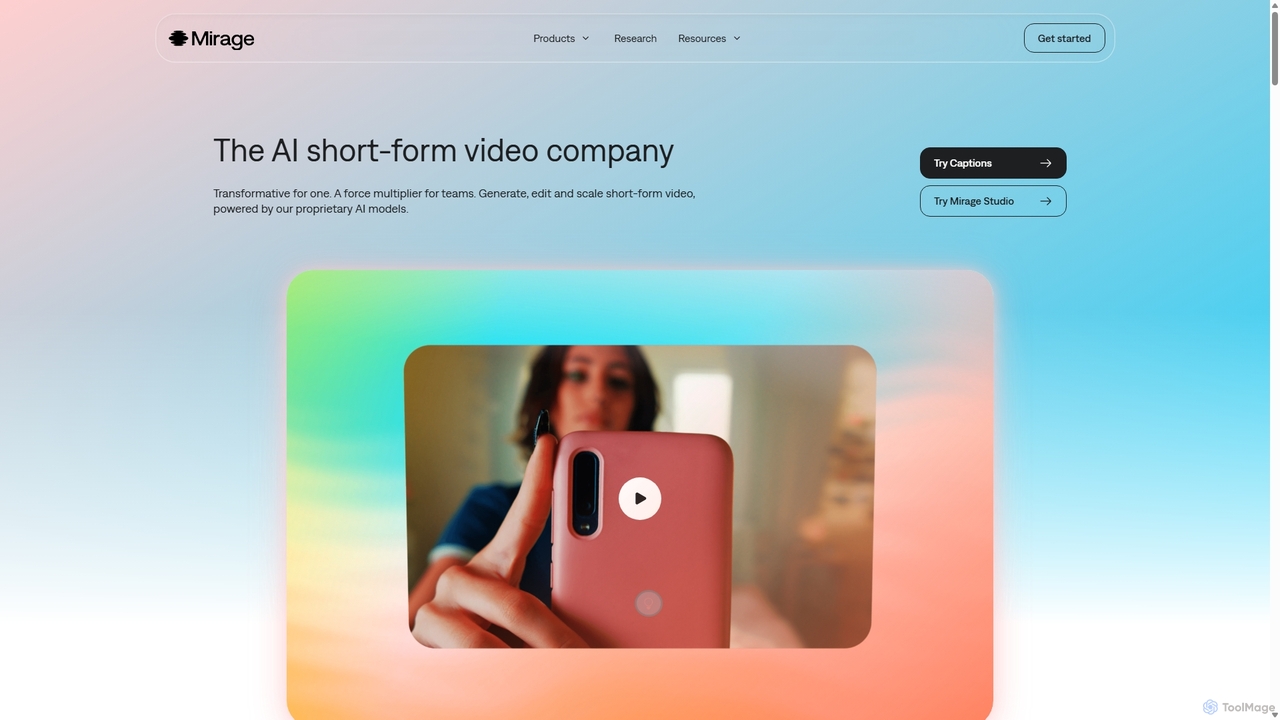
Mirage
Mirage is an AI video platform that transforms ideas into engaging short-form videos. It offers the Captions app for creators to generate and edit talking videos with text prompts, and Mirage Studio for teams to scale video production. Powered by proprietary AI, Mirage creates photorealistic footage and AI avatars, streamlining video creation for platforms like TikTok and Instagram.
AdvertisingVEED.IO
VEED.IO is a powerful, AI-driven online video editor designed for teams and creators. It simplifies professional video creation with a suite of intuitive tools, including auto-subtitling, text-to-video, AI avatars, and collaborative workspaces. Create, edit, and share high-quality videos directly from your browser, no complex software required.
Social MediaVmaker
Vmaker is an all-in-one AI video creation and editing suite. It enables users to generate videos from text, audio, or documents using AI avatars, record screens in 4K, and edit footage with a powerful AI editor. Key features include auto-subtitles, background removal, and content repurposing tools, designed for marketers, content creators, and L&D teams.
Training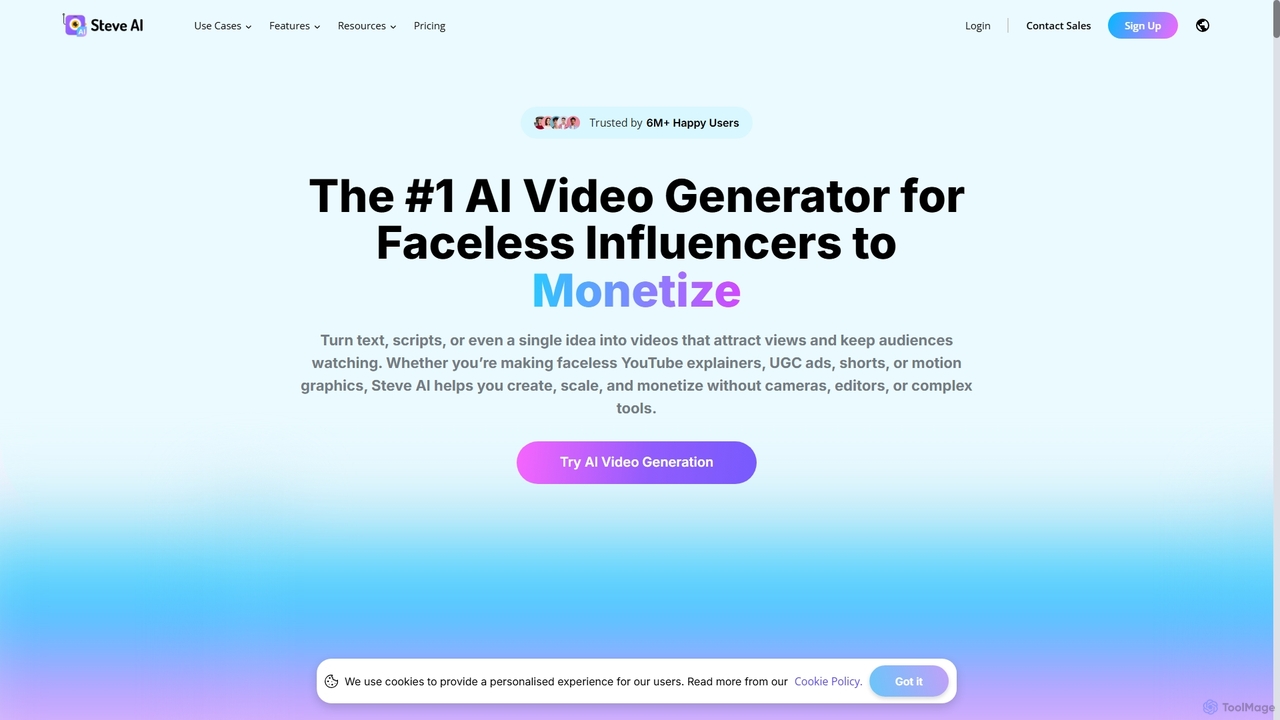
Steve AI
Steve AI is a powerful AI video generator designed for faceless creators, marketers, and educators. It transforms text, scripts, blog posts, or simple prompts into engaging animated and live-action videos in minutes. Featuring AI scriptwriting, realistic voiceovers, and a vast asset library, it simplifies video production for social media, marketing, and training.
E Learning
PlayPlay Comments (0)
Sign in to comment.
Sign inNo comments yet.