snappify
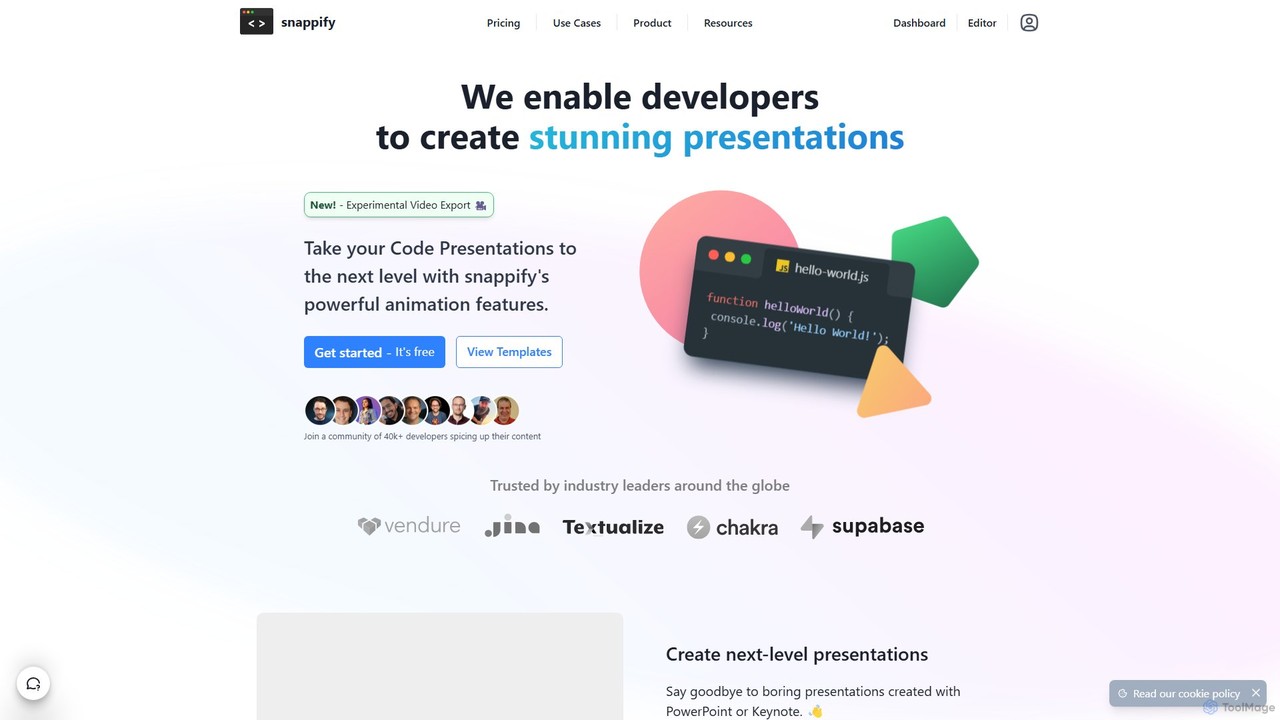
snappify is a powerful tool for developers, educators, and content creators to transform code snippets into stunning presentations, …
snappify is a powerful tool for developers, educators, and content creators to transform code snippets into stunning presentations, animated videos, and interactive infographics. It replaces traditional presentation software by offering first-class support for code, annotations, and branding, making technical content more engaging and understandable.
About Code Tools
AI Code Tools are a class of software that leverages artificial intelligence, particularly large language models, to assist developers in writing, debugging, and understanding code. These tools integrate directly into development environments to analyze context and generate relevant code snippets, functions, or even entire applications from natural language prompts. Their primary value lies in automating repetitive coding tasks, accelerating development cycles, and lowering the barrier to entry for complex programming challenges. They act as intelligent pair programmers, offering real-time suggestions and solutions.
Core Features
- Intelligent Code Completion: Suggests and autocompletes not just single lines but entire blocks of code based on the current context and comments.
- Code Generation from Prompts: Translates natural language descriptions into functional code in various programming languages.
- Automated Debugging & Refactoring: Identifies potential bugs, suggests corrections, and helps restructure existing code for improved readability and performance.
- Code Explanation: Analyzes complex code snippets or functions and provides a clear, human-readable explanation of their purpose and logic.
- Unit Test Generation: Automatically creates test cases for functions and methods, helping to improve code coverage and reliability.
Use Cases
AI Code Tools are widely used by software developers, data scientists, and students across all industries. They are particularly effective in rapid prototyping, maintaining large legacy codebases, and for developers learning a new programming language. For instance, a web developer can use them to quickly scaffold a new API endpoint, while a data scientist can generate Python code for data visualization with a simple command.
How to Choose
When selecting an AI Code Tool, consider its integration capabilities with your preferred IDE (e.g., VS Code, JetBrains). Evaluate the breadth and accuracy of its supported programming languages. For enterprise use, data privacy and security policies are critical, especially regarding how your codebase is used for model training. Finally, compare pricing models, from free tiers for individuals to subscription plans for teams with advanced features.

Code ToolsUse Cases
Accelerate Backend API Development
A backend developer is tasked with creating a new set of RESTful API endpoints for a user management module. Instead of writing all the boilerplate code manually, they use an AI Code Tool. By writing a comment like 'create a POST endpoint to register a new user with email and password', the tool generates the complete function, including request validation, password hashing, and database insertion logic. This significantly reduces development time, allowing the developer to focus on more complex business logic and system architecture.
Automate Unit Test Generation
A quality assurance (QA) engineer needs to increase the test coverage for a critical financial calculation module. Manually writing tests for every edge case is time-consuming. Using an AI Code Tool, the engineer can select a function and ask the tool to 'generate unit tests for this function, covering null inputs, negative numbers, and large values'. The tool produces a comprehensive test suite in seconds, which the engineer can then review and refine. This process automates a tedious task, improves code reliability, and helps catch bugs before they reach production.
Understand and Refactor Legacy Code
A developer joins a team responsible for a large, aging codebase with minimal documentation. They encounter a complex, 500-line function with unclear logic. Instead of spending hours deciphering it, they paste the function into an AI Code Tool and ask for an explanation. The tool breaks down the logic step-by-step in plain English. The developer then asks the tool to 'refactor this function into smaller, more manageable pieces'. The AI suggests a decomposition into several well-named, single-responsibility functions, instantly improving the code's maintainability.
Learn a New Programming Language
A Python developer needs to start working on a project written in Go. To quickly get up to speed, they use an AI Code Tool as a learning companion. They write familiar logic in Python, such as iterating over a dictionary, and ask the tool to 'translate this Python code to idiomatic Go'. The tool provides the Go equivalent, explaining the differences in syntax and data structures like maps and slices. This interactive, context-aware approach is more efficient than searching through generic tutorials, accelerating the learning process significantly.
Drafting Code for Data Analysis Scripts
A data scientist needs to analyze a new dataset and create several visualizations. They use an AI Code Tool within their Jupyter Notebook. They start by writing a comment: 'load the CSV file into a pandas DataFrame and show the first 5 rows'. The tool generates the necessary Python code. They continue with prompts like 'create a bar chart showing the average sales per category' and 'perform a t-test between group A and group B'. This allows the scientist to rapidly prototype their analysis script, focusing on interpreting the results rather than recalling specific library syntax.
Automate Documentation Writing
A software engineer has just finished developing a new library but needs to write comprehensive documentation before releasing it. This is often a tedious task. Using an AI Code Tool, they can highlight a function or an entire class and instruct the tool to 'generate a docstring for this code, including parameter descriptions, return values, and an example of usage'. The AI analyzes the code and produces well-formatted, detailed documentation. This saves hours of manual writing and ensures the library is easy for other developers to adopt and use correctly.