
ChatSlide Overview
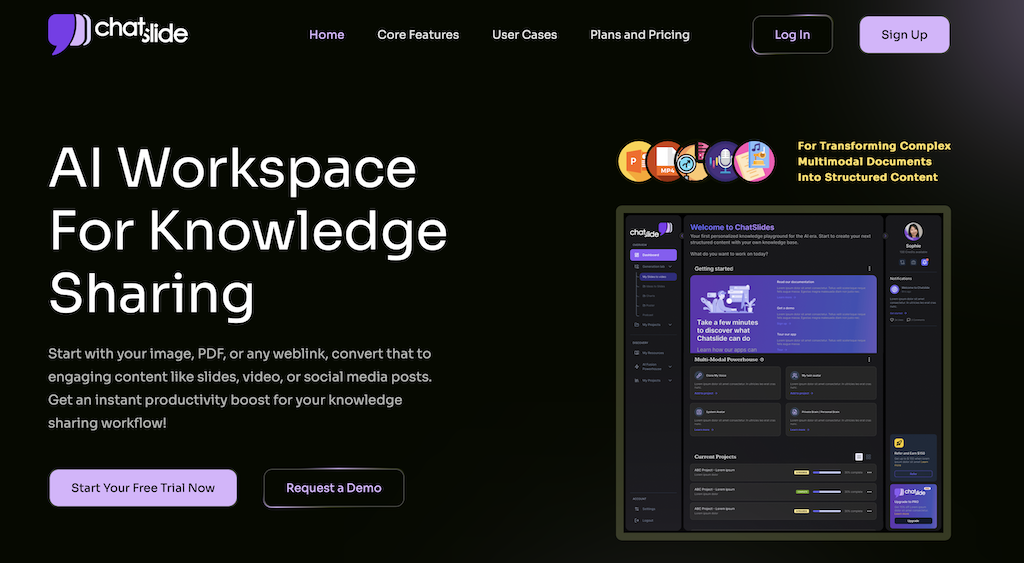
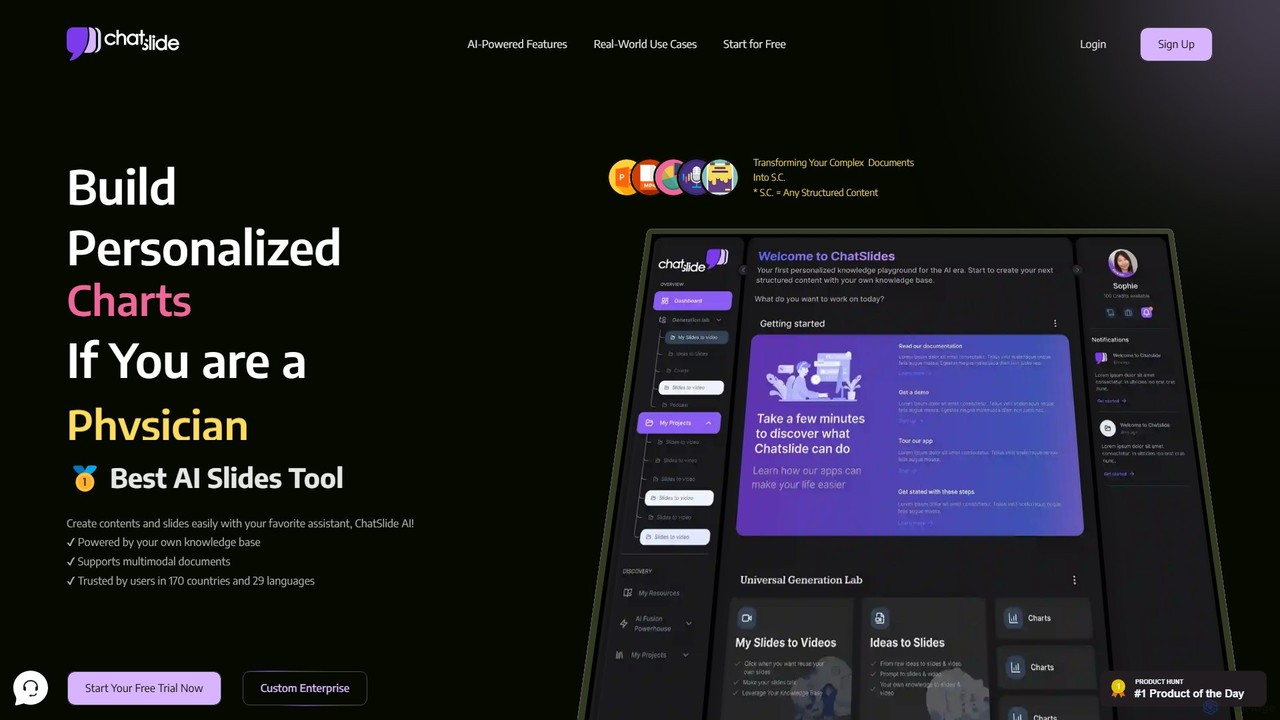
ChatSlide is a revolutionary AI-powered workspace designed to transform complex documents and raw knowledge into a variety of structured, visually compelling content formats. It serves as a personal AI agent that organizes, connects, and expands your knowledge universe, making it an indispensable tool for teachers, doctors, consultants, students, and other professionals. By simply uploading your materials, you can let ChatSlide's advanced AI handle the heavy lifting, converting your ideas into polished slides, engaging videos, insightful charts, professional posters, and even podcasts with unprecedented speed and precision.
The platform is built on the principle of leveraging your own expertise. It allows you to build a personalized knowledge base, ensuring that the generated content is not only accurate but also reflects your unique style and industry-specific insights. With support for multimodal documents and a user base spanning 170 countries, ChatSlide is a globally trusted solution for enhancing communication and productivity.
How to use ChatSlide
Using ChatSlide is a seamless, three-step process designed for maximum efficiency:
- Upload and Generate Outline: Begin by uploading your documents, such as research papers, reports, lecture notes, or any other text-based material. ChatSlide's AI will instantly analyze the content and generate a structured outline, complete with domain-specific insights and customizable tags. You can choose from various outline styles to fit your needs.
- Tailor the Design: Once the outline is ready, the AI-powered design engine takes over. It offers intelligent theme matching, automatically generates relevant visual components, and can add dynamic interactive elements. This ensures your presentation is not just informative but also visually stunning and engaging.
- Adjust and Refine with ChatSlide Bot: The final step involves fine-tuning your content. Using the interactive ChatSlide Bot, you can make real-time adjustments, modify text, swap images, and even clone your own voice for a personalized narration. This flexible editing process allows you to maintain full control over the final output, ensuring it perfectly matches your vision.
Core Features of ChatSlide
- Multimodal Content Generation: Go beyond simple slides. Create engaging videos with AI avatars, dynamic charts for data visualization, professional posters for marketing, and audio podcasts to repurpose your content.
- Personalized Knowledge Base: Train the AI on your own documents and expertise. ChatSlide builds custom AI models that learn and adapt to your unique style and knowledge domain.
- AI Avatars and Voice Cloning: Transform documents into dynamic videos featuring one of over 100 system avatars. For ultimate personalization, the Ultimate plan allows you to clone your own voice for narration.
- AI-Powered Design: Benefit from AI-driven theme matching, intelligent generation of visual components, and dynamic interactive elements for a polished and professional look.
- ChatSlide Bot for Editing: Flexibly modify and adjust your content in real-time with an intuitive chat-based interface, making the editing process fast and conversational.
- Rapid Content Creation: Generate high-quality, professional slides and other content formats in as little as two minutes, boosting productivity by 24-150x.
- Multiple Export Options: Export your creations in various formats, including PDF, PPTX, KEYNOTE, VIDEO (MP4), and PODCAST (MP3), ensuring compatibility with your existing workflows.
Use Cases for ChatSlide
ChatSlide is trusted by industry leaders across various sectors:
- Healthcare: Doctors and physicians use it to explain complex medical conditions to patients with clear, visual slides and videos, improving patient comprehension and treatment adherence. It's also used for medical conference presentations, marketing new medical devices, and training healthcare staff with simulation videos.
- Education: Teachers and coaches can instantly turn their lesson plans and research materials into engaging lecture slides and educational videos, saving hours of preparation time.
- Business and Consulting: Consultants can quickly transform dense reports and data into clear, impactful presentations for clients. Marketing teams can create dynamic promotional content, from posters to videos, to expand their reach.
- Students: Students can streamline their research and study process by converting articles and notes into organized presentations for projects and assignments.
Advantages of ChatSlide
ChatSlide offers a distinct competitive edge:
- Supercharge Productivity: Drastically reduce content creation time, allowing you to produce high-quality materials 24-150 times faster than traditional methods.
- Your Knowledge, Your Rules: The platform builds custom AI models based on your expertise, ensuring the output is tailored, accurate, and reflects your professional voice.
- Smart Synergy: It masterfully blends your human insight with AI-optimized best practices, leading to smarter, more refined, and impactful results.
- Evolve Daily: The AI continuously learns from your interactions, adapting and expanding its capabilities to grow with you and keep you ahead of the curve.
- Instant Impact: Generate professional, personalized, and visually compelling content in minutes, enabling you to make a strong impression effortlessly.
Pricing and Plans
ChatSlide offers flexible pricing for individuals and teams with weekly, monthly, and yearly billing options.
- Individual Plans:
- Plus Plan ($5/week): Perfect for small projects, offering up to 30 slide generations, 20 slides per project, and exports in PDF, PPTX, VIDEO (no avatar), KEYNOTE, and PODCAST.
- Pro Plan ($8/week): Adds more flexibility with 80 generations, 40 slides per project, video generation with 100+ system avatars (10 min/month), and 100+ system voices.
- Ultimate Plan ($15/week): Unlocks full creative control with 200 generations, 60 slides per project, 30 minutes of video generation, custom voice cloning, and custom branding features.
- Team Plans (starting from 3 members):
- Plus Plan ($15/week): Team features for small projects.
- Pro Plan ($24/week): More features and flexibility for growing teams.
- Ultimate Plan ($45/week): Full creative control and premium features for professional teams. Additional members can be added to each plan for a per-person monthly fee.
A free trial is available to get started and experience the power of ChatSlide.
Traffic
Latest traffic
Status
Monthly traffic trend
- 2025-9: 61.9K
- 2026-1: 110.2K
- 2026-2: 89.0K
- 2026-3: 98.8K
- 2026-4: 202.5K
- 2026-5: 171.0K
Geography
Top 5 countries / regions
- 🇺🇸United States32.7%
- 🇮🇩Indonesia20.7%
- 🇮🇳India20.0%
- 🇷🇺Russia13.7%
- 🇧🇷Brazil12.9%
Traffic sources
| Source type | Percentage |
|---|---|
Direct | 86.2% |
Referral | 10.7% |
Email | 3.1% |
Top keywords
| Keyword | Cost per click |
|---|---|
| chatslide | $4.82 |
| chatslide ai | $0.00 |
| chatslides | $0.00 |
| crear un ppt desde un doc online free | $0.00 |
| kompres ppt | $0.12 |
ChatSlide Videos on YouTube


ChatSlide Alternatives
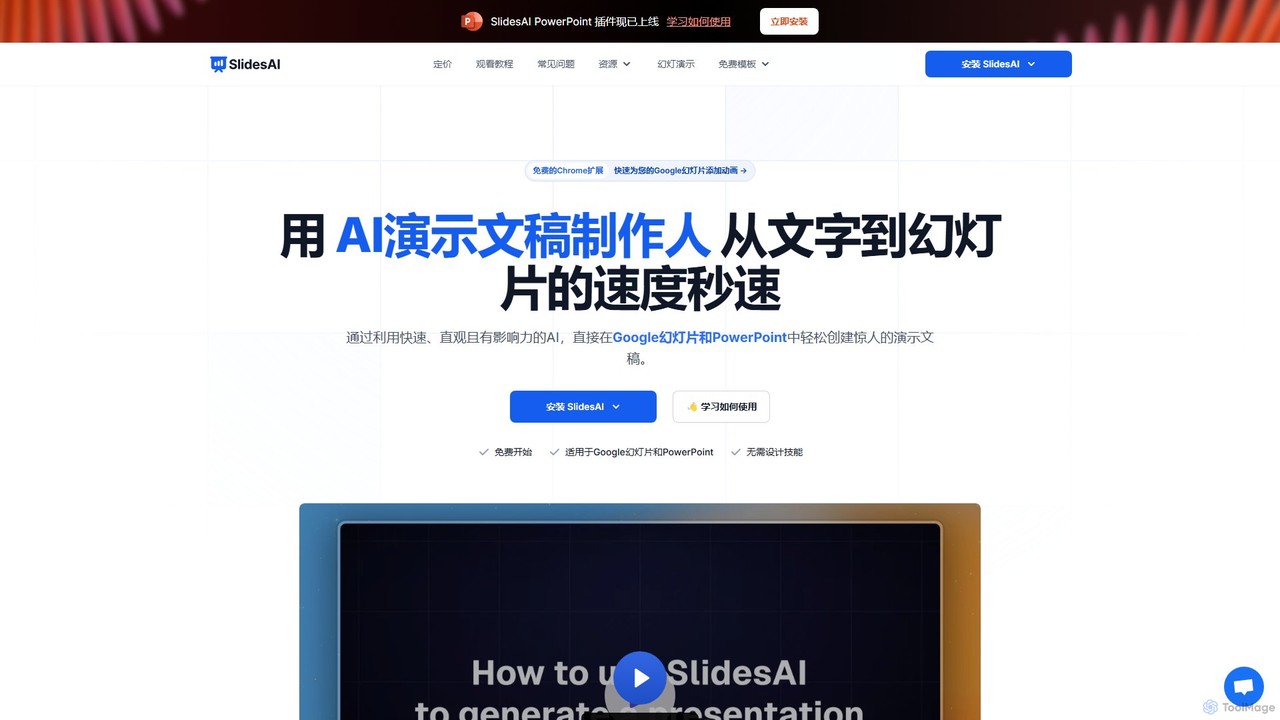
SlidesAI
SlidesAI is an AI-powered presentation maker that integrates directly into Google Slides and PowerPoint. It instantly transforms your text, documents, or ideas into professionally designed, ready-to-present slides. Save hours of manual work by automatically generating outlines, content, and visuals. It's perfect for educators, professionals, and students who need to create compelling presentations quickly and efficiently, with support for over 100 languages.
Automation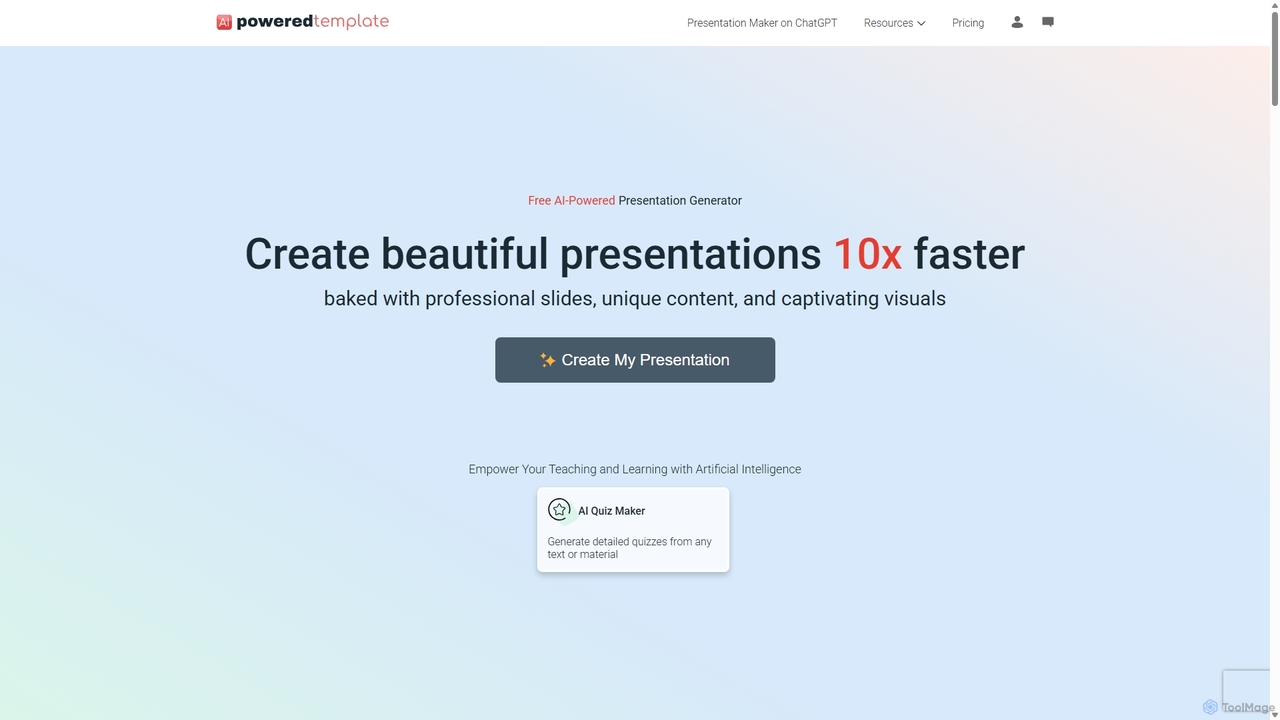
PoweredTemplate AI Presentation Maker
PoweredTemplate AI Presentation Maker is a free, AI-powered tool that transforms your ideas and text into stunning, professional presentations 10x faster. Instantly generate high-quality slides with unique content and captivating visuals for business, education, and marketing. It supports export to PowerPoint, Google Slides, and PDF, offering extensive customization through a vast library of templates and stock media.
Proposals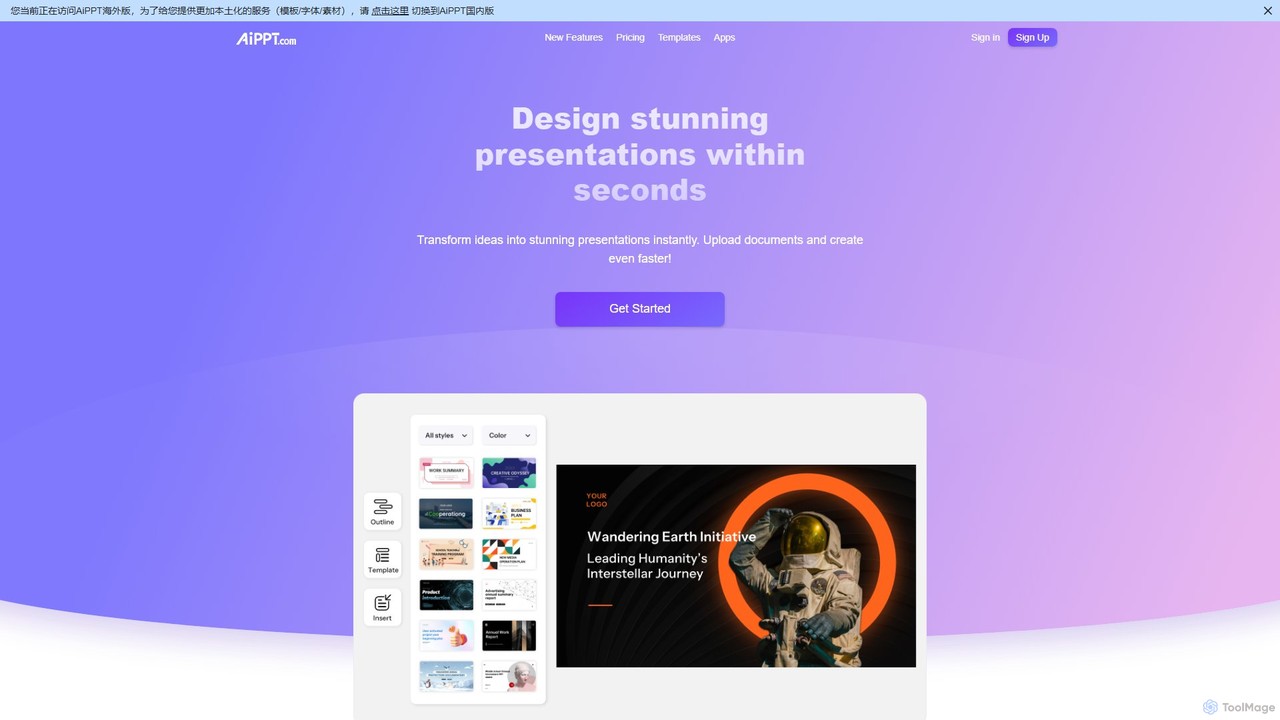
AiPPT
AiPPT is an AI-powered presentation generator that creates stunning, professional slides in seconds. It supports various input methods, including text prompts, documents (PDF, Word), and webpage URLs. With over 200,000 templates, an integrated AI image generator, and extensive customization options, AiPPT streamlines the entire presentation creation process for business, education, and marketing.
Teaching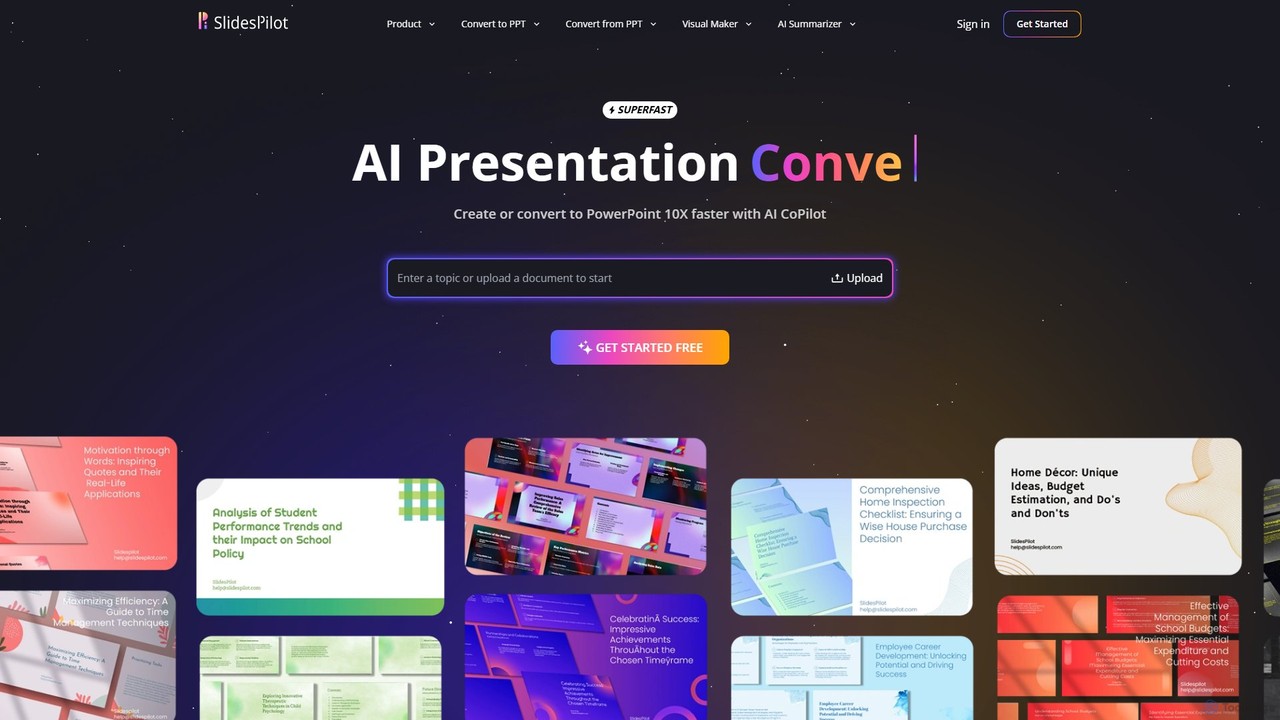
SlidesPilot
SlidesPilot is an AI-powered presentation generator that creates professional PowerPoint and Google Slides 10x faster. It can generate presentations from a topic, convert documents (PDF, Word), text, YouTube videos, and webpages into slides, and features an AI Copilot for real-time editing, image generation, and content rewriting.
Document Management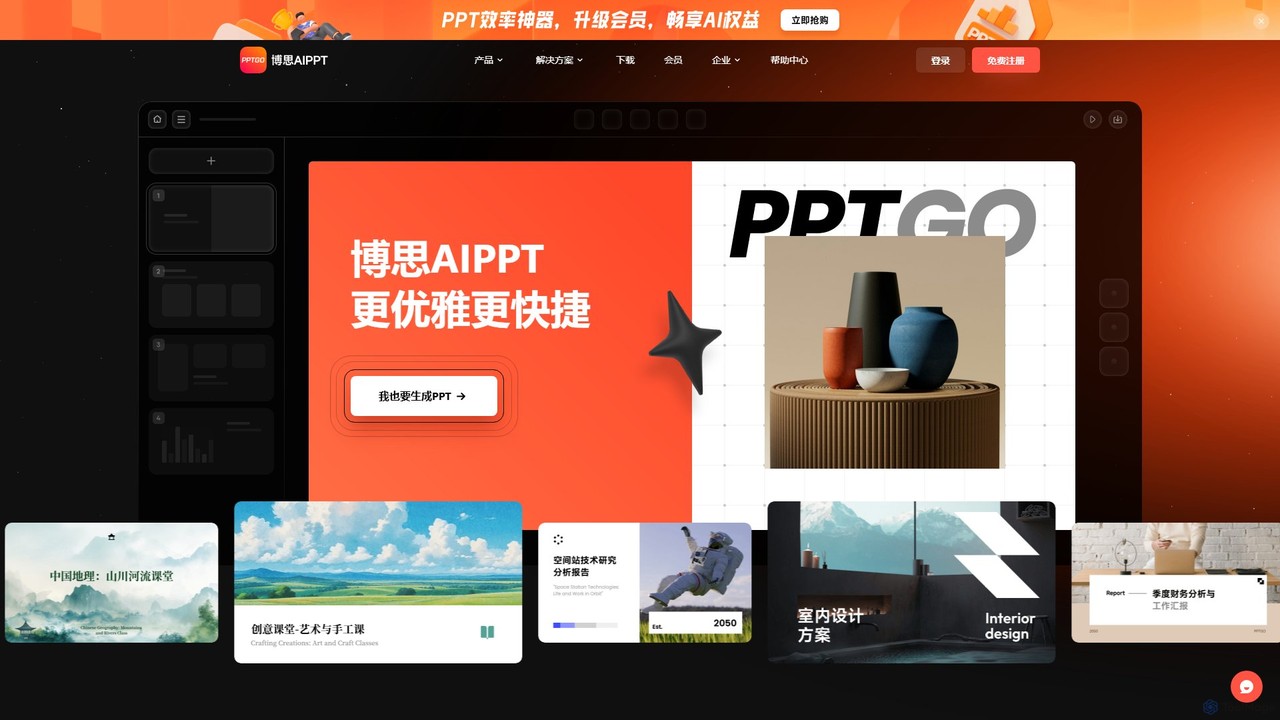
pptgo
pptgo is an AI-powered presentation generator that creates professional, visually appealing slides in seconds. Simply provide a topic, text, or document, and let the AI handle the outlining, content creation, design, and layout, dramatically boosting your productivity.
TeachingChatSlide Categories
ChatSlide Embed Widget
Copy this embed code to place the badge on your blog, article, or product site and send readers directly to this ToolMage detail page.

Related AI tools
AI Studios
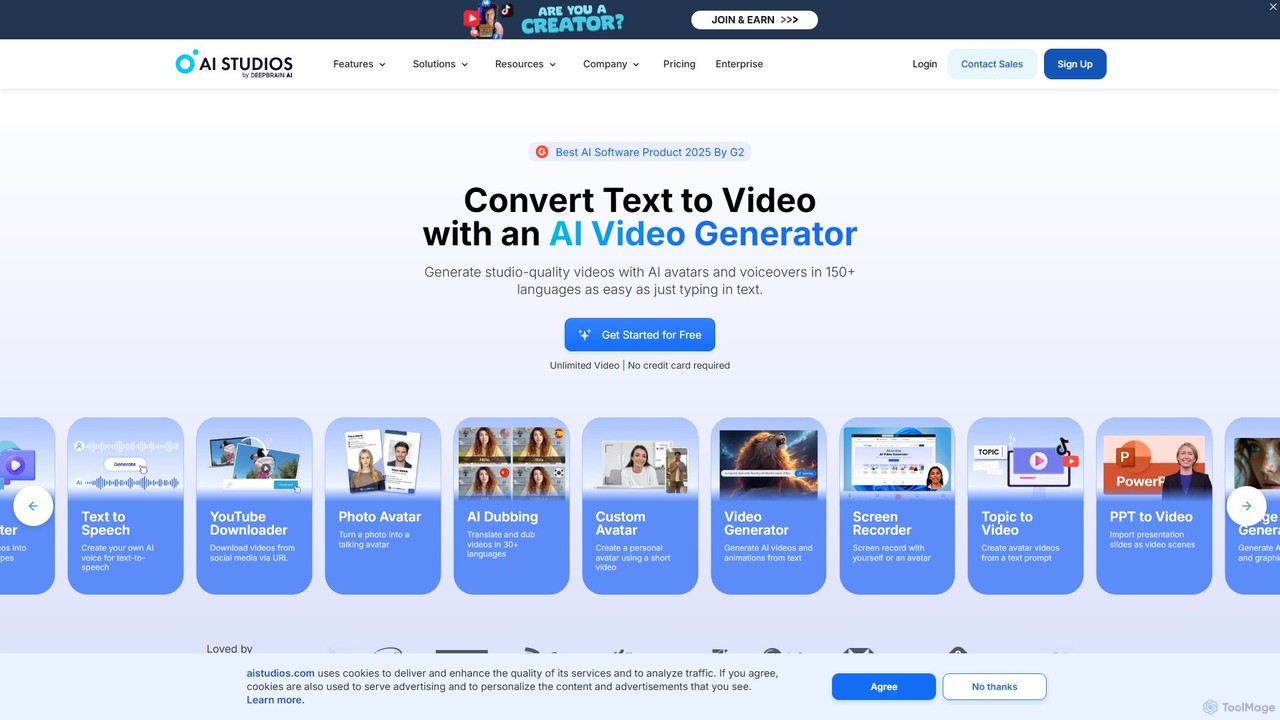
AI Studios is an all-in-one AI video generator that creates studio-quality videos from text. It features realistic AI avatars, text-to-speech in over 150 languages, and powerful tools for converting documents, URLs, and prompts into engaging video content. Ideal for marketing, training, and social media, it simplifies video production without needing cameras or actors.
E Learning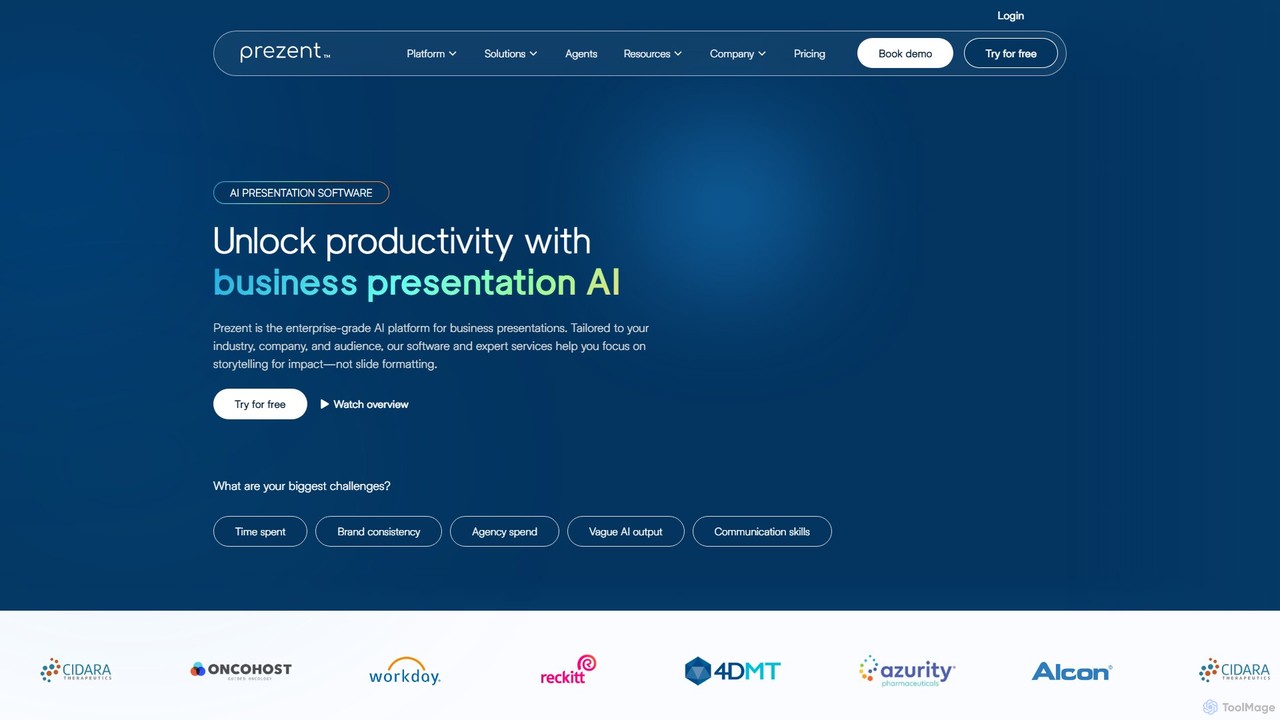
prezent
prezent is an enterprise-grade AI platform designed to create professional, on-brand business presentations. It helps teams save time, ensure brand consistency, and enhance communication by transforming simple prompts and content into impactful, audience-tailored slides. The platform combines AI-powered software with expert services and learning resources.
Communication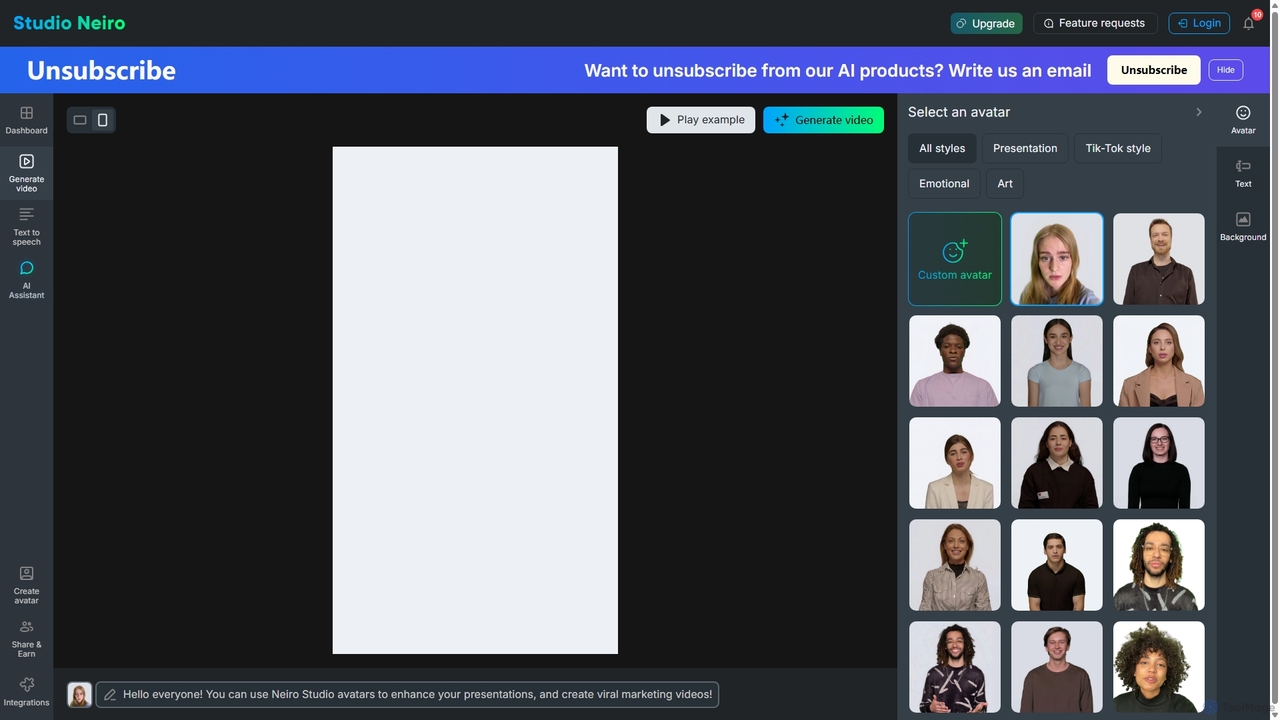
Studio Neiro
Studio Neiro is an AI-powered video generation platform that transforms text into engaging videos featuring customizable digital avatars. Effortlessly create professional-quality content for marketing, training, and presentations in minutes, without needing cameras or actors. Simply type your script, choose an avatar, and generate a captivating video.
Text To Speech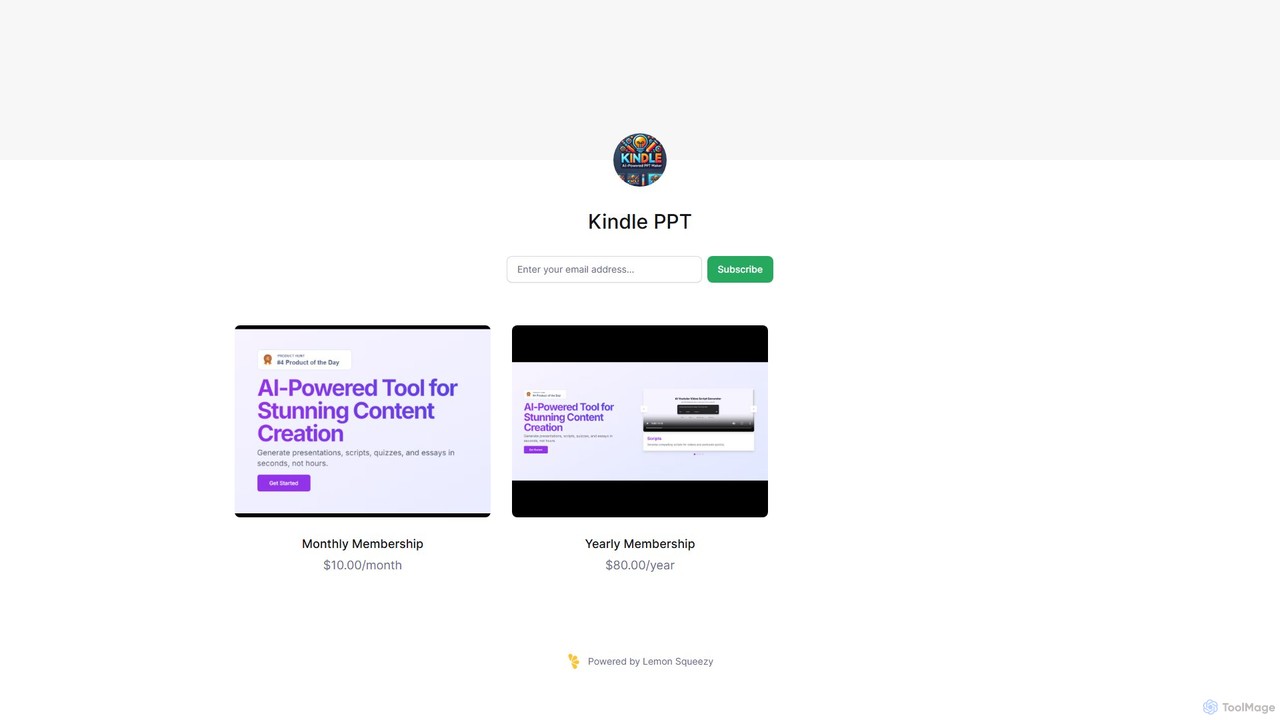
Kindle PPT
Kindle PPT is an AI-powered tool that transforms your Kindle highlights and notes into polished, ready-to-use PowerPoint presentations. It automates summarizing key ideas, structuring content into slides, and designing professional layouts. Ideal for students, professionals, and avid readers, it saves hours of manual work, helping you turn insights from books into compelling visual presentations effortlessly.
Study ToolsSlidesAI
SlidesAI is an AI-powered presentation maker that integrates directly into Google Slides and PowerPoint. It instantly transforms your text, documents, or ideas into professionally designed, ready-to-present slides. Save hours of manual work by automatically generating outlines, content, and visuals. It's perfect for educators, professionals, and students who need to create compelling presentations quickly and efficiently, with support for over 100 languages.
AutomationPoweredTemplate AI Presentation Maker
PoweredTemplate AI Presentation Maker is a free, AI-powered tool that transforms your ideas and text into stunning, professional presentations 10x faster. Instantly generate high-quality slides with unique content and captivating visuals for business, education, and marketing. It supports export to PowerPoint, Google Slides, and PDF, offering extensive customization through a vast library of templates and stock media.
Proposals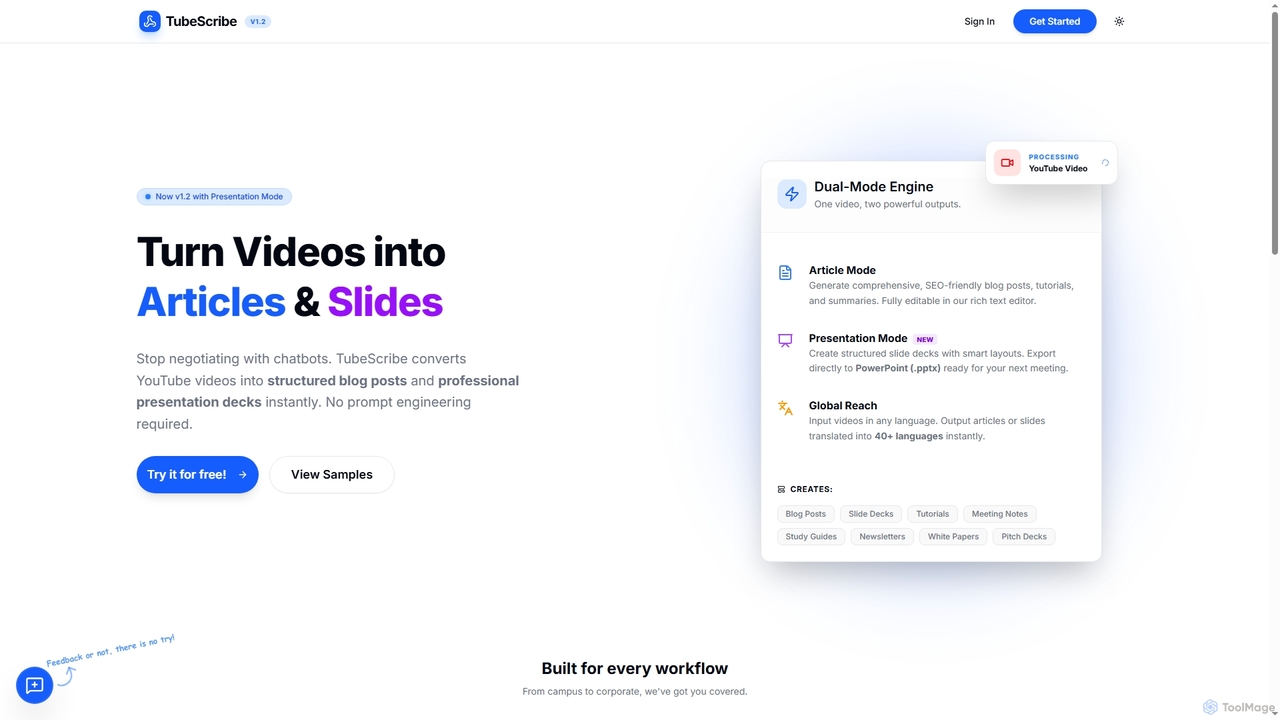
TubeScribe
TubeScribe is an AI-powered tool that transforms YouTube videos into structured, SEO-friendly blog posts and professional presentation slides instantly. It eliminates the need for manual transcription and complex prompt engineering, enabling users to repurpose video content efficiently for various needs, from academic study to corporate presentations and content marketing.
Content Creation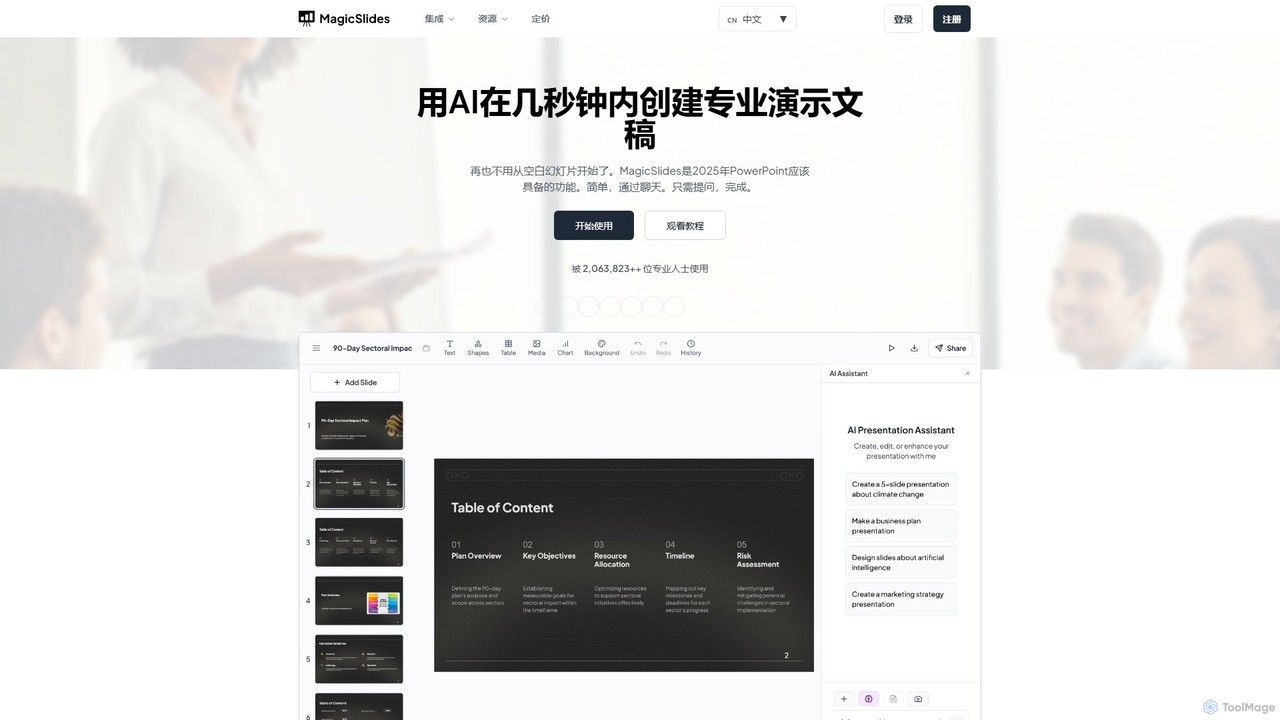
MagicSlides
MagicSlides is an AI-powered presentation maker that instantly creates professional slides from various sources, including text, topics, PDFs, YouTube videos, and URLs. It integrates seamlessly with Google Slides, PowerPoint, Figma, and more, supporting over 136 languages to streamline your workflow and save hours of design time.
Automation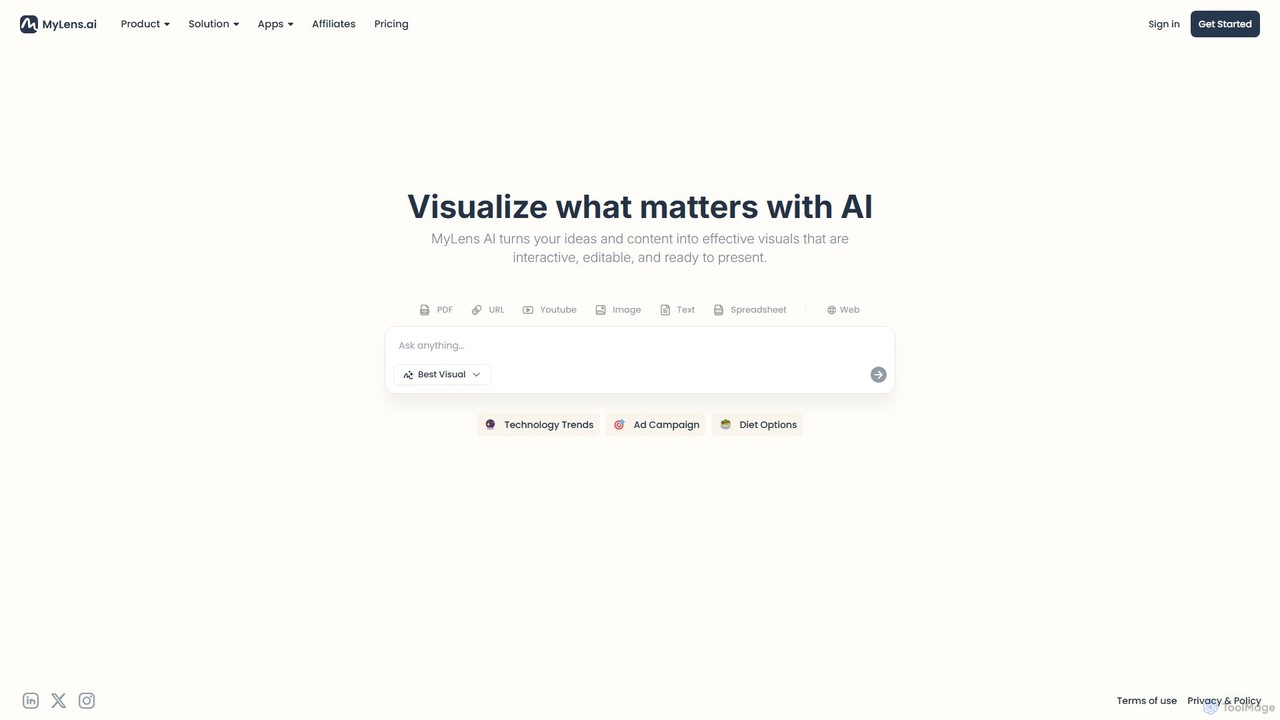
MyLens
MyLens is an AI-powered visualization platform that transforms your text, data, and ideas into interactive, editable, and presentation-ready visuals. Effortlessly create stunning infographics, charts, diagrams, and presentations to communicate complex information with clarity and impact.
Infographics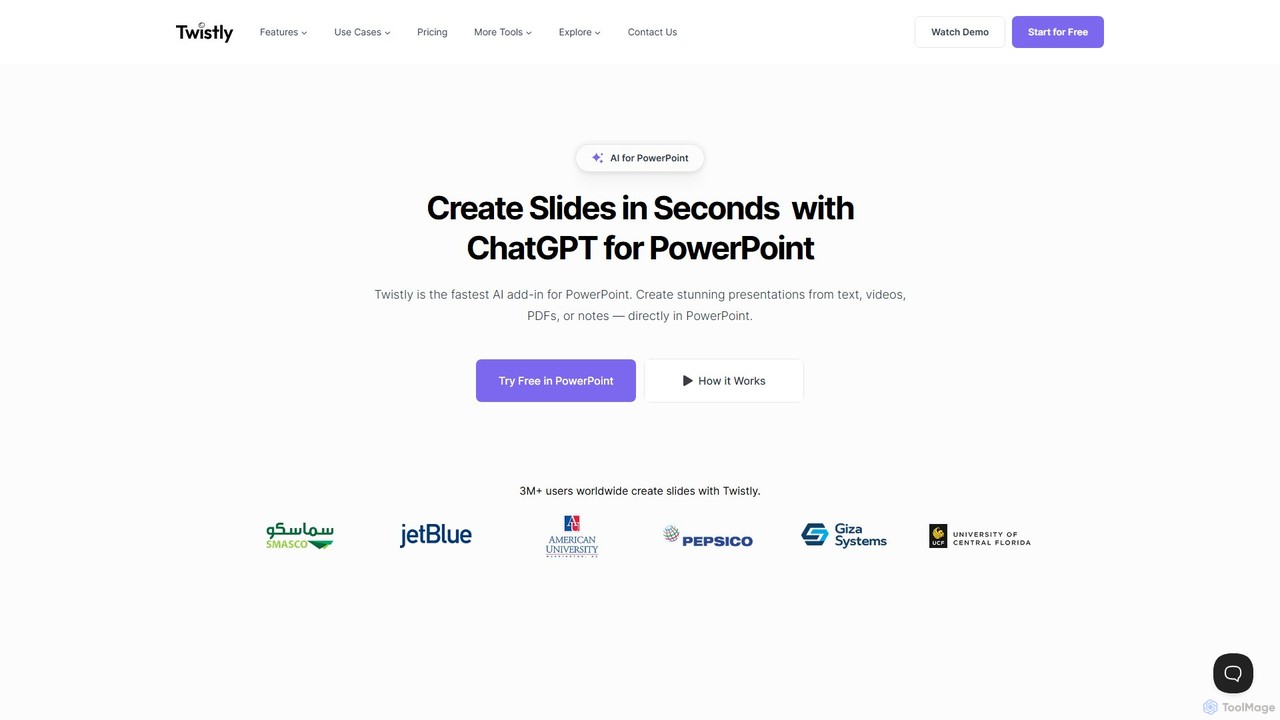
Twistly
Twistly is a powerful AI add-in for Microsoft PowerPoint that integrates ChatGPT to revolutionize presentation creation. It allows users to generate complete, stunning presentations from text, documents, PDFs, or even YouTube videos in seconds, directly within the PowerPoint interface. This eliminates the need for context switching, streamlining the workflow for professionals, educators, and students.
Teaching Tool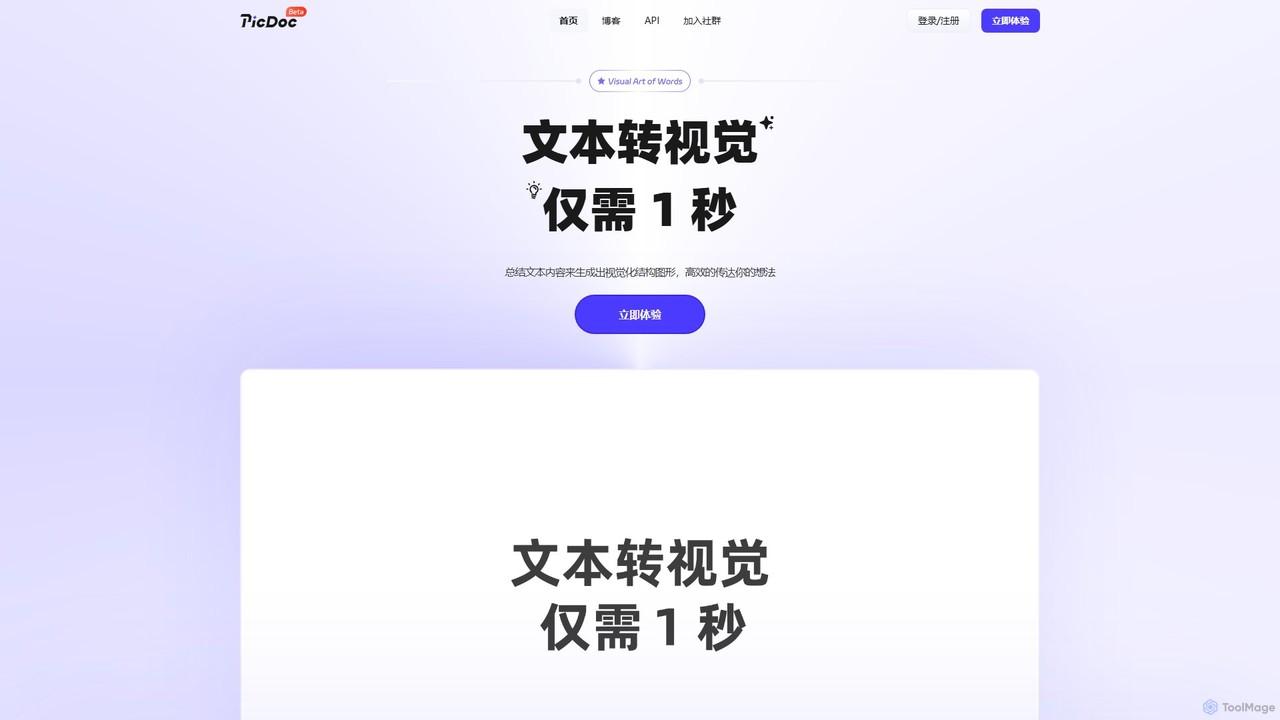
PicDoc
PicDoc is an AI-powered text-to-visual tool that instantly transforms text into stunning infographics, flowcharts, and diagrams. Simply input your content, and PicDoc's AI will analyze, summarize, and visualize it in seconds, helping you communicate complex ideas effectively and create professional-looking visuals without design skills.
Infographics
Jyek
Jyek is an AI agent platform that understands objectives, creates execution plans, uses tools, and delivers verifiable results for complex, multi-step tasks.
Automation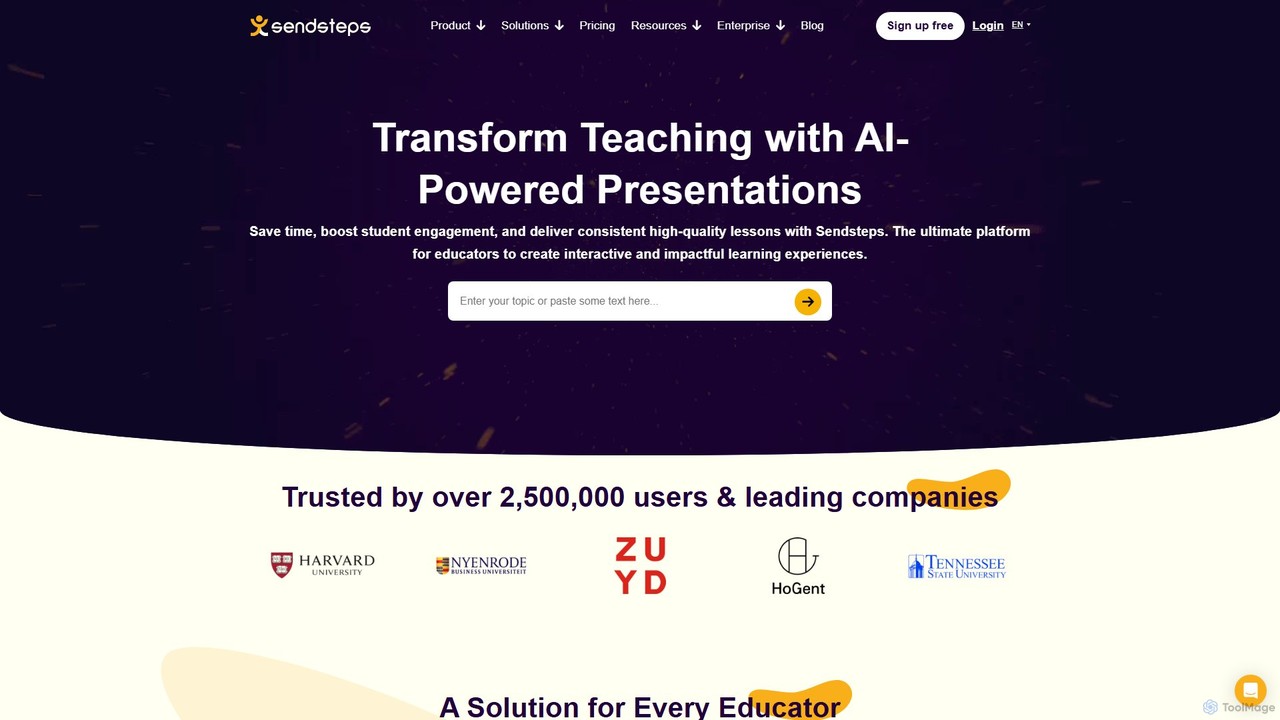
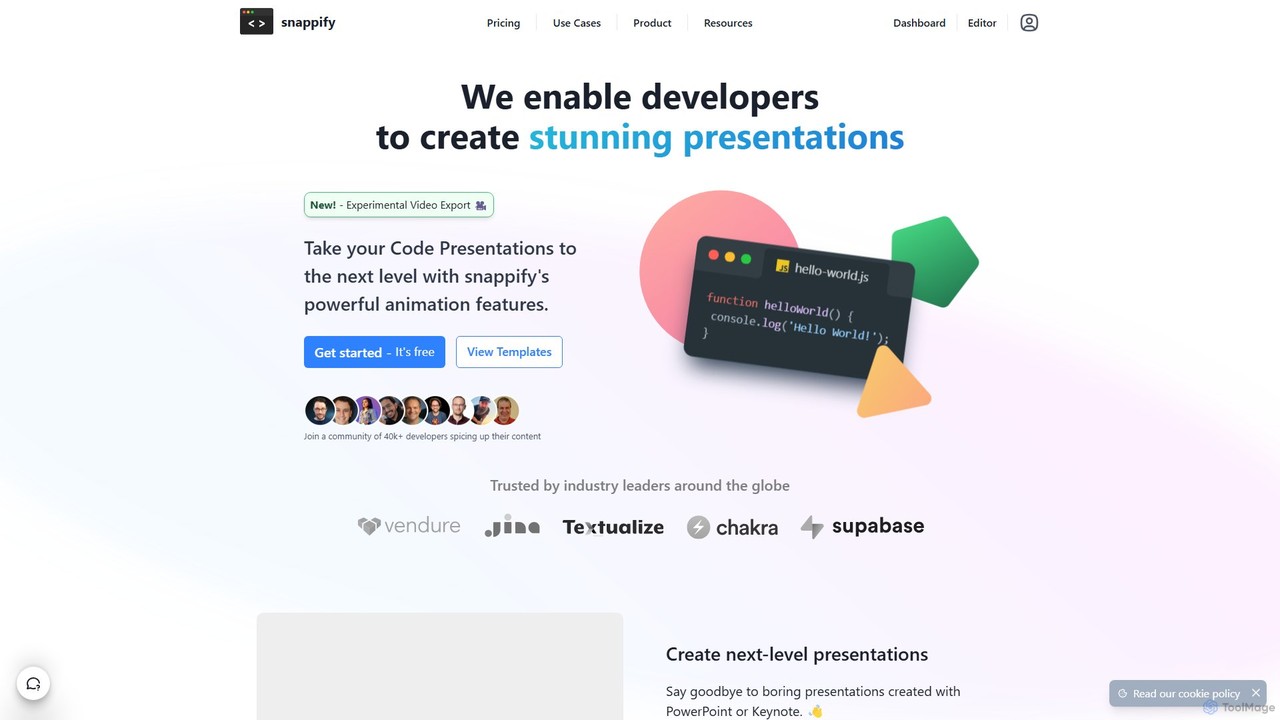
snappify
snappify is a powerful tool for developers, educators, and content creators to transform code snippets into stunning presentations, animated videos, and interactive infographics. It replaces traditional presentation software by offering first-class support for code, annotations, and branding, making technical content more engaging and understandable.
Code Tools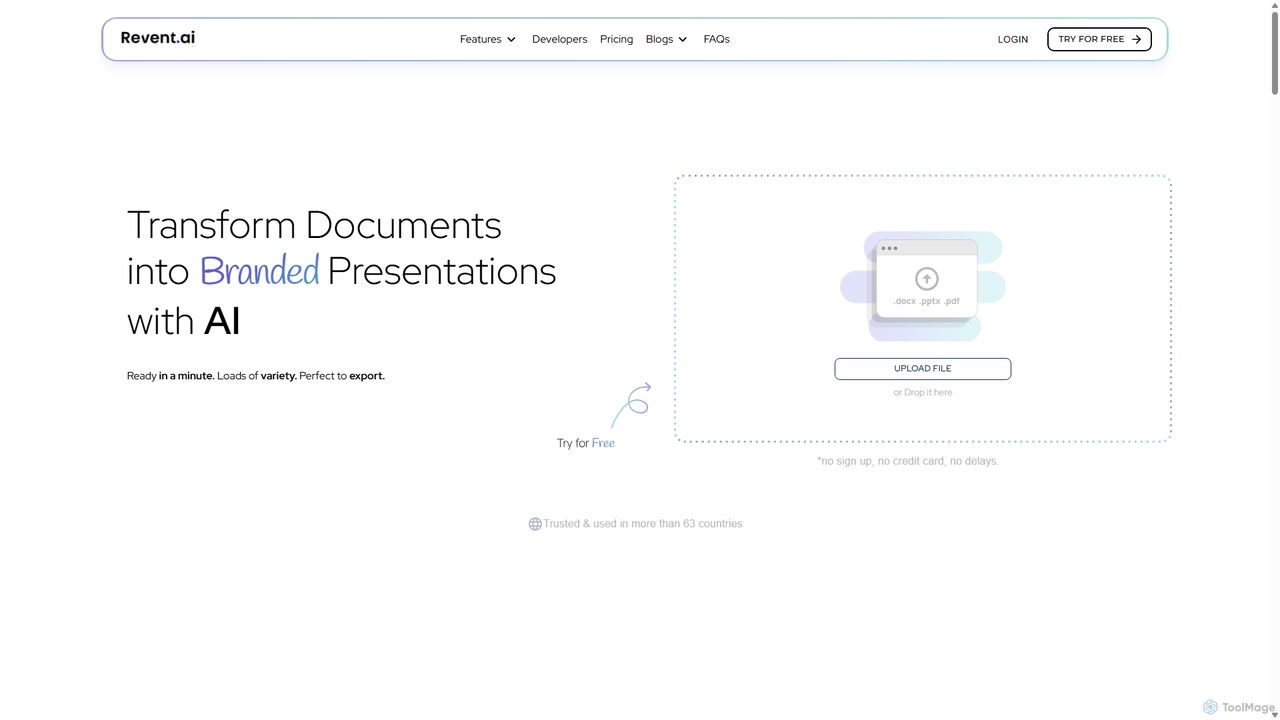
Revent
Revent is an AI-powered presentation design tool that instantly transforms documents like PDFs, Word files, and plain text into professionally designed, branded presentations. It automates slide creation, ensures brand consistency by mirroring your website's design, and offers a vast library of smart templates to streamline your workflow and produce stunning decks in minutes.
Document Management
ChatSlide Comments (0)
Sign in to comment.
Sign inNo comments yet.