

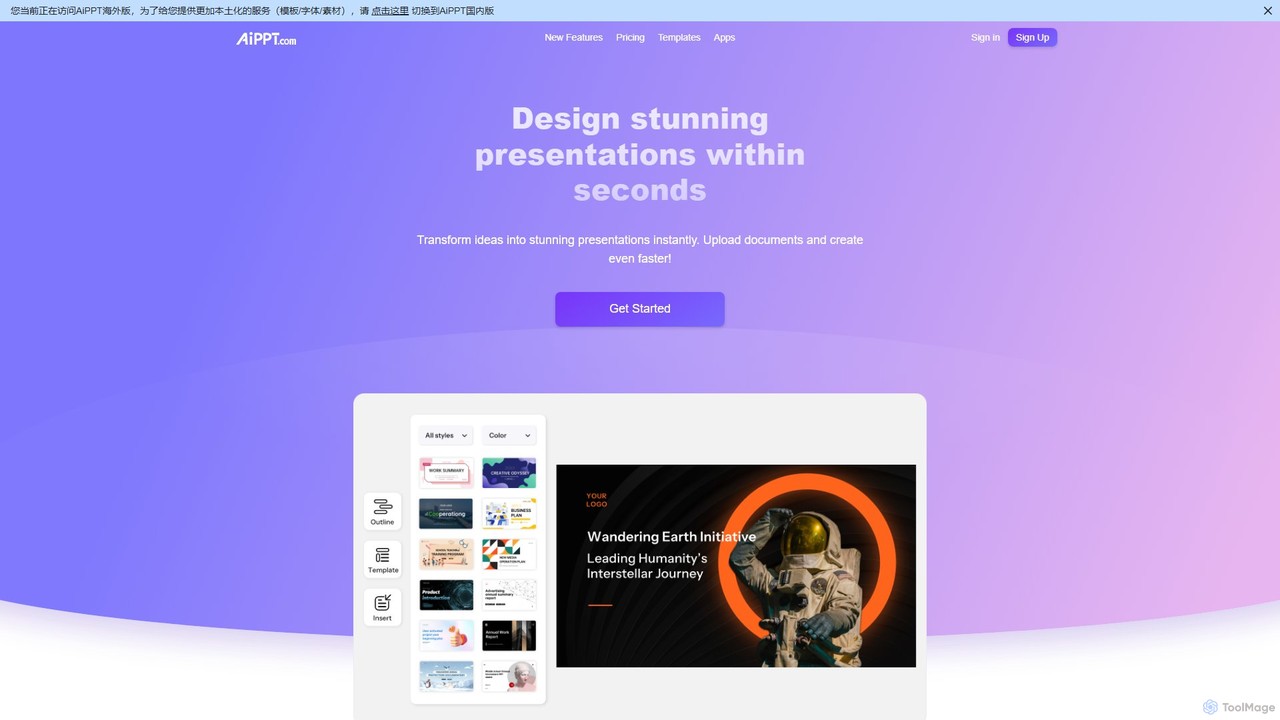
AiPPT Overview
AiPPT is a cutting-edge, AI-driven platform designed to revolutionize the way presentations are created. It empowers users to transform simple ideas, text, documents, or even entire webpages into visually appealing and professionally structured slide decks with just a single click. By automating the most time-consuming aspects of slide design and content organization, AiPPT allows professionals, educators, and students to focus on delivering their message effectively. The platform boasts a massive library of over 200,000 templates catering to diverse industries and styles, ensuring that every presentation is both unique and impactful. Established in 2018, AiPPT is committed to making high-quality presentation design accessible to everyone, regardless of their design skills.
How to use AiPPT
Using AiPPT is an intuitive and straightforward process designed for maximum efficiency:
- Choose Your Input Method: Start by selecting how you want to generate your presentation. You can begin with a simple text prompt or idea, upload a local document (such as PDF, Word, TXT, Xmind, or Markdown), import a file directly from Google Drive, or paste a webpage URL.
- Provide Your Content: Enter your topic or upload your file. The AI will analyze the content to understand the core concepts and structure.
- Configure Advanced Settings (Optional): Before generation, you can fine-tune the output. Specify the desired number of pages (up to 40), choose a tone (e.g., formal, humorous, instructional), define the target audience, and select the output language from over 43 options.
- Generate with AI: Click the generate button, and AiPPT's AI will instantly create a complete presentation outline and populate it into a beautifully designed slide deck, complete with relevant visuals and a logical flow.
- Edit and Customize: Once generated, you have full control to edit the content, change the color scheme, switch layout styles, and add or replace images using the built-in AI Image Generator.
- Export and Share: When you're satisfied with your presentation, you can easily export it in various formats, including PPT, PDF, or as individual images, and share it with your audience.
Core Features of AiPPT
- One-Click AI Generation: Instantly convert text, documents, or URLs into complete presentations, saving hours of manual work.
- Multiple Input Formats: Supports a wide range of inputs including text prompts, PDF, Word, TXT, Xmind, Freemind, Markdown, Google Drive files, and webpage URLs.
- AI Image Generator: Create custom, high-quality images from text descriptions directly within the editor to perfectly match your content.
- Extensive Template Library: Access over 200,000 free templates across various styles (minimalist, business, fun, cartoon) and industries (education, healthcare, technology).
- Advanced Customization: Fine-tune your presentation by setting the page count, tone, target audience, and output language. Easily edit text, layouts, and color schemes post-generation.
- Multi-language Support: Generate presentations in over 43 languages, making it an ideal tool for global teams and international communication.
- Flexible Export Options: Download your finished slides as editable PowerPoint (.ppt) files, PDFs, or high-resolution images.
Use Cases for AiPPT
AiPPT is a versatile tool suitable for a wide range of users and scenarios:
- Business Professionals: Business analysts, marketers, and product managers can quickly create data-driven reports, project proposals, marketing pitches, and client presentations.
- Educators and Students: Teachers can transform lesson plans and academic papers into engaging visual aids for the classroom, while students can efficiently create high-quality presentations for assignments and research projects.
- Content Creators and Designers: Quickly generate visual content for webinars, online courses, and social media. The AI image generator helps create unique visuals without relying on stock photos.
- Team Collaboration: Teams can streamline their workflow by importing shared documents from Google Drive or URLs from platforms like Notion to create consistent and professional presentations for internal meetings or external stakeholders.
Advantages of AiPPT
AiPPT offers significant advantages over traditional presentation software:
- Unmatched Speed and Efficiency: Drastically reduces presentation creation time from hours to mere seconds.
- Professional Quality by Default: AI-powered design ensures every presentation looks polished and professional, even for users with no design experience.
- High Degree of Flexibility: The wide array of input methods and customization options provides users with complete control over the final product.
- Enhanced Creativity: The AI acts as a creative partner, generating outlines, suggesting content, and creating custom visuals, helping to overcome creative blocks.
Pricing and Plans
AiPPT operates on a freemium model, offering plans for different levels of usage (prices in Malaysian Ringgit - MYR):
- Free Plan: Ideal for casual users. Includes up to 6 total AI generations, 40 total AI image credits, and a maximum of 10 pages per presentation.
- Plus Plan (RM 9.0/month): Designed for regular users. Offers 20 AI generations per day, 500 AI image credits per month, up to 20 pages per presentation, import from Google Drive/URL, and watermark-free exports in PPT, PDF, and image formats.
- Pro Plan (RM 14.0/month): The ultimate plan for power users. Provides 40 AI generations per day, 1000 AI image credits per month, up to 40 pages per presentation, and all other premium features.
Traffic
Latest traffic
Status
Monthly traffic trend
- 2025-9: 770.5K
- 2026-1: 762.9K
- 2026-2: 587.2K
- 2026-3: 622.2K
- 2026-4: 793.3K
- 2026-5: 807.1K
Geography
Top 5 countries / regions
- 🇮🇳India50.1%
- 🇮🇩Indonesia20.4%
- 🇺🇸United States16.9%
- 🇯🇵Japan7.0%
- 🇨🇳China5.7%
Traffic sources
| Source type | Percentage |
|---|---|
Direct | 83.5% |
Referral | 16.0% |
Email | 0.6% |
Top keywords
| Keyword | Cost per click |
|---|---|
| ai ppt | $0.45 |
| aippt | $0.34 |
| ai ppt maker | $0.25 |
| gamma ai | $0.20 |
| pdf to ppt | $0.18 |
AiPPT Videos on YouTube


AI Researcher & Robotics Developer Frank Fu

Digital Product Wizard


AiPPT Alternatives
SlidesPilot
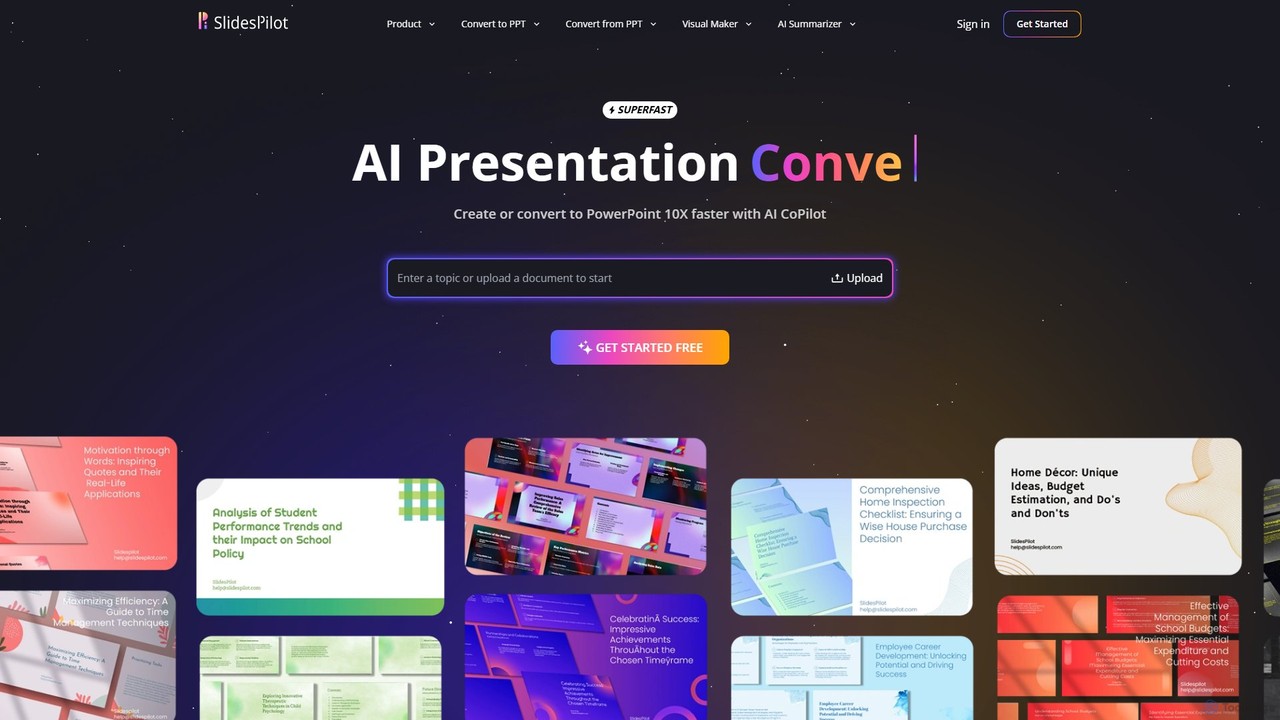
SlidesPilot is an AI-powered presentation generator that creates professional PowerPoint and Google Slides 10x faster. It can generate presentations from a topic, convert documents (PDF, Word), text, YouTube videos, and webpages into slides, and features an AI Copilot for real-time editing, image generation, and content rewriting.
Document Management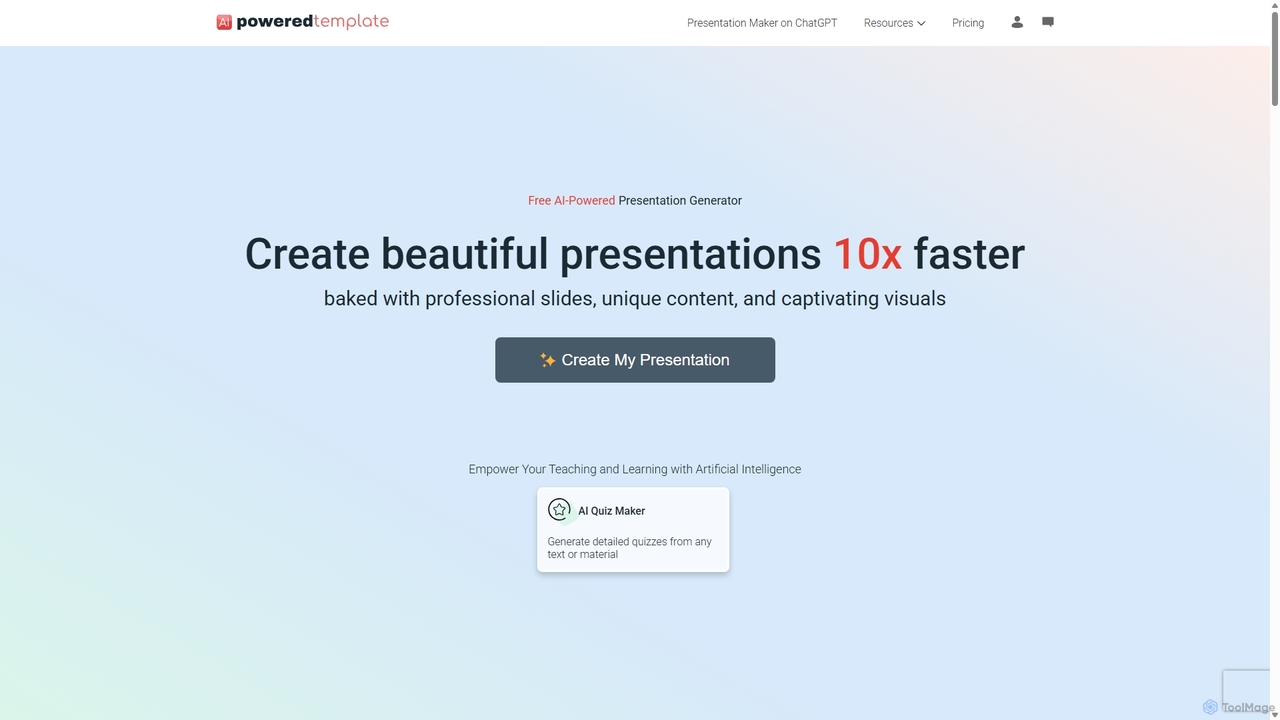
PoweredTemplate AI Presentation Maker
PoweredTemplate AI Presentation Maker is a free, AI-powered tool that transforms your ideas and text into stunning, professional presentations 10x faster. Instantly generate high-quality slides with unique content and captivating visuals for business, education, and marketing. It supports export to PowerPoint, Google Slides, and PDF, offering extensive customization through a vast library of templates and stock media.
Proposals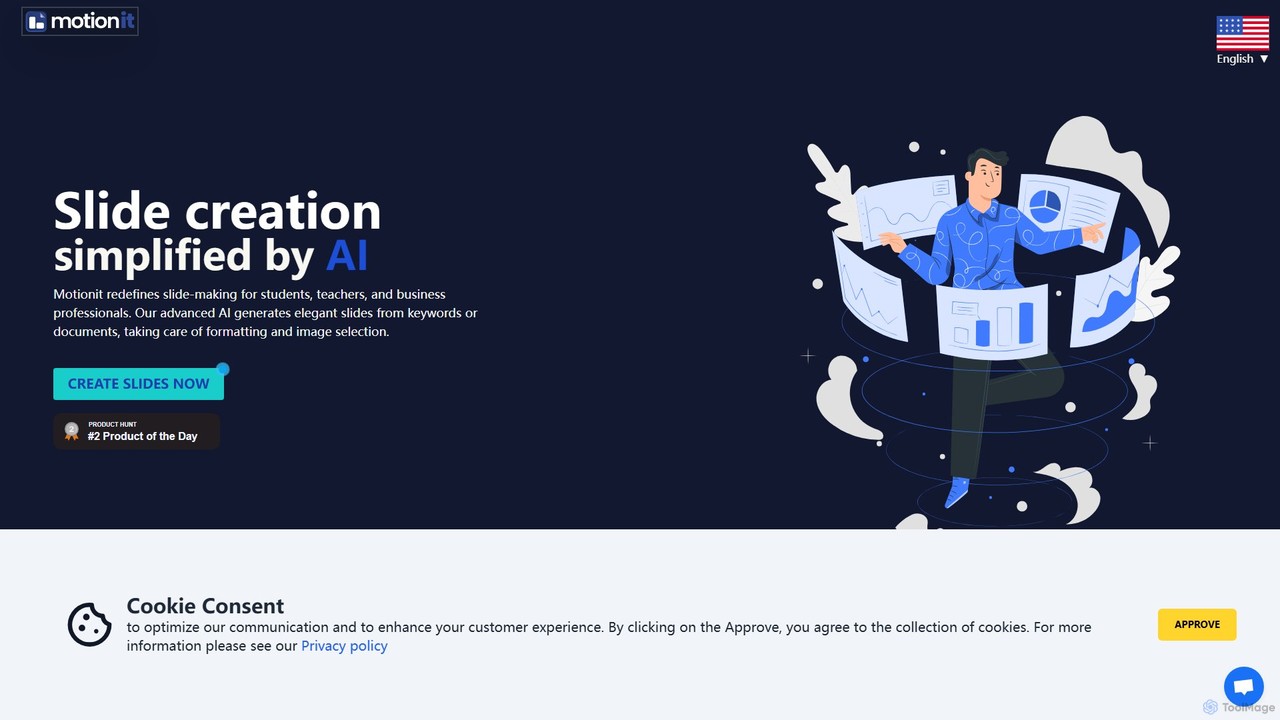
MotionIt
MotionIt is an AI-powered presentation generator that simplifies slide creation for students, educators, and business professionals. It automatically designs elegant slides from keywords or documents, complete with formatting and relevant image selection, and allows exporting to PowerPoint, Google Slides, and PDF.
Sales
SlidesAI
SlidesAI is an AI-powered presentation maker that integrates directly into Google Slides and PowerPoint. It instantly transforms your text, documents, or ideas into professionally designed, ready-to-present slides. Save hours of manual work by automatically generating outlines, content, and visuals. It's perfect for educators, professionals, and students who need to create compelling presentations quickly and efficiently, with support for over 100 languages.
Automation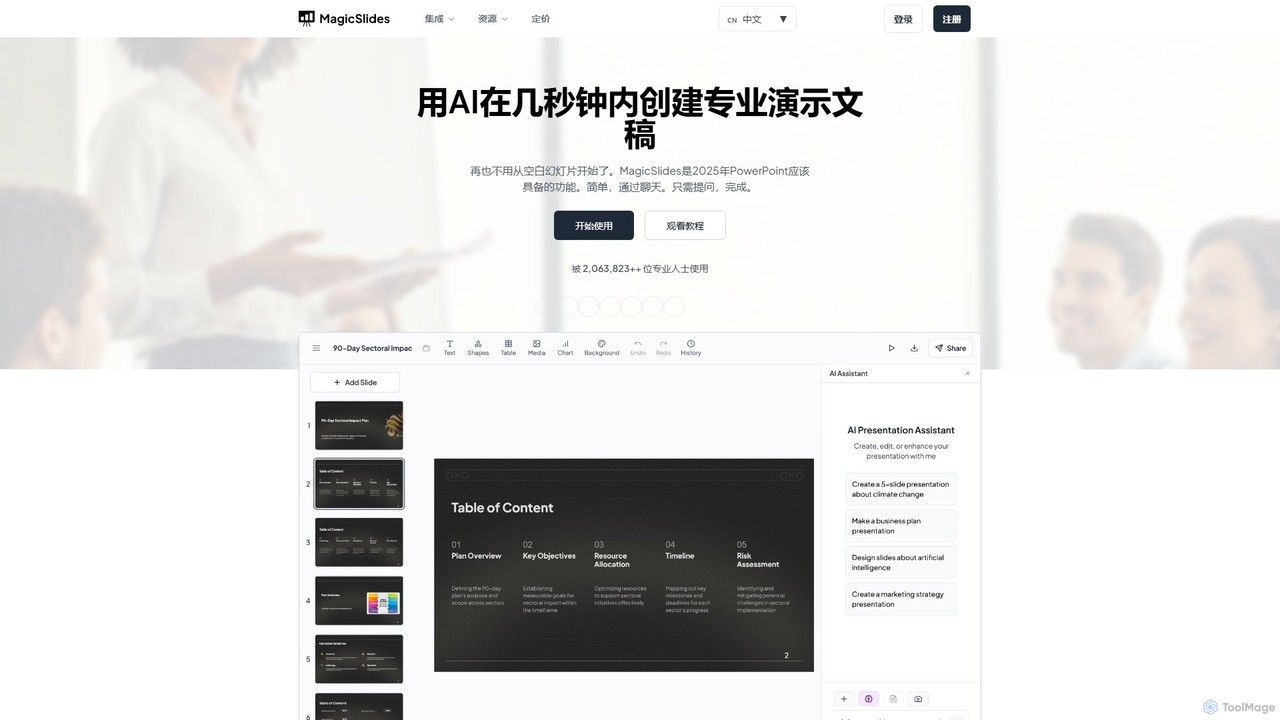
MagicSlides
MagicSlides is an AI-powered presentation maker that instantly creates professional slides from various sources, including text, topics, PDFs, YouTube videos, and URLs. It integrates seamlessly with Google Slides, PowerPoint, Figma, and more, supporting over 136 languages to streamline your workflow and save hours of design time.
AutomationAiPPT Categories
AiPPT Embed Widget
Copy this embed code to place the badge on your blog, article, or product site and send readers directly to this ToolMage detail page.

Related AI tools
SlidesPilot
SlidesPilot is an AI-powered presentation generator that creates professional PowerPoint and Google Slides 10x faster. It can generate presentations from a topic, convert documents (PDF, Word), text, YouTube videos, and webpages into slides, and features an AI Copilot for real-time editing, image generation, and content rewriting.
Document ManagementMagicSlides
MagicSlides is an AI-powered presentation maker that instantly creates professional slides from various sources, including text, topics, PDFs, YouTube videos, and URLs. It integrates seamlessly with Google Slides, PowerPoint, Figma, and more, supporting over 136 languages to streamline your workflow and save hours of design time.
Automation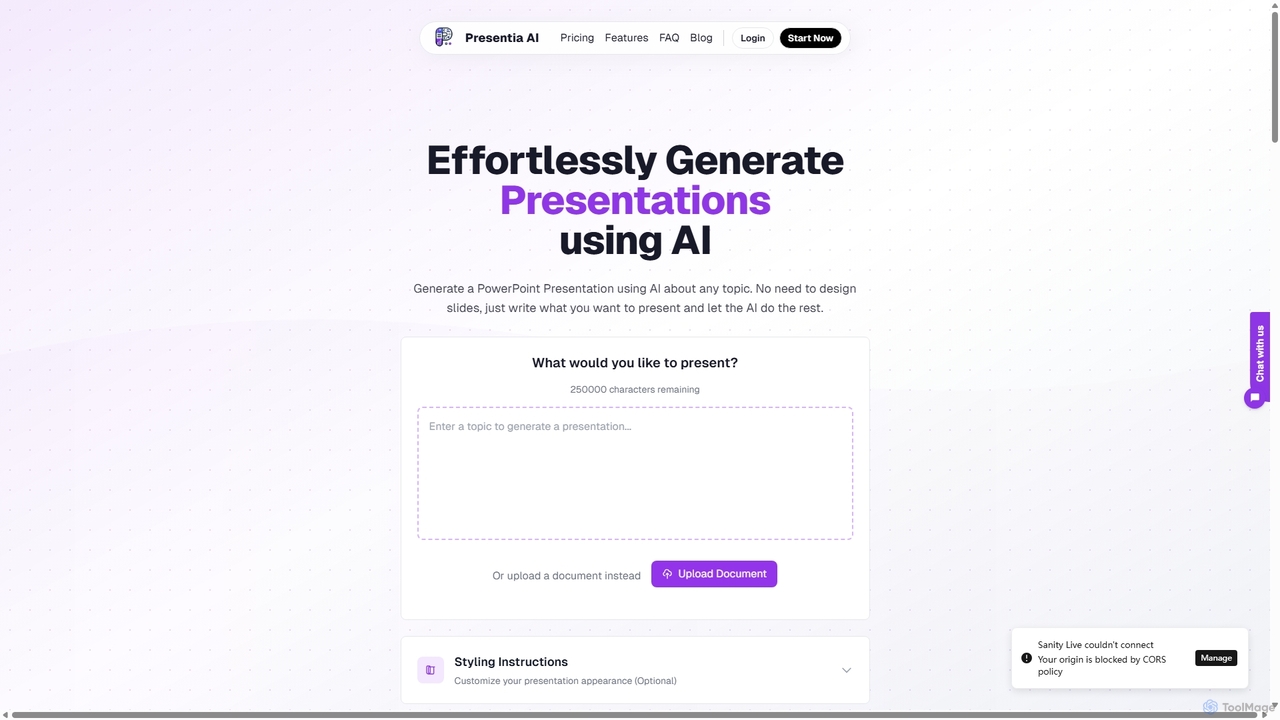
Presentia AI
Presentia AI is an advanced AI presentation maker that automatically generates professional PowerPoint slides from text prompts or documents. Simply input your topic or upload a PDF/Word file, and the AI will create a complete, visually appealing presentation with text and images in seconds, supporting multiple languages and custom styling.
Student Tools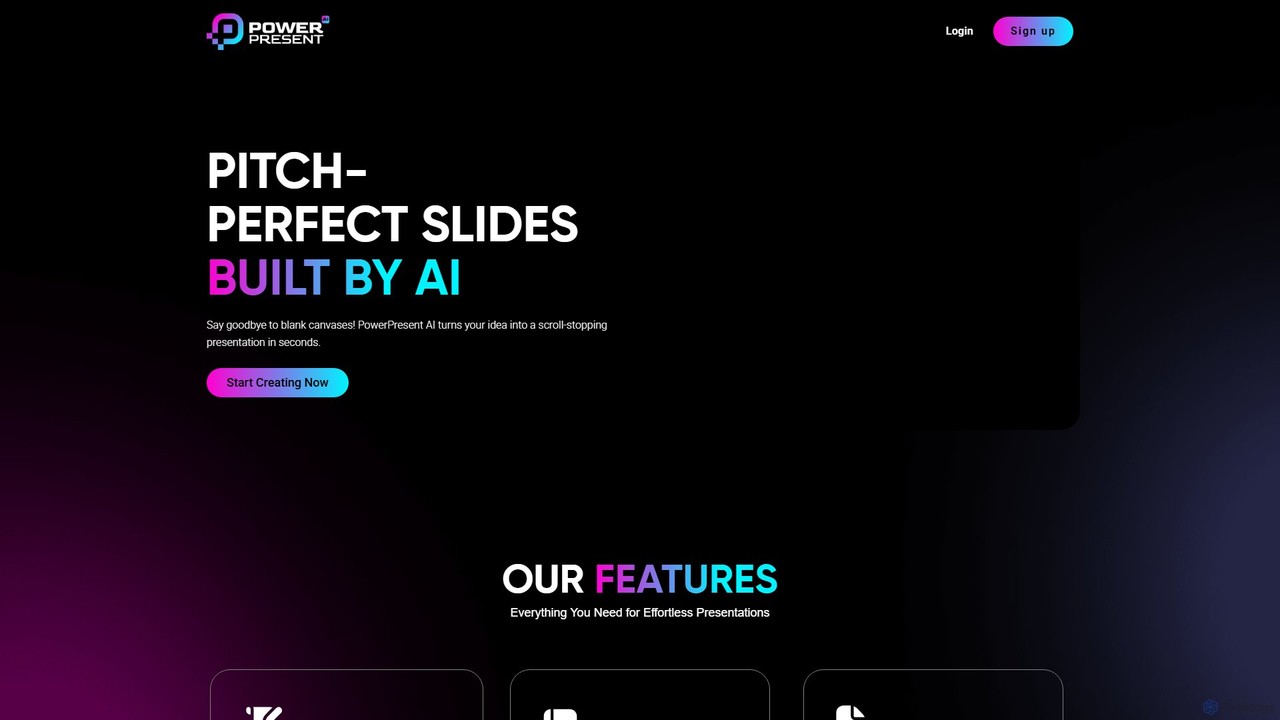
PowerPresent
PowerPresent is an AI-powered presentation maker that instantly transforms your ideas, documents, links, or text into professional, editable slides. Say goodbye to blank canvases and create stunning, pitch-perfect presentations in seconds for business, education, or personal projects.
MarketingPoweredTemplate AI Presentation Maker
PoweredTemplate AI Presentation Maker is a free, AI-powered tool that transforms your ideas and text into stunning, professional presentations 10x faster. Instantly generate high-quality slides with unique content and captivating visuals for business, education, and marketing. It supports export to PowerPoint, Google Slides, and PDF, offering extensive customization through a vast library of templates and stock media.
ProposalsMotionIt
MotionIt is an AI-powered presentation generator that simplifies slide creation for students, educators, and business professionals. It automatically designs elegant slides from keywords or documents, complete with formatting and relevant image selection, and allows exporting to PowerPoint, Google Slides, and PDF.
Sales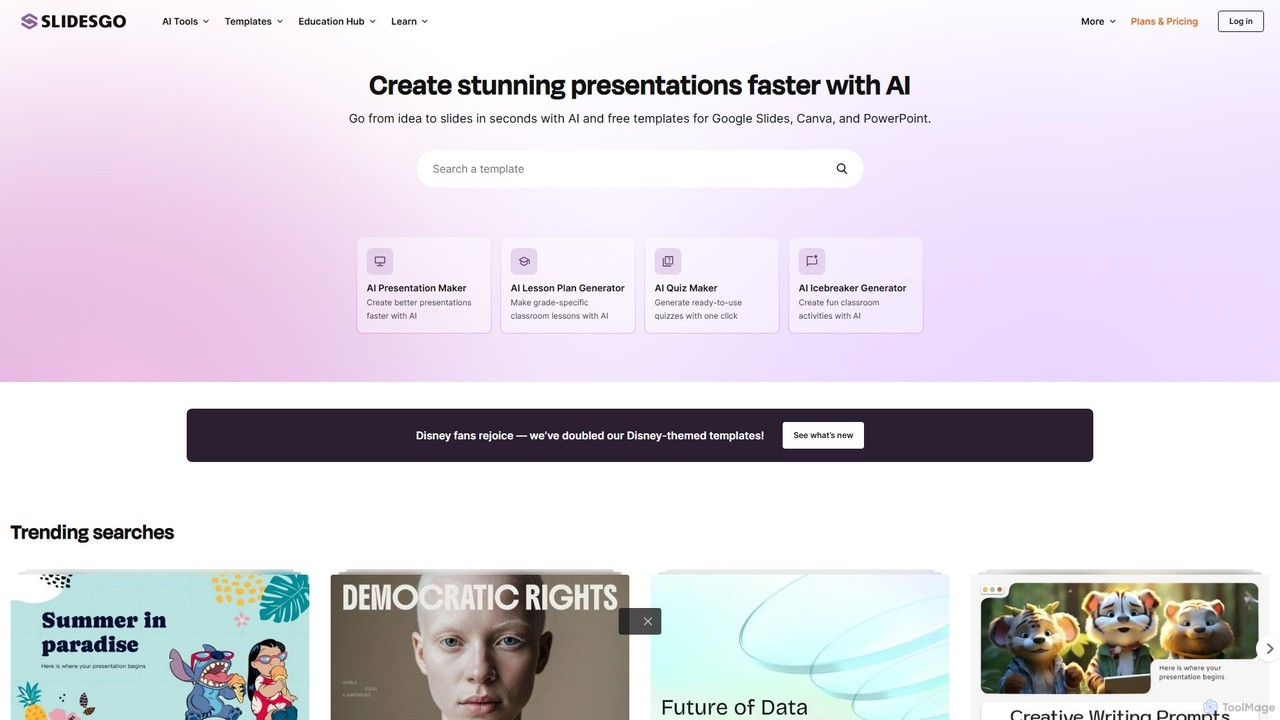
Slidesgo
Slidesgo is a comprehensive platform offering a vast library of free and premium templates for Google Slides and PowerPoint. It enhances productivity with an AI Presentation Maker that creates slides from text prompts and a tool to convert PDFs into editable presentations, catering to education, business, and personal use.
Templates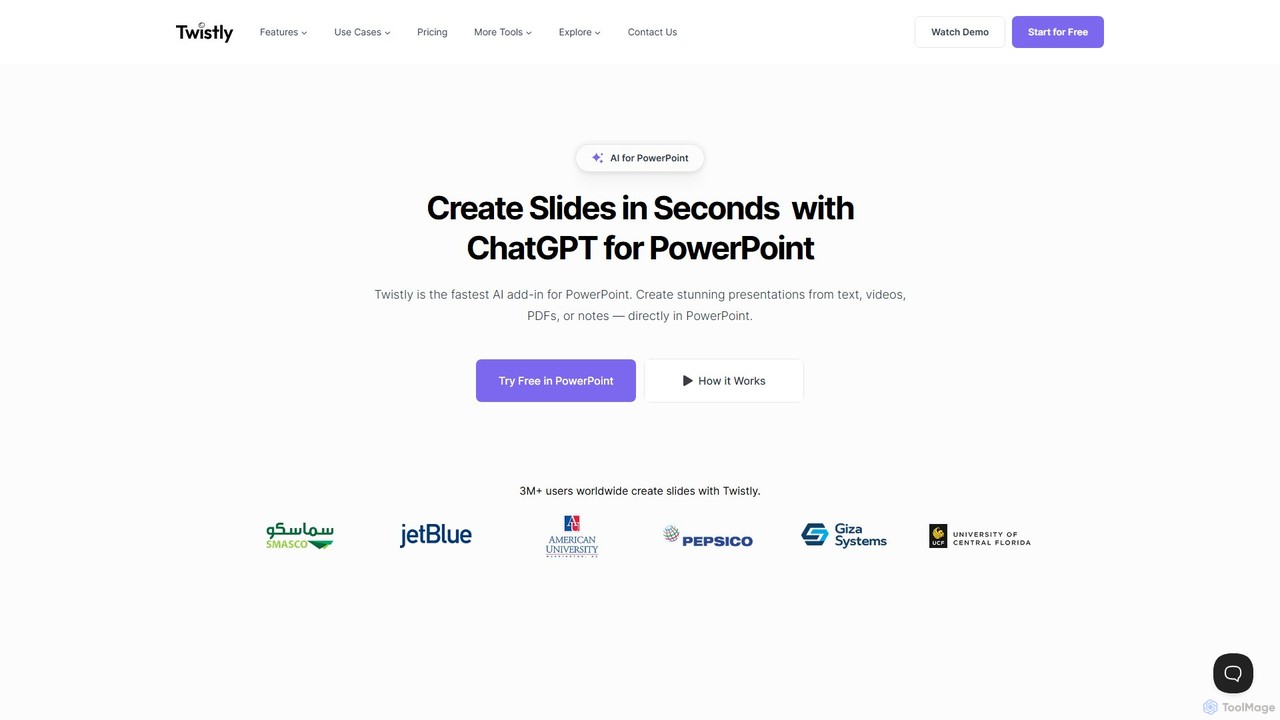
Twistly
Twistly is a powerful AI add-in for Microsoft PowerPoint that integrates ChatGPT to revolutionize presentation creation. It allows users to generate complete, stunning presentations from text, documents, PDFs, or even YouTube videos in seconds, directly within the PowerPoint interface. This eliminates the need for context switching, streamlining the workflow for professionals, educators, and students.
Teaching Tool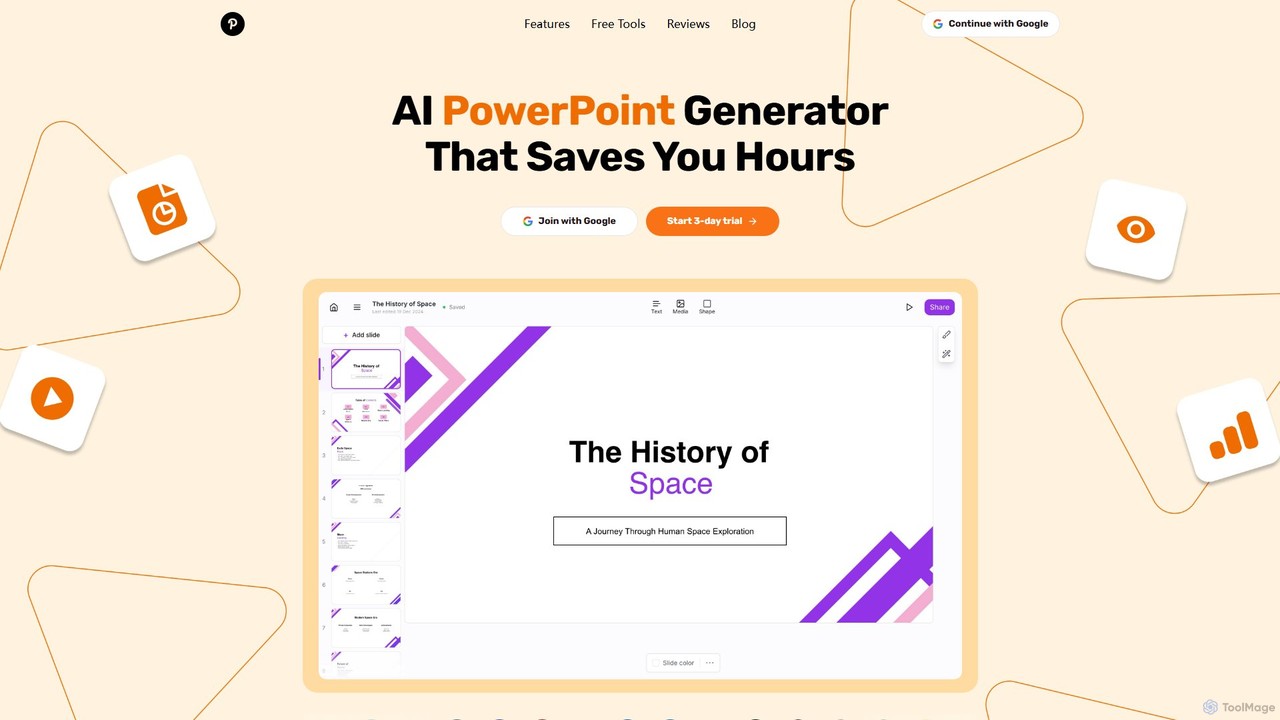
GenPPT
GenPPT is an AI-powered presentation generator that creates professional PowerPoint slides from simple text prompts in minutes. It's designed for professionals, marketers, and students to save hours on slide creation, focusing on logical structure, compelling content, and sleek design without needing any design skills.
Sales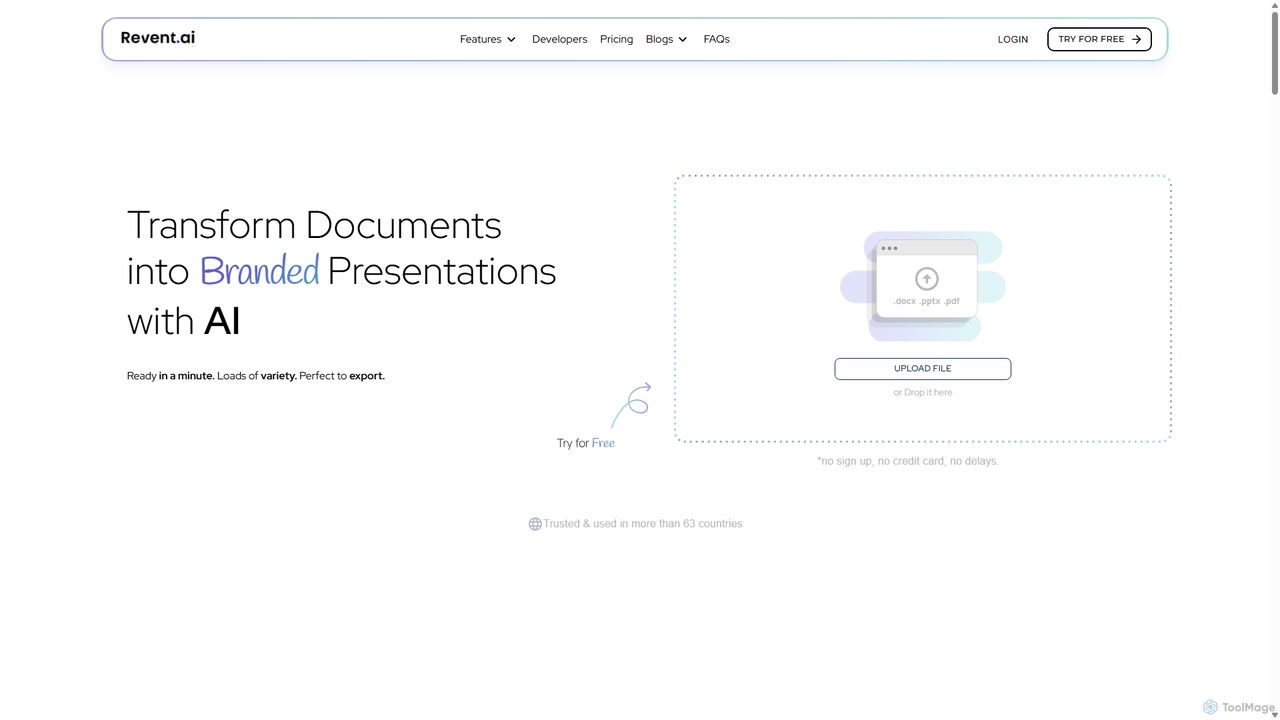
Revent
Revent is an AI-powered presentation design tool that instantly transforms documents like PDFs, Word files, and plain text into professionally designed, branded presentations. It automates slide creation, ensures brand consistency by mirroring your website's design, and offers a vast library of smart templates to streamline your workflow and produce stunning decks in minutes.
Document Management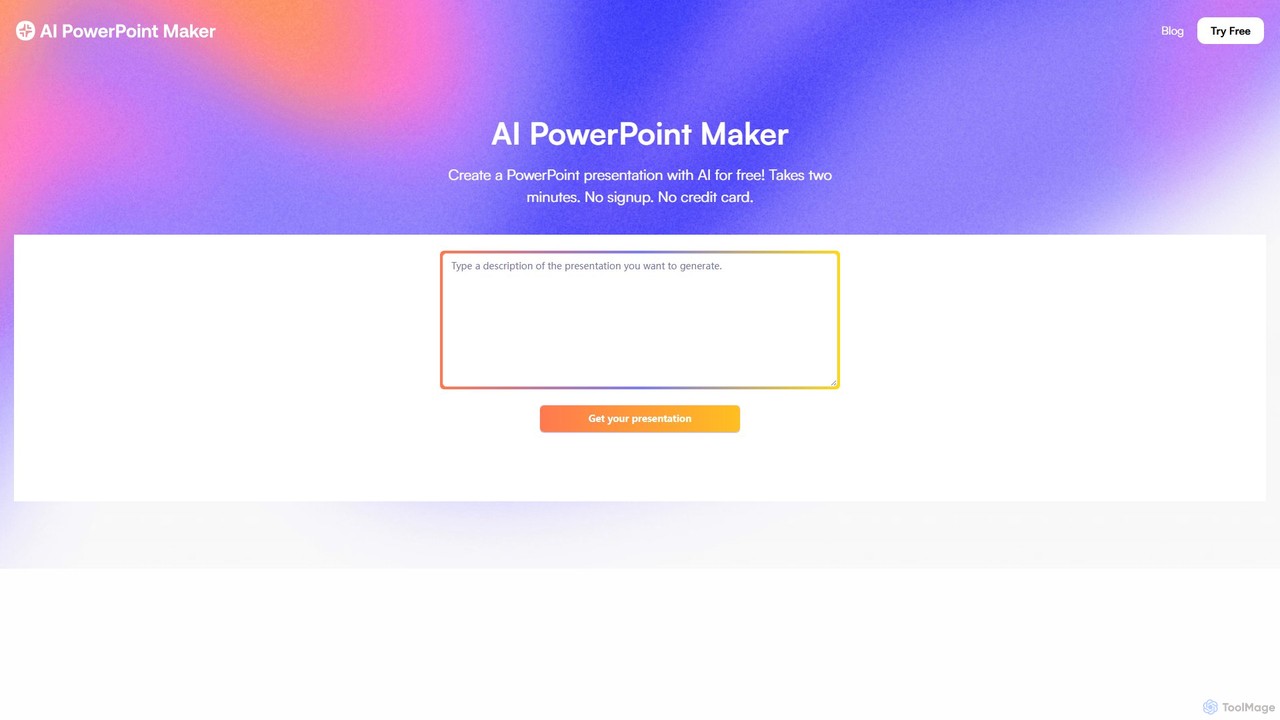
aipowerpointmaker
aipowerpointmaker is an AI-powered tool that instantly transforms text, documents, or rough notes into professional, fully-editable PowerPoint presentations. It automates design, content structuring, and image sourcing, enabling users to create client-ready slides in minutes. It's a web-based tool with seamless PowerPoint integration, perfect for business professionals, marketers, and students.
Sales
Gamma
Gamma is an AI-powered design partner that revolutionizes content creation. It enables users to effortlessly generate polished presentations, engaging websites, professional documents, and social media graphics from simple text prompts. Move beyond traditional slide decks and blank pages, and transform your ideas into visually stunning, ready-to-share materials in minutes, no design skills required.
Website Builder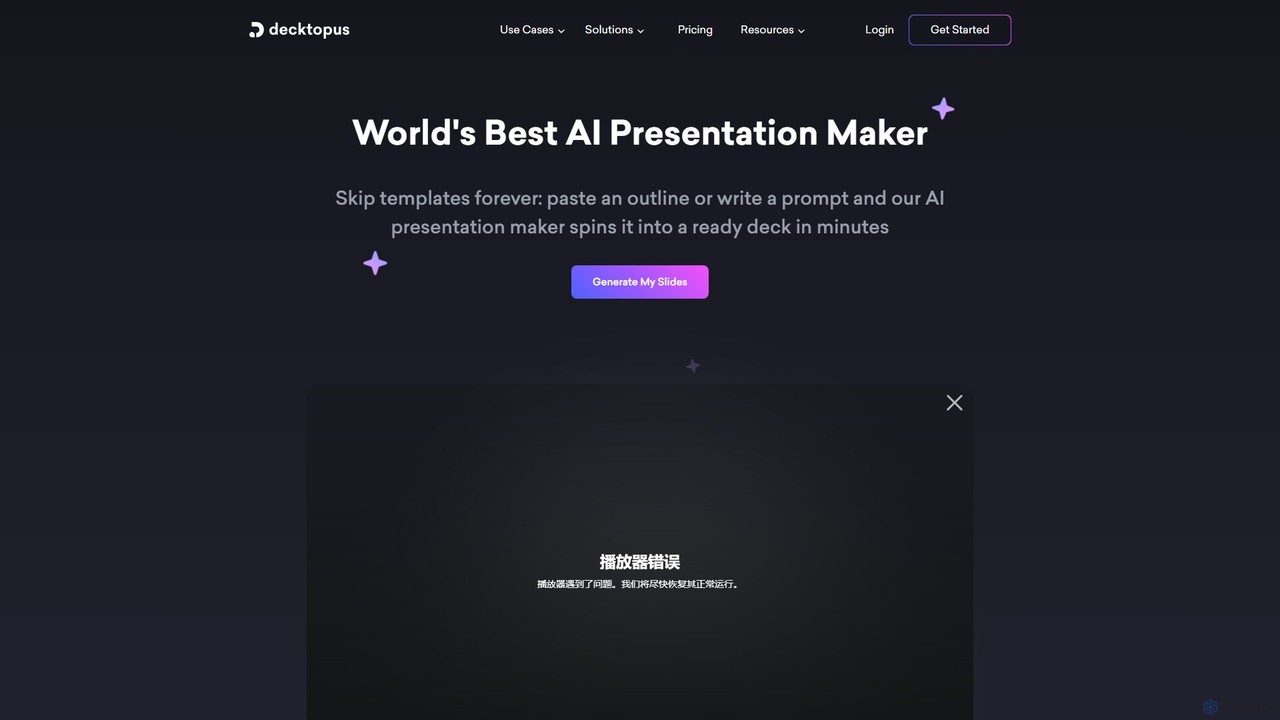
Decktopus
Decktopus is an AI-powered presentation maker that transforms your prompts, outlines, or documents into stunning, ready-to-present decks in minutes. It automates content creation, design, and image generation, allowing you to focus on delivering your message with impact.
Corporate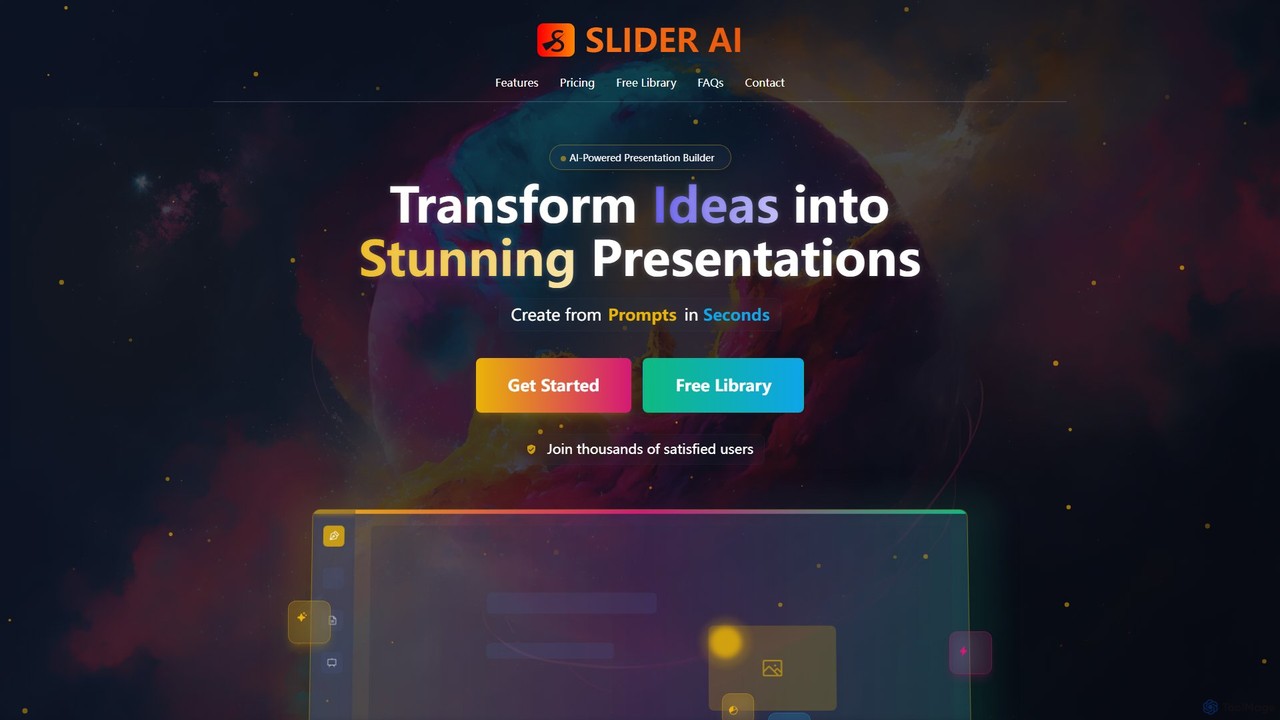
Slider AI
Slider AI is an AI-powered presentation builder that transforms your ideas, text, videos, or websites into stunning, professional presentations in seconds. It automates content creation, design, and image generation, significantly boosting productivity for professionals, educators, and students.
Marketing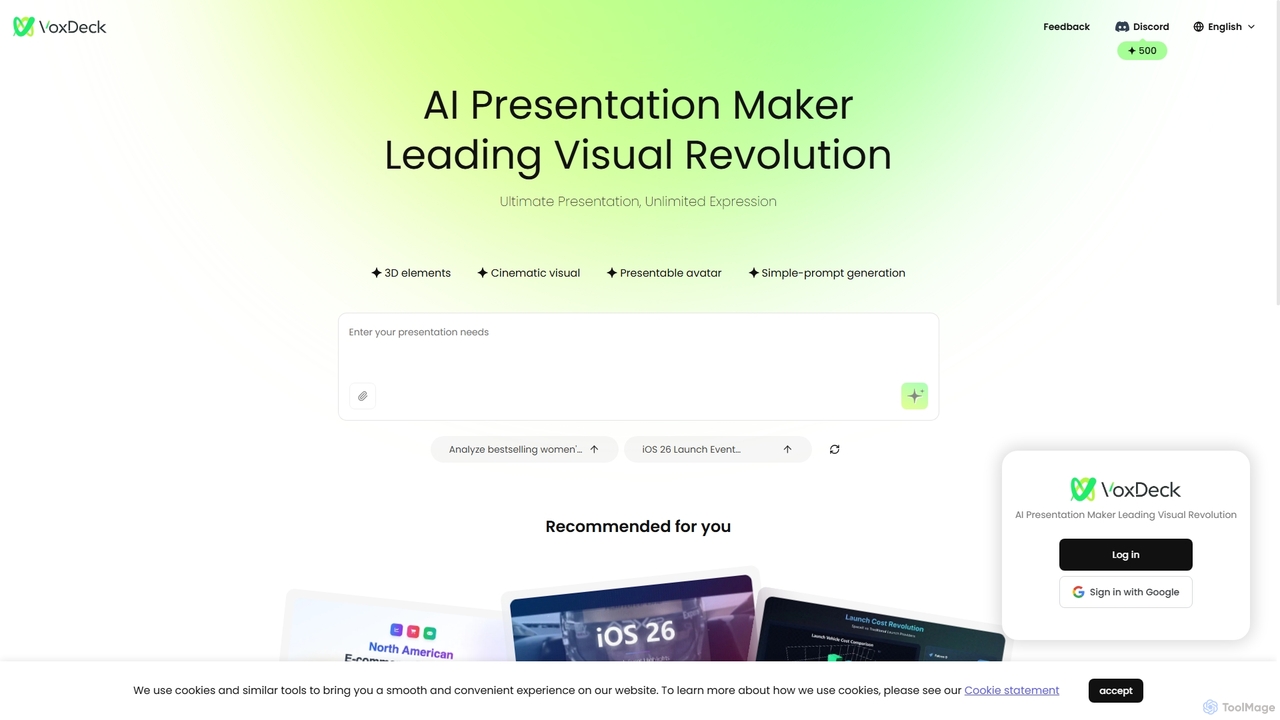
VoxDeck
VoxDeck is an AI-powered presentation maker that transforms simple text prompts into visually stunning, cinematic presentations. It leverages 3D elements, dynamic visuals, and presentable avatars to create engaging and professional slides, leading a new revolution in visual storytelling and communication.
Graphics
AiPPT Comments (0)
Sign in to comment.
Sign inNo comments yet.