

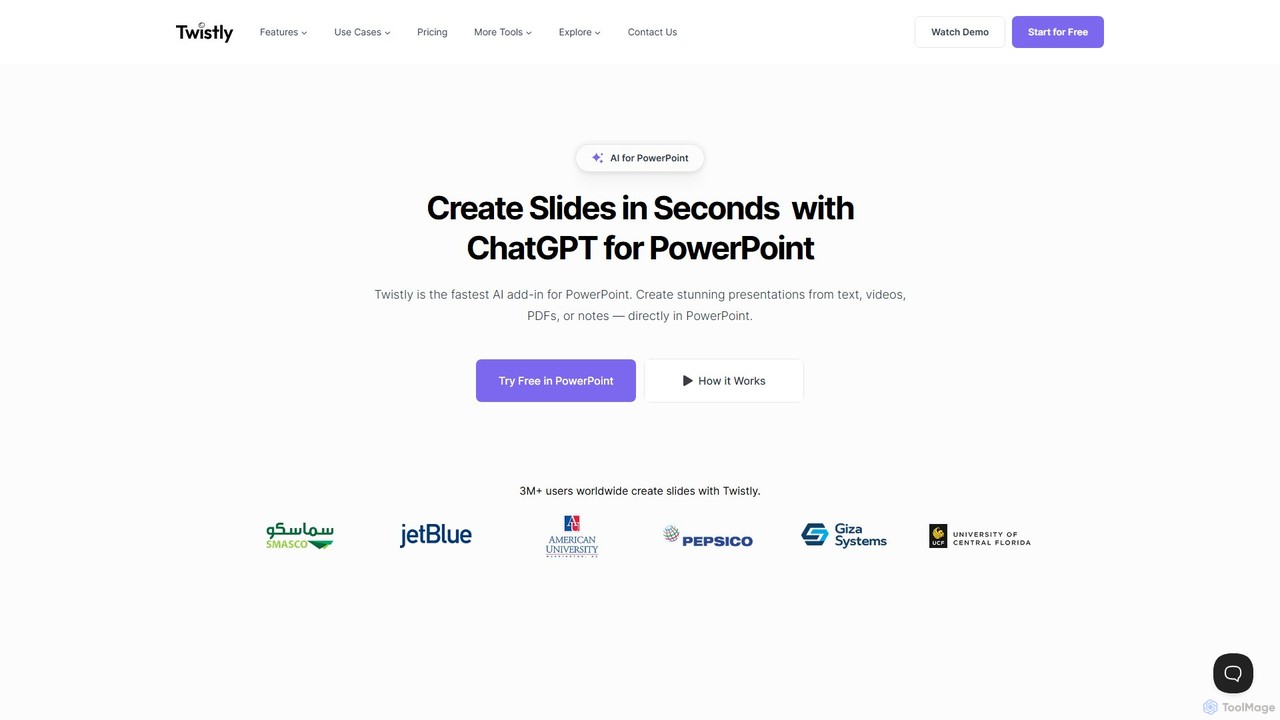
Twistly Overview
Twistly is an advanced AI-powered add-in designed to work seamlessly within Microsoft PowerPoint. It leverages the capabilities of ChatGPT to transform the way users create presentations, making the process faster, smarter, and more efficient. Unlike browser-based presentation tools that require you to create content online and then export it, Twistly operates directly inside your familiar PowerPoint environment. This native integration ensures a smooth, uninterrupted workflow, saving valuable time and effort. With a user base of over 3 million, Twistly is trusted by professionals, educators, and students worldwide to automate and enhance their slide creation process.
The core principle of Twistly is to turn any form of content into a visually appealing and well-structured presentation. Whether you have a simple text prompt, a detailed outline, a blog post, a PDF report, a Word document, or a link to a YouTube video, Twistly's AI can parse the information and generate a complete slide deck in moments. This makes it an indispensable tool for anyone who needs to produce high-quality presentations on a tight deadline.
How to use Twistly
Getting started with Twistly is designed to be simple and intuitive, integrating directly into your existing PowerPoint workflow. Here’s a typical process:
- Installation: First, you need to add Twistly to your PowerPoint. This is usually done by finding it in the Microsoft Office Add-in store and clicking 'Add'. Once installed, a Twistly tab will appear in your PowerPoint ribbon.
- Launch the Add-in: Open PowerPoint and click on the Twistly tab to launch the tool's side panel.
- Choose Your Method: Select how you want to create your presentation. You can choose to 'Generate from prompt' by typing a topic, 'Convert content' by uploading a file (PDF, DOCX) or pasting a URL (like a YouTube video or blog post).
- Generate Slides: After providing your input, the AI will process the content and generate a full presentation deck, complete with titles, bullet points, and suggested layouts based on professional templates.
- Edit and Refine with AI: Once the slides are created, you can use Twistly’s AI editing tools to refine them. This includes improving text, generating speaker notes, creating custom images with AI, or even translating the entire presentation into another language.
Core Features of Twistly
- Generate from Multiple Sources: Instantly create full presentations from text prompts, outlines, DOCX files, PDFs, and YouTube video links.
- Seamless PowerPoint Integration: Works as a native add-in, eliminating the need to switch between your browser and PowerPoint. Everything happens in one place.
- AI-Powered Content Enhancement: Use one-click tools to improve and polish the text on your slides, ensuring clarity and impact.
- AI Image Generation: Move beyond boring stock photos. Describe the visual you need, and the AI will generate custom images that perfectly match your content.
- Automatic Speaker Notes: Let ChatGPT automatically write detailed and relevant speaker notes for each slide, helping you prepare for your delivery.
- Instant Slide Translation: Effortlessly translate your entire presentation into multiple languages with a single click, breaking down communication barriers.
- Single Slide Generation: Quickly add new, individual slides to an existing presentation whenever you need to make a quick update or addition.
- Professionally Designed Templates: Access a growing library of ready-to-use, AI-enhanced templates suitable for business, education, research, and more.
Use Cases for Twistly
Twistly is a versatile tool suitable for a wide range of users:
- Business Professionals: Quickly create compelling sales pitches, project proposals, marketing reports, and internal training materials from existing documents or brief outlines.
- Educators and Academics: Convert lecture notes, research papers, or educational videos into engaging and structured slide decks for the classroom or conferences.
- Students: Transform study notes, research articles, or video tutorials into clear and professional-looking presentations for class projects and assignments, saving hours of manual work.
- Marketers and Content Creators: Repurpose blog posts, articles, or video content into shareable presentations for webinars, social media, or lead magnets.
Advantages of Twistly
The primary advantage of Twistly is its deep integration with PowerPoint, which leads to significant efficiency gains. Users don't have to learn a new interface or deal with file compatibility issues. The workflow is fast, familiar, and powerful. By leveraging ChatGPT, the quality of the generated content—from text to speaker notes—is exceptionally high. The ability to create custom visuals with AI directly within the tool further enhances the uniqueness and professional look of the presentations. Ultimately, Twistly saves users countless hours, allowing them to focus on delivering their message rather than on the tedious task of slide design.
Pricing and Plans
Twistly operates on a freemium model. It offers a free trial that allows users to explore its core features without requiring a credit card. This free plan is ideal for experiencing the tool's capabilities firsthand. For users who require more advanced features, higher usage limits, and access to the full suite of AI tools and templates, Twistly offers premium subscription plans. For the most up-to-date and detailed information on pricing tiers and features, it is recommended to visit the official Twistly website.
Traffic
Latest traffic
Status
Monthly traffic trend
- 2025-9: 78.8K
- 2026-1: 126.8K
- 2026-2: 98.1K
- 2026-3: 112.9K
- 2026-4: 117.8K
- 2026-5: 89.7K
Geography
Top 5 countries / regions
- 🇺🇸United States29.6%
- 🇻🇳Vietnam19.8%
- 🇮🇳India18.8%
- 🇳🇬Nigeria17.2%
- 🇧🇷Brazil14.6%
Traffic sources
| Source type | Percentage |
|---|---|
Direct | 86.7% |
Referral | 13.3% |
Top keywords
| Keyword | Cost per click |
|---|---|
| compress ppt | $0.14 |
| powerppoint sreseet default background picture | $0.00 |
| pptx to google slides | $0.95 |
| twistly | $5.38 |
| twistly ai | $6.65 |
Twistly Alternatives
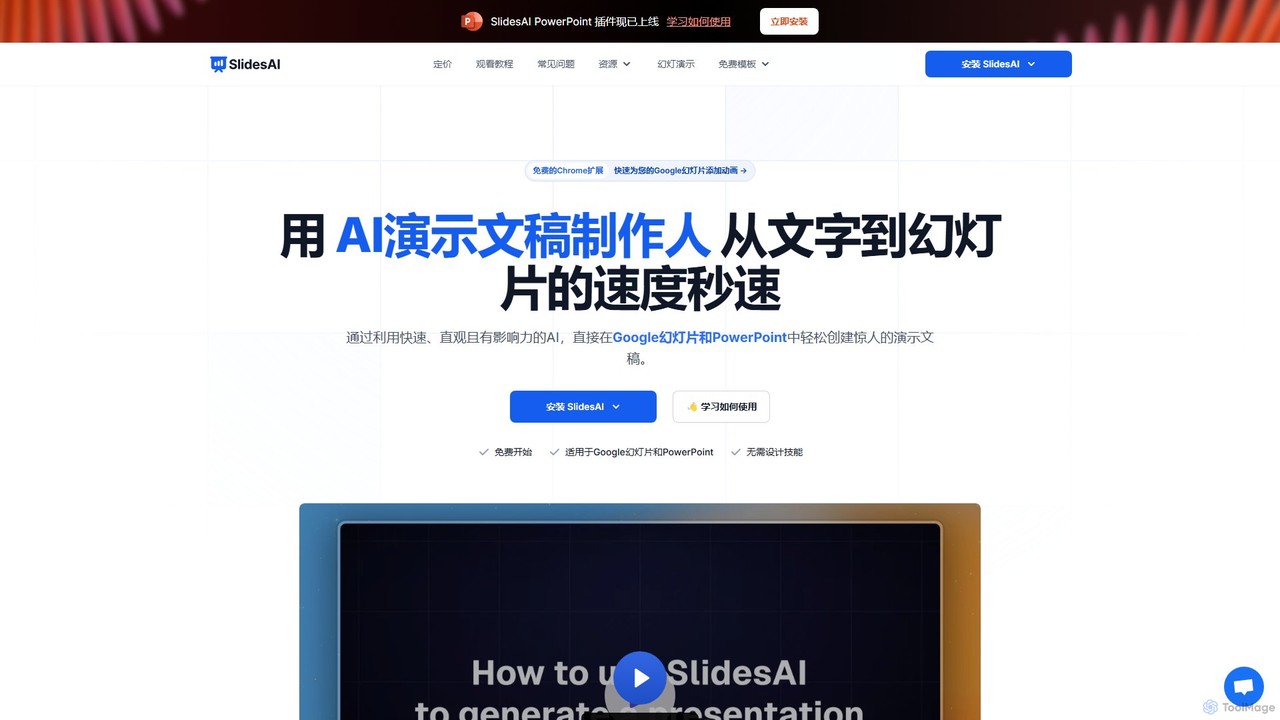
SlidesAI
SlidesAI is an AI-powered presentation maker that integrates directly into Google Slides and PowerPoint. It instantly transforms your text, documents, or ideas into professionally designed, ready-to-present slides. Save hours of manual work by automatically generating outlines, content, and visuals. It's perfect for educators, professionals, and students who need to create compelling presentations quickly and efficiently, with support for over 100 languages.
Automation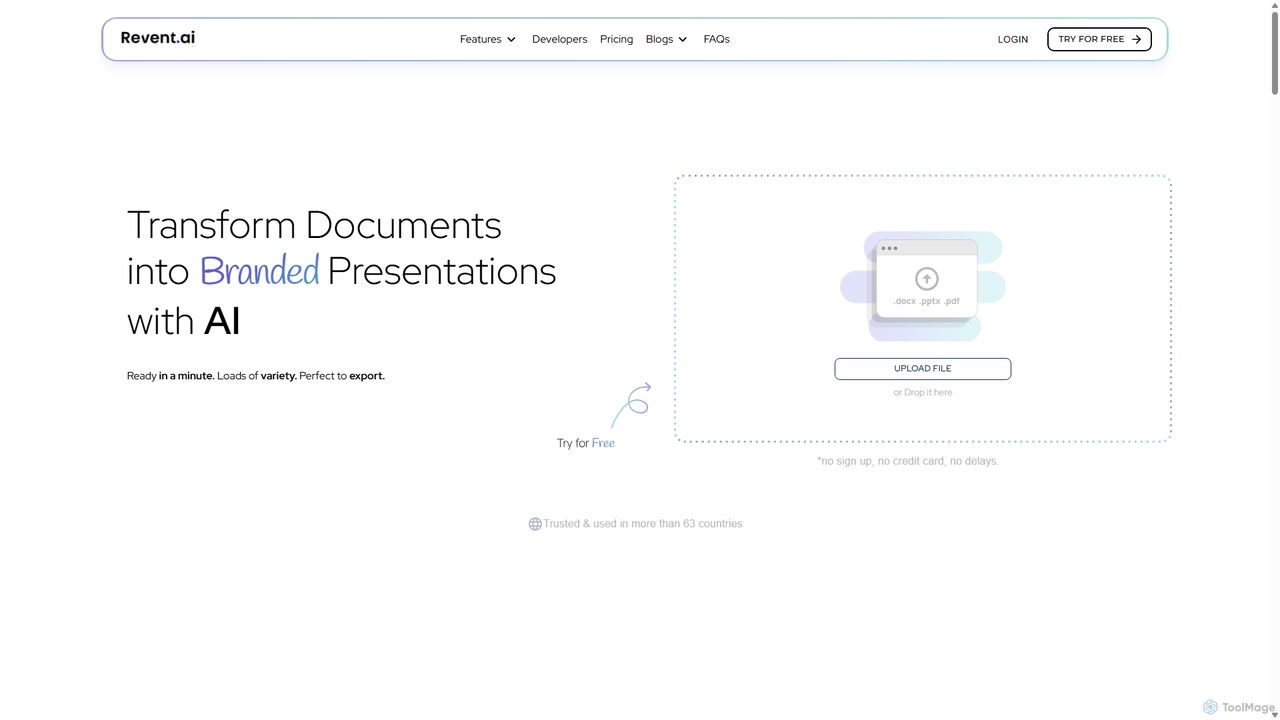
Revent
Revent is an AI-powered presentation design tool that instantly transforms documents like PDFs, Word files, and plain text into professionally designed, branded presentations. It automates slide creation, ensures brand consistency by mirroring your website's design, and offers a vast library of smart templates to streamline your workflow and produce stunning decks in minutes.
Document Management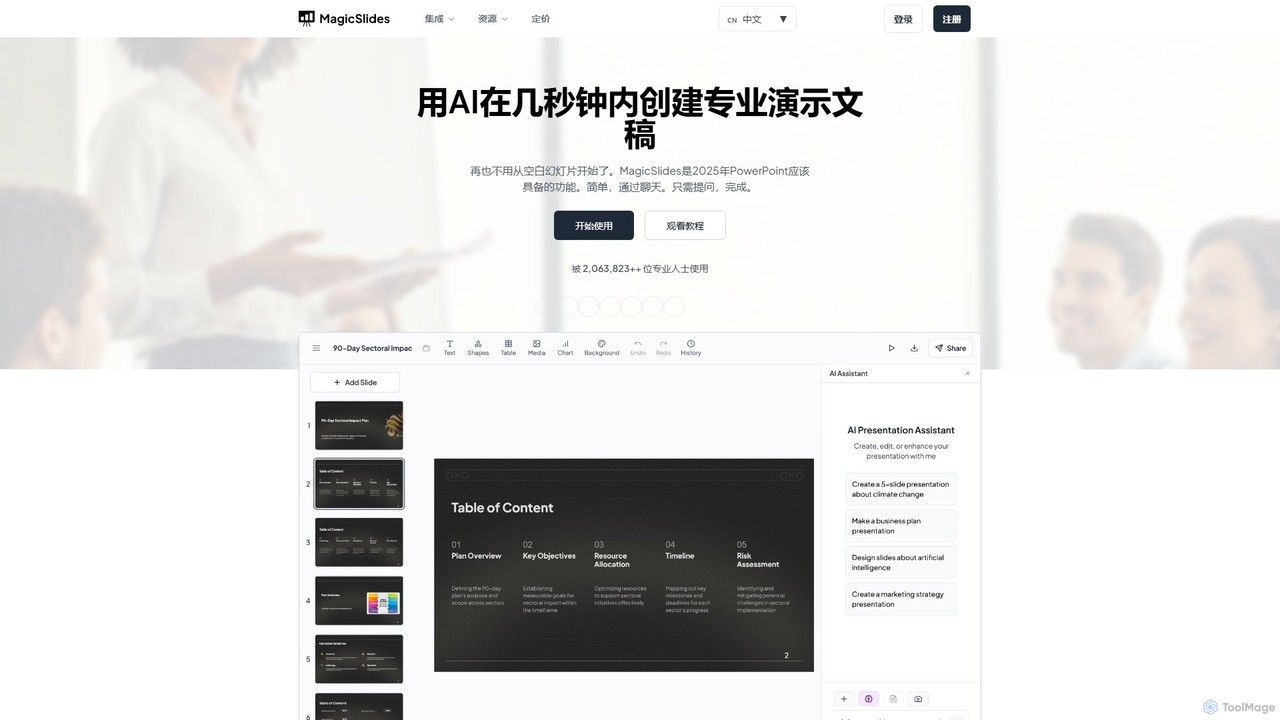
MagicSlides
MagicSlides is an AI-powered presentation maker that instantly creates professional slides from various sources, including text, topics, PDFs, YouTube videos, and URLs. It integrates seamlessly with Google Slides, PowerPoint, Figma, and more, supporting over 136 languages to streamline your workflow and save hours of design time.
Automation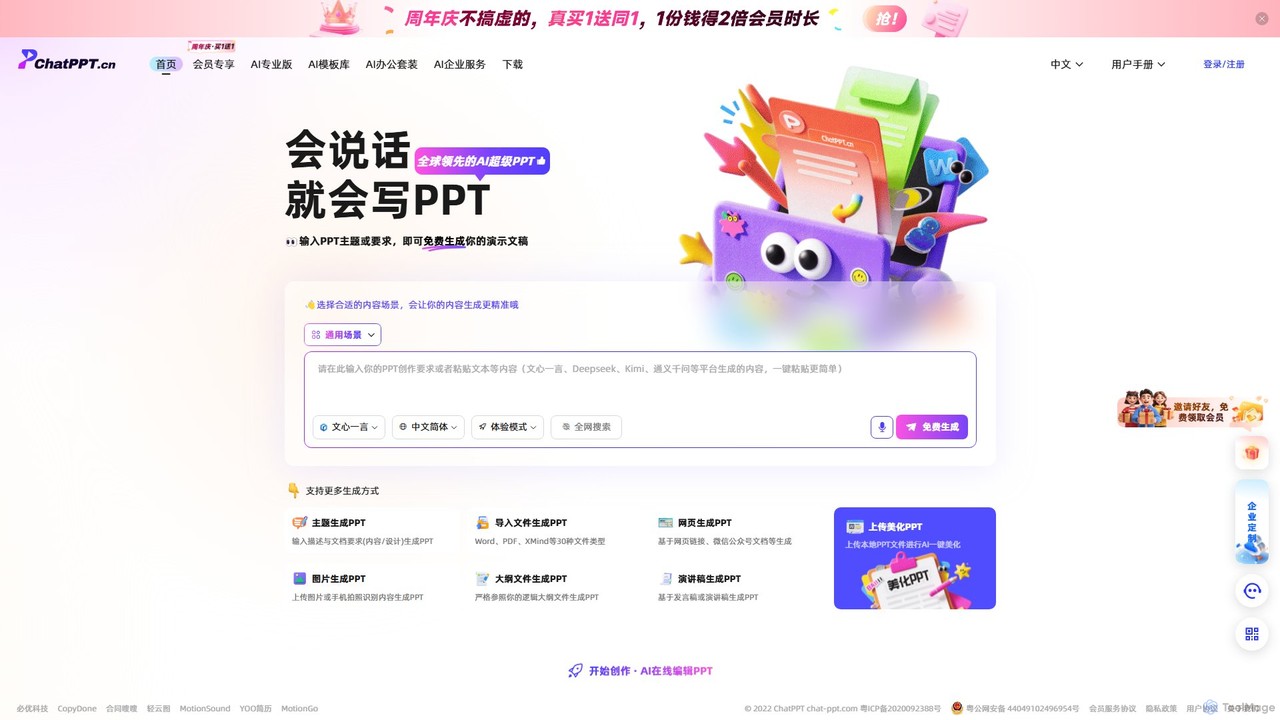
ChatPPT
ChatPPT is a powerful AI presentation generator that creates professional slides from simple text prompts, documents, webpages, or even images. It streamlines the entire creation process, from content generation with live web search to intelligent layout and design, allowing users to produce stunning presentations in minutes.
Reporting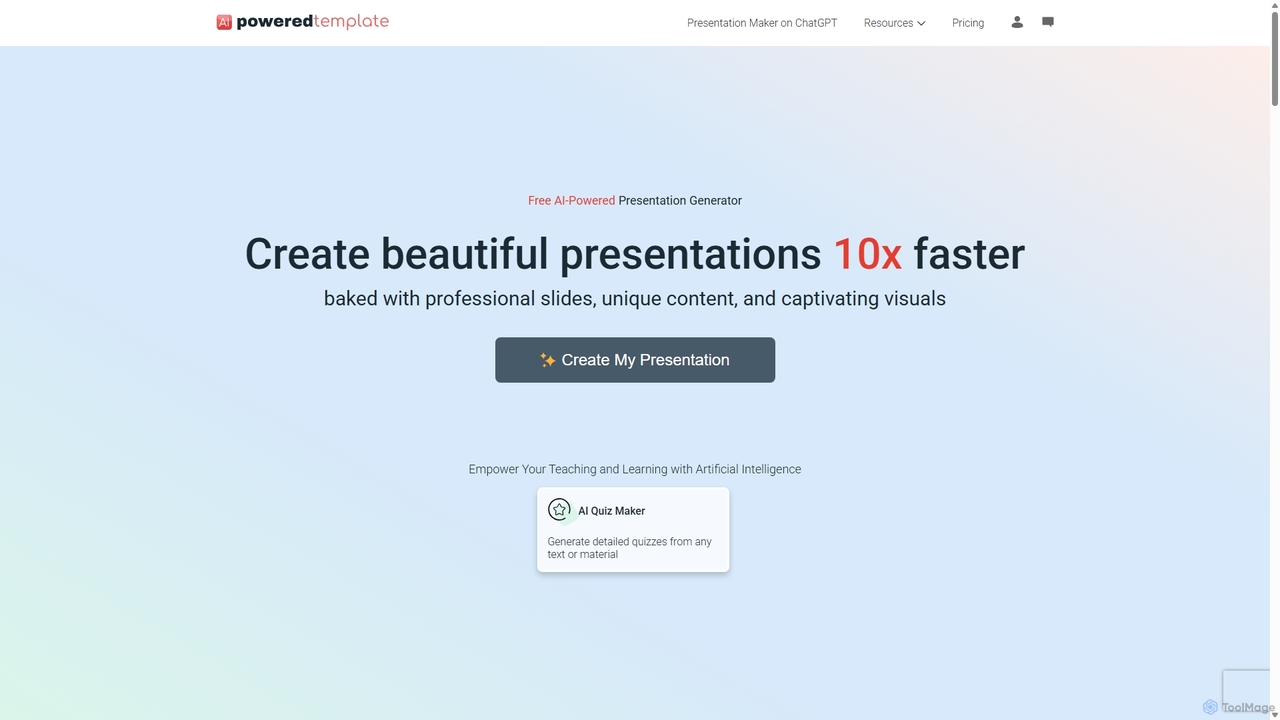
PoweredTemplate AI Presentation Maker
PoweredTemplate AI Presentation Maker is a free, AI-powered tool that transforms your ideas and text into stunning, professional presentations 10x faster. Instantly generate high-quality slides with unique content and captivating visuals for business, education, and marketing. It supports export to PowerPoint, Google Slides, and PDF, offering extensive customization through a vast library of templates and stock media.
ProposalsTwistly Categories
Twistly Embed Widget
Copy this embed code to place the badge on your blog, article, or product site and send readers directly to this ToolMage detail page.

Related AI tools
SlidesAI
SlidesAI is an AI-powered presentation maker that integrates directly into Google Slides and PowerPoint. It instantly transforms your text, documents, or ideas into professionally designed, ready-to-present slides. Save hours of manual work by automatically generating outlines, content, and visuals. It's perfect for educators, professionals, and students who need to create compelling presentations quickly and efficiently, with support for over 100 languages.
AutomationRevent
Revent is an AI-powered presentation design tool that instantly transforms documents like PDFs, Word files, and plain text into professionally designed, branded presentations. It automates slide creation, ensures brand consistency by mirroring your website's design, and offers a vast library of smart templates to streamline your workflow and produce stunning decks in minutes.
Document Management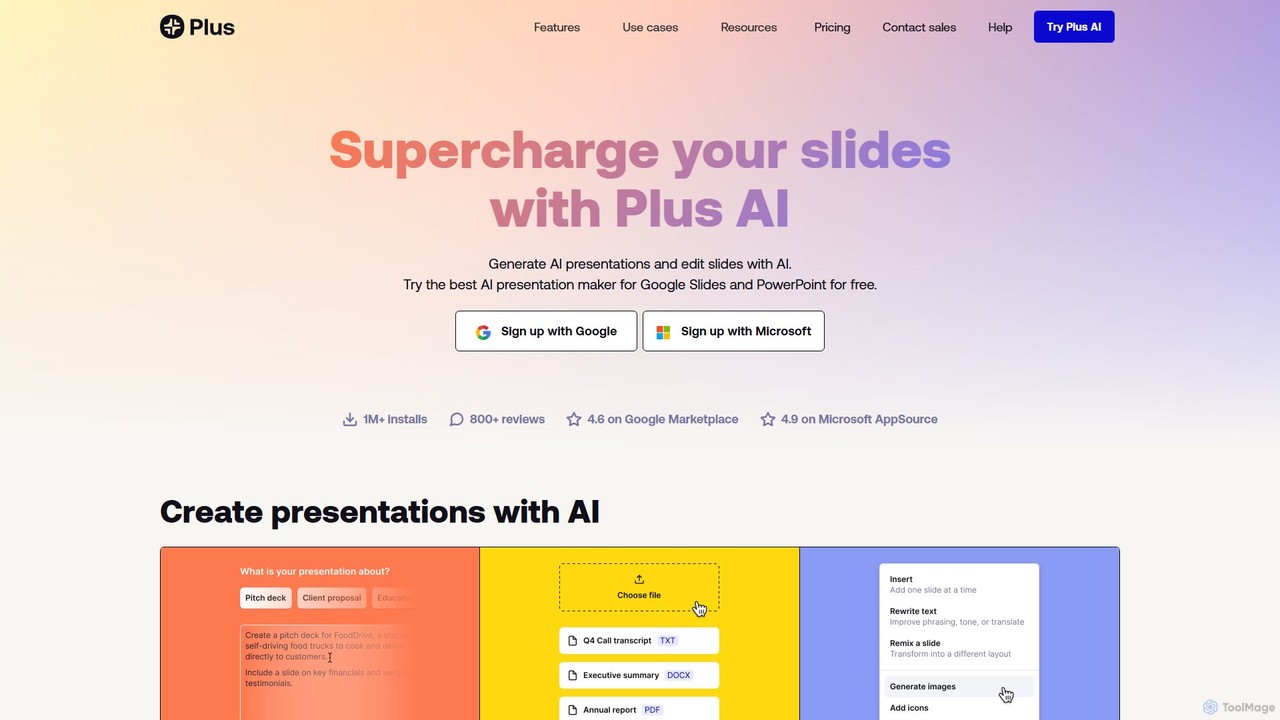
Plus AI
Plus AI is an advanced AI presentation maker designed for professionals. It integrates directly into Google Slides and PowerPoint, allowing you to generate, edit, and reformat slides seamlessly within your existing workflow. Convert documents like PDFs and Word files into stunning, fully-editable presentations, or create them from a simple text prompt. It's built for high-quality, branded content with enterprise-grade security.
MarketingMagicSlides
MagicSlides is an AI-powered presentation maker that instantly creates professional slides from various sources, including text, topics, PDFs, YouTube videos, and URLs. It integrates seamlessly with Google Slides, PowerPoint, Figma, and more, supporting over 136 languages to streamline your workflow and save hours of design time.
AutomationChatPPT
ChatPPT is a powerful AI presentation generator that creates professional slides from simple text prompts, documents, webpages, or even images. It streamlines the entire creation process, from content generation with live web search to intelligent layout and design, allowing users to produce stunning presentations in minutes.
ReportingPoweredTemplate AI Presentation Maker
PoweredTemplate AI Presentation Maker is a free, AI-powered tool that transforms your ideas and text into stunning, professional presentations 10x faster. Instantly generate high-quality slides with unique content and captivating visuals for business, education, and marketing. It supports export to PowerPoint, Google Slides, and PDF, offering extensive customization through a vast library of templates and stock media.
Proposals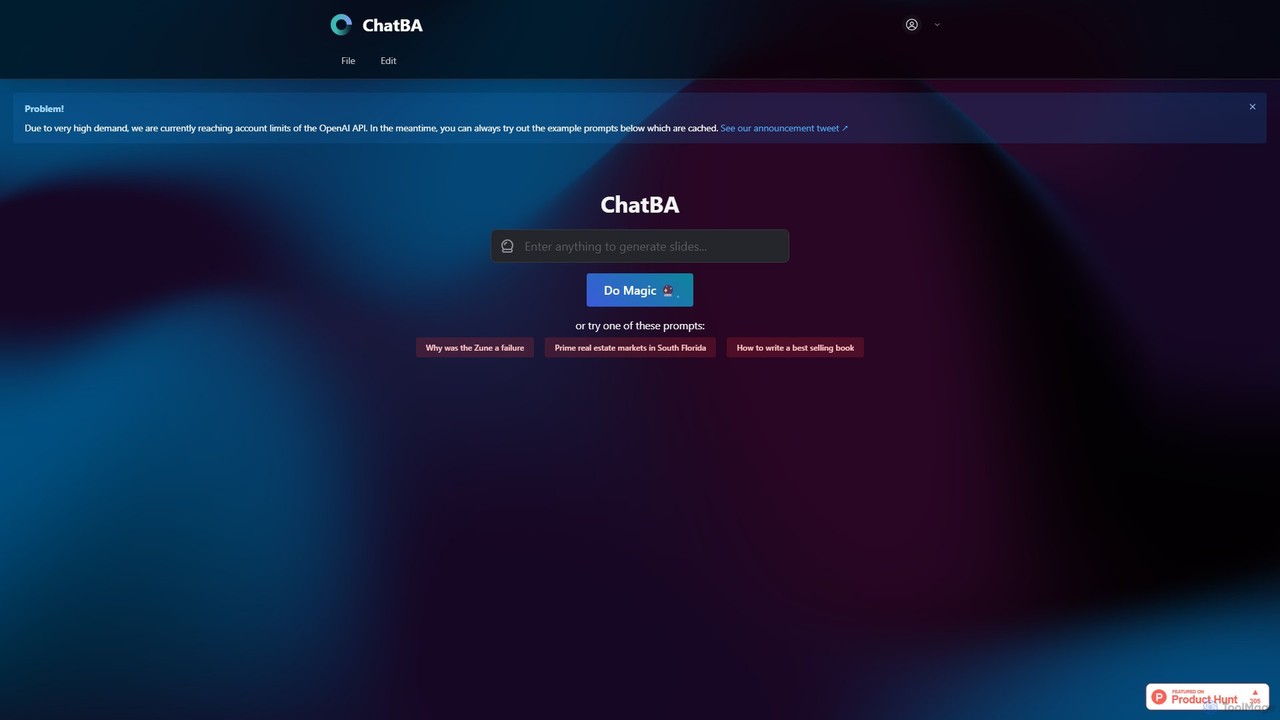
ChatBA
ChatBA is a generative AI tool that transforms simple text prompts into complete, professional presentations. Instantly create slide decks for business, education, or marketing by just describing your topic. It automates content writing, structuring, and design, saving you hours of manual work.
Student Tools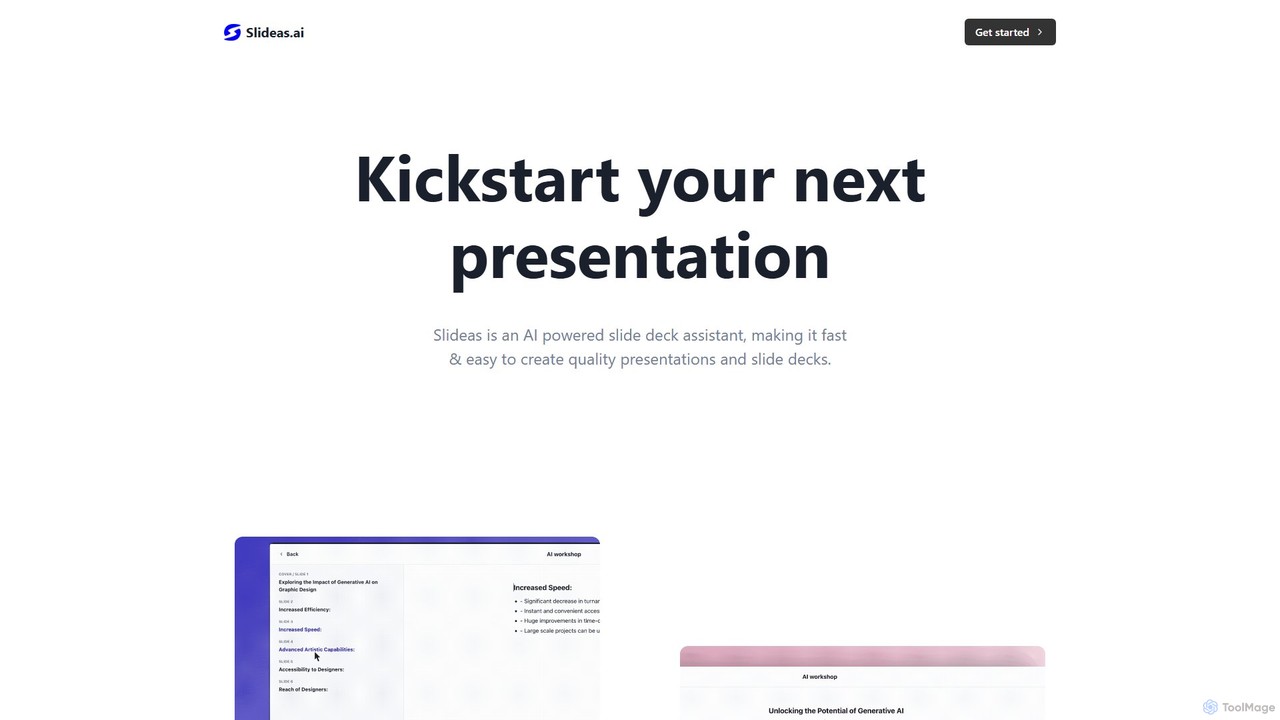
slideas.ai
slideas.ai is an AI-powered presentation assistant that rapidly creates professional slide decks. Simply provide a topic, and the AI generates headlines and talking points. Edit with an intuitive Notion-like editor, collaborate with your team in real-time, and present directly or export to Google Slides and PowerPoint.
Student Tools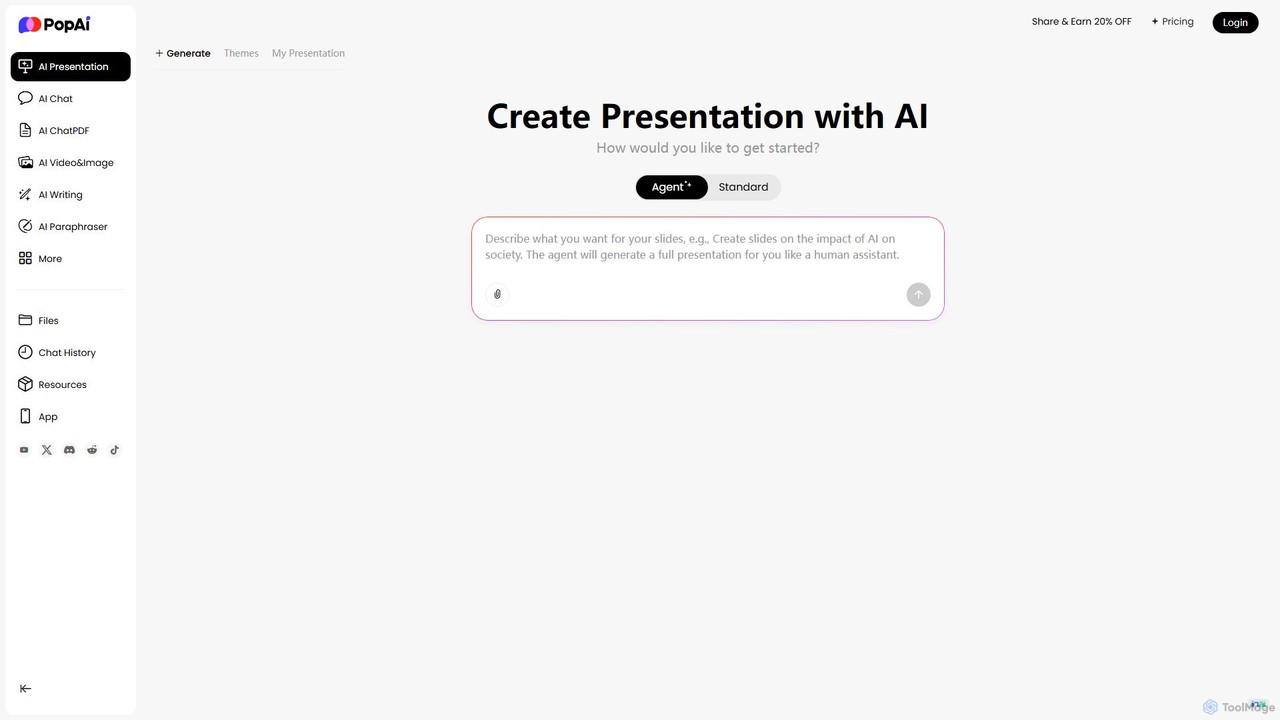
PopAi
PopAi is an all-in-one AI-powered productivity platform designed to streamline your workflow. It excels at creating professional presentations from prompts, documents, or URLs. It also features AI chat, document analysis (ChatPDF), AI writing, and paraphrasing tools, making it ideal for students, educators, and professionals.
Assistant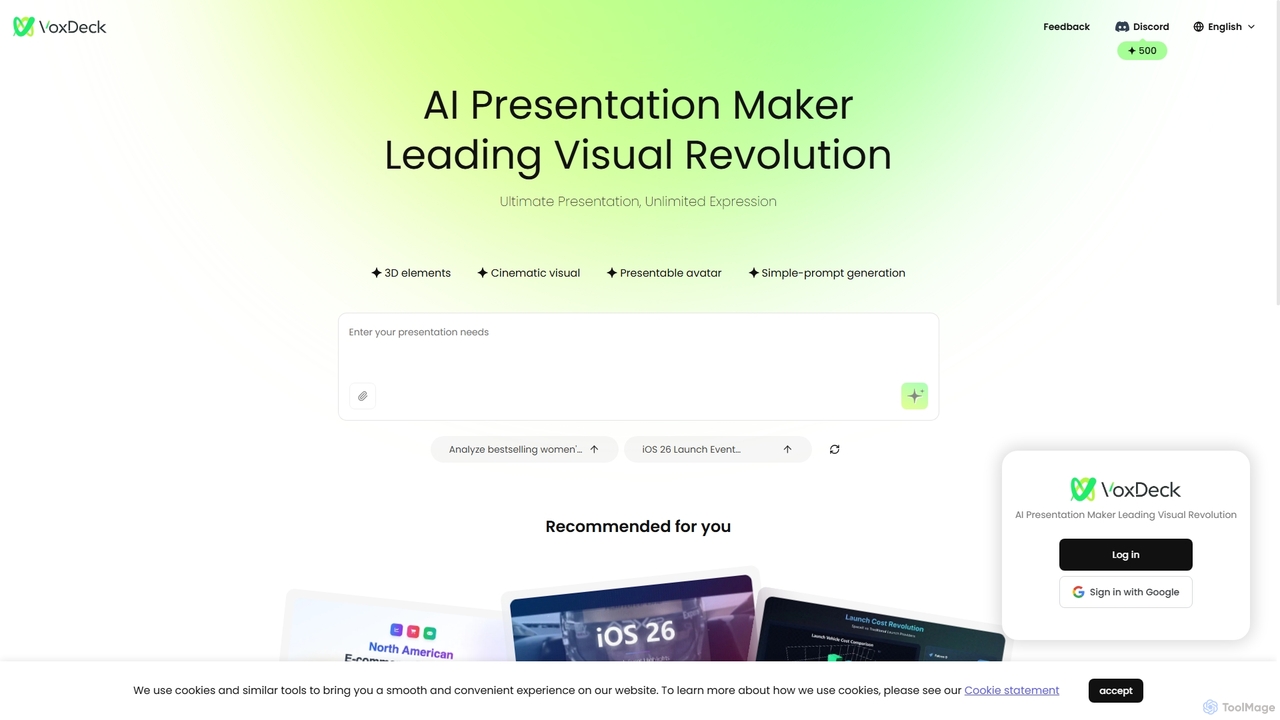
VoxDeck
VoxDeck is an AI-powered presentation maker that transforms simple text prompts into visually stunning, cinematic presentations. It leverages 3D elements, dynamic visuals, and presentable avatars to create engaging and professional slides, leading a new revolution in visual storytelling and communication.
Graphics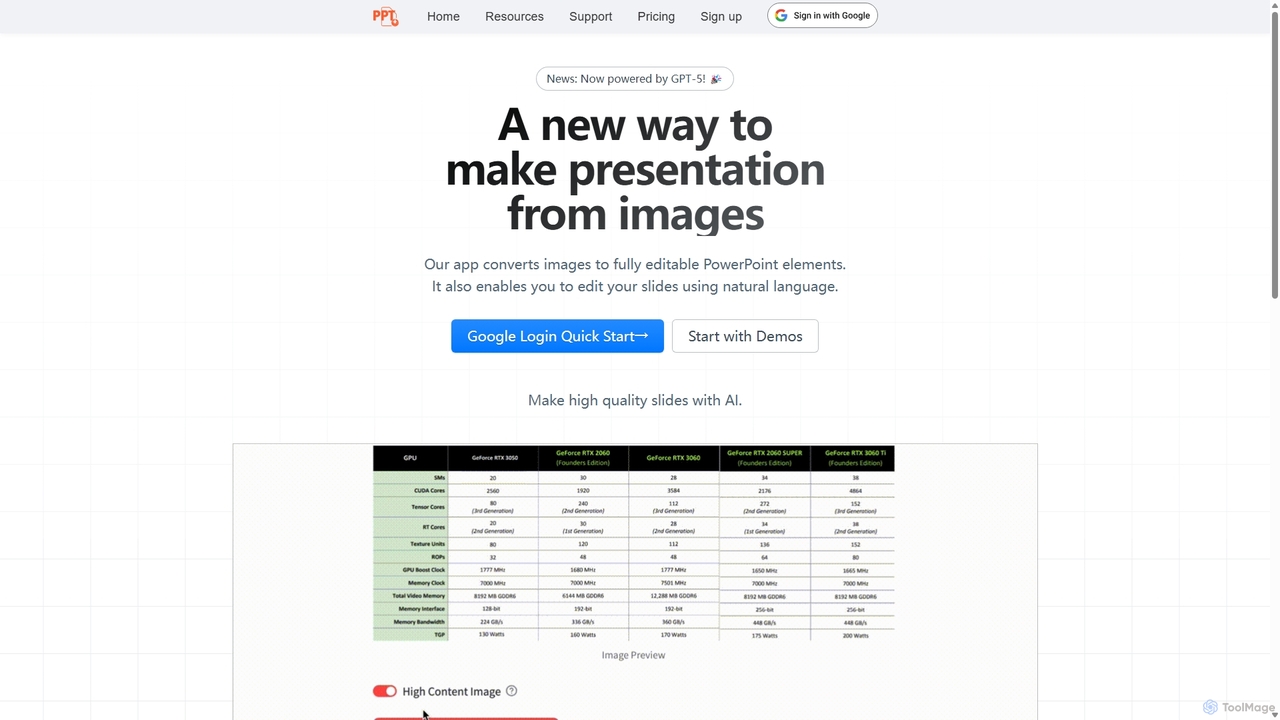
Edit in PPT
Edit in PPT is an AI-powered tool that converts images, screenshots, and static slides into fully editable PowerPoint presentations. It uses advanced vision models to recognize text, charts, and shapes, saving users hours of manual recreation. The tool also features natural language commands for editing slides, streamlining the entire presentation creation process.
Automation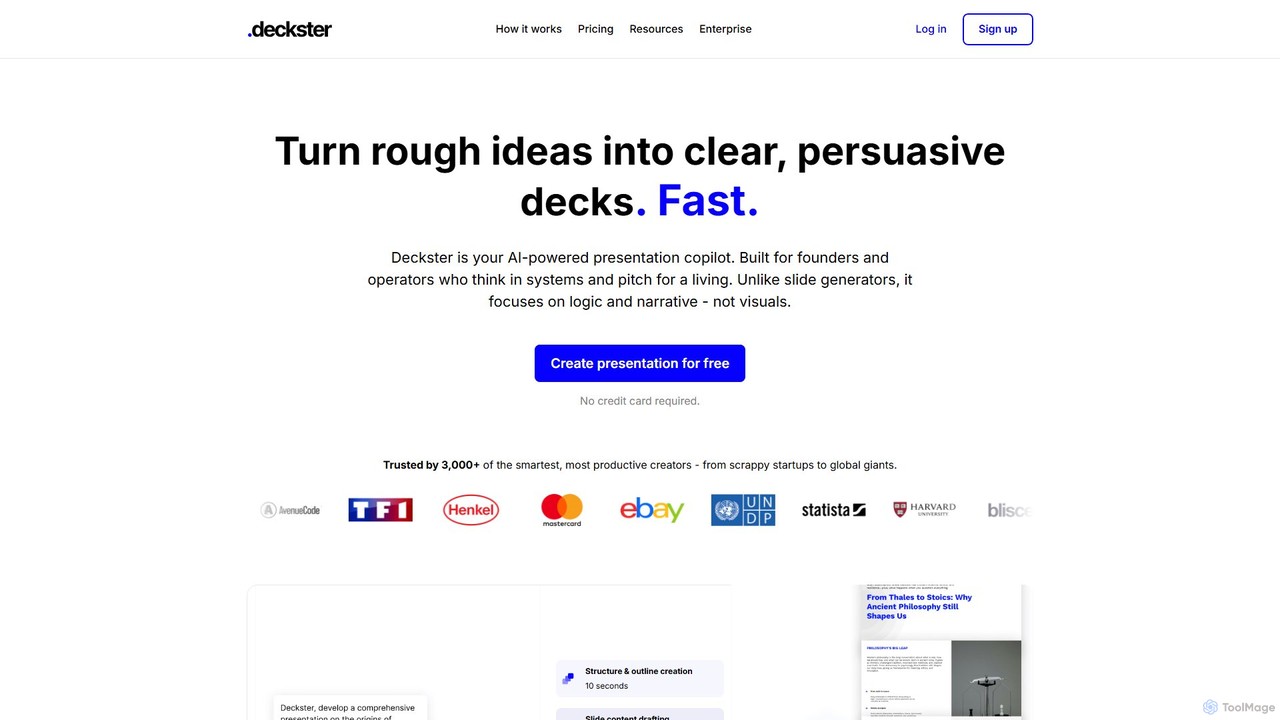
Deckster
Deckster is an AI-powered presentation copilot designed for founders and professionals. It transforms rough ideas into clear, persuasive presentations by focusing on logic, narrative, and structure, not just visuals. Generate a 95% ready draft in minutes, complete with smart content, auto-generated charts, and delivery tips, and export it directly to Google Slides or PowerPoint.
Communication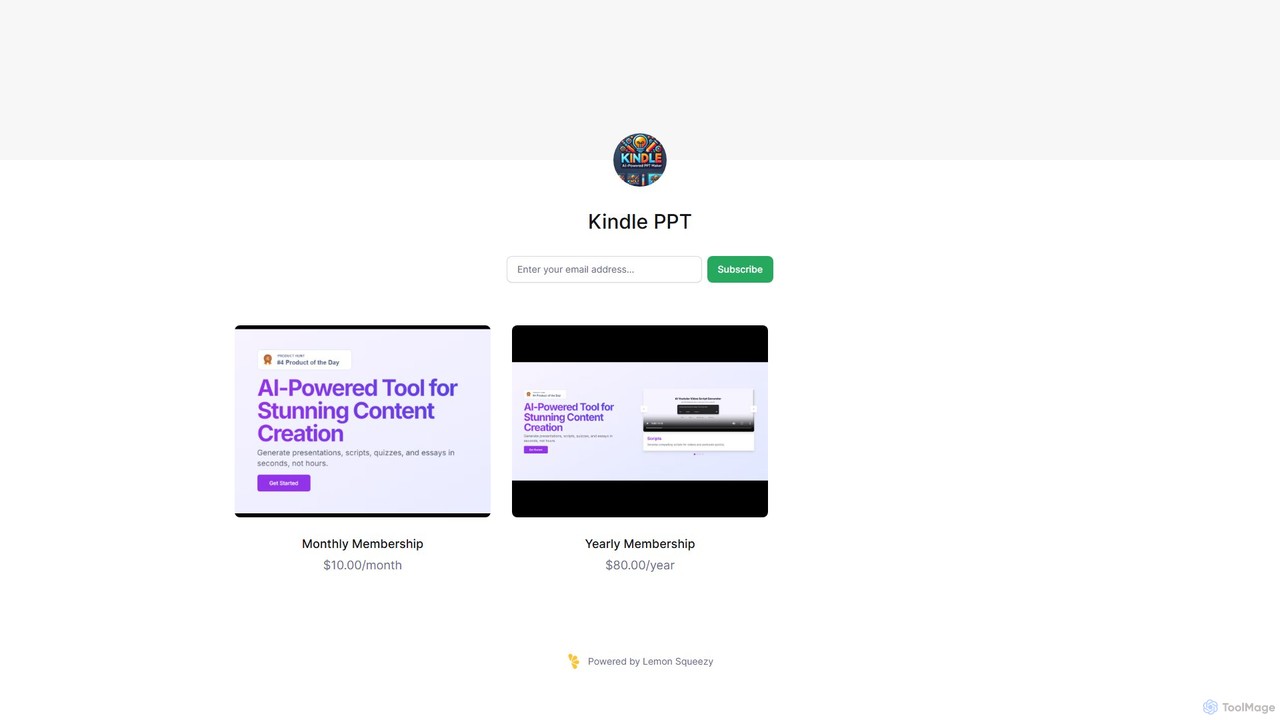
Kindle PPT
Kindle PPT is an AI-powered tool that transforms your Kindle highlights and notes into polished, ready-to-use PowerPoint presentations. It automates summarizing key ideas, structuring content into slides, and designing professional layouts. Ideal for students, professionals, and avid readers, it saves hours of manual work, helping you turn insights from books into compelling visual presentations effortlessly.
Study Tools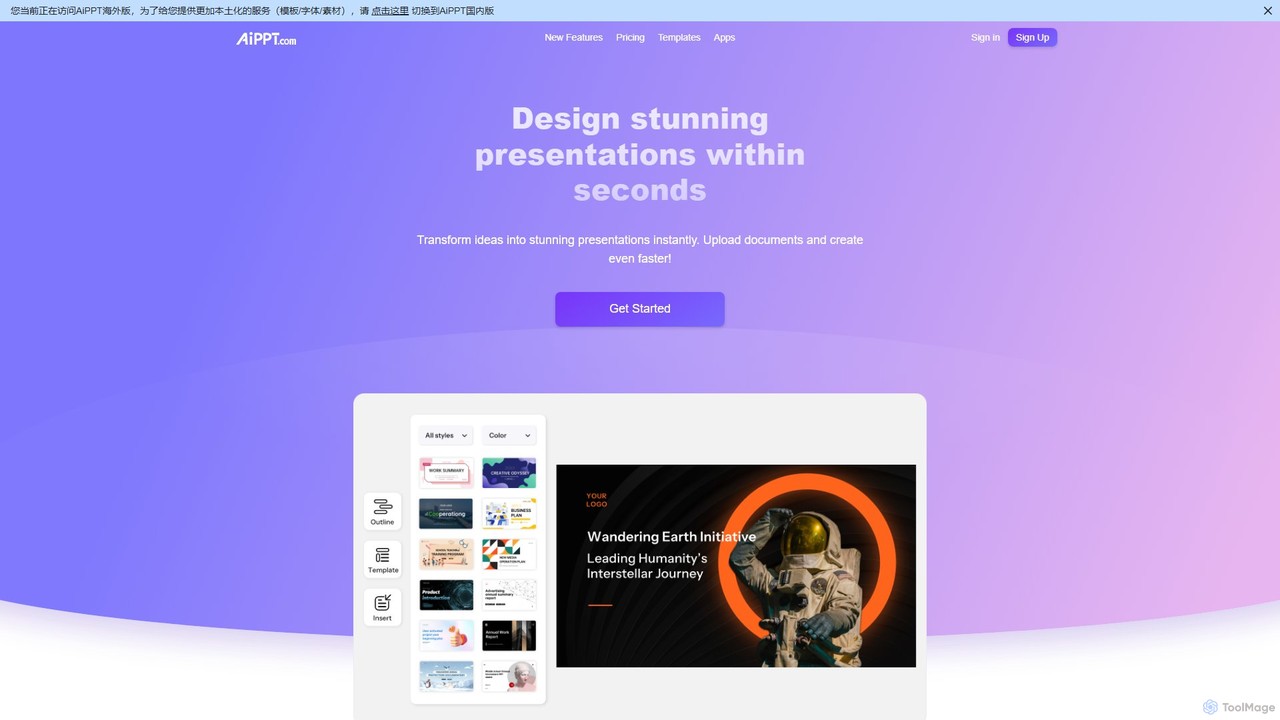
AiPPT
AiPPT is an AI-powered presentation generator that creates stunning, professional slides in seconds. It supports various input methods, including text prompts, documents (PDF, Word), and webpage URLs. With over 200,000 templates, an integrated AI image generator, and extensive customization options, AiPPT streamlines the entire presentation creation process for business, education, and marketing.
Teaching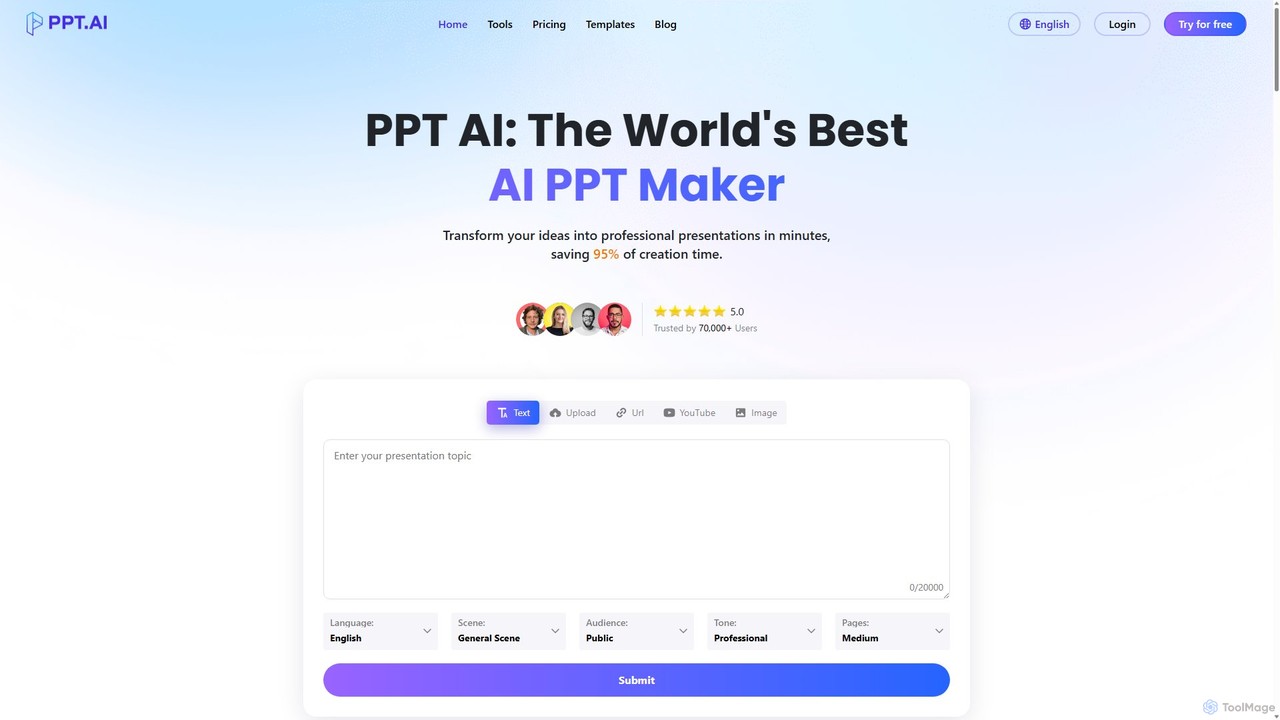
PPT.AI
PPT.AI is an AI-powered presentation maker that transforms your text, ideas, or documents into professional, ready-to-present slides in minutes. It automates the design process, offering intelligent layouts, customizable templates, and consistent branding, making it ideal for professionals and students who need to create high-impact presentations quickly without design expertise.
Automation
Twistly Comments (0)
Sign in to comment.
Sign inNo comments yet.