

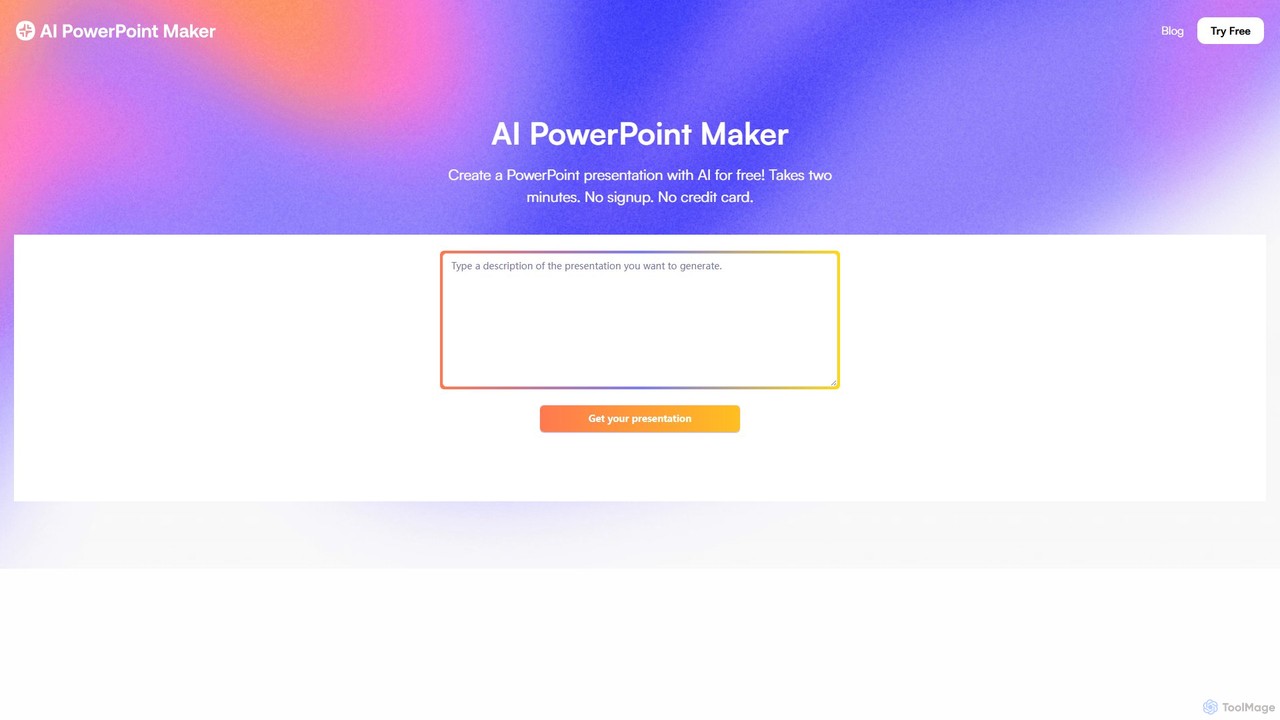
aipowerpointmaker Overview
aipowerpointmaker is a cutting-edge AI presentation generator designed to revolutionize the way professionals create slideshows. By leveraging advanced large-language models and sophisticated design algorithms, this tool turns simple text inputs, detailed documents, or even rough meeting agendas into complete, visually appealing, and fully-editable PowerPoint (.pptx) decks. It's built for speed and efficiency, allowing users to go from a basic idea to a polished presentation in a fraction of the time it traditionally takes.
The platform operates entirely in your browser, requiring no downloads or installations, making it accessible from any device. Its core value lies in its ability to not only generate slides but also to enhance them with relevant content. The AI can suggest talking points, structure the narrative flow, and automatically source high-quality stock images and icons that align with the presentation's topic. This intelligent automation frees users from the tedious tasks of formatting and design, allowing them to focus on the core message.
How to use aipowerpointmaker
Using aipowerpointmaker is designed to be an intuitive and straightforward process, enabling anyone to create professional presentations with ease. The workflow is simple:
- Input Your Content: Start by typing or pasting your content into the tool. This can be anything from a single topic, a detailed outline, a rough agenda, or the full text of a document.
- Generate the Draft: Click the 'generate' button. The AI will analyze your input, understand the context and structure, and create a complete slide deck. This includes generating titles, body text, and even speaker notes.
- Review and Refine: The AI produces a complete draft presentation. You can review each slide directly in the browser. The tool intelligently selects layouts, fonts, and color schemes.
- Customize and Edit: This is where aipowerpointmaker truly shines. Unlike rigid templates, every element of the generated slides is fully customizable. You can edit text, swap out AI-selected images for your own, change the layout, or apply your company's brand guidelines and templates.
- Download and Present: Once you are satisfied with the presentation, you can download it as a standard .pptx file. This file is fully compatible with Microsoft PowerPoint and Google Slides, allowing for further offline edits or immediate use.
Core Features of aipowerpointmaker
- Text-to-Presentation Conversion: Instantly converts raw text, documents, or outlines into structured presentation slides.
- AI-Powered Content Generation: The AI not only formats your input but also suggests additional talking points and cohesive narrative structures to make your presentation more impactful.
- Automated Design and Layout: Applies professional design rules to create visually consistent and appealing slides, saving you hours of manual formatting.
- Smart Image and Icon Sourcing: Automatically finds and inserts relevant, high-quality stock photos and icons to enhance your slides visually.
- Full Editability and Customization: Generated decks are not locked. Users have complete control to edit text, change images, and adjust layouts post-generation.
- Brand Guideline Adherence: The AI can learn and apply your specific brand colors, fonts, and logos to maintain consistency across all presentations.
- Seamless PowerPoint Integration: Offers direct integration with PowerPoint via the Microsoft AppSource and provides downloads in the .pptx format for universal compatibility.
- Web-Based Accessibility: No software installation is needed. The tool is accessible from any modern web browser on any device.
Use Cases for aipowerpointmaker
aipowerpointmaker is a versatile tool suitable for a wide range of users and scenarios:
- Business Professionals: Quickly create decks for board updates, internal meetings, project proposals, and strategic planning sessions.
- Sales and Marketing Teams: Generate persuasive sales kickoff decks, client-facing presentations, product demos, and marketing campaign reports in minutes.
- Founders and Entrepreneurs: Develop compelling investor pitches and business plan presentations without needing a design team.
- Consultants and Architects: Efficiently produce detailed presentations for clients, outlining solutions, project timelines, and technical architectures.
- Students and Educators: Create engaging lecture materials, research presentations, and class projects with professional polish.
Advantages of aipowerpointmaker
The primary advantage of aipowerpointmaker is its massive time-saving capability. Users report turning notes into a slick deck in as little as 10 minutes. It democratizes design, allowing non-designers to produce beautiful, professional-looking presentations. The AI's ability to suggest content acts as a creative partner, helping to overcome writer's block and ensuring presentations are comprehensive. Furthermore, its freemium model makes it highly accessible, while the full customizability ensures the final output always meets the user's specific needs and standards.
Pricing and Plans
aipowerpointmaker operates on a freemium model. Users can generate an unlimited number of AI presentations completely free of charge to see the results. A payment is only required if you choose to download the final presentation as a .pptx file or wish to upgrade to access premium themes and advanced features. This 'try-before-you-buy' approach allows everyone to experience the power of the tool without any upfront commitment.
aipowerpointmaker Alternatives
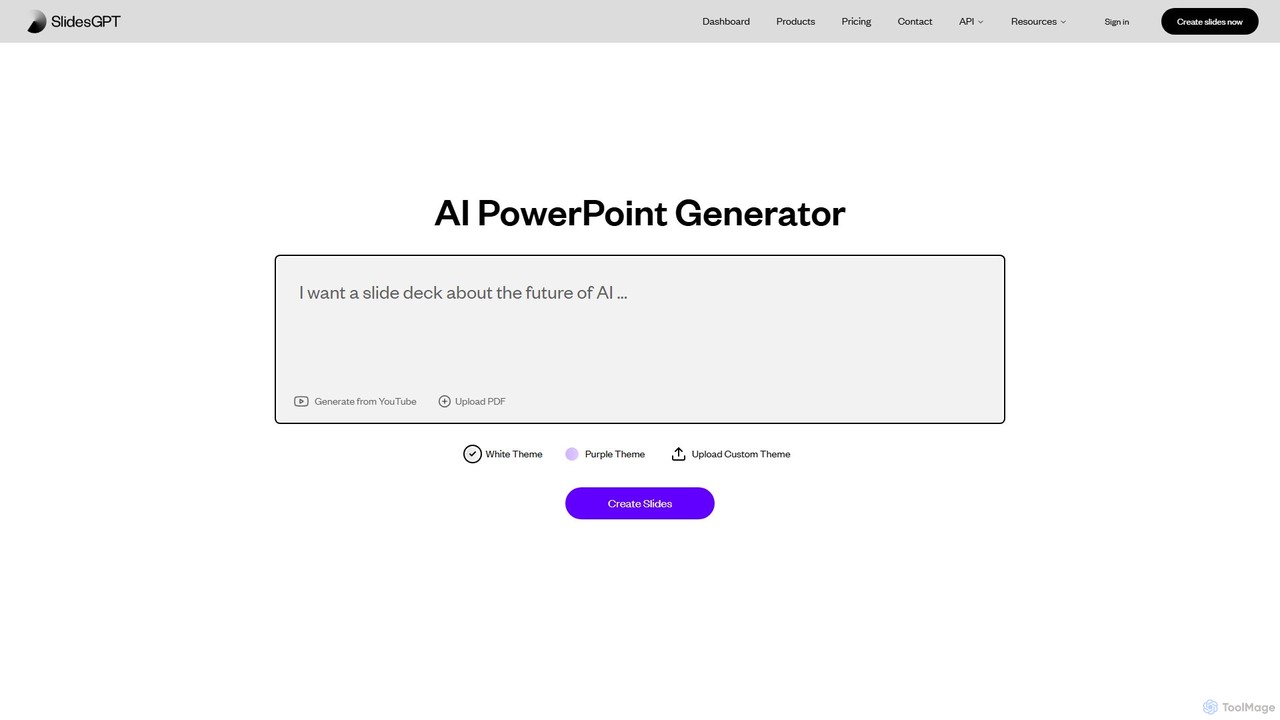
SlidesGPT
SlidesGPT is an AI-powered presentation generator that creates professional PowerPoint and Google Slides presentations from text, prompts, PDFs, or YouTube videos. It automates the slide creation process, saving users hours of work and enabling them to produce engaging slideshows 10x faster.
Sales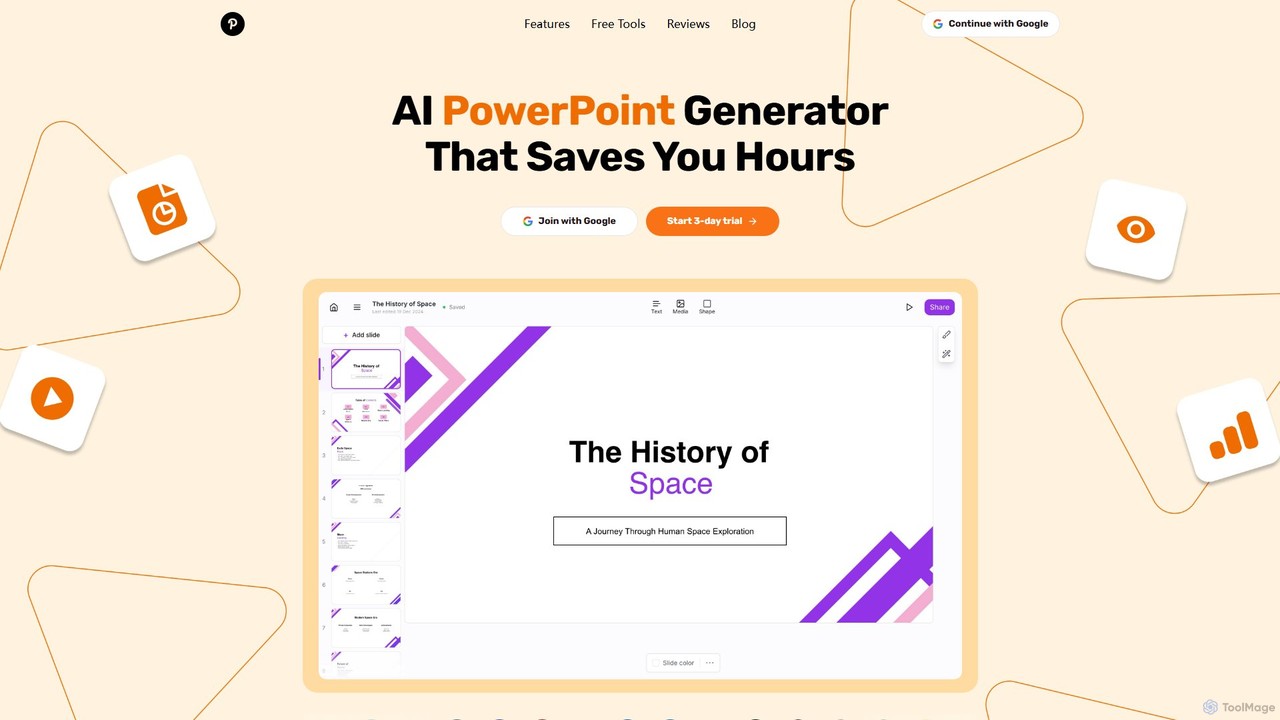
GenPPT
GenPPT is an AI-powered presentation generator that creates professional PowerPoint slides from simple text prompts in minutes. It's designed for professionals, marketers, and students to save hours on slide creation, focusing on logical structure, compelling content, and sleek design without needing any design skills.
Sales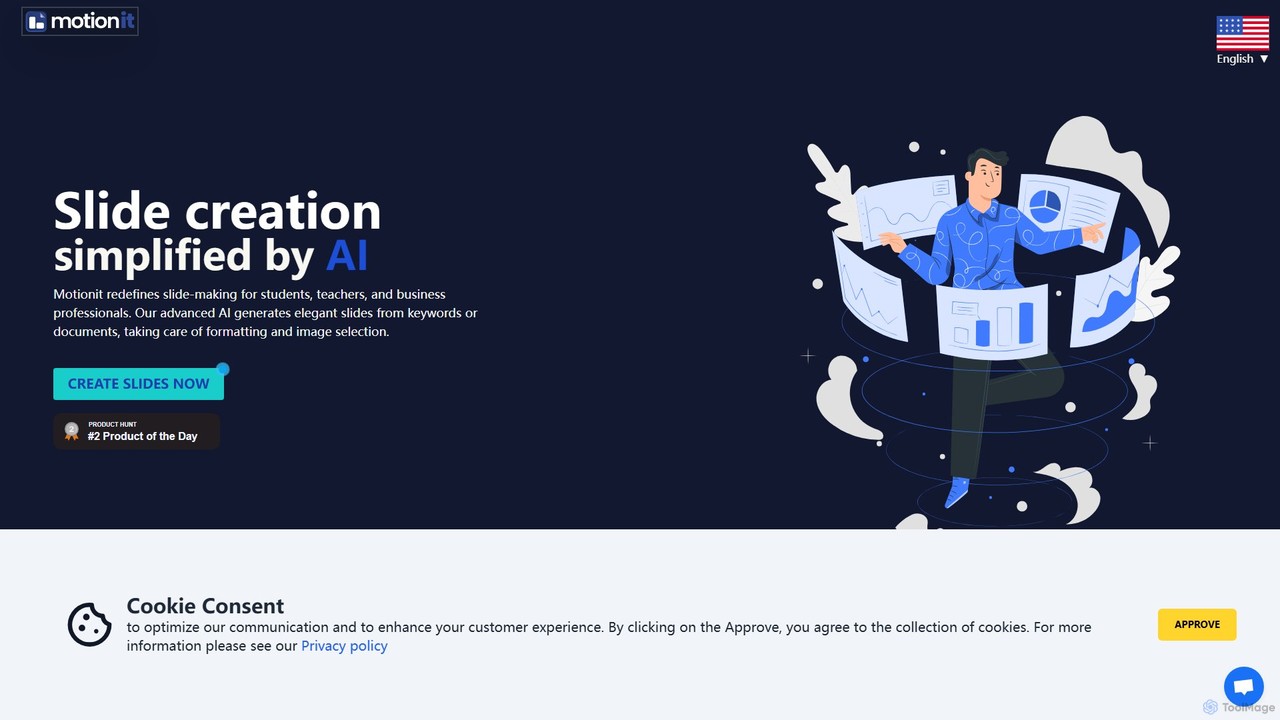
MotionIt
MotionIt is an AI-powered presentation generator that simplifies slide creation for students, educators, and business professionals. It automatically designs elegant slides from keywords or documents, complete with formatting and relevant image selection, and allows exporting to PowerPoint, Google Slides, and PDF.
Sales
Pitch
Pitch is a collaborative presentation software designed for modern teams. It combines smart design features, AI-powered generation, real-time collaboration, and powerful analytics to help users create, share, and track stunning presentations. With over 100 expert-designed templates and seamless integrations, Pitch streamlines the entire workflow from creation to delivery, enabling teams to close deals, win clients, and communicate ideas effectively.
Sales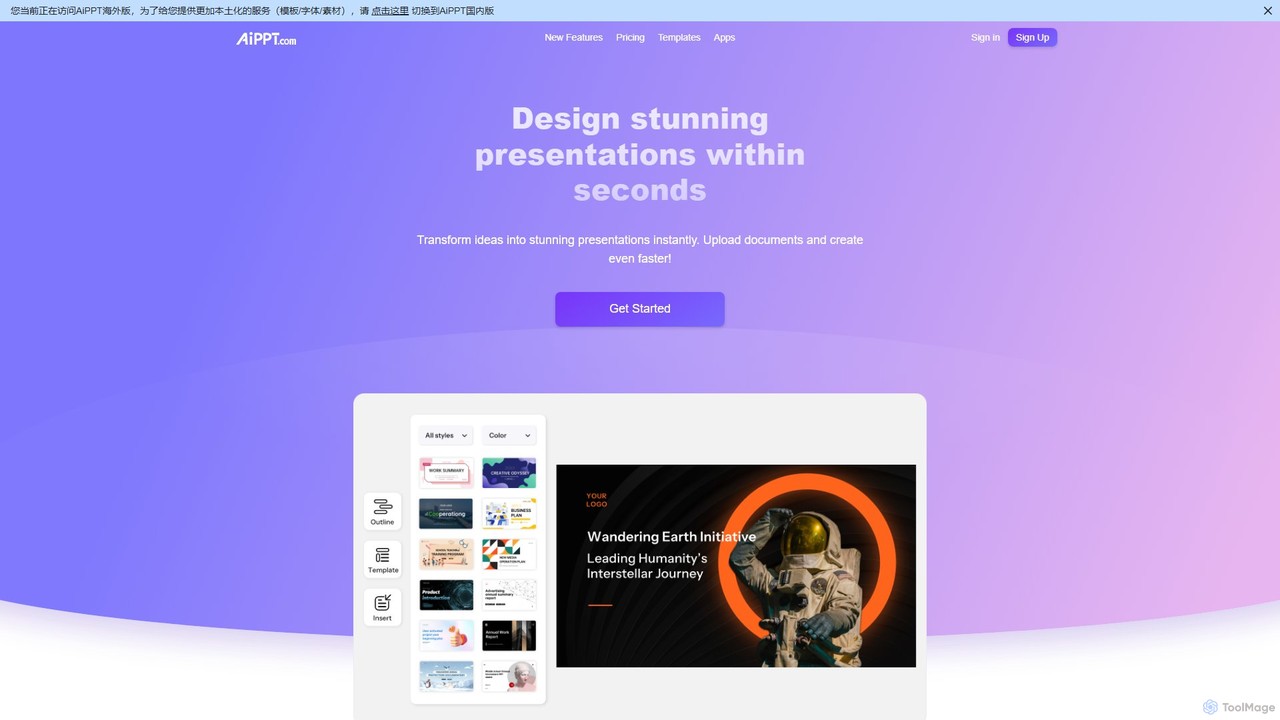
AiPPT
AiPPT is an AI-powered presentation generator that creates stunning, professional slides in seconds. It supports various input methods, including text prompts, documents (PDF, Word), and webpage URLs. With over 200,000 templates, an integrated AI image generator, and extensive customization options, AiPPT streamlines the entire presentation creation process for business, education, and marketing.
Teachingaipowerpointmaker Categories
aipowerpointmaker Embed Widget
Copy this embed code to place the badge on your blog, article, or product site and send readers directly to this ToolMage detail page.

Related AI tools
SlidesGPT
SlidesGPT is an AI-powered presentation generator that creates professional PowerPoint and Google Slides presentations from text, prompts, PDFs, or YouTube videos. It automates the slide creation process, saving users hours of work and enabling them to produce engaging slideshows 10x faster.
SalesGenPPT
GenPPT is an AI-powered presentation generator that creates professional PowerPoint slides from simple text prompts in minutes. It's designed for professionals, marketers, and students to save hours on slide creation, focusing on logical structure, compelling content, and sleek design without needing any design skills.
SalesAiPPT
AiPPT is an AI-powered presentation generator that creates stunning, professional slides in seconds. It supports various input methods, including text prompts, documents (PDF, Word), and webpage URLs. With over 200,000 templates, an integrated AI image generator, and extensive customization options, AiPPT streamlines the entire presentation creation process for business, education, and marketing.
Teaching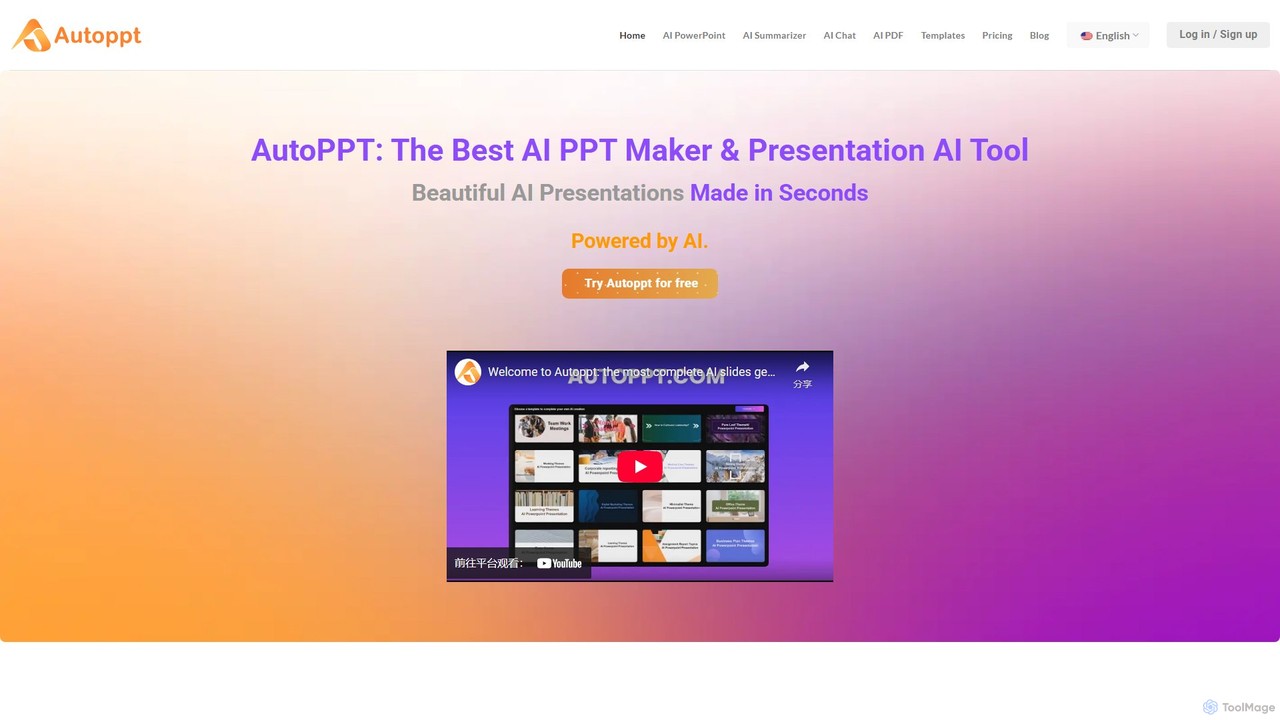
Autoppt
Autoppt is an AI-powered presentation generator that creates stunning PowerPoint slides in seconds. Simply provide a topic or upload a document (PDF, Word, etc.), and Autoppt will instantly generate a professional, fully-editable presentation using its vast library of templates. It's designed for users of all skill levels to save time and effort on creating visually appealing slideshows.
Student Tools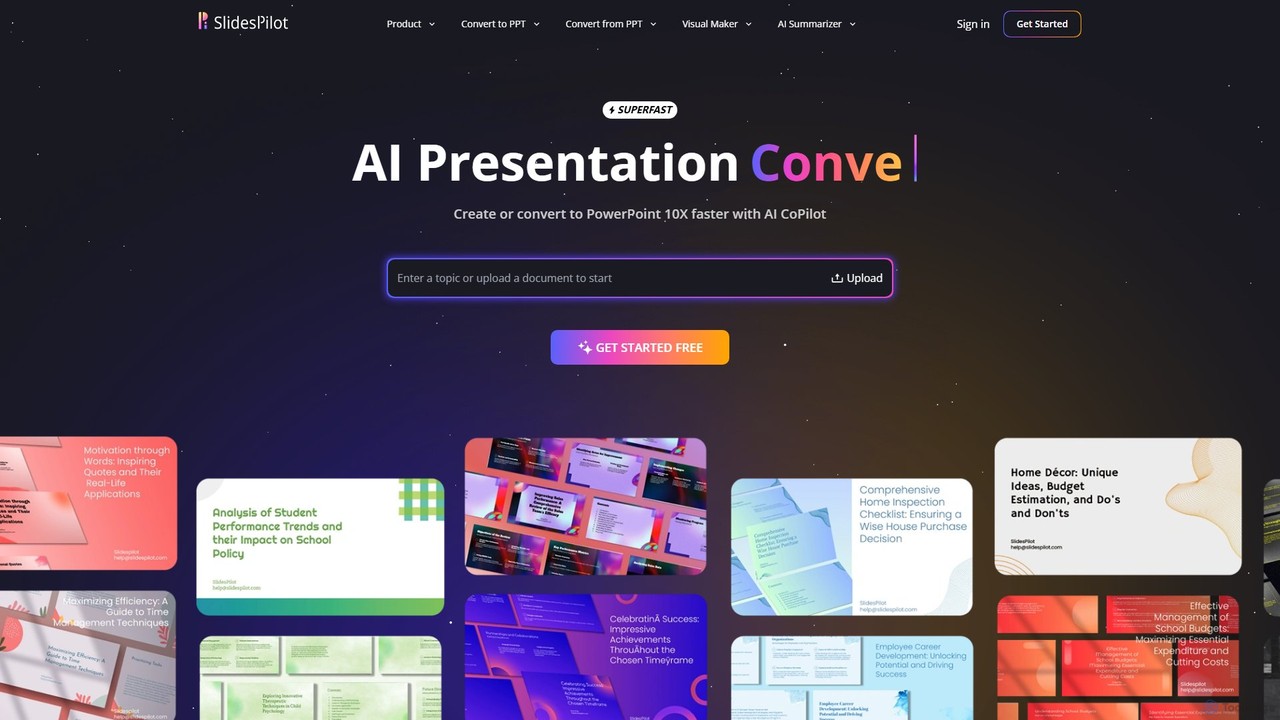
SlidesPilot
SlidesPilot is an AI-powered presentation generator that creates professional PowerPoint and Google Slides 10x faster. It can generate presentations from a topic, convert documents (PDF, Word), text, YouTube videos, and webpages into slides, and features an AI Copilot for real-time editing, image generation, and content rewriting.
Document Management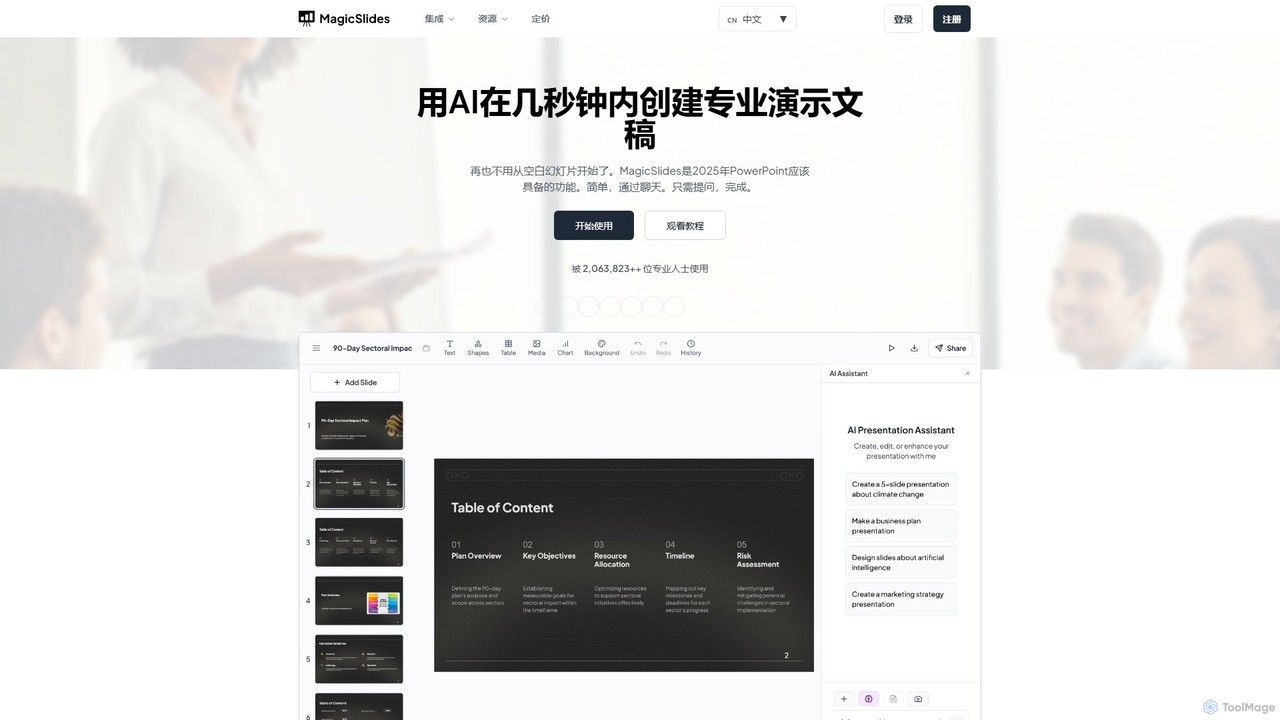
MagicSlides
MagicSlides is an AI-powered presentation maker that instantly creates professional slides from various sources, including text, topics, PDFs, YouTube videos, and URLs. It integrates seamlessly with Google Slides, PowerPoint, Figma, and more, supporting over 136 languages to streamline your workflow and save hours of design time.
Automation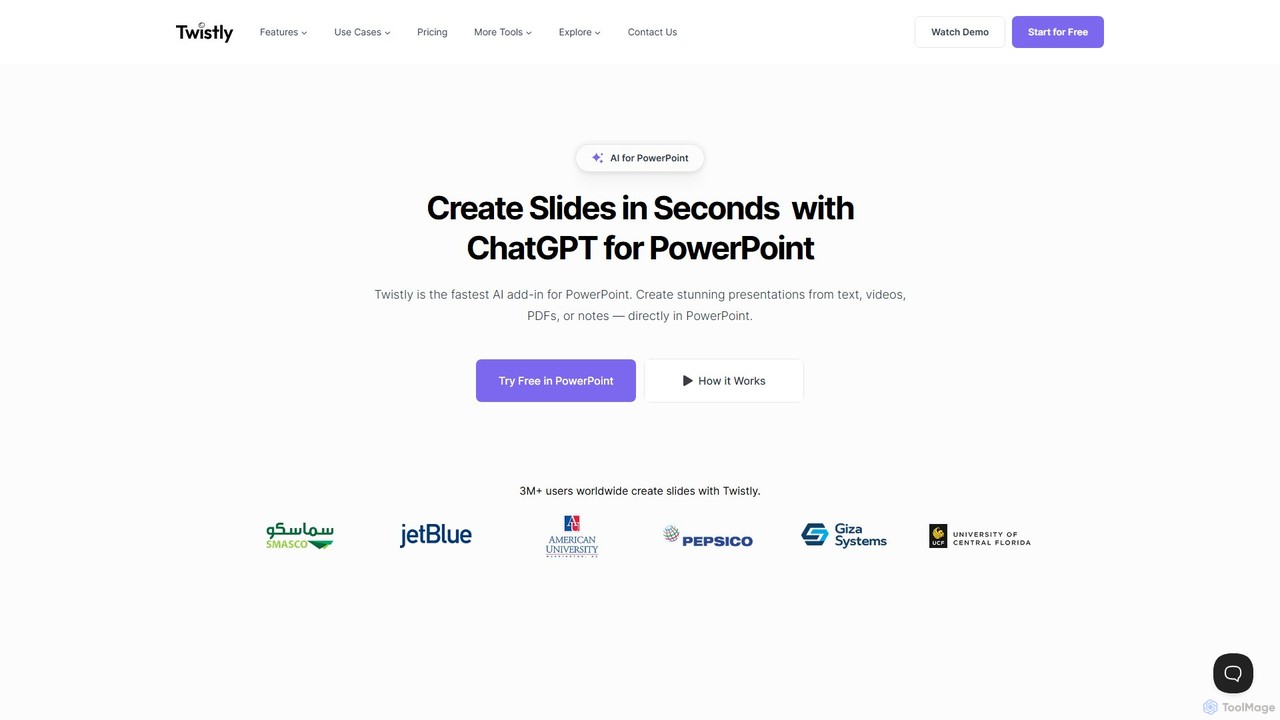
Twistly
Twistly is a powerful AI add-in for Microsoft PowerPoint that integrates ChatGPT to revolutionize presentation creation. It allows users to generate complete, stunning presentations from text, documents, PDFs, or even YouTube videos in seconds, directly within the PowerPoint interface. This eliminates the need for context switching, streamlining the workflow for professionals, educators, and students.
Teaching Tool
ChatPPT
ChatPPT is a powerful AI presentation generator that creates professional slides from simple text prompts, documents, webpages, or even images. It streamlines the entire creation process, from content generation with live web search to intelligent layout and design, allowing users to produce stunning presentations in minutes.
Reporting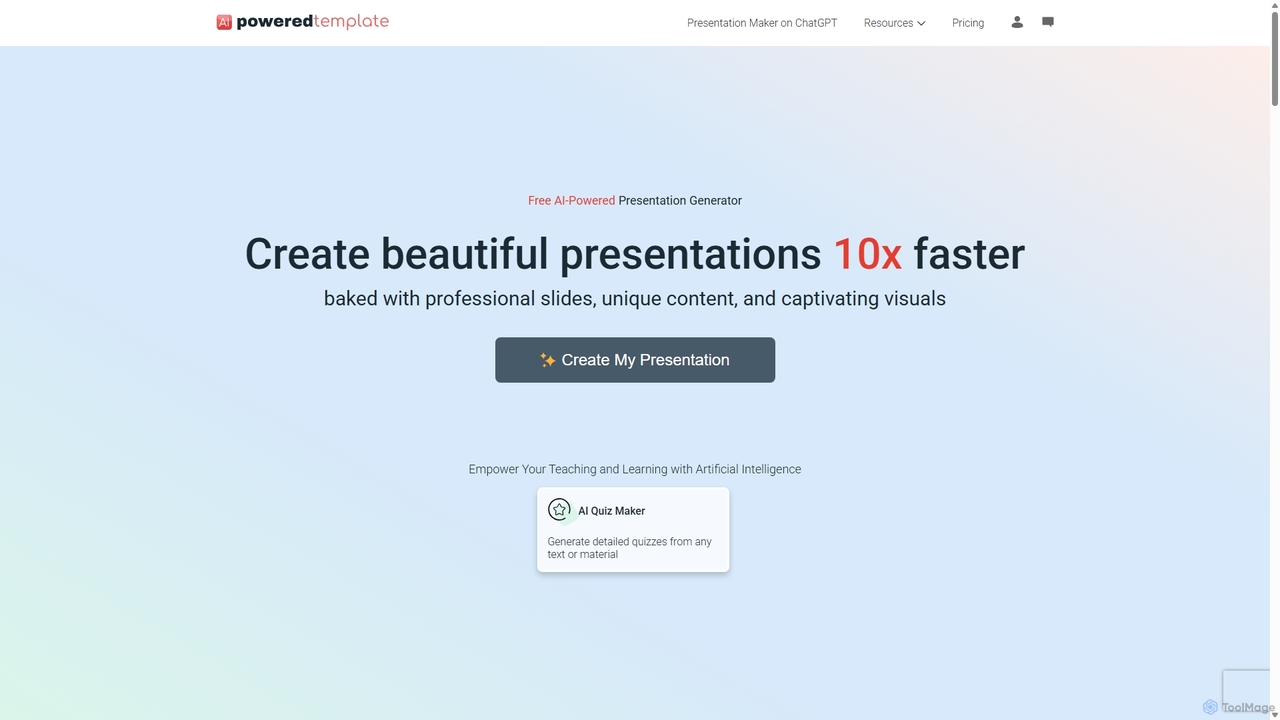
PoweredTemplate AI Presentation Maker
PoweredTemplate AI Presentation Maker is a free, AI-powered tool that transforms your ideas and text into stunning, professional presentations 10x faster. Instantly generate high-quality slides with unique content and captivating visuals for business, education, and marketing. It supports export to PowerPoint, Google Slides, and PDF, offering extensive customization through a vast library of templates and stock media.
Proposals
Jyek
Jyek is an AI agent platform that understands objectives, creates execution plans, uses tools, and delivers verifiable results for complex, multi-step tasks.
Automation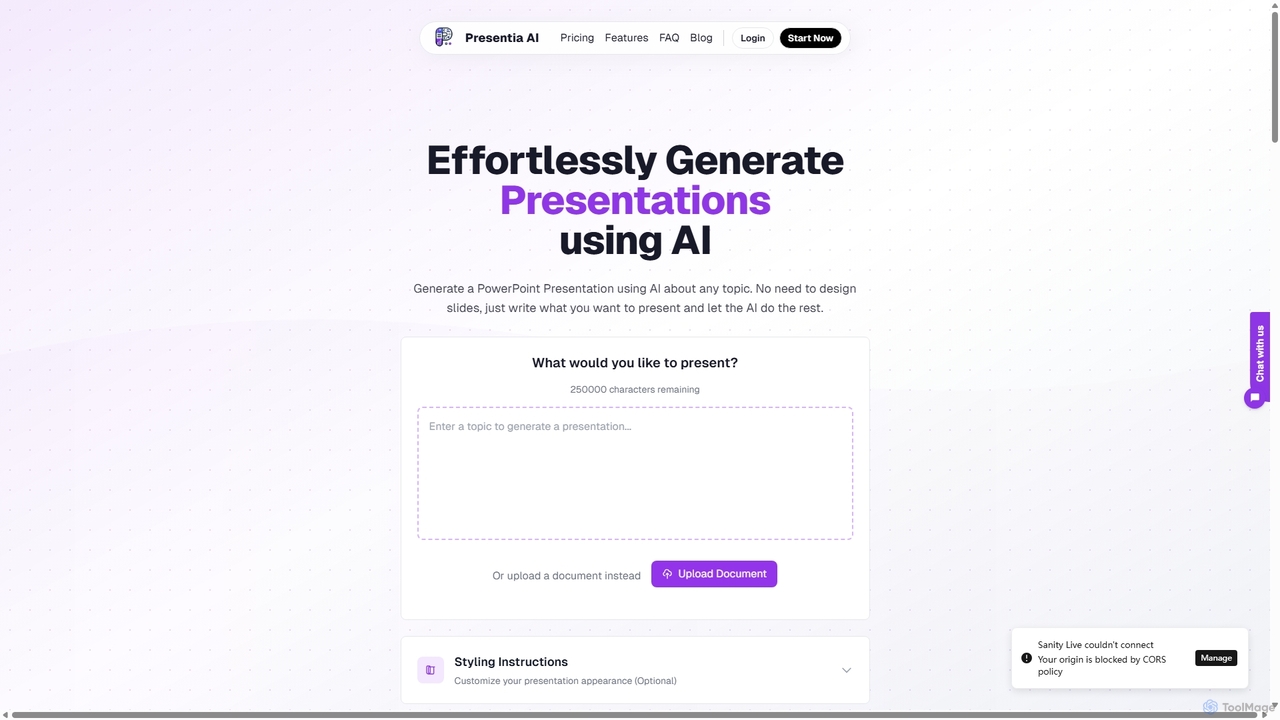
Presentia AI
Presentia AI is an advanced AI presentation maker that automatically generates professional PowerPoint slides from text prompts or documents. Simply input your topic or upload a PDF/Word file, and the AI will create a complete, visually appealing presentation with text and images in seconds, supporting multiple languages and custom styling.
Student Tools
Gamma
Gamma is an AI-powered design partner that revolutionizes content creation. It enables users to effortlessly generate polished presentations, engaging websites, professional documents, and social media graphics from simple text prompts. Move beyond traditional slide decks and blank pages, and transform your ideas into visually stunning, ready-to-share materials in minutes, no design skills required.
Website Builder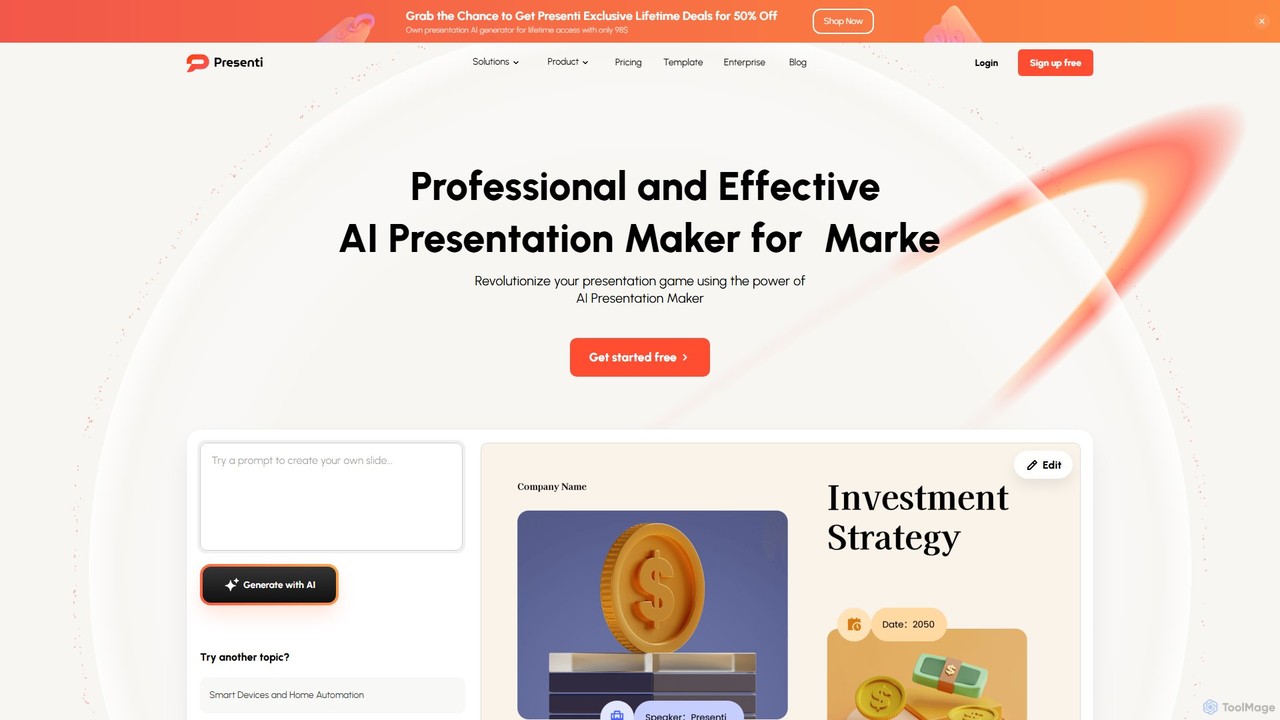
Presenti
Presenti is an AI-powered presentation maker that instantly transforms your text, documents (Word, PDF, Markdown), or ideas into stunning, professional slides. It features automated design optimization, a vast template library, and online collaboration tools to streamline your workflow and create impactful presentations in minutes.
Corporate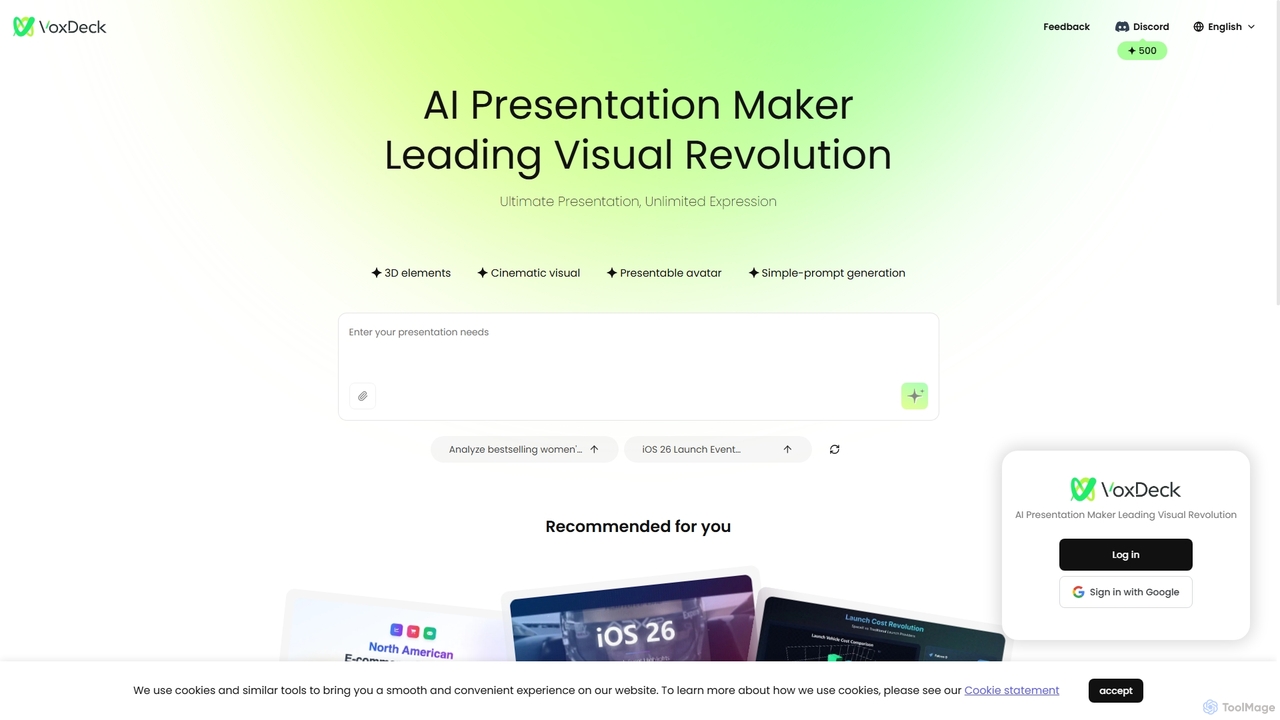
VoxDeck
VoxDeck is an AI-powered presentation maker that transforms simple text prompts into visually stunning, cinematic presentations. It leverages 3D elements, dynamic visuals, and presentable avatars to create engaging and professional slides, leading a new revolution in visual storytelling and communication.
Graphics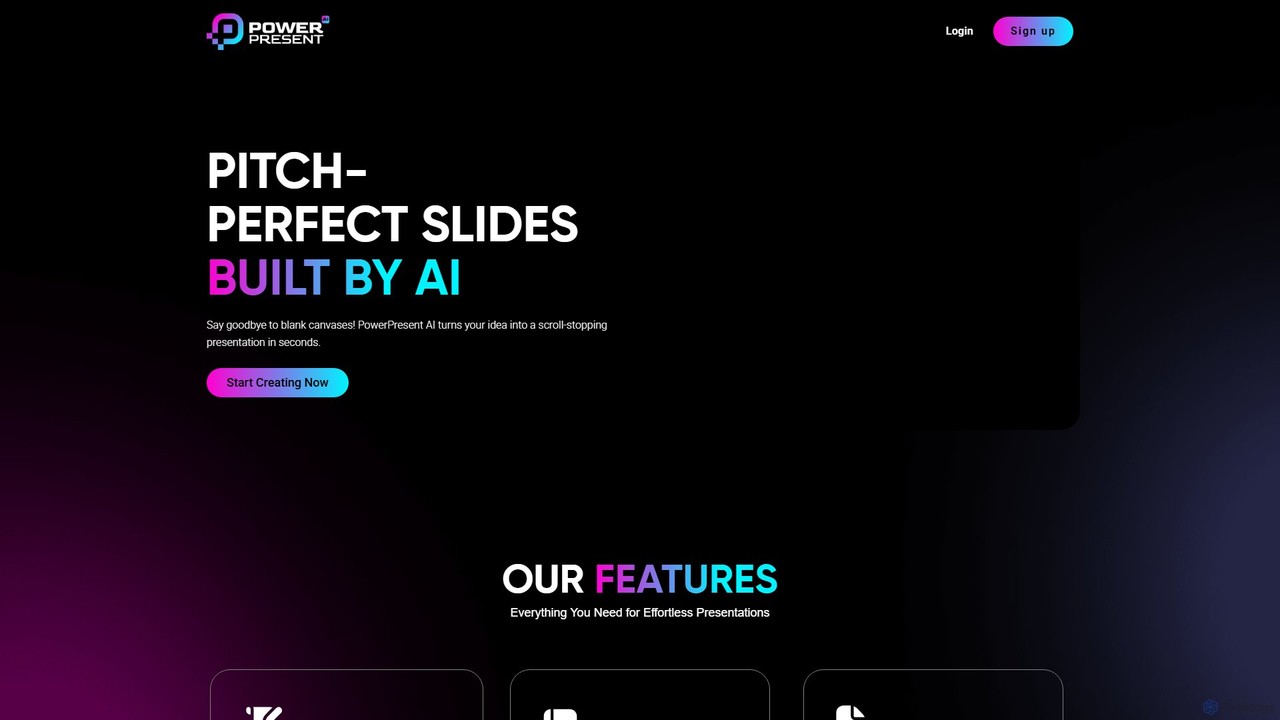
PowerPresent
PowerPresent is an AI-powered presentation maker that instantly transforms your ideas, documents, links, or text into professional, editable slides. Say goodbye to blank canvases and create stunning, pitch-perfect presentations in seconds for business, education, or personal projects.
Marketing
aipowerpointmaker Comments (0)
Sign in to comment.
Sign inNo comments yet.