
Decktopus Overview
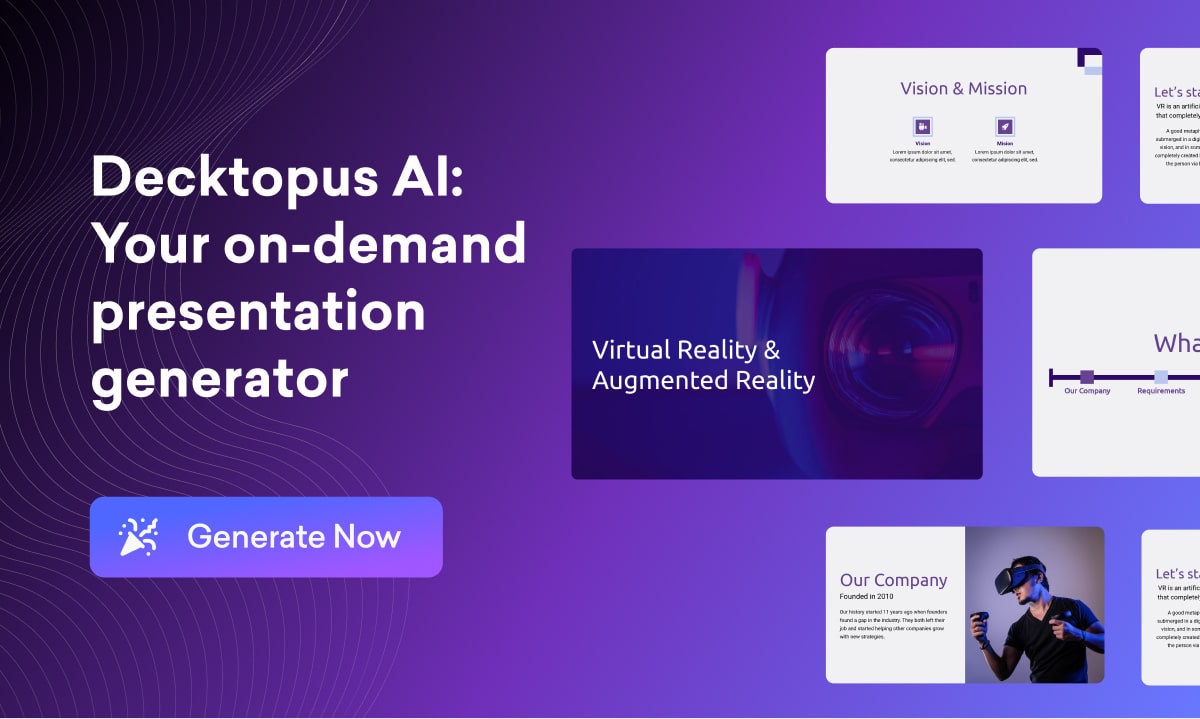
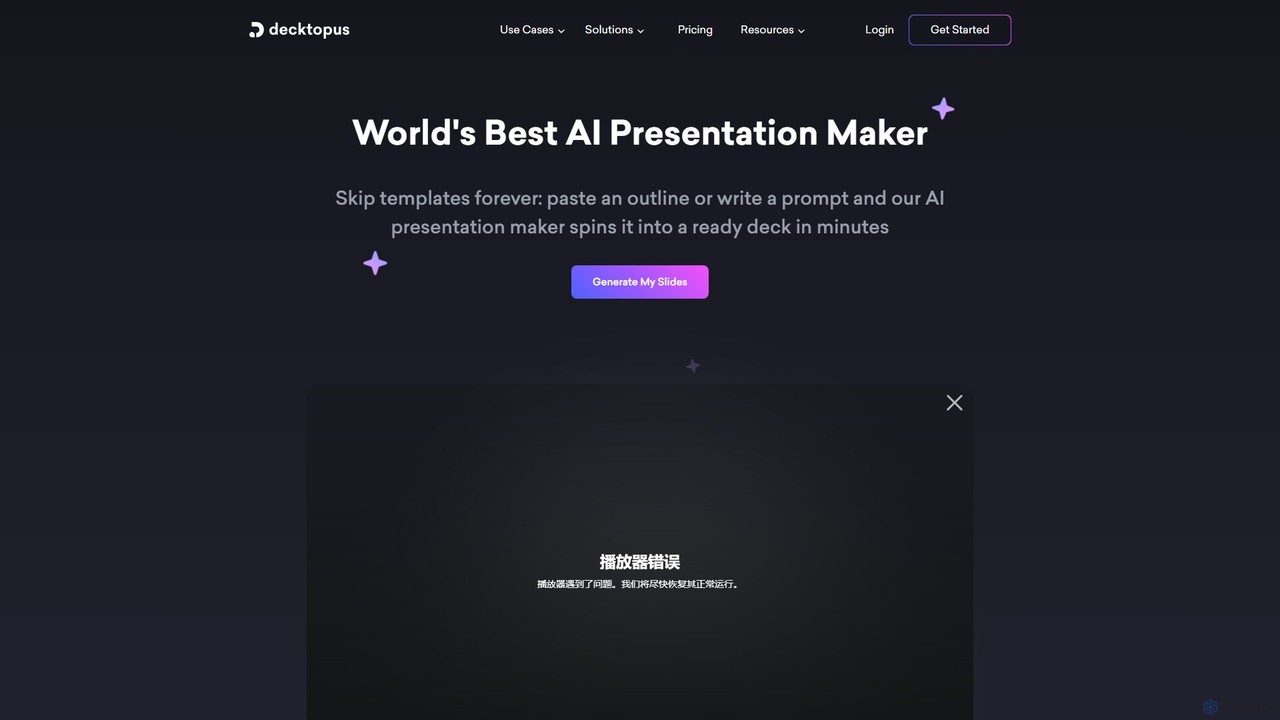
Decktopus is a revolutionary AI presentation assistant designed to streamline the entire process of creating professional and engaging presentations. It caters to busy professionals, marketers, educators, and students who need to produce high-quality decks without spending hours on design and content research. By simply providing a prompt, an outline, or even an existing PDF document, Decktopus's AI engine gets to work, generating a complete presentation with relevant text, compelling visuals, and a consistent, modern design. This eliminates the common struggles of starting with a blank slide, aligning elements, and searching for appropriate images, saving users an average of 64% of their preparation time.
The platform is more than just a slide generator; it's an all-in-one ecosystem for effective communication. It features an intuitive drag-and-drop editor for easy customization, allowing users to fine-tune every aspect of their presentation. For corporate clients, Decktopus offers custom layouts and branding options to ensure all presentations maintain a unified visual identity. The tool further enhances presentations with interactive elements like forms for lead generation, embedded web pages, and voice recordings for virtual delivery.
How to use Decktopus
Using Decktopus is designed to be a simple and intuitive process, requiring no prior design experience:
- Start with AI: Begin by entering a presentation title or a detailed prompt. You can also paste a text outline or upload a PDF file that you want to convert into a presentation.
- Generate the Deck: The AI will process your input and automatically generate a complete set of slides. This includes writing the copy, structuring the content, and selecting or creating relevant images and icons.
- Customize and Refine: Use the user-friendly drag-and-drop editor to modify text, swap images, or change layouts. You can apply different themes and color palettes with a single click to instantly change the look and feel.
- Enhance with AI Tools: Leverage additional AI features to perfect your content. Generate personalized icebreakers, refine your script with AI-generated speaker notes, and create tailored Q&A sections to anticipate audience questions.
- Practice and Present: Utilize the AI Presenter Coach to get tips and tricks for a more confident delivery. Once ready, you can present directly from the cloud, share a link, or embed your deck on a website.
Core Features of Decktopus
- AI Presentation Generation: Creates full presentations from a simple prompt, outline, or document.
- AI Content & Script Writing: Generates slide content, speaker notes, hooks, and stories to engage your audience.
- AI Image Generation: Creates unique, context-aware images and icons tailored to your slide content, eliminating the need for stock photos.
- PDF to Presentation Conversion: Instantly transforms static PDF documents into dynamic, editable presentations.
- Drag-and-Drop Editor: Easily customize every element of your slides without any design skills.
- Interactive Forms & Embeds: Collect data, generate leads, or embed live web content directly into your slides.
- AI Presenter Coach: Provides real-time feedback and tips to help you improve your public speaking skills.
- Team Collaboration & Branding: Share templates, collaborate on decks with your team, and maintain brand consistency with custom fonts and colors.
- Built-in Analytics: Track how many times your presentation has been viewed and which slides are most engaging.
Use Cases for Decktopus
Decktopus is a versatile tool suitable for a wide range of applications:
- Business & Sales: Creating compelling sales pitches, business proposals, executive summaries, and marketing reports.
- Startups: Quickly developing professional investor pitch decks to secure funding.
- Education: Teachers can prepare engaging lecture materials, and students can create visually appealing project presentations.
- Marketing: Designing product demos, case studies, and content for webinars and social media.
- Consulting: Building clear and impactful client reports and strategy presentations.
- Personal Use: Crafting presentations for community meetings, personal projects, or events.
Advantages of Decktopus
Decktopus stands out from traditional presentation software with several key advantages:
- Massive Time Savings: Automates the most time-consuming parts of presentation creation, allowing users to build decks in minutes, not hours.
- Professional Design, Effortlessly: Pre-designed layouts and AI-powered design ensure every presentation looks modern and polished, regardless of the user's design ability.
- Enhanced Engagement: Interactive features like forms, voice notes, and embedded content make presentations more dynamic and captivating for the audience.
- All-in-One Platform: Combines content generation, design, interactivity, analytics, and collaboration in a single, easy-to-use tool.
- Consistency: Ensures brand and design consistency across all presentations, especially valuable for teams and businesses.
Pricing and Plans
Decktopus operates on a freemium model, offering a free entry point and premium subscription plans.
- Free Plan: A basic plan to get started and explore the platform's capabilities.
- PRO Plan: Aimed at individual users, this plan unlocks more advanced features and provides a monthly quota of AI credits for using AI generation features. Creating one AI deck typically costs 30 credits.
- Business Plan: Designed for teams and broader use, this plan includes all PRO features plus advanced functionalities like lead generation forms, analytics, custom domain connection, and team collaboration tools for brand consistency.
Subscriptions are available on a monthly or annual basis. According to their policy, Decktopus does not offer refunds for monthly or annual subscriptions.
Traffic
Latest traffic
Status
Monthly traffic trend
- 2025-9: 320.9K
- 2026-1: 194.6K
- 2026-2: 110.9K
- 2026-3: 90.2K
- 2026-4: 67.7K
- 2026-5: 55.7K
Geography
Top 5 countries / regions
- 🇺🇸United States24.5%
- 🇮🇳India22.5%
- 🇷🇺Russia21.2%
- 🇹🇷Türkiye16.3%
- 🇸🇦Saudi Arabia15.5%
Traffic sources
| Source type | Percentage |
|---|---|
Direct | 89.7% |
Referral | 8.7% |
Email | 1.6% |
Top keywords
| Keyword | Cost per click |
|---|---|
| decktopus | $1.79 |
| decktopus ai | $0.13 |
| dectopus | $0.00 |
| medical case report presentation template | $0.00 |
| prezentaje ai fdree | $0.00 |
Decktopus Videos on YouTube



Decktopus AI



Ramanpal Singh

Decktopus Alternatives
Presenti
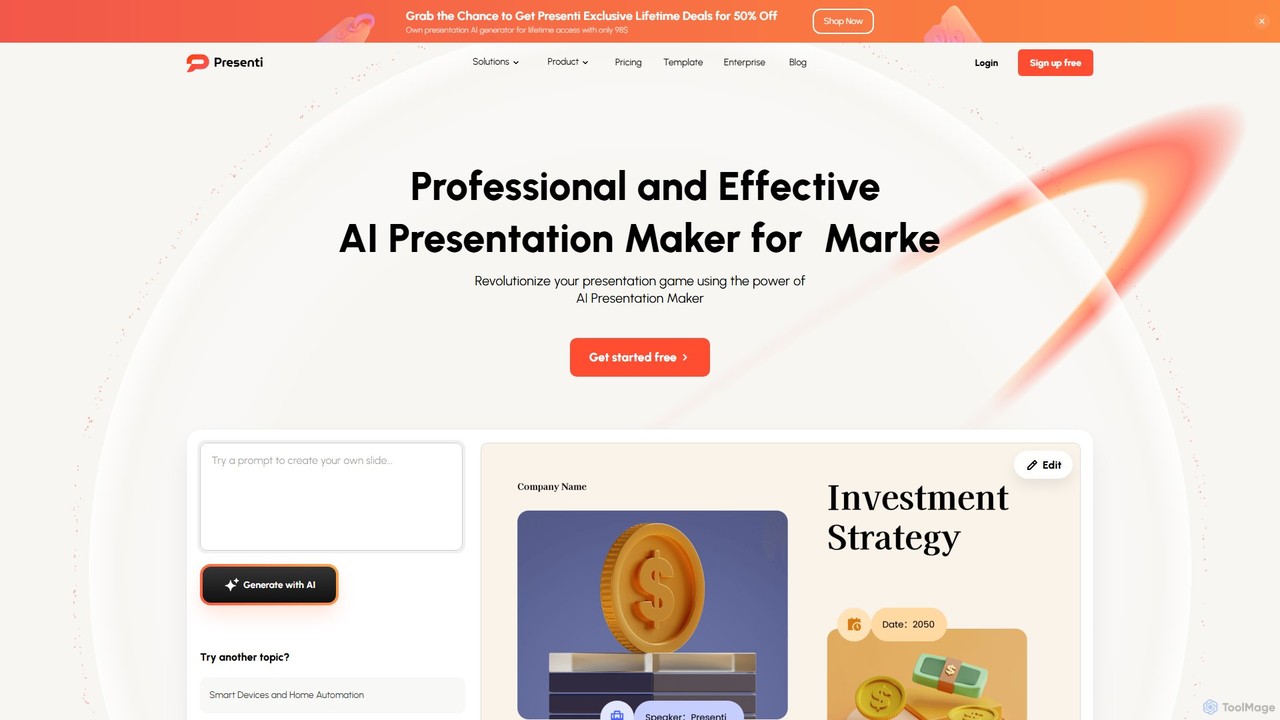
Presenti is an AI-powered presentation maker that instantly transforms your text, documents (Word, PDF, Markdown), or ideas into stunning, professional slides. It features automated design optimization, a vast template library, and online collaboration tools to streamline your workflow and create impactful presentations in minutes.
Corporate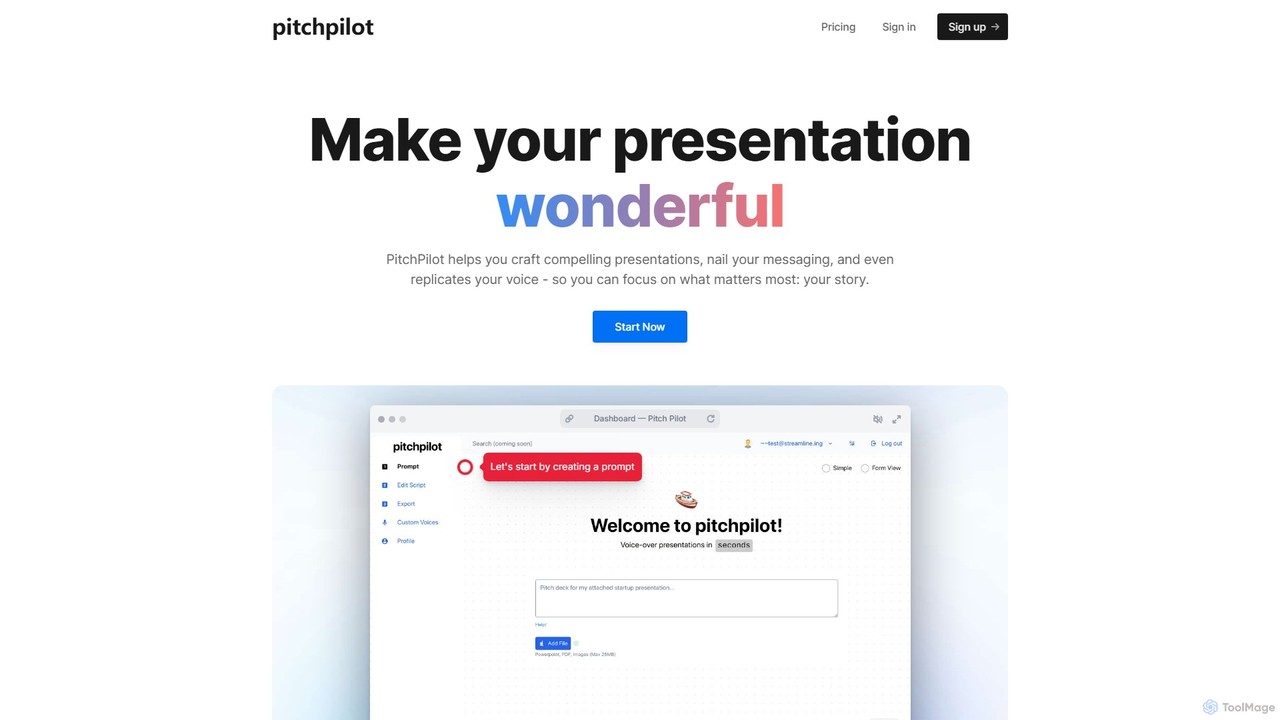
pitchpilot
PitchPilot is an AI-powered tool that transforms your presentations. It automatically generates compelling scripts from your slides, replicates your own voice for natural narration, and seamlessly integrates the audio, allowing you to focus on delivering a powerful story.
Voice Cloning
Glimmer AI
Glimmer AI is a state-of-the-art tool that uses GPT-3 and DALL·E 2 to magically generate stunning presentations from simple text or voice commands. Describe your idea, and Glimmer AI instantly creates a complete, editable slide deck, which you can then refine, share, or export to PPTX and PDF formats.
Graphics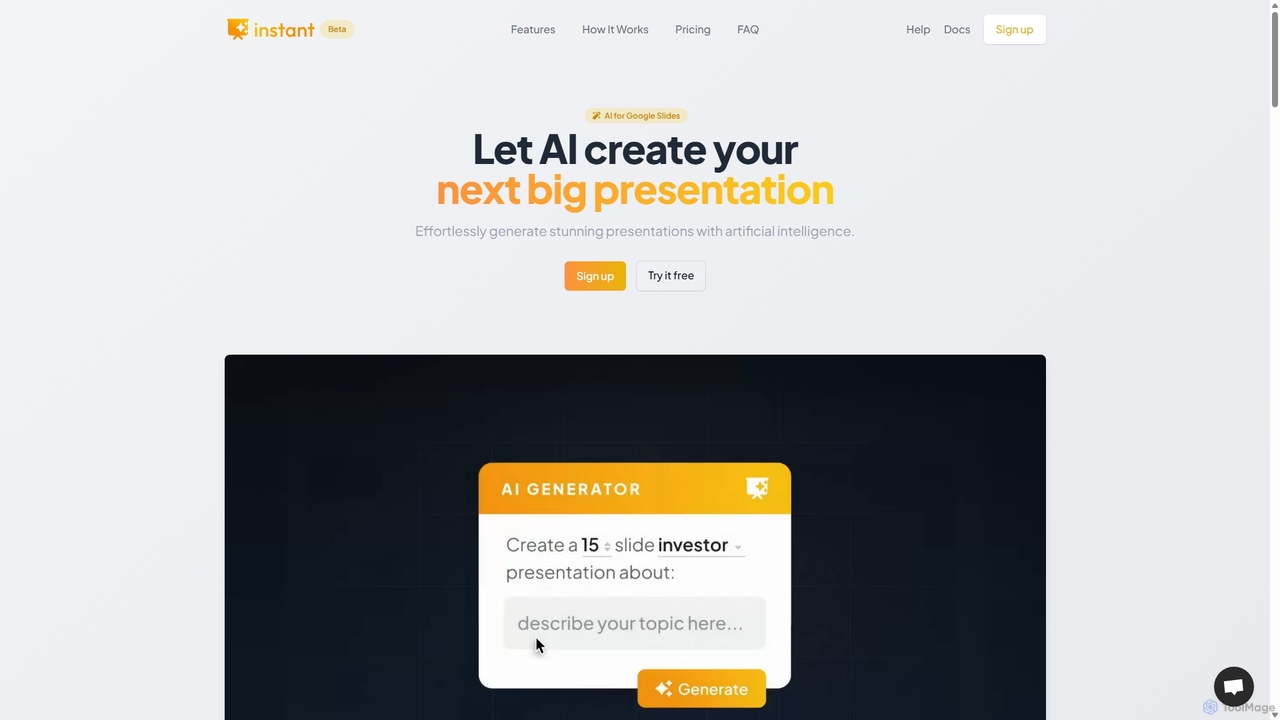
Instant
Instant is an AI-powered presentation generator designed as a Google Slides extension. It enables users to create visually stunning, fully-editable presentations directly within their familiar workflow. By combining advanced AI with a library of over 100 expert-designed templates, Instant excels at generating engaging slides with infographics, diagrams, and flowcharts, moving beyond simple text and bullet points. It automates content creation, outline generation, and layout design, saving time and effort while producing professional-grade results.
Learning
Decktopus Categories
Decktopus Embed Widget
Copy this embed code to place the badge on your blog, article, or product site and send readers directly to this ToolMage detail page.

Related AI tools
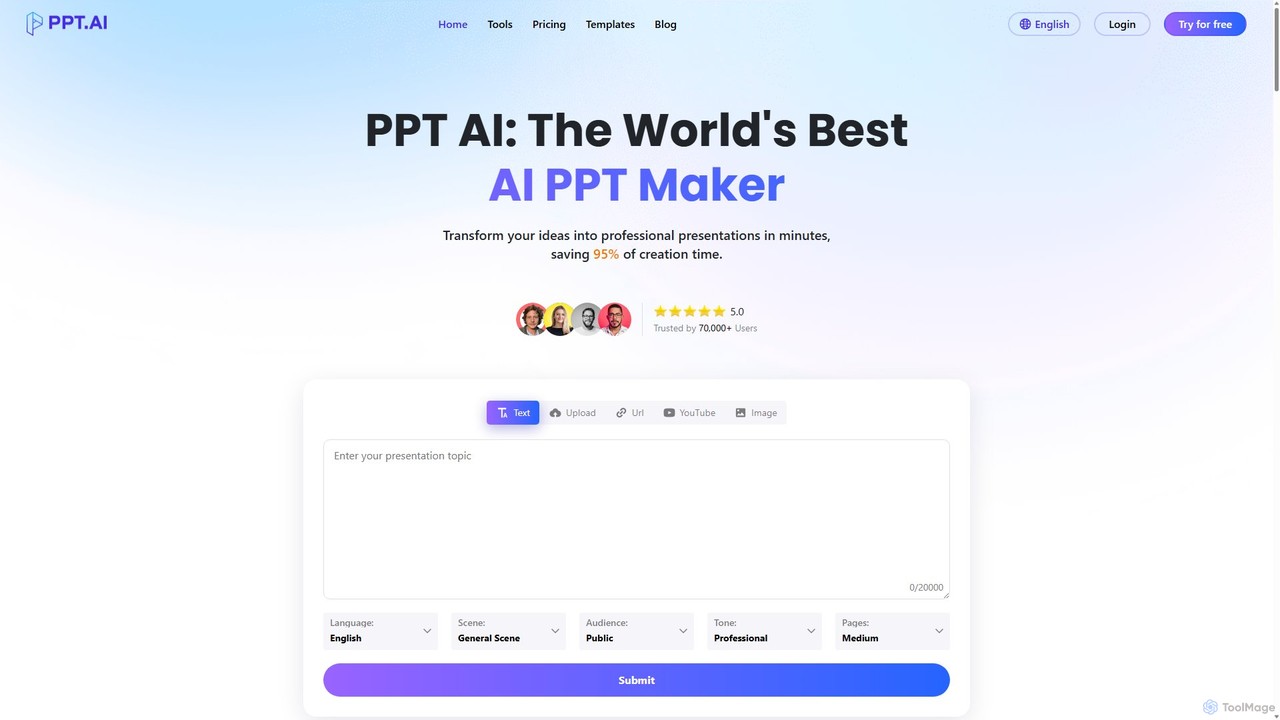
PPT.AI
PPT.AI is an AI-powered presentation maker that transforms your text, ideas, or documents into professional, ready-to-present slides in minutes. It automates the design process, offering intelligent layouts, customizable templates, and consistent branding, making it ideal for professionals and students who need to create high-impact presentations quickly without design expertise.
Automation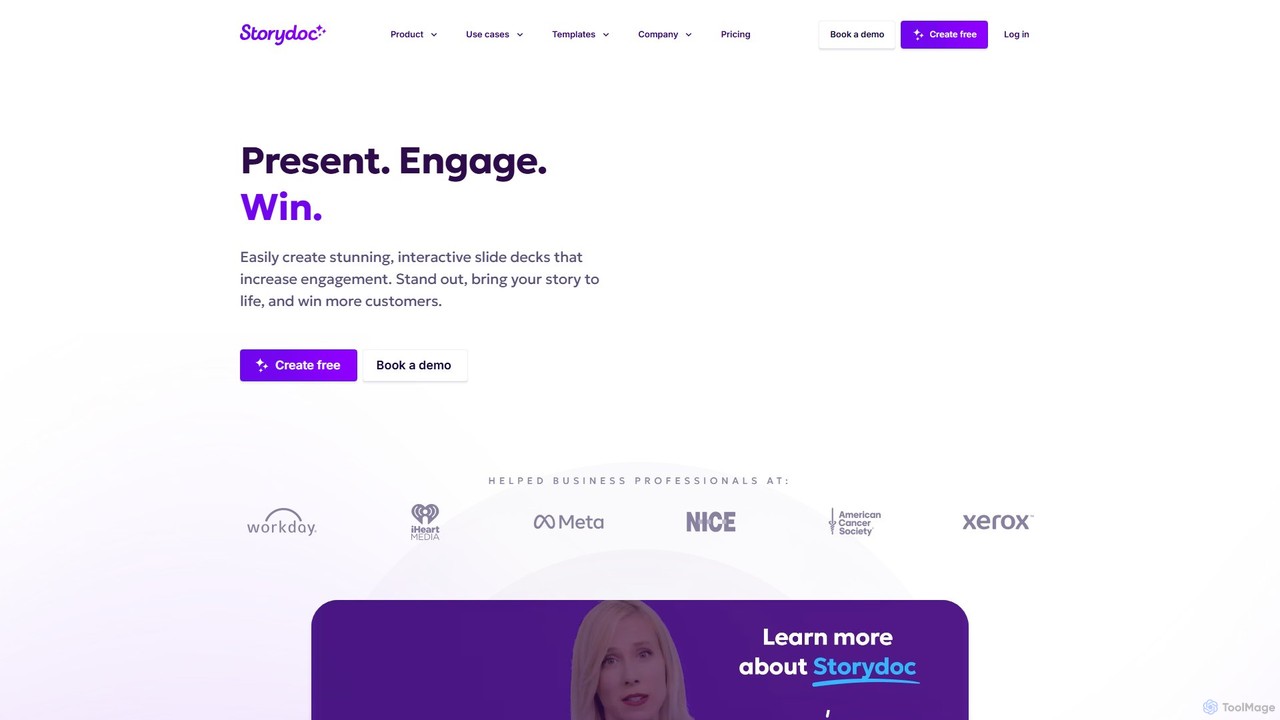
Storydoc
Storydoc is an AI-powered platform that transforms traditional presentations into interactive, engaging web-based experiences. It helps sales, marketing, and startup teams create stunning, data-driven decks that capture attention and drive results. With smart templates, AI assistance, and built-in analytics, Storydoc makes it easy to tell compelling stories and close more deals.
Content Creation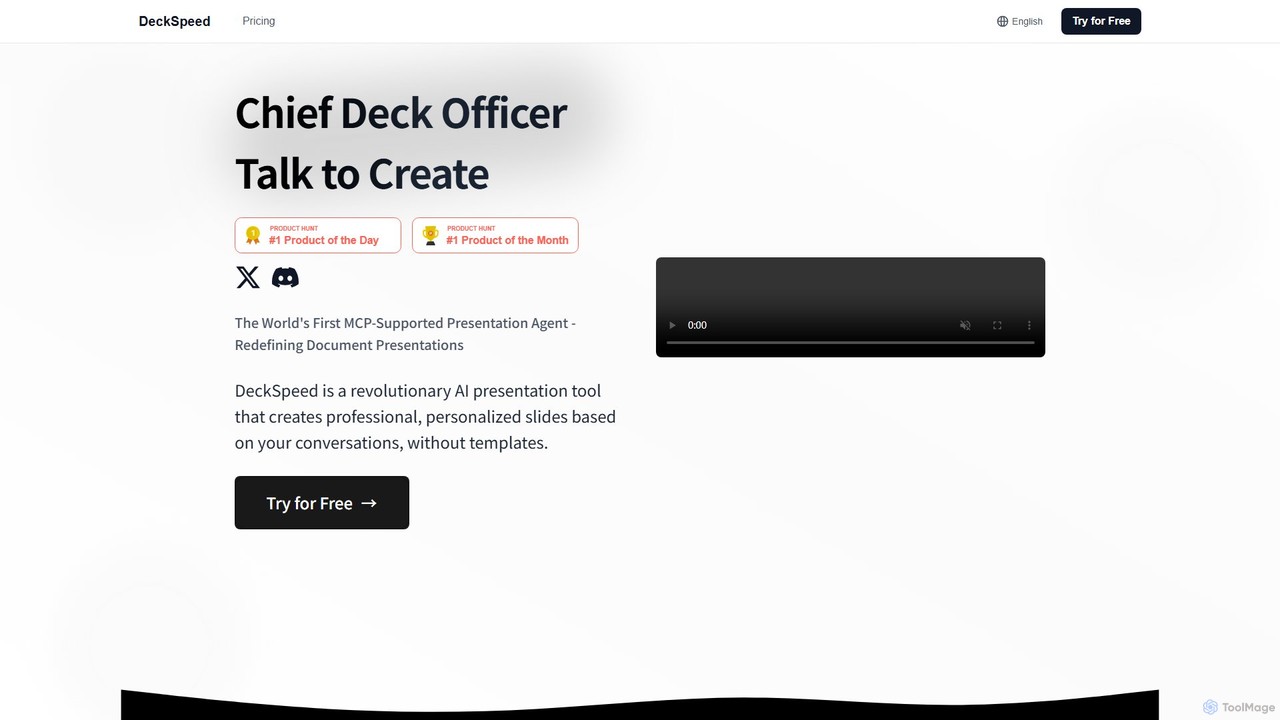
DeckSpeed
DeckSpeed is a revolutionary AI presentation tool that creates professional, personalized slides through simple conversation. Ditch rigid templates and express your ideas in natural language. The AI acts as your 'Chief Deck Officer,' instantly generating unique designs and content, allowing for real-time feedback and adjustments to save you time and elevate your presentations.
Teaching Tools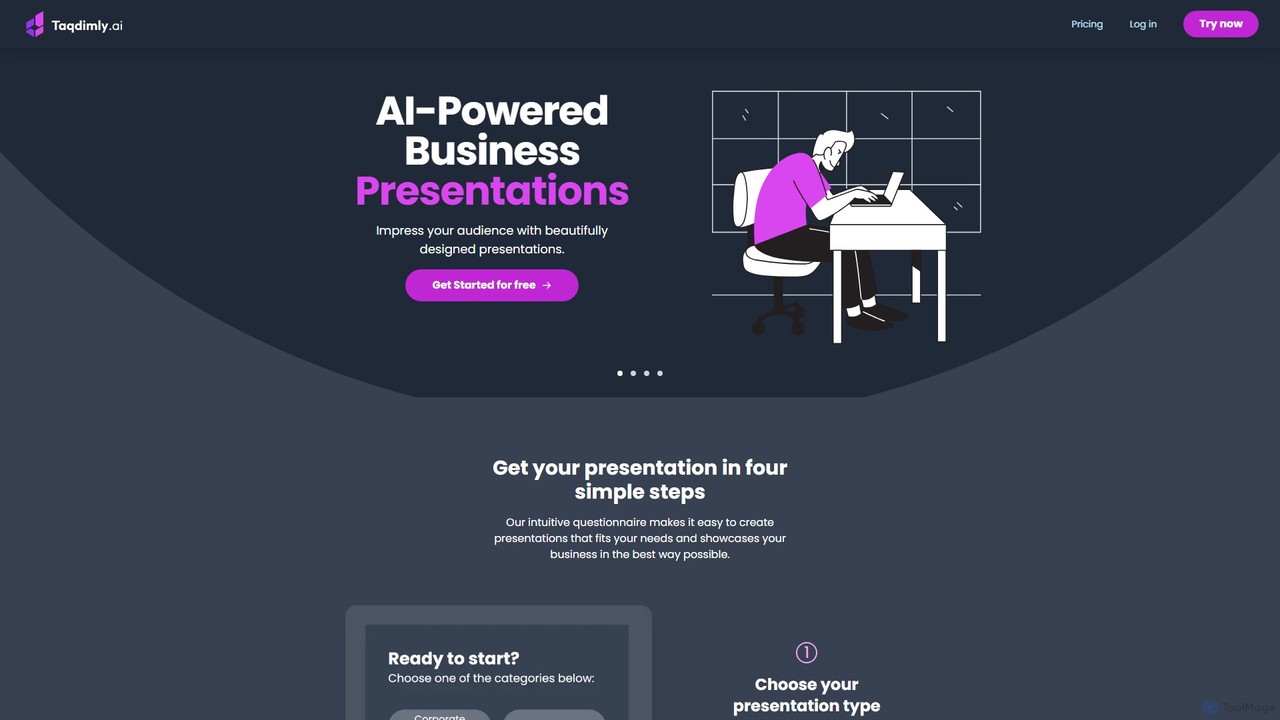
deckify
deckify is an AI-powered platform that enables users to create stunning, professional business presentations in minutes. It transforms your ideas into beautifully designed pitch decks, market research reports, and marketing plans with an intuitive, guided process. Perfect for professionals who need to impress their audience without spending hours on design.
Pitch Deckspitchpilot
PitchPilot is an AI-powered tool that transforms your presentations. It automatically generates compelling scripts from your slides, replicates your own voice for natural narration, and seamlessly integrates the audio, allowing you to focus on delivering a powerful story.
Voice Cloning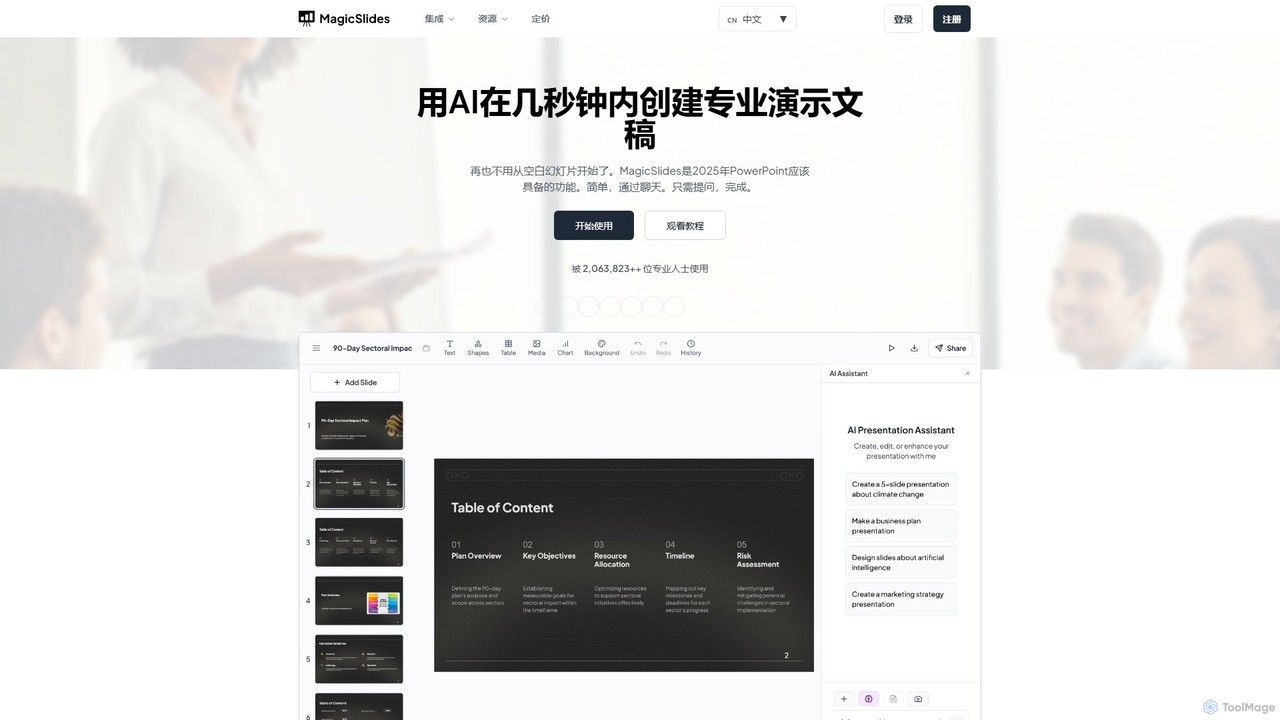
MagicSlides
MagicSlides is an AI-powered presentation maker that instantly creates professional slides from various sources, including text, topics, PDFs, YouTube videos, and URLs. It integrates seamlessly with Google Slides, PowerPoint, Figma, and more, supporting over 136 languages to streamline your workflow and save hours of design time.
Automation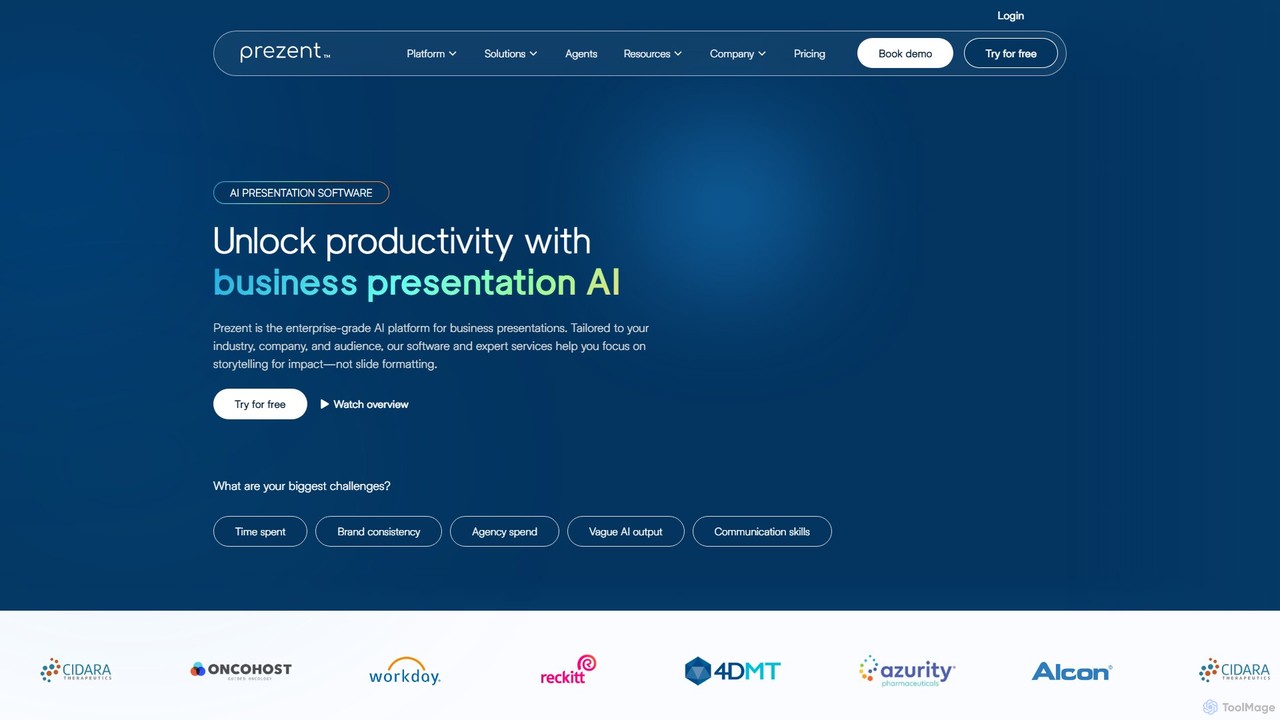
prezent
prezent is an enterprise-grade AI platform designed to create professional, on-brand business presentations. It helps teams save time, ensure brand consistency, and enhance communication by transforming simple prompts and content into impactful, audience-tailored slides. The platform combines AI-powered software with expert services and learning resources.
Communication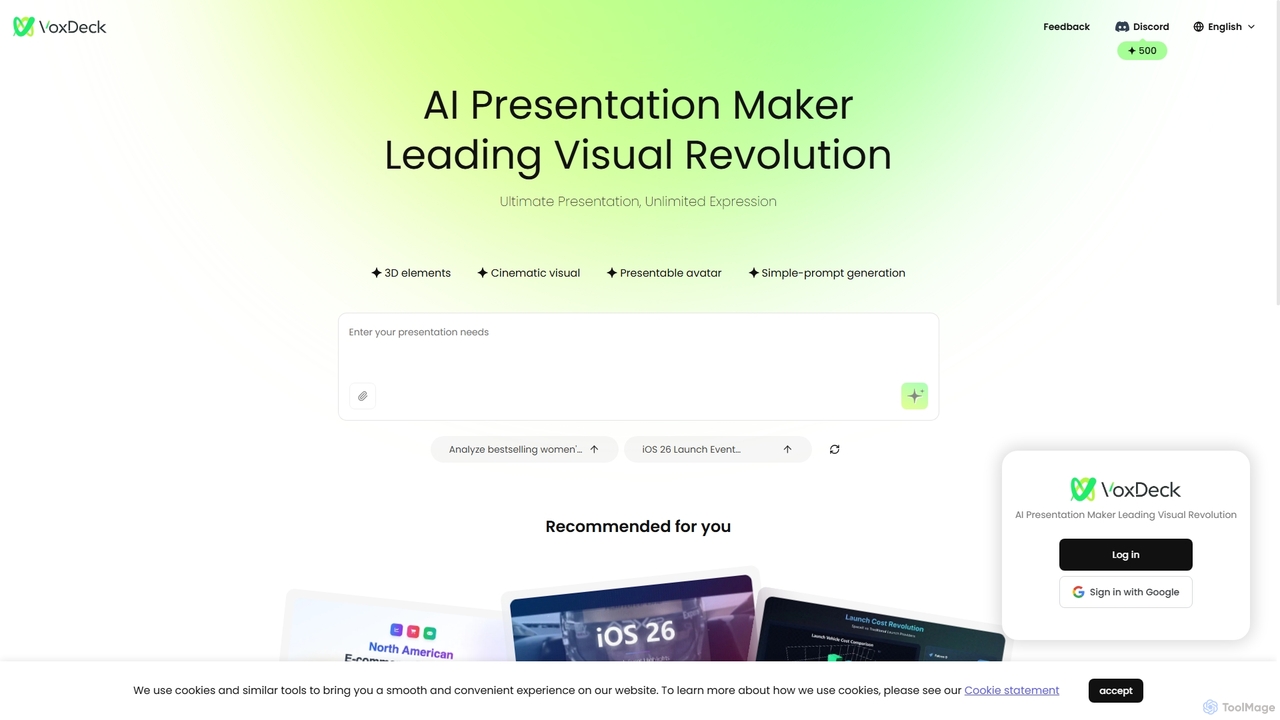
VoxDeck
VoxDeck is an AI-powered presentation maker that transforms simple text prompts into visually stunning, cinematic presentations. It leverages 3D elements, dynamic visuals, and presentable avatars to create engaging and professional slides, leading a new revolution in visual storytelling and communication.
Graphics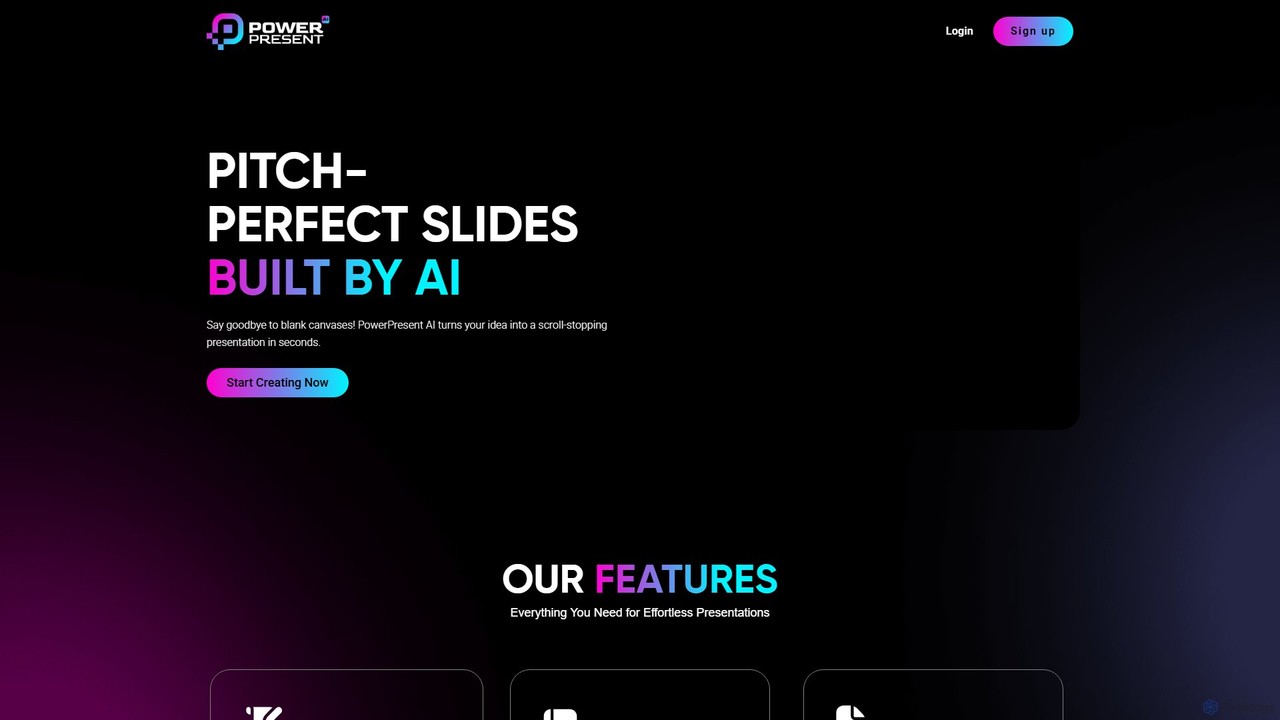
PowerPresent
PowerPresent is an AI-powered presentation maker that instantly transforms your ideas, documents, links, or text into professional, editable slides. Say goodbye to blank canvases and create stunning, pitch-perfect presentations in seconds for business, education, or personal projects.
Marketing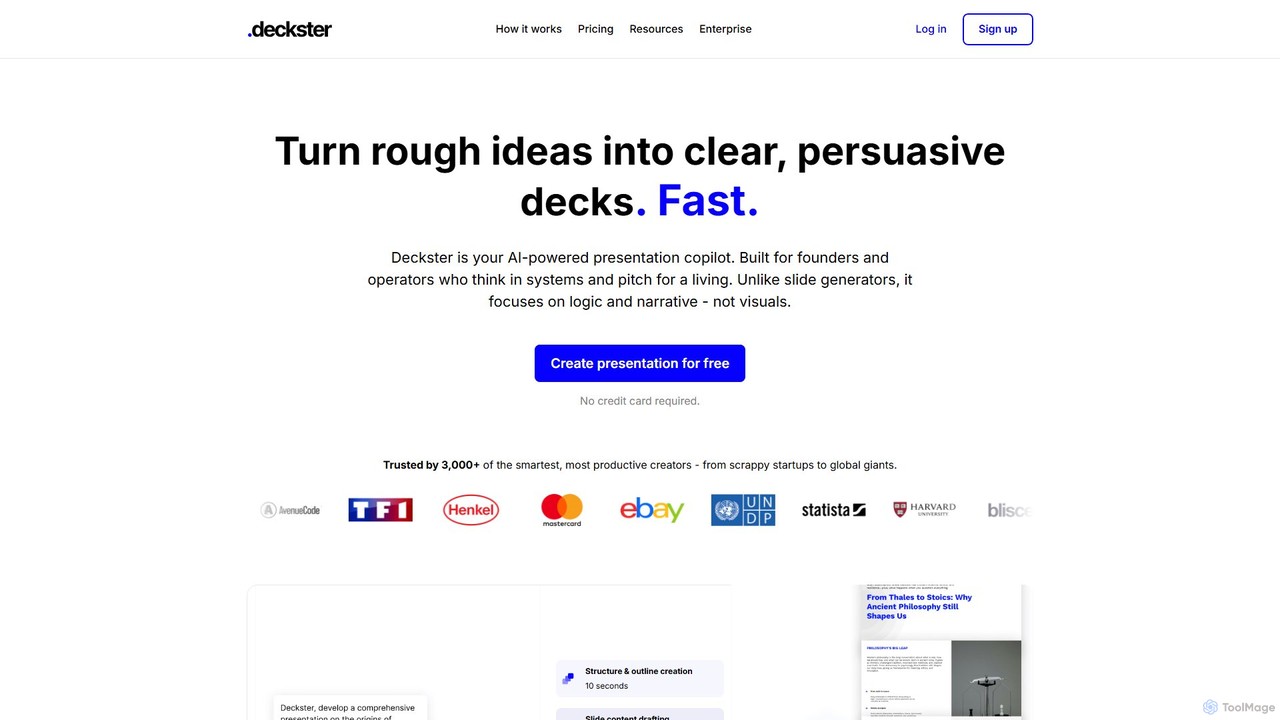
Deckster
Deckster is an AI-powered presentation copilot designed for founders and professionals. It transforms rough ideas into clear, persuasive presentations by focusing on logic, narrative, and structure, not just visuals. Generate a 95% ready draft in minutes, complete with smart content, auto-generated charts, and delivery tips, and export it directly to Google Slides or PowerPoint.
Communication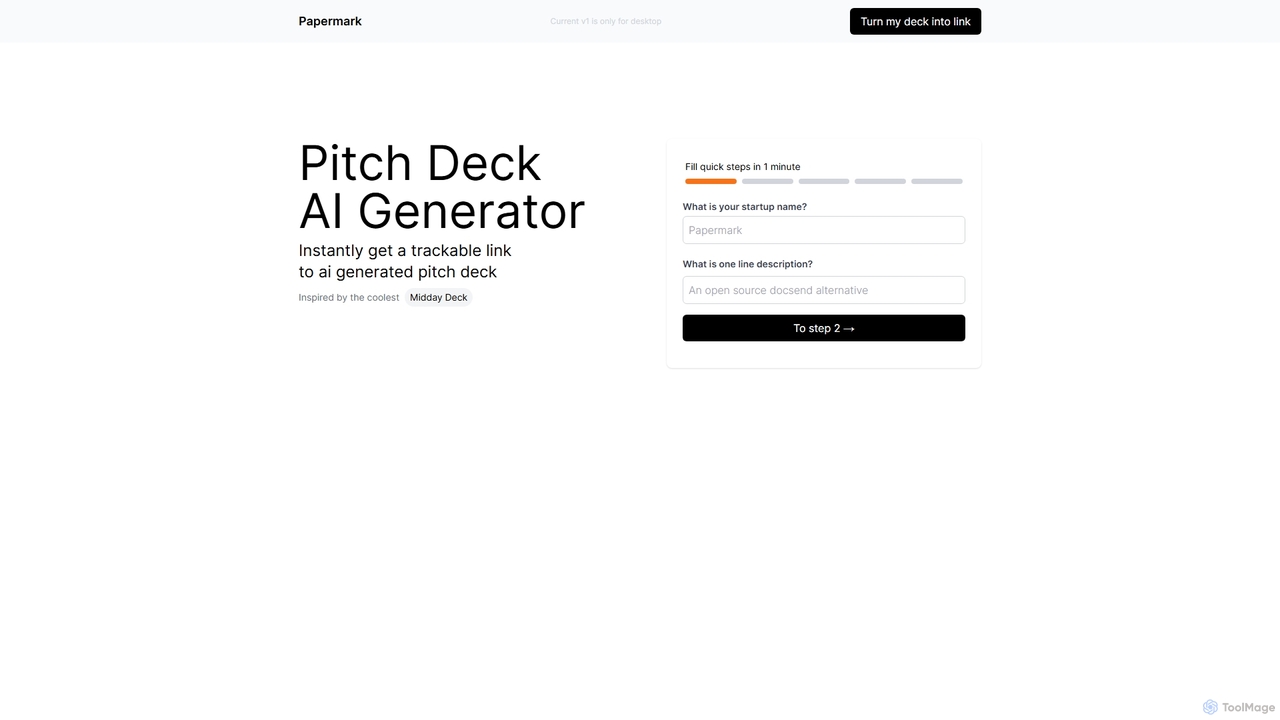
Deck
Deck is a free AI-powered pitch Deck generator that creates professional, trackable, and instantly shareable presentations in minutes. Simply provide your startup's name and a one-line description to generate a complete Deck, perfect for founders, marketers, and sales teams.
StartupsPresenti
Presenti is an AI-powered presentation maker that instantly transforms your text, documents (Word, PDF, Markdown), or ideas into stunning, professional slides. It features automated design optimization, a vast template library, and online collaboration tools to streamline your workflow and create impactful presentations in minutes.
Corporate
Gamma
Gamma is an AI-powered design partner that revolutionizes content creation. It enables users to effortlessly generate polished presentations, engaging websites, professional documents, and social media graphics from simple text prompts. Move beyond traditional slide decks and blank pages, and transform your ideas into visually stunning, ready-to-share materials in minutes, no design skills required.
Website Builder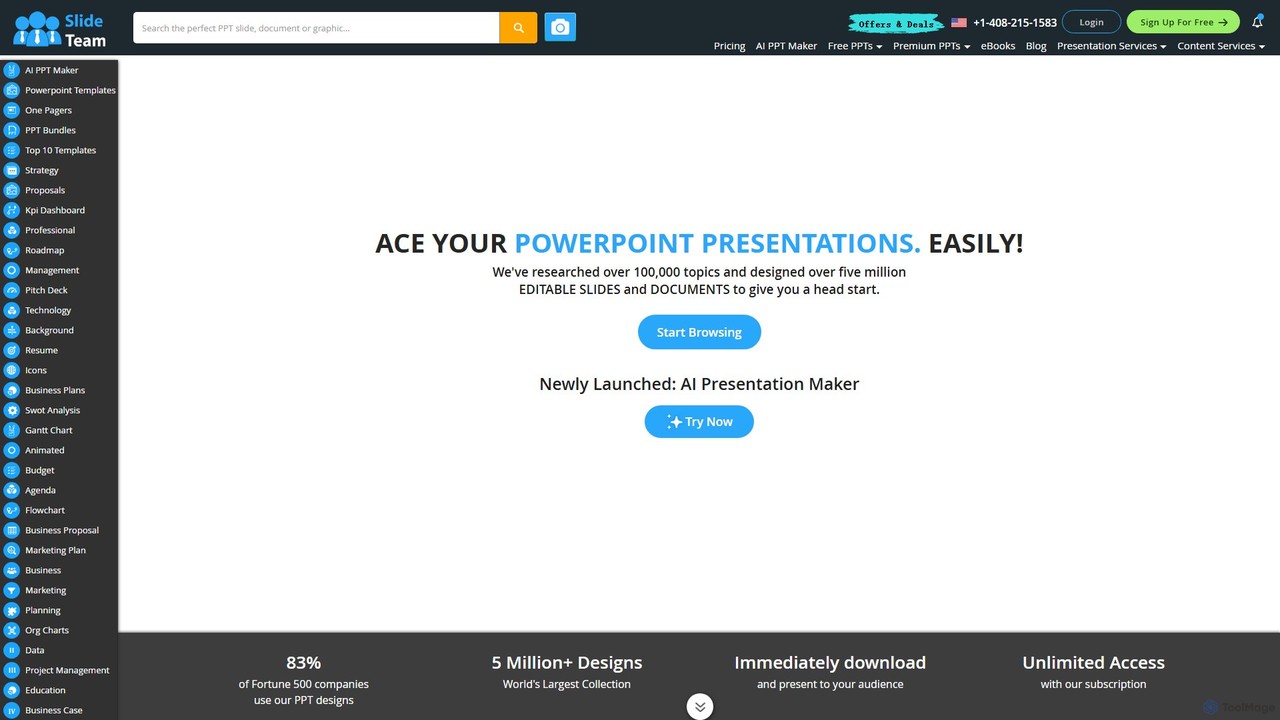
Slideteam
Slideteam is a comprehensive platform featuring an AI Presentation Maker and the world's largest library of over 5 million professional PowerPoint templates. It enables users to instantly generate or download fully editable slides, diagrams, and data-driven charts for any business topic. Trusted by Fortune 500 companies, Slideteam helps you create stunning, high-impact presentations in minutes, saving significant time and ensuring professional quality.
Marketing
Decktopus Comments (0)
Sign in to comment.
Sign inNo comments yet.