SlidesWizard
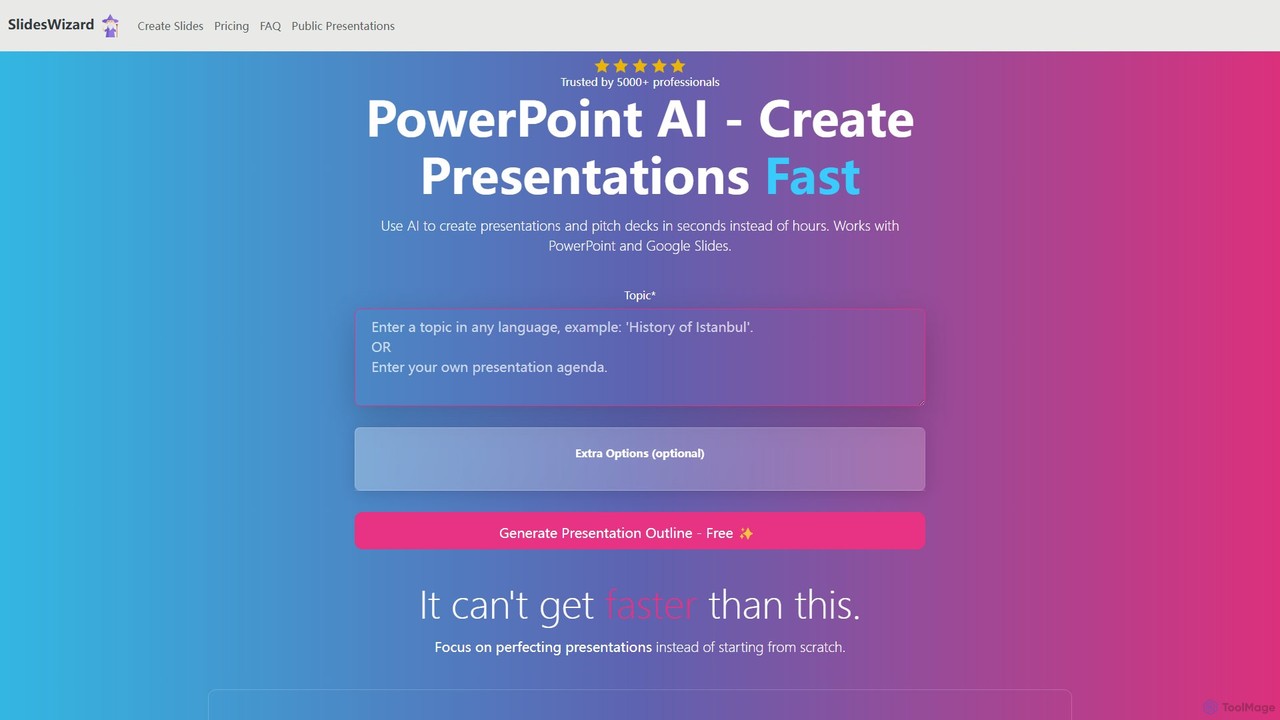
SlidesWizard is an AI-powered presentation generator that creates professional PowerPoint and Google Slides presentations in seconds. Simply provide …
SlidesWizard is an AI-powered presentation generator that creates professional PowerPoint and Google Slides presentations in seconds. Simply provide a topic, and the AI will handle the outline, content, slide layouts, and even find relevant, high-quality images, saving you hours of work.
PitchGrade
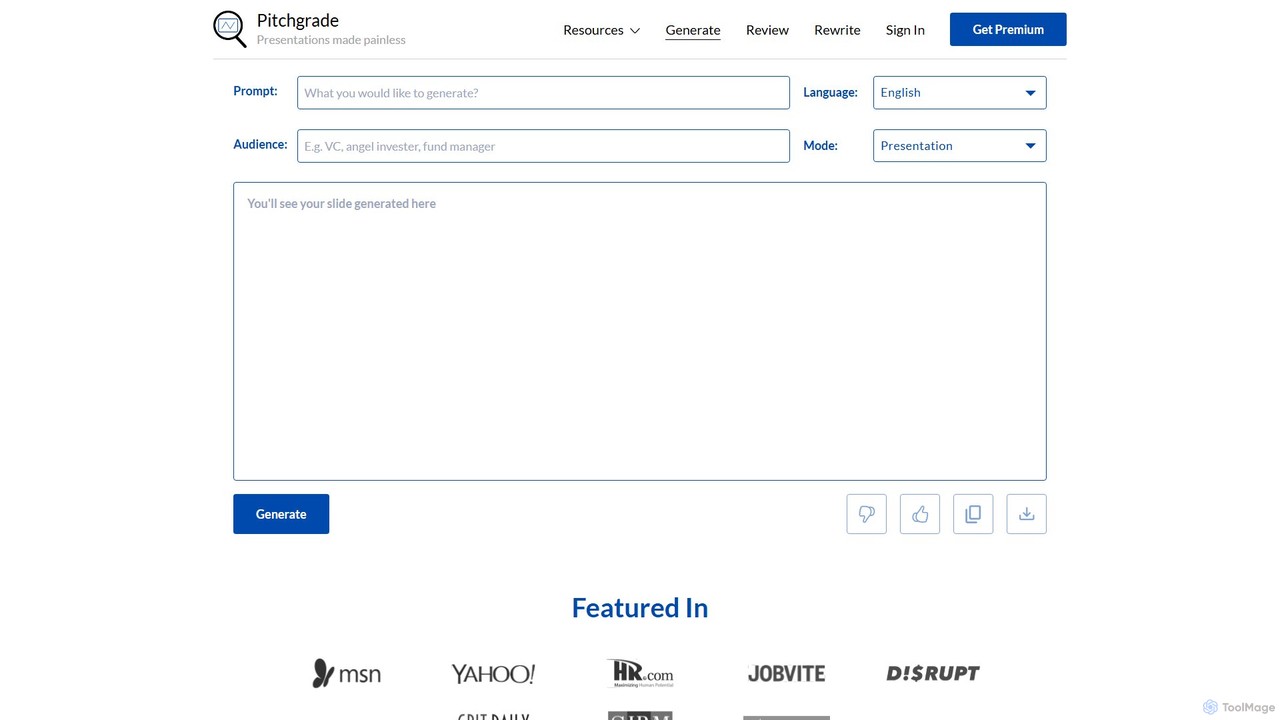
PitchGrade is an AI-powered platform that instantly generates and reviews professional presentations. Create high-quality pitch decks, sales decks, …
PitchGrade is an AI-powered platform that instantly generates and reviews professional presentations. Create high-quality pitch decks, sales decks, and more from a simple prompt in over 180 languages. Get instant AI feedback to refine your slides, saving you hours of work and helping you deliver a perfect pitch.
deckify
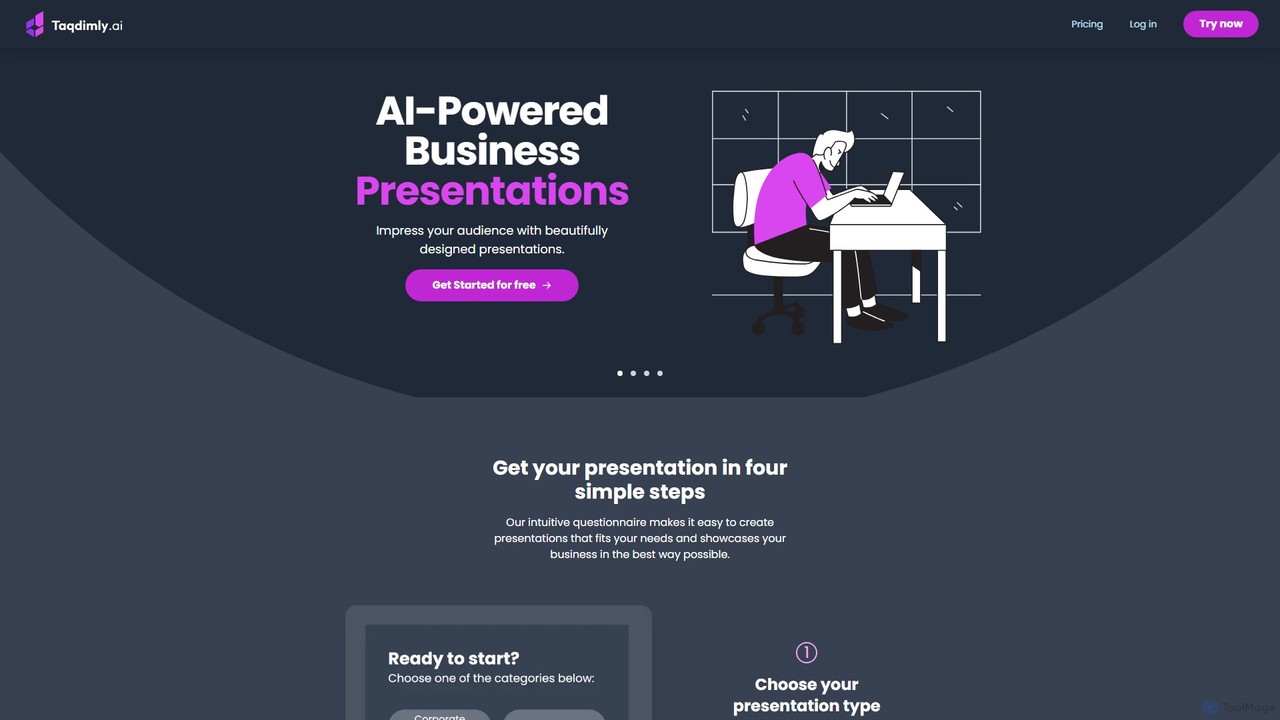
deckify is an AI-powered platform that enables users to create stunning, professional business presentations in minutes. It transforms …
deckify is an AI-powered platform that enables users to create stunning, professional business presentations in minutes. It transforms your ideas into beautifully designed pitch decks, market research reports, and marketing plans with an intuitive, guided process. Perfect for professionals who need to impress their audience without spending hours on design.
About Pitch Decks
AI Pitch Deck tools are specialized applications designed to automate and enhance the creation of compelling fundraising presentations. They leverage generative AI to draft content, structure narratives, and design visually appealing slides based on user-provided business information. This enables founders and entrepreneurs to produce professional, investor-ready decks rapidly, without requiring extensive design or copywriting expertise. These tools streamline a critical business function, transforming raw data and ideas into a persuasive story for securing investment.
Core Features
- Automated Content Generation: AI writes key sections of the pitch deck, such as the problem, solution, market analysis, and business model, based on simple inputs.
- Intelligent Slide Design: Automatically generates professional slide layouts, selects appropriate visuals, and ensures brand consistency across the presentation.
- Narrative Structuring: Organizes slides into a logical and persuasive story flow that aligns with investor expectations and standard pitch structures.
- Data Visualization: Transforms raw financial data and metrics into clear, easy-to-understand charts and graphs to support key claims.
- AI-Powered Feedback & Refinement: Analyzes draft presentations to provide suggestions on clarity, persuasiveness, and potential weaknesses before pitching to investors.
Use Cases
These tools are primarily used by startup founders, entrepreneurs, and business development teams. They are essential during fundraising rounds (from pre-seed to Series A/B), for applying to accelerator programs, or for creating internal presentations to pitch new projects to leadership. Any scenario requiring a structured, data-driven, and persuasive business presentation can benefit from these AI assistants.
How to Choose
When selecting an AI Pitch Deck tool, consider the quality and customizability of its design templates. Evaluate the depth of its AI content generation—does it create generic text or nuanced, industry-specific content? Check for integration capabilities with data sources like spreadsheets or analytics platforms. Finally, assess the user interface for ease of use, especially for users without a design background.
Pitch DecksUse Cases
Seed Round Fundraising for a Tech Startup
A solo founder of a new SaaS startup has a validated business idea but lacks design skills and time to create a compelling pitch deck. They use an AI Pitch Deck tool, inputting key information like their problem statement, solution, target audience, and initial revenue projections. The AI generates a complete 12-slide deck in minutes, featuring a professional design, concise copywriting, and data visualizations for their market size. This allows the founder to focus on refining their pitch delivery and outreach, securing three investor meetings within the first week.
Refining an Existing Deck with AI Feedback
A startup team has a functional but unpolished pitch deck. Before a major accelerator demo day, they upload their presentation to an AI tool. The AI analyzes the deck slide by slide, providing actionable feedback. It suggests rephrasing the value proposition for clarity, points out inconsistent data points, and recommends a more logical story flow. The team implements these changes, resulting in a significantly more persuasive and professional presentation that helps them stand out and secure follow-on interest from judges.
Creating Internal Strategy Presentations
A product manager needs to pitch a new feature initiative to the executive team to secure budget and resources. Instead of starting from a blank slide, she uses an AI Pitch Deck tool. She inputs the project goals, expected ROI, required resources, and a timeline. The tool structures this information into a standard business case format, creating slides for the opportunity, proposed solution, resource plan, and success metrics. This saves her hours of formatting work and ensures her proposal is clear, comprehensive, and ready for executive review.
Generating Sales Decks for Enterprise Clients
A business development team needs to create customized sales presentations for different enterprise prospects. Using an AI Pitch Deck tool with a master template, they can quickly generate tailored versions. For each prospect, they input the client's industry, specific pain points, and relevant case studies. The AI then populates the template, adjusting the messaging and visuals to resonate with that specific client. This process reduces the time to create a custom deck from hours to minutes, allowing the team to reach more prospects with personalized pitches.
Non-Profit Grant Proposal Presentations
A small non-profit organization is applying for a crucial grant. Their team, composed of program experts rather than designers, uses an AI Pitch Deck tool to translate their detailed grant application into a visual presentation. They input their mission, impact metrics, program details, and budget request. The AI structures this into a compelling narrative, creating slides that clearly communicate the problem they address and the effectiveness of their solution. The resulting professional presentation helps their application stand out to the grant committee.
Accelerating Deck Creation for Venture Studios
A venture studio simultaneously builds and launches multiple startups, requiring a high volume of pitch decks. To standardize quality and speed up the process, they integrate an AI Pitch Deck tool into their workflow. For each new venture, the founding team inputs their core business model into the tool. The AI generates a baseline deck following the studio's preferred structure and branding. This allows the studio's partners to focus on high-level strategy and narrative refinement, rather than basic slide creation, cutting the time-to-investor-ready-deck by over 60%.