Business Best in category 6 results Meetings AI Tool

Popular AI tools in the Meetings field of Business include Felo Translator、Audionotes.app、Sendsteps、SlideAI、TransLinguist、Interpret AI, etc., helping you quickly improve efficiency.

TransLinguist

TransLinguist

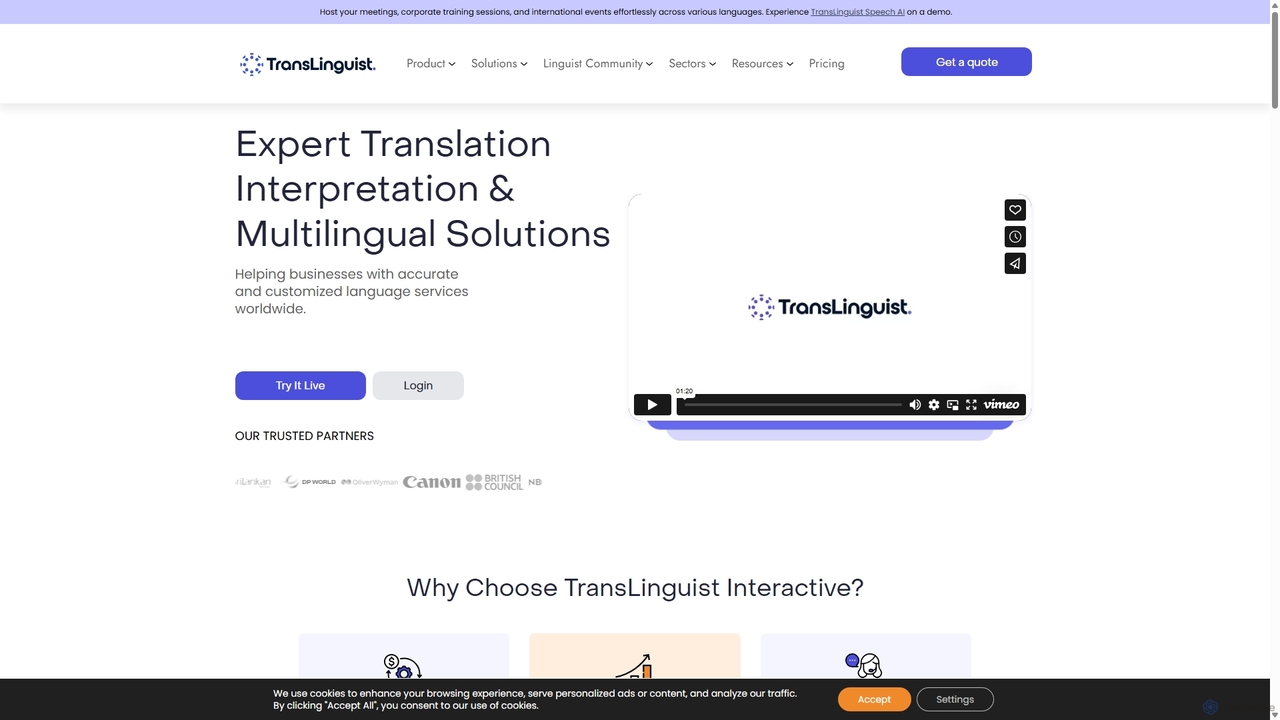
TransLinguist is an AI-powered SaaS platform offering comprehensive language solutions. It combines advanced AI technology with human expertise …

11.5K
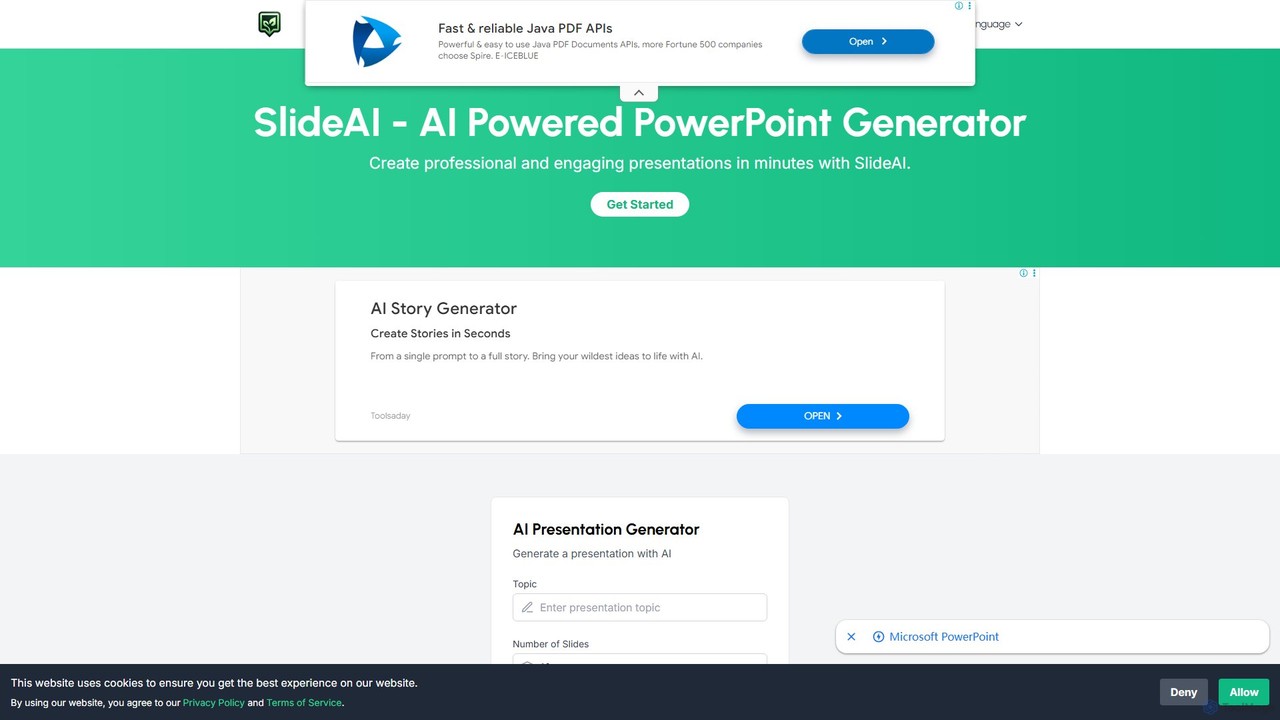
SlideAI

SlideAI

SlideAI is an AI-powered presentation generator that creates professional and engaging PowerPoint slides in minutes. Simply provide a …

20.3K
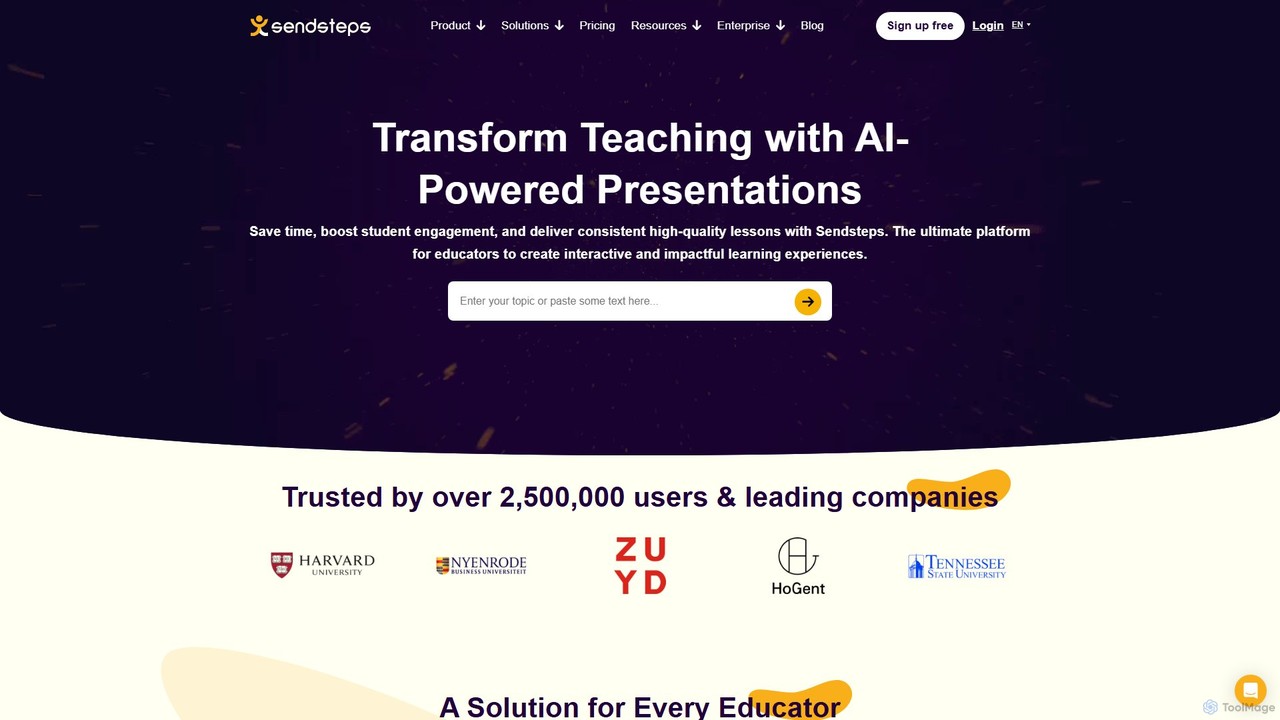
Sendsteps

Sendsteps

Sendsteps is an AI-powered presentation maker that transforms documents or simple topics into interactive, visually engaging presentations with …

35.0K
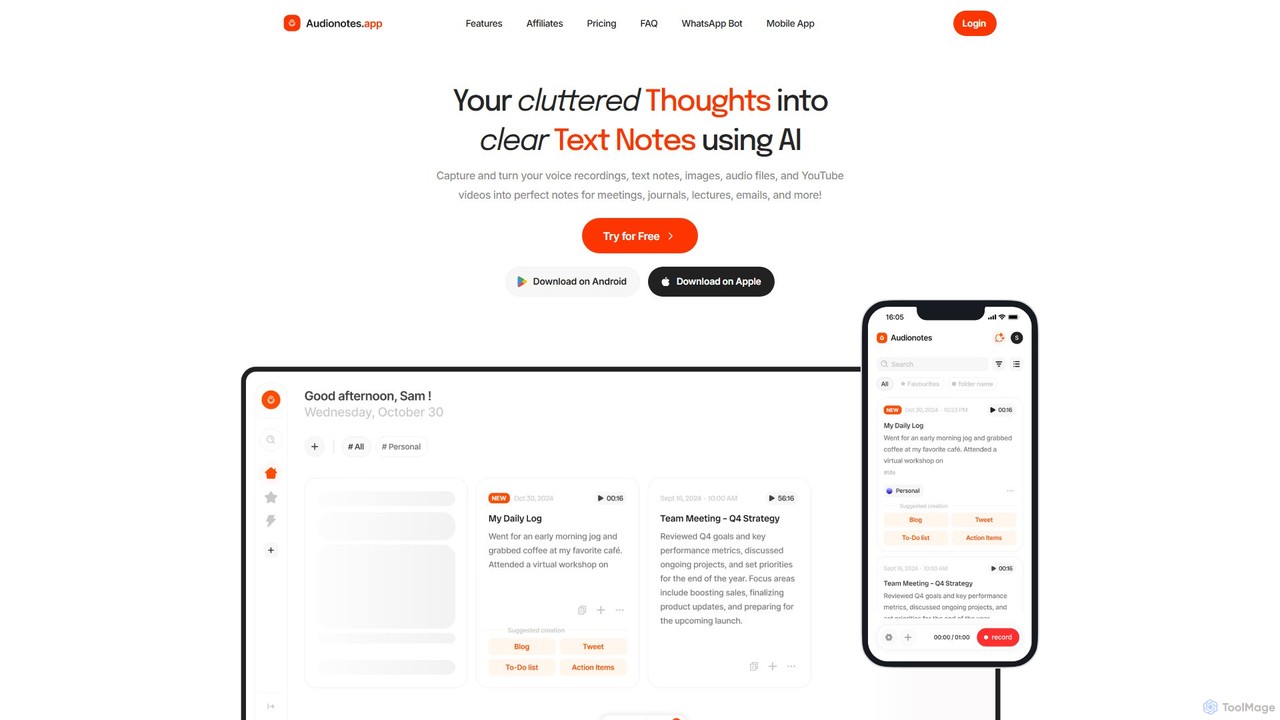
Audionotes.app

Audionotes.app

Audionotes.app is an AI-powered assistant that transforms your voice notes, text, images, audio/video files, and YouTube videos into …

58.2K
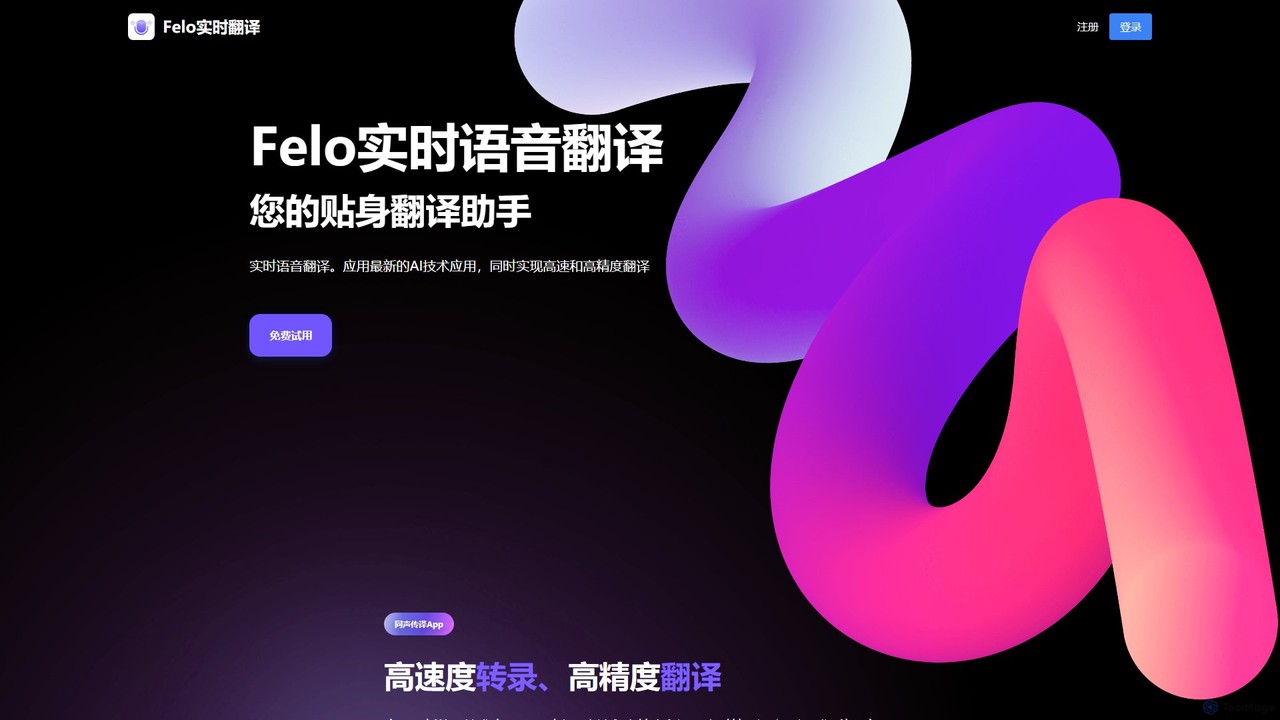
Felo Translator

Felo Translator

Felo Translator is an AI-powered real-time voice translation and transcription app. Leveraging advanced GPT technology, it provides high-speed, …

67.2K
Interpret AI

Interpret AI

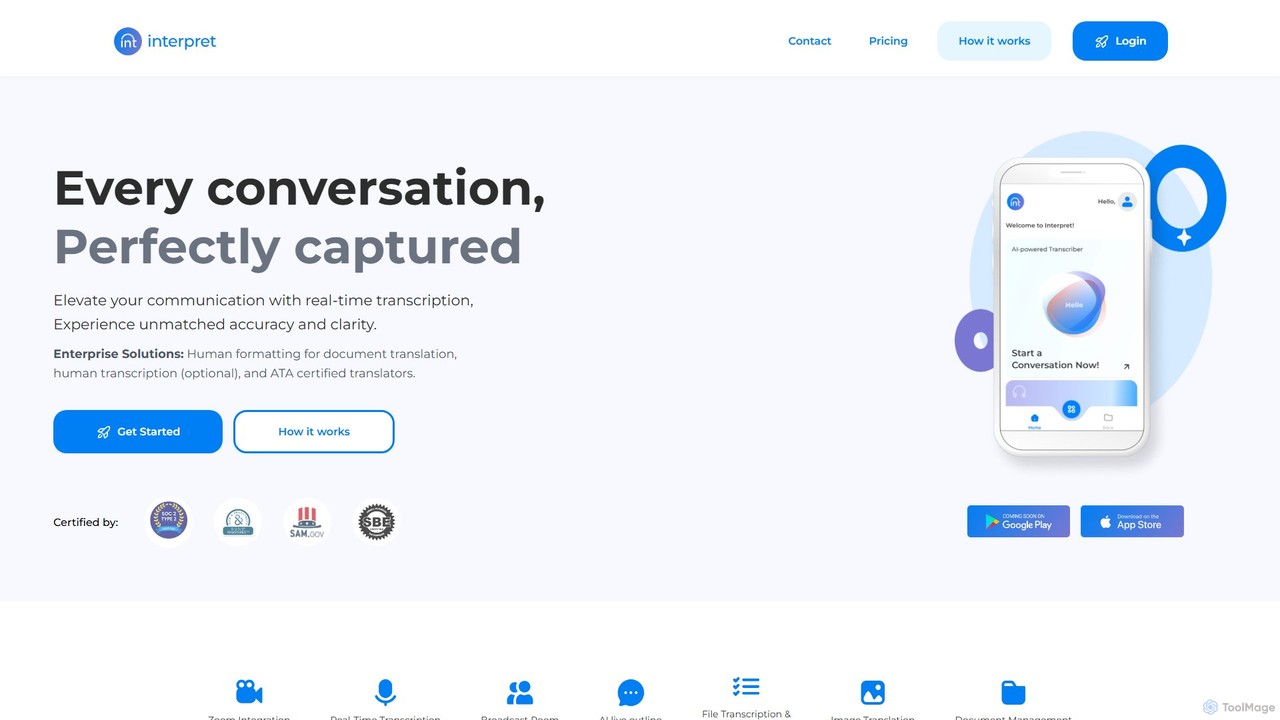
Interpret AI is a secure, SOC 2 certified platform for real-time AI transcription and translation. It offers high …

3.9K

About Meetings

AI Meeting tools are applications designed to automate and enhance the entire meeting lifecycle. They leverage Natural Language Processing (NLP) to provide real-time transcription, generate concise summaries, and identify key action items. This transforms verbal discussions into structured, searchable data, significantly improving post-meeting productivity and accountability. These tools act as intelligent assistants, ensuring no critical information is lost.

Core Features

  • Real-Time Transcription: Converts spoken language into text live during the meeting, with speaker identification.
  • Automated Summarization: Uses AI to distill hours of conversation into key points, decisions, and highlights.
  • Action Item Detection: Automatically identifies and lists tasks, deadlines, and owners mentioned during discussion.
  • Meeting Intelligence: Analyzes conversation metrics, such as talk-to-listen ratios and sentiment, to provide insights.
  • Collaborative Workspace: Provides a platform to edit transcripts, add notes, and share meeting outcomes with team members.

Use Cases

These tools are widely used by project managers for tracking progress, sales teams for analyzing client calls, and remote teams for keeping everyone aligned. They are valuable in any scenario involving information-heavy discussions, such as user research interviews, board meetings, or client consultations, ensuring accurate record-keeping and efficient follow-up.

How to Choose

When selecting an AI Meeting tool, consider its transcription accuracy and support for various languages or accents. Evaluate its integration capabilities with your existing calendar and video conferencing platforms (e.g., Zoom, Google Meet, Microsoft Teams). Also, assess the quality of its summarization features and the security protocols in place to protect sensitive conversation data.

MeetingsUse Cases

1

Automate Project Status Meeting Notes

For project managers leading daily or weekly syncs, AI meeting tools are invaluable. Instead of manually taking notes, the manager can focus on facilitating the discussion. The tool automatically transcribes the entire meeting, identifies speakers, and creates a summary highlighting progress updates, blockers, and key decisions. It then detects and assigns action items, which can be directly exported to a project management tool. This process reduces administrative overhead by over 80% and ensures perfect recall of all commitments.

2

Capture Insights from Sales Discovery Calls

Sales representatives use AI meeting tools to record and analyze discovery calls with potential clients. The AI can automatically identify customer pain points, budget mentions, key decision-makers, and buying signals from the conversation. After the call, the representative receives a structured summary and a full transcript. This allows them to craft highly personalized follow-up emails and proposals without having to re-listen to the entire recording, increasing conversion rates and shortening the sales cycle.

3

Enhance Asynchronous Collaboration for Remote Teams

For globally distributed teams, attending every meeting live is often impossible due to time zone differences. AI meeting tools solve this by creating a searchable, summarized archive of all meetings. A team member in a different time zone can quickly review the AI-generated summary and action items from a meeting they missed. They can also search the transcript for specific keywords to find relevant parts of the discussion. This ensures everyone stays informed and aligned without requiring synchronous attendance.

4

Streamline User Research and Feedback Analysis

UX researchers and product managers conduct numerous interviews with users to gather feedback. An AI meeting tool can transcribe these sessions verbatim. Researchers can then search across dozens of interview transcripts for mentions of specific features or pain points. Some advanced tools can even perform sentiment analysis to gauge user emotions, helping teams quickly identify common themes and prioritize product improvements based on qualitative data, without spending days manually coding interviews.

5

Create an Accessible Record for Compliance and Training

In regulated industries like finance or healthcare, maintaining an accurate record of client consultations is crucial for compliance. AI meeting tools provide a verifiable, time-stamped transcript of every interaction. For HR and training departments, these recordings serve as a valuable resource. They can be used to onboard new employees by showing examples of successful client calls or to provide specific, data-backed feedback to team members for professional development, using real-world conversation examples.

6

Facilitate Brainstorming and Ideation Sessions

During creative brainstorming sessions, ideas can flow quickly and be difficult to capture accurately. An AI meeting assistant records every contribution without interrupting the creative flow. After the session, the team receives a complete transcript. They can then use the AI summary to identify the most promising ideas and themes that emerged. This ensures that no valuable suggestion is lost and provides a solid foundation for turning creative concepts into actionable plans.

MeetingsFrequently Asked Questions