

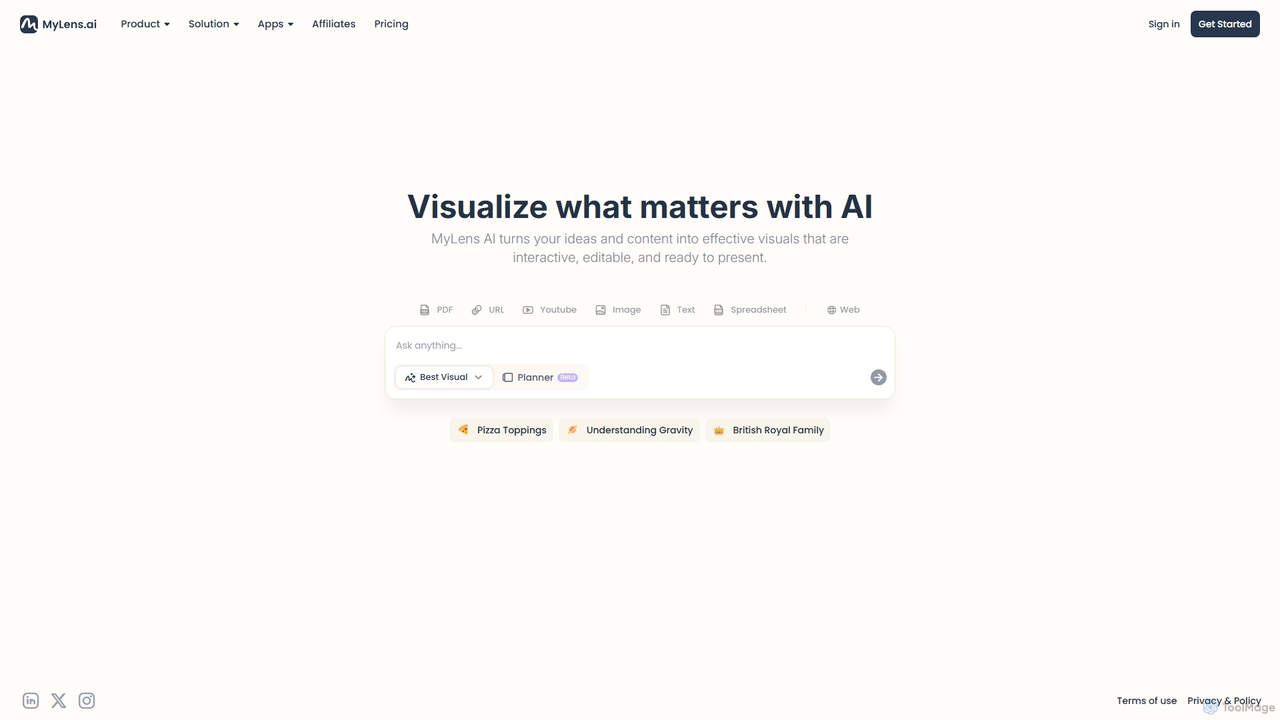
MyLens Overview
MyLens is a revolutionary AI tool designed to transform complex information into clear, interactive, and aesthetically pleasing visuals. In a world saturated with data, MyLens acts as your intelligent visual planner, taking raw content from various sources and converting it into structured diagrams like mind maps, concept maps, and flowcharts. Whether you're a student trying to decipher a dense research paper, a professional preparing a compelling presentation, or a creative mind brainstorming the next big idea, MyLens simplifies the process. It bridges the gap between text-based information and visual understanding, allowing you to see the connections, hierarchies, and core concepts within your content at a glance.
The platform supports a wide array of input formats, including PDFs, web page URLs, YouTube videos, plain text, spreadsheets, and even images. This versatility makes it an indispensable tool for anyone who works with information. With its one-click generation process, MyLens removes the friction of manual diagramming, freeing up your time to focus on analysis, creativity, and communication. The resulting visuals are not static; they are fully interactive and editable, giving you complete control to refine, customize, and tailor them to your specific needs before presenting or sharing.
How to use MyLens
Using MyLens is designed to be an intuitive and straightforward process, requiring just a few simple steps to turn your content into a powerful visual:
- Select Your Input Source: Begin by choosing the type of content you want to visualize. MyLens offers a variety of options on its dashboard, such as PDF, URL, YouTube, Image, Text, or Spreadsheet.
- Provide the Content: Paste the URL of a webpage or YouTube video, upload your PDF document or spreadsheet, or simply type or paste your text directly into the input field.
- Initiate AI Generation: With your content loaded, click the "Visualize" or "Generate" button. The MyLens AI will then analyze your input, identify key concepts, relationships, and structures.
- Review and Edit: In moments, the AI will generate an interactive visual. You can explore this diagram by clicking on nodes, expanding sections, and examining the connections. Use the built-in editing tools to modify text, change colors, rearrange elements, or add your own notes to perfect the visual.
- Export and Share: Once you are satisfied with your diagram, you can export it in various formats (e.g., PNG, SVG, PDF) or share a direct link with colleagues or classmates for collaboration. It's ready to be embedded in presentations, reports, or study notes.
Core Features of MyLens
- Multi-Format Content Ingestion: Seamlessly import and process information from a wide range of sources, including PDFs, web articles (URLs), YouTube videos, text blocks, spreadsheets, and images.
- AI-Powered Automatic Visualization: Leverages advanced AI algorithms to automatically analyze content and generate structured diagrams, such as mind maps, concept maps, and flowcharts, without manual effort.
- Interactive and Editable Diagrams: The generated visuals are not static images. Users can interact with them, expand nodes, and use a rich editor to customize layouts, colors, text, and connections.
- One-Click Simplicity: Transforms complex data into visuals with a single click, drastically reducing the time and effort required for manual diagramming and information synthesis.
- Visual Planner for Brainstorming and Strategy: Acts as a digital whiteboard to help users brainstorm ideas, plan projects, and visualize strategies by seeing all components and their relationships in one place.
- Presentation-Ready Exports: Easily export the final visuals in high-quality formats suitable for presentations, academic papers, reports, and online content.
Use Cases for MyLens
MyLens is a versatile tool applicable across various fields and professions:
- For Students and Academics: Quickly summarize dense textbooks, research papers (PDFs), and online lectures (YouTube) into visual study guides and concept maps to improve comprehension and retention.
- For Content Creators and Marketers: Brainstorm blog post ideas, map out content strategies from competitor analysis (URLs), and create visual outlines for video scripts or marketing campaigns.
- For Business Professionals and Analysts: Convert lengthy business reports, market research data, or meeting transcripts into concise, easy-to-understand diagrams for executive summaries and presentations.
- For Product Managers and UX Designers: Visualize user flows, feature requirements, and competitive landscapes to facilitate team alignment and product planning.
- For Educators and Trainers: Create engaging and interactive learning materials from various sources to explain complex topics like "Understanding Gravity" or historical timelines like the "British Royal Family."
Advantages of MyLens
MyLens offers significant advantages over traditional methods of information processing and diagramming:
- Time-Saving Automation: Eliminates the tedious task of manually creating diagrams, saving users hours of work and allowing them to focus on higher-level thinking.
- Enhanced Comprehension: Visualizing information helps to clarify complex relationships and hierarchies, leading to a deeper and faster understanding of the subject matter.
- Boosted Creativity and Ideation: By laying out ideas visually, MyLens facilitates brainstorming sessions and helps users discover new connections and insights they might have missed in linear text.
- Improved Communication: Complex ideas can be communicated more effectively and memorably through clear visuals, ensuring your audience understands your message.
- Centralized Knowledge Hub: Use MyLens to create a visual library of your knowledge from different sources, making it easy to revisit and build upon your understanding over time.
Pricing and Plans
MyLens is currently in its Beta phase, which often means users can access its powerful features for free or at a significantly reduced cost. While a specific long-term pricing structure has not been finalized, a typical model for such a tool would likely include:
- Free Plan: A basic tier perfect for individuals and casual users, offering a limited number of visualizations per month and standard features.
- Pro Plan: A subscription-based plan for professionals and power users, providing unlimited visualizations, advanced editing features, premium support, and a wider range of export options.
- Team/Enterprise Plan: A custom plan for businesses and educational institutions, featuring collaborative workspaces, team management, enhanced security, and API access.
It is recommended to visit the official MyLens website for the most current information on pricing and available plans during and after the Beta period.
MyLens Alternatives

MindmapAI
MindmapAI is an advanced AI-powered platform that transforms ideas, PDFs, YouTube videos, and web URLs into structured, visual mind maps. It automates information analysis and organization, enabling users to quickly grasp complex topics, brainstorm effectively, and collaborate with teams in real-time. Ideal for students, professionals, and creators looking to enhance productivity and clarity.
Project Management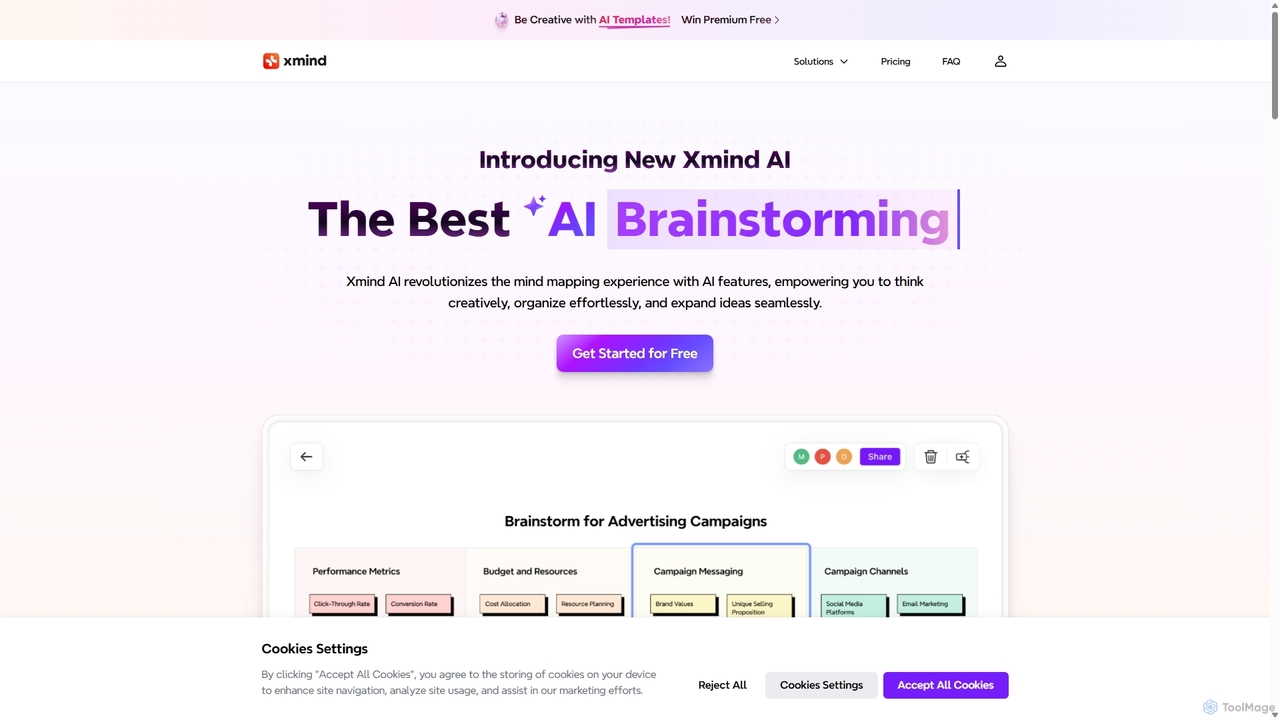
Xmind AI
Xmind AI is an advanced AI-powered mind mapping and brainstorming tool designed to enhance creativity and productivity. It helps users visualize thoughts, organize complex information, and collaborate with teams in real-time. With features like AI-driven idea generation, content summarization, and automated to-do lists, Xmind AI transforms abstract concepts into structured, actionable plans.
Teamwork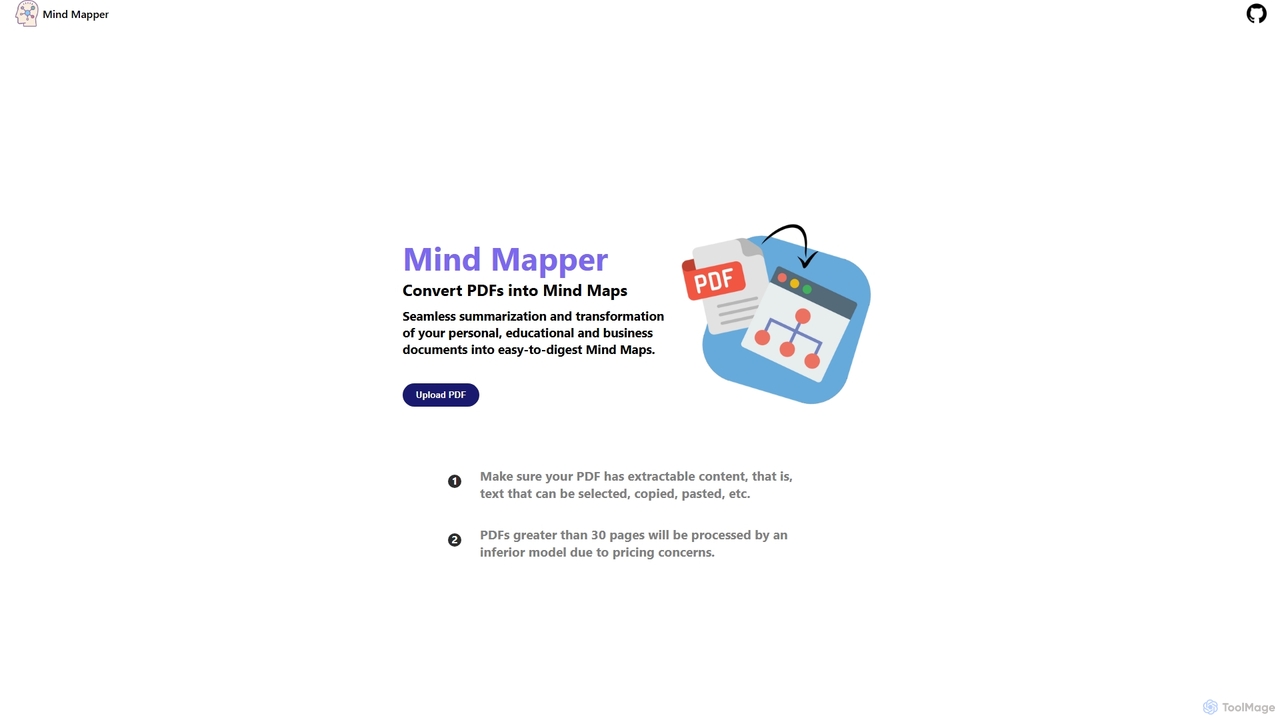
MindmapAI
MindmapAI is an AI-powered tool that transforms PDF documents into clear, structured mind maps. Using Google's Gemini AI, it automatically summarizes and visualizes complex information, making it ideal for students, researchers, and professionals to quickly grasp key concepts from dense texts.
Document Management
PDF Summarizer
PDF Summarizer is an AI-powered tool that instantly condenses any PDF document into a concise summary. Supporting over 90 languages, it helps students, researchers, and professionals save hours of reading time. Features include generating outlines, creating study guides, and an interactive Q&A with source-linked citations, boosting productivity and comprehension.
Study Tools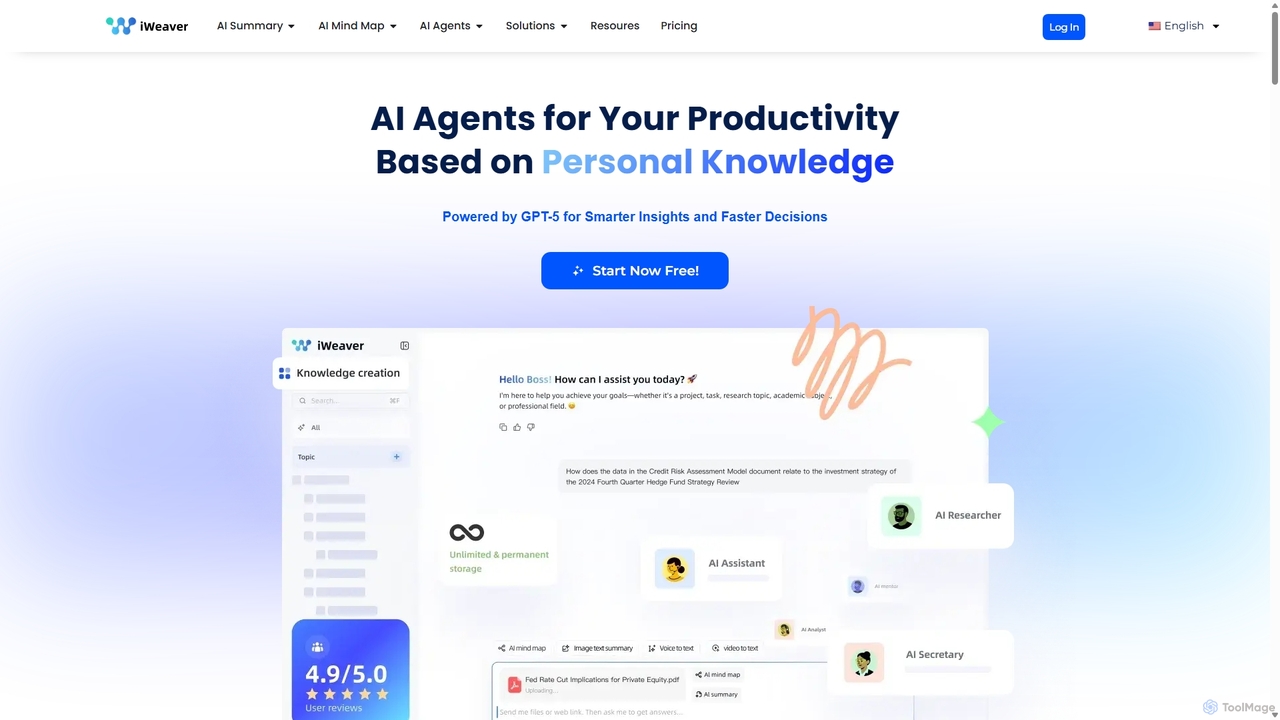
Iweaver
Iweaver is an AI-powered personal knowledge management platform that transforms your documents, images, and videos into an intelligent knowledge base. Utilize over 200 specialized AI agents to automate tasks, generate summaries, create mind maps, and get precise answers from your data. It learns your work habits to provide personalized, context-aware assistance, streamlining workflows for professionals in finance, research, law, and content creation.
Study ToolsMyLens Categories
MyLens Jobs
MyLens Embed Widget
Copy this embed code to place the badge on your blog, article, or product site and send readers directly to this ToolMage detail page.

Related AI tools
MindmapAI
MindmapAI is an advanced AI-powered platform that transforms ideas, PDFs, YouTube videos, and web URLs into structured, visual mind maps. It automates information analysis and organization, enabling users to quickly grasp complex topics, brainstorm effectively, and collaborate with teams in real-time. Ideal for students, professionals, and creators looking to enhance productivity and clarity.
Project ManagementXmind AI
Xmind AI is an advanced AI-powered mind mapping and brainstorming tool designed to enhance creativity and productivity. It helps users visualize thoughts, organize complex information, and collaborate with teams in real-time. With features like AI-driven idea generation, content summarization, and automated to-do lists, Xmind AI transforms abstract concepts into structured, actionable plans.
TeamworkMindmapAI
MindmapAI is an AI-powered tool that transforms PDF documents into clear, structured mind maps. Using Google's Gemini AI, it automatically summarizes and visualizes complex information, making it ideal for students, researchers, and professionals to quickly grasp key concepts from dense texts.
Document ManagementPDF Summarizer
PDF Summarizer is an AI-powered tool that instantly condenses any PDF document into a concise summary. Supporting over 90 languages, it helps students, researchers, and professionals save hours of reading time. Features include generating outlines, creating study guides, and an interactive Q&A with source-linked citations, boosting productivity and comprehension.
Study ToolsIweaver
Iweaver is an AI-powered personal knowledge management platform that transforms your documents, images, and videos into an intelligent knowledge base. Utilize over 200 specialized AI agents to automate tasks, generate summaries, create mind maps, and get precise answers from your data. It learns your work habits to provide personalized, context-aware assistance, streamlining workflows for professionals in finance, research, law, and content creation.
Study Tools
Chatwithpdf
Chatwithpdf is an AI-powered tool that allows you to interact with your PDF documents conversationally. Simply upload a file and start asking questions, get summaries, and extract key information instantly. It's designed for students, researchers, and professionals to analyze documents faster and more efficiently.
Data Extraction
Recaply
Recaply is an AI-powered summarization tool that transforms long-form content like YouTube videos, articles, and audio files into concise, digestible summaries. It extracts key insights, main points, and action items in seconds, helping users save time and boost productivity. Ideal for students, researchers, and professionals who need to quickly grasp the essence of content without consuming it in its entirety.
Note Taking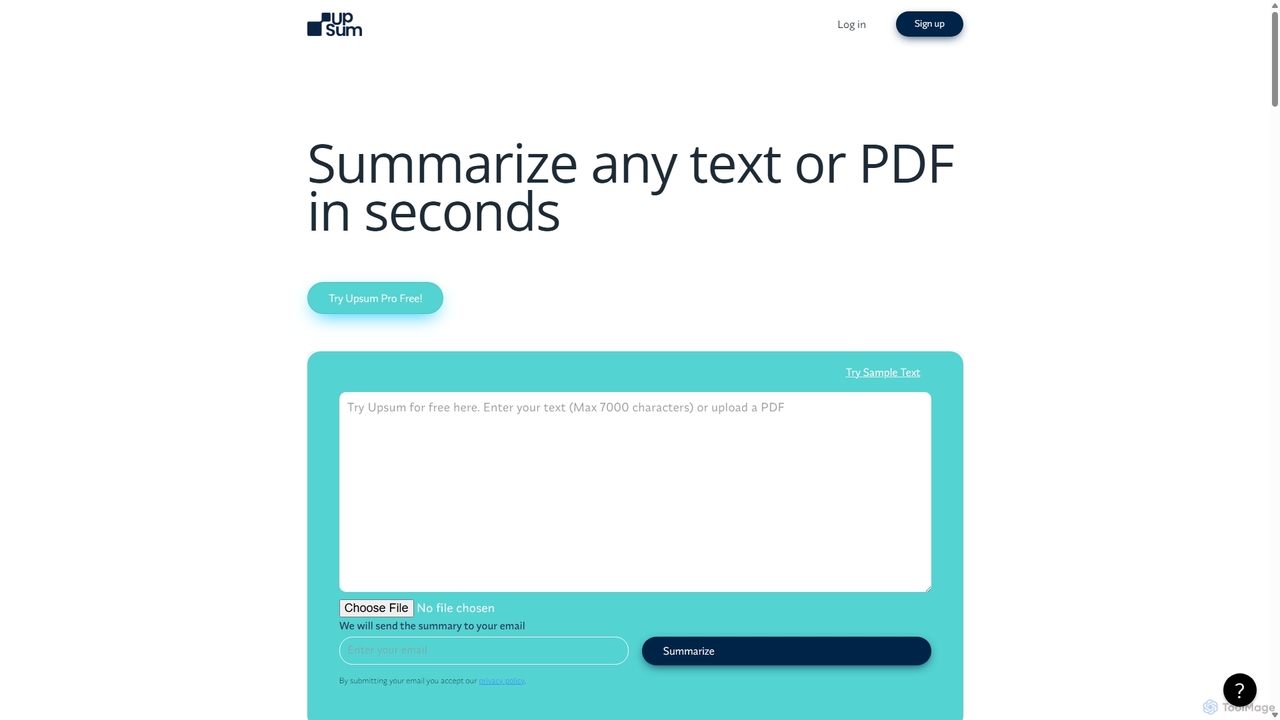
Upsum
Upsum is an AI-powered tool that summarizes any text or PDF in seconds. It features an interactive 'Chat to PDF' function, allowing users to ask questions and extract key information from their documents. It's designed for academics, consultants, and marketers to enhance productivity and accelerate research.
Document Analysis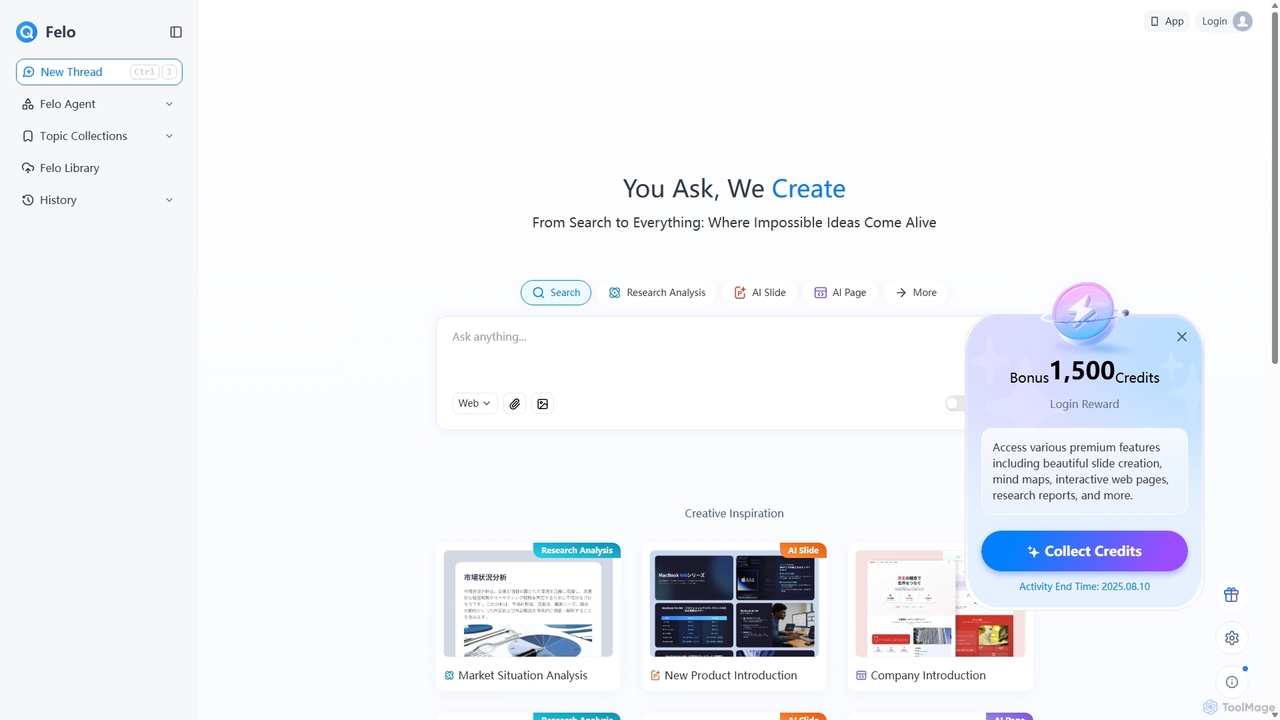
Felo
Felo is an all-in-one AI platform that transforms search into a comprehensive creation and analysis engine. It utilizes intelligent agents to automate research, generate insightful reports, create stunning presentations, and build interactive web pages from a simple query or uploaded files, significantly boosting productivity for professionals.
Presentations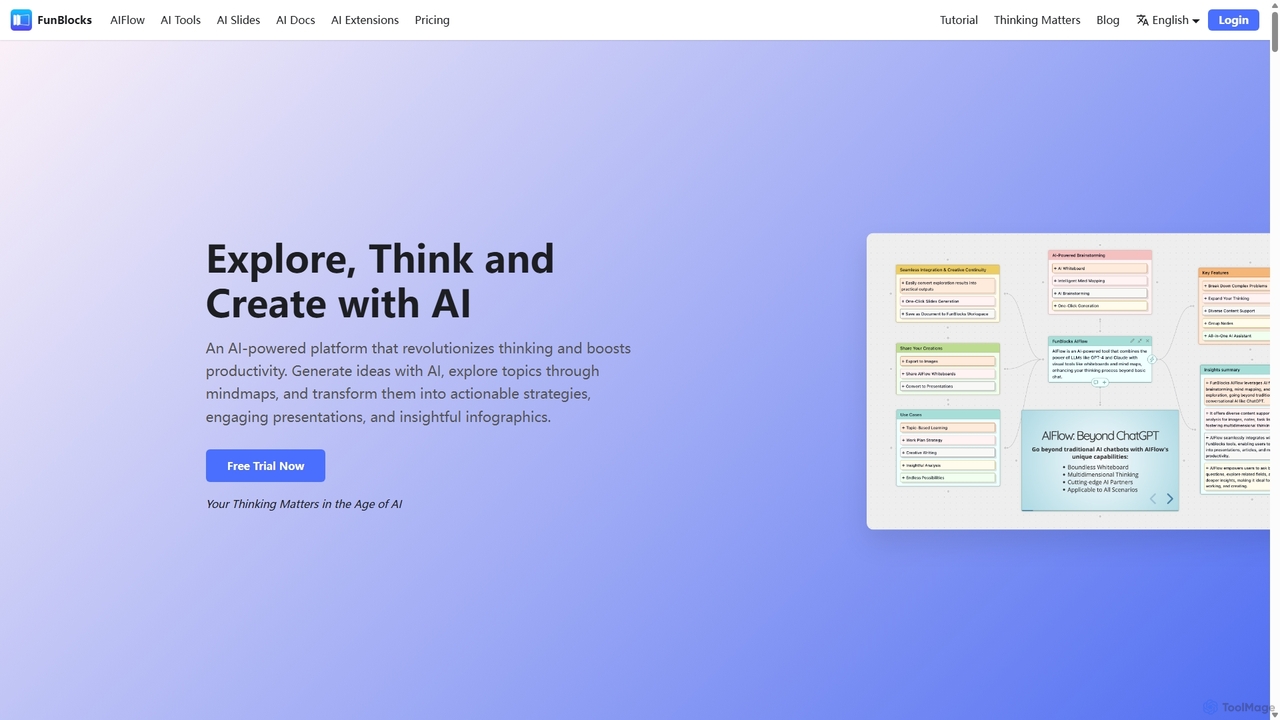
FunBlocks
FunBlocks is an all-in-one AI workspace designed to revolutionize thinking and boost productivity. It seamlessly integrates AI-powered tools for mind mapping (AIFlow), document creation (AI Docs), slide generation (AI Slides), and web research (Browser Extension). From brainstorming complex ideas visually to producing polished documents and presentations with a single click, FunBlocks supports the entire knowledge workflow, enhancing creativity and critical thinking for students, professionals, and teams.
Presentations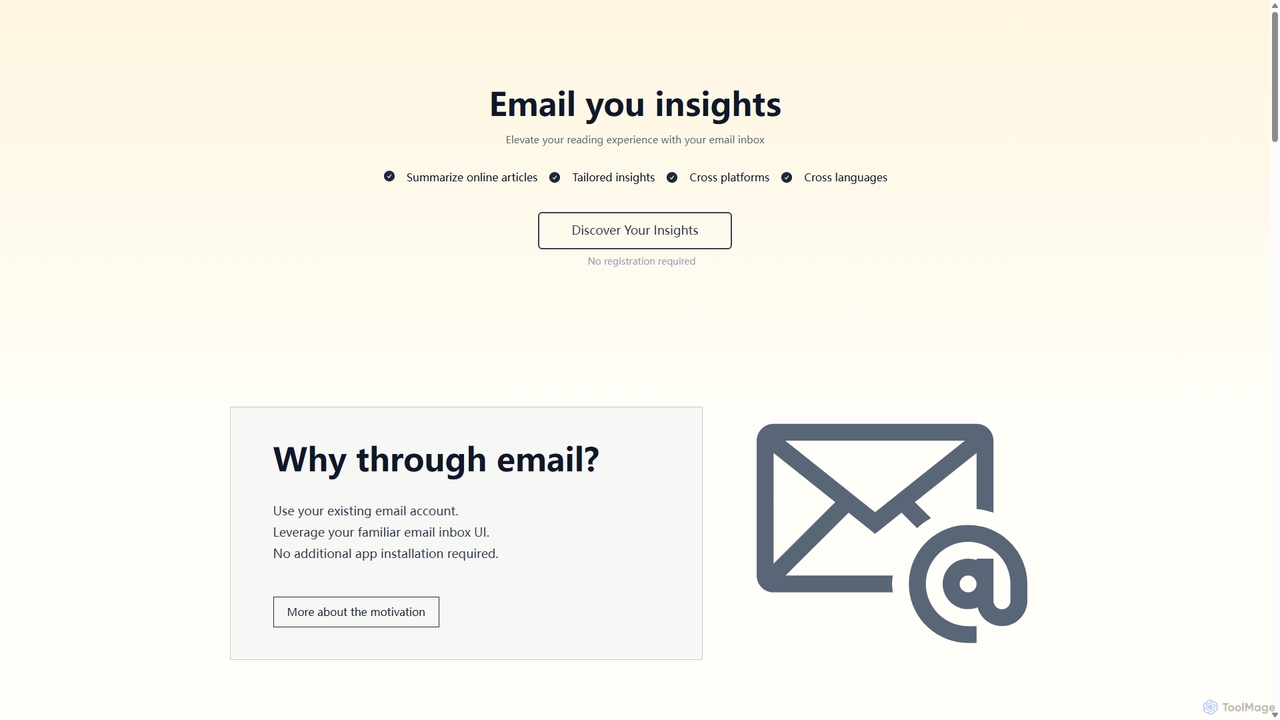
Wuko
Wuko is an AI-powered insight engine that works entirely through your email. Send any URL—articles, PDFs, or YouTube videos—to receive an instant summary. Dive deeper by replying with questions to get tailored insights, all without leaving your inbox. No registration or new apps needed.
Learning Assistant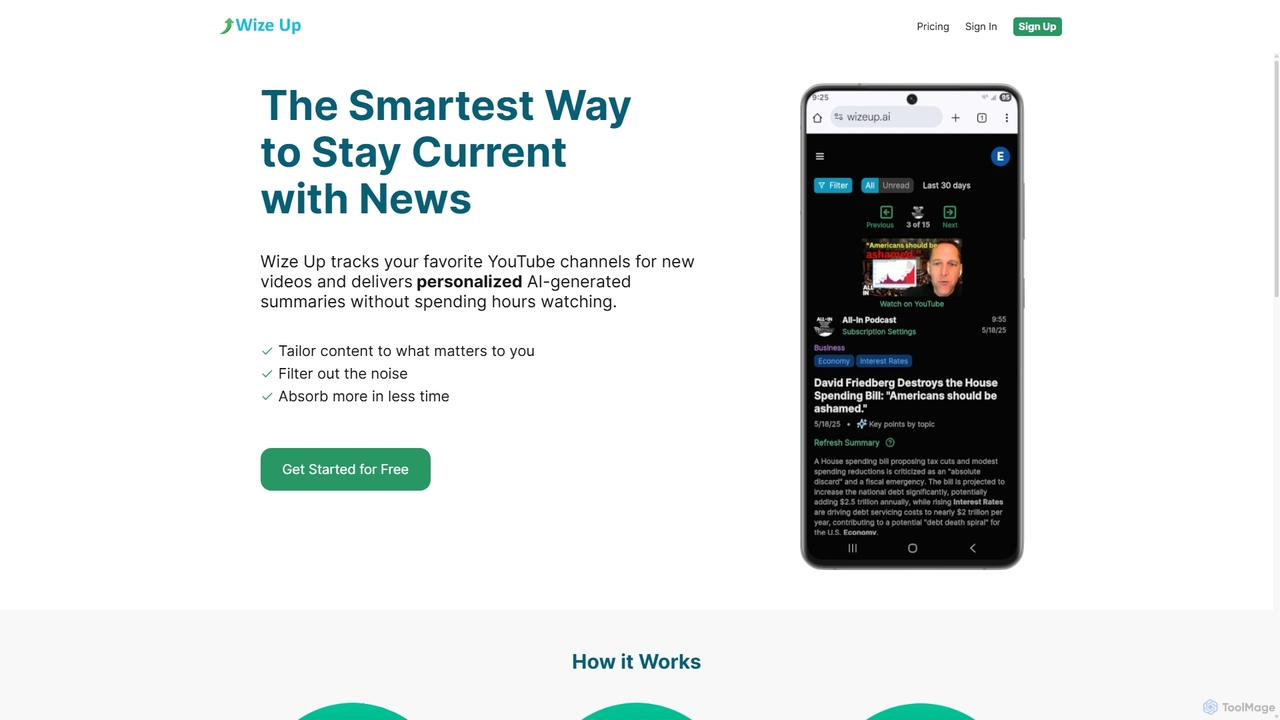
Wize Up
Wize Up is an AI-powered tool that transforms your YouTube experience by summarizing videos from your favorite channels. It delivers personalized, AI-generated summaries and daily digests to your email or in-app, saving you hours of watch time. Customize summary length, style, and language to focus on what matters most. With features like timestamped key moments and advanced filtering, Wize Up helps you absorb more information in less time and stay current with news, podcasts, and educational content effortlessly.
Learning
ChatPDF
ChatPDF is an AI-powered platform that allows you to interact with your documents as if you were having a conversation. Simply upload a PDF, and the AI will help you summarize content, answer specific questions, and extract key information in seconds. It's designed for students, researchers, and professionals to enhance productivity and understanding.
Research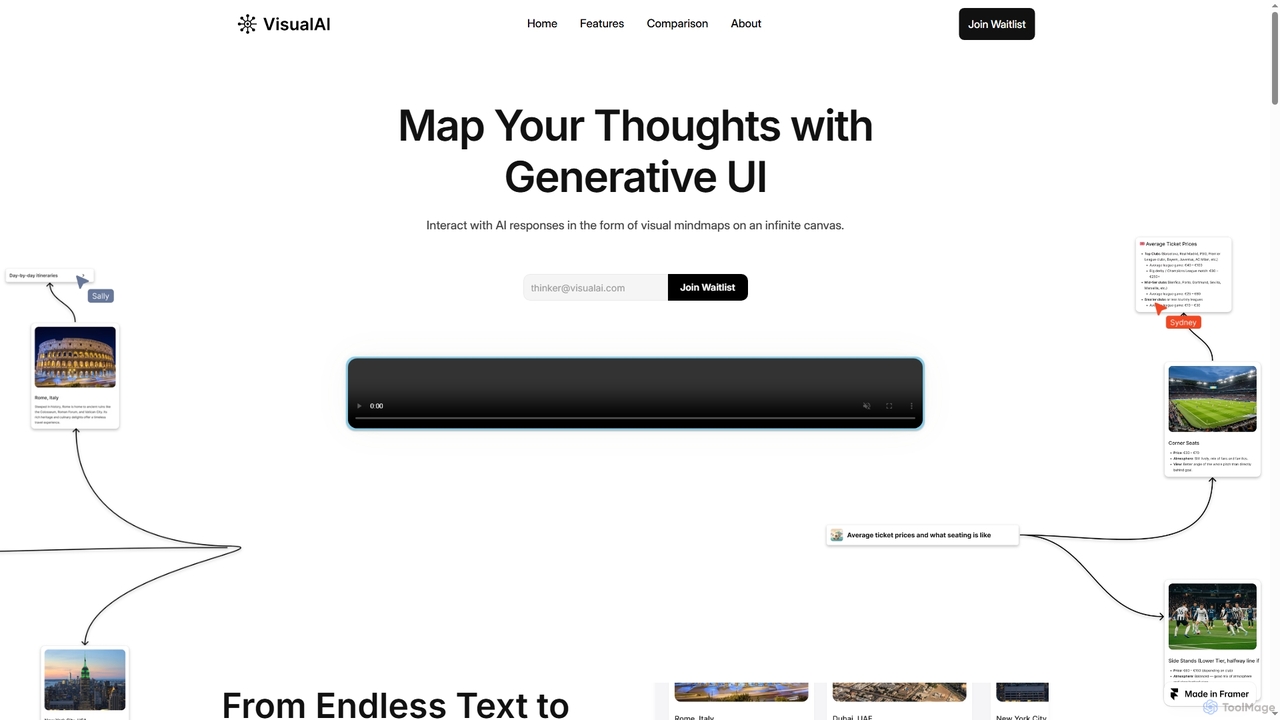
Visual AI
Visual AI is an innovative platform that transforms linear AI text responses into dynamic, visual clarity. It automatically structures information into interconnected nodes, enriching data with relevant visuals to enhance understanding and retention. Designed for non-linear thinkers, it offers an infinite collaborative workspace for brainstorming, prototyping, and evolving ideas.
Brainstorming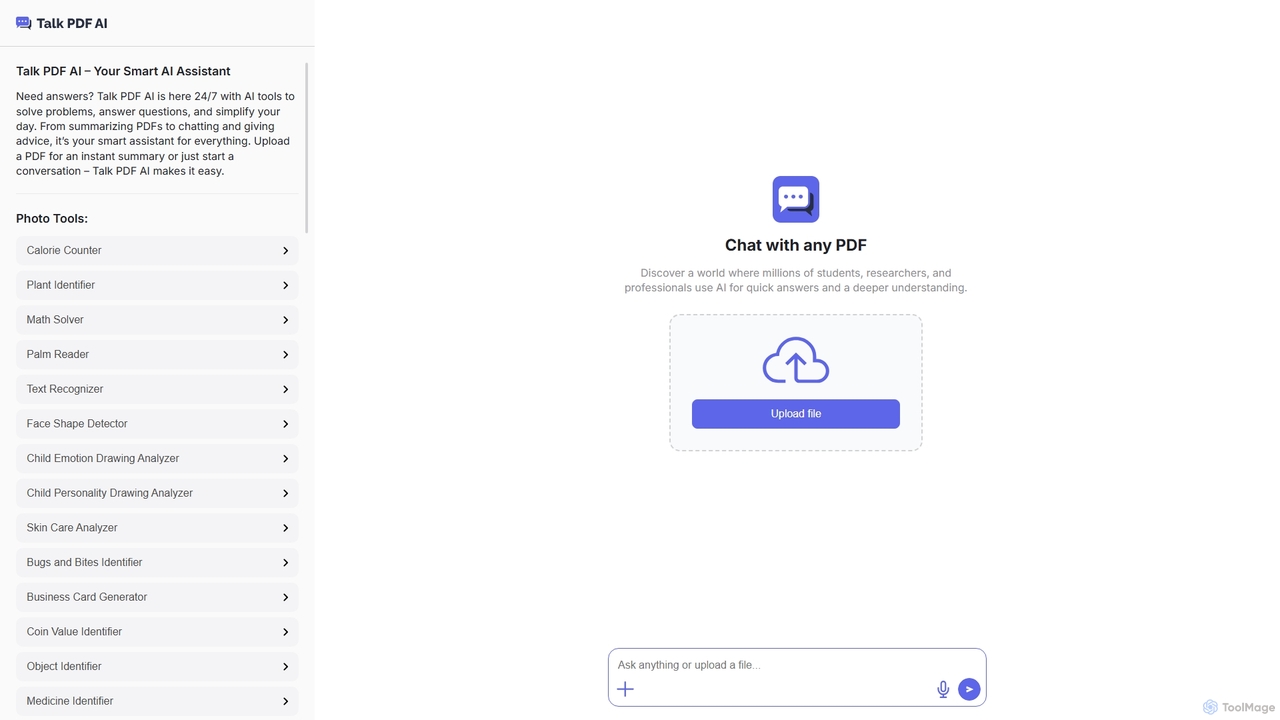
TalkPDF
TalkPDF is an intelligent AI assistant designed to simplify daily tasks by offering a wide array of tools. It excels at interacting with PDFs, providing instant summaries, answering questions, and facilitating conversations. Beyond PDF capabilities, it integrates numerous AI-powered photo, text, and audio tools for diverse needs.
Writing Assistant
MyLens Comments (0)
Sign in to comment.
Sign inNo comments yet.