

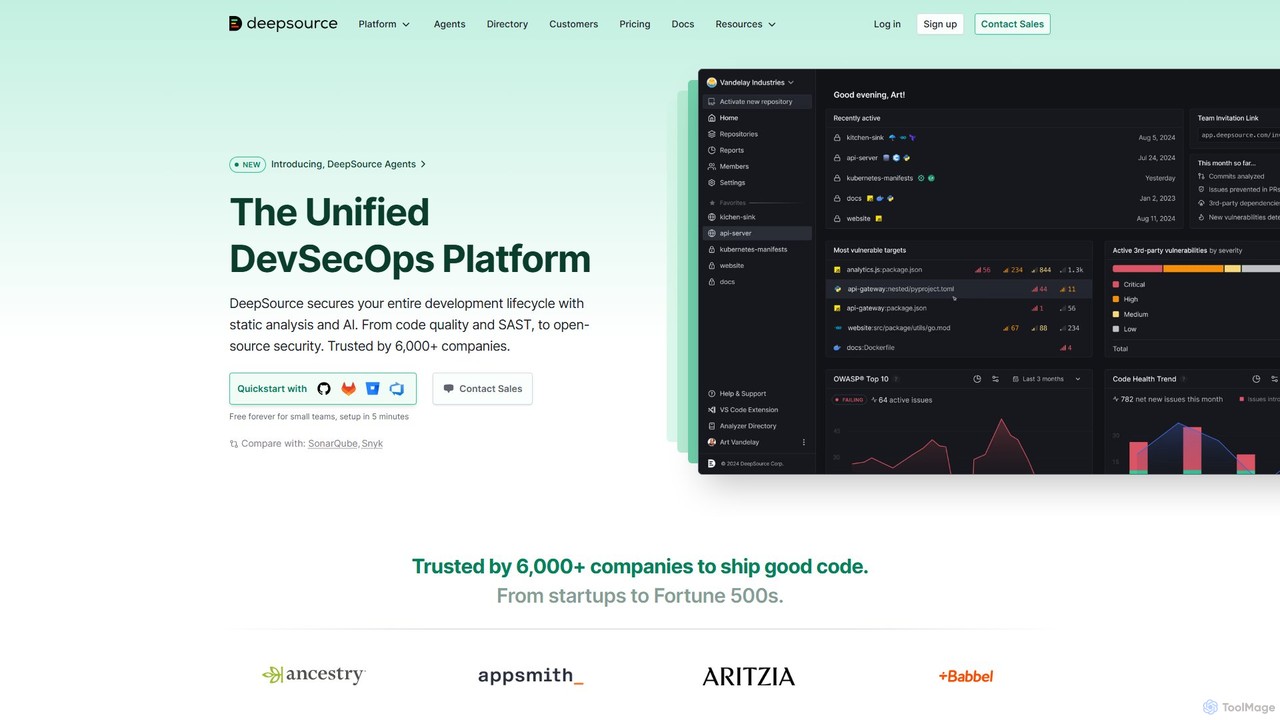
DeepSource Overview
DeepSource is a comprehensive, developer-focused DevSecOps platform designed to help teams ship high-quality and secure code efficiently. It integrates seamlessly into the development workflow, providing static analysis, security testing, and dependency management in a single, unified solution. Trusted by over 6,000 companies, from startups to Fortune 500s, DeepSource stands out as a modern alternative to legacy tools like SonarQube, offering a superior developer experience and more accurate results with a false-positive rate of less than 5%.
The platform operates directly within your version control system (like GitHub, GitLab, Bitbucket, and Azure DevOps), analyzing every commit and pull request. This proactive approach allows developers to find and fix thousands of security vulnerabilities and code quality issues before they are merged into the main branch, significantly improving code health and security posture from the ground up.
How to use DeepSource
Getting started with DeepSource is designed to be quick and straightforward, typically taking only about 5 minutes. The process involves these steps:
- Sign Up & Connect: Create an account on the DeepSource website and connect it to your version control provider (GitHub, GitLab, Bitbucket, or Azure DevOps).
- Activate Repositories: Choose the repositories you want DeepSource to analyze. The platform will automatically detect the languages and frameworks used in your project.
- Configuration (Optional): DeepSource works out-of-the-box with zero CI configuration. However, you can create a `.deepsource.toml` file in your repository's root for advanced customization, such as enabling specific analyzers, ignoring certain issues, or setting metric thresholds.
- Analyze Pull Requests: Once activated, DeepSource automatically analyzes every new pull request. It posts comments directly in the pull request with an overview of new issues, allowing developers to see and fix problems without leaving their workflow.
- Use the Dashboard: For a deeper dive, developers can visit the DeepSource dashboard to see a comprehensive report of all existing issues, track code quality and security metrics over time, and manage project settings.
- Leverage Autofix™: For many common issues, DeepSource's AI-powered Autofix™ feature can generate suggested fixes, which you can apply with a single click, creating a new commit automatically.
Core Features of DeepSource
- SAST (Static Application Security Testing): Identifies security vulnerabilities in your source code, covering standards like OWASP® Top 10 and CWE/SANS Top 25.
- SCA (Software Composition Analysis): Scans your third-party dependencies for known vulnerabilities and license compliance issues.
- Code Quality Analysis: Detects thousands of code smells, bug risks, anti-patterns, and performance issues across a wide range of programming languages.
- IaC (Infrastructure as Code) Security: Scans configuration files (like Terraform) for security misconfigurations.
- Autofix™ AI: An AI-powered feature that automatically suggests fixes for many detected issues, dramatically speeding up remediation.
- Code Coverage: Tracks and reports on the test coverage of your code, ensuring new changes are adequately tested.
- Seamless VCS Integration: Native integration with GitHub, GitLab, Bitbucket, and Azure DevOps, providing analysis directly in pull requests without requiring complex CI setup.
- Quality & Security Gates: Allows teams to define and enforce specific standards, blocking pull requests that don't meet the required criteria for quality or security.
- Detailed Reporting: Generates shareable reports, including OWASP® Top 10 reports, to provide insights to team members and stakeholders.
Use Cases for DeepSource
DeepSource is versatile and valuable for various scenarios in software development:
- Automated Code Review: Augments manual code reviews by automatically catching a wide range of issues, freeing up developers to focus on logic and architecture.
- Continuous Security: Implements a 'shift-left' security approach by integrating security scanning (SAST & SCA) directly into the development process, catching vulnerabilities early.
- Maintaining Code Health: Helps teams manage and reduce technical debt by continuously monitoring code quality and providing actionable insights.
- Onboarding New Developers: Acts as a guide for new team members, helping them adhere to the team's coding standards and best practices from their first commit.
- Compliance and Auditing: Generates reports (e.g., OWASP Top 10) that can be used for security audits and to demonstrate compliance with industry standards.
Advantages of DeepSource
DeepSource offers several key advantages over traditional code analysis tools:
- Developer-First Experience: The tool is built for developers, with a modern UI and a workflow that integrates smoothly without being disruptive.
- High Accuracy: Boasts a very low false-positive rate (under 5%), ensuring that developers can trust the issues it raises.
- Unified Platform: Combines SAST, SCA, and code quality analysis into one tool, eliminating the need to manage and pay for multiple disparate solutions.
- AI-Powered Efficiency: Features like Autofix™ and smart issue detection accelerate the development process.
- Transparent Pricing: Offers a clear, per-seat pricing model, which is more predictable and often more cost-effective than the lines-of-code-based pricing of competitors like SonarQube.
- No CI Overhead: Core analysis runs without requiring dedicated CI build time, making it faster and easier to implement.
Pricing and Plans
DeepSource offers a transparent, per-seat pricing structure with several tiers:
- Free Plan: $0/seat/month. Ideal for individuals and small teams. Includes unlimited public repositories, 1 private repository, up to 3 team members, and limited analysis/Autofix™ runs.
- Starter Plan: $8/seat/month. Designed for growing teams. Includes unlimited public and private repositories, unlimited analysis runs, and limited usage of Autofix™ and Transformers.
- Business Plan: $24/seat/month. For established teams and businesses. Includes all Starter features plus unlimited Autofix™ and Transformer usage, monorepo support, audit logs, and priority support.
- Enterprise Plan: Custom pricing. For large organizations with advanced needs. Includes all Business features plus options for self-hosted deployment (including air-gapped), Single Sign-On (SSO), dedicated support with SLAs, and more.
A 20% discount is available for annual billing.
Traffic
Latest traffic
Status
Monthly traffic trend
- 2025-9: 92.5K
- 2026-1: 85.9K
- 2026-2: 68.3K
- 2026-3: 91.2K
- 2026-4: 86.1K
- 2026-5: 80.2K
Geography
Top 5 countries / regions
- 🇬🇧United Kingdom30.8%
- 🇺🇸United States24.5%
- 🇳🇬Nigeria15.7%
- 🇨🇴Colombia15.2%
- 🇩🇪Germany13.8%
Traffic sources
| Source type | Percentage |
|---|---|
Direct | 68.1% |
Referral | 28.6% |
Email | 3.3% |
Top keywords
| Keyword | Cost per click |
|---|---|
| common beginner mistakes using self in python | $0.00 |
| deep soucer | $0.00 |
| deepsource | $16.57 |
| deepsource technologies | $0.00 |
| dl3025 warning: use arguments json notation for cmd and entrypoint arguments | $0.00 |
DeepSource Alternatives

Healthy Package
Healthy Package is an AI-powered tool by DerScanner that assesses the security and health of open-source packages. It analyzes over 100 million packages, providing a comprehensive health score based on popularity, author reliability, security commitment, and community activity to help developers prevent vulnerabilities in their applications.
Code Security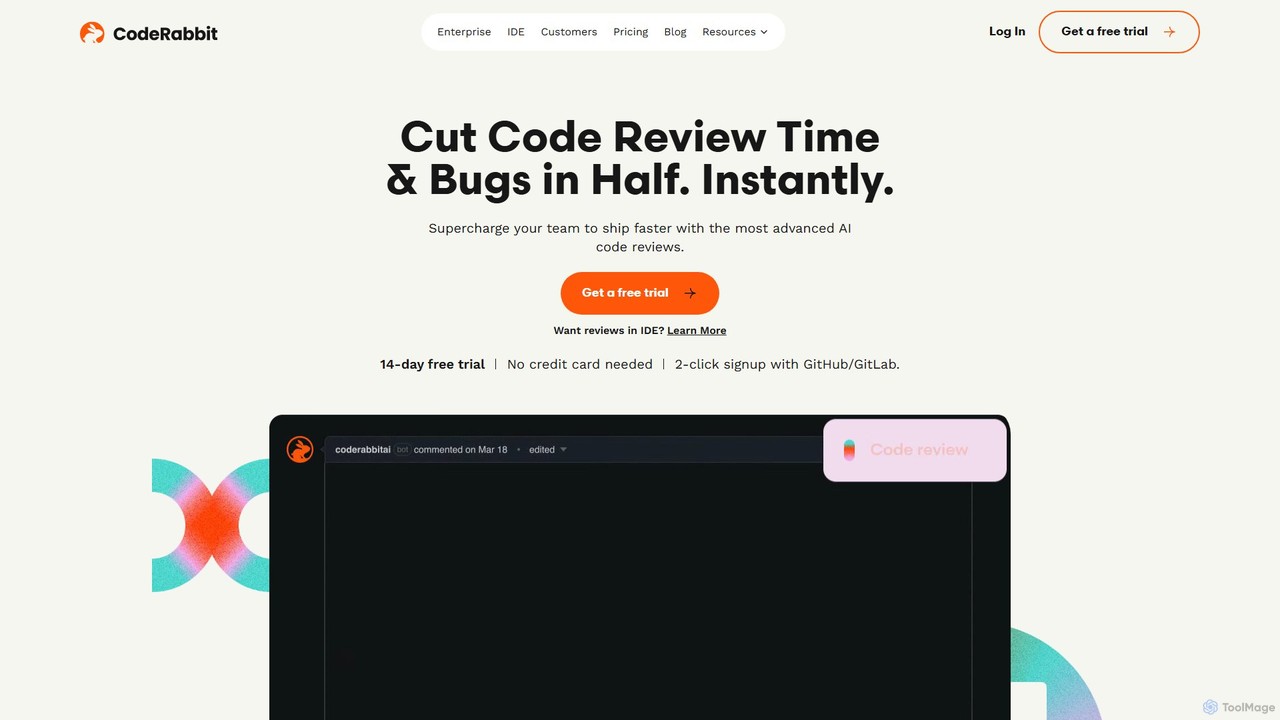
CodeRabbit
CodeRabbit is an AI-powered code review tool that supercharges development teams to ship faster and reduce bugs. It provides instant, context-aware reviews, pull request summaries, and security analysis directly within GitHub, GitLab, and IDEs like VS Code.
Code Review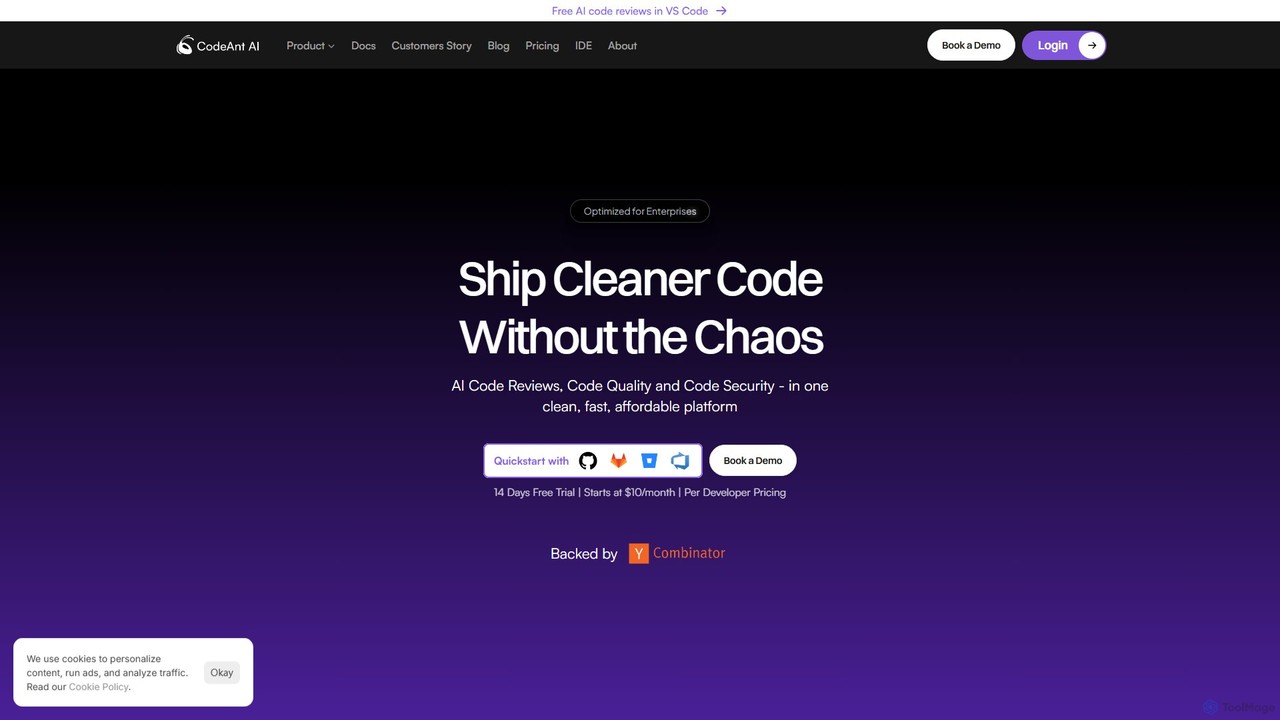
CodeAnt AI
CodeAnt AI is an AI-powered platform that automates code reviews, enhances code quality, and ensures application security. It integrates seamlessly into developer workflows, providing AI-generated pull request summaries, one-click fixes, and continuous scanning for vulnerabilities, helping teams ship cleaner, more secure code faster.
Code Quality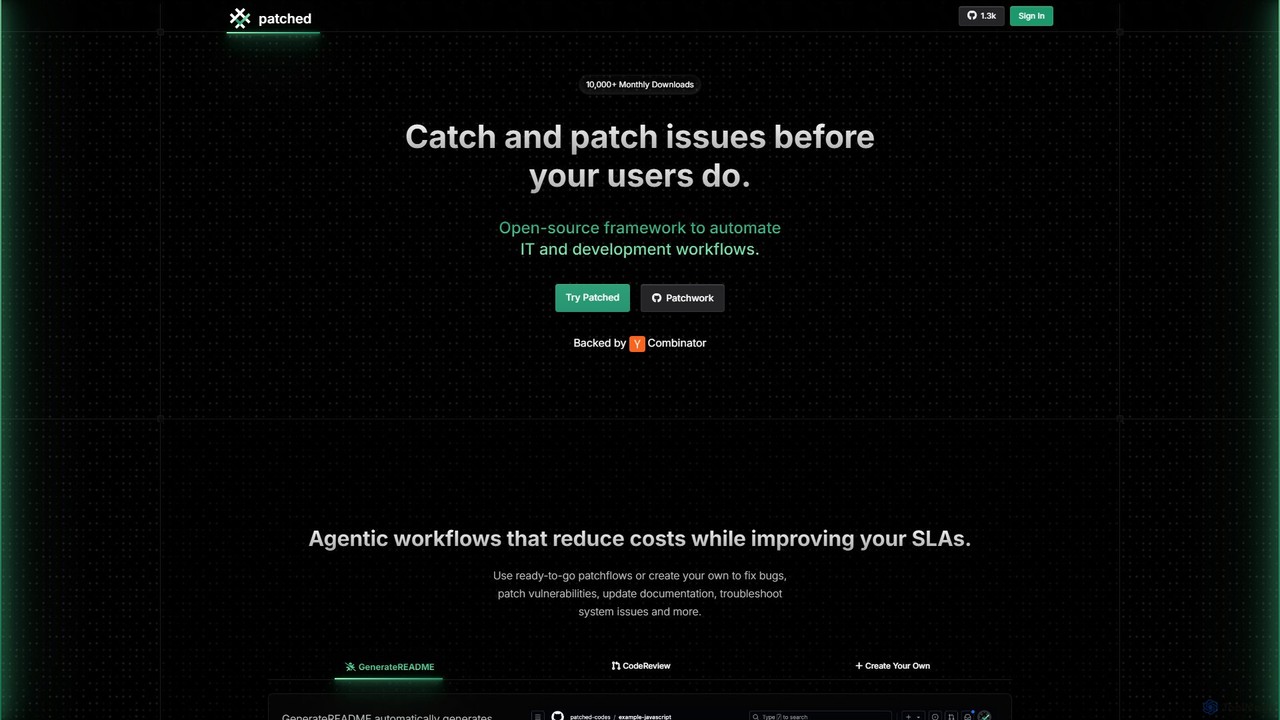
Patched
Patched is an open-source framework designed to automate IT and development workflows. It leverages AI to proactively catch and fix issues like bugs and vulnerabilities before they impact users. The platform allows for creating custom, agentic workflows to streamline tasks such as code review, documentation generation, and dependency updates.
Code Assistant
Metabob
Metabob is an AI-powered code review tool that utilizes Graph Neural Networks (GNNs) to analyze, debug, and refactor complex and legacy codebases. It excels at detecting hard-to-find runtime errors, understanding code logic across the entire project, and providing actionable recommendations to improve code quality and reduce technical debt.
Code AssistantDeepSource Categories
DeepSource Embed Widget
Copy this embed code to place the badge on your blog, article, or product site and send readers directly to this ToolMage detail page.

Related AI tools
CodeRabbit
CodeRabbit is an AI-powered code review tool that supercharges development teams to ship faster and reduce bugs. It provides instant, context-aware reviews, pull request summaries, and security analysis directly within GitHub, GitLab, and IDEs like VS Code.
Code ReviewCodeAnt AI
CodeAnt AI is an AI-powered platform that automates code reviews, enhances code quality, and ensures application security. It integrates seamlessly into developer workflows, providing AI-generated pull request summaries, one-click fixes, and continuous scanning for vulnerabilities, helping teams ship cleaner, more secure code faster.
Code Quality
Kodus
Kodus is an AI-powered code review tool that acts like a senior developer on your team. It automatically analyzes pull requests in Git, providing actionable feedback on code quality, security, and performance. It helps teams reduce review time, ship faster, and decrease bugs in production.
Code Quality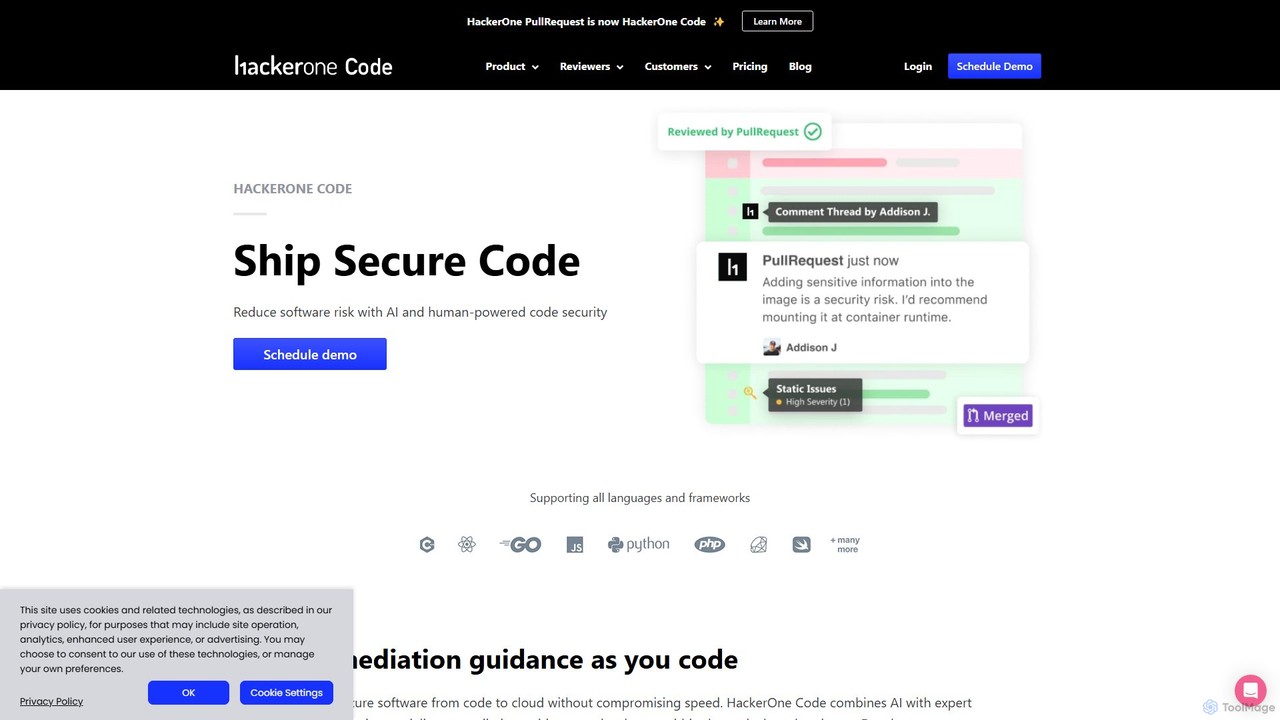
HackerOne Code
HackerOne Code is an advanced security platform that combines proprietary AI with expert human review to find and fix vulnerabilities in your code. It integrates seamlessly into developer workflows, providing precise, actionable feedback directly within pull requests to ship secure code faster.
Code Review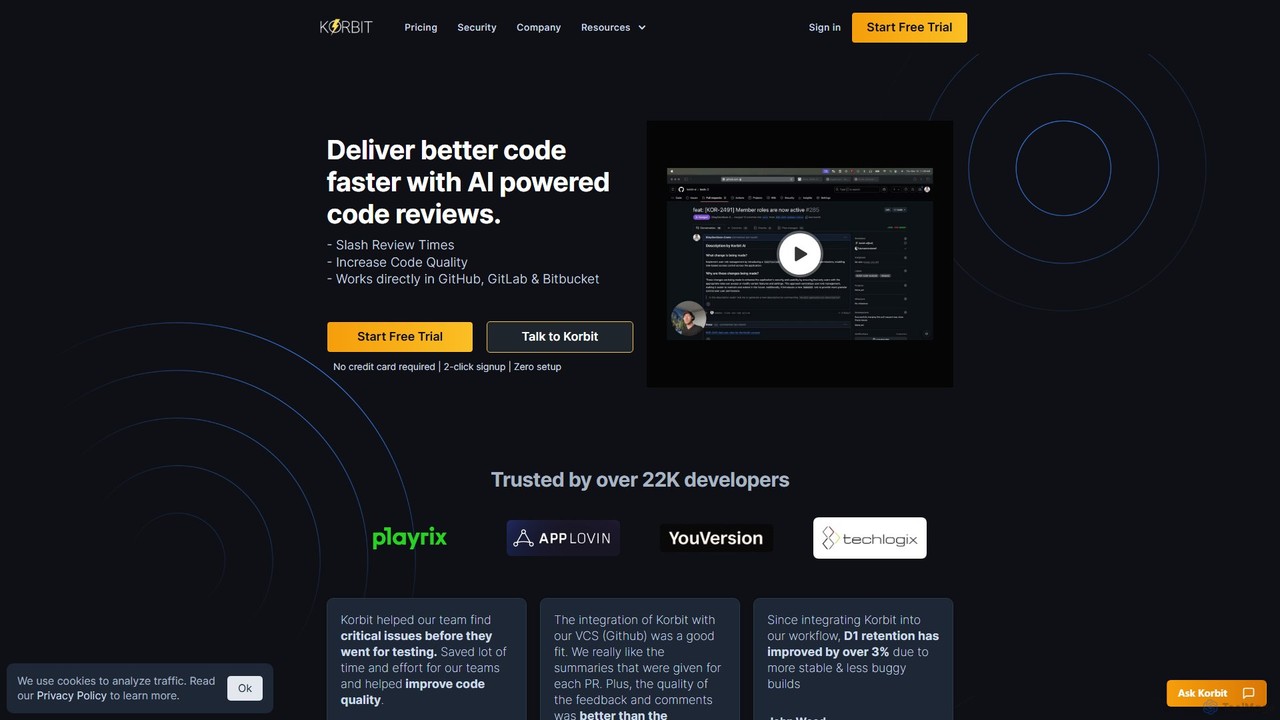
korbit
Korbit is an AI-powered code review tool that integrates with GitHub, GitLab, and Bitbucket. It helps development teams deliver better code faster by automatically detecting bugs, security vulnerabilities, and design issues, providing instant, actionable feedback directly within pull requests.
Code AssistantHealthy Package
Healthy Package is an AI-powered tool by DerScanner that assesses the security and health of open-source packages. It analyzes over 100 million packages, providing a comprehensive health score based on popularity, author reliability, security commitment, and community activity to help developers prevent vulnerabilities in their applications.
Code Security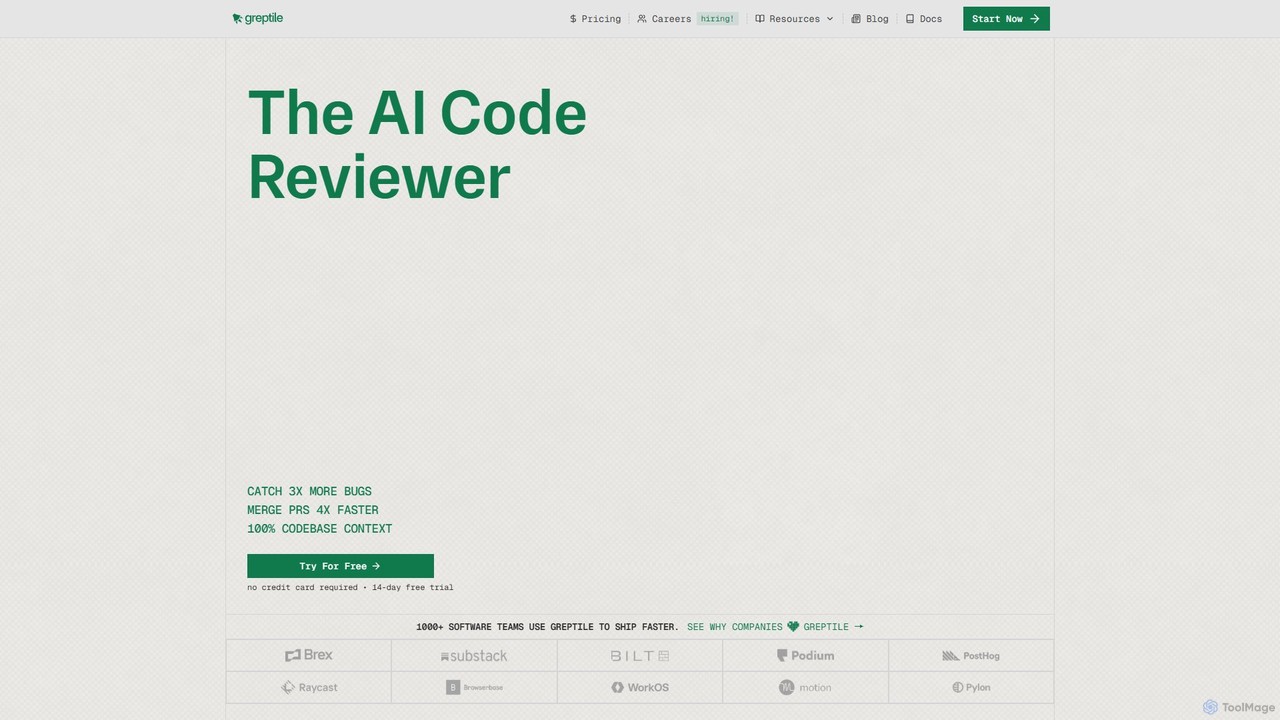
Greptile
Greptile is an AI-powered code review tool that integrates with GitHub and GitLab to help development teams merge pull requests 4x faster and catch 3x more bugs. By understanding the full context of your codebase, it provides in-line comments, actionable suggestions, and natural-language summaries for every PR. It supports over 30 programming languages and can be customized with specific rules and style guides to enhance code quality and consistency.
Code Review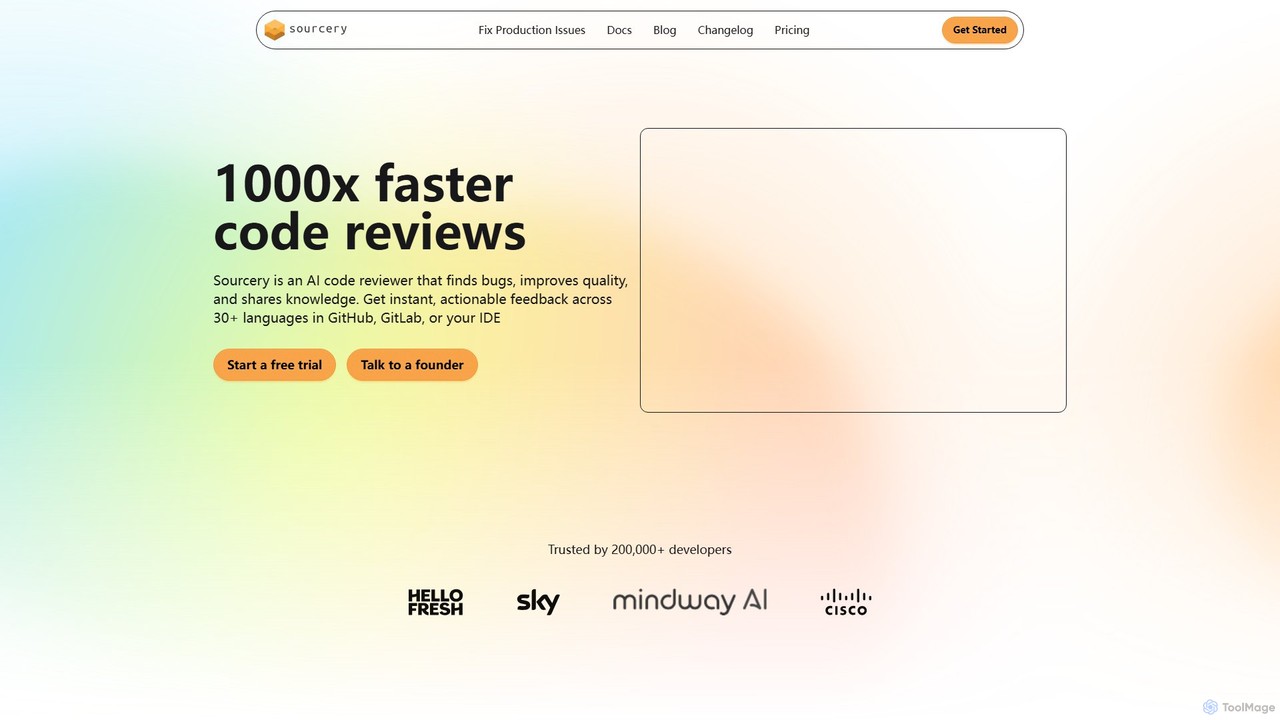
Sourcery
Sourcery is an AI-powered code reviewer that automates code reviews, finds bugs, improves code quality, and accelerates knowledge sharing. It integrates directly into your IDE, GitHub, and GitLab workflows, providing instant feedback and refactoring suggestions for over 30 languages.
Code Assistant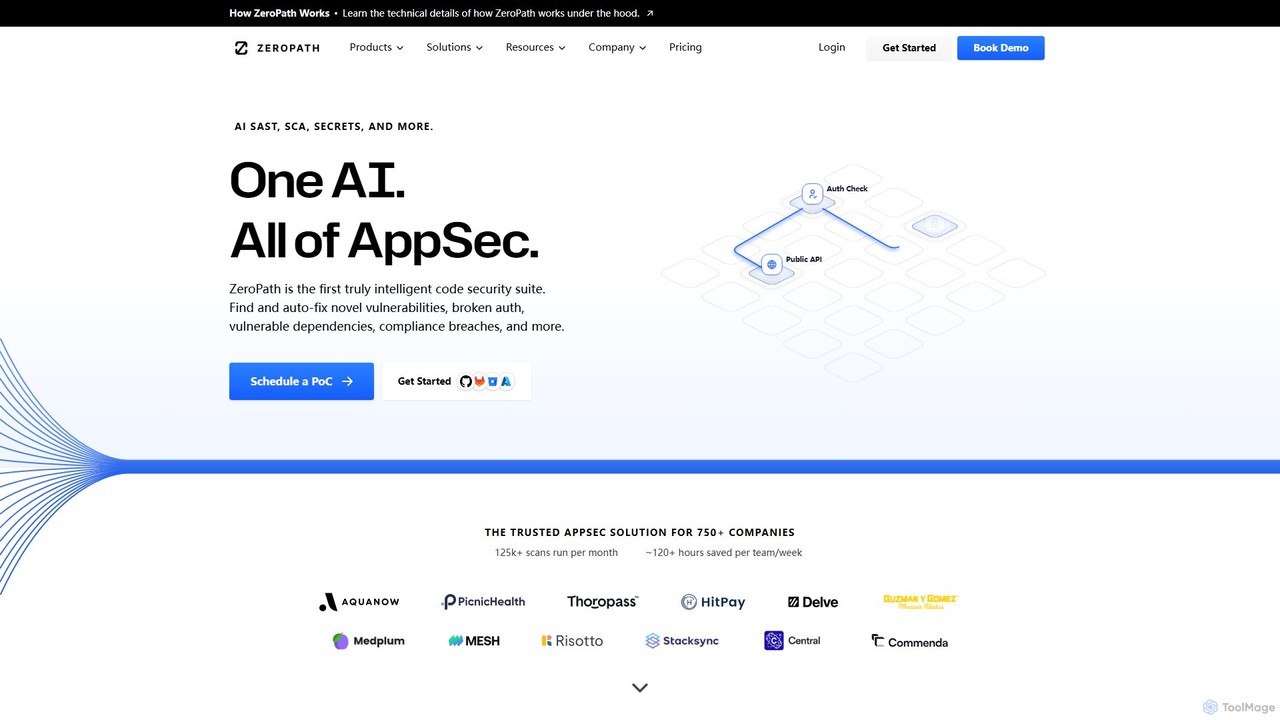
ZeroPath
ZeroPath is an AI-native application security (AppSec) platform that unifies SAST, SCA, secrets detection, and more. It intelligently finds and automatically fixes complex vulnerabilities, significantly reduces false positives, and seamlessly integrates into developer workflows to make security a collaborative effort.
Code Security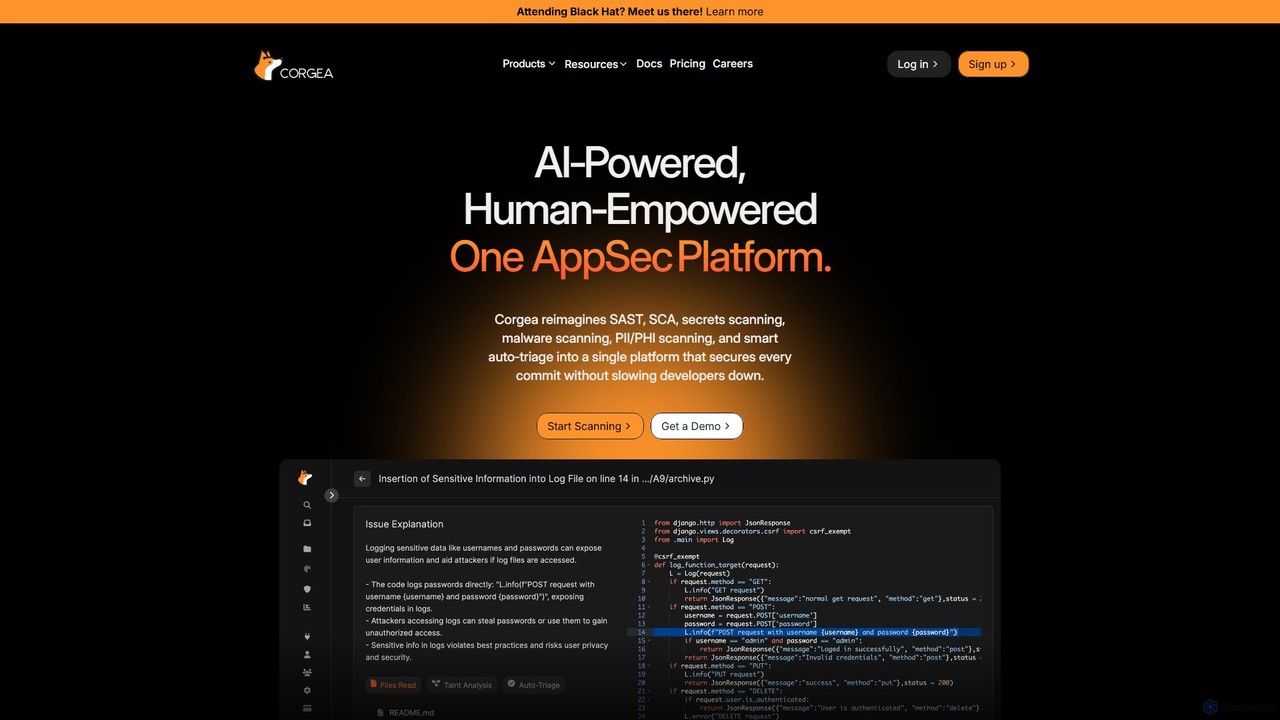
Corgea
Corgea is an AI-powered application security (AppSec) platform that unifies SAST, SCA, secrets scanning, and more. It intelligently triages vulnerabilities, reducing false positives by up to 90%, and automatically generates code fixes. Designed for modern development teams, Corgea integrates seamlessly into developer workflows (GitHub, Azure DevOps), enabling them to secure every commit without sacrificing speed.
Code Security
Pierre
Pierre is an AI-powered code review assistant designed to streamline the development workflow. It automatically analyzes pull requests, identifies bugs, suggests improvements, and summarizes changes, helping teams ship higher-quality code faster and reduce developer frustration.
Code Quality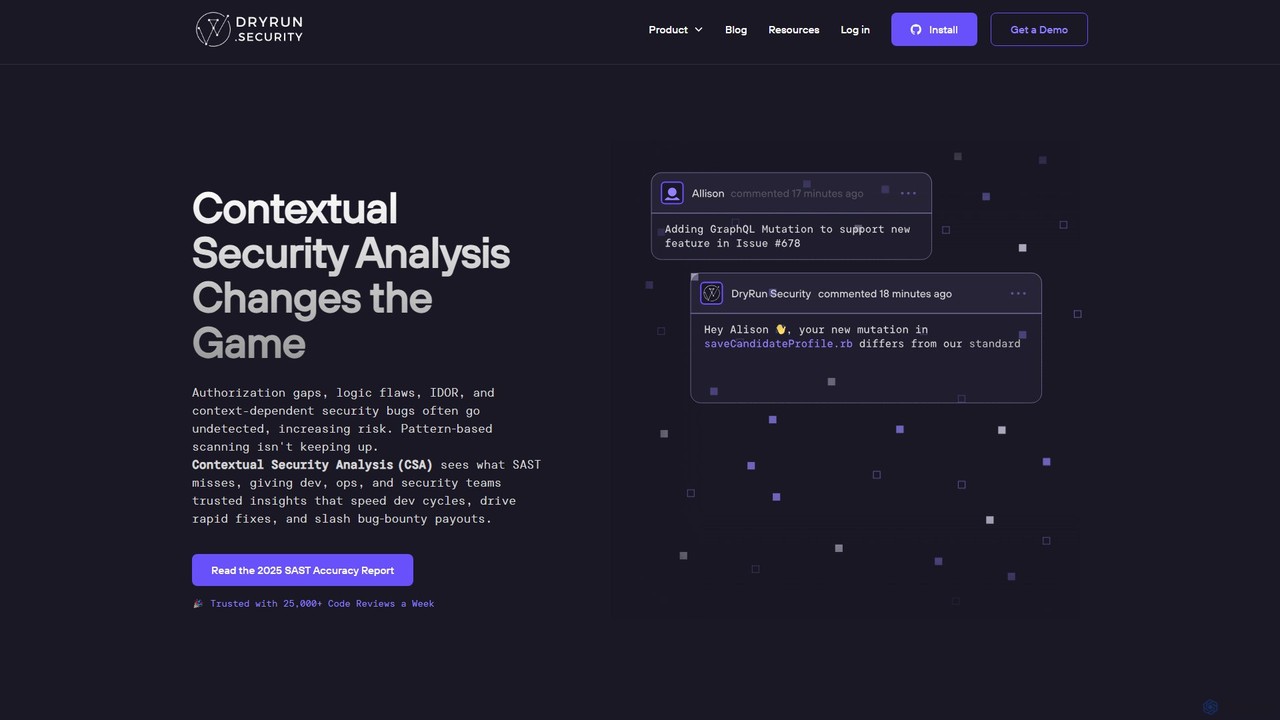
Dryrun Security
Dryrun Security is an AI-powered application security platform that uses Contextual Security Analysis (CSA) to find and fix complex vulnerabilities traditional scanners miss. It integrates directly into developer workflows like GitHub, providing real-time, low-false-positive feedback within pull requests to enhance collaboration and accelerate secure development.
Code Security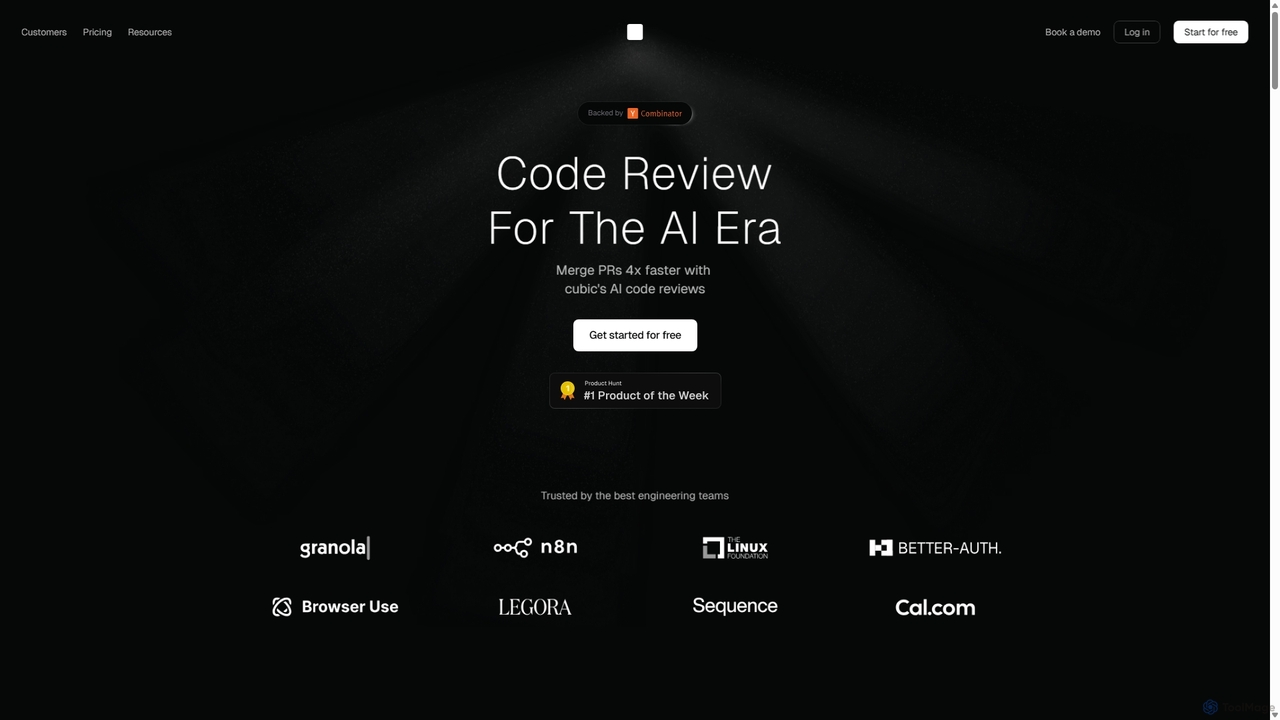
Cubic
Cubic is an AI-powered code review platform designed to accelerate development cycles. It integrates with GitHub to automatically review pull requests, catch bugs, enforce coding standards, and provide one-click fixes, helping engineering teams merge PRs up to 4x faster while improving code quality.
Code Assistant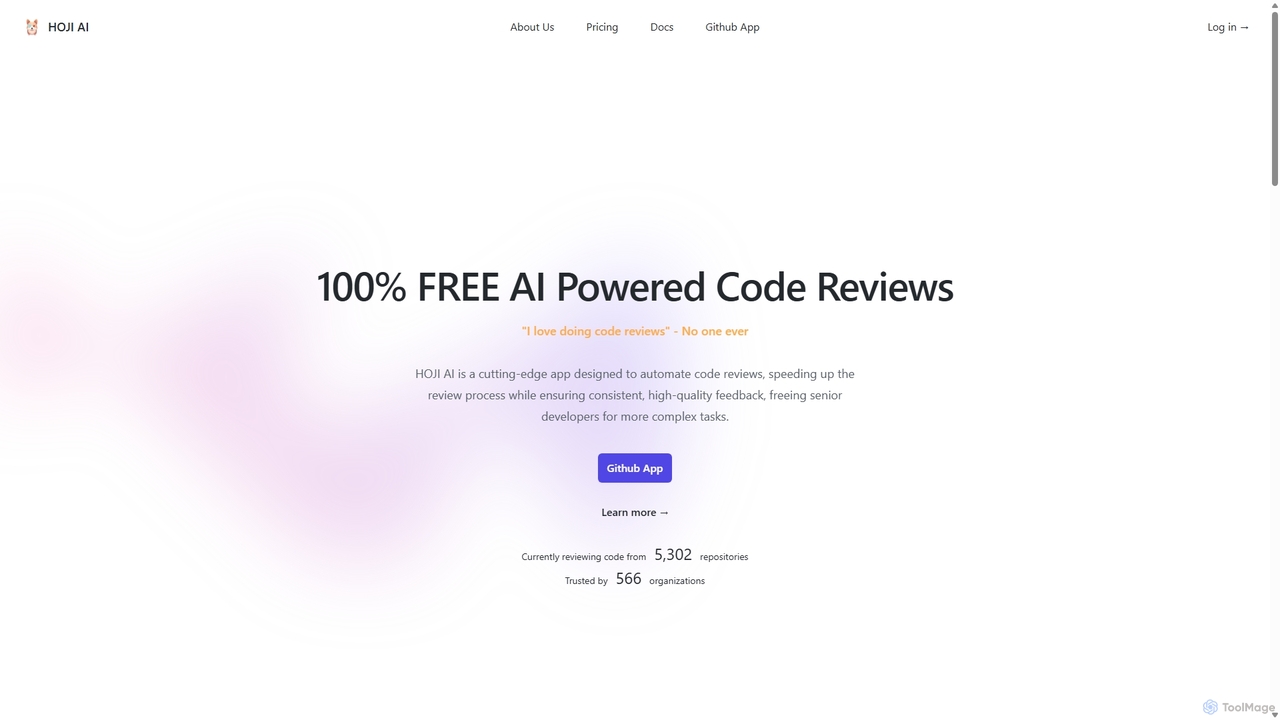
HOJI AI
HOJI AI is a free, AI-powered tool that automates code reviews directly within GitHub. It provides instant, consistent, and high-quality feedback on pull requests, helping development teams increase productivity, improve code quality, and accelerate their development cycles by freeing up senior engineers.
Code Assistant
Repodex
Repodex is an AI-powered code intelligence platform that helps developers and teams search, understand, and manage their code repositories. Using natural language, you can find code, get explanations, and generate documentation instantly.
Code Generation
DeepSource Comments (0)
Sign in to comment.
Sign inNo comments yet.