

crevcli Overview
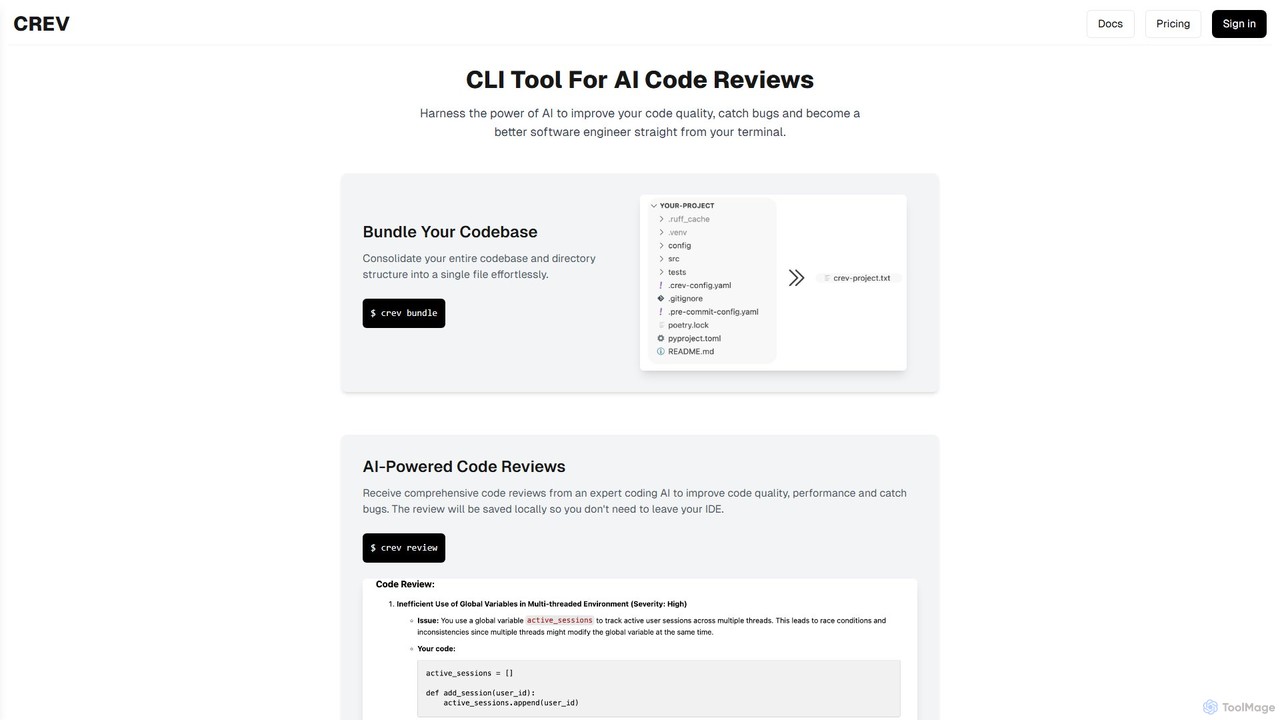
crevcli is a cutting-edge command-line interface (CLI) tool designed for modern software engineers who want to harness the power of artificial intelligence for code analysis. It integrates directly into the developer's terminal, providing expert-level code reviews to enhance code quality, improve performance, and identify potential bugs before they reach production. The core philosophy of crevcli is to streamline the code review process, making it as seamless and non-disruptive as possible, allowing developers to maintain focus and productivity within their preferred coding environment.
The tool is built with efficiency in mind. Written in Golang, crevcli is exceptionally fast and natively cross-platform, ensuring a consistent and responsive experience on Windows, macOS, and Linux. It introduces a unique 'bundling' feature that consolidates an entire codebase, including its directory structure, into a single file. This allows the AI model to gain a holistic understanding of the project's context, leading to more accurate and insightful reviews compared to analyzing files in isolation.
How to use crevcli
Using crevcli is designed to be a straightforward part of your development workflow. Here’s a typical process:
- Installation: First, install the crevcli tool on your system. As a Go-based application, this is typically done via a single command from your terminal using a package manager like Homebrew or by downloading the binary from the official website.
- Navigate to Your Project: Open your terminal and change the directory to the root of the code repository you wish to have reviewed.
- Bundle Your Codebase: Run the command
$ crev bundle. This command intelligently traverses your project's directory, respects your .gitignore file, and packages all relevant source code into a single, context-rich file ready for analysis. - Request an AI Review: Execute the command
$ crev review. This sends the bundled code to the advanced AI model for a comprehensive analysis. The process is quick and handled entirely in the background. - Receive and Analyze Feedback: The AI-generated review is automatically saved as a local file (e.g., in Markdown format). You can open this file in your favorite IDE or text editor to examine the feedback. The review will detail suggestions for quality improvements, performance optimizations, potential bugs, and security vulnerabilities, complete with code snippets and explanations.
Core Features of crevcli
- AI-Powered Code Reviews: Leverages state-of-the-art AI models to provide in-depth analysis of your code, covering aspects like logic, style, performance, security, and adherence to best practices.
- Seamless CLI Integration: Get powerful code reviews without ever leaving your terminal or IDE. This avoids context switching and keeps you in your flow state.
- Intelligent Codebase Bundling: Consolidates your entire project's context into a single file, enabling the AI to perform a more holistic and accurate review.
- Fast and Cross-Platform: Built with Golang for maximum performance and compatibility across Windows, macOS, and Linux operating systems.
- Local Review Storage: All reviews are saved directly to your local machine, ensuring your code remains private and you can access feedback anytime, even offline.
- Educational Feedback: The reviews not only highlight issues but also explain the underlying principles, helping you become a better, more knowledgeable software engineer.
Use Cases for crevcli
crevcli is a versatile tool suitable for various scenarios:
- Individual Developers: Get an instant 'second opinion' on your code to catch mistakes, validate your approach, and learn new techniques without waiting for a human reviewer.
- Agile Development Teams: Integrate crevcli into your CI/CD pipeline or pre-commit hooks to automate initial code quality checks, freeing up senior developers to focus on more complex architectural reviews.
- Startups and Small Businesses: A cost-effective way to maintain high code quality standards without a large, dedicated QA team.
- Open Source Projects: Maintainers can use crevcli to quickly triage and assess pull requests from contributors, ensuring consistency and quality across the codebase.
- Learning and Training: Junior developers and students can use it as an interactive mentor to receive immediate, constructive feedback and accelerate their learning curve.
Advantages of crevcli
The primary advantage of crevcli is its ability to merge the power of AI with a developer-centric workflow. It boosts productivity by providing instant feedback, unlike the often-delayed process of manual peer reviews. It improves overall code quality and reliability by consistently catching a wide range of issues. Furthermore, it serves as a continuous learning tool, helping developers at all levels to refine their skills. Its CLI-native approach respects the developer's environment, making it a frictionless addition to any toolchain.
Pricing and Plans
crevcli operates on a freemium model, making it accessible to everyone while offering advanced features for professional use. (Note: Please visit the official website for the most current pricing information.)
- Free Plan: Ideal for students, hobbyists, and individual developers getting started. This plan typically includes a generous number of free code reviews per month.
- Pro Plan: Aimed at professional developers and freelancers, offering unlimited code reviews, priority access to new AI models, and enhanced support.
- Team Plan: Designed for development teams and organizations. This plan includes all Pro features plus centralized billing, team management features, and options for on-premise deployment for maximum security.
crevcli Alternatives
Bito
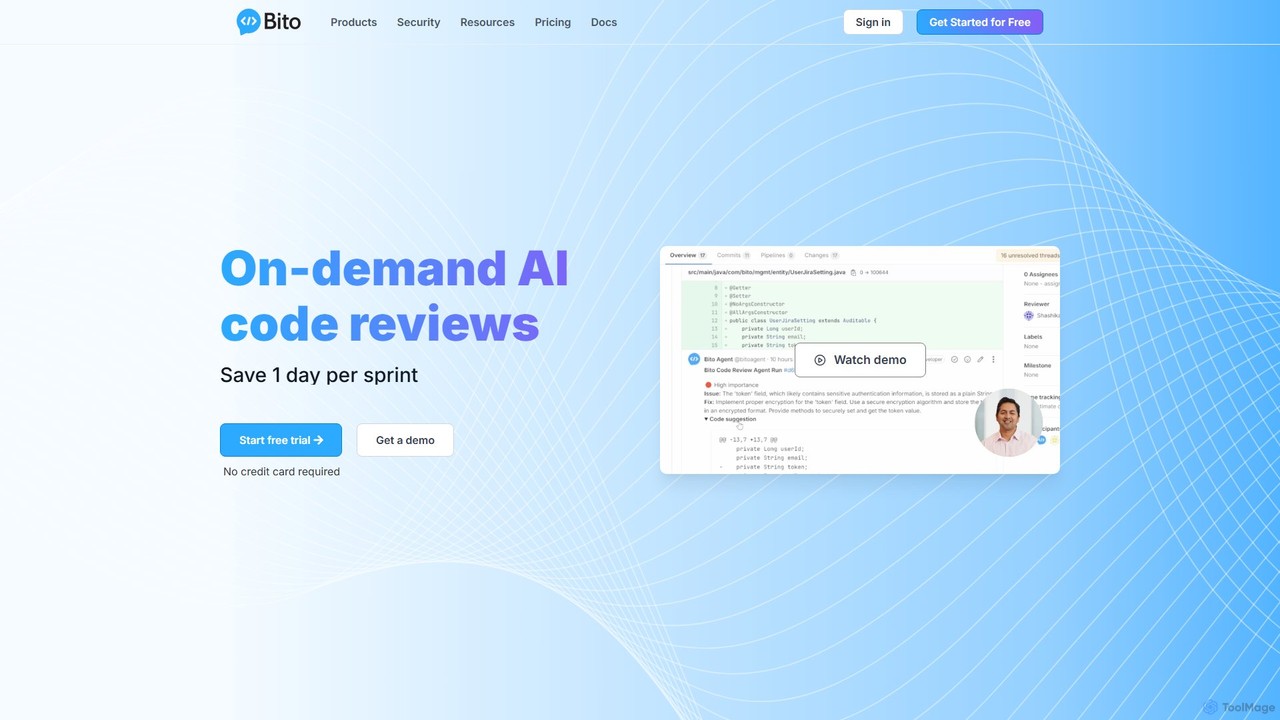
Bito is an AI-powered code review assistant that integrates directly into your IDE and Git provider. It helps development teams accelerate their workflow, improve code quality, and reduce regressions by providing on-demand, context-aware feedback and suggestions. Bito is designed to save time, upskill junior engineers, and ensure enterprise-grade security.
Code Quality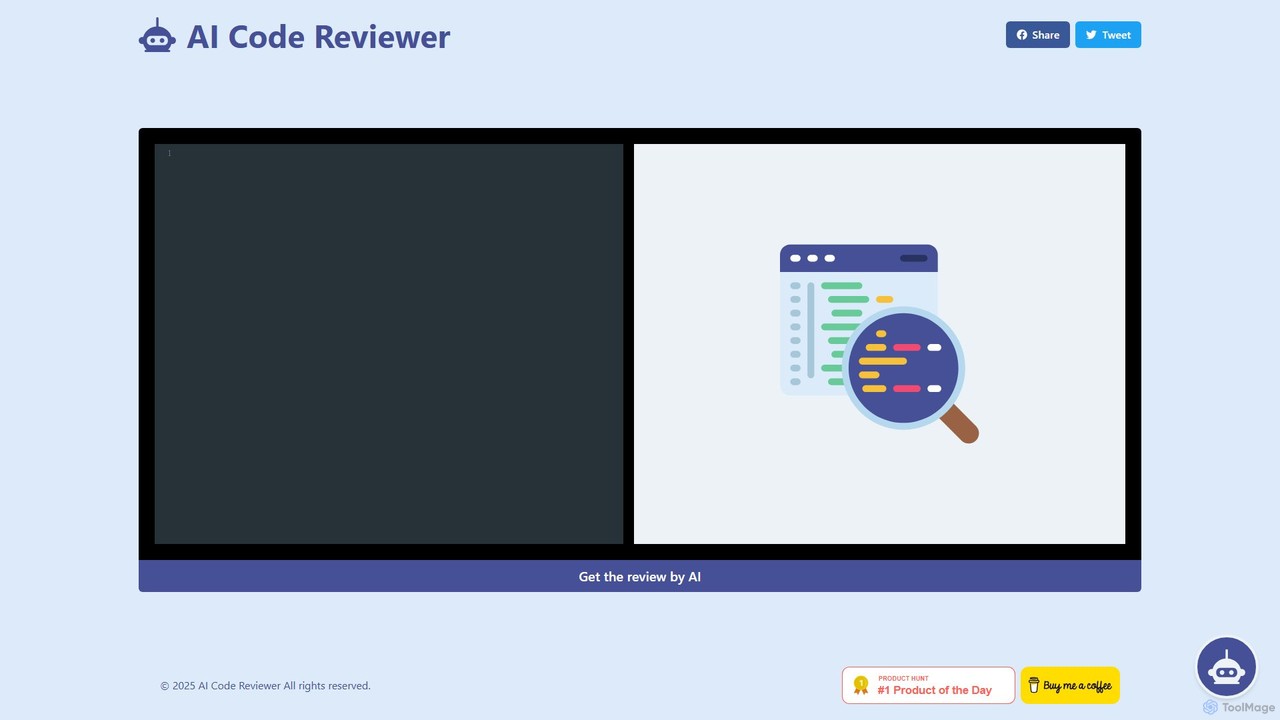
AI Code Reviewer
An AI-powered tool that automatically reviews your code to find bugs, suggest improvements, and ensure quality. It acts as an instant second pair of eyes for developers, helping to streamline the development workflow, improve code maintainability, and enforce best practices across teams.
Code Review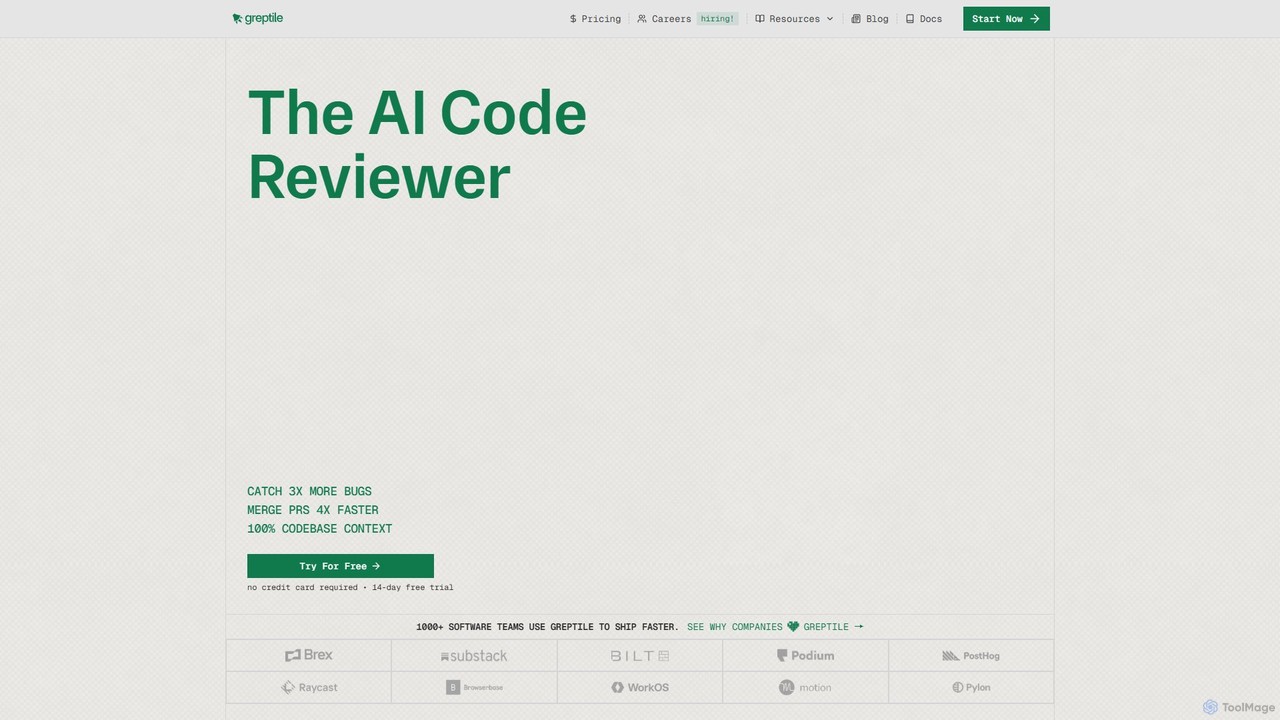
Greptile
Greptile is an AI-powered code review tool that integrates with GitHub and GitLab to help development teams merge pull requests 4x faster and catch 3x more bugs. By understanding the full context of your codebase, it provides in-line comments, actionable suggestions, and natural-language summaries for every PR. It supports over 30 programming languages and can be customized with specific rules and style guides to enhance code quality and consistency.
Code Review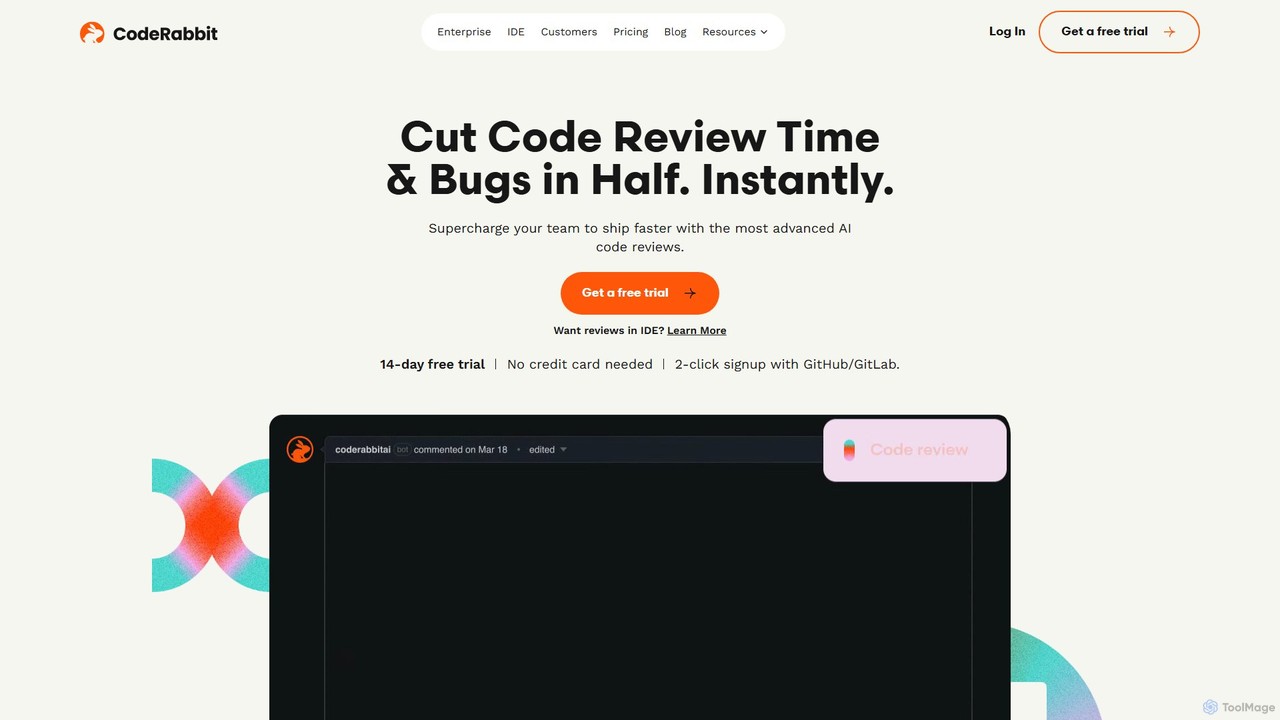
CodeRabbit
CodeRabbit is an AI-powered code review tool that supercharges development teams to ship faster and reduce bugs. It provides instant, context-aware reviews, pull request summaries, and security analysis directly within GitHub, GitLab, and IDEs like VS Code.
Code Review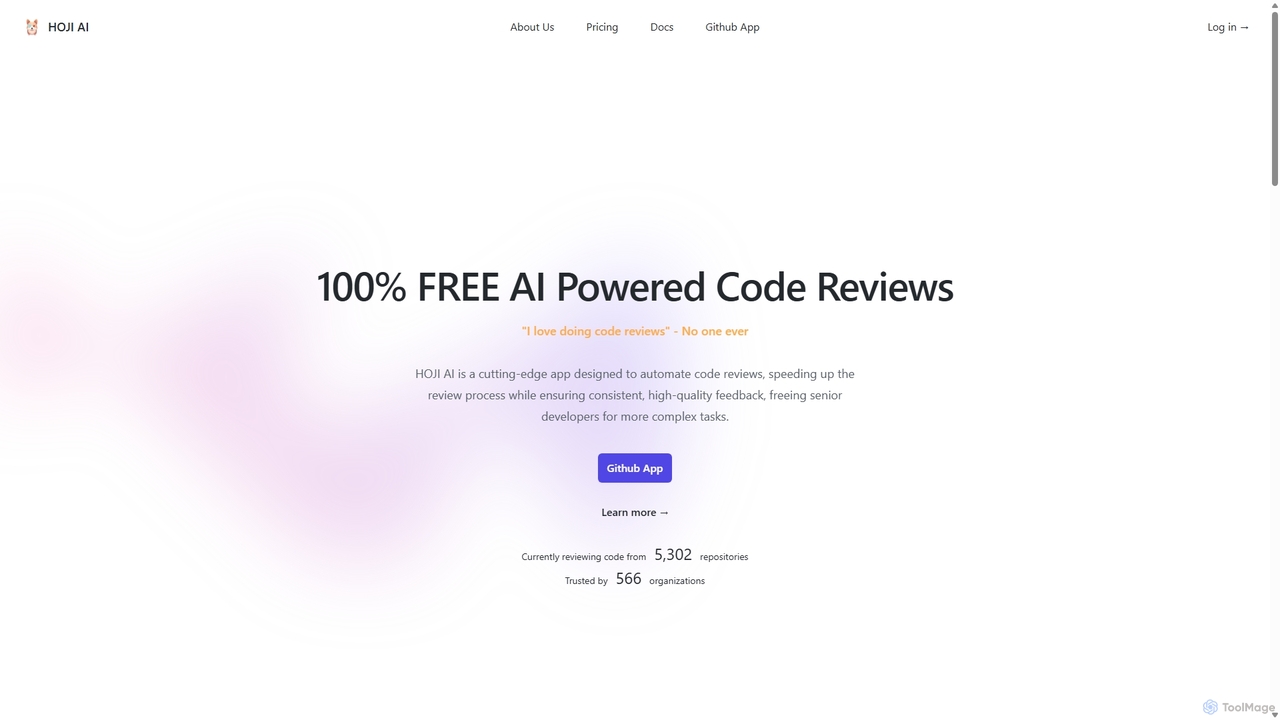
HOJI AI
HOJI AI is a free, AI-powered tool that automates code reviews directly within GitHub. It provides instant, consistent, and high-quality feedback on pull requests, helping development teams increase productivity, improve code quality, and accelerate their development cycles by freeing up senior engineers.
Code Assistantcrevcli Categories
crevcli Embed Widget
Copy this embed code to place the badge on your blog, article, or product site and send readers directly to this ToolMage detail page.

Related AI tools
AI Code Reviewer
An AI-powered tool that automatically reviews your code to find bugs, suggest improvements, and ensure quality. It acts as an instant second pair of eyes for developers, helping to streamline the development workflow, improve code maintainability, and enforce best practices across teams.
Code ReviewHOJI AI
HOJI AI is a free, AI-powered tool that automates code reviews directly within GitHub. It provides instant, consistent, and high-quality feedback on pull requests, helping development teams increase productivity, improve code quality, and accelerate their development cycles by freeing up senior engineers.
Code AssistantGreptile
Greptile is an AI-powered code review tool that integrates with GitHub and GitLab to help development teams merge pull requests 4x faster and catch 3x more bugs. By understanding the full context of your codebase, it provides in-line comments, actionable suggestions, and natural-language summaries for every PR. It supports over 30 programming languages and can be customized with specific rules and style guides to enhance code quality and consistency.
Code Review
Kodus
Kodus is an AI-powered code review tool that acts like a senior developer on your team. It automatically analyzes pull requests in Git, providing actionable feedback on code quality, security, and performance. It helps teams reduce review time, ship faster, and decrease bugs in production.
Code Quality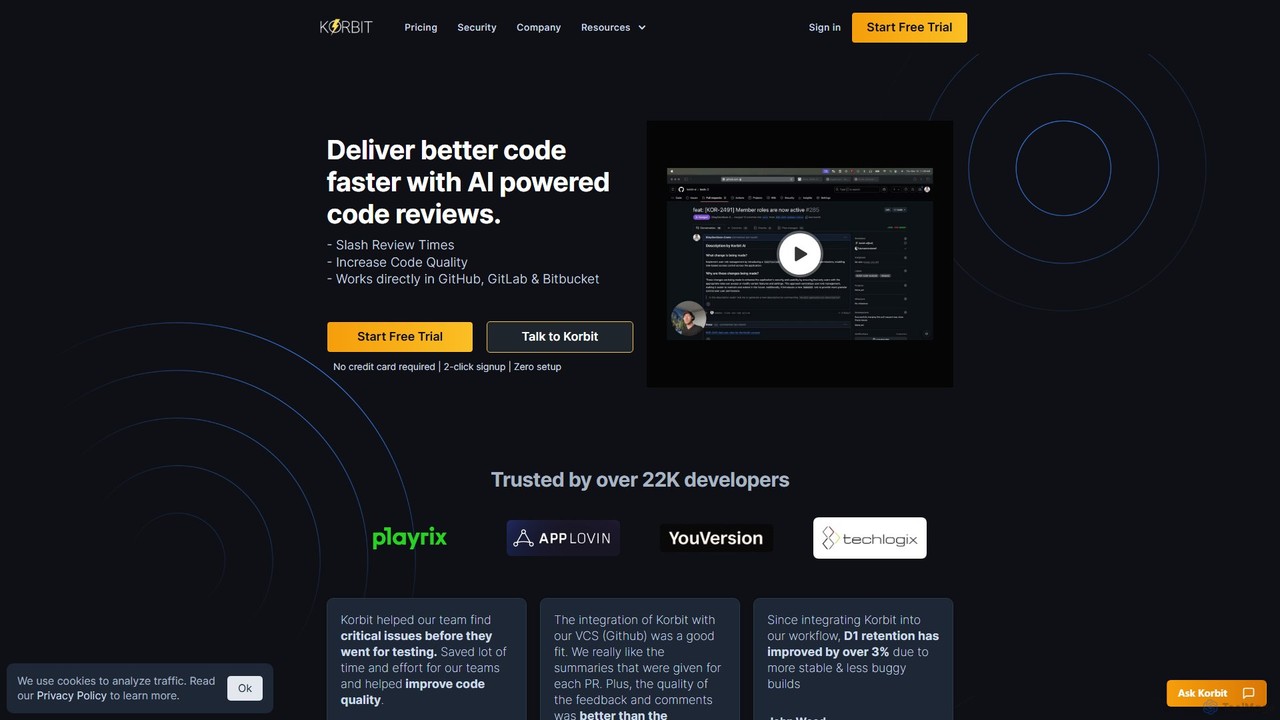
korbit
Korbit is an AI-powered code review tool that integrates with GitHub, GitLab, and Bitbucket. It helps development teams deliver better code faster by automatically detecting bugs, security vulnerabilities, and design issues, providing instant, actionable feedback directly within pull requests.
Code Assistant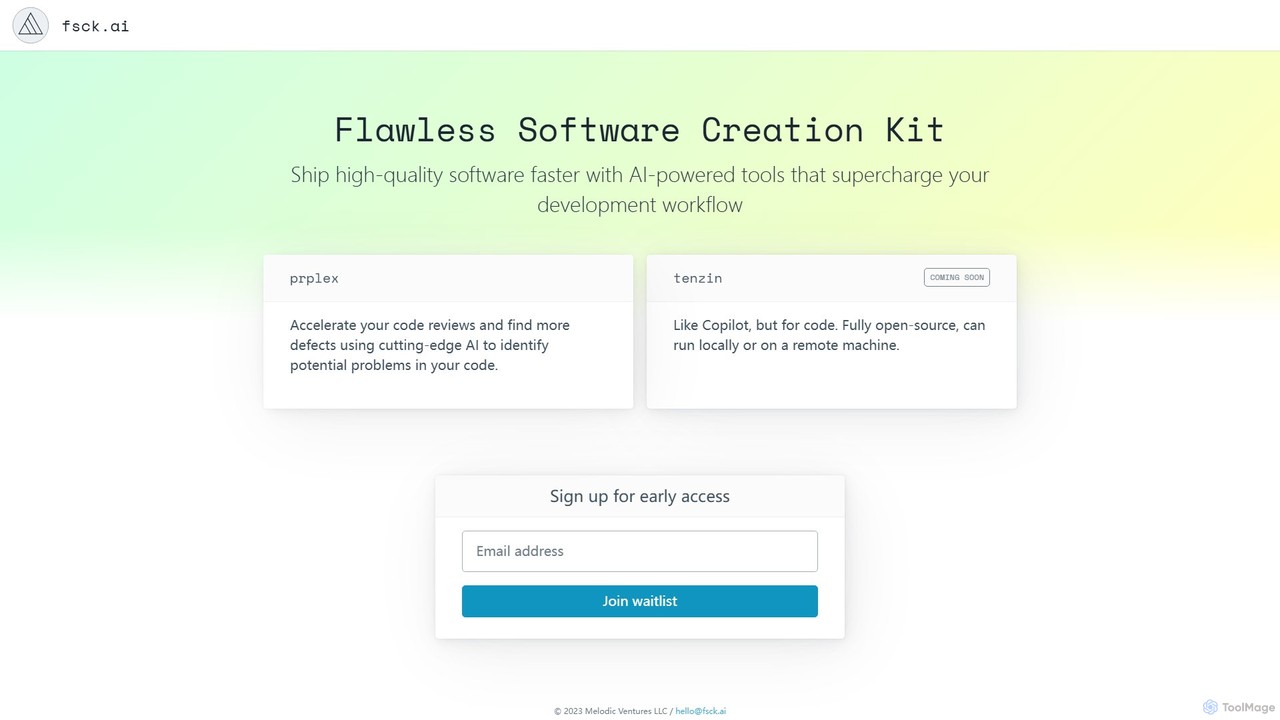
fsck.ai
fsck.ai is an open-source AI-powered code review assistant designed to accelerate development workflows. It automatically analyzes pull requests, identifies potential defects and bugs, and provides direct feedback within GitHub, much like a Copilot for code quality.
Code Assistant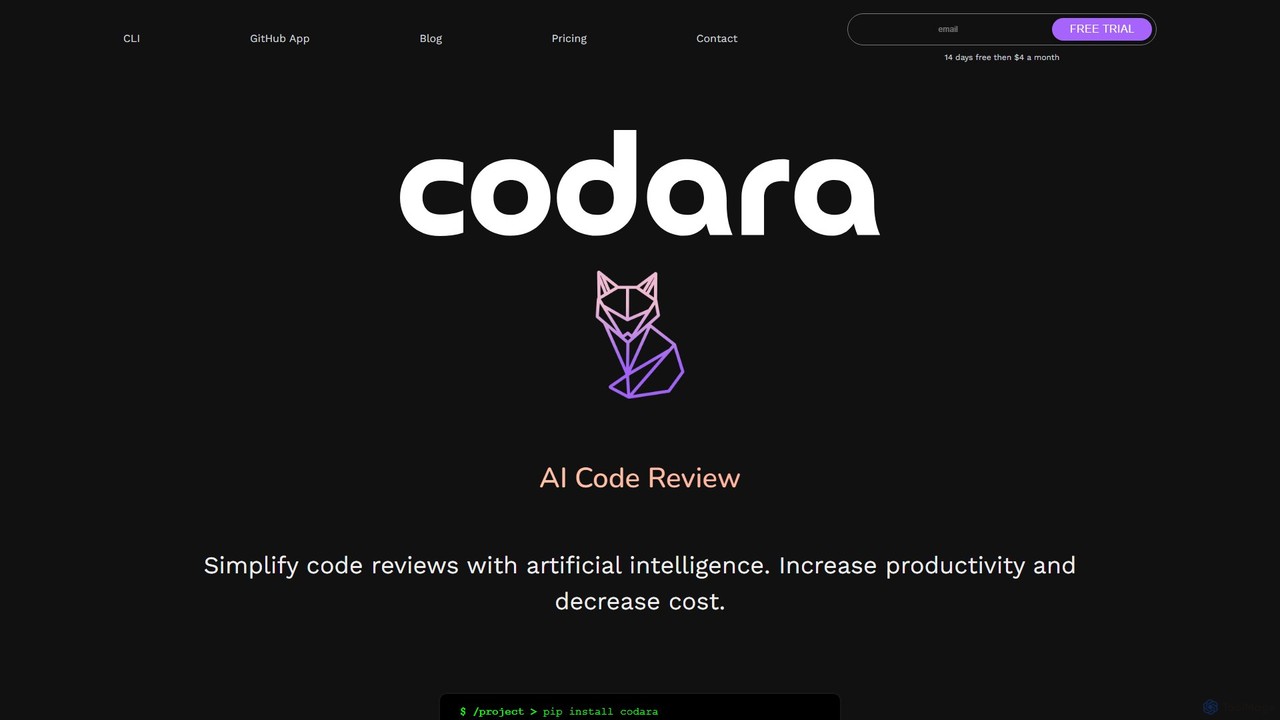
Codara
Codara is an AI-powered command-line tool designed to streamline software development. It automates code reviews and diagnoses errors, helping developers increase productivity, improve code quality, and accelerate release cycles. It integrates seamlessly into existing workflows, providing real-time feedback and actionable suggestions.
Code Review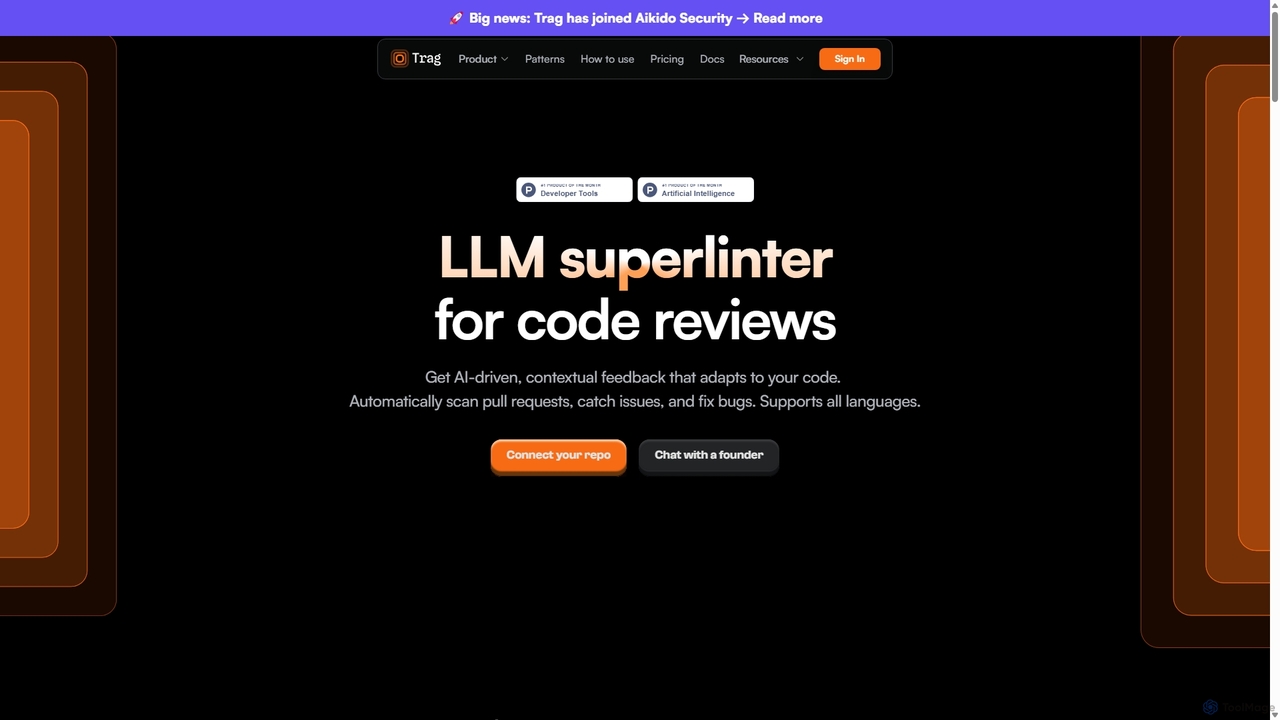
Trag
Trag is an AI-powered code review tool designed to automate and streamline the development workflow. It automatically scans pull requests, flags issues, and provides context-aware feedback. With customizable rules in plain English and seamless integration with GitHub and GitLab, Trag helps engineering teams improve code quality, enforce standards, and ship features faster.
Code Assistant
Metabob
Metabob is an AI-powered code review tool that utilizes Graph Neural Networks (GNNs) to analyze, debug, and refactor complex and legacy codebases. It excels at detecting hard-to-find runtime errors, understanding code logic across the entire project, and providing actionable recommendations to improve code quality and reduce technical debt.
Code AssistantCodeRabbit
CodeRabbit is an AI-powered code review tool that supercharges development teams to ship faster and reduce bugs. It provides instant, context-aware reviews, pull request summaries, and security analysis directly within GitHub, GitLab, and IDEs like VS Code.
Code Review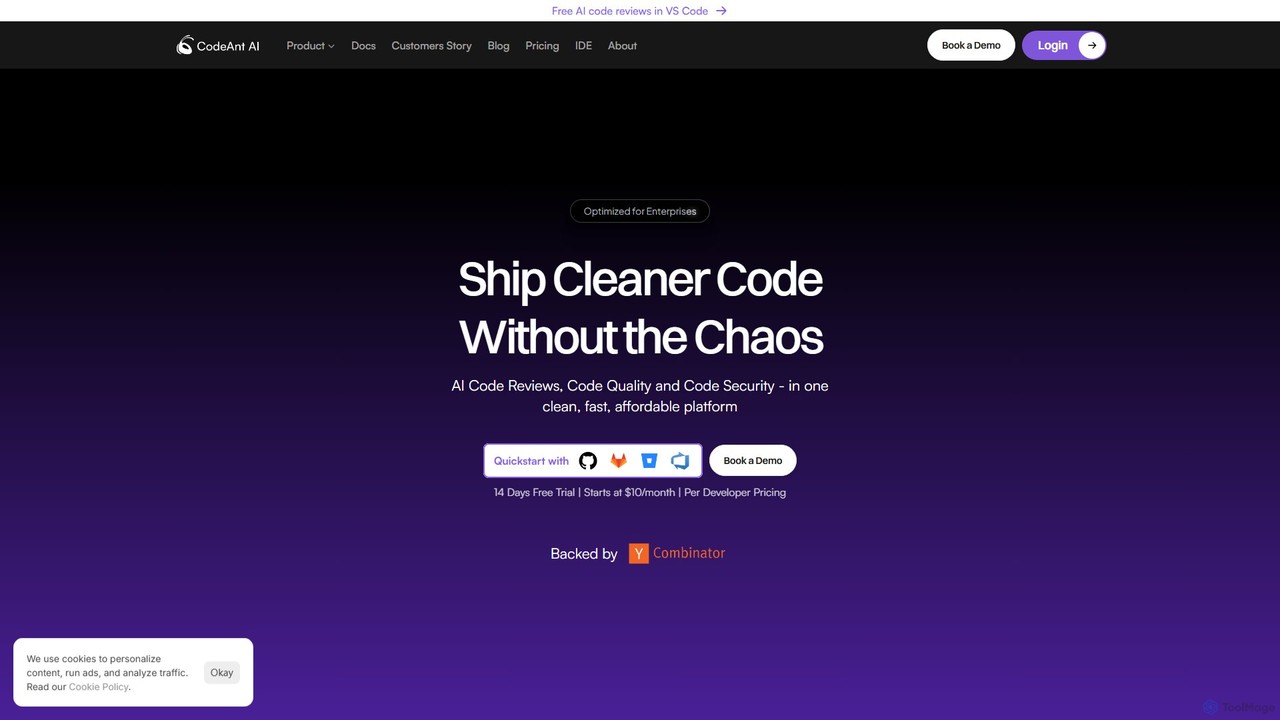
CodeAnt AI
CodeAnt AI is an AI-powered platform that automates code reviews, enhances code quality, and ensures application security. It integrates seamlessly into developer workflows, providing AI-generated pull request summaries, one-click fixes, and continuous scanning for vulnerabilities, helping teams ship cleaner, more secure code faster.
Code Quality
Pierre
Pierre is an AI-powered code review assistant designed to streamline the development workflow. It automatically analyzes pull requests, identifies bugs, suggests improvements, and summarizes changes, helping teams ship higher-quality code faster and reduce developer frustration.
Code Quality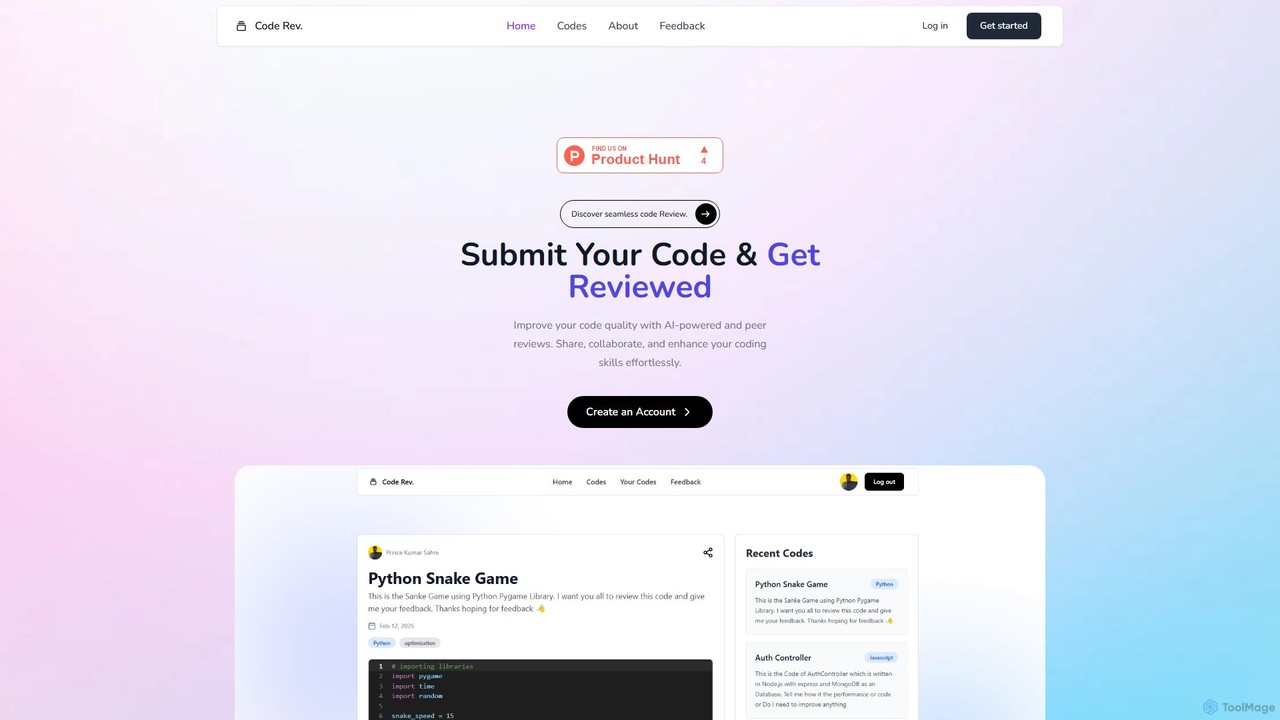
Code Rev.
Code Rev. is an AI-powered platform designed to enhance code quality through automated analysis and collaborative peer feedback. Developers can submit code to receive instant, AI-driven suggestions on efficiency, readability, and best practices. The platform also facilitates peer and expert reviews, fostering a community where developers can share knowledge, collaborate on improvements, and elevate their coding skills.
Code Review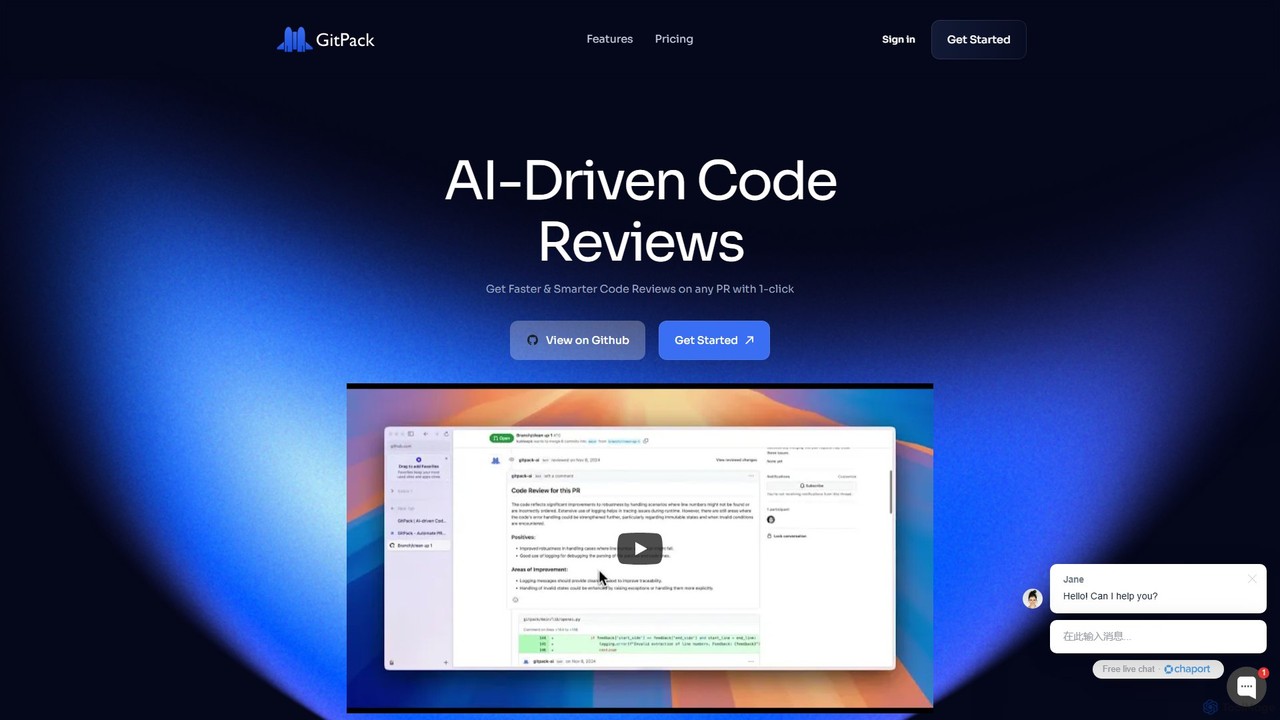
GitPack
GitPack is an AI-driven tool that automates code reviews on GitHub. It analyzes pull requests, provides context-aware feedback, and helps improve code quality, allowing developers to save time and streamline their workflow.
Code Assistant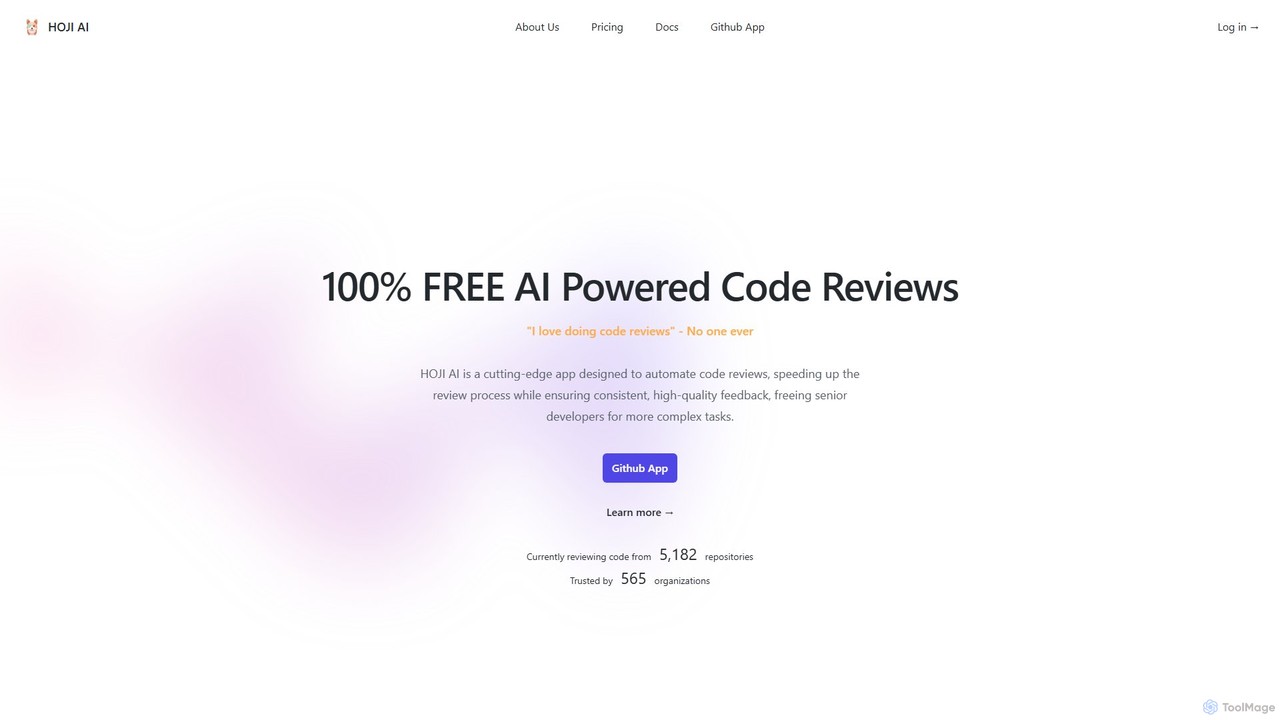
hoji
hoji is a free, AI-powered code review assistant that integrates directly with GitHub. It automates the code review process, providing instant, consistent, and unbiased feedback on pull requests. This helps development teams increase productivity, improve code quality, and reduce friction, freeing up senior developers for more complex tasks.
Code Assistant
crevcli Comments (0)
Sign in to comment.
Sign inNo comments yet.