

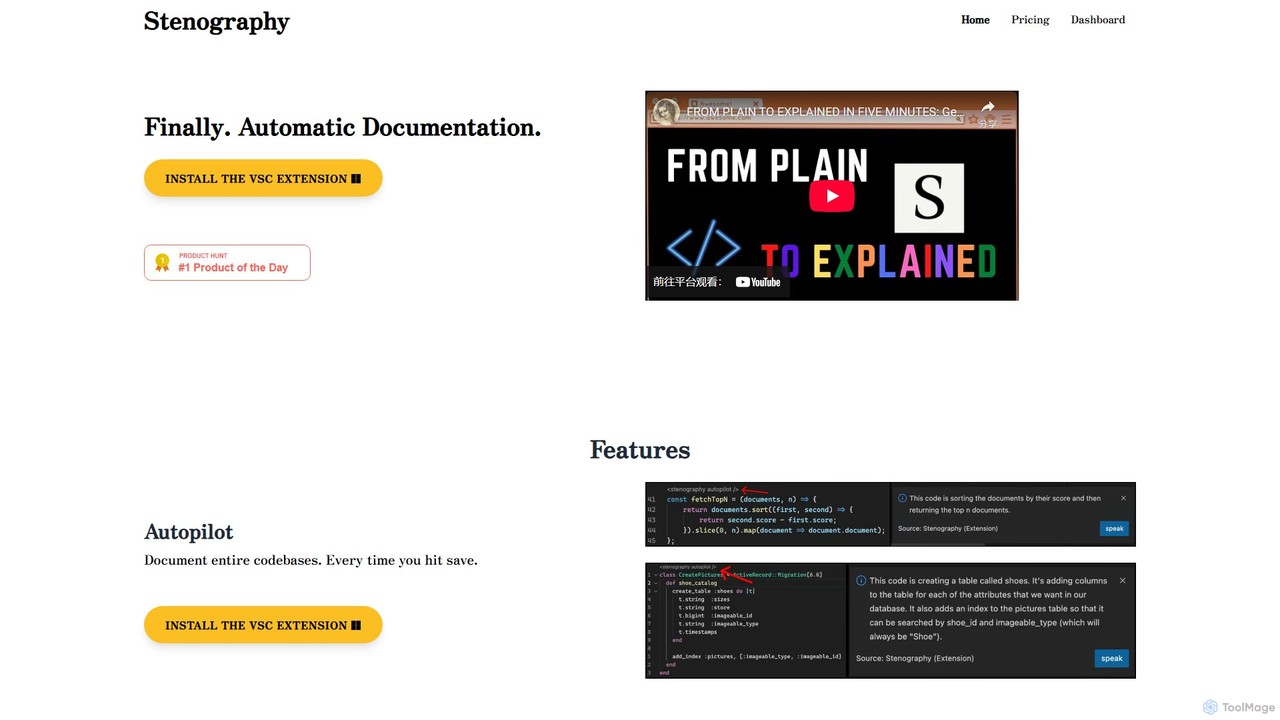
Stenography Overview
Stenography is a revolutionary AI tool designed to eliminate the tedious task of writing and maintaining code documentation. Developed by OpenAI Developer Ambassador Bram Adams, it acts as an intelligent assistant that automatically generates clear, human-readable explanations for your code. By integrating seamlessly into a developer's existing workflow, Stenography aims to enhance productivity, improve code maintainability, and facilitate better collaboration within teams.
The core of Stenography is its 'Autopilot' feature, which works within its Visual Studio Code (VSC) extension. Once installed, it monitors your files and automatically documents your entire codebase every time you save your work. This means documentation is no longer an afterthought but an integral part of the development cycle, always staying up-to-date with the latest code changes. This hands-off approach allows developers to focus on what they do best: writing code.
How to use Stenography
Getting started with Stenography is straightforward and designed for immediate impact:
- Install the Extension: The primary way to use Stenography is by installing its extension for Visual Studio Code. This enables the 'Autopilot' feature for automatic documentation.
- Automatic Documentation: Simply work on your code as usual. Every time you press 'save', Stenography's AI analyzes the code and generates or updates the corresponding documentation in the background.
- Use the API: For more advanced or custom integrations, developers can leverage the powerful Stenography API. You can send a code snippet to the API endpoint and receive a detailed, plain-English explanation in return. This is perfect for building custom tools, integrating documentation into CI/CD pipelines, or creating bespoke developer utilities.
- Leverage the Chrome Extension: The Chrome extension (included in paid plans) brings Stenography's power to the web, allowing you to get explanations for code snippets you find on sites like GitHub, Stack Overflow, or technical blogs.
Core Features of Stenography
- Automatic Documentation (Autopilot): Automatically generates and updates documentation for entire codebases within VS Code every time a file is saved.
- Powerful Explanations API: A flexible API that takes code as input and returns high-quality, plain-English explanations, which can be customized as needed.
- Integrated Stack Overflow Suggestions: Enriches AI-generated explanations with relevant suggestions and links from Stack Overflow, providing context and solutions without leaving your editor.
- Linked Documentation: Hydrates responses with links to official documentation from across the web, offering deeper insights into functions and libraries.
- Multi-Platform Extensions: Integrates directly into developer environments with extensions for VS Code and Google Chrome.
- Privacy First: Operates on a passthrough API model, meaning your code is never stored on Stenography's servers. All processing is transient, ensuring your intellectual property remains secure and private on your system.
Use Cases for Stenography
Stenography is a versatile tool suitable for various scenarios:
- Solo Developers: Quickly document personal projects and understand complex or legacy codebases.
- Development Teams: Enforce a consistent documentation standard across the team, streamline code reviews, and significantly speed up the onboarding process for new engineers.
- Technical Writers: Accelerate the process of creating technical documentation by generating a solid first draft of code explanations.
- Students and Learners: A great educational tool for understanding unfamiliar code, learning new programming languages, or dissecting complex algorithms.
Advantages of Stenography
The primary advantage of Stenography is the massive amount of time and effort it saves. By automating documentation, it frees up developers from a time-consuming but critical task. This leads to more consistent, up-to-date, and higher-quality documentation, which in turn improves code maintainability and team collaboration. The integration of Stack Overflow and external documentation directly into the workflow minimizes context switching, further boosting productivity. Finally, its commitment to privacy makes it a trustworthy choice for both individual developers and enterprises.
Pricing and Plans
Stenography offers a flexible pricing structure to suit different needs:
- Free Plan: Get started with 250 free API invocations per month. This is ideal for individual use and trying out the service.
- Tier I: For $10 per month, you get 1,000 invocations per month, along with access to the Chrome Extension, Populated Documentation, Explanations, Stack Overflow Search Suggestions, and the API.
- Tier II: For $20 per month, the invocation limit increases to 2,500 per month. This plan includes all features of Tier I, plus early access to new features and extensions.
- Team Plan: A custom plan for organizations with needs for 100,000+ invocations. It includes custom populated documentation, dedicated team support, and all other premium features. Interested parties should contact sales for a quote.
Traffic
Latest traffic
Status
Monthly traffic trend
- 2025-9: 520
- 2026-1: 1.4K
- 2026-2: 1.4K
- 2026-3: 1.5K
- 2026-4: 1.7K
- 2026-5: 1.1K
Geography
Top 5 countries / regions
- 🇻🇳Vietnam100.0%
Top keywords
| Keyword | Cost per click |
|---|---|
| sentogrpahy | $0.00 |
| stenographed | $0.00 |
| stenographrphy | $0.00 |
| stenography | $5.72 |
| stenographyt | $0.00 |
Stenography Alternatives
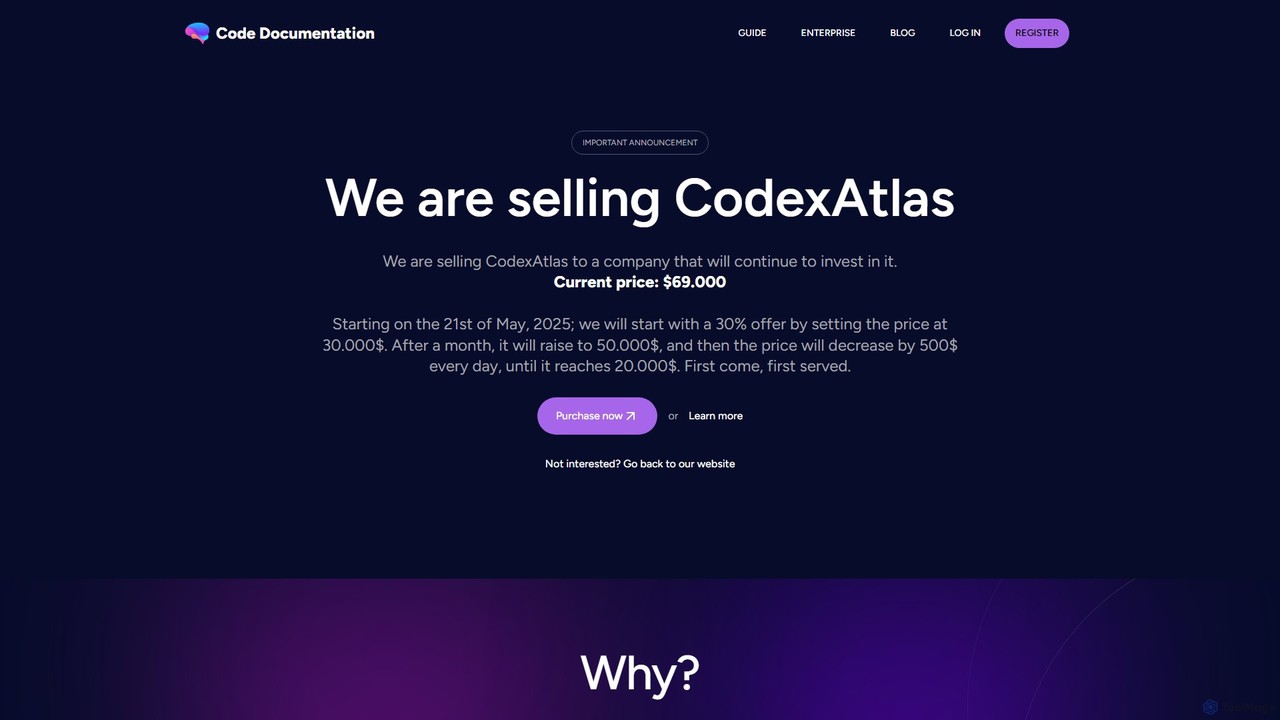
CodexAtlas
CodexAtlas is an AI-powered platform that automates the creation of code documentation. It integrates with GitHub, GitLab, and Bitbucket to analyze your codebase and generate clear, comprehensive, and consistent documentation, saving developers countless hours and improving project maintainability.
Code Generation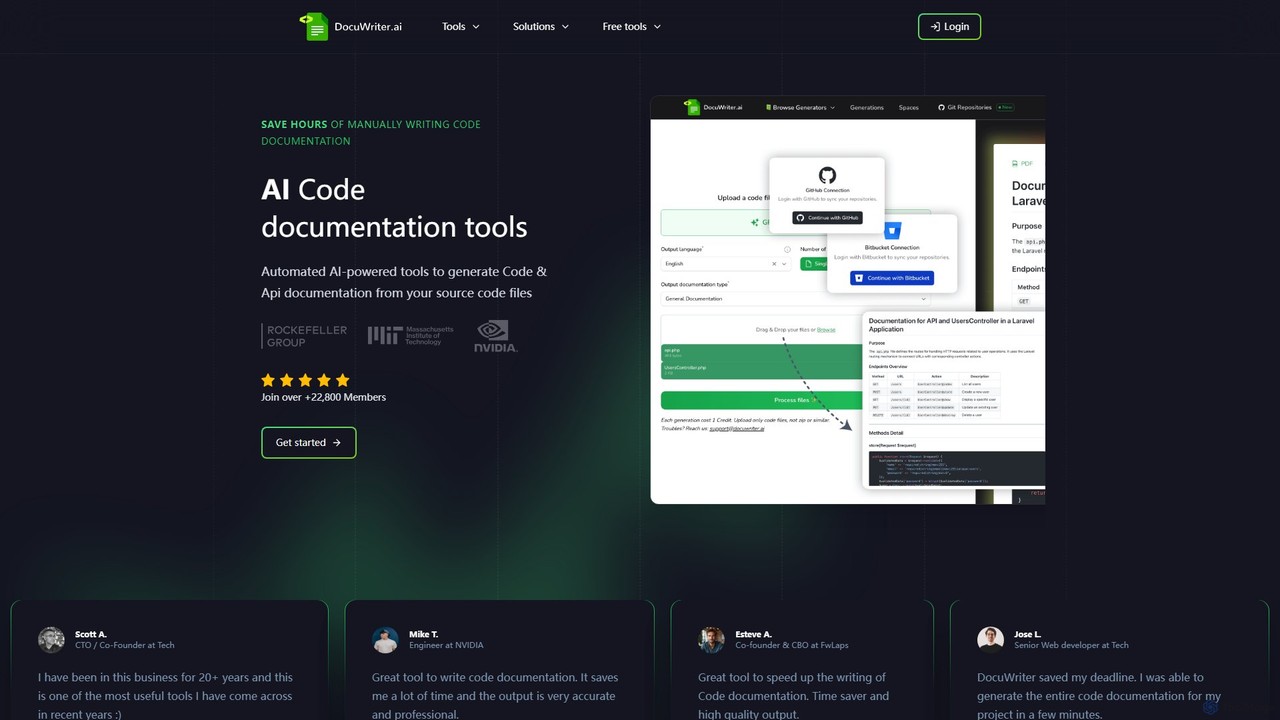
DocuWriter.ai
DocuWriter.ai is an AI-powered platform that automates the entire code documentation lifecycle. It generates comprehensive documentation, from API specs and end-user guides to inline comments and UML diagrams, directly from your source code. It also includes tools for code conversion, refactoring, and optimization, helping developers and teams save time, improve code quality, and enhance collaboration.
Code Generation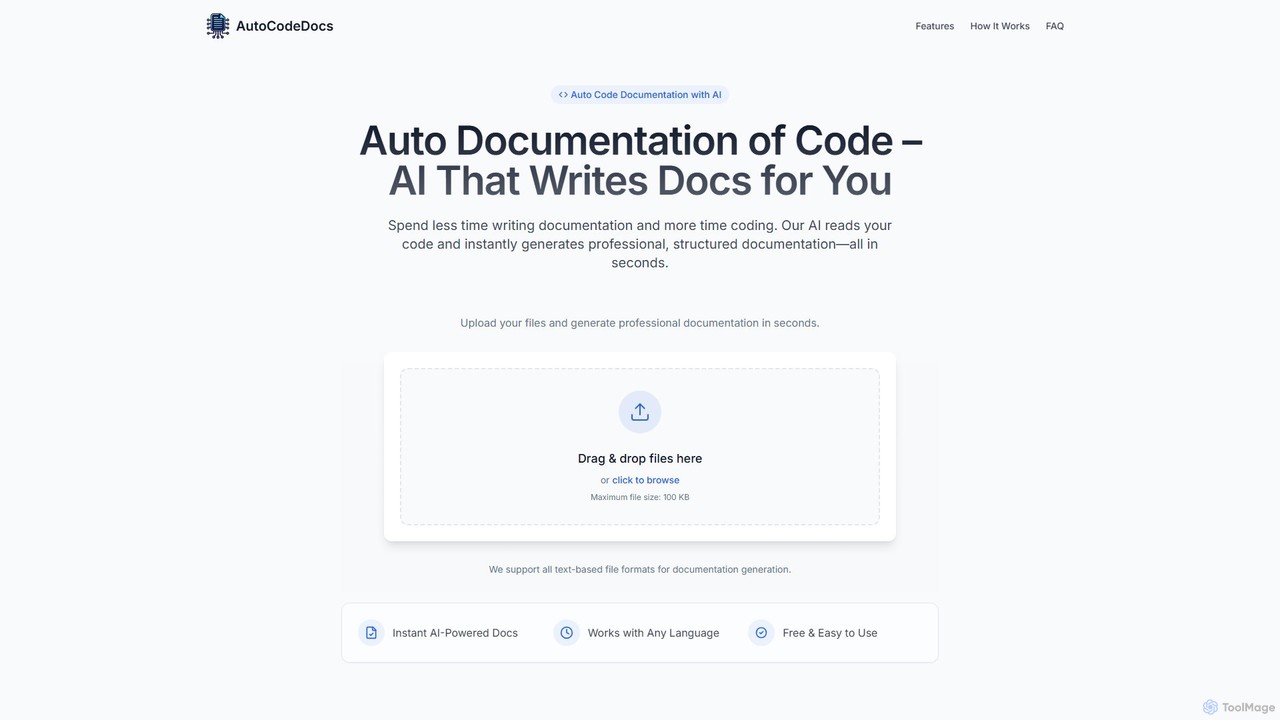
AutoCodeDocs.ai
AutoCodeDocs.ai is an AI-powered tool that automatically generates professional, structured documentation for your code. It supports over 20 programming languages, creating README files, API references, and inline comments in seconds. Simply upload your code files, and the AI will analyze them to produce clear, accurate, and ready-to-use documentation in Markdown format, helping developers save time and improve collaboration.
Code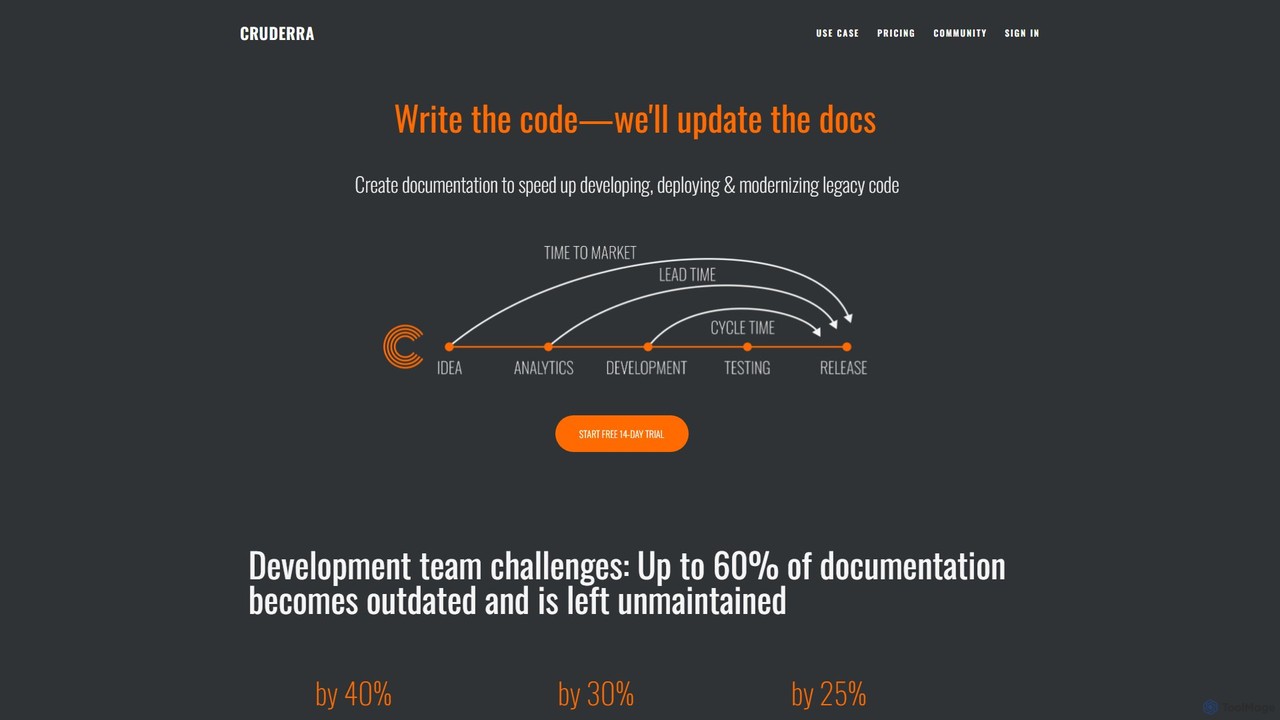
cruderra
Cruderra is an AI-powered platform that automatically generates and maintains technical documentation for development teams. By scanning codebases in languages like Java, Python, and Go, it creates up-to-date architecture diagrams, OpenAPI specs, and UML diagrams, helping to reduce onboarding time, accelerate development, and align technical and business teams.
Code Analysis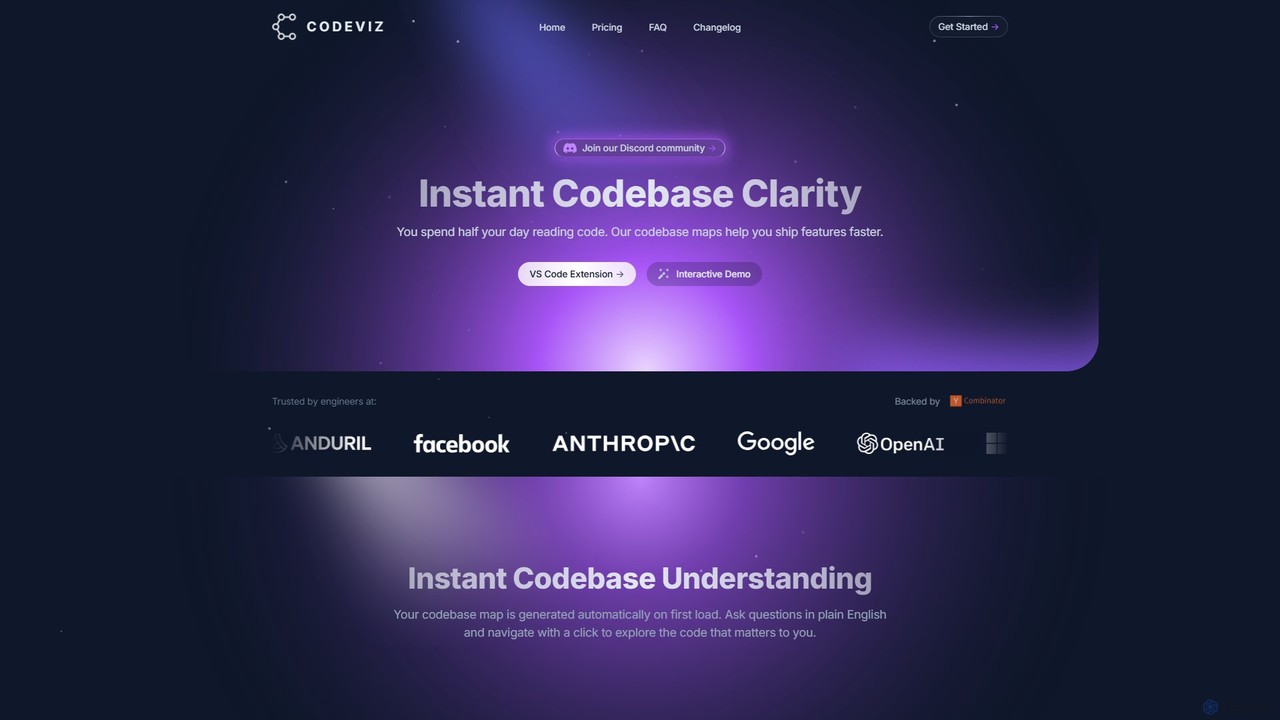
CodeViz
CodeViz is an AI-powered VS Code extension that instantly generates interactive diagrams of your codebase. It helps developers understand complex system architectures, navigate codebases efficiently, and ship features faster. By combining static analysis with AI, CodeViz allows you to ask questions in plain English, visualize everything from high-level architecture to specific function calls, and accelerate your development workflow.
Code AnalysisStenography Categories
Stenography Embed Widget
Copy this embed code to place the badge on your blog, article, or product site and send readers directly to this ToolMage detail page.

Related AI tools
Syntha AI
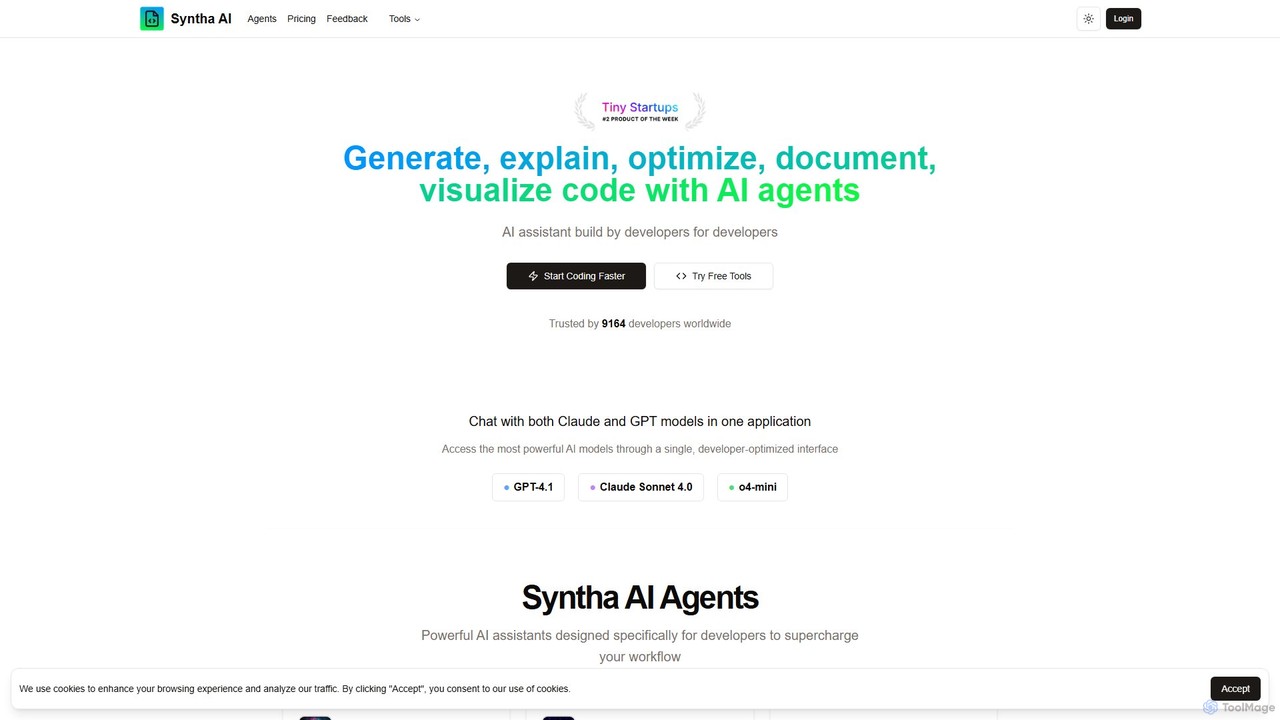
Syntha AI is a developer-centric AI assistant designed to streamline the entire coding lifecycle. It integrates top AI models like GPT-4 and Claude, offering specialized agents to generate, explain, optimize, convert, and document code, helping developers build software faster and more efficiently.
Code Documentation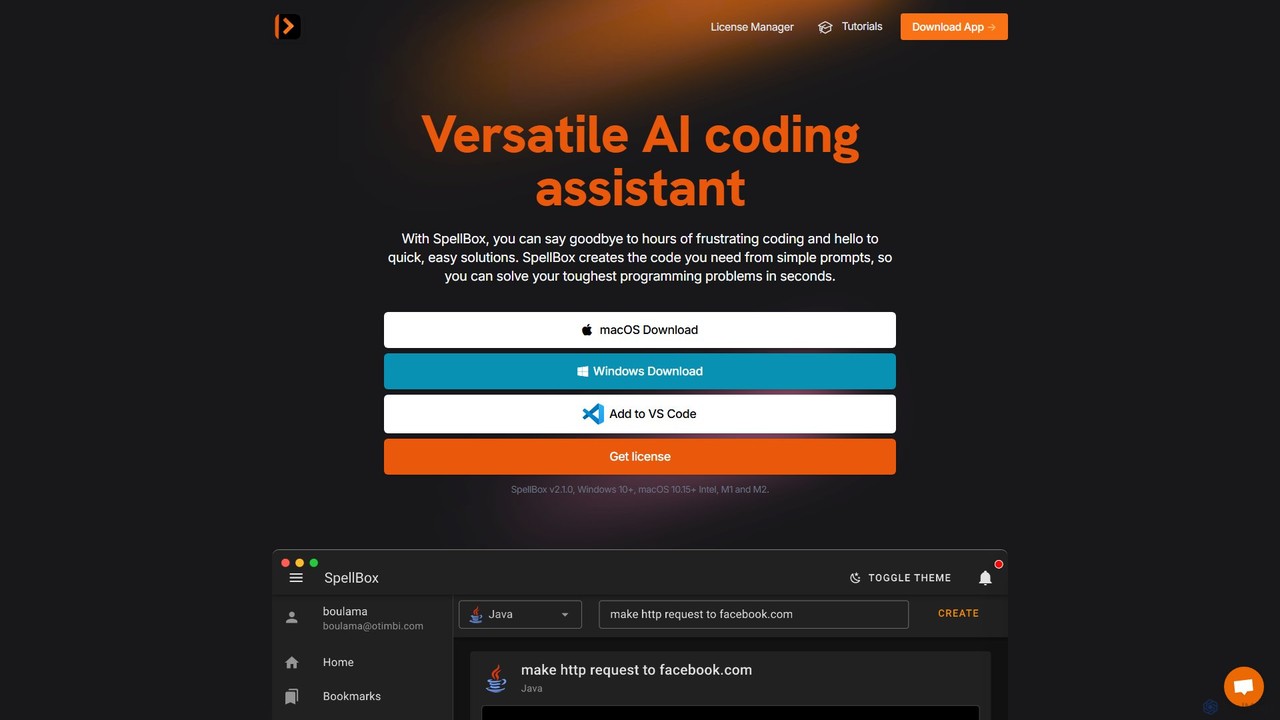
SpellBox
SpellBox is an AI-powered programming assistant designed to accelerate software development. It generates, explains, and helps you manage code snippets from simple natural language prompts. Available as a standalone desktop app and a VS Code extension, it supports major programming languages to help developers and students solve complex problems, reduce debugging time, and boost productivity.
Code Assistant
Buildt
Buildt is an AI-powered code search and understanding tool for developers. It integrates directly into your IDE, allowing you to search your entire codebase using natural language, understand complex code snippets, and generate or modify code on the fly, acting as an intelligent assistant.
Code Generation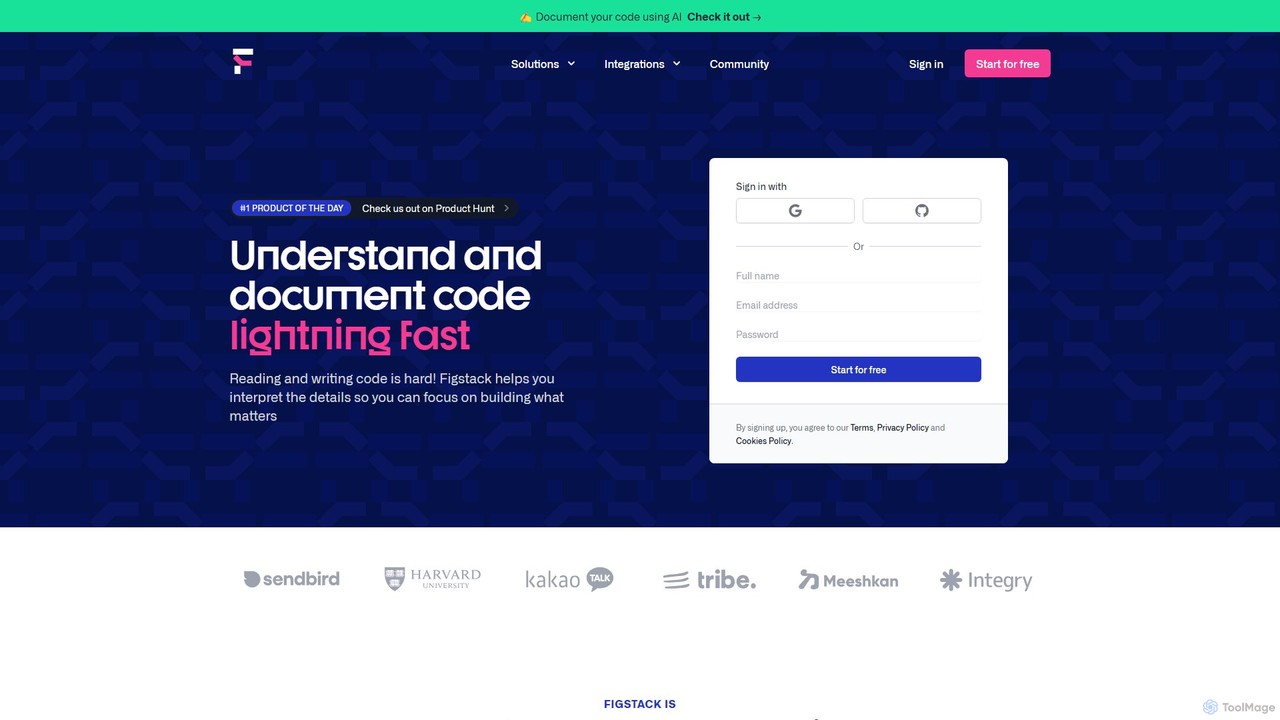
Figstack
Figstack is an AI-powered coding companion designed to help developers and students read, write, and understand code more efficiently. It translates complex code into plain English, translates code across different programming languages, automates documentation, and analyzes code efficiency.
Code AssistantCodeViz
CodeViz is an AI-powered VS Code extension that instantly generates interactive diagrams of your codebase. It helps developers understand complex system architectures, navigate codebases efficiently, and ship features faster. By combining static analysis with AI, CodeViz allows you to ask questions in plain English, visualize everything from high-level architecture to specific function calls, and accelerate your development workflow.
Code Analysis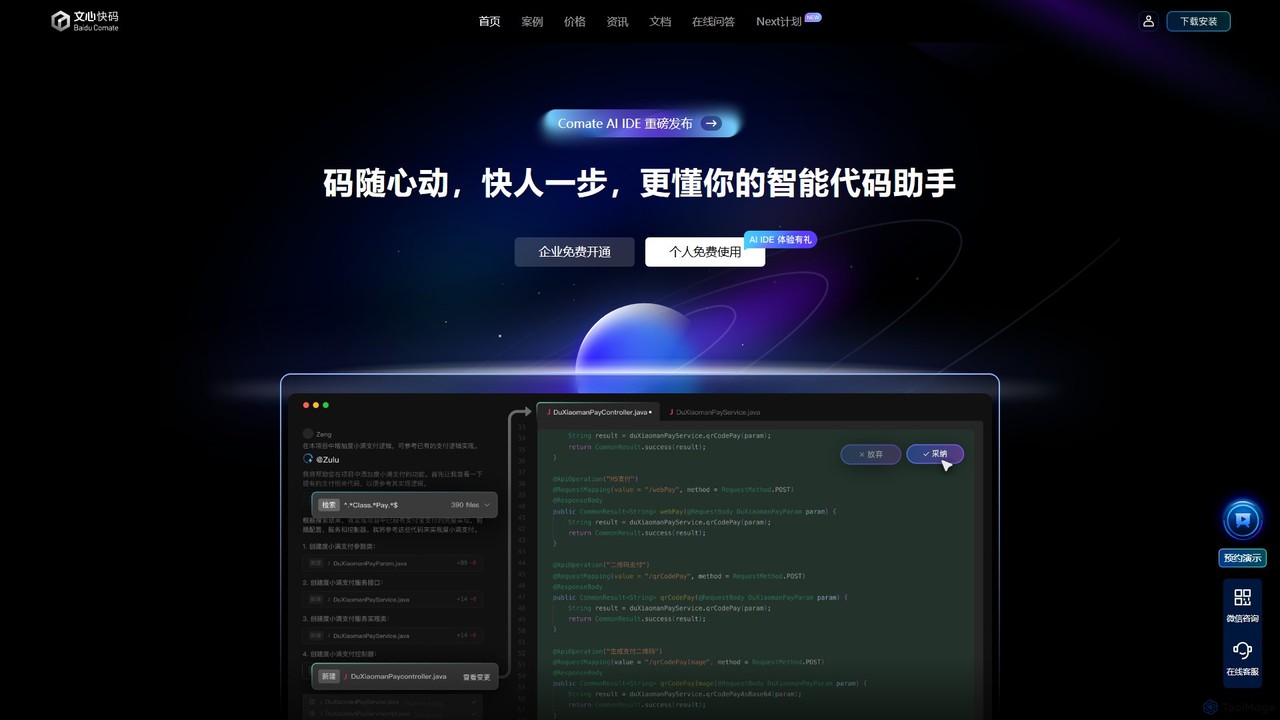
Baidu Comate
Baidu Comate is an intelligent AI code assistant powered by Baidu's Wenxin large language model. It integrates seamlessly into IDEs like VS Code and JetBrains to provide real-time code completion, code generation from natural language, bug fixing, and unit test creation, significantly boosting developer productivity.
Code Generation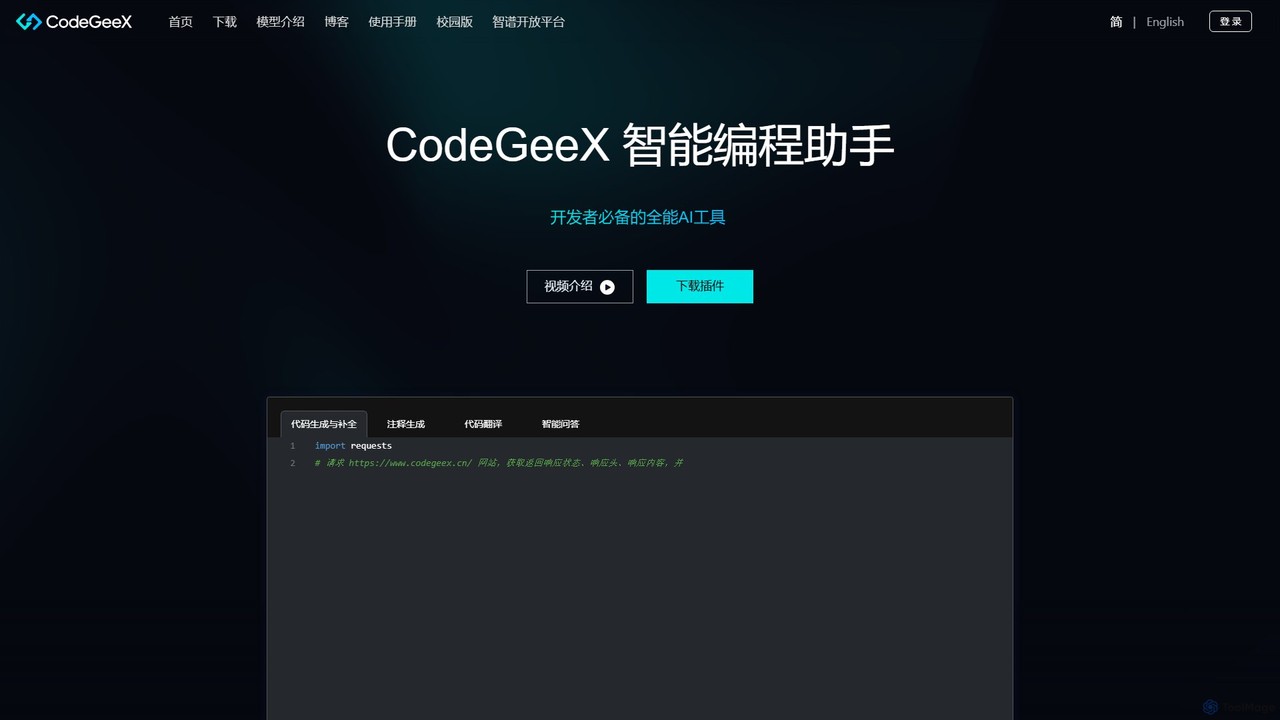
CodeGeeX
CodeGeeX is a powerful, free AI-powered coding assistant designed to boost developer productivity. It offers intelligent code generation and completion, code translation across multiple languages, automatic comment generation, and an interactive Q&A feature, all seamlessly integrated into your favorite IDE.
Code Generation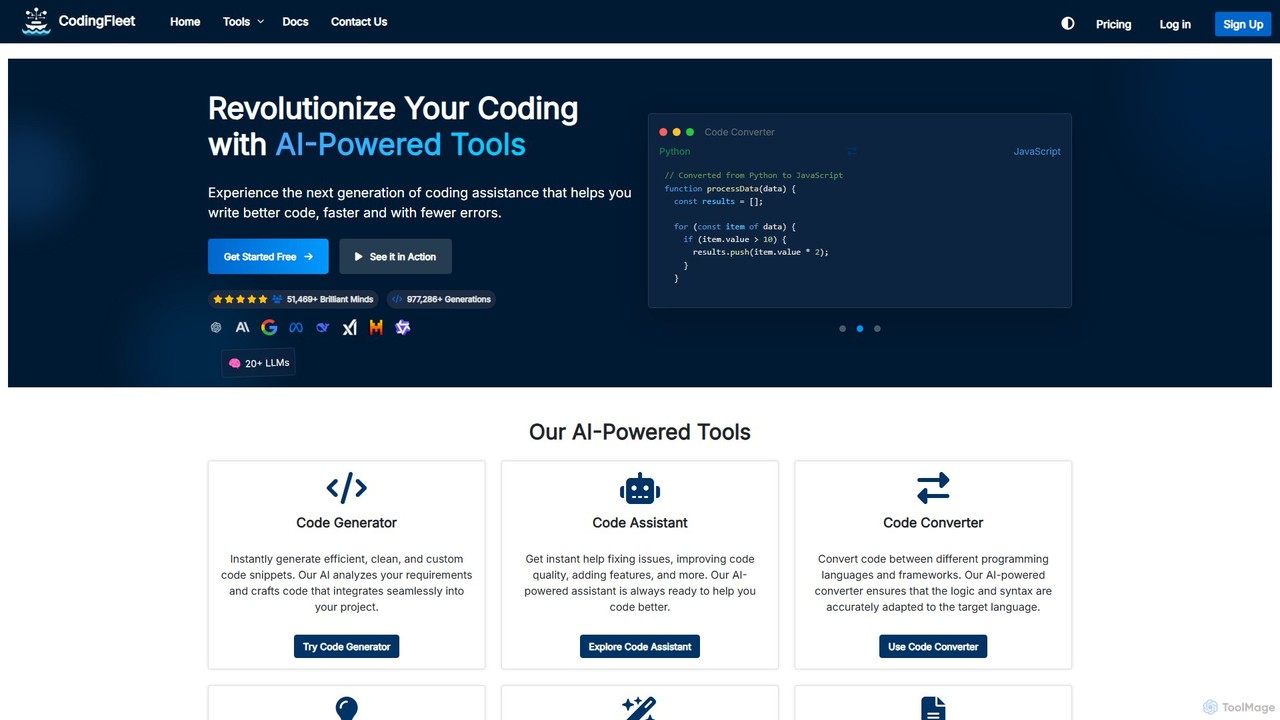
CodingFleet
CodingFleet is a comprehensive AI-powered platform designed to revolutionize the coding workflow for developers. It offers a suite of tools including a code generator, assistant, converter, and explainer, supporting over 90 programming languages. By leveraging advanced AI models, it helps programmers write better, cleaner code faster, automate tedious tasks, and reduce errors, ultimately boosting productivity and fostering innovation.
Code Assistant
Unfold AI
Unfold AI is an all-in-one AI coding assistant designed for developers. It integrates into your IDE to provide real-time error and bug solutions, generate code from natural language, and complete code snippets. A key feature is its ability to be trained on your private codebase for highly customized and accurate assistance across 20+ programming languages.
Code Assistant
CodeWiz
CodeWiz is an AI-powered coding assistant designed to accelerate software development. It integrates into your IDE to provide intelligent code completion, real-time debugging, code explanation, and automated test generation, helping developers write better code faster and with fewer errors.
Code Assistant
Kamara AI
Kamara AI is an intelligent development partner that integrates directly into your GitHub workflow. It acts as an AI team member, providing full-context code analysis, automated code reviews, AI-implemented pull requests from issue descriptions, and self-updating documentation. Kamara helps teams accelerate development, improve code quality, and preserve institutional knowledge seamlessly.
Code Review
Voqal
Voqal is an intelligent voice coding assistant that transforms software development. By using natural language commands, developers can control their IDE, navigate code, debug, and generate complex code snippets through conversational AI. It supports over 15 compute providers, including OpenAI, Claude, and on-device options like Ollama, offering unparalleled flexibility, speed, and privacy for a hands-free coding experience.
Programming
CodeDefender
CodeDefender is an AI-powered sidekick for developers and non-developers, designed to enhance code quality, security, and performance. It integrates directly into popular IDEs like VS Code and Visual Studio, offering features like code analysis, documentation generation, code conversion, and support for local LLMs, ensuring both productivity and data privacy.
Code Assistant
davincit.site
davincit.site is a versatile AI-powered platform for advanced text and code generation. It assists developers, writers, and marketers in creating high-quality content, writing efficient code, summarizing documents, and translating languages, streamlining workflows and boosting productivity.
Code AssistantCodexAtlas
CodexAtlas is an AI-powered platform that automates the creation of code documentation. It integrates with GitHub, GitLab, and Bitbucket to analyze your codebase and generate clear, comprehensive, and consistent documentation, saving developers countless hours and improving project maintainability.
Code Generation
Stenography Comments (0)
Sign in to comment.
Sign inNo comments yet.