

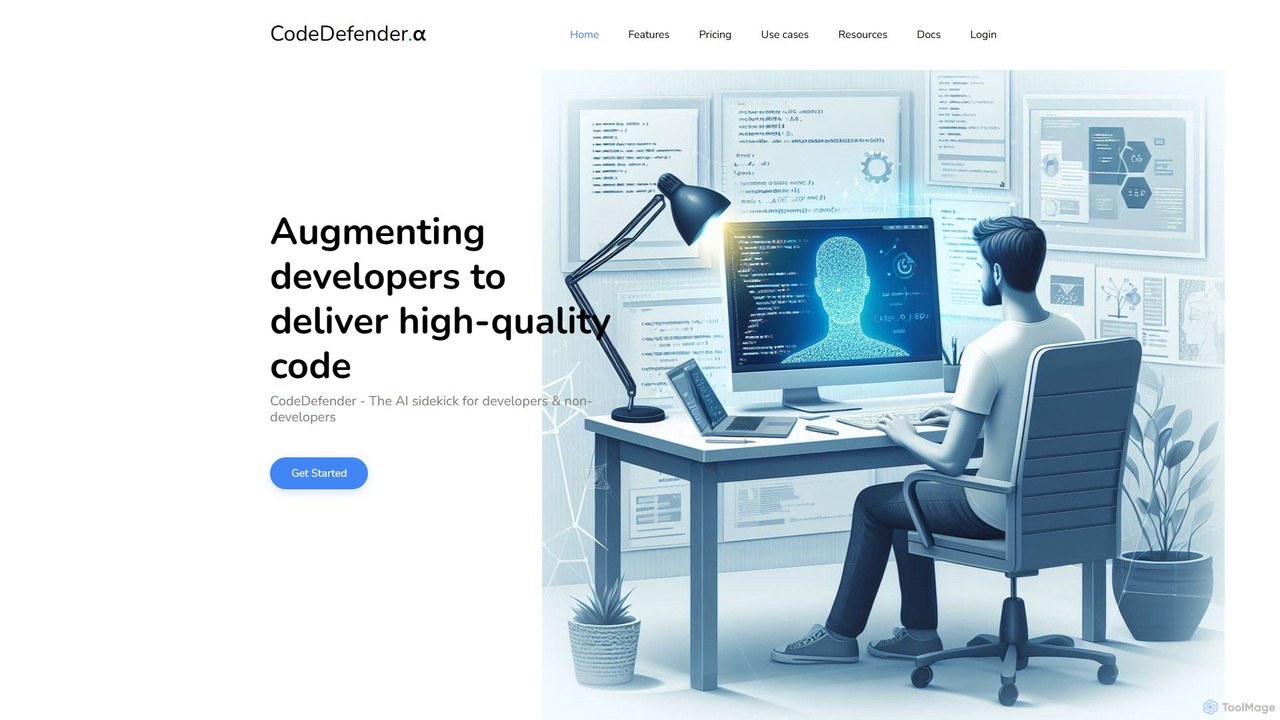
CodeDefender Overview
CodeDefender is a sophisticated AI-powered assistant designed to augment the capabilities of both developers and non-technical users, functioning as an intelligent sidekick within the development workflow. Its primary goal is to significantly improve code quality, bolster security, and optimize performance. The platform is built to be highly flexible, offering both cloud and on-premise deployment options to meet the stringent security and compliance requirements of any organization. By integrating directly into the developer's native environment, CodeDefender enhances the developer experience (DX) and streamlines various coding tasks.
The tool provides robust support for a wide range of programming languages, including C/C++, C#, Java, Python, and Rust, making it a versatile solution for diverse development teams. It focuses on providing actionable insights and automated assistance, helping developers write better, more secure code faster.
How to use CodeDefender
Getting started with CodeDefender is a straightforward process designed for quick integration into your existing workflow. The primary method of interaction is through its IDE extensions.
1. Installation: First, you need to install the CodeDefender extension for your specific Integrated Development Environment (IDE). It supports Visual Studio 2022 and VS Code, with support for IntelliJ and Eclipse coming soon. The extension can be installed from a VSIX file provided by the CodeDefender team, with plans for availability on official marketplaces in the future. For VS Code, you can install it manually by opening the Extensions view (CTRL+SHIFT+X), clicking the three-dots menu, and selecting 'Install from VSIX'. For Visual Studio, simply double-click the VSIX file with all VS instances closed.
2. Configuration: Once installed, you must configure the extension with your API key and the service URL. In VS Code, you can set the API key by using the command palette (CTRL+SHIFT+P) and typing 'CodeDefender: Set API Key'. Other settings are available in the standard settings menu. In Visual Studio, these options can be found under Tools -> Options -> CodeDefender.
3. Usage: After configuration, CodeDefender becomes active in your editor. You will see 'codelens' prompts appearing above functions and methods in your code. Clicking on these prompts allows you to perform actions like 'analyse', 'refactor', or 'document'. The request is sent to the CodeDefender service, and the results are displayed directly in the IDE. Additionally, CodeDefender can integrate with chat clients that target local LLMs like Ollama, allowing for conversational interaction with your codebase.
Core Features of CodeDefender
- Multi-IDE Support: Seamless integration with popular IDEs including Visual Studio 2022, VS Code, and upcoming support for IntelliJ and Eclipse.
- Comprehensive Code Analysis: Analyzes code for security vulnerabilities, performance bottlenecks, and correctness issues to identify potential bugs.
- Code Conversion: Automatically converts code snippets or entire files from one programming language to another.
- AI-Powered Documentation & Explanation: Generates comprehensive documentation for functions and code blocks, and can explain complex code in natural language.
- Local LLM Integration: Supports integration with local Large Language Models (LLMs) like Ollama, ensuring that your code remains private and secure on your own infrastructure.
- Workspace Context Awareness: Understands the entire workspace or solution, providing more accurate and context-aware suggestions (Enterprise plan includes an organization-wide knowledge base).
- Flexible Deployment: Can be deployed in a private cloud or on-premise, giving organizations full control over their data.
- Enterprise-Grade Security: Features secure-by-design principles, with data protected at rest and in motion through hashing and advanced encryption.
- Customization: Allows for the use of custom prompts and multiple AI models to tailor the tool's behavior to specific needs.
Use Cases for CodeDefender
CodeDefender is valuable in various development scenarios:
- Security Audits: Developers can run security analysis on their code before committing, catching vulnerabilities like those pointed out in studies on AI-generated code.
- Code Refactoring and Optimization: Use the AI to suggest performance improvements or refactor complex, hard-to-maintain functions into cleaner, more efficient code.
- Onboarding and Learning: New developers can use the 'Explain Code' feature to quickly understand a complex, legacy codebase.
- Cross-Language Development: Teams working with multiple languages can use the code conversion feature to port logic or create examples in different languages.
- Automated Documentation: Maintain up-to-date and consistent documentation across a project by automatically generating it for new or modified code.
Advantages of CodeDefender
The primary advantage of CodeDefender is its focus on augmenting the developer without sacrificing security or control. By supporting on-premise deployment and local LLMs, it addresses the major privacy concerns associated with cloud-based AI coding tools. This makes it an ideal choice for enterprises in regulated industries. Furthermore, its deep integration into the IDE via codelens provides a non-intrusive, highly efficient user experience. The combination of security, performance, and correctness analysis in one tool creates a comprehensive quality gate within the development lifecycle.
Pricing and Plans
CodeDefender offers a tiered pricing structure to suit different needs:
- Basic: A free 10-day trial to explore the platform's features. This plan is rate-limited and does not require a credit card to start.
- Pro: Aimed at professional developers and teams. This plan includes private cloud installation, support for multiple models, and custom prompts. Pricing is on a per-developer, per-month basis. For specific pricing, you need to contact the sales team.
- Enterprise: Includes all features of the Pro plan, plus dedicated support, volume pricing, and access to the organization-wide knowledge base feature. This plan is tailored for large-scale deployments.
CodeDefender Alternatives
Asterisk
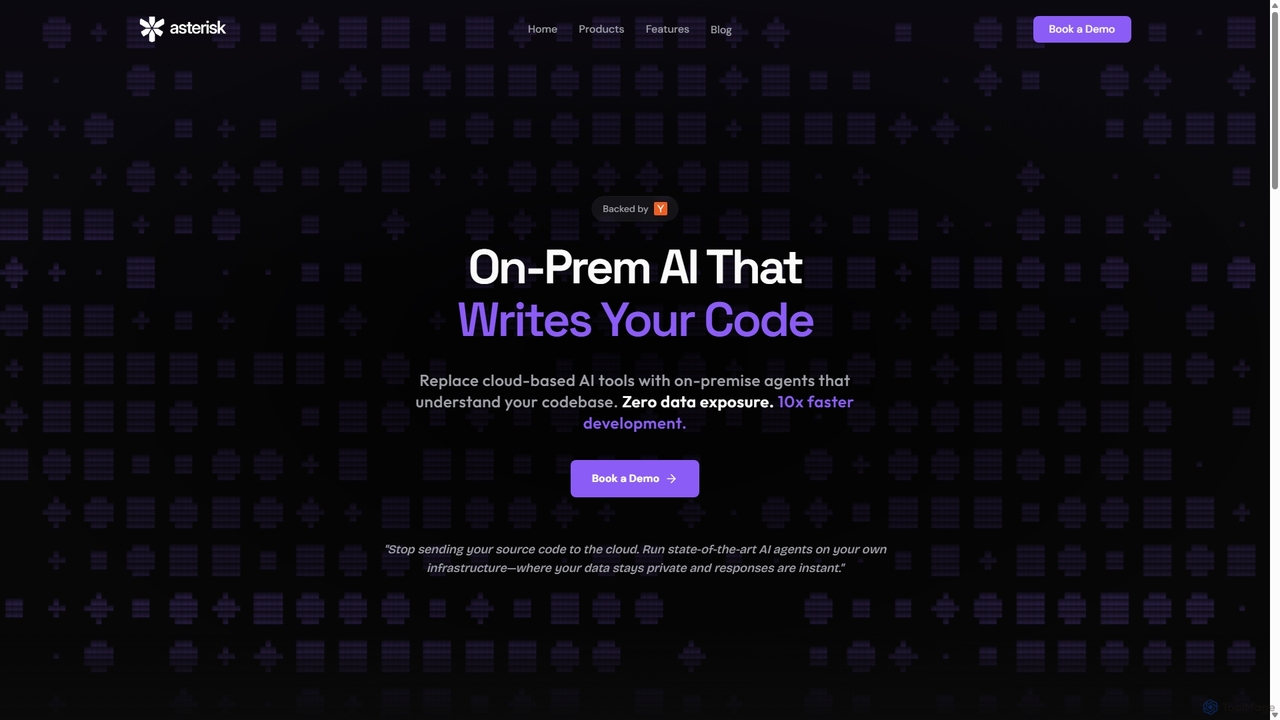
Asterisk is an on-premise AI code intelligence platform designed for enterprises. It offers a suite of secure AI agents for autonomous coding, advanced security scanning, and codebase Q&A, ensuring zero data exposure, lightning-fast performance, and full control over your infrastructure. It's built for privacy-conscious development at scale.
Code Assistant
Lingma
Lingma is an AI-powered coding assistant from Alibaba Cloud, designed to enhance developer productivity. It offers intelligent code generation, real-time completion, code explanation, error diagnosis, and an autonomous programming agent that can handle complex coding tasks across multiple files. It supports over 200 languages and integrates seamlessly with major IDEs.
Programming
Safurai
Safurai is an AI-powered IDE extension that acts as a virtual assistant for software developers. It helps with coding, debugging, and refactoring, aiming to streamline the development process and improve code quality directly within your favorite IDE like VS Code and JetBrains.
Code Generation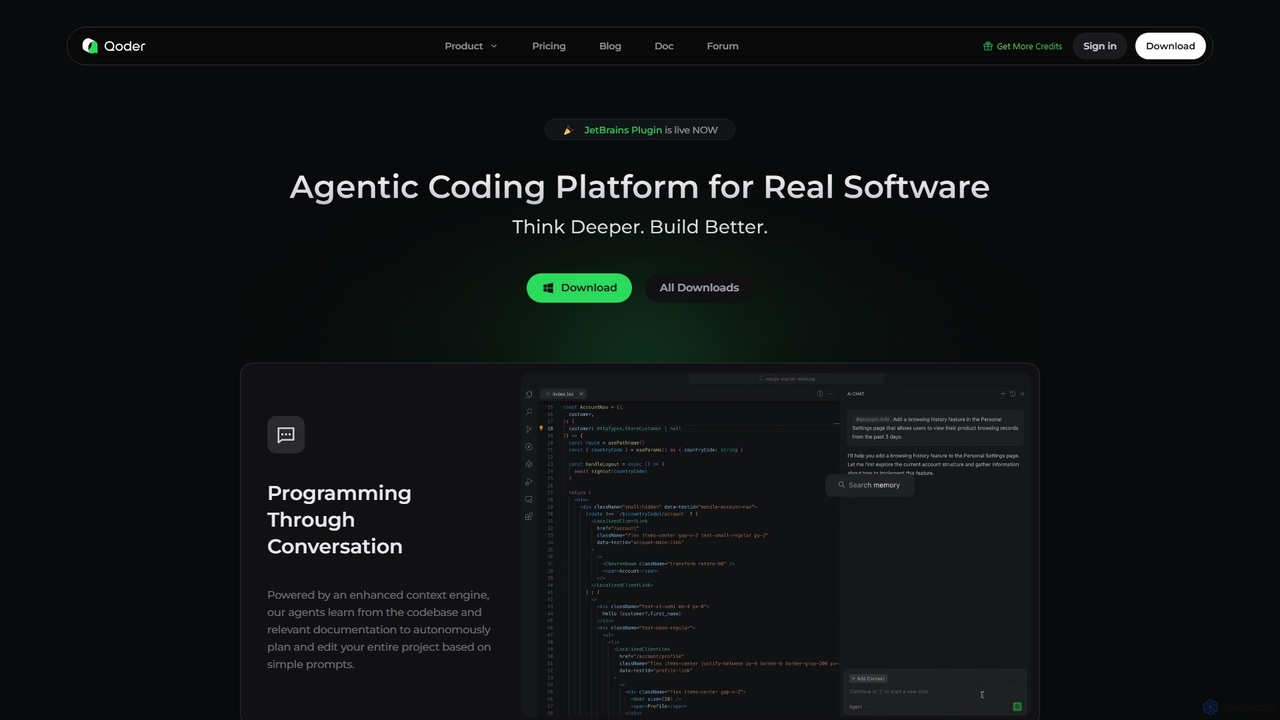
Qoder
Qoder is an agentic AI coding platform designed for real software development. It leverages an enhanced context engine to autonomously plan, code, and test entire projects based on simple prompts, integrating seamlessly into developer workflows via IDE, CLI, or JetBrains plugin.
Code Assistant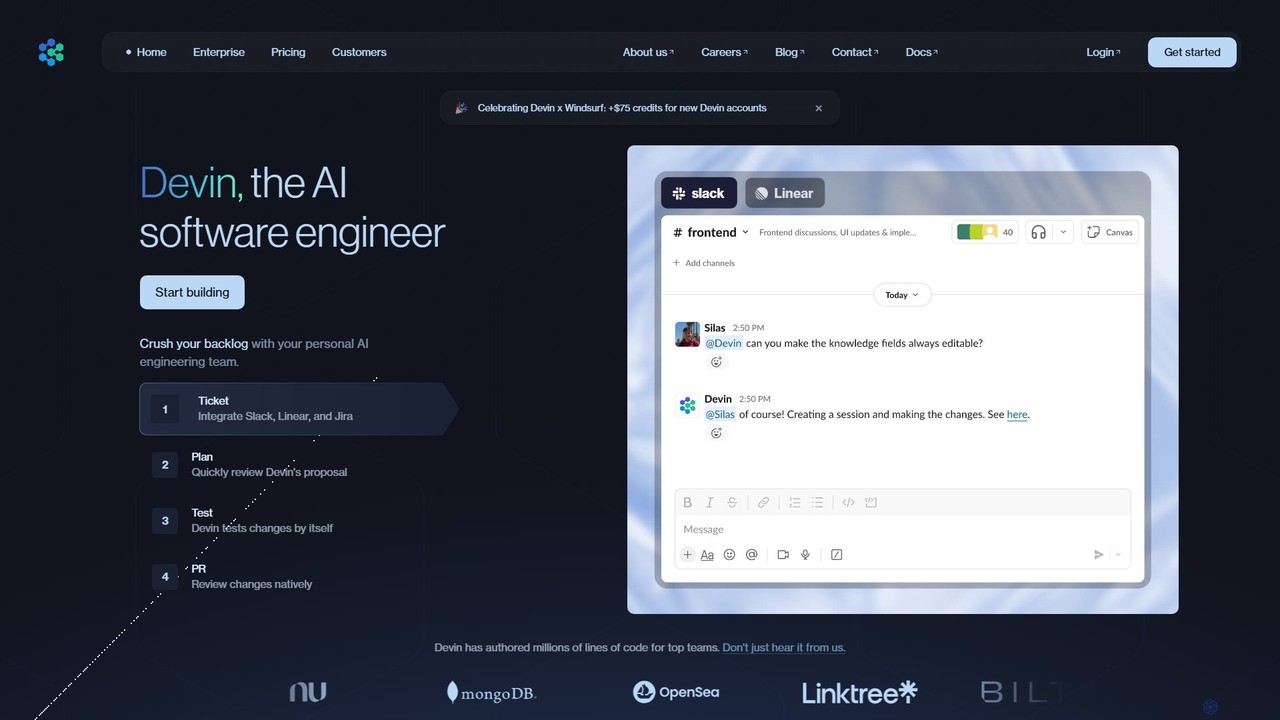
Devin
Devin is the world's first AI software engineer, designed by Cognition to autonomously handle complex engineering tasks. It can plan and execute entire software development projects, from writing code and fixing bugs to large-scale migrations, significantly boosting team productivity and reducing development costs.
Software DevelopmentCodeDefender Categories
CodeDefender Embed Widget
Copy this embed code to place the badge on your blog, article, or product site and send readers directly to this ToolMage detail page.

Related AI tools
Asterisk
Asterisk is an on-premise AI code intelligence platform designed for enterprises. It offers a suite of secure AI agents for autonomous coding, advanced security scanning, and codebase Q&A, ensuring zero data exposure, lightning-fast performance, and full control over your infrastructure. It's built for privacy-conscious development at scale.
Code AssistantLingma
Lingma is an AI-powered coding assistant from Alibaba Cloud, designed to enhance developer productivity. It offers intelligent code generation, real-time completion, code explanation, error diagnosis, and an autonomous programming agent that can handle complex coding tasks across multiple files. It supports over 200 languages and integrates seamlessly with major IDEs.
ProgrammingSafurai
Safurai is an AI-powered IDE extension that acts as a virtual assistant for software developers. It helps with coding, debugging, and refactoring, aiming to streamline the development process and improve code quality directly within your favorite IDE like VS Code and JetBrains.
Code GenerationQoder
Qoder is an agentic AI coding platform designed for real software development. It leverages an enhanced context engine to autonomously plan, code, and test entire projects based on simple prompts, integrating seamlessly into developer workflows via IDE, CLI, or JetBrains plugin.
Code AssistantDevin
Devin is the world's first AI software engineer, designed by Cognition to autonomously handle complex engineering tasks. It can plan and execute entire software development projects, from writing code and fixing bugs to large-scale migrations, significantly boosting team productivity and reducing development costs.
Software Development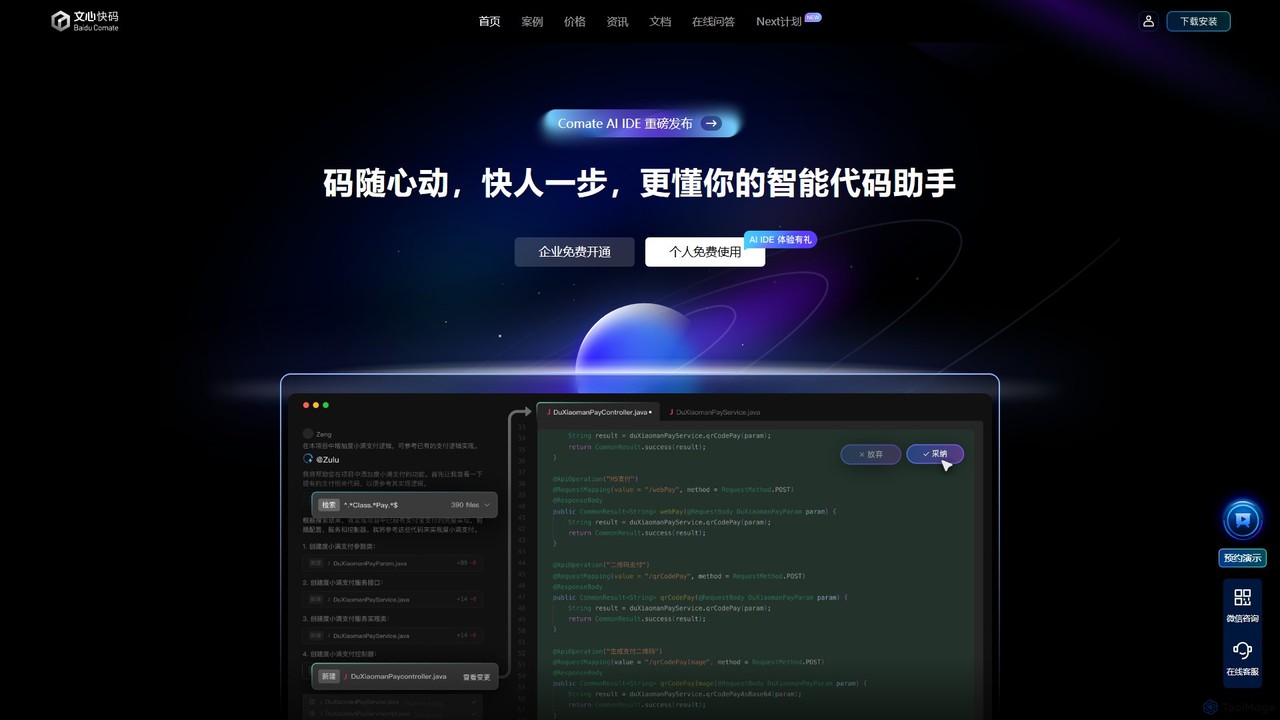
Baidu Comate
Baidu Comate is an intelligent AI code assistant powered by Baidu's Wenxin large language model. It integrates seamlessly into IDEs like VS Code and JetBrains to provide real-time code completion, code generation from natural language, bug fixing, and unit test creation, significantly boosting developer productivity.
Code Generation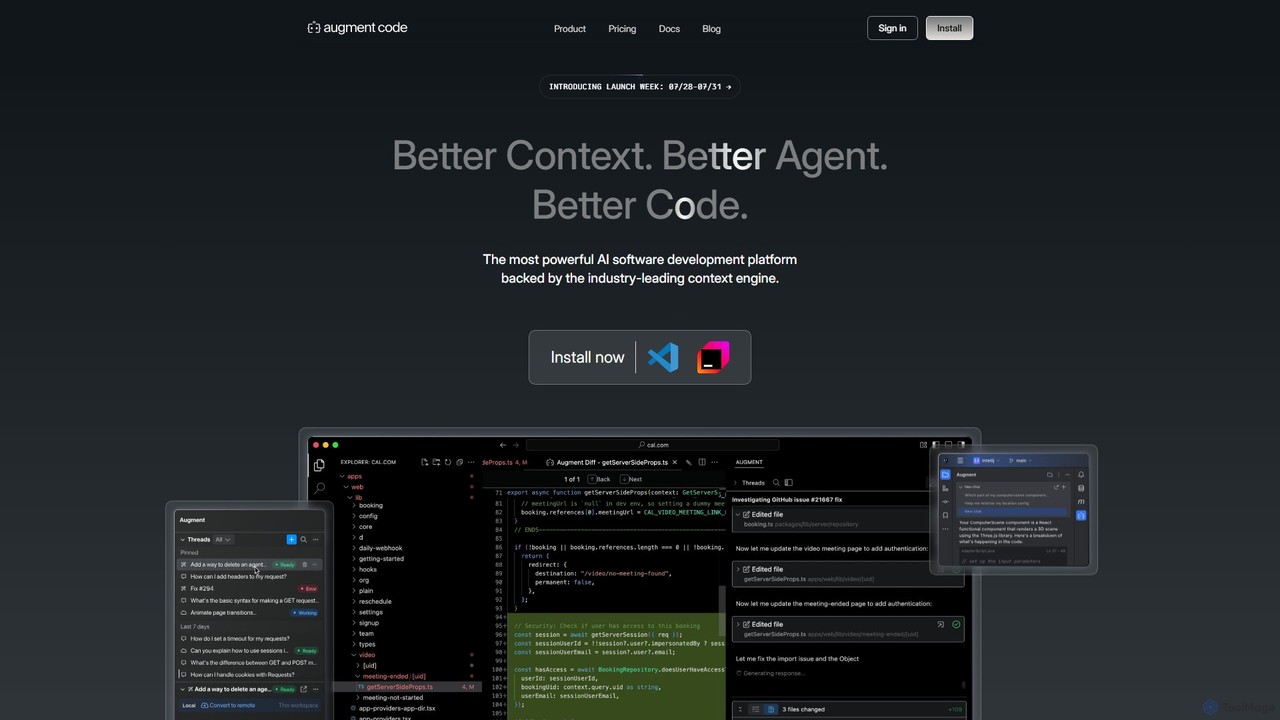
Augment Code
Augment Code is an advanced AI software development platform featuring autonomous agents and a powerful context engine. It integrates into your IDE to help you plan, build, and ship production-ready code faster, with a strong focus on enterprise-grade security and deep codebase understanding.
Code Generation
Aider
Aider is an AI-powered pair programmer that operates directly in your terminal. It intelligently maps your entire codebase, providing full project context for complex tasks. Seamlessly integrated with Git, it automates commits and allows you to manage AI-driven changes with familiar tools. Aider supports over 100 programming languages, connects to leading cloud and local LLMs, and even accepts voice and image inputs, making it a versatile and powerful assistant for any developer seeking to accelerate their workflow and improve code quality.
Programming
Amp
Amp is a frontier AI coding agent designed for developers. It operates as a CLI and within IDEs like VS Code, automating complex tasks such as code editing, debugging, and refactoring. Amp leverages the latest AI models to provide autonomous reasoning and execution, enhancing developer productivity through features like subagents, an Oracle for complex analysis, and deep IDE integration.
Code Assistant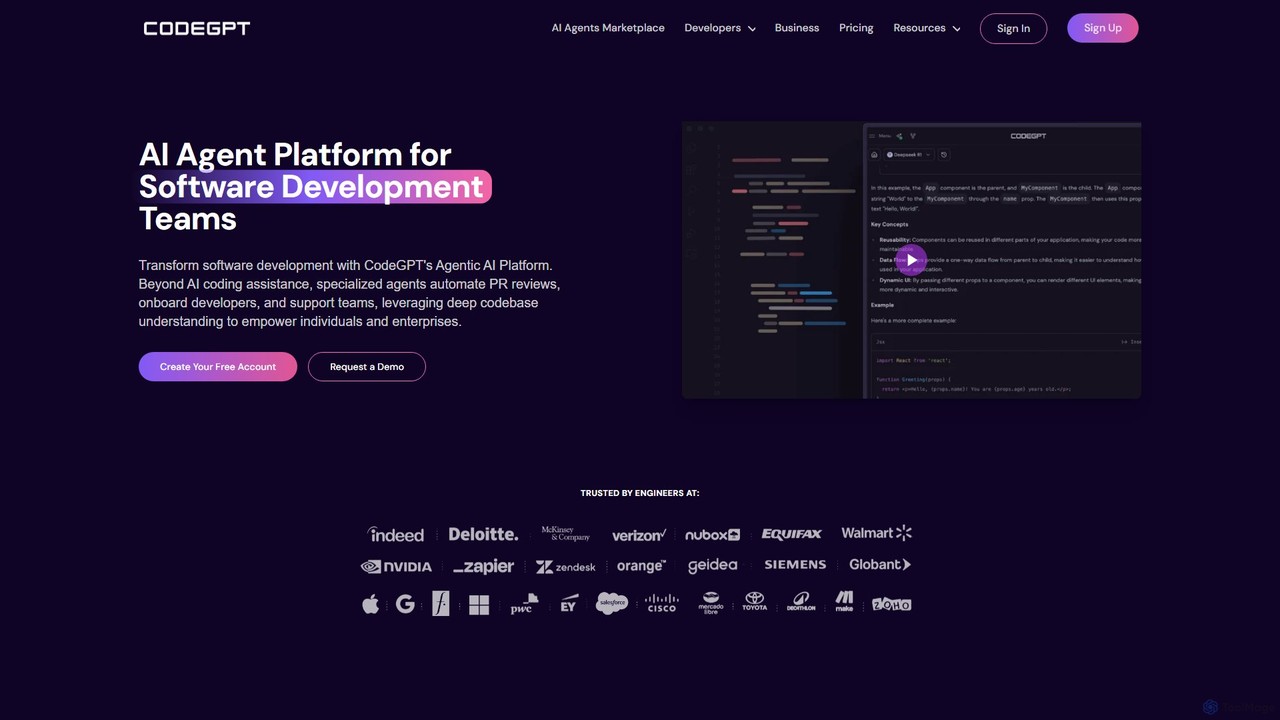
CodeGPT
CodeGPT is an agentic AI platform for software development teams, moving beyond simple code assistance. It offers specialized AI agents that automate PR reviews, onboard developers, and support teams by deeply understanding your entire codebase. It integrates with popular IDEs and supports leading AI models, with a strong focus on enterprise-grade security and flexible deployment options.
Software Development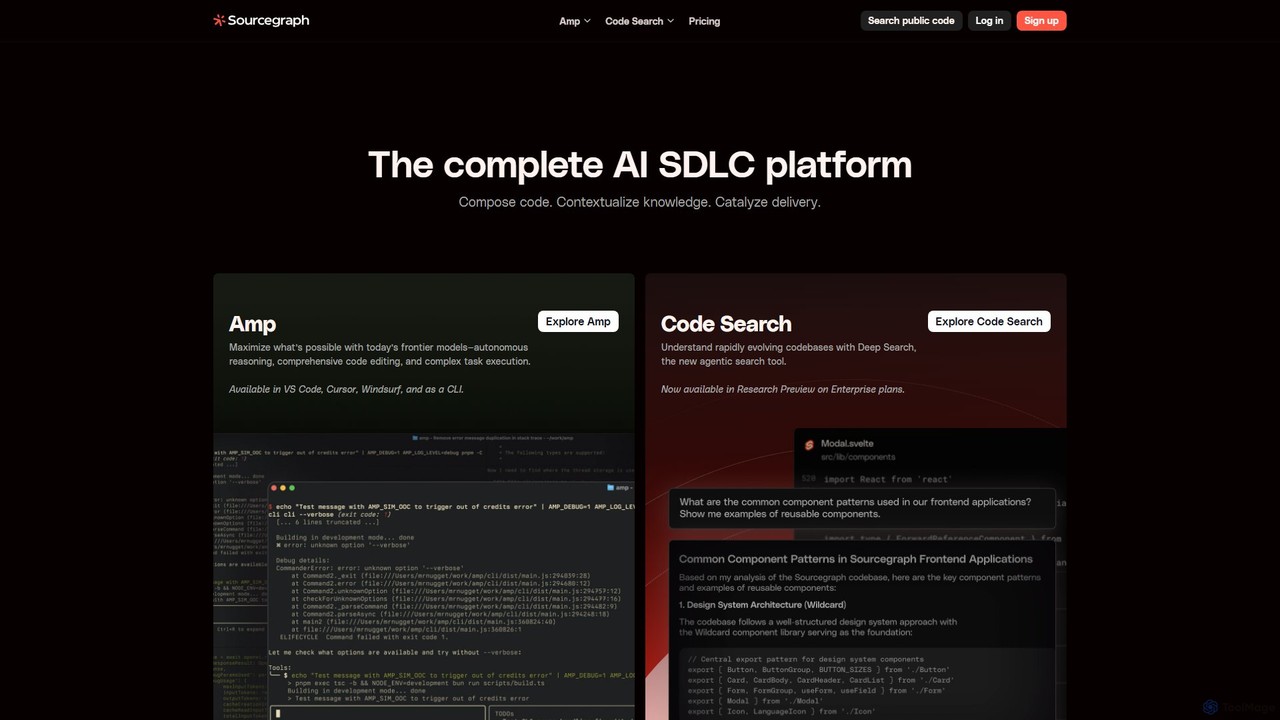
Sourcegraph
Sourcegraph is an AI-powered code intelligence platform that helps developers search, write, and understand code across their entire codebase. It integrates AI agents (Amp) and advanced search to accelerate the entire software development lifecycle (SDLC).
Code Assistant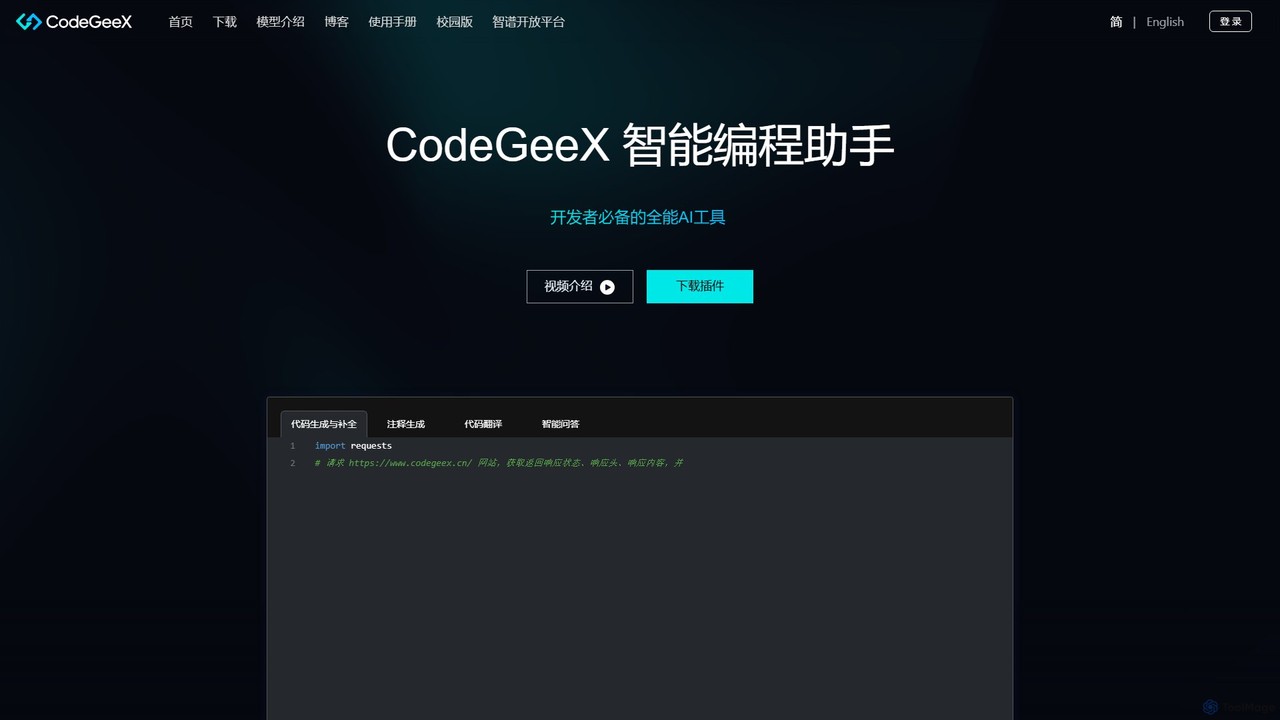
CodeGeeX
CodeGeeX is a powerful, free AI-powered coding assistant designed to boost developer productivity. It offers intelligent code generation and completion, code translation across multiple languages, automatic comment generation, and an interactive Q&A feature, all seamlessly integrated into your favorite IDE.
Code Generation
All Hands AI (OpenHands)
All Hands AI (OpenHands) is a leading open-source AI coding agent designed to automate software development. It helps engineers with tasks like code reviews, refactoring, bug fixing, and test generation. Available as a flexible SaaS, self-hosted, or open-source solution, it integrates with tools like GitHub and GitLab to accelerate development cycles and improve code quality.
Code Generation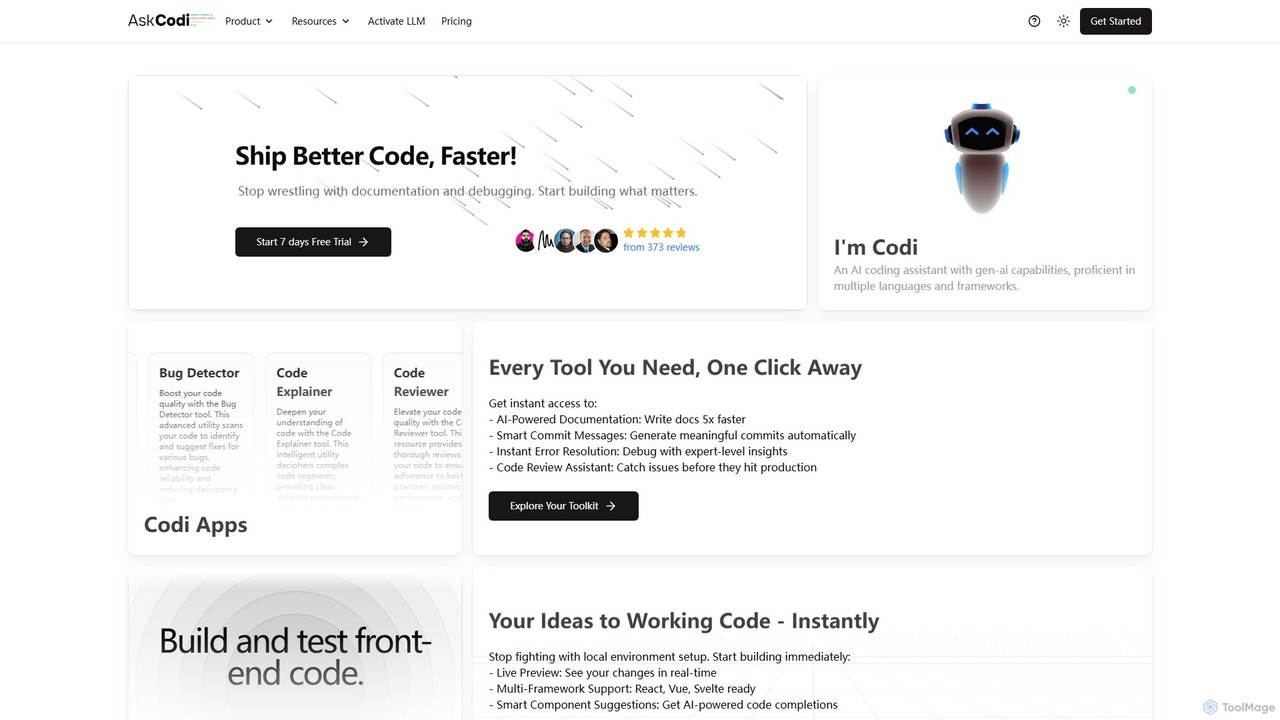
AskCodi
AskCodi is a comprehensive AI-powered code assistant designed to streamline the entire software development lifecycle. It offers a suite of over 20 tools for code generation, refactoring, debugging, testing, and documentation. With integrations for popular IDEs like VSCode and JetBrains, AskCodi helps developers of all skill levels to write better code, faster, and focus on building what matters.
Code Assistant
Devgen
Devgen is an AI-powered coding assistant designed to accelerate the software development lifecycle. It helps developers write better code faster by providing intelligent code generation, completion, refactoring, and automated testing, directly within their IDE.
Code Assistant
CodeDefender Comments (0)
Sign in to comment.
Sign inNo comments yet.