
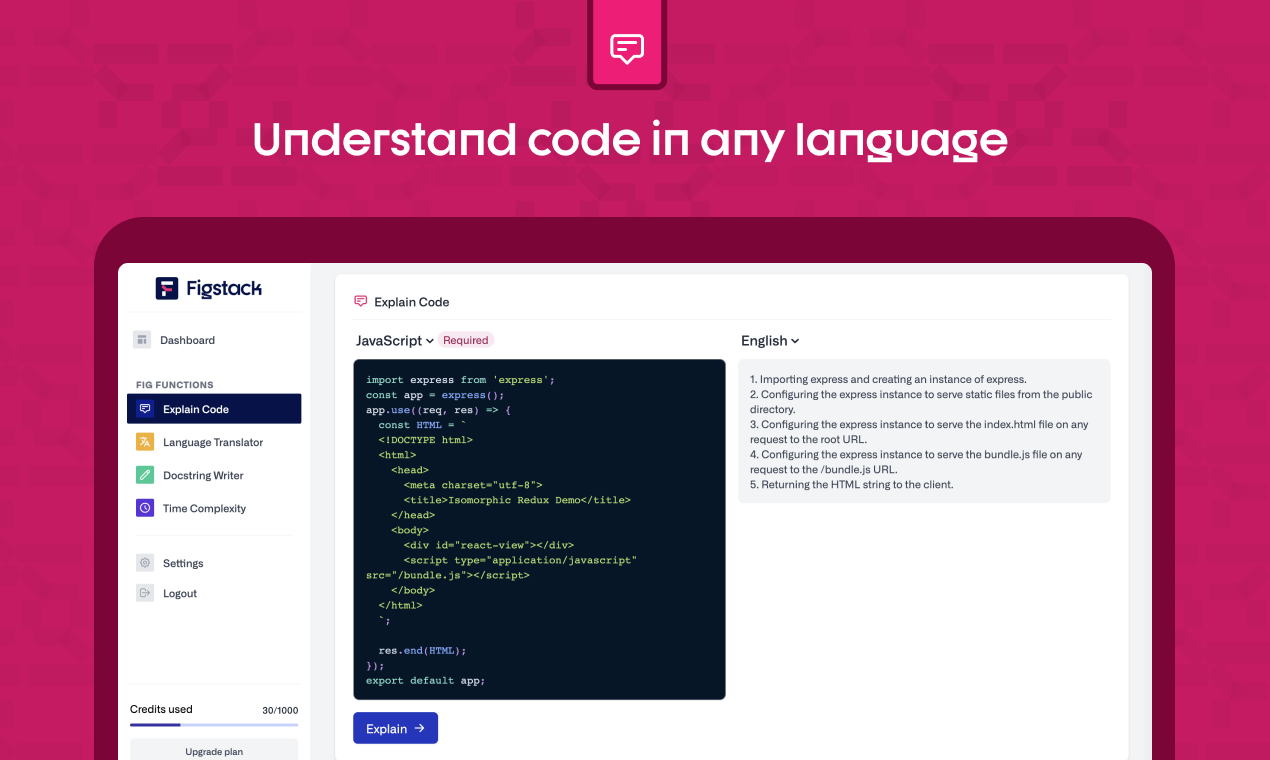

Figstack Overview
Figstack is an intelligent coding companion that leverages the power of artificial intelligence to supercharge a developer's ability to work with code. Trained on billions of lines of code, Figstack is designed to assist both seasoned professionals and aspiring students in navigating the complexities of programming. It acts as a suite of tools aimed at making the process of reading, writing, and understanding code faster and more intuitive across numerous programming languages.
The core mission of Figstack is to reduce the cognitive load on developers, allowing them to focus on high-level problem-solving and building innovative solutions rather than getting bogged down in syntactic details or deciphering legacy code. Whether you're trying to understand a complex algorithm, translate a script to a new language, or ensure your code is well-documented and efficient, Figstack provides the necessary tools to streamline your workflow.
How to use Figstack
Getting started with Figstack is straightforward. Users can access its features through a web-based interface or by integrating it directly into their development environment via its IDE extensions (e.g., for Visual Studio Code).
- Sign Up: Create a free account on the Figstack website using your email, Google, or GitHub account.
- Choose a Tool: Navigate the dashboard to select the function you need, such as 'Explain Code', 'Language Translator', or 'Docstring Writer'.
- Input Your Code: Paste your code snippet into the provided editor.
- Generate Output: Click the button to let the AI process your code. Figstack will generate a natural language explanation, a translated code version, or a complete docstring in seconds.
- Integrate with IDE: For a more seamless workflow, install the Figstack extension from your IDE's marketplace. This allows you to use its features directly within your code editor without switching contexts.
Core Features of Figstack
- Explain Code: Takes any piece of code and explains its functionality, logic, and purpose in simple, natural language. This is incredibly useful for learning or for understanding unfamiliar or complex codebases.
- Language Translator: Reliably translates code snippets or entire functions from one programming language to another. It supports a wide range of languages, such as Python, JavaScript, Go, Ruby, and Java, facilitating cross-language development and migration.
- Docstring Writer: Automatically generates detailed and accurate documentation (docstrings) for your functions. It identifies parameters, describes what the function does, and specifies the return values, ensuring your code is always readable and maintainable.
- Time Complexity Analysis: Calculates the efficiency of your code and expresses it in Big O notation. This helps developers understand the performance implications of their algorithms and identify opportunities for optimization.
Use Cases for Figstack
Figstack is a versatile tool suitable for a wide range of users:
- Students and Learners: Can use the 'Explain Code' feature to break down complex examples and understand programming concepts more deeply. The 'Language Translator' helps in seeing how logic is implemented across different languages.
- Professional Developers: Can accelerate their workflow by quickly understanding legacy code, automating the tedious task of writing documentation, and refactoring code with the help of the efficiency analysis.
- Development Teams: Can improve collaboration and code quality by ensuring all code is well-documented and by making it easier for new members to onboard onto existing projects.
- Code Reviewers: Can use Figstack to get a quick, high-level understanding of a pull request before diving into a detailed review, saving significant time.
Advantages of Figstack
The primary advantage of Figstack is its ability to significantly boost productivity. By automating repetitive and time-consuming tasks, it frees up developers to focus on creative and critical aspects of software development. It lowers the barrier to entry for learning new languages and technologies, promotes better coding habits through automated documentation, and helps in writing more performant code. Its intuitive interface and seamless IDE integration make it a powerful yet easy-to-use addition to any developer's toolkit.
Pricing and Plans
Figstack operates on a freemium model, offering both free and paid plans to cater to different needs.
- Free Plan: This plan is ideal for students and individual developers who are just getting started. It typically includes a limited number of AI requests per month for all core features.
- Pro Plan: Aimed at professional developers and power users, this plan offers a much higher or unlimited number of requests, priority support, and access to premium features.
For the most current and detailed pricing information, it is recommended to visit the official Figstack website.
Figstack Alternatives
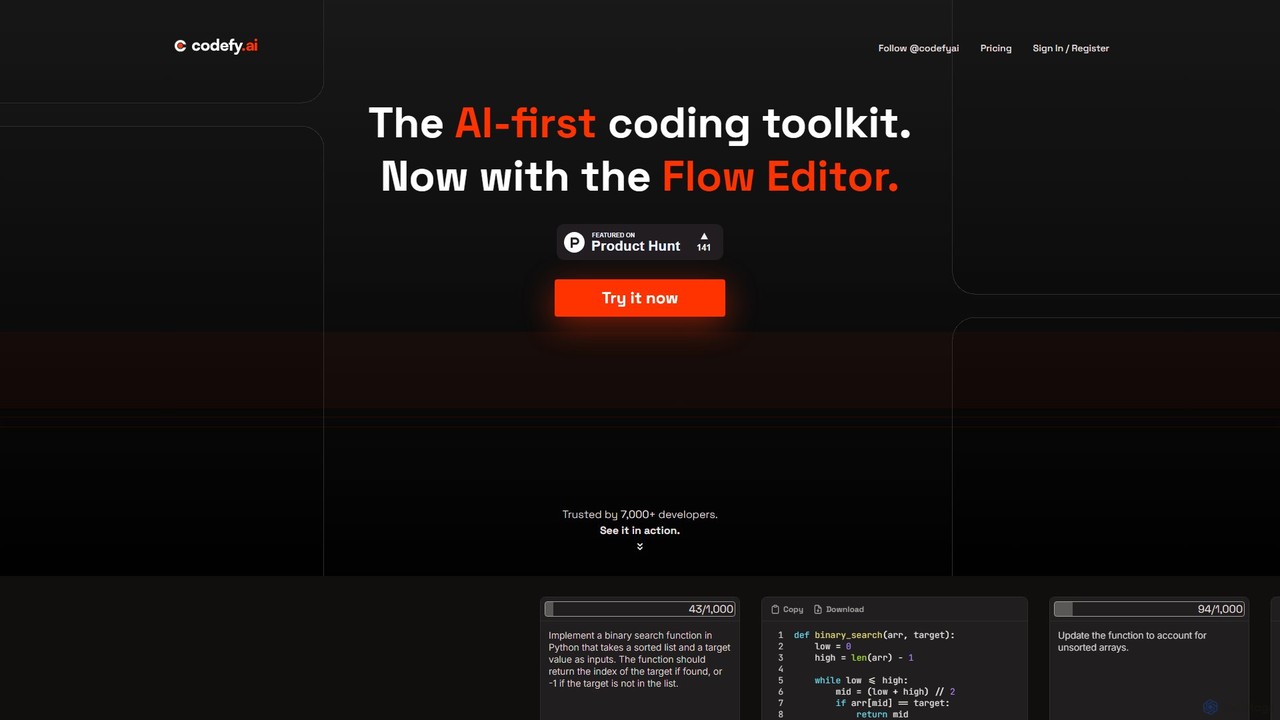
codefy.ai
codefy.ai is an AI-first coding toolkit designed for developers. It features over 20 specialized tools, including the innovative Flow Editor, to streamline tasks like code generation, debugging, translation, and optimization. By handling prompt engineering, it allows developers to get accurate results quickly through intuitive, pre-programmed interfaces, significantly boosting productivity and simplifying the development workflow.
Code Assistant
Pi
A minimal, highly customizable terminal coding agent that adapts to your workflows. Pi leverages multiple AI providers and models, offers extensive extension capabilities, and provides various interaction modes for developers.
Code Assistant
explain.dev
explain.dev is an AI-powered tool for developers that instantly generates clear, natural-language explanations for any code snippet. It helps demystify complex algorithms, legacy code, and unfamiliar libraries, boosting productivity and accelerating the learning process.
Code Assistant
UNCODE-IT
An AI-powered tool that simplifies and explains complex code snippets. Just paste your code to receive a clear, human-readable summary and explanation, powered by GPT-3. Ideal for students, developers, and anyone looking to understand code faster.
Code Assistant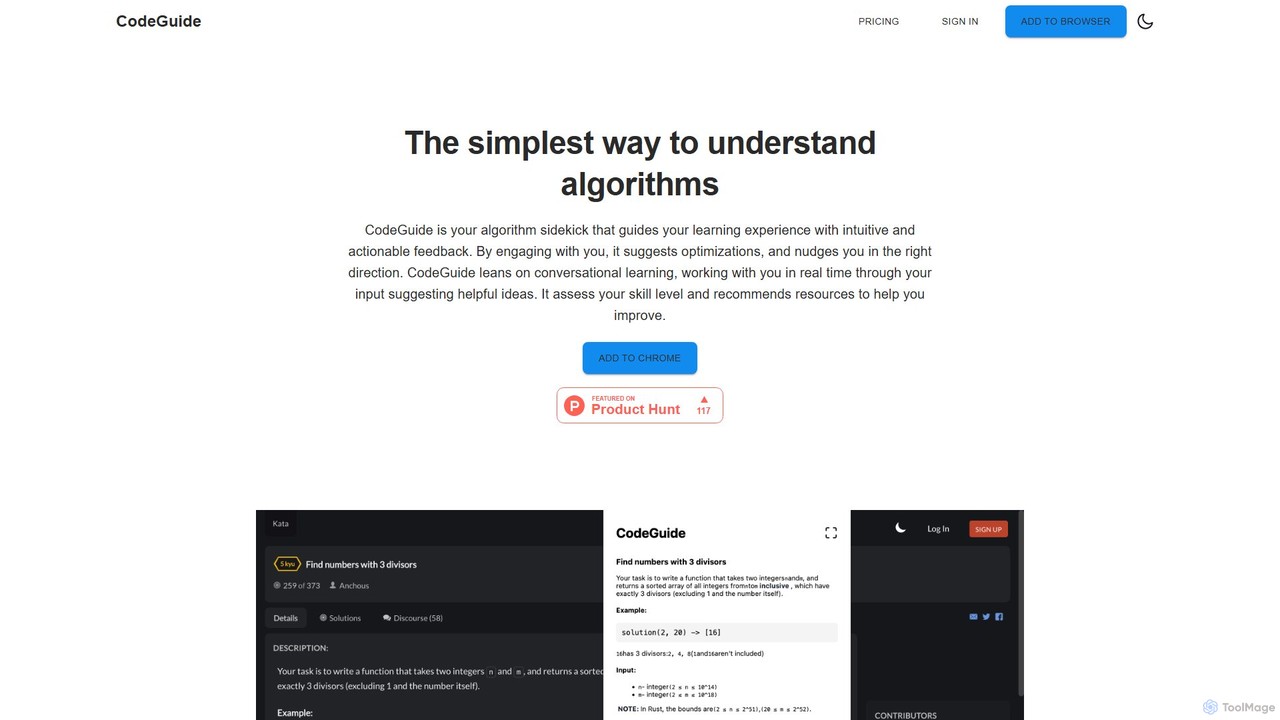
CodeGuideAI
CodeGuideAI is an AI-powered Chrome extension that acts as your personal algorithm tutor. It simplifies learning complex algorithms through real-time, conversational feedback, suggests code optimizations, and provides personalized guidance to help you master data structures and improve your problem-solving skills.
Code AssistantFigstack Categories
Figstack Embed Widget
Copy this embed code to place the badge on your blog, article, or product site and send readers directly to this ToolMage detail page.

Related AI tools
codefy.ai
codefy.ai is an AI-first coding toolkit designed for developers. It features over 20 specialized tools, including the innovative Flow Editor, to streamline tasks like code generation, debugging, translation, and optimization. By handling prompt engineering, it allows developers to get accurate results quickly through intuitive, pre-programmed interfaces, significantly boosting productivity and simplifying the development workflow.
Code Assistant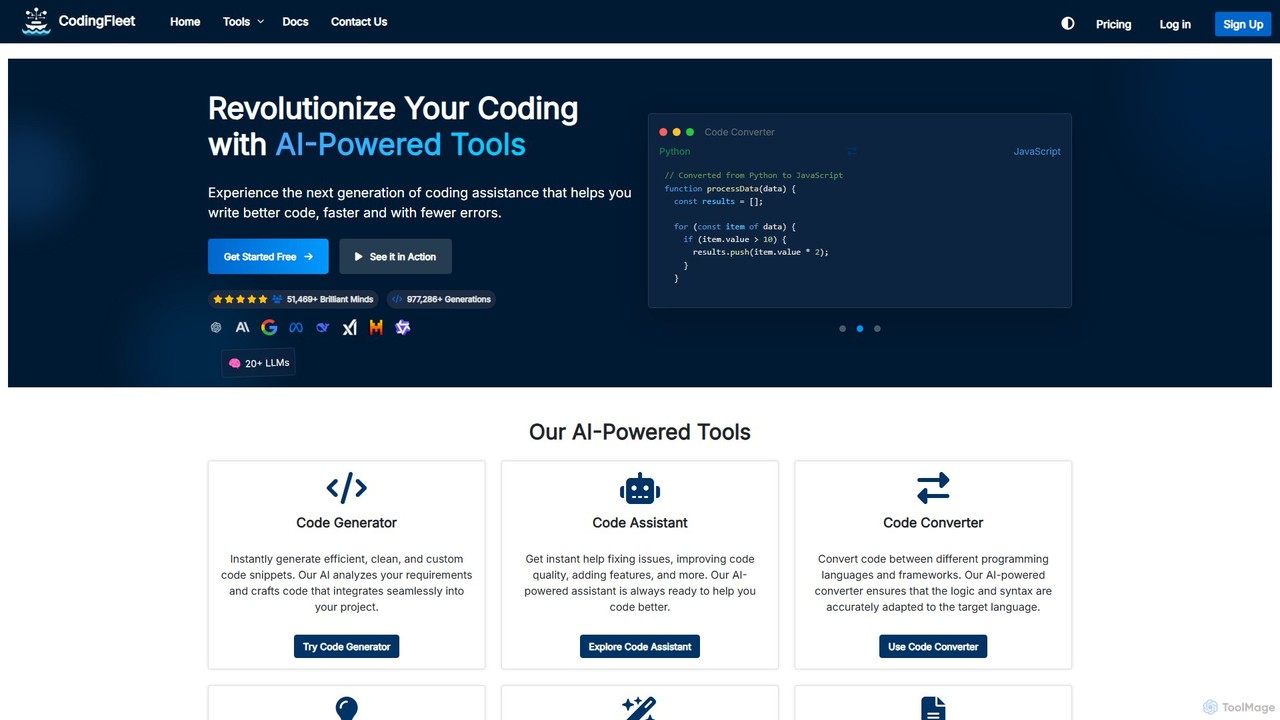
CodingFleet
CodingFleet is a comprehensive AI-powered platform designed to revolutionize the coding workflow for developers. It offers a suite of tools including a code generator, assistant, converter, and explainer, supporting over 90 programming languages. By leveraging advanced AI models, it helps programmers write better, cleaner code faster, automate tedious tasks, and reduce errors, ultimately boosting productivity and fostering innovation.
Code Assistant
Programming Helper
Programming Helper is an AI-powered suite of tools designed to accelerate coding tasks. It allows developers to generate, translate, explain, fix, and test code across numerous programming languages simply by providing text descriptions. It also assists with generating SQL queries, Regex, and command-line instructions.
Code Assistant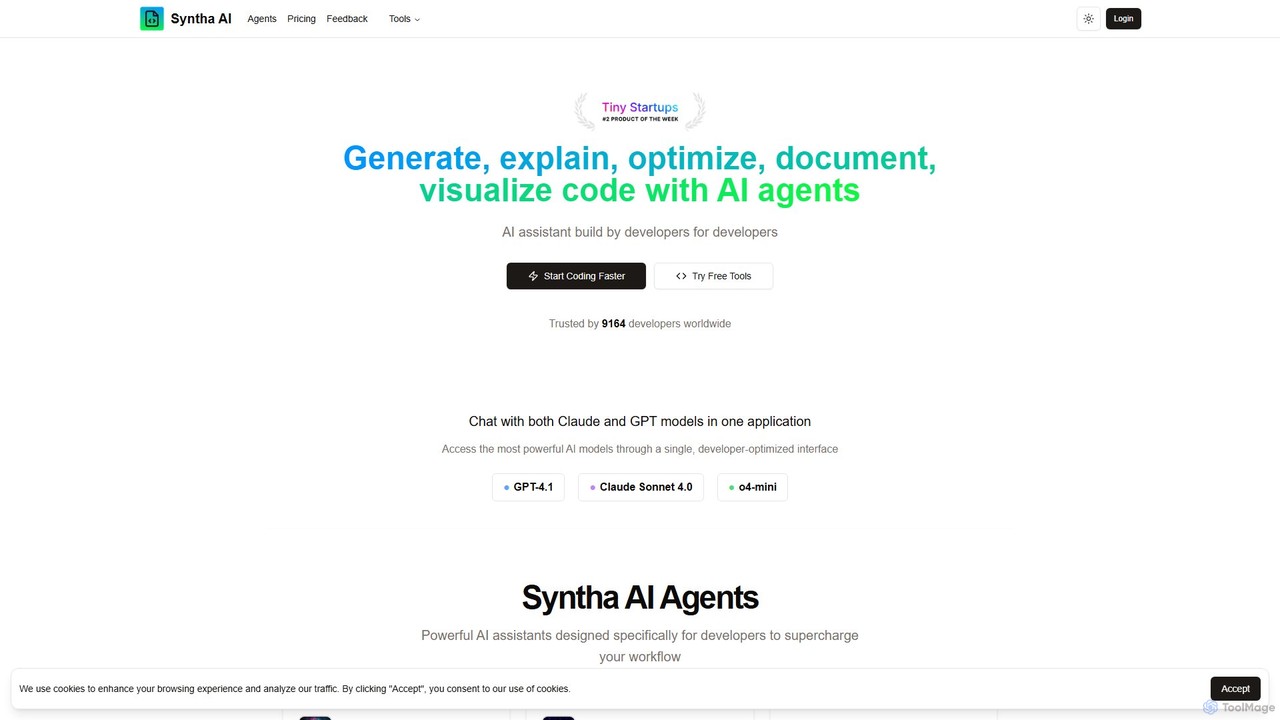
Syntha AI
Syntha AI is a developer-centric AI assistant designed to streamline the entire coding lifecycle. It integrates top AI models like GPT-4 and Claude, offering specialized agents to generate, explain, optimize, convert, and document code, helping developers build software faster and more efficiently.
Code Documentation
Buildt
Buildt is an AI-powered code search and understanding tool for developers. It integrates directly into your IDE, allowing you to search your entire codebase using natural language, understand complex code snippets, and generate or modify code on the fly, acting as an intelligent assistant.
Code Generation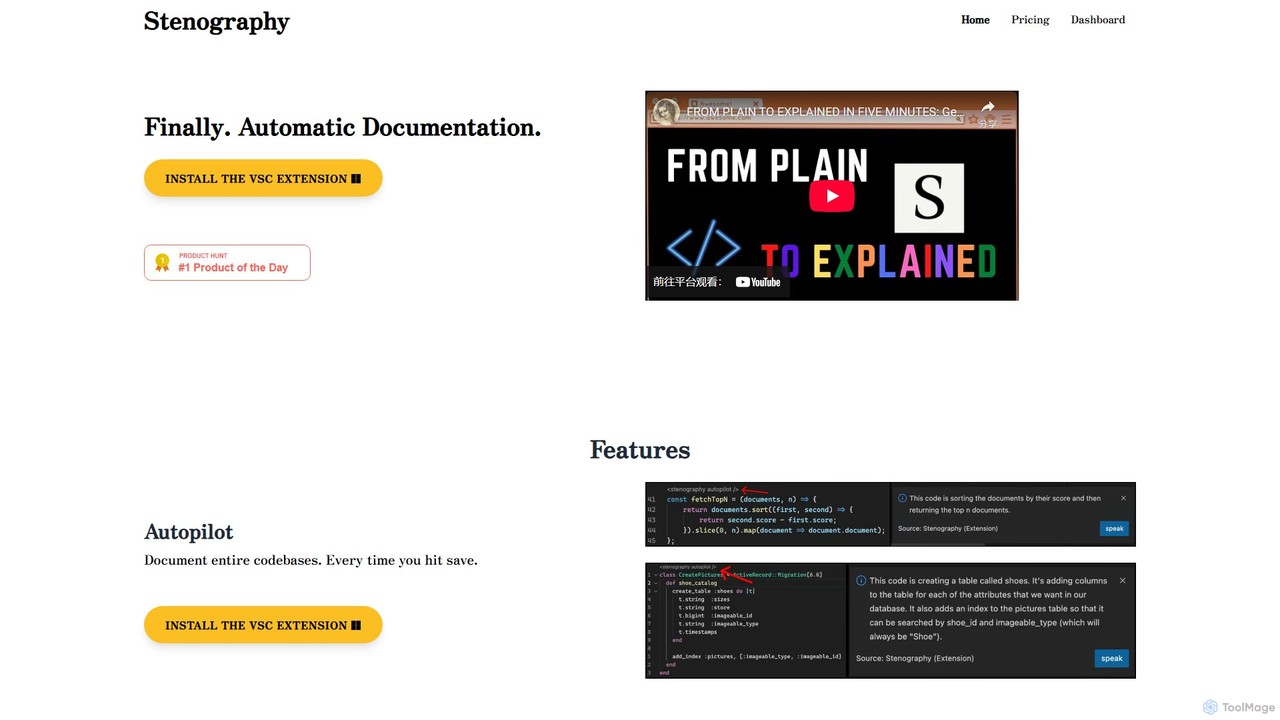
Stenography
Stenography is an AI-powered tool that automates code documentation for developers. It integrates directly into your workflow via VS Code and Chrome extensions, automatically generating clear, plain-English explanations for your code every time you save. With features like integrated Stack Overflow suggestions and a privacy-first architecture, it streamlines the documentation process, enhances code clarity, and boosts productivity.
DocumentationPi
A minimal, highly customizable terminal coding agent that adapts to your workflows. Pi leverages multiple AI providers and models, offers extensive extension capabilities, and provides various interaction modes for developers.
Code Assistantexplain.dev
explain.dev is an AI-powered tool for developers that instantly generates clear, natural-language explanations for any code snippet. It helps demystify complex algorithms, legacy code, and unfamiliar libraries, boosting productivity and accelerating the learning process.
Code AssistantUNCODE-IT
An AI-powered tool that simplifies and explains complex code snippets. Just paste your code to receive a clear, human-readable summary and explanation, powered by GPT-3. Ideal for students, developers, and anyone looking to understand code faster.
Code AssistantCodeGuideAI
CodeGuideAI is an AI-powered Chrome extension that acts as your personal algorithm tutor. It simplifies learning complex algorithms through real-time, conversational feedback, suggests code optimizations, and provides personalized guidance to help you master data structures and improve your problem-solving skills.
Code Assistant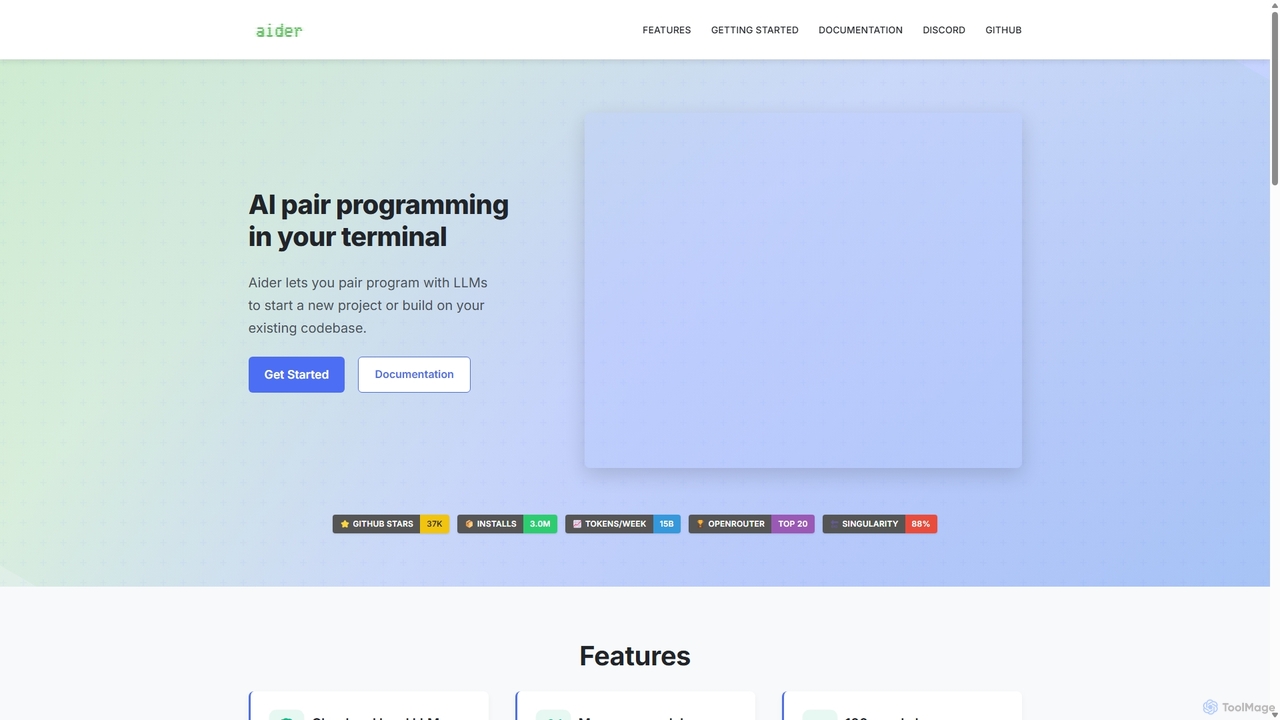
Aider
Aider is an AI-powered pair programmer that operates directly in your terminal. It intelligently maps your entire codebase, providing full project context for complex tasks. Seamlessly integrated with Git, it automates commits and allows you to manage AI-driven changes with familiar tools. Aider supports over 100 programming languages, connects to leading cloud and local LLMs, and even accepts voice and image inputs, making it a versatile and powerful assistant for any developer seeking to accelerate their workflow and improve code quality.
Programming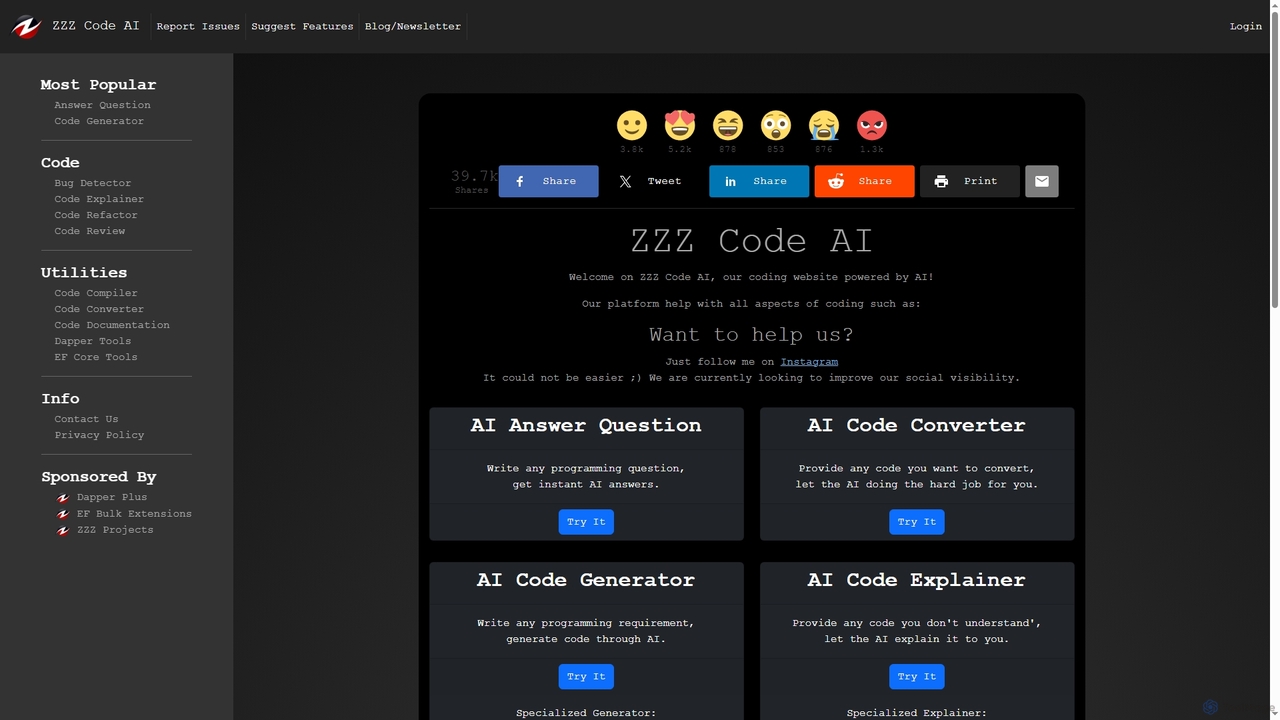
Zzzcode
Zzzcode is a free, AI-powered online platform offering a comprehensive suite of coding tools for developers. It can generate, explain, debug, refactor, review, document, and convert code across numerous programming languages, and provide instant answers to programming questions.
Code Assistant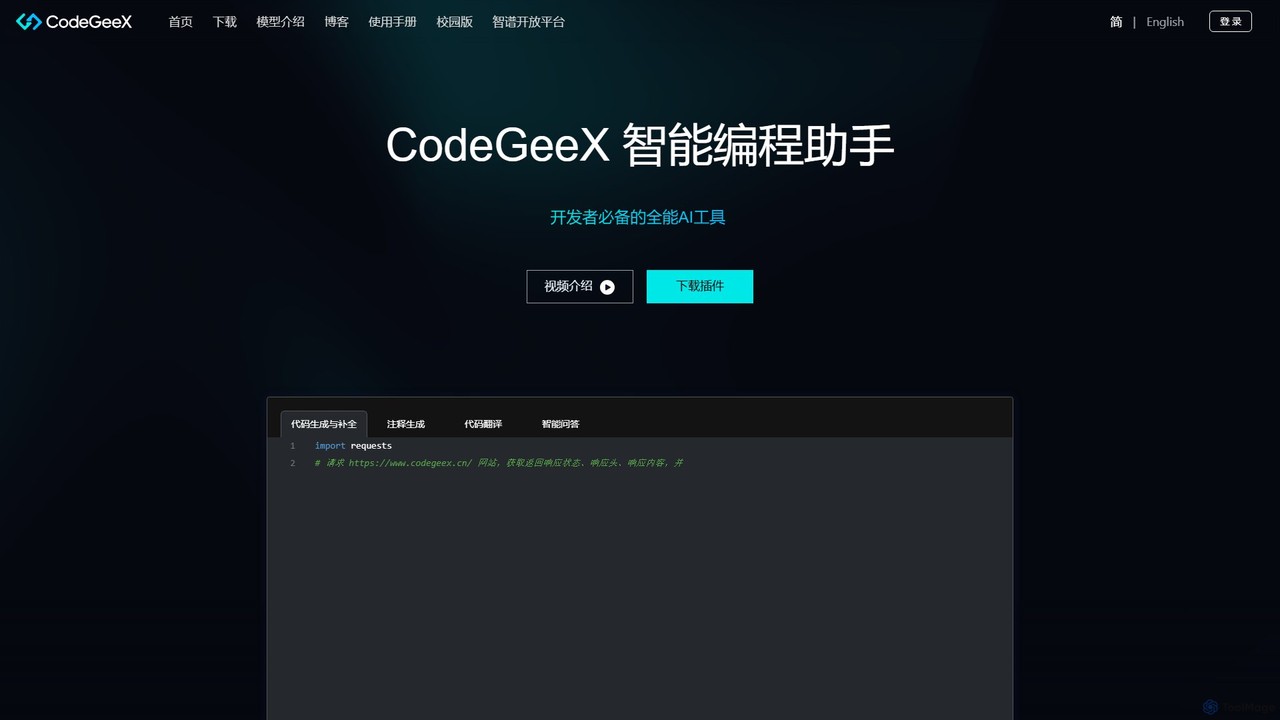
CodeGeeX
CodeGeeX is a powerful, free AI-powered coding assistant designed to boost developer productivity. It offers intelligent code generation and completion, code translation across multiple languages, automatic comment generation, and an interactive Q&A feature, all seamlessly integrated into your favorite IDE.
Code Generation
Jyek
Jyek is an AI agent platform that understands objectives, creates execution plans, uses tools, and delivers verifiable results for complex, multi-step tasks.
Automation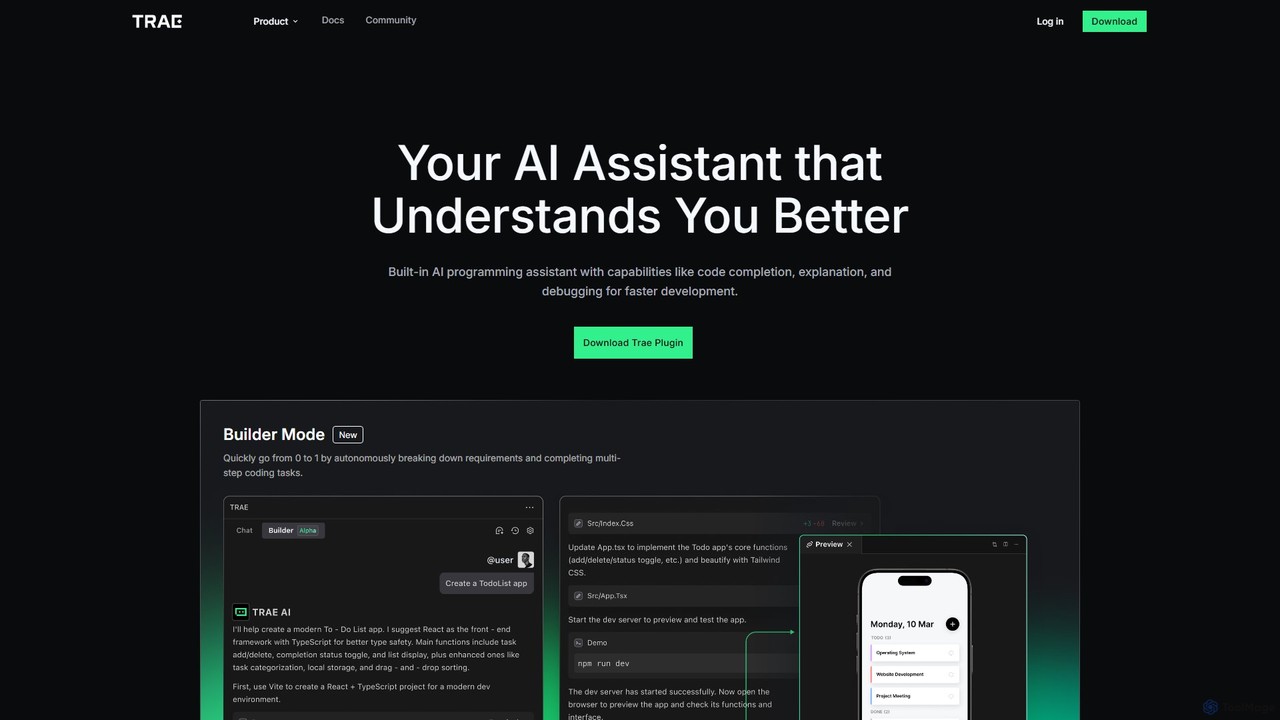
MarsCode Trae
MarsCode Trae is an intelligent AI coding assistant plugin for VSCode and JetBrains IDEs. It enhances developer productivity with features like autonomous task completion, advanced code completion, one-click debugging, unit test generation, and in-depth code explanation, supporting over 100 programming languages.
Code Generation
Figstack Comments (0)
Sign in to comment.
Sign inNo comments yet.