

Wellcode CLI Overview
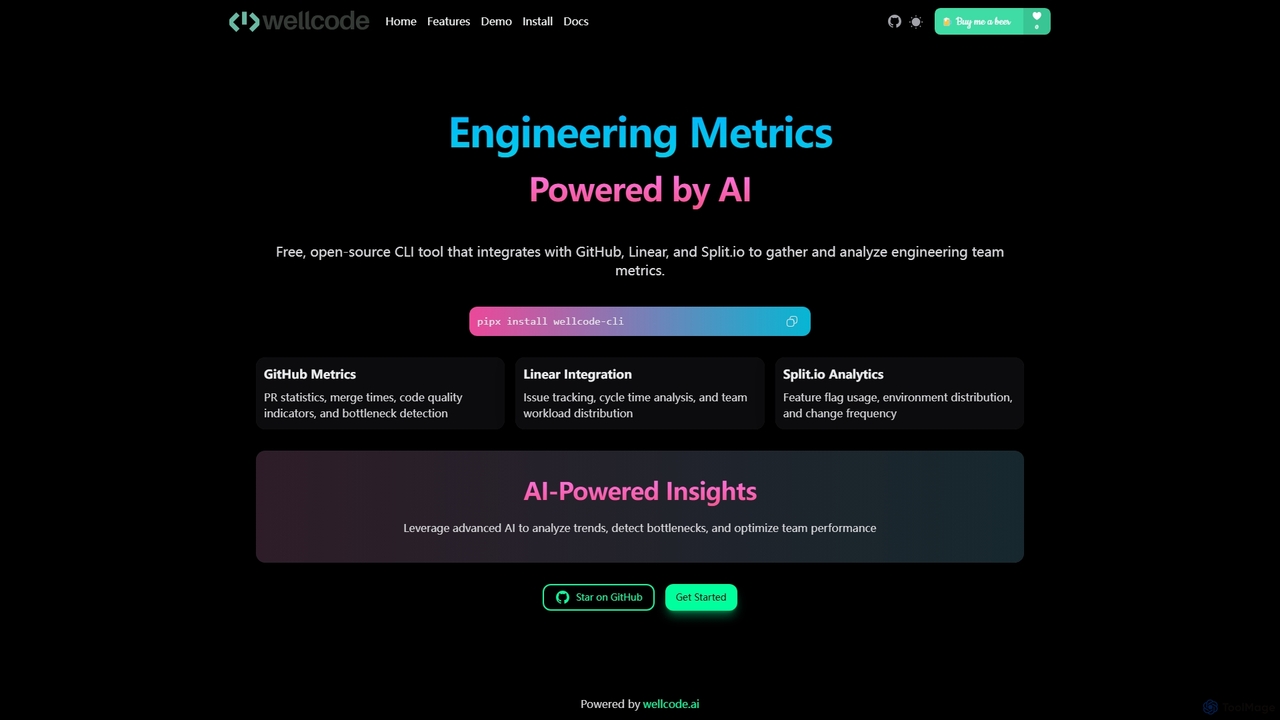
Wellcode CLI is an advanced command-line interface (CLI) tool designed for modern software engineering teams. Powered by artificial intelligence, it provides deep, actionable insights into development workflows by aggregating and analyzing data from essential developer platforms like GitHub, Linear, and Split.io. This tool empowers developers, tech leads, and engineering managers to make data-driven decisions directly from their terminal, streamlining performance monitoring and identifying bottlenecks without ever leaving their primary work environment.
By connecting to your existing toolchain, Wellcode CLI transforms raw data into meaningful metrics. It analyzes pull request statistics, code review cycles, issue resolution times, and feature flag rollouts. The core strength of the tool lies in its AI engine, which not only presents data but also interprets it, offering intelligent recommendations for process improvements, performance optimization, and risk detection. It's the perfect companion for teams looking to enhance productivity, improve code quality, and foster a culture of continuous improvement.
How to use Wellcode CLI
Getting started with Wellcode CLI is straightforward. The primary installation method is via pipx, which ensures a clean and isolated installation. Simply run the command: pipx install wellcode-cli. For users who prefer a manual setup, you can clone the repository from GitHub, create a virtual environment, and install the dependencies. Once installed, you need to configure the tool by providing access tokens for the services you want to analyze (GitHub, Linear, Split.io). The main command is wellcode-cli analyze, which fetches and displays key metrics from your configured services. For more advanced interaction, you can use the wellcode-cli chat command to engage with an AI assistant that provides tailored insights and answers questions based on your team's data.
Core Features of Wellcode CLI
- GitHub Analytics: Provides comprehensive analysis of pull requests, including merge times, review cycle metrics, code quality indicators, deployment frequency, and lead time analysis. It helps identify collaboration patterns and bottlenecks in the review process.
- Linear Integration: Tracks and analyzes issue management metrics. This includes cycle time analysis, priority distribution, team workload insights, and sprint performance, helping teams understand and optimize their project management flow.
- Split.io Integration: Offers analytics for feature flag management, tracking usage patterns, environment distribution, change frequency, and potential impact assessment. This is crucial for teams practicing continuous delivery and A/B testing.
- AI-Powered Insights: The standout feature is its intelligent analysis. The AI can provide automated code review suggestions, recommend process optimizations (like splitting large PRs), detect risks, and analyze long-term trends in team performance. The AI assistant makes this data interactive and accessible.
Use Cases for Wellcode CLI
For Engineering Managers: Track team velocity, identify process bottlenecks (e.g., slow review times), and monitor key DORA metrics like deployment frequency and lead time for changes. Use AI-generated reports to guide 1-on-1s and team-wide retrospectives.
For Developers: Get instant feedback on their contributions, understand the lifecycle of their PRs, and use the AI assistant for pre-review checks or to get suggestions on improving their code. It helps them align their work with team goals and best practices.
For DevOps and SREs: Monitor the impact of feature flags on system stability, track change frequency, and analyze deployment patterns to ensure a smooth and reliable delivery pipeline.
Advantages of Wellcode CLI
The primary advantage of Wellcode CLI is its ability to deliver powerful engineering intelligence directly into the developer's workflow—the command line. This reduces context switching and makes data more accessible. Its multi-platform integration provides a holistic view of the entire development lifecycle, from ideation in Linear to coding in GitHub and release with Split.io. The AI-powered recommendations move beyond simple data reporting, offering proactive and actionable advice that can genuinely improve team performance and code quality.
Pricing and Plans
The Wellcode CLI tool itself is open-source and free to install and use for individual analysis. It operates on a freemium model where advanced features, team-level dashboards, historical data analysis, and centralized management are likely part of the commercial offerings available through the main Wellcode.ai platform. This allows individual developers and small teams to benefit from the core functionalities for free, with scalable paid plans available for larger organizations requiring more robust features and support.
Wellcode CLI Alternatives
Code Wiki
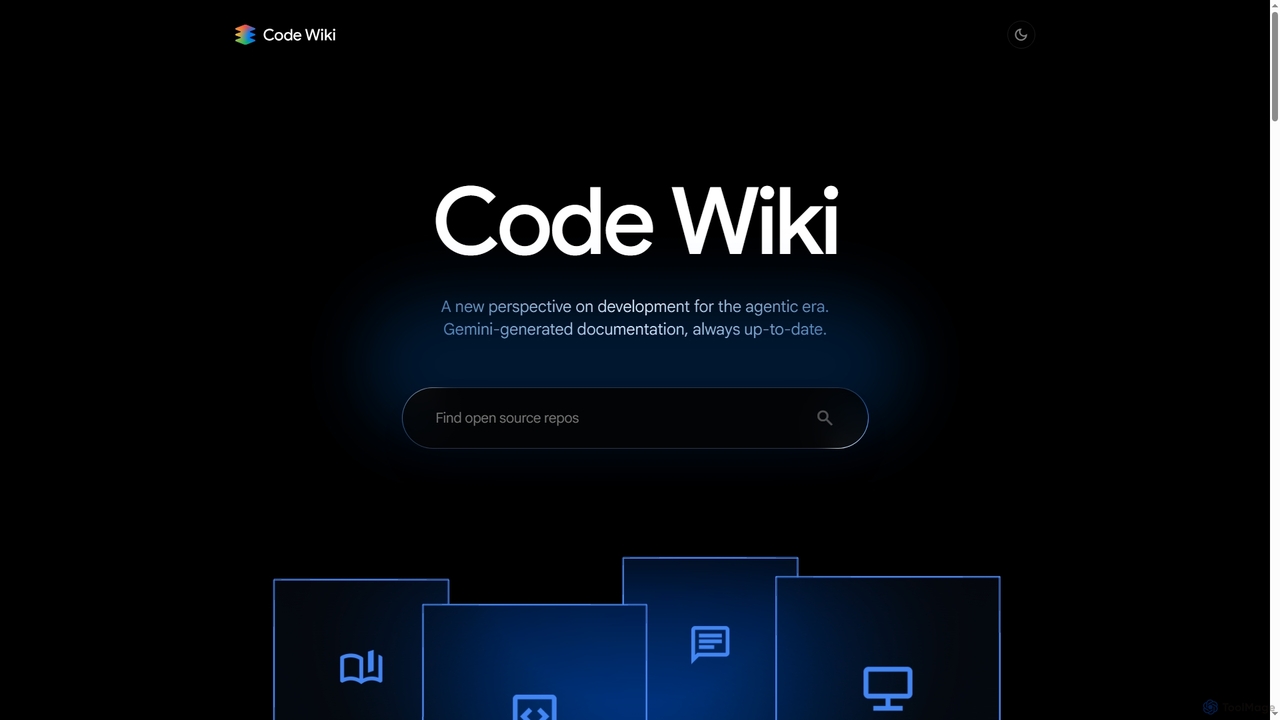
Code Wiki is an AI-powered documentation hub by Google, built on Gemini models. It automatically analyzes code repositories to generate up-to-date documentation, interactive architectural diagrams, and a conversational chat interface, helping developers understand complex codebases faster.
Code Analysis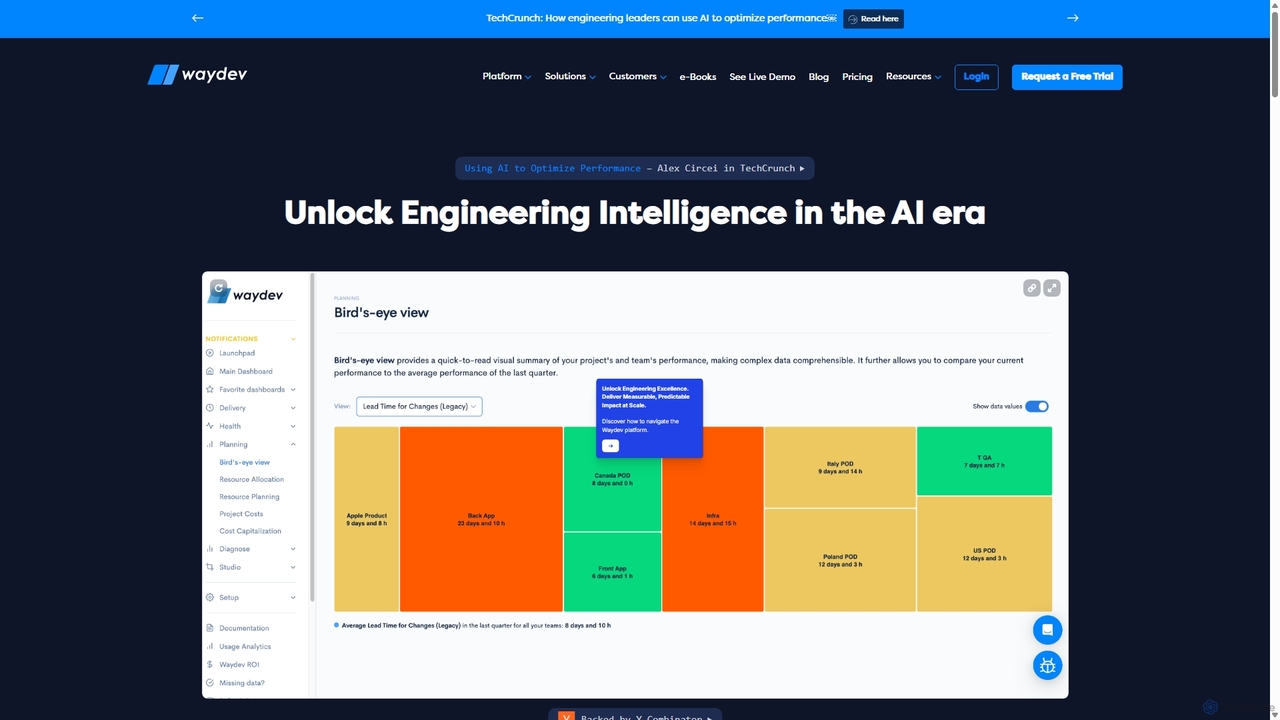
Waydev
Waydev is an AI-powered engineering intelligence platform that provides visibility into software development processes. It analyzes data from Git, CI/CD, and project management tools to deliver insights based on DORA and SPACE frameworks, helping teams optimize productivity, accelerate delivery, and align engineering work with business goals.
Business Intelligence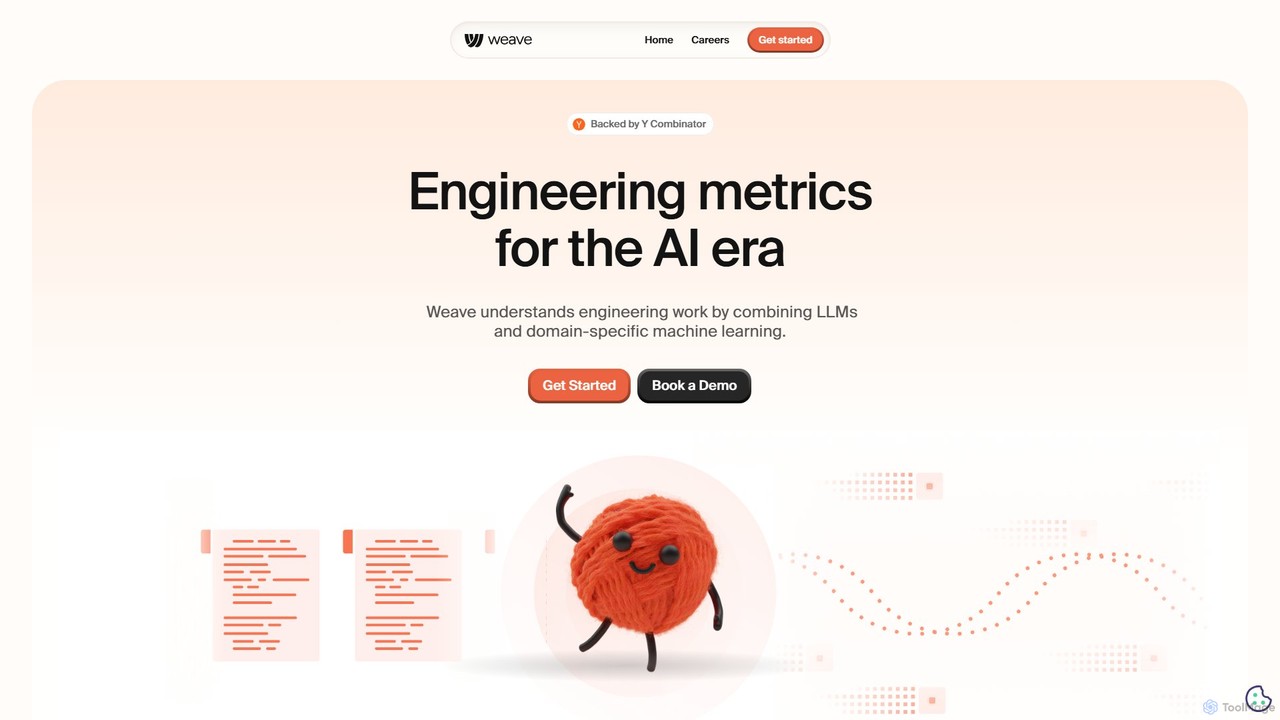
workweave
Workweave is an AI-powered engineering intelligence platform that provides 'X-ray vision' for software teams. It leverages LLMs and machine learning to analyze code repositories, quantify developer output, and measure the impact of AI coding tools. Designed for individuals, teams, and enterprises, it offers deep insights into productivity, process efficiency, and AI-generated code contribution, all within a secure, SOC 2 compliant environment.
Business Intelligence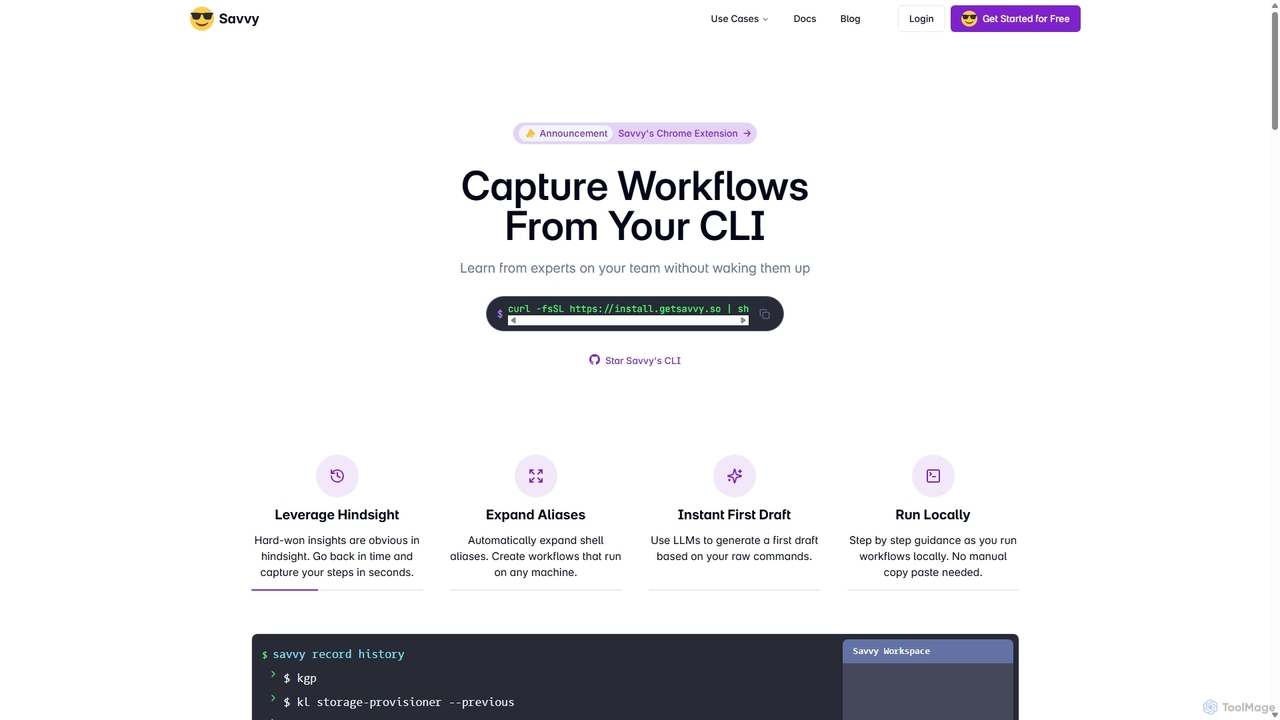
Savvy
Savvy is an AI-powered tool for developers that captures Command Line Interface (CLI) actions to create shareable, step-by-step workflows. It helps teams document tribal knowledge, accelerate new hire onboarding, and resolve incidents faster by turning complex command sequences into easy-to-follow guides. With features like sensitive data redaction and AI-generated documentation, Savvy enhances productivity and collaboration for technical teams.
Command Line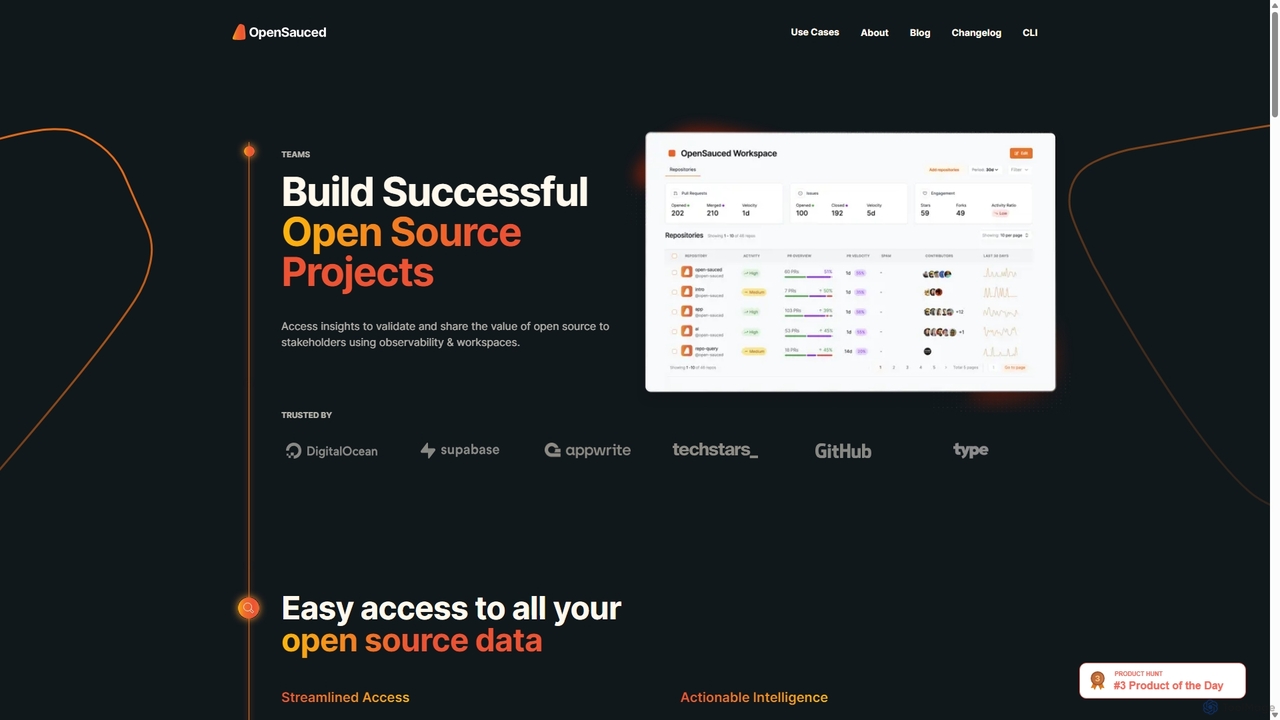
OpenSauced
OpenSauced is an AI-powered analytics and collaboration platform for open source projects. It provides deep insights into GitHub repositories and contributors, helping teams and maintainers understand project health, track contributions beyond code, and make data-driven decisions. With features like collaborative Workspaces, AI-driven StarSearch, and detailed Insight Pages, it empowers the open source community to build successful and sustainable projects.
Code CollaborationWellcode CLI Categories
Wellcode CLI Jobs
Wellcode CLI Embed Widget
Copy this embed code to place the badge on your blog, article, or product site and send readers directly to this ToolMage detail page.

Related AI tools
Savvy
Savvy is an AI-powered tool for developers that captures Command Line Interface (CLI) actions to create shareable, step-by-step workflows. It helps teams document tribal knowledge, accelerate new hire onboarding, and resolve incidents faster by turning complex command sequences into easy-to-follow guides. With features like sensitive data redaction and AI-generated documentation, Savvy enhances productivity and collaboration for technical teams.
Command LineOpenSauced
OpenSauced is an AI-powered analytics and collaboration platform for open source projects. It provides deep insights into GitHub repositories and contributors, helping teams and maintainers understand project health, track contributions beyond code, and make data-driven decisions. With features like collaborative Workspaces, AI-driven StarSearch, and detailed Insight Pages, it empowers the open source community to build successful and sustainable projects.
Code Collaboration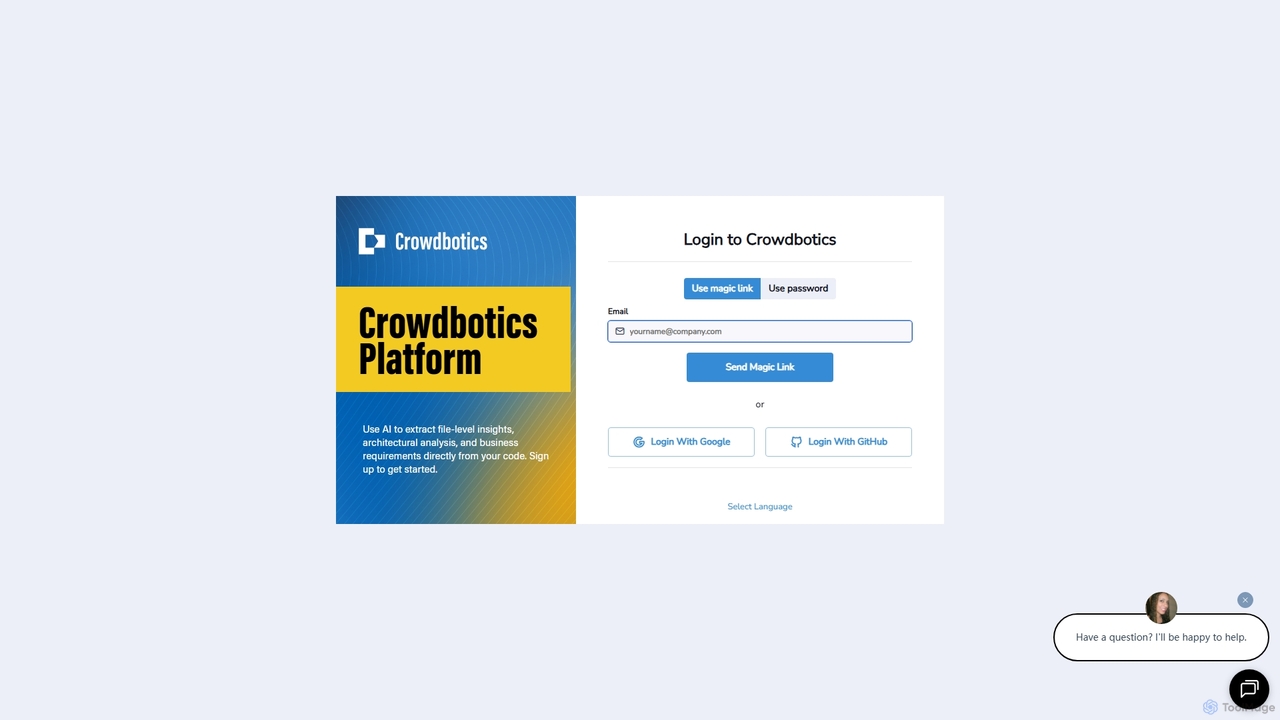
Crowdbotics
Crowdbotics is an AI-powered platform that transforms software development by analyzing codebases to extract deep insights. It automatically generates architectural diagrams, business requirements, and file-level analysis, helping engineering teams understand complex systems, reduce technical debt, and accelerate development cycles. Ideal for modernizing legacy code and onboarding new developers.
Code Analysis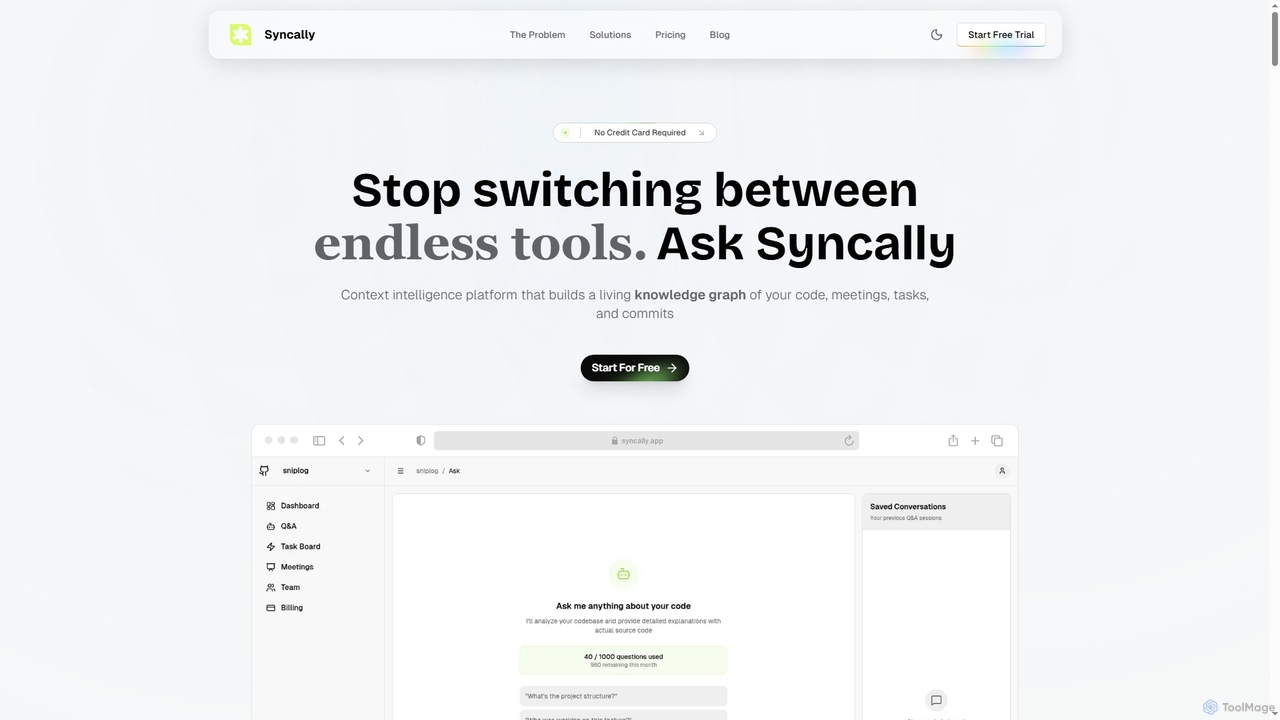
Syncally
Syncally is an AI-powered context intelligence platform for engineering teams. It creates a unified knowledge graph by connecting your codebase, meetings, and tasks to eliminate context switching, preserve institutional knowledge, and provide instant, context-aware answers.
Code AssistantWaydev
Waydev is an AI-powered engineering intelligence platform that provides visibility into software development processes. It analyzes data from Git, CI/CD, and project management tools to deliver insights based on DORA and SPACE frameworks, helping teams optimize productivity, accelerate delivery, and align engineering work with business goals.
Business Intelligence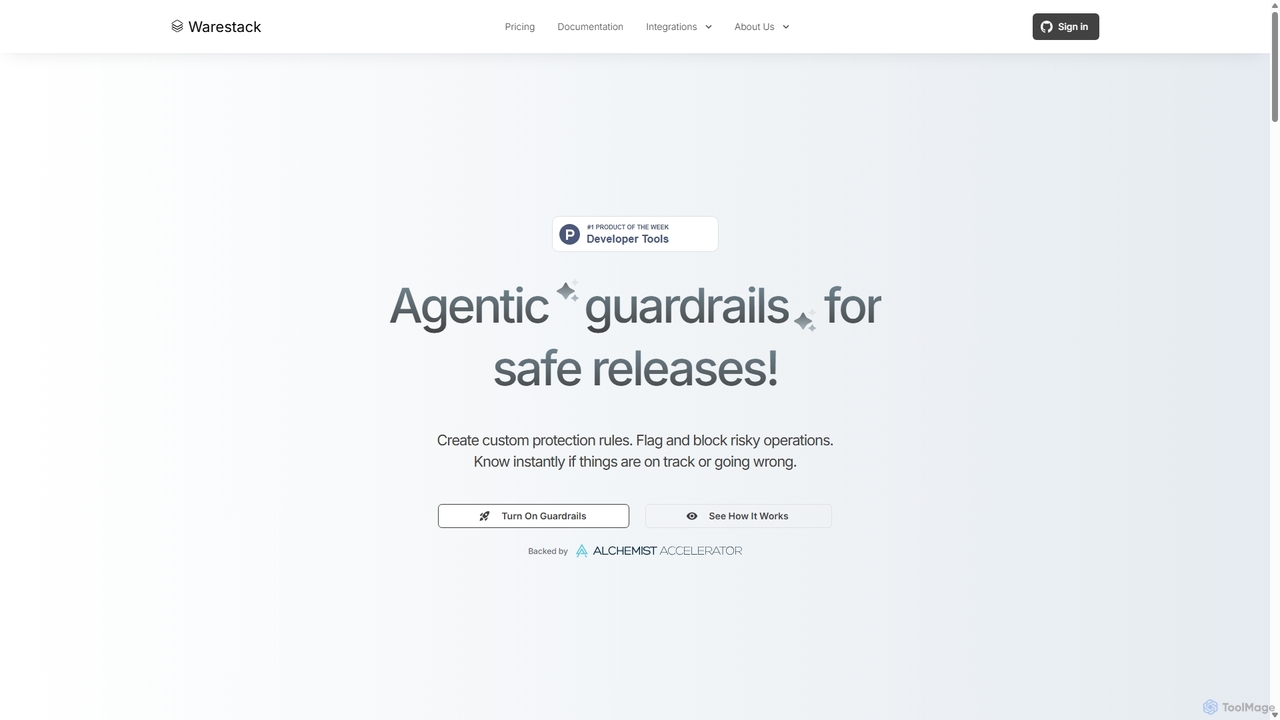
Warestack
Warestack provides agentic guardrails for software development teams, enabling safe and compliant releases. It uses context-aware, natural language rules to monitor DevOps workflows, flag risky operations, and automate protection, integrating with tools like Slack and Linear to prevent production incidents.
Code Quality
Rebolt
Rebolt is an AI-powered platform designed to automate the entire software development lifecycle. It helps developer and DevOps teams build, test, and deploy applications faster and more reliably by leveraging AI for CI/CD pipeline optimization, code generation, and intelligent monitoring.
Code Assistant
Jyek
Jyek is an AI agent platform that understands objectives, creates execution plans, uses tools, and delivers verifiable results for complex, multi-step tasks.
Automation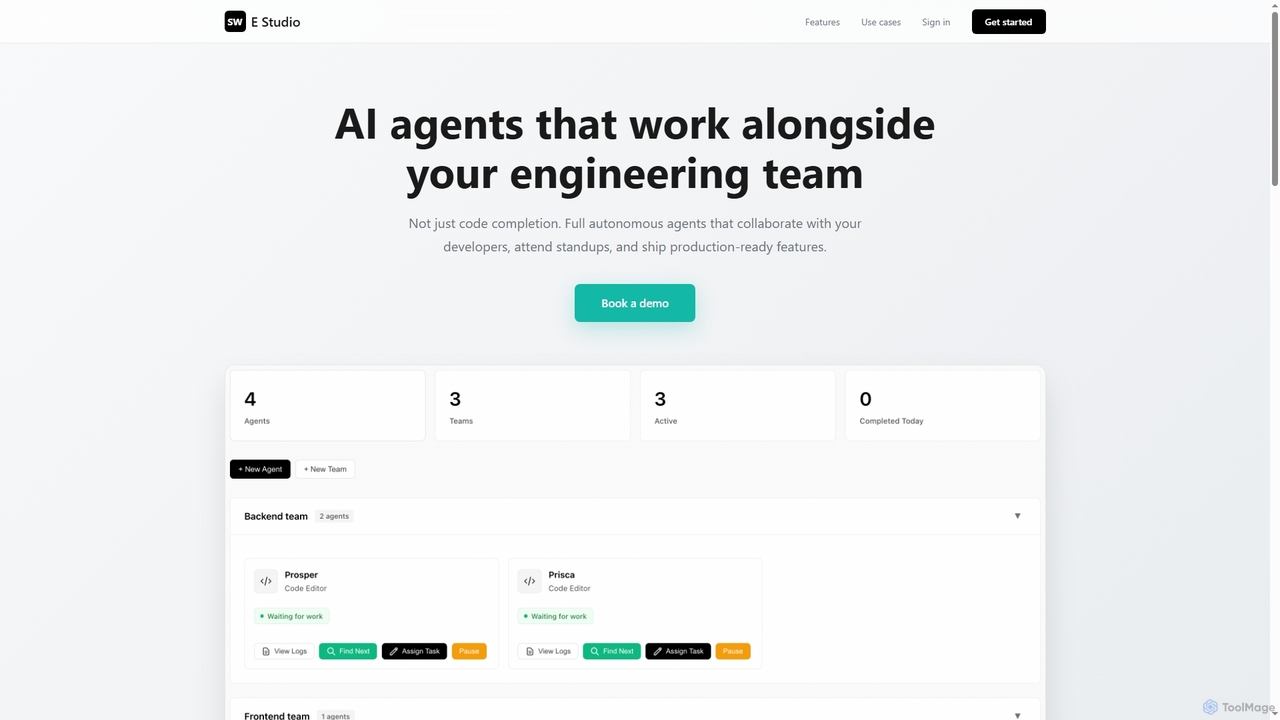
Swe Studio
Swe Studio provides autonomous AI agents that function as full members of your engineering team. They independently handle development tasks from Jira tickets to pull requests, collaborating via Slack and GitHub to ship production-ready features.
Code Assistant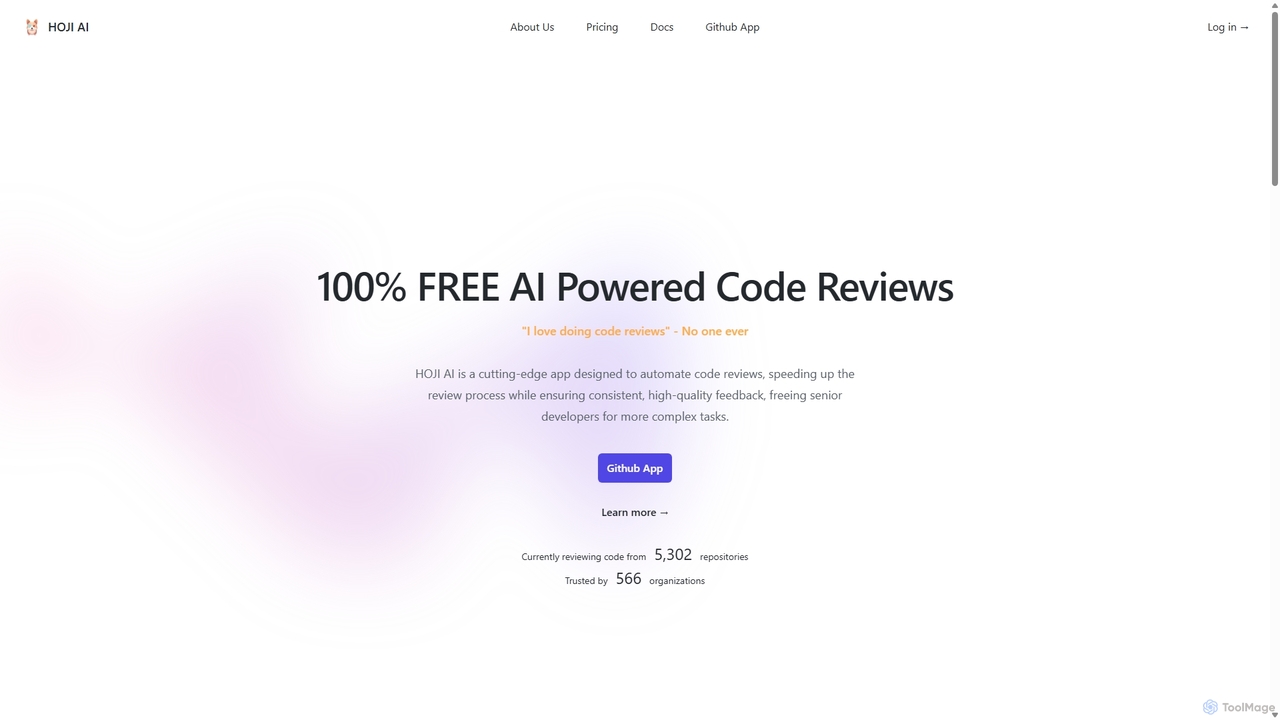
HOJI AI
HOJI AI is a free, AI-powered tool that automates code reviews directly within GitHub. It provides instant, consistent, and high-quality feedback on pull requests, helping development teams increase productivity, improve code quality, and accelerate their development cycles by freeing up senior engineers.
Code Assistant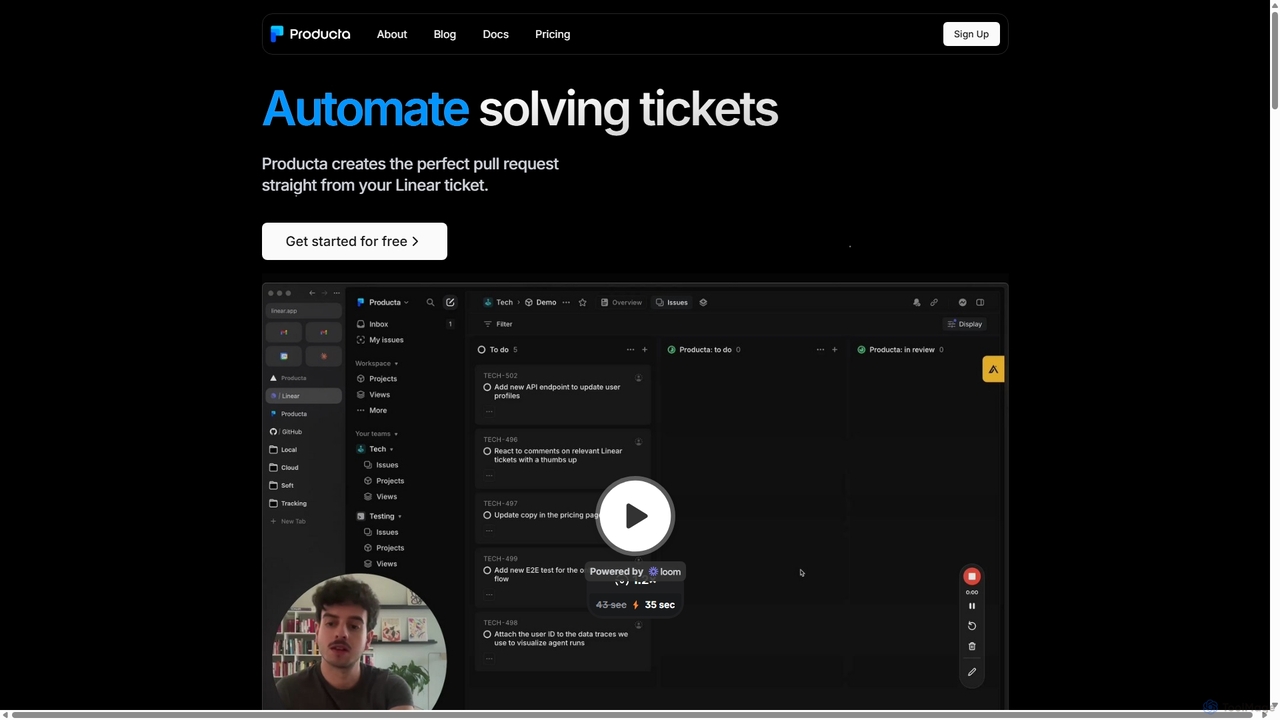
Producta
Producta is an AI-powered software development assistant that automates the entire workflow from a Linear ticket to a GitHub pull request. It intelligently clarifies tasks, generates, tests, and refines code, integrating seamlessly into your existing development process to accelerate bug fixes and feature implementation.
AutomationCode Wiki
Code Wiki is an AI-powered documentation hub by Google, built on Gemini models. It automatically analyzes code repositories to generate up-to-date documentation, interactive architectural diagrams, and a conversational chat interface, helping developers understand complex codebases faster.
Code Analysis
Gitmore
Gitmore is an AI-powered tool that automates technical team reporting and engineering updates. It transforms Git commits into intelligent reports and insights, eliminating manual status updates and standup meetings for development teams using GitHub, GitLab, or Bitbucket.
Productivity
Repodex
Repodex is an AI-powered code intelligence platform that helps developers and teams search, understand, and manage their code repositories. Using natural language, you can find code, get explanations, and generate documentation instantly.
Code Generation
GitHub Copilot
GitHub Copilot is an AI pair programmer that offers intelligent code completions and suggestions directly in your editor. It helps you write code faster, learn new languages, and stay in the flow by turning natural language prompts into coding suggestions across dozens of languages.
Code Generation
Wellcode CLI Comments (0)
Sign in to comment.
Sign inNo comments yet.