

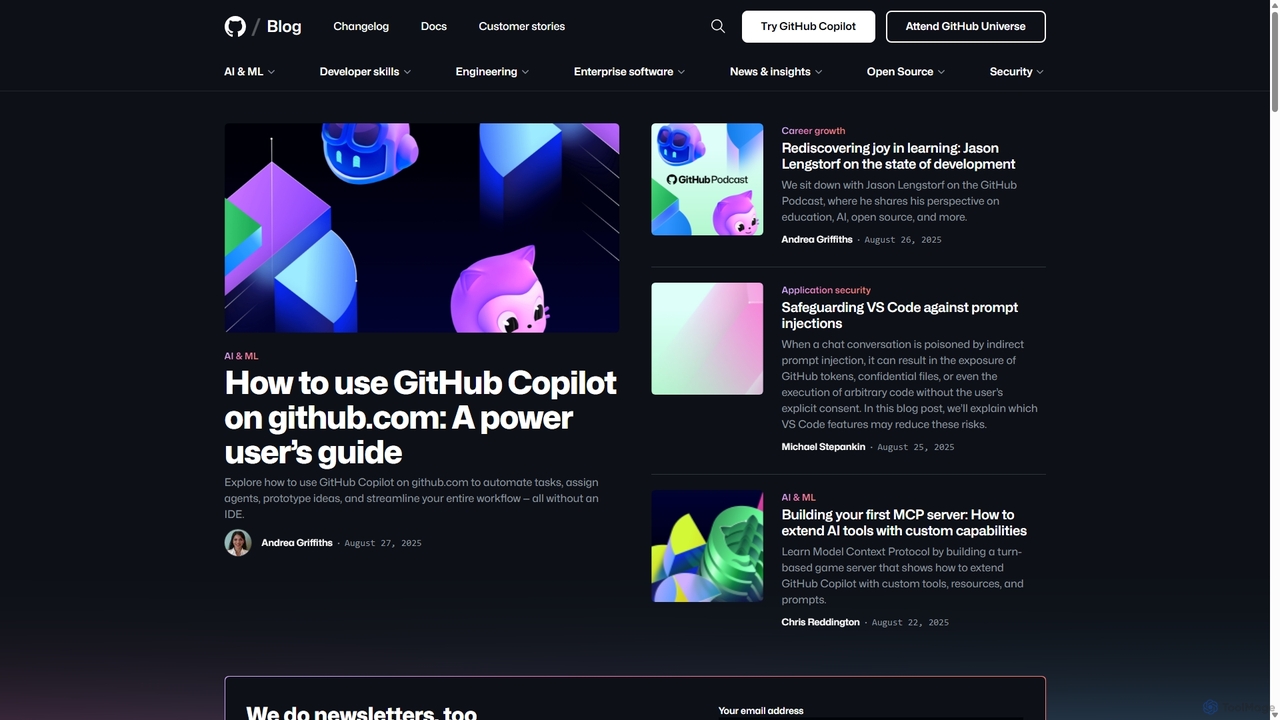
GitHub Copilot Overview
GitHub Copilot is a revolutionary AI-powered tool designed to assist developers in writing code more efficiently. Developed by GitHub and OpenAI, it functions as a sophisticated pair programmer, deeply integrated into the developer's workflow. By leveraging advanced machine learning models, including the powerful GPT-4.1, Copilot analyzes the context of the code you're writing—from comments and function names to the surrounding code—to offer real-time suggestions. These suggestions range from single lines of code to entire functions, significantly accelerating the development process.
Beyond simple code completion, GitHub Copilot has evolved into a comprehensive assistant with features like Copilot Chat and agentic capabilities. This allows developers to interact with the AI using natural language, ask coding questions, get explanations for complex code blocks, and even delegate entire tasks. The AI can now operate in the background, working on tasks like creating a full pull request based on a high-level description, and then notifying the developer for review. This shift towards agentic workflows marks a new era of human-computer collaboration in software development.
How to use GitHub Copilot
Getting started with GitHub Copilot is straightforward. First, you need to sign up for a plan (including the free tier for eligible users) on the GitHub website. Once subscribed, you can install the GitHub Copilot extension in your preferred integrated development environment (IDE). It supports a wide range of popular editors, including Visual Studio Code, JetBrains IDEs (like IntelliJ IDEA, PyCharm), Visual Studio, and Neovim. After installation and authentication with your GitHub account, Copilot will automatically start providing suggestions as you type. You can also use Copilot Chat by opening its dedicated panel or use it directly on the GitHub.com website to automate tasks, prototype ideas, and streamline your workflow without needing a local IDE.
Core Features of GitHub Copilot
- AI Code Completion: Get real-time, context-aware code suggestions, from single lines to complete functions, in dozens of programming languages.
- Copilot Chat: An integrated chat interface that allows you to ask coding questions, get explanations, generate unit tests, and debug code using natural language.
- Agentic Task Automation: Delegate complex coding tasks to Copilot agents. They can understand a request, plan the steps, execute the coding work, and create a pull request for your review.
- IDE and GitHub.com Integration: Works seamlessly within major IDEs as an extension and is also available directly on GitHub.com for repository-level tasks and code exploration.
- Powered by Advanced Models: Utilizes cutting-edge models like GPT-4.1 to provide high-quality, relevant, and creative coding solutions.
- Extensibility: Can be extended with custom tools, resources, and prompts through the Model Context Protocol (MCP), allowing for tailored AI assistance.
Use Cases for GitHub Copilot
GitHub Copilot is versatile and can be applied in numerous scenarios. Developers use it to rapidly prototype new features by describing the desired functionality in a comment and letting Copilot generate the boilerplate code. It's an excellent tool for learning a new programming language or framework, as it provides idiomatic code examples on the fly. For data scientists, it can help write complex data manipulation scripts and generate visualization code. It's also invaluable for writing documentation, generating unit tests, and refactoring existing code, which helps improve overall code quality and maintainability. Teams can use it to enforce coding standards and accelerate the onboarding of new developers.
Advantages of GitHub Copilot
The primary advantage of GitHub Copilot is the massive boost in developer productivity. It significantly reduces the time spent on writing repetitive or boilerplate code, allowing developers to focus on more complex problem-solving. It enhances code quality by suggesting best practices and reducing the likelihood of common errors. By providing instant answers and code snippets, it minimizes context switching, helping developers stay in a state of flow. Furthermore, its agentic capabilities are transforming the development lifecycle, automating tedious tasks and enabling a higher level of abstraction in software creation.
Pricing and Plans
GitHub Copilot offers a flexible pricing structure to cater to different users:
- Free Plan: Available for verified students, teachers, and maintainers of popular open-source projects.
- Copilot Individual: A paid plan for individual developers, available as a monthly or yearly subscription, offering all core features.
- Copilot Business: Designed for organizations, this plan includes everything in the Individual plan plus organization-wide policy management and IP indemnity.
- Copilot Enterprise: The most advanced tier, offering enhanced security, privacy, and personalization features, including the ability to connect Copilot Chat to an organization's internal codebase.
Traffic
Latest traffic
Status
Monthly traffic trend
- 2025-9: 1.5M
- 2026-1: 1.5M
- 2026-2: 1.7M
- 2026-3: 2.5M
- 2026-4: 3.3M
- 2026-5: 3.0M
Geography
Top 5 countries / regions
- 🇺🇸United States46.6%
- 🇮🇳India24.4%
- 🇨🇳China11.4%
- 🇩🇪Germany10.1%
- 🇬🇧United Kingdom7.6%
Traffic sources
| Source type | Percentage |
|---|---|
Direct | 51.9% |
Referral | 46.1% |
Email | 2.0% |
Top keywords
| Keyword | Cost per click |
|---|---|
| github | $1.34 |
| github copilot | $1.68 |
| github copilot pricing | $2.03 |
| github pages | $1.86 |
| gpt 5.5 | $2.07 |
GitHub Copilot Videos on YouTube



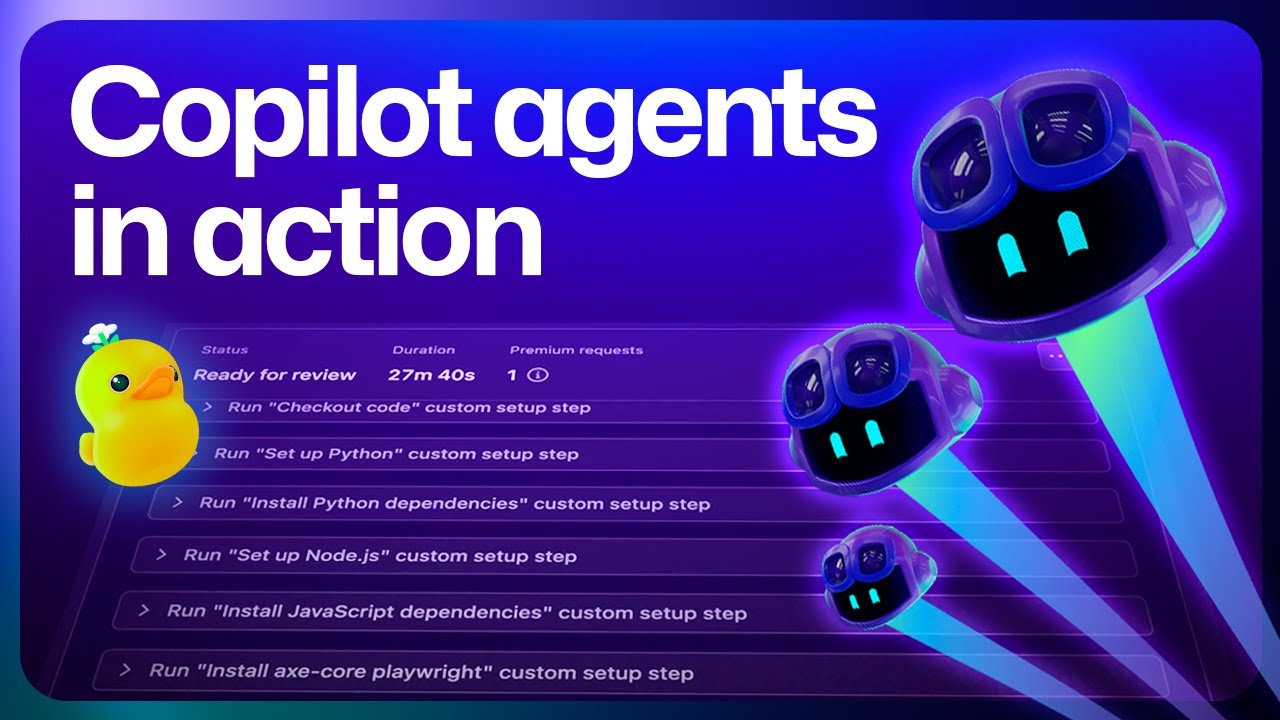

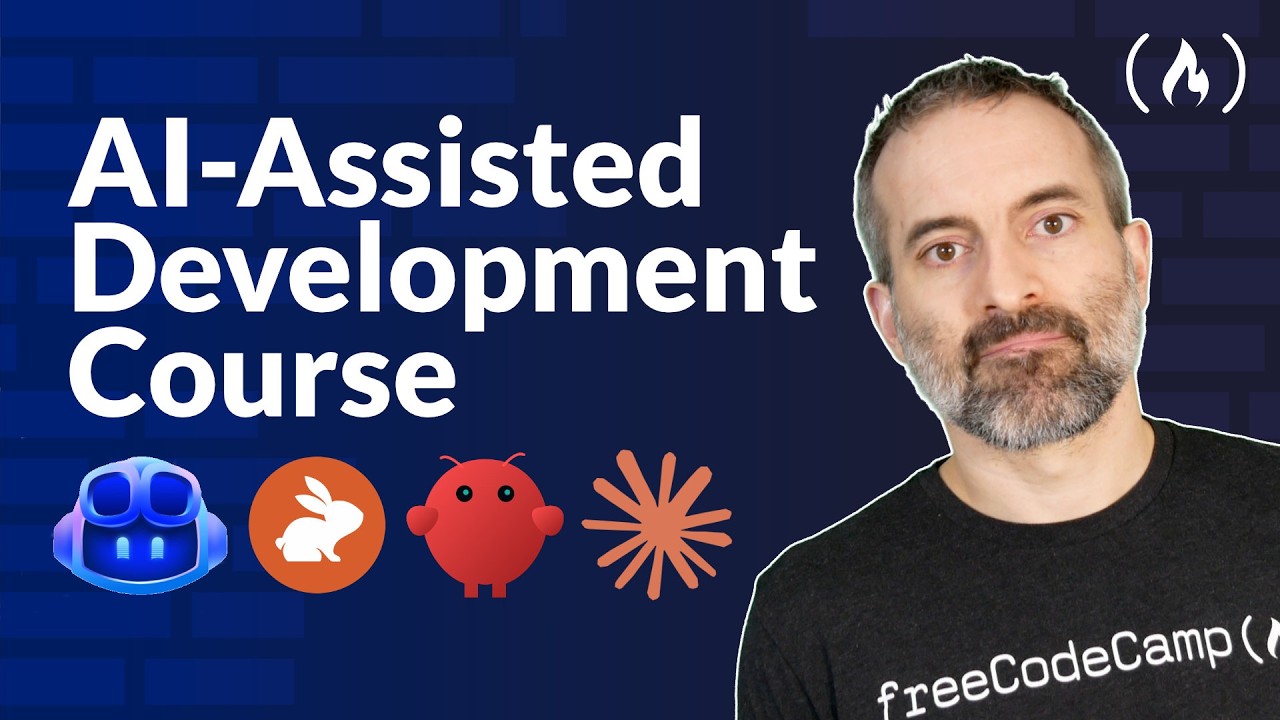
freeCodeCamp.org
GitHub Copilot Alternatives
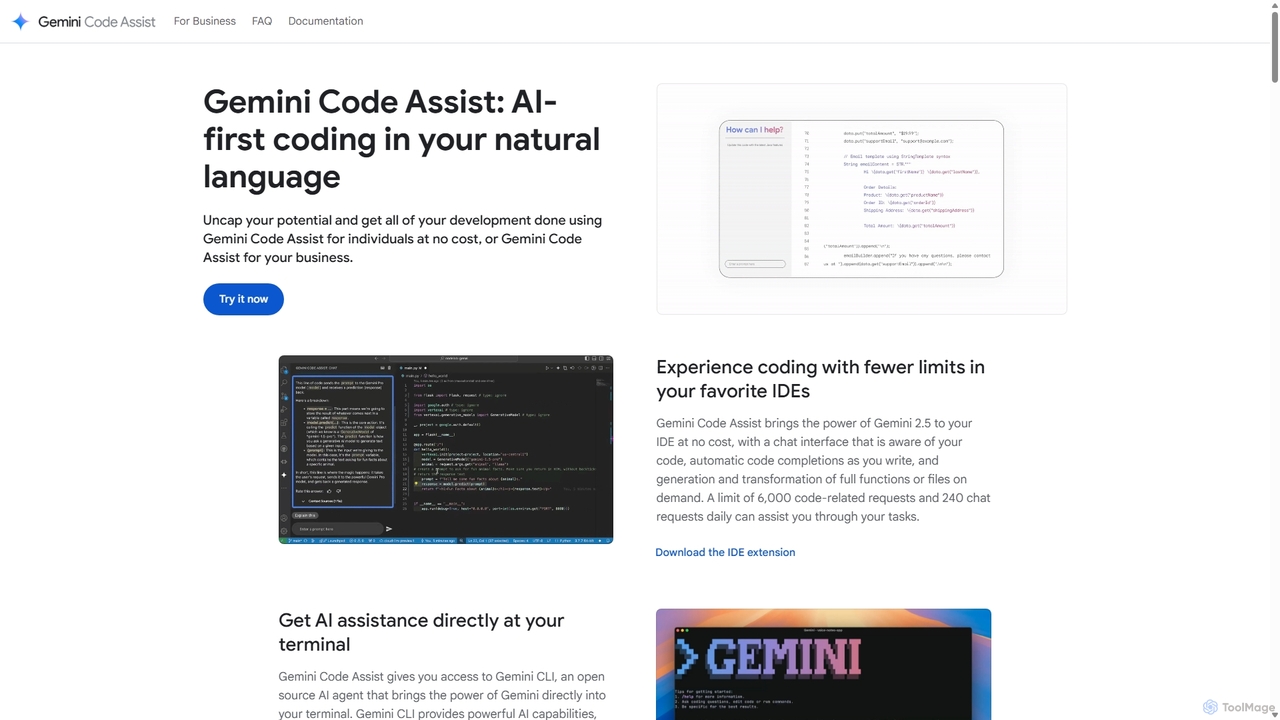
Gemini Code Assist
Gemini Code Assist is an AI-powered coding assistant from Google, powered by the Gemini 2.5 model. It integrates into your favorite IDEs, terminal, and development platforms to accelerate the entire software development lifecycle with features like code completion, generation, natural language chat, and automated code reviews.
Code Assistant
Devgen
Devgen is an AI-powered coding assistant designed to accelerate the software development lifecycle. It helps developers write better code faster by providing intelligent code generation, completion, refactoring, and automated testing, directly within their IDE.
Code Assistant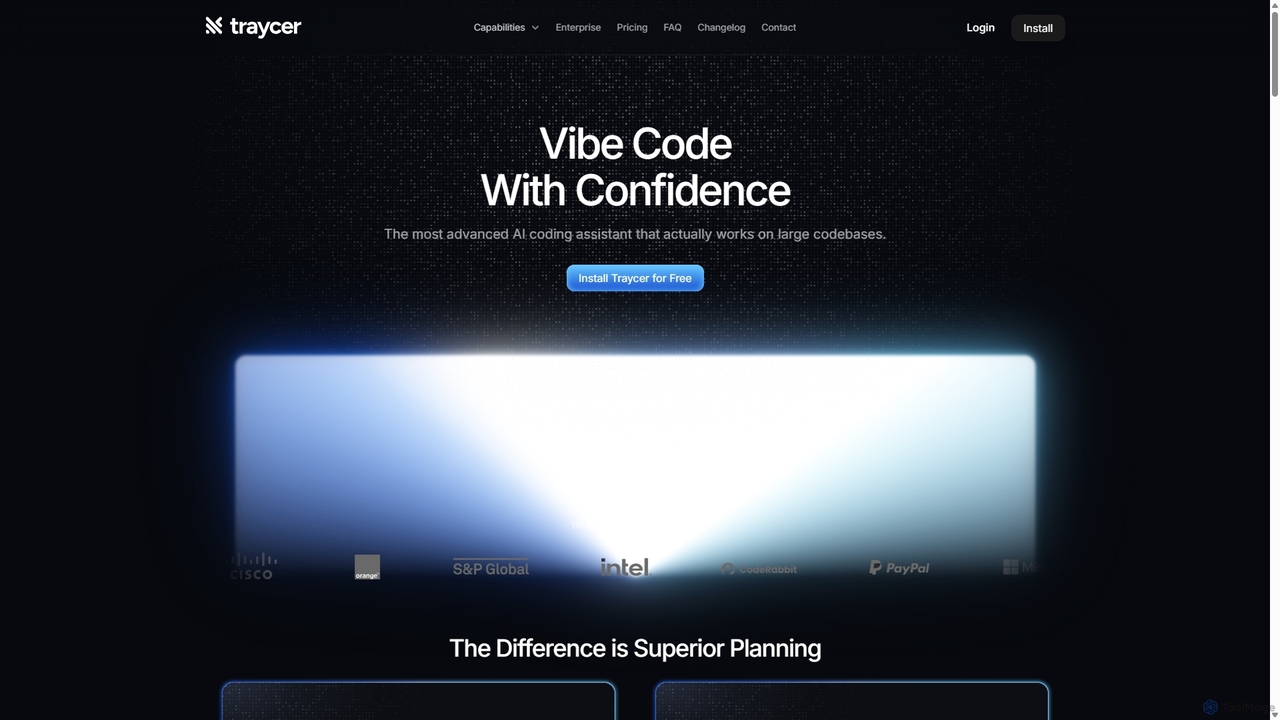
Traycer
Traycer is an advanced AI coding assistant designed for large codebases. It champions a "Plan First, Code Second" approach, generating detailed, actionable plans before writing any code. It integrates with popular AI agents like Copilot and Claude, verifies changes, and offers automated code reviews to streamline development, improve code quality, and significantly boost productivity for individual developers and teams.
Code Review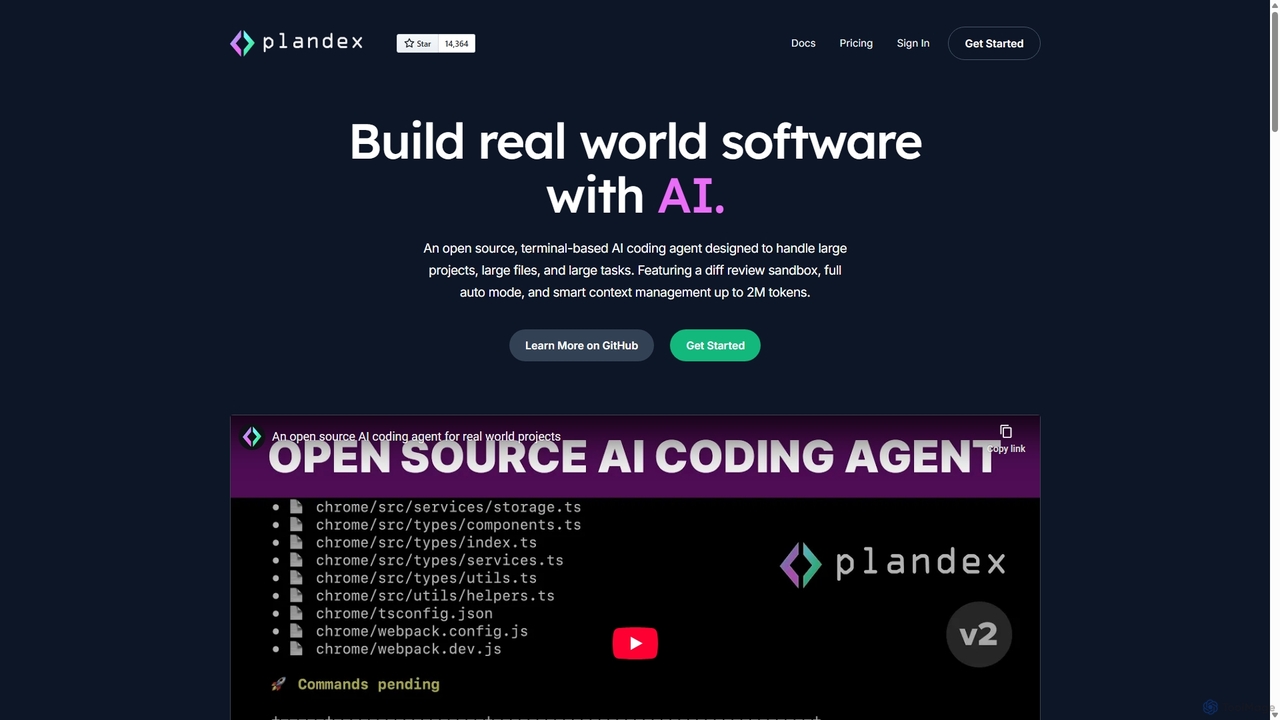
Plandex
Plandex is an open-source, terminal-based AI coding agent designed for complex, large-scale software development tasks. It excels at handling large projects and files with its 2M token context window. Featuring a diff review sandbox, configurable autonomy, and multi-model support, Plandex empowers developers to build, debug, and refactor entire applications with AI assistance, ensuring control and productivity in a dev-friendly workflow.
Code Generation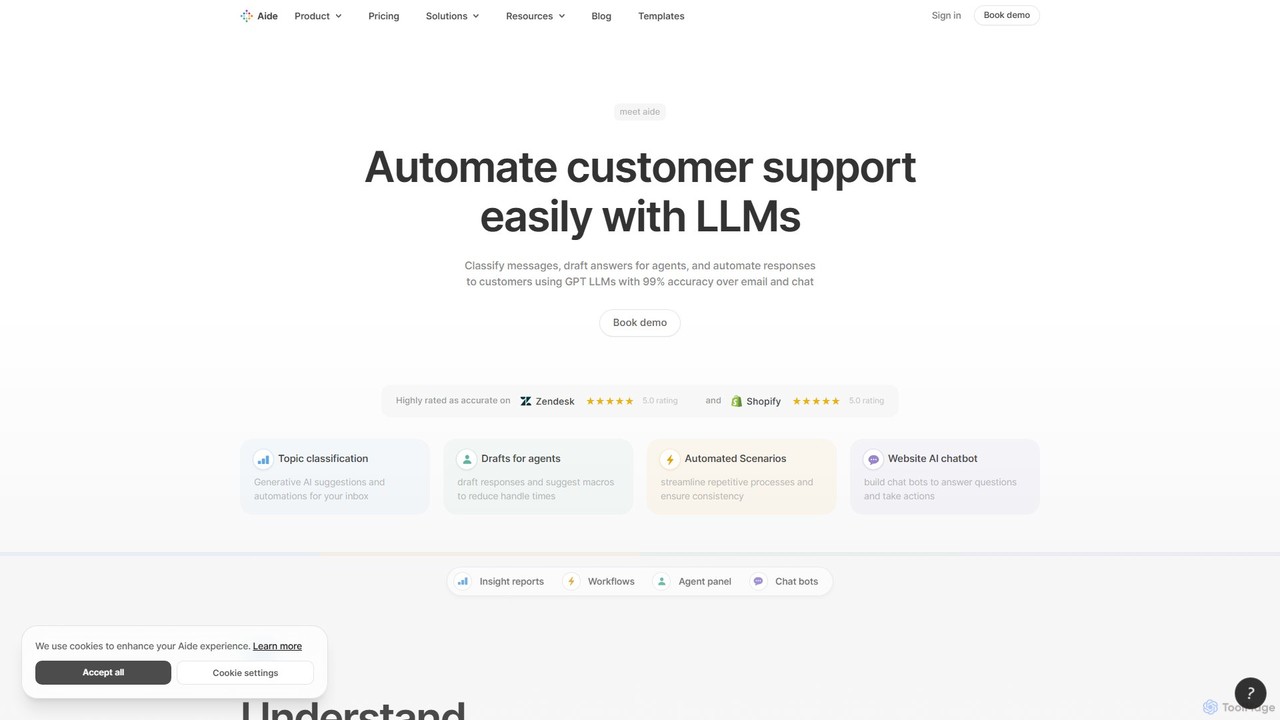
Aide
Aide is an AI-powered multi-agent coding assistant that automates software development directly within your GitHub workflow. It interprets GitHub issues, autonomously generates code, creates pull requests, and iterates based on your feedback, effectively acting as a team of AI engineers on your codebase.
Code GenerationGitHub Copilot Categories
GitHub Copilot Jobs
GitHub Copilot Embed Widget
Copy this embed code to place the badge on your blog, article, or product site and send readers directly to this ToolMage detail page.

Related AI tools
Cursor
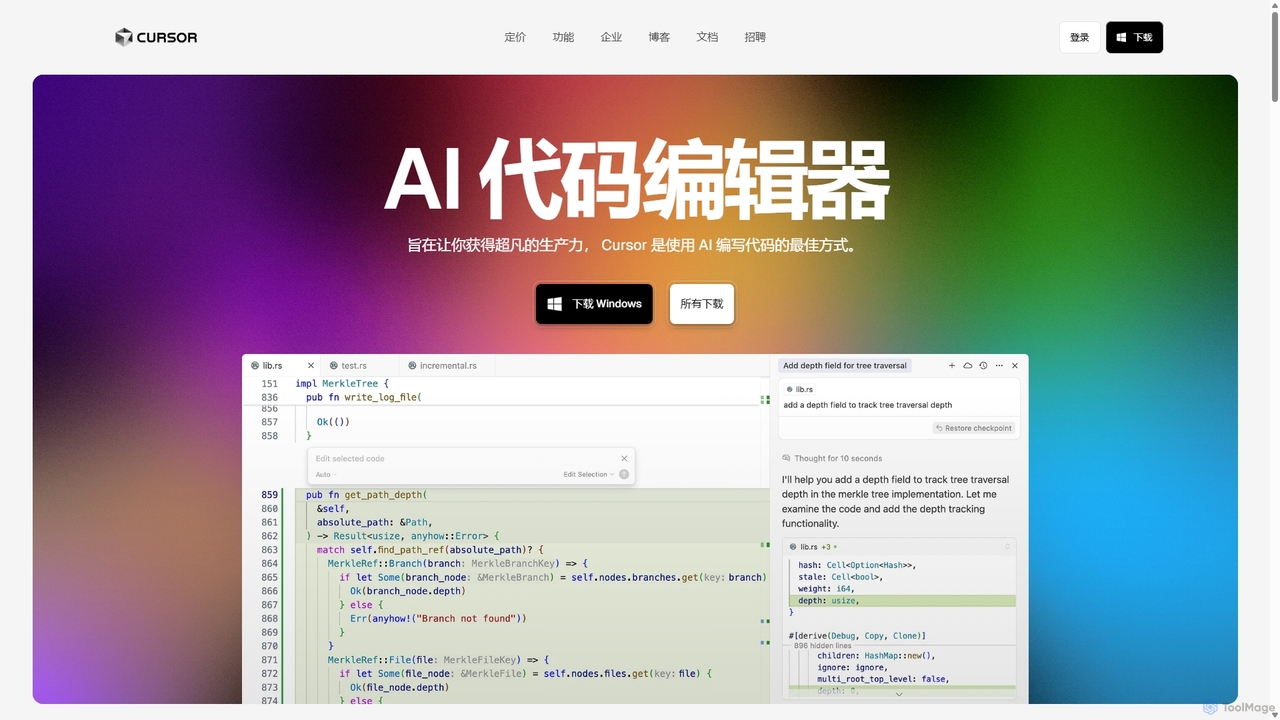
Cursor is an AI-first code editor designed for pair-programming with artificial intelligence. Built as a fork of VS Code, it offers a familiar environment supercharged with advanced AI capabilities for code generation, editing, debugging, and codebase comprehension, aiming to significantly boost developer productivity.
Code AssistantGemini Code Assist
Gemini Code Assist is an AI-powered coding assistant from Google, powered by the Gemini 2.5 model. It integrates into your favorite IDEs, terminal, and development platforms to accelerate the entire software development lifecycle with features like code completion, generation, natural language chat, and automated code reviews.
Code AssistantDevgen
Devgen is an AI-powered coding assistant designed to accelerate the software development lifecycle. It helps developers write better code faster by providing intelligent code generation, completion, refactoring, and automated testing, directly within their IDE.
Code AssistantTraycer
Traycer is an advanced AI coding assistant designed for large codebases. It champions a "Plan First, Code Second" approach, generating detailed, actionable plans before writing any code. It integrates with popular AI agents like Copilot and Claude, verifies changes, and offers automated code reviews to streamline development, improve code quality, and significantly boost productivity for individual developers and teams.
Code Review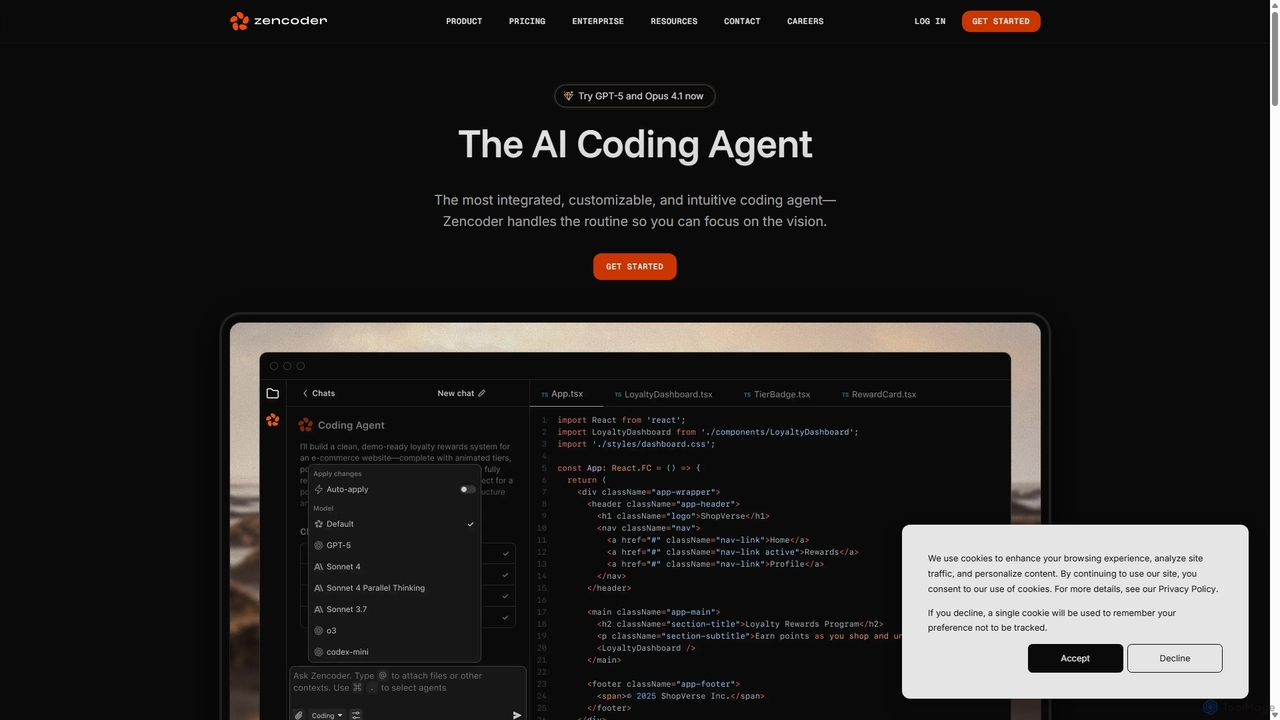
Zencoder
Zencoder is an advanced AI coding agent designed to automate routine development tasks. It deeply integrates into your workflow, understanding your entire codebase to implement features, write tests, fix bugs, and refactor code autonomously. With customizable 'Zen Agents' and seamless integration with VS Code, JetBrains, and over 100 developer tools, Zencoder empowers engineering teams to focus on innovation and ship products faster.
Code Assistant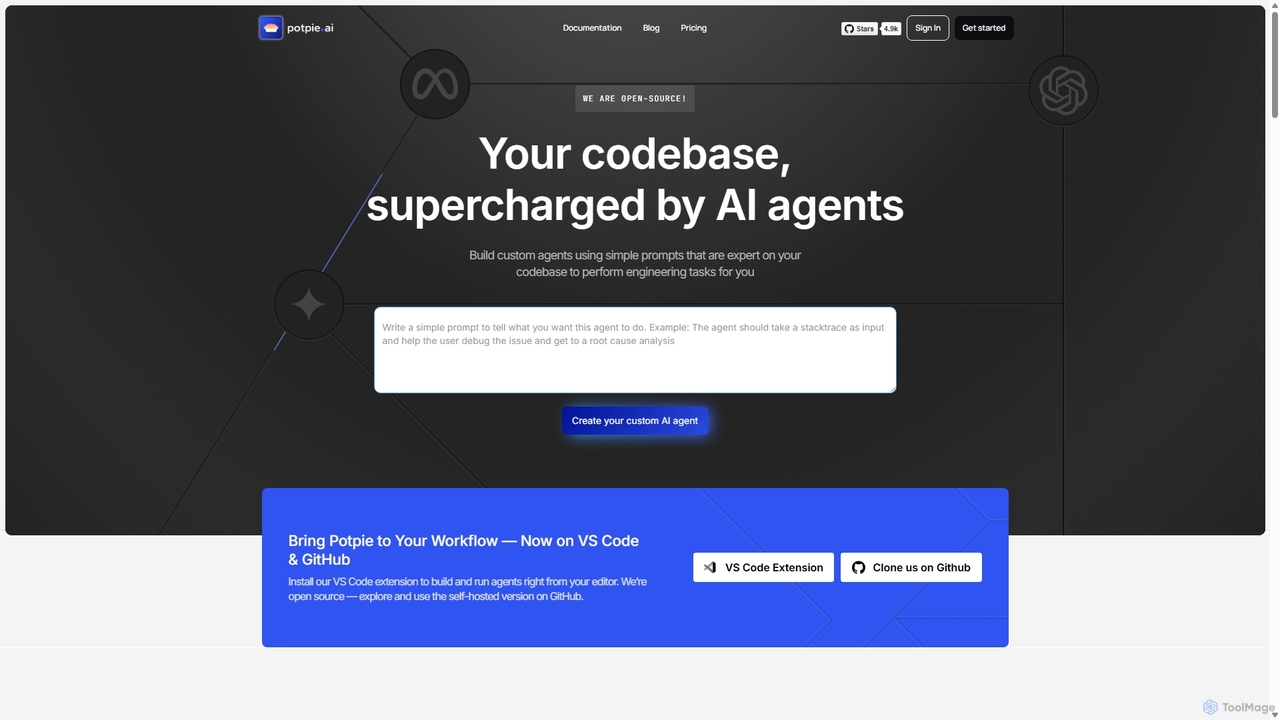
Potpie
Potpie is an open-source platform that empowers developers to build custom AI agents expert on their codebase. These agents automate complex engineering tasks, from debugging and testing to system design, integrating seamlessly into workflows via VS Code and GitHub.
Custom Agent Builder
Codebay
Codebay is an AI-powered development platform designed to accelerate the entire software lifecycle. It acts as an intelligent co-pilot for developers, offering advanced features for code generation, automated review, intelligent debugging, and seamless integration with existing workflows to enhance productivity and code quality.
Code Generation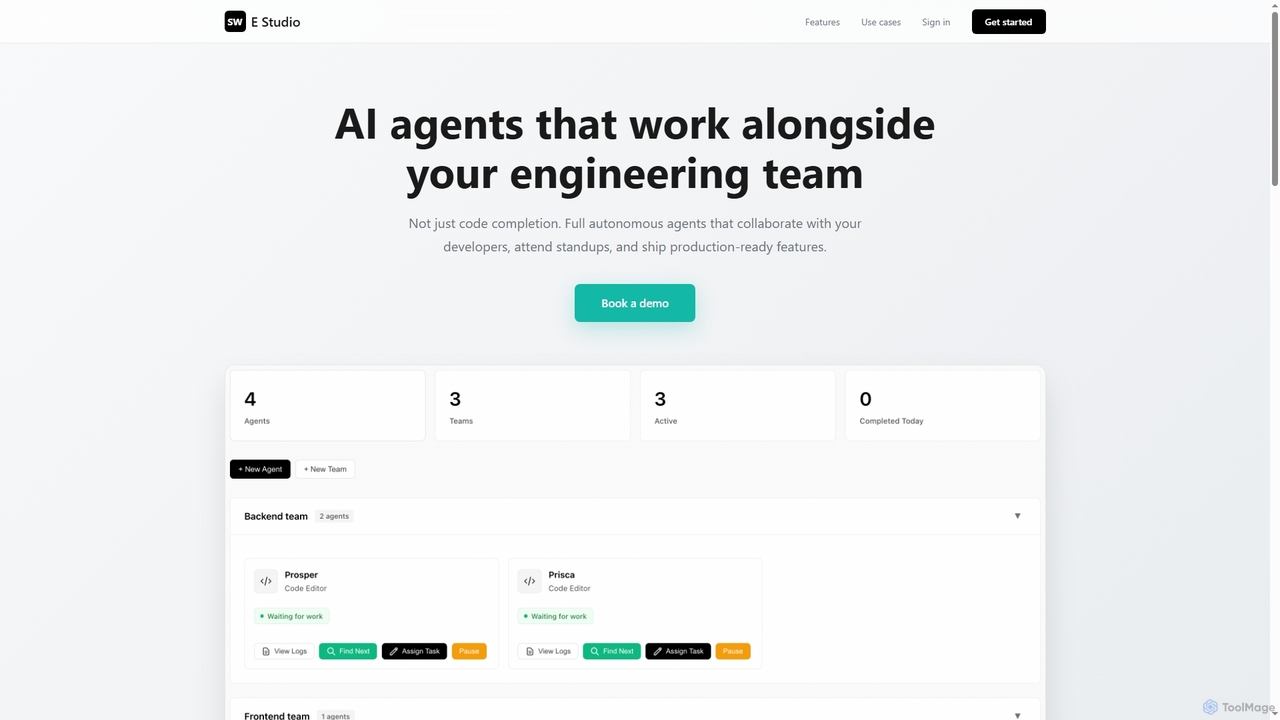
Swe Studio
Swe Studio provides autonomous AI agents that function as full members of your engineering team. They independently handle development tasks from Jira tickets to pull requests, collaborating via Slack and GitHub to ship production-ready features.
Code Assistant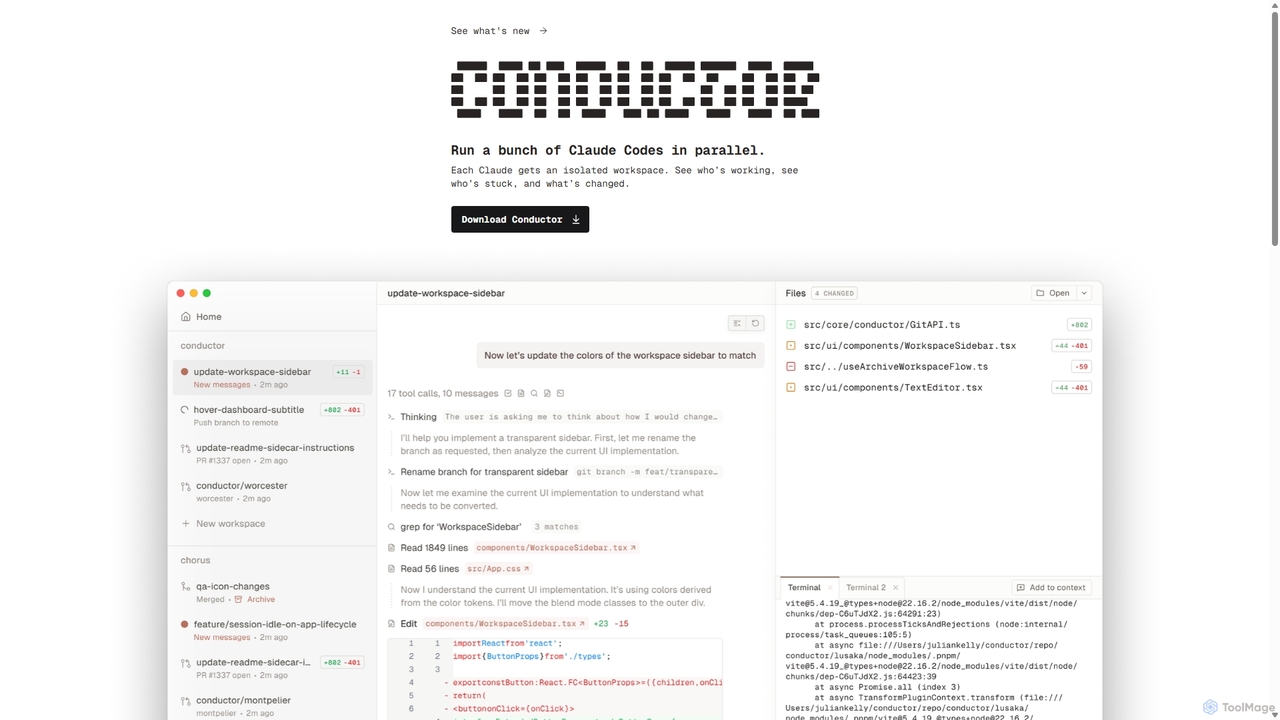
Conductor
A powerful Mac application for orchestrating multiple AI coding agents. Run parallel instances of Claude Code in isolated workspaces to accelerate software development, monitor progress, and review code through a beautiful, intuitive UI.
Code Assistant
codimite
Codimite is an AI-powered coding assistant designed to accelerate the software development lifecycle. It acts as a pair programmer, helping developers write, debug, and optimize code faster with features like intelligent code completion, natural language-to-code generation, and automated bug fixing, integrating directly into your favorite IDE.
Code Generation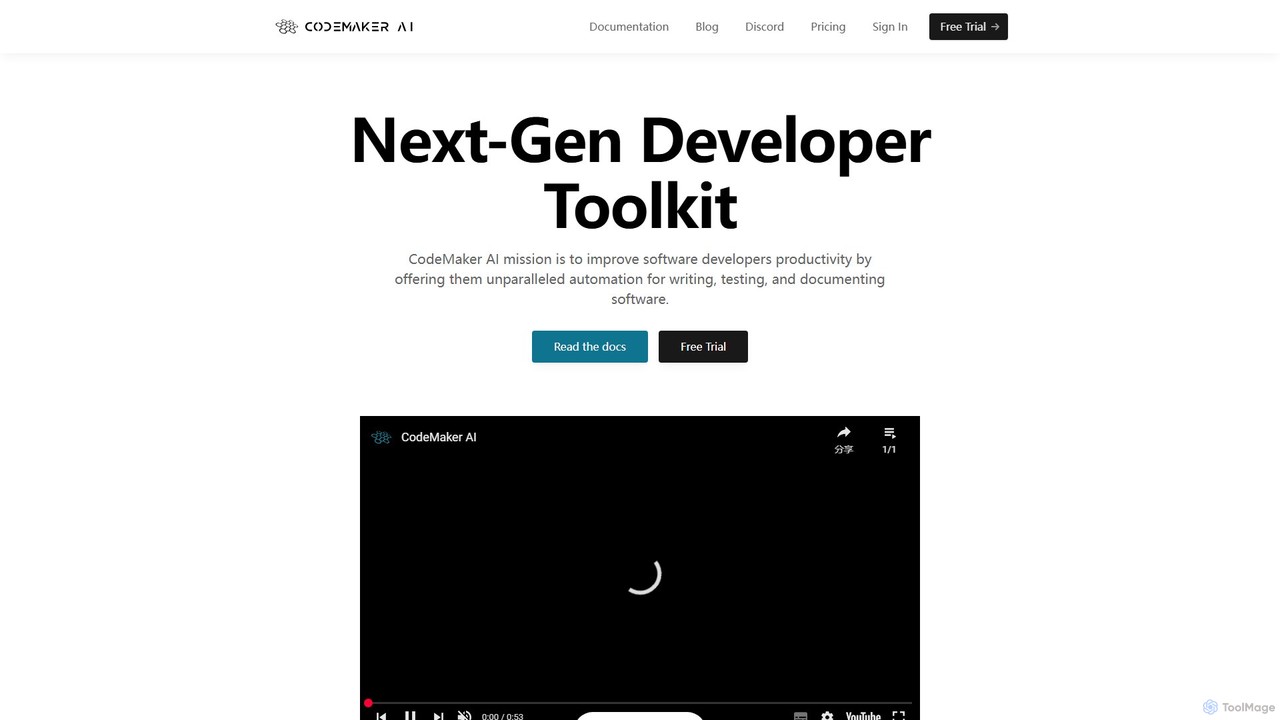
CodeMaker AI
CodeMaker AI is a next-generation developer toolkit designed to boost productivity by automating software writing, testing, and documentation. It integrates seamlessly into your workflow via IDEs, GitHub, and CLI, offering context-aware code generation and a powerful AI assistant.
Code Assistant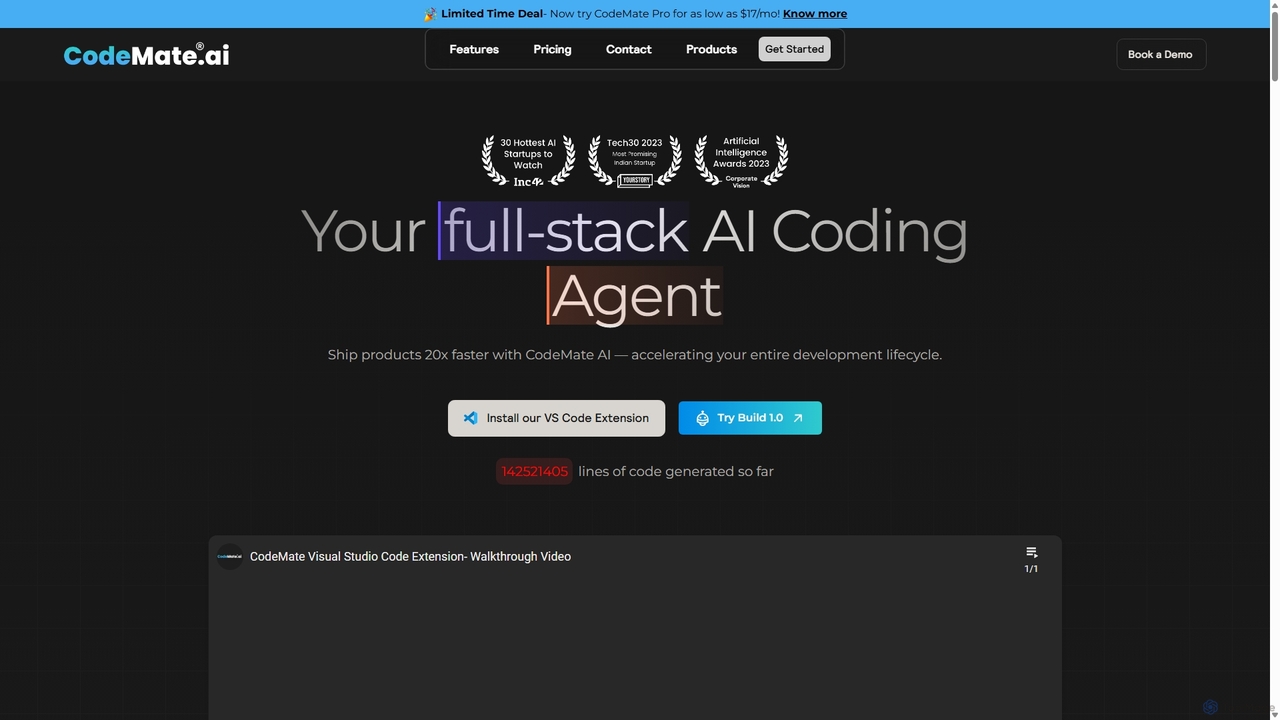
CodeMate
CodeMate is a secure, personalized AI pair programmer designed to enhance developer productivity. It assists with debugging, reviewing, and optimizing code, offering context-aware chat and seamless integration with IDEs like VS Code to help developers build software up to 20x faster.
Code Assistant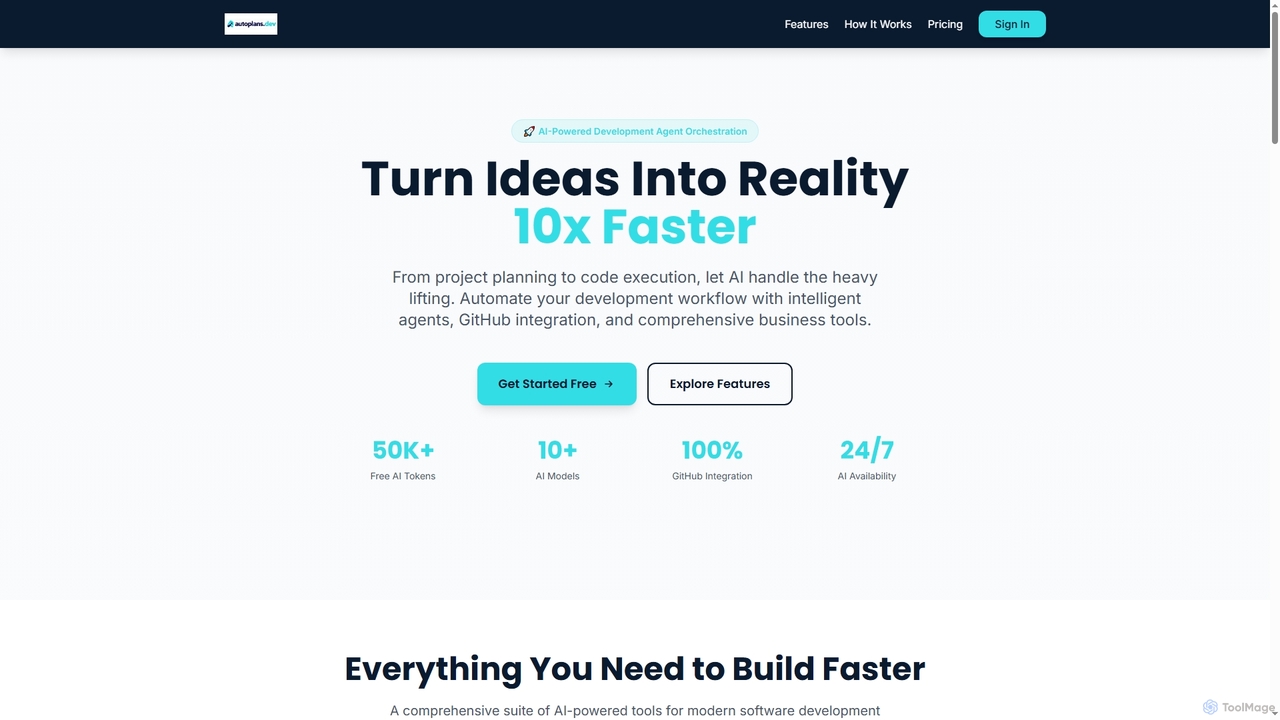
Autoplans
Autoplans is an AI-powered development orchestration platform that automates the entire software development workflow. It uses intelligent agents to transform project ideas into structured plans, generate code, and create GitHub pull requests, aiming to accelerate development by up to 10x.
Code Generation
Rebolt
Rebolt is an AI-powered platform designed to automate the entire software development lifecycle. It helps developer and DevOps teams build, test, and deploy applications faster and more reliably by leveraging AI for CI/CD pipeline optimization, code generation, and intelligent monitoring.
Code Assistant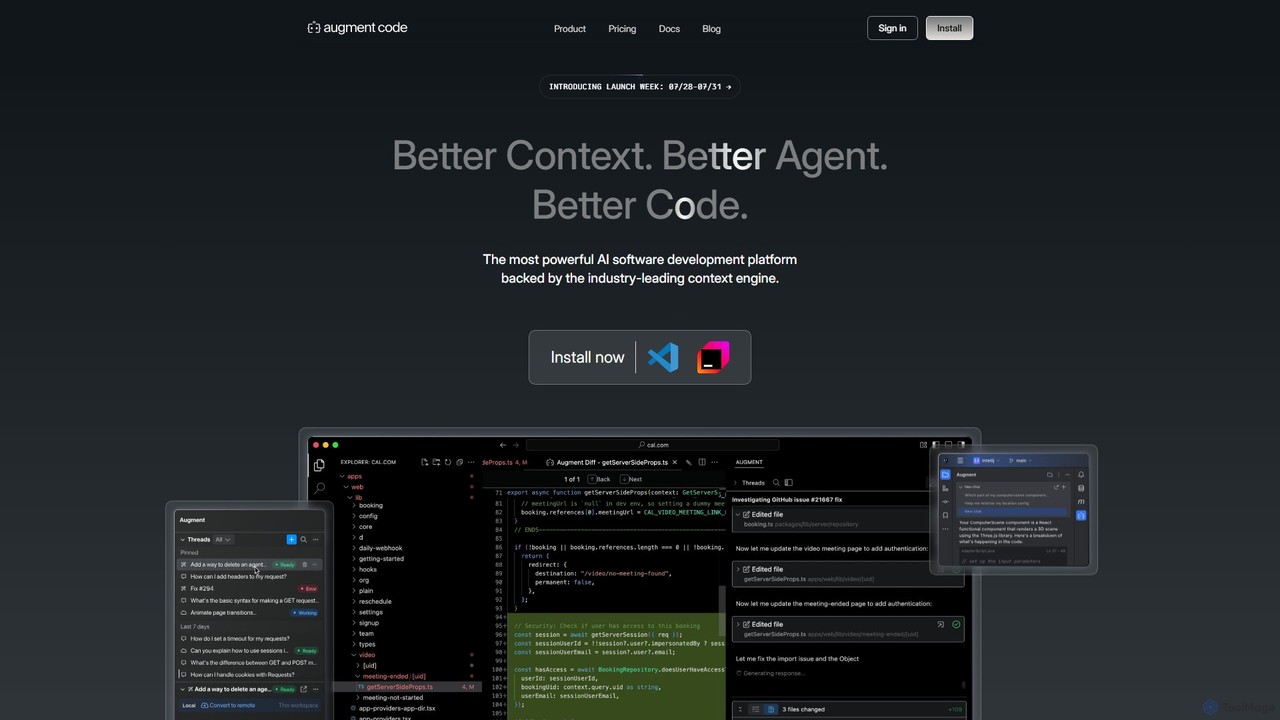
Augment Code
Augment Code is an advanced AI software development platform featuring autonomous agents and a powerful context engine. It integrates into your IDE to help you plan, build, and ship production-ready code faster, with a strong focus on enterprise-grade security and deep codebase understanding.
Code Generation
GitHub Copilot Comments (0)
Sign in to comment.
Sign inNo comments yet.