

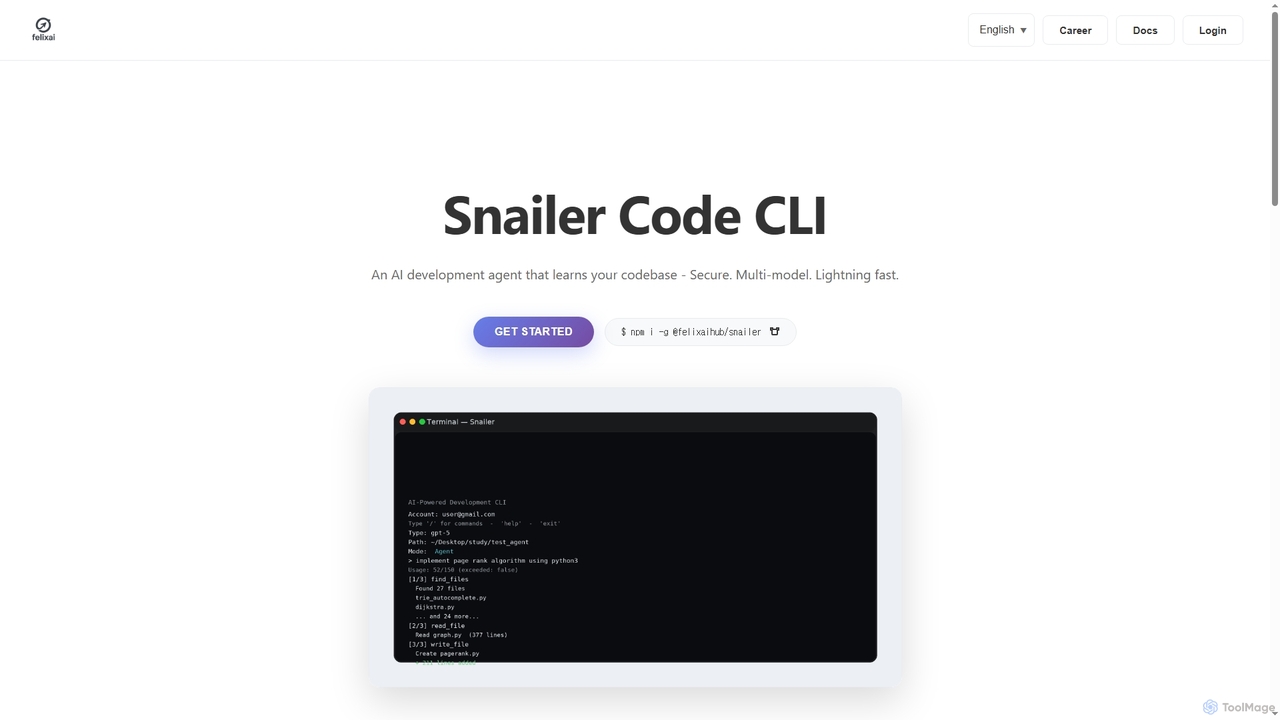
Snailer Overview
Snailer is an advanced AI development agent designed to act as a coding partner directly within your existing workflow. Operating as a Command-Line Interface (CLI) tool, it integrates seamlessly with your terminal and IDEs like VS Code, Cursor, and Windsurf. Snailer learns your codebase to provide context-aware assistance, allowing you to generate and edit code by simply describing your requirements in plain English. It emphasizes security, speed, and flexibility by supporting multiple AI models.
How to use Snailer
To get started with Snailer, first install the CLI tool via npm by running the command $ npm i -g @felixaihub/snailer in your terminal. Once installed, you can invoke Snailer directly from your command line or within your integrated development environment (IDE). Describe the coding task you need to accomplish in natural language. Snailer will then analyze the relevant files in your codebase, propose changes in the form of diffs for your review, and execute the edits safely. You can switch between different AI models on the fly using the /model command and cancel any ongoing operation instantly by pressing ESC.
Core Features of Snailer
- Multi-Model Support: Flexibly switch between various AI models, including Claude, GPT-5, Gemini, and Grok, to leverage the best one for each specific task.
- Codebase Awareness: The agent learns the context of your entire codebase to provide highly relevant and accurate code suggestions and modifications.
- Natural Language Interface: Interact with the tool using plain English commands, making the coding process more intuitive and accessible.
- Seamless Workflow Integration: Plugs directly into your existing development environment, including Terminal, VS Code, Cursor, and Windsurf, without requiring changes to your toolchain.
- Secure and Controlled Edits: Proposes changes as diffs for review before execution, ensuring you have full control and that only safe edits are applied.
- High-Speed Iteration: Designed for rapid development cycles, allowing you to iterate on code in seconds instead of hours.
Use Cases for Snailer
Snailer is ideal for developers looking to accelerate their coding process. It can be used for rapid prototyping, generating boilerplate code, refactoring complex functions with simple instructions, debugging issues by describing the problem, and automating repetitive coding tasks. It also serves as an excellent tool for onboarding to new projects, as it can help developers understand and navigate an unfamiliar codebase more quickly.
Advantages of Snailer
The primary advantage of Snailer is its efficiency, transforming hours of work into seconds. Its multi-model capability offers unparalleled flexibility, allowing developers to choose the most suitable AI for their needs. By integrating into existing workflows, it enhances productivity without a steep learning curve. The focus on security, with user-reviewed diffs and safe execution, provides peace of mind. Its CLI-first approach appeals to developers who prefer a keyboard-centric and fast-paced environment.
Pricing and Plans
Snailer offers a straightforward pricing structure:
- Starter Plan: For $15/month, users get access to the multi-model coding agent tools and unlimited workflows. This plan requires users to use their own API key.
- Custom Plan: For organizations or individuals with specific requirements, a custom plan is available. Interested parties are encouraged to contact the Snailer team directly for more details.
Snailer FAQ
Snailer Alternatives

Aider
Aider is an AI-powered pair programmer that operates directly in your terminal. It intelligently maps your entire codebase, providing full project context for complex tasks. Seamlessly integrated with Git, it automates commits and allows you to manage AI-driven changes with familiar tools. Aider supports over 100 programming languages, connects to leading cloud and local LLMs, and even accepts voice and image inputs, making it a versatile and powerful assistant for any developer seeking to accelerate their workflow and improve code quality.
Programming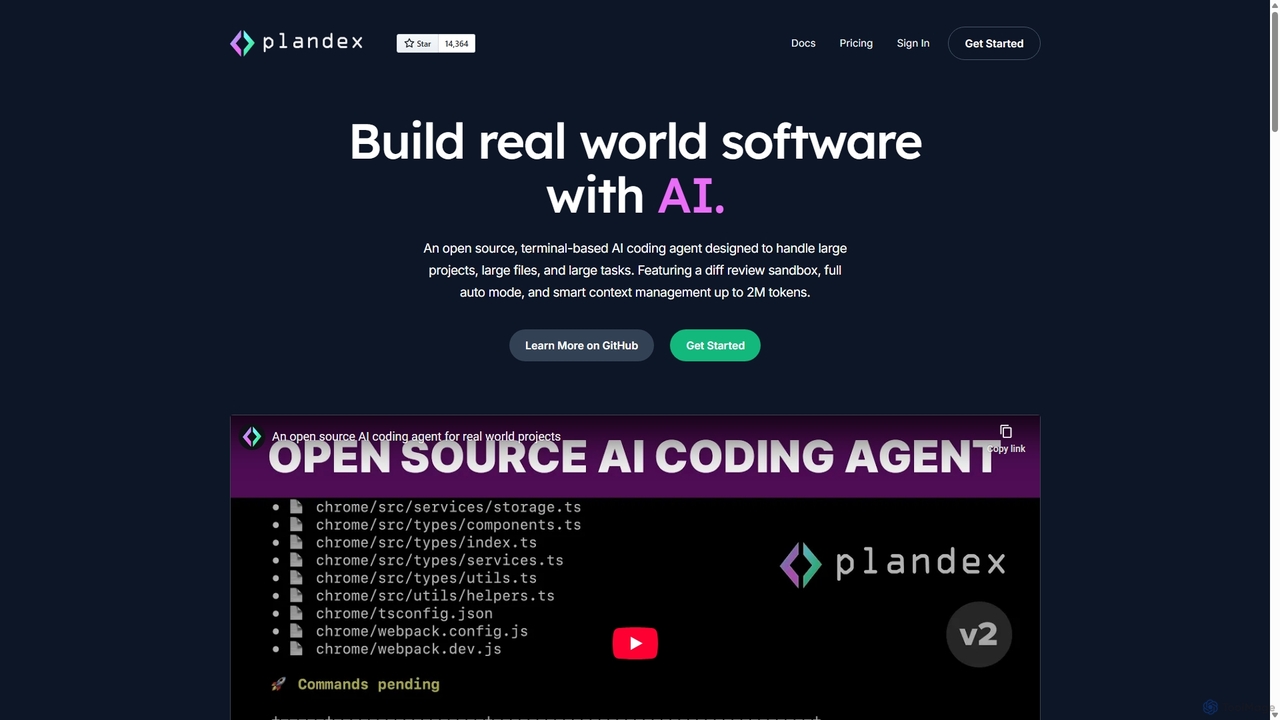
Plandex
Plandex is an open-source, terminal-based AI coding agent designed for complex, large-scale software development tasks. It excels at handling large projects and files with its 2M token context window. Featuring a diff review sandbox, configurable autonomy, and multi-model support, Plandex empowers developers to build, debug, and refactor entire applications with AI assistance, ensuring control and productivity in a dev-friendly workflow.
Code Generation
Pi
A minimal, highly customizable terminal coding agent that adapts to your workflows. Pi leverages multiple AI providers and models, offers extensive extension capabilities, and provides various interaction modes for developers.
Code Assistant
Devgen
Devgen is an AI-powered coding assistant designed to accelerate the software development lifecycle. It helps developers write better code faster by providing intelligent code generation, completion, refactoring, and automated testing, directly within their IDE.
Code Assistant
CodeWiz
CodeWiz is an AI-powered coding assistant designed to accelerate software development. It integrates into your IDE to provide intelligent code completion, real-time debugging, code explanation, and automated test generation, helping developers write better code faster and with fewer errors.
Code AssistantSnailer Categories
Snailer Jobs
Snailer Embed Widget
Copy this embed code to place the badge on your blog, article, or product site and send readers directly to this ToolMage detail page.

Related AI tools
Aider
Aider is an AI-powered pair programmer that operates directly in your terminal. It intelligently maps your entire codebase, providing full project context for complex tasks. Seamlessly integrated with Git, it automates commits and allows you to manage AI-driven changes with familiar tools. Aider supports over 100 programming languages, connects to leading cloud and local LLMs, and even accepts voice and image inputs, making it a versatile and powerful assistant for any developer seeking to accelerate their workflow and improve code quality.
ProgrammingPlandex
Plandex is an open-source, terminal-based AI coding agent designed for complex, large-scale software development tasks. It excels at handling large projects and files with its 2M token context window. Featuring a diff review sandbox, configurable autonomy, and multi-model support, Plandex empowers developers to build, debug, and refactor entire applications with AI assistance, ensuring control and productivity in a dev-friendly workflow.
Code Generation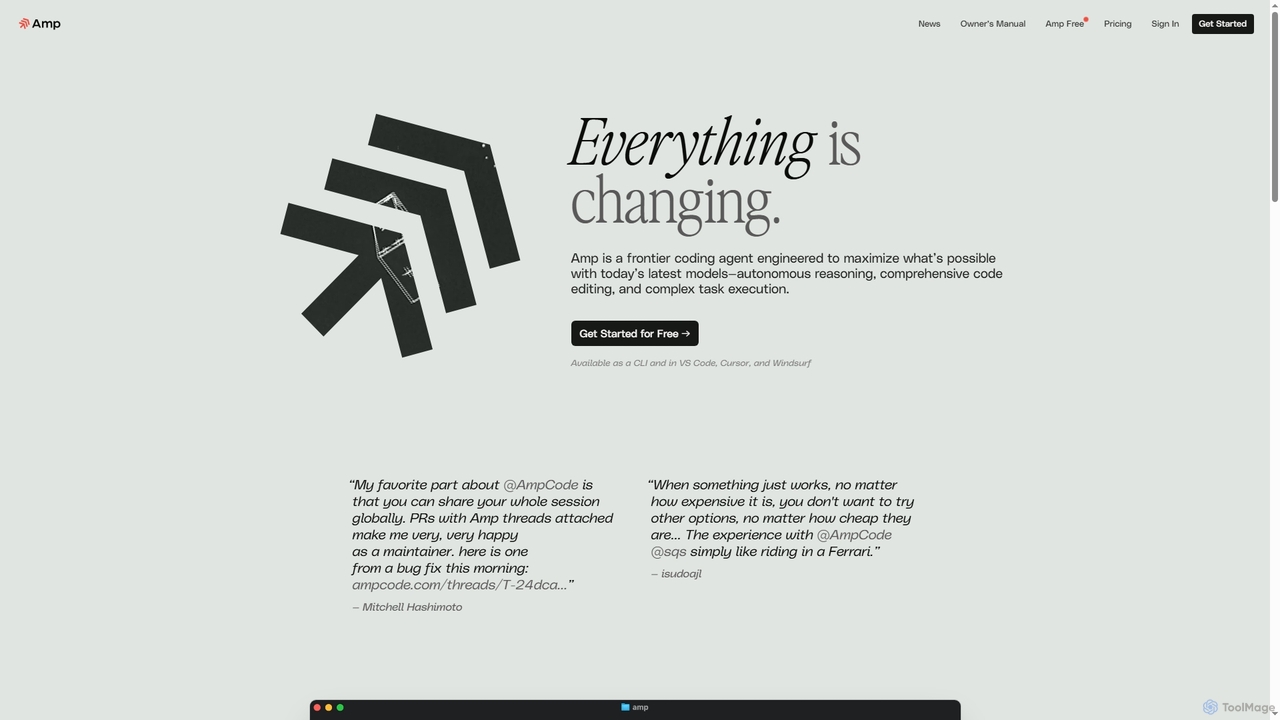
Amp
Amp is a frontier AI coding agent designed for developers. It operates as a CLI and within IDEs like VS Code, automating complex tasks such as code editing, debugging, and refactoring. Amp leverages the latest AI models to provide autonomous reasoning and execution, enhancing developer productivity through features like subagents, an Oracle for complex analysis, and deep IDE integration.
Code Assistant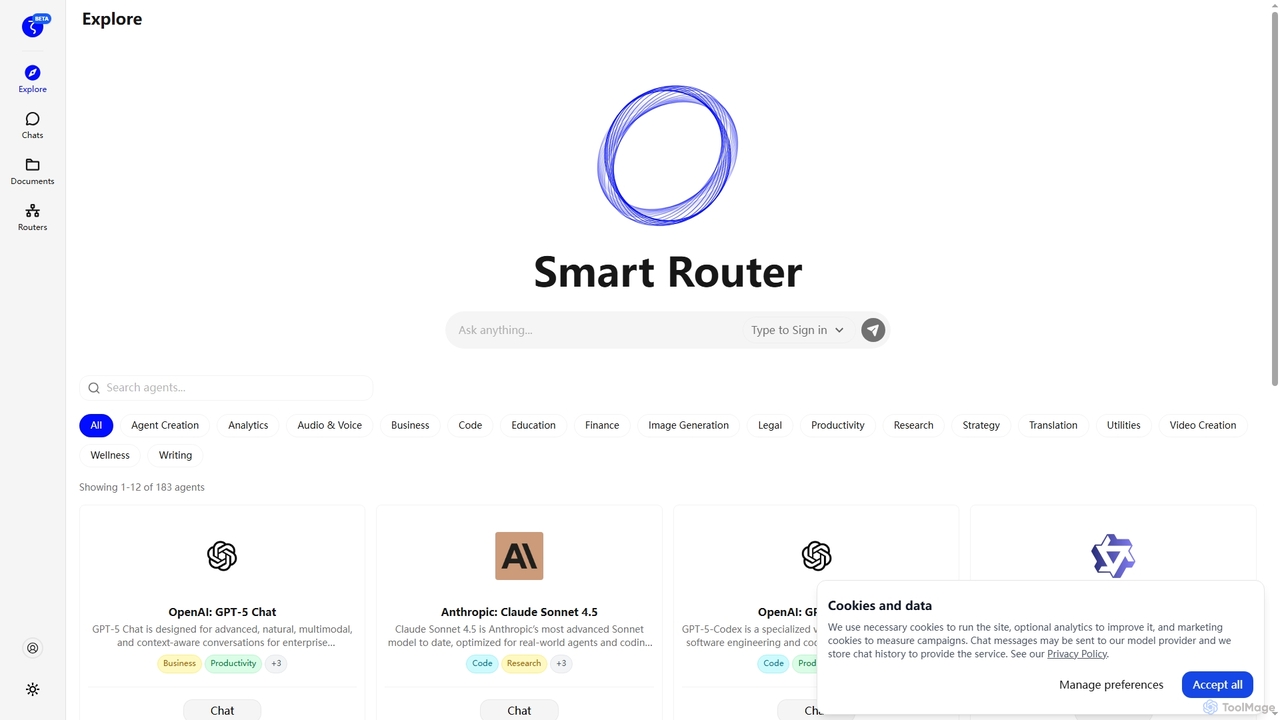
Zuvu
Zuvu is a next-generation AI agents platform that acts as a Smart Router, providing access to a diverse range of advanced AI models like OpenAI GPT-5, Anthropic Claude, and Google Gemini for complex, agentic workflows across various domains.
AutomationPi
A minimal, highly customizable terminal coding agent that adapts to your workflows. Pi leverages multiple AI providers and models, offers extensive extension capabilities, and provides various interaction modes for developers.
Code Assistant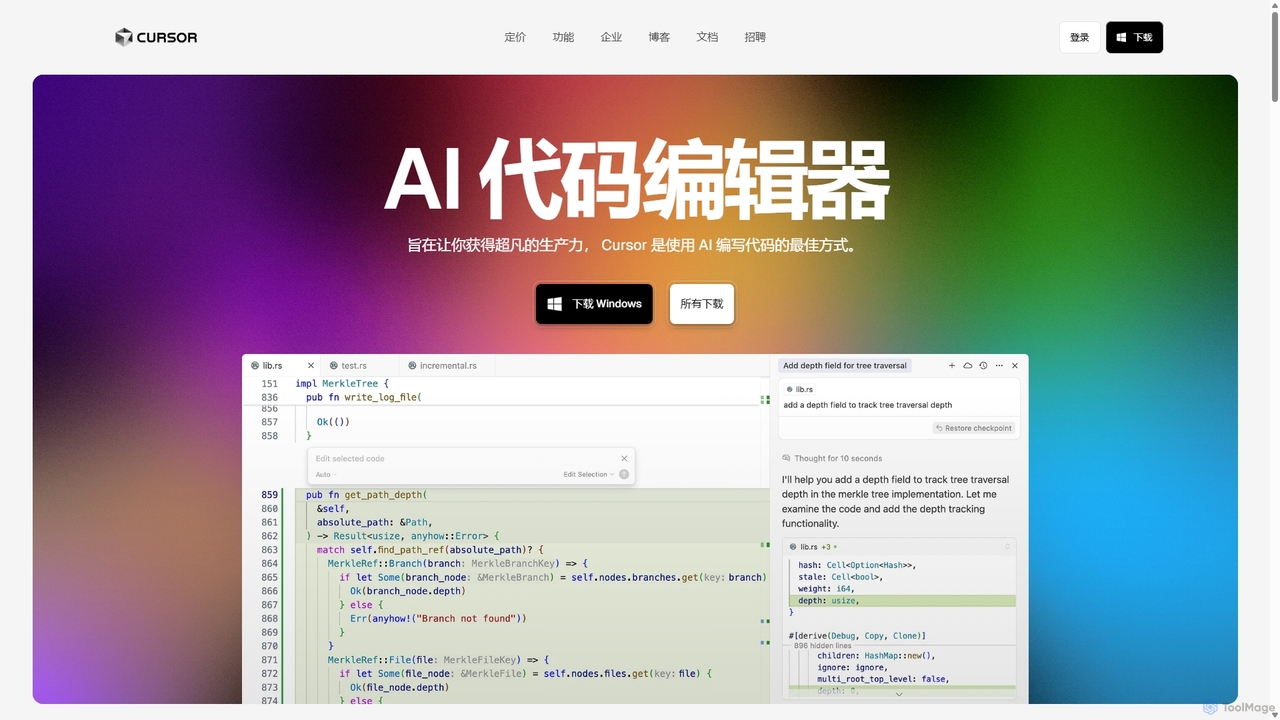
Cursor
Cursor is an AI-first code editor designed for pair-programming with artificial intelligence. Built as a fork of VS Code, it offers a familiar environment supercharged with advanced AI capabilities for code generation, editing, debugging, and codebase comprehension, aiming to significantly boost developer productivity.
Code Assistant
GitGab
GitGab is an advanced AI code assistant that leverages top models like ChatGPT, Claude, and Gemini. It uniquely contextualizes your entire codebase, including multiple repositories and local files, to help you implement features, find bugs, write documentation, and optimize code with unparalleled accuracy.
Code GenerationDevgen
Devgen is an AI-powered coding assistant designed to accelerate the software development lifecycle. It helps developers write better code faster by providing intelligent code generation, completion, refactoring, and automated testing, directly within their IDE.
Code AssistantCodeWiz
CodeWiz is an AI-powered coding assistant designed to accelerate software development. It integrates into your IDE to provide intelligent code completion, real-time debugging, code explanation, and automated test generation, helping developers write better code faster and with fewer errors.
Code Assistant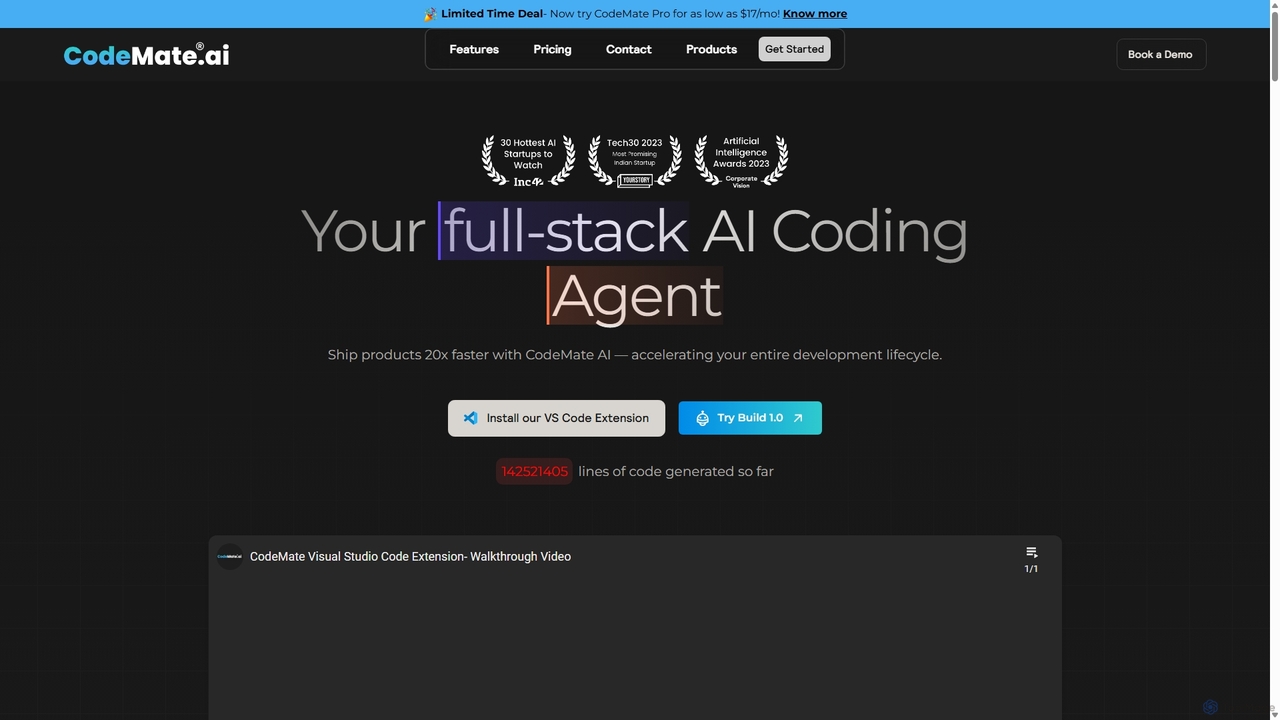
CodeMate
CodeMate is a secure, personalized AI pair programmer designed to enhance developer productivity. It assists with debugging, reviewing, and optimizing code, offering context-aware chat and seamless integration with IDEs like VS Code to help developers build software up to 20x faster.
Code Assistant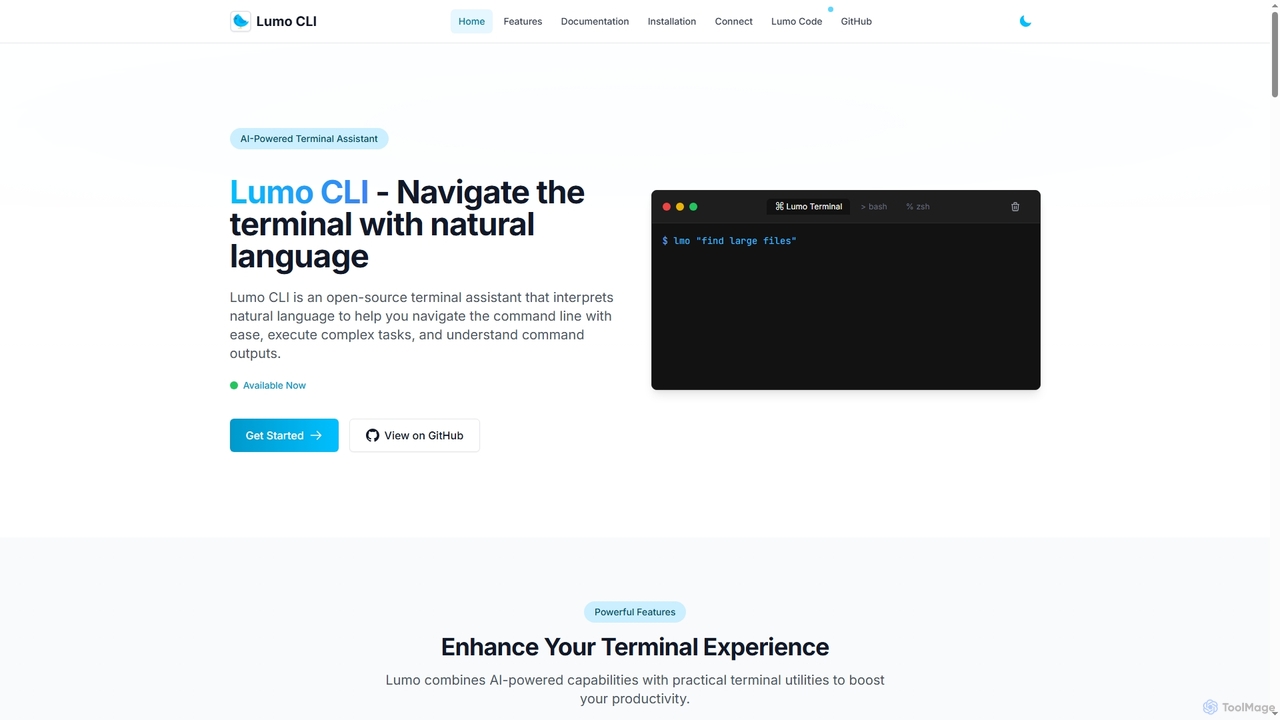
Lumo
Lumo is an open-source, AI-powered terminal assistant that allows users to interact with the command line using natural language. It translates plain English into executable commands, automates complex tasks, monitors system health, and supports multiple AI models including Gemini, OpenAI, and Ollama for local inference.
Code Assistant
Rebolt
Rebolt is an AI-powered platform designed to automate the entire software development lifecycle. It helps developer and DevOps teams build, test, and deploy applications faster and more reliably by leveraging AI for CI/CD pipeline optimization, code generation, and intelligent monitoring.
Code Assistant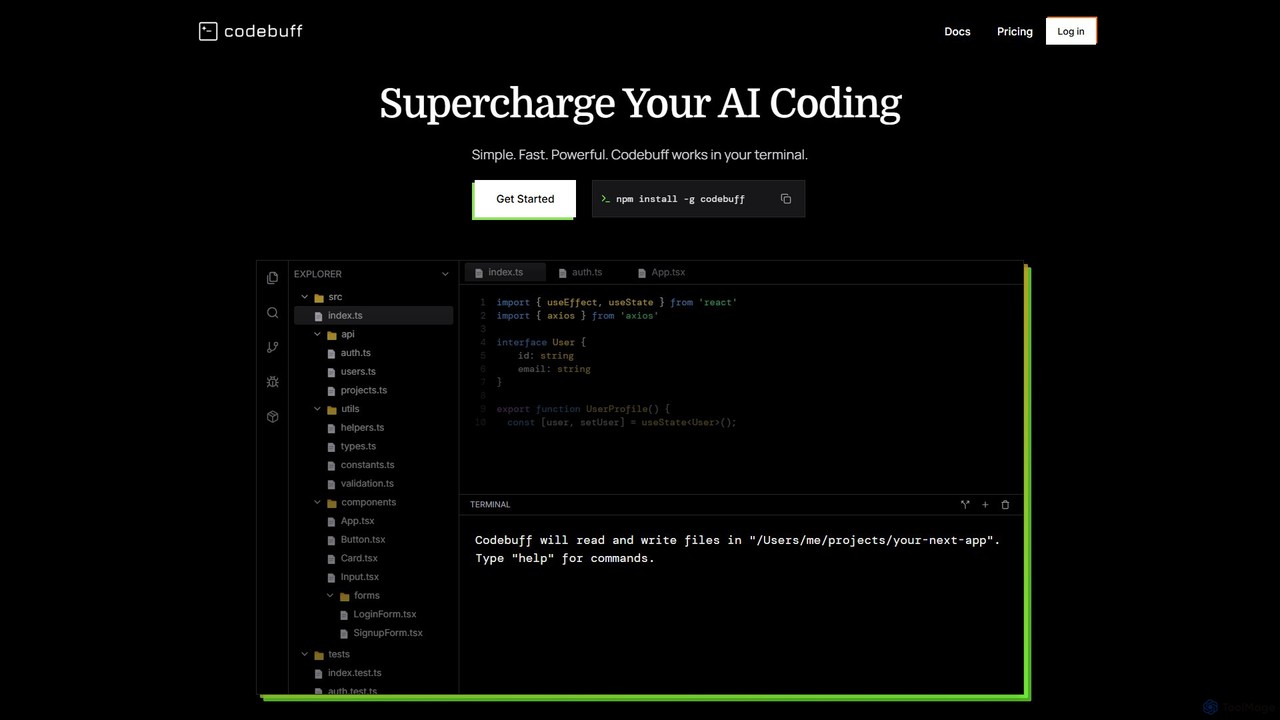
Codebuff
Codebuff is a powerful AI coding assistant that operates directly in your terminal. It deeply understands your entire codebase, enabling it to perform complex tasks like surgical code edits, feature implementation, and large-scale refactoring with unparalleled speed and accuracy. It learns from your project context and integrates seamlessly into any tech stack.
Code Generation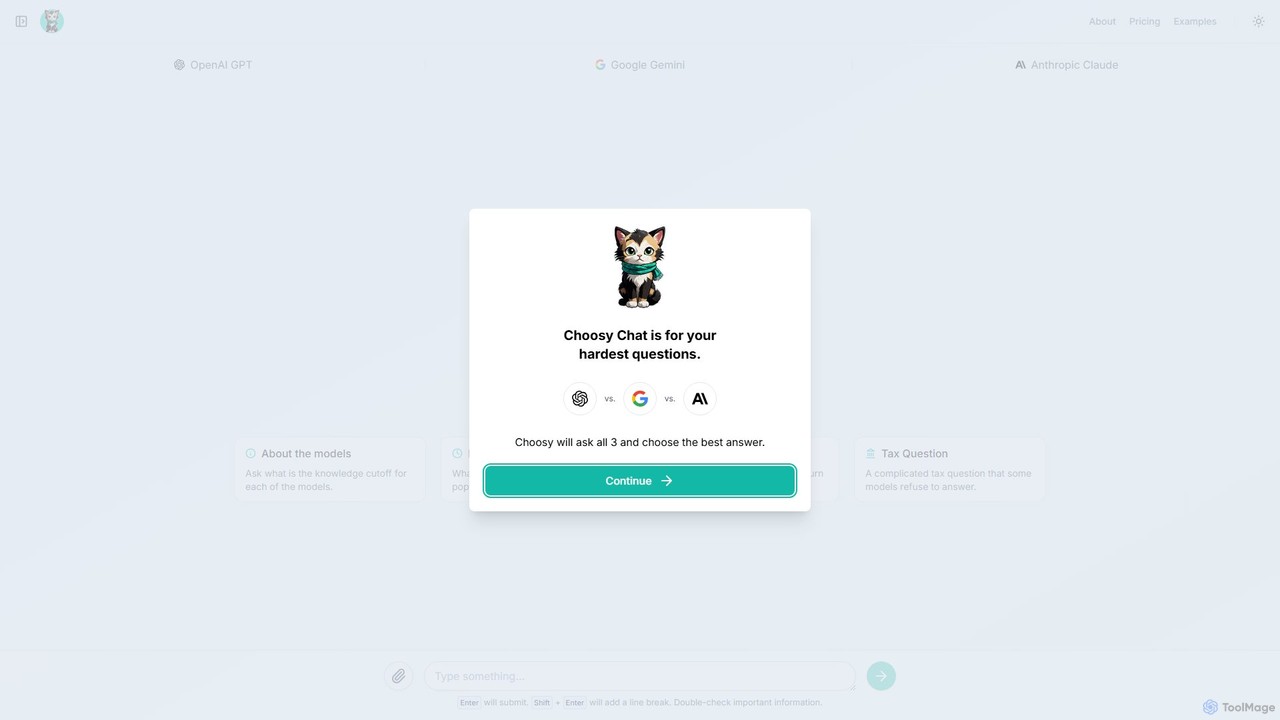
Choosy Chat
Choosy Chat is an AI tool that simultaneously sends your prompt to GPT, Gemini, and Claude, allowing you to compare their answers side-by-side. It helps you find the best possible response for any query, from coding to creative writing.
Model Comparison
Codeium
Codeium is an AI-powered code acceleration toolkit that provides free, ultra-fast code completion, in-editor chat, and other intelligent features. It supports over 70 programming languages and integrates seamlessly with more than 40 popular IDEs to help developers code faster and more efficiently.
Code Assistant
Snailer Comments (0)
Sign in to comment.
Sign inNo comments yet.