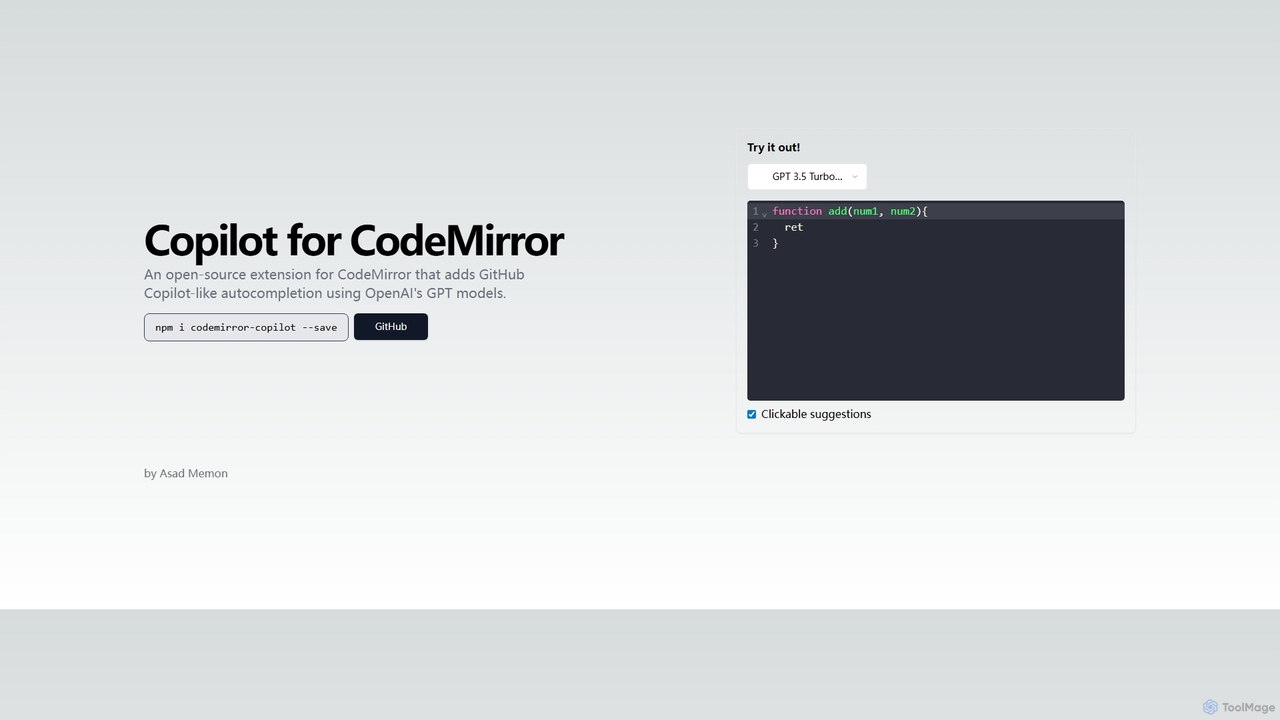
Copilot for CodeMirror
An open-source extension that integrates GitHub Copilot-like AI-powered autocompletion into the CodeMirror editor. Powered by OpenAI's GPT models, …
An open-source extension that integrates GitHub Copilot-like AI-powered autocompletion into the CodeMirror editor. Powered by OpenAI's GPT models, it provides intelligent, context-aware code suggestions to accelerate web development and enhance productivity within any application using CodeMirror.
About Code Editor
Code Editors are specialized software applications designed for writing, editing, and managing source code. These tools provide a structured environment with features like syntax highlighting, auto-completion, and error detection, significantly enhancing developer productivity. They are essential for programmers, data scientists, and web developers to efficiently create, debug, and maintain software applications and scripts, often integrating seamlessly with various programming languages and development workflows.
Core Features
- Syntax Highlighting: Visually distinguishes different elements of code for improved readability.
- Auto-completion & IntelliSense: Suggests code snippets and completes statements, reducing typing and errors.
- Integrated Debugging: Allows developers to step through code, inspect variables, and identify issues directly within the editor.
- Version Control Integration: Seamlessly connects with systems like Git for collaborative development and change tracking.
- Extension & Plugin Support: Extends functionality with custom tools, language support, and themes.
Applicable Scenarios
Code Editors are indispensable across various development domains. Software engineers use them daily for building complex applications, leveraging advanced debugging and refactoring capabilities. Web developers rely on them for front-end and back-end development, benefiting from integrated browser previews and framework support. Data scientists and machine learning engineers utilize specialized Code Editors for writing Python or R scripts, often with integrated Jupyter notebooks or data visualization tools, to develop and train AI models.
How to Choose
Selecting the right Code Editor involves considering several factors. Evaluate the range of supported programming languages and frameworks relevant to your projects. Assess the availability and quality of extensions and plugins for specific needs, such as AI development or web frameworks. Consider performance and resource usage, especially for large projects. Finally, look for robust community support, frequent updates, and integration capabilities with other development tools like version control systems and cloud platforms.

Code EditorUse Cases
Developing and Debugging New Software Features
Software developers utilize Code Editors to write new functionalities for applications. With features like intelligent auto-completion, real-time error checking, and integrated debuggers, they can quickly write clean code, identify logical errors, and step through execution to pinpoint issues. This streamlines the development cycle, ensuring new features are robust and delivered efficiently.
Collaborative Code Development and Review
Development teams leverage Code Editors with integrated version control (e.g., Git) and collaboration plugins for seamless teamwork. Developers can commit changes, merge branches, and review pull requests directly within the editor. Real-time collaboration features allow multiple team members to work on the same codebase simultaneously, enhancing communication and accelerating project delivery.
Customizing and Extending AI/ML Models
Data scientists and machine learning engineers use specialized Code Editors to write, modify, and extend AI models and libraries. They can develop custom algorithms in Python or R, integrate with frameworks like TensorFlow or PyTorch, and manage data pipelines. Features like integrated Jupyter notebooks or interactive data visualization within the editor facilitate rapid prototyping and experimentation with AI solutions.
Automating Repetitive Coding Tasks
Programmers use Code Editors to automate repetitive coding tasks through custom code snippets, macros, and intelligent refactoring tools. By defining frequently used code blocks or sequences of actions, developers can insert them with a few keystrokes, significantly reducing manual effort and potential errors. This boosts productivity, allowing focus on more complex problem-solving rather than boilerplate code.
Refactoring and Improving Codebase Quality
Experienced developers employ Code Editors for refactoring existing codebases to improve their structure, readability, and maintainability. Advanced refactoring tools can automatically rename variables, extract methods, or reorganize classes while ensuring code integrity. This process enhances the long-term health of a software project, making it easier for new team members to onboard and for future updates to be implemented.
Learning and Practicing New Programming Languages
Students and aspiring programmers use Code Editors as a primary tool for learning new programming languages. The immediate feedback from syntax highlighting, basic error detection, and integrated terminals allows them to experiment with code, understand language constructs, and see results instantly. This interactive environment is crucial for hands-on learning and building foundational coding skills.