

Prisma Assistant Overview
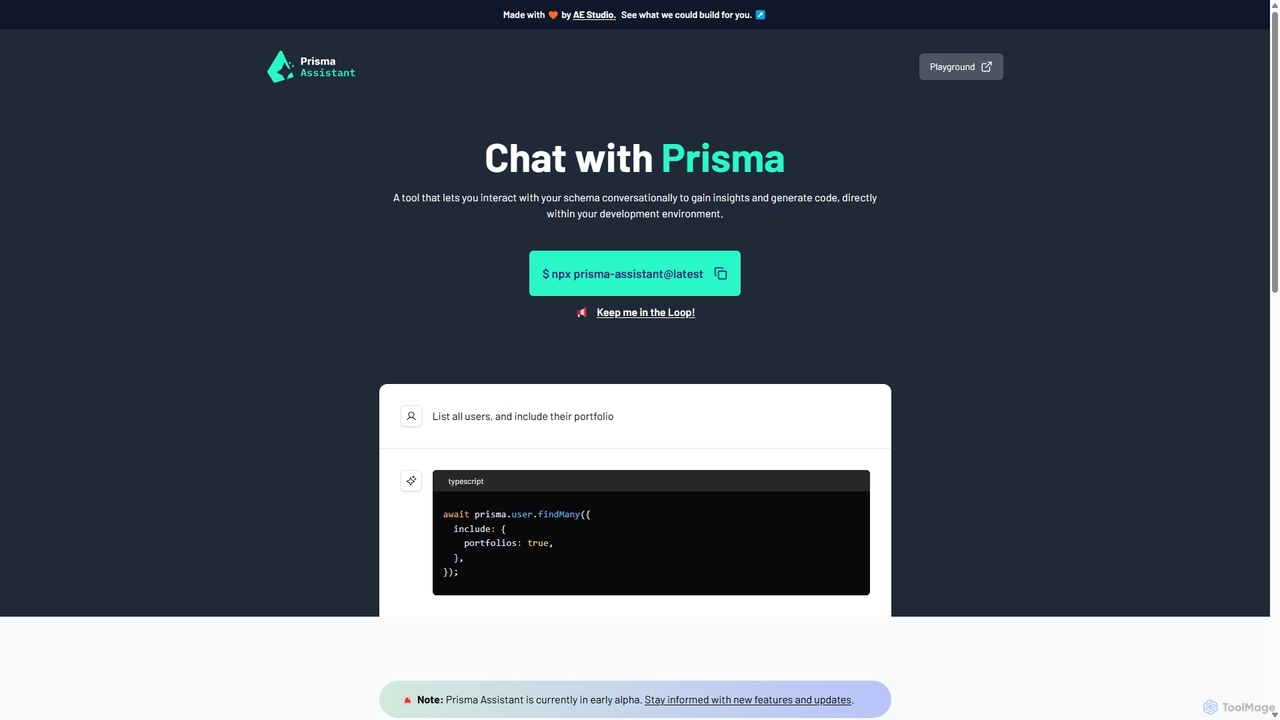
Prisma Assistant is a powerful, locally-run AI tool designed to revolutionize the way developers interact with the Prisma ORM. Developed by AE Studio, this assistant acts as an intelligent co-pilot, allowing you to communicate with your database schema using natural language. Instead of manually writing complex queries or spending time deciphering intricate data models, you can simply ask questions and receive immediate, actionable code and insights. The tool runs entirely on your local machine, ensuring that your sensitive schema information and API keys remain secure and private. It's currently in its early alpha stage, with continuous improvements and new features being added.
How to use Prisma Assistant
Getting started with Prisma Assistant is straightforward and designed for a seamless integration into your existing development environment. Follow these simple steps:
- API Key Setup: You'll need an API key from a supported AI model provider. By default, it uses OpenAI. Obtain your key from the OpenAI API portal. Alternatively, for a fully local setup, you can configure it to use Ollama with models like Llama2.
- Set Environment Variable: Before running the assistant, you must set your API key as an environment variable.
- For macOS/Linux:
export PRISMA_ASSISTANT_OPENAI_API_KEY=your_openai_api_key - For Windows:
set PRISMA_ASSISTANT_OPENAI_API_KEY=your_openai_api_key
- For macOS/Linux:
- Run the Assistant: Navigate to the root directory of your Prisma project in your terminal and execute the following command:
npx prisma-assistant@latest. - Access the UI: Once the server starts, the command line will provide a local URL. Open this URL in your web browser to begin interacting with the Prisma Assistant's chat interface. You can now ask questions about your schema or request code generation.
Core Features of Prisma Assistant
- Conversational Schema Interaction: Ask questions about your models, fields, and relations in plain English. For example, "What are the fields in the User model?" or "Explain the relationship between Post and Comment."
- AI-Powered Code Generation: Generate accurate Prisma Client queries and mutations from natural language prompts. Simply describe what you need, such as "List all users and include their portfolios," and the assistant will generate the corresponding TypeScript code.
- Local and Secure Execution: The entire tool runs on your local machine. Your Prisma schema and API keys are never sent to any third-party servers, guaranteeing the privacy and security of your project's data.
- Flexible LLM Support: Natively supports OpenAI's powerful models. It also offers the flexibility to run with local large language models through Ollama, giving you complete control over your data, costs, and performance.
- Interactive Playground: Comes with a built-in playground that uses a sample schema, allowing you to test its capabilities and get a feel for the tool without connecting it to your own project first.
- Easy CLI Integration: Integrates smoothly into any Prisma project with a single
npxcommand, requiring no complex installation or configuration.
Use Cases for Prisma Assistant
Prisma Assistant is a versatile tool that benefits developers in various scenarios:
- Accelerated Development: Drastically reduce the time spent on writing boilerplate database access code. Quickly generate queries for new API endpoints or data fetching logic.
- Onboarding and Learning: New developers on a project can get up to speed with a complex database schema much faster by asking the assistant for explanations and examples.
- Complex Query Construction: For intricate data retrieval needs involving multiple relations, filters, and sorting, you can describe the requirements conversationally and let the assistant handle the complex syntax.
- Debugging and Exploration: When debugging, you can quickly query the schema to understand data structures and relationships, helping to identify the root cause of issues more efficiently.
Advantages of Prisma Assistant
The primary advantage of Prisma Assistant is the significant boost in developer productivity and an improved developer experience. It abstracts away the complexity of the Prisma Client API, allowing developers to focus on business logic rather than query syntax. Its local-first approach is a major benefit for security-conscious teams and organizations. Furthermore, the support for both cloud and local LLMs provides unparalleled flexibility, catering to individual developers and large enterprises alike. By making database interaction as simple as a conversation, it lowers the barrier to entry for junior developers and empowers senior developers to work even faster.
Pricing and Plans
Prisma Assistant is a free-to-use tool. It is run locally via an npx command. However, it requires an API key for a large language model (like OpenAI or a local model via Ollama) to function. Therefore, users are responsible for any costs associated with the API usage of their chosen LLM provider. The tool itself does not have any subscription fees or paid plans.
Prisma Assistant Alternatives
nao
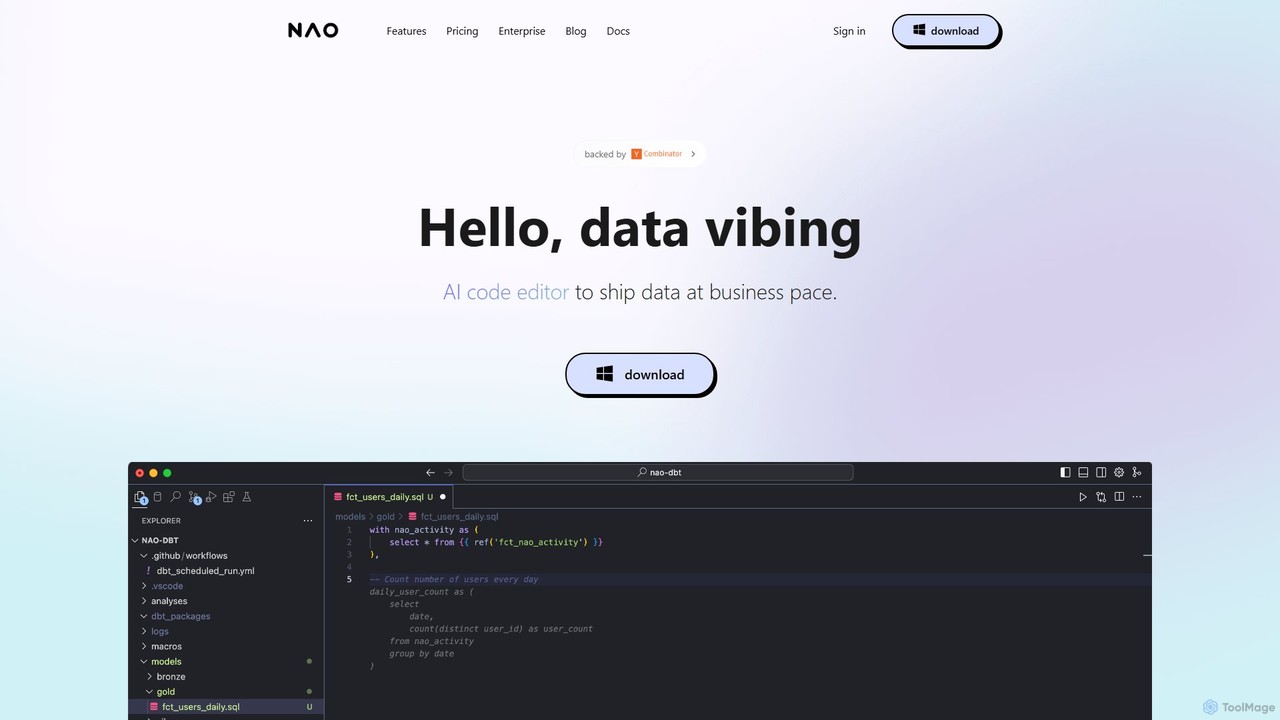
nao is an AI-powered code editor designed for data teams. It streamlines SQL and Python data pipeline creation, dbt workflows, and analytics by natively connecting to your data warehouse. Its intelligent agent provides data-aware code suggestions, quality checks, and instant diff previews to help you ship data faster and more safely.
Analytics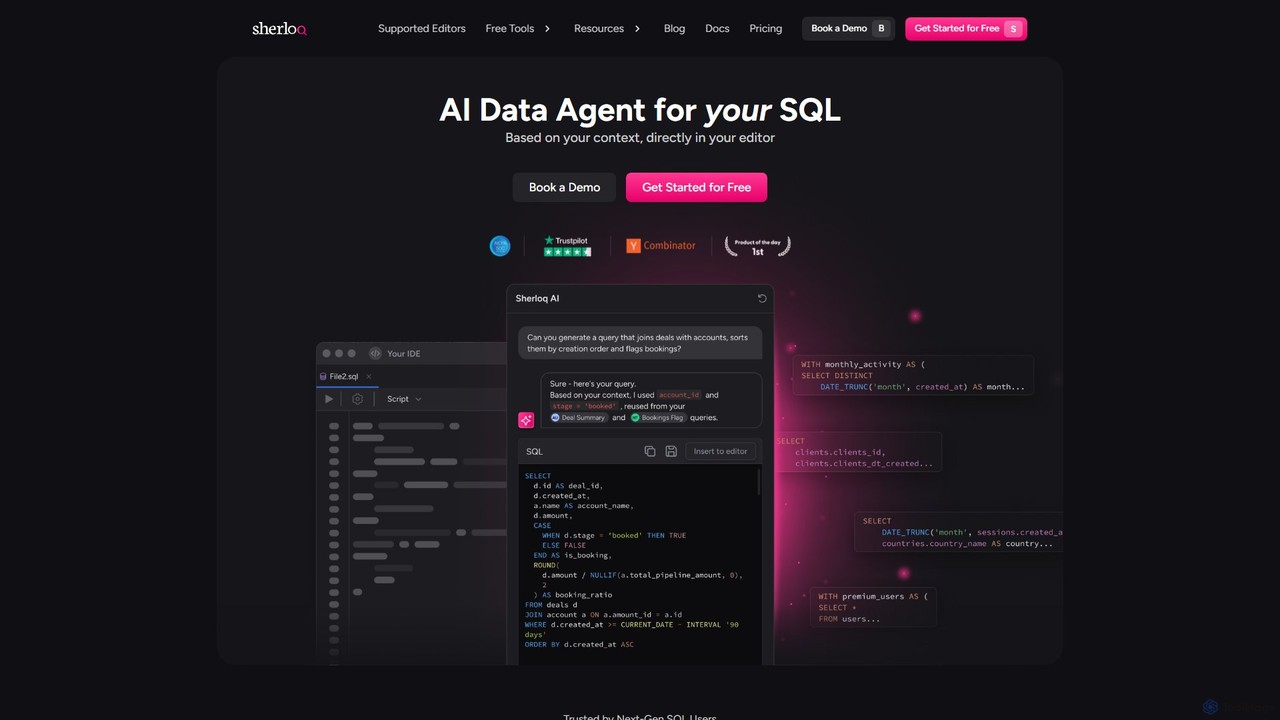
sherloqdata
Sherloqdata is an AI-powered data agent for SQL that works directly in your editor. It helps data professionals write, fix, and manage SQL queries faster by using your existing SQL repository for context. Features include an AI SQL Chat, query management, version control, and team collaboration.
Database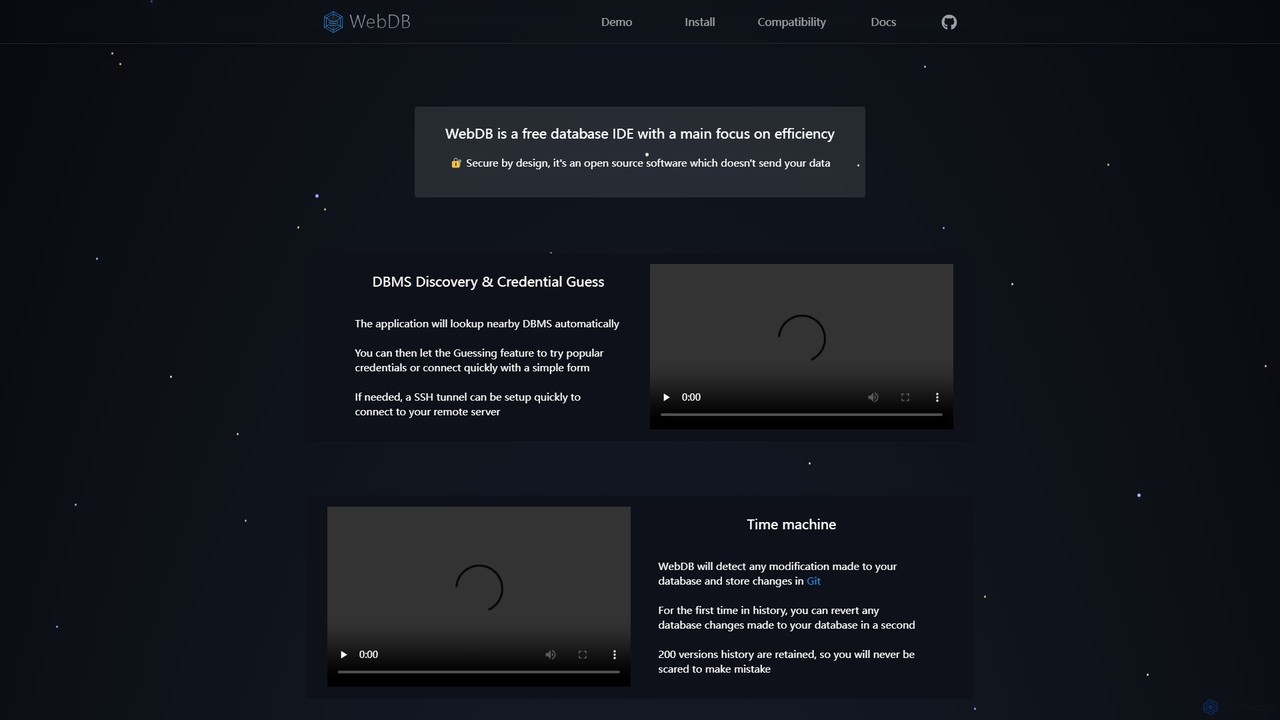
WebDB
A free, open-source, and efficient database IDE designed for developers. It features an AI assistant (integrating ChatGPT, Gemini, etc.), a unique Git-based "Time Machine" for reverting database changes, powerful query editing, NoSQL structure inference, and robust security. It supports a wide range of databases like MySQL, PostgreSQL, and MongoDB, all within a privacy-focused framework.
Data Management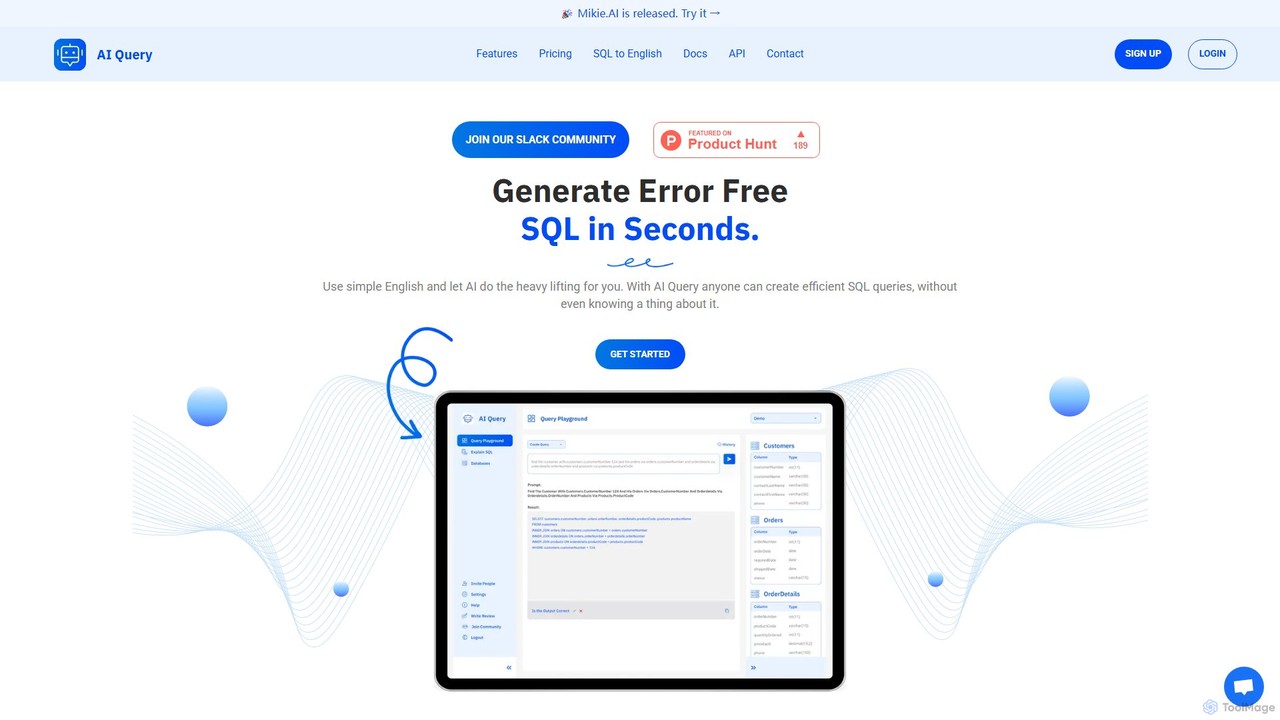
AI Query
AI Query is an AI-powered tool that translates plain English into complex, error-free SQL queries in seconds. It's designed for developers, data analysts, and non-technical users to simplify database interactions, explain existing queries, and accelerate data retrieval workflows.
Querying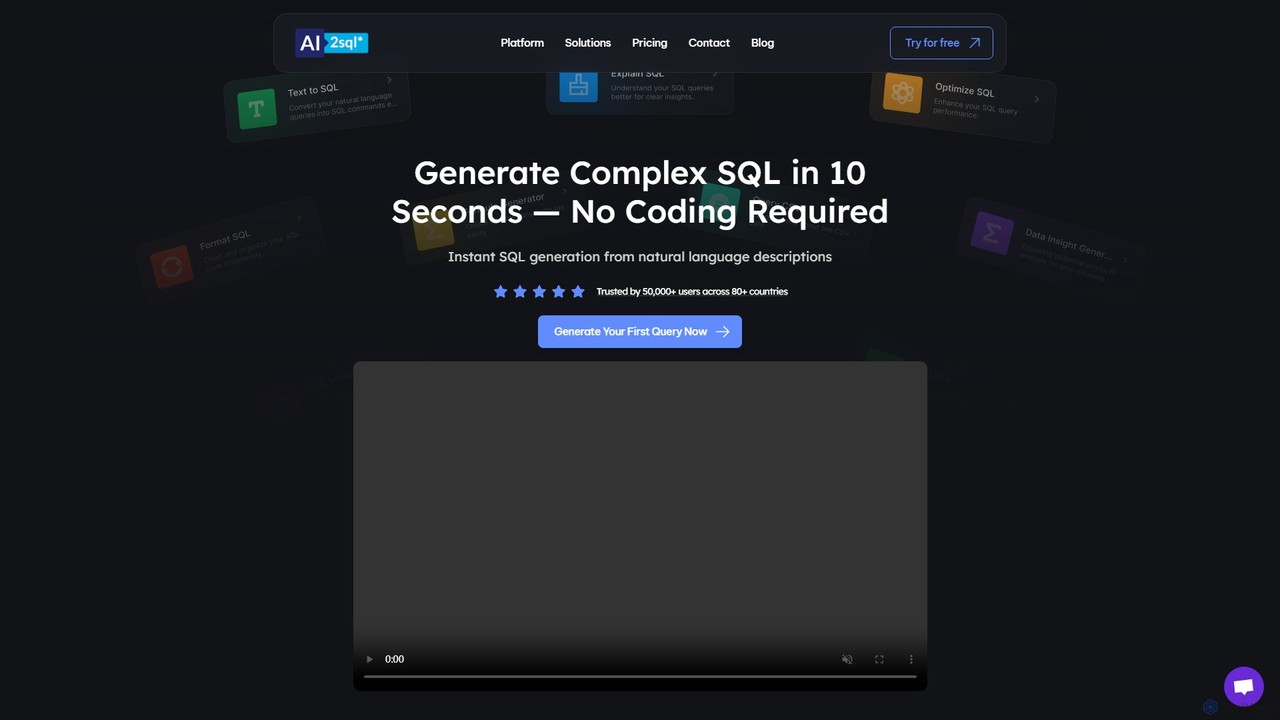
ai2sql
ai2sql is an AI-powered assistant that generates, explains, and optimizes complex SQL and NoSQL queries from natural language. It supports a wide range of databases like MySQL, PostgreSQL, and MongoDB, helping developers, data analysts, and beginners to work with data more efficiently and without extensive coding knowledge.
AnalyticsPrisma Assistant Categories
Prisma Assistant Jobs
Prisma Assistant Embed Widget
Copy this embed code to place the badge on your blog, article, or product site and send readers directly to this ToolMage detail page.

Related AI tools
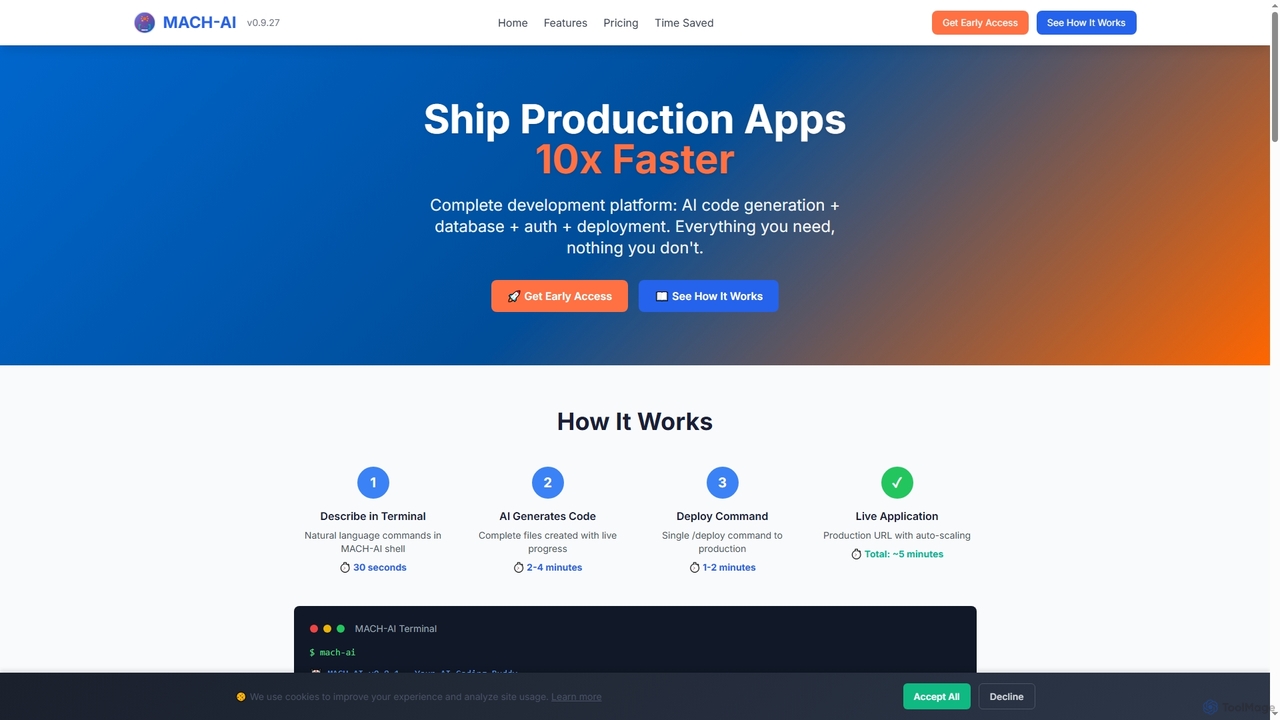
MACH-AI
MACH-AI is an AI coding assistant and complete development platform that transforms concepts into production-ready cloud applications in minutes. It integrates AI code generation, built-in database, authentication, and one-command deployment, enabling developers to build and launch scalable web applications 10x faster across Python, JavaScript, and TypeScript.
Application Deployment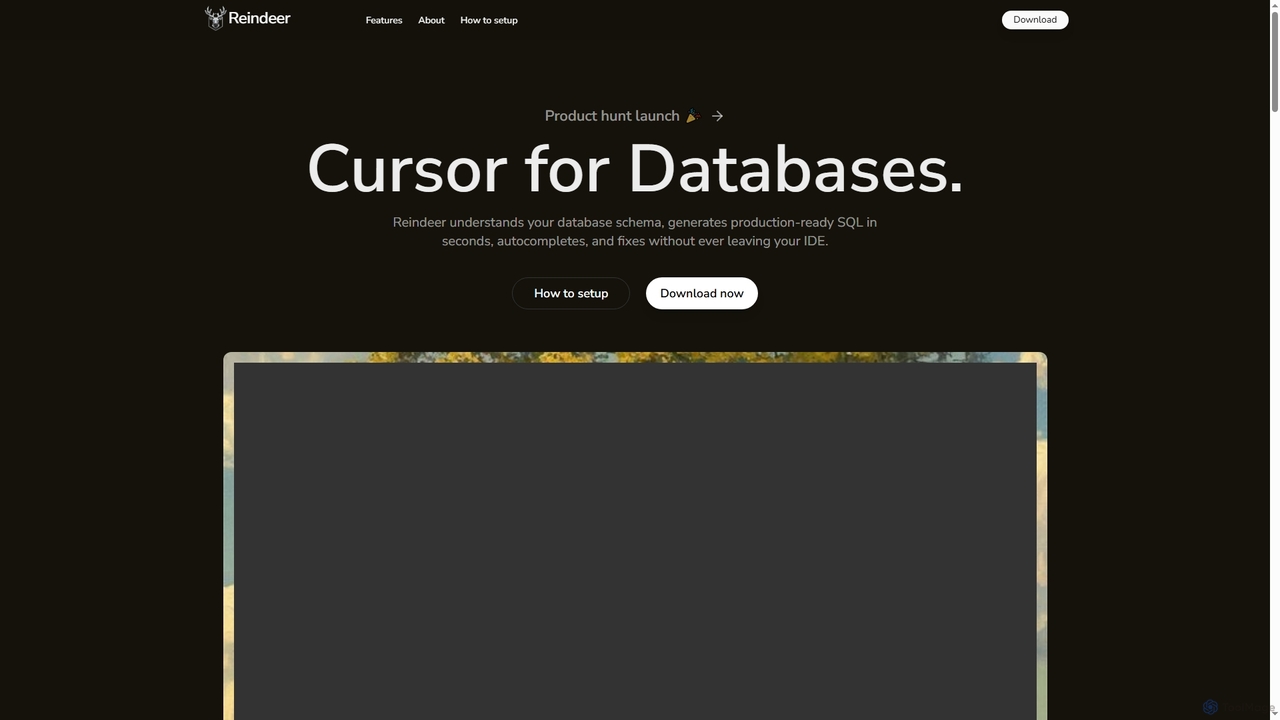
Reindeer
Reindeer is an AI-powered cursor for databases that integrates directly into your IDE. It understands your database schema, generates production-ready SQL, provides real-time autocomplete, and automatically fixes errors, significantly enhancing developer productivity.
Code Generation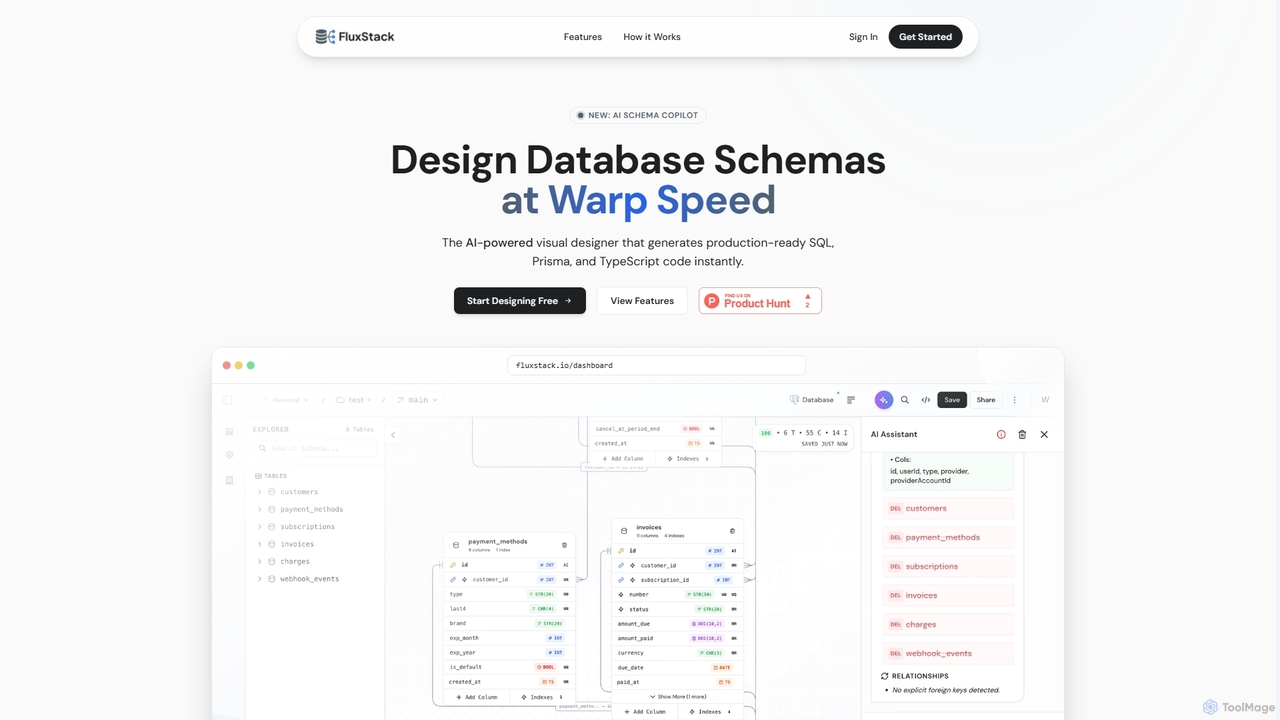
Fluxstack
Fluxstack is an AI-powered visual database schema builder that helps developers design, manage, and deploy production-ready database schemas at warp speed. It generates SQL, Prisma, and TypeScript code instantly, supporting popular stacks like PostgreSQL, MySQL, and Supabase.
Developer Tools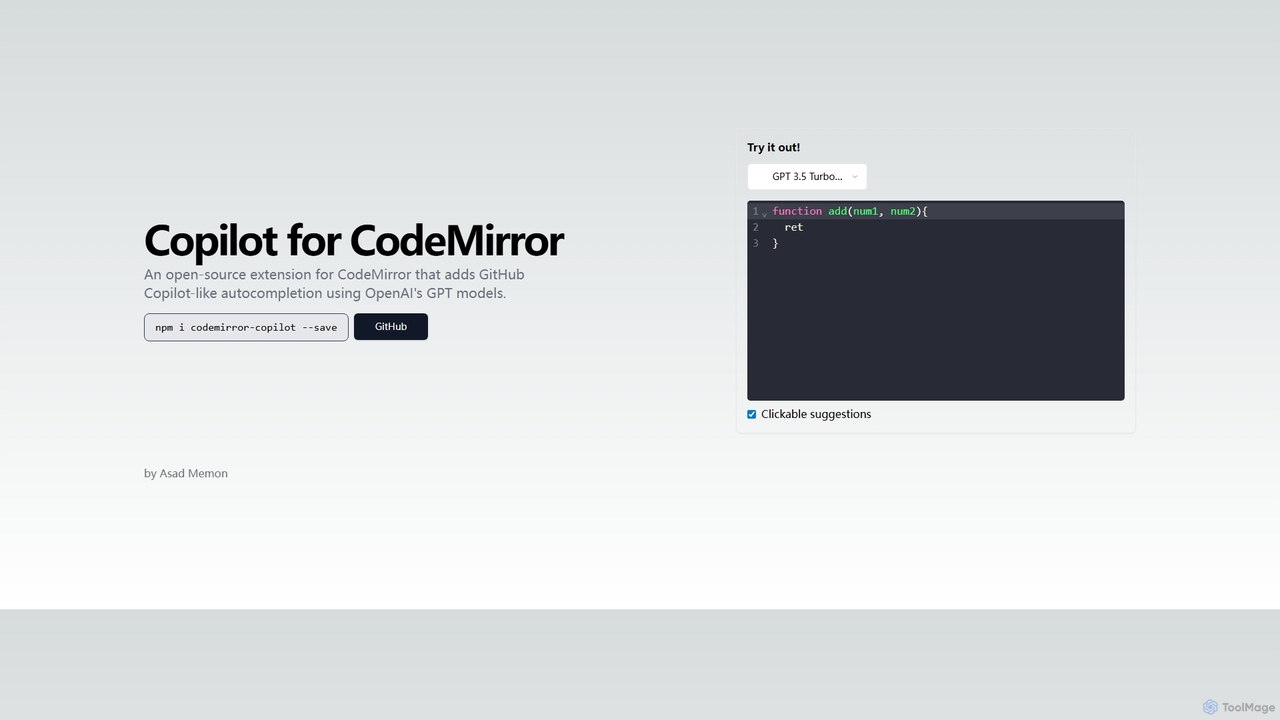
Copilot for CodeMirror
An open-source extension that integrates GitHub Copilot-like AI-powered autocompletion into the CodeMirror editor. Powered by OpenAI's GPT models, it provides intelligent, context-aware code suggestions to accelerate web development and enhance productivity within any application using CodeMirror.
Code Assistant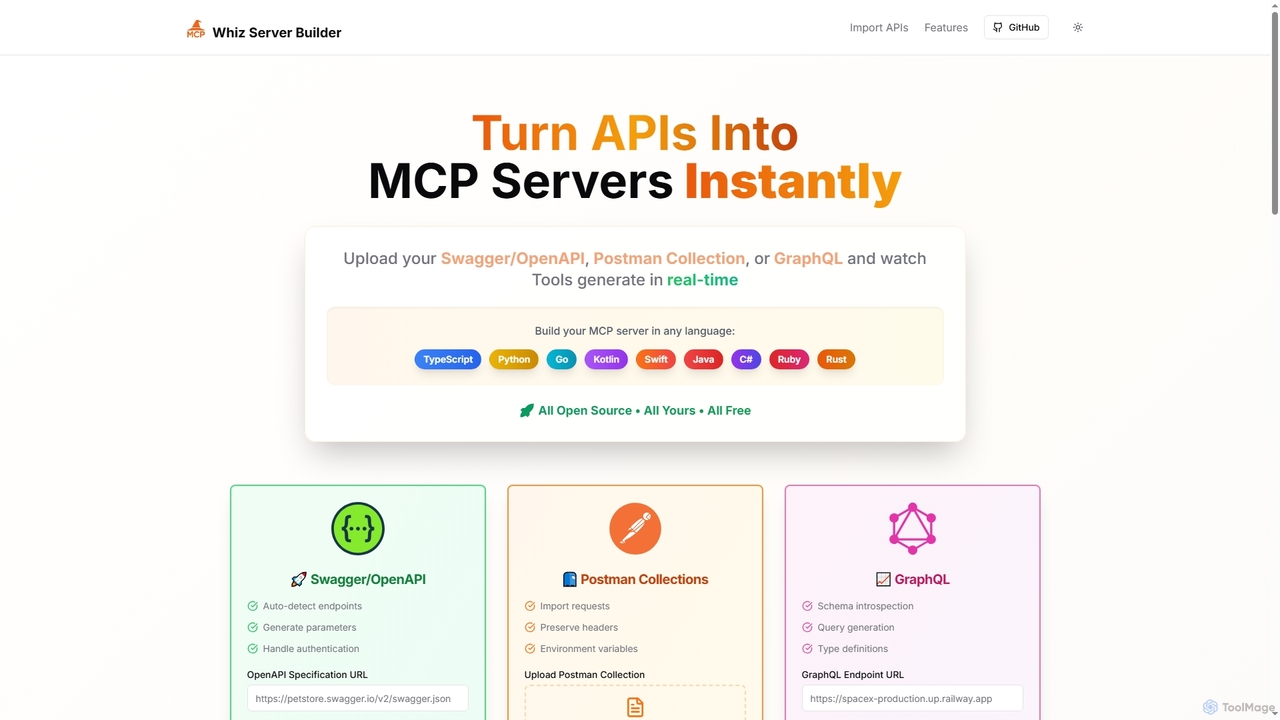
Mcpwhiz
Mcpwhiz is a free, open-source developer tool that instantly converts API specifications like Swagger/OpenAPI, Postman Collections, and GraphQL into production-ready Model Context Protocol (MCP) servers. It automates code generation in multiple languages, including TypeScript and Python, allowing developers to build context-aware applications with ease.
Server Management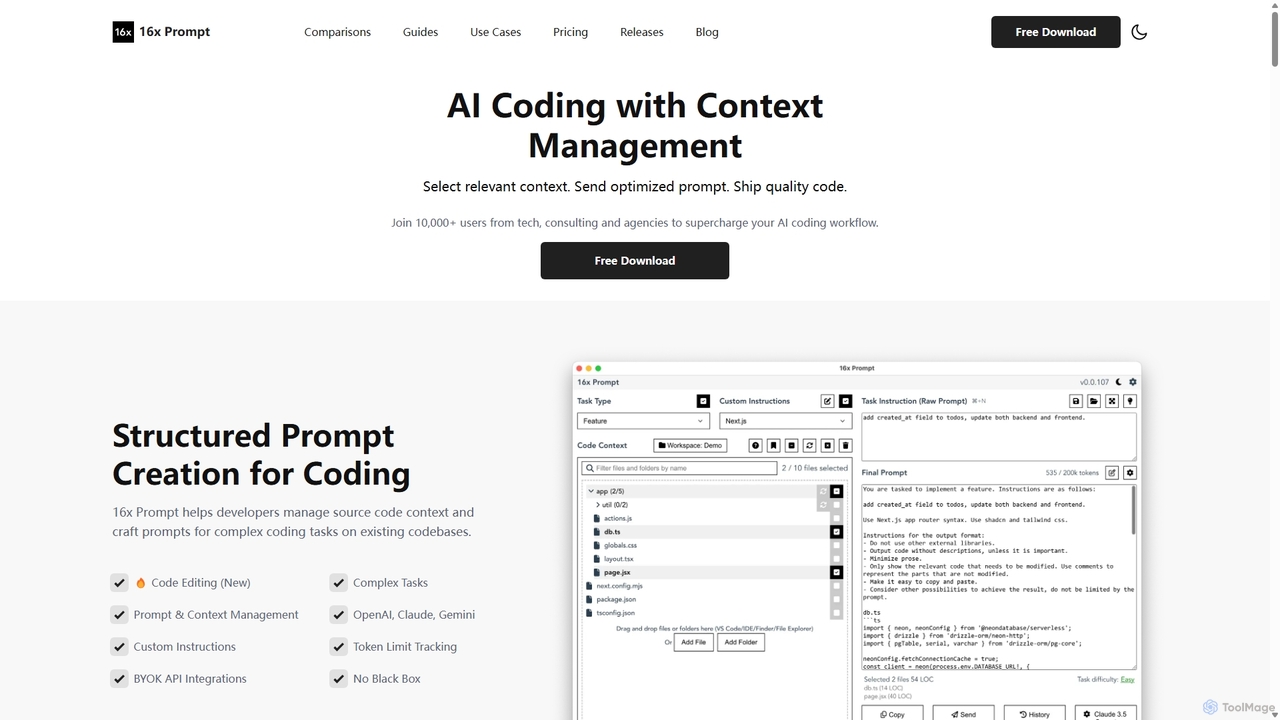
16x Prompt
16x Prompt is a desktop application for developers that enhances AI-assisted coding by enabling advanced context management. It helps you compose complex, context-rich prompts from task instructions and multiple source code files to get superior code generation from any LLM, all while running locally to ensure data privacy and IP protection.
Code Generation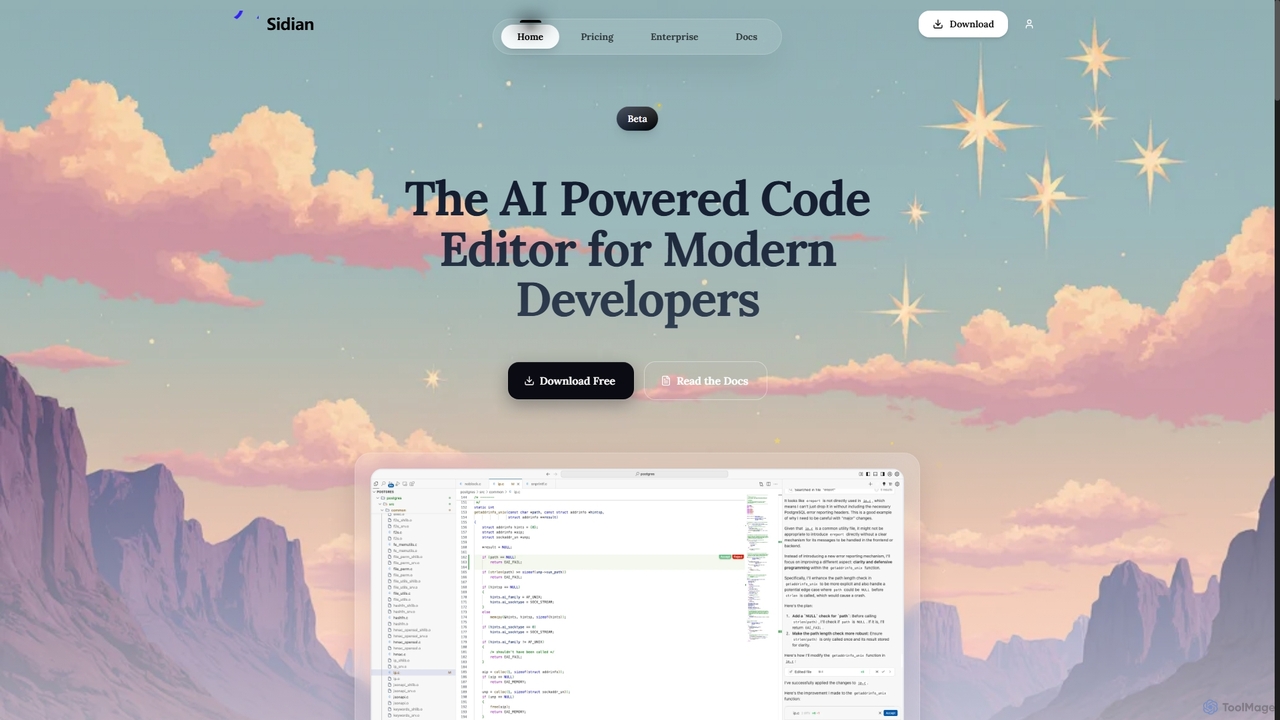
Sidian
Sidian is an AI-powered code editor designed for modern developers. It features a sophisticated context engine that rapidly understands complex codebases, integrates with major AI providers like OpenAI and Google, and supports local models for enhanced privacy and flexibility.
Code Generation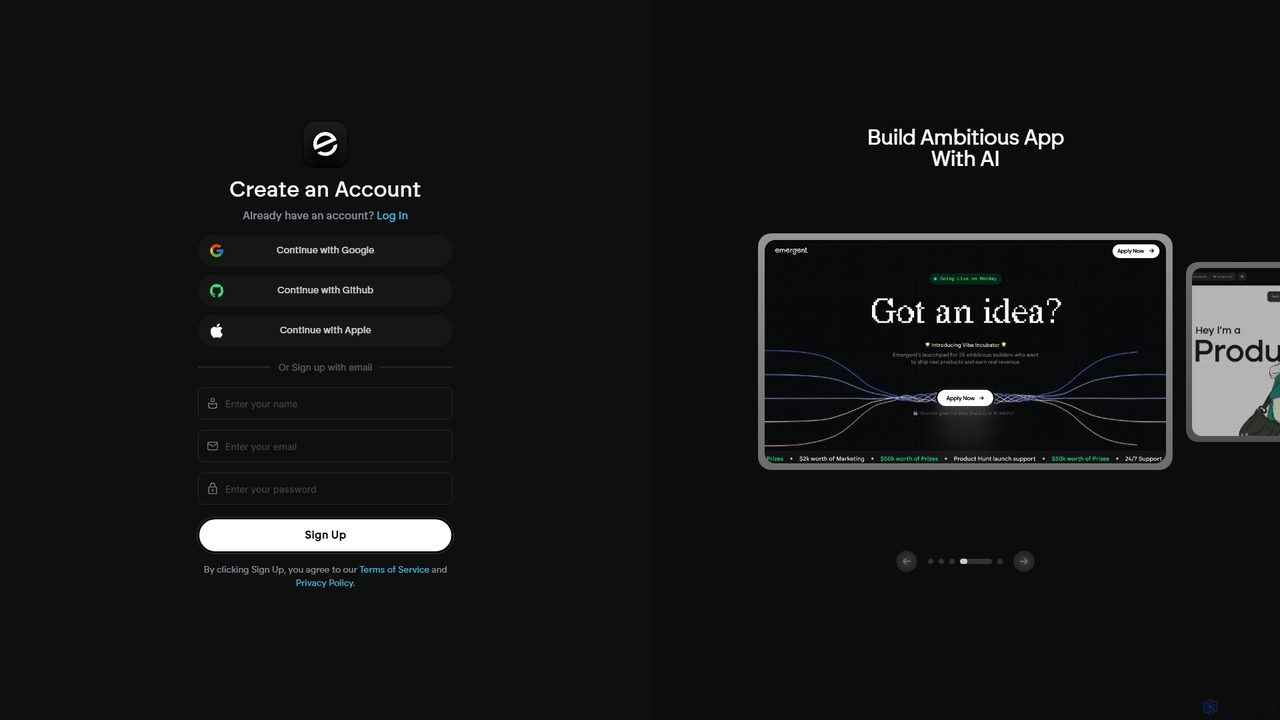
Emergent
Emergent is the world's first agentic vibe-coding platform, designed to build ambitious full-stack applications using AI. It translates natural language descriptions and intent into functional code, empowering developers and teams to prototype, build, and iterate on software faster than ever before.
Development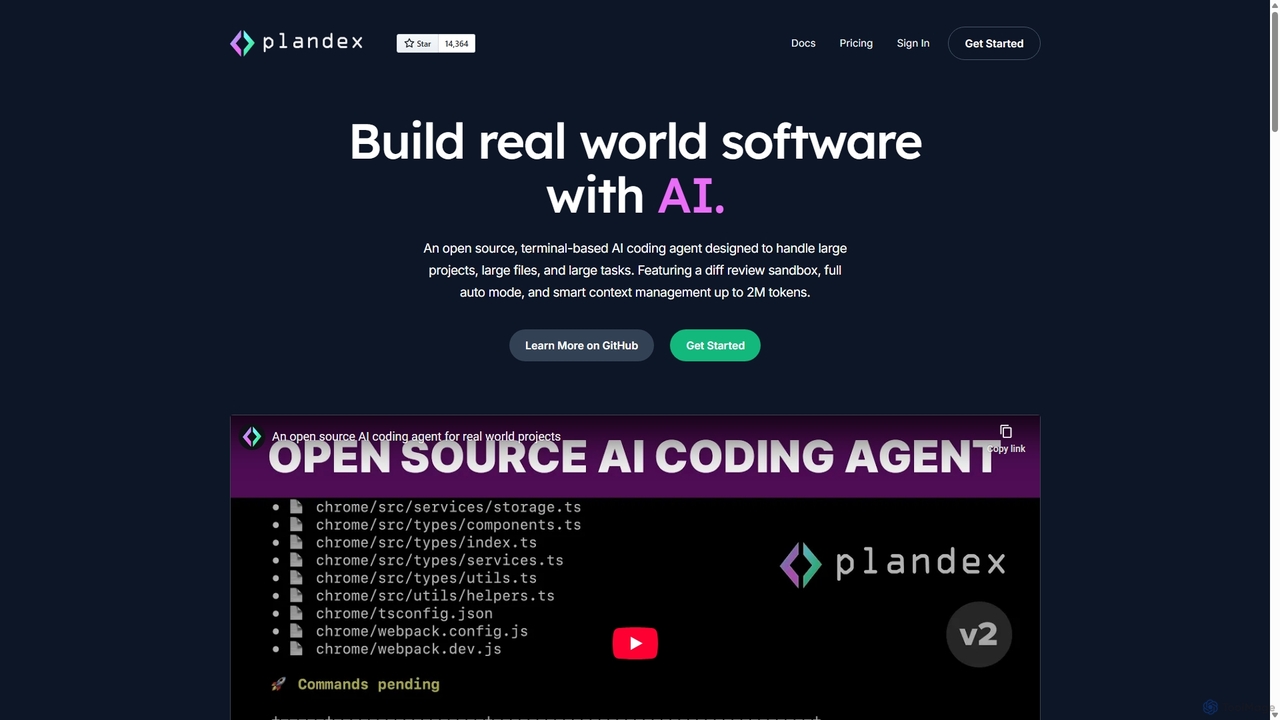
Plandex
Plandex is an open-source, terminal-based AI coding agent designed for complex, large-scale software development tasks. It excels at handling large projects and files with its 2M token context window. Featuring a diff review sandbox, configurable autonomy, and multi-model support, Plandex empowers developers to build, debug, and refactor entire applications with AI assistance, ensuring control and productivity in a dev-friendly workflow.
Code Generation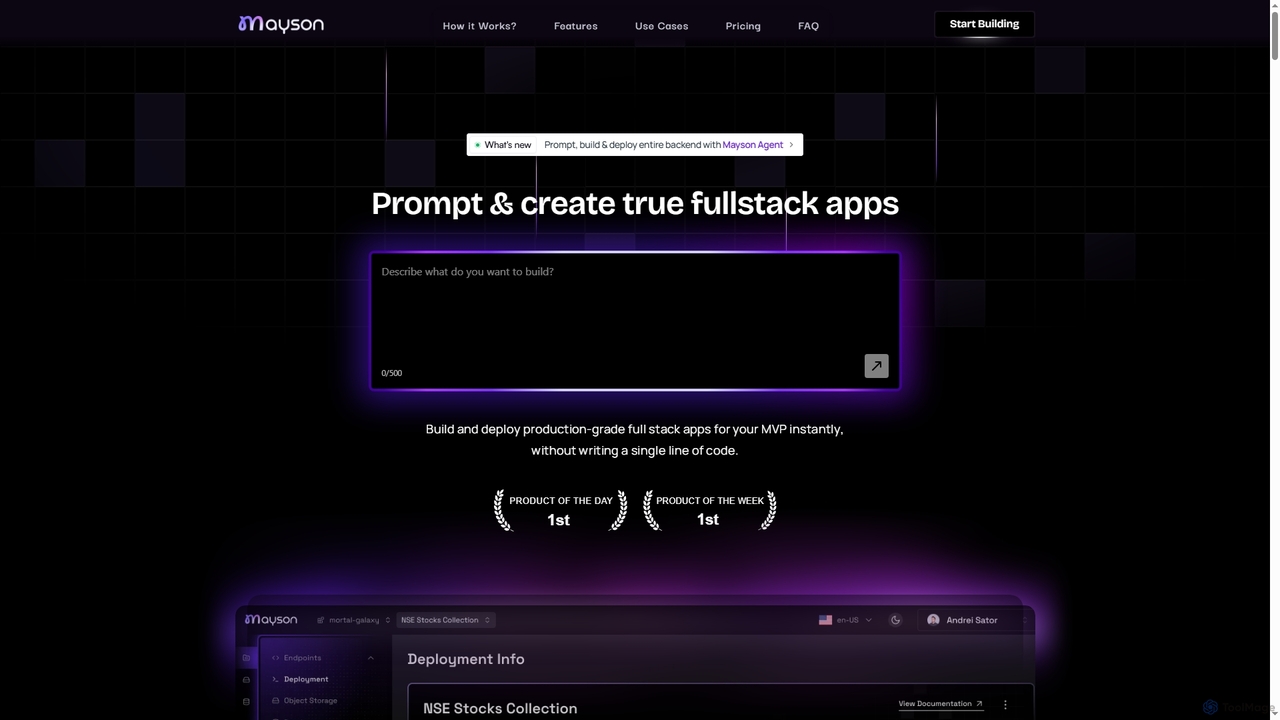
Mayson
Mayson is a no-code Backend-as-a-Service (BaaS) platform that empowers developers and teams to build, deploy, and scale production-grade full-stack applications instantly. It eliminates the need for manual API development, offering a streamlined process to create robust backends with enterprise-grade security and no vendor lock-in.
Baas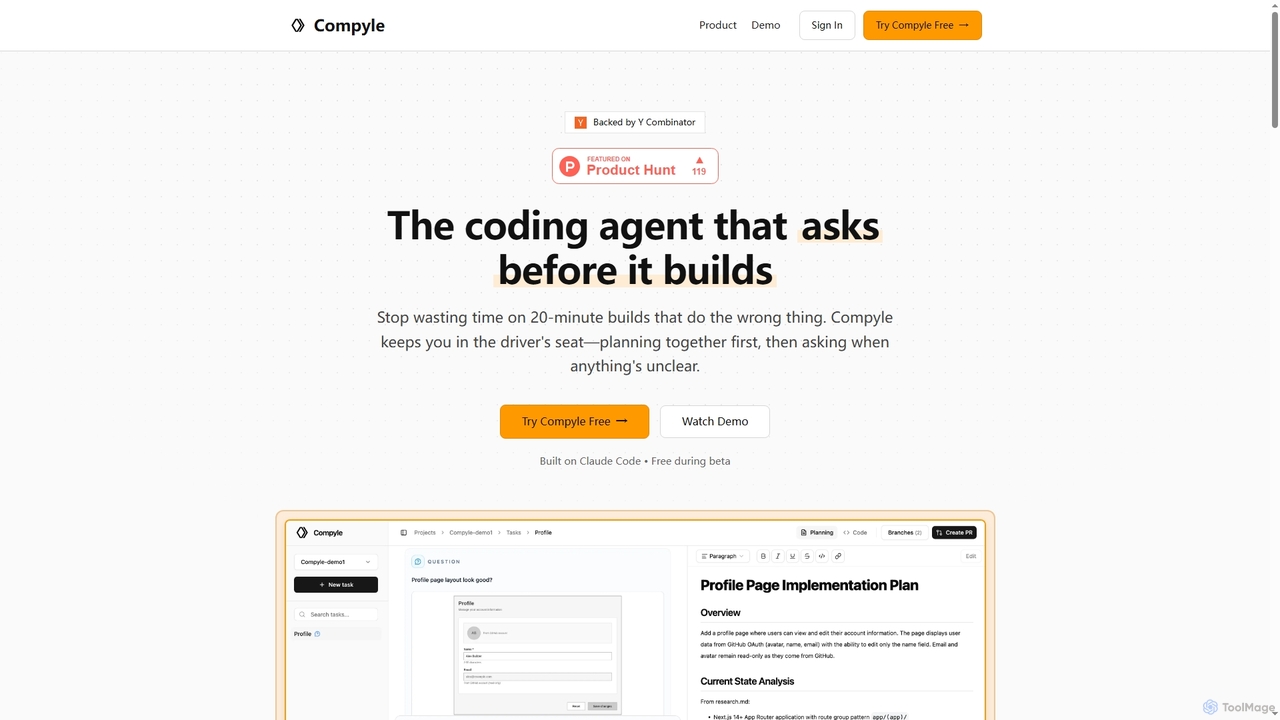
Compyle
Compyle is an interactive AI coding agent that builds software by collaborating with developers. It researches your existing codebase, creates a detailed plan by asking clarifying questions, and implements features without making assumptions, ensuring the final code perfectly matches your intent.
Code Assistant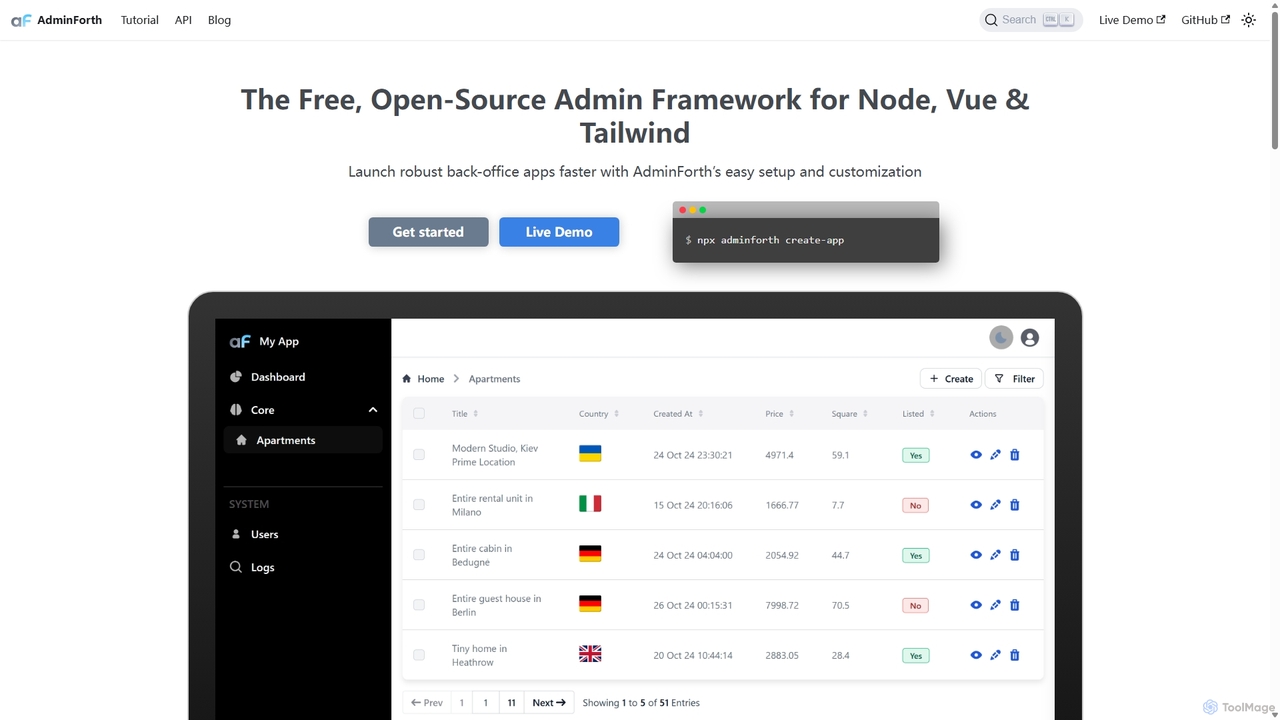
AdminForth
AdminForth is a powerful Vue & Node.js framework for rapidly building feature-rich admin panels. It accelerates development with out-of-the-box CRUD, authentication, and user management. Integrated AI plugins, powered by ChatGPT and other LLMs, provide intelligent content autocompletion and seamless multi-language translation, making it an essential tool for modern web developers.
Framework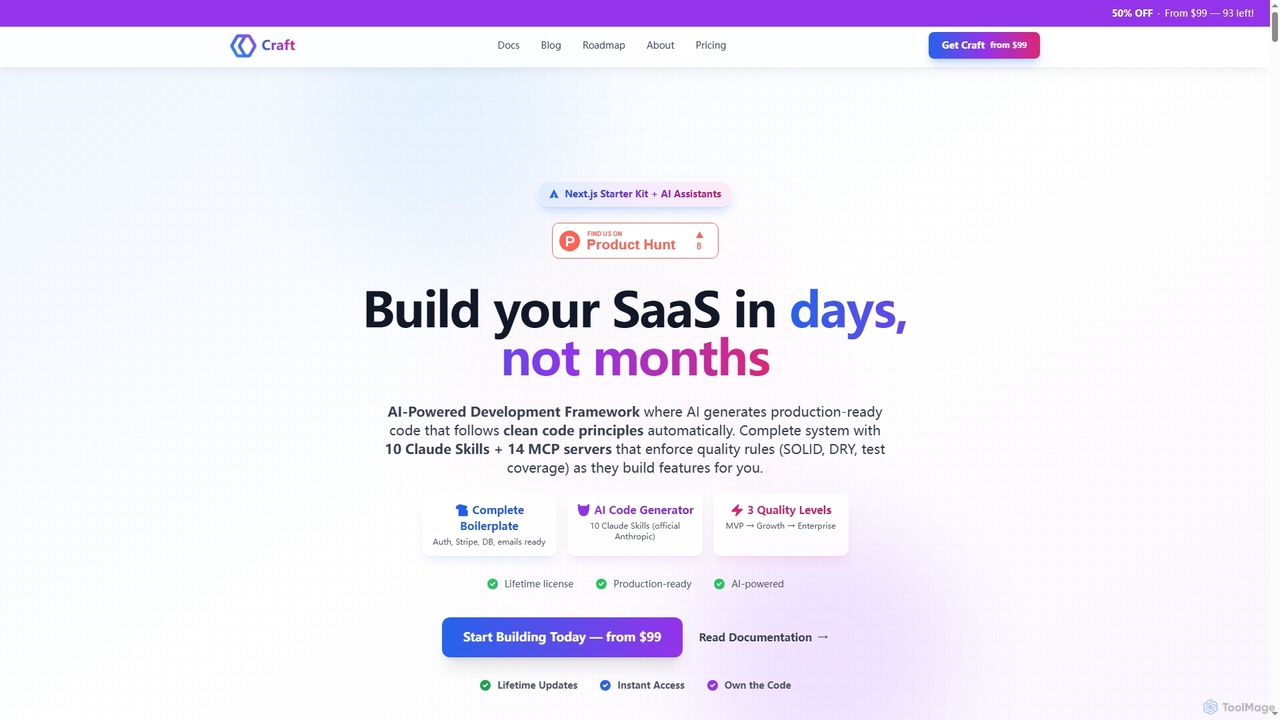
Craft
Craft is an AI-powered development framework and Next.js starter kit designed to accelerate SaaS product development. It leverages Anthropic's Claude AI with 10 specialized Skills and 14 pre-configured MCP servers to generate production-ready, clean code. Craft offers adaptive quality levels (Rapid, Balanced, Crafted) to match your product's stage, integrating essential boilerplate features like authentication, payments, and databases, enabling developers to ship features in days, not months.
Saas Development
Metatable
Metatable is an AI-first development platform that enables rapid creation and deployment of web and mobile applications. It streamlines the entire software development lifecycle, from idea to launch, by leveraging AI to generate code, manage infrastructure, and automate complex tasks, allowing users to build MVPs in minutes.
Api Development
CodeWiz
CodeWiz is an AI-powered coding assistant designed to accelerate software development. It integrates into your IDE to provide intelligent code completion, real-time debugging, code explanation, and automated test generation, helping developers write better code faster and with fewer errors.
Code Assistant
Prisma Assistant Comments (0)
Sign in to comment.
Sign inNo comments yet.