ToolMage
Sign in

Best 2 Saas Development AI tools for Business

Popular Saas Development AI tools in Business include Zoer and Craft, helping you work more efficiently.

Craft
Paid

Craft

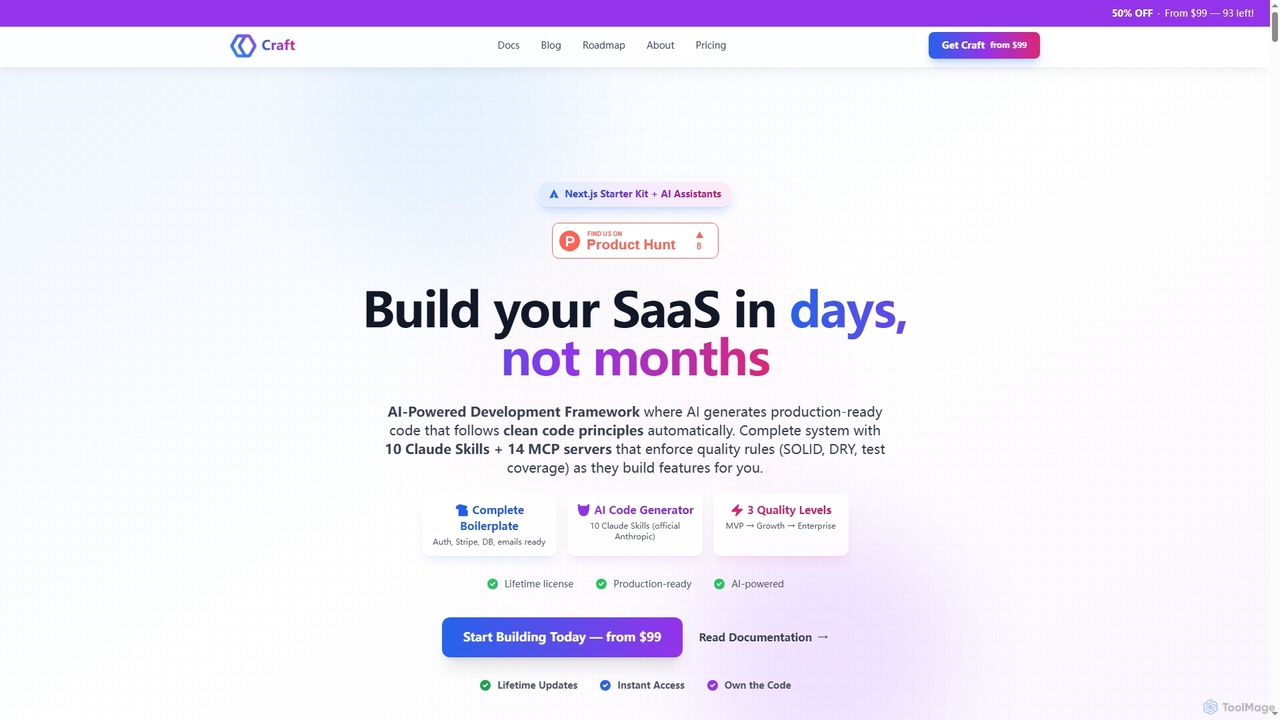
Craft is an AI-powered development framework and Next.js starter kit designed to accelerate SaaS product development. It leverages Anthropic's Claude AI with 10 specialized Skills and 14 pre-configured MCP servers to generate production-ready, clean code. Craft offers adaptive quality levels (Rapid, Balanced, Crafted) to match your product's stage, integrating essential boilerplate features like authentication, payments, and databases, enabling developers to ship features in days, not months.

Saas Development
Visits 5.6KFavorites 128Likes 131
Zoer
Freemium

Zoer

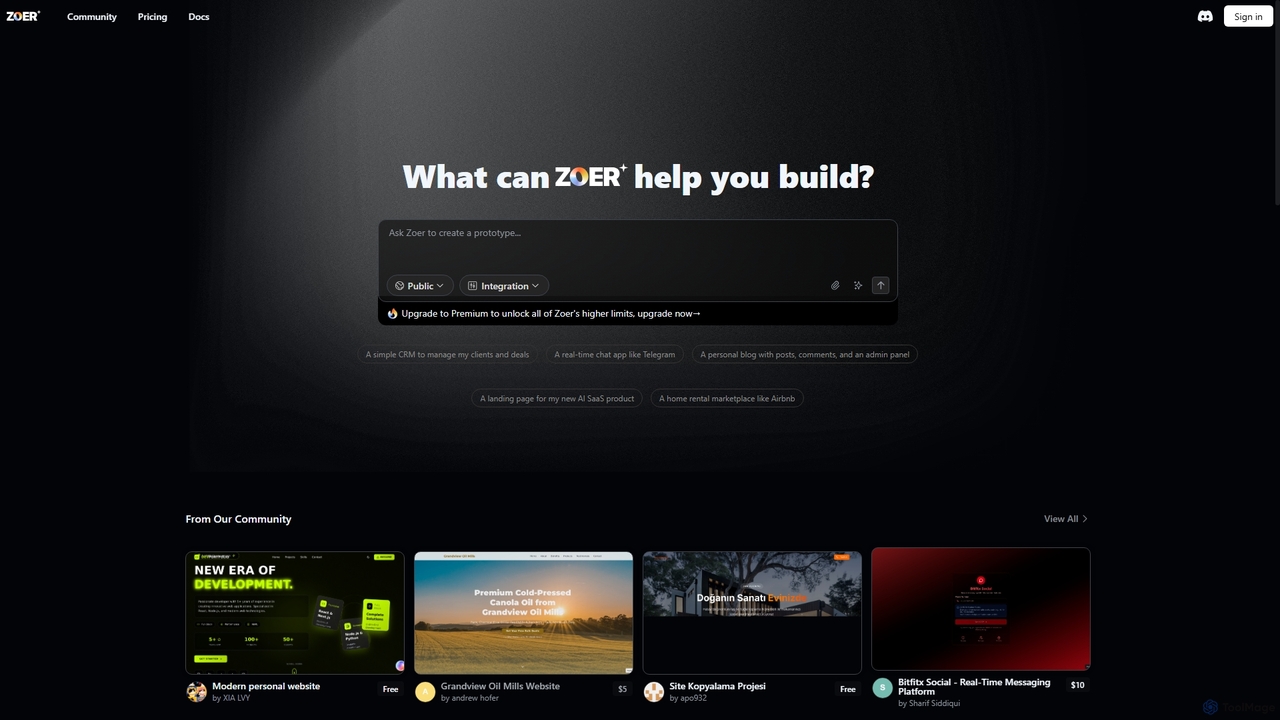
Zoer is an innovative AI App Builder designed to transform your ideas into fully functional applications. It empowers users to quickly create prototypes and complete web applications, ranging from CRMs and chat apps to personal blogs and e-commerce platforms, all through an intuitive, AI-driven process.

Saas Development
Visits 105.6KFavorites 153Likes 154

About Saas Development

AI SaaS Development tools are a specialized category of software designed to accelerate the creation, deployment, and management of Software-as-a-Service applications. These platforms leverage artificial intelligence to automate complex tasks such as code generation, database setup, user authentication, and subscription logic. By translating natural language prompts or visual flows into functional code and infrastructure, they significantly reduce development time and lower the technical barrier for building new products. This enables founders, developers, and businesses to launch and iterate on SaaS ideas more rapidly and cost-effectively.

Core Features

  • AI-Powered Code Generation: Automatically creates boilerplate code, APIs, database schemas, and UI components from text descriptions.
  • No-Code/Low-Code Interface: Allows users to build application logic and user interfaces through visual drag-and-drop editors.
  • Automated Deployment & Infrastructure: Manages server configuration, databases, and deployment pipelines with minimal manual intervention.
  • Pre-built Business Logic: Offers ready-to-use modules for common SaaS features like user authentication, subscriptions, and team management.
  • Intelligent Prototyping: Quickly generates functional prototypes and MVPs (Minimum Viable Products) from simple ideas or wireframes.

Use Cases

These tools are ideal for startup founders, indie developers, and enterprise teams aiming for rapid application development. They are commonly used to build internal business tools, launch new customer-facing SaaS products, create MVPs for market validation, or automate the backend development for mobile and web applications.

How to Choose

When selecting an AI SaaS Development tool, consider your technical expertise (no-code for non-programmers vs. low-code for developers). Evaluate the platform's scalability to ensure it can support future user growth. Check its integration capabilities with essential third-party services like payment gateways and marketing automation tools. Finally, assess the level of customization and code ownership to ensure it meets your long-term product vision.

Saas Development use cases

1

Rapid Prototyping of a New SaaS Idea

A non-technical founder wants to validate a business idea for a niche project management tool. Instead of hiring a development team, they use a no-code AI SaaS builder. By describing the core features—task creation, user assignment, and progress tracking—in plain English, the AI generates a functional web application. Within a week, they have a working MVP to show potential investors and early customers, allowing for quick feedback and iteration without a significant upfront investment in time or capital.

2

Automating Backend Development for a Mobile App

A small development team is building a new mobile application and needs a robust backend for user management, data storage, and APIs. They use an AI SaaS development platform to generate the entire backend infrastructure. By defining their data models, the tool automatically creates a scalable database, generates secure REST APIs for the mobile app to consume, and implements a complete user authentication system with social logins. This saves the team hundreds of development hours, allowing them to focus exclusively on the mobile app's user experience and core features.

3

Building a Custom Internal Business Tool

An operations manager at a mid-sized company needs a custom tool to track inventory across multiple warehouses, a feature not available in their current software. Using a low-code AI SaaS platform, they design the application's interface and logic visually. The AI assists by suggesting optimal database structures and generating the necessary forms and reports. The manager, with minimal coding knowledge, builds and deploys a fully functional internal tool in days instead of months, improving operational efficiency and providing real-time inventory visibility to the entire team.

4

Launching a Niche Micro-SaaS Product

An indie developer identifies a market for a simple SaaS tool that generates social media captions using AI. To launch quickly, they use an AI SaaS development kit that includes pre-built user authentication, Stripe integration for payments, and a subscription management dashboard. The developer only needs to focus on the core functionality—integrating with a large language model API. The AI platform handles the rest of the SaaS boilerplate, enabling them to go from idea to a paying, production-ready application in a single weekend.

5

Generating Boilerplate Code for a Complex Application

A senior developer is starting a new, large-scale enterprise SaaS project. To accelerate the initial setup, they use an AI code generation tool. They provide a high-level specification of the project, including the preferred tech stack (e.g., Python, React, PostgreSQL) and required features like multi-tenancy and role-based access control. The AI tool generates a complete, well-structured project skeleton with all the necessary configurations, CI/CD pipelines, and foundational code. This saves weeks of manual setup and ensures the project starts with industry best practices, allowing the developer to immediately focus on complex business logic.

6

Adding Subscription Logic to an Existing App

A developer has an existing application that they want to monetize with a subscription model. Instead of building a complex billing system from scratch, they integrate an AI-powered SaaS module. This module provides a complete solution for creating pricing tiers, managing free trials, handling recurring payments via Stripe, and providing a customer portal for users to manage their subscriptions. The AI component can also suggest optimal pricing strategies based on usage data. This allows the developer to implement a robust and secure monetization system in hours, not weeks.

Saas Development FAQ

What are AI SaaS Development tools?

AI SaaS Development tools are platforms that use artificial intelligence to simplify and accelerate the process of building Software-as-a-Service applications. They automate repetitive and complex tasks in the development lifecycle, such as writing boilerplate code, setting up databases, configuring servers, and implementing user authentication. By using AI, these tools can interpret natural language commands or visual designs to generate functional code and infrastructure, significantly reducing the time and technical skill required to launch a new SaaS product.

How do I choose the right AI SaaS Development tool?

Choosing the right tool depends on your specific needs. Consider these factors:

  • Technical Skill Level: If you're a non-developer, a no-code platform with a visual interface is best. If you're a developer, a low-code or AI-assisted coding tool will offer more flexibility and control.
  • Scalability: Evaluate if the platform can handle your expected user growth. Some tools are better for MVPs, while others are built for enterprise-scale applications.
  • Integration Capabilities: Ensure the tool can connect with essential third-party services you'll need, such as payment gateways (Stripe), email services (SendGrid), or CRMs.
  • Customization and Ejectability: Determine how much control you need over the code. Some platforms allow you to export the source code ('eject') if you outgrow the platform, which is a crucial long-term consideration.
What's the difference between a No-Code SaaS Builder and traditional coding?

The primary difference lies in abstraction and control. A No-Code SaaS Builder uses a visual, drag-and-drop interface, abstracting away the code entirely. This allows non-technical users to build applications quickly but offers limited customization. Traditional coding (using frameworks like Ruby on Rails or Django) provides complete control and infinite flexibility but requires deep technical expertise and a much longer development time. AI SaaS development tools often bridge this gap, offering the speed of no-code approaches while still providing access to underlying code for developers who need more control.

Can I build a complex, scalable application with these tools?

Yes, many modern AI SaaS development platforms are designed for scalability. While early no-code tools were often limited to simple applications or prototypes, current-generation platforms can build and support complex, enterprise-grade applications with large user bases. Low-code and AI-assisted coding platforms, in particular, are built on robust cloud infrastructure and often generate clean, maintainable code that can be scaled just like a traditionally developed application. However, it's important to research the specific limitations and architecture of any tool before committing to it for a large-scale project.

Who are AI SaaS Development tools for?

These tools serve a wide range of users, bridging the gap between ideas and execution. Key audiences include:

  • Startup Founders (Non-Technical): Enable them to build MVPs and validate ideas without hiring a large development team.
  • Indie Developers & Solopreneurs: Help them launch products faster by automating repetitive tasks like setting up billing and authentication.
  • Enterprise Teams: Allow them to quickly build internal tools, automate workflows, or prototype new products for different business units.
  • Developers & Agencies: Accelerate the development process by generating boilerplate code and handling infrastructure, freeing them to focus on unique, high-value features.