

WebDB Overview
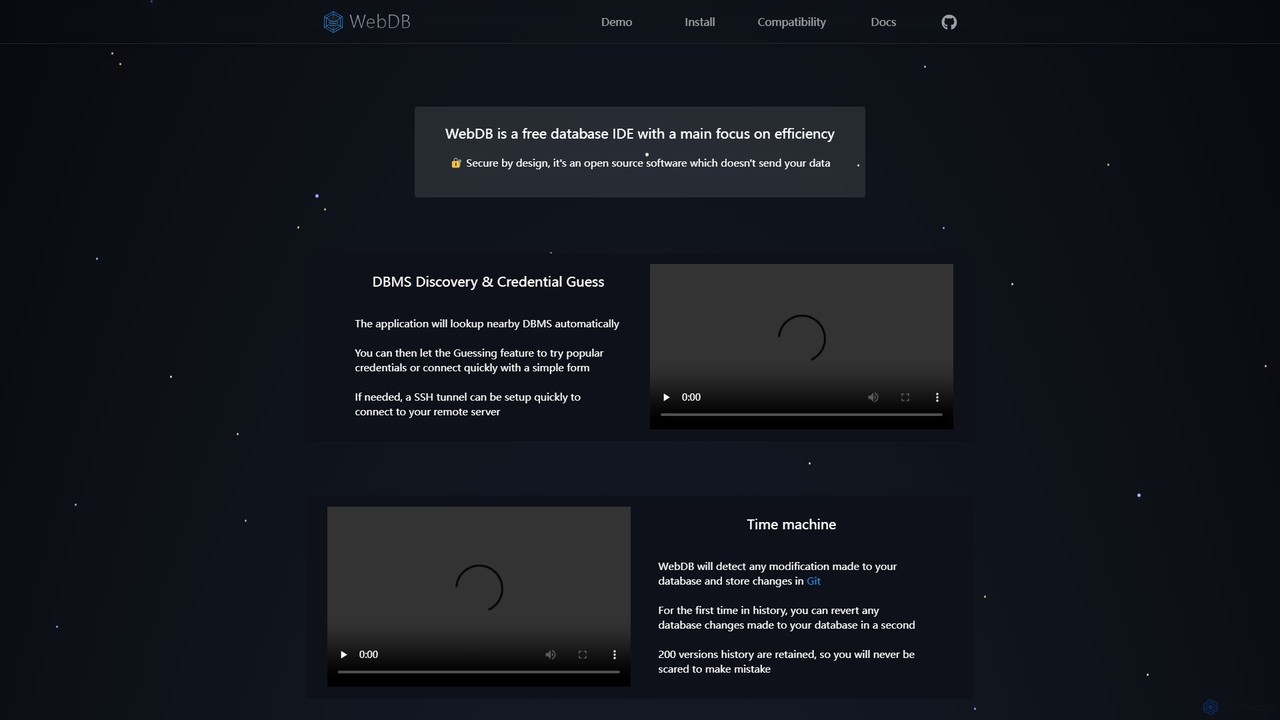
WebDB is a modern, free, and open-source database Integrated Development Environment (IDE) with a primary focus on efficiency and security. Designed from the ground up to be secure, it is a desktop application that respects user privacy by not sending data to external services, with the explicit exception of its optional AI features and anonymized crash reports. It supports a vast array of databases, including MySQL, PostgreSQL, MongoDB, MariaDB, CockroachDB, and more, making it a versatile tool for any developer's toolkit.
How to use WebDB
Getting started with WebDB is straightforward:
- Connection Setup: Upon launching, WebDB can automatically discover nearby Database Management Systems (DBMS). You can then connect quickly using a simple form. For remote servers, an SSH tunnel can be set up with ease directly within the application. It even includes a credential guessing feature to expedite connections to local or test environments.
- Querying Data: Utilize the powerful query editor, built on Monaco (the same editor that powers VS Code). It offers intelligent autocompletion, built-in documentation access, and alias support. A standout feature is its ability to locate and highlight query errors directly in the code, even for MySQL.
- AI-Powered Assistance: Choose your preferred Large Language Model (LLM) from providers like OpenAI (ChatGPT), Google (Gemini), HuggingFace, Groq, or Together AI. WebDB pre-prompts the AI with your database structure and sample data, turning the LLM into a highly effective database assistant. You can ask it to write queries, explain complex code, or optimize your schema in natural language. For privacy, you can control which tables and data samples are sent, and even choose to anonymize the data.
- Version Control with Time Machine: This is WebDB's killer feature. It automatically detects any modification made to your database (schema or data) and commits these changes to a local Git repository. With a history of up to 200 versions, you can view diffs and revert any change in seconds, eliminating the fear of making irreversible mistakes.
- Managing Schemas: For relational databases, the modern Entity-Relationship Diagram (ERD) provides a graphical view to explore your schema. For NoSQL databases like MongoDB, WebDB automatically infers the document structure and relationships between collections, treating them as semi-structured data.
Core Features of WebDB
- AI Assistant: Integrated with major LLMs (ChatGPT, Gemini, etc.) for natural language querying, code generation, and database assistance.
- Time Machine (Git-based Version Control): Automatically tracks and versions all database changes, allowing for instant rollbacks and diff viewing.
- Powerful Query Editor: A Monaco-based editor with intelligent autocompletion, inline documentation, and precise error highlighting across multiple SQL dialects.
- Broad Database Compatibility: Natively supports a wide range of SQL (MySQL, PostgreSQL, MariaDB, SQL Server, CockroachDB) and NoSQL (MongoDB) databases.
- NoSQL Structure Inference: Automatically analyzes and visualizes the structure and relationships within unstructured or semi-structured NoSQL databases.
- Intelligent Data Generator: Populates databases with realistic sample data using FakerJS and Falso, respecting foreign keys and enums.
- Modern ERD: Provides a clear, graphical representation of your database schema and relationships.
- Security and Privacy First: An open-source, secure-by-design tool that gives users full control over their data, especially when using AI features.
- Simplified Connections: Features DBMS discovery and built-in SSH tunneling to make connecting to any database effortless.
Use Cases for WebDB
WebDB is ideal for a variety of professionals:
- Software Developers: A single, unified interface to manage multiple development, staging, and production databases. The AI assistant and Time Machine feature dramatically accelerate development and reduce risks.
- Database Administrators (DBAs): Safely perform migrations and schema changes with the confidence that any step can be reverted. Use the ERD and structure manager to document and understand complex database architectures.
- Data Analysts: Leverage the AI assistant to generate complex queries using natural language, enabling faster data exploration and insight generation without needing to be a SQL expert.
- Students and Educators: A free, powerful, and user-friendly tool to learn and experiment with different database systems, complete with a helpful AI tutor.
Advantages of WebDB
WebDB stands out from other database IDEs due to its unique combination of features. The Git-based Time Machine is a revolutionary concept for database management, providing a safety net that is unparalleled. Its deep integration with multiple leading AI models makes it an incredibly powerful productivity tool. Furthermore, its commitment to being free, open-source, and privacy-focused makes it an accessible and trustworthy choice for individuals and organizations alike.
Pricing and Plans
WebDB is a free and open-source software. All core functionalities are available at no cost. The project is supported by the community and may offer optional paid features or licenses for extended support or enterprise-level features in the future, as suggested by mentions of 'licence' in its development changelogs.
Traffic
Latest traffic
Status
Monthly traffic trend
- 2025-9: 2.3K
- 2026-1: 0
- 2026-2: 67
- 2026-3: 848
- 2026-4: 441
- 2026-5: 563
Geography
Top 5 countries / regions
- 🇺🇸United States100.0%
Top keywords
| Keyword | Cost per click |
|---|---|
| webdb | $0.00 |
WebDB Alternatives

SQLAI.ai
SQLAI.ai is an advanced AI-powered assistant that generates, optimizes, explains, and debugs SQL & NoSQL queries from natural language. Ideal for developers, analysts, and beginners, it supports over 30 databases, handles large schemas, and turns plain English into accurate code in seconds, boosting productivity and simplifying database management.
Database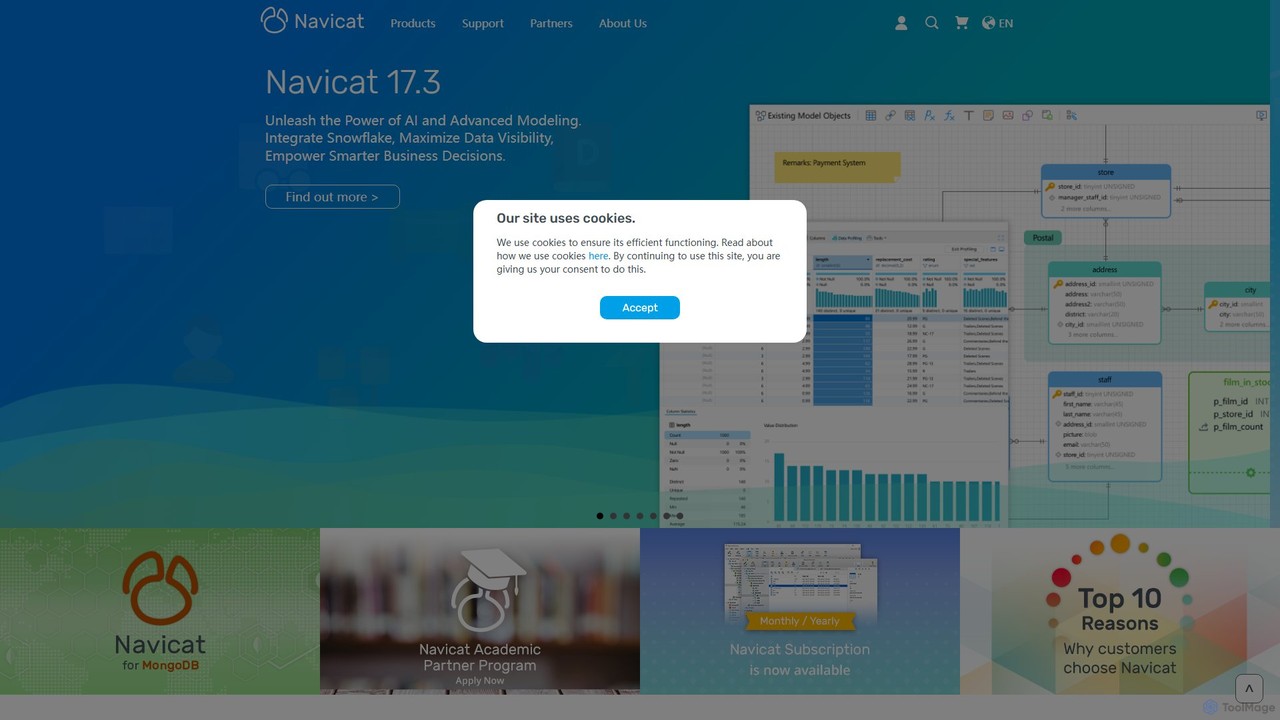
Navicat
Navicat is a comprehensive database management and development tool with integrated AI features. It provides a user-friendly GUI for managing a wide range of databases like MySQL, PostgreSQL, MongoDB, and Snowflake. It boosts productivity with an AI Assistant for query generation, advanced data modeling, BI visualization, and seamless cloud collaboration, making it a top choice for developers, DBAs, and data analysts.
Business Intelligence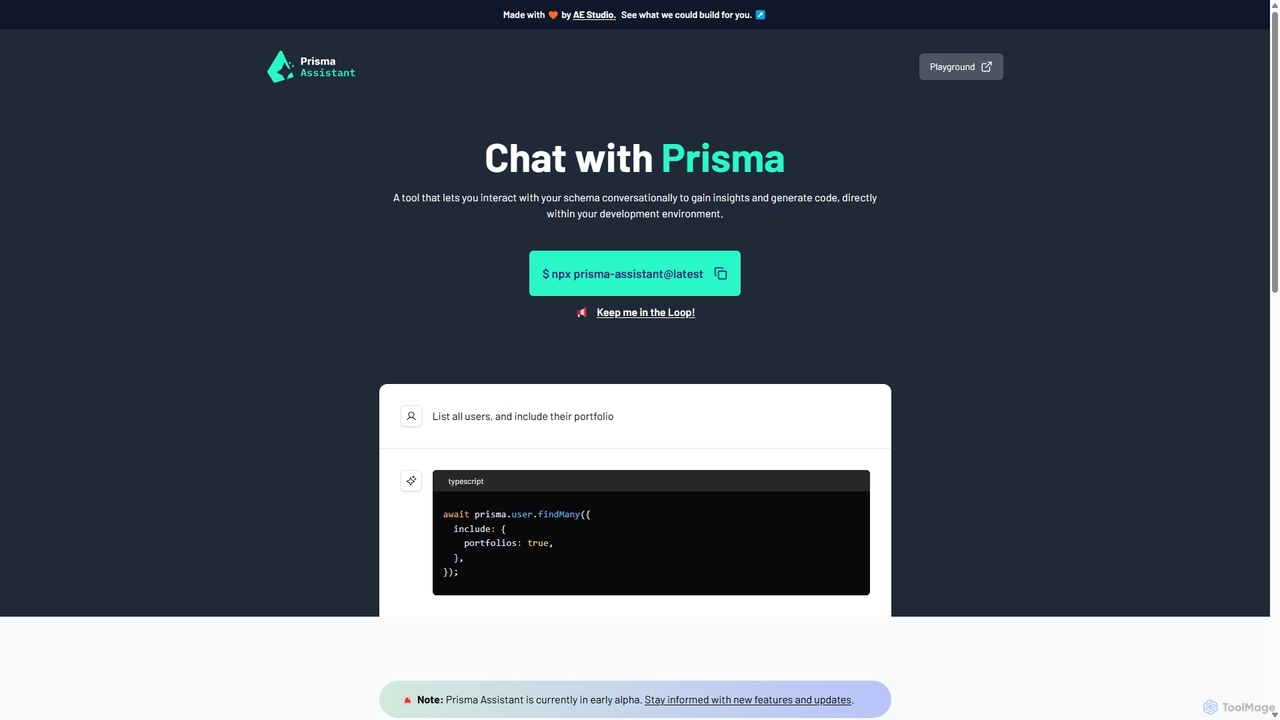
Prisma Assistant
Prisma Assistant is an AI-powered tool for developers that enables conversational interaction with your Prisma schema. Run it locally to gain insights, ask questions in natural language, and automatically generate Prisma queries and mutations, significantly speeding up your backend development workflow.
Ai Coding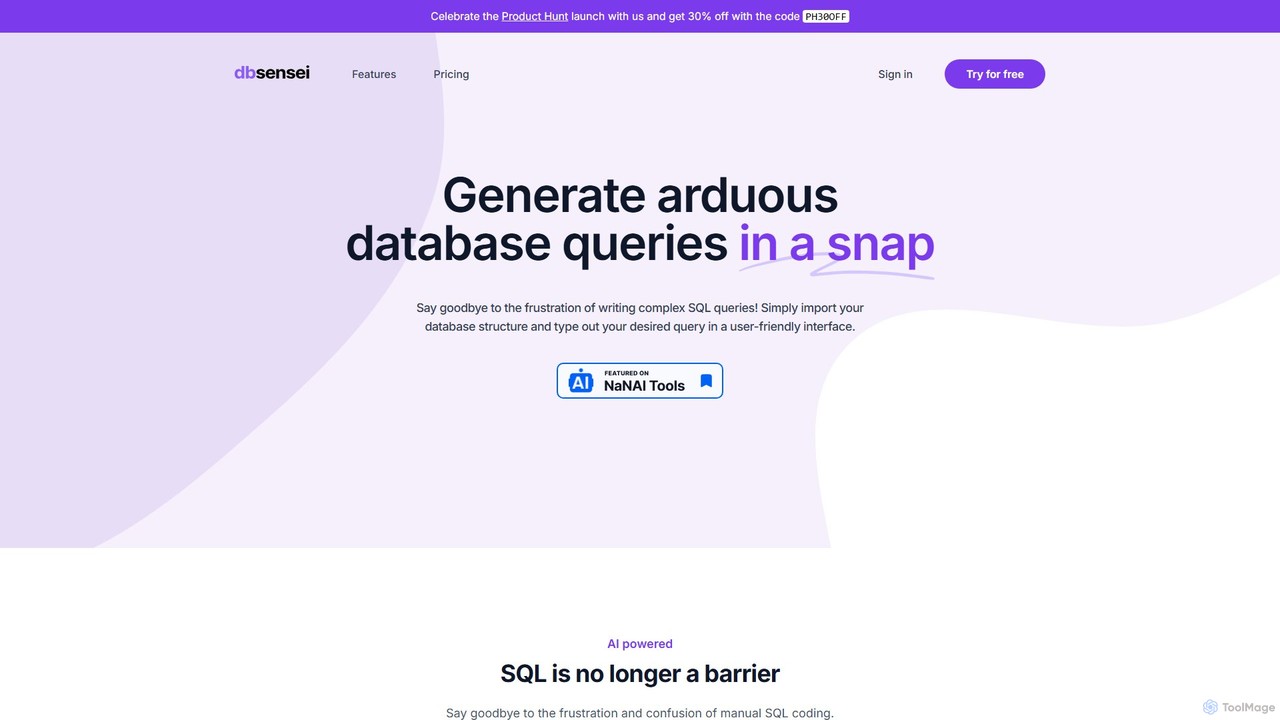
DB Sensei
DB Sensei is an AI-powered toolkit for developers and DBAs that simplifies database management. It allows users to generate, fix, explain, and format complex SQL and Eloquent queries using natural language. By importing your database schema, the tool provides context-aware, accurate results, boosting productivity and helping users improve their database skills.
Sql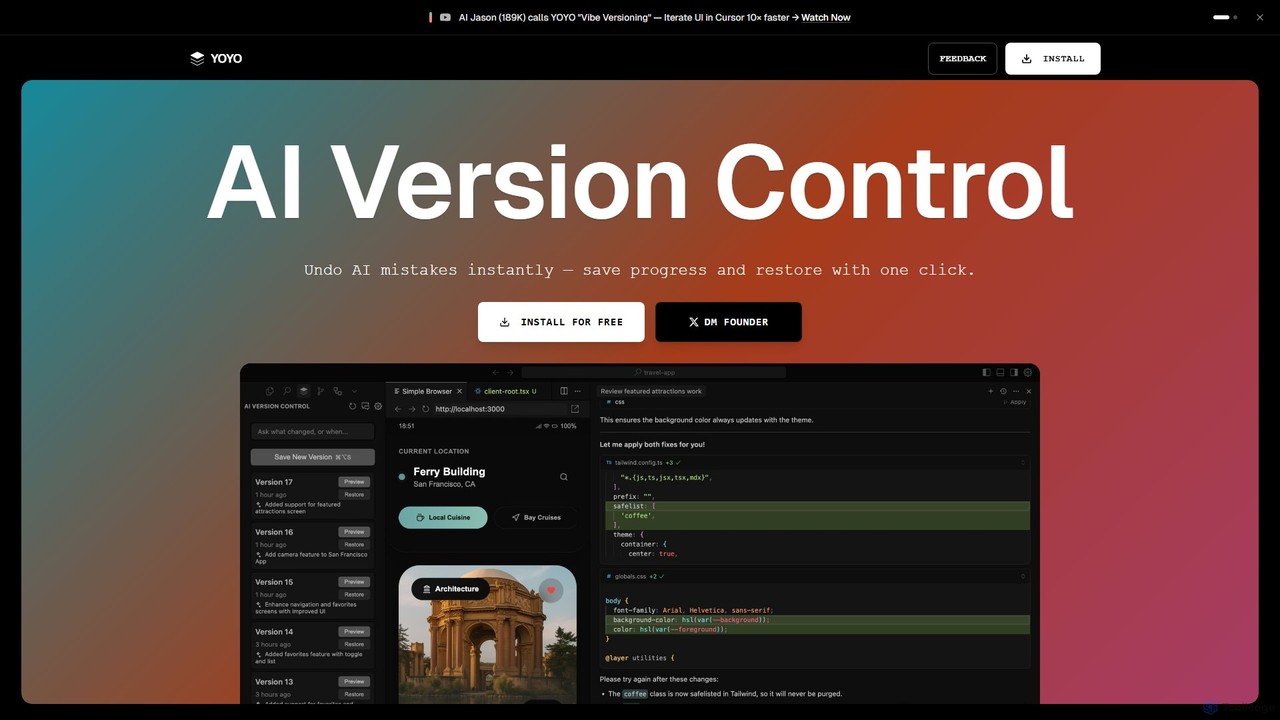
runyoyo
runyoyo is an AI-native version control system designed for the era of 'Vibe Coding'. It allows developers to instantly save progress, undo AI-generated mistakes with a single click, and search their entire coding timeline. It works alongside Git to keep your main repository clean while you experiment freely with AI assistants in IDEs like VS Code and Cursor.
Ide ExtensionWebDB Categories
WebDB Embed Widget
Copy this embed code to place the badge on your blog, article, or product site and send readers directly to this ToolMage detail page.

Related AI tools
Navicat
Navicat is a comprehensive database management and development tool with integrated AI features. It provides a user-friendly GUI for managing a wide range of databases like MySQL, PostgreSQL, MongoDB, and Snowflake. It boosts productivity with an AI Assistant for query generation, advanced data modeling, BI visualization, and seamless cloud collaboration, making it a top choice for developers, DBAs, and data analysts.
Business Intelligencerunyoyo
runyoyo is an AI-native version control system designed for the era of 'Vibe Coding'. It allows developers to instantly save progress, undo AI-generated mistakes with a single click, and search their entire coding timeline. It works alongside Git to keep your main repository clean while you experiment freely with AI assistants in IDEs like VS Code and Cursor.
Ide Extension
ChartDB
ChartDB is an AI-powered database schema visualizer that instantly generates interactive ER diagrams from a single query. It's designed for developers and teams to design, document, and collaborate on database structures. It features real-time collaboration, database synchronization, and an AI assistant to optimize schema design. Both cloud and self-hosted open-source versions are available.
Visualization
Outerbase
Outerbase is an AI-powered interface for your database, providing a modern, all-in-one platform for data interaction, analysis, and visualization. It allows users to ask questions in natural language (EZQL™), build dashboards, and manage data across various SQL and NoSQL databases with robust security and collaboration features.
Analytics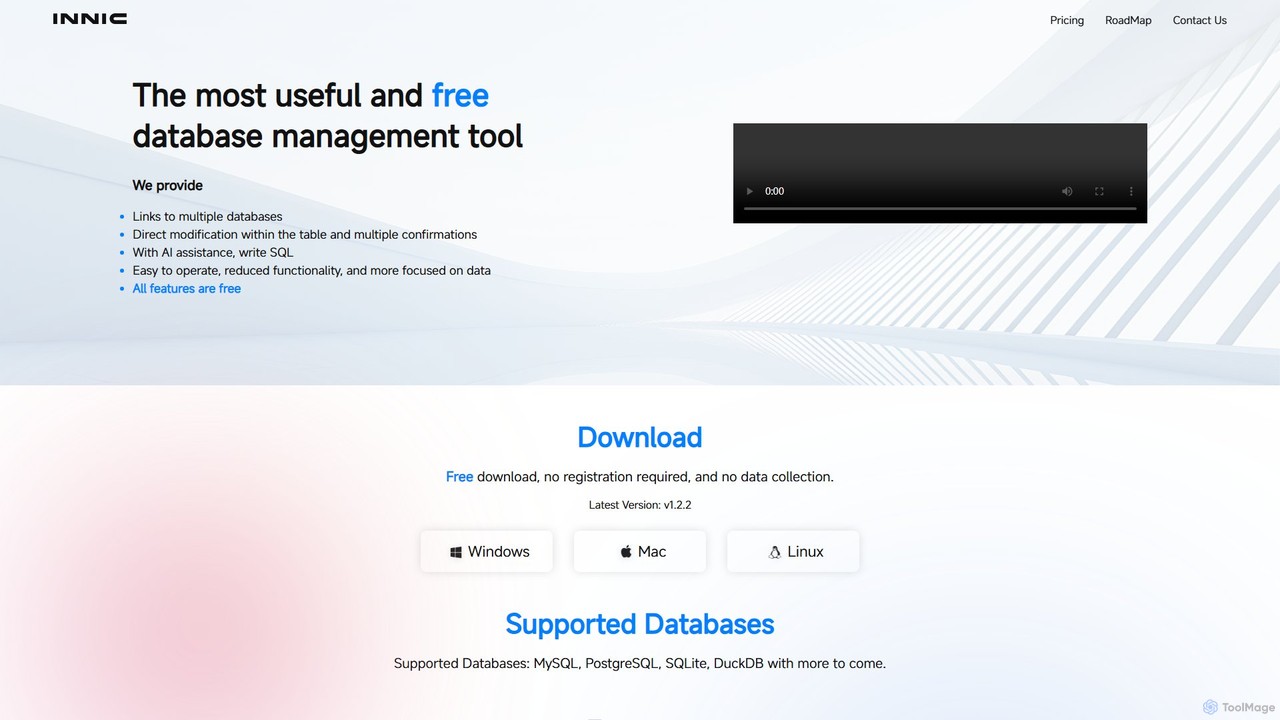
innicdata
innicdata is a free, cross-platform database management tool designed for developers and data analysts. It supports various SQL databases like MySQL, PostgreSQL, and DuckDB. Its standout feature is an AI assistant, powered by GPT, that helps users write and optimize SQL queries effortlessly. With features like direct table editing, data export, and a user-friendly interface, innicdata simplifies database operations and boosts productivity.
Database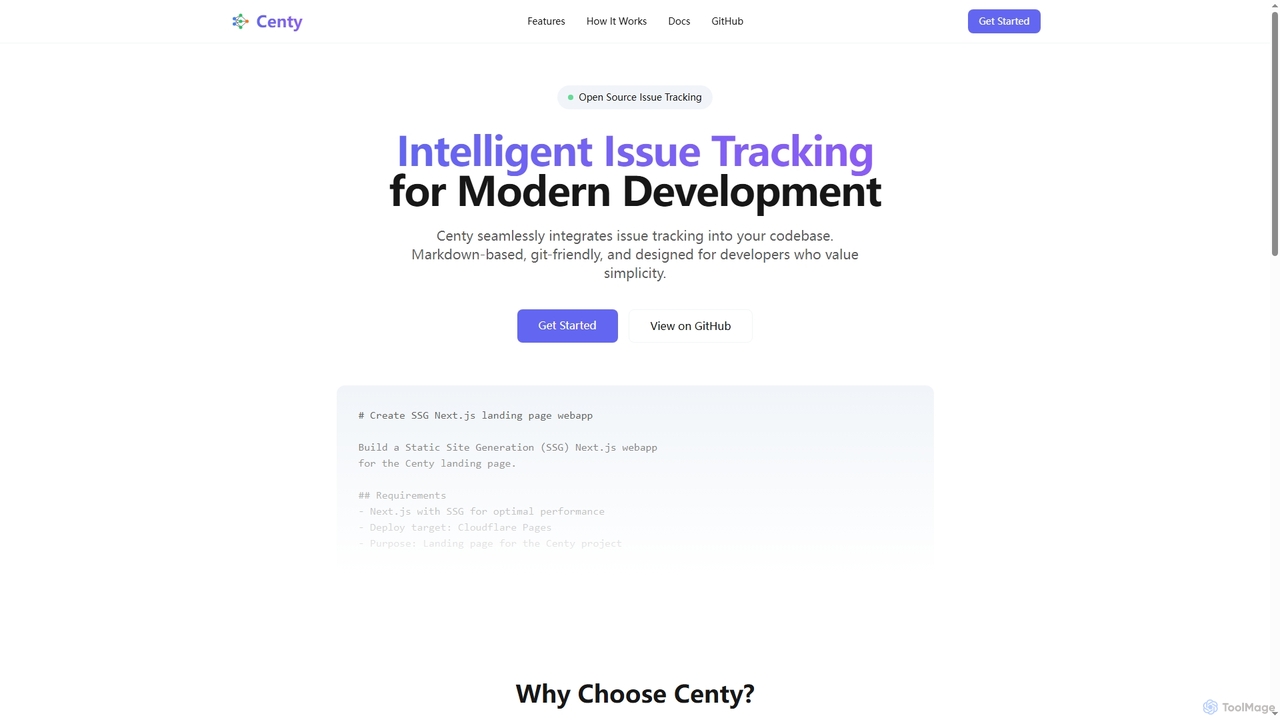
SQLAI.ai
SQLAI.ai is an advanced AI-powered assistant that generates, optimizes, explains, and debugs SQL & NoSQL queries from natural language. Ideal for developers, analysts, and beginners, it supports over 30 databases, handles large schemas, and turns plain English into accurate code in seconds, boosting productivity and simplifying database management.
Database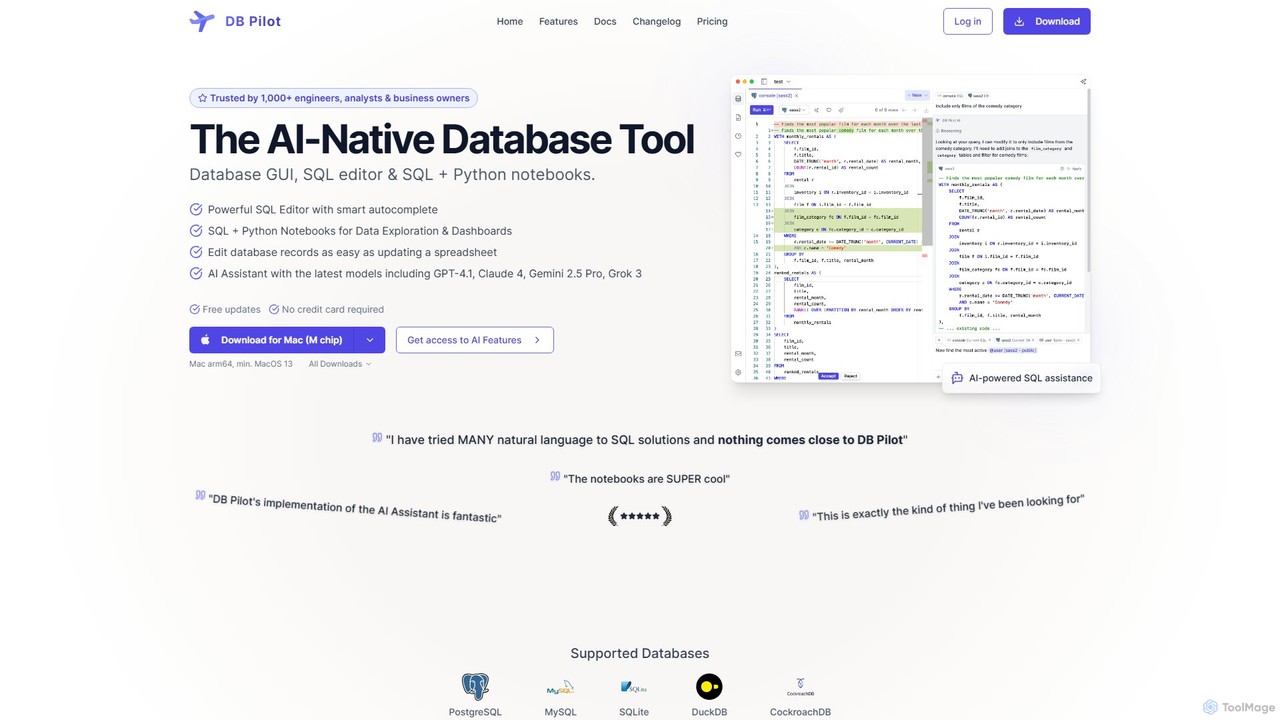
dbpilot
dbpilot is an AI-native database tool for engineers and analysts, featuring a powerful GUI, an intelligent SQL editor, and integrated SQL + Python notebooks. It leverages top AI models like GPT-4 and Claude to generate, debug, and explain queries, streamlining data exploration and dashboard creation in a secure, local-first environment.
Sql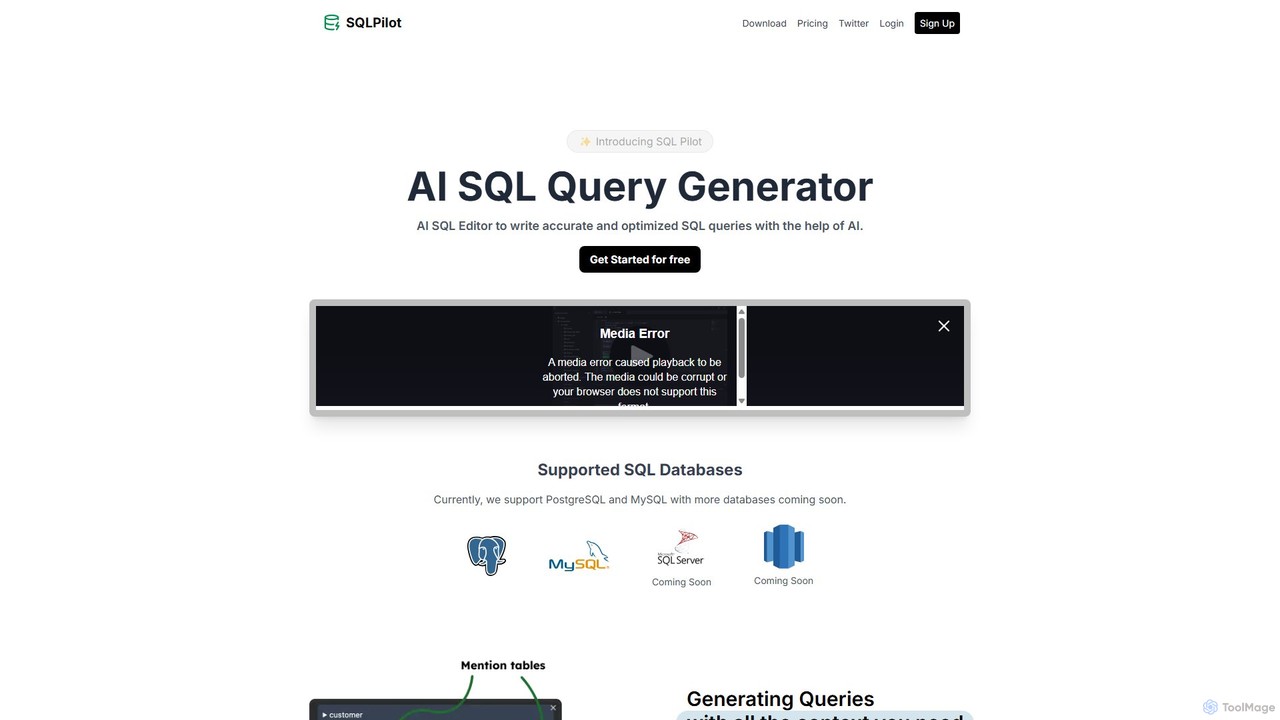
SQLPilot
SQLPilot is an AI-powered SQL query generator and editor that transforms natural language prompts into accurate, optimized SQL queries. It supports multiple databases like PostgreSQL and MySQL, various GPT models, and ensures data privacy by not storing your credentials or schemas.
Code Assistant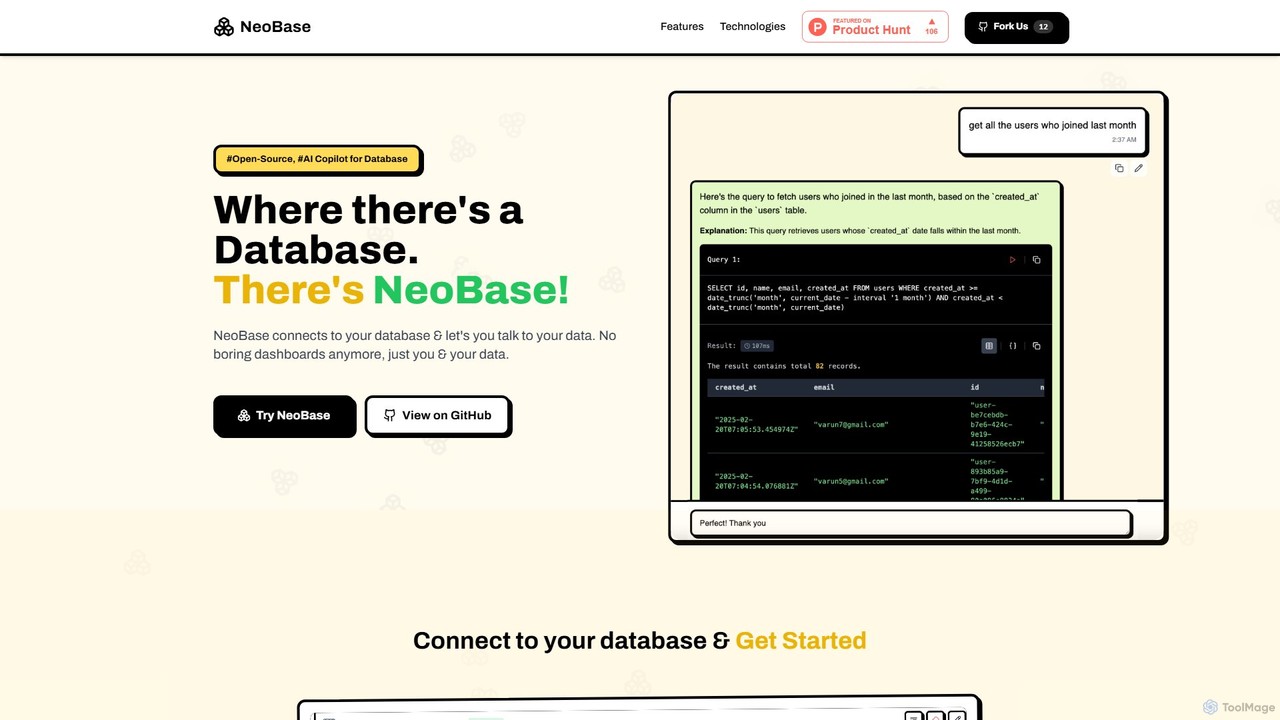
NeoBase
NeoBase is an open-source AI copilot for databases, enabling users to interact with their data using natural language. It connects to various SQL and NoSQL databases, translates plain English queries into optimized code, and visualizes the results. Designed for both technical and non-technical users, it streamlines data analysis, debugging, and reporting, eliminating the need for complex query writing and providing full data control through self-hosting.
Data Analysis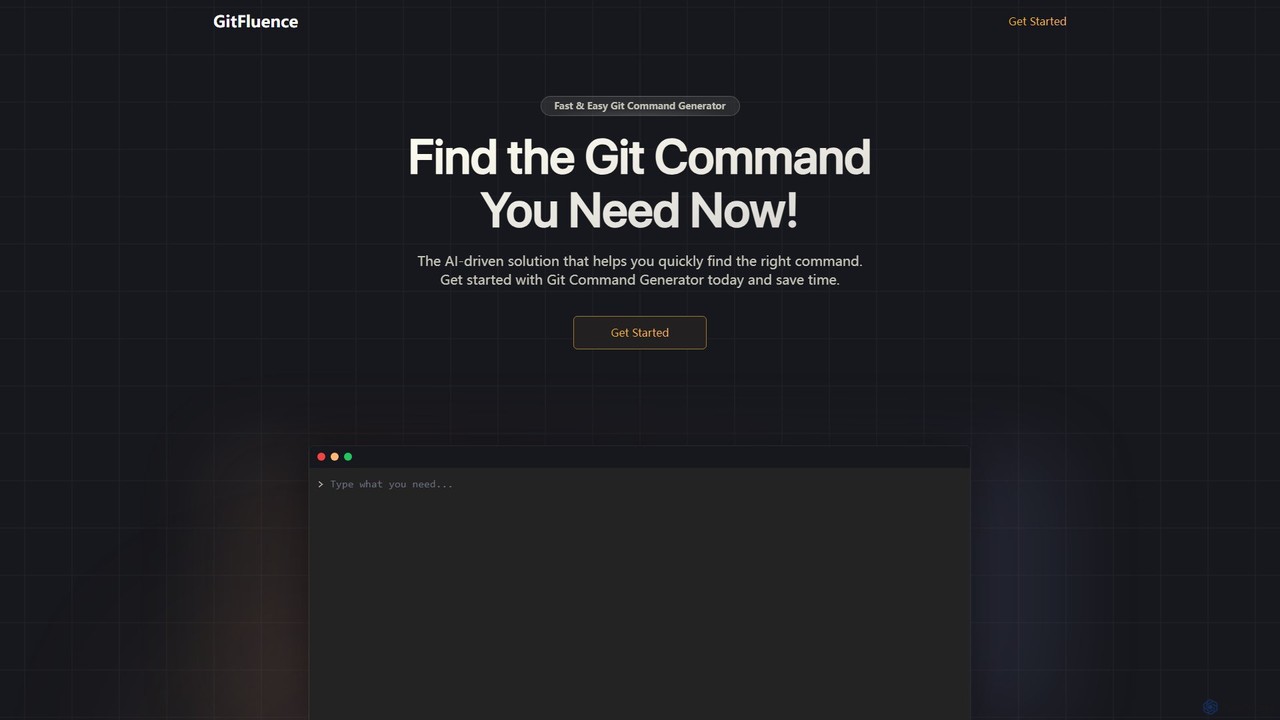
GitFluence
GitFluence is an AI-powered tool that translates natural language descriptions into the correct Git commands. Simply describe what you want to do, and GitFluence provides the precise command, saving you time and reducing errors. Ideal for both beginners learning Git and experts needing a quick syntax reminder.
Version Control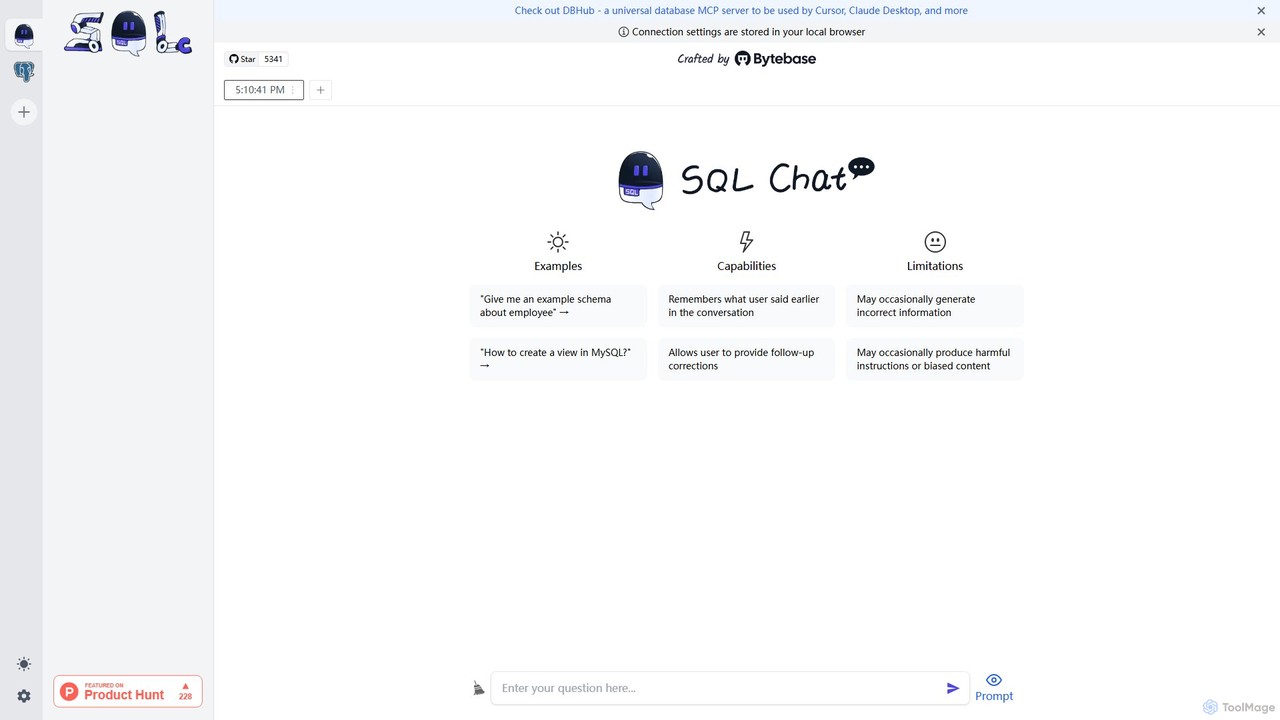
SQL Chat
SQL Chat is an open-source, chat-based SQL client and editor that uses AI to translate natural language questions into SQL queries. Connect to your database, ask questions in plain English, and get results instantly, democratizing data access for both technical and non-technical users.
Code Assistant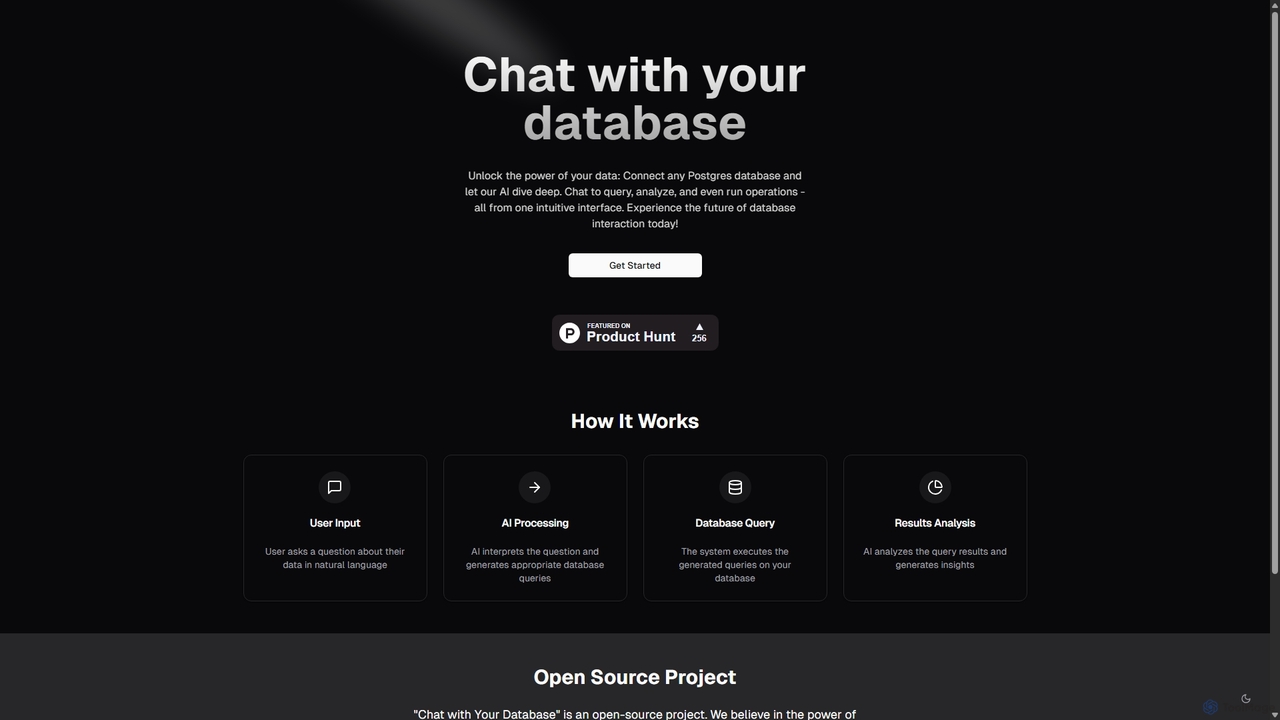
Chat With Your Database
An open-source AI tool that allows you to interact with your PostgreSQL database using natural language. Ask questions, get insights, and perform operations through a simple chat interface, eliminating the need for complex SQL queries.
Business Intelligence
GitHub
GitHub is the world's leading AI-powered developer platform for building, shipping, and maintaining software. It provides Git-based version control, collaborative tools, and a complete DevOps lifecycle, supercharged by GitHub Copilot, an advanced AI code assistant that accelerates development and enhances code quality.
Code Assistant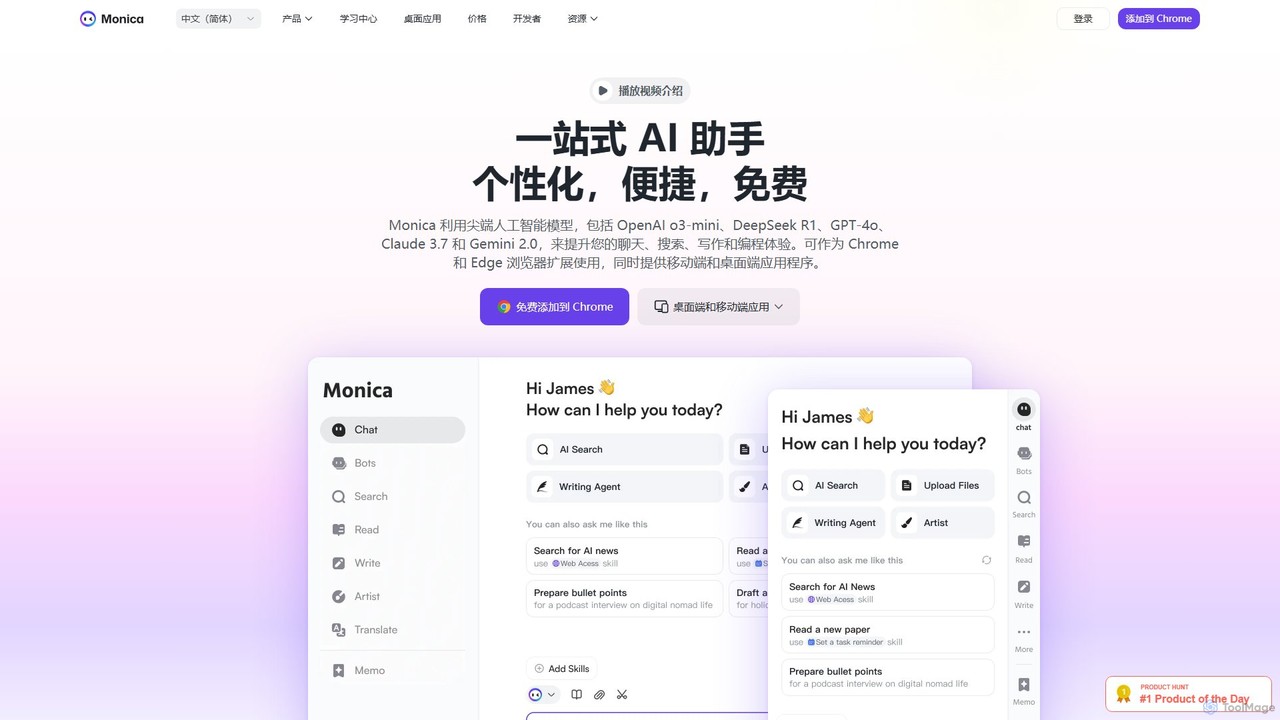
Monica
Monica is an all-in-one AI assistant powered by leading models like GPT-4o, Claude 3.7, and Gemini 1.5. It integrates seamlessly into your workflow as a browser extension, desktop, and mobile app, offering features for chat, search, writing, translation, and image creation to boost productivity.
Chrome Extensions
WebDB Comments (0)
Sign in to comment.
Sign inNo comments yet.