
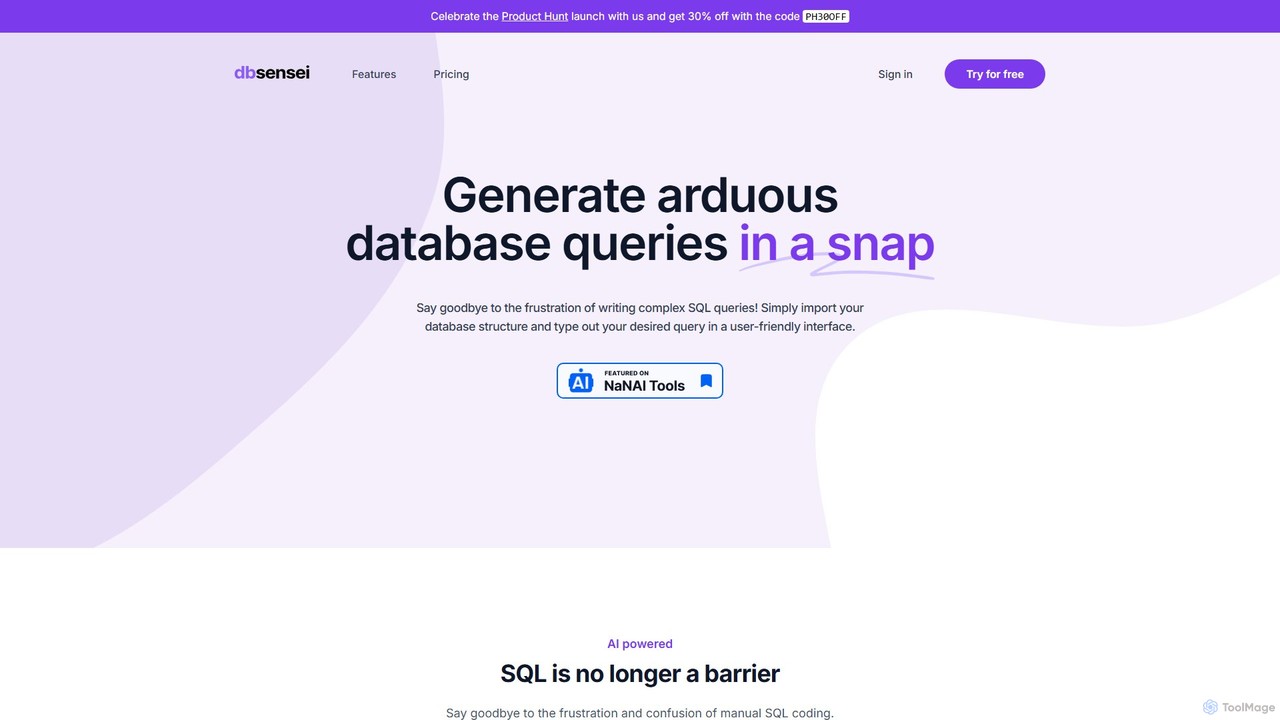
DB Sensei Overview
DB Sensei is a sophisticated AI-driven platform designed to eliminate the complexities and frustrations associated with writing and managing database queries. It serves as an indispensable assistant for developers, database administrators (DBAs), and students, enabling them to interact with their databases more efficiently using natural language. By understanding the user's database structure, DB Sensei delivers highly accurate and optimized SQL and Eloquent queries in an instant, transforming a typically time-consuming task into a seamless experience.
The platform is built on a fine-tuned AI model that is specifically trained for complex SQL scenarios. Unlike general-purpose AI models like ChatGPT, DB Sensei incorporates the context of your specific database schema (tables, columns, relationships) to generate queries that are not only syntactically correct but also logically sound and efficient. This context-aware approach significantly reduces the likelihood of errors and the need for manual debugging, allowing users to focus on building features rather than wrestling with code.
How to use DB Sensei
Using DB Sensei is designed to be intuitive and straightforward, integrating smoothly into any development workflow. The process begins with importing your database structure into the platform. This is a crucial step as it provides the AI with the necessary context to understand your data model. Once the schema is imported, you can start interacting with the AI. Simply type your request in plain English, describing the data you want to retrieve or the operation you want to perform. For example, you could type "Show me all users who signed up last month and have made more than three purchases." The AI will instantly translate this into a precise SQL or Eloquent query. The generated query can then be copied and used directly in your application. All your past queries and their results are saved in a log for easy access and future reference.
Core Features of DB Sensei
- AI Query Generator: Effortlessly generate complex SQL and Eloquent (for Laravel) queries from natural language prompts. The AI understands your database schema to provide tailored and accurate results.
- Query Fixer: Automatically identify and correct errors in your existing SQL queries. This feature saves valuable time by pinpointing issues and suggesting fixes, eliminating tedious manual debugging.
- Query Explainer: Get clear, in-depth explanations for any SQL query. This is an excellent learning tool that breaks down the logic, joins, and functions within a query, helping users understand how it works and what results it will produce.
- Query Formatter: Instantly format messy SQL code to improve readability and maintain a clean, consistent coding standard across your team.
- Database Index Suggestions: Receive intelligent recommendations for database indexes to optimize query performance and speed up your application.
- Query & Results Log: All generated queries and their results are automatically saved, allowing you to access your history at any time for reference or reuse, even after your subscription ends.
Use Cases for DB Sensei
DB Sensei is versatile and valuable for a wide range of users and scenarios. For developers, it dramatically speeds up the development process by automating query writing, allowing them to build features faster. Database Administrators (DBAs) can use it to quickly generate complex reports, debug performance issues, and optimize database structures with index suggestions. Students and beginners find the Query Explainer invaluable for learning SQL, as it provides a practical way to understand complex concepts. It's also perfect for data analysts who need to pull specific datasets for analysis without necessarily having deep SQL expertise.
Advantages of DB Sensei
The primary advantage of DB Sensei is its specialized, context-aware AI model. This fine-tuned model consistently outperforms generic AIs in generating complex and accurate database queries. It boosts productivity by reducing manual coding and debugging time. Furthermore, it serves as a powerful educational tool, helping users to not only get the right query but also to understand it. The platform supports multiple SQL dialects, with special optimization for MySQL and Eloquent, making it a flexible tool for various tech stacks. The inclusion of a 7-day free trial without a credit card requirement makes it easy and risk-free to try.
Pricing and Plans
DB Sensei offers a clear and flexible pricing structure with a 7-day free trial for all plans. A 40% discount is available for students.
- Starter Plan: $9 per month, including 100 queries per month. Ideal for individuals or students getting started with databases.
- Pro Plan: $19 per month, including 300 queries per month. Best for professional developers and frequent users.
- Ultimate Plan: $29 per month, including 500 queries per month. Offers the best value for heavy users and teams.
All plans include access to all features: SQL & Eloquent query generation, index suggestions, query fixer, explainer, formatter, unlimited database imports, and a query log.
DB Sensei Alternatives

SQLAI.ai
SQLAI.ai is an advanced AI-powered assistant that generates, optimizes, explains, and debugs SQL & NoSQL queries from natural language. Ideal for developers, analysts, and beginners, it supports over 30 databases, handles large schemas, and turns plain English into accurate code in seconds, boosting productivity and simplifying database management.
Database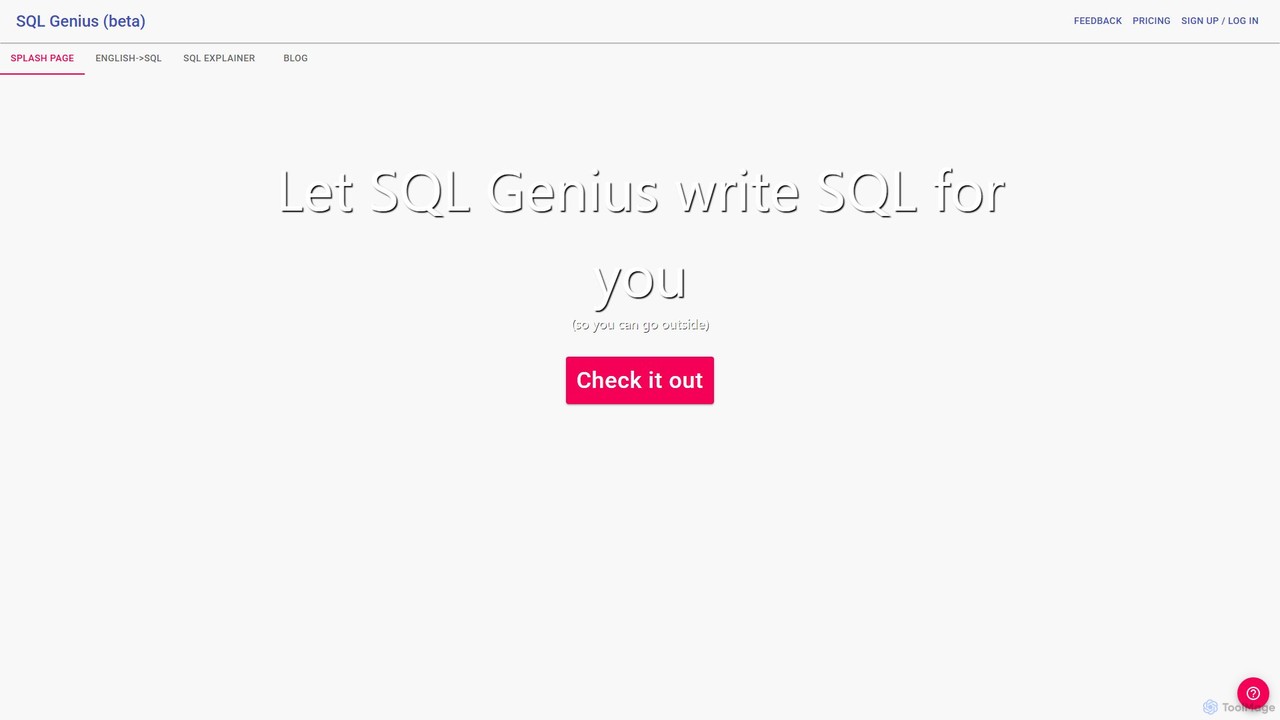
SQL Genius
SQL Genius is an AI-powered tool that simplifies database interaction by converting plain English into SQL queries and explaining complex SQL code in simple terms. It's designed for developers, data analysts, and students to boost productivity and reduce the learning curve for SQL.
Analytics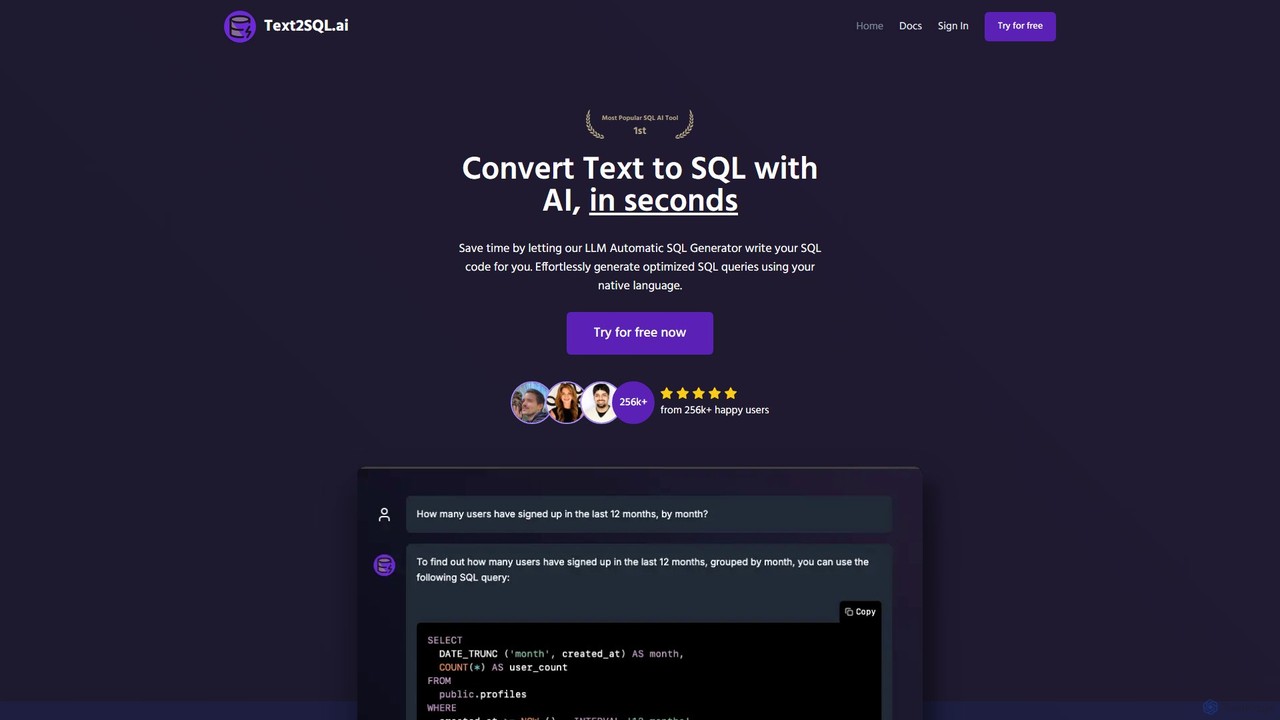
Text2SQL.ai
Text2SQL.ai is an AI-powered tool that instantly converts natural language text into complex SQL queries and Regex patterns. It supports over 12 SQL and NoSQL databases, allows schema integration for higher accuracy, and functions as a comprehensive AI assistant for explaining, fixing, and optimizing code. Designed for developers, data analysts, and beginners, it saves time, reduces errors, and makes database interaction more accessible. It also offers a public API for custom integrations.
Querying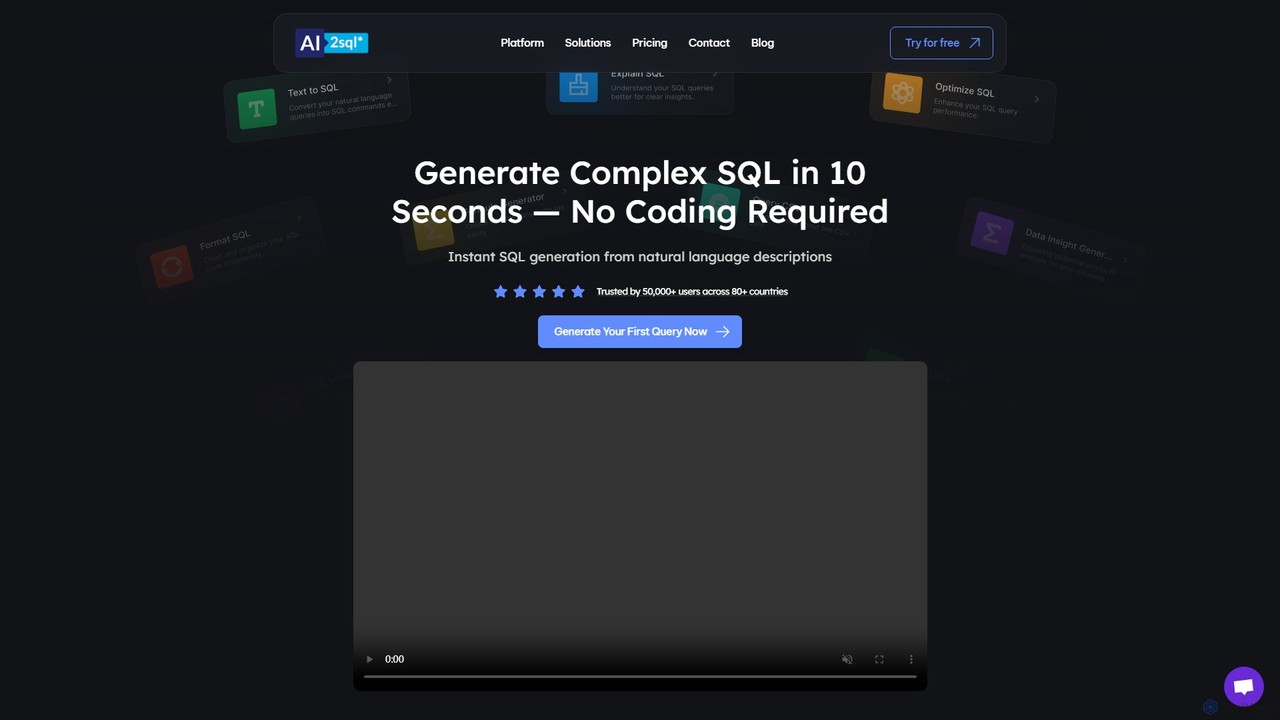
ai2sql
ai2sql is an AI-powered assistant that generates, explains, and optimizes complex SQL and NoSQL queries from natural language. It supports a wide range of databases like MySQL, PostgreSQL, and MongoDB, helping developers, data analysts, and beginners to work with data more efficiently and without extensive coding knowledge.
Analytics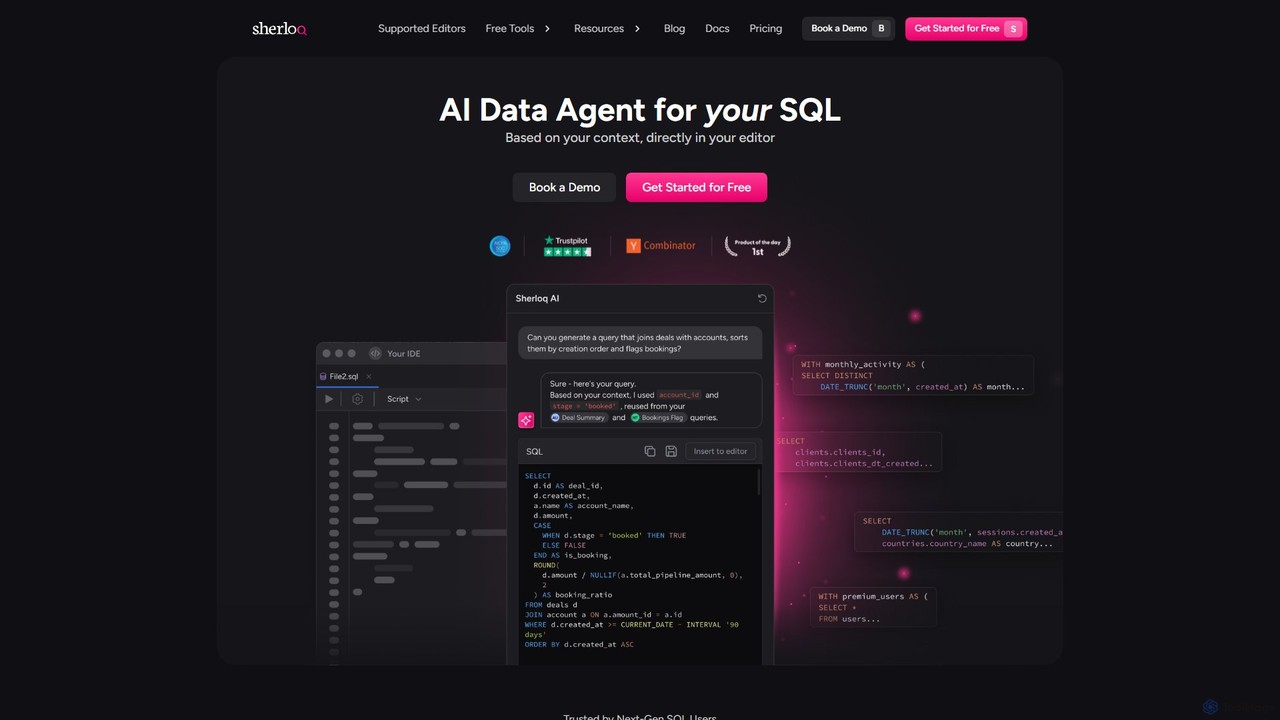
sherloqdata
Sherloqdata is an AI-powered data agent for SQL that works directly in your editor. It helps data professionals write, fix, and manage SQL queries faster by using your existing SQL repository for context. Features include an AI SQL Chat, query management, version control, and team collaboration.
DatabaseDB Sensei Categories
DB Sensei Embed Widget
Copy this embed code to place the badge on your blog, article, or product site and send readers directly to this ToolMage detail page.

Related AI tools
SQLAI.ai
SQLAI.ai is an advanced AI-powered assistant that generates, optimizes, explains, and debugs SQL & NoSQL queries from natural language. Ideal for developers, analysts, and beginners, it supports over 30 databases, handles large schemas, and turns plain English into accurate code in seconds, boosting productivity and simplifying database management.
DatabaseSQL Genius
SQL Genius is an AI-powered tool that simplifies database interaction by converting plain English into SQL queries and explaining complex SQL code in simple terms. It's designed for developers, data analysts, and students to boost productivity and reduce the learning curve for SQL.
AnalyticsText2SQL.ai
Text2SQL.ai is an AI-powered tool that instantly converts natural language text into complex SQL queries and Regex patterns. It supports over 12 SQL and NoSQL databases, allows schema integration for higher accuracy, and functions as a comprehensive AI assistant for explaining, fixing, and optimizing code. Designed for developers, data analysts, and beginners, it saves time, reduces errors, and makes database interaction more accessible. It also offers a public API for custom integrations.
Querying
QueryGenie
QueryGenie is an AI-powered assistant that translates natural language into SQL queries. It helps developers, data analysts, and business users to generate, optimize, and understand complex SQL code effortlessly, significantly boosting productivity and democratizing data access.
Code Assistant
sqltroughai
sqltroughai is an AI-powered assistant that translates natural language into SQL queries, optimizes existing code, and explains complex queries in plain English. It empowers developers, analysts, and business users to interact with databases effortlessly and efficiently.
Code Assistantai2sql
ai2sql is an AI-powered assistant that generates, explains, and optimizes complex SQL and NoSQL queries from natural language. It supports a wide range of databases like MySQL, PostgreSQL, and MongoDB, helping developers, data analysts, and beginners to work with data more efficiently and without extensive coding knowledge.
Analytics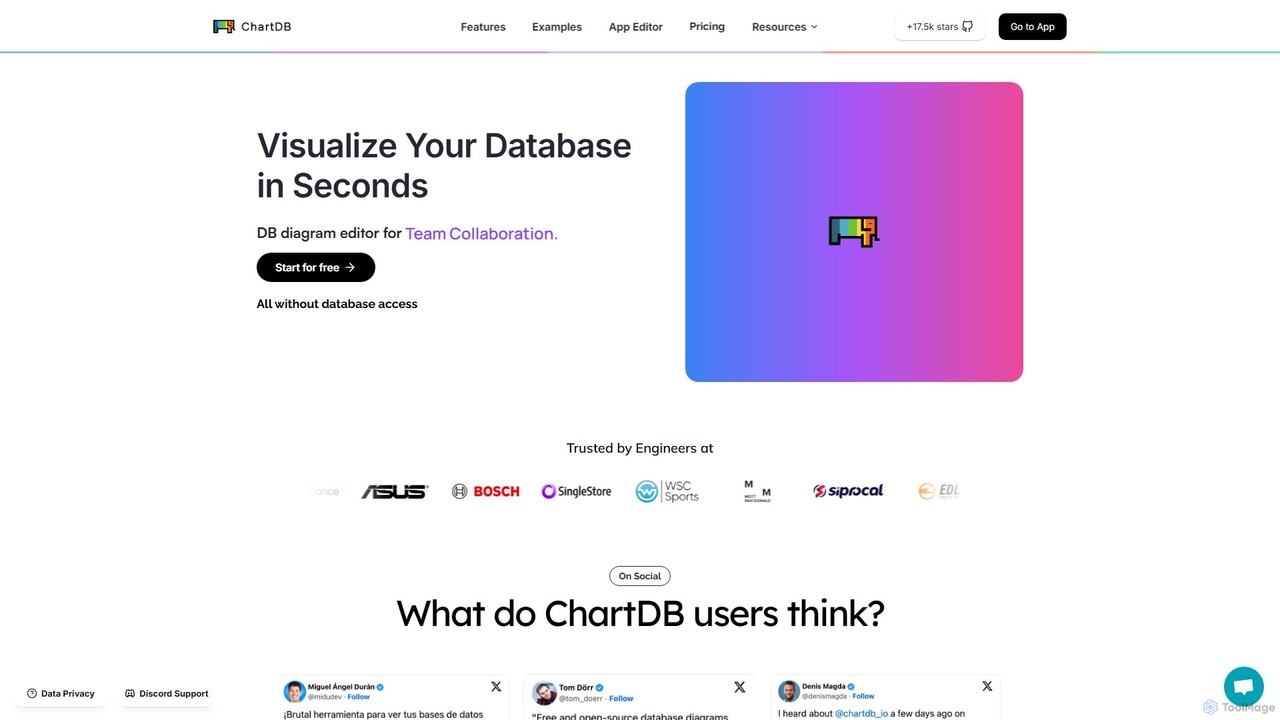
ChartDB
ChartDB is an AI-powered database schema visualizer that instantly generates interactive ER diagrams from a single query. It's designed for developers and teams to design, document, and collaborate on database structures. It features real-time collaboration, database synchronization, and an AI assistant to optimize schema design. Both cloud and self-hosted open-source versions are available.
Visualization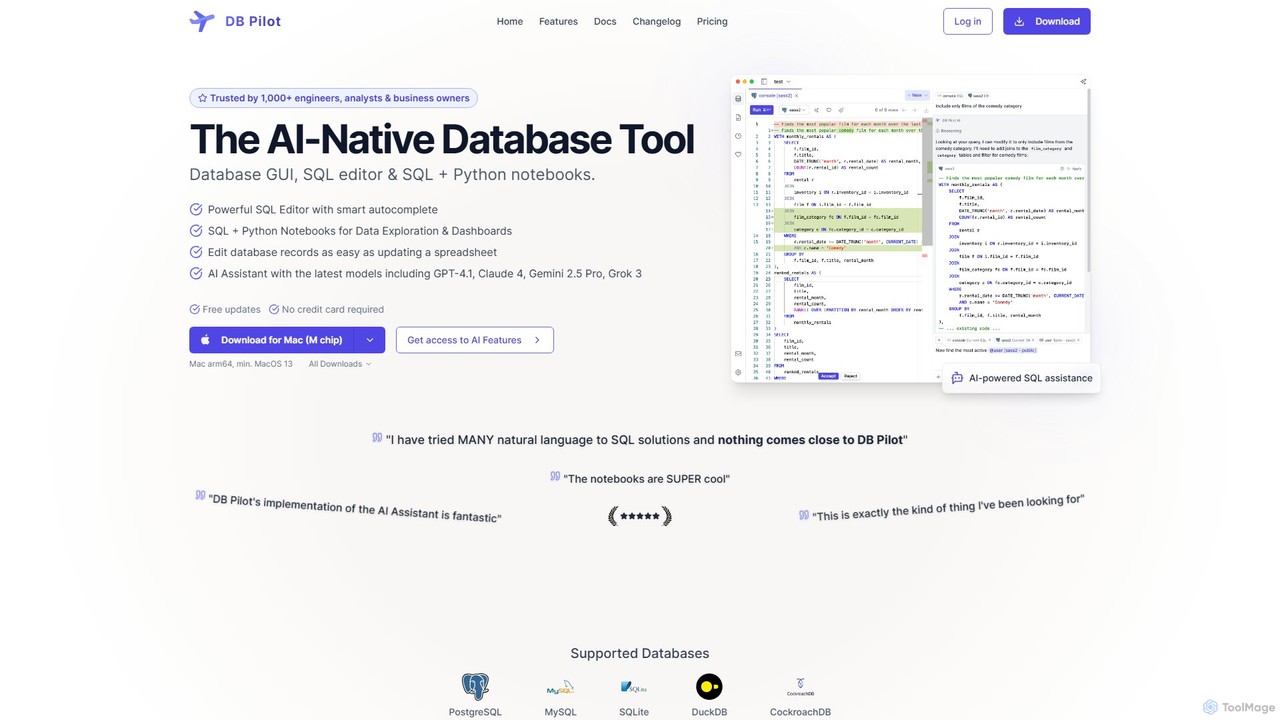
dbpilot
dbpilot is an AI-native database tool for engineers and analysts, featuring a powerful GUI, an intelligent SQL editor, and integrated SQL + Python notebooks. It leverages top AI models like GPT-4 and Claude to generate, debug, and explain queries, streamlining data exploration and dashboard creation in a secure, local-first environment.
Sql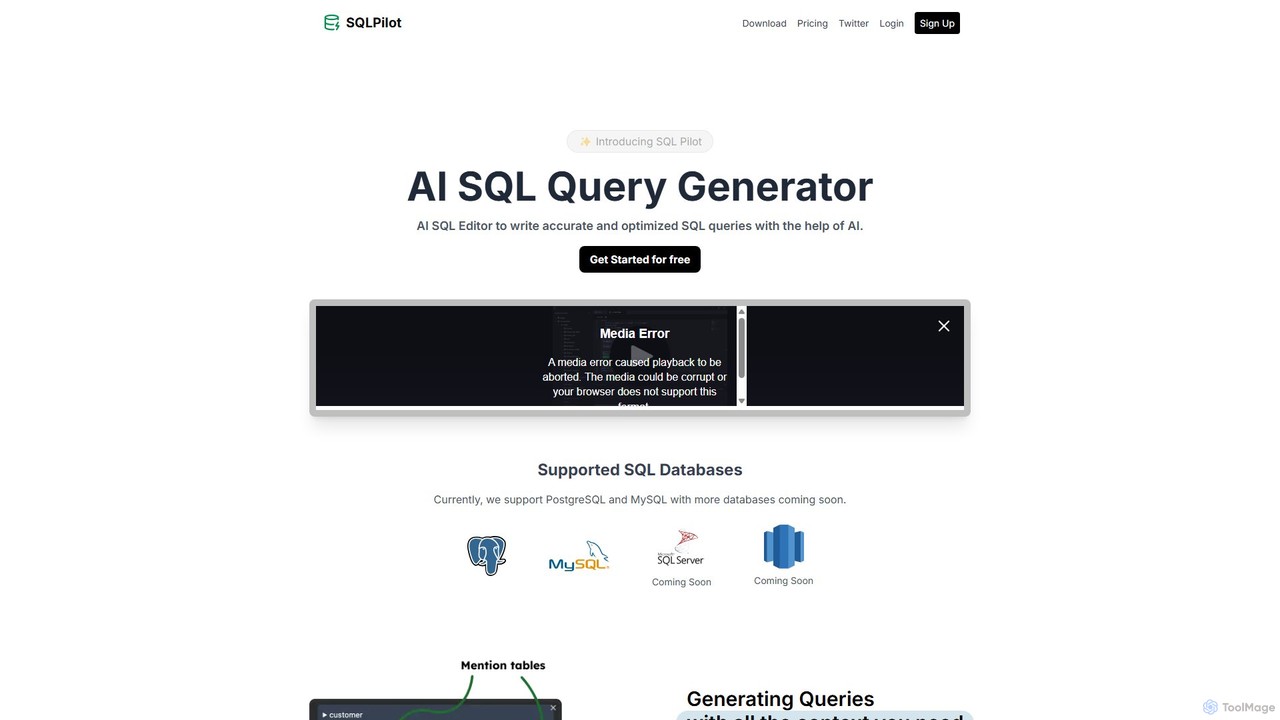
SQLPilot
SQLPilot is an AI-powered SQL query generator and editor that transforms natural language prompts into accurate, optimized SQL queries. It supports multiple databases like PostgreSQL and MySQL, various GPT models, and ensures data privacy by not storing your credentials or schemas.
Code Assistant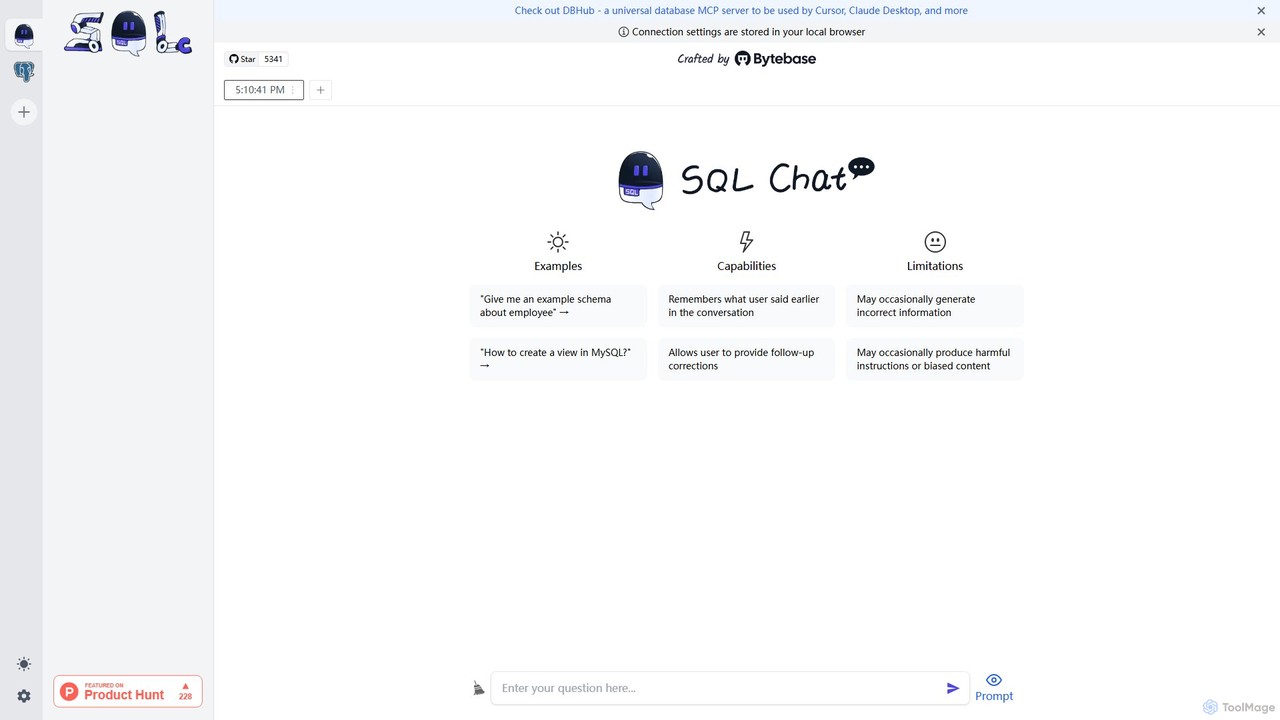
SQL Chat
SQL Chat is an open-source, chat-based SQL client and editor that uses AI to translate natural language questions into SQL queries. Connect to your database, ask questions in plain English, and get results instantly, democratizing data access for both technical and non-technical users.
Code Assistant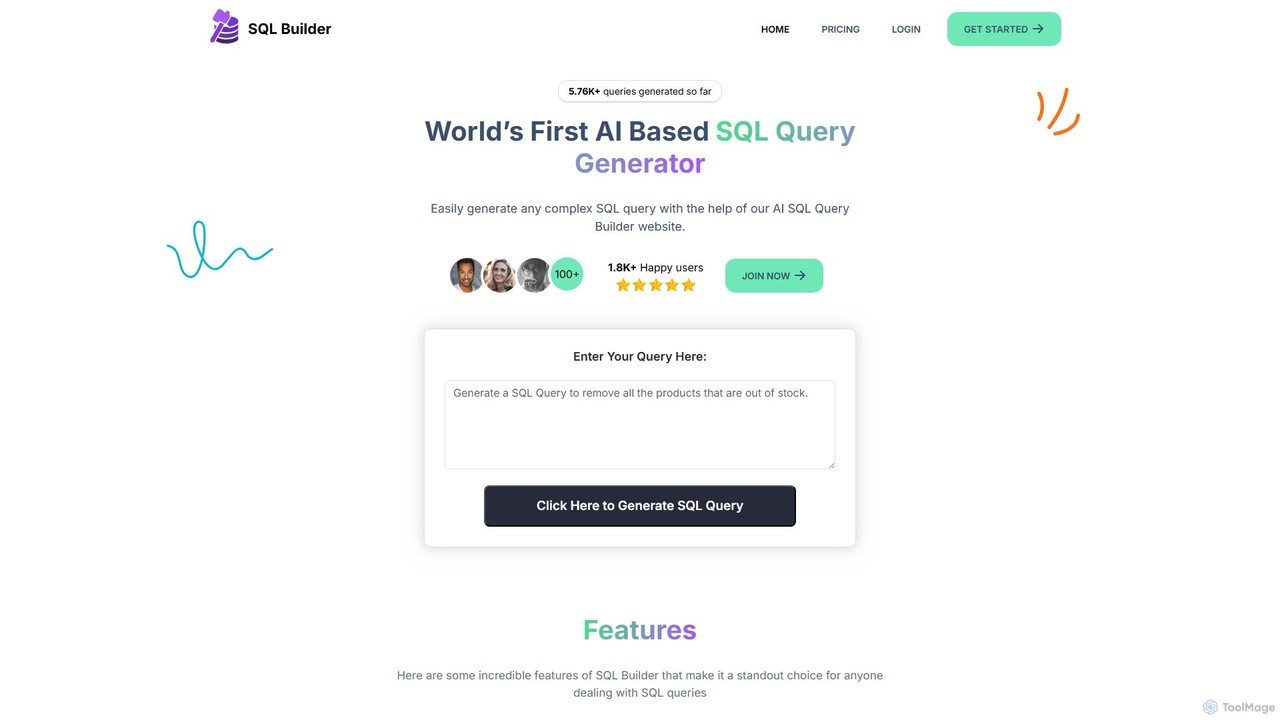
sqlbuilder
sqlbuilder is an AI-powered platform that simplifies database interactions. It enables users to generate, explain, optimize, and validate SQL and NoSQL queries using plain English. Designed for both developers and non-technical users, it accelerates data exploration, report generation, and database management, eliminating the need for deep SQL knowledge and reducing development time.
Code Assistant
Jyek
Jyek is an AI agent platform that understands objectives, creates execution plans, uses tools, and delivers verifiable results for complex, multi-step tasks.
Automation
Neurelo
Neurelo was an innovative AI-powered Backend-as-a-Service (BaaS) platform designed to drastically simplify and accelerate backend development. It automatically generated production-ready REST and GraphQL APIs from a database schema, empowering developers to build scalable applications in a fraction of the time by handling database management, migrations, and API creation.
Apisherloqdata
Sherloqdata is an AI-powered data agent for SQL that works directly in your editor. It helps data professionals write, fix, and manage SQL queries faster by using your existing SQL repository for context. Features include an AI SQL Chat, query management, version control, and team collaboration.
Database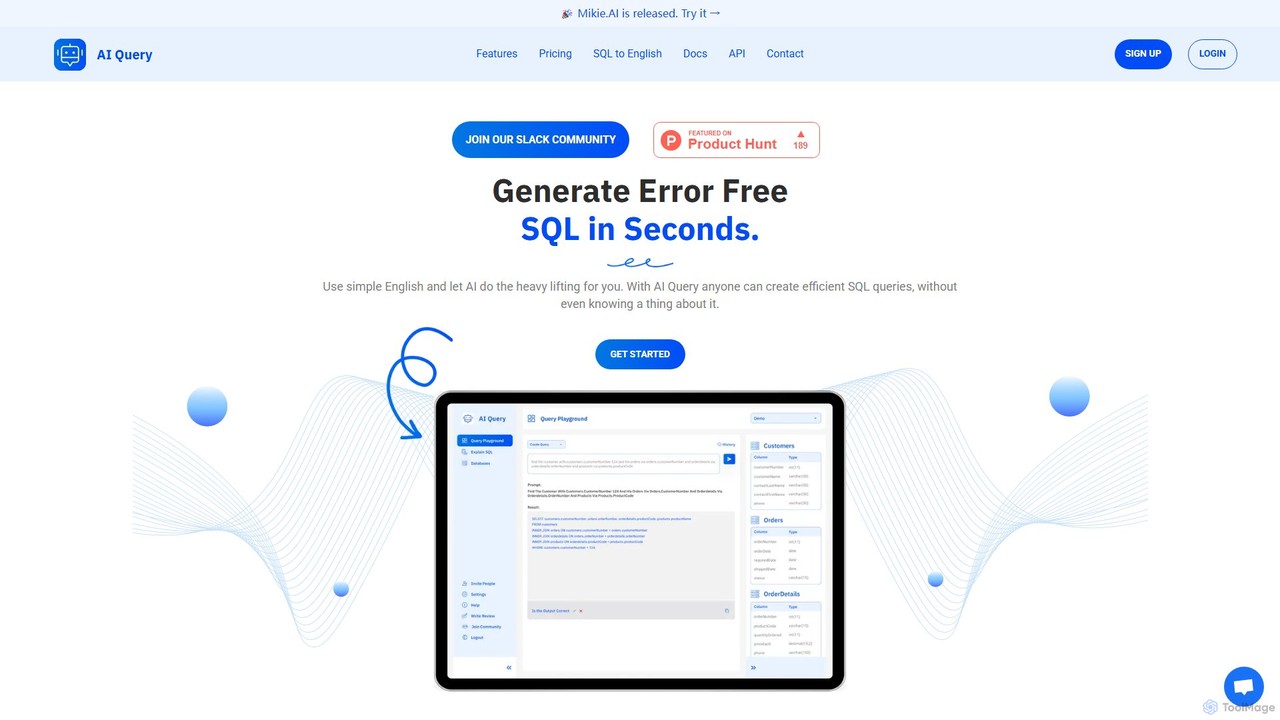
AI Query
AI Query is an AI-powered tool that translates plain English into complex, error-free SQL queries in seconds. It's designed for developers, data analysts, and non-technical users to simplify database interactions, explain existing queries, and accelerate data retrieval workflows.
Querying
DB Sensei Comments (0)
Sign in to comment.
Sign inNo comments yet.