

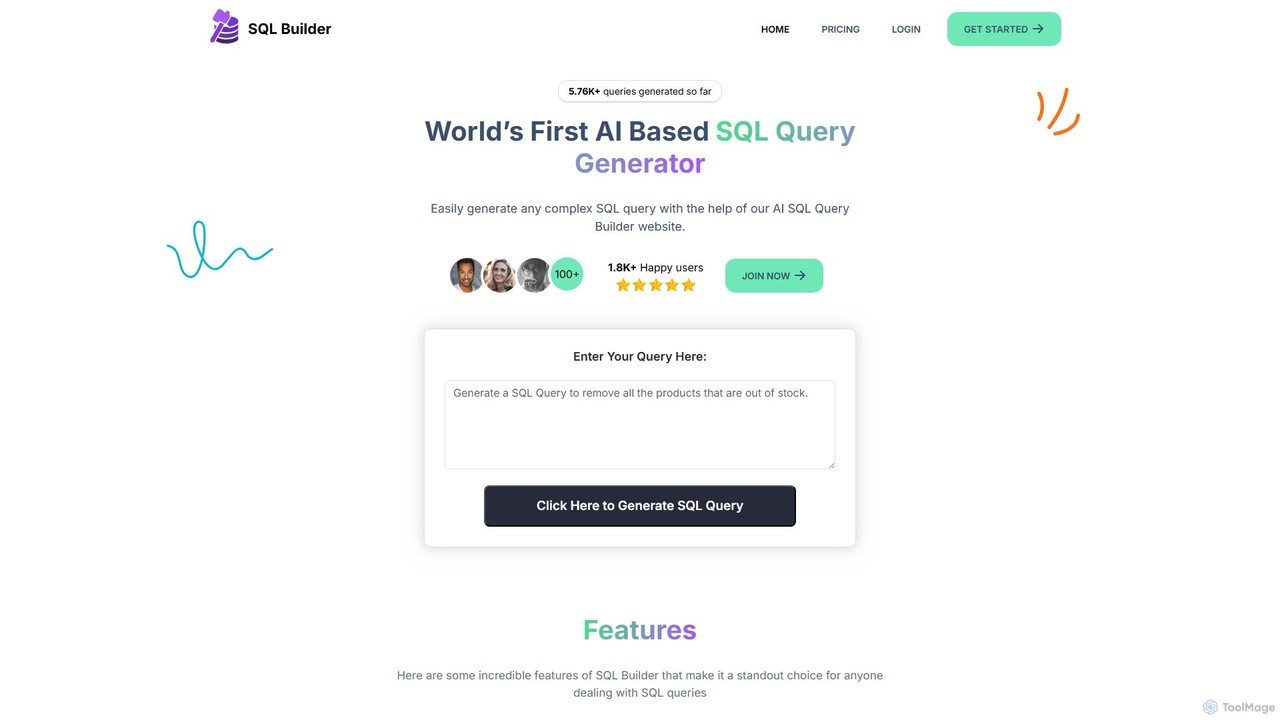
sqlbuilder Overview
sqlbuilder is a revolutionary AI-powered toolkit designed to streamline and simplify every aspect of working with SQL and NoSQL databases. Born from the real-world challenges faced by developers, its mission is to make database querying accessible to everyone, regardless of their technical expertise. By leveraging the power of advanced AI models like OpenAI, sqlbuilder transforms natural language prompts into accurate, efficient, and well-structured database queries. This empowers developers, data analysts, and business users to interact with their data more intuitively and productively, breaking down the barriers of complex query syntax.
The platform is more than just a query generator; it's a comprehensive suite of tools for database management. Whether you're a seasoned developer looking to speed up your workflow, a data analyst needing to pull specific insights, or a student learning the ropes of SQL, sqlbuilder provides the necessary features to enhance efficiency, reduce errors, and deepen understanding. From generating complex queries from a simple sentence to optimizing performance and ensuring code quality, sqlbuilder aims to be the go-to solution in every developer's toolkit.
How to use sqlbuilder
Using sqlbuilder is designed to be a straightforward and intuitive process. Users can harness its power in a few simple steps:
- Select a Tool: Navigate to the user-friendly dashboard and choose the desired function, such as 'No-Code SQL Builder', 'SQL Explainer', 'Optimizer', or 'Formatter'.
- Provide Input: Depending on the chosen tool, you will either type a command in plain English (e.g., "Show me all users from California who signed up last month") or paste an existing SQL/NoSQL query into the input field.
- Generate & Refine: Click the generate button. The AI will instantly process your input and produce the corresponding query, explanation, or optimized version.
- Review and Use: The output is displayed clearly for review. You can copy the generated code to use in your application, study the explanation to learn, or apply the suggested optimizations to improve your database performance.
Core Features of sqlbuilder
- No-Code SQL & NoSQL Builder: Generate complex queries for various databases (including MySQL, PostgreSQL, and NoSQL databases like MongoDB) simply by describing what you need in plain English.
- SQL Syntax Explainer: Demystifies intricate SQL queries by breaking them down into step-by-step, easy-to-understand explanations. It highlights keywords, tables, and functions to clarify the query's logic.
- SQL Optimizer: Automatically analyzes your queries to identify bottlenecks and inefficiencies. It suggests optimizations, such as better joins and index recommendations, to significantly improve execution speed.
- SQL Formatter: Cleans up and beautifies messy SQL code with a single click. It enforces consistent formatting, making queries organized, readable, and easier to maintain.
- SQL Syntax Validator: Acts as an intelligent proofreader for your code. It instantly scans queries to catch syntax errors, misplaced commas, or forgotten keywords, providing detailed error messages and suggestions for fixes.
Use Cases for sqlbuilder
sqlbuilder is a versatile tool that caters to a wide range of professionals:
- Software Developers: Can rapidly prototype and build data-driven features, debug complex queries, and ensure all database interactions are optimized for performance before deployment.
- Data Analysts & Business Intelligence Professionals: Can perform ad-hoc data exploration and generate reports without writing code, allowing them to focus on extracting insights rather than struggling with syntax.
- Students and Beginners: Provides an interactive learning environment to understand how SQL queries are constructed and to get instant feedback on their own code.
- Database Administrators (DBAs): Can use the validator and optimizer to maintain database health, enforce coding standards, and troubleshoot slow-performing queries.
Advantages of sqlbuilder
The primary advantage of sqlbuilder is its ability to boost productivity and democratize data access. It significantly reduces the time and effort required to write, debug, and optimize queries. By translating natural language to code, it empowers non-technical team members to become self-sufficient in data retrieval. For developers, it automates tedious tasks, prevents common errors, and serves as a reliable assistant, allowing them to focus on higher-level problem-solving. Its support for both SQL and NoSQL databases makes it a uniquely versatile and indispensable tool in modern development environments.
Pricing and Plans
sqlbuilder offers a flexible pricing structure to suit different needs, including a free tier for individuals and paid plans for professionals and teams.
- Free Plan: Ideal for students, hobbyists, and individuals with light usage. This plan typically includes a limited number of AI query generations per month and access to basic features like the SQL generator and explainer.
- Pro Plan: Designed for individual developers and data analysts. This plan offers a much higher query limit, access to all advanced features including the SQL Optimizer and NoSQL Builder, and priority support.
- Team/Enterprise Plan: Tailored for organizations and development teams. It includes unlimited query generation, collaboration features, centralized billing, and dedicated enterprise-level support.
sqlbuilder Alternatives

QueryGenie
QueryGenie is an AI-powered assistant that translates natural language into SQL queries. It helps developers, data analysts, and business users to generate, optimize, and understand complex SQL code effortlessly, significantly boosting productivity and democratizing data access.
Code Assistant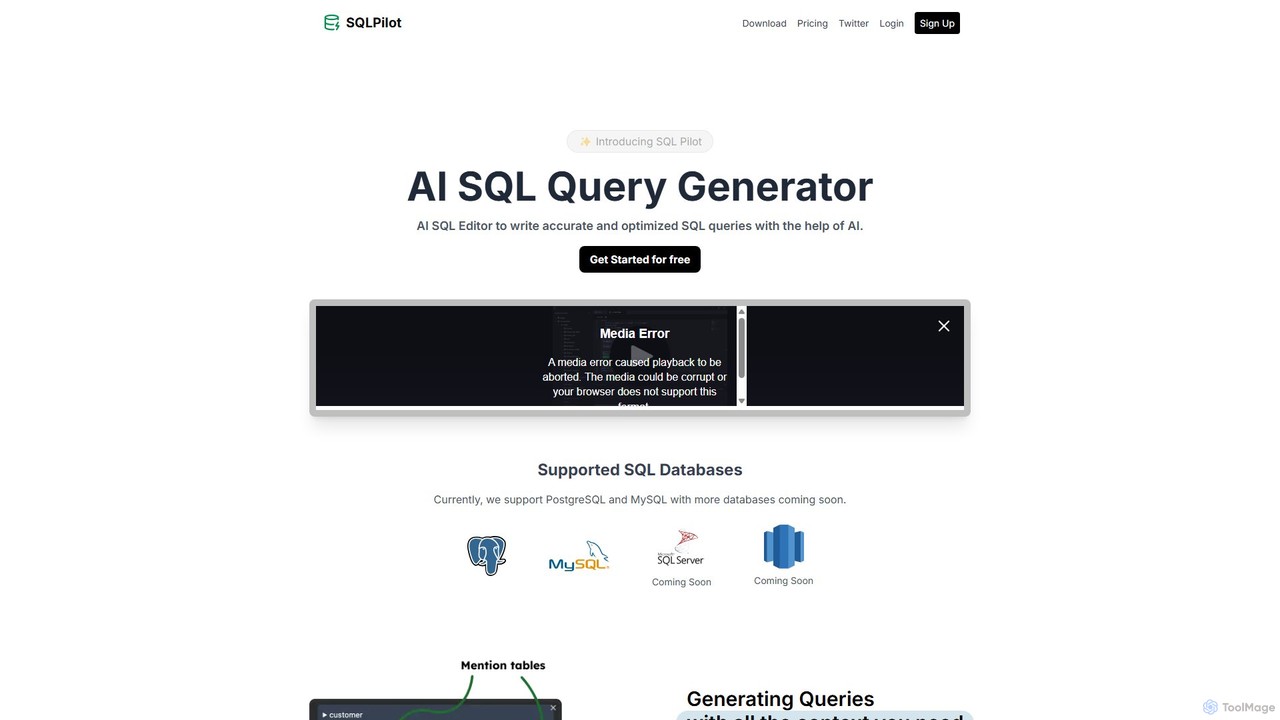
SQLPilot
SQLPilot is an AI-powered SQL query generator and editor that transforms natural language prompts into accurate, optimized SQL queries. It supports multiple databases like PostgreSQL and MySQL, various GPT models, and ensures data privacy by not storing your credentials or schemas.
Code Assistant
sqltroughai
sqltroughai is an AI-powered assistant that translates natural language into SQL queries, optimizes existing code, and explains complex queries in plain English. It empowers developers, analysts, and business users to interact with databases effortlessly and efficiently.
Code Assistant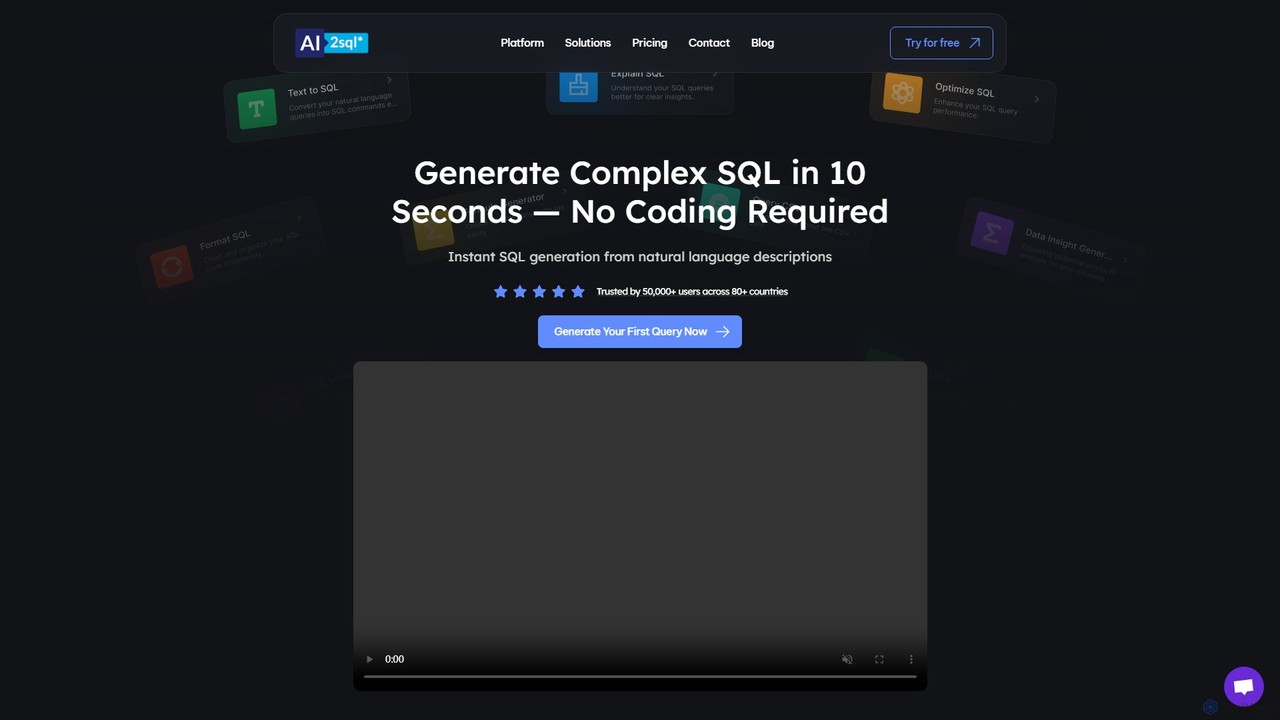
ai2sql
ai2sql is an AI-powered assistant that generates, explains, and optimizes complex SQL and NoSQL queries from natural language. It supports a wide range of databases like MySQL, PostgreSQL, and MongoDB, helping developers, data analysts, and beginners to work with data more efficiently and without extensive coding knowledge.
Analytics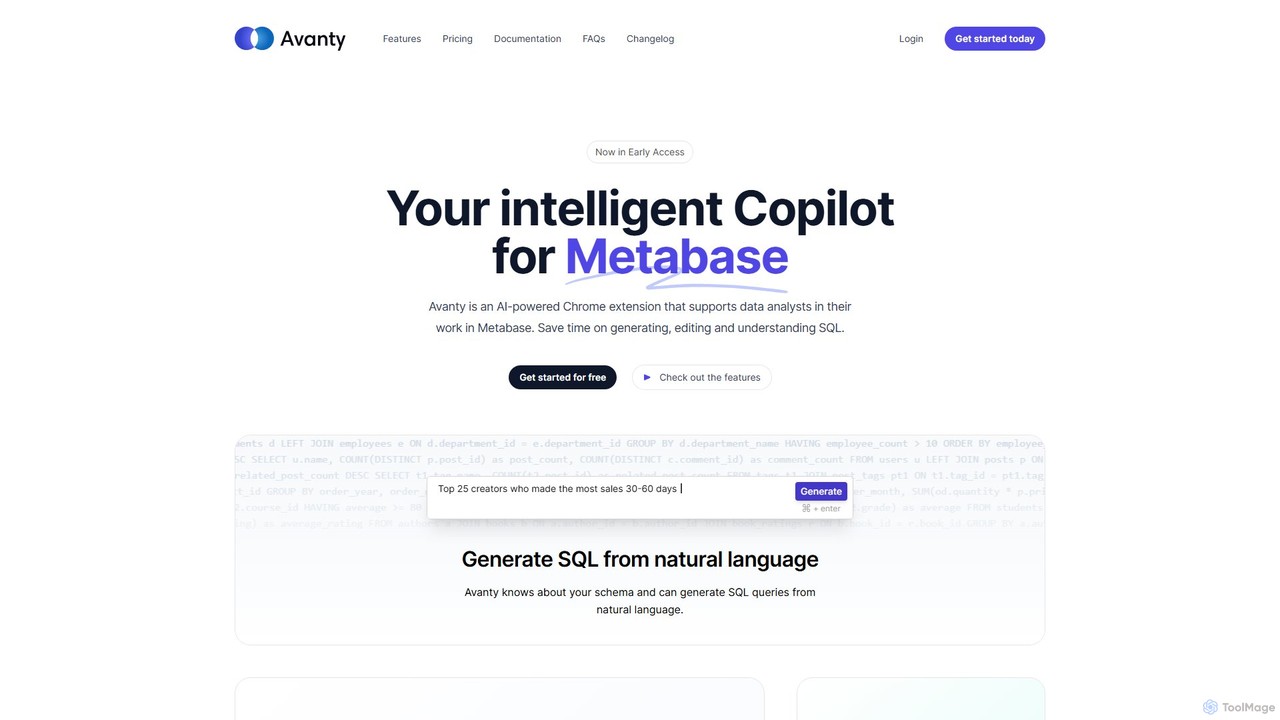
Avanty
Avanty is an AI-powered Chrome extension designed as an intelligent copilot for data analysts using Metabase. It streamlines workflows by enabling users to generate, edit, explain, and format SQL queries using natural language. This tool significantly saves time, enhances productivity, and helps in understanding complex data queries, making data analysis faster and more intuitive.
Business Intelligencesqlbuilder Categories
sqlbuilder Embed Widget
Copy this embed code to place the badge on your blog, article, or product site and send readers directly to this ToolMage detail page.

Related AI tools
ai2sql
ai2sql is an AI-powered assistant that generates, explains, and optimizes complex SQL and NoSQL queries from natural language. It supports a wide range of databases like MySQL, PostgreSQL, and MongoDB, helping developers, data analysts, and beginners to work with data more efficiently and without extensive coding knowledge.
Analyticssqltroughai
sqltroughai is an AI-powered assistant that translates natural language into SQL queries, optimizes existing code, and explains complex queries in plain English. It empowers developers, analysts, and business users to interact with databases effortlessly and efficiently.
Code Assistant
SQLAI.ai
SQLAI.ai is an advanced AI-powered assistant that generates, optimizes, explains, and debugs SQL & NoSQL queries from natural language. Ideal for developers, analysts, and beginners, it supports over 30 databases, handles large schemas, and turns plain English into accurate code in seconds, boosting productivity and simplifying database management.
Database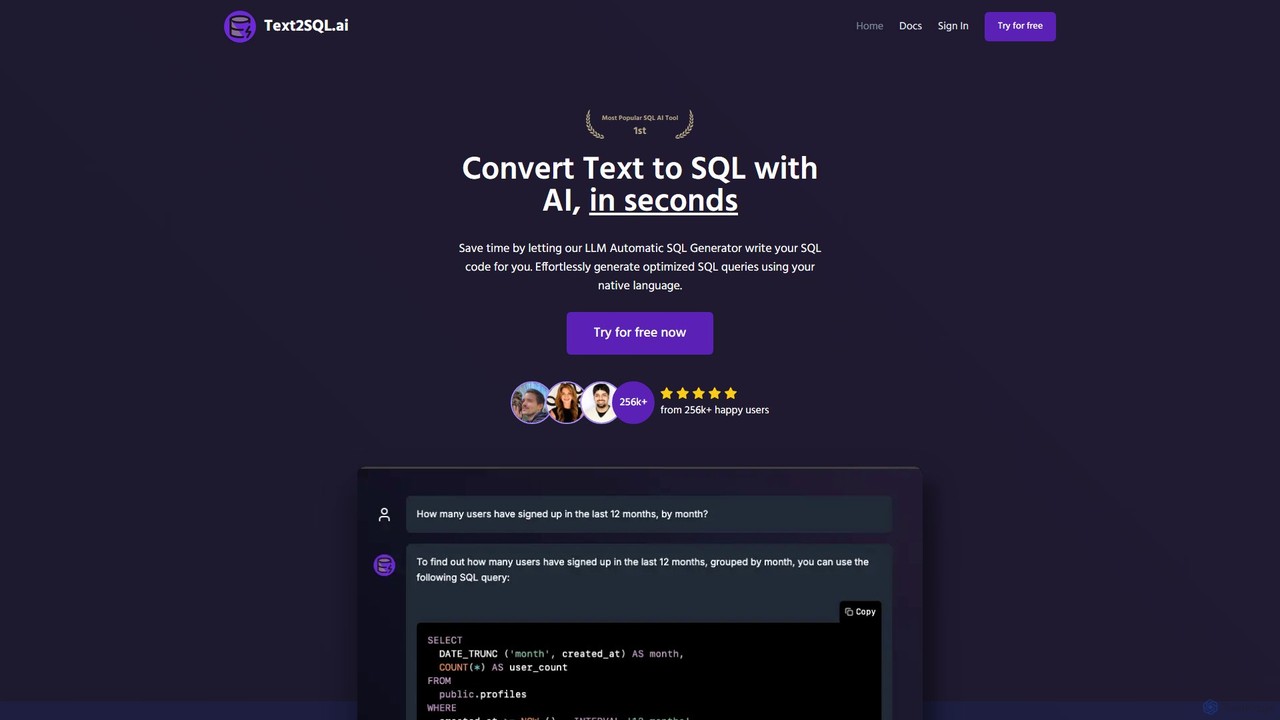
Text2SQL.ai
Text2SQL.ai is an AI-powered tool that instantly converts natural language text into complex SQL queries and Regex patterns. It supports over 12 SQL and NoSQL databases, allows schema integration for higher accuracy, and functions as a comprehensive AI assistant for explaining, fixing, and optimizing code. Designed for developers, data analysts, and beginners, it saves time, reduces errors, and makes database interaction more accessible. It also offers a public API for custom integrations.
QueryingQueryGenie
QueryGenie is an AI-powered assistant that translates natural language into SQL queries. It helps developers, data analysts, and business users to generate, optimize, and understand complex SQL code effortlessly, significantly boosting productivity and democratizing data access.
Code Assistant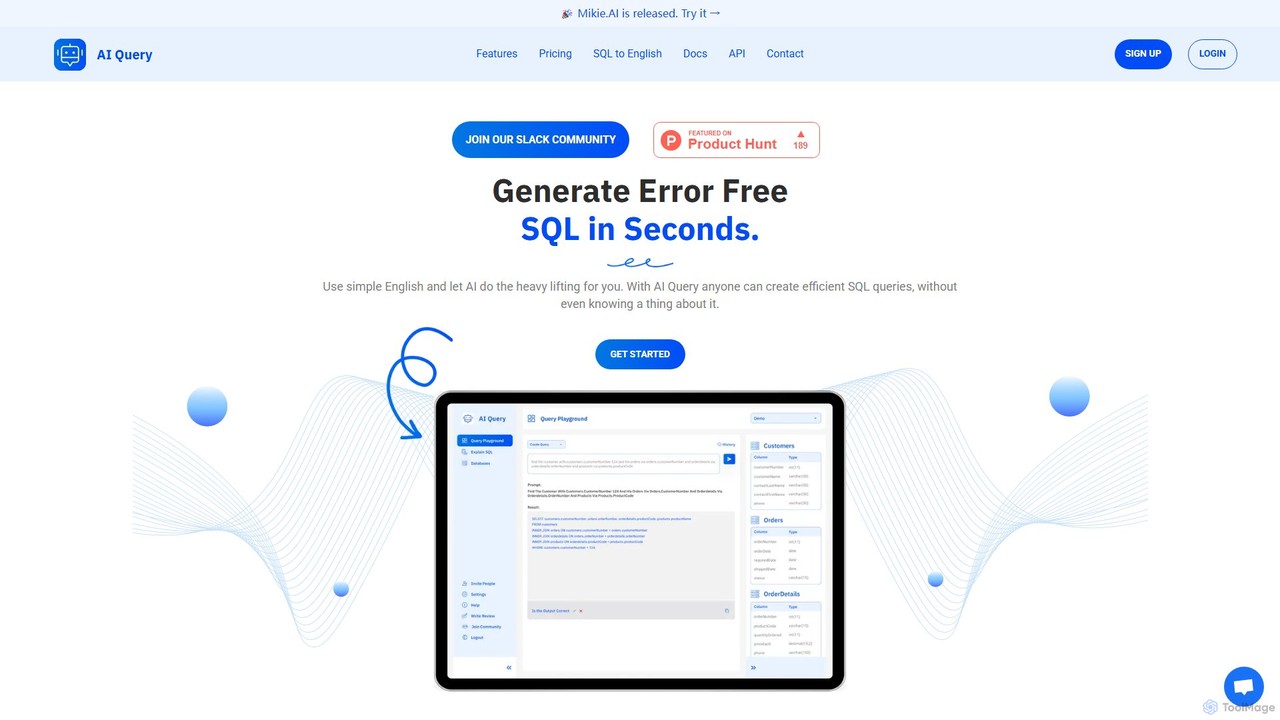
AI Query
AI Query is an AI-powered tool that translates plain English into complex, error-free SQL queries in seconds. It's designed for developers, data analysts, and non-technical users to simplify database interactions, explain existing queries, and accelerate data retrieval workflows.
Querying
SQL Genius
SQL Genius is an AI-powered tool that simplifies database interaction by converting plain English into SQL queries and explaining complex SQL code in simple terms. It's designed for developers, data analysts, and students to boost productivity and reduce the learning curve for SQL.
Analytics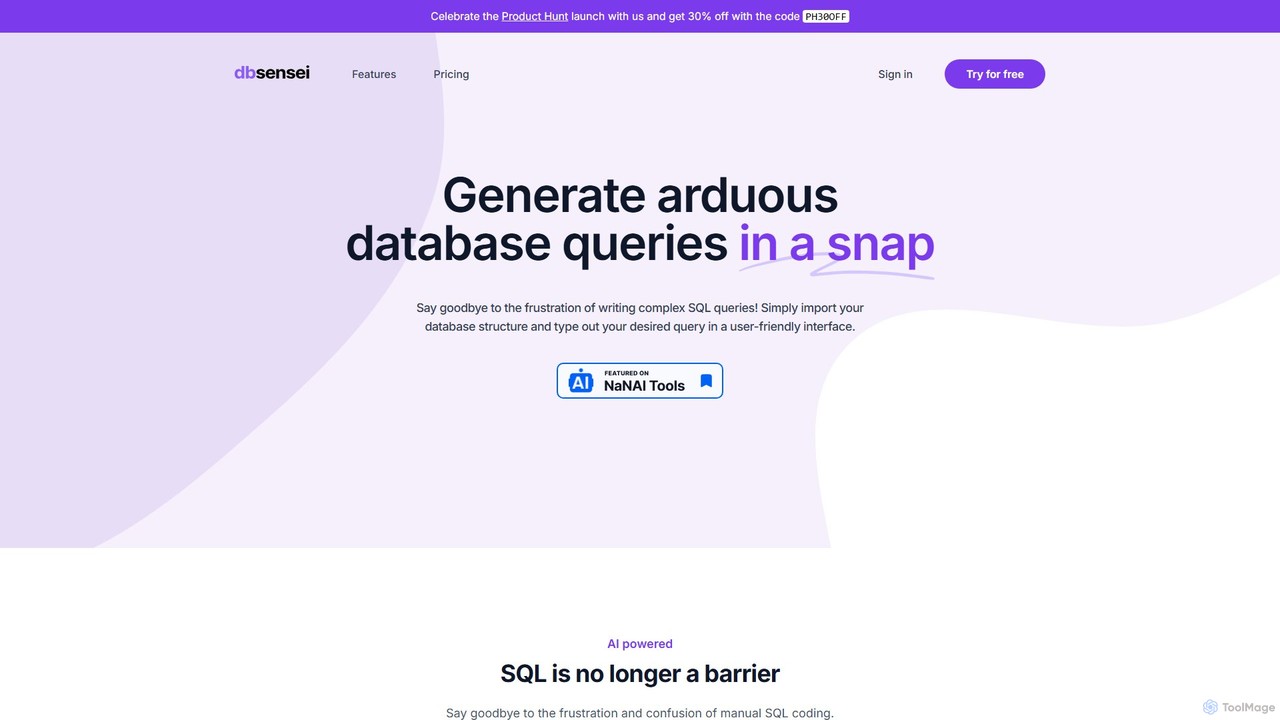
DB Sensei
DB Sensei is an AI-powered toolkit for developers and DBAs that simplifies database management. It allows users to generate, fix, explain, and format complex SQL and Eloquent queries using natural language. By importing your database schema, the tool provides context-aware, accurate results, boosting productivity and helping users improve their database skills.
Sql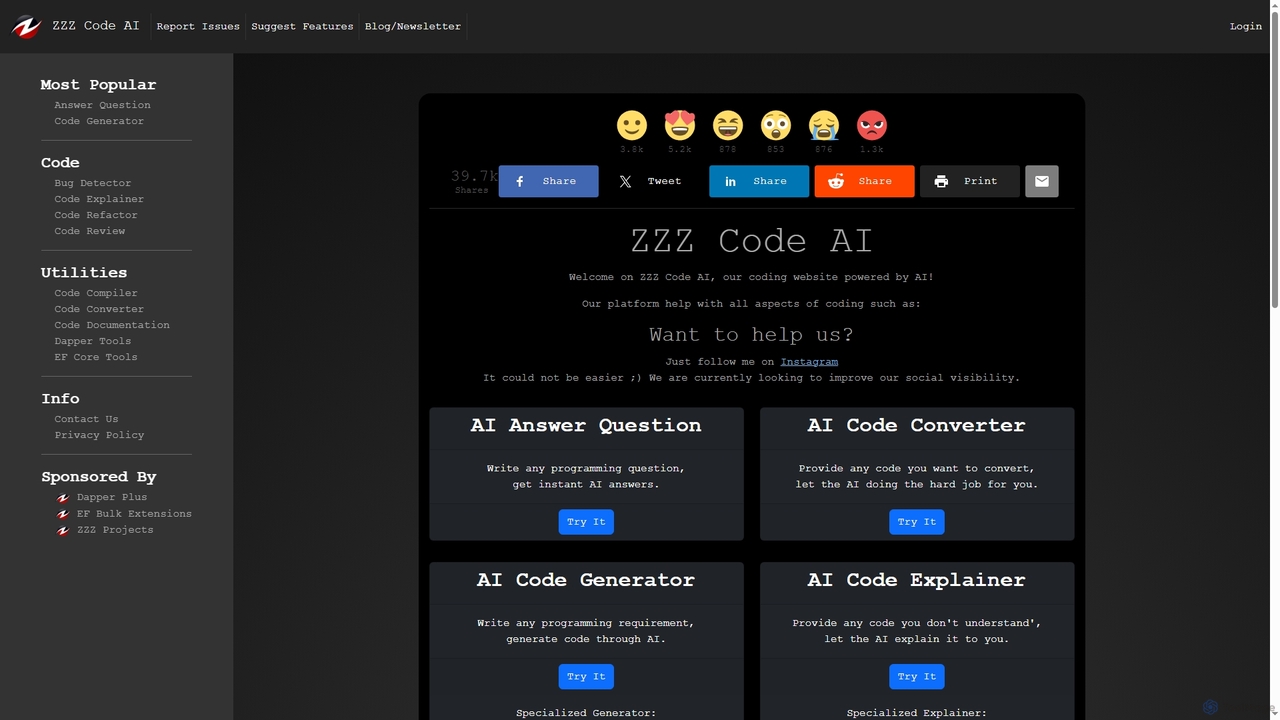
Zzzcode
Zzzcode is a free, AI-powered online platform offering a comprehensive suite of coding tools for developers. It can generate, explain, debug, refactor, review, document, and convert code across numerous programming languages, and provide instant answers to programming questions.
Code AssistantAvanty
Avanty is an AI-powered Chrome extension designed as an intelligent copilot for data analysts using Metabase. It streamlines workflows by enabling users to generate, edit, explain, and format SQL queries using natural language. This tool significantly saves time, enhances productivity, and helps in understanding complex data queries, making data analysis faster and more intuitive.
Business Intelligence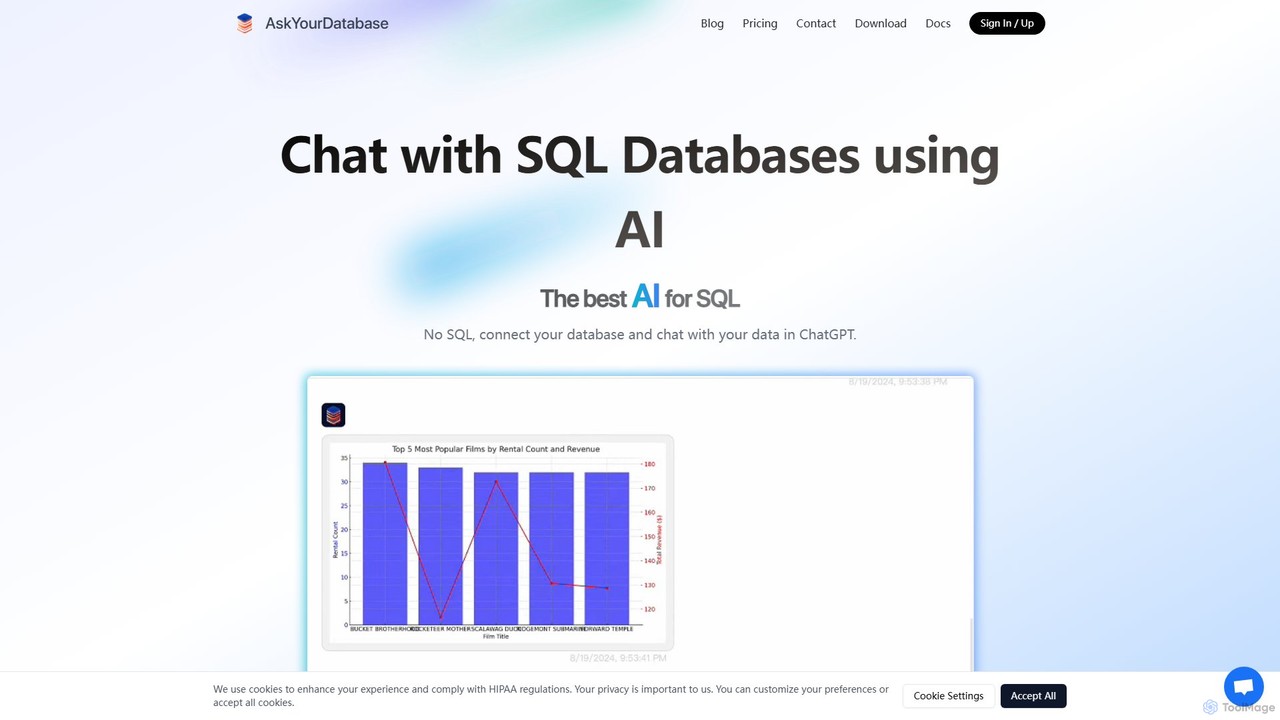
AskYourDatabase
AskYourDatabase is a powerful AI SQL assistant that allows you to interact with your databases using natural language. Query data, create visualizations, and build interactive dashboards without writing a single line of SQL. It supports various databases, offers both desktop and embeddable chatbot versions, and prioritizes data security with on-premise deployment options.
Data Analysis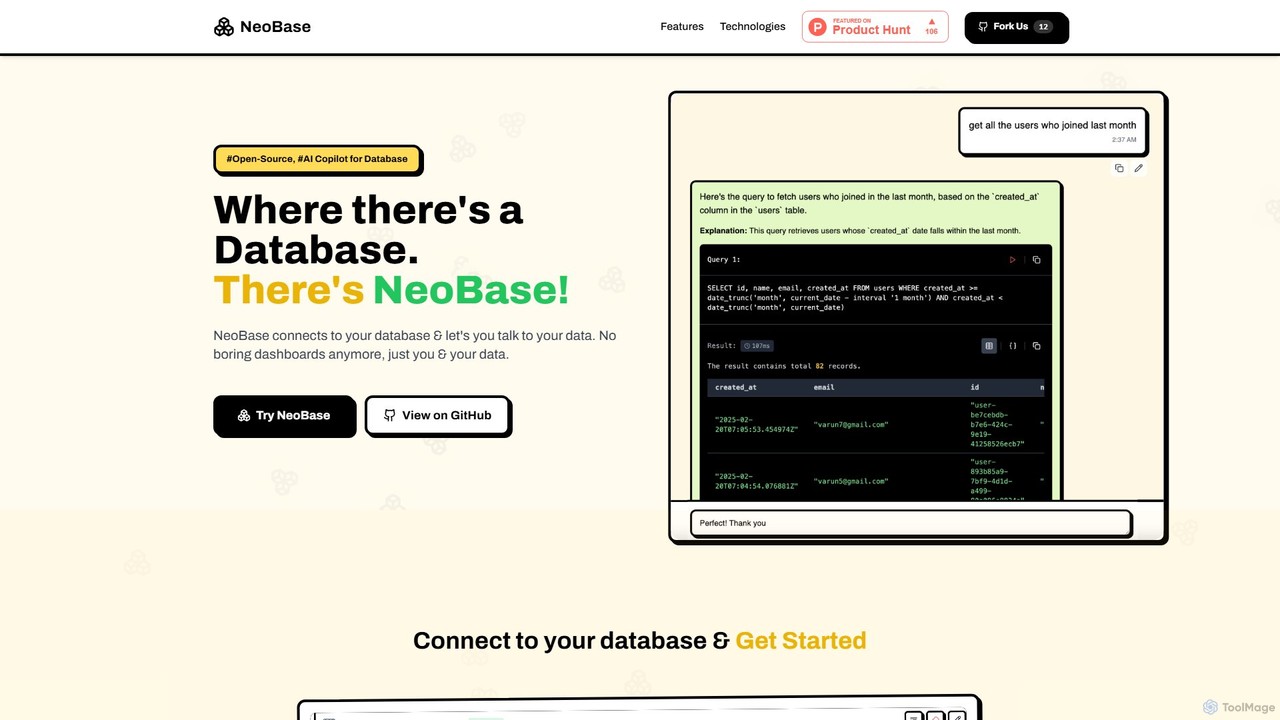
NeoBase
NeoBase is an open-source AI copilot for databases, enabling users to interact with their data using natural language. It connects to various SQL and NoSQL databases, translates plain English queries into optimized code, and visualizes the results. Designed for both technical and non-technical users, it streamlines data analysis, debugging, and reporting, eliminating the need for complex query writing and providing full data control through self-hosting.
Data Analysis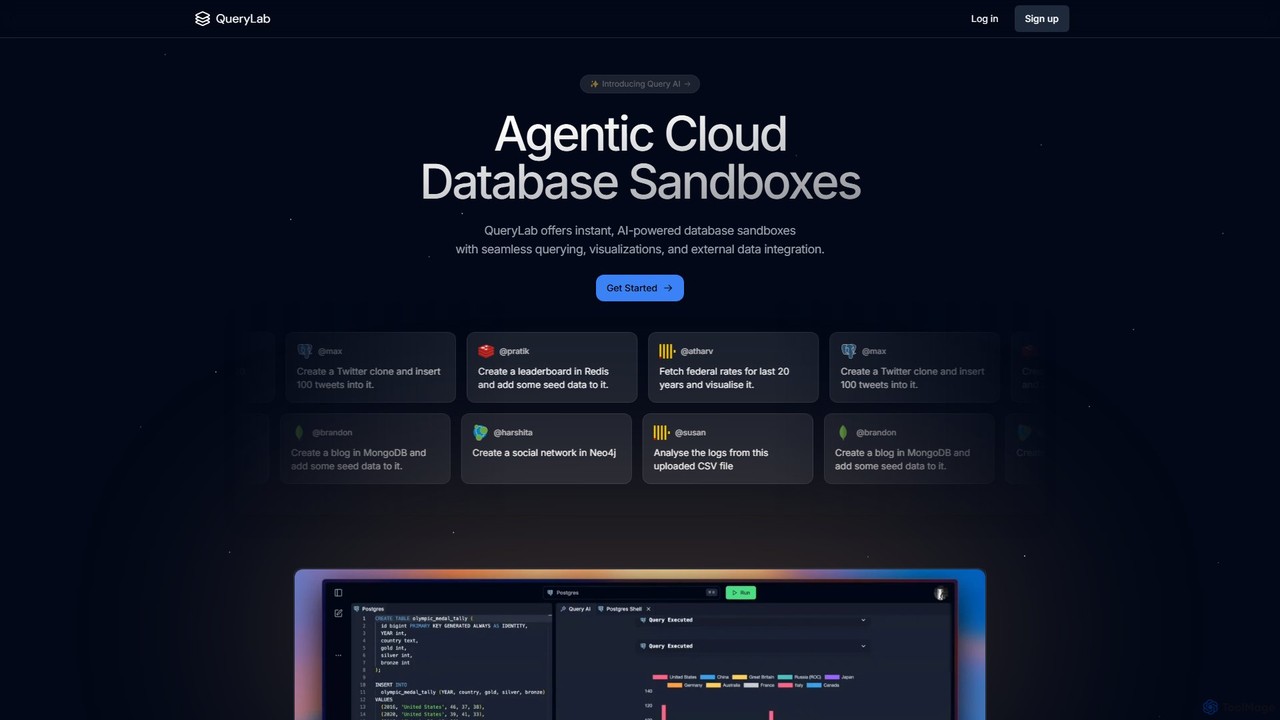
QueryLab
QueryLab is an AI-powered platform that provides instant database sandboxes. It allows users to interact with databases like PostgreSQL, MongoDB, and Redis using natural language, seamlessly integrate external data, and automatically generate visualizations from query results.
Visualization
sql_creator
sql_creator is an AI-powered tool that instantly converts natural language text into accurate and efficient SQL queries. It supports various SQL dialects, helps optimize queries, and enables both technical and non-technical users to interact with databases seamlessly, boosting productivity and democratizing data access.
Business Intelligence
AtozAi
AtozAi is an AI-powered toolkit designed for developers to enhance coding efficiency. It offers a suite of tools including a code debugger, code converter, regex generator, and code/text explainers, transforming complex development challenges into streamlined solutions.
Code Assistant
sqlbuilder Comments (0)
Sign in to comment.
Sign inNo comments yet.