

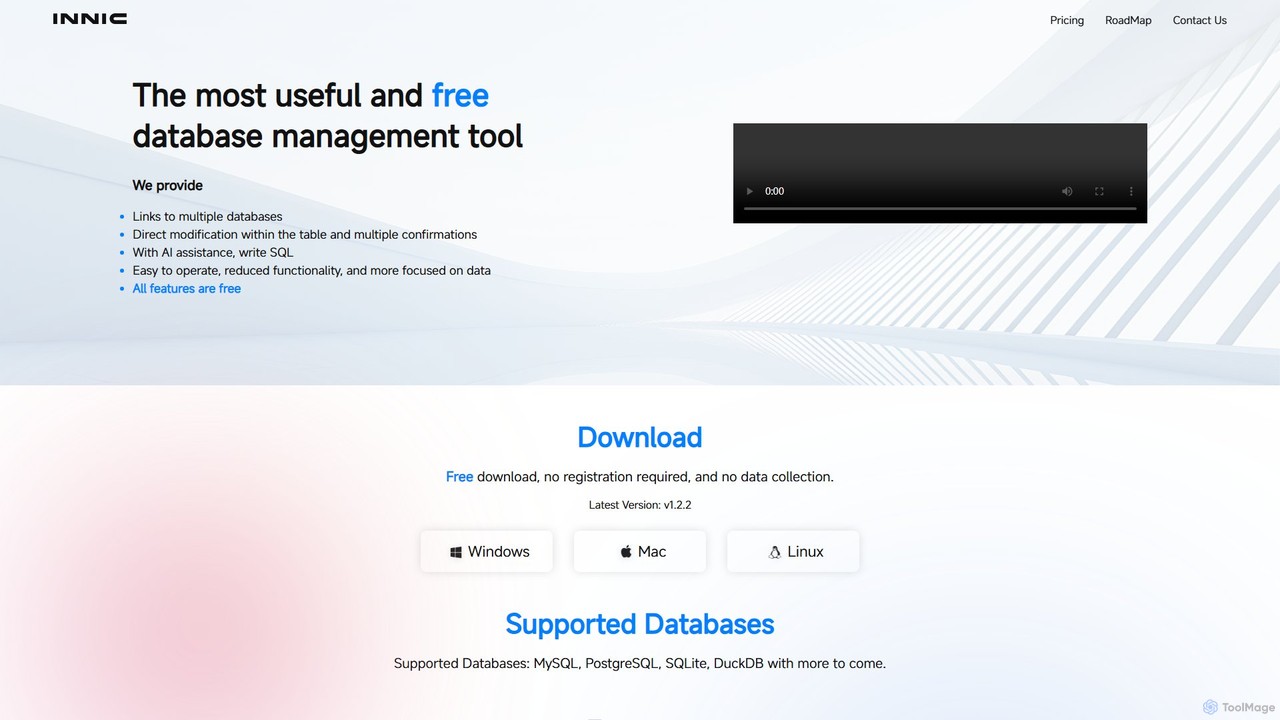
innicdata Overview
innicdata is a modern, powerful, and remarkably user-friendly database management tool designed to streamline the workflow of developers, data analysts, and database administrators. Available for Windows, macOS, and Linux, it provides a unified and focused interface for interacting with a variety of SQL databases. What sets innicdata apart is its deep integration of artificial intelligence, offering an AI assistant powered by GPT-3.5 and GPT-4 Turbo to help users write, understand, and optimize SQL queries using natural language. This focus on simplicity, combined with powerful AI capabilities, makes database management more accessible and efficient than ever before. The application is completely free to download and use, emphasizing user privacy by not requiring registration and not collecting any user data.
How to use innicdata
Getting started with innicdata is straightforward and designed for immediate productivity:
- Download and Install: Visit the official innicdata website and download the application for your operating system (Windows, Mac, or Linux). The installation is quick and simple.
- Launch and Connect: Open the application. There's no need to create an account or register. You can immediately set up a new connection to your database by providing the necessary credentials for MySQL, PostgreSQL, or SQLite.
- Work with Local Files: For file-based data analysis, leverage the built-in DuckDB support. Simply select a local CSV, JSON, or even an Excel file, and innicdata will allow you to query it using standard SQL as if it were a database table.
- Browse and Edit Data: Once connected, you can easily navigate through your database schemas and tables. The intuitive grid view allows you to inspect data and perform direct in-place edits. For safety, changes can be previewed before they are committed to the database.
- Write SQL with AI Assistance: Navigate to the SQL editor. It features syntax highlighting and intelligent auto-completion for tables and columns. To use the AI, simply type a comment or a prompt in plain English (e.g., 'show me all customers from California with orders over $100') and the AI assistant will generate the corresponding SQL query for you.
- Export Your Data: Select one or more tables, or even an entire database. You can easily export the structure and/or data to a CSV or SQL file for backups, migrations, or sharing.
Core Features of innicdata
- AI SQL Assistant: Powered by GPT-3.5/GPT-4 Turbo, this feature allows you to generate complex SQL queries from natural language prompts, explain existing queries, and optimize them for better performance.
- Multi-Database Support: Natively connect to and manage popular relational databases including MySQL, PostgreSQL, and SQLite.
- Seamless DuckDB Integration: A key feature for data analysts, allowing direct querying of local files (CSV, JSON, EXCEL) without the need for complex import processes.
- Direct Table Data Editing: Edit your data directly in a user-friendly grid. The tool provides a preview of your changes, ensuring you can verify them before saving.
- Advanced SQL Editor: A clean and efficient editor that includes syntax highlighting and smart auto-completion to speed up manual query writing.
- Versatile Data Export: Export data from multiple tables or an entire database into universal formats like CSV and SQL files.
- Cross-Platform Availability: A single, consistent experience across Windows, macOS, and Linux.
- Dark Mode: A sleek dark theme to reduce eye strain during long work sessions.
- Privacy-Focused: No registration required and a strict no-data-collection policy.
Use Cases for innicdata
innicdata is a versatile tool suitable for a wide range of professionals:
- Software Developers: Quickly connect to development or production databases to inspect data, debug issues, and prototype queries with the help of the AI assistant.
- Data Analysts: Use the powerful DuckDB integration to rapidly explore and analyze local datasets from CSV or JSON files without the overhead of a traditional database setup.
- Database Administrators (DBAs): A lightweight and fast tool for performing routine checks, minor data modifications, and quick data exports.
- Students and Learners: An excellent, free educational tool for learning SQL. The AI assistant can act as a tutor, generating queries and explaining the syntax and logic behind them.
Advantages of innicdata
innicdata offers several compelling advantages:
- Zero Cost: The tool is completely free, making powerful database management accessible to everyone.
- Enhanced Productivity: The AI assistant dramatically accelerates SQL development and reduces the learning curve for complex queries.
- Simplified User Experience: By focusing on essential features, innicdata avoids the clutter and complexity of other database clients, offering a more intuitive workflow.
- Privacy and Security: With no registration and no data collection, users can be confident that their data and activities remain private.
- Flexibility: Support for multiple databases and local file querying makes it a highly flexible tool for various data-related tasks.
Pricing and Plans
innicdata is offered with a simple and generous pricing model. The entire application is completely free to download and use. This includes all its core features. To support the AI functionality, users receive 1000 free AI calls per month, which is ample for the needs of most individual developers and analysts. There are no paid plans, no subscriptions, and no hidden costs.
innicdata Alternatives
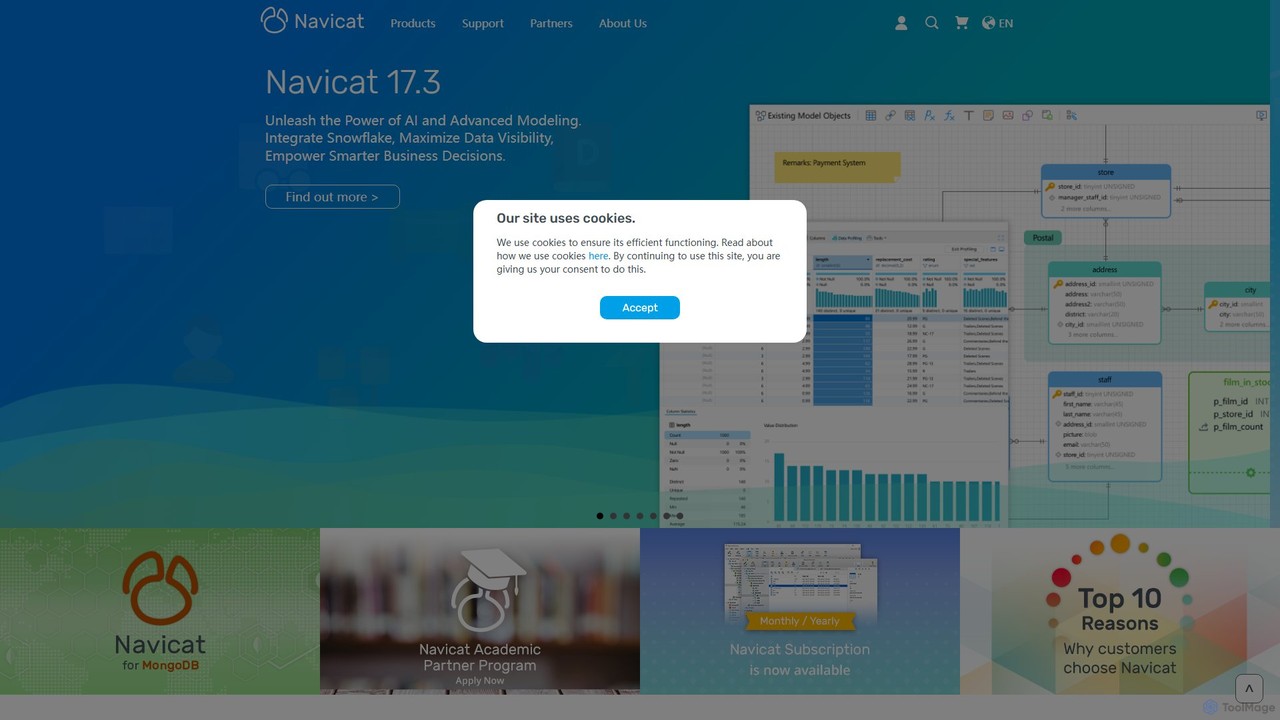
Navicat
Navicat is a comprehensive database management and development tool with integrated AI features. It provides a user-friendly GUI for managing a wide range of databases like MySQL, PostgreSQL, MongoDB, and Snowflake. It boosts productivity with an AI Assistant for query generation, advanced data modeling, BI visualization, and seamless cloud collaboration, making it a top choice for developers, DBAs, and data analysts.
Business Intelligence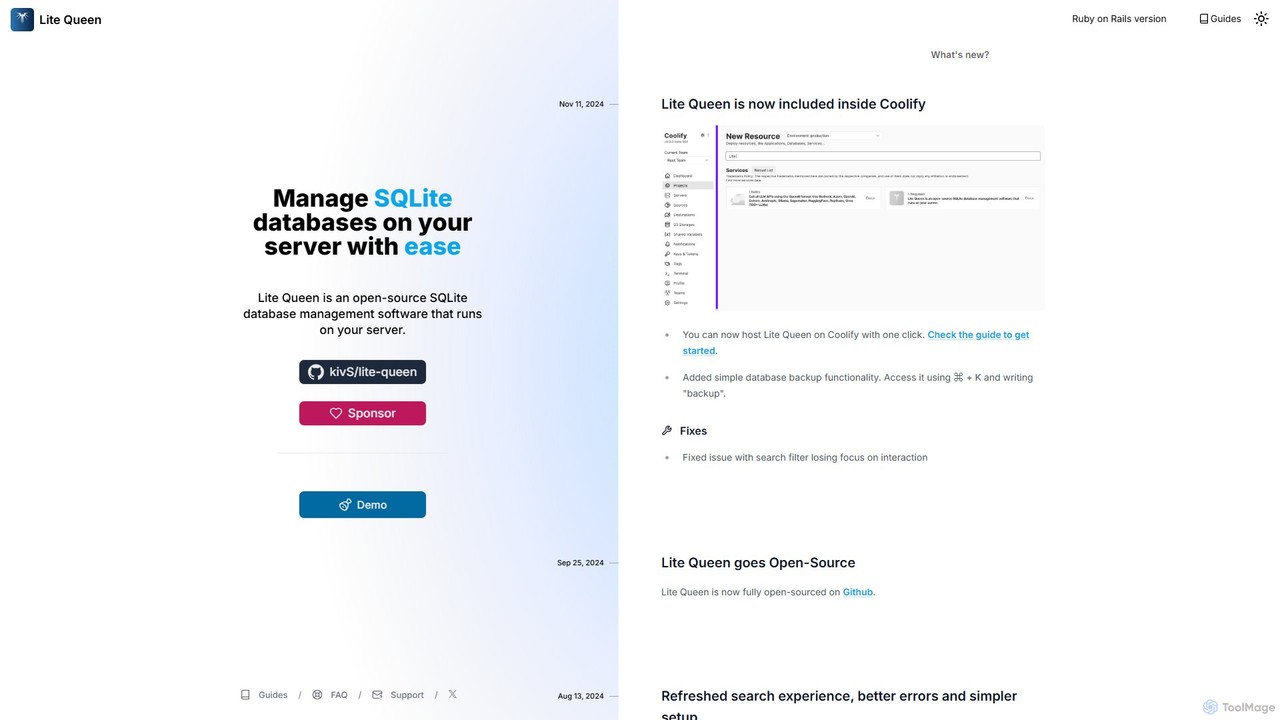
Lite Queen
Lite Queen is a free, open-source, self-hosted tool for effortlessly managing SQLite databases. It features a modern, intuitive interface and a powerful AI "God Mode" that lets you query your database using natural language. Ideal for developers and administrators who prioritize data privacy and control.
Database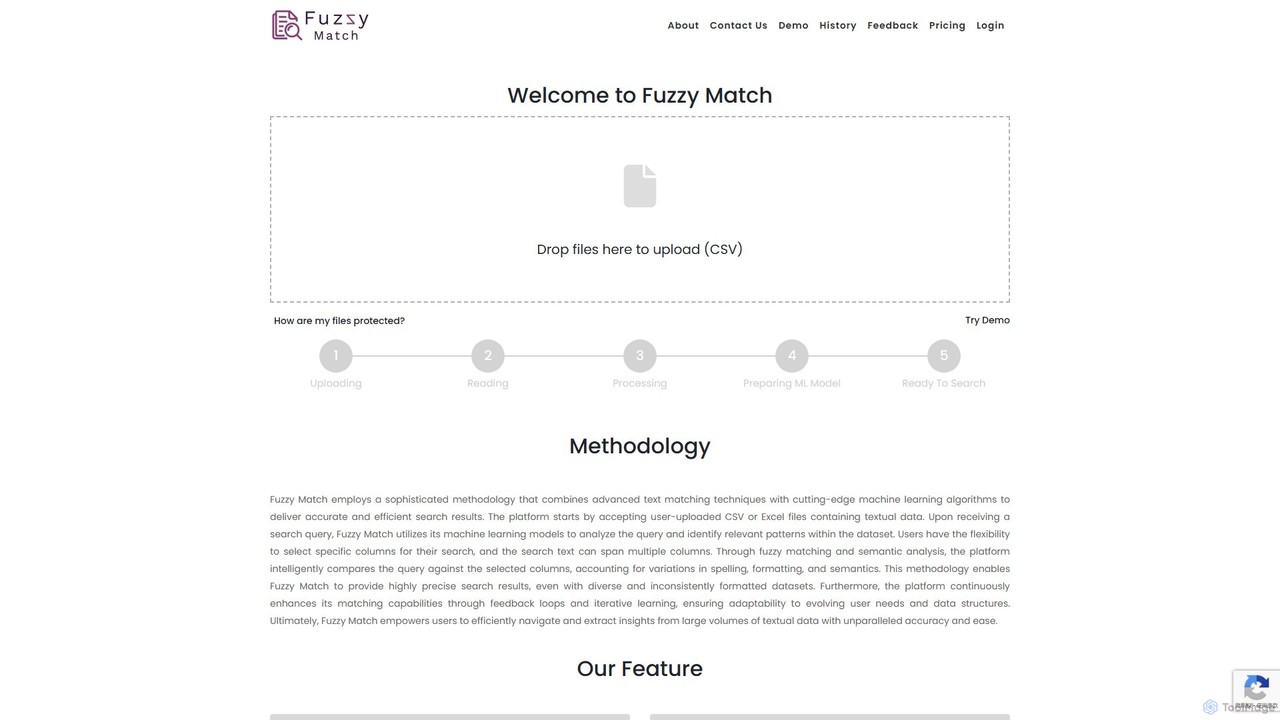
Fuzzy Match
Fuzzy Match is an AI-powered data matching tool designed to clean and standardize datasets. It uses advanced machine learning algorithms to identify and resolve inconsistencies, typos, and spelling variations across multiple columns. Ideal for data analysts, researchers, and businesses, it simplifies data manipulation, enhances data accuracy, and enables more reliable data-driven decisions through its user-friendly web interface.
3D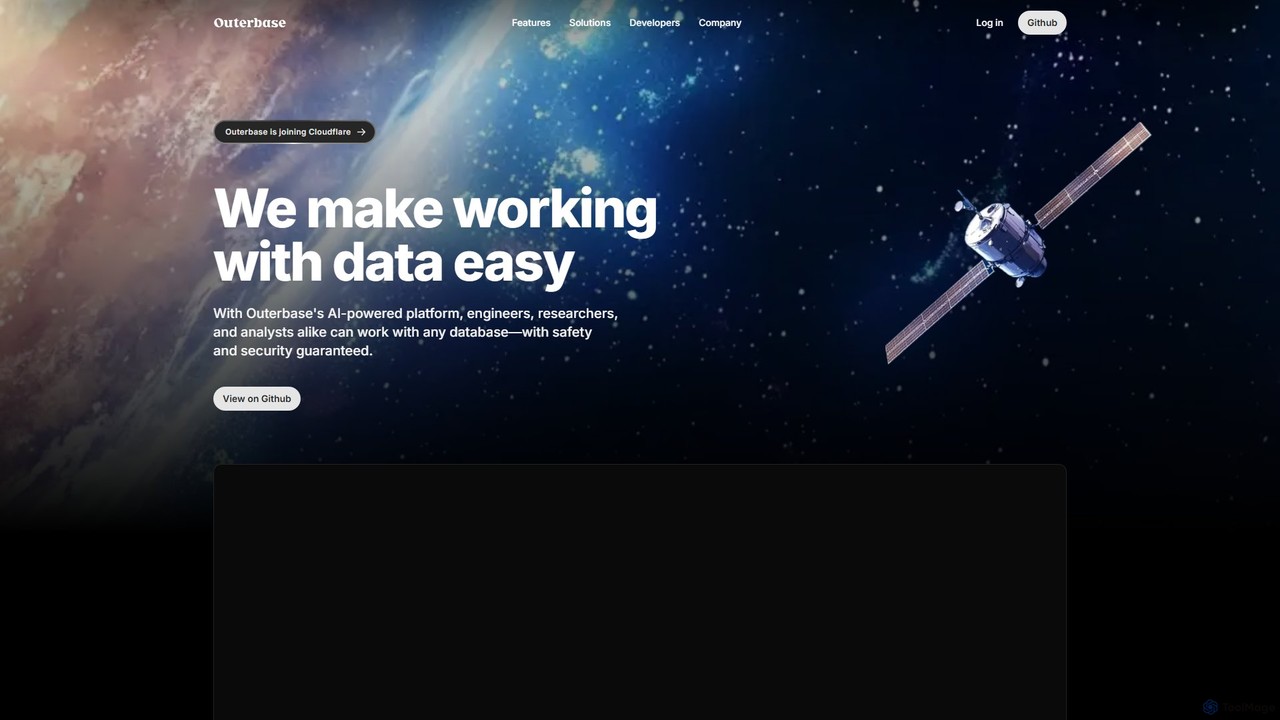
Outerbase
Outerbase is an AI-powered interface for your database, providing a modern, all-in-one platform for data interaction, analysis, and visualization. It allows users to ask questions in natural language (EZQL™), build dashboards, and manage data across various SQL and NoSQL databases with robust security and collaboration features.
Analytics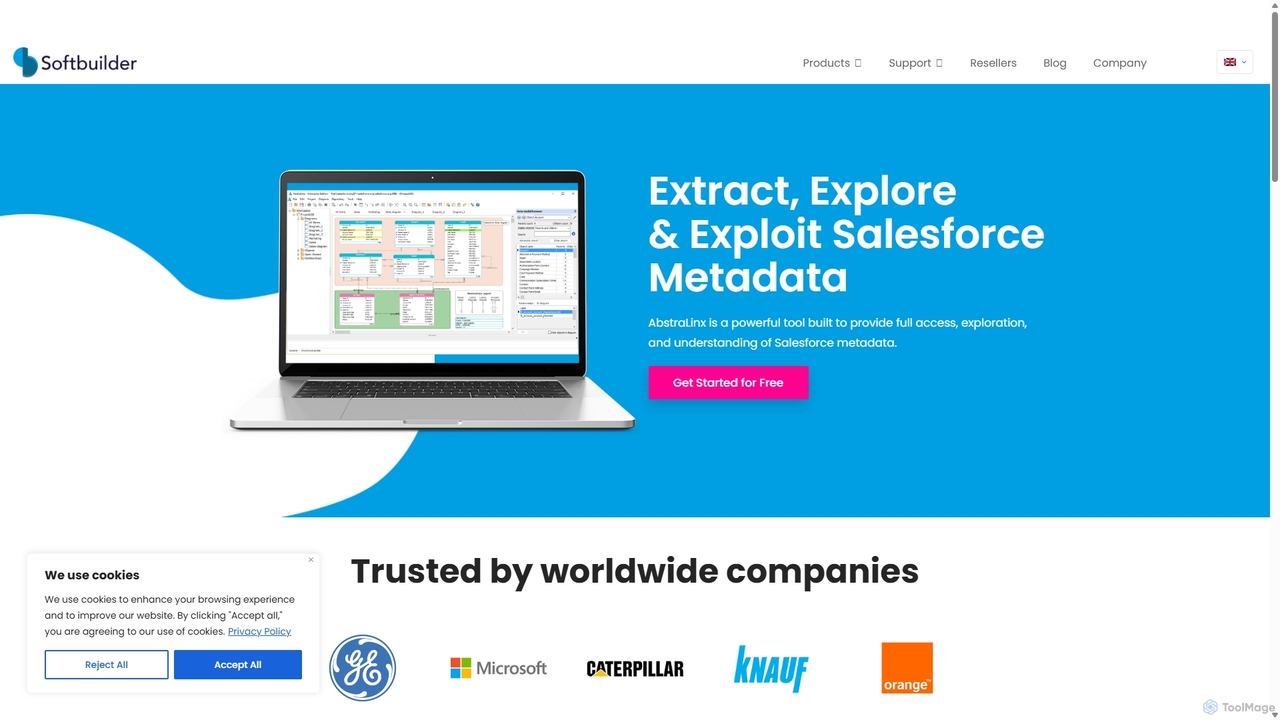
ERBuilder Data Modeler
ERBuilder Data Modeler is an AI-powered database design and data modeling tool for data architects and developers. It facilitates the visual creation of Entity-Relationship Diagrams (ERDs), supports forward and reverse engineering for numerous databases, and leverages generative AI to create and update models from natural language. It also offers advanced documentation, version control, and test data generation features.
Code Generationinnicdata Categories
innicdata Embed Widget
Copy this embed code to place the badge on your blog, article, or product site and send readers directly to this ToolMage detail page.

Related AI tools
Navicat
Navicat is a comprehensive database management and development tool with integrated AI features. It provides a user-friendly GUI for managing a wide range of databases like MySQL, PostgreSQL, MongoDB, and Snowflake. It boosts productivity with an AI Assistant for query generation, advanced data modeling, BI visualization, and seamless cloud collaboration, making it a top choice for developers, DBAs, and data analysts.
Business IntelligenceOuterbase
Outerbase is an AI-powered interface for your database, providing a modern, all-in-one platform for data interaction, analysis, and visualization. It allows users to ask questions in natural language (EZQL™), build dashboards, and manage data across various SQL and NoSQL databases with robust security and collaboration features.
Analytics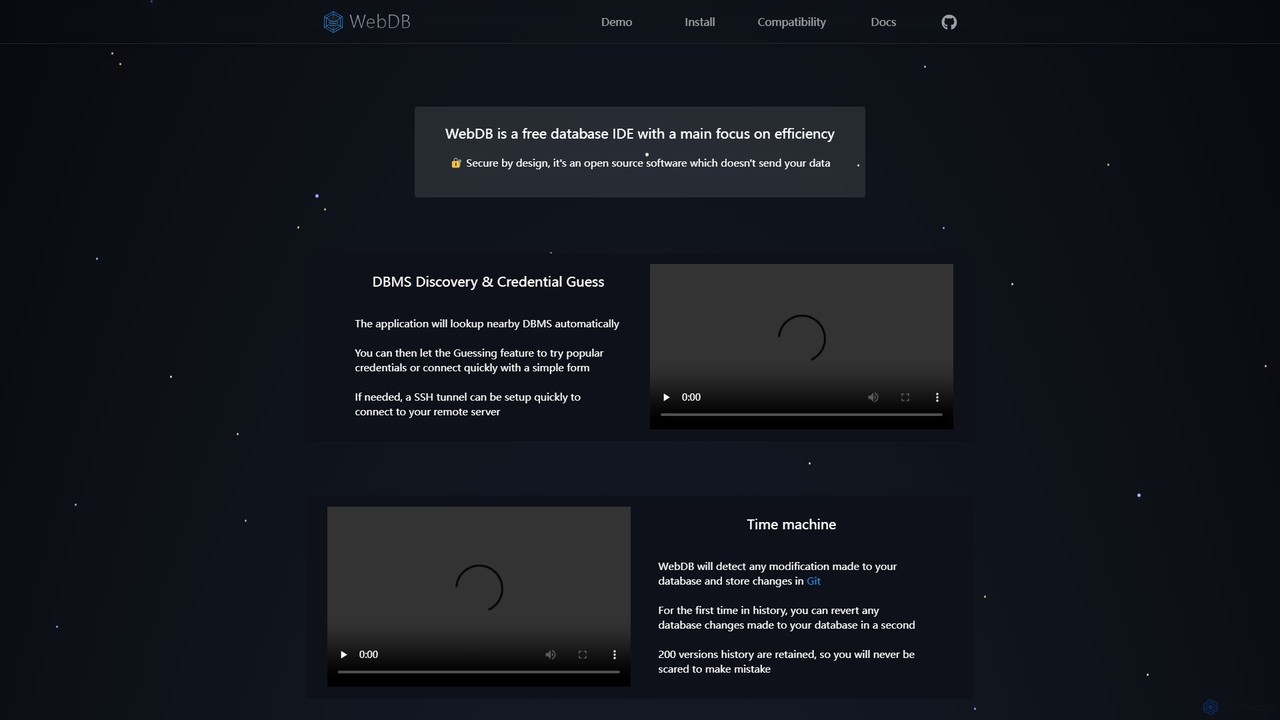
WebDB
A free, open-source, and efficient database IDE designed for developers. It features an AI assistant (integrating ChatGPT, Gemini, etc.), a unique Git-based "Time Machine" for reverting database changes, powerful query editing, NoSQL structure inference, and robust security. It supports a wide range of databases like MySQL, PostgreSQL, and MongoDB, all within a privacy-focused framework.
Data Management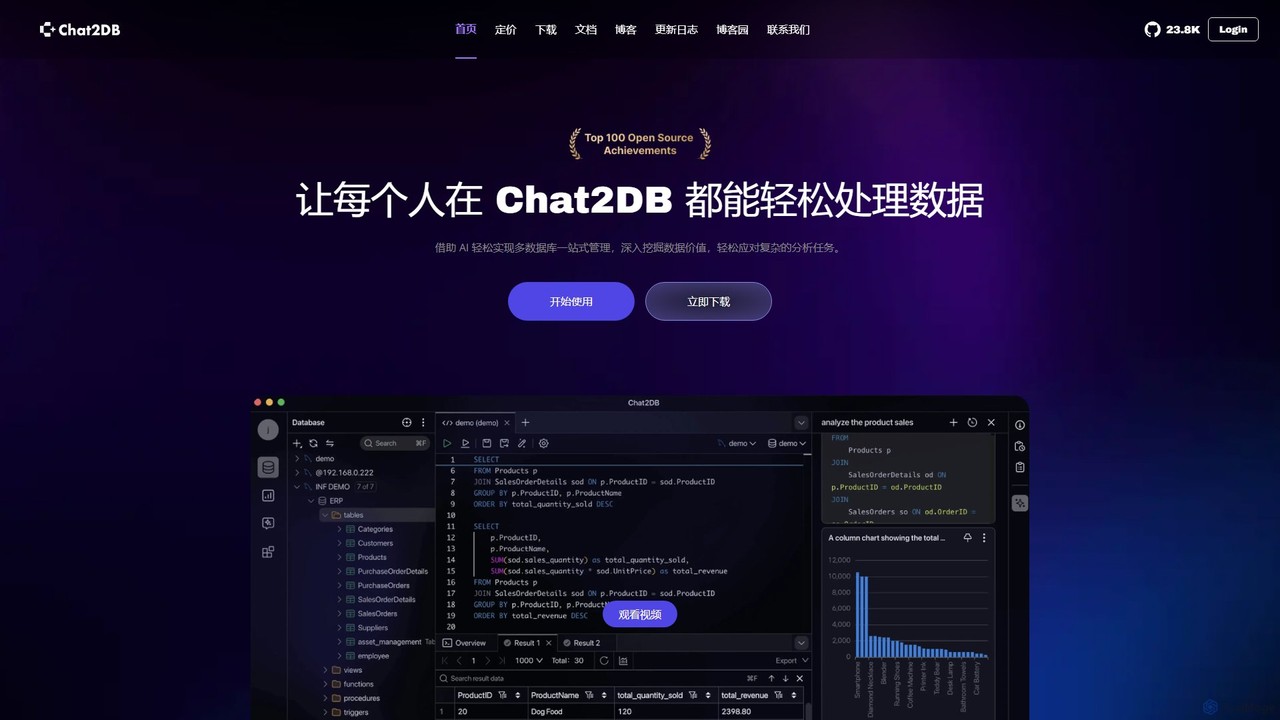
Chat2DB
Chat2DB is an intelligent, all-in-one database management tool powered by AI. It supports over 30 databases, including MySQL, PostgreSQL, and MongoDB, allowing users to manage, query, and analyze data using natural language. Features include AI SQL generation, data visualization, no-code dashboard creation, and robust security protocols, making it ideal for developers, analysts, and business users.
Business Intelligence
SQLAI.ai
SQLAI.ai is an advanced AI-powered assistant that generates, optimizes, explains, and debugs SQL & NoSQL queries from natural language. Ideal for developers, analysts, and beginners, it supports over 30 databases, handles large schemas, and turns plain English into accurate code in seconds, boosting productivity and simplifying database management.
Database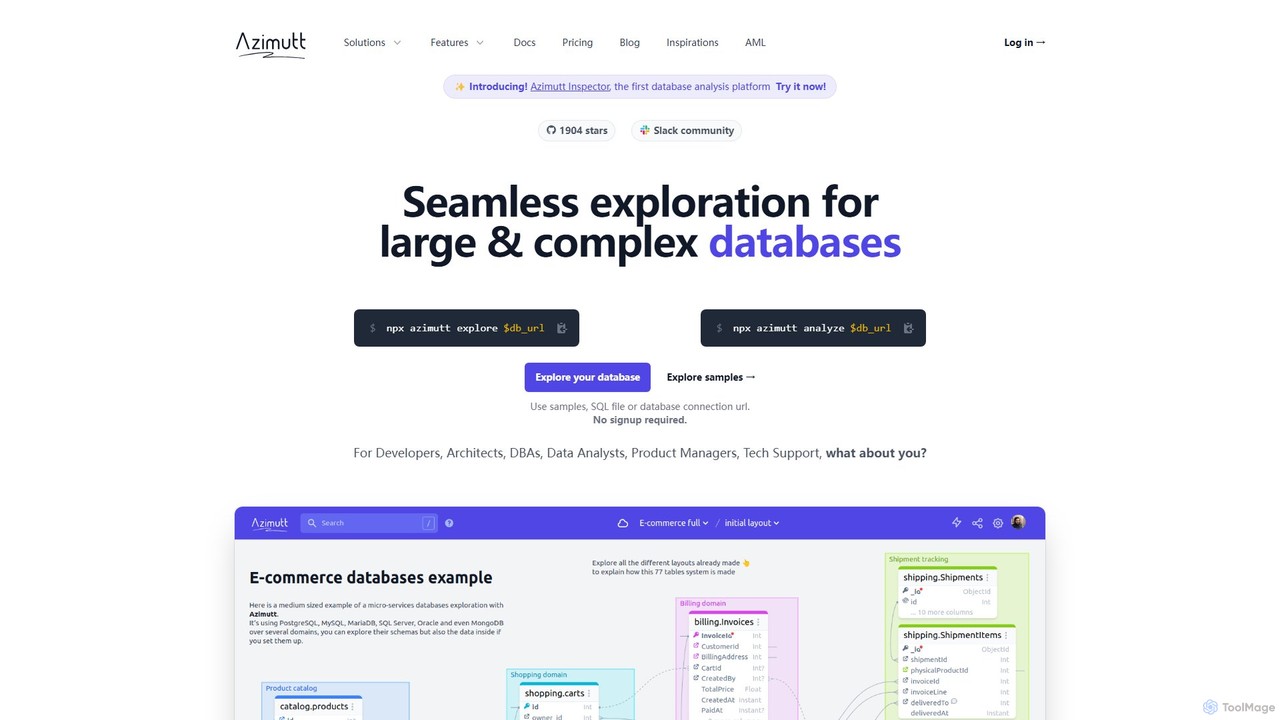
Azimutt
Azimutt is an advanced database explorer and analyzer designed for large, complex databases. It helps developers, DBAs, and data analysts visualize, document, and optimize their database schemas. With features like incremental layout building, AI-powered SQL generation, and collaborative documentation, Azimutt simplifies database exploration, improves team efficiency, and ensures database health.
Visualization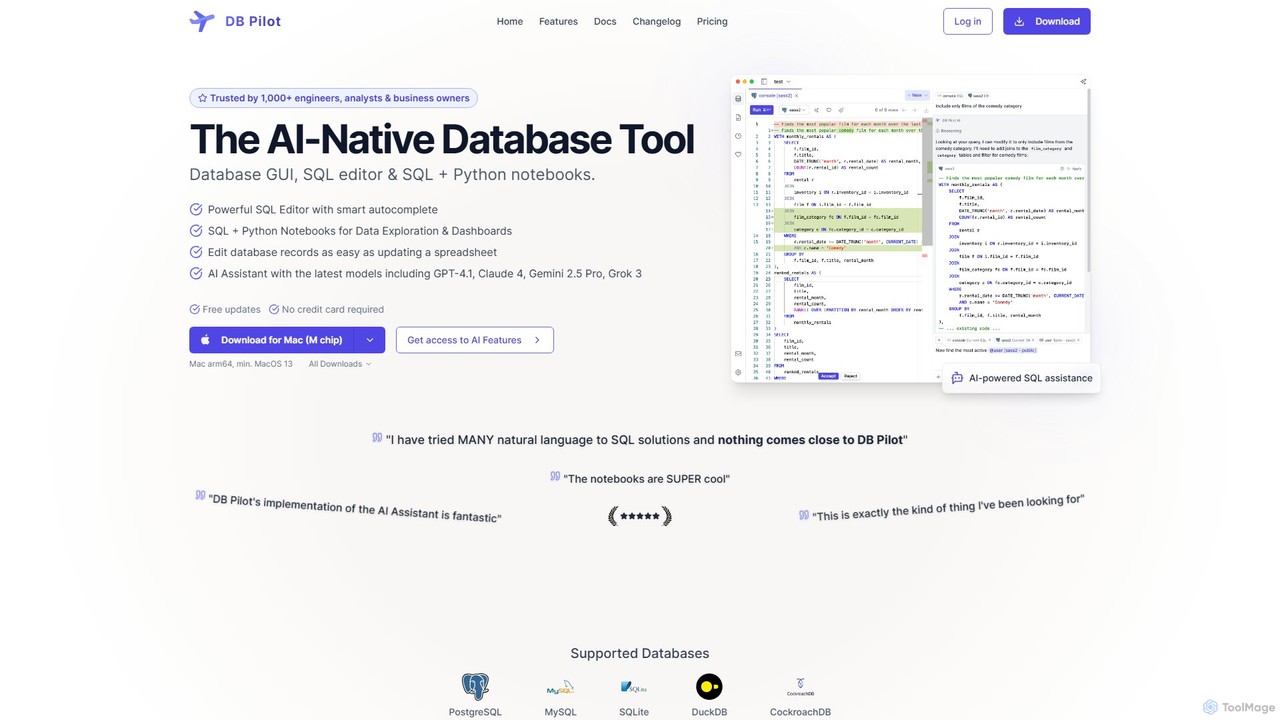
dbpilot
dbpilot is an AI-native database tool for engineers and analysts, featuring a powerful GUI, an intelligent SQL editor, and integrated SQL + Python notebooks. It leverages top AI models like GPT-4 and Claude to generate, debug, and explain queries, streamlining data exploration and dashboard creation in a secure, local-first environment.
Sql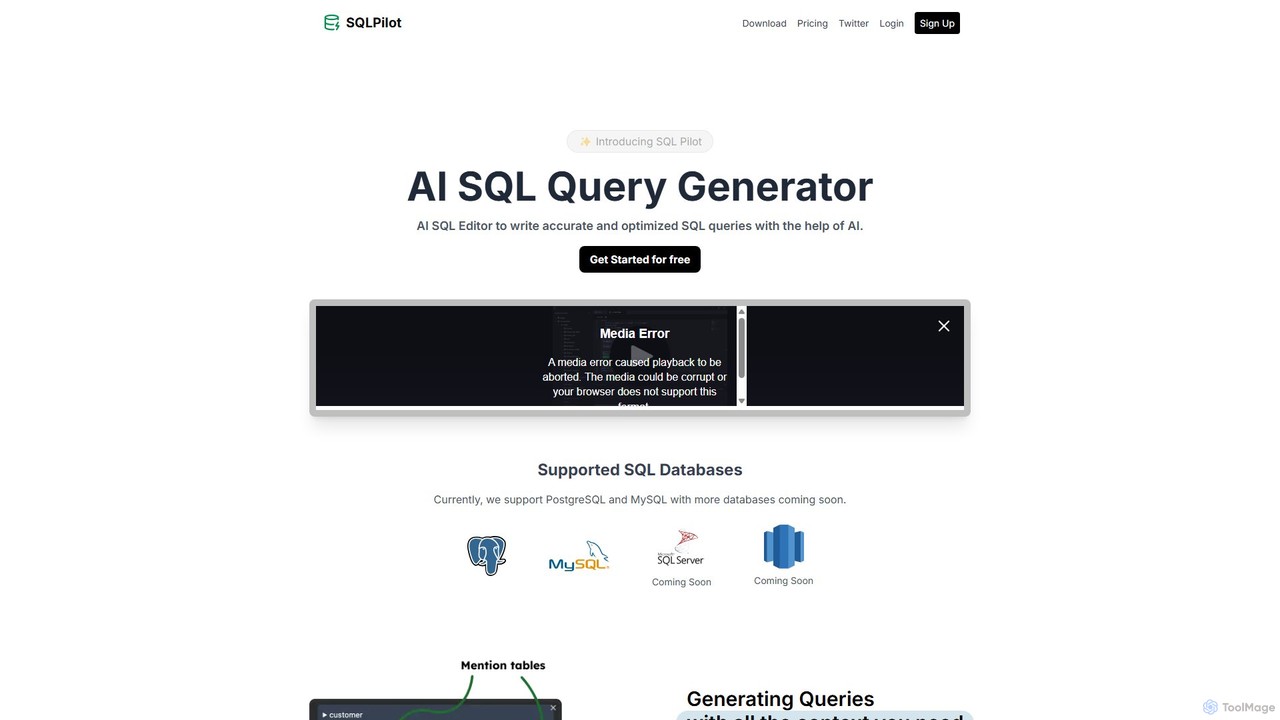
SQLPilot
SQLPilot is an AI-powered SQL query generator and editor that transforms natural language prompts into accurate, optimized SQL queries. It supports multiple databases like PostgreSQL and MySQL, various GPT models, and ensures data privacy by not storing your credentials or schemas.
Code Assistant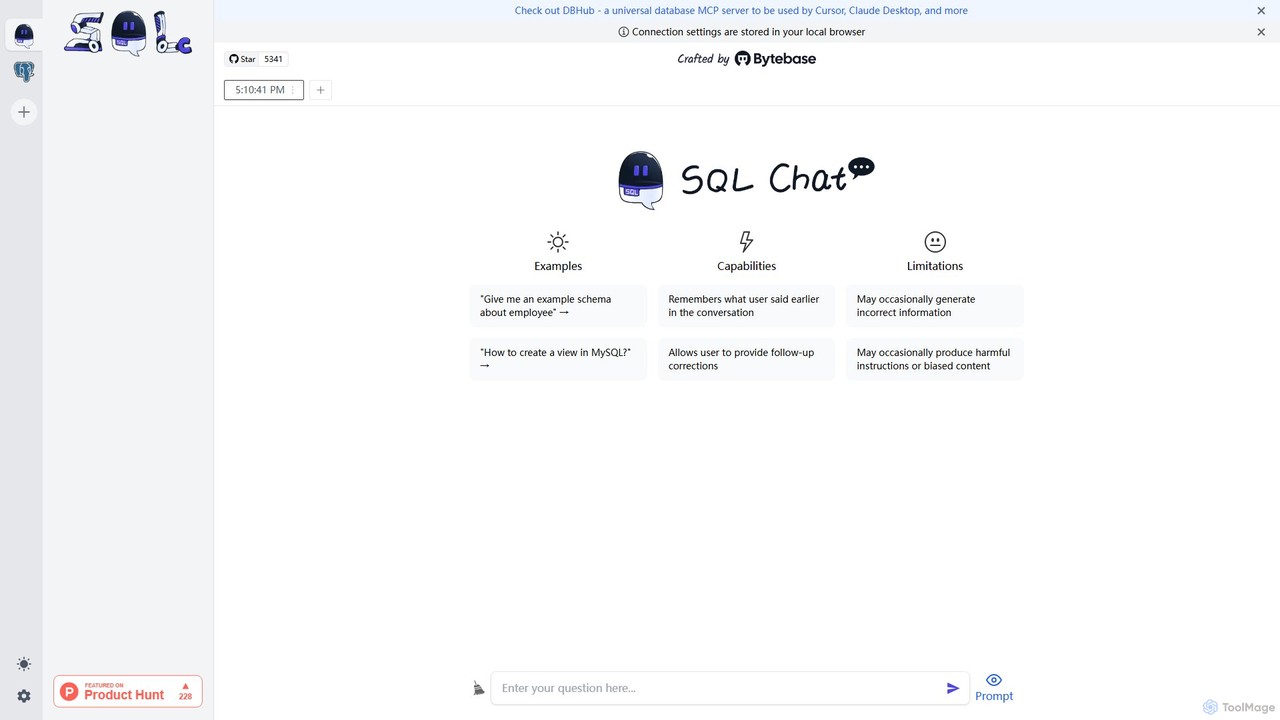
SQL Chat
SQL Chat is an open-source, chat-based SQL client and editor that uses AI to translate natural language questions into SQL queries. Connect to your database, ask questions in plain English, and get results instantly, democratizing data access for both technical and non-technical users.
Code Assistant
sqltroughai
sqltroughai is an AI-powered assistant that translates natural language into SQL queries, optimizes existing code, and explains complex queries in plain English. It empowers developers, analysts, and business users to interact with databases effortlessly and efficiently.
Code Assistant
QueryGenie
QueryGenie is an AI-powered assistant that translates natural language into SQL queries. It helps developers, data analysts, and business users to generate, optimize, and understand complex SQL code effortlessly, significantly boosting productivity and democratizing data access.
Code Assistant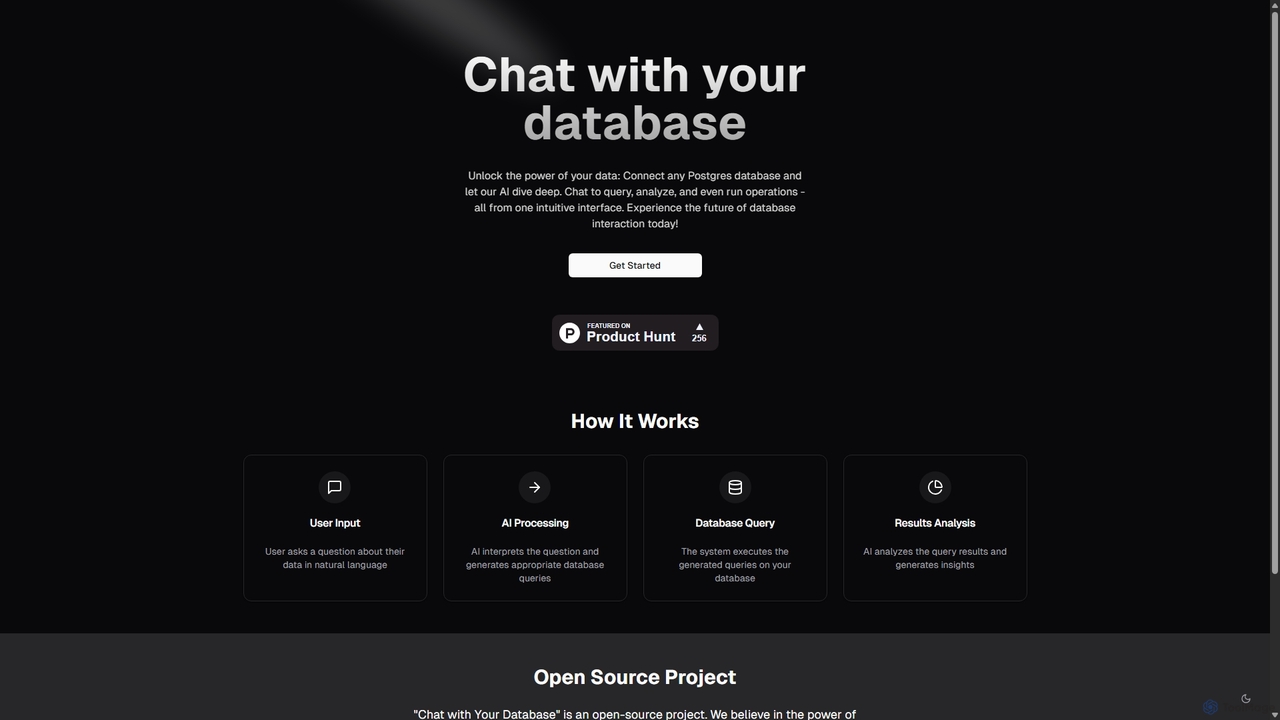
Chat With Your Database
An open-source AI tool that allows you to interact with your PostgreSQL database using natural language. Ask questions, get insights, and perform operations through a simple chat interface, eliminating the need for complex SQL queries.
Business Intelligence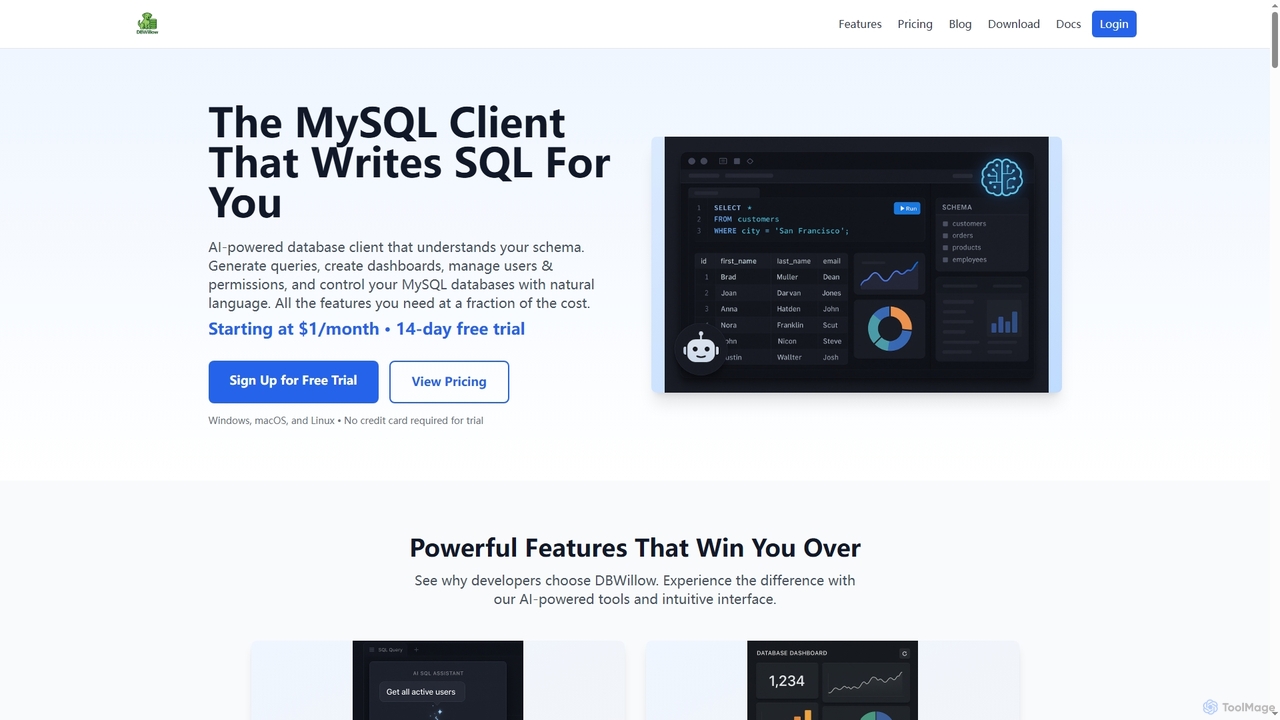
DBWillow
DBWillow is an AI-powered MySQL and MariaDB client that simplifies database management. It allows users to generate SQL queries, create advanced dashboards, and manage users and permissions using natural language, significantly boosting productivity for developers and data professionals.
Database Tools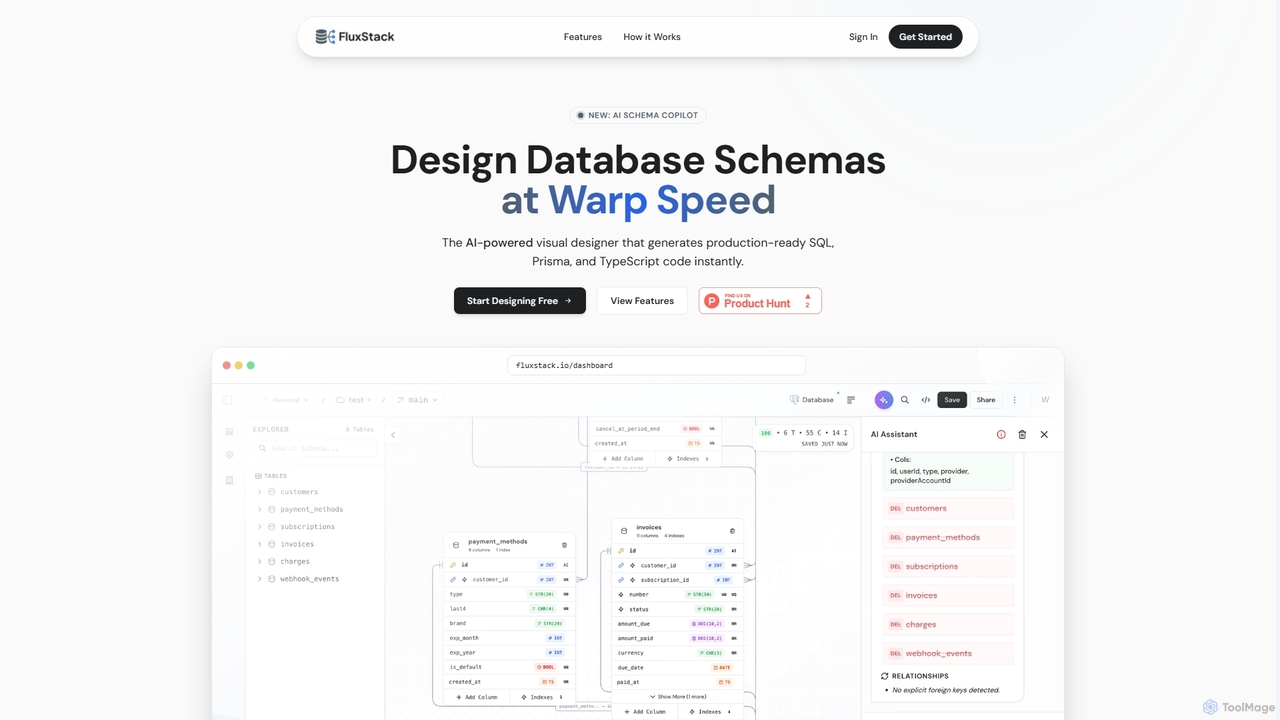
Fluxstack
Fluxstack is an AI-powered visual database schema builder that helps developers design, manage, and deploy production-ready database schemas at warp speed. It generates SQL, Prisma, and TypeScript code instantly, supporting popular stacks like PostgreSQL, MySQL, and Supabase.
Developer ToolsLite Queen
Lite Queen is a free, open-source, self-hosted tool for effortlessly managing SQLite databases. It features a modern, intuitive interface and a powerful AI "God Mode" that lets you query your database using natural language. Ideal for developers and administrators who prioritize data privacy and control.
Database
innicdata Comments (0)
Sign in to comment.
Sign inNo comments yet.