
GitFluence Overview
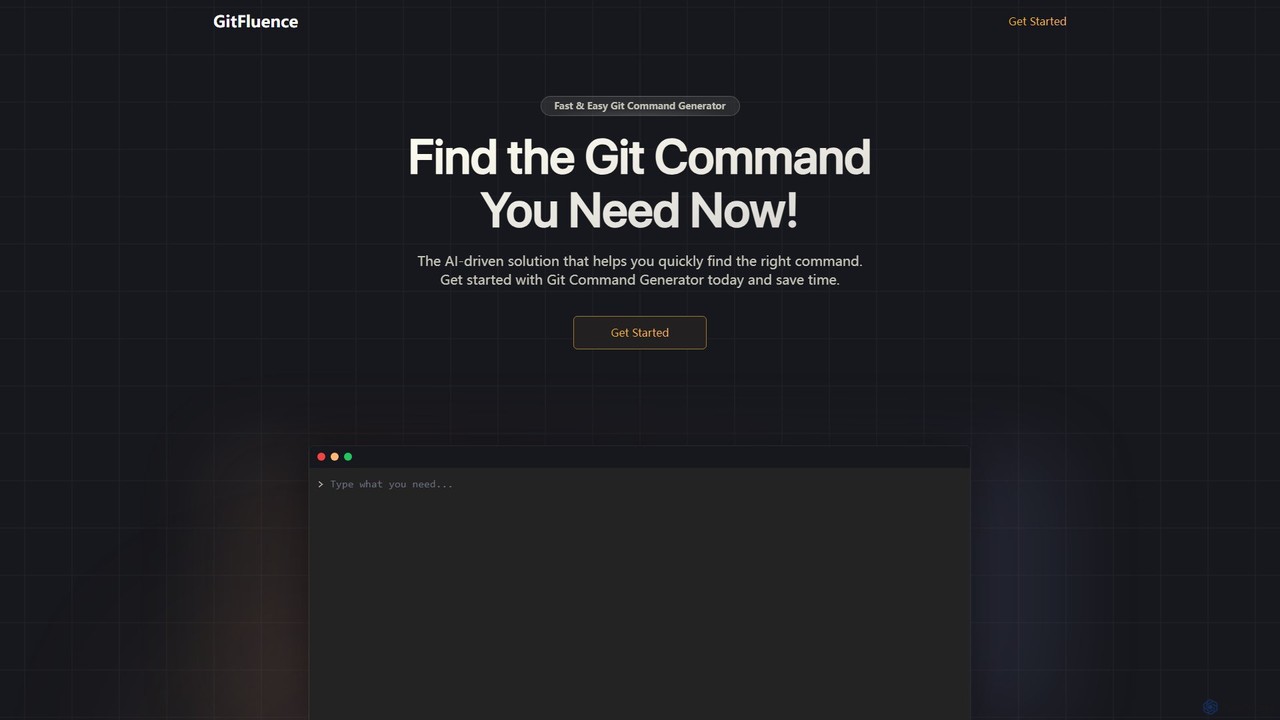
GitFluence is an innovative, AI-driven web application designed to simplify the complexities of Git, the world's most popular version control system. For many developers, from novices to seasoned professionals, remembering the specific syntax for the vast array of Git commands can be a challenge. GitFluence addresses this pain point directly by acting as an intelligent translator between natural human language and the Git command line.
The tool provides a clean, intuitive interface where users can describe a task they want to accomplish in plain English. The underlying AI model then processes this request and instantly generates the most appropriate Git command. This not only boosts productivity by eliminating the need to search through documentation or online forums but also serves as a powerful learning tool, helping users understand the connection between their intent and the required command.
How to use GitFluence
Using GitFluence is a straightforward, three-step process designed for maximum efficiency:
- Describe the command: Start by navigating to the GitFluence website. In the prominent input field, type a clear description of what you want to achieve. For example, you could type "undo my last commit but keep the changes", "merge the 'dev' branch into 'main'", or "find the commit that introduced a specific bug".
- Receive AI-generated suggestions: Once you enter your description, the AI engine analyzes your request. Within seconds, it suggests the most relevant Git command to accomplish your task. Often, it may provide a brief explanation of what the command does and how its flags or parameters work.
- Copy and execute the command: Review the suggested command for accuracy. If it matches your needs, simply click the copy button to add it to your clipboard. You can then paste it directly into your terminal or command-line interface and execute it in your project repository.
Core Features of GitFluence
- Natural Language to Command Translation: At its core, GitFluence uses a sophisticated AI model to understand user intent from plain English and convert it into accurate Git syntax.
- Comprehensive Command Coverage: The tool supports a wide spectrum of Git operations, from basic commands like `git add`, `git commit`, and `git push` to more advanced and complex ones like `git rebase`, `git cherry-pick`, `git bisect`, and `git stash`.
- Instantaneous Results: The AI-driven solution provides command suggestions almost instantly, ensuring your development workflow is not interrupted.
- One-Click Copy to Clipboard: A convenient copy button allows you to transfer the generated command to your terminal without the risk of manual typing errors.
- Educational Explanations: Many generated commands come with concise explanations, helping users learn the purpose of different commands and their options, thereby improving their overall Git fluency over time.
- Minimalist and Focused UI: The web interface is clean, free of clutter, and focuses on its primary function, providing a seamless and distraction-free user experience.
Use Cases for GitFluence
GitFluence is a versatile tool that caters to a broad range of users:
- Beginners and Students: Individuals new to Git can use GitFluence as a learning aid to find the right commands without feeling overwhelmed by the steep learning curve.
- Experienced Developers: Senior developers can leverage it as a quick reference to recall syntax for less frequently used commands, saving valuable time and mental energy.
- Development Teams: Teams can use it to ensure consistency in their version control practices and to help new members get up to speed with complex workflows more quickly.
- Occasional Git Users: Professionals like designers, technical writers, or project managers who only interact with Git sporadically can perform necessary tasks without needing to memorize commands.
Advantages of GitFluence
The primary advantages of using GitFluence include:
- Increased Productivity: It significantly reduces the time spent searching for Git commands, allowing developers to stay focused on coding.
- Reduced Error Rate: By generating syntactically correct commands, it minimizes the risk of typos or incorrect usage that could lead to repository issues.
- Lowered Barrier to Entry: It makes the powerful features of Git more accessible to a wider audience, regardless of their command-line proficiency.
- Enhanced Learning: It acts as an interactive tutor, reinforcing learning by connecting practical needs with concrete commands.
Pricing and Plans
GitFluence is currently available as a free tool. Users can access its full functionality without any cost or subscription. The service is supported by unobtrusive advertisements, ensuring it remains accessible to the entire developer community.
Traffic
Latest traffic
Status
Monthly traffic trend
- 2025-7: 677
- 2025-8: 114
- 2025-9: 842
- 2026-3: 0
- 2026-4: 0
- 2026-5: 248
Geography
Top 5 countries / regions
- 🇺🇸United States100.0%
Top keywords
| Keyword | Cost per click |
|---|---|
| git ai | $8.88 |
| gitbash with ai | $0.00 |
GitFluence Alternatives
GitKraken
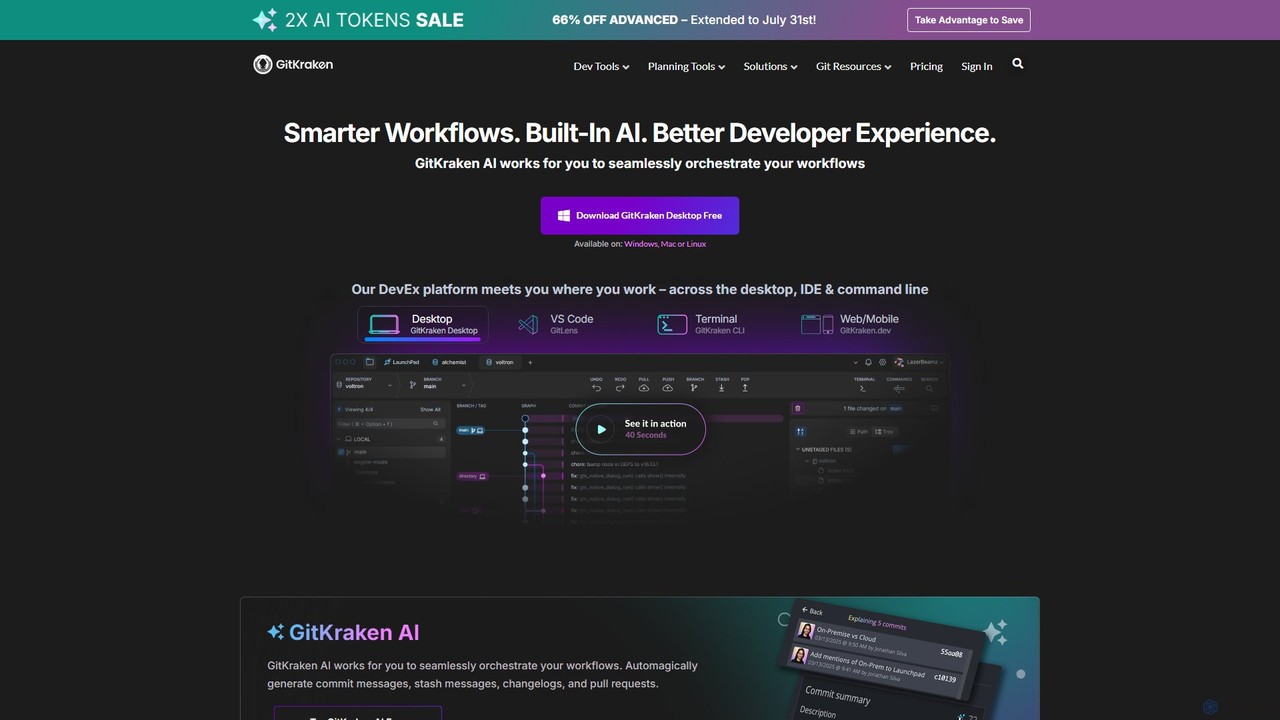
GitKraken is a legendary suite of Git tools designed to enhance the developer experience. Featuring a visual Git GUI, a powerful CLI, and IDE integrations, it leverages built-in AI to automate tasks like generating commit messages and pull requests. It streamlines workflows, improves team collaboration, and provides powerful visualization for complex repositories.
Version Control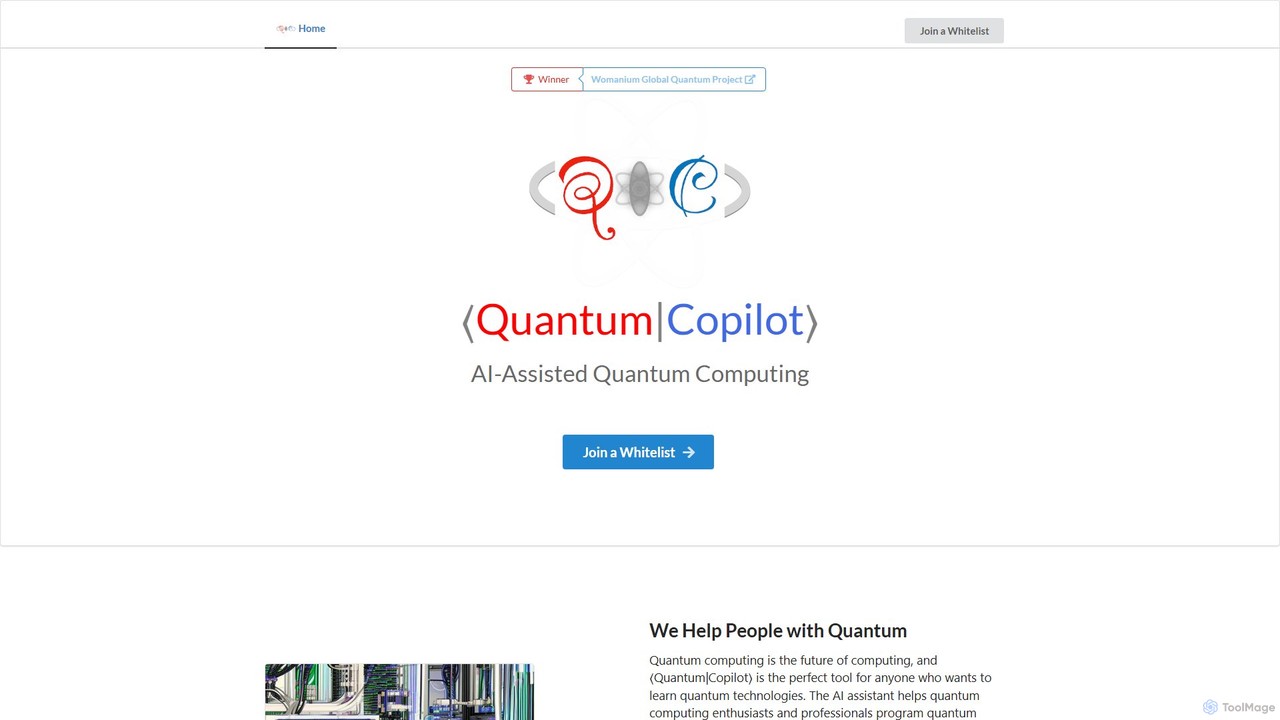
Quantum Copilot
Quantum Copilot is an AI-assisted platform designed to simplify quantum computing. It enables users, from beginners to experts, to program quantum computers, generate algorithms, and run simulations using natural language. It supports various quantum languages and execution on real hardware.
Quantum Computing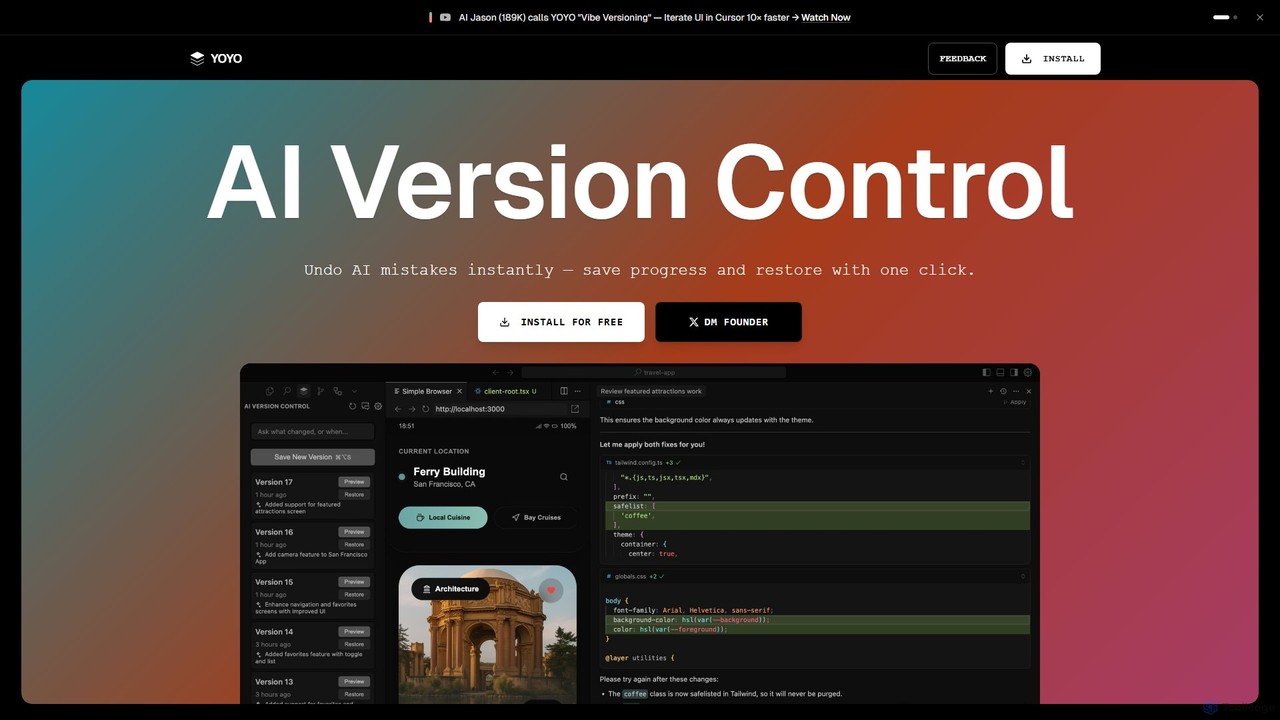
runyoyo
runyoyo is an AI-native version control system designed for the era of 'Vibe Coding'. It allows developers to instantly save progress, undo AI-generated mistakes with a single click, and search their entire coding timeline. It works alongside Git to keep your main repository clean while you experiment freely with AI assistants in IDEs like VS Code and Cursor.
Ide Extension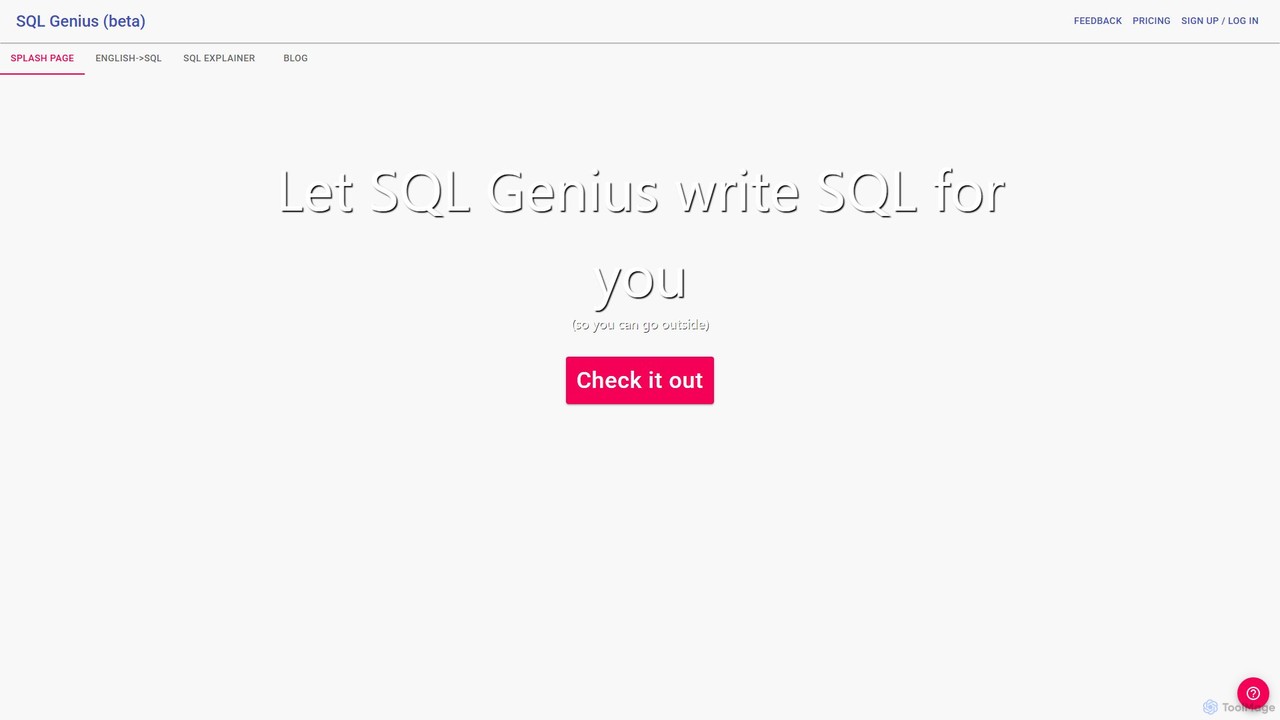
SQL Genius
SQL Genius is an AI-powered tool that simplifies database interaction by converting plain English into SQL queries and explaining complex SQL code in simple terms. It's designed for developers, data analysts, and students to boost productivity and reduce the learning curve for SQL.
Analytics
GitButler
GitButler is a next-generation version control client that allows developers to organize their work into multiple virtual branches simultaneously. It automates the process of managing changes, enabling parallel work on different features and bug fixes without the overhead of traditional Git branches, streamlining the entire development workflow.
Code AssistantGitFluence Categories
GitFluence Embed Widget
Copy this embed code to place the badge on your blog, article, or product site and send readers directly to this ToolMage detail page.

Related AI tools
Graphite
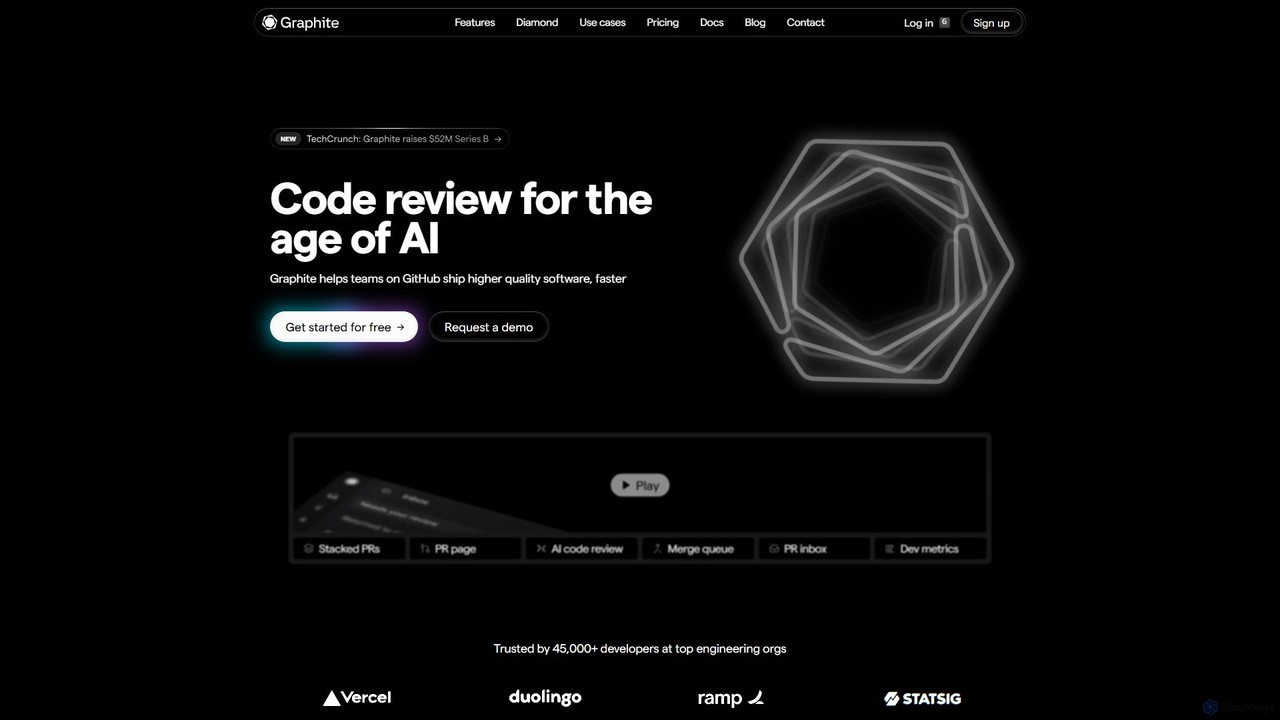
Graphite is an end-to-end developer platform that supercharges teams on GitHub. It accelerates software development with features like stacked pull requests, AI-powered code review, a unified PR inbox, and an intelligent merge queue. By streamlining the entire code review lifecycle, Graphite helps engineering teams ship higher-quality code, faster, while keeping developers unblocked and productive.
Code Review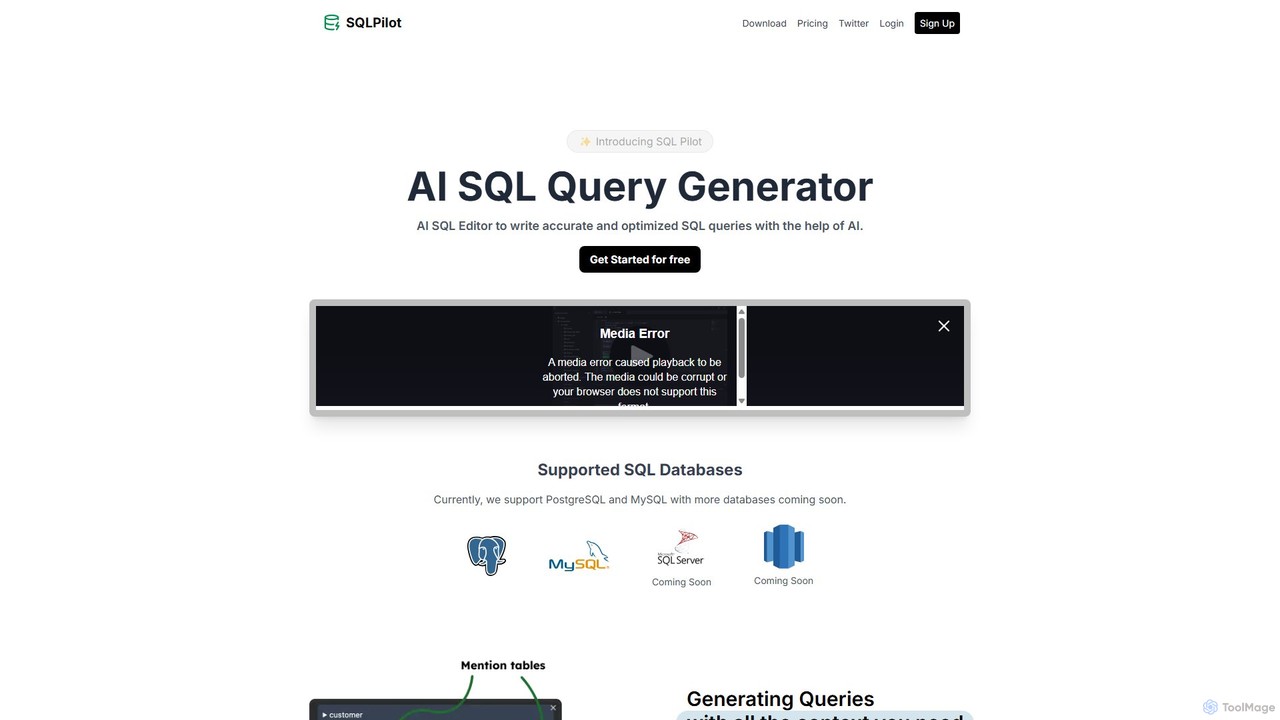
SQLPilot
SQLPilot is an AI-powered SQL query generator and editor that transforms natural language prompts into accurate, optimized SQL queries. It supports multiple databases like PostgreSQL and MySQL, various GPT models, and ensures data privacy by not storing your credentials or schemas.
Code Assistant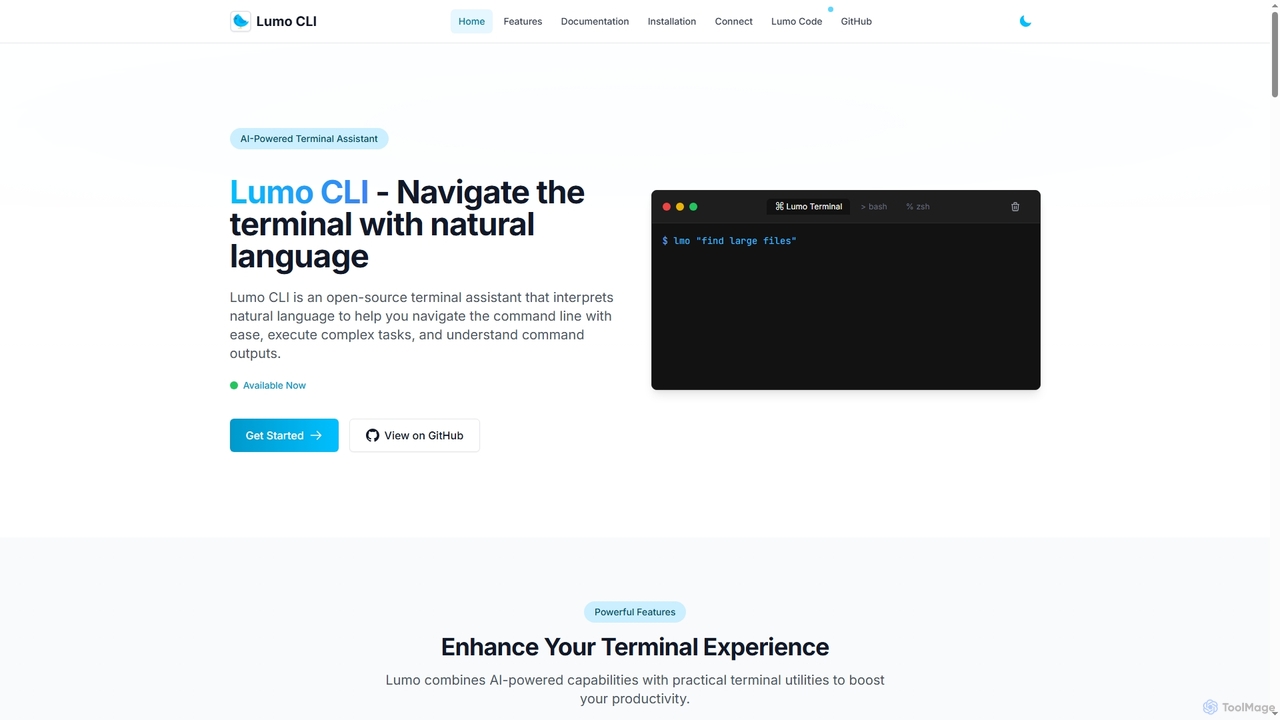
Lumo
Lumo is an open-source, AI-powered terminal assistant that allows users to interact with the command line using natural language. It translates plain English into executable commands, automates complex tasks, monitors system health, and supports multiple AI models including Gemini, OpenAI, and Ollama for local inference.
Code AssistantGitKraken
GitKraken is a legendary suite of Git tools designed to enhance the developer experience. Featuring a visual Git GUI, a powerful CLI, and IDE integrations, it leverages built-in AI to automate tasks like generating commit messages and pull requests. It streamlines workflows, improves team collaboration, and provides powerful visualization for complex repositories.
Version ControlQuantum Copilot
Quantum Copilot is an AI-assisted platform designed to simplify quantum computing. It enables users, from beginners to experts, to program quantum computers, generate algorithms, and run simulations using natural language. It supports various quantum languages and execution on real hardware.
Quantum Computingrunyoyo
runyoyo is an AI-native version control system designed for the era of 'Vibe Coding'. It allows developers to instantly save progress, undo AI-generated mistakes with a single click, and search their entire coding timeline. It works alongside Git to keep your main repository clean while you experiment freely with AI assistants in IDEs like VS Code and Cursor.
Ide ExtensionGitButler
GitButler is a next-generation version control client that allows developers to organize their work into multiple virtual branches simultaneously. It automates the process of managing changes, enabling parallel work on different features and bug fixes without the overhead of traditional Git branches, streamlining the entire development workflow.
Code Assistant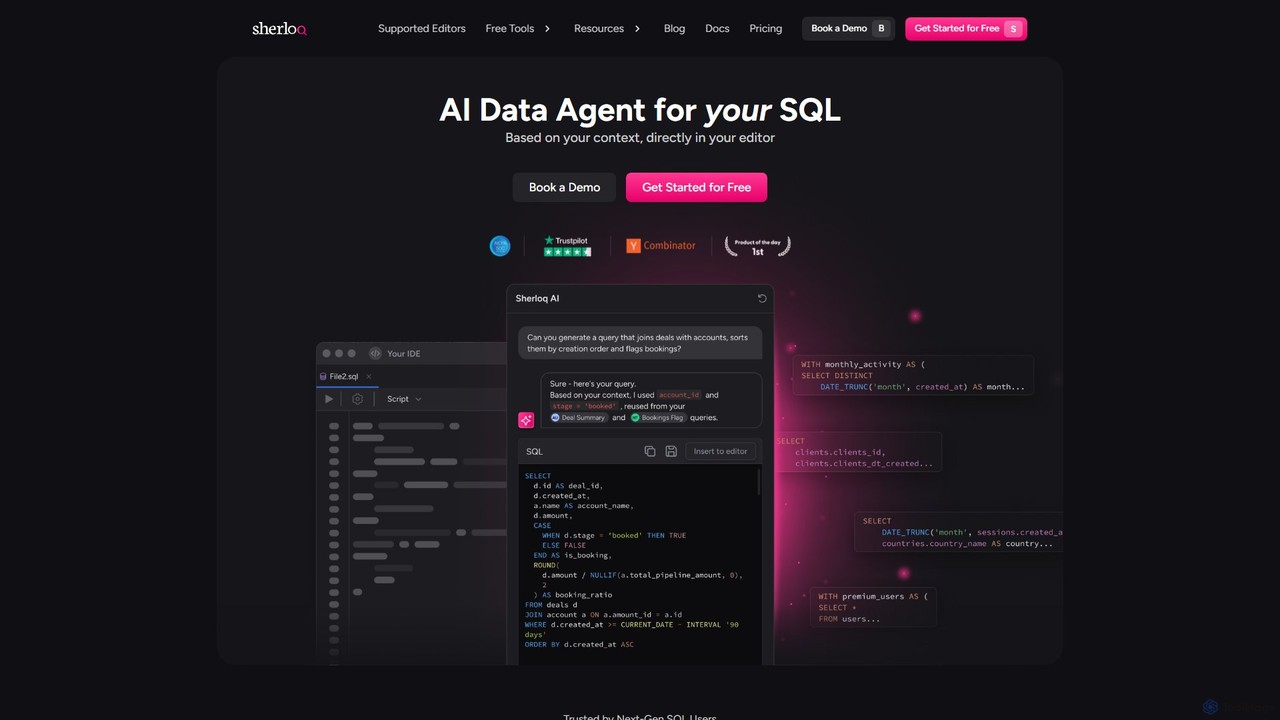
sherloqdata
Sherloqdata is an AI-powered data agent for SQL that works directly in your editor. It helps data professionals write, fix, and manage SQL queries faster by using your existing SQL repository for context. Features include an AI SQL Chat, query management, version control, and team collaboration.
Database
GiteAI
GiteAI is an AI-powered tool designed for developers to automate and enhance Git commit messages. It analyzes code changes to generate detailed, standardized commits, saving time and improving repository consistency, allowing you to focus more on coding.
Code Assistant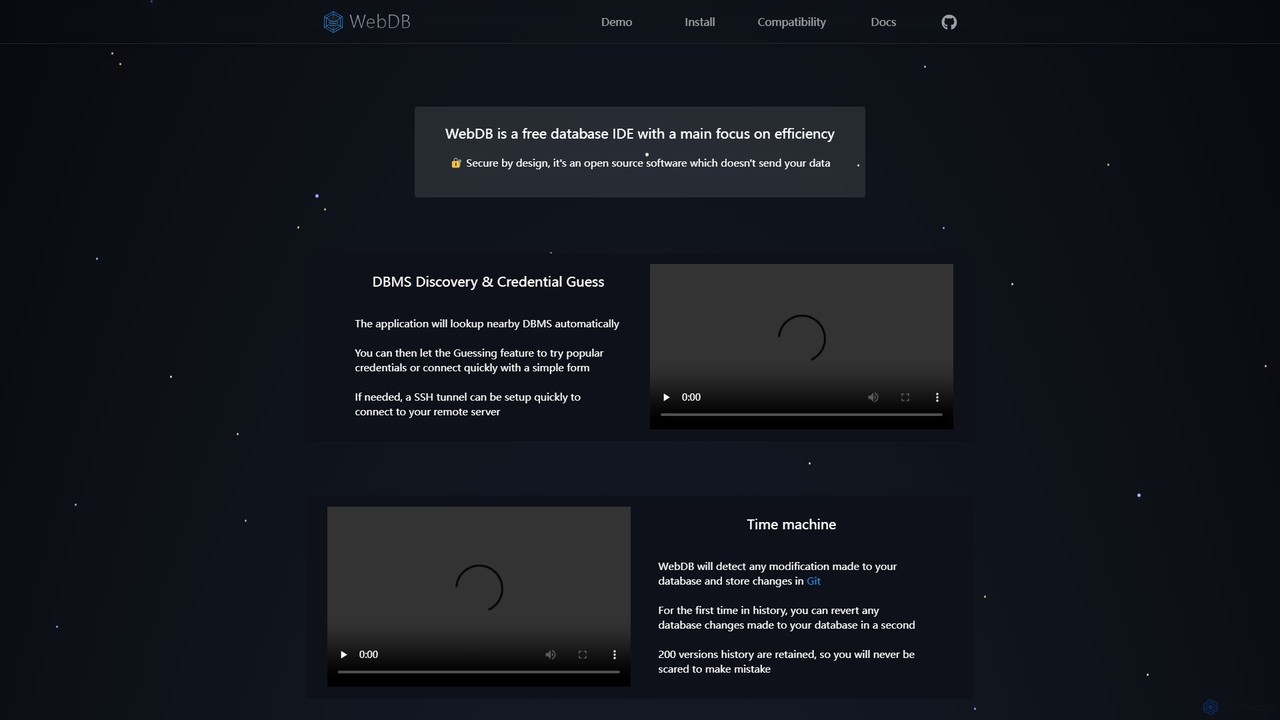
WebDB
A free, open-source, and efficient database IDE designed for developers. It features an AI assistant (integrating ChatGPT, Gemini, etc.), a unique Git-based "Time Machine" for reverting database changes, powerful query editing, NoSQL structure inference, and robust security. It supports a wide range of databases like MySQL, PostgreSQL, and MongoDB, all within a privacy-focused framework.
Data Management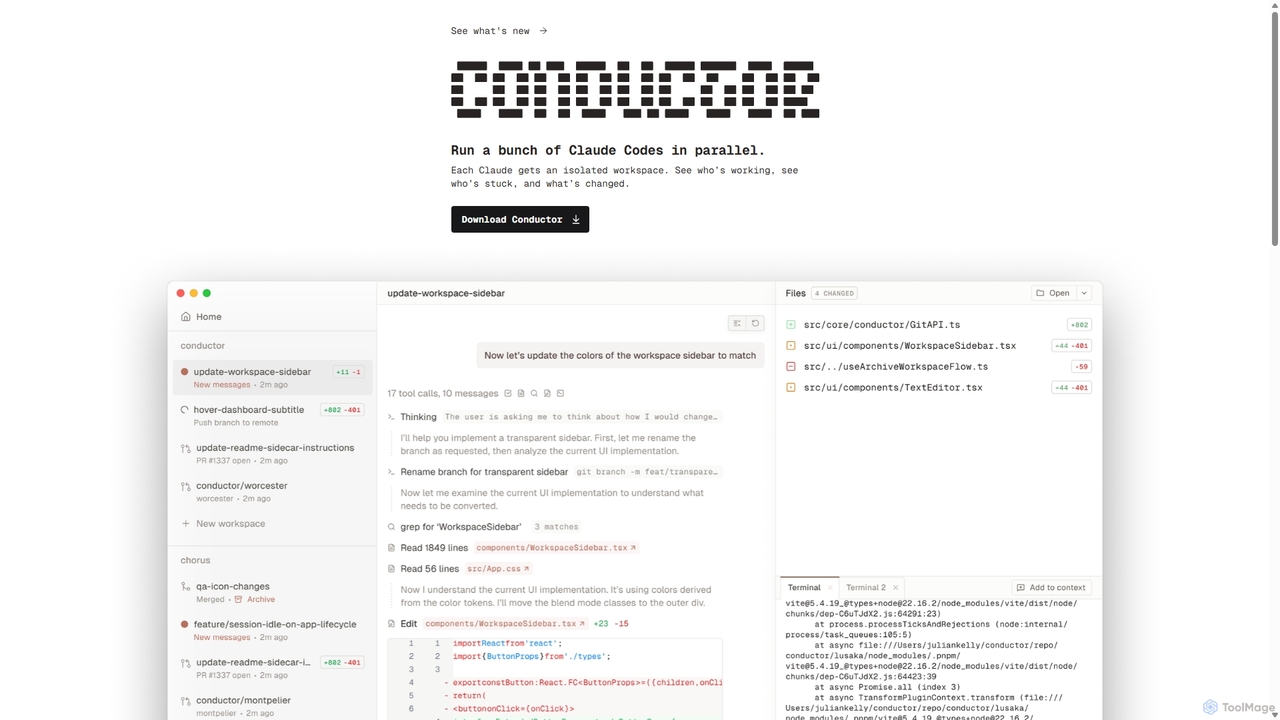
Conductor
A powerful Mac application for orchestrating multiple AI coding agents. Run parallel instances of Claude Code in isolated workspaces to accelerate software development, monitor progress, and review code through a beautiful, intuitive UI.
Code Assistant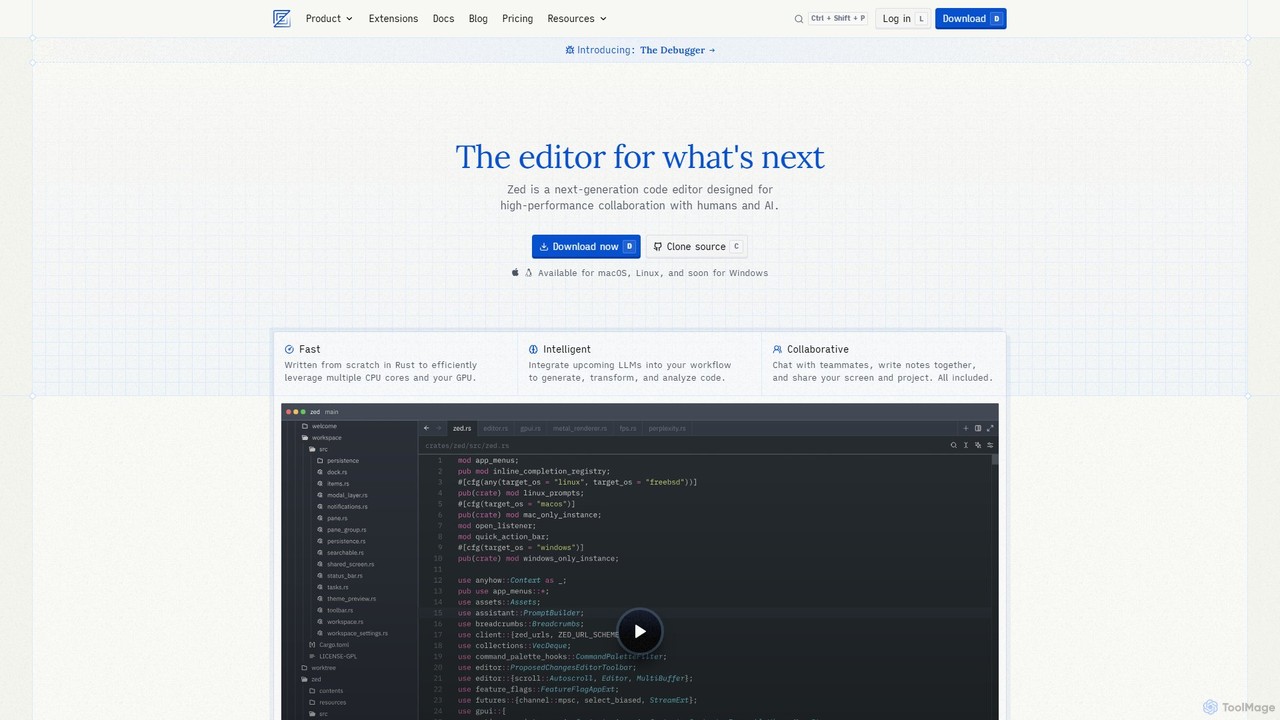
Zed
Zed is a high-performance, collaborative, and AI-powered code editor built from scratch in Rust. Designed for speed and efficiency, it offers real-time collaboration, deep integration with LLMs for agentic editing, and a comprehensive set of built-in tools including a debugger and native Git support. Zed is open-source and available for macOS and Linux, with Windows support coming soon.
Code Generation
Raycast
Raycast is a blazingly fast, extendable launcher for macOS that supercharges your productivity. It replaces Spotlight with a powerful command-line interface to control your tools, search files, run scripts, and automate tasks. With an integrated AI assistant, a vast store of community-built extensions, and features like Clipboard History, Snippets, and Window Management, Raycast centralizes your workflow, saving you time and context-switching.
Workflow Automation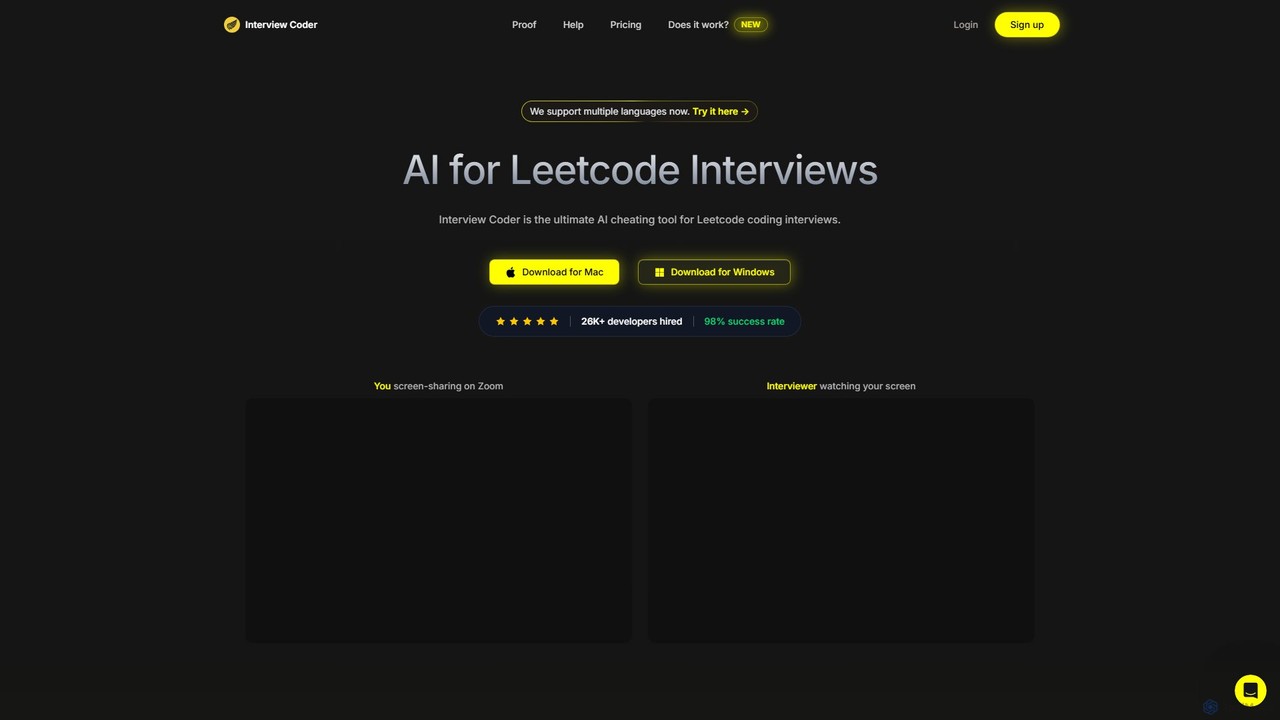
Interview Coder
Interview Coder is an AI-powered desktop assistant designed for technical coding interviews. It runs as a native app, capturing interview problems via screenshots and generating optimal code solutions with detailed explanations in real-time. Its key feature is its undetectability, allowing developers to confidently navigate high-pressure interviews on platforms like Hackerrank, CoderPad, and Zoom.
Interview Preparation
Charm
Charm is an ecosystem of open-source tools and libraries designed to make the command-line interface (CLI) glamorous and powerful. It provides developers with applications for AI-powered coding (Crush, Mods), beautiful terminal UIs (Bubble Tea), markdown rendering (Glow), and self-hosted Git servers (Soft Serve). Charm empowers developers to build, style, and enhance their terminal workflows with modern, elegant, and highly functional tools.
Code Assistant
GitFluence Comments (0)
Sign in to comment.
Sign inNo comments yet.