
Maestro Overview
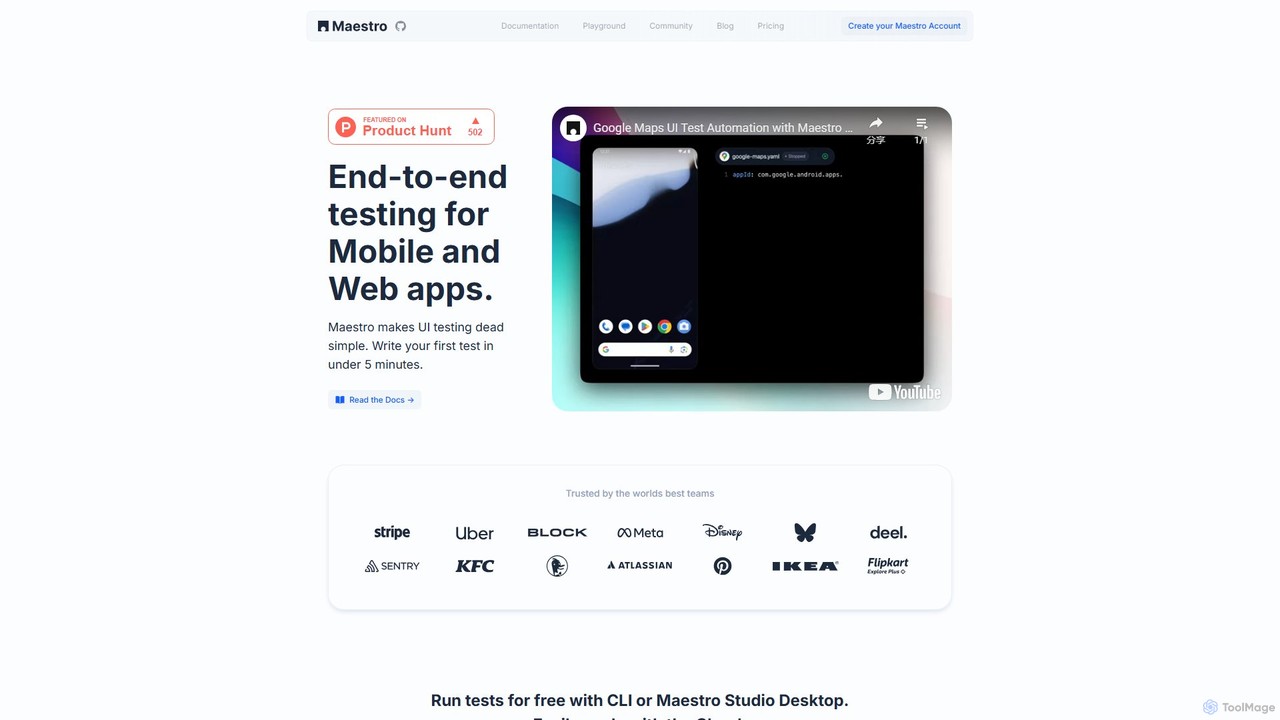
Maestro is a modern testing platform designed to address the quality control bottleneck in today's rapid software development lifecycle. It makes end-to-end (E2E) UI testing remarkably simple, fast, and reliable for both mobile and web applications. By combining an intuitive, declarative syntax with powerful visual and AI-assisted tools, Maestro empowers entire teams—from developers and QA engineers to non-technical members—to contribute to application quality without a steep learning curve.
The platform is built on the principle of resilience, automatically handling common sources of flakiness like animations, network delays, and timing issues. This ensures that tests are stable and trustworthy, allowing teams to move quickly while maintaining a high standard of quality. Maestro is a single, unified solution for testing across a vast ecosystem of technologies, eliminating the need for multiple testing frameworks.
How to use Maestro
Getting started with Maestro is designed to be a straightforward process that takes only a few minutes:
- Installation: Download and install Maestro Studio, the all-in-one IDE, which is available for macOS, Windows, and Linux. The command-line interface (CLI) is included for headless and automated runs.
- App Connection: Launch your mobile or web application and connect it to Maestro Studio. No SDKs or source code modifications are required.
- Visual Test Creation: Use the Studio's element inspector to visually explore your app's UI hierarchy and identify elements. You can instantly see what Maestro sees.
- Record and Generate: Interact with your app (e.g., tap buttons, enter text, swipe) within Maestro Studio. The tool will automatically record these actions and generate the corresponding test commands in its simple YAML format.
- AI Assistance: Leverage MaestroGPT, the integrated AI assistant, to generate complex test commands from natural language descriptions or to get help with any Maestro-related questions.
- Run and Debug: Execute your tests locally for free using the CLI or directly from Maestro Studio. The Studio provides powerful debugging tools to quickly identify and fix issues.
- Scale with Cloud: For larger-scale testing, connect your project to Maestro Cloud. Integrate tests into your CI/CD pipeline (like GitHub Actions, Jenkins, or CircleCI) to run them in parallel on real cloud devices, ensuring comprehensive coverage before every release.
Core Features of Maestro
- Maestro Studio: A comprehensive IDE built specifically for testers, featuring a visual element inspector, live test recording, and an interactive environment to build and debug tests.
- AI-Assisted Testing (MaestroGPT): A powerful AI assistant trained specifically on Maestro. It can generate test commands from plain English and help troubleshoot issues, accelerating test creation.
- Simple Declarative Syntax: Tests are written in a human-readable YAML format, making them easy to create, understand, and maintain, even for non-programmers.
- Cross-Platform Support: A single framework to test all your applications, including native iOS (SwiftUI), Android (Jetpack Compose), React Native, Flutter, Cordova, Ionic, and Web apps (including Web Views).
- Built-in Resilience: Automatically waits for UI elements to load and animations to complete, significantly reducing flaky tests and improving reliability.
- Maestro Cloud: An enterprise-grade cloud infrastructure for running tests in parallel at high speed. It provides seamless CI/CD integration, detailed reporting, and analytics to track quality over time.
- Zero-Setup Testing: Requires no changes to your application's source code, no SDKs to install, and no recompilation, allowing you to start testing your existing app immediately.
Use Cases for Maestro
Maestro is versatile and can be applied across the software development lifecycle:
- Smoke Testing: Run quick checks on critical user flows (like login, registration, and core features) after every build to catch major regressions instantly.
- Full Regression Suites: Build comprehensive test suites that cover all application features and run them automatically before a release to ensure new changes haven't introduced bugs.
- CI/CD Automation: Integrate Maestro tests into your continuous integration and delivery pipeline. Automatically trigger tests on every pull request, merge, or nightly build to enforce quality gates.
- Cross-Team Collaboration: Enable product managers, designers, and manual QA testers to create and run automated tests using the visual and intuitive Maestro Studio, fostering a culture of shared quality ownership.
- Multi-Framework Environments: For companies using different technologies for their iOS, Android, and web platforms, Maestro provides a single, consistent testing tool and methodology.
Advantages of Maestro
Maestro offers a significant upgrade over traditional testing frameworks:
- Unmatched Speed: Go from installation to writing your first test in under five minutes. The combination of AI, recording, and simple syntax dramatically accelerates test development.
- Exceptional Reliability: By intelligently handling common mobile and web flakiness, Maestro tests are more stable and produce trustworthy results.
- High Accessibility: Its user-friendly design and visual tools lower the barrier to entry, making test automation accessible to the entire team, not just specialized engineers.
- Unified Platform: One tool to learn and manage for all your mobile and web testing needs, reducing complexity and training overhead.
- Developer-First Workflow: Seamlessly integrates with existing development tools and CI/CD pipelines, making quality a natural part of the development process.
Pricing and Plans
Maestro operates on a freemium model, providing value for both individuals and large enterprises:
- Free Plan (Local): This plan is completely free and ideal for individual developers, testers, and small teams. It includes unlimited local test runs using the Maestro CLI and full access to Maestro Studio, including the visual inspector, recorder, and MaestroGPT.
- Cloud Plan (Freemium/Paid): This plan is designed for teams that need to scale their testing efforts. It starts with a generous free tier for cloud runs and CI/CD integration. Paid tiers are based on usage, such as the number of parallel executions and total test minutes. The Cloud plan unlocks parallel testing on enterprise-grade infrastructure, advanced analytics, detailed run history, and priority support.
Traffic
Latest traffic
Status
Monthly traffic trend
- 2025-9: 25.3K
- 2026-1: 154.5K
- 2026-2: 154.4K
- 2026-3: 176.4K
- 2026-4: 174.4K
- 2026-5: 183.2K
Geography
Top 5 countries / regions
- 🇺🇸United States28.7%
- 🇮🇳India23.9%
- 🇻🇳Vietnam17.5%
- 🇷🇺Russia15.9%
- 🇸🇪Sweden14.1%
Traffic sources
| Source type | Percentage |
|---|---|
Direct | 82.1% |
Referral | 17.4% |
Email | 0.5% |
Top keywords
| Keyword | Cost per click |
|---|---|
| maestro | $1.16 |
| maestro mcp | $0.00 |
| maestro studio | $0.00 |
| maestro test | $0.00 |
| maestro testing | $0.85 |
Maestro Videos on YouTube


RPA Vault of Trainings

UpRock | Infrastructure Powering Agentic AI

Anders Jensen

Fitness Maestro

EVA BENN | CYBERSECURITY | AI
Maestro Alternatives
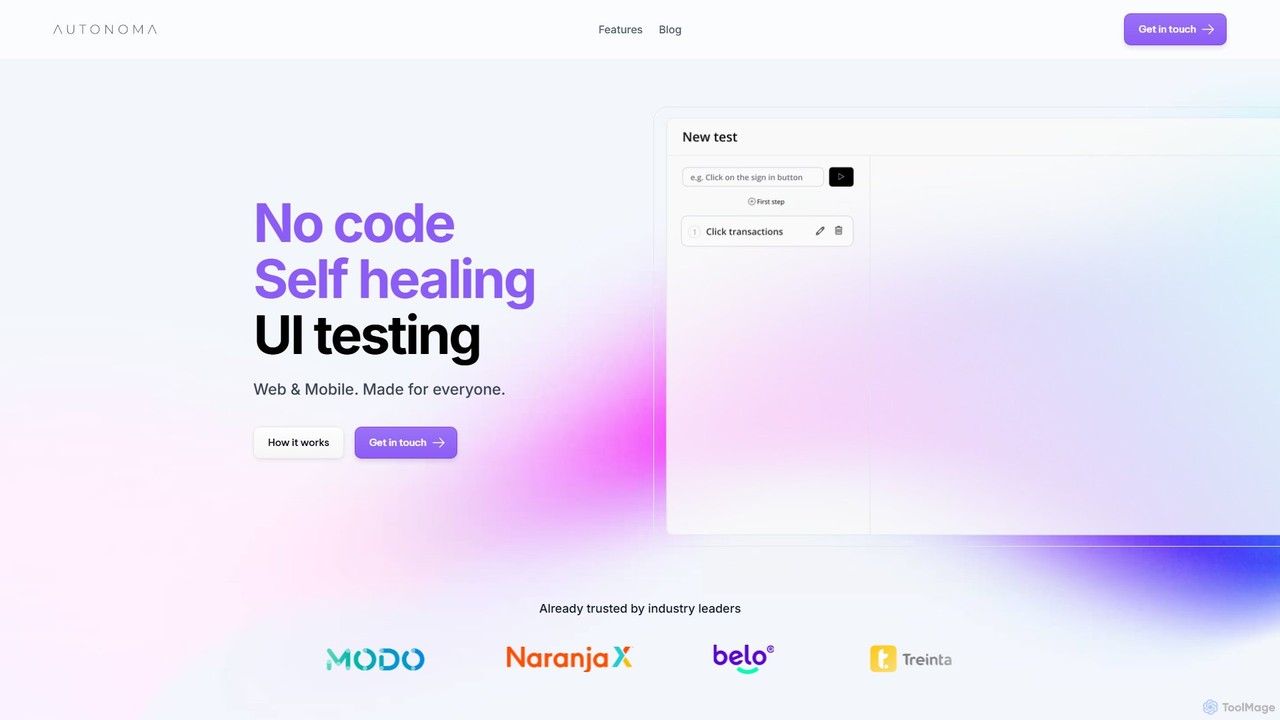
Autonoma AI
Autonoma AI is a no-code, self-healing UI testing platform for web and mobile applications. It uses AI to automatically record user interactions, convert them into robust tests, and adapt to UI changes, eliminating test maintenance. This allows teams to ship products faster and with greater confidence by automating regression testing and integrating seamlessly into CI/CD pipelines.
Testing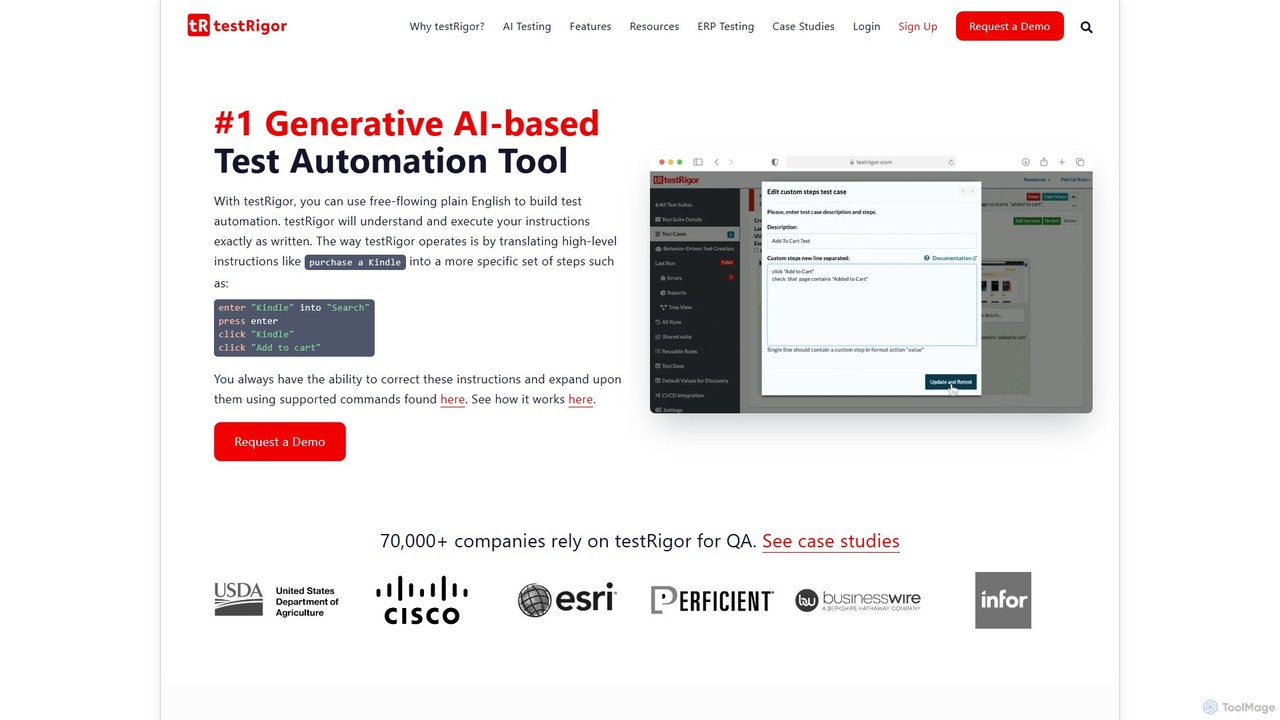
testRigor
testRigor is a generative AI-powered test automation platform that allows users to create complex end-to-end tests using plain English. It supports web, mobile, API, and desktop testing, drastically reducing test maintenance and enabling non-technical team members to contribute to QA, accelerating development cycles.
Automation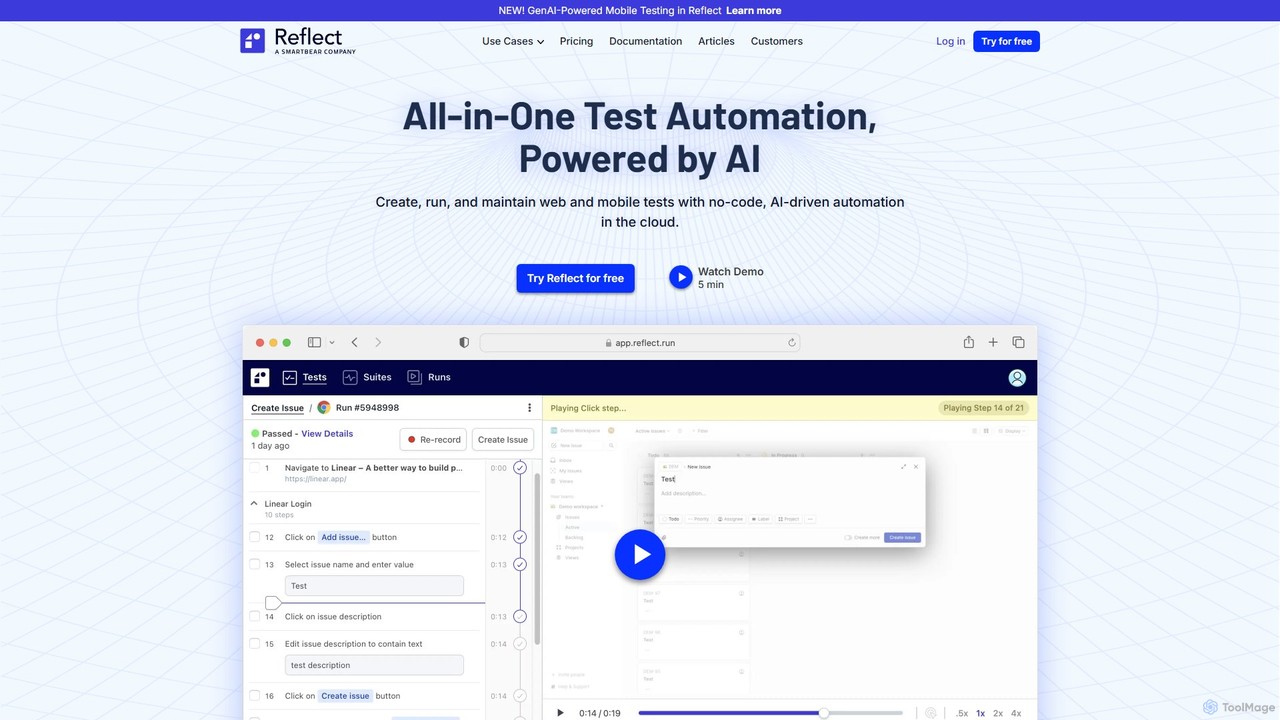
Reflect
Reflect is an AI-powered, no-code automated web testing platform. It uses generative AI to convert plain English instructions into robust tests, eliminating the need for fragile selectors. Reflect accelerates testing by 10x, automatically adapting to UI changes and reducing maintenance. It supports web, mobile, API, and visual testing, integrating seamlessly with existing CI/CD and project management workflows to enhance test coverage and development speed.
Automation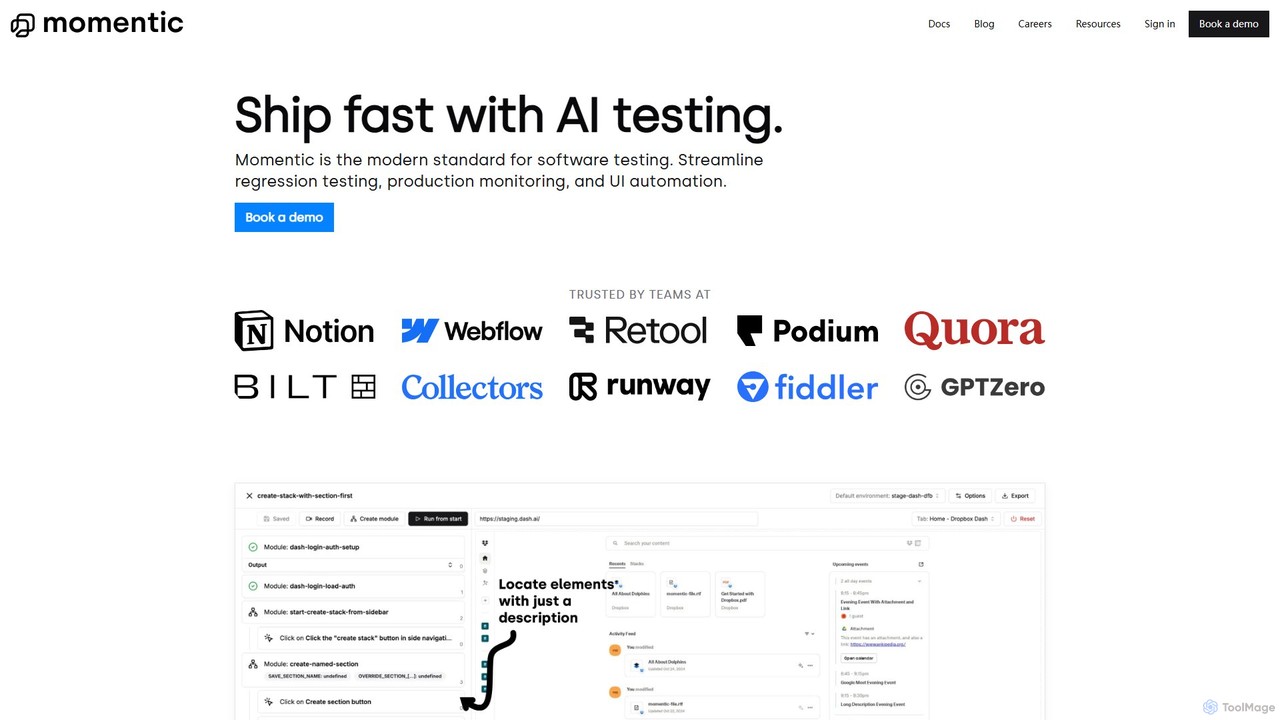
Momentic
Momentic is an AI-powered software testing platform that accelerates development cycles. It enables teams to create, run, and maintain robust end-to-end tests using natural language, eliminating flaky scripts and reducing manual QA overhead. It features a low-code editor, auto-healing locators, and seamless CI/CD integration.
No Code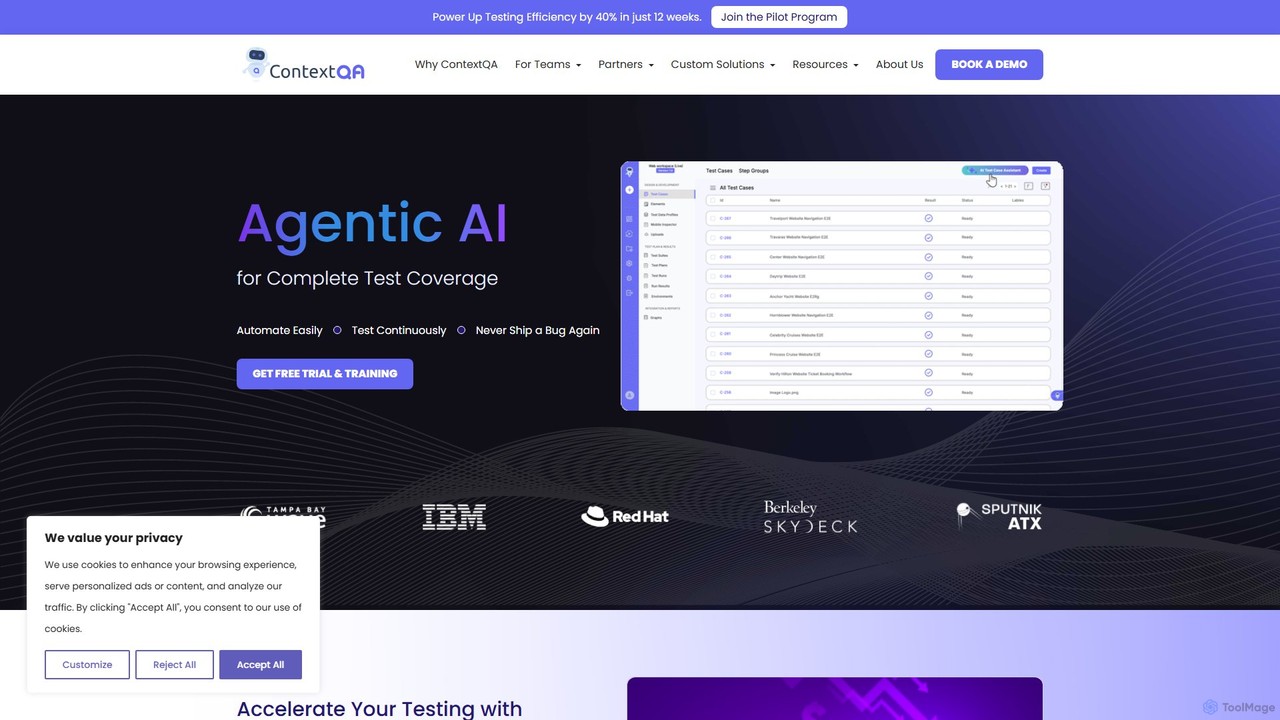
ContextQA
ContextQA is an AI-powered, no-code testing platform designed to automate and streamline the entire quality assurance process. It leverages agentic AI to generate test cases, visualize user behavior with heatmaps, and provide actionable insights. The platform supports web, mobile, performance, security, and accessibility testing, empowering teams to deliver high-quality software faster.
Software DevelopmentMaestro Categories
Maestro Embed Widget
Copy this embed code to place the badge on your blog, article, or product site and send readers directly to this ToolMage detail page.

Related AI tools
Autonoma AI
Autonoma AI is a no-code, self-healing UI testing platform for web and mobile applications. It uses AI to automatically record user interactions, convert them into robust tests, and adapt to UI changes, eliminating test maintenance. This allows teams to ship products faster and with greater confidence by automating regression testing and integrating seamlessly into CI/CD pipelines.
TestingMomentic
Momentic is an AI-powered software testing platform that accelerates development cycles. It enables teams to create, run, and maintain robust end-to-end tests using natural language, eliminating flaky scripts and reducing manual QA overhead. It features a low-code editor, auto-healing locators, and seamless CI/CD integration.
No Code
VideoSDK
VideoSDK is a comprehensive developer platform providing APIs and SDKs to build, scale, and secure real-time audio/video communication and interactive live streaming. It features low-latency infrastructure, cross-platform support, and integrated AI capabilities like voice agents, transcription, and summarization, enabling developers to embed immersive communication experiences into any application.
Video Conferencing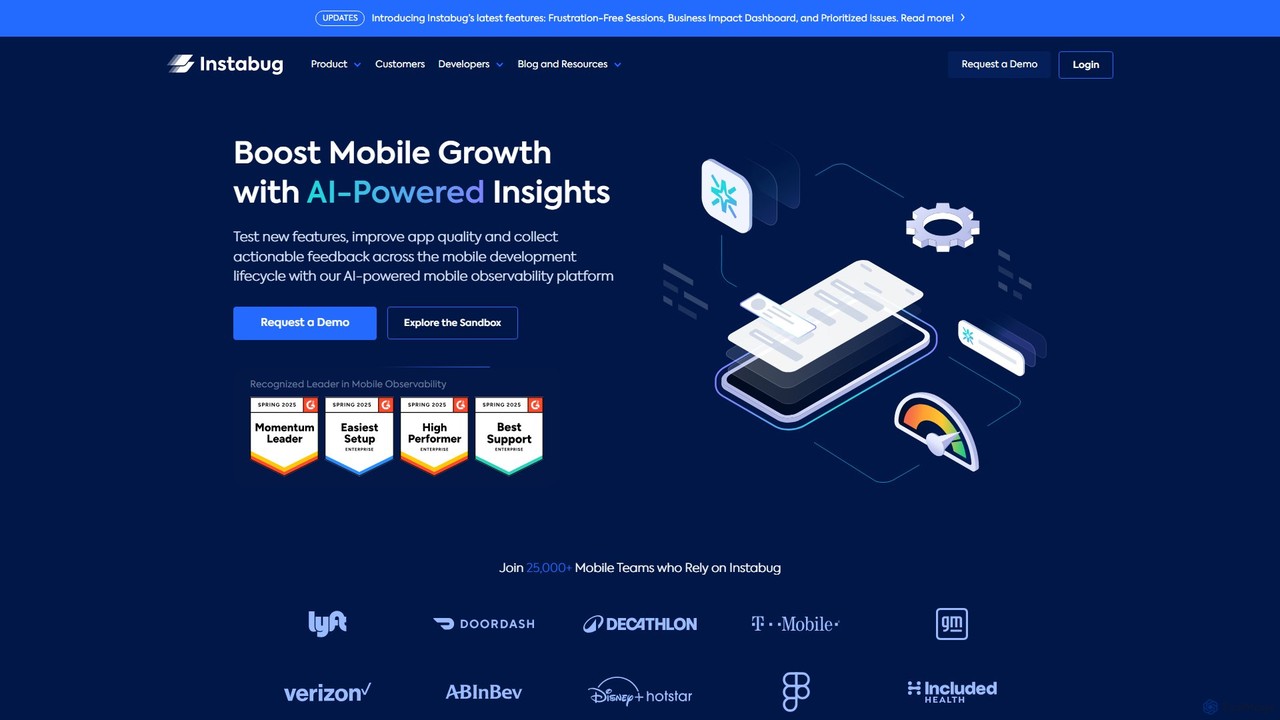
Instabug
Instabug is an AI-powered mobile observability platform designed for developers and product teams. It provides comprehensive tools for bug and crash reporting, app performance monitoring (APM), session replay, and user feedback, helping teams build stable, high-performance mobile applications and resolve issues faster.
User Behavior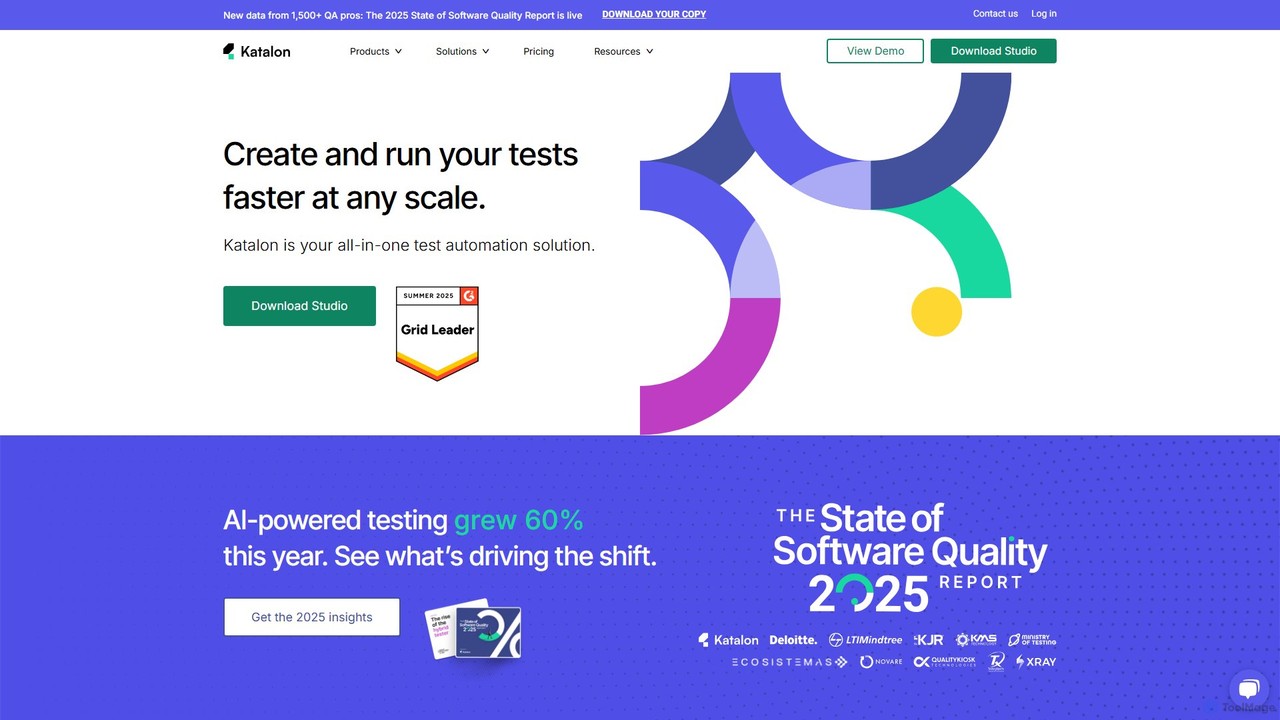
Katalon
Katalon is a comprehensive, AI-augmented test automation platform for web, API, mobile, and desktop applications. It empowers teams of all sizes with low-code, full-code, and no-code solutions, streamlining the entire quality lifecycle from test creation and execution to analysis and management.
Code Generation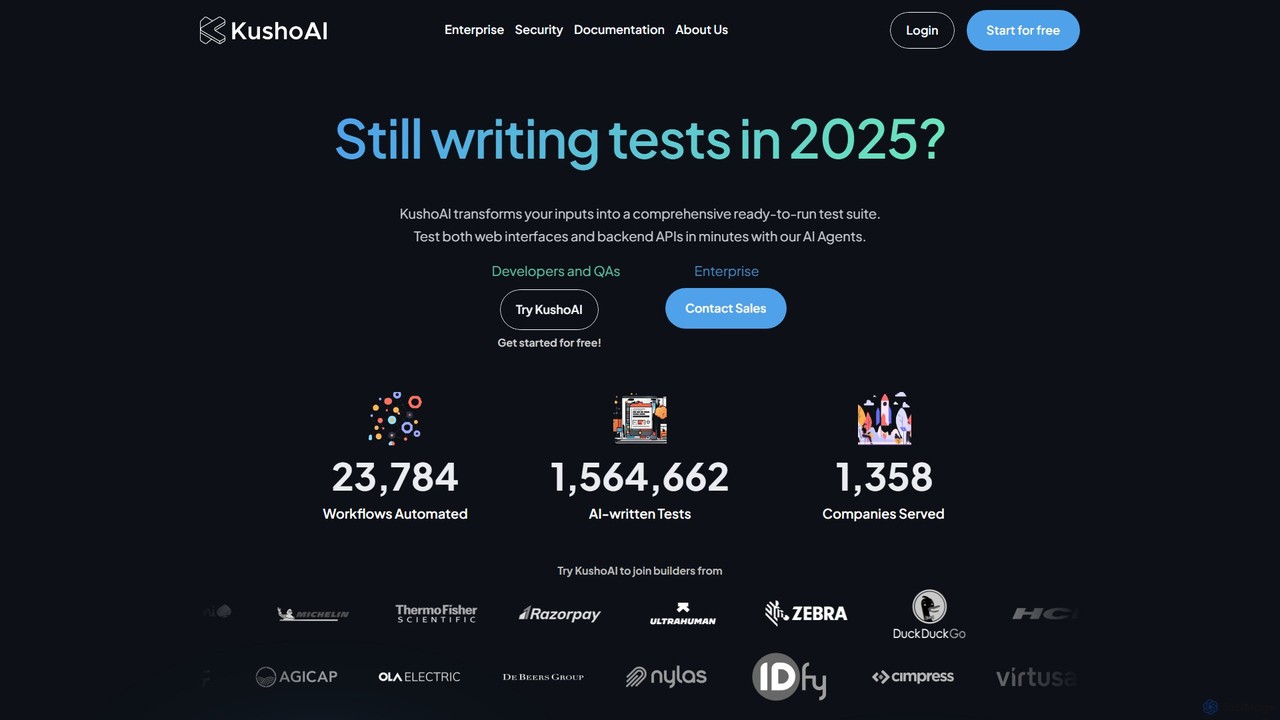
Kusho
Kusho is an AI-powered platform that automates software testing for developers and enterprises. It uses autonomous AI agents to transform inputs into comprehensive, ready-to-run test suites for both web UIs and backend APIs. By automatically generating and maintaining tests, Kusho helps teams achieve over 90% test coverage, accelerate deployment cycles, and ship bug-free code with confidence.
Code Assistant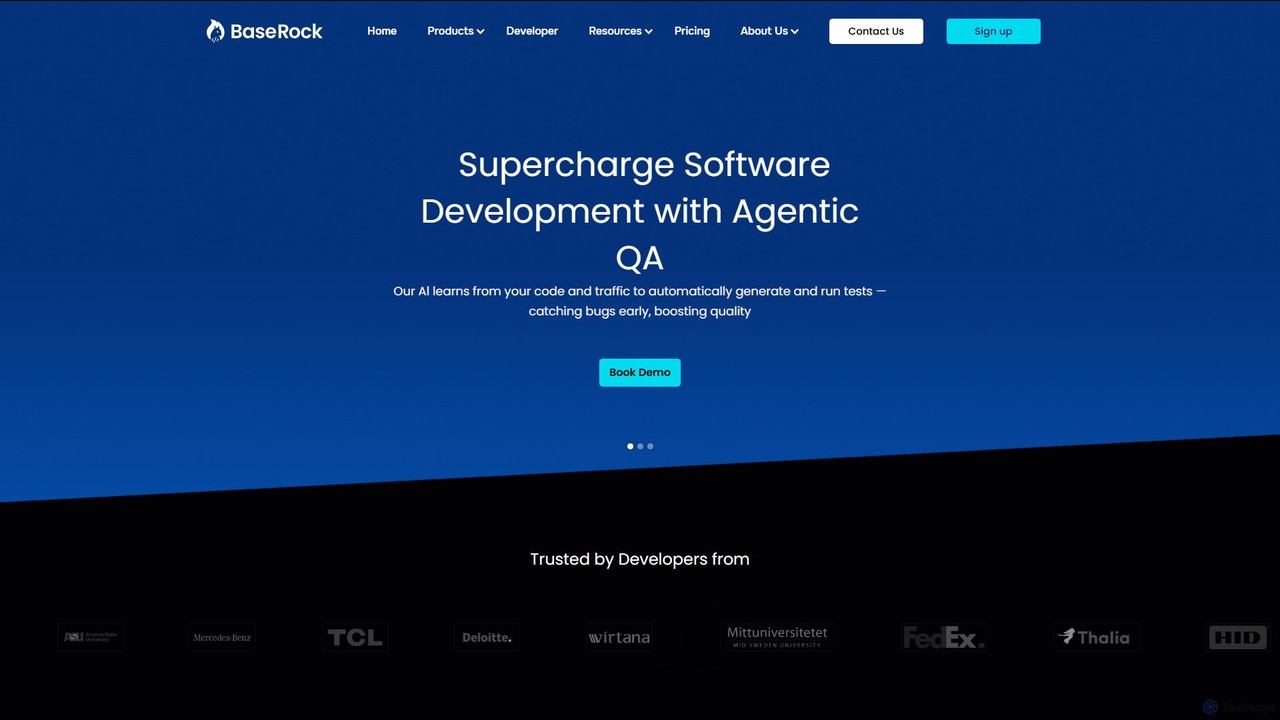
BaseRock
BaseRock is an agentic AI QA platform designed for development teams. It learns from your code and network traffic to automatically generate and execute unit, integration, and end-to-end tests. This helps catch bugs early, significantly reduce QA costs, and boost developer productivity by automating the entire testing lifecycle.
Testing
Testkit
Testkit is an AI-powered platform designed to automate the software testing lifecycle. It helps development and QA teams generate, execute, and maintain test cases with greater speed and accuracy, significantly reducing manual effort and accelerating the delivery pipeline.
Code Assistant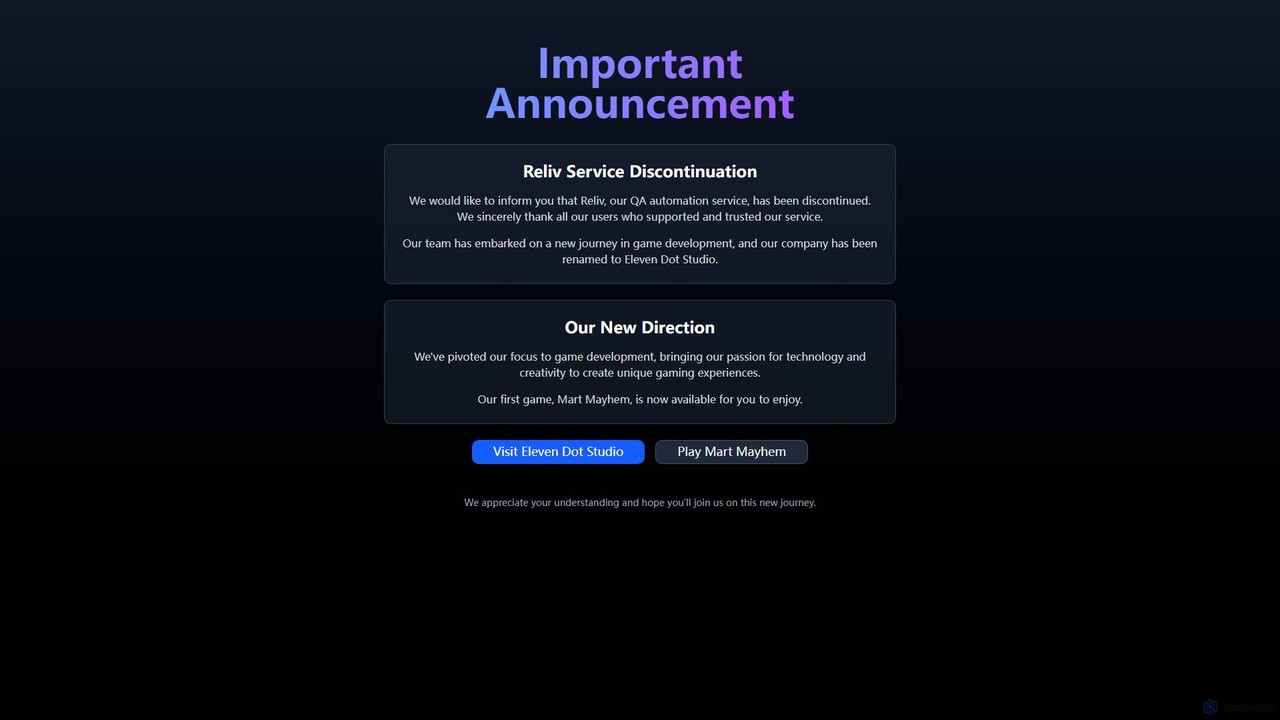
Reliv
Reliv was an AI-powered QA automation service designed to streamline software testing. It enabled teams to create, manage, and execute automated tests without extensive coding, accelerating development cycles and improving application quality. The service has since been discontinued.
No Code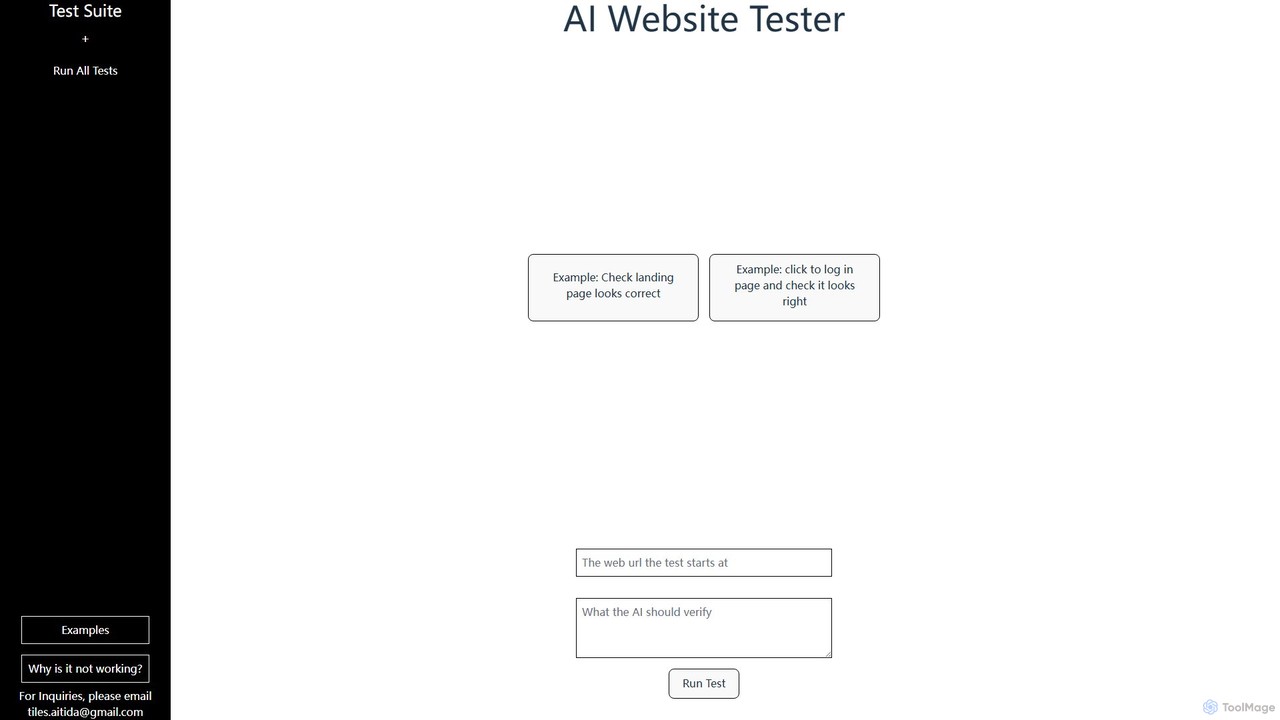
AI Web Test Aitida
AI Web Test Aitida is an AI-powered platform for automated website testing. It simplifies quality assurance by allowing users to create, run, and manage complex test suites using natural language. The tool specializes in visual regression and end-to-end user flow testing, helping teams catch bugs faster and ensure a flawless user experience across all browsers and devices.
Quality Assurance
MagicPod
MagicPod is an AI-powered, no-code test automation platform for web and mobile applications. It enables teams to easily create, execute, and maintain automated tests, accelerating release cycles and improving software quality without requiring programming skills.
Code Assistant
Dashwave
Dashwave is an AI-powered platform that accelerates mobile app development. It enables users to build, test, and deploy applications for iOS and Android using natural language prompts. Supporting frameworks like Kotlin, React Native, and Flutter, it transforms ideas and Figma designs into production-ready code, streamlining the entire development lifecycle for developers, designers, and founders.
Design To Code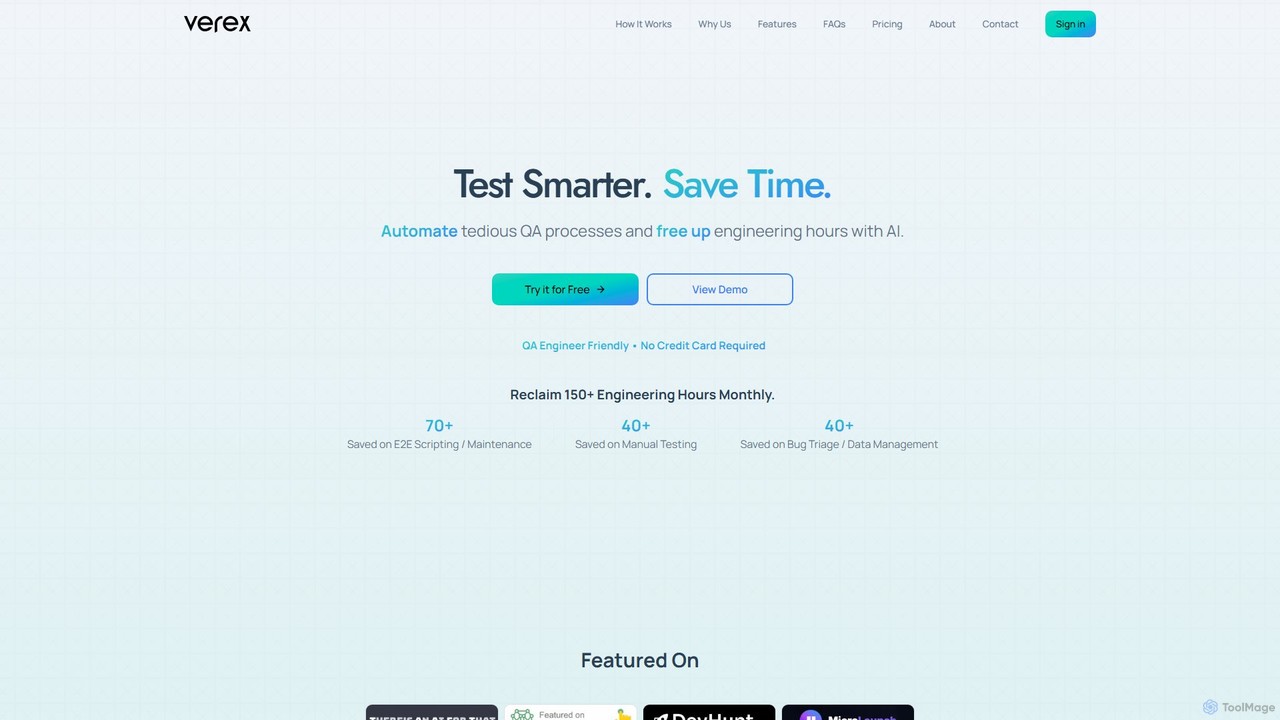
Verex
Verex is an AI-powered QA automation platform that enables teams to test web applications using natural language. It eliminates the need for manual scripting, saving significant engineering hours and accelerating the development lifecycle by integrating seamlessly with CI/CD pipelines and bug tracking tools.
No CodetestRigor
testRigor is a generative AI-powered test automation platform that allows users to create complex end-to-end tests using plain English. It supports web, mobile, API, and desktop testing, drastically reducing test maintenance and enabling non-technical team members to contribute to QA, accelerating development cycles.
Automation
LambdaTest
LambdaTest is an AI-powered, cloud-based testing platform that enables developers and QA teams to perform cross-browser, real device, and automated testing at scale. It offers a unified environment for web and mobile app testing to accelerate release cycles and ensure high-quality software delivery.
Cloud Platforms
Maestro Comments (0)
Sign in to comment.
Sign inNo comments yet.