ToolMage
Sign in

Best 7 No Code AI tools for Code

Popular No Code AI tools in Code include Momentic, Stably, OwlityAI, Verex, Reliv, QAEverest, and Quacks AI, helping you work more efficiently.

Quacks AI
Freemium

Quacks AI

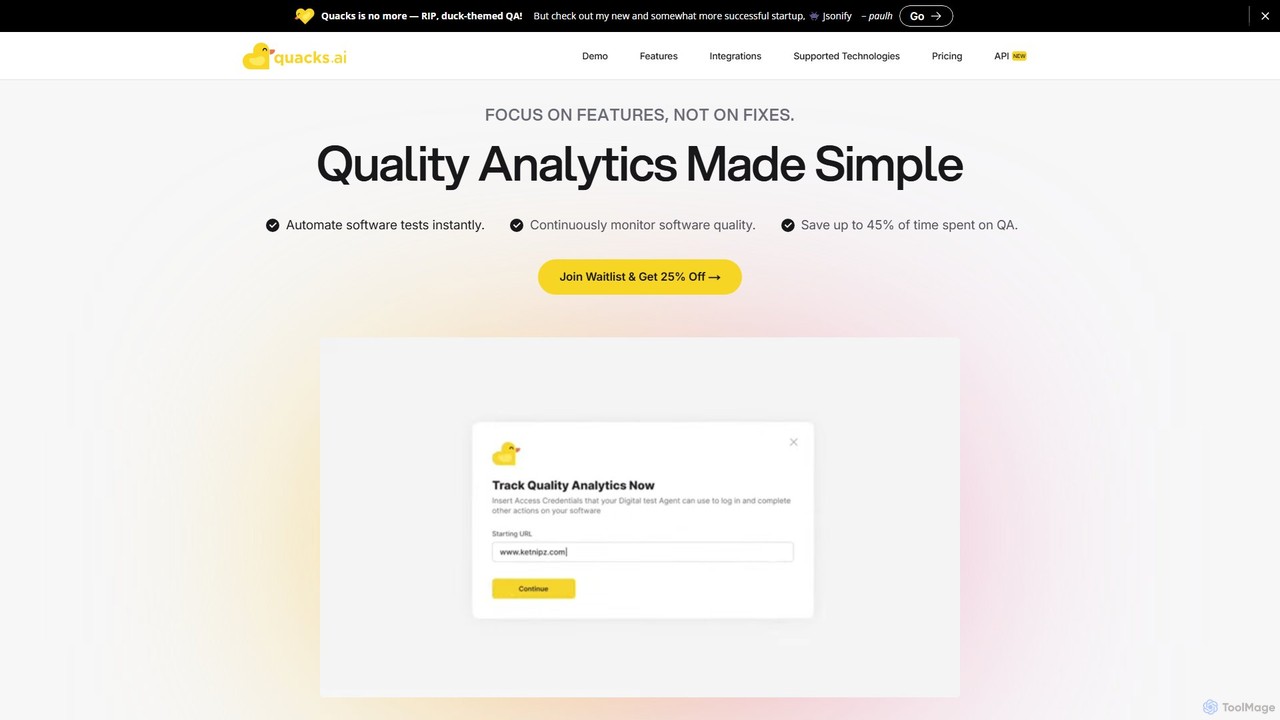
Quacks AI is an intelligent quality assurance platform that automates end-to-end software testing. It utilizes advanced AI agents to autonomously create, execute, and maintain tests, enabling teams to continuously monitor software quality, save significant time, and prevent bugs from reaching users.

No Code
Visits 6.3KFavorites 161Likes 180
Momentic
Paid

Momentic

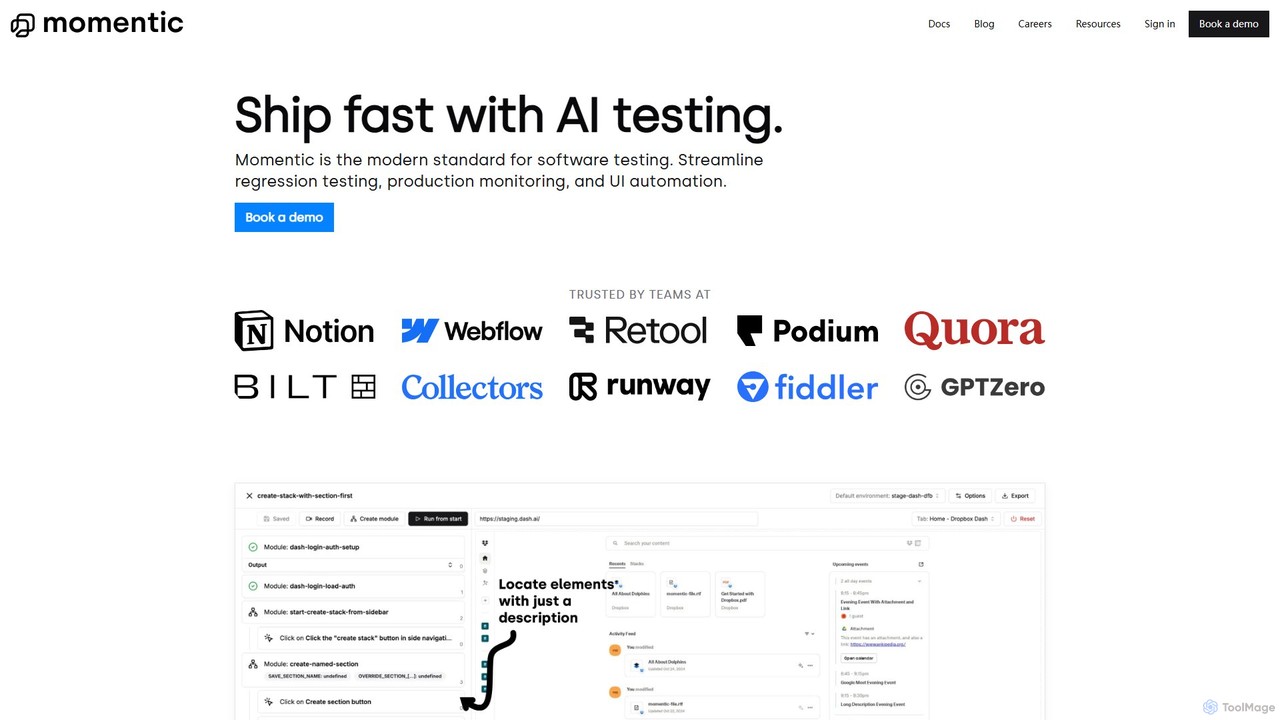
Momentic is an AI-powered software testing platform that accelerates development cycles. It enables teams to create, run, and maintain robust end-to-end tests using natural language, eliminating flaky scripts and reducing manual QA overhead. It features a low-code editor, auto-healing locators, and seamless CI/CD integration.

No Code
Visits 48.8KFavorites 124Likes 119
Verex
Freemium

Verex

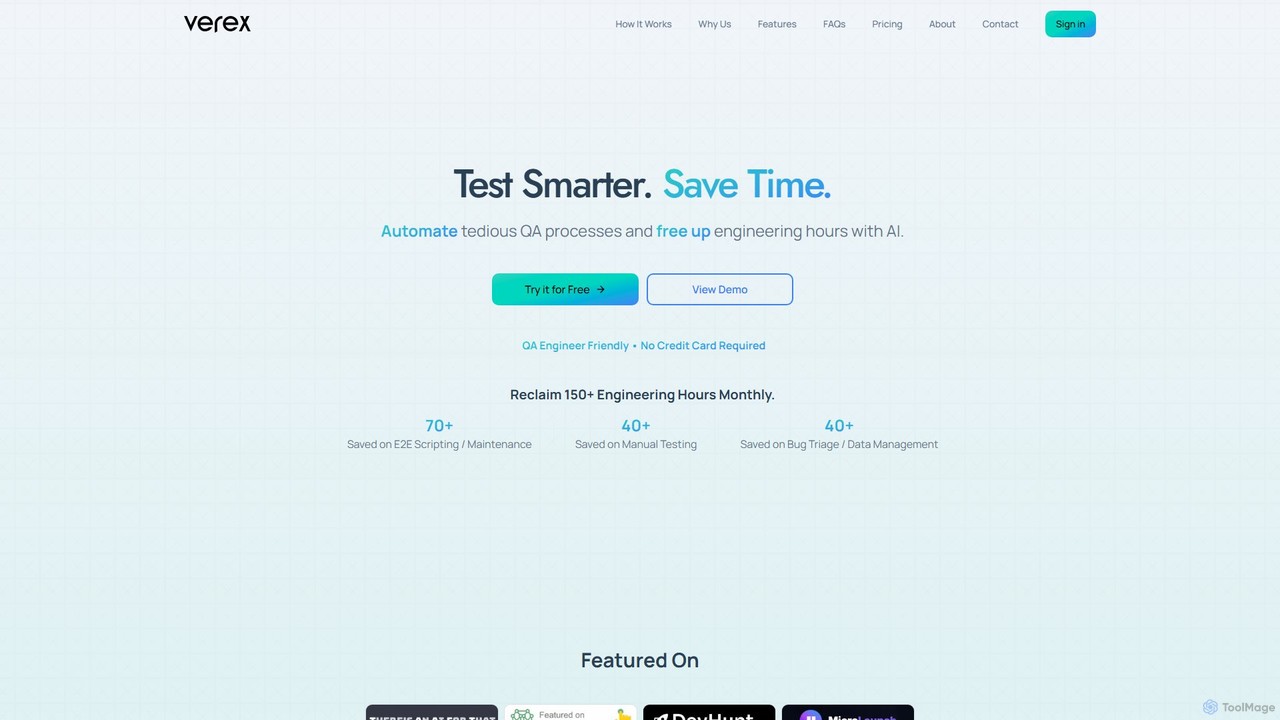
Verex is an AI-powered QA automation platform that enables teams to test web applications using natural language. It eliminates the need for manual scripting, saving significant engineering hours and accelerating the development lifecycle by integrating seamlessly with CI/CD pipelines and bug tracking tools.

No Code
Visits 6.8KFavorites 104Likes 104
OwlityAI
Freemium

OwlityAI

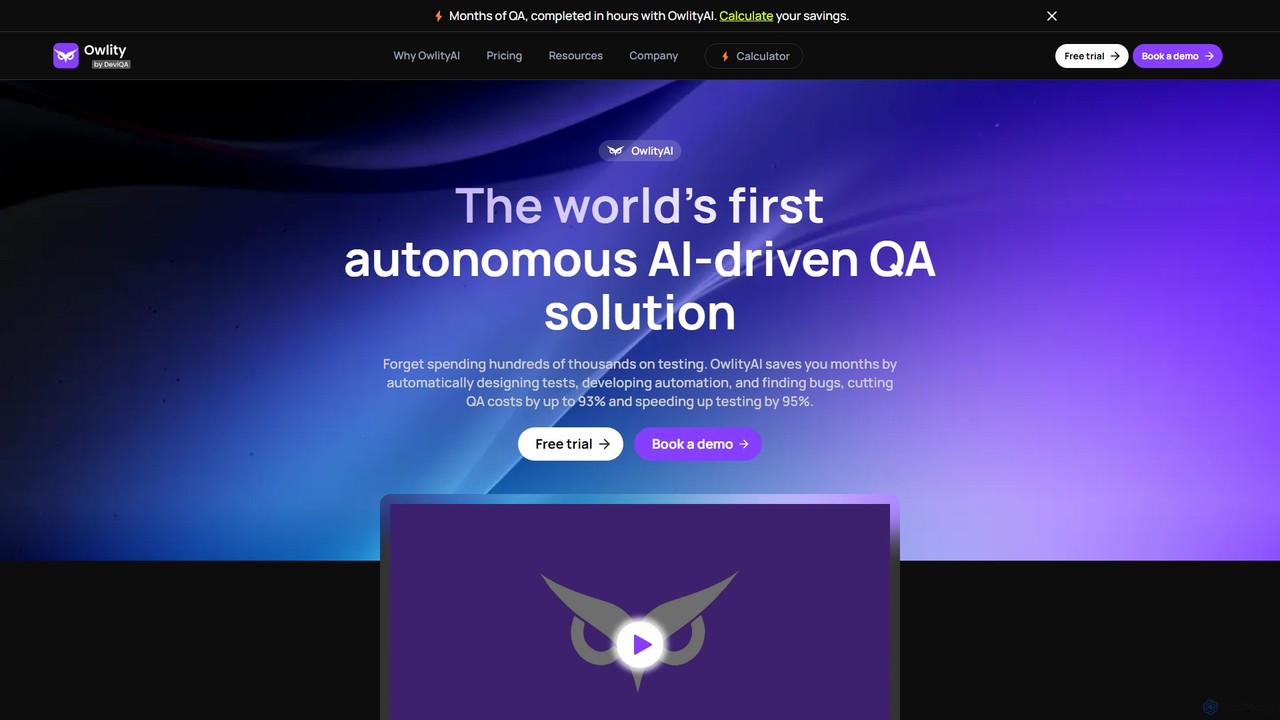
OwlityAI is a pioneering autonomous AI-driven QA solution designed to revolutionize software testing. It automates the entire testing lifecycle, from test design and script development to bug detection and reporting. By leveraging AI, OwlityAI significantly reduces QA costs by up to 93% and accelerates testing speed by 95%, eliminating the need for extensive manual testing or complex script maintenance. It's a no-code platform accessible to any team member, not just QA specialists.

No Code
Visits 10.8KFavorites 157Likes 156
Reliv

Reliv

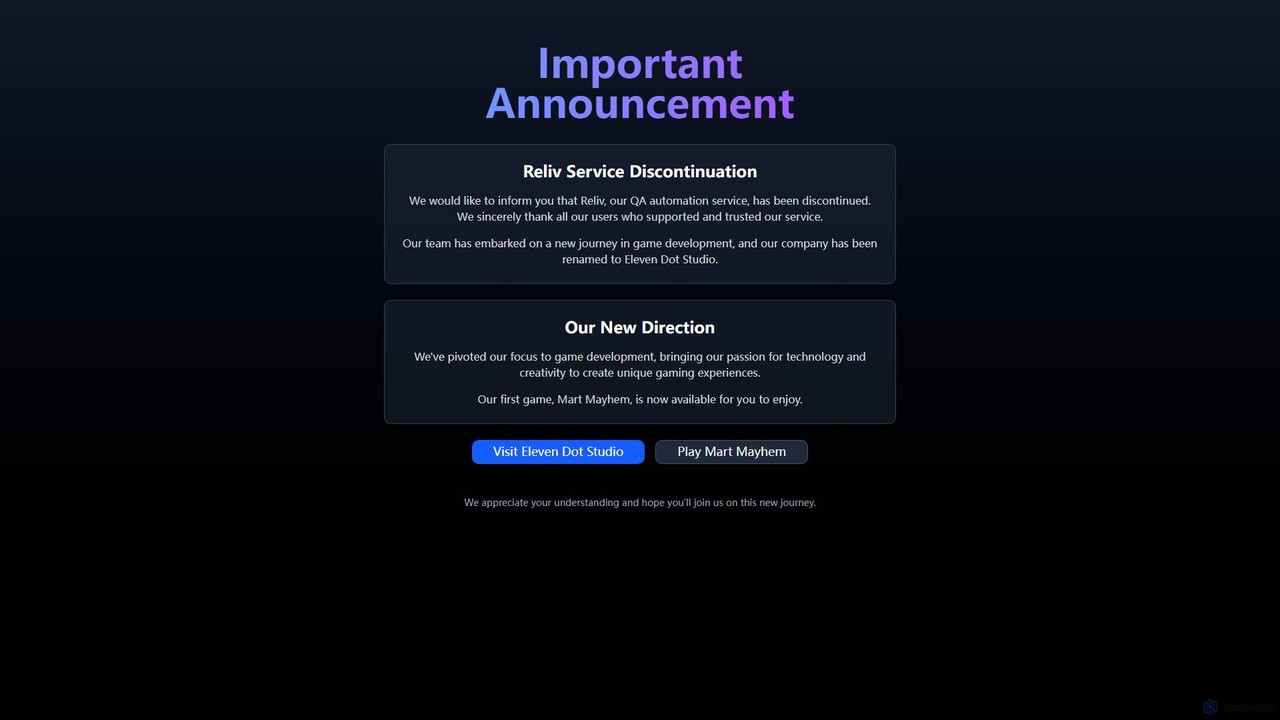
Reliv was an AI-powered QA automation service designed to streamline software testing. It enabled teams to create, manage, and execute automated tests without extensive coding, accelerating development cycles and improving application quality. The service has since been discontinued.

No Code
Visits 6.4KFavorites 136Likes 126
QAEverest
Freemium

QAEverest

QAEverest is an AI-powered, low-code/no-code platform designed to revolutionize software testing. It automates the entire testing lifecycle, from generating comprehensive test cases for functional, system, API, performance, and security testing to executing UI, API, and mobile app automation. It aims to increase test coverage, accelerate workflows, and significantly reduce time and costs for QA teams.

No Code
Visits 6.3KFavorites 167Likes 162
Stably
Freemium

Stably

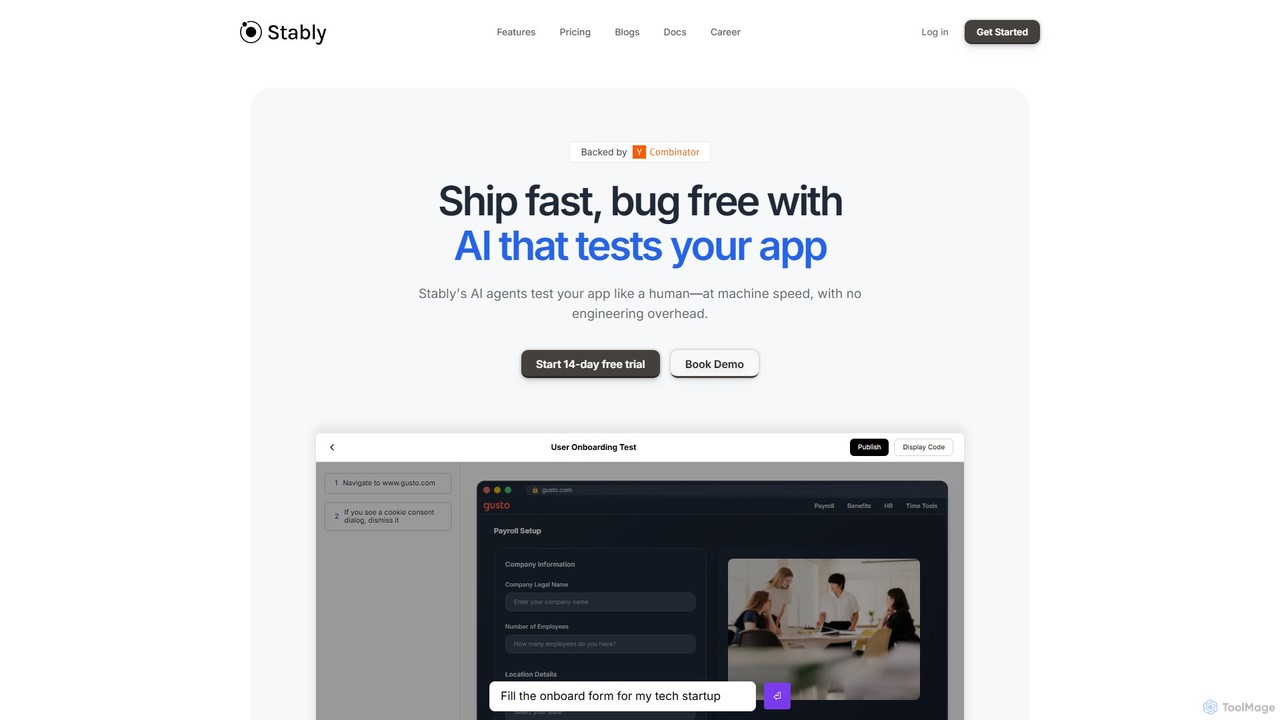
Stably is an AI-powered QA automation platform that enables development teams to ship bug-free web applications faster. It uses intelligent AI agents to test apps like a human, at machine speed, with no engineering overhead. Create, run, and automatically maintain tests using plain English, handling complex user flows and integrating seamlessly with your CI/CD pipeline.

No Code
Visits 17.3KFavorites 130Likes 130

About No Code

No Code tools are a category of software development platforms that enable users to build applications, websites, and automated workflows without writing any traditional programming code. These platforms typically leverage visual drag-and-drop interfaces, pre-built components, and intuitive logic builders, democratizing software creation for non-technical users. They empower individuals and businesses to rapidly prototype, develop, and deploy digital solutions, significantly reducing development time and costs within the broader realm of software creation.

Core Features

  • Visual Development Environment: Intuitive drag-and-drop interfaces for designing user interfaces and defining application logic.
  • Pre-built Templates & Components: Libraries of ready-to-use elements and templates for common application types, accelerating development.
  • Workflow Automation: Tools to define and automate business processes and data flows between different services.
  • Database Integration: Visual tools for creating and managing data models, often with built-in or integrated database solutions.
  • API Connectors: Pre-configured integrations with popular third-party services and APIs, extending functionality without coding.

Applicable Scenarios

No Code tools are ideal for entrepreneurs validating new ideas, small businesses building custom internal tools, marketing teams launching campaigns with dedicated landing pages, and operations departments automating routine tasks. They are particularly valuable when speed-to-market and cost-efficiency are critical, allowing non-developers to bring their digital visions to life.

How to Choose

When selecting a No Code platform, consider its ease of use, the scalability of applications it can build, and its integration capabilities with existing systems. Evaluate the range of pre-built components, customization options, pricing structure, and the level of community support or documentation available to ensure it meets your specific project requirements and future growth.

No Code use cases

1

Building Custom Internal Tools

Operations managers or small business owners can use No Code platforms to create tailored internal tools, such as project trackers, inventory management systems, or CRM dashboards. This allows them to streamline specific business processes, improve data organization, and enhance team collaboration without relying on IT departments or external developers, saving significant time and resources.

2

Launching Marketing Landing Pages & Websites

Marketing professionals can rapidly design and deploy high-converting landing pages for campaigns, complete with forms, analytics integration, and A/B testing capabilities. No Code tools enable quick iteration and launch of marketing assets, allowing for agile campaign management and immediate response to market trends without needing web development skills.

3

Automating Business Workflows

Business analysts or administrative staff can automate repetitive tasks and complex workflows across various applications, such as lead nurturing sequences, customer onboarding processes, or data synchronization between spreadsheets and CRM systems. This reduces manual effort, minimizes errors, and frees up staff to focus on more strategic activities.

4

Developing Mobile & Web Applications for Events

Event organizers can create simple, functional mobile or web applications for conferences, workshops, or community gatherings. These apps can feature schedules, speaker bios, interactive maps, and networking functionalities, enhancing attendee experience and engagement without the need for traditional app development expertise.

5

Creating Interactive Data Dashboards

Data analysts or department heads can build custom, interactive dashboards to visualize key performance indicators (KPIs) from disparate data sources. No Code tools allow for easy aggregation and presentation of business metrics, enabling better decision-making and clearer communication of insights across teams.

6

Rapid Prototyping for Startups & Product Validation

Entrepreneurs and product managers can quickly build functional prototypes of their ideas to test market demand, gather user feedback, and attract investors. This accelerates the validation process, allowing for iterative development and reducing the risk associated with full-scale development before product-market fit is confirmed.

No Code FAQ

What are No Code tools?

No Code tools are software platforms that allow users to create applications, websites, and automated workflows using visual interfaces and pre-built components, rather than writing traditional programming code. They empower individuals without technical coding skills to develop digital solutions, making software creation accessible to a broader audience.

Who can benefit from No Code tools?

No Code tools benefit a wide range of users, including entrepreneurs, small business owners, marketing professionals, operations managers, and even large enterprises looking to streamline internal processes. Anyone who needs to build a digital solution quickly and cost-effectively, without deep technical expertise, can leverage No Code platforms.

What are the advantages of using No Code platforms?

The primary advantages of No Code platforms include significantly faster development times, reduced costs by eliminating the need for professional developers, increased agility for rapid iteration and deployment, and the empowerment of non-technical users to bring their ideas to life. They democratize software creation and foster innovation.

What are the limitations of No Code development?

While powerful, No Code development has limitations. These can include less flexibility for highly complex or unique functionalities, potential vendor lock-in, performance constraints for very high-traffic applications, and sometimes limited customization options compared to custom-coded solutions. Scalability can also be a concern for extremely large-scale projects.

How does No Code differ from Low Code?

No Code platforms are designed for users with no coding knowledge, relying entirely on visual interfaces and pre-built logic. Low Code platforms, while also using visual tools, require some basic coding skills for customization, integration, or extending functionality beyond what's pre-built. Low Code bridges the gap between No Code and traditional coding, often targeting developers who want to accelerate development.