

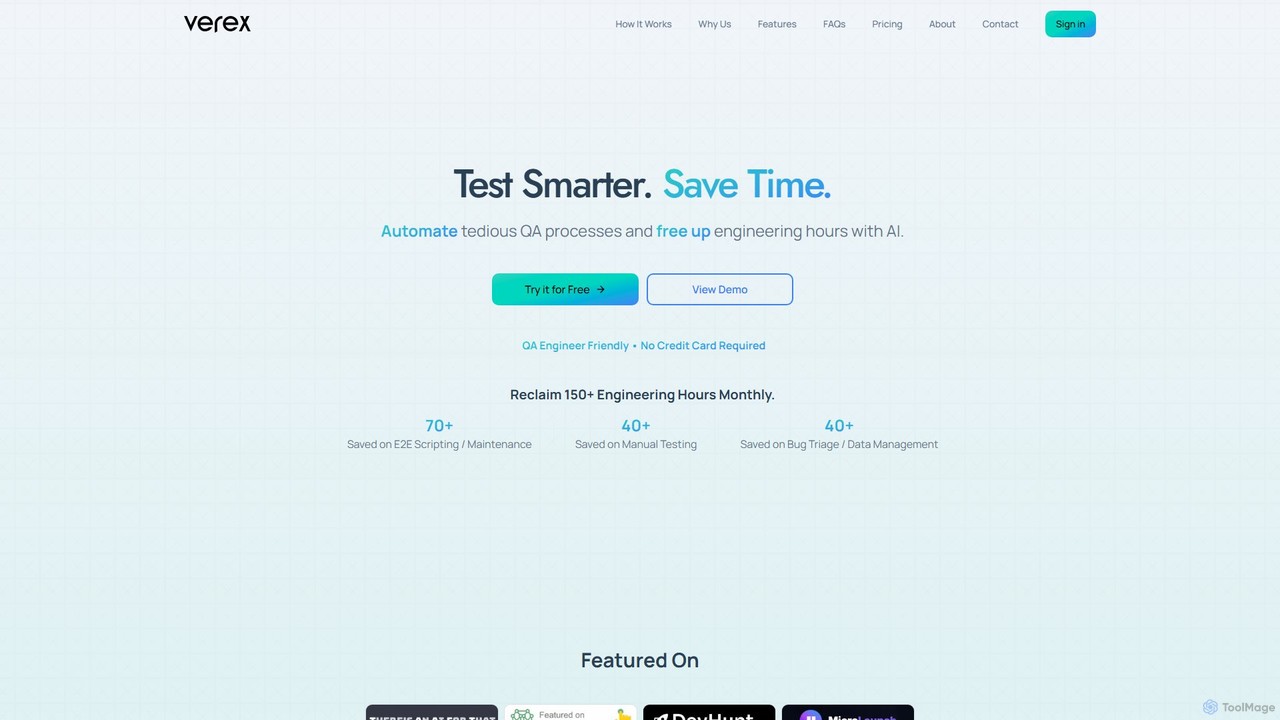
Verex Overview
Verex is a revolutionary AI-powered Quality Assurance (QA) automation tool designed to streamline and simplify the testing process for web applications. Founded by engineers who experienced the bottlenecks of traditional testing firsthand, Verex's mission is to free up development teams from tedious, repetitive tasks, allowing them to focus on innovation. The platform leverages advanced machine learning and natural language processing (NLP), enabling users to write, execute, and manage complex end-to-end tests using simple English commands, completely eliminating the need for coding or manual script maintenance.
The core of Verex is its AI agent, which intelligently interprets natural language instructions to interact with a web application just as a human user would. This approach makes it incredibly resilient to minor UI changes, as it doesn't rely on fragile selectors like element IDs or class names that often break and require constant upkeep. This dynamic adaptation significantly reduces test maintenance overhead and ensures more reliable testing outcomes.
How to use Verex
Getting started with Verex is designed to be a swift and intuitive process, taking only a few minutes to set up and run your first test.
1. Onboard in 2 Minutes: Simply sign up and configure your web application. You define your test suite by adding tests in natural language. For example, you can describe a user login flow, a checkout process, or a security check without writing a single line of code. You can also configure any necessary credentials securely within the platform.
2. Trigger Tests Your Way: Verex offers unparalleled flexibility in test execution. You can trigger tests manually through the user-friendly web UI, or integrate them directly into your existing workflows. It supports triggers via CI/CD pipelines (like GitHub Actions, GitLab CI/CD, Jenkins), communication tools (Slack, Microsoft Teams), or programmatically via its API.
3. Receive Instant Reports & Insights: Once a test is complete, Verex provides immediate, detailed reports. These reports include step-by-step execution logs, screenshots for each action for visual debugging, and performance metrics. If a bug is found, Verex can automatically create a ticket in your project management tool, such as Jira or Trello, complete with all the necessary context for rapid debugging.
Core Features of Verex
- AI-Driven Automation: Execute end-to-end tests using natural language commands. The AI interprets instructions and interacts with your web app, eliminating the need for manual scripting.
- Flexible Test Triggers: Run tests on-demand via the UI, or automate them through integrations with CI/CD pipelines, Slack, Microsoft Teams, or the Verex API.
- Visual Debugging: Receive comprehensive test reports that include detailed logs and screenshots for every step, making it easy to identify and understand failures.
- Automated Bug Tracking: Seamlessly create and manage bug tickets in Jira, Trello, and GitHub Issues. When a test fails, a ticket is automatically generated with relevant debugging information.
- Seamless Integrations: Effortlessly connect Verex with your favorite tools, including GitHub, GitLab, Bitbucket, Jenkins, Slack, and more, to embed QA into your development lifecycle.
- Actionable Insights: The platform provides AI-generated suggestions for improving your test coverage and application quality, enabling continuous optimization.
Use Cases for Verex
Verex is beneficial for a wide range of teams and roles involved in software development:
- Enterprise DevOps Teams: Integrate scalable, AI-powered testing into complex CI/CD pipelines to ensure consistent quality and reliable performance.
- Tech Startups & SaaS Companies: Accelerate product launches by eliminating manual QA bottlenecks, enabling faster shipping and iteration cycles.
- QA Engineers & Testers: Automate repetitive and time-consuming testing tasks, freeing up time to focus on more strategic quality initiatives and exploratory testing.
- Product Managers & CTOs: Gain real-time insights into application stability and achieve faster, more predictable release cycles with automated QA.
- Agencies & Development Firms: Deliver high-quality software to clients more efficiently, reducing project costs and shortening time-to-market.
Advantages of Verex
Verex offers a significant competitive edge over traditional QA methods. It can save over 150 engineering hours per month by automating tasks like test script creation, manual testing, and bug triage. This leads to a potential 70% reduction in QA costs. With AI-powered suggestions and automated bug reporting, teams can achieve up to 3x faster bug resolution. Furthermore, its natural language approach makes tests more robust and less prone to breaking from minor UI updates, drastically cutting down on maintenance time.
Pricing and Plans
Verex offers a flexible, token-based pricing model to suit different needs.
- Free Plan: $0/month. Perfect for individuals and small projects, it includes 200 one-time Evaluation Tokens, a maximum of 6 steps per test, and is limited to 1 team member.
- Basic Plan: $29/month. Ideal for growing teams, this plan provides 1,000 Evaluation Tokens per month, up to 12 steps per test, and supports unlimited team members.
- Pro Plan: $99/month. The most popular option, designed for active development teams. It includes 5,000 Evaluation Tokens per month, up to 18 steps per test, unlimited members, and priority support.
- Enterprise Plan: Custom pricing. A tailored solution for large organizations with needs for custom limits, advanced security features, a dedicated account manager, and custom SLAs.
Evaluation Tokens are the currency for test execution, with an average test consuming 4-10 tokens depending on its complexity.
Traffic
Latest traffic
Status
Monthly traffic trend
- 2025-8: 68
- 2025-9: 420
- 2026-3: 0
- 2026-4: 0
- 2026-5: 486
Geography
Top 5 countries / regions
- 🇻🇳Vietnam100.0%
Top keywords
| Keyword | Cost per click |
|---|---|
| verex | $0.26 |
Verex Alternatives
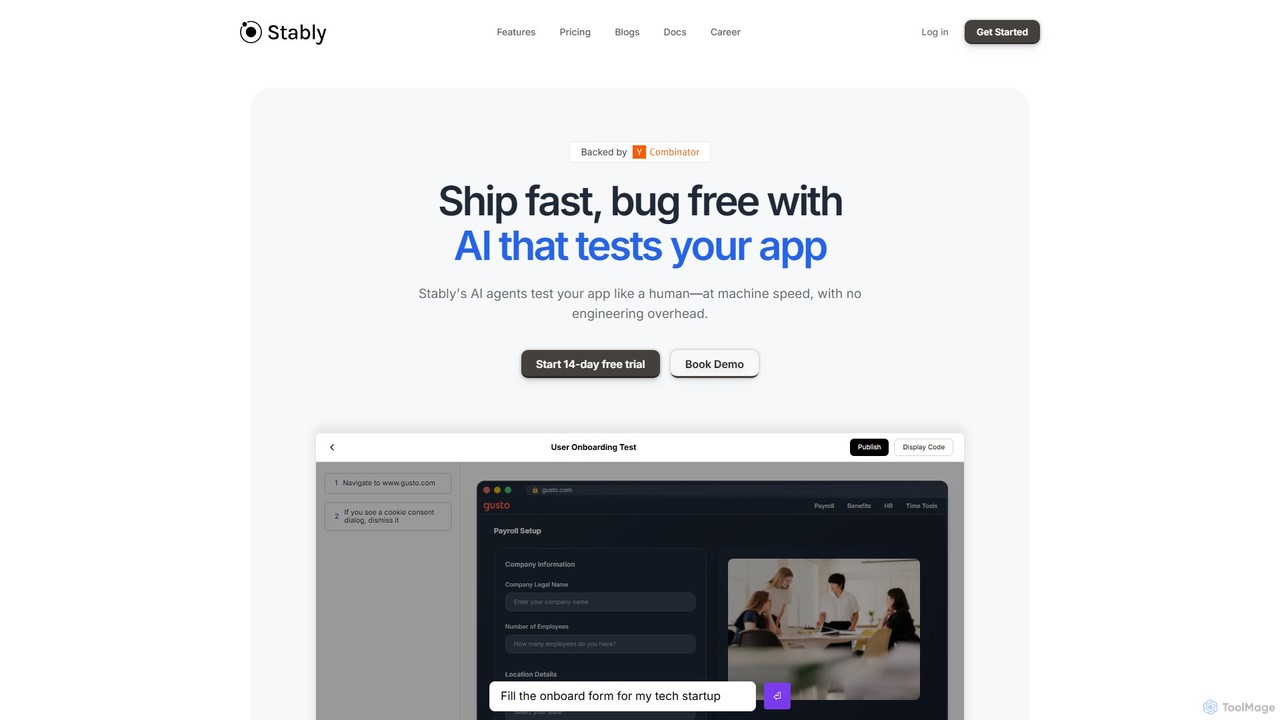
Stably
Stably is an AI-powered QA automation platform that enables development teams to ship bug-free web applications faster. It uses intelligent AI agents to test apps like a human, at machine speed, with no engineering overhead. Create, run, and automatically maintain tests using plain English, handling complex user flows and integrating seamlessly with your CI/CD pipeline.
No Code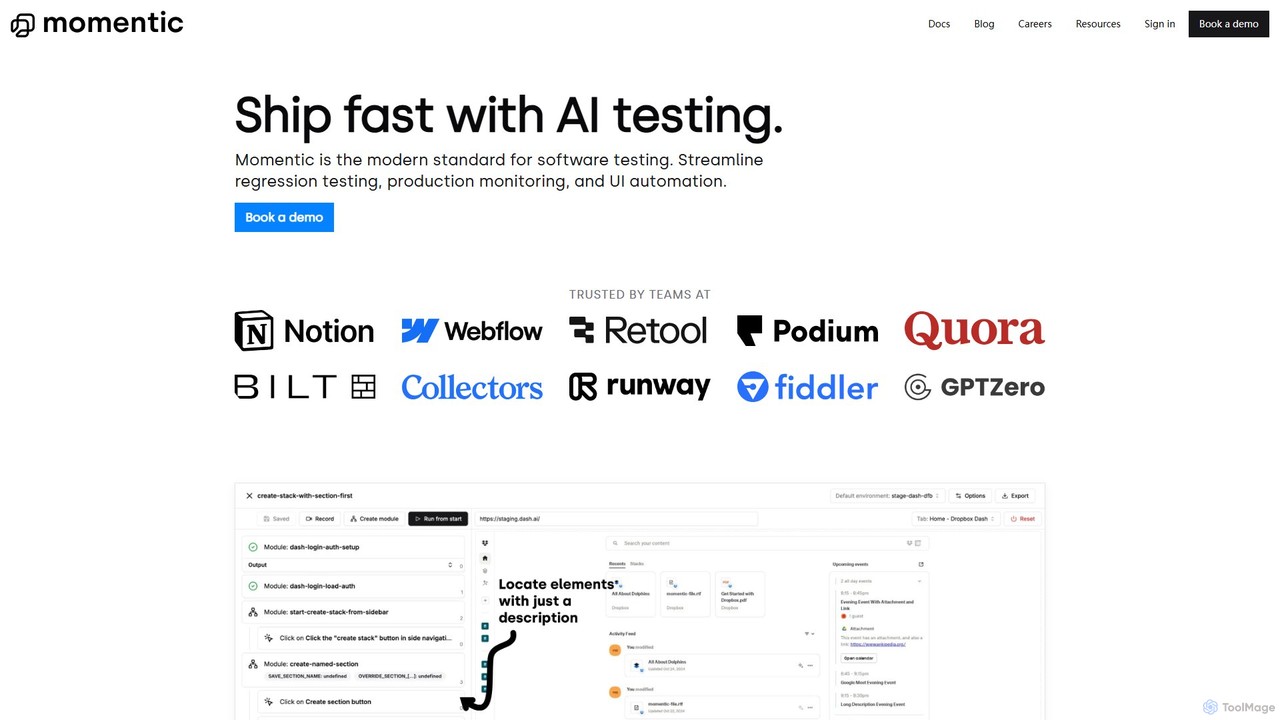
Momentic
Momentic is an AI-powered software testing platform that accelerates development cycles. It enables teams to create, run, and maintain robust end-to-end tests using natural language, eliminating flaky scripts and reducing manual QA overhead. It features a low-code editor, auto-healing locators, and seamless CI/CD integration.
No Code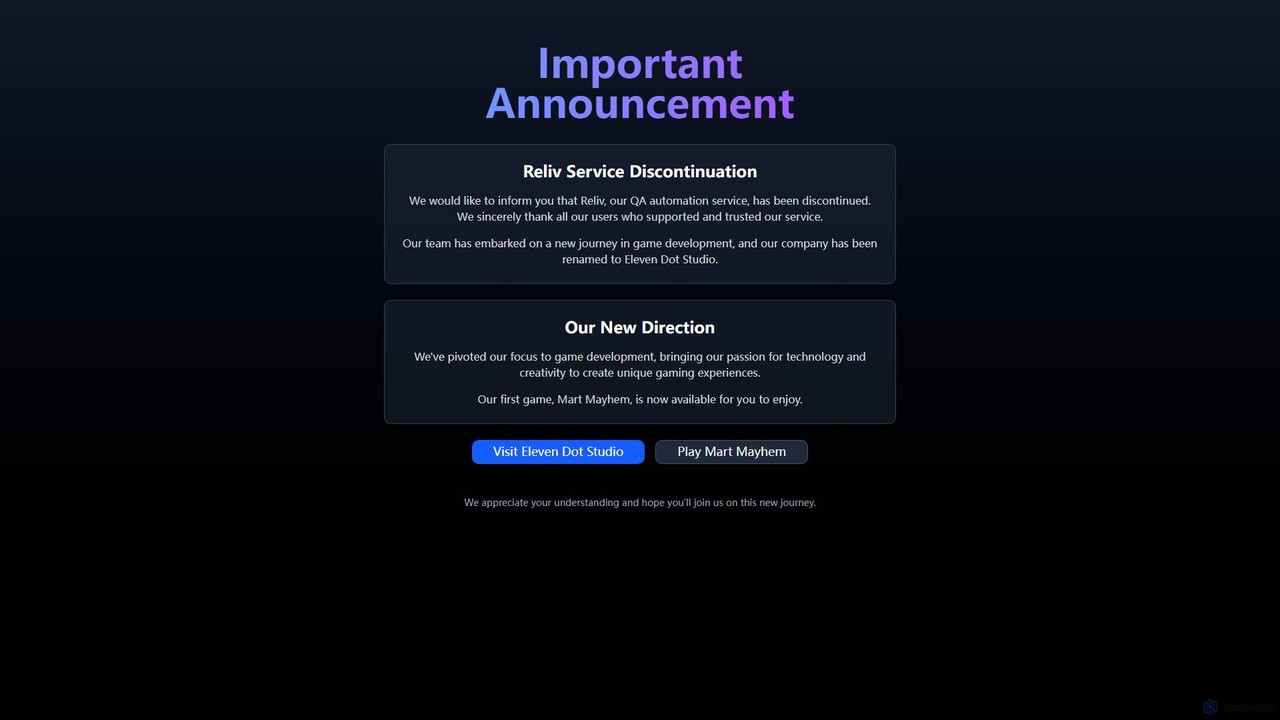
Reliv
Reliv was an AI-powered QA automation service designed to streamline software testing. It enabled teams to create, manage, and execute automated tests without extensive coding, accelerating development cycles and improving application quality. The service has since been discontinued.
No Code
Quacks AI
Quacks AI is an intelligent quality assurance platform that automates end-to-end software testing. It utilizes advanced AI agents to autonomously create, execute, and maintain tests, enabling teams to continuously monitor software quality, save significant time, and prevent bugs from reaching users.
No Code
Bugster
Bugster is an AI-powered QA engineer for developers that automates end-to-end testing. It runs on every pull request, simulating user interactions in real browsers to find bugs before they hit production. It offers automatic test generation, zero-effort maintenance, and seamless integration with GitHub and Vercel.
Code QualityVerex Categories
Verex Embed Widget
Copy this embed code to place the badge on your blog, article, or product site and send readers directly to this ToolMage detail page.

Related AI tools
Stably
Stably is an AI-powered QA automation platform that enables development teams to ship bug-free web applications faster. It uses intelligent AI agents to test apps like a human, at machine speed, with no engineering overhead. Create, run, and automatically maintain tests using plain English, handling complex user flows and integrating seamlessly with your CI/CD pipeline.
No CodeMomentic
Momentic is an AI-powered software testing platform that accelerates development cycles. It enables teams to create, run, and maintain robust end-to-end tests using natural language, eliminating flaky scripts and reducing manual QA overhead. It features a low-code editor, auto-healing locators, and seamless CI/CD integration.
No CodeReliv
Reliv was an AI-powered QA automation service designed to streamline software testing. It enabled teams to create, manage, and execute automated tests without extensive coding, accelerating development cycles and improving application quality. The service has since been discontinued.
No CodeQuacks AI
Quacks AI is an intelligent quality assurance platform that automates end-to-end software testing. It utilizes advanced AI agents to autonomously create, execute, and maintain tests, enabling teams to continuously monitor software quality, save significant time, and prevent bugs from reaching users.
No Code
Carbonate
Carbonate is an AI-powered, no-code platform for creating automated end-to-end tests. It allows users to simply record their interactions with a web application, and its AI engine generates robust, auto-healing test scripts. These tests understand the application's functionality, not just its HTML structure, making them resilient to UI changes. Run tests in the cloud with detailed debugging tools or export them to your own CI/CD pipeline.
Testing
BaseRock
BaseRock is an agentic AI QA platform designed for development teams. It learns from your code and network traffic to automatically generate and execute unit, integration, and end-to-end tests. This helps catch bugs early, significantly reduce QA costs, and boost developer productivity by automating the entire testing lifecycle.
Testing
Testkit
Testkit is an AI-powered platform designed to automate the software testing lifecycle. It helps development and QA teams generate, execute, and maintain test cases with greater speed and accuracy, significantly reducing manual effort and accelerating the delivery pipeline.
Code Assistant
Autonoma AI
Autonoma AI is a no-code, self-healing UI testing platform for web and mobile applications. It uses AI to automatically record user interactions, convert them into robust tests, and adapt to UI changes, eliminating test maintenance. This allows teams to ship products faster and with greater confidence by automating regression testing and integrating seamlessly into CI/CD pipelines.
Testing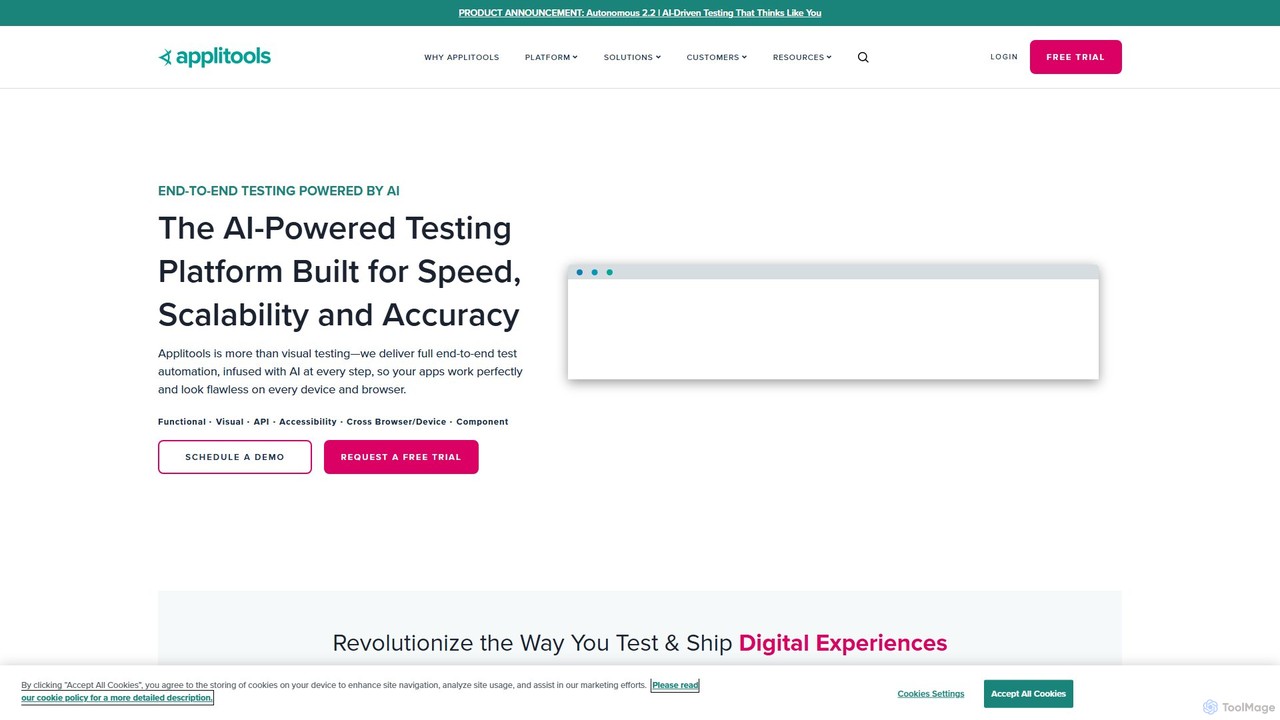
Applitools
Applitools is an AI-powered, end-to-end test automation platform designed to help teams ship flawless applications. It uses Visual AI to automate functional, visual, API, and accessibility testing across all devices, browsers, and screen sizes, dramatically increasing test coverage and reducing maintenance.
Low Code No Code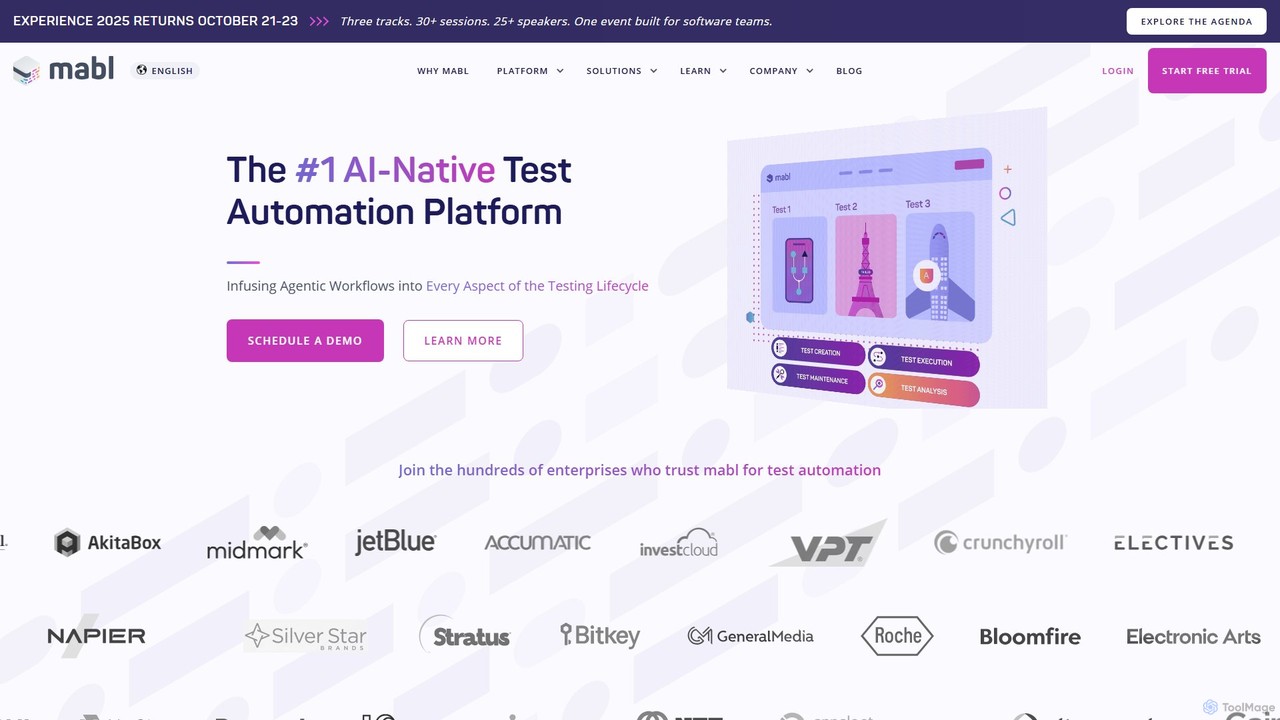
mabl
mabl is an AI-powered test automation platform that simplifies end-to-end testing for web applications. It uses AI to accelerate test creation, execution, and maintenance, enabling agile and DevOps teams to deliver high-quality software faster. With features like self-healing tests and AI-driven root cause analysis, mabl reduces the effort of maintaining brittle test suites.
Testing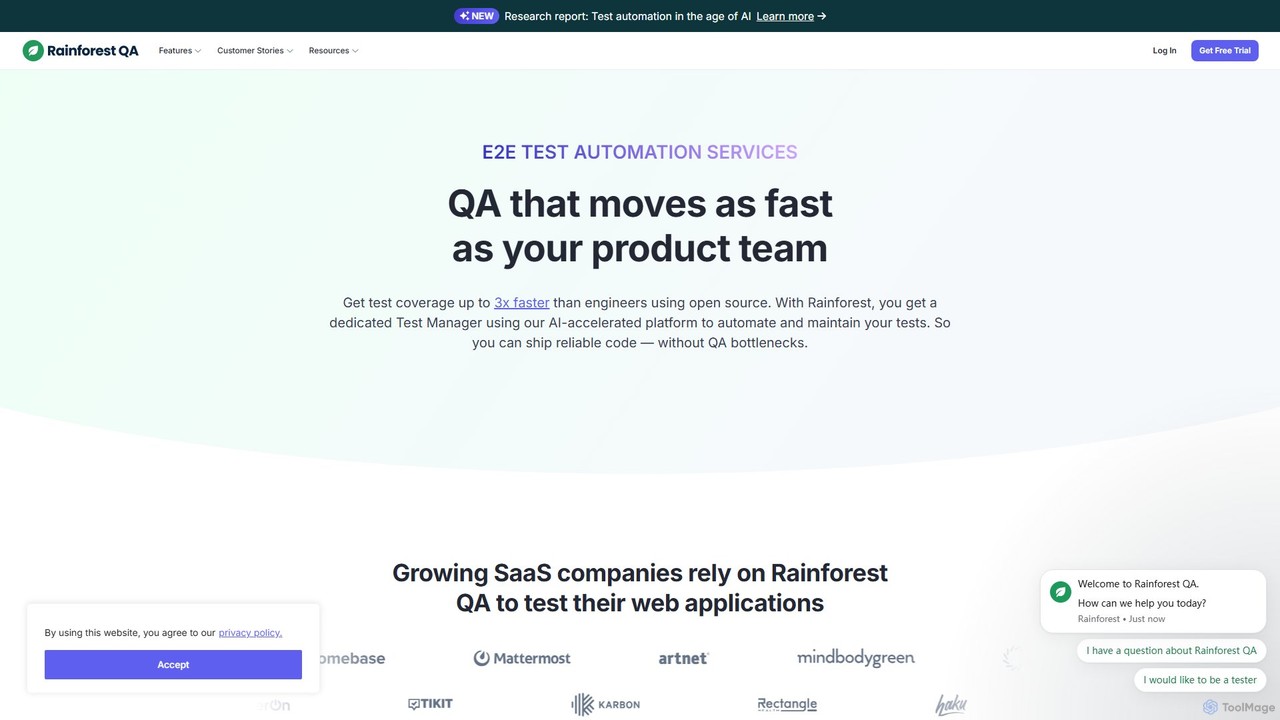
Rainforest QA
Rainforest QA is an AI-accelerated quality assurance platform for SaaS companies. It combines a no-code test automation tool with expert-managed services, enabling teams to get end-to-end test coverage up to 3x faster, eliminate QA bottlenecks, and ship reliable code with confidence.
Automation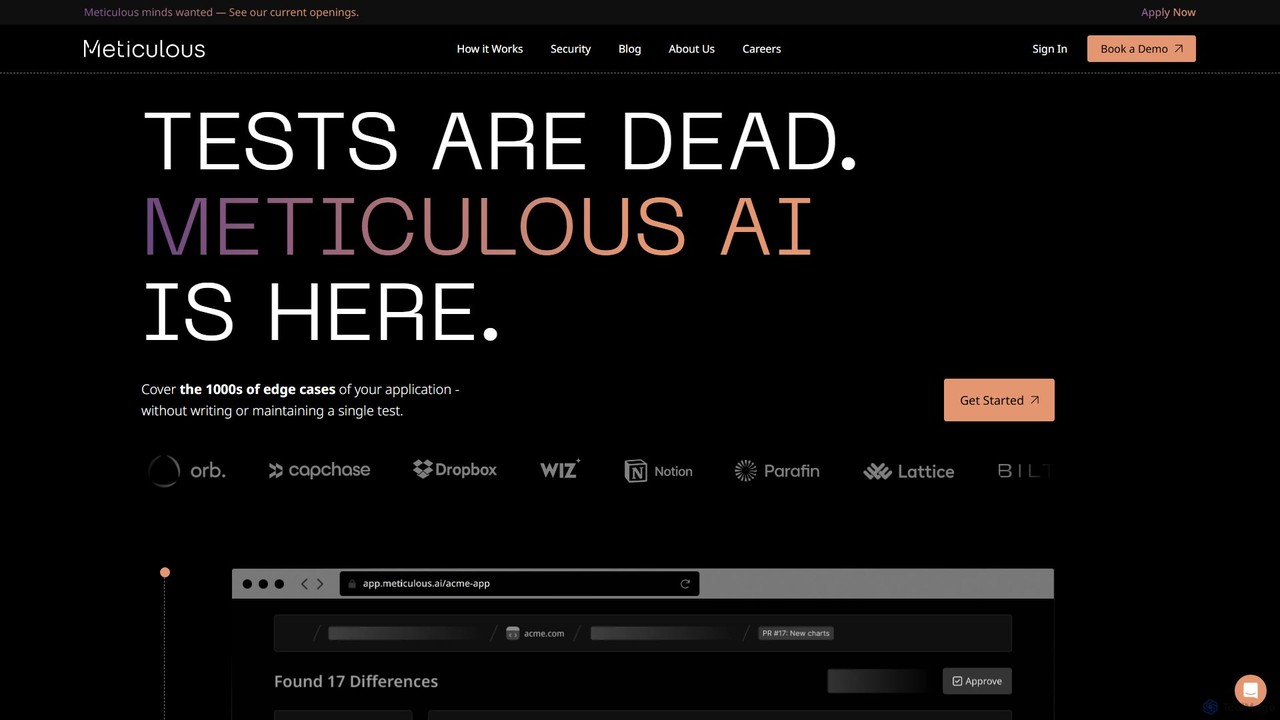
Meticulous
Meticulous is an AI-powered tool that revolutionizes front-end testing. It automatically generates and maintains visual end-to-end tests by recording user interactions, eliminating the need for manual test scripting. This helps development teams catch regressions, cover edge cases, and ship code faster with confidence, without the hassle of flaky or high-maintenance tests.
Code Quality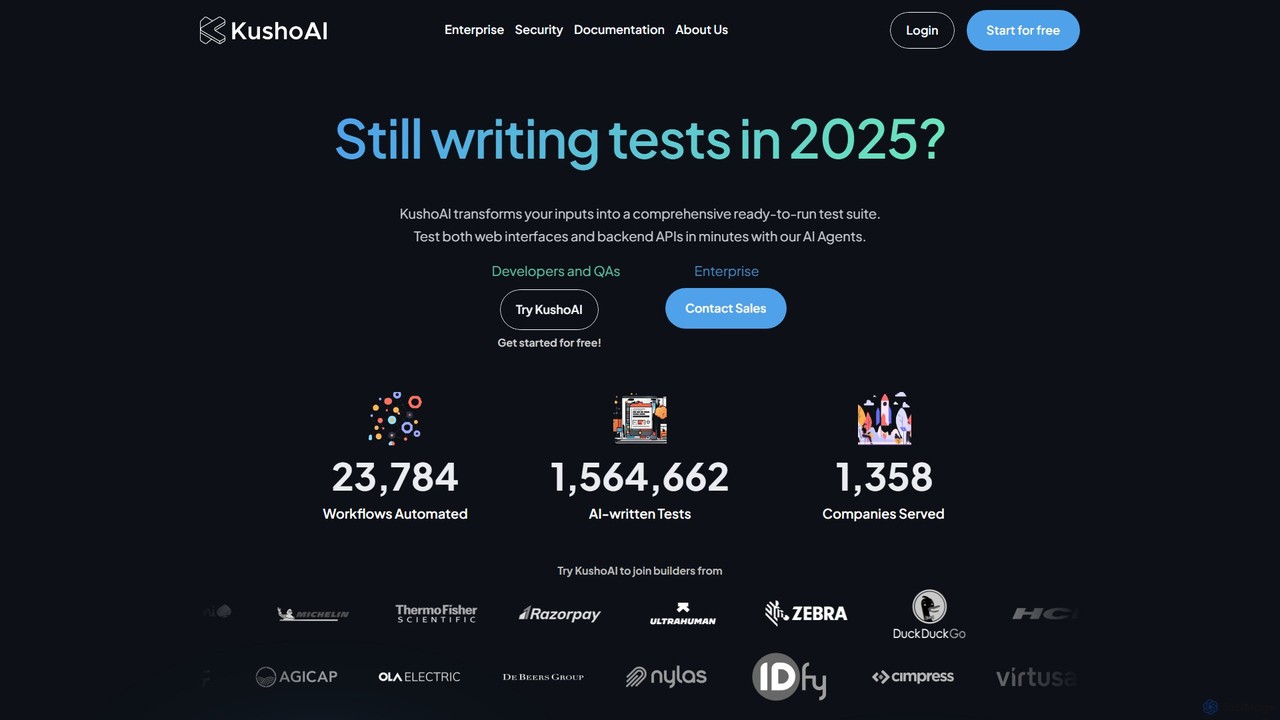
Kusho
Kusho is an AI-powered platform that automates software testing for developers and enterprises. It uses autonomous AI agents to transform inputs into comprehensive, ready-to-run test suites for both web UIs and backend APIs. By automatically generating and maintaining tests, Kusho helps teams achieve over 90% test coverage, accelerate deployment cycles, and ship bug-free code with confidence.
Code Assistant
testfox
testfox is an AI-powered platform designed to automate and accelerate the software testing lifecycle. It intelligently generates test cases, executes them, identifies bugs, and provides detailed analytics, enabling development teams to ship higher-quality software faster.
Quality Assurance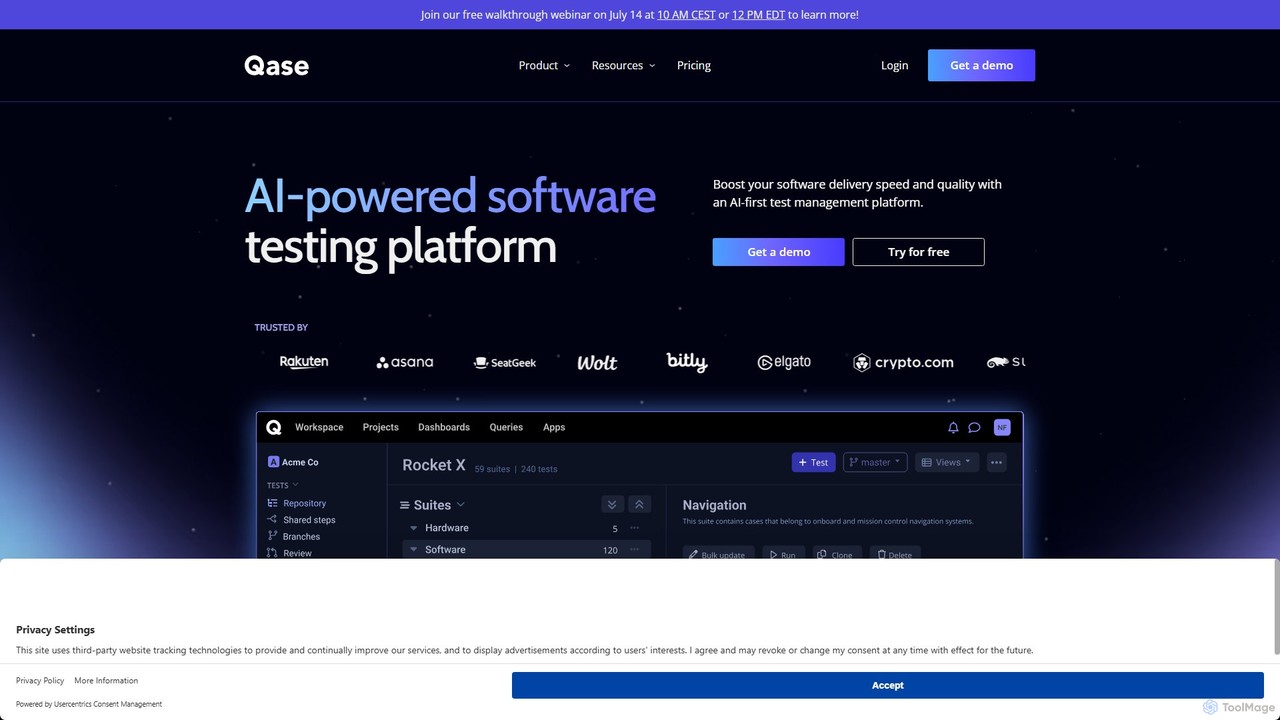
Qase
Qase is an AI-first test management platform designed for QA teams to enhance software delivery speed and quality. It unifies manual and automated testing into a single, intuitive workspace, leveraging AI to generate, convert, and analyze tests, and integrates seamlessly with over 35 developer tools.
Testing
Verex Comments (0)
Sign in to comment.
Sign inNo comments yet.