Grok 3 AI
Grok 3 AI is a comprehensive Next.js boilerplate and starter kit designed for developers and startups to rapidly …
Grok 3 AI is a comprehensive Next.js boilerplate and starter kit designed for developers and startups to rapidly build and launch AI-powered SaaS applications. It provides a production-ready foundation with pre-built features like authentication, payments, database integration, and one-click deployment, significantly reducing development time.
Applitools
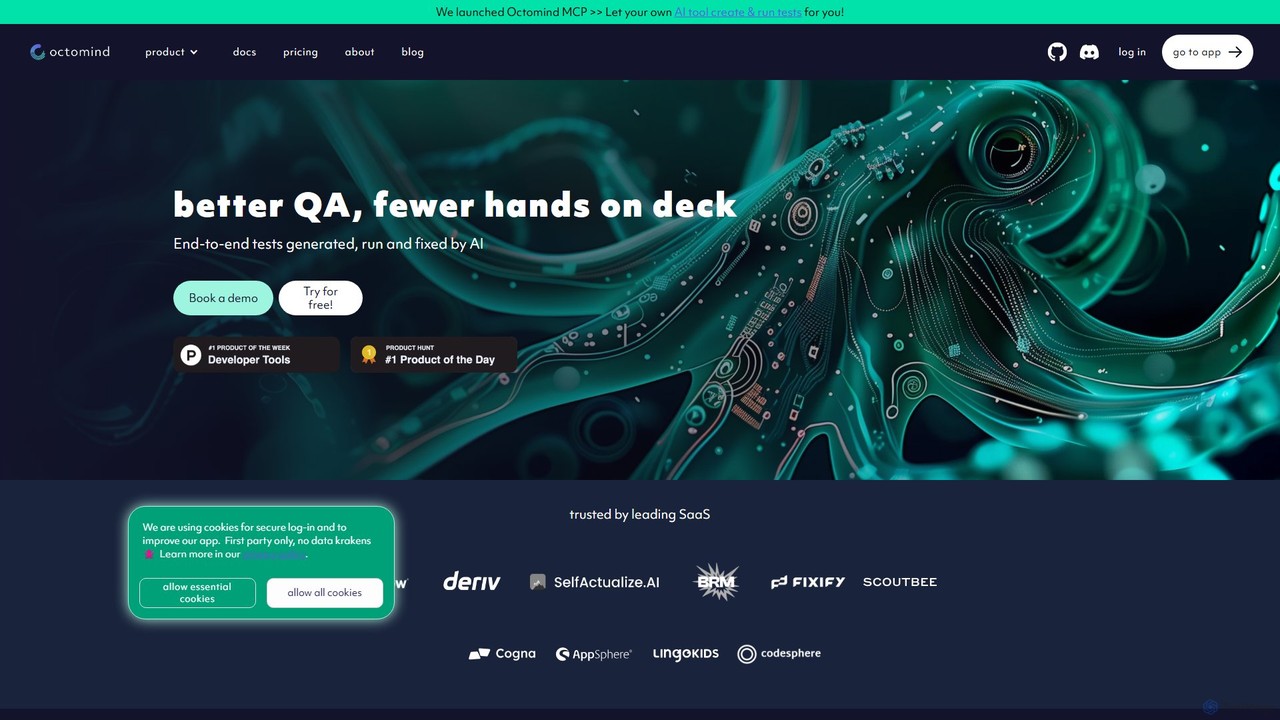
Applitools is an AI-powered, end-to-end test automation platform designed to help teams ship flawless applications. It uses Visual …
Applitools is an AI-powered, end-to-end test automation platform designed to help teams ship flawless applications. It uses Visual AI to automate functional, visual, API, and accessibility testing across all devices, browsers, and screen sizes, dramatically increasing test coverage and reducing maintenance.
octomind
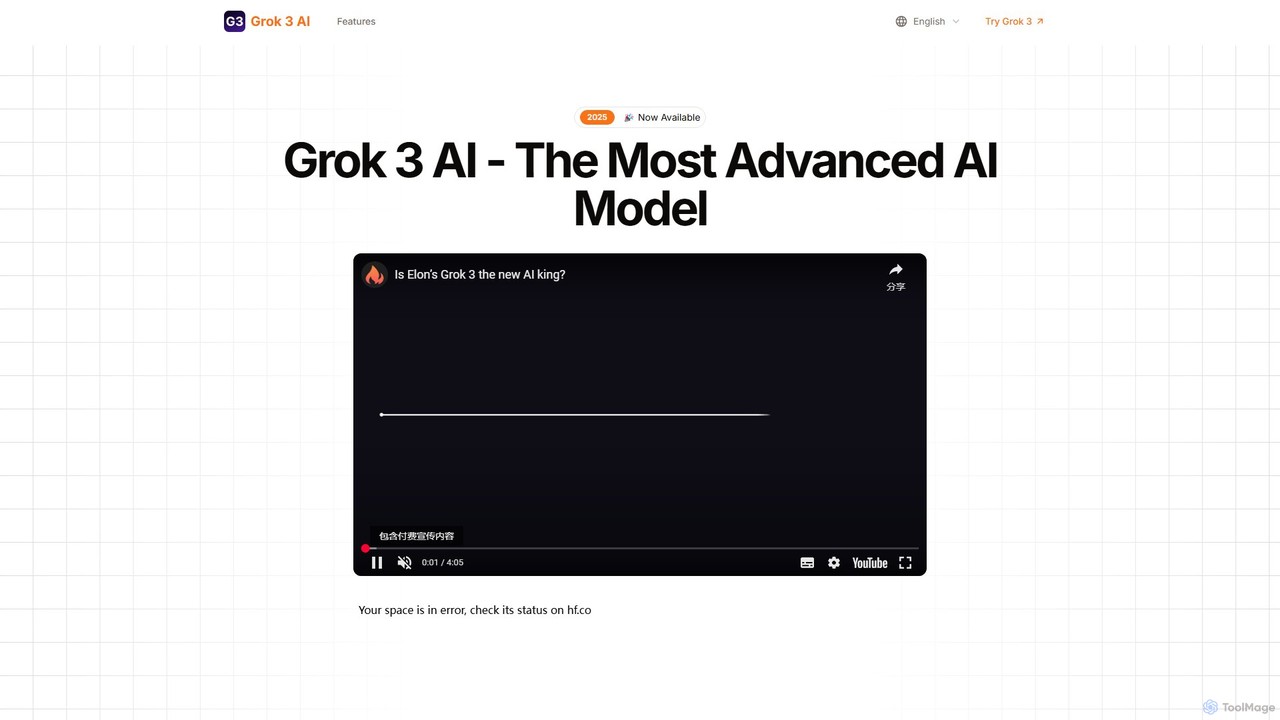
octomind is an AI-powered test automation platform that autonomously generates, runs, and maintains end-to-end tests for large web …
octomind is an AI-powered test automation platform that autonomously generates, runs, and maintains end-to-end tests for large web applications. It uses AI agents to explore your app, create robust test cases in Playwright, and automatically fix them when they break, integrating seamlessly into developer workflows.
About Low Code No Code
Low-Code/No-Code platforms are tools that enable users to build applications and automate workflows using visual interfaces instead of traditional programming. They operate on the principle of abstraction, providing drag-and-drop components, pre-built templates, and visual logic builders to construct complex systems. This approach dramatically lowers the technical barrier to software development, empowering non-technical users to create their own solutions and accelerating development cycles for professional programmers. AI-powered platforms further enhance this by suggesting logic, generating UI from text, or automating data integrations.
Core Features
- Visual Application Builder: Design user interfaces and application logic using a drag-and-drop editor.
- Pre-built Components & Templates: A library of ready-to-use elements like forms, charts, and user authentication modules.
- Workflow Automation: Visually map out business processes, triggers, and actions to automate repetitive tasks.
- Data Integration Connectors: Seamlessly connect to databases, APIs, and third-party services like Salesforce or Google Sheets.
- One-Click Deployment: Publish applications to the web or mobile app stores with a simplified process.
Use Cases
These tools are widely adopted across various industries by business analysts, operations managers, and entrepreneurs. Common applications include building custom internal tools like inventory management systems, automating HR onboarding processes, creating customer-facing portals for feedback collection, or rapidly developing a minimum viable product (MVP) for a startup idea.
How to Choose
When selecting a platform, first consider the distinction: no-code is for purely visual creation without any programming, while low-code allows for custom code snippets for greater flexibility. Evaluate the platform's scalability to ensure it can handle future growth. Also, check its integration ecosystem for essential connectors to your existing software stack and review the pricing model (per-user, per-app, or usage-based) to align with your budget.
Low Code No CodeUse Cases
Build a Custom Internal CRM
An operations manager at a small business finds that managing customer data in spreadsheets is inefficient and prone to errors. Using a no-code platform, they design a custom database for contacts and deals. They use the drag-and-drop interface to build data entry forms for the sales team and create a real-time dashboard to visualize the sales pipeline. This custom CRM is built and deployed in a few days, centralizing data, improving accuracy, and enhancing team collaboration without the cost of hiring a developer.
Automate Employee Onboarding Workflow
An HR manager needs to streamline the repetitive tasks involved in onboarding new hires. Using a low-code automation platform, they visually map out the entire process. They set up a trigger for when a new employee is added to the HR system. This automatically initiates a sequence of actions: sending a welcome email, creating accounts in company software, assigning introductory tasks in a project management tool, and scheduling orientation meetings. This automation reduces manual work by over 70%, ensures a consistent experience for new hires, and minimizes the risk of missed steps.
Create a Customer Feedback Portal
A product manager wants a simple way to collect, categorize, and track user feature requests without relying on the engineering team. Using a low-code tool, they build a public-facing portal. The portal includes a form for users to submit new ideas, a system for other users to vote on existing submissions, and a private admin dashboard. From the dashboard, the product manager can review suggestions, update their status (e.g., 'Planned', 'In Progress'), and communicate updates. This functional portal is launched within a week, providing a direct channel for user feedback and improving product roadmap transparency.
Develop a Mobile App for Field Technicians
An IT manager at a service company needs to equip field technicians with a mobile app to access job details, update work status, and capture customer signatures. Using a low-code mobile app builder, they design the app's interface and connect it to the company's job database via an API. The platform allows them to enable offline functionality and deploy the app to both iOS and Android devices from a single codebase. This empowers the field team with a modern tool, improves the speed and accuracy of data collection, and eliminates cumbersome paperwork.
Prototype a New SaaS Product Idea
An entrepreneur with a new SaaS idea needs to validate it with a functional prototype to show investors and early users, but has a limited budget and no coding skills. They use a no-code platform to quickly assemble the core features of the application, including user registration, a dashboard for displaying data, and basic interaction logic. This allows them to create a minimum viable product (MVP) in a fraction of the time and cost of traditional development. The functional prototype helps them gather crucial user feedback and demonstrate the concept's potential, facilitating faster iteration and fundraising.
Build an AI-Powered Data Analysis Dashboard
A marketing analyst needs to consolidate data from Google Analytics, social media, and ad platforms into a single dashboard. Using an AI-enhanced low-code tool, they connect to these various data sources via pre-built API connectors. They then use the visual builder to design charts and tables. The platform's AI component assists by automatically identifying trends, suggesting relevant visualizations, and even generating natural language summaries of key performance indicators. This creates a dynamic, real-time marketing dashboard that provides actionable insights without requiring complex data engineering or data science skills.