Ai Best in category 3 results Automation AI Tool

Popular AI tools in the Automation field of Ai include Wrike、Rainforest QA、Mobot, etc., helping you quickly improve efficiency.

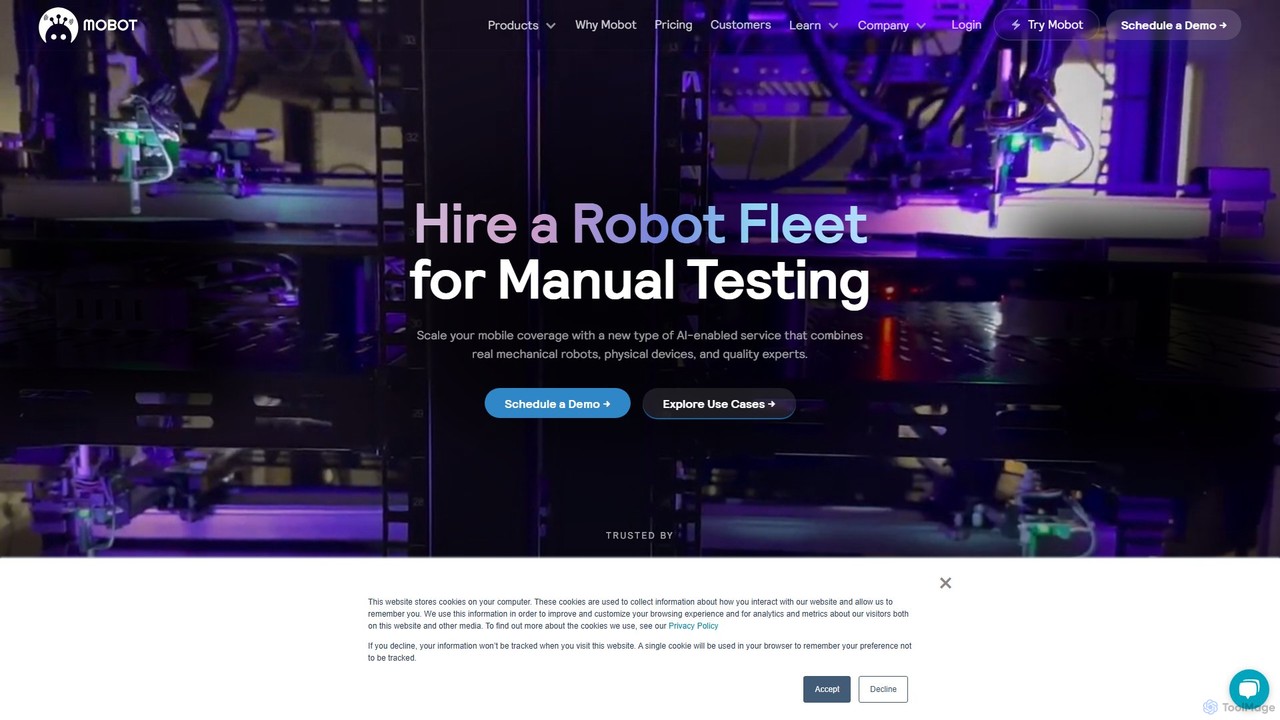
Mobot

Mobot

Mobot is a unique AI-powered service that uses a fleet of real mechanical robots to automate manual testing …

8.1K
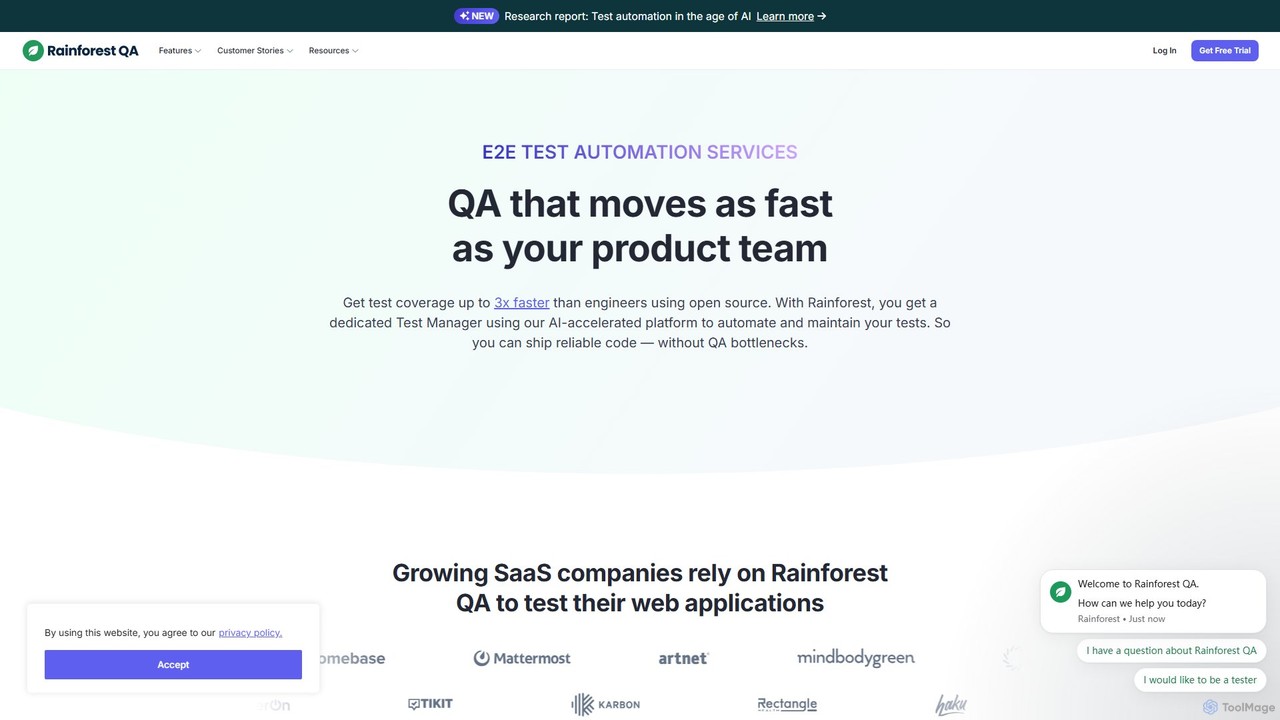
Rainforest QA

Rainforest QA

Rainforest QA is an AI-accelerated quality assurance platform for SaaS companies. It combines a no-code test automation tool …

71.5K
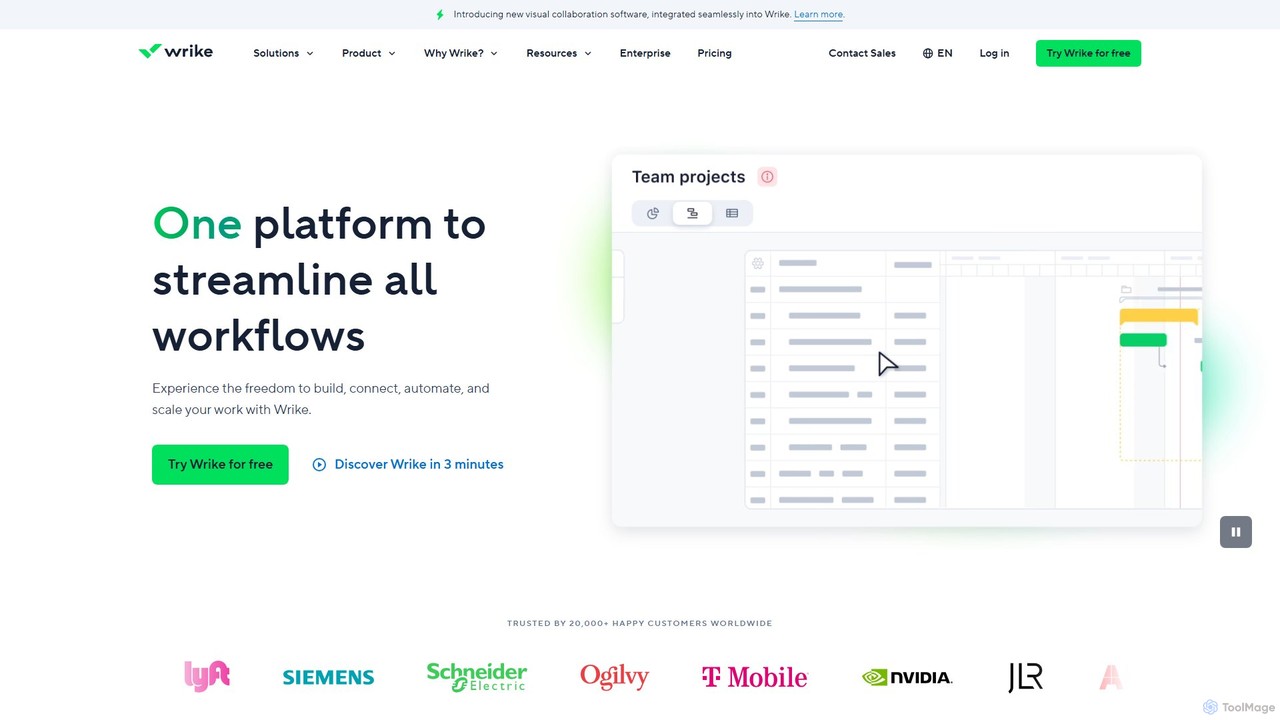
Wrike

Wrike

Wrike is a versatile and robust project management software powered by AI. It helps teams of all sizes …

4.9M

About Automation

AI Automation tools are a category of advanced software designed to streamline and optimize repetitive, rule-based, and complex tasks across various business functions. These tools leverage artificial intelligence, including machine learning, natural language processing, and computer vision, to not only execute predefined workflows but also to learn, adapt, and make intelligent decisions. Their primary purpose is to enhance operational efficiency, reduce human error, and free up human resources for more strategic and creative endeavors, extending beyond the capabilities of traditional automation.

Core Features

  • Intelligent Task Orchestration: Automatically schedules, executes, and monitors complex multi-step workflows across different systems.
  • Natural Language Process Automation: Understands and processes human language in emails, chats, and documents to automate communication and data entry.
  • Predictive Workflow Optimization: Uses machine learning to analyze historical data, predict potential bottlenecks, and suggest improvements for automated processes.
  • Advanced Data Extraction & Processing: Intelligently extracts, validates, and transforms unstructured data from various sources like invoices, forms, and reports.
  • Adaptive Decision Making: Employs AI models to make real-time decisions within automated processes, adapting to changing conditions without human intervention.

Use Cases

AI Automation is widely adopted in sectors requiring high-volume data processing, customer interaction, or complex operational workflows. It empowers IT departments to automate incident response, marketing teams to personalize customer journeys, and finance departments to streamline invoice processing and reconciliation, significantly reducing manual overhead and accelerating business cycles.

How to Choose

When selecting an AI Automation tool, evaluate its integration capabilities with existing systems, the breadth and depth of its AI models (e.g., NLP, CV), scalability to handle growing workloads, and ease of deployment and management. Consider the vendor's support, security features, and the tool's adaptability to your specific business processes and data types to ensure a robust and future-proof solution.

AutomationUse Cases

1

Automate Customer Support Triage

Customer service teams can deploy AI Automation to intelligently triage incoming customer queries from various channels (email, chat, social media). The AI analyzes the query's intent and sentiment using NLP, automatically routes it to the most appropriate department or agent, or provides instant answers to common questions, significantly reducing response times and improving customer satisfaction.

2

Streamline Invoice Processing & Reconciliation

Finance departments utilize AI Automation to process large volumes of invoices. The AI extracts key data points (vendor, amount, date, line items) from diverse invoice formats using OCR and NLP, validates them against purchase orders and contracts, and automatically initiates payment workflows or flags discrepancies for human review, drastically cutting down manual data entry and error rates.

3

Personalize Marketing Campaign Execution

Marketing professionals leverage AI Automation to create and execute highly personalized campaigns. The AI analyzes customer behavior, preferences, and demographics to segment audiences, dynamically generate tailored content variations, and schedule optimal delivery times across multiple channels, leading to higher engagement rates and improved ROI.

4

Optimize HR Onboarding Workflows

HR departments can automate complex new employee onboarding processes. AI Automation handles tasks like sending welcome emails, distributing necessary forms, setting up IT accounts, and scheduling initial training sessions. The system ensures all compliance steps are met and provides a seamless, efficient experience for new hires, reducing administrative burden on HR staff.

5

Proactive IT Incident Management

IT operations teams use AI Automation for proactive monitoring and incident response. The AI continuously analyzes system logs and performance metrics, identifies anomalies that could indicate potential issues, and automatically triggers diagnostic scripts, alerts relevant personnel, or even resolves minor issues before they impact users, minimizing downtime and operational disruptions.

6

Automate Data Extraction from Unstructured Documents

Businesses dealing with vast amounts of unstructured data, such as legal documents, research papers, or contracts, employ AI Automation for intelligent data extraction. The AI uses advanced NLP and machine learning to identify, extract, and categorize relevant information, transforming it into structured data for analysis or integration into other systems, saving countless hours of manual review.

AutomationFrequently Asked Questions