Development Best in category 15 results Testing AI Tool

Popular AI tools in the Testing field of Development include Statsig、Sauce Labs、TestSprite、promptfoo、RealEye、Rainforest QA、Bugster、Kerno、Bunnyshell、Release, etc., helping you quickly improve efficiency.

Kerno

Kerno

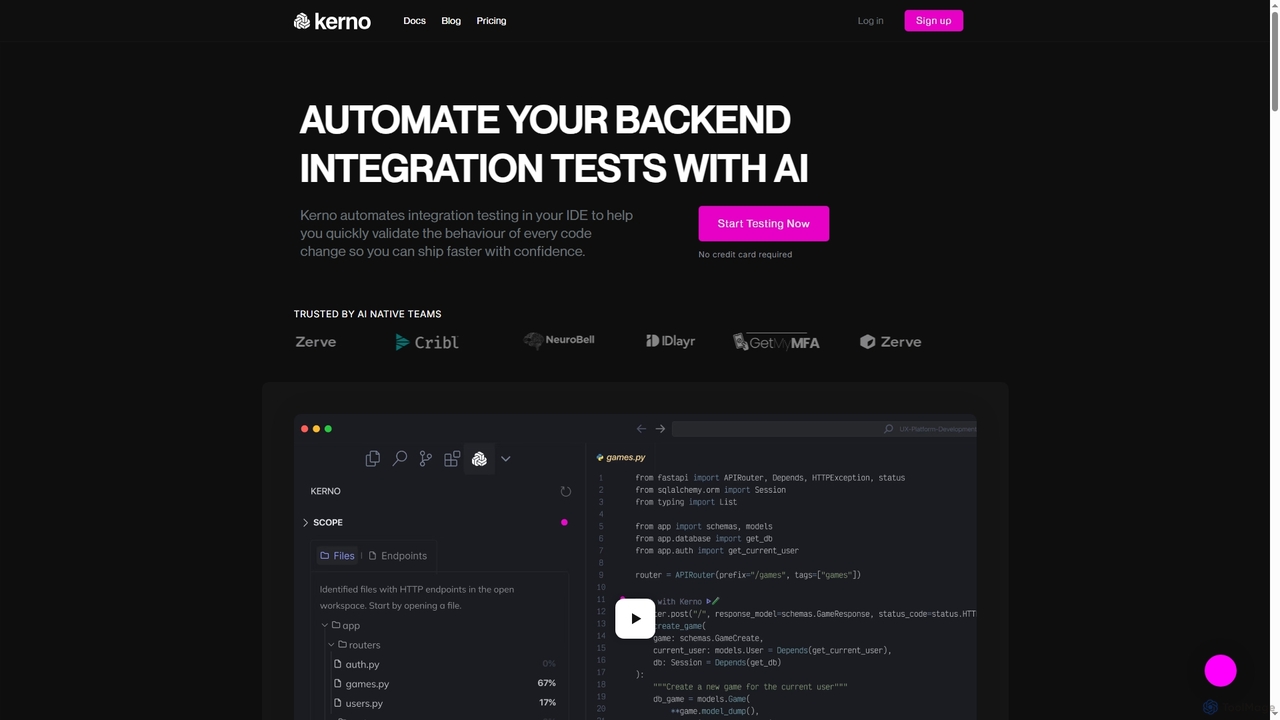
Kerno is an AI-powered co-pilot for backend developers, autonomously generating, running, and maintaining exhaustive integration test suites. It …

26.4K
Free
FRAI

FRAI

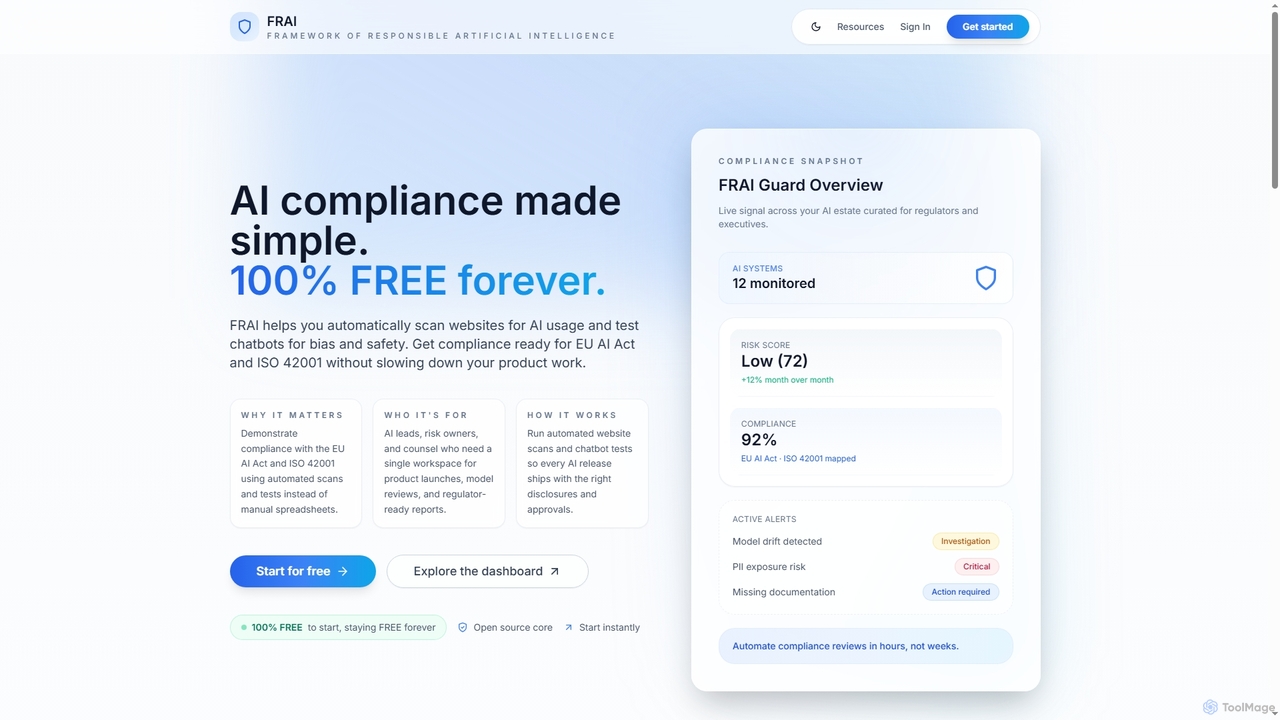
FRAI is a comprehensive, free-forever AI compliance platform designed to simplify adherence to global AI regulations like the …

4.4K
RealEye

RealEye

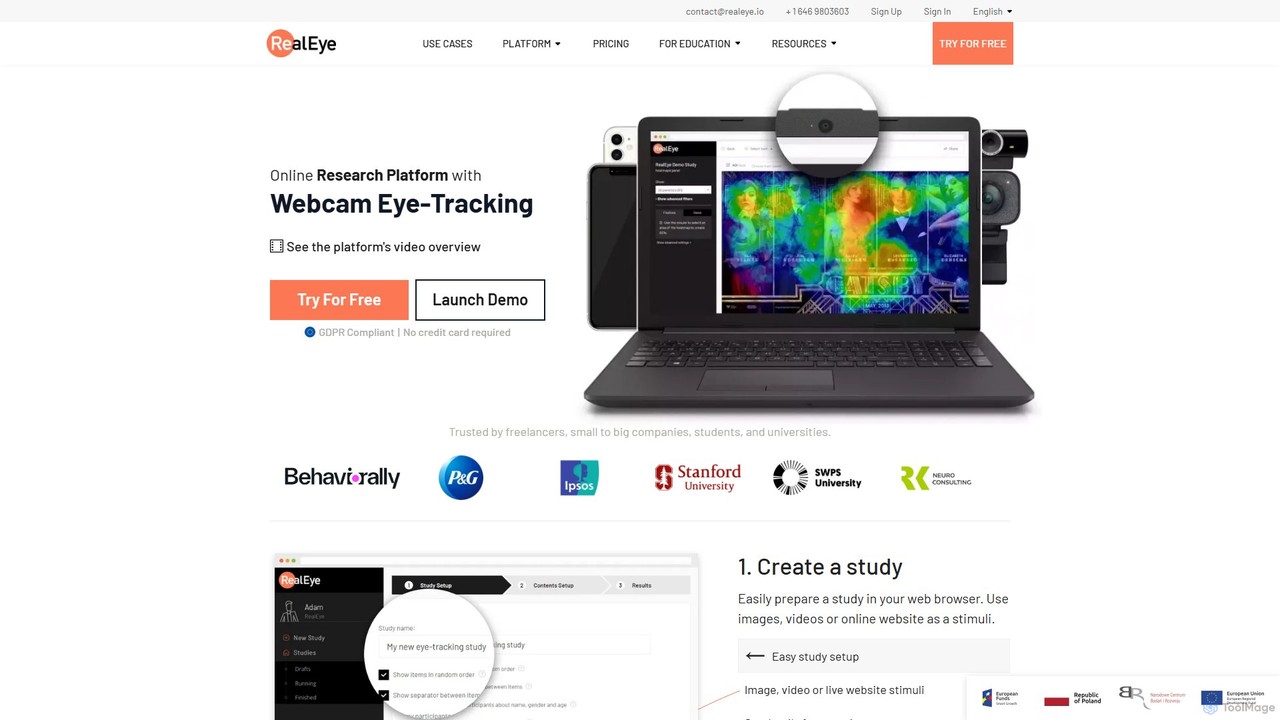
RealEye is an AI-powered online research platform that uses standard webcams for eye-tracking and facial coding. It enables …

121.2K
Bolt Foundry

Bolt Foundry

Bolt Foundry provides open-source tooling for developers to perform unit tests on Large Language Models (LLMs). It transforms …

3.0K
Release

Release

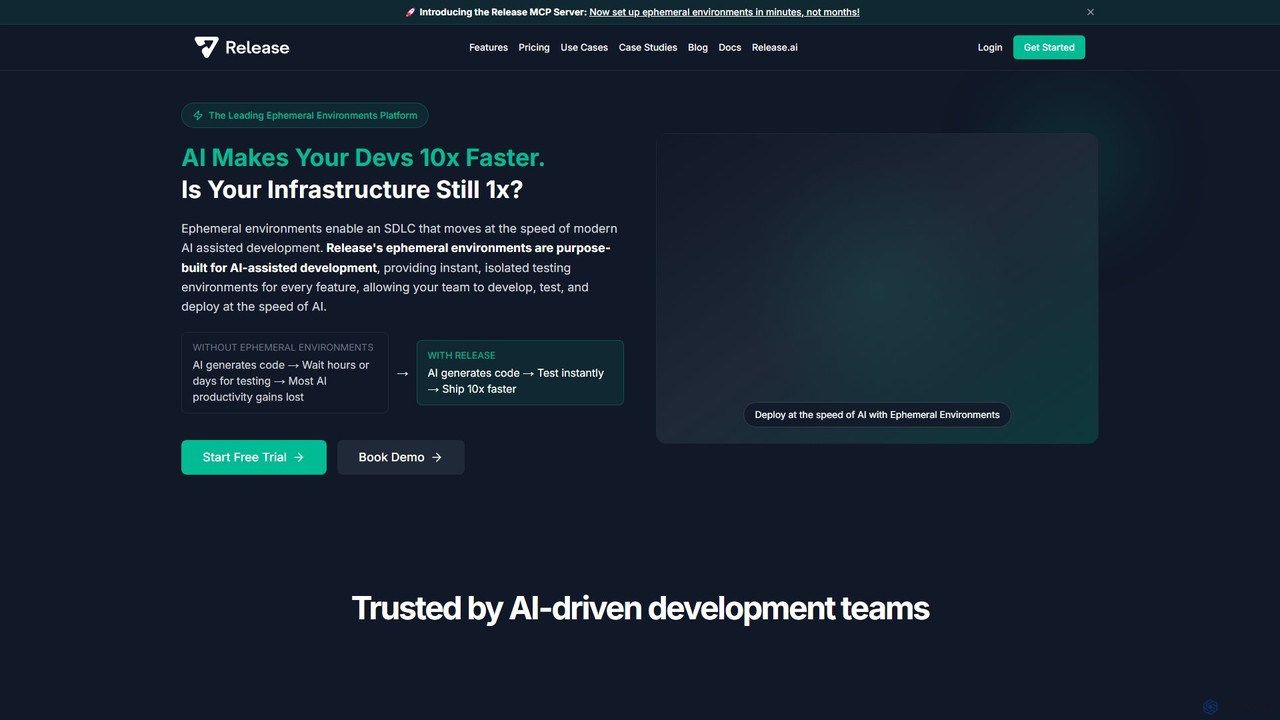
Release is an AI-powered ephemeral environments platform that accelerates software development. It provides instant, isolated testing environments for …

15.5K
Rainforest QA

Rainforest QA

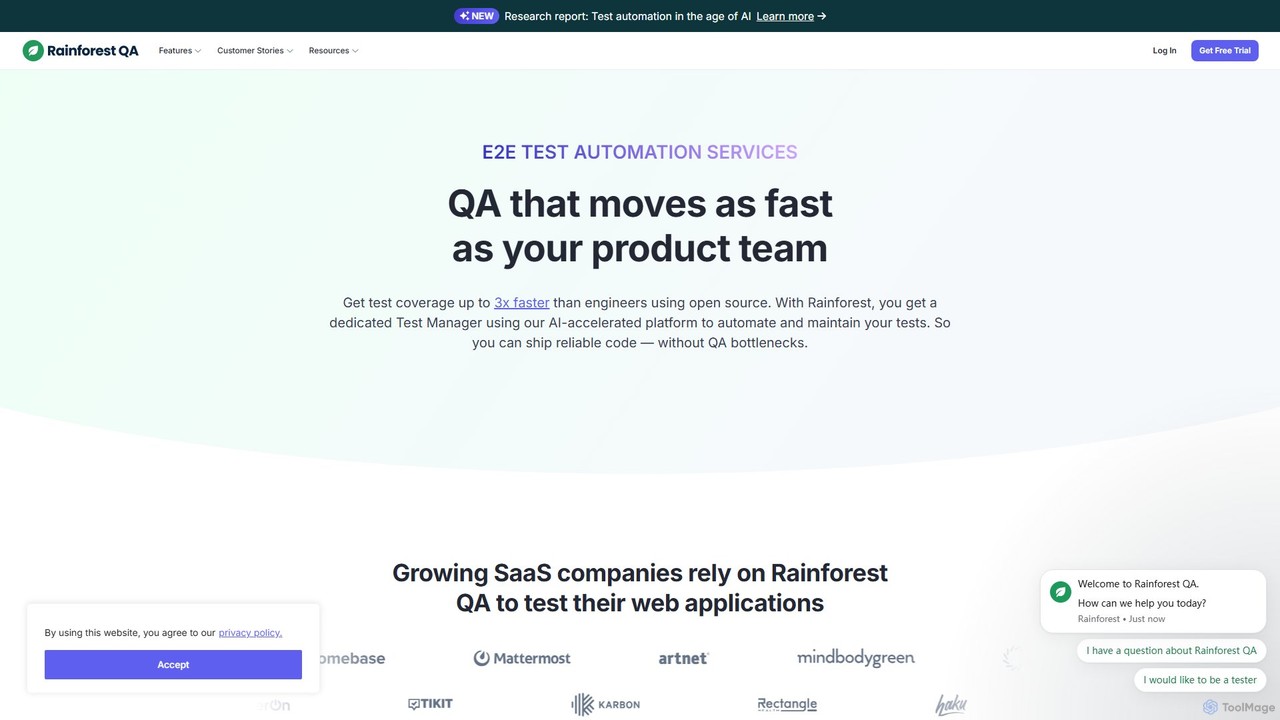
Rainforest QA is an AI-accelerated quality assurance platform for SaaS companies. It combines a no-code test automation tool …

71.0K
Statsig

Statsig

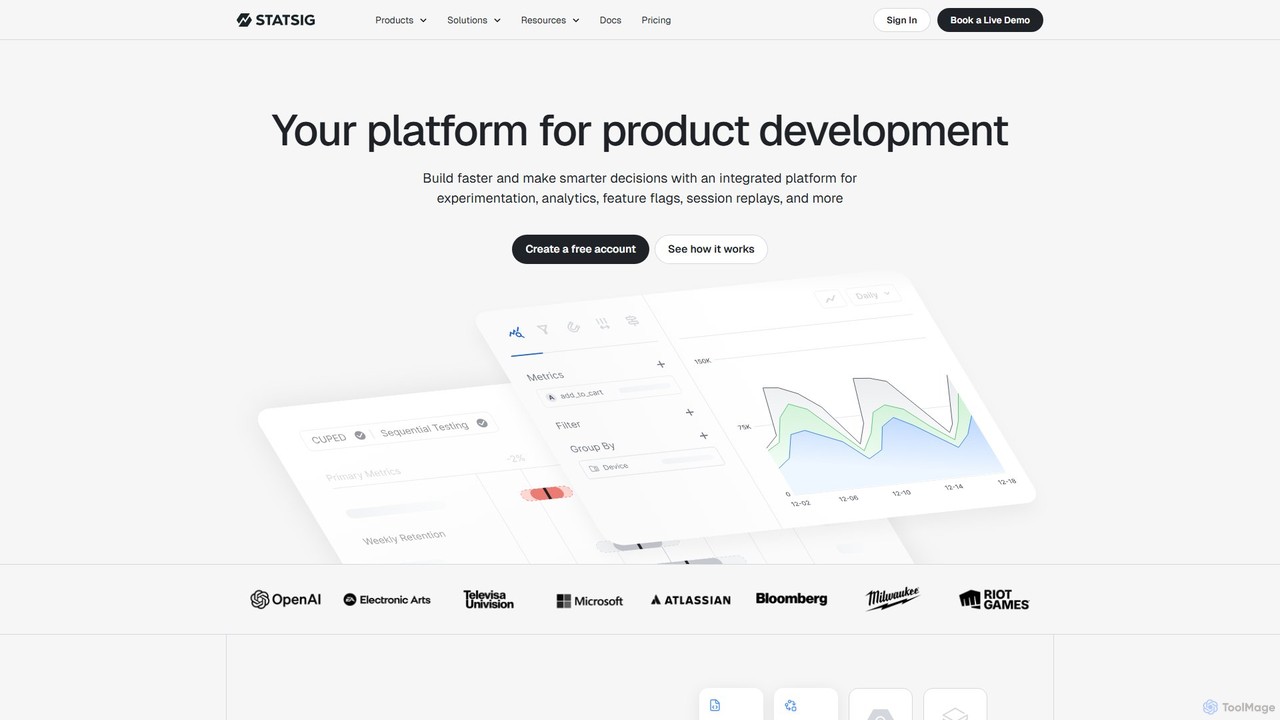
Statsig is a comprehensive product development platform that integrates experimentation (A/B testing), feature flags, product analytics, and session …

386.8K
Bugster

Bugster

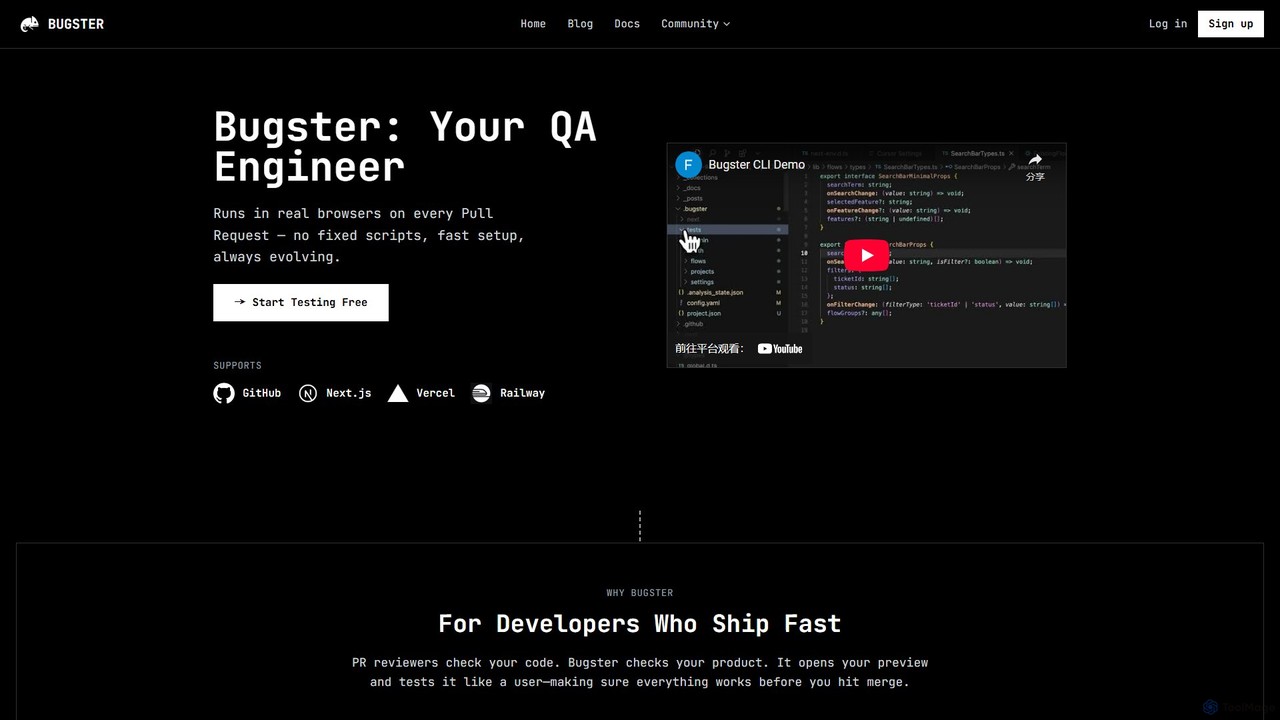
Bugster is an AI-powered QA engineer for developers that automates end-to-end testing. It runs on every pull request, …

45.5K
TestSprite

TestSprite

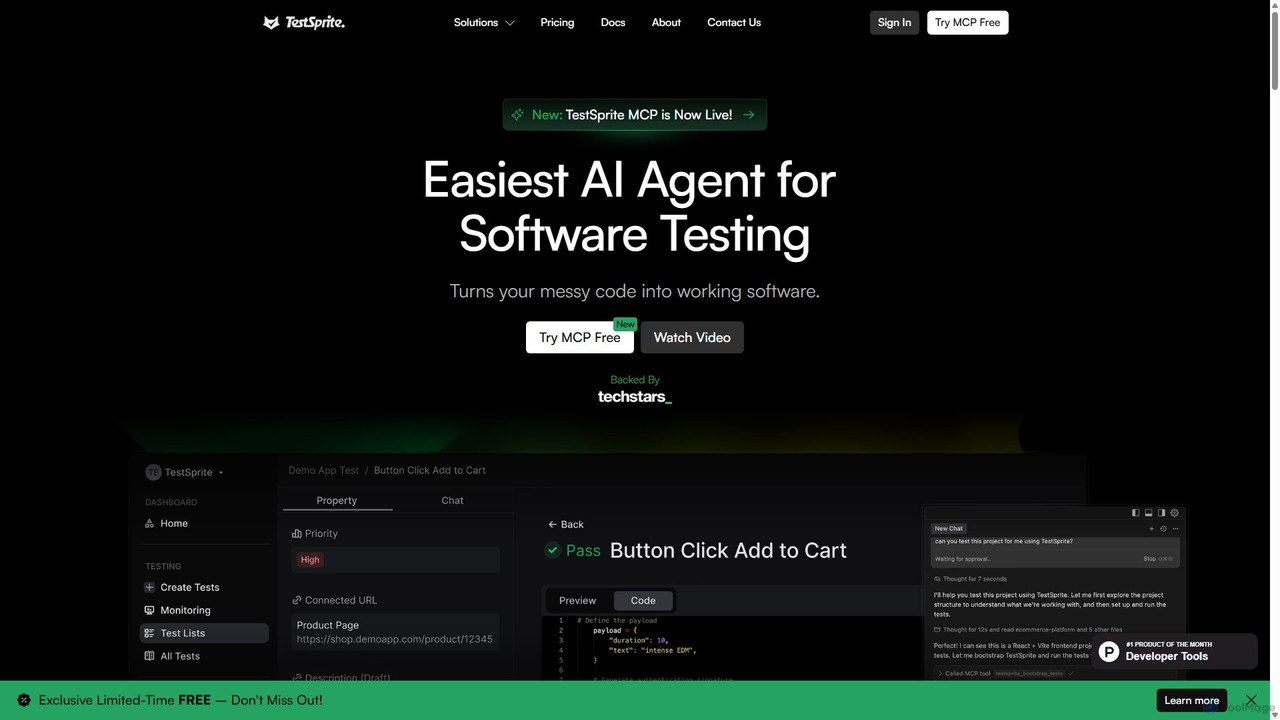
TestSprite is an AI-powered test automation platform designed to streamline UI and visual regression testing. It helps development …

207.0K
Verex

Verex

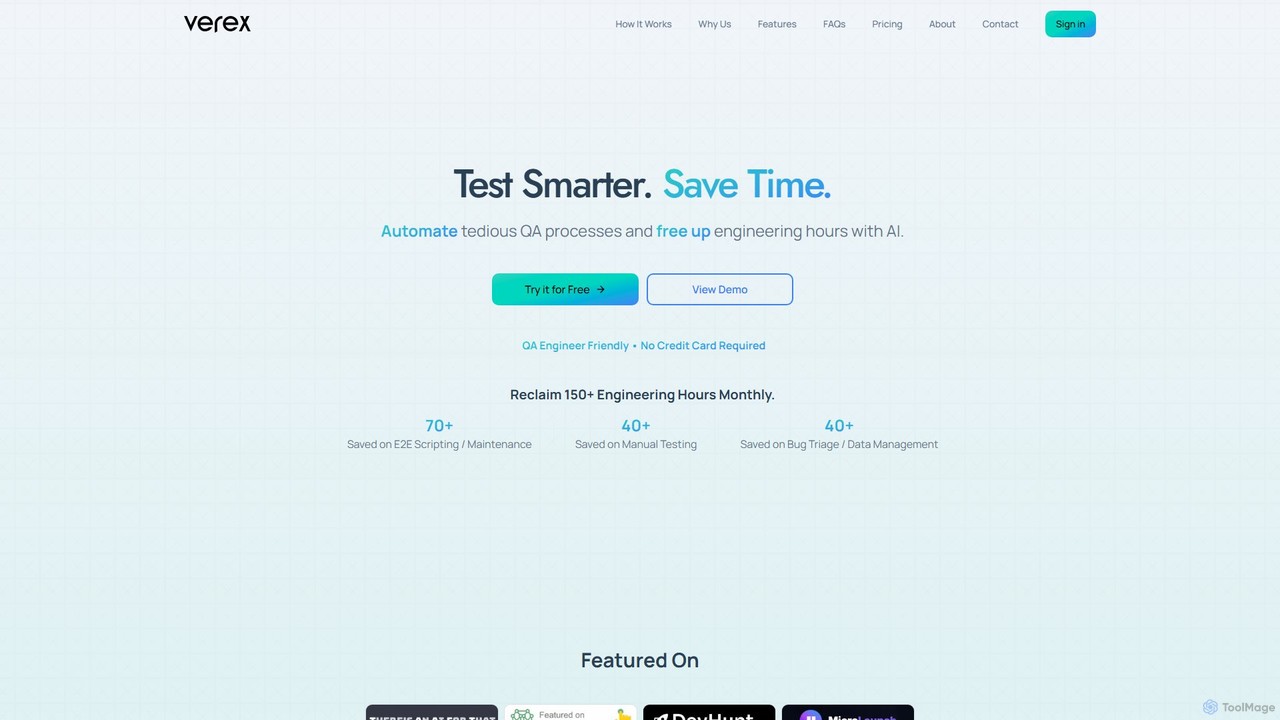
Verex is an AI-powered QA automation platform that enables teams to test web applications using natural language. It …

2.1K
Sauce Labs

Sauce Labs

Sauce Labs is an AI-powered, all-in-one platform for continuous software quality testing. It enables DevOps teams to accelerate …

224.6K
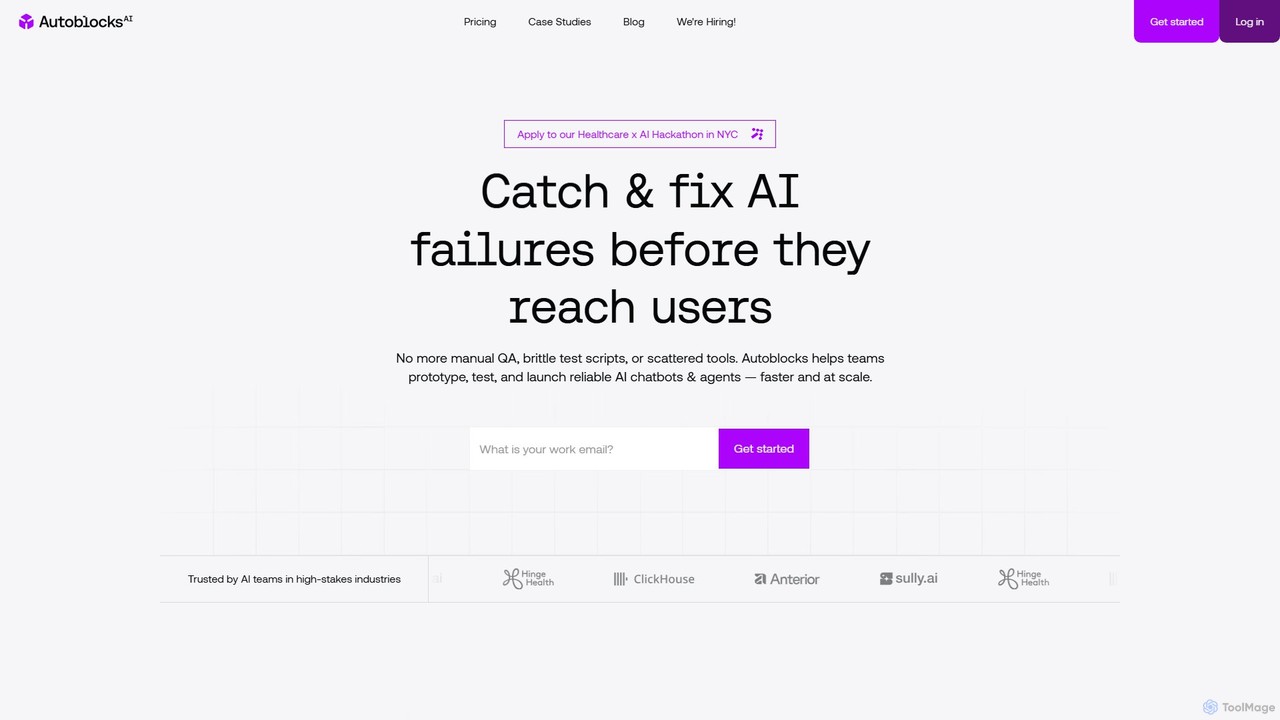
Autoblocks

Autoblocks

Autoblocks is a comprehensive platform for AI development teams to test, evaluate, and launch safe, reliable AI applications. …

5.9K
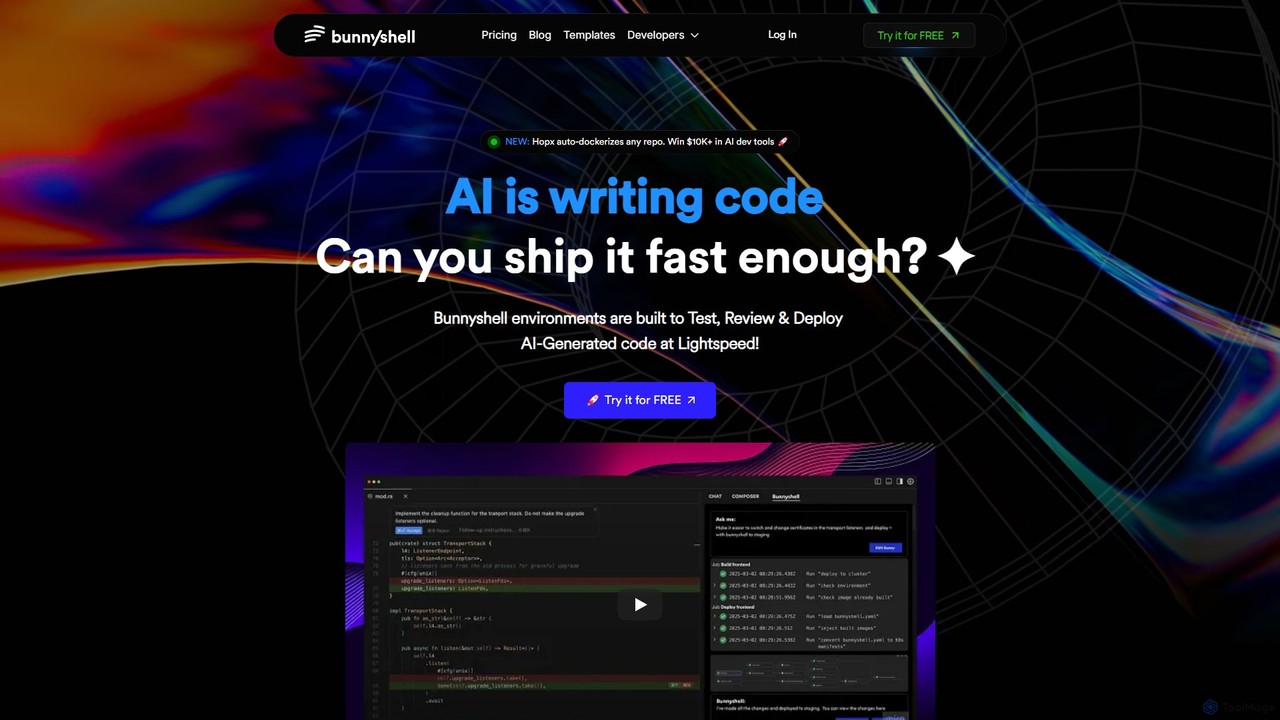
Bunnyshell

Bunnyshell

Bunnyshell is an AI-orchestrated Environments as a Service (EaaS) platform that automates the creation of ephemeral, production-like environments. …

24.6K
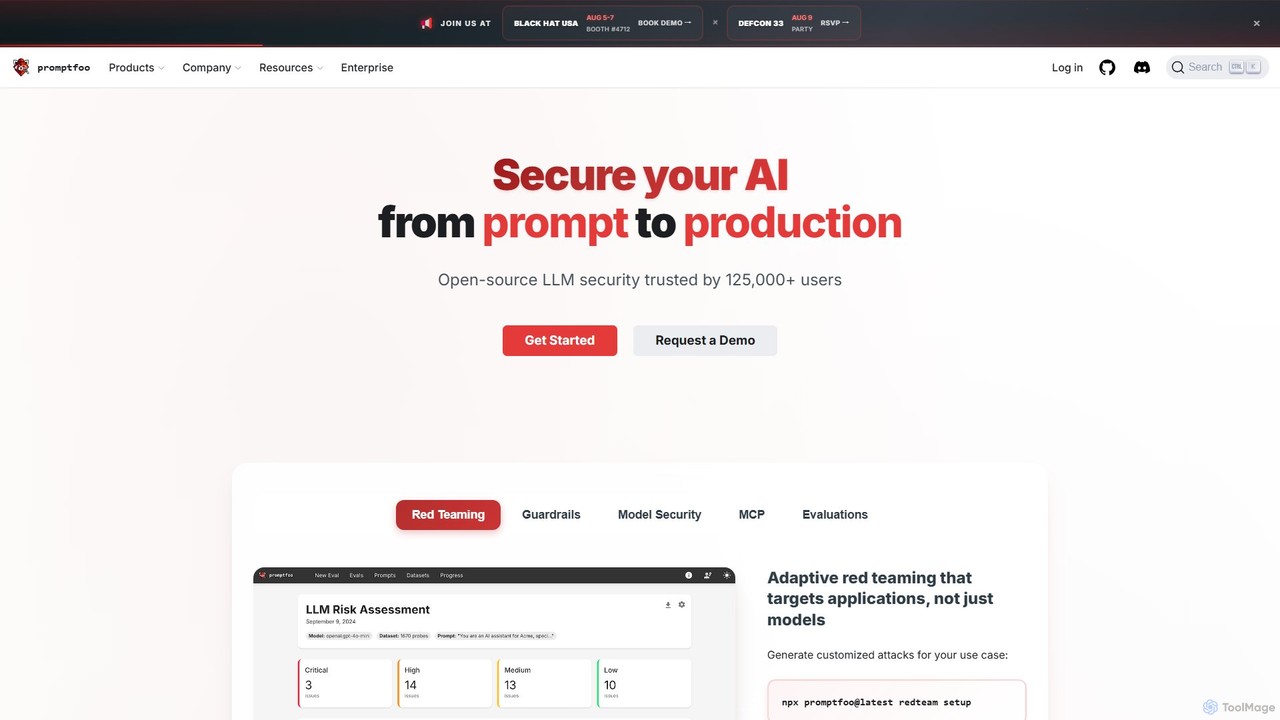
promptfoo

promptfoo

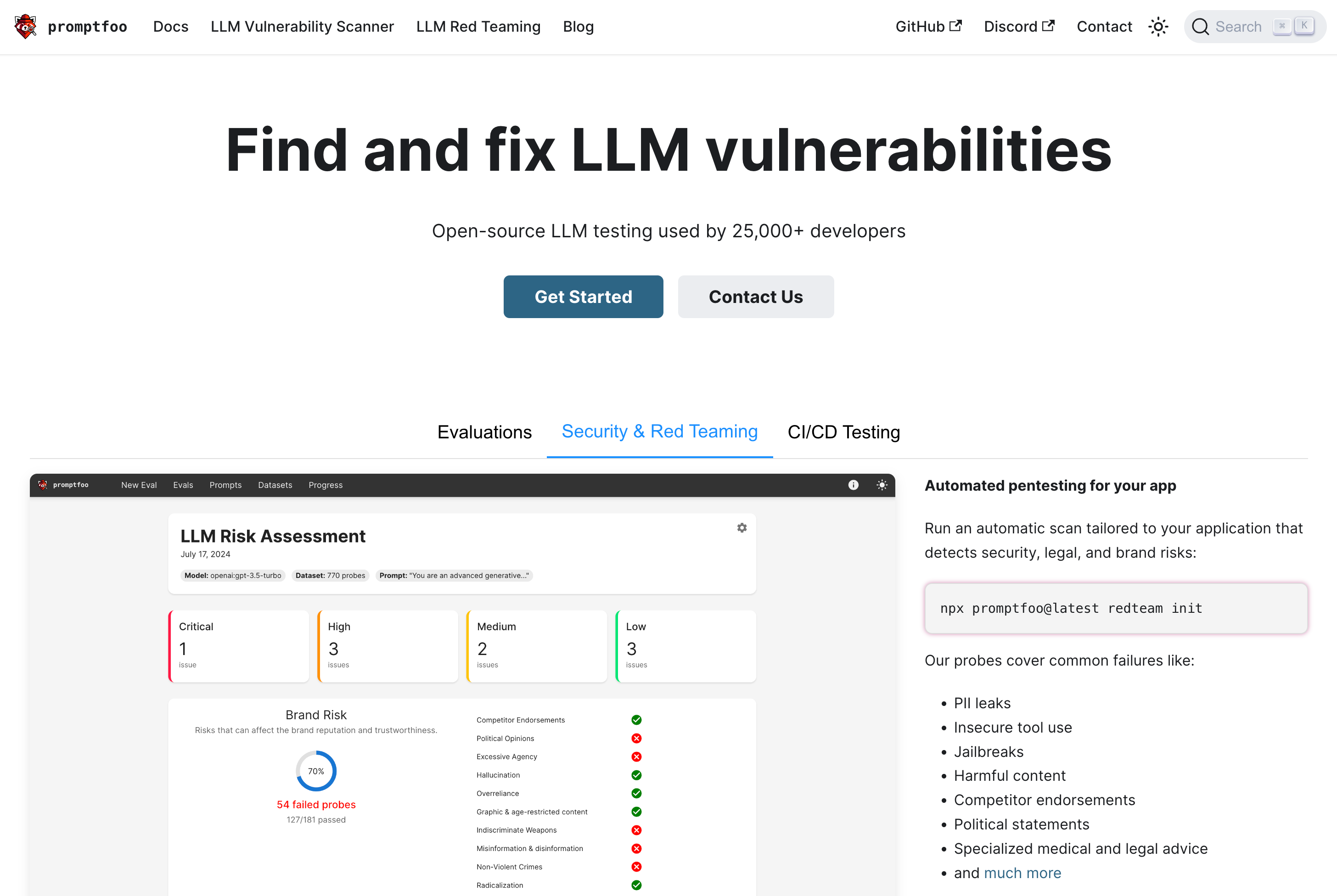
promptfoo is a comprehensive testing and evaluation framework for Large Language Models (LLMs). It helps developers and enterprises …

190.6K
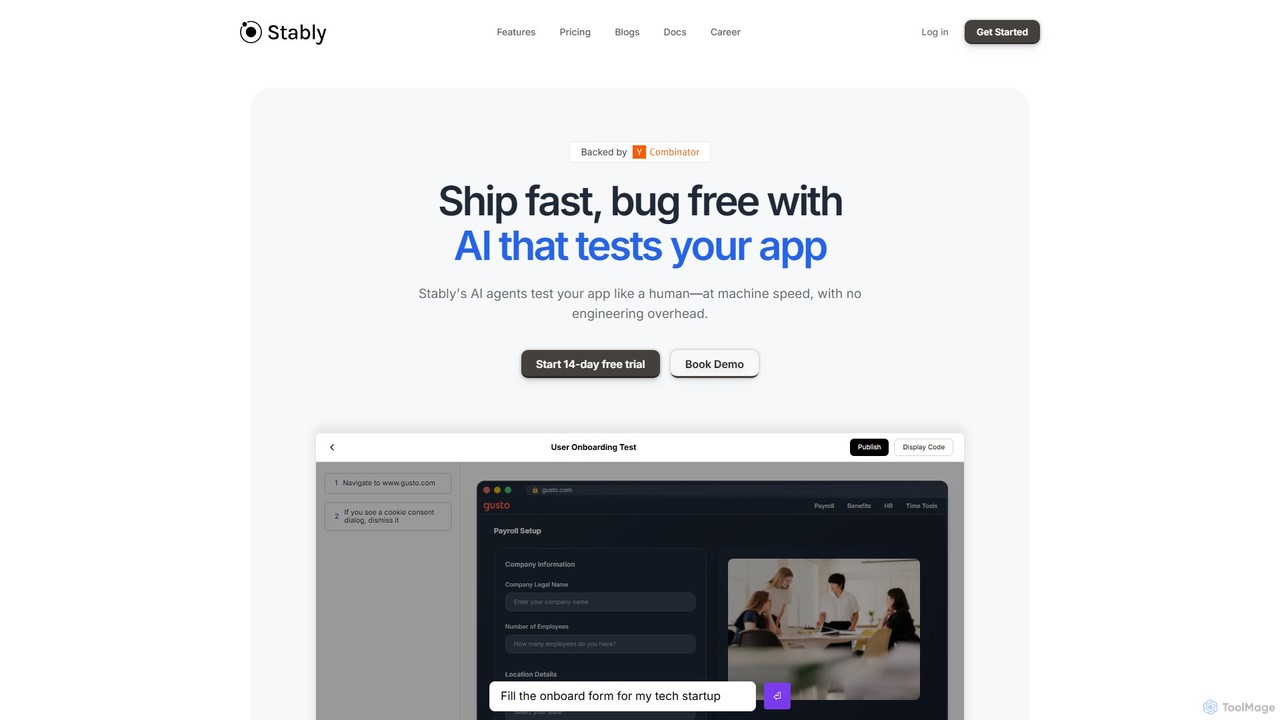
Stably

Stably

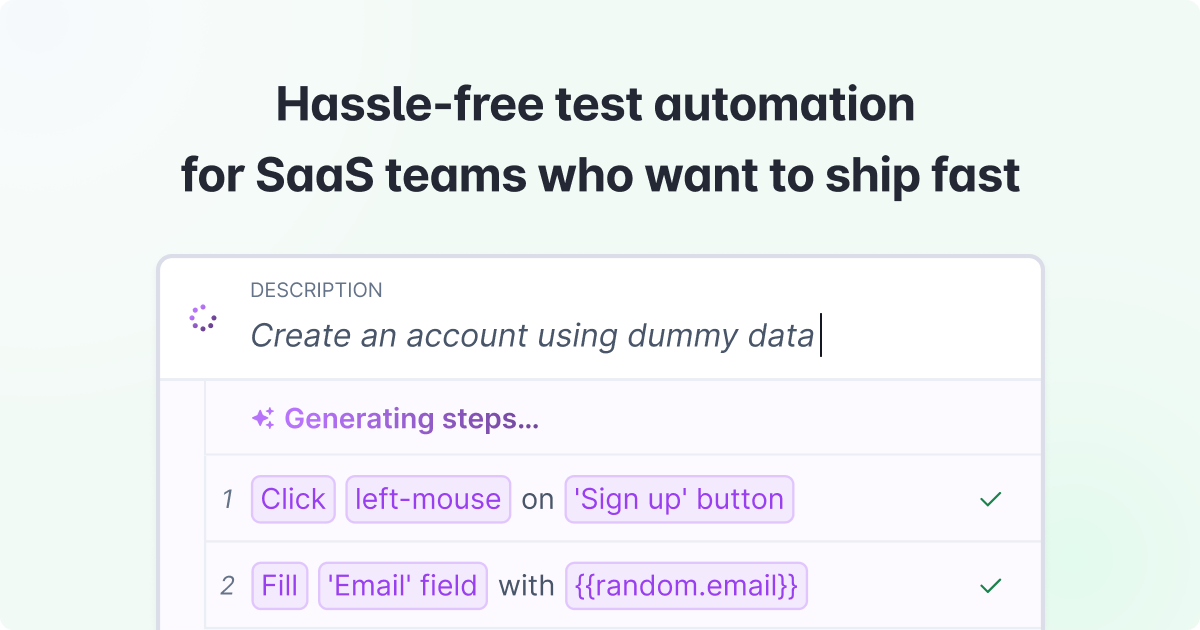
Stably is an AI-powered QA automation platform that enables development teams to ship bug-free web applications faster. It …

12.7K

About Testing

AI-powered Testing tools are designed to automate and enhance various stages of software quality assurance and validation within the development lifecycle. Leveraging artificial intelligence, these tools can generate intelligent test cases, automate complex test scripts, analyze results, and predict potential defects. They significantly accelerate the software development lifecycle, improve product reliability, and reduce manual effort for development teams.

Core Features

  • Intelligent Test Case Generation: Automatically creates comprehensive test scenarios from requirements or existing code.
  • Automated Test Scripting: Generates and executes test scripts for UI, API, and performance testing with minimal human intervention.
  • Defect Prediction & Analysis: Uses machine learning to identify patterns, predict potential bugs, and prioritize fixes.
  • Performance & Load Testing: Simulates user traffic to evaluate application responsiveness and stability under various loads.
  • AI Model Validation: Specifically tests the accuracy, fairness, and robustness of AI models within applications.

Use Cases

These tools are invaluable for agile development teams seeking faster feedback loops and continuous integration. They enable large enterprises to manage extensive regression testing efficiently and help startups accelerate their QA processes without scaling manual testing teams. AI testing tools are also crucial for validating the performance and reliability of AI-driven applications themselves, ensuring robust software quality.

How to Choose

When selecting AI Testing tools, consider their integration capabilities with your existing CI/CD pipelines and development environments. Evaluate the range of testing types supported, such as functional, performance, or security. Assess the ease of test script creation, whether through low-code/no-code interfaces or advanced coding, and examine the robustness of their reporting and analytics features for actionable insights.

TestingUse Cases

1

Automate Regression Testing for Software Updates

Software development teams frequently release updates, requiring extensive regression testing to ensure new changes haven't broken existing functionalities. AI testing tools automatically re-execute thousands of test cases, identify discrepancies, and report failures. This allows developers to quickly validate updates, significantly reducing the time and resources traditionally spent on manual regression cycles, ensuring stable and reliable software releases.

2

Generate Realistic Test Data for Diverse Scenarios

Developers and QA engineers often struggle to create sufficient, realistic, and diverse test data to cover all edge cases. AI testing tools can synthesize vast amounts of synthetic data that mimics real-world patterns, including sensitive information, without compromising privacy. This ensures thorough testing across various inputs and conditions, improving the robustness and reliability of applications before deployment.

3

Predict and Prioritize Potential Software Defects

Before code is even deployed, AI testing tools can analyze code changes, historical defect data, and development patterns to predict areas most likely to contain bugs. This allows QA teams to focus their efforts on high-risk modules, proactively addressing potential issues. By identifying defects earlier in the development cycle, teams can save significant time and cost associated with late-stage bug fixes.

4

Optimize Application Performance Under Peak Load

Ensuring an application performs well under heavy user traffic is critical for user experience and business continuity. AI testing tools simulate thousands or millions of concurrent users, identifying bottlenecks, latency issues, and scalability limits. This helps engineers pinpoint performance degradation points, optimize infrastructure, and ensure the application remains responsive and stable even during peak usage periods.

5

Validate AI Model Accuracy and Fairness

For applications powered by AI models (e.g., recommendation systems, chatbots), traditional testing isn't enough. AI testing tools specifically evaluate the model's output for accuracy, bias, and robustness across diverse datasets. They help identify unfair outcomes, data drift, or unexpected behaviors, ensuring the AI system performs reliably and ethically in real-world scenarios, building user trust.

6

Accelerate User Interface Test Automation

Manually creating and maintaining UI test scripts can be time-consuming and fragile. AI testing tools can "learn" application UIs, automatically generate robust test scripts, and adapt to minor UI changes. This significantly speeds up the creation of automated UI tests, reduces maintenance overhead, and ensures that the user interface remains functional and consistent across different devices and browsers.

TestingFrequently Asked Questions