Confix
Confix is an AI-powered landing page analyzer that delivers actionable recommendations to boost conversions in 30 seconds. Upload …
Confix is an AI-powered landing page analyzer that delivers actionable recommendations to boost conversions in 30 seconds. Upload a screenshot of your page to get a comprehensive analysis of design, copywriting, UX, and conversion elements, helping you optimize without guesswork.
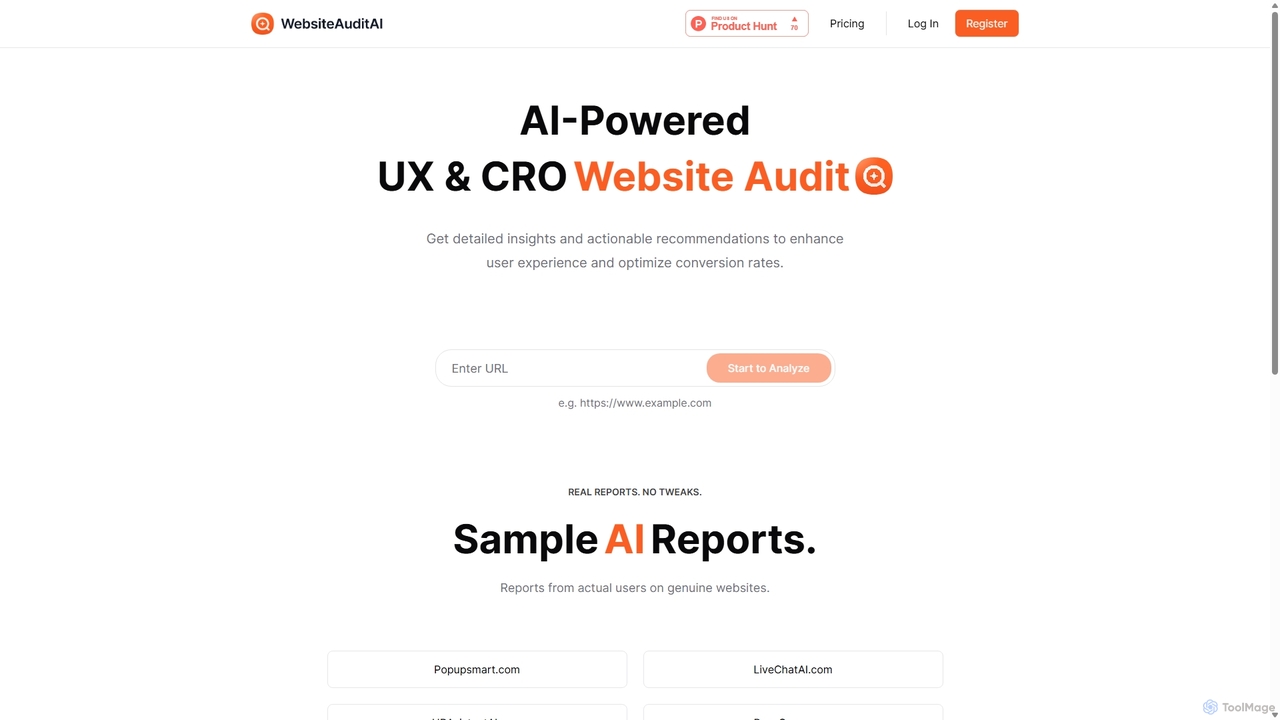
WebsiteAuditAI
An AI-powered tool that provides instant, comprehensive audits of your website's User Experience (UX), Conversion Rate Optimization (CRO), …
An AI-powered tool that provides instant, comprehensive audits of your website's User Experience (UX), Conversion Rate Optimization (CRO), and Content. Get actionable recommendations to improve performance, enhance user engagement, and boost conversion rates.
Roast My Landing Page
Roast My Landing Page is an AI-powered service that delivers brutally honest, actionable feedback to optimize your landing …
Roast My Landing Page is an AI-powered service that delivers brutally honest, actionable feedback to optimize your landing page for higher conversions. Get comprehensive analysis from six AI experts in Marketing, UX, UI, Copywriting, SEO, and Frontend Development in under 5 minutes. Identify problems with pinpoint accuracy and receive clear steps to improve your website's performance and skyrocket your conversions, backed by a money-back guarantee.
write
write by Frontitude is an AI-powered UX writing assistant designed for design teams. Integrated directly into Figma, it …
write by Frontitude is an AI-powered UX writing assistant designed for design teams. Integrated directly into Figma, it helps users generate, rewrite, and refine engaging and consistent UX copy effortlessly. By understanding business and design context, it provides tailored suggestions, enforces content guidelines, and streamlines the design review process, saving teams hours of writing time.
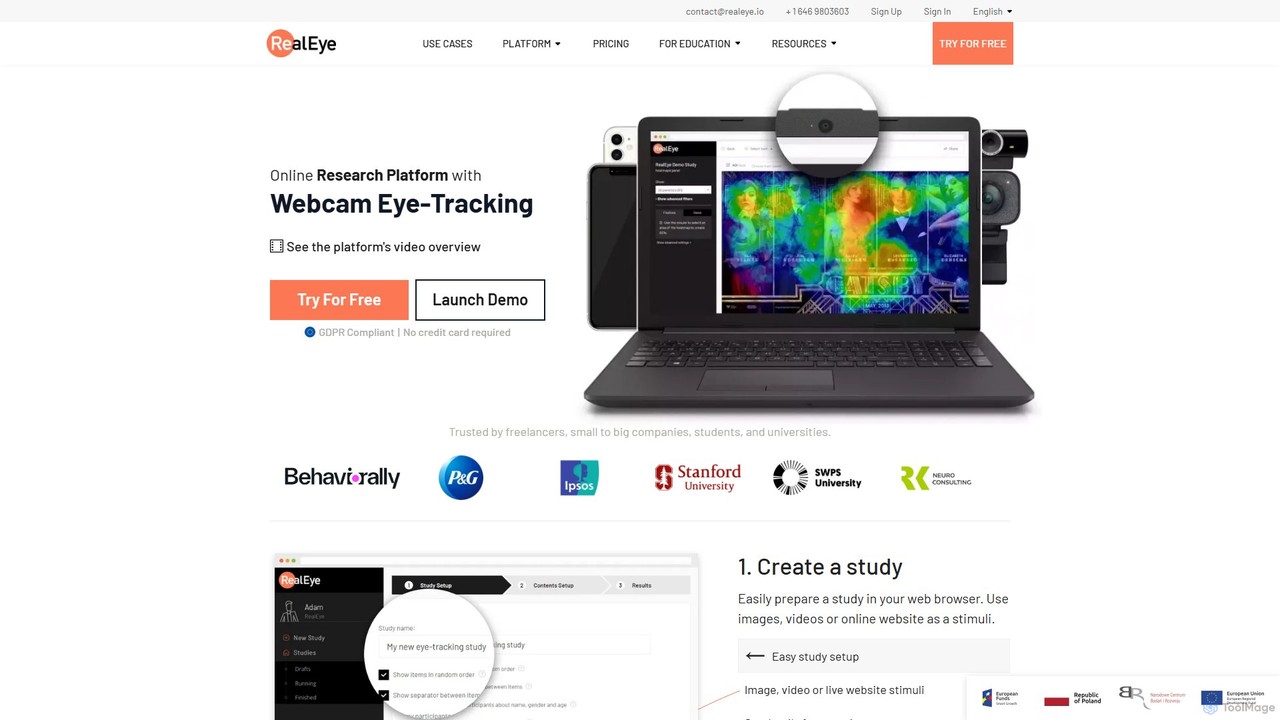
RealEye
RealEye is an AI-powered online research platform that uses standard webcams for eye-tracking and facial coding. It enables …
RealEye is an AI-powered online research platform that uses standard webcams for eye-tracking and facial coding. It enables researchers, marketers, and designers to conduct user studies remotely, generating heatmaps, gaze plots, and emotional analysis to understand user attention and behavior on websites, images, and videos without needing expensive hardware.
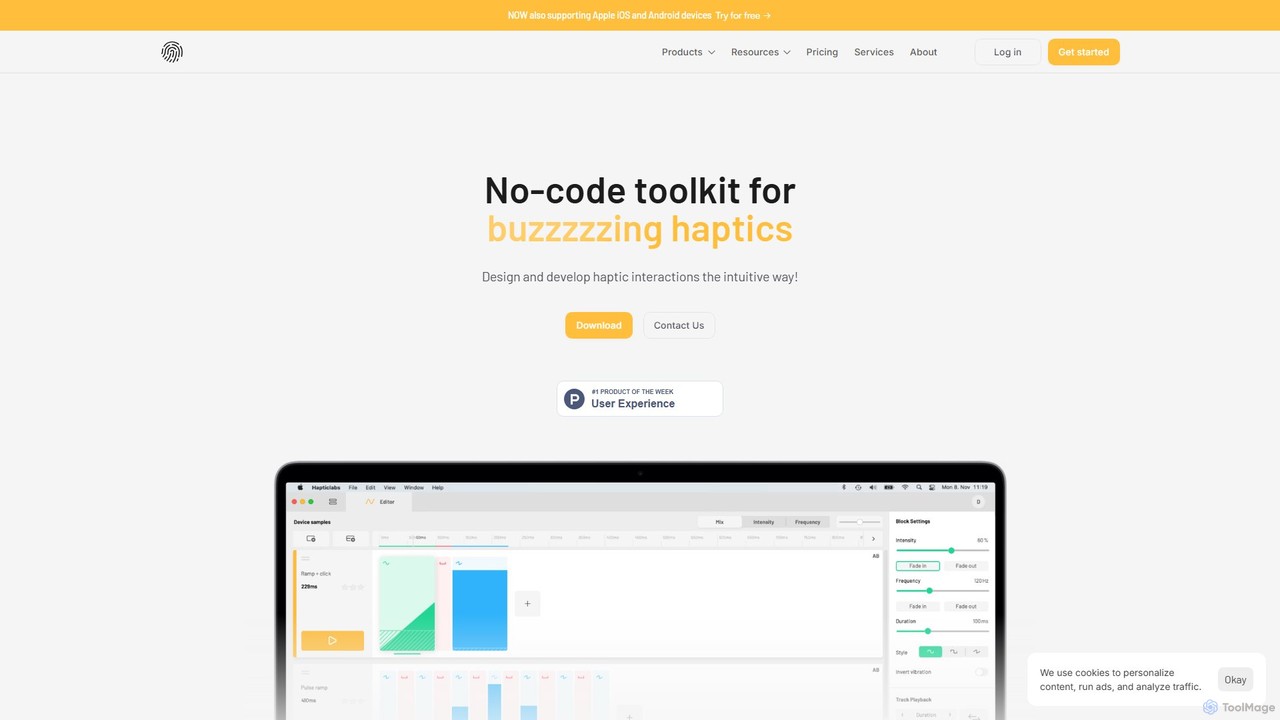
Hapticlabs
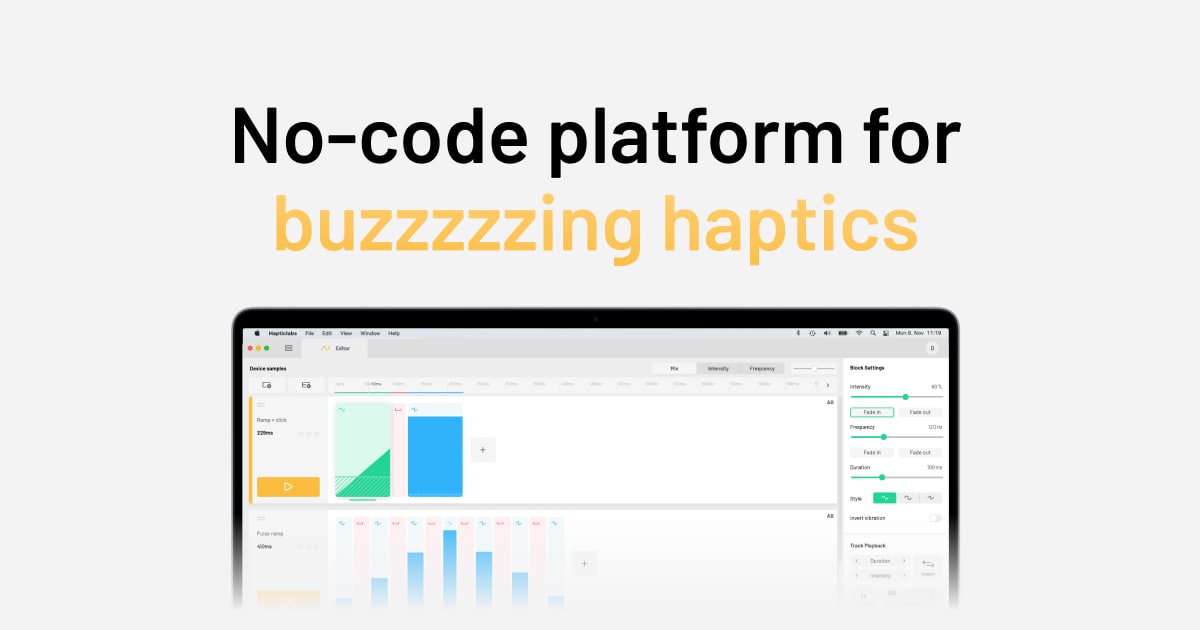
Hapticlabs is a no-code toolkit for designing, prototyping, and deploying tangible haptic interactions. It provides an intuitive ecosystem …
Hapticlabs is a no-code toolkit for designing, prototyping, and deploying tangible haptic interactions. It provides an intuitive ecosystem of software (Hapticlabs Studio), hardware (DevKit), and mobile apps to create rich tactile feedback for products, research, and education, significantly speeding up the development process.
AI Product UX Patterns Collection
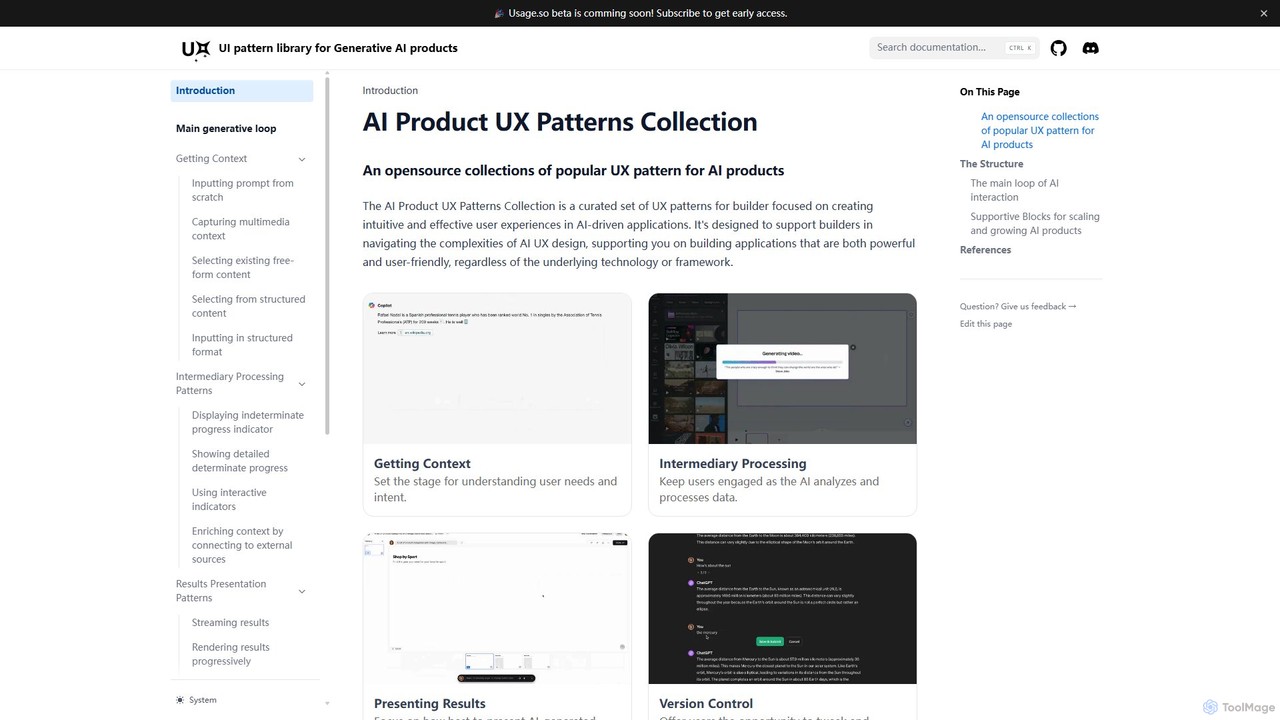
An open-source collection of popular UX patterns for AI products, designed to help builders create intuitive and effective …
An open-source collection of popular UX patterns for AI products, designed to help builders create intuitive and effective user experiences. It provides a structured framework covering the entire AI interaction loop, from context gathering to results presentation.
QoQo
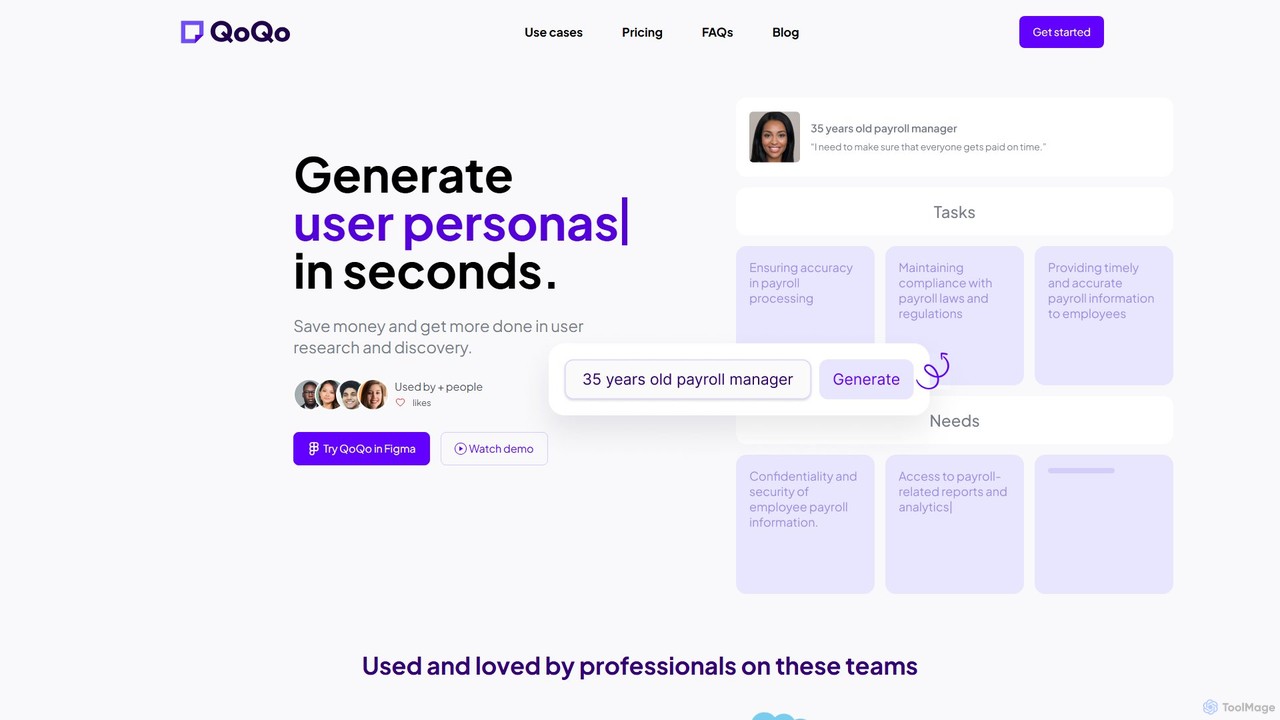
QoQo is an AI-powered user experience companion designed for Figma. It helps designers, agencies, and product teams accelerate …
QoQo is an AI-powered user experience companion designed for Figma. It helps designers, agencies, and product teams accelerate the user research and discovery process. By generating user personas, journey maps, and information architecture in seconds, QoQo saves time and resources, allowing teams to create data-driven, meaningful designs without extensive budgets. It acts as a research assistant directly within your design workflow.
Crit Design
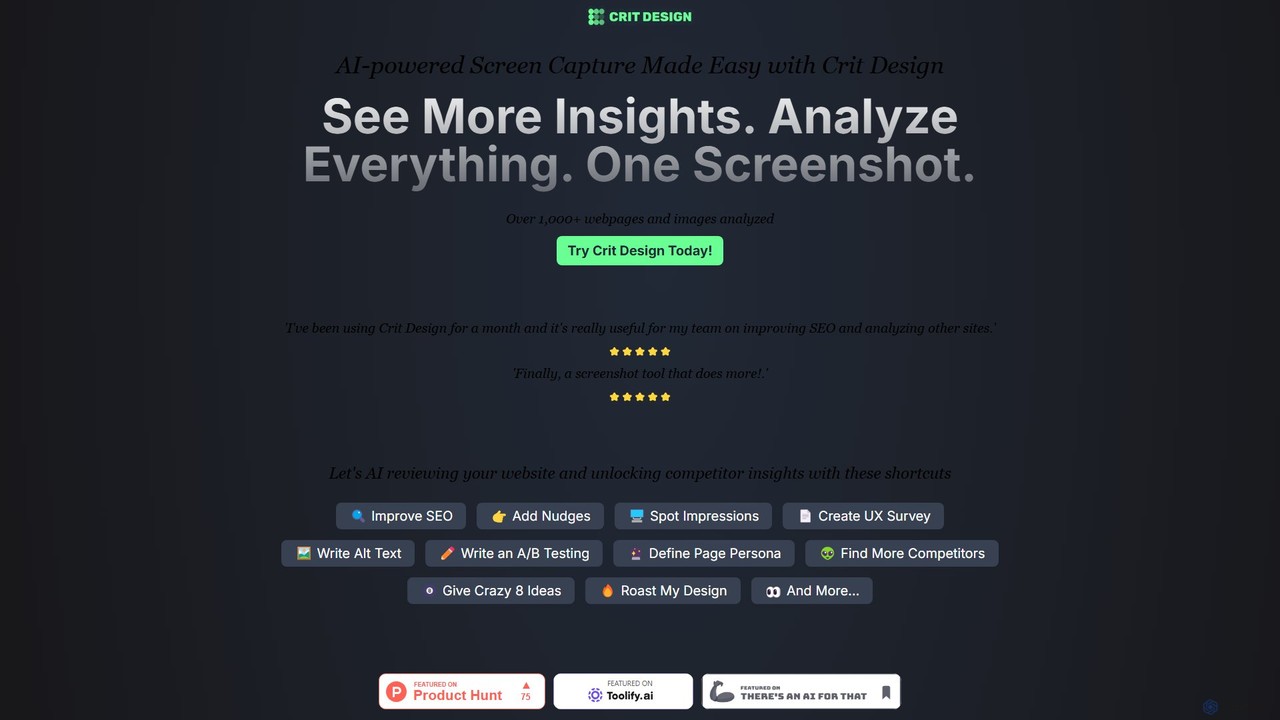
Crit Design is an AI-powered browser extension that supercharges your design and analysis workflow. Capture any webpage or …
Crit Design is an AI-powered browser extension that supercharges your design and analysis workflow. Capture any webpage or upload an image to get instant feedback, SEO suggestions, competitor analysis, UX insights, and more. Powered by advanced vision models like GPT-4V, it's the ultimate co-pilot for designers, marketers, and developers.
PersonaGen
PersonaGen is an AI-powered tool designed to create detailed and realistic user personas in minutes. It helps marketers, …
PersonaGen is an AI-powered tool designed to create detailed and realistic user personas in minutes. It helps marketers, designers, and product managers gain a deep understanding of their target audience, enabling them to build more effective products and campaigns. Simply input basic data, and let the AI generate comprehensive persona profiles.
About Ux
UX AI tools are a category of artificial intelligence applications specifically designed to enhance and automate various stages of the user experience (UX) design process. As a specialized subset within the broader field of AI-powered design, these tools leverage advanced machine learning, natural language processing, and data analytics to provide deep insights into user behavior. They streamline design workflows, personalize user interactions, and ultimately help designers, researchers, and product teams create more intuitive, efficient, and satisfying digital products and services. This technology empowers teams to make data-driven decisions and accelerate the delivery of exceptional user experiences.
Core Features
- User Research Automation: Automates data collection and analysis from surveys, interviews, and usability tests to identify patterns and insights, significantly reducing manual effort.
- Persona & Journey Mapping Generation: Creates detailed user personas and maps user journeys based on aggregated behavioral data, helping designers understand target audiences and touchpoints.
- Usability Testing & Analysis: Conducts AI-driven usability tests, analyzes user interactions, identifies pain points, and suggests improvements for interface elements and flows.
- Personalized UI/UX Adaptation: Dynamically adapts interfaces, content, and recommendations in real-time based on individual user preferences, past behavior, and contextual data.
- Predictive Design Optimization: Uses machine learning to predict the effectiveness of design choices, identify potential usability issues before development, and recommend optimal design solutions.
Applicable Scenarios
UX AI tools are invaluable for product managers, UX designers, and researchers seeking to deepen their understanding of users and optimize digital experiences. They are used in various stages, from initial research to post-launch optimization, across industries like e-commerce, SaaS, and mobile app development, enabling data-driven decision-making and faster iteration cycles.
How to Choose
When selecting UX AI tools, consider the specific stage of your UX process you wish to enhance (e.g., research, testing, personalization). Evaluate the tool's data integration capabilities with your existing systems, the accuracy and explainability of its AI models, its ease of use for non-technical team members, and its scalability to handle your project's data volume and complexity.
UxUse Cases
Automating User Research Synthesis
UX researchers can use AI tools to automatically transcribe and analyze qualitative data from user interviews, focus groups, and open-ended survey responses. The AI identifies common themes, sentiment, and key insights, significantly reducing manual synthesis time and providing a data-driven foundation for design decisions. This allows researchers to process large volumes of feedback efficiently and uncover actionable patterns that might be missed otherwise.
Generating Data-Driven User Personas
Product teams can feed vast amounts of user data, including demographics, behavioral patterns, and interaction histories, into AI-powered UX tools. The AI then constructs detailed, dynamic user personas that accurately reflect different user segments, enabling designers to create more targeted and empathetic designs. This process ensures that design decisions are grounded in real user data rather than assumptions.
Predictive Usability Issue Detection
Before extensive manual testing, UX designers can upload wireframes or prototypes to AI tools that simulate user interactions. The AI analyzes potential usability issues, predicts areas of confusion or friction, and suggests design improvements, saving time and resources in the early design stages. This proactive approach helps catch critical flaws before they become costly to fix in development.
Personalizing E-commerce User Journeys
E-commerce platforms can deploy AI-driven UX tools to analyze individual browsing and purchase history. The AI dynamically adjusts product recommendations, website layouts, and promotional content for each user, creating a highly personalized shopping experience that increases engagement and conversion rates. This level of personalization makes the user feel understood and valued, leading to repeat business.
Optimizing Mobile App Onboarding Flows
Mobile app developers can utilize AI to analyze user behavior during the onboarding process. The AI identifies drop-off points, common user struggles, and areas where instructions are unclear, providing actionable insights to refine the onboarding flow and improve user retention from the first interaction. This leads to a smoother initial experience and higher long-term engagement.
A/B Testing and Iteration with AI Insights
Marketing and product teams can leverage AI UX tools to run sophisticated A/B tests on different UI elements or content variations. The AI not only tracks performance but also provides explanations for why certain variations perform better, accelerating the design iteration cycle and leading to faster optimization. This allows for continuous improvement based on data-driven understanding of user preferences.