

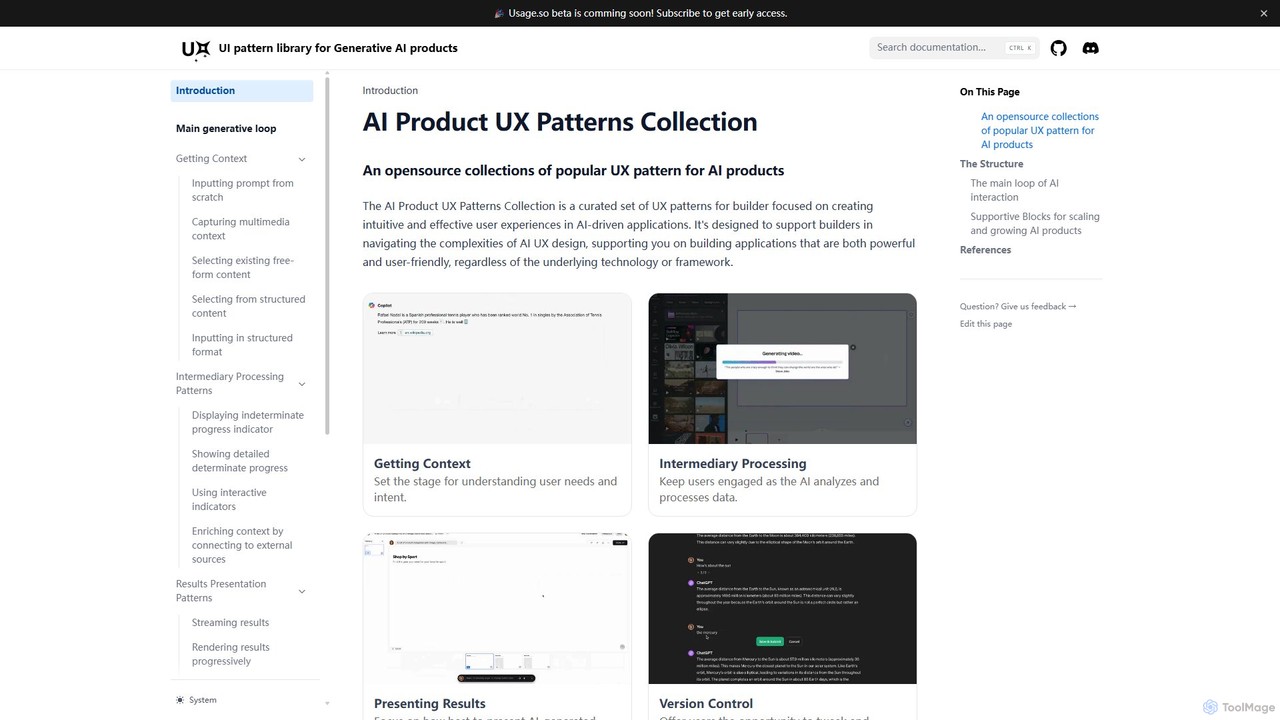
AI Product UX Patterns Collection Overview
The AI Product UX Patterns Collection, developed by rezza.io, is a comprehensive, open-source resource dedicated to builders, designers, and product managers in the AI space. It serves as a curated library of user experience (UX) patterns specifically tailored for AI-driven applications. The primary goal of this collection is to demystify the complexities of AI UX design, providing a clear and structured framework to help create applications that are not only powerful but also intuitive and user-friendly.
The collection is built around a core philosophy that mirrors the natural progression of a user's interaction with an AI system. This is broken down into the 'Main Generative Loop', which consists of three key stages: Getting Context, Intermediary Processing, and Presenting Results. Beyond this core loop, the collection also details 'Supportive Blocks' essential for scaling and managing AI products, including Version Control, Usage Control, and Monetization. This structured approach ensures that builders can find relevant patterns for every stage of the user journey and product lifecycle.
How to use AI Product UX Patterns Collection
Using the AI Product UX Patterns Collection is straightforward, as it functions as a reference guide and knowledge base. Users can navigate the website based on their specific design challenge:
- Explore the Main Generative Loop: If you are designing the core interaction, start by exploring the three main sections. 'Getting Context' offers patterns for user input, such as from-scratch prompts, multimedia capture, and structured forms. 'Intermediary Processing' provides guidance on how to handle the 'thinking' phase, with patterns for progress indicators. 'Presenting Results' covers various ways to display AI output, like streaming text, progressive rendering, and presenting multiple options.
- Consult the Supportive Blocks: For challenges related to product management and scalability, refer to the 'Supportive Blocks'. 'Version Control' shows how to let users manage interaction history and refine results. 'Usage Control' and 'Monetization' (coming soon as part of the related Usage.so platform) provide frameworks for managing resource consumption and building sustainable business models.
- Apply Patterns to Your Project: Each pattern is explained with clear descriptions and rationale. Designers and developers can adopt these established solutions to avoid reinventing the wheel, ensuring their AI product feels familiar and easy to use.
Core Features of AI Product UX Patterns Collection
- Structured Pattern Library: Organizes complex AI interactions into a simple, four-part framework: Getting Context, Intermediary Processing, Presenting Results, and Version Control.
- Detailed Pattern Explanations: Each pattern, such as 'Streaming results', 'Capturing multimedia context', and 'Refining results by creating new prompt', is thoroughly explained to guide implementation.
- Open-Source and Community-Driven: The collection is open-source, built upon learnings from leading AI applications and expert publications, ensuring it remains relevant and comprehensive.
- Focus on the Entire Product Lifecycle: Includes supportive blocks for monetization and usage control, addressing the business and operational aspects of running an AI service.
- Connection to a Broader Ecosystem: The collection is linked to Usage.so, an upcoming platform for AI builders to manage usage tracking, rate limiting, and resource allocation.
Use Cases for AI Product UX Patterns Collection
This resource is invaluable for a wide range of professionals:
- UX/UI Designers: Can find inspiration and best practices for designing interfaces for chatbots, generative AI tools, and other AI-powered features.
- Product Managers: Can use the framework to define user flows, specify feature requirements, and ensure a coherent user experience across their AI product.
- Developers: Can find clear patterns for implementing front-end interactions that effectively communicate the AI's state and results to the user.
- Entrepreneurs and Startups: Can leverage the collection to quickly design and build a user-friendly MVP for their AI idea, incorporating proven UX strategies from the start.
Advantages of AI Product UX Patterns Collection
The main advantage is its ability to accelerate the design and development process for AI products. By providing a curated set of proven solutions, it reduces uncertainty and helps teams build better products faster. It promotes user-centric design in the AI field, leading to applications that are more transparent, controllable, and enjoyable to use. Being open-source and free, it is an accessible resource for individuals and teams of all sizes.
Pricing and Plans
The AI Product UX Patterns Collection is a completely free, open-source resource. There are no fees or subscriptions required to access the content on the website. The project is supported by the team behind Usage.so, a related commercial product for AI builders that is currently in beta.
AI Product UX Patterns Collection Alternatives
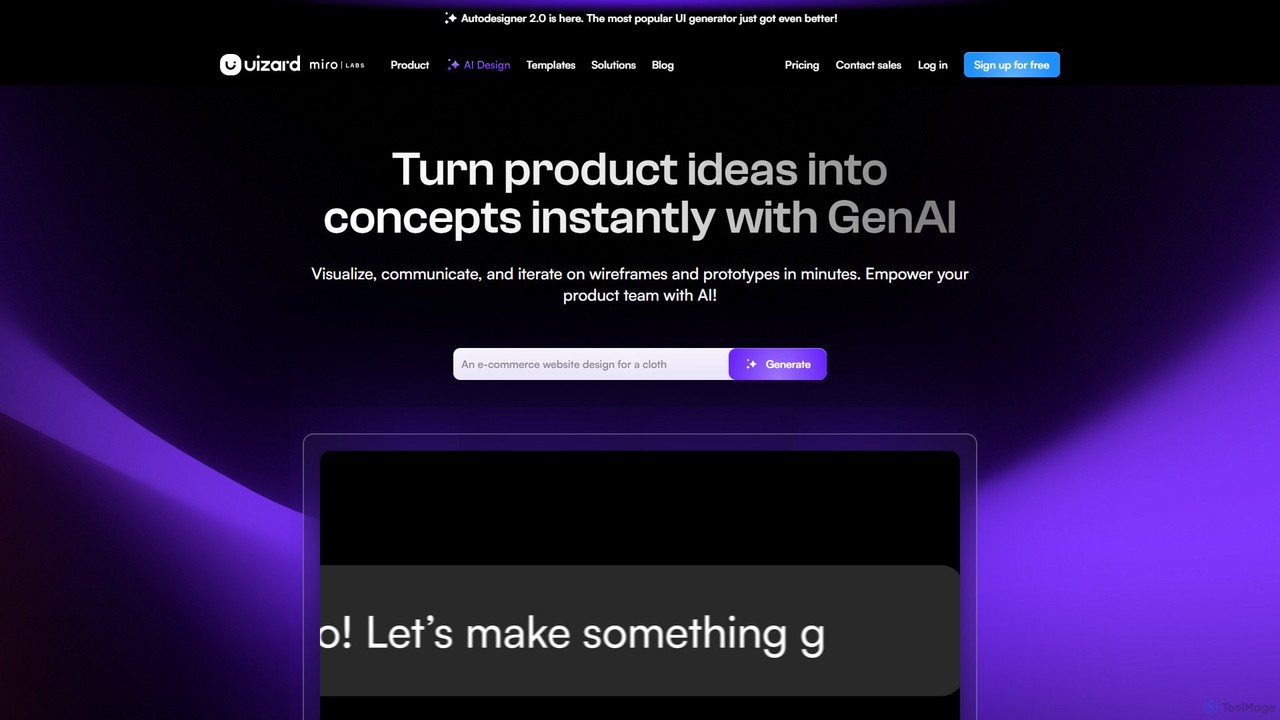
Uizard
Uizard is an AI-powered UI design tool that empowers both designers and non-designers to create stunning websites, web apps, and mobile app mockups in minutes. Transform text prompts, hand-drawn sketches, or screenshots into editable, interactive prototypes. It's designed for rapid ideation, real-time collaboration, and streamlining the entire product design workflow from concept to handoff.
Ui Ux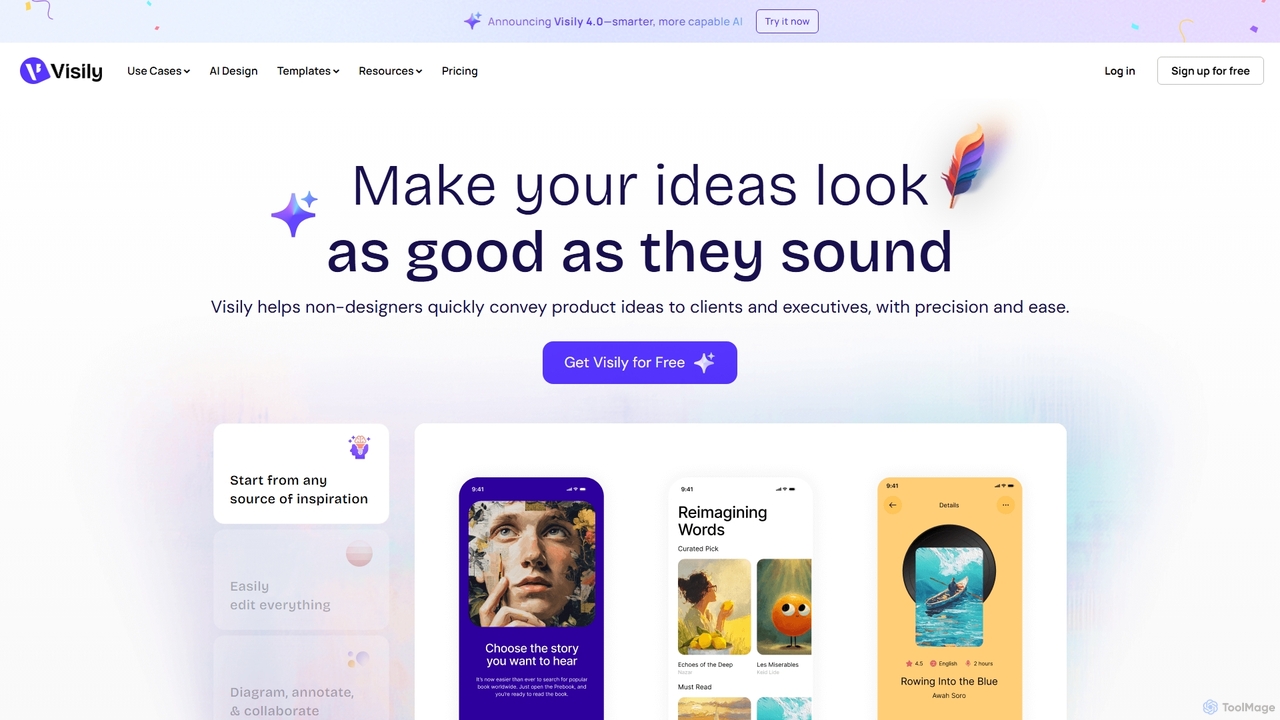
Visily
Visily is an AI-powered UI design and prototyping tool specifically created for non-designers. It enables teams to quickly transform ideas, screenshots, or text prompts into high-fidelity wireframes and mockups. With its intuitive interface and powerful collaboration features, Visily streamlines the process of visualizing product concepts and gathering feedback, bridging the gap between ideas and execution without a steep learning curve.
Ui Ux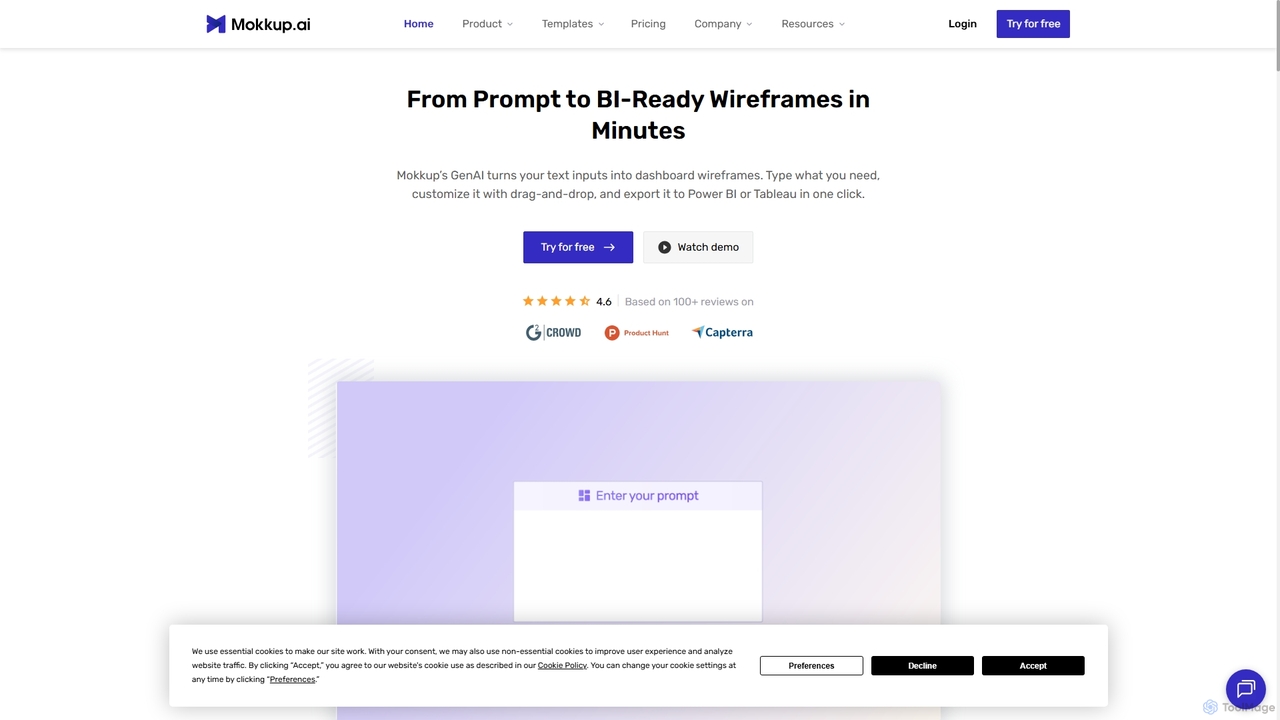
Mokkup
Mokkup is an AI-powered dashboard wireframing tool that transforms text prompts into high-fidelity, BI-ready mockups in minutes. Designed for data analysts and BI developers, it simplifies the design process with a drag-and-drop editor, real-time collaboration, and one-click export to Power BI and Tableau, accelerating the entire business intelligence workflow.
Visualization
Creatie
Creatie is an intuitive, AI-powered product design and collaboration platform. It enables teams to move from wireframes to high-fidelity mockups, interactive prototypes, and developer handoff seamlessly. Featuring AI tools like a mockup wizard, icon generator, and image enhancer, it's designed to accelerate the UI/UX workflow for designers, product managers, and developers.
Icon Generation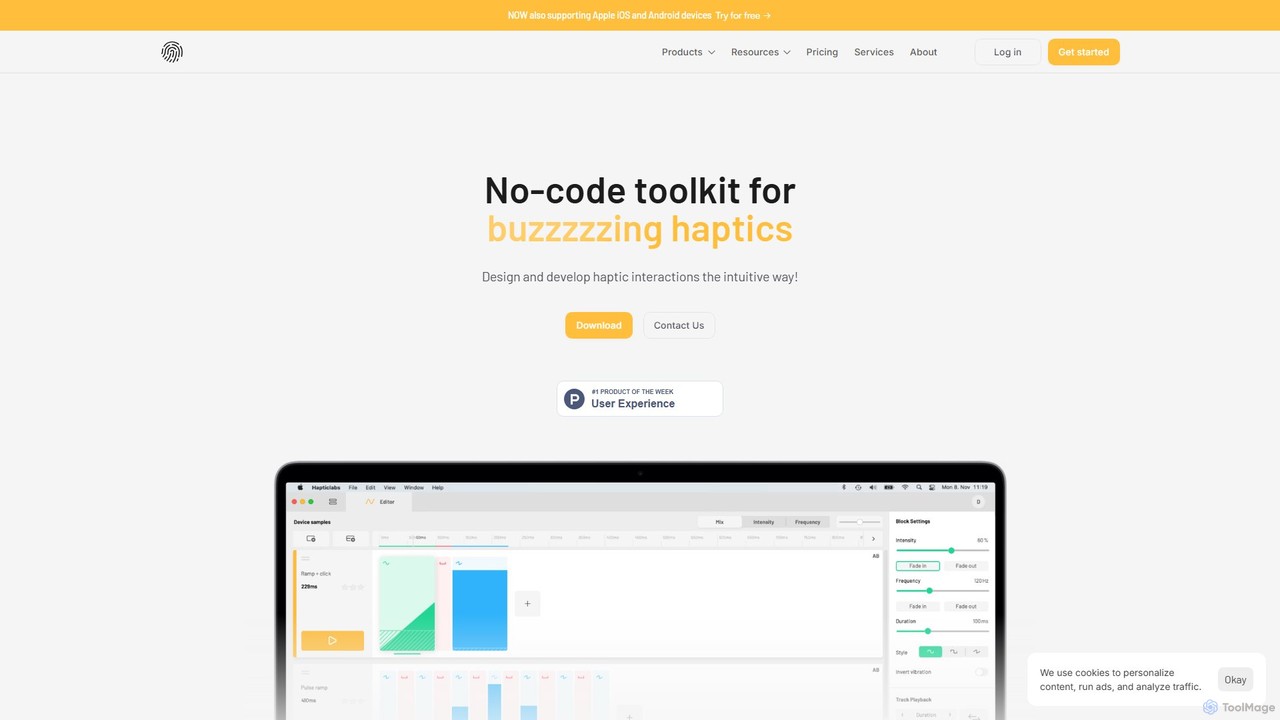
Hapticlabs
Hapticlabs is a no-code toolkit for designing, prototyping, and deploying tangible haptic interactions. It provides an intuitive ecosystem of software (Hapticlabs Studio), hardware (DevKit), and mobile apps to create rich tactile feedback for products, research, and education, significantly speeding up the development process.
UxAI Product UX Patterns Collection Categories
AI Product UX Patterns Collection Embed Widget
Copy this embed code to place the badge on your blog, article, or product site and send readers directly to this ToolMage detail page.

Related AI tools
Precious
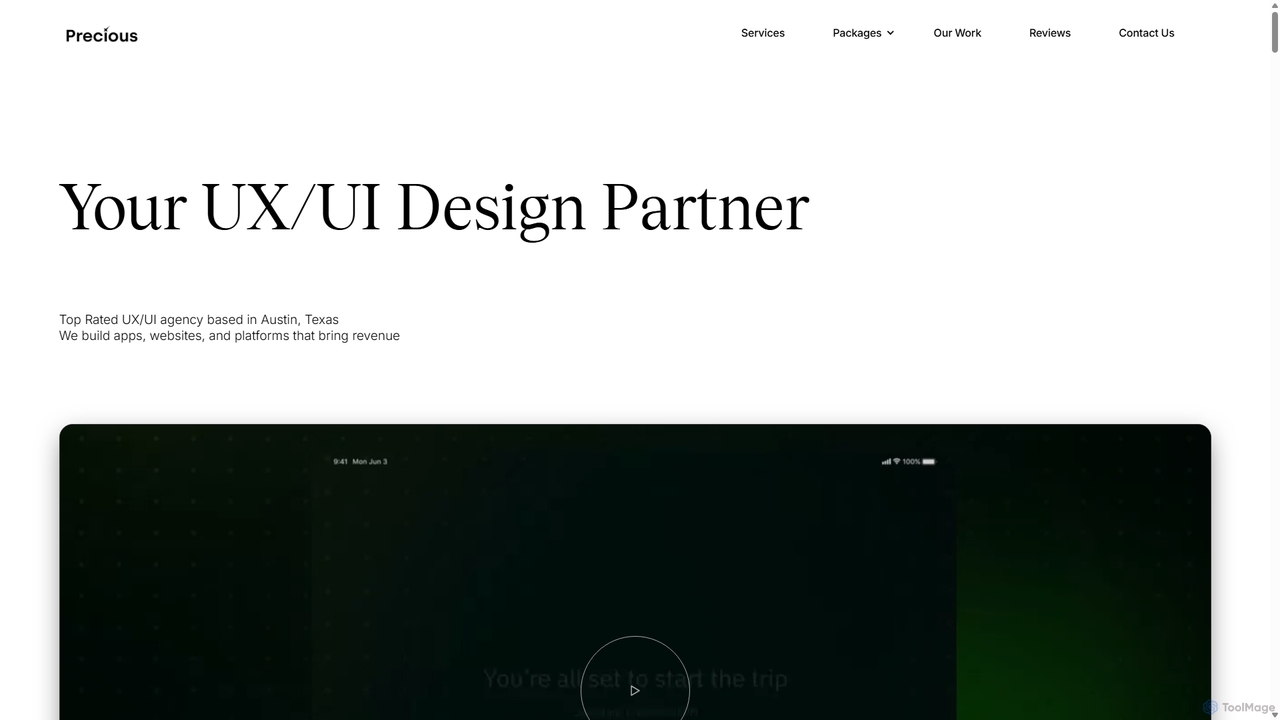
Precious is a top-rated UX/UI design and development agency based in Austin, TX. They specialize in creating user-centric apps, websites, and platforms for startups and enterprises. With a dedicated focus on "UX for AI," they help businesses design intuitive and engaging experiences for AI agents, chatbots, and AI-powered applications, turning complex technology into seamless user journeys.
Ai Consulting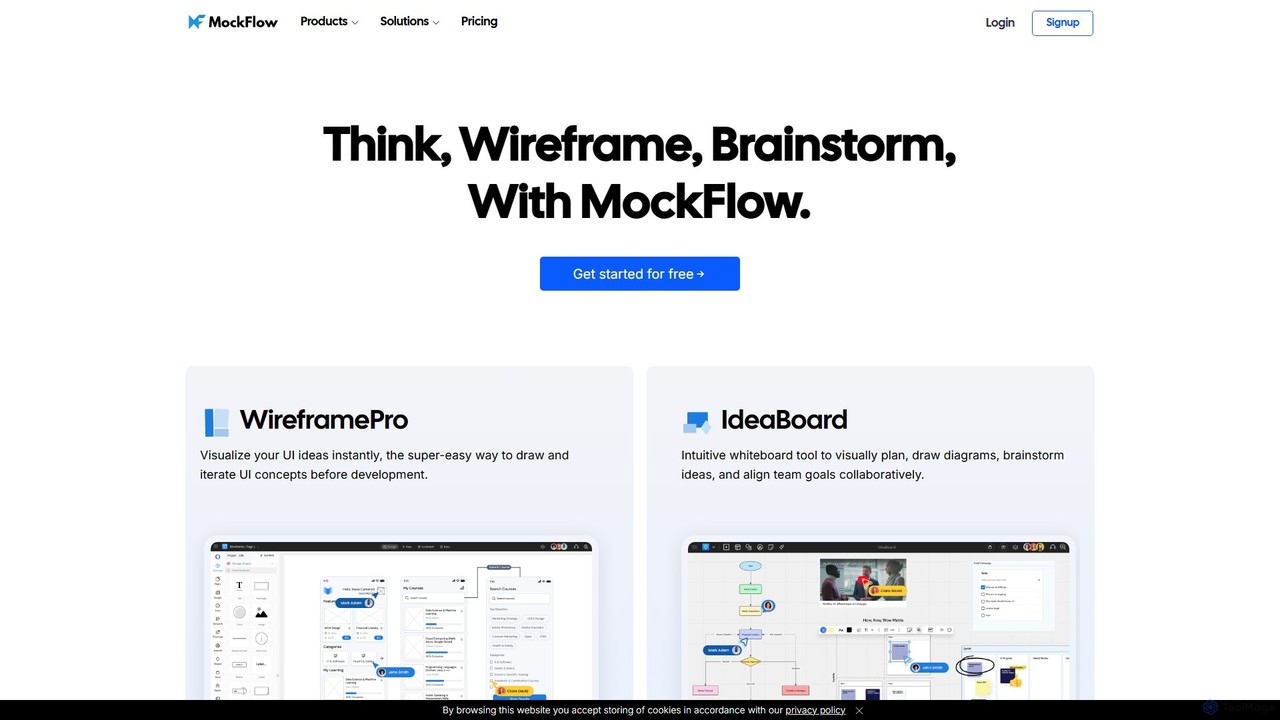
MockFlow
MockFlow is an all-in-one suite for product design, offering tools for wireframing, prototyping, and brainstorming. It leverages AI to accelerate the design process, allowing users to convert text or screenshots into editable wireframes, generate diagrams, and create content automatically. With extensive collaboration features and integrations, it streamlines the entire workflow from initial idea to developer handoff.
Ui Ux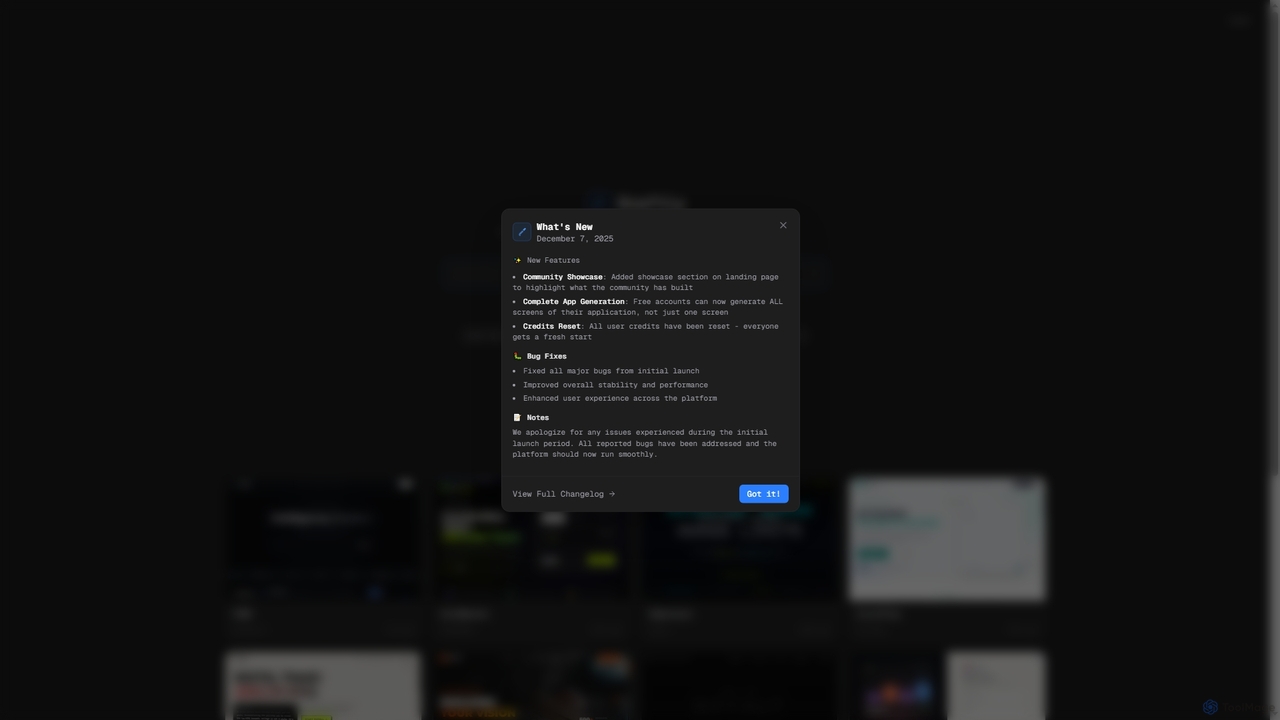
Draftly
Draftly is an AI-powered UI design generator that enables users to quickly create complete application screens. It streamlines the design process, offering enhanced stability and a community showcase for inspiration. Free accounts now benefit from full app generation capabilities.
Ui Ux Design
Avocademy
Avocademy is an online educational platform specializing in UX/UI design, with a unique focus on designing for AI products. It offers a project-based curriculum, personalized mentorship, and comprehensive career services to help individuals, especially career changers, land high-paying tech jobs. The program includes a job guarantee and equips students with a professional portfolio and real-world experience.
Job Search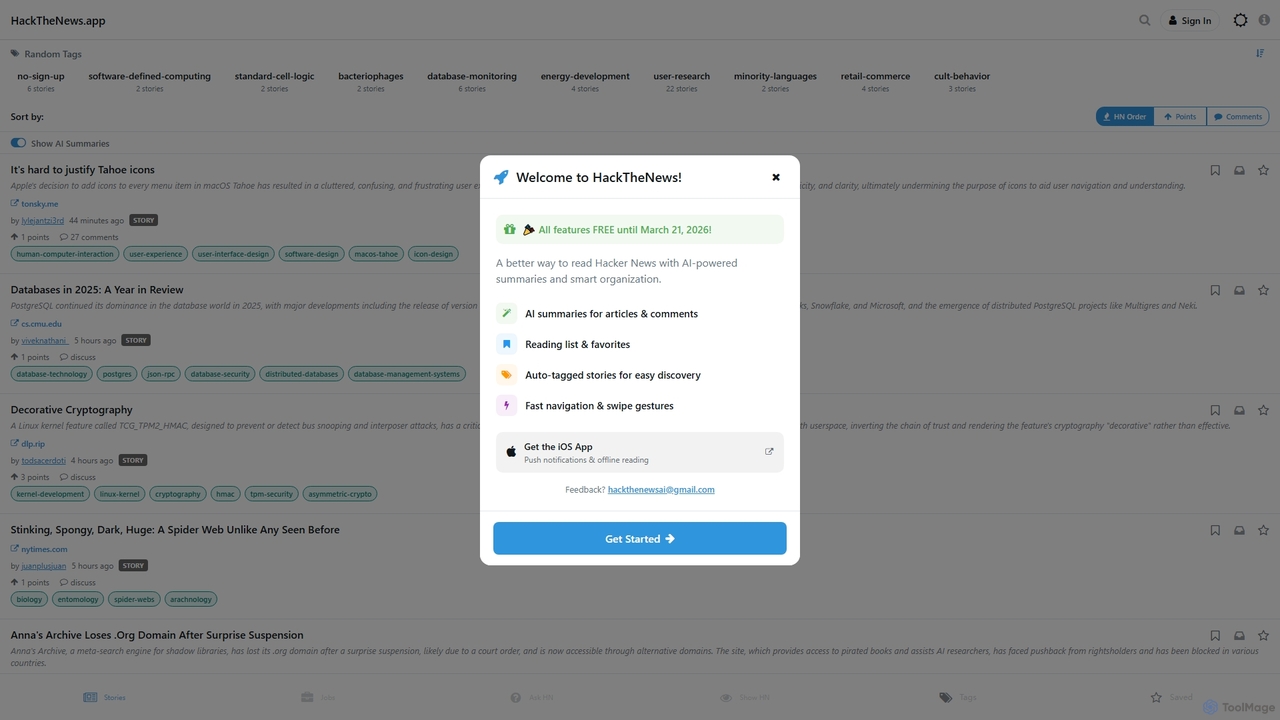
HackTheNews
HackTheNews is an AI-powered news aggregation platform designed for technology enthusiasts and professionals. It curates a wide range of tech, software, and AI-related stories, discussions, and projects, offering a unique "AI Summaries" feature to quickly grasp key information. Users can explore trending topics, engage in discussions, and discover new innovations in the tech world.
3D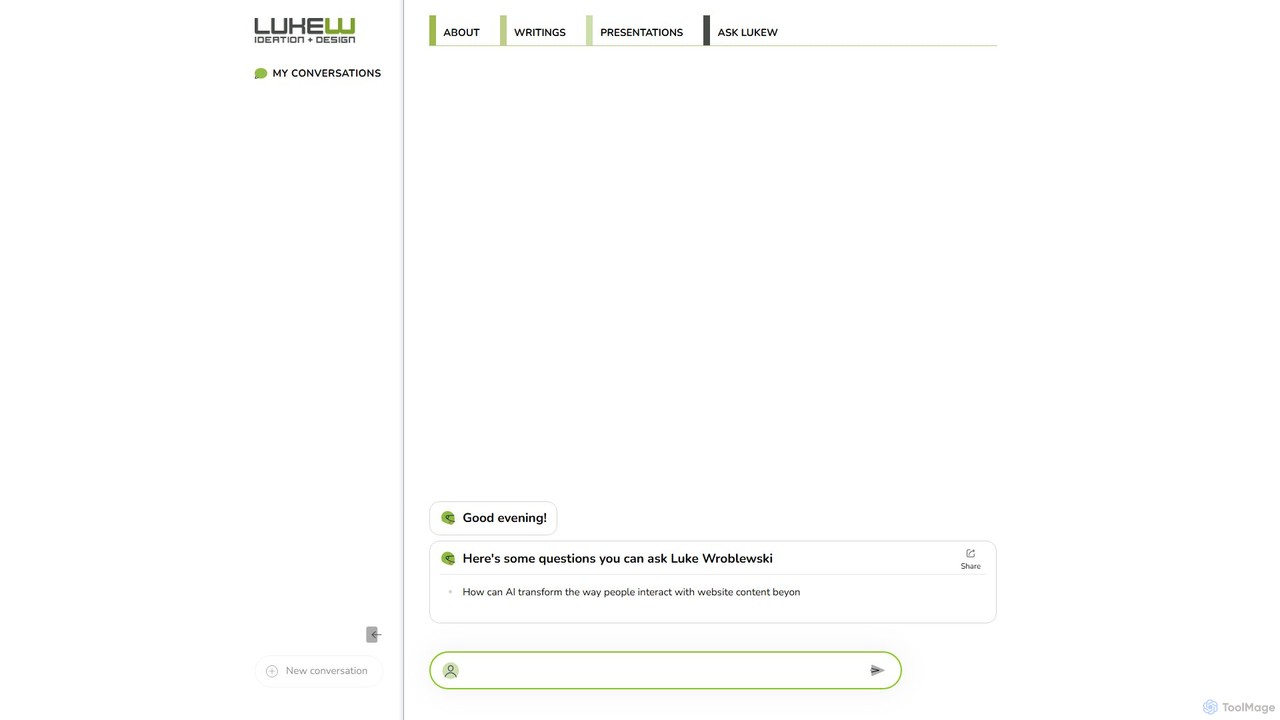
Ask LukeW
An AI-powered chatbot trained on the extensive knowledge and works of Luke Wroblewski, a leading expert in product design, UX/UI, and mobile-first strategy. Get instant, expert-level answers to your complex questions about design systems, user experience, and product development.
Knowledge BaseUizard
Uizard is an AI-powered UI design tool that empowers both designers and non-designers to create stunning websites, web apps, and mobile app mockups in minutes. Transform text prompts, hand-drawn sketches, or screenshots into editable, interactive prototypes. It's designed for rapid ideation, real-time collaboration, and streamlining the entire product design workflow from concept to handoff.
Ui UxVisily
Visily is an AI-powered UI design and prototyping tool specifically created for non-designers. It enables teams to quickly transform ideas, screenshots, or text prompts into high-fidelity wireframes and mockups. With its intuitive interface and powerful collaboration features, Visily streamlines the process of visualizing product concepts and gathering feedback, bridging the gap between ideas and execution without a steep learning curve.
Ui UxMokkup
Mokkup is an AI-powered dashboard wireframing tool that transforms text prompts into high-fidelity, BI-ready mockups in minutes. Designed for data analysts and BI developers, it simplifies the design process with a drag-and-drop editor, real-time collaboration, and one-click export to Power BI and Tableau, accelerating the entire business intelligence workflow.
VisualizationCreatie
Creatie is an intuitive, AI-powered product design and collaboration platform. It enables teams to move from wireframes to high-fidelity mockups, interactive prototypes, and developer handoff seamlessly. Featuring AI tools like a mockup wizard, icon generator, and image enhancer, it's designed to accelerate the UI/UX workflow for designers, product managers, and developers.
Icon GenerationHapticlabs
Hapticlabs is a no-code toolkit for designing, prototyping, and deploying tangible haptic interactions. It provides an intuitive ecosystem of software (Hapticlabs Studio), hardware (DevKit), and mobile apps to create rich tactile feedback for products, research, and education, significantly speeding up the development process.
Ux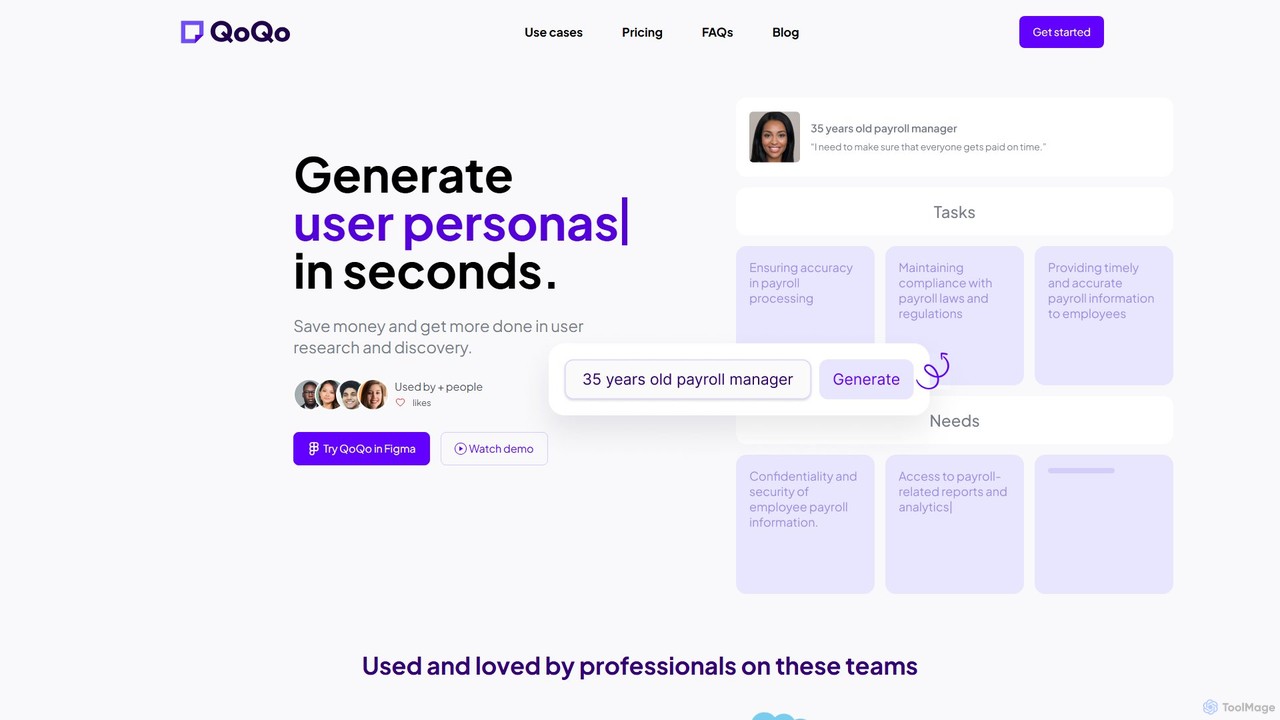
QoQo
QoQo is an AI-powered user experience companion designed for Figma. It helps designers, agencies, and product teams accelerate the user research and discovery process. By generating user personas, journey maps, and information architecture in seconds, QoQo saves time and resources, allowing teams to create data-driven, meaningful designs without extensive budgets. It acts as a research assistant directly within your design workflow.
Ux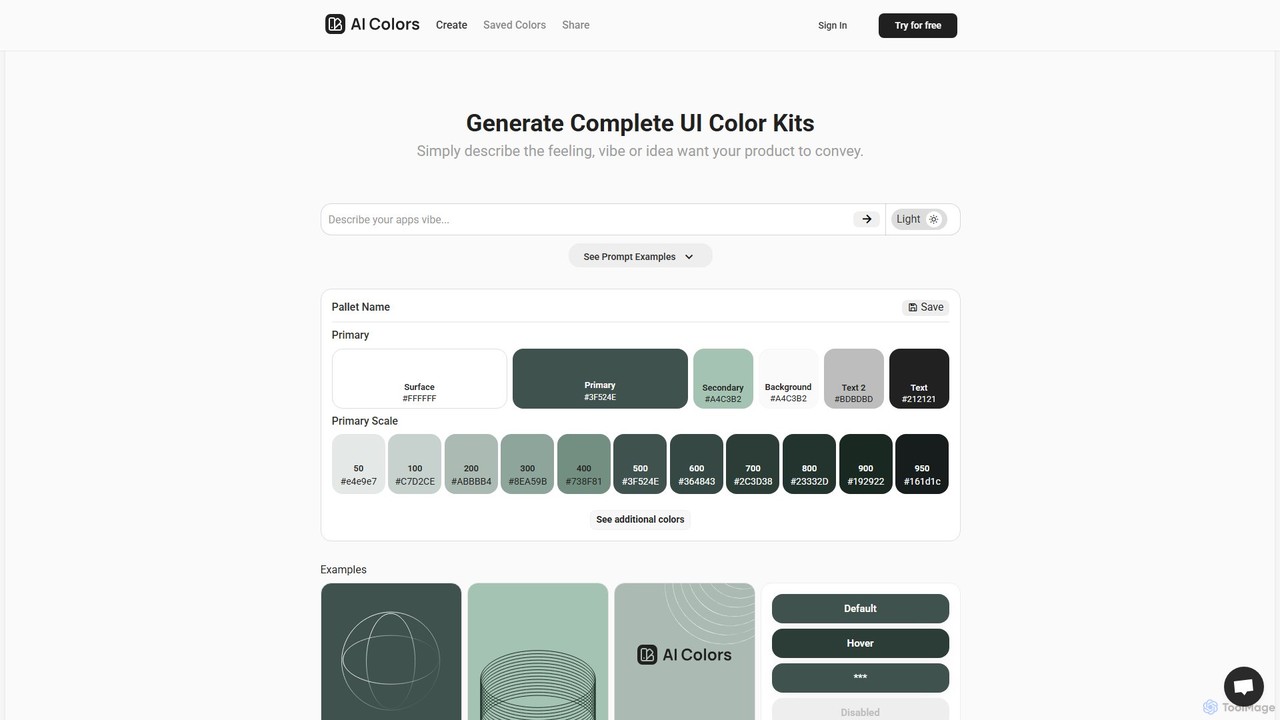
aicolors
aicolors is an AI-powered color palette generator that creates complete, ready-to-use UI color kits from simple text prompts. Describe a feeling, vibe, or idea, and instantly get a harmonious and functional color scheme for your web or app design projects.
Color Palette
Jyek
Jyek is an AI agent platform that understands objectives, creates execution plans, uses tools, and delivers verifiable results for complex, multi-step tasks.
Automation
write
write by Frontitude is an AI-powered UX writing assistant designed for design teams. Integrated directly into Figma, it helps users generate, rewrite, and refine engaging and consistent UX copy effortlessly. By understanding business and design context, it provides tailored suggestions, enforces content guidelines, and streamlines the design review process, saving teams hours of writing time.
Ux
AI Product UX Patterns Collection Comments (0)
Sign in to comment.
Sign inNo comments yet.